DynamoDB CRUD, Query, Scan, GSI and TTL Step by Step
In What Is Amazon DynamoDB? you made a table and learned keys. Now you do real work: Put, Get, Query vs Scan, GSI and LSI, TTL, Streams and backups — with code in Python, Node.js, Java and PHP.
In this chapter
- PutItem and GetItem
- Query vs Scan and cost
- GSI and LSI
- TTL, Streams, backups
- Code samples in four languages
1. A story: find orders by email without scanning the world
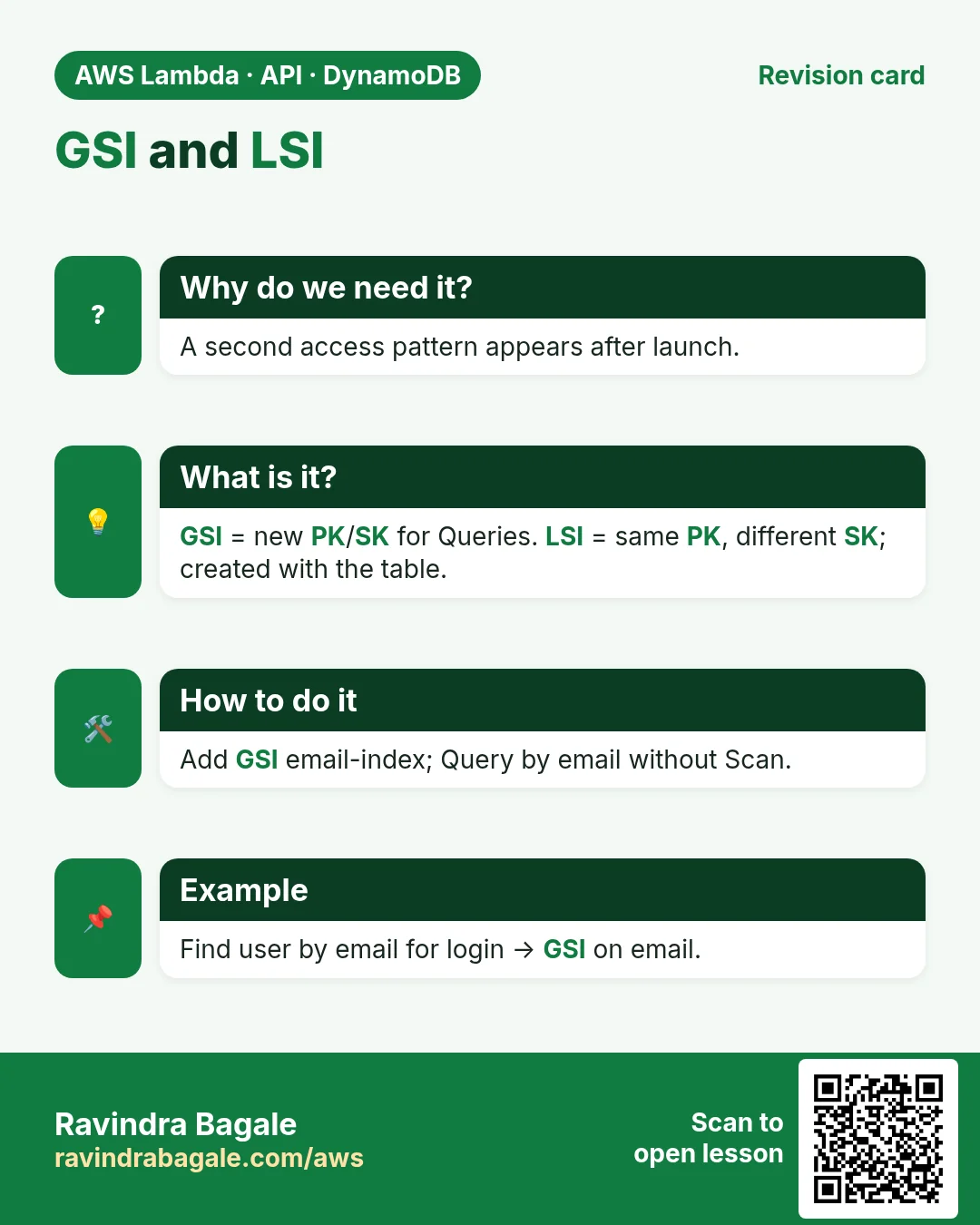
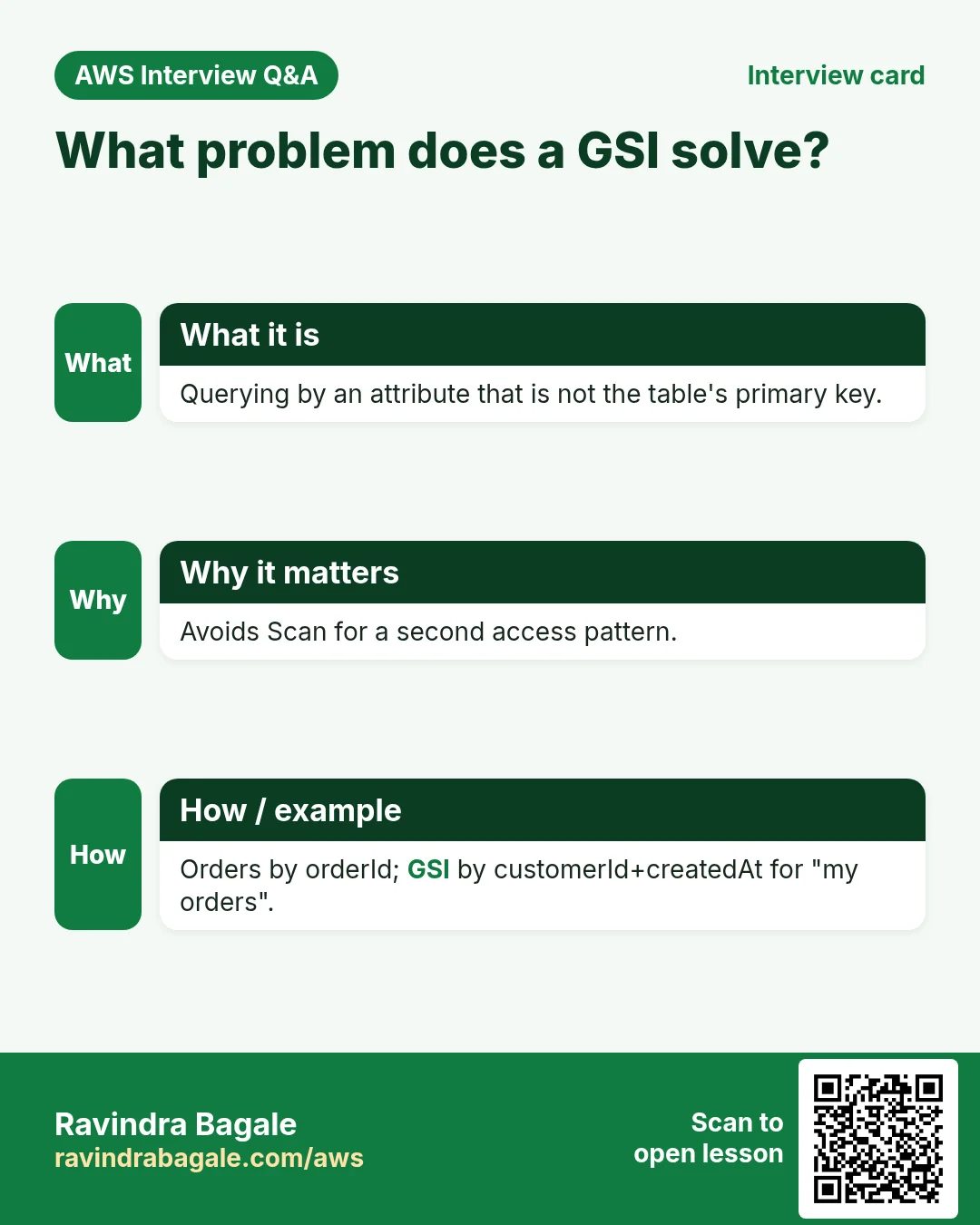
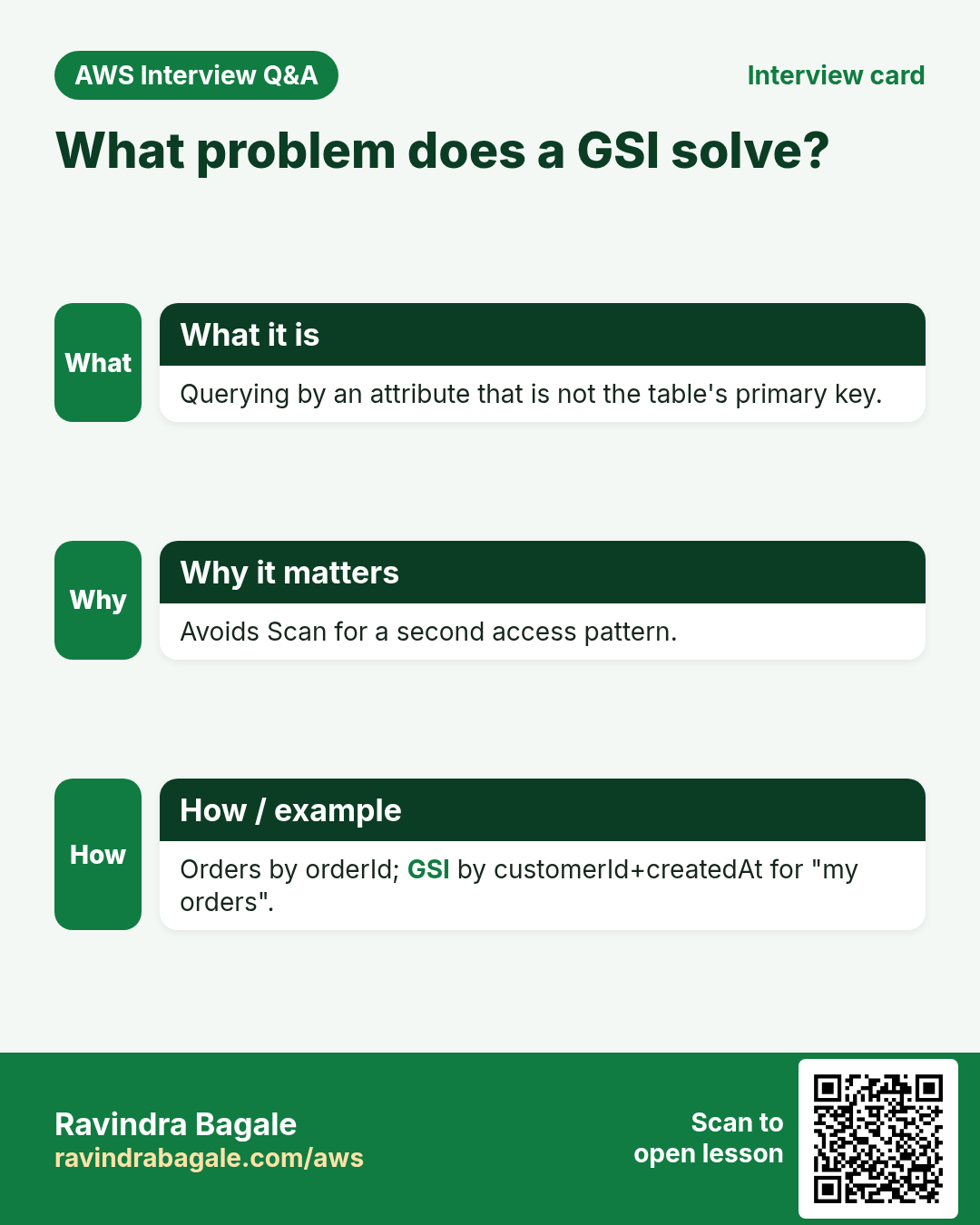
Orders table PK is orderId. Support asks: show all orders for rita@mail.test. A Scan of every order works for 50 rows and dies at 5 million. The fix is a Global Secondary Index with PK email and SK createdAt, then a Query.
2. CRUD basics
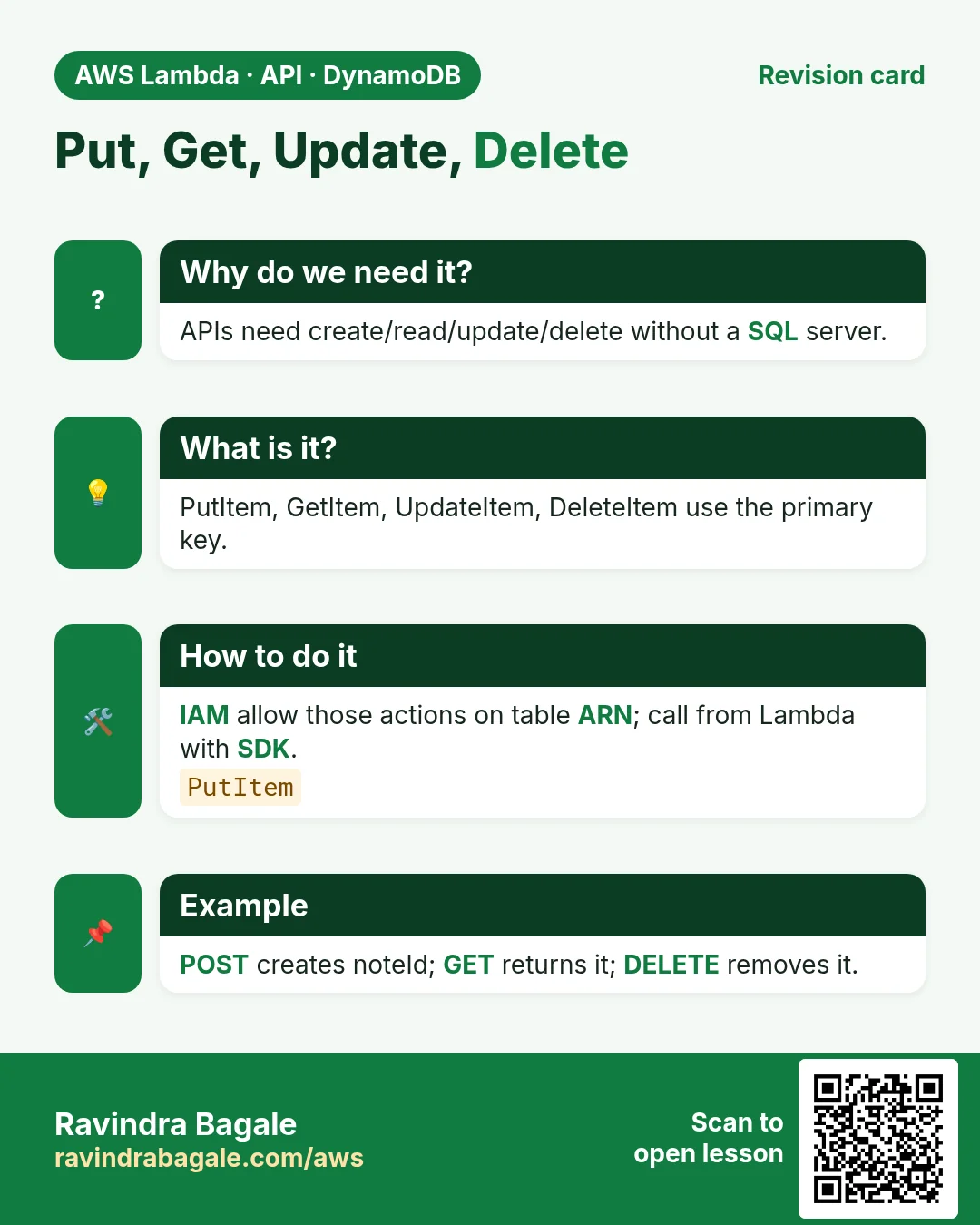
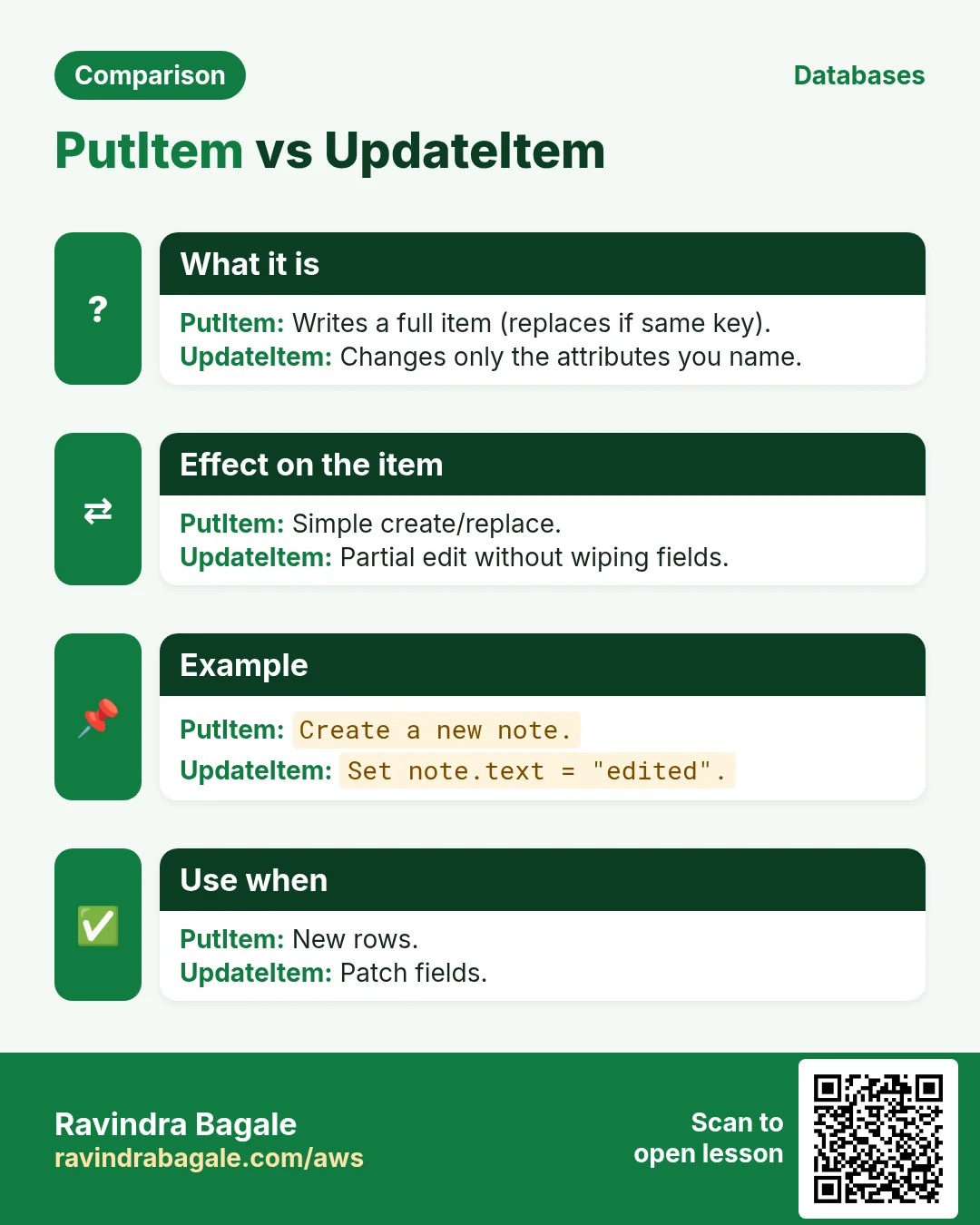
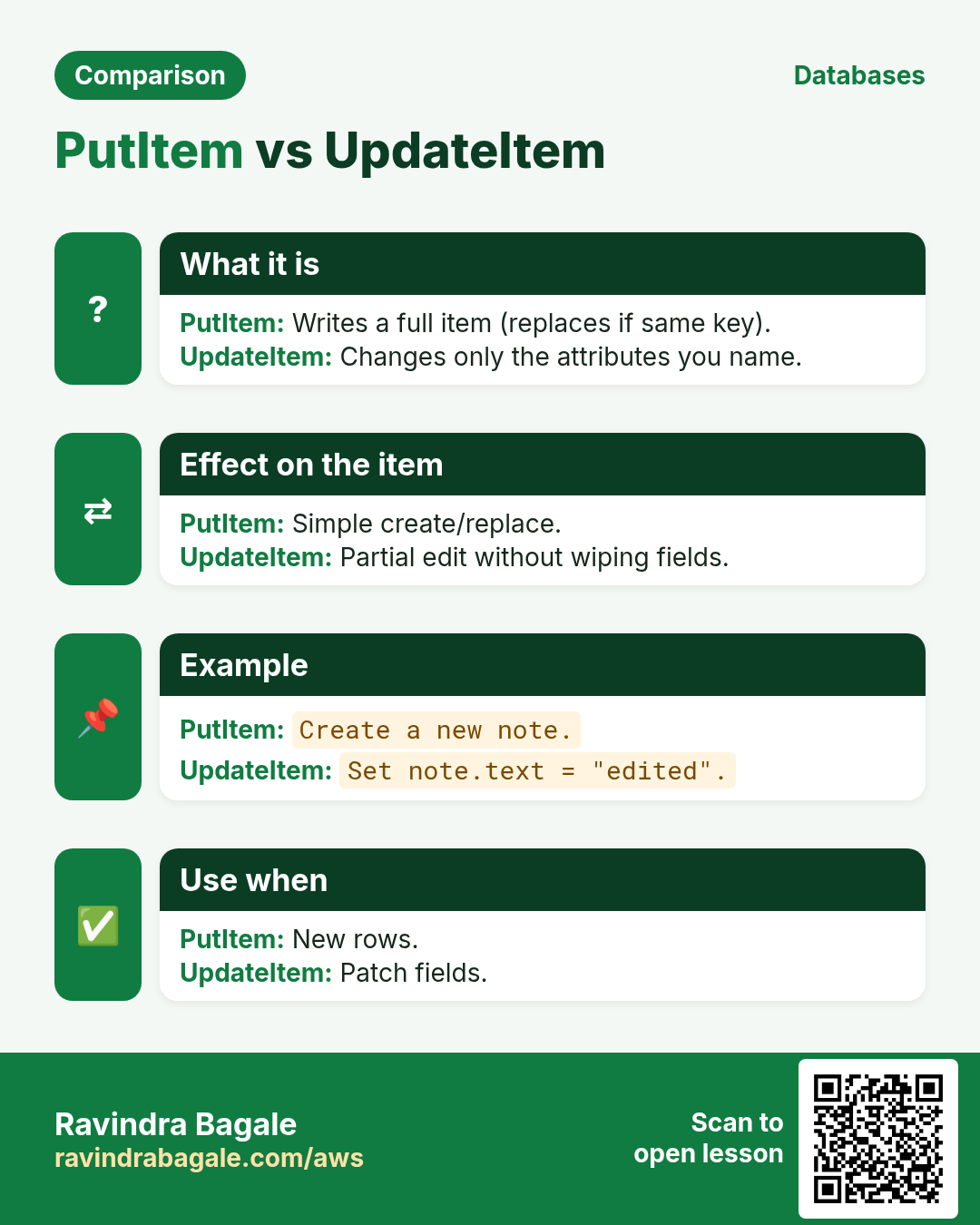
- PutItem — create or replace a whole item.
- GetItem — read by full primary key (PK + SK if you have one).
- UpdateItem — change some attributes.
- DeleteItem — remove by key.
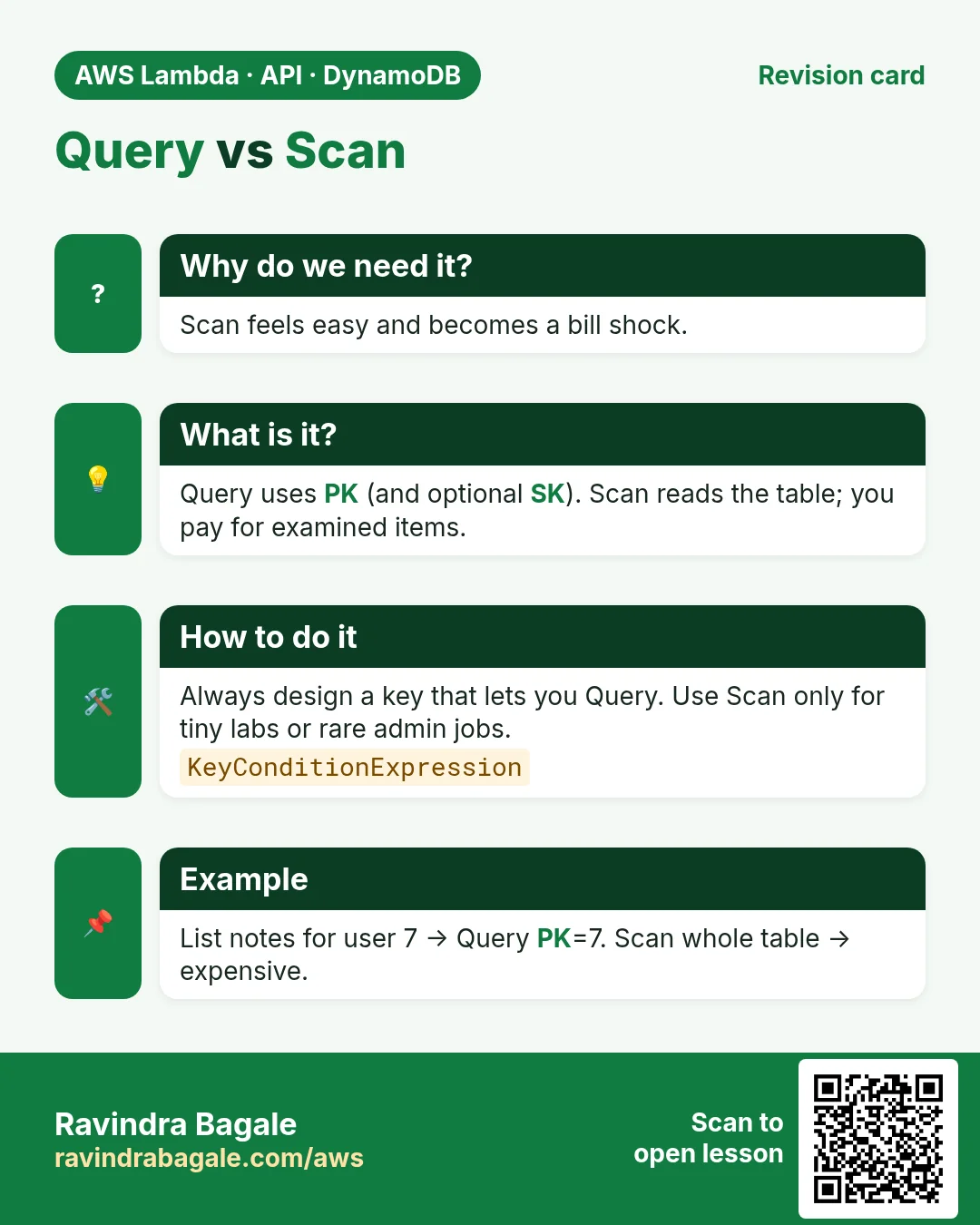
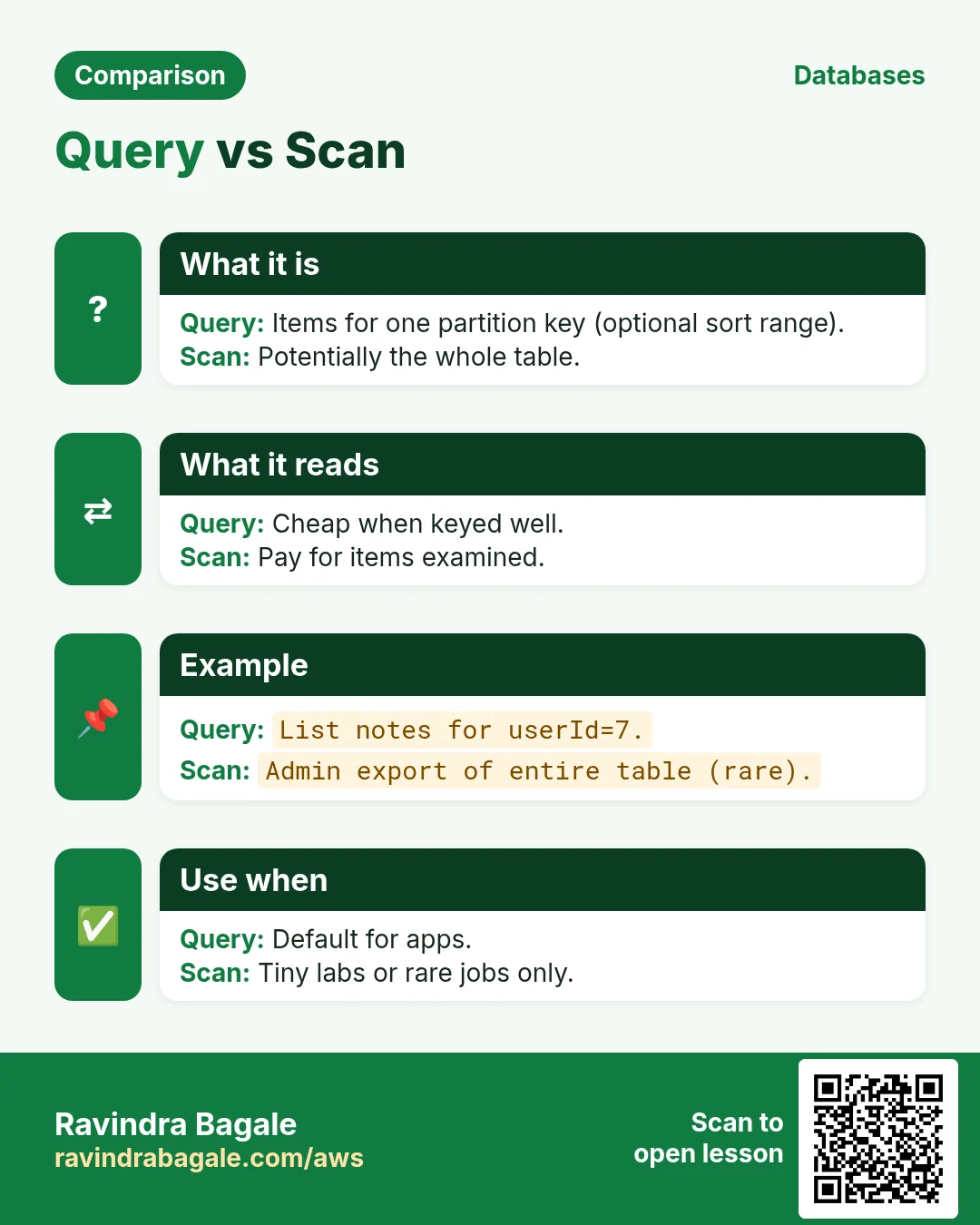
- Query — all items under one PK (optional SK condition). Uses indexes efficiently.
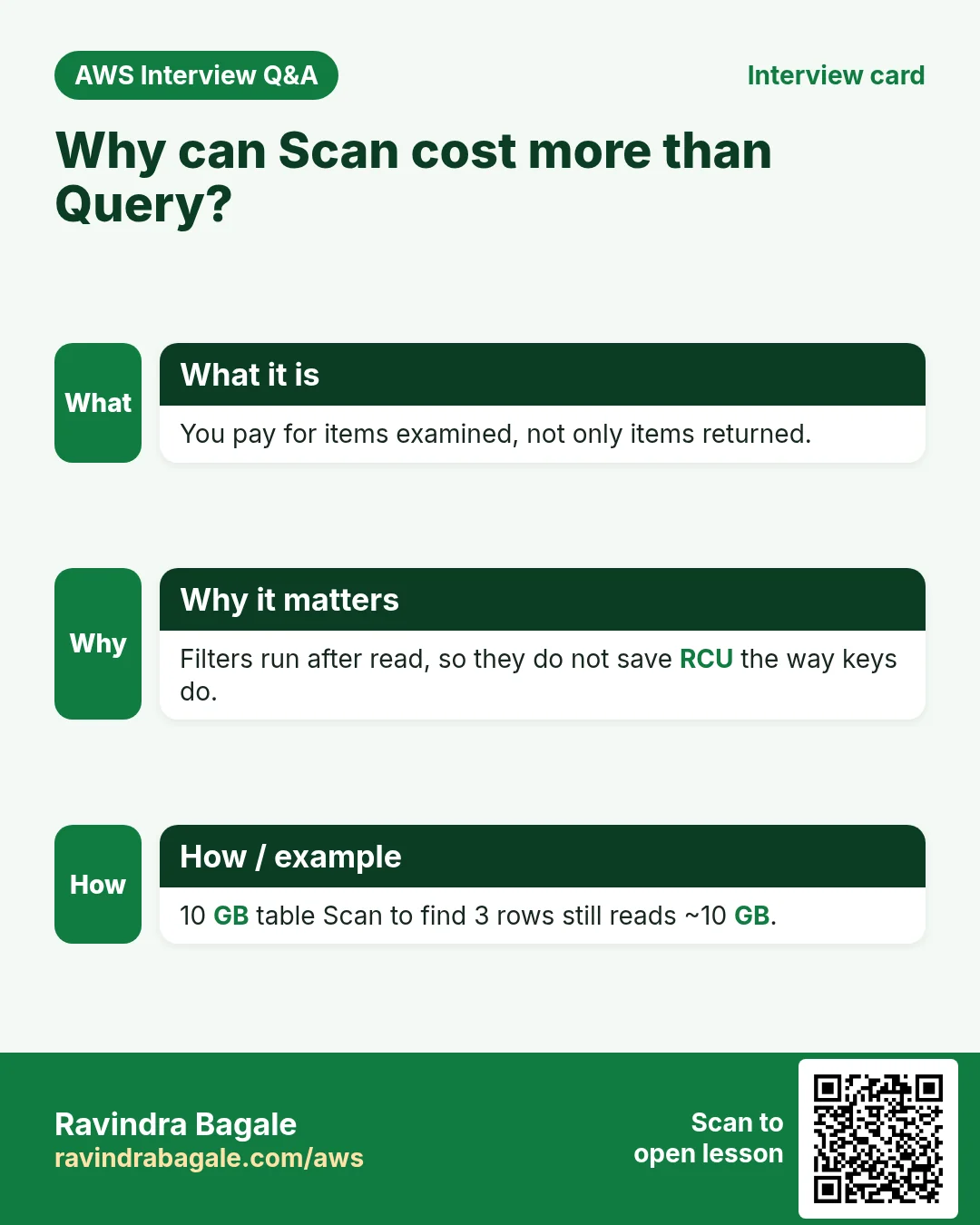
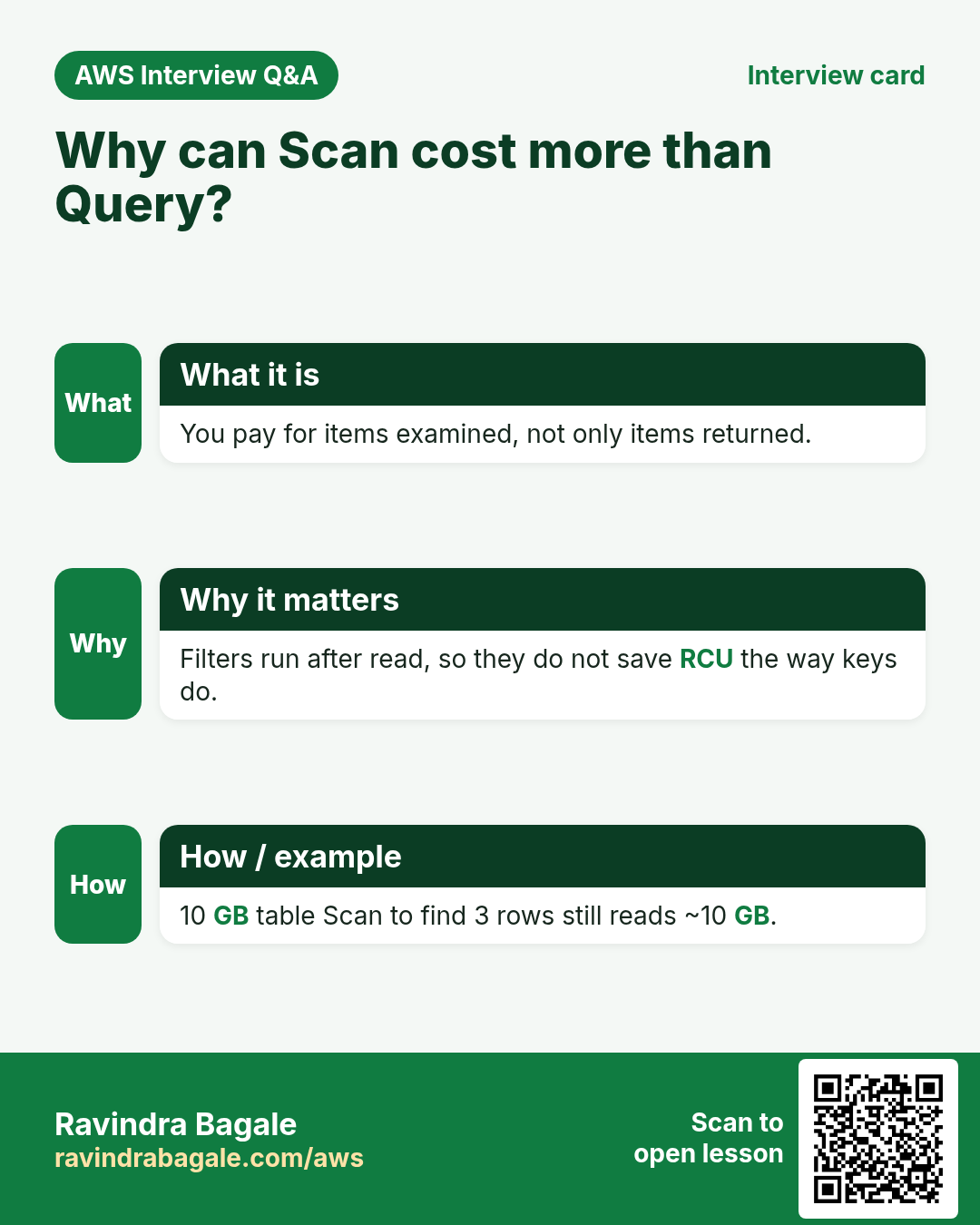
- Scan — walk the table or index; filter after read. Costs for every item examined.
Why Scan costs more: billing for reads is based on data examined, not only data returned. A filter that throws away 99% still charged you for reading it.
Query also returns results one page at a time. A call reads up to 1 MB, then applies any filter. If the first page for Rita contains only orders filtered out of the result, Items can be empty while LastEvaluatedKey is present. Pass that key back as ExclusiveStartKey and keep the same query conditions. Stop when the response has no LastEvaluatedKey.
3. GSI vs LSI
Design the index for one support request
Support asks for Rita’s orders newest first. The base table’s orderId key can fetch one known order. A Global Secondary Index can use email to group Rita’s orders and createdAt to sort them. With a Query against that index, the app asks for records in the part of the index that belongs to the requested email.
In a lab, create two synthetic orders for Rita and one for Asha. Query Rita’s index group and compare the two returned records with the sorted dates. A GSI can need time to reflect a recent write. Include only the attributes the support view needs or plan a base-table lookup when it needs more.
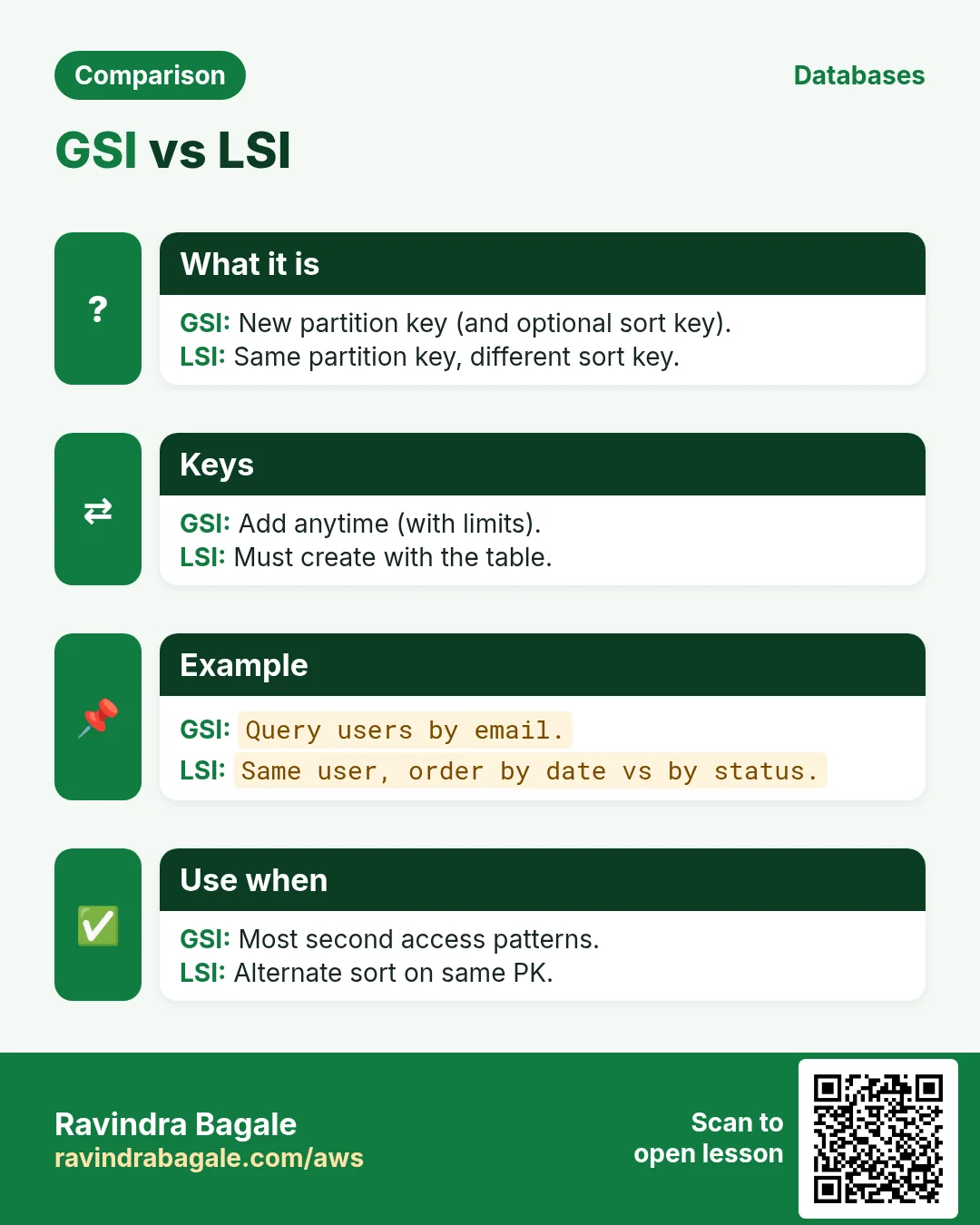
| GSI (Global Secondary Index) | LSI (Local Secondary Index) | |
|---|---|---|
| Keys | PK and SK can both differ from the table | Same PK as table, different SK |
| Capacity | Own throughput (or on-demand) | Shares the table's capacity |
| Size limit per PK | None special beyond table rules | 10 GB per partition key value |
| When | New access pattern with a different PK | Same PK, sort another attribute |
| Count limits | Up to 20 GSIs per table (default quota) | Up to 5 LSIs; only at table creation |
4. TTL, Streams and backups
Use expiry for cleanup without promising immediate disappearance
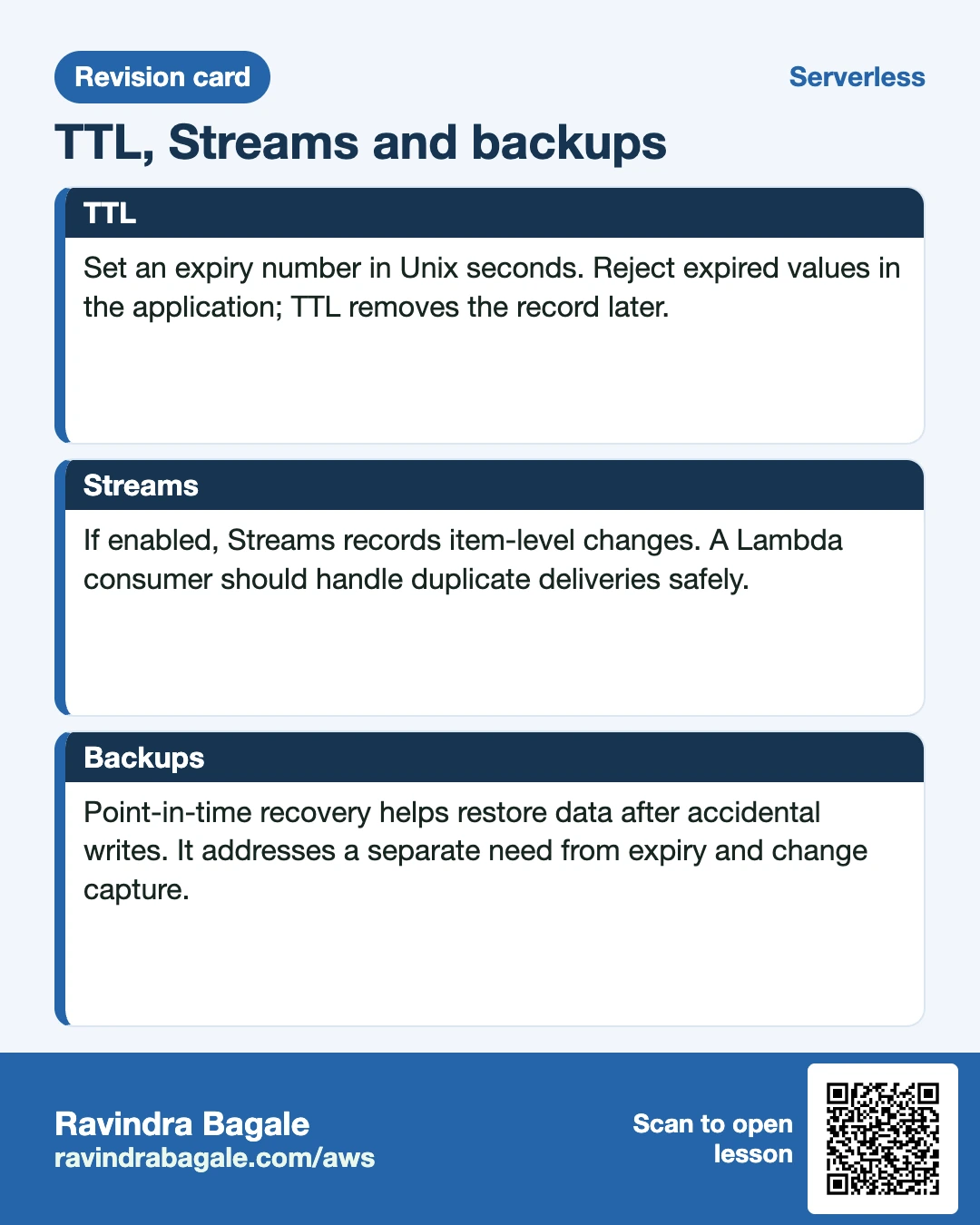
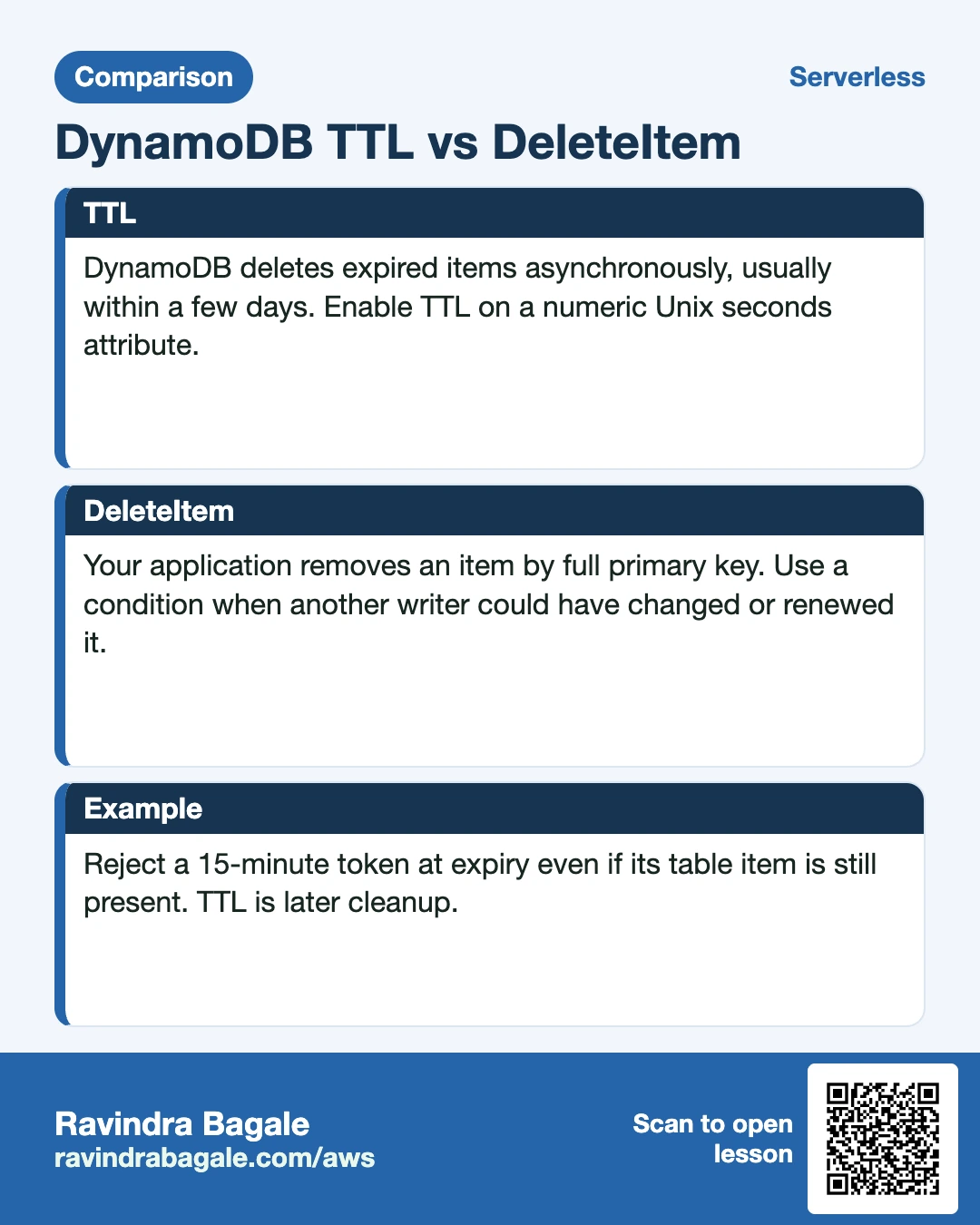
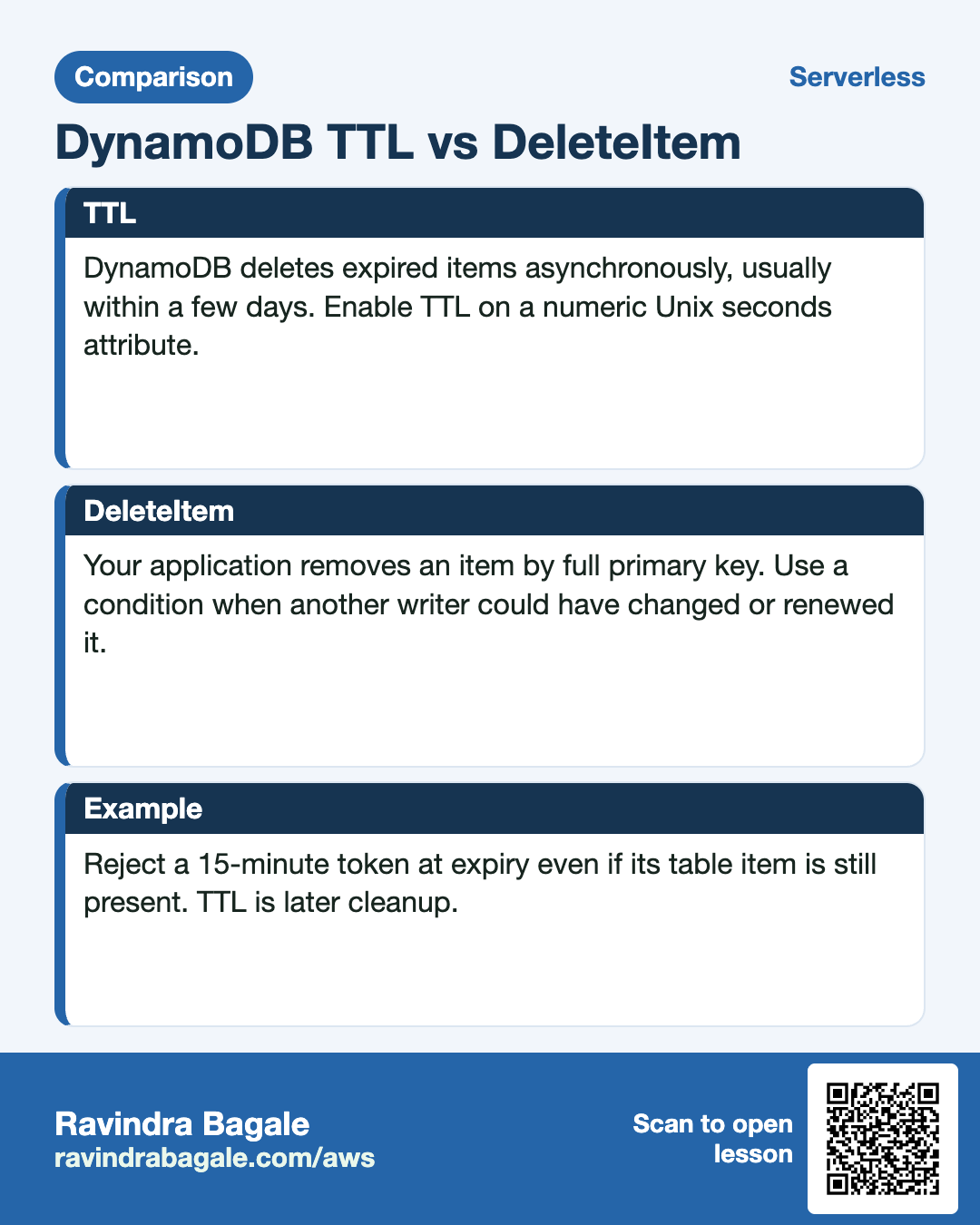
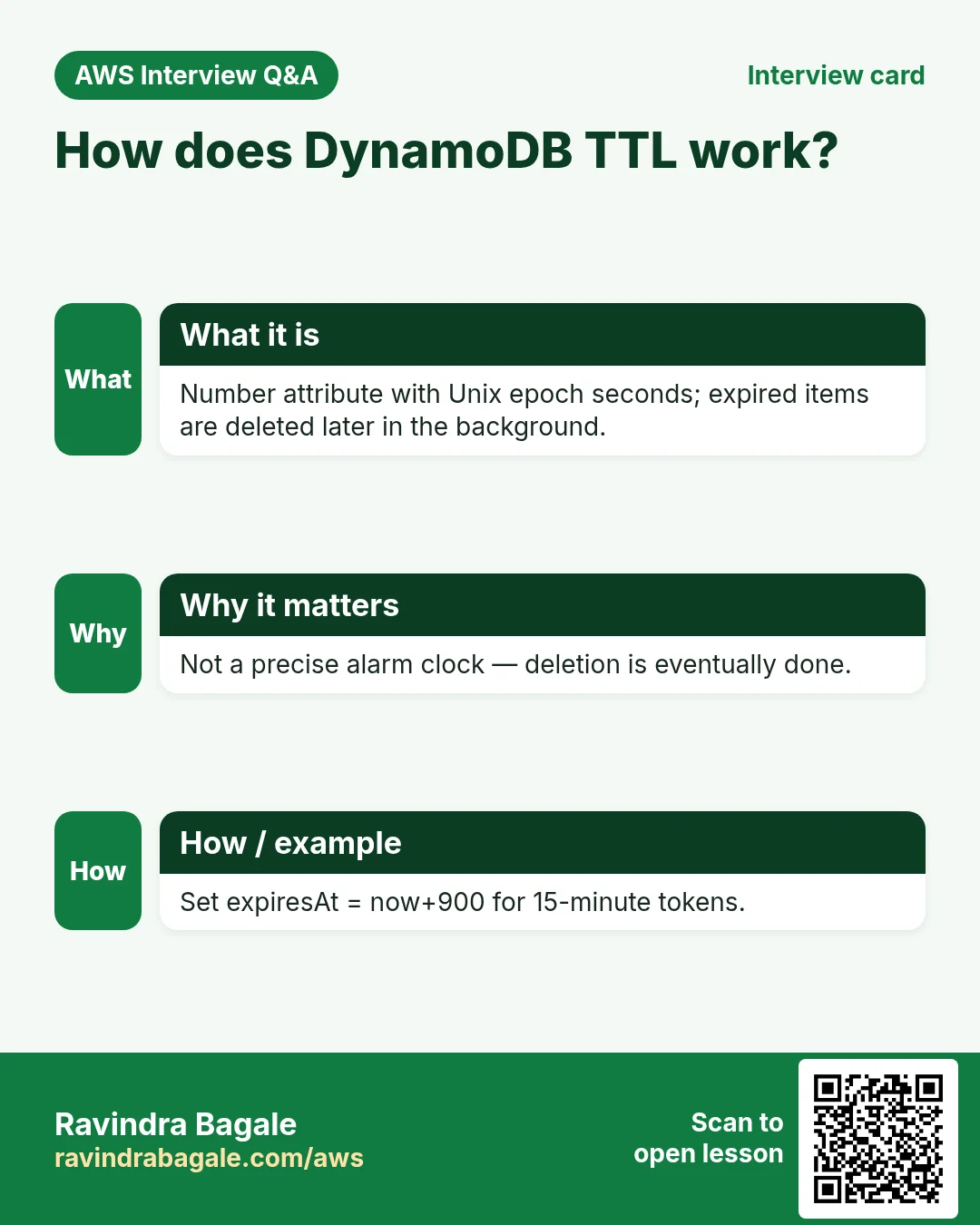
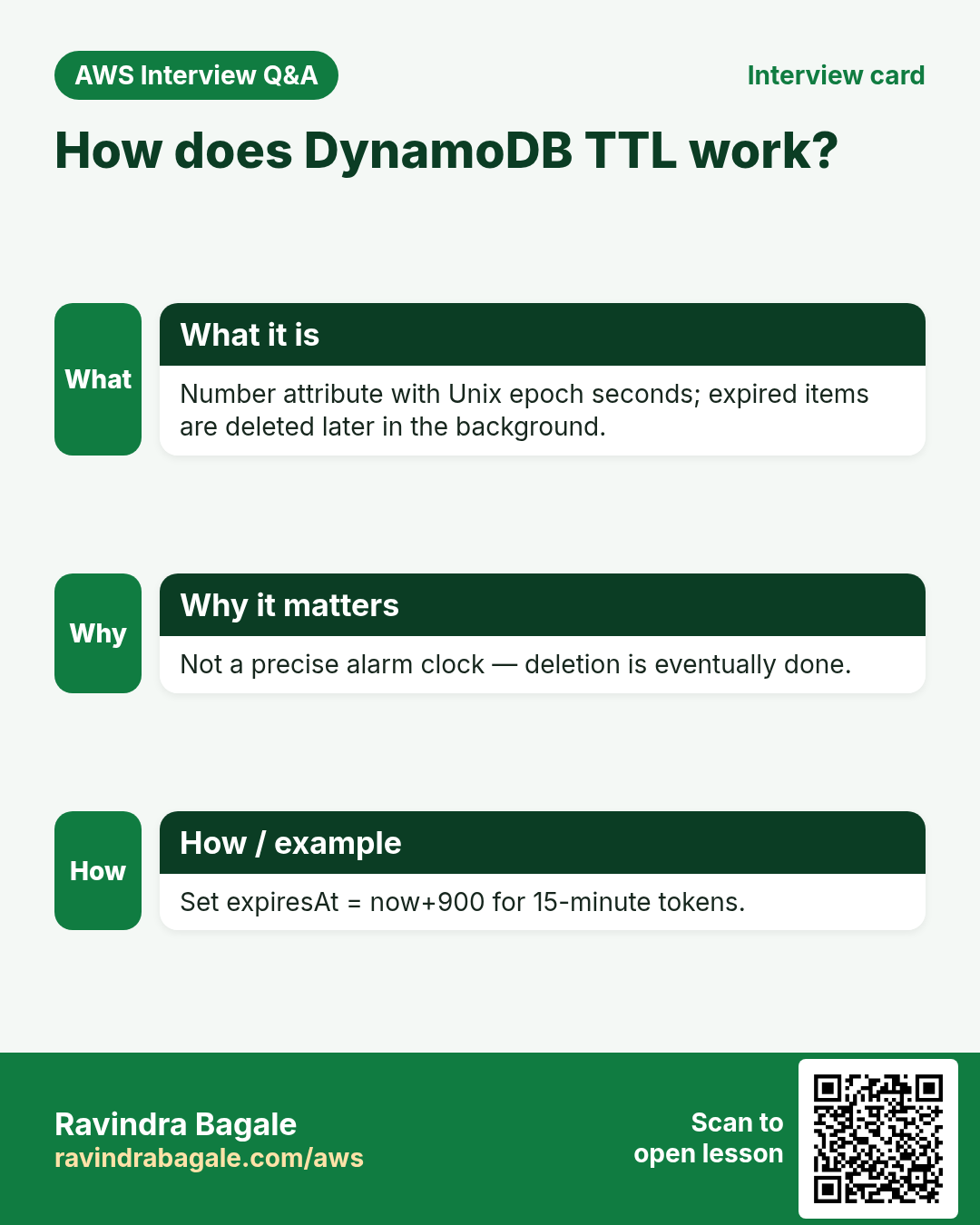
A short-lived link record can store a TTL attribute as a Unix epoch timestamp in seconds. When the item becomes eligible for expiry, DynamoDB later removes it. You can still see an expired record before background cleanup runs. An application that must refuse it immediately should check the timestamp when it reads or uses the record.
On paper, compare an active item with a timestamp one hour in the future and an expired item from yesterday. Mark which one your app should return right now, then separately mark which one DynamoDB can remove. Backups and Streams have different jobs and are not the check for current access.
- TTL: an attribute holding a Unix epoch second. When time passes, DynamoDB deletes the item for free in the background. Great for sessions and temp links.
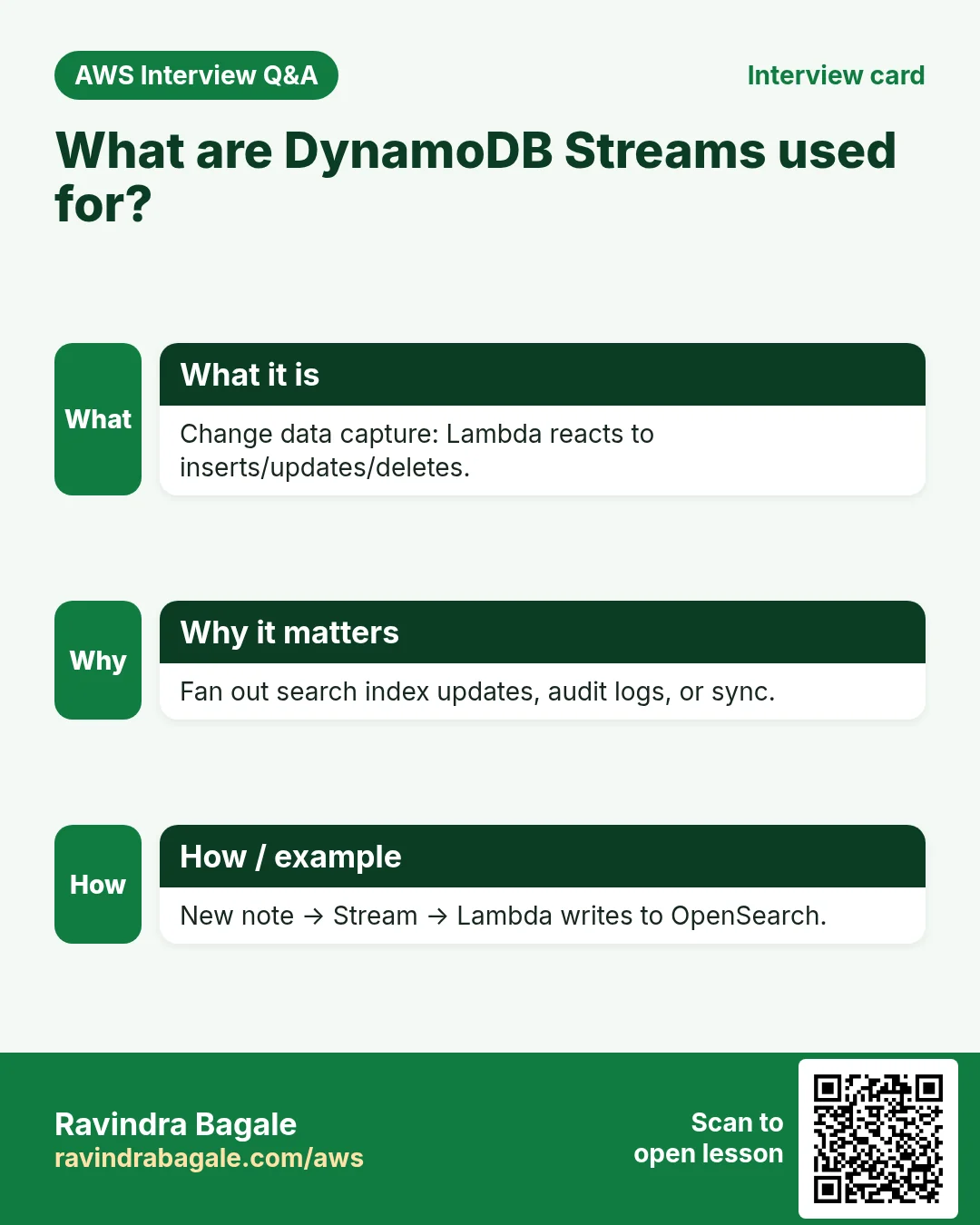
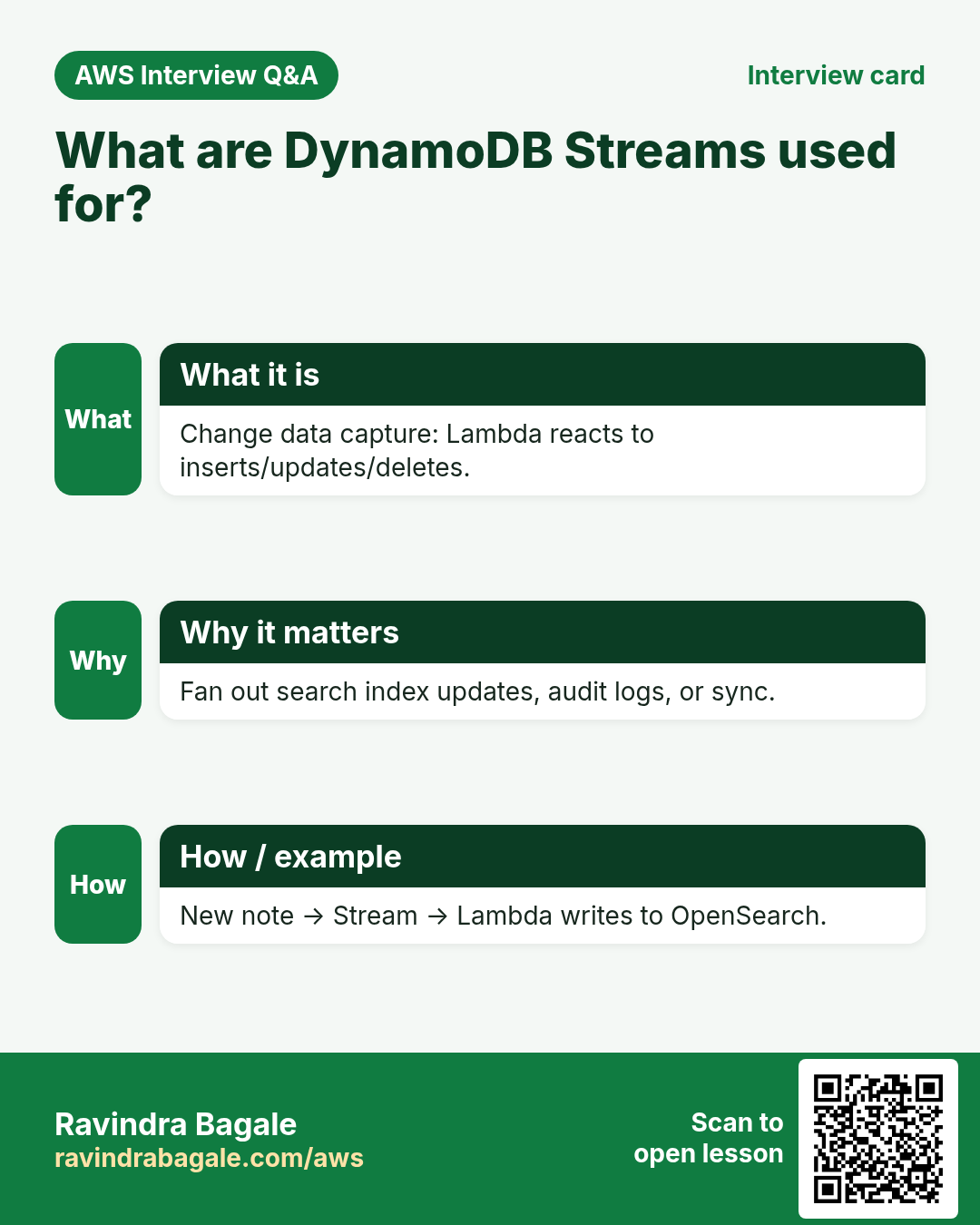
- Streams: a time-ordered log of item changes. Lambda can process inserts/updates/deletes (sync search index, drive workflows).
- Backups: on-demand backup or point-in-time recovery (PITR) for restore. Turn PITR on for important tables.
5. Code: Put and Query
Python (boto3)
import boto3
from boto3.dynamodb.conditions import Key
table = boto3.resource("dynamodb", region_name="ap-south-1").Table("OrdersLab")
table.put_item(Item={"orderId": "O1", "email": "rita@mail.test", "total": 499})
# After GSI EmailIndex (PK email, SK orderId):
r = table.query(IndexName="EmailIndex", KeyConditionExpression=Key("email").eq("rita@mail.test"))
print(r["Items"])
Node.js (@aws-sdk/client-dynamodb)
import { DynamoDBClient, PutItemCommand, QueryCommand } from "@aws-sdk/client-dynamodb";
const c = new DynamoDBClient({ region: "ap-south-1" });
await c.send(new PutItemCommand({ TableName: "OrdersLab",
  Item: { orderId: { S: "O1" }, email: { S: "rita@mail.test" }, total: { N: "499" } } }));
const q = await c.send(new QueryCommand({ TableName: "OrdersLab", IndexName: "EmailIndex",
  KeyConditionExpression: "email = :e", ExpressionAttributeValues: { ":e": { S: "rita@mail.test" } } }));
console.log(q.Items);
Java (AWS SDK v2)
DynamoDbClient ddb = DynamoDbClient.builder().region(Region.AP_SOUTH_1).build();
ddb.putItem(PutItemRequest.builder().tableName("OrdersLab")
  .item(Map.of("orderId", AttributeValue.fromS("O1"),
               "email", AttributeValue.fromS("rita@mail.test"),
               "total", AttributeValue.fromN("499"))).build());
PHP (AWS SDK for PHP)
$ddb = new Aws\DynamoDb\DynamoDbClient(['region'=>'ap-south-1','version'=>'latest']);
$ddb->putItem(['TableName'=>'OrdersLab','Item'=>[
  'orderId'=>['S'=>'O1'], 'email'=>['S'=>'rita@mail.test'], 'total'=>['N'=>'499']
]]);
6. Lab: Query, GSI and TTL
- Create table
OrdersLab, PKorderId(S), on-demand. - Put three items with different orderId and emails (console or CLI).
- Indexes → Create index → GSI name
EmailIndex, PKemail(S), SKorderId(S), on-demand → Create. Wait until Active. - Query on EmailIndex with one email — only that user's orders. Compare a Scan with a filter on email — works, but note Consumed capacity is higher on large tables.
- Additional settings → TTL → enable attribute
expiresAt. Put an item with expiresAt = now+120 (epoch seconds). After a few minutes it disappears (TTL is eventually processed, not instant). - Backups → Edit PITR → On (optional for lab).
Cleanup
- Delete table OrdersLab (deletes GSIs). Turn off PITR first if prompted.
7. Interview questions
Q. Query vs Scan?
Query reads items for one PK (efficient). Scan reads the table/index then filters (costly at scale).
Q. When GSI?
When you need to Query with a partition key that is not the table PK.
Q. When LSI?
Same PK, different sort attribute; must be defined at table creation; 10 GB per PK.
Q. What is TTL?
An epoch-seconds attribute; DynamoDB deletes expired items in the background at no extra write cost.
Q. Why Streams + Lambda?
React to every change — sync OpenSearch, send email, update aggregates — without polling.
Try at home
- Add a GSI on AttendanceLab for date as PK and studentId as SK; query who was present on one day.
- From Python or Node, PutItem five orders and Query by email.
In short
- Put/Get/Update/Delete by key; Query by PK; avoid Scan on big tables.
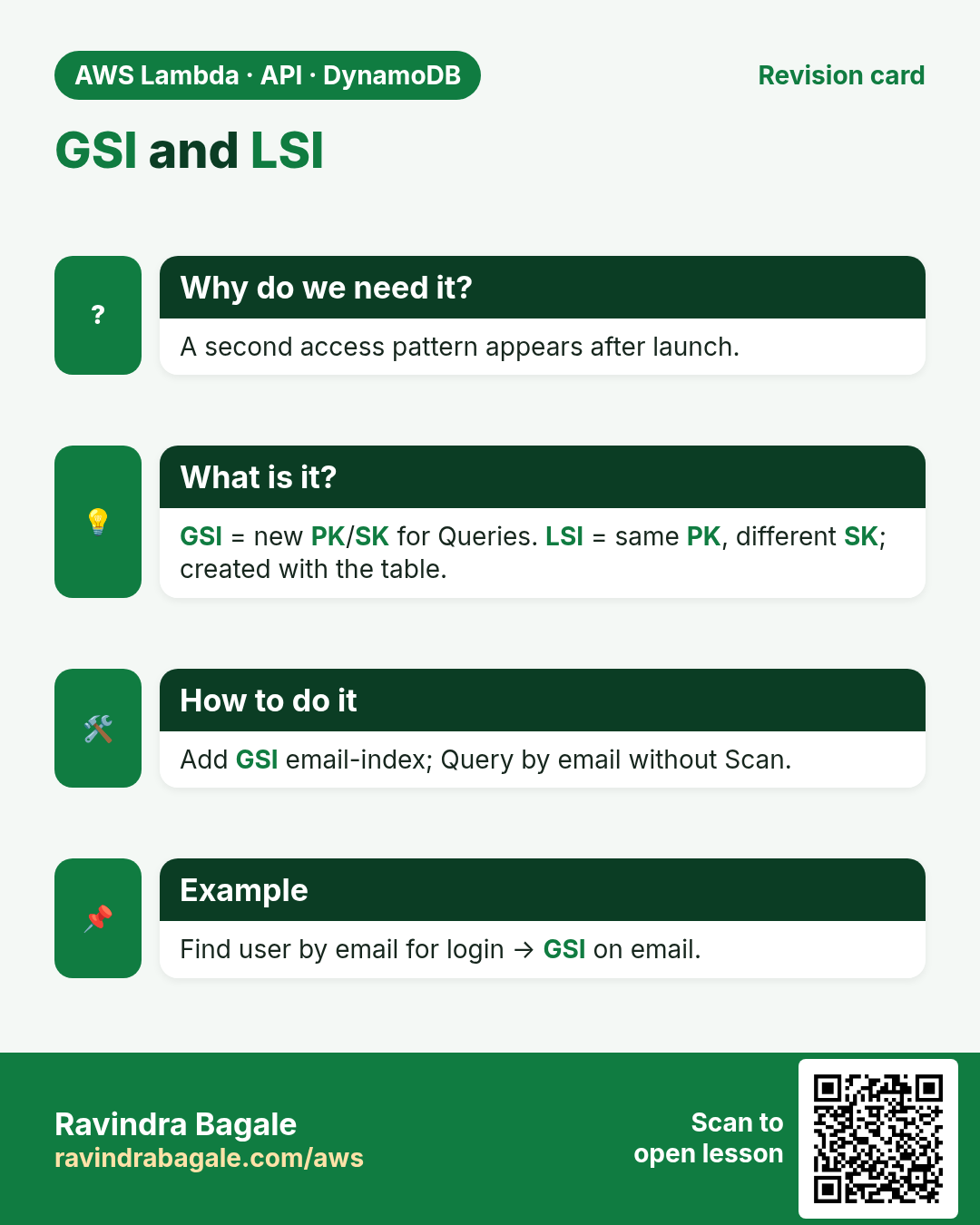
- GSI = new PK/SK; LSI = same PK, new SK at create time.
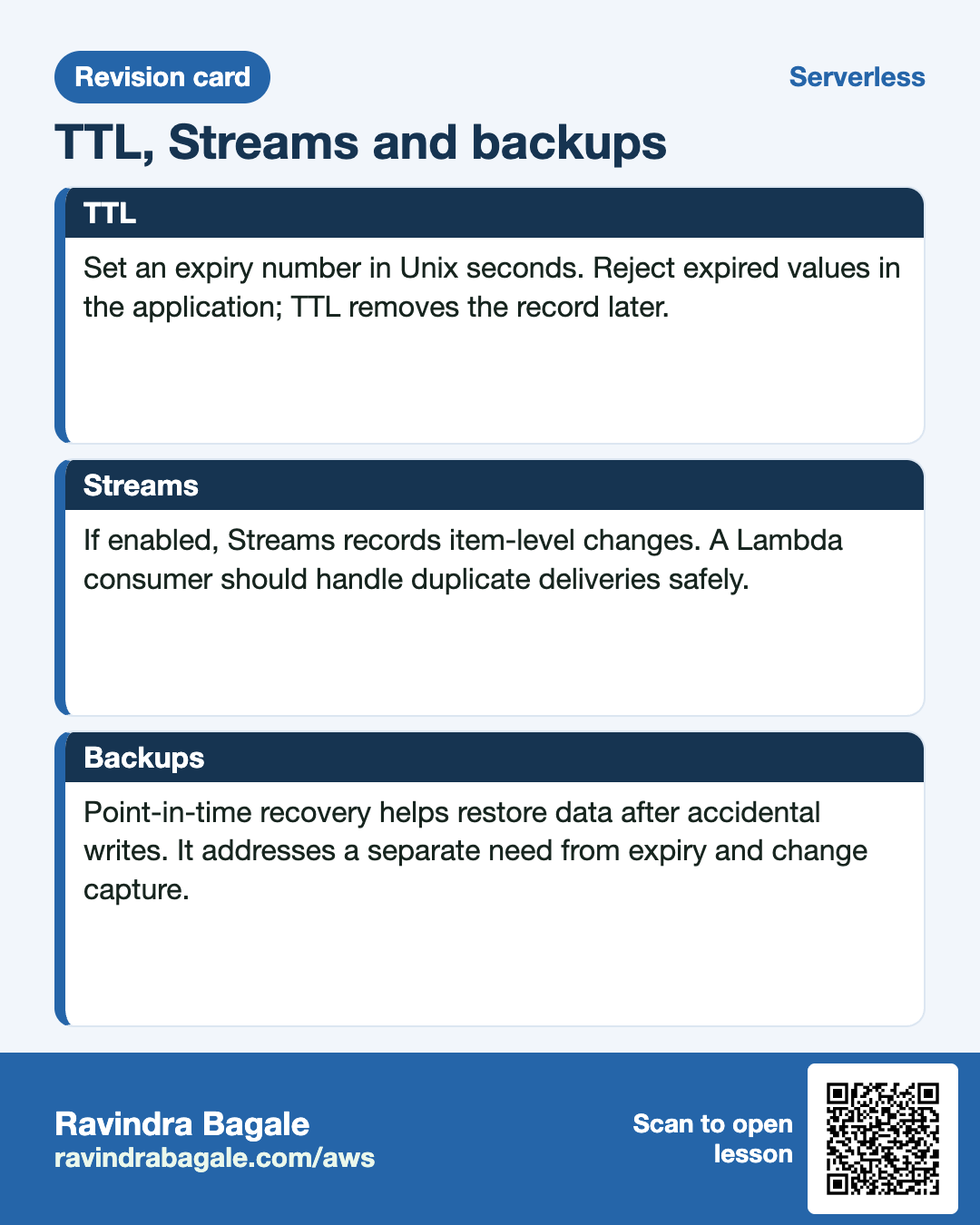
- TTL auto-expires; Streams feed Lambda; PITR saves you.
- Same SDK ideas in Python, Node, Java, PHP.
Read the page, then read the cursor
Suppose one page examined 100 items and returns two after a filter. Compare ScannedCount with Count and record LastEvaluatedKey. If an empty page still has a key, carry it into the next request. Enable TTL with numeric Unix epoch seconds and reject expired items in the application before background deletion.
Interview check Can a GSI guarantee my newest write is visible?
No. Base-table reads can request strong consistency where supported; global secondary index reads are eventually consistent.
Practise this chapter
Check your understanding
Choose an answer, then compare your reasoning with the explanation.
Practice Tasks
Practice checks run in your browser. They check the answer for this exercise; they do not create resources or connect to your AWS account.
About this scenarioCape Town Safaris is a tourism business in Cape Town. Thabo Nkosi looks after its IT and cloud work. They count money in ZAR and run their AWS resources in the af-south-1 Region. In the tasks below you do real jobs for them using what this lesson teaches. All names, account IDs, IP addresses and numbers are made up for practice.
0 / 11
Easy Describe a table
See the keys, indexes, item count and status of a table.
Describe table capetownsafari-orders.
- Read the task and decide which AWS service it is about.
- Write aws, then the service name, then the operation (the action word).
- Add each needed flag (--name) followed by its value from the task.
- Flags can be in any order. Click Check answer.
Easy Scan a small table
Scan is fine for tiny tables or one-off checks; avoid it on big ones.
Scan the table capetownsafari-settings.
- Read the task and decide which AWS service it is about.
- Write aws, then the service name, then the operation (the action word).
- Add each needed flag (--name) followed by its value from the task.
- Flags can be in any order. Click Check answer.
Medium Get one item by key
GetItem is the fastest read: one item by its full key.
Get the item with orderId "o-101" from capetownsafari-orders.
- Read the task and decide which AWS service it is about.
- Write aws, then the service name, then the operation (the action word).
- Add each needed flag (--name) followed by its value from the task.
- Flags can be in any order. Click Check answer.
Medium Put an item
DynamoDB JSON shows the type of each value: S for string, N for number.
Put an item into capetownsafari-orders with orderId "o-101" (string) and amount 2500 (number).
- Read the task and decide which AWS service it is about.
- Write aws, then the service name, then the operation (the action word).
- Add each needed flag (--name) followed by its value from the task.
- Flags can be in any order. Click Check answer.
Medium CloudFormation: on-demand table
On-demand tables need no capacity planning.
Template with a DynamoDB table capetownsafari-orders, partition key orderId (String), billing mode PAY_PER_REQUEST.
- Start from the top-level keys the task names.
- Indent child keys with 2 spaces (no tabs).
- Fill in each property with the value from the task.
- Click Check answer. Key order does not matter.
Medium Lambda access to one table
The function only needs to read and write items in its own table.
Allow dynamodb:GetItem, dynamodb:PutItem, dynamodb:Query on arn:aws:dynamodb:af-south-1:122836786824:table/capetownsafari-orders only.
- Start with { "Version": "2012-10-17", "Statement": [ ... ] }.
- In each statement write Effect, Action and Resource.
- Give only what the task needs (least privilege).
- Use double quotes and commas correctly. Click Check answer.
Medium Delete one item
Delete by the full primary key.
Delete the item with orderId "o-099" from capetownsafari-orders.
- Read the task and decide which AWS service it is about.
- Write aws, then the service name, then the operation (the action word).
- Add each needed flag (--name) followed by its value from the task.
- Flags can be in any order. Click Check answer.
Hard Read capacity units
Provisioned tables need the right RCU.
Strongly consistent reads of 6 KB items, 10 reads per second. How many RCUs?
- Write down the numbers the task gives you.
- Work it out step by step on paper.
- Type only the final answer in the box.
- Click Check answer.
Hard Create a DynamoDB table
On-demand billing means you pay per request, with no capacity to plan.
Create table capetownsafari-orders with partition key orderId (string), on-demand billing.
- Read the task and decide which AWS service it is about.
- Write aws, then the service name, then the operation (the action word).
- Add each needed flag (--name) followed by its value from the task.
- Flags can be in any order. Click Check answer.
Hard Query by partition key
Query reads only matching items, unlike Scan which reads the whole table.
Query table capetownsafari-payments for customerId = "c-77" using the expression customerId = :c.
- Read the task and decide which AWS service it is about.
- Write aws, then the service name, then the operation (the action word).
- Add each needed flag (--name) followed by its value from the task.
- Flags can be in any order. Click Check answer.
Hard Turn on TTL
TTL deletes expired items for free, e.g. OTPs or sessions.
Enable TTL on table capetownsafari-otp using the attribute expiresAt.
- Read the task and decide which AWS service it is about.
- Write aws, then the service name, then the operation (the action word).
- Add each needed flag (--name) followed by its value from the task.
- Flags can be in any order. Click Check answer.
Revision, comparison and interview cards
Revise this lesson in a few minutes. Save the cards on your phone or download them as PNG files. The QR code on each card opens this lesson.
More cards: Ravi Sir's Cards.