What Is Amazon API Gateway? REST vs HTTP vs WebSocket
Your Lambda works with a Test button. Browsers and mobile apps cannot call that button. They need an HTTPS URL, routes like /notes, and methods like GET and POST. Amazon API Gateway is that front door. This chapter explains REST vs HTTP vs WebSocket and why you should not expose Lambda alone.
In this chapter
- Why a public HTTPS front door is needed
- What API Gateway is
- REST vs HTTP vs WebSocket APIs
- Routes, methods and stages
- A comparison table you can use in interviews
1. A story: the shop with no counter
Aniket built a Lambda that returns today's menu as JSON. He pasted the Lambda invoke URL into a React app. It failed: CORS errors, no easy auth, and the URL looked like a temporary SDK endpoint. Friends on other networks could not call it cleanly.
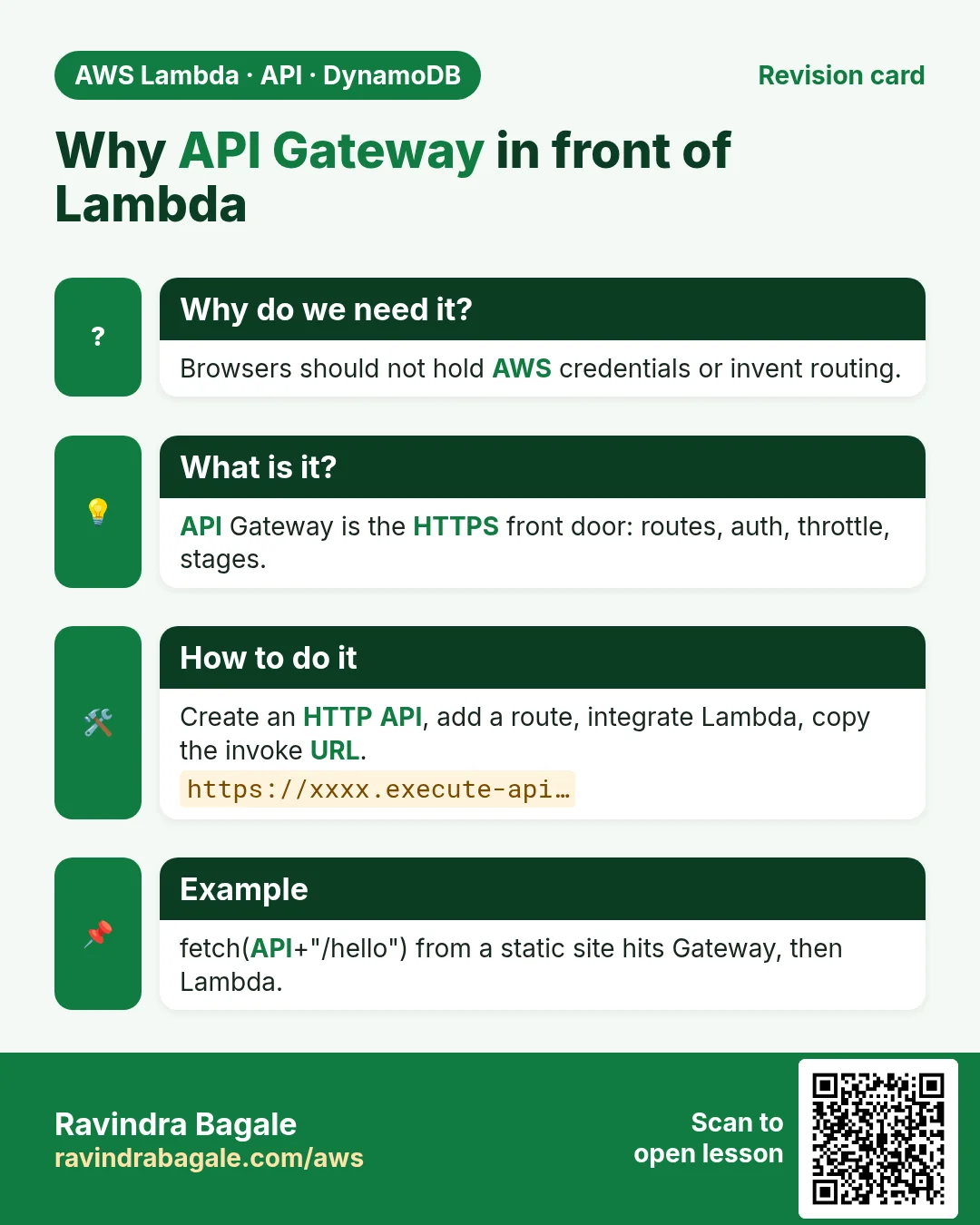
He put API Gateway in front. Now the app calls https://api.hisdomain.com/menu. Gateway checks the route, handles HTTPS, can add API keys or JWT, and only then invokes Lambda.
2. What is Amazon API Gateway?
Lambda is compute. It is not a full HTTP product. You need TLS certificates, routing, throttling and often auth at the edge.
Amazon API Gateway is a managed front door for APIs. Clients send HTTP(S) or WebSocket messages to Gateway; Gateway forwards them to Lambda, HTTP backends, or other AWS services.
3. REST vs HTTP vs WebSocket
Choose an API shape by the experience your users need
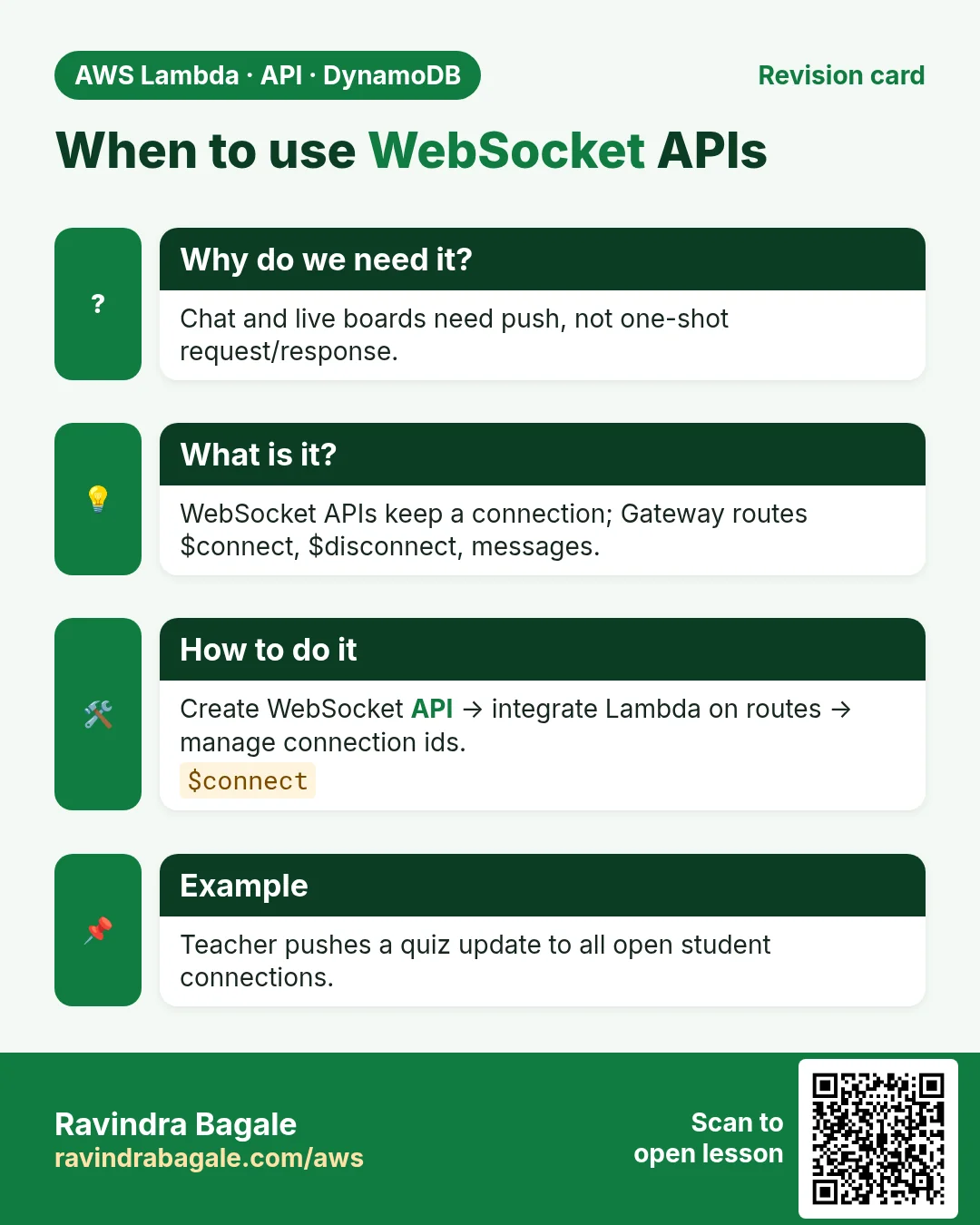
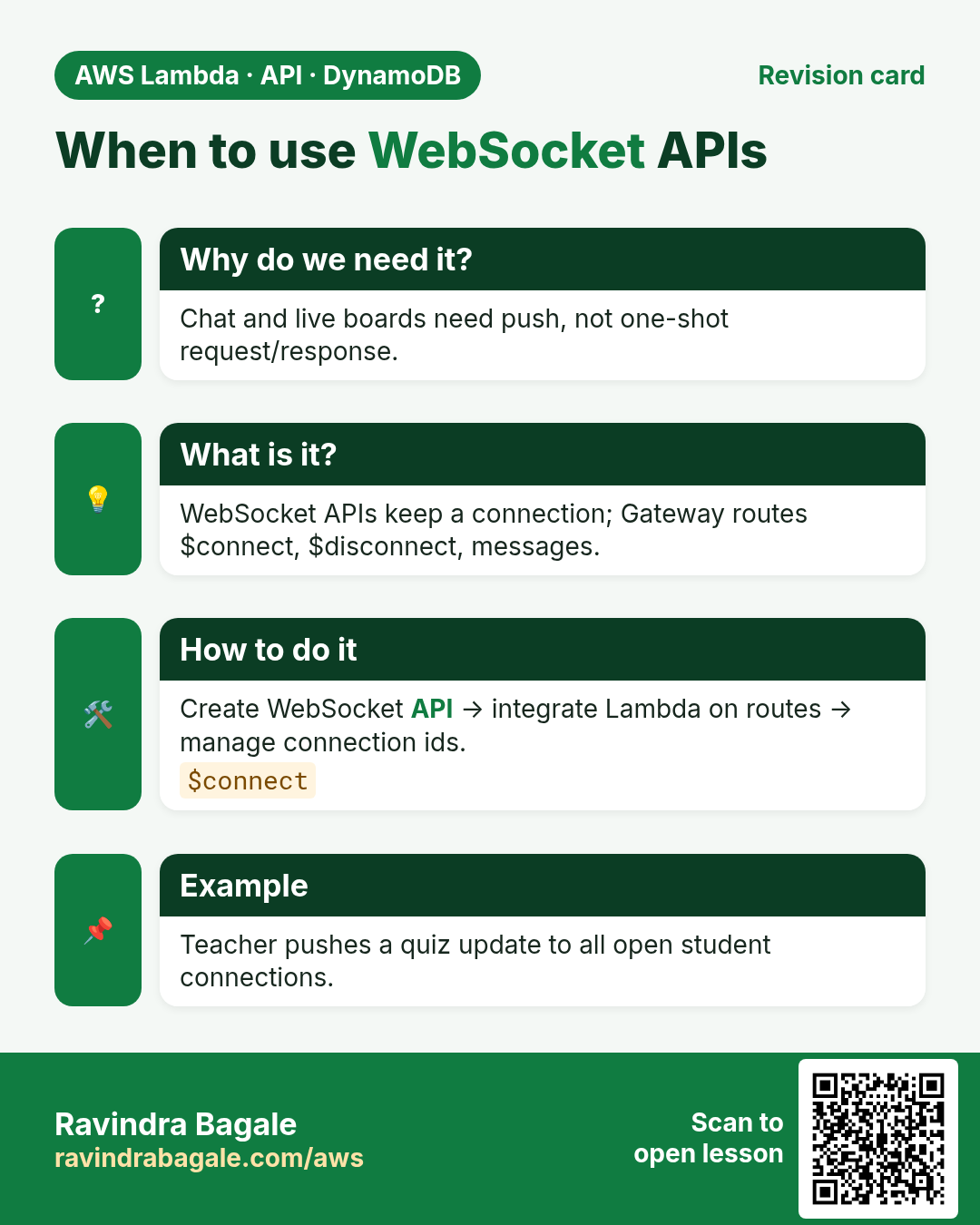
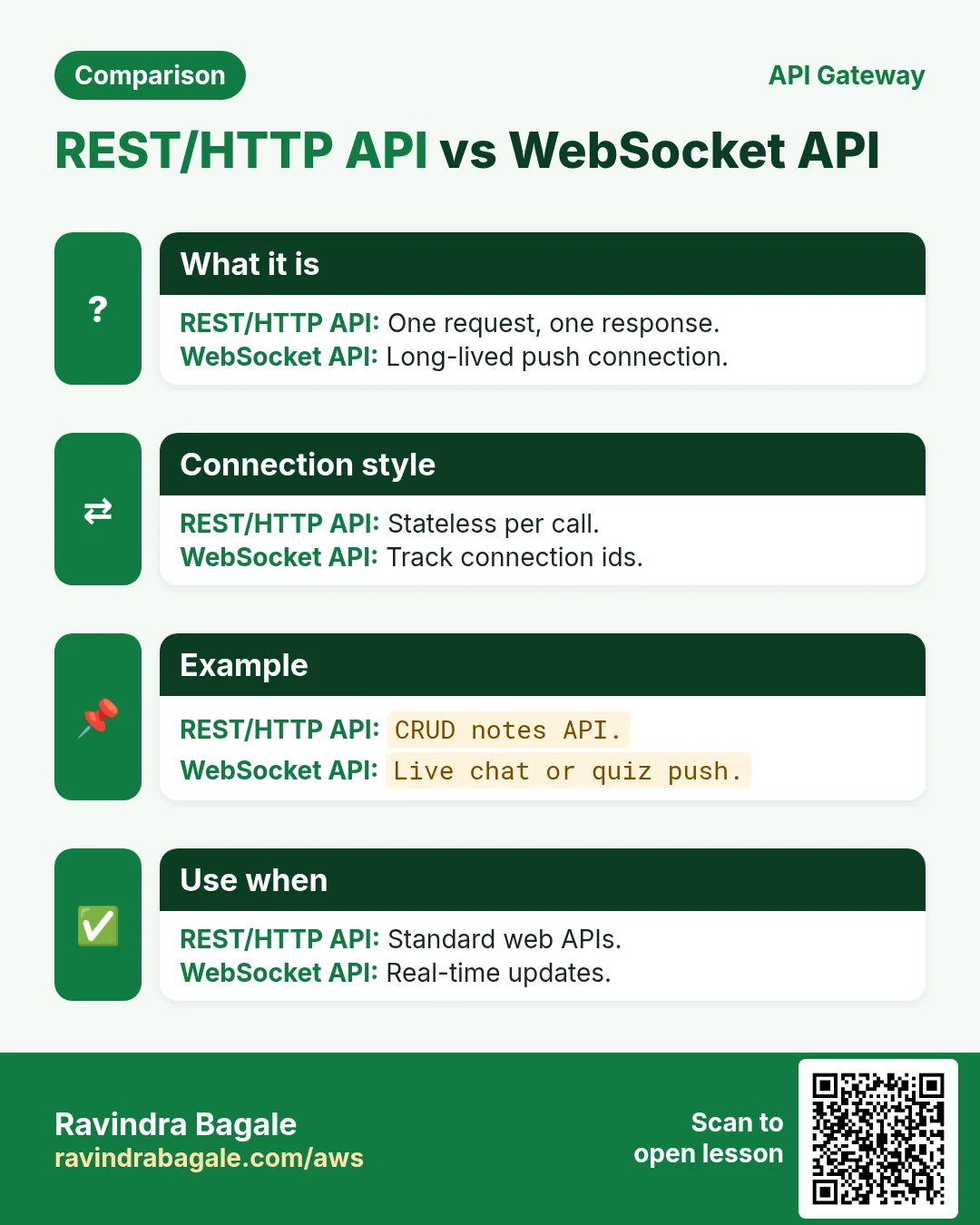
A class notes app can submit an HTTP request for a list and another request for a new note. HTTP APIs handle that kind of request and response. A live classroom chat may need the server to send information over an ongoing WebSocket connection. An API that depends on specific REST API management features should compare those requirements with the supported API types.
For each example, write who starts the communication, whether it continues after the first reply, and what authentication or management feature you need. Pick the API type after answering those questions. Avoid carrying a WebSocket connection for a simple one-time list.
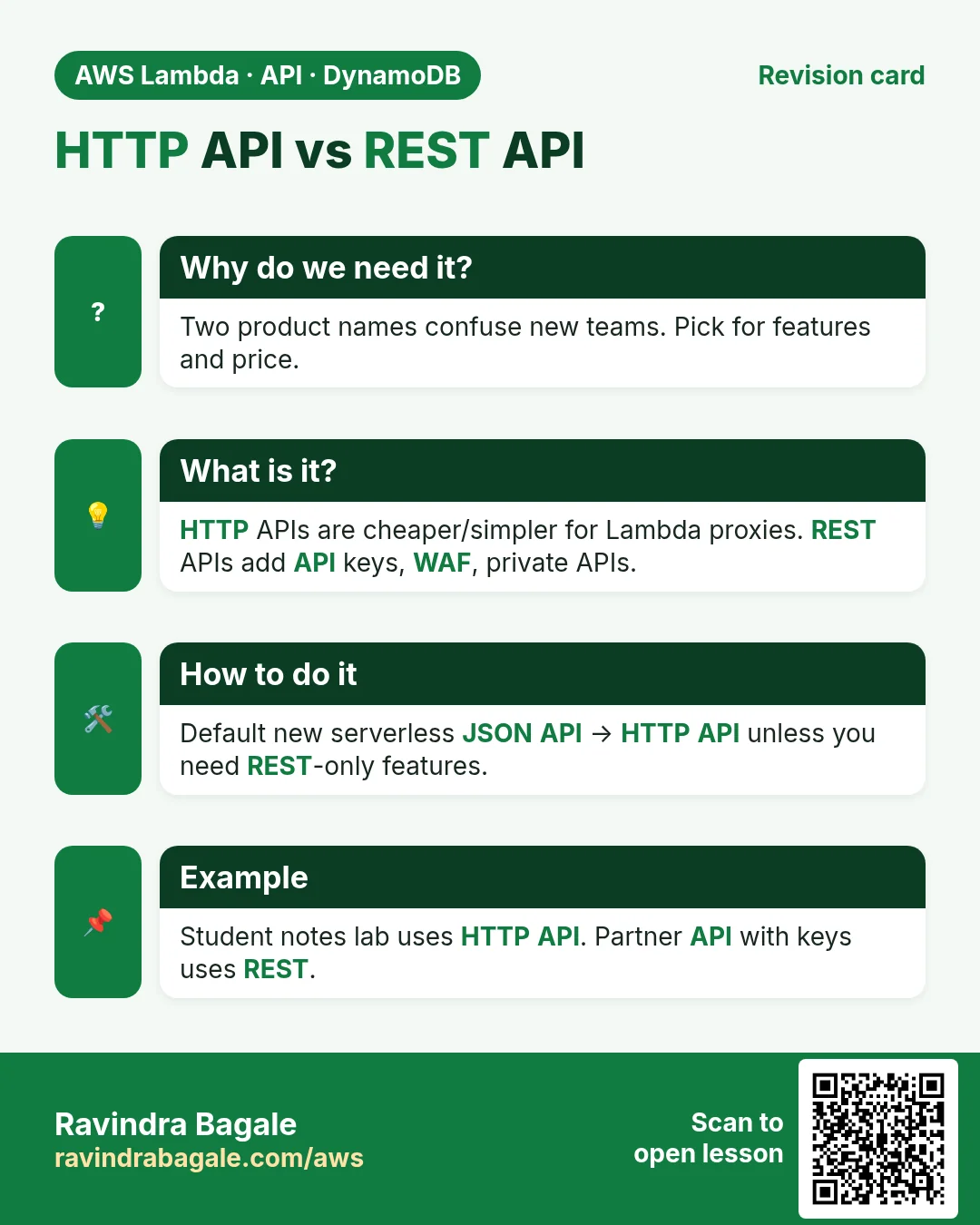
AWS offers three API products under the API Gateway umbrella. Picking wrong costs money or blocks a feature you need.
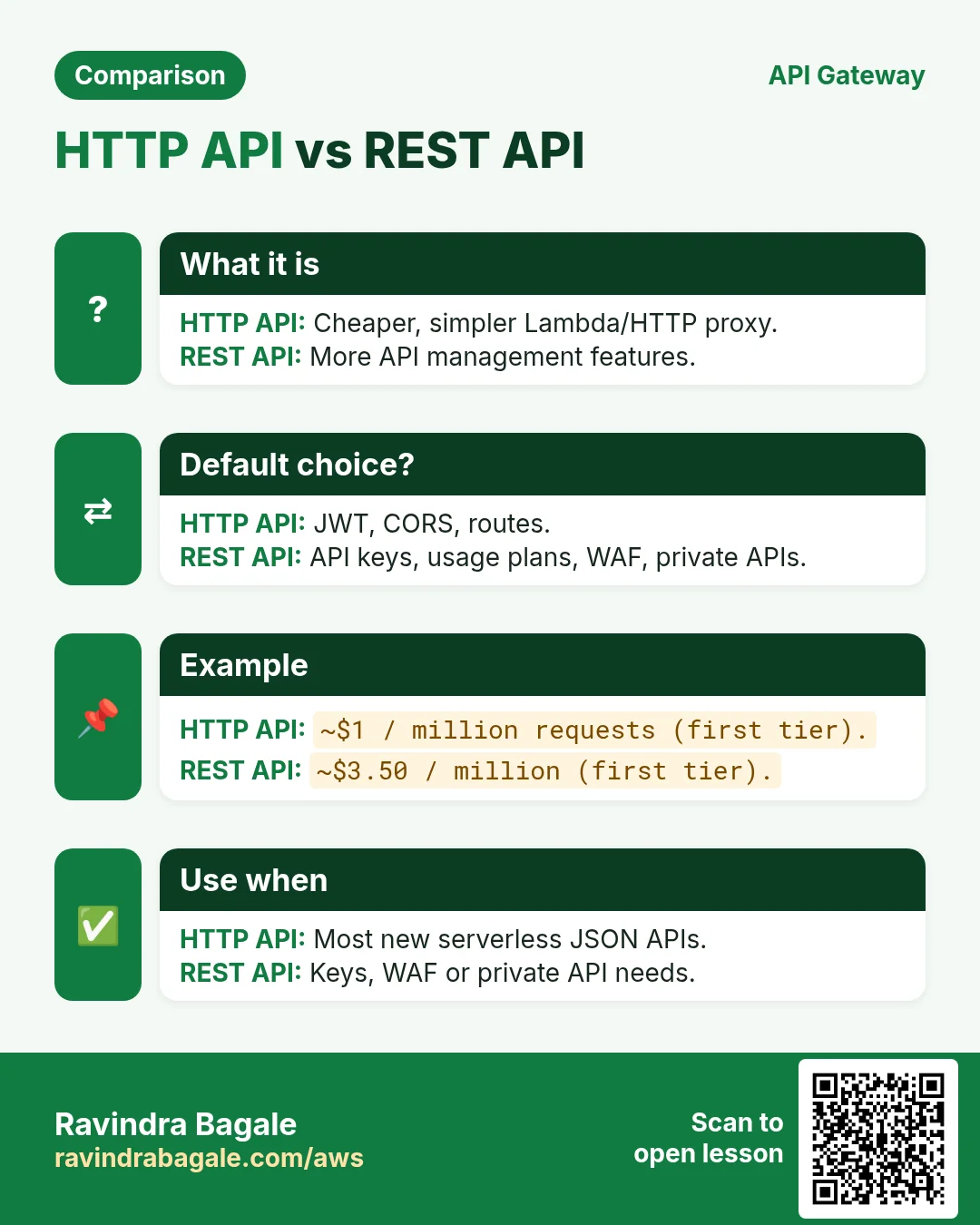
| Feature | HTTP API | REST API | WebSocket API |
|---|---|---|---|
| Best for | Simple Lambda/HTTP proxies, low cost, low latency | API keys, usage plans, request validation, WAF, private APIs, caching | Chat, live dashboards, games — long-lived connections |
| HTTPS routes | Yes | Yes | Upgrade to WebSocket |
| API keys + usage plans | No | Yes | No |
| AWS WAF | No | Yes | No |
| JWT / OIDC authorizer | Yes | Yes (also Lambda authorizer) | Yes (some options) |
| Price (ballpark, us-east-1) | About $1.00 / million requests (first tier) | About $3.50 / million requests (first tier) | Messages + connection minutes |
| Default choice for new serverless APIs | Yes, unless you need REST-only features | When you need API management features | When you need push to the client |
Ravindra Bagale's Tip
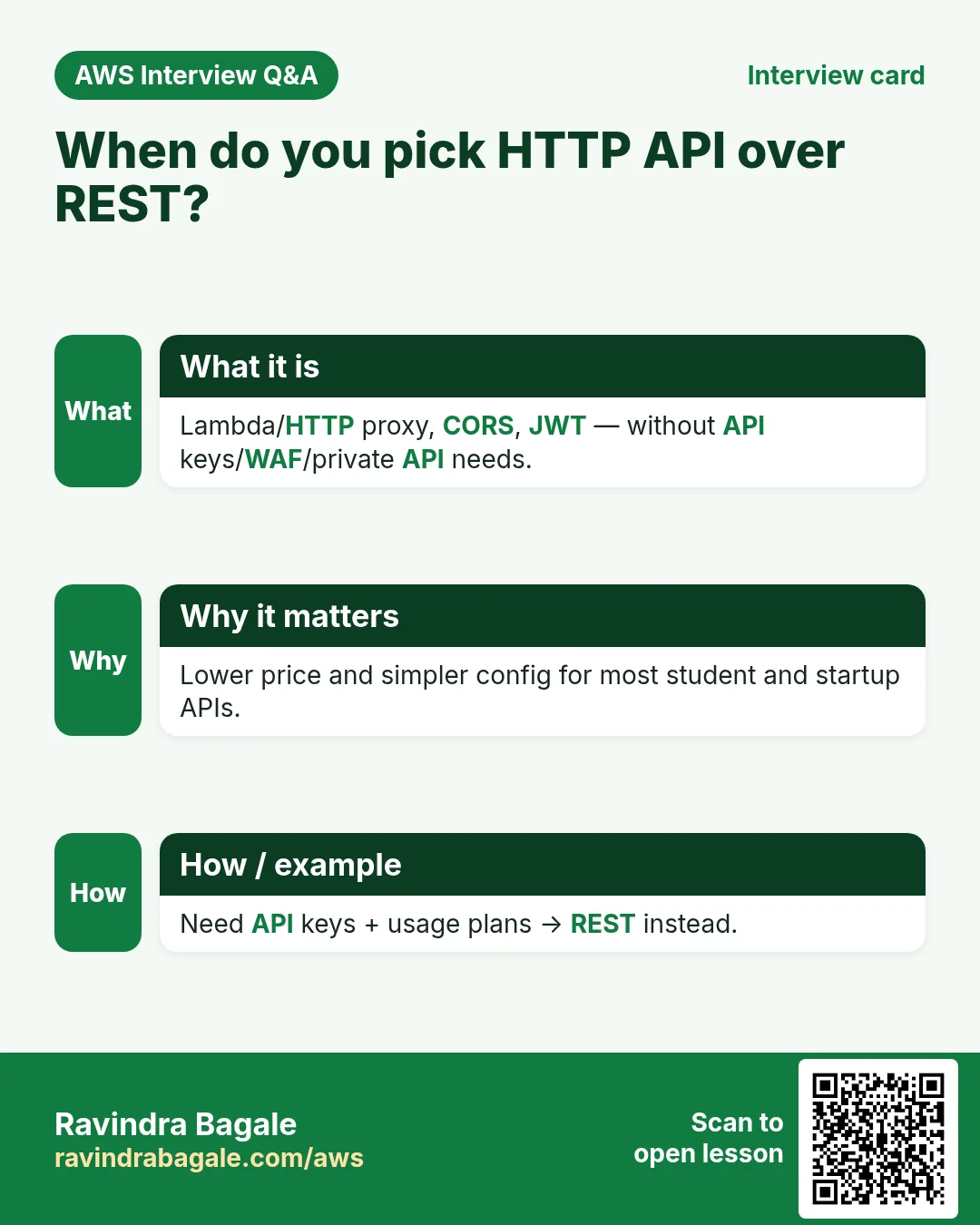
For most student and startup serverless APIs, start with an HTTP API. Switch to REST if you need API keys, usage plans, WAF or private API endpoints.
4. Routes, methods and stages
Follow the method and path to the integration
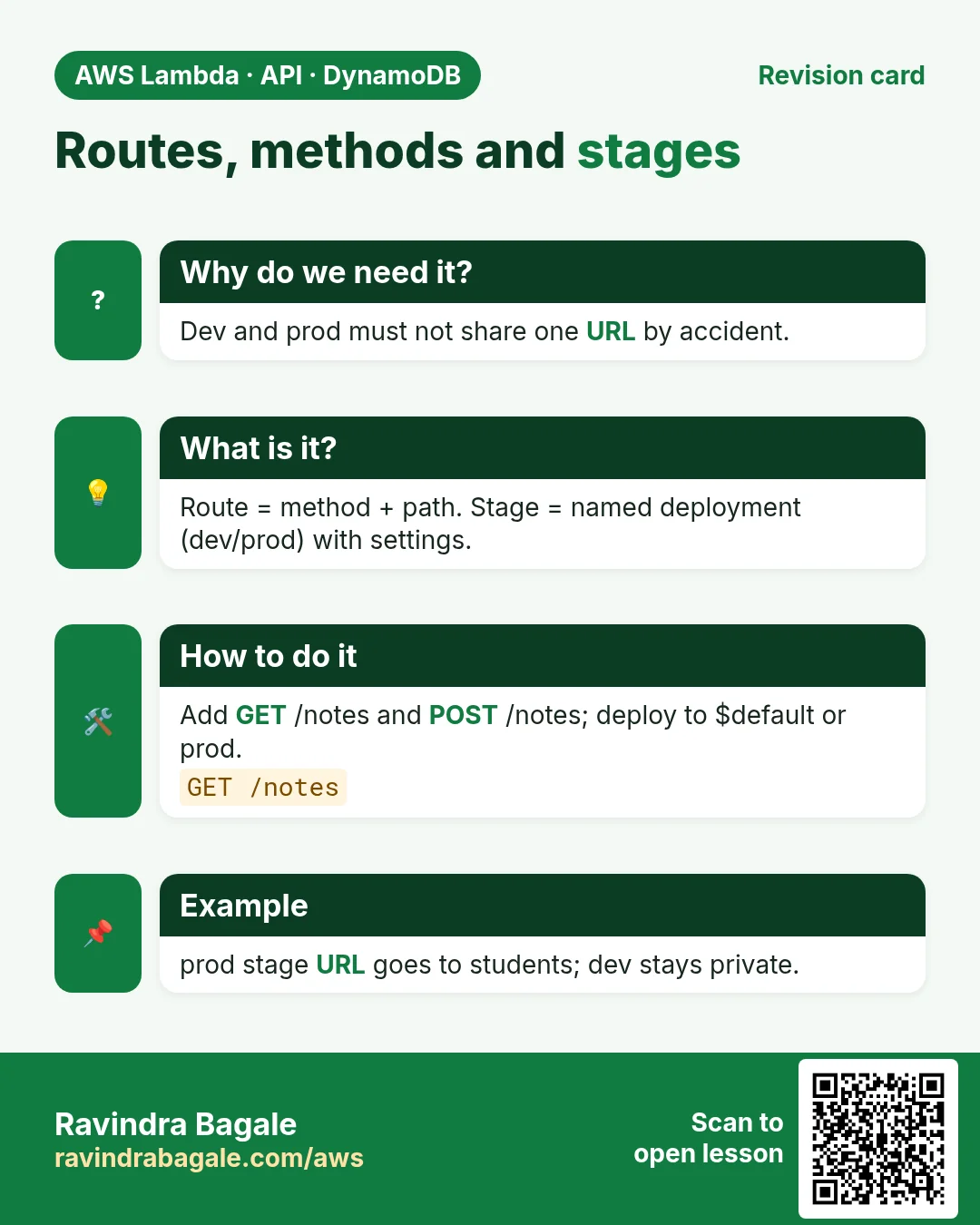
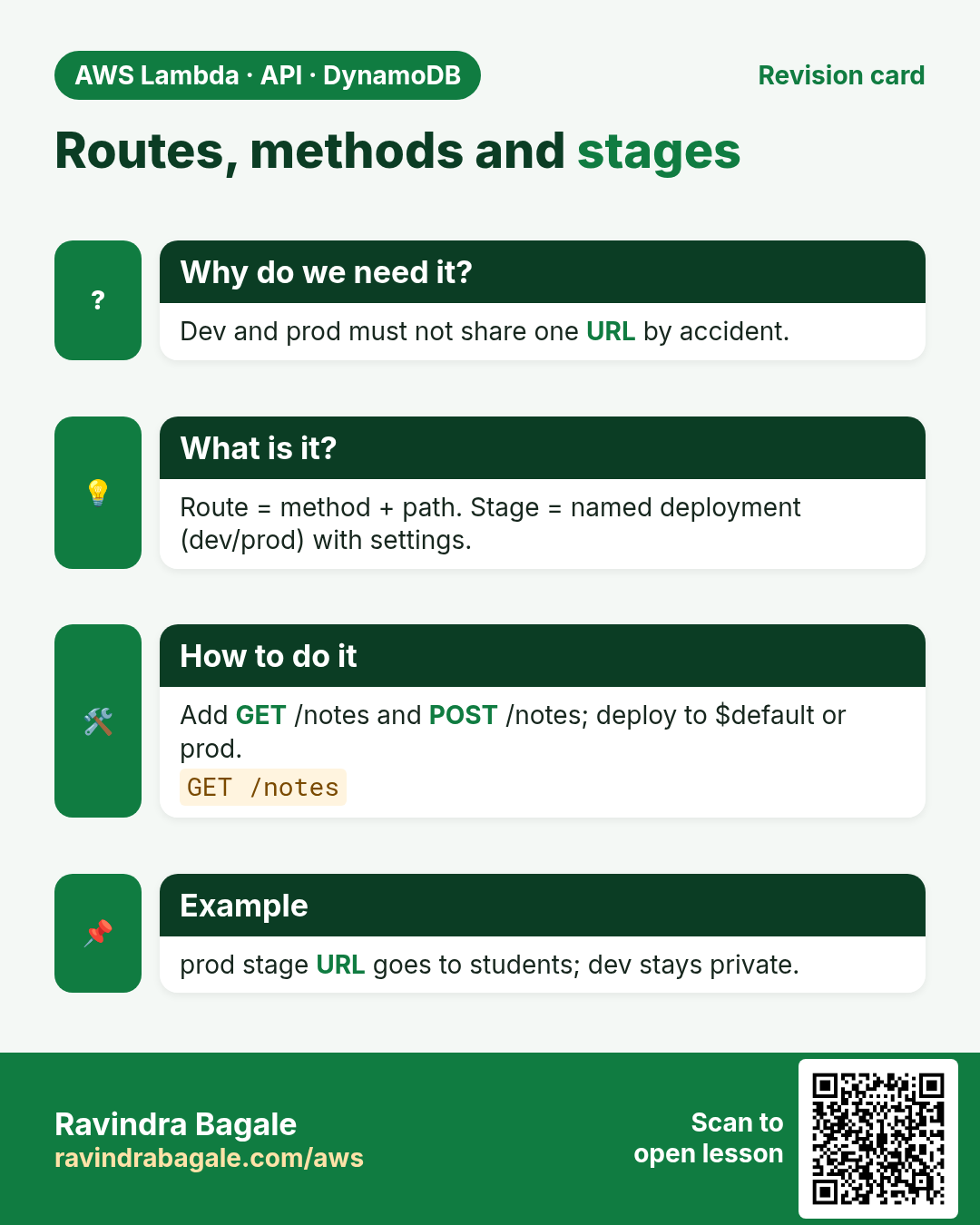
Take GET /notes/42. The method asks to read and the path identifies note 42. A route matching GET /notes/{id} can pass that request to a Lambda integration. The function sees the path value and decides what response to return. A POST to a different route can supply data to create a new note.
When testing, keep the route, stage and integration visible in your notes. A request sent to the wrong stage can receive a correct error without ever calling your intended handler. Check the complete invoke URL and exact method, then look at the function’s logs before editing its program.
- Route = path pattern, like
GET /notesorGET /notes/{id}. - Method = GET, POST, PUT, PATCH, DELETE, OPTIONS.
- Integration = where Gateway sends the request (Lambda proxy is the common choice).
- Stage = a named environment for an API, such as
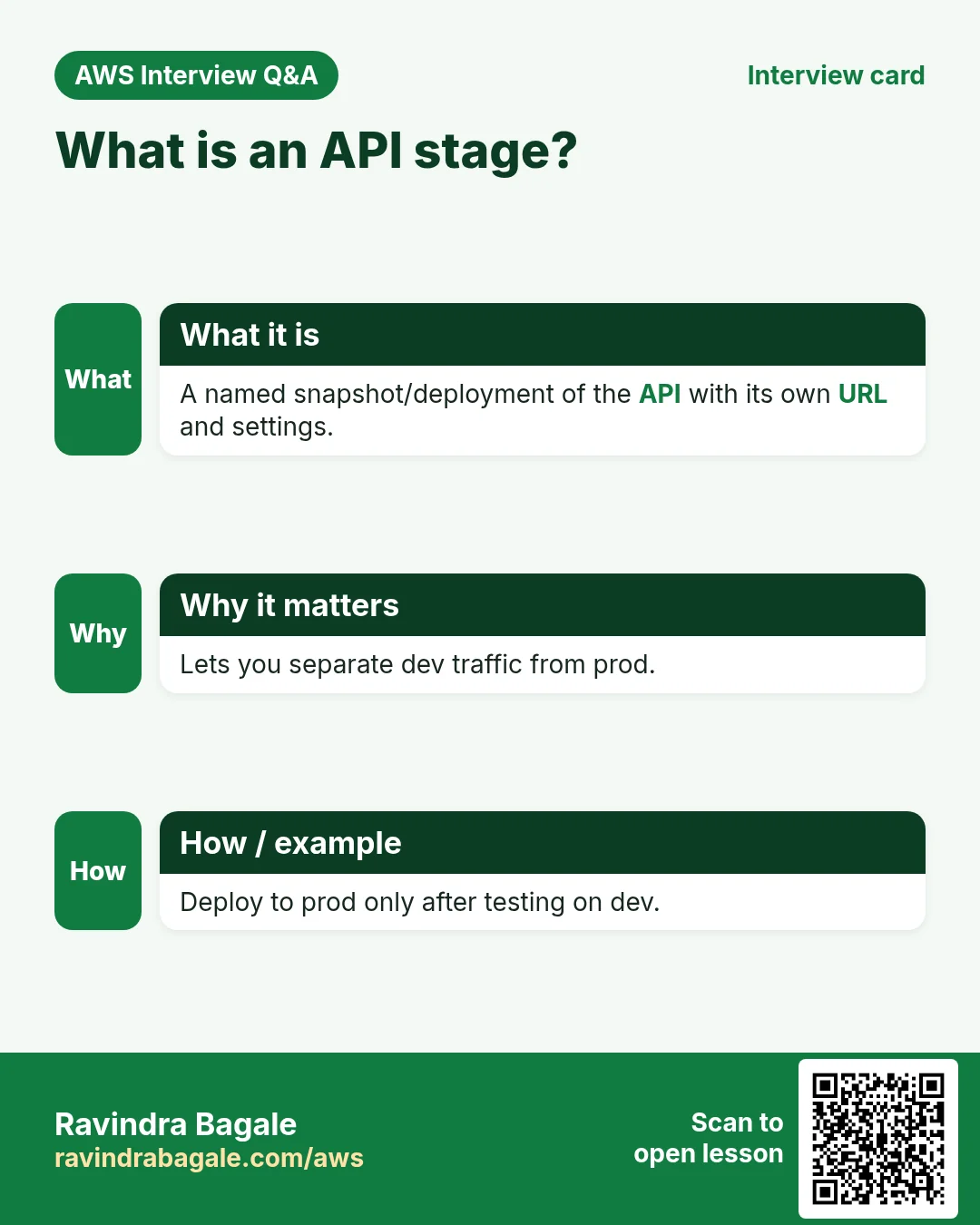
devorprod. A deployment is the version of the API configuration the stage serves. An HTTP API stage can turn on automatic deployments. On the standard invoke hostname, a named stage appears in the URL, for example/dev/notes. The$defaultstage is served at the hostname’s root, so that route is/notes.
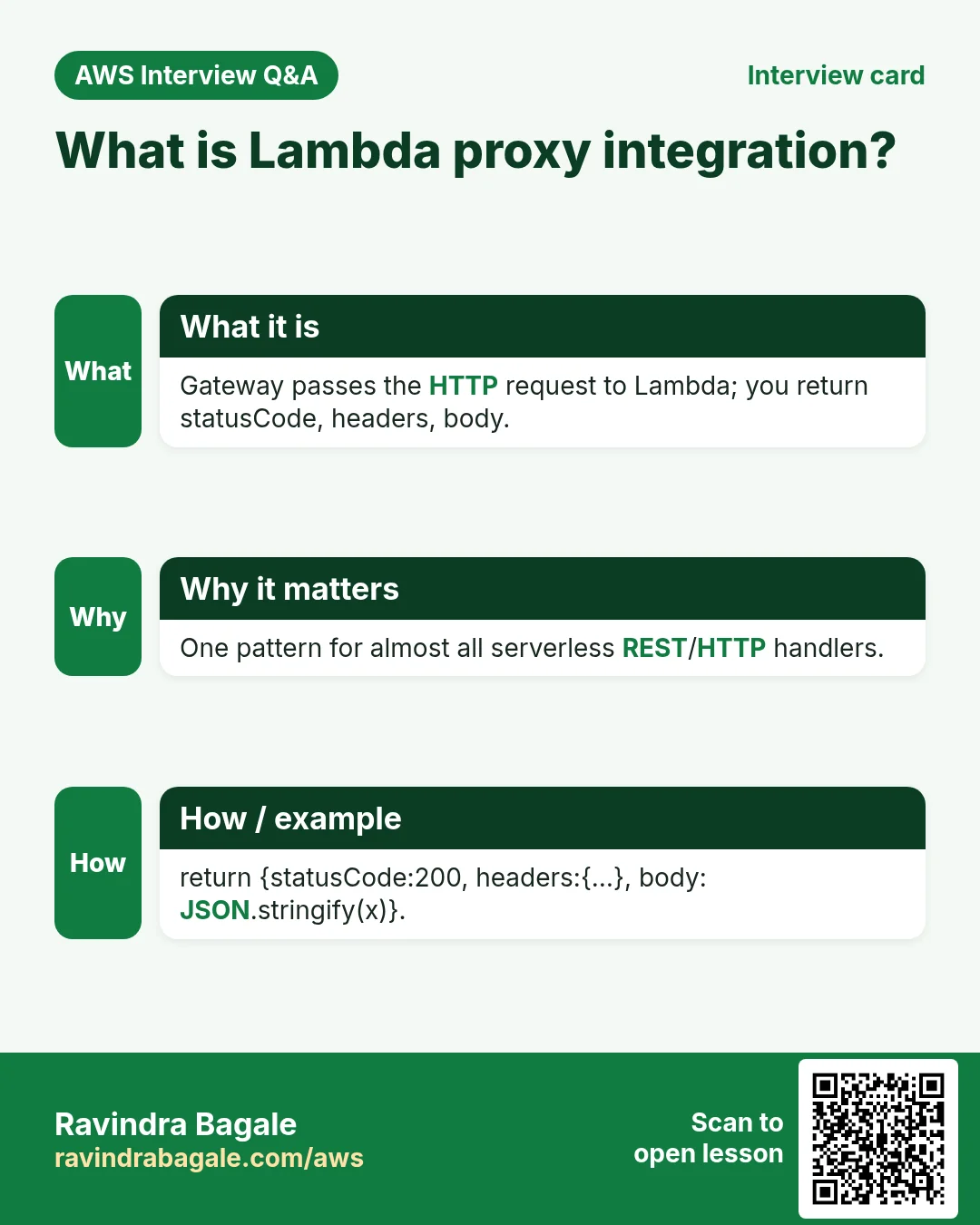
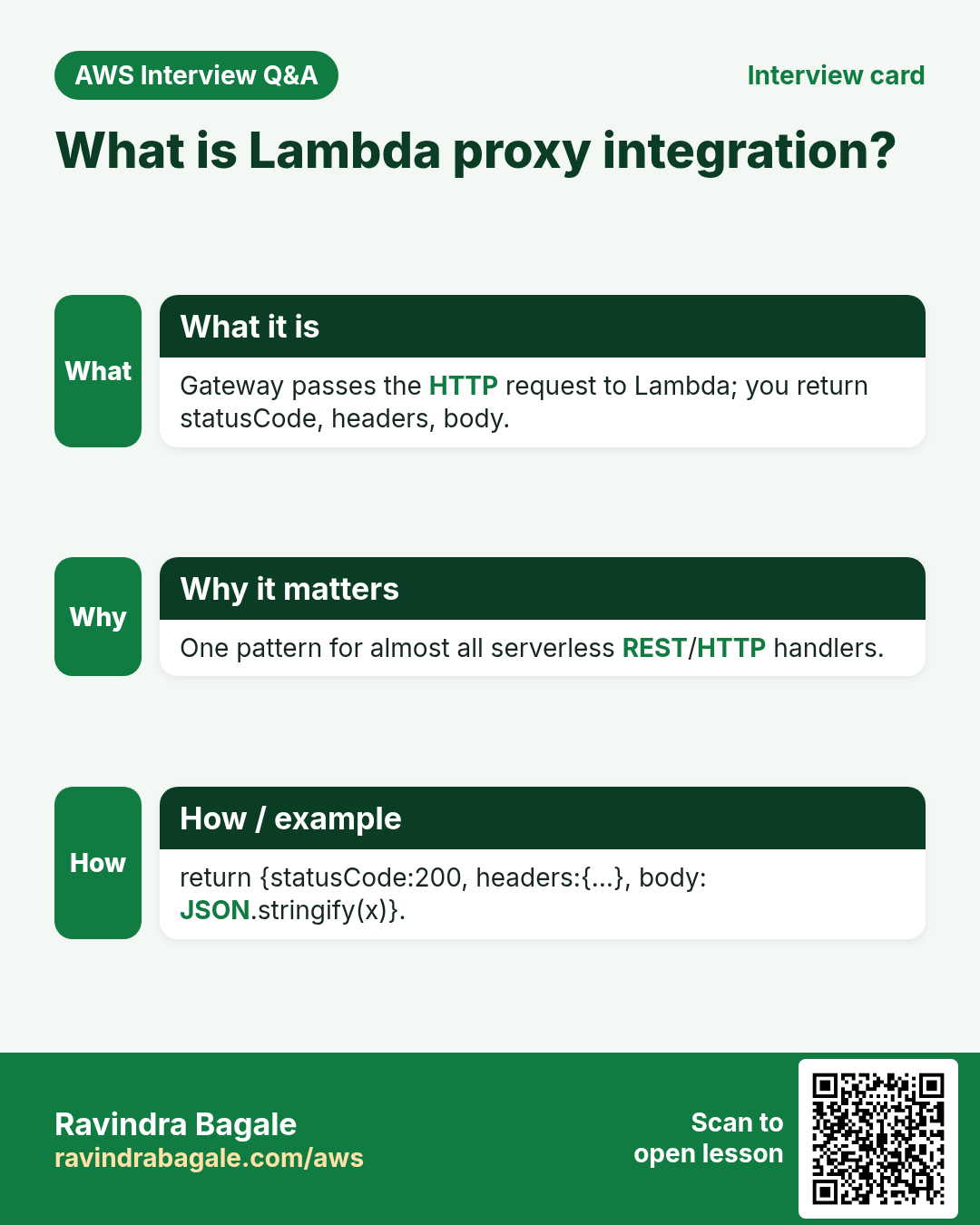
Lambda proxy integration means Gateway passes the full HTTP request as JSON to Lambda, and your function returns statusCode, headers and body. That is the pattern used in the next chapter's lab.
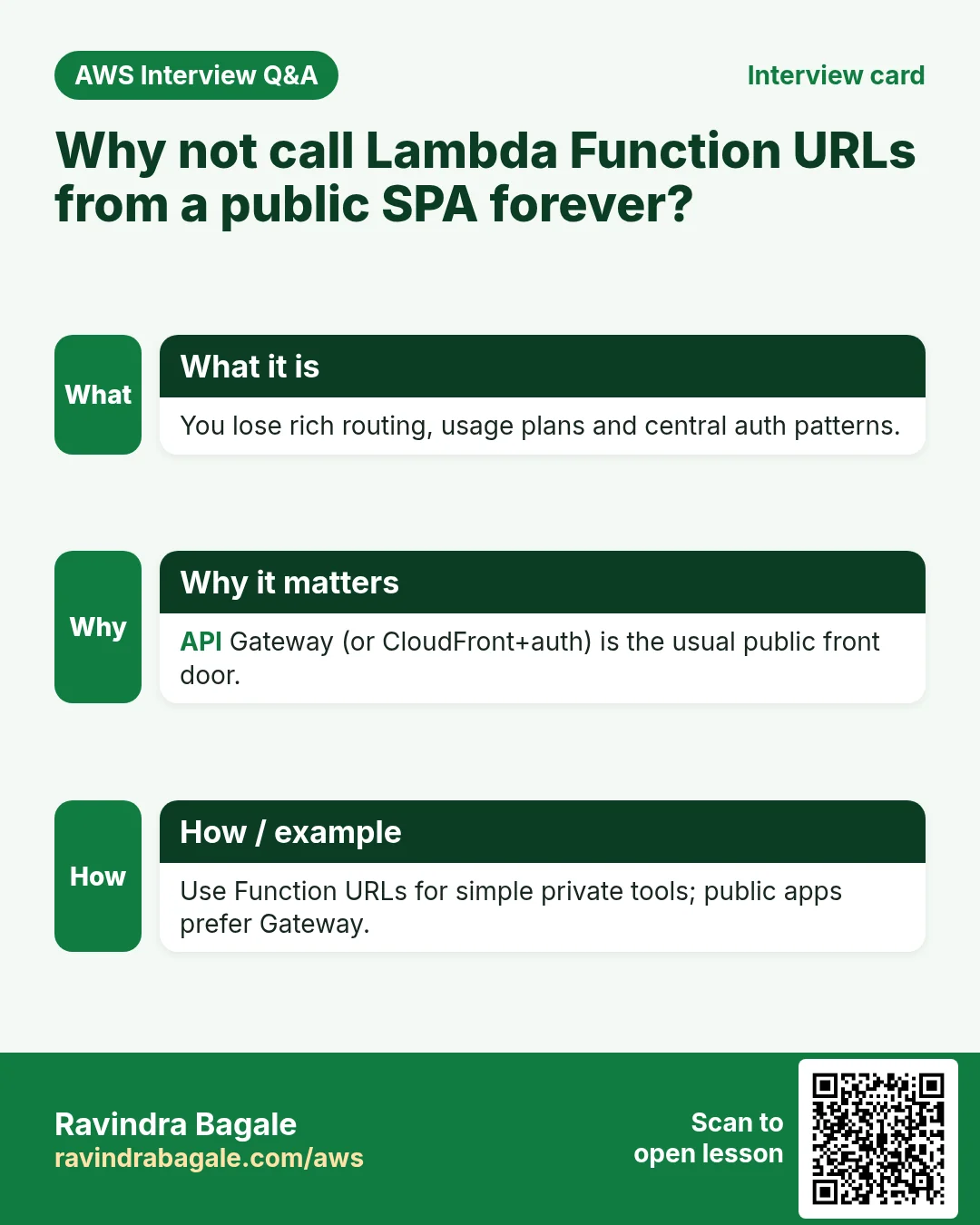
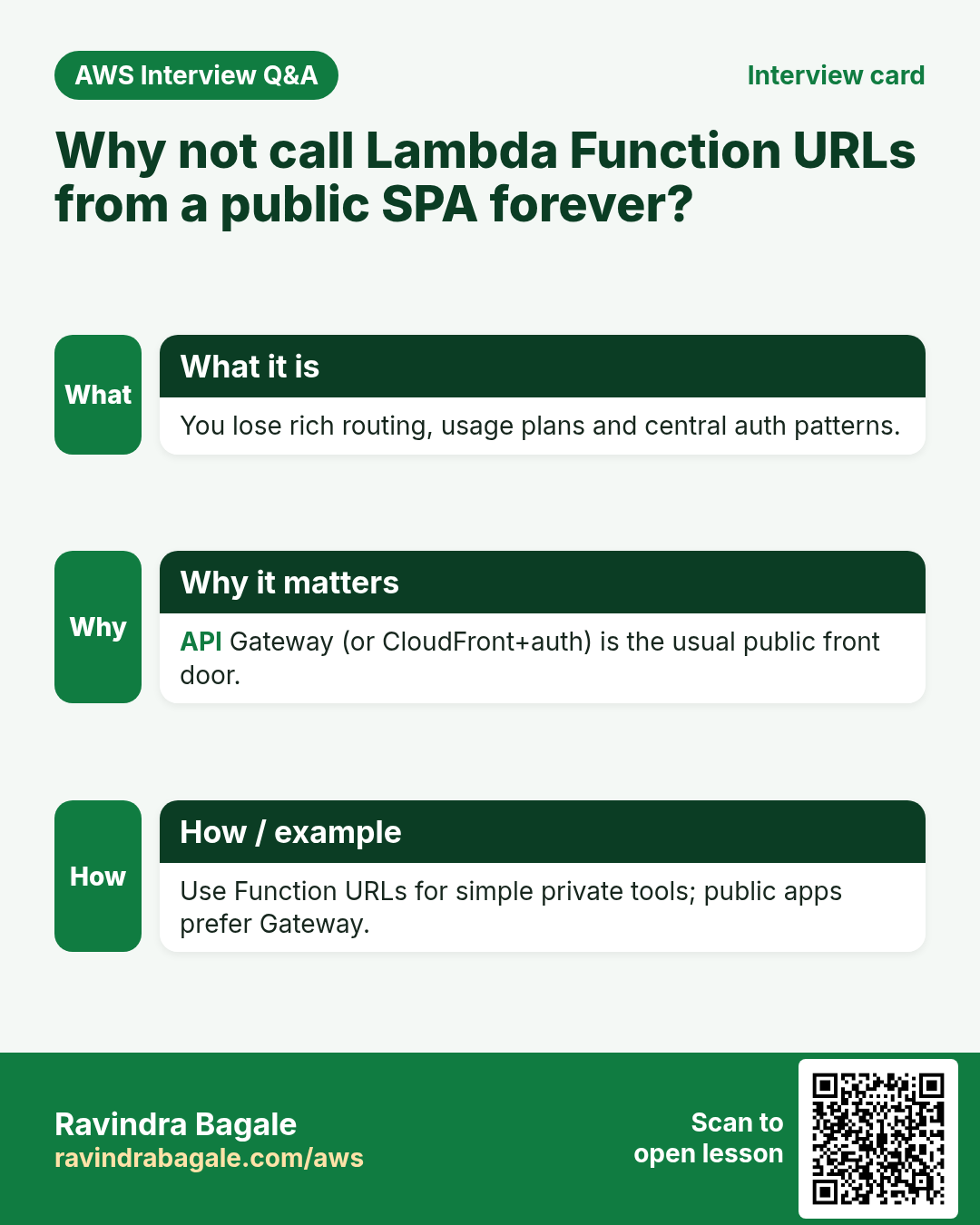
5. Why not call Lambda directly from the browser?
- No stable, friendly URL or custom domain story as clean as Gateway.
- Auth, throttling, API keys and WAF are Gateway features (especially REST).
- You would need AWS credentials or complex signing in the browser — a security smell.
- CORS and HTTP semantics are easier at Gateway.
Common errors and fixes
These are synthetic practice situations. Diagnose the signal before changing a resource; no infrastructure changes are needed to read this guide.
An API key is treated as a logged-in user.
API Gateway usage-plan keys identify clients for metering; AWS says not to use them as authentication or authorization. Use the appropriate authorizer or IAM-based design and application ownership checks. A key copied from a browser cannot establish who the end user is.
A required feature is assumed to exist in every API type.
Check the current product comparison before implementing. For example HTTP APIs do not provide REST usage plans or private API endpoints. A private backend integration and a private API endpoint are different features; the former does not make a public front door private.
Changing the query string is expected to choose another method.
An HTTP API route key uses the request method and path. GET and POST to the same path can select different routes, but adding a query parameter does not turn GET into POST. Compare the actual request method, route and integration before changing the function code.
Practical FAQ: decisions during real work
Does CORS keep a command-line caller out of the API?
No. CORS governs browser-script access to responses; it is not an identity or authorization boundary. Non-browser clients can still send requests. Protect private operations with real authorization rather than assuming an allowed-origin list makes the API private.
Is native JWT authorization identical across REST and HTTP APIs?
No. HTTP APIs have a built-in JWT authorizer. REST APIs support Cognito user-pool authorizers and Lambda authorizers; a Lambda authorizer can validate JWTs. Choose the supported mechanism for the actual API product instead of expecting identical console options.
Does a custom domain create my routes or backend?
No. The hostname, certificate, API mapping, stage and route integration are separate pieces. A domain can resolve correctly while the requested route still has no matching integration. Troubleshoot the request path in that order instead of assuming DNS success proves API success.
6. Interview questions
Q. What is API Gateway?
Managed front door for HTTP and WebSocket APIs that can invoke Lambda and other backends.
Q. HTTP API vs REST API?
HTTP API: cheaper, faster, great for Lambda proxy; fewer management features. REST API: API keys, usage plans, WAF, caching, private APIs.
Q. What is a stage?
A named environment, such as dev or prod, with its own URL and settings. It serves a deployment of the API configuration.
Q. What is Lambda proxy integration?
Gateway sends the raw HTTP request to Lambda; Lambda returns statusCode, headers, body.
Q. When WebSocket?
When the server must push to the client over a long-lived connection (chat, live scores).
Try at home
- In the console, open API Gateway and list any existing APIs. Note whether each is HTTP, REST or WebSocket.
- Read the official "HTTP API vs REST API" table once and write three bullets in your notes.
In short
- API Gateway = HTTPS front door in front of Lambda.
- HTTP API for most serverless; REST when you need management features; WebSocket for push.
- Routes + methods + stages shape the URL your app calls.
- Do not call Lambda invoke URLs straight from the browser.
Practise this chapter
Check your understanding
Choose an answer, then compare your reasoning with the explanation.
Follow one route into a small Lambda integration
Before you start
- Use the disposable function from chapter 77 or create a new lab Lambda that returns a fixed response. Use synthetic data and your authorized training account.
Create a temporary HTTP API with the console and choose the lab function as its Lambda integration. Add a GET /hello route and attach it to that integration.
Expected result: The API lists GET /hello with the intended Lambda target.
Use the $default stage with auto-deploy for the lab. Copy the invoke URL, append /hello and request it with your browser or curl -i.
Expected result: The route returns the test function’s status and response. Check the associated invocation log if the role can write one.
Request the same method and stage at an unrelated /missing path.
Expected result: With no catch-all route, API Gateway returns a not-found result. This path does not call the lab integration.
If the result differs
- Check the method, complete invoke URL, stage deployment and selected integration. If the function was invoked but returned an error, inspect its test response and log.
Finish and clean up
- Delete the temporary API and lab function when finished. Keep any function or execution role still used by another exercise.
Practice Tasks
Practice checks run in your browser. They check the answer for this exercise; they do not create resources or connect to your AWS account.
About this scenarioPune Fintech Labs is a finance business in Pune. Rohan Kulkarni looks after its IT and cloud work. They count money in INR and run their AWS resources in the ap-south-1 Region. In the tasks below you do real jobs for them using what this lesson teaches. All names, account IDs, IP addresses and numbers are made up for practice.
0 / 12
Easy Invoke one function
A caller should invoke only the function it needs.
Allow lambda:InvokeFunction on arn:aws:lambda:ap-south-1:105420458853:function:punefintech-orders-fn only.
- Start with { "Version": "2012-10-17", "Statement": [ ... ] }.
- In each statement write Effect, Action and Resource.
- Give only what the task needs (least privilege).
- Use double quotes and commas correctly. Click Check answer.
Easy List functions
See which functions exist in this Region.
List the Lambda functions in ap-south-1.
- Read the task and decide which AWS service it is about.
- Write aws, then the service name, then the operation (the action word).
- Add each needed flag (--name) followed by its value from the task.
- Flags can be in any order. Click Check answer.
Medium Create a REST API
REST APIs give API keys, usage plans and request validation.
Create a REST API named punefintech-rest.
- Read the task and decide which AWS service it is about.
- Write aws, then the service name, then the operation (the action word).
- Add each needed flag (--name) followed by its value from the task.
- Flags can be in any order. Click Check answer.
Medium Deploy a REST API to a stage
Changes to a REST API go live only after a deployment to a stage.
Deploy REST API a1b2c3d4e5 to the stage prod.
- Read the task and decide which AWS service it is about.
- Write aws, then the service name, then the operation (the action word).
- Add each needed flag (--name) followed by its value from the task.
- Flags can be in any order. Click Check answer.
Medium Change timeout and memory
More memory also gives more CPU; timeout stops runaway runs.
Set punefintech-orders-fn to timeout 30 seconds and memory 512 MB.
- Read the task and decide which AWS service it is about.
- Write aws, then the service name, then the operation (the action word).
- Add each needed flag (--name) followed by its value from the task.
- Flags can be in any order. Click Check answer.
Medium Invoke a function
Invoke runs the function now and saves its answer in a file.
Invoke punefintech-orders-fn and save the response to out.json.
- Read the task and decide which AWS service it is about.
- Write aws, then the service name, then the operation (the action word).
- Add each needed flag (--name) followed by its value from the task.
- Flags can be in any order. Click Check answer.
Medium Let a function write logs
Without these actions, Lambda logs never appear in CloudWatch.
Allow logs:CreateLogGroup, logs:CreateLogStream, logs:PutLogEvents on arn:aws:logs:*:*:* only.
- Start with { "Version": "2012-10-17", "Statement": [ ... ] }.
- In each statement write Effect, Action and Resource.
- Give only what the task needs (least privilege).
- Use double quotes and commas correctly. Click Check answer.
Hard Quick-create an HTTP API for Lambda
Quick create builds an HTTP API, a default route and stage pointing at your function.
Create an HTTP API named punefintech-api whose target is arn:aws:lambda:ap-south-1:105420458853:function:punefintech-orders-fn.
- Read the task and decide which AWS service it is about.
- Write aws, then the service name, then the operation (the action word).
- Add each needed flag (--name) followed by its value from the task.
- Flags can be in any order. Click Check answer.
Hard Let S3 call your function
A resource-based permission is needed before S3 can invoke the function.
Add permission statement s3invoke to punefintech-orders-fn so s3.amazonaws.com can call lambda:InvokeFunction from bucket arn:aws:s3:::punefintech-uploads.
- Read the task and decide which AWS service it is about.
- Write aws, then the service name, then the operation (the action word).
- Add each needed flag (--name) followed by its value from the task.
- Flags can be in any order. Click Check answer.
Hard Lambda GB-seconds
Lambda bills memory × time.
1,000,000 invocations, 512 MB memory, 200 ms each. How many GB-seconds?
- Write down the numbers the task gives you.
- Work it out step by step on paper.
- Type only the final answer in the box.
- Click Check answer.
Hard Create a Lambda function
Lambda needs the code zip, a runtime, a handler name and an execution role.
Create function punefintech-orders-fn: runtime python3.12, handler app.handler, role arn:aws:iam::105420458853:role/lambda-basic, code in function.zip.
- Read the task and decide which AWS service it is about.
- Write aws, then the service name, then the operation (the action word).
- Add each needed flag (--name) followed by its value from the task.
- Flags can be in any order. Click Check answer.
Hard Set environment variables
Keep settings like table names out of the code.
Set the environment variable TABLE=punefintech-orders on punefintech-orders-fn.
- Read the task and decide which AWS service it is about.
- Write aws, then the service name, then the operation (the action word).
- Add each needed flag (--name) followed by its value from the task.
- Flags can be in any order. Click Check answer.
Revision, comparison and interview cards
Revise this lesson in a few minutes. Save the cards on your phone or download them as PNG files. The QR code on each card opens this lesson.
More cards: Ravi Sir's Cards.