How to Stop, Start, Reboot or Recover an EC2 Instance with a CloudWatch Alarm
In Amazon CloudWatch Explained the alarm only sent an email. Here the alarm does the work itself: it stops an idle server, reboots a stuck one or moves it to healthy hardware. We also answer a common question: "Can an alarm start a stopped instance?" The short answer is no, and you will learn the two correct ways to do it.
In this chapter
- The four EC2 alarm actions: stop, terminate, reboot, recover
- Lab: stop an idle instance automatically when CPU stays low
- Why there is no "start" alarm action
- Start a stopped instance with EventBridge Scheduler (on a clock)
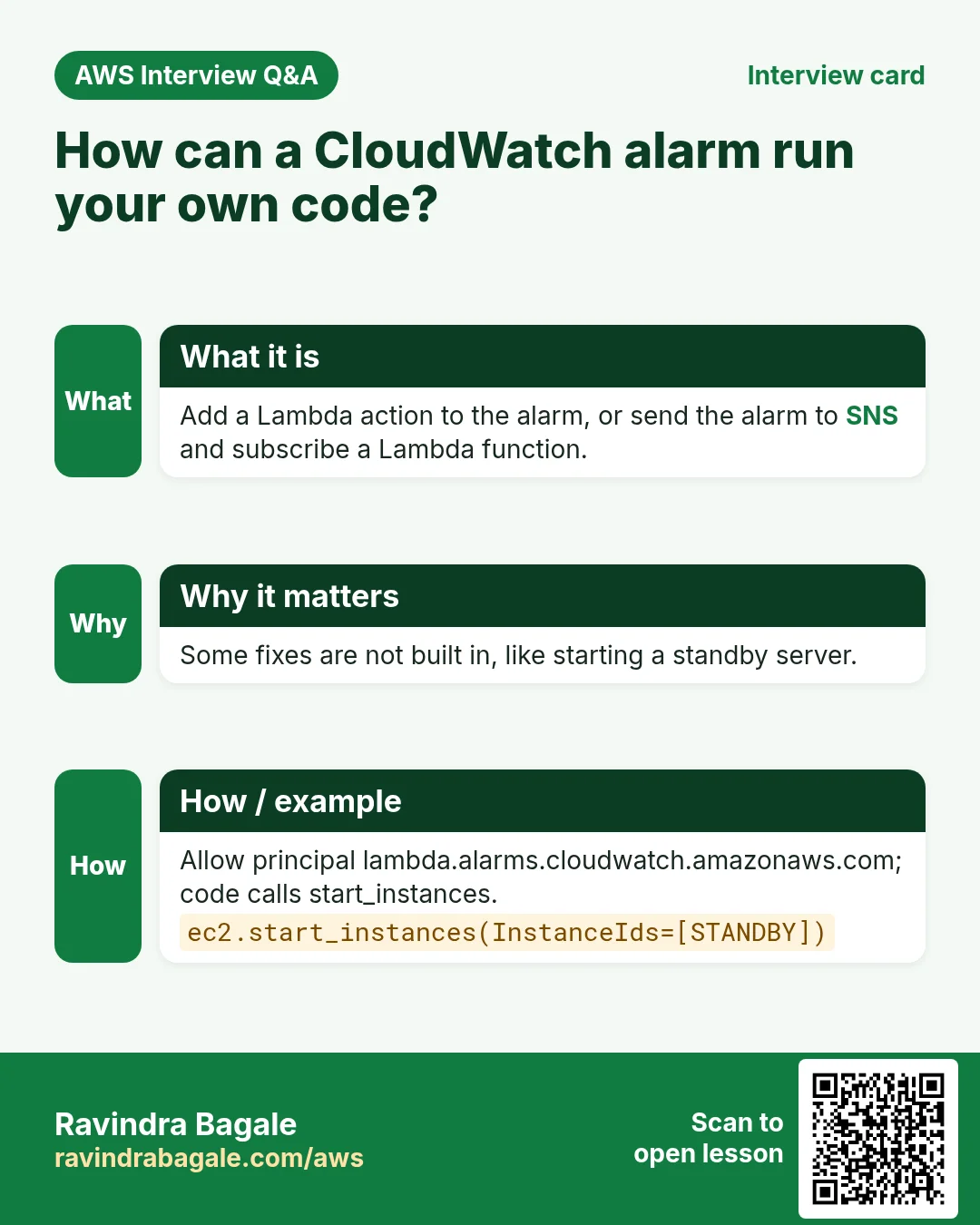
- Start an instance from an alarm with a Lambda function
1. A story: the forgotten test server
A developer in Pune starts a c5.2xlarge to test a Java build on Friday. He forgets it. On Monday the bill shows 60+ hours of a large server doing nothing.
A second story: a payroll server runs every night from 1 AM to 3 AM, then sits idle. The team wants it off in the day and on again at 1 AM.
Both problems are solved with alarms and schedules. No human needs to remember anything.
2. The four EC2 alarm actions
Match the automatic action to the condition you observed
Draw two examples. One lab instance is healthy and idle after class, so a stop can save compute time while its EBS disk stays. Another instance is unreachable because of a system-side failure, so a supported recover action can help move it to healthy infrastructure. An application error with healthy platform checks calls for application diagnosis first.
Test the chosen alarm on a disposable tagged resource and verify the alarm’s history alongside the instance state. A change to ALARM and an executed action are separate observations. Read the event, permission and associated resource before concluding it did what you expected.
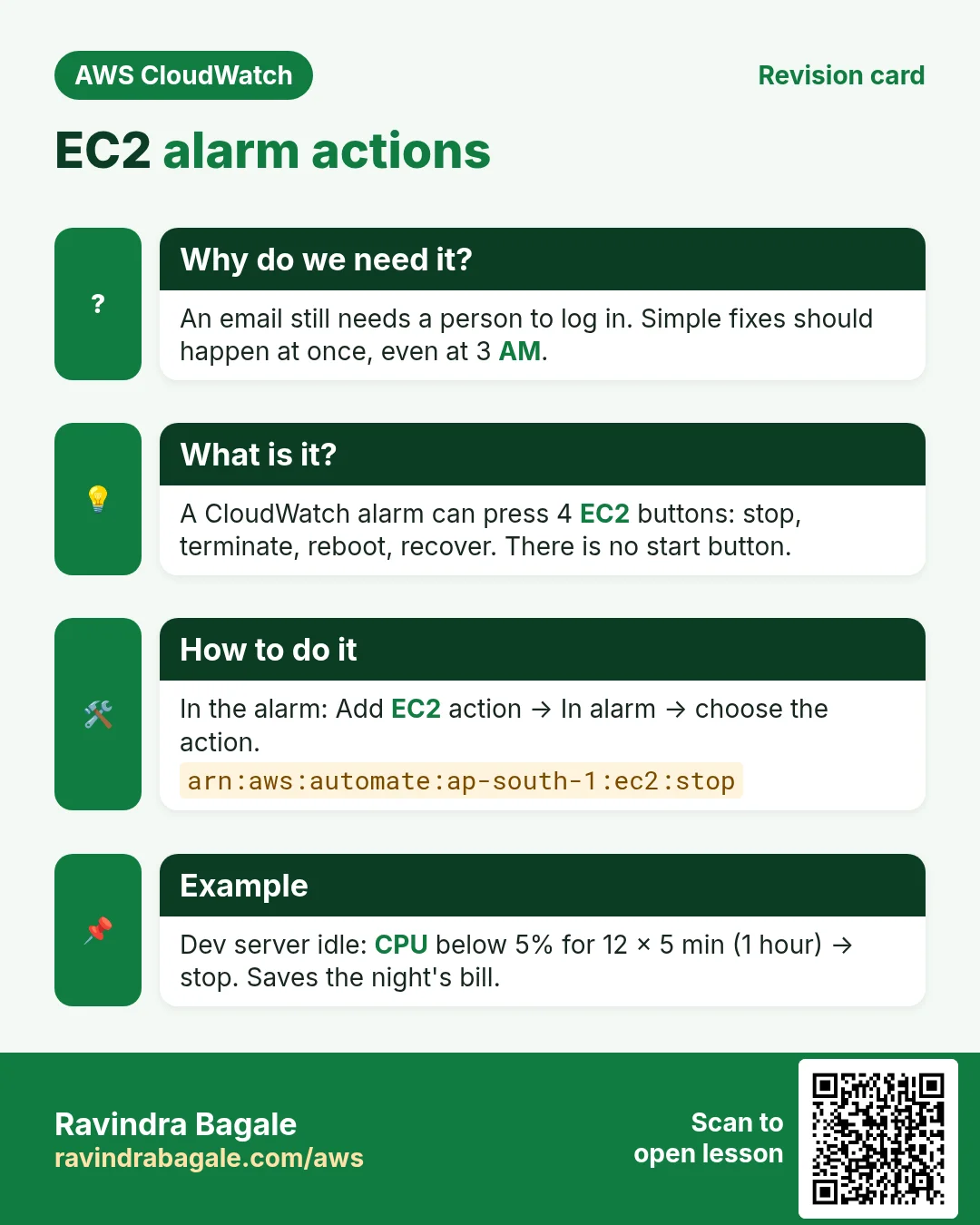
An email still needs a person to log in and click. For simple, safe fixes we want the alarm to act at once, even at 3 AM.
An EC2 alarm action is a button the alarm can press on one instance. It works on alarms that watch a per-instance metric (one with the InstanceId dimension).
| Action | What happens | Use it when | Keeps |
|---|---|---|---|
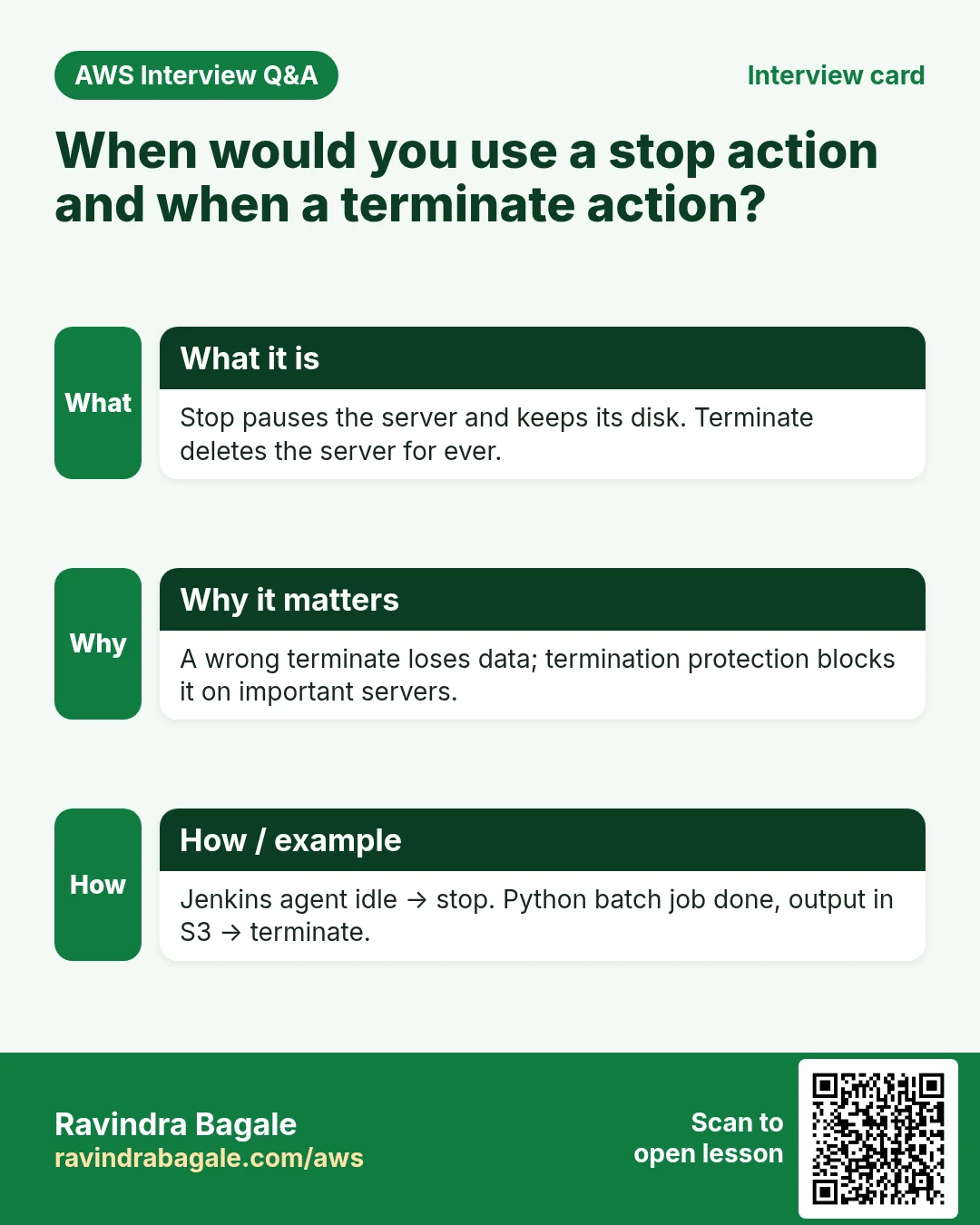
| Stop | Instance shuts down; compute billing stops | Idle dev/test servers | Instance ID, EBS data; public IP changes |
| Terminate | Instance is deleted for ever | Finished batch jobs | Nothing (root EBS is deleted by default) |
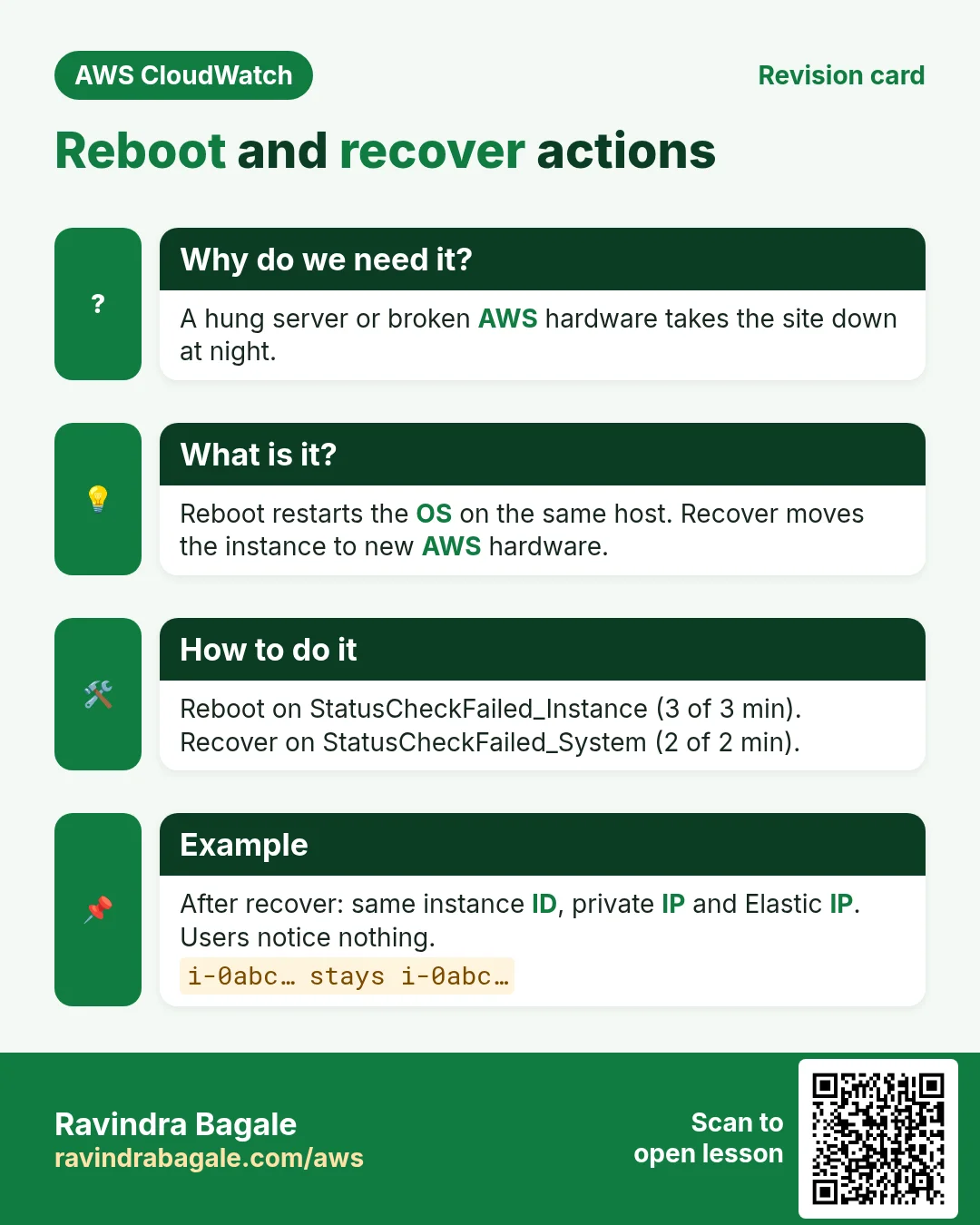
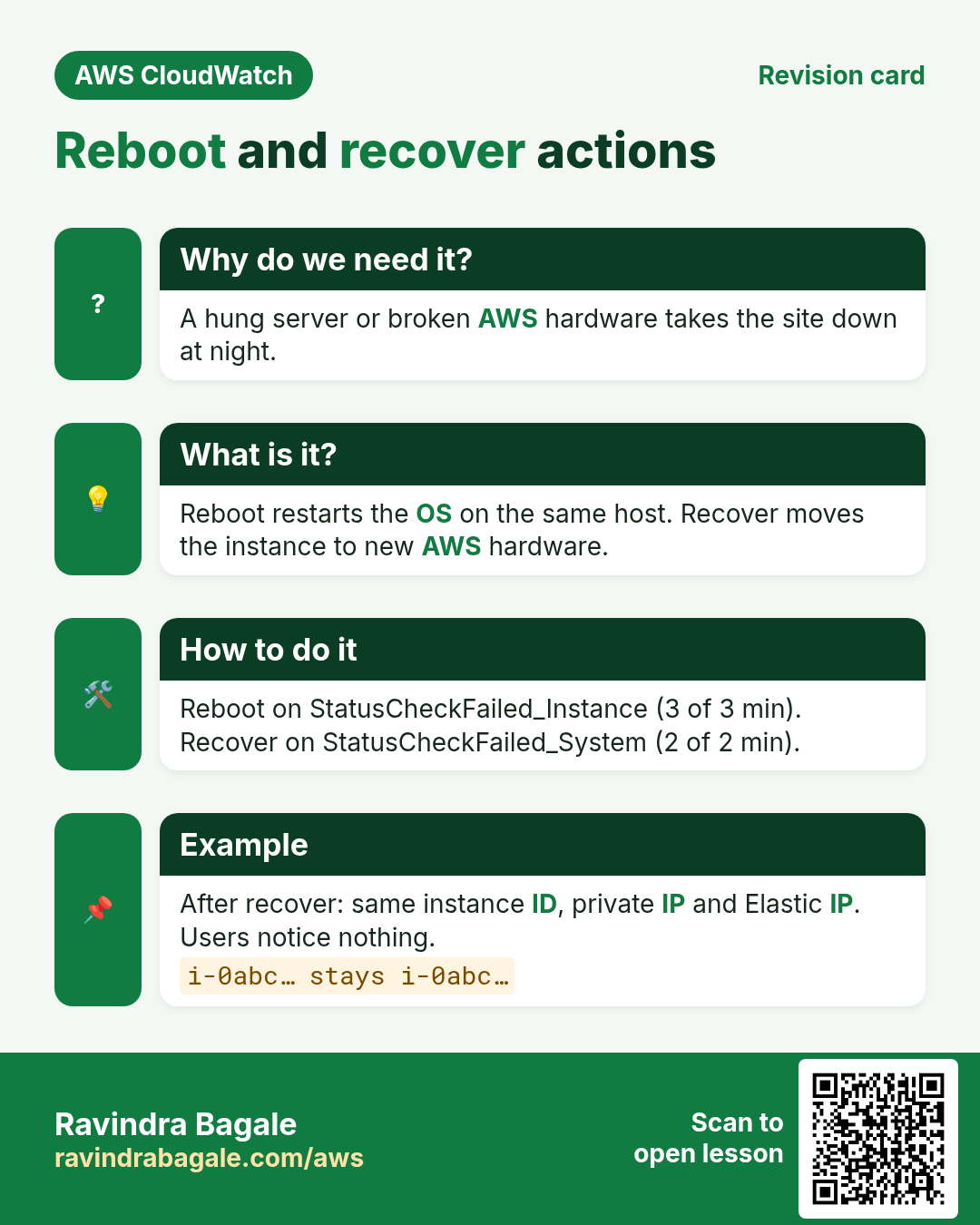
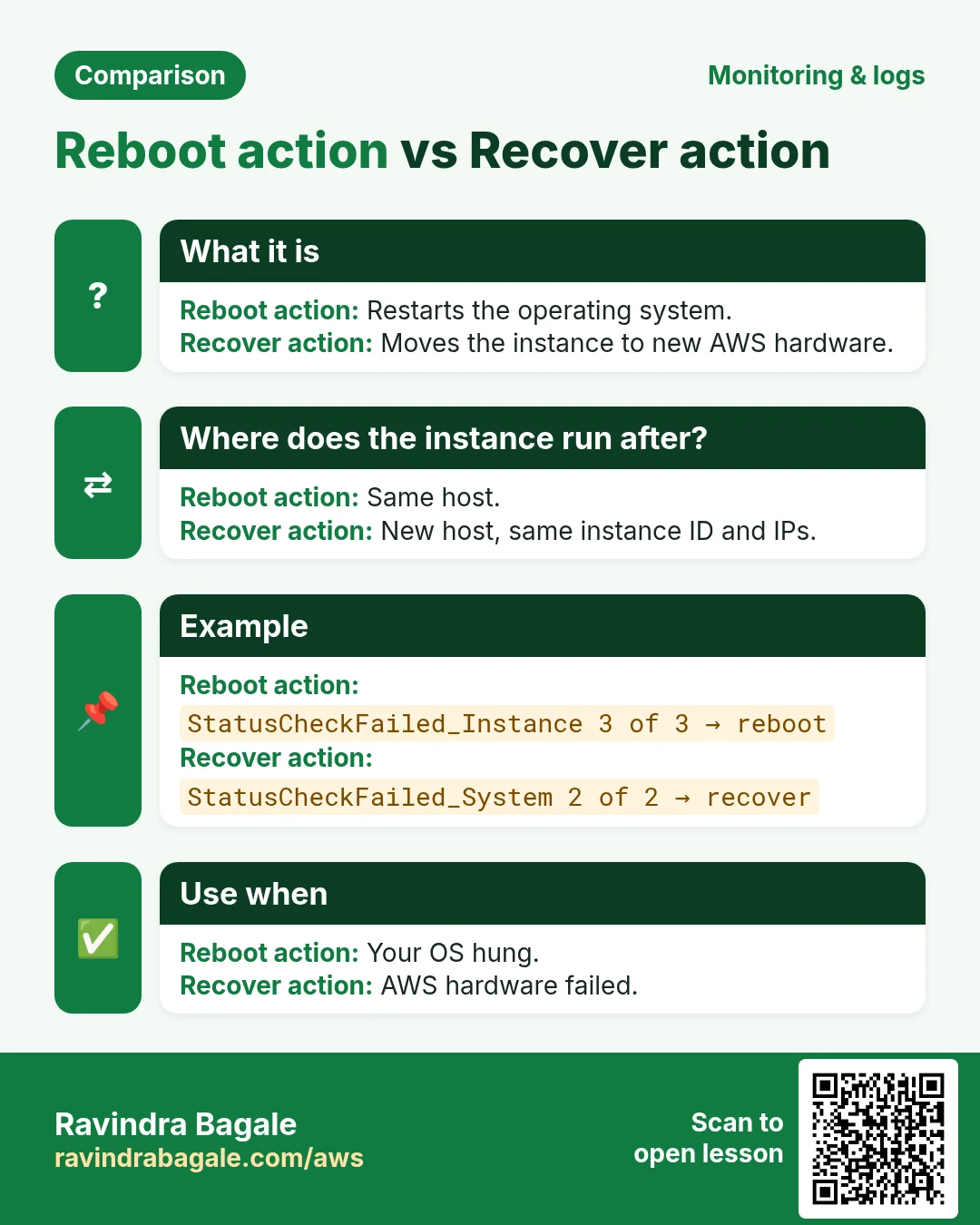
| Reboot | OS restarts on the same host | Instance status check fails (OS hung) | Everything, same IPs |
| Recover | AWS moves it to new hardware | System status check fails (AWS hardware) | Instance ID, private IP, Elastic IP, metadata |
Ravindra Bagale's Tip
Terminate cannot be undone. Turn on termination protection on important servers; a terminate action does nothing on a protected instance.
3. Lab 1: stop an idle instance automatically
Rule: if average CPU stays below 5% for 1 hour, stop the instance.
Why these values: a real idle Linux server sits at 0-2% CPU. 5% leaves room for small background jobs. 1 hour (12 periods of 5 minutes) avoids stopping a server during a short coffee break.
- Open EC2 → Instances, select the test instance and copy its Instance ID.
- Open the Monitoring tab. Click the ⋮ on the CPU graph or the + next to Alarm status. (Or go to CloudWatch → Alarms → Create alarm.)
- Metric: EC2 → Per-Instance Metrics → CPUUtilization for your instance.
- Statistic Average, period 5 minutes.
- Condition: Lower than
5. - Datapoints to alarm:
12out of12. Why: all 12 boxes of the hour must be quiet. - Missing data: Treat missing data as ignore. Why: after the stop no CPU arrives; "ignore" keeps the last state and does not flip back and forth.
- Next. In EC2 action click Add EC2 action. Alarm state trigger: In alarm. Action: Stop this instance.
- Also add a notification to the
ops-alertsSNS topic, so a person knows why the server went down. - Name:
dev1-idle-stop. Create alarm. - Verify (fast test): for the lab, edit the alarm to
1out of1and threshold50. Leave the server idle. In 5-10 minutes the alarm fires and the instance state shows Stopping → Stopped.
The same alarm with the CLI (region ap-south-1). The action is an ARN:
aws cloudwatch put-metric-alarm --alarm-name dev1-idle-stop \
  --namespace AWS/EC2 --metric-name CPUUtilization \
  --dimensions Name=InstanceId,Value=i-0abc1234567890def \
  --statistic Average --period 300 --threshold 5 \
  --comparison-operator LessThanThreshold \
  --evaluation-periods 12 --datapoints-to-alarm 12 \
  --treat-missing-data ignore \
  --alarm-actions arn:aws:automate:ap-south-1:ec2:stop
# other actions: arn:aws:automate:ap-south-1:ec2:terminate
#                arn:aws:automate:ap-south-1:ec2:reboot
#                arn:aws:automate:ap-south-1:ec2:recover
Ravindra Bagale's Tip
The console creates a service-linked role for EC2 actions the first time. With the CLI on a brand-new account, if the action fails, create one alarm with an EC2 action in the console once.
4. Can an alarm start a stopped instance?
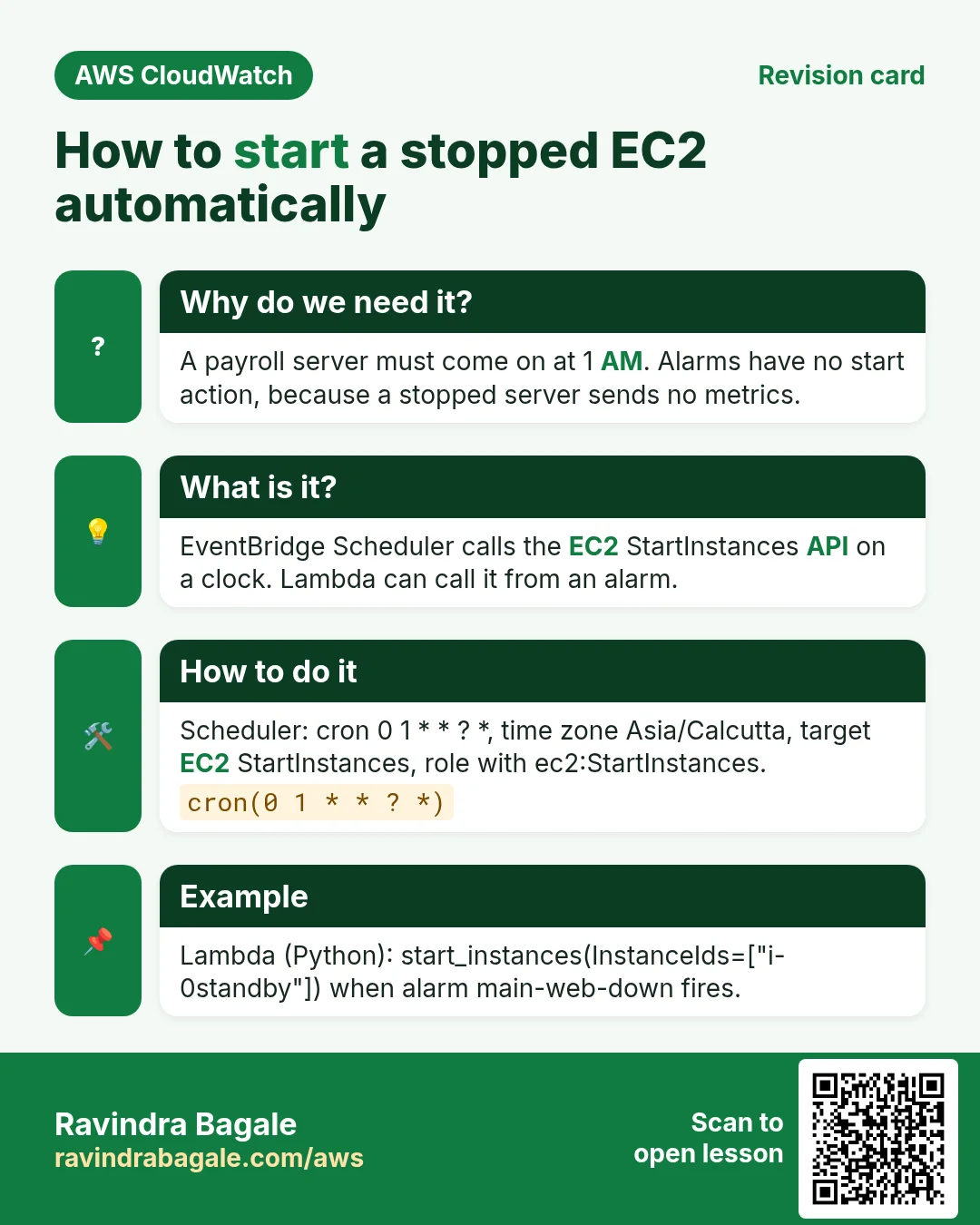
Our payroll server must come back on at 1 AM. People look for a "Start this instance" alarm action. It is not there.
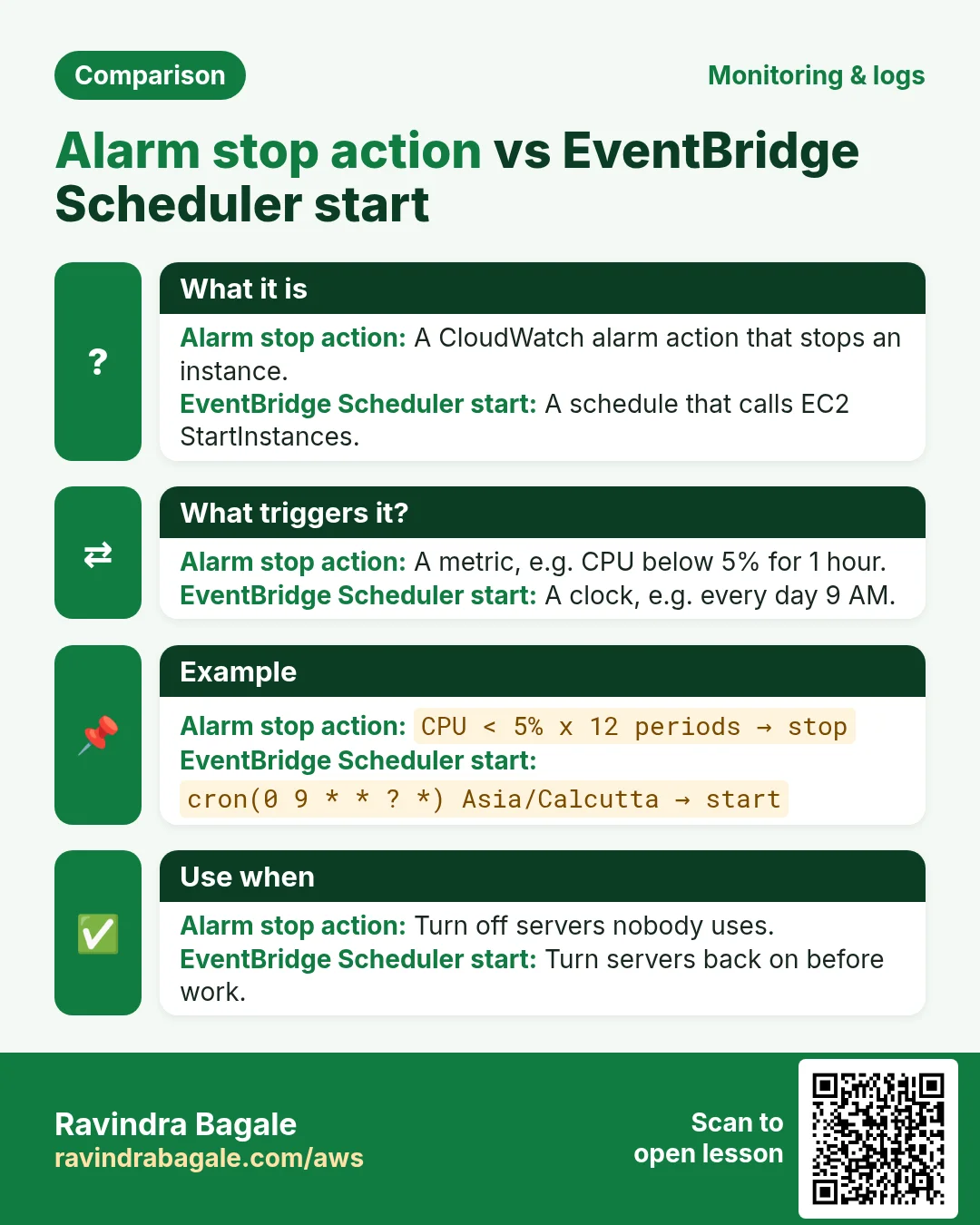
The plain answer: CloudWatch alarm EC2 actions are only stop, terminate, reboot and recover. There is no start action. The reason is simple: a stopped instance sends no metrics, so an alarm on its own metrics has nothing to watch.
| Need | Correct tool | How it starts EC2 |
|---|---|---|
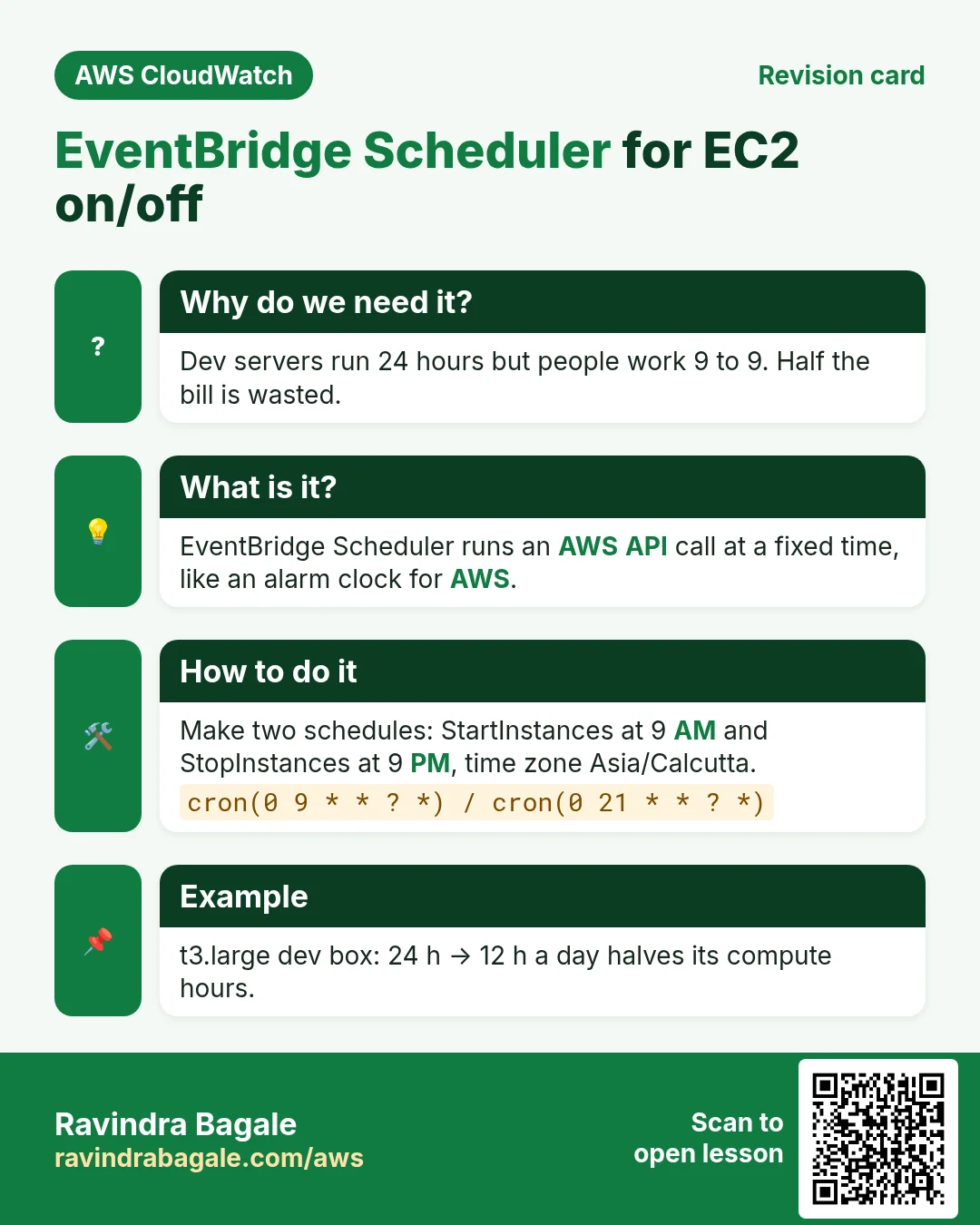
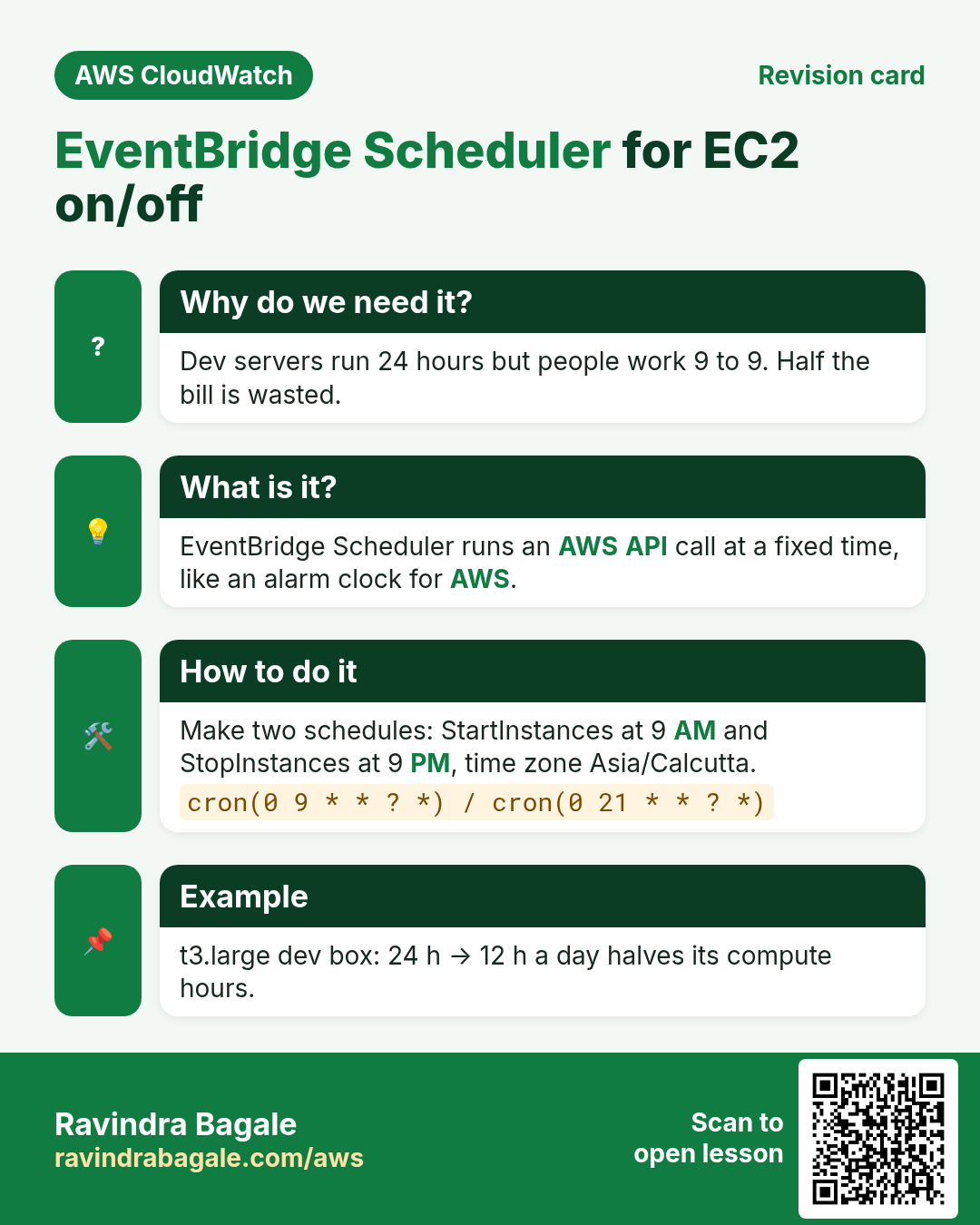
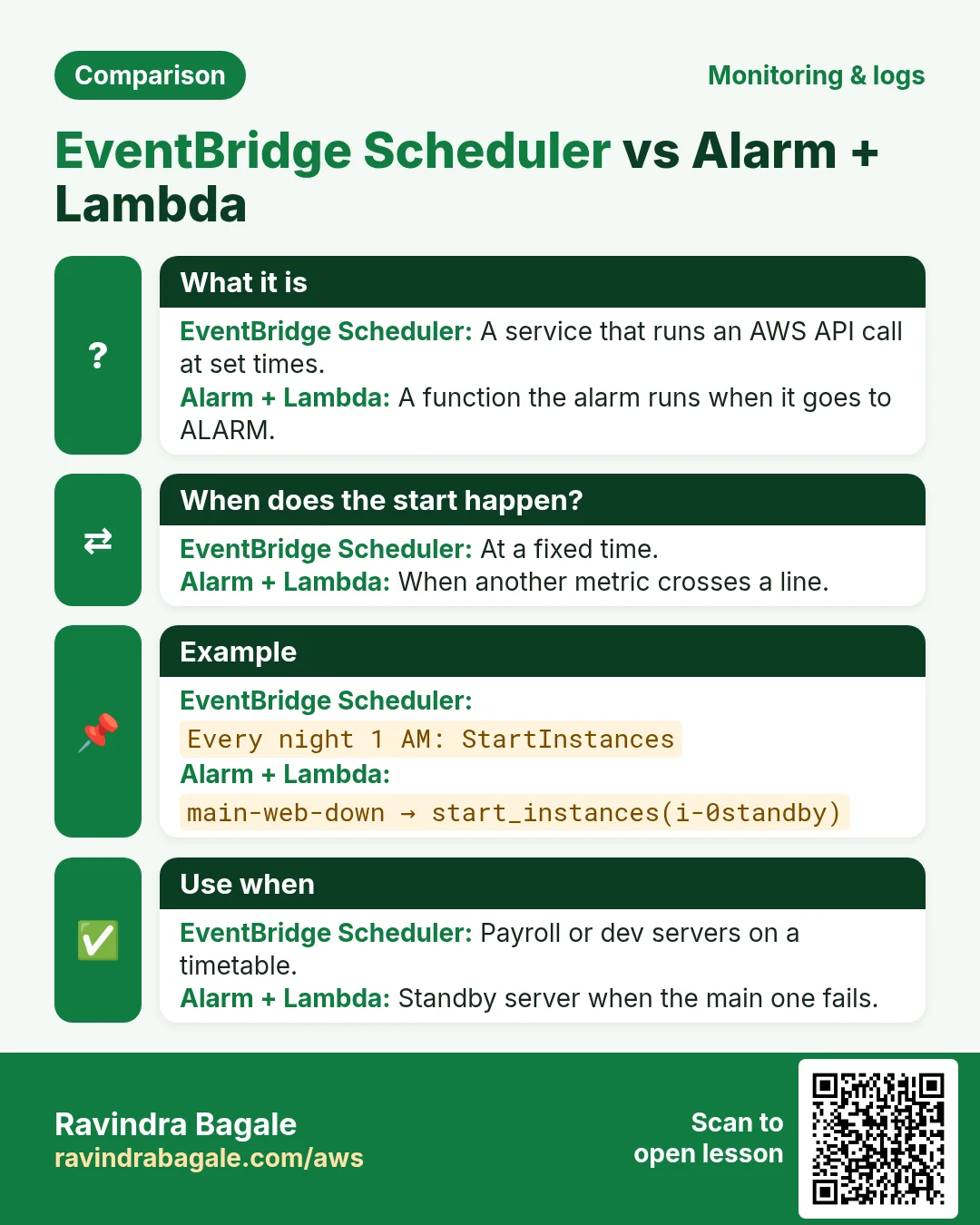
| Start at a fixed time (every day 1 AM) | EventBridge Scheduler | Calls the EC2 StartInstances API directly |
| Start when another metric crosses a line (queue is long, main server down) | CloudWatch alarm → Lambda (direct Lambda action, or via SNS) | Lambda code calls start_instances |
5. Lab 2: start an instance every day with EventBridge Scheduler
Schedule a start by time and stop based on the metric
At 9 AM you want to start the same training server whether or not it has a current CPU metric. A schedule supplies the time signal and calls the start action using an approved execution role. At the end of class you can choose an idle alarm to stop the running server after the metric has remained low long enough. These two triggers solve different halves of the exercise.
For a short trial, record the chosen time zone and the exact test instance ID. After the scheduled time, check the invocation and the instance transition. Verify the shell or website only after the operating system is ready. Disable or delete the temporary schedule and alarm when the training test ends.
- Open Amazon EventBridge → Scheduler → Schedules → Create schedule.
- Name:
payroll-start-1am. - Schedule pattern: Recurring schedule → Cron-based. Cron:
0 1 * * ? *. - Time zone: Asia/Calcutta. Why: otherwise it runs in UTC, 5.5 hours off.
- Flexible time window: Off. Next.
- Target: All APIs → search EC2 → StartInstances.
- Input:
{"InstanceIds": ["i-0abc1234567890def"]}. Next. - Permissions: Create new role for this schedule. Why: Scheduler needs permission to call ec2:StartInstances.
- Next → Create schedule.
- Make a second schedule
payroll-stop-4amwith cron0 4 * * ? *and target EC2 StopInstances. - Verify quickly: create a one-time schedule 3 minutes from now. At that minute the instance state goes Pending → Running.
CLI version (the role must trust scheduler.amazonaws.com and allow ec2:StartInstances):
aws scheduler create-schedule --name payroll-start-1am \
  --schedule-expression "cron(0 1 * * ? *)" \
  --schedule-expression-timezone "Asia/Calcutta" \
  --flexible-time-window Mode=OFF \
  --target '{"Arn":"arn:aws:scheduler:::aws-sdk:ec2:startInstances",
             "RoleArn":"arn:aws:iam::111122223333:role/SchedulerEc2StartStop",
             "Input":"{\"InstanceIds\":[\"i-0abc1234567890def\"]}"}'
6. Lab 3: start a standby server from an alarm with Lambda
Story: the main web server fails its health check. You keep a stopped standby server. When the alarm on the main server fires, start the standby. (In real production an Auto Scaling group does this better; this lab teaches the pattern.)
- Open IAM → Roles → Create role. Trusted entity: AWS service → Lambda.
- Attach AWSLambdaBasicExecutionRole. Name:
lambda-start-standby. Create. - Open the role → Add permissions → Create inline policy → JSON:
{
  "Version": "2012-10-17",
  "Statement": [{
    "Effect": "Allow",
    "Action": "ec2:StartInstances",
    "Resource": "arn:aws:ec2:ap-south-1:111122223333:instance/i-0standby000000001"
  }]
}- Name the policy
start-standby-only. Why only one instance: the function can never start anything else. - Open Lambda → Create function. Name
start-standby, runtime Python 3.12, existing rolelambda-start-standby. - Paste this code and click Deploy:
import boto3, json
ec2 = boto3.client("ec2")
STANDBY = "i-0standby000000001"

def lambda_handler(event, context):
    # works for a direct alarm action and for SNS
    print(json.dumps(event)[:2000])
    r = ec2.start_instances(InstanceIds=[STANDBY])
    state = r["StartingInstances"][0]["CurrentState"]["Name"]
    print("standby state:", state)
return state- Give CloudWatch permission to call the function (CLI):
aws lambda add-permission --function-name start-standby \
  --statement-id cw-alarm --action lambda:InvokeFunction \
  --principal lambda.alarms.cloudwatch.amazonaws.com \
--source-arn arn:aws:cloudwatch:ap-south-1:111122223333:alarm:main-web-down- Create the alarm
main-web-downon the main server: metricStatusCheckFailed, statistic Maximum, period 1 minute, threshold>= 1, 2 out of 2. - In actions choose Lambda action → In alarm → function
start-standby. - Other route: send the alarm to an SNS topic and subscribe the Lambda function to that topic. Use it when many things must react to one alarm.
- Test:
aws cloudwatch set-alarm-state --alarm-name main-web-down --state-value ALARM --state-reason test. - Verify: Lambda → Monitor → View CloudWatch logs shows
standby state: pending, and the standby instance becomes Running.
7. Cleanup
- Delete alarms
dev1-idle-stopandmain-web-down. - Delete the schedules
payroll-start-1am,payroll-stop-4amand the test one-time schedule. - Delete the Lambda function and the role
lambda-start-standbyand the scheduler role. - Stop or terminate both test instances.
8. Which action for which stack?
| Server | Good action | Why |
|---|---|---|
| Jenkins / build agent (Java, Go) | Stop when idle | Builds are bursty; idle hours cost money |
| Python batch / ETL job | Terminate when done | Output is in S3; server is disposable |
| nginx / Apache web server | Recover + Reboot | Keep the same IP for users |
| MySQL on EC2 | Recover; never auto-terminate | Data lives on it |
| .NET / Node.js dev box | Scheduler stop 9 PM, start 9 AM | Nobody works at night |
Common errors and fixes
These are synthetic practice situations. Diagnose the signal before changing a resource; no infrastructure changes are needed to read this guide.
A stopped instance never restarts from its own CPU alarm.
The direct EC2 alarm actions do not include StartInstances. A stopped instance no longer supplies ordinary running CPU samples. Use an independently configured schedule or authorized automation, not an alarm that depends on its stopped CPU.
An idle-CPU rule stops a server that was doing useful work.
Low CPU is not proof a job has finished. A database waiting for requests or a worker waiting on I/O can be valuable while CPU is low. Review workload signals and start with notification-only behavior.
A recovery rule was attached to an unsupported failure.
Use the documented system-failure recovery path and verify instance eligibility. Instance software failures commonly need reboot or OS repair. Recovery is not a general backup restore and cannot revive a terminated instance.
Reboot and recover run at the same time.
Avoid identical evaluation timing for both actions. AWS documents different evaluation periods to reduce races. Do not deliberately break a live server to test automatic actions.
Practical FAQ: decisions during real work
Is stopping the same as terminating?
No. A stopped EBS-backed instance can normally be started again; termination cannot be undone by StartInstances. Root-volume deletion settings and ephemeral storage matter. For this lesson, understand the distinction before enabling any action.
Does stopping remove every charge?
No. Compute billing generally stops, but retained storage and other allocated resources can still cost money. Review the actual resources rather than assuming a stopped server makes the account free.
Will recovery preserve everything in RAM?
No. Recovery involves a reboot onto healthy hardware and memory contents are lost. Persistent EBS data and instance identity are different from in-memory application state.
How do I verify automation without risking my real app?
Review the selected instance, metric, action permissions and alarm history first. Use a clearly isolated disposable practice environment and a notification-only path before allowing service-changing actions. Do not use a production instance just to see an alarm work.
9. Interview questions
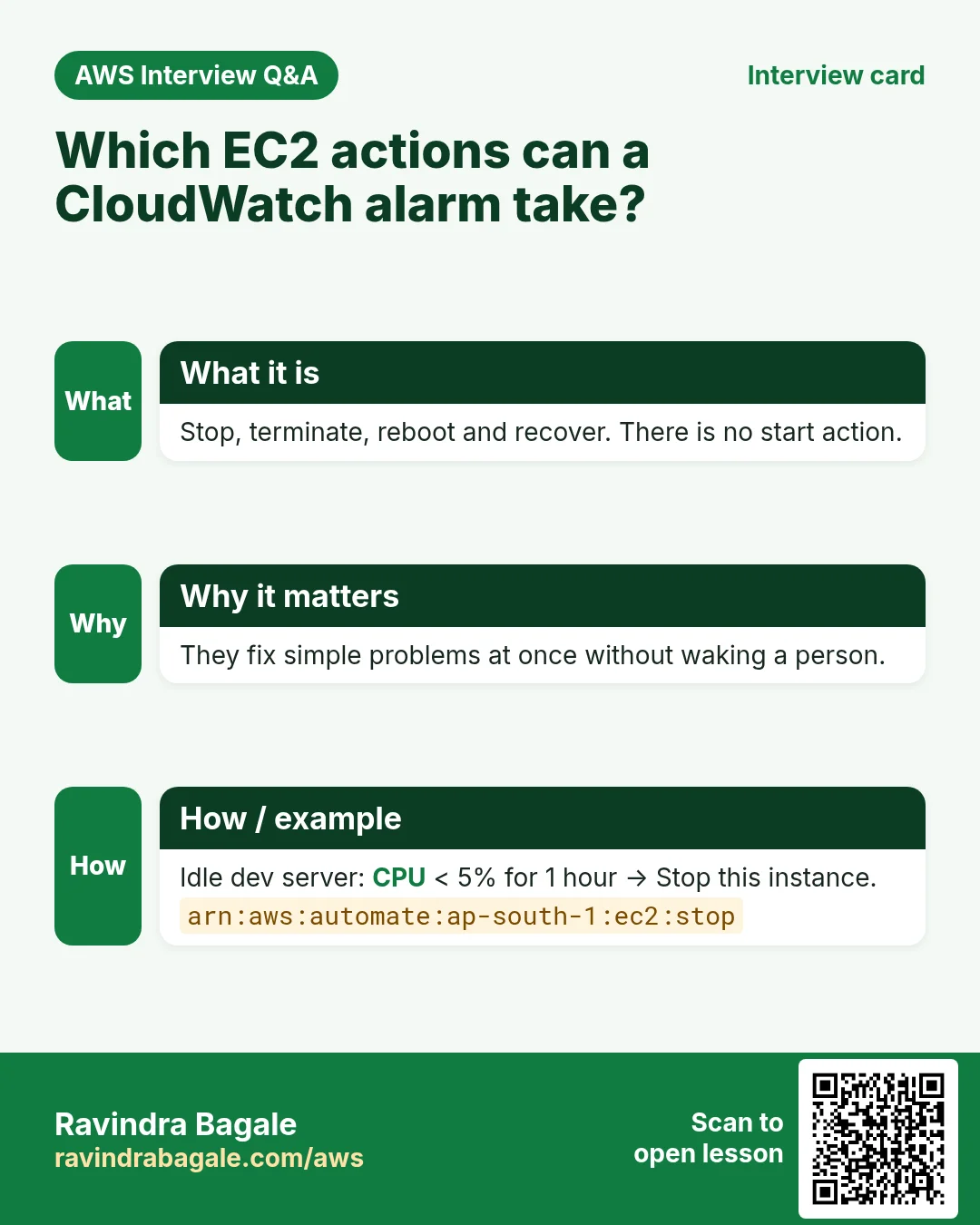
Q. Which EC2 actions can a CloudWatch alarm take?
Stop, terminate, reboot and recover.
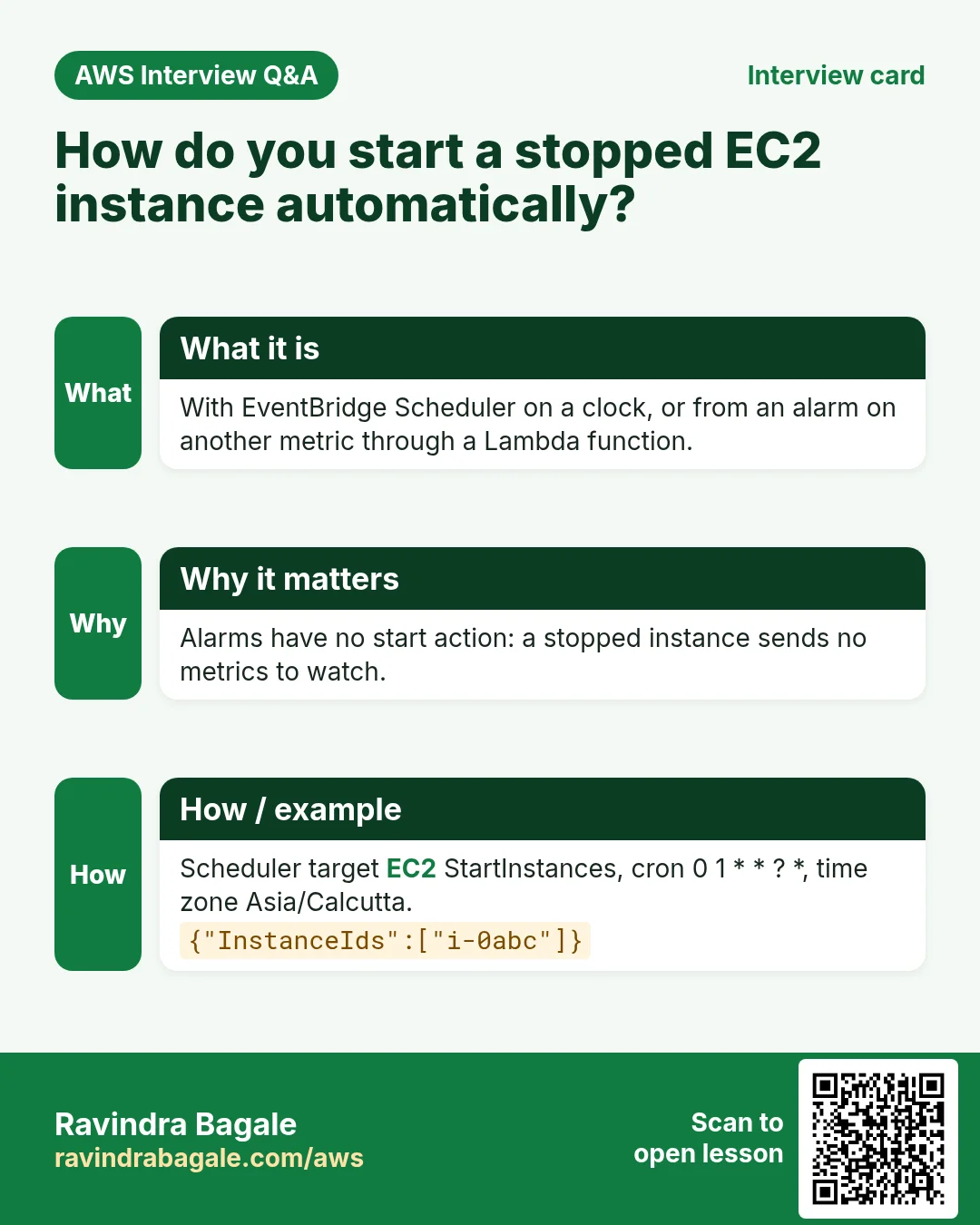
Q. How do you start a stopped EC2 instance automatically?
On a clock with EventBridge Scheduler (EC2 StartInstances target), or from an alarm on another metric through a Lambda function that calls StartInstances.
Q. Reboot or recover: which for which check?
Reboot for a failed instance status check; recover for a failed system status check.
Try at home
- Create a stop-when-idle alarm on a dev instance and a 9 AM Scheduler start for it. Check both next morning.
- Write in one line why there is no start action.
In short
- Alarm EC2 actions: stop, terminate, reboot, recover.
- There is no start action; a stopped instance sends no metrics.
- Start on a clock: EventBridge Scheduler → EC2 StartInstances.
- Start on an event: alarm → Lambda (direct or via SNS) → start_instances.
Practise this chapter
Check your understanding
Choose an answer, then compare your reasoning with the explanation.
Practice Tasks
Practice checks run in your browser. They check the answer for this exercise; they do not create resources or connect to your AWS account.
About this scenarioNew York News Daily is a media business in New York. Rachel Cohen looks after its IT and cloud work. They count money in USD and run their AWS resources in the us-east-1 Region. In the tasks below you do real jobs for them using what this lesson teaches. All names, account IDs, IP addresses and numbers are made up for practice.
0 / 12
Easy Snapshot an EBS volume
A snapshot is a point-in-time backup of one disk, kept in S3 by AWS.
Create a snapshot of volume vol-0ed12dd0530cfdeed with description "nightly nynewsdaily".
- Read the task and decide which AWS service it is about.
- Write aws, then the service name, then the operation (the action word).
- Add each needed flag (--name) followed by its value from the task.
- Flags can be in any order. Click Check answer.
Easy Detach a volume
To move a disk to a rescue server, detach it first.
Detach volume vol-0ed12dd0530cfdeed.
- Read the task and decide which AWS service it is about.
- Write aws, then the service name, then the operation (the action word).
- Add each needed flag (--name) followed by its value from the task.
- Flags can be in any order. Click Check answer.
Easy Check free disk space
If a disk is 100% full, apps and databases stop working.
Show free and used space of all mounted disks in human-readable units.
- Find the Linux command that does this job.
- Add the options (like -r or -h) the task needs.
- Add the file names, folders or users in the right order.
- Use sudo if the job changes system files or users. Click Check answer.
Easy List the disks
After you attach an EBS volume, lsblk shows its device name.
List all block devices (disks and partitions) on the server.
- Find the Linux command that does this job.
- Add the options (like -r or -h) the task needs.
- Add the file names, folders or users in the right order.
- Use sudo if the job changes system files or users. Click Check answer.
Medium Attach a volume to an instance
A volume must be attached (same AZ) before the server can see it.
Attach volume vol-0ed12dd0530cfdeed to instance i-00350cc21cb211a2b as device /dev/sdf.
- Read the task and decide which AWS service it is about.
- Write aws, then the service name, then the operation (the action word).
- Add each needed flag (--name) followed by its value from the task.
- Flags can be in any order. Click Check answer.
Medium Create an AMI from a server
An AMI is a full server image. Launch identical copies from it any time.
Create an AMI named nynewsdaily-web-v1 from instance i-00350cc21cb211a2b.
- Read the task and decide which AWS service it is about.
- Write aws, then the service name, then the operation (the action word).
- Add each needed flag (--name) followed by its value from the task.
- Flags can be in any order. Click Check answer.
Medium Create a new EBS volume
Extra data disks keep app data apart from the root disk.
Create a 20 GiB gp3 volume in Availability Zone us-east-1a.
- Read the task and decide which AWS service it is about.
- Write aws, then the service name, then the operation (the action word).
- Add each needed flag (--name) followed by its value from the task.
- Flags can be in any order. Click Check answer.
Medium Delete an old AMI
Old AMIs and their snapshots cost money every month.
Deregister the image ami-01af11a110db0abcd.
- Read the task and decide which AWS service it is about.
- Write aws, then the service name, then the operation (the action word).
- Add each needed flag (--name) followed by its value from the task.
- Flags can be in any order. Click Check answer.
Medium Find a disk's UUID
/etc/fstab should use the UUID, because device names can change after a reboot.
Show the UUID of /dev/xvdf.
- Find the Linux command that does this job.
- Add the options (like -r or -h) the task needs.
- Add the file names, folders or users in the right order.
- Use sudo if the job changes system files or users. Click Check answer.
Hard Create a CPU alarm
An alarm watches a metric and notifies you before users notice a problem.
Create alarm nynewsdaily-cpu-high: AWS/EC2 CPUUtilization, Average over 300 seconds, 1 evaluation period, GreaterThanThreshold 80, for InstanceId=i-00350cc21cb211a2b, notify arn:aws:sns:us-east-1:127812880530:nynewsdaily-alerts.
- Read the task and decide which AWS service it is about.
- Write aws, then the service name, then the operation (the action word).
- Add each needed flag (--name) followed by its value from the task.
- Flags can be in any order. Click Check answer.
Hard Grow a volume without downtime
EBS volumes can grow while in use. Afterwards you grow the file system too.
Increase volume vol-0ed12dd0530cfdeed to 50 GiB.
- Read the task and decide which AWS service it is about.
- Write aws, then the service name, then the operation (the action word).
- Add each needed flag (--name) followed by its value from the task.
- Flags can be in any order. Click Check answer.
Hard Copy a snapshot to another Region
A copy in another Region protects you if a whole Region has a problem.
Copy snapshot snap-012ee0530beef5 from us-east-1 into us-west-2 (run the command in us-west-2).
- Read the task and decide which AWS service it is about.
- Write aws, then the service name, then the operation (the action word).
- Add each needed flag (--name) followed by its value from the task.
- Flags can be in any order. Click Check answer.
Revision, comparison and interview cards
Revise this lesson in a few minutes. Save the cards on your phone or download them as PNG files. The QR code on each card opens this lesson.
More cards: Ravi Sir's Cards.