Ravi Sir's Cards › AWS
Clean up the shortener lab
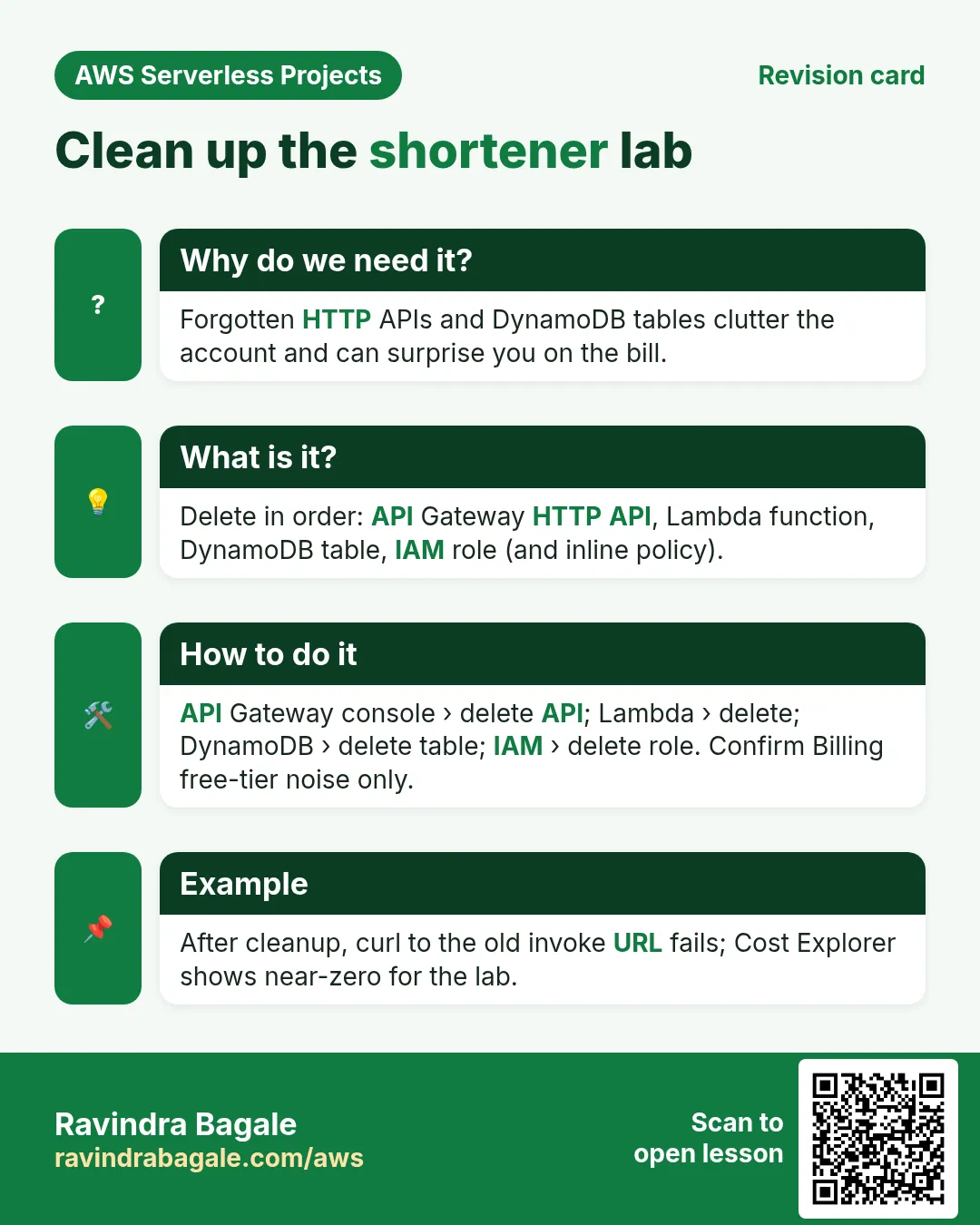
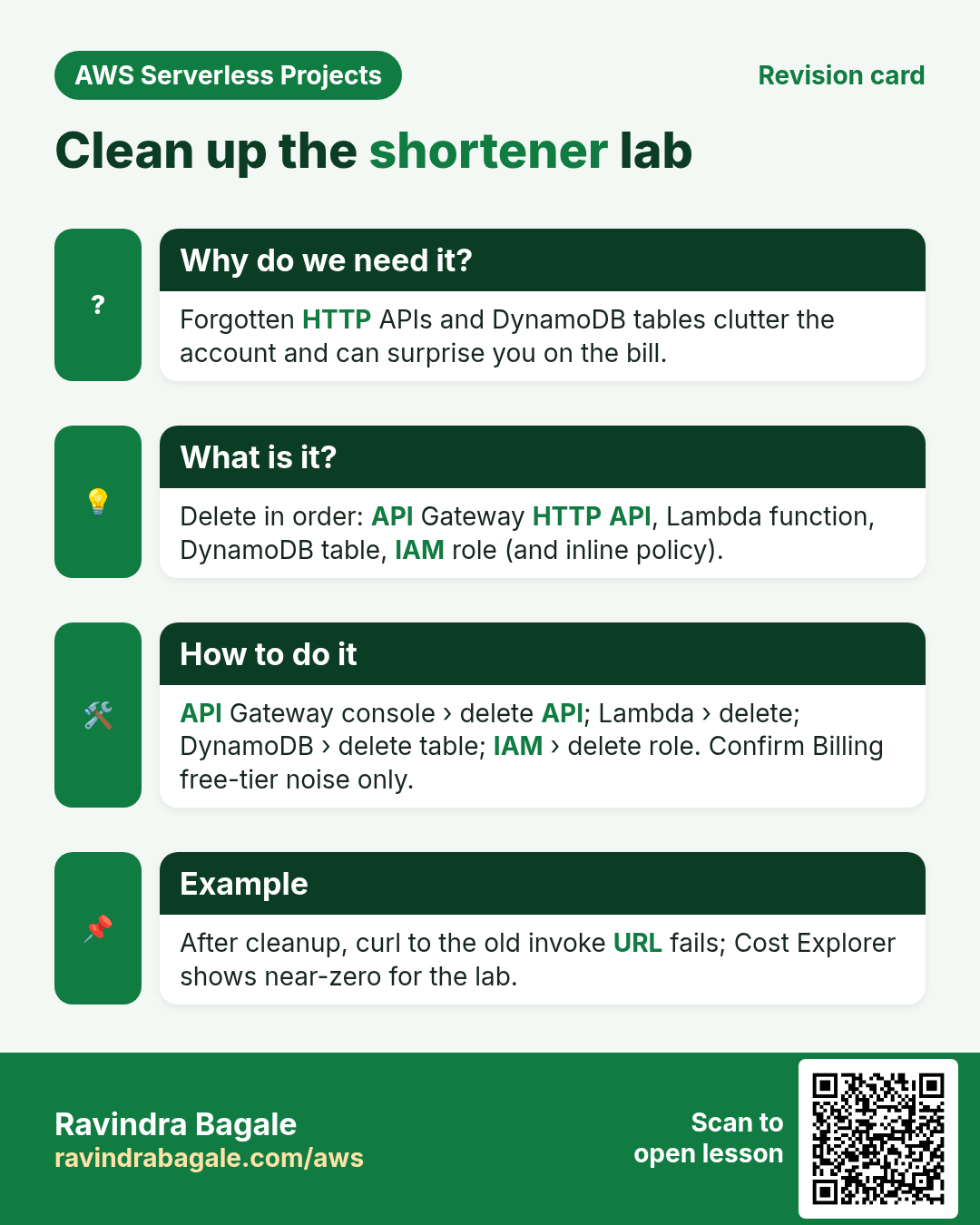
This revision card explains Clean up the shortener lab. It starts from the need that forgotten HTTP APIs and DynamoDB tables clutter the account and can surprise you on the bill. It describes delete in order — API Gateway HTTP API, Lambda function, DynamoDB table, IAM role (and inline policy). The how-to section notes API Gateway console › delete API; Lambda › delete; DynamoDB › delete table; IAM › delete role. Confirm Billing free-tier noise only. An example on the card is after cleanup, curl to the old invoke URL fails; Cost Explorer shows near-zero for the lab.
Read card text
What this card says
Why do we need it?
Forgotten HTTP APIs and DynamoDB tables clutter the account and can surprise you on the bill.
What is it?
Delete in order: API Gateway HTTP API, Lambda function, DynamoDB table, IAM role (and inline policy).
How to do it
API Gateway console › delete API; Lambda › delete; DynamoDB › delete table; IAM › delete role. Confirm Billing free-tier noise only.
Example
After cleanup, curl to the old invoke URL fails; Cost Explorer shows near-zero for the lab.