Ravi Sir's Cards › AWS
Image thumbnail pipeline
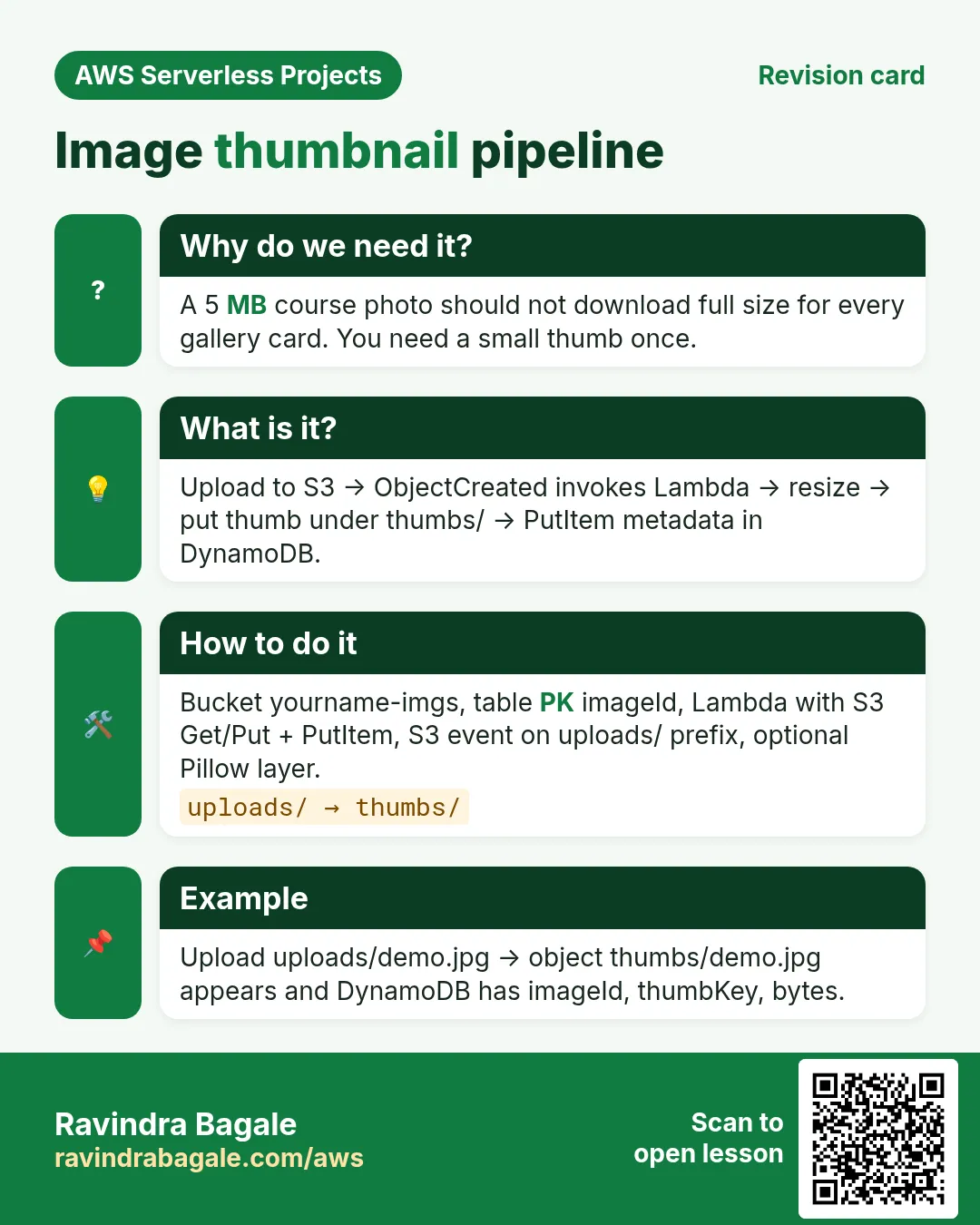
This revision card explains Image thumbnail pipeline. A 5 MB course photo should not download full size for every gallery card. You need a small thumb once. It describes upload to S3 , then ObjectCreated invokes Lambda , then resize , then put thumb under thumbs/ , then PutItem metadata in DynamoDB. The how-to section notes bucket yourname-imgs, table PK imageId, Lambda with S3 Get/Put + PutItem, S3 event on uploads/ prefix, optional Pillow layer. An example on the card is upload uploads/demo.jpg , then object thumbs/demo.jpg appears and DynamoDB has imageId, thumbKey, bytes.
Read card text
What this card says
Why do we need it?
A 5 MB course photo should not download full size for every gallery card. You need a small thumb once.
What is it?
Upload to S3 → ObjectCreated invokes Lambda → resize → put thumb under thumbs/ → PutItem metadata in DynamoDB.
How to do it
Bucket yourname-imgs, table PK imageId, Lambda with S3 Get/Put + PutItem, S3 event on uploads/ prefix, optional Pillow layer.
uploads/ → thumbs/
Example
Upload uploads/demo.jpg → object thumbs/demo.jpg appears and DynamoDB has imageId, thumbKey, bytes.