Ravi Sir's Cards › AWS
Save first, then notify
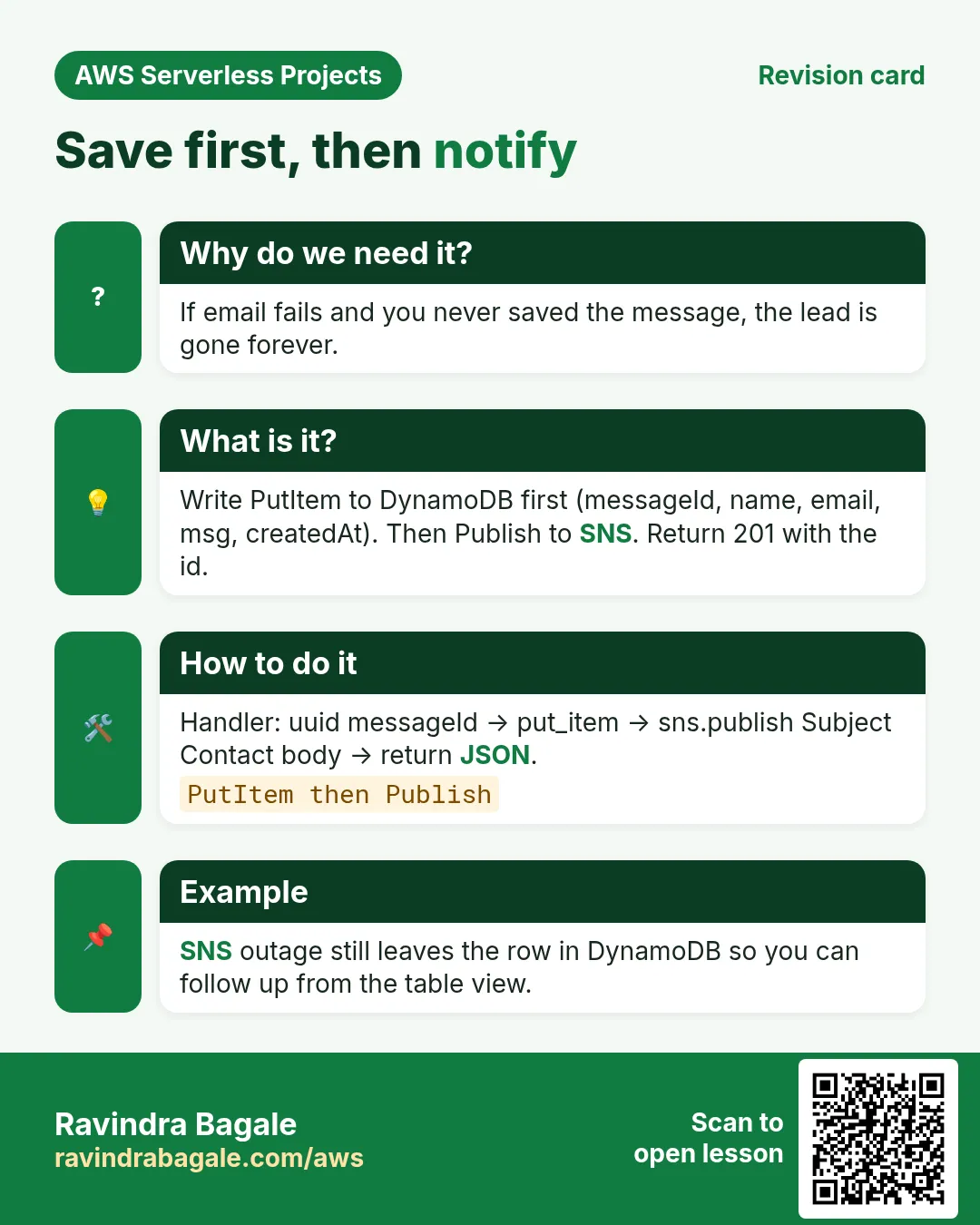
This revision card explains Save first, then notify. If email fails and you never saved the message, the lead is gone forever. It describes write PutItem to DynamoDB first (messageId, name, email, msg, createdAt). Then Publish to SNS. Return 201 with the id. The how-to section notes handler — uuid messageId , then put_item , then sns.publish Subject Contact body , then return JSON. An example on the card is SNS outage still leaves the row in DynamoDB so you can follow up from the table view.
Read card text
What this card says
Why do we need it?
If email fails and you never saved the message, the lead is gone forever.
What is it?
Write PutItem to DynamoDB first (messageId, name, email, msg, createdAt). Then Publish to SNS. Return 201 with the id.
How to do it
Handler: uuid messageId → put_item → sns.publish Subject Contact body → return JSON.
PutItem then Publish
Example
SNS outage still leaves the row in DynamoDB so you can follow up from the table view.