Ravi Sir's Cards › AWS
systemd timer in 4 steps
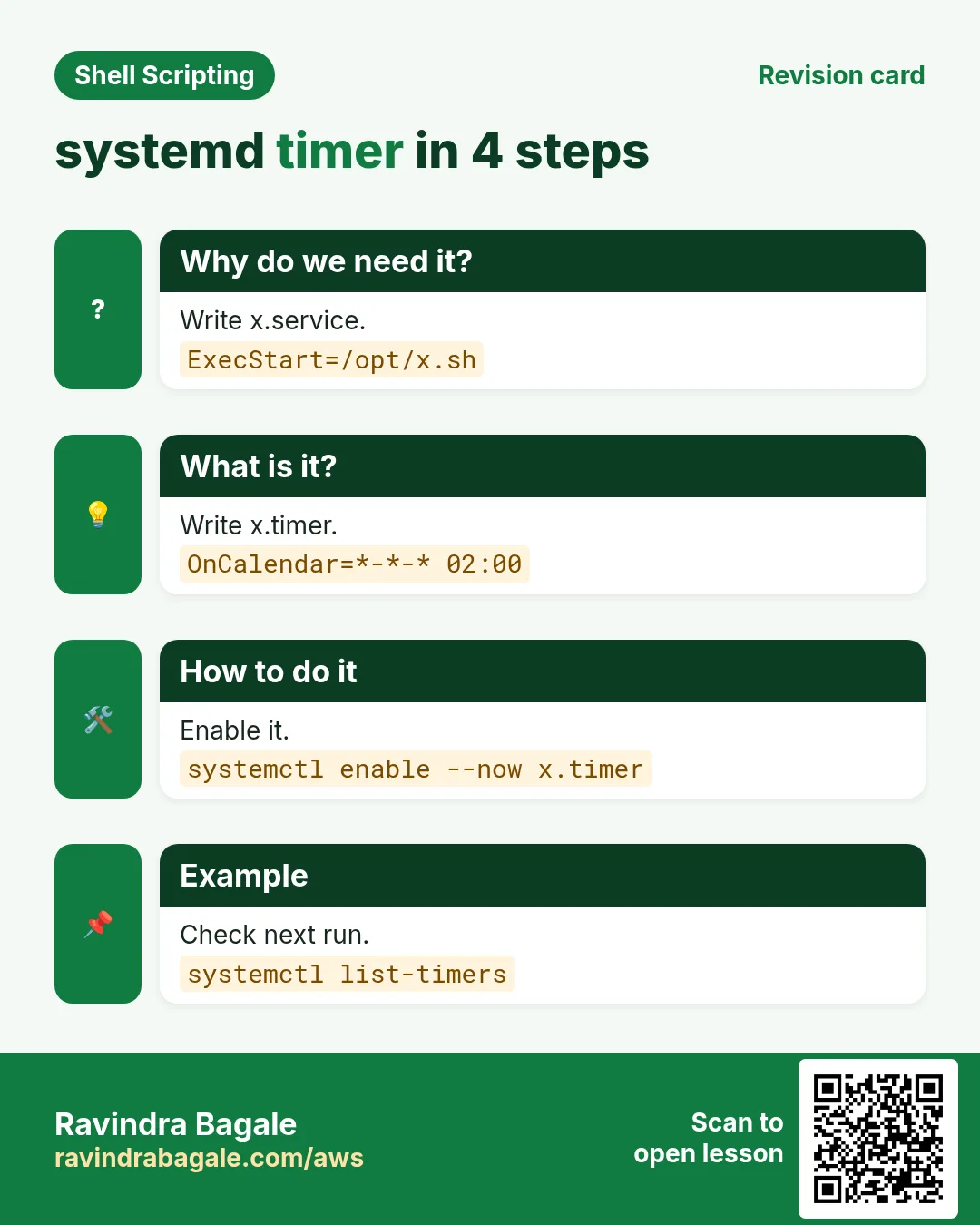
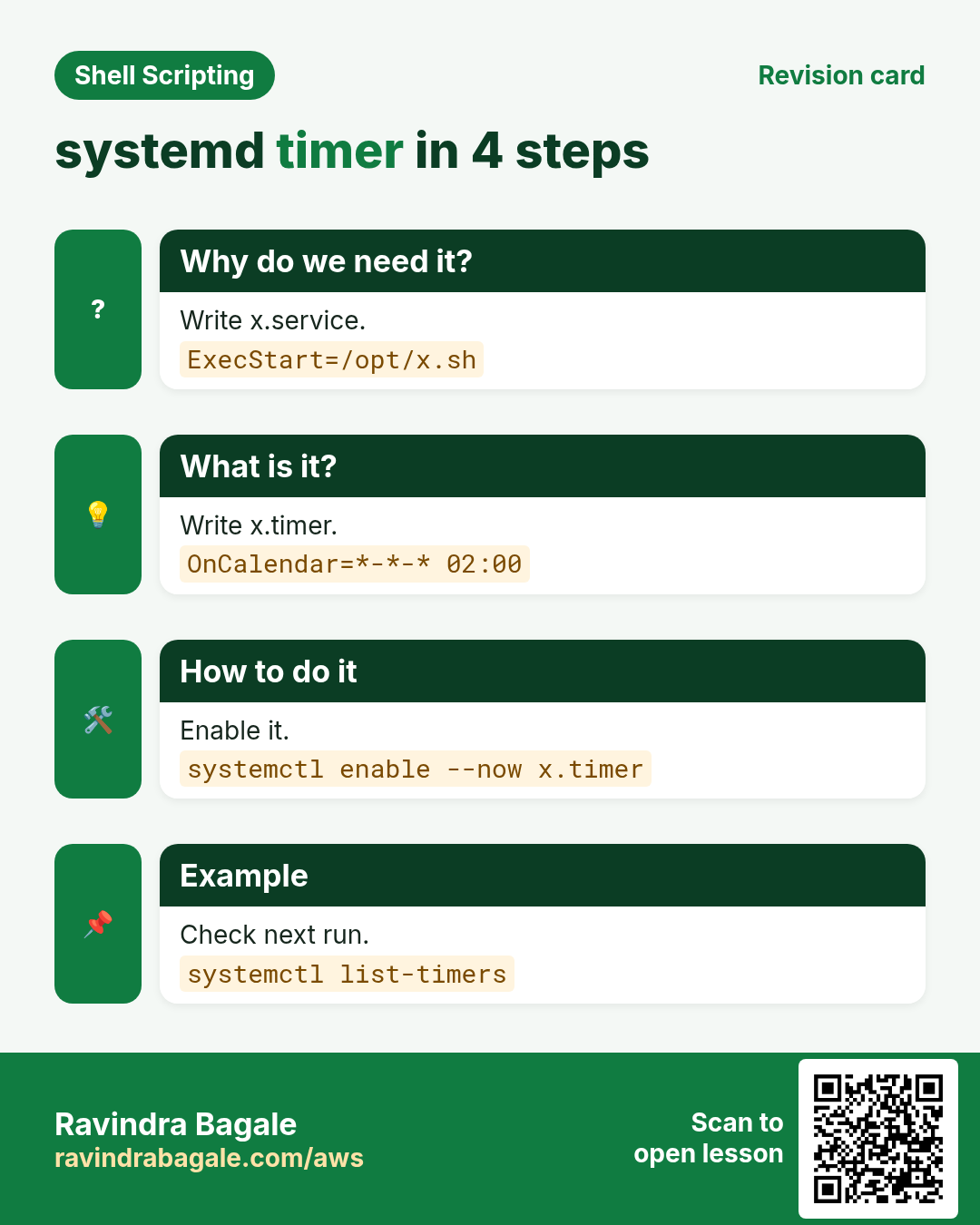
This revision card explains systemd timer in 4 steps. It starts from the need that write x.service. It describes write x.timer. The how-to section covers how to enable it. An example on the card is check next run.
Read card text
What this card says
Why do we need it?
Write x.service.
ExecStart=/opt/x.sh
What is it?
Write x.timer.
OnCalendar=*-*-* 02:00
How to do it
Enable it.
systemctl enable --now x.timer
Example
Check next run.
systemctl list-timers