Ravi Sir's Cards › AWS
iostat disk check
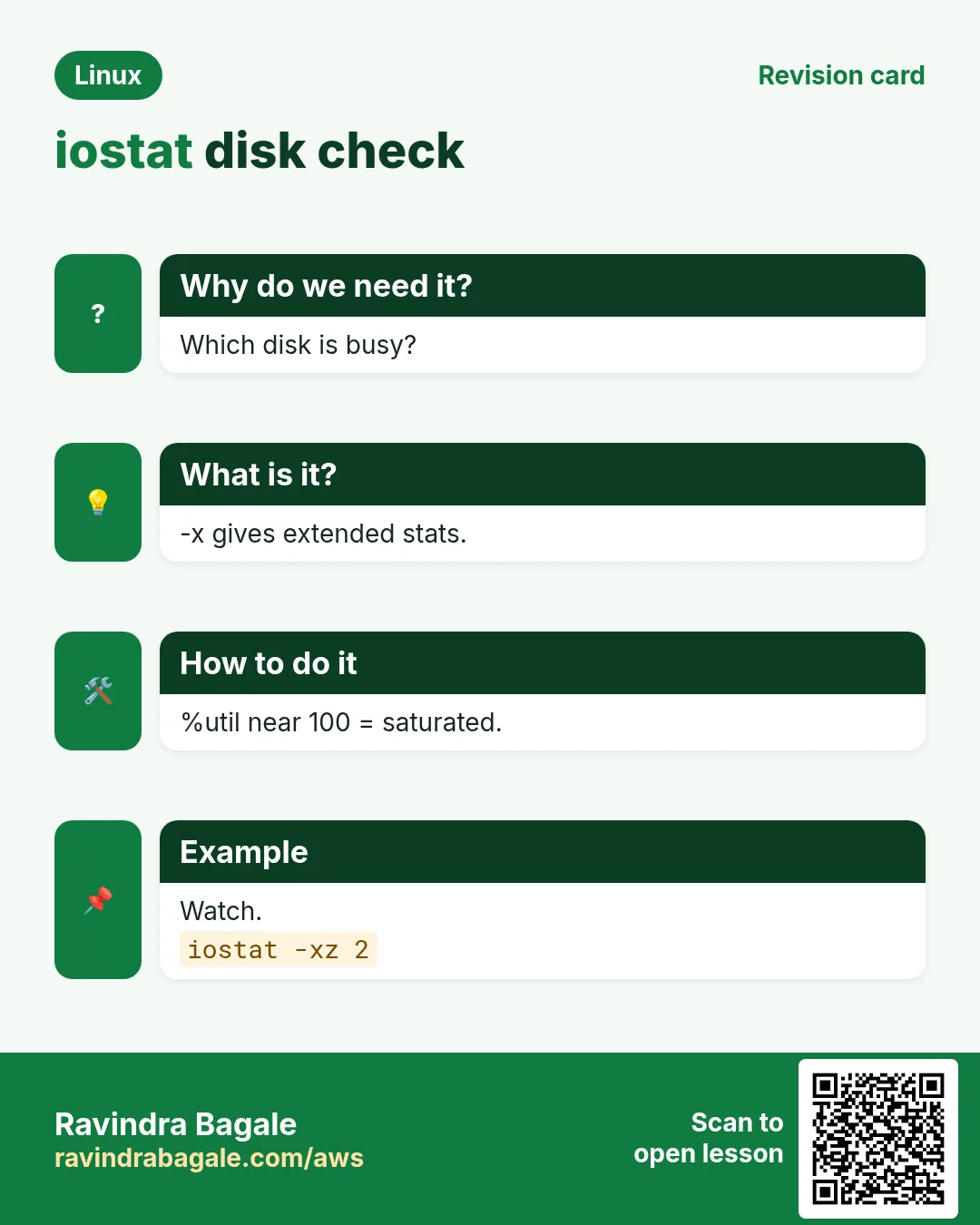
This revision card explains iostat disk check. It starts from the need that which disk is busy? It describes -x gives extended stats. The how-to section notes %util near 100 = saturated. An example on the card is watch.
Read card text
What this card says
Why do we need it?
Which disk is busy?
What is it?
-x gives extended stats.
How to do it
%util near 100 = saturated.
Example
Watch.
iostat -xz 2