Ravi Sir's Cards › AWS
Swap file in 4 steps
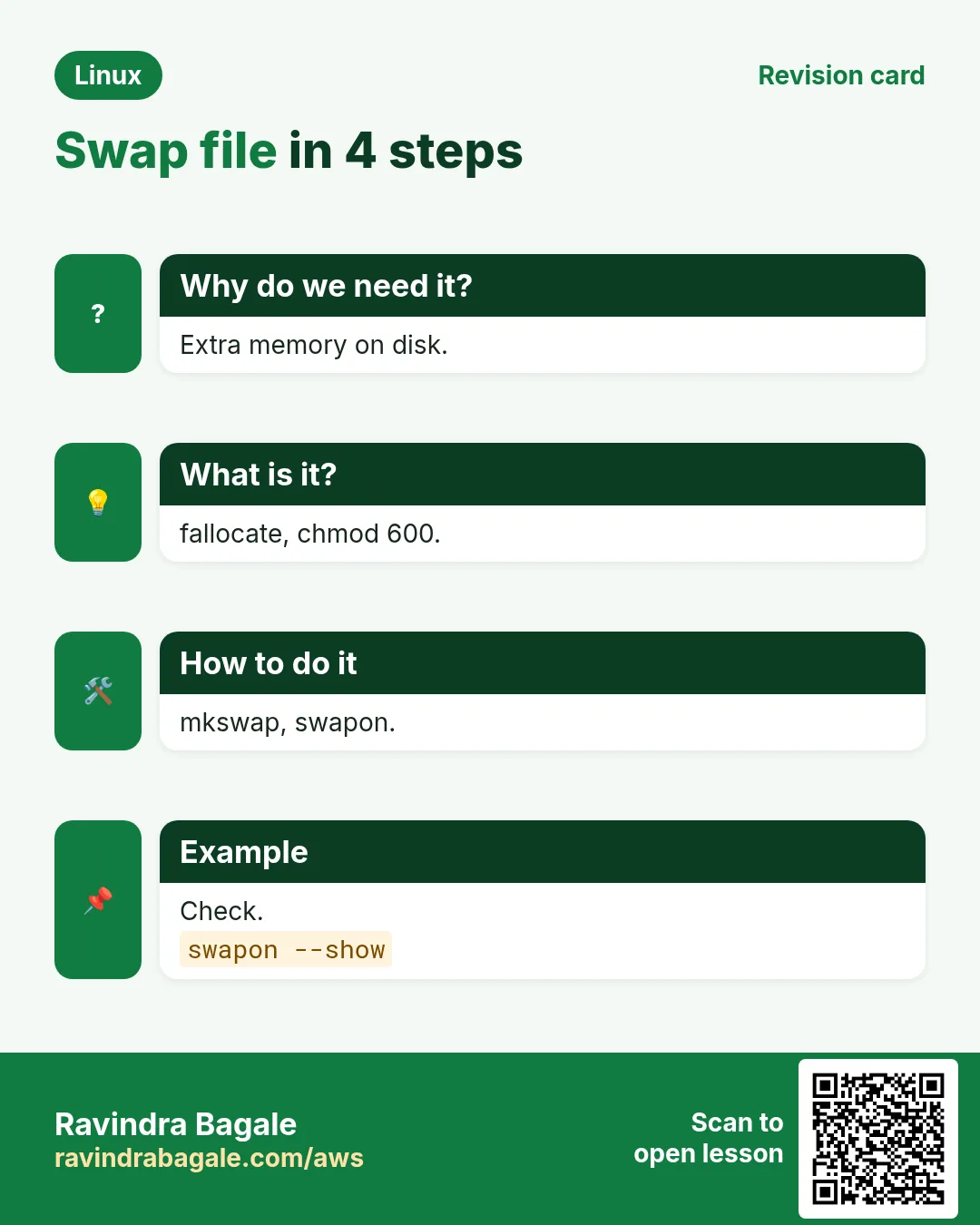
This revision card explains Swap file in 4 steps. It starts from the need that extra memory on disk. It describes fallocate, chmod 600. The how-to section notes mkswap, swapon. An example on the card is check.
Read card text
What this card says
Why do we need it?
Extra memory on disk.
What is it?
fallocate, chmod 600.
How to do it
mkswap, swapon.
Example
Check.
swapon --show