Ravi Sir's Cards › AWS
tmux panes
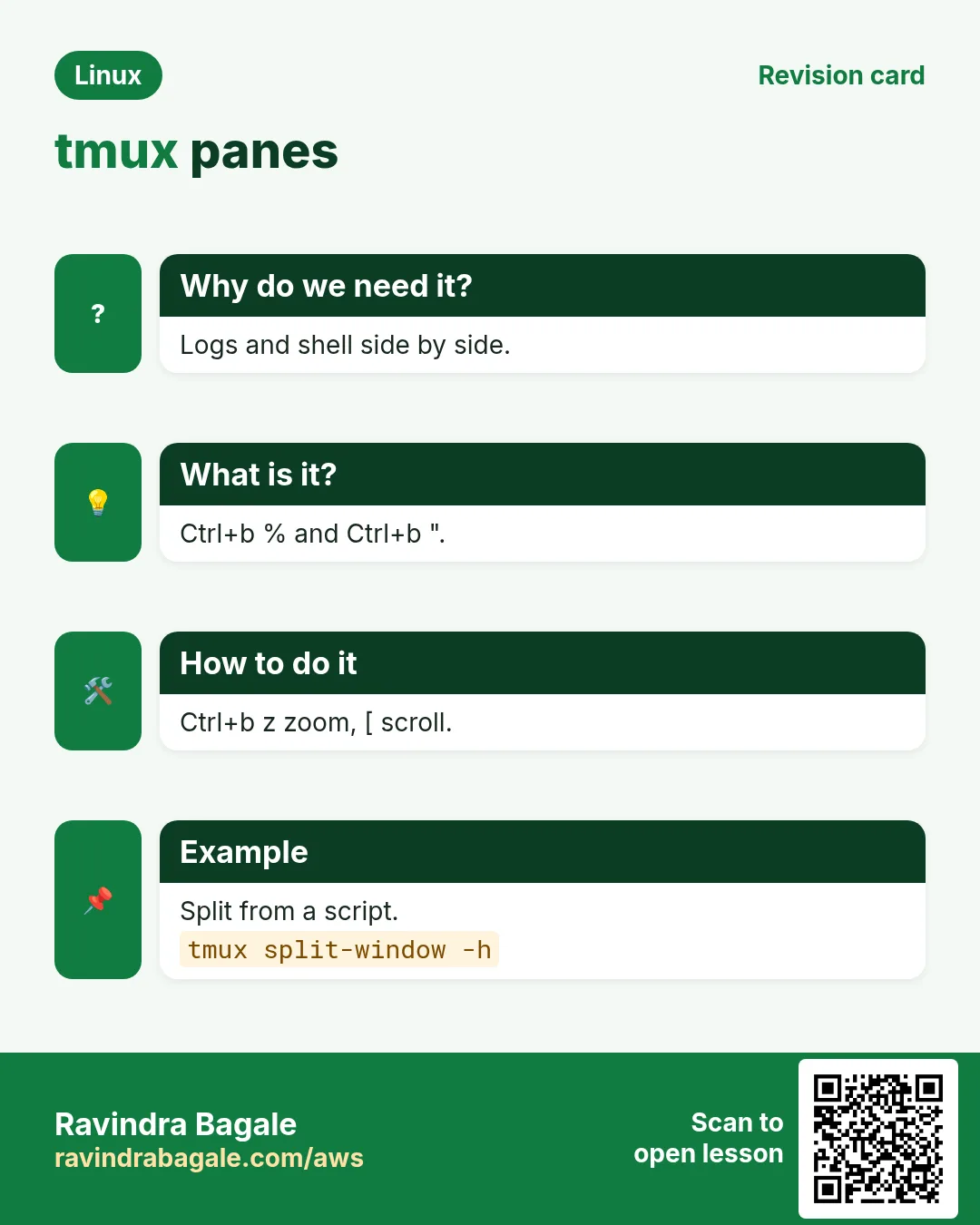
This revision card explains tmux panes. It starts from the need that logs and shell side by side. It describes ctrl+b % and Ctrl+b ". The how-to section notes ctrl+b z zoom, [ scroll. An example on the card is split from a script.
Read card text
What this card says
Why do we need it?
Logs and shell side by side.
What is it?
Ctrl+b % and Ctrl+b ".
How to do it
Ctrl+b z zoom, [ scroll.
Example
Split from a script.
tmux split-window -h