Ravi Sir's Cards › AWS
Find processes
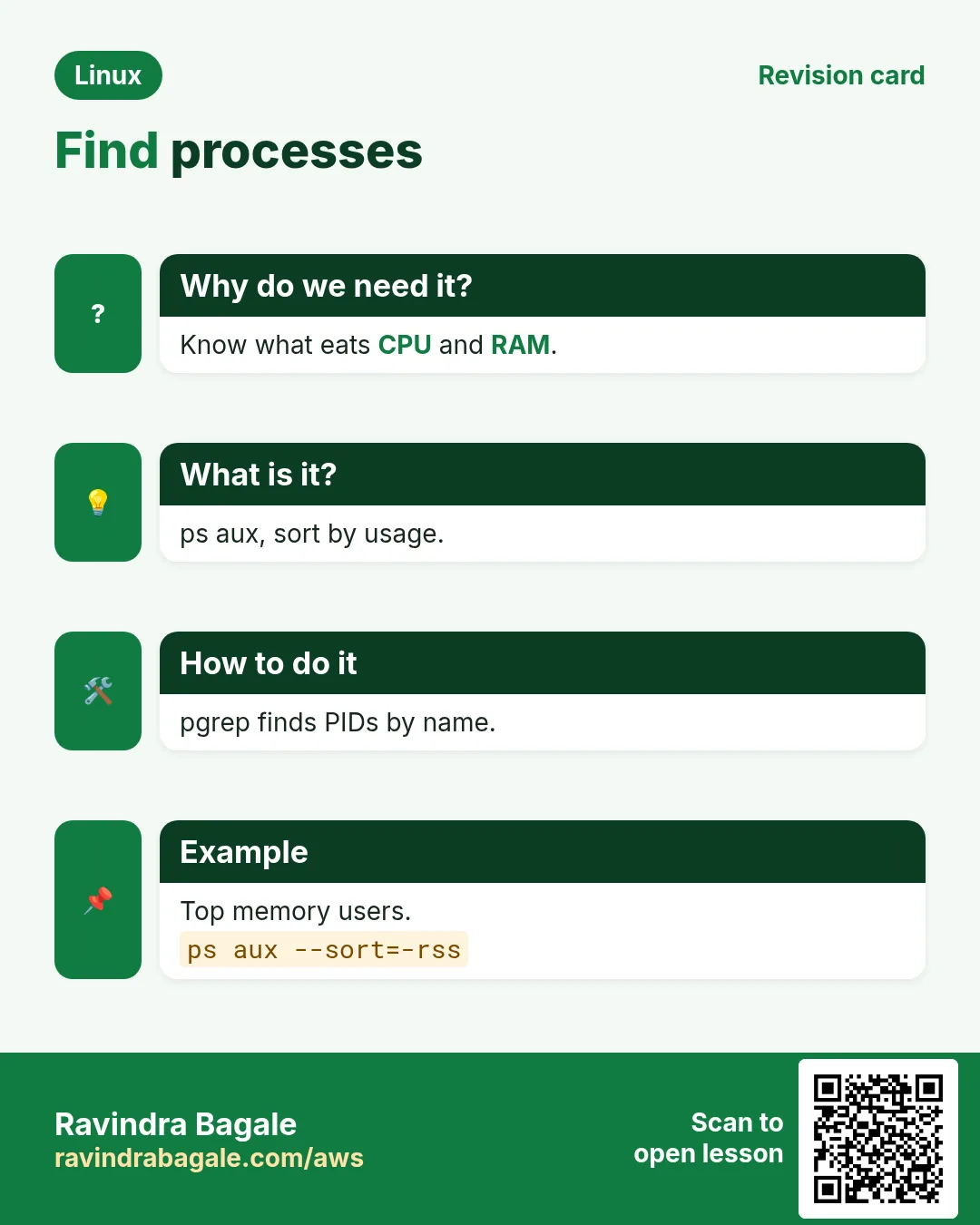
This revision card explains Find processes. It starts from the need that know what eats CPU and RAM. It describes ps aux, sort by usage. The how-to section notes pgrep finds PIDs by name. An example on the card is top memory users.
Read card text
What this card says
Why do we need it?
Know what eats CPU and RAM.
What is it?
ps aux, sort by usage.
How to do it
pgrep finds PIDs by name.
Example
Top memory users.
ps aux --sort=-rss