Ravi Sir's Cards › AWS
Add a user right
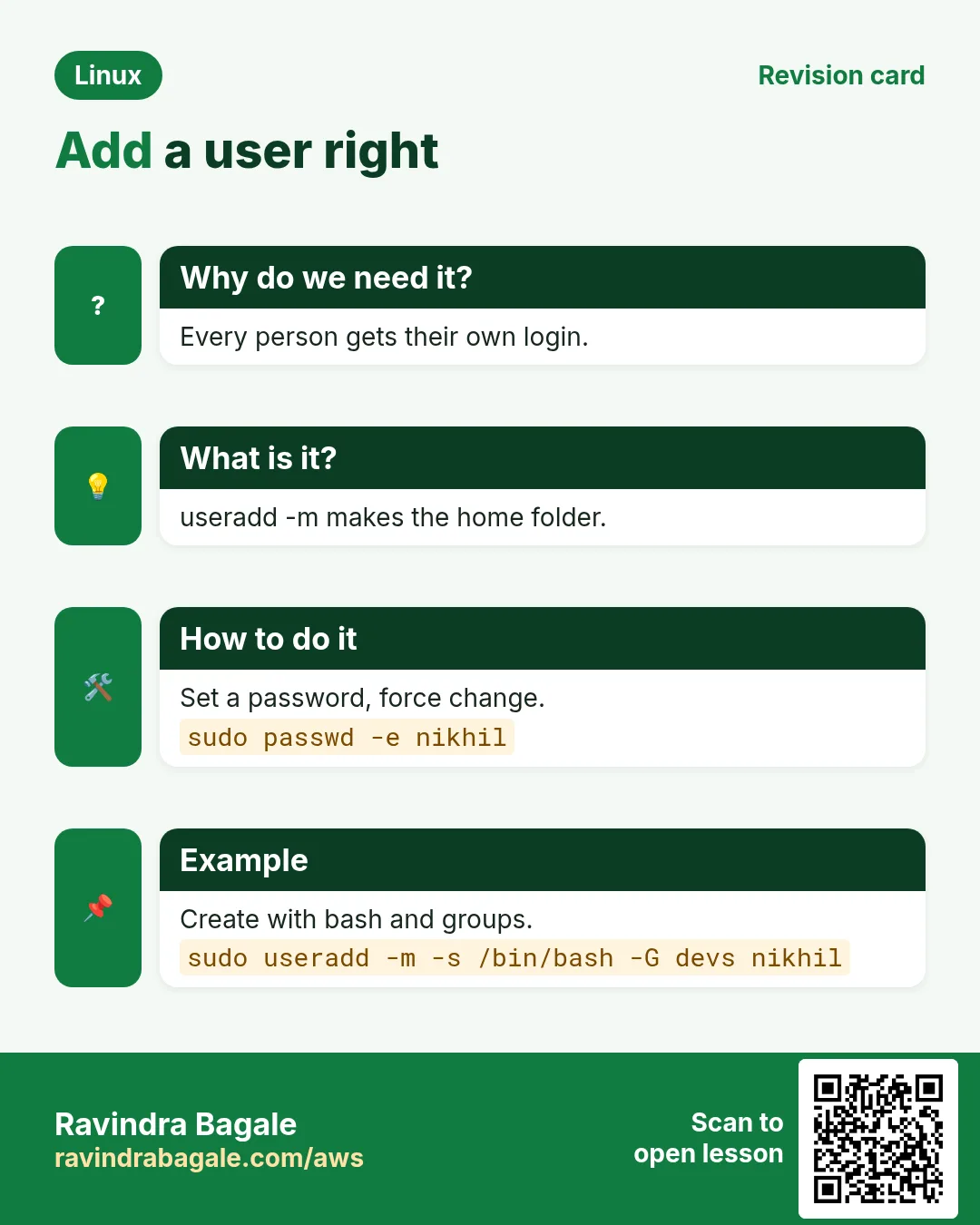
This revision card explains Add a user right. Every person gets their own login. It describes useradd -m makes the home folder. The how-to section covers how to set a password, force change. An example on the card is create with bash and groups.
Read card text
What this card says
Why do we need it?
Every person gets their own login.
What is it?
useradd -m makes the home folder.
How to do it
Set a password, force change.
sudo passwd -e nikhil
Example
Create with bash and groups.
sudo useradd -m -s /bin/bash -G devs nikhil