Ravi Sir's Cards › AWS
grep in 4 steps
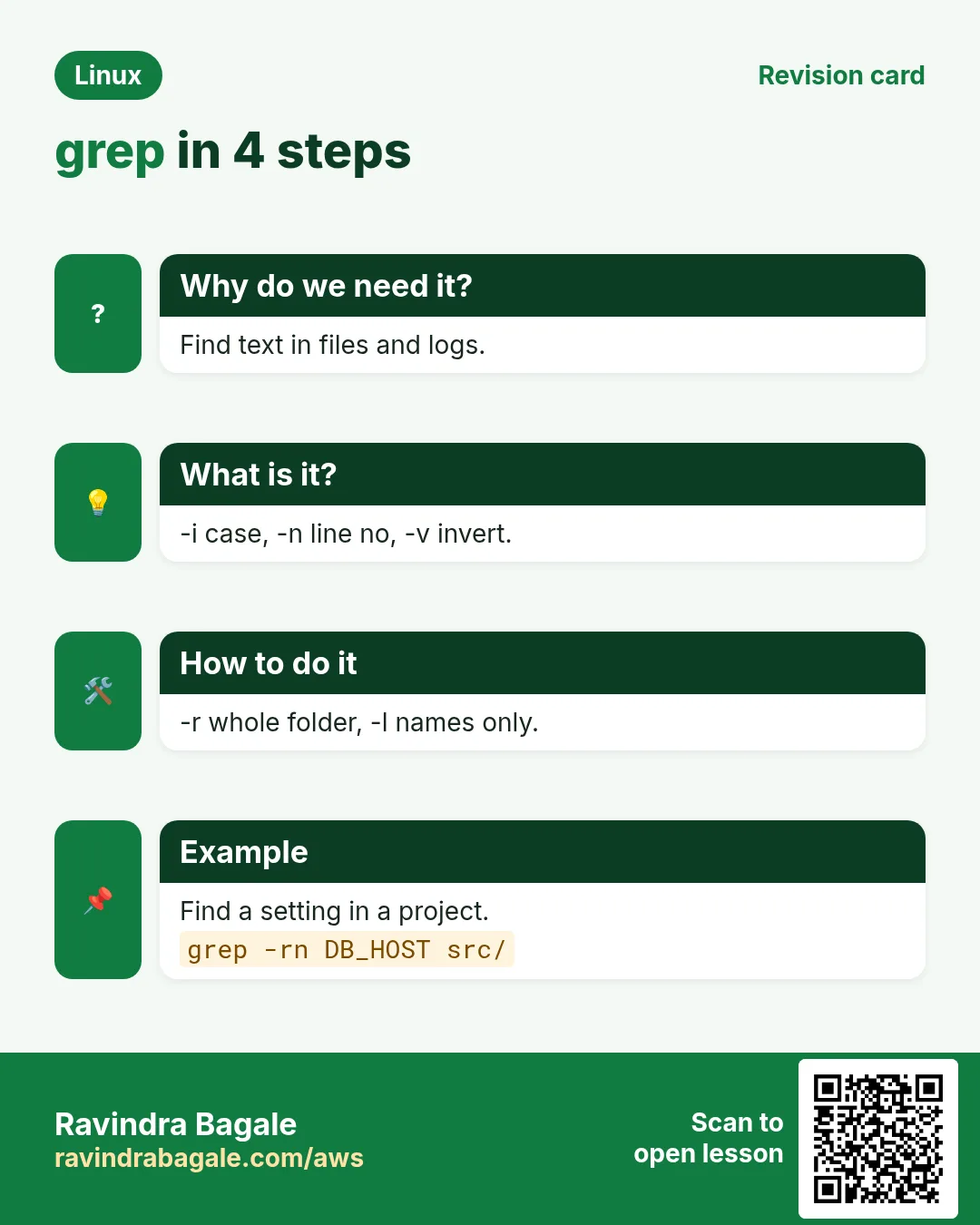
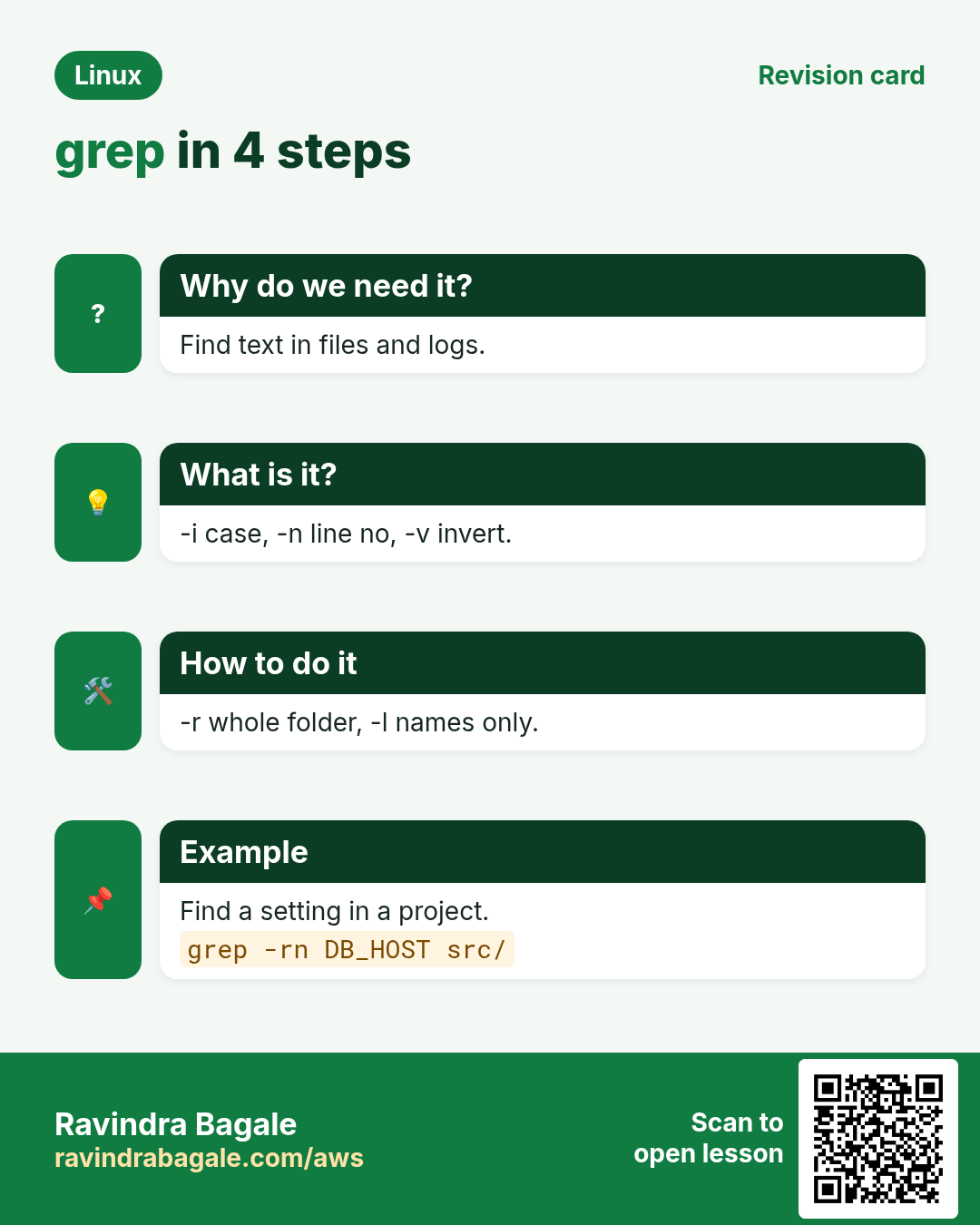
This revision card explains grep in 4 steps. It starts from the need that find text in files and logs. It describes -i case, -n line no, -v invert. The how-to section notes -r whole folder, -l names only. An example on the card is find a setting in a project.
Read card text
What this card says
Why do we need it?
Find text in files and logs.
What is it?
-i case, -n line no, -v invert.
How to do it
-r whole folder, -l names only.
Example
Find a setting in a project.
grep -rn DB_HOST src/