Ravi Sir's Cards › AWS
Launch EC2 from the CLI
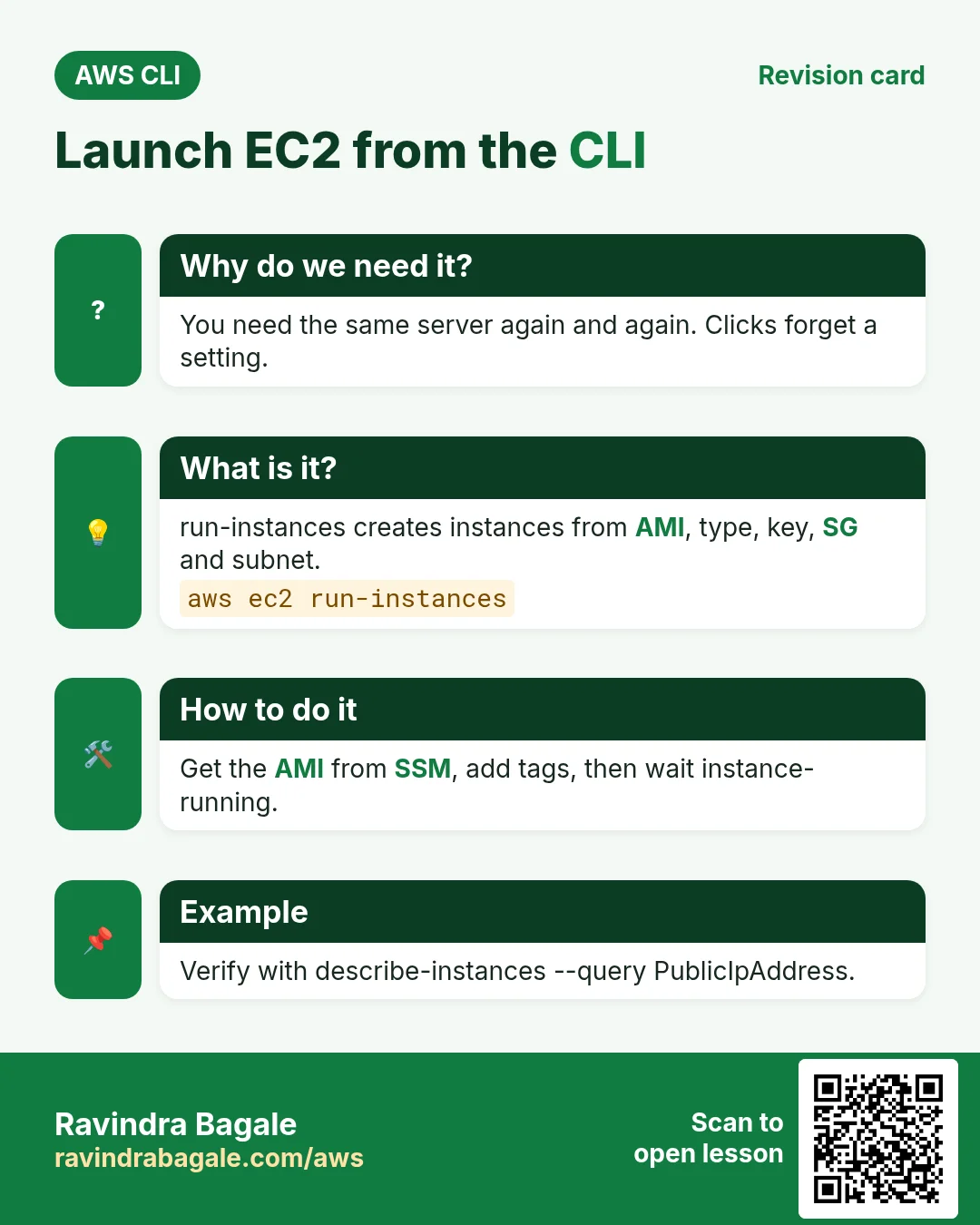
This revision card explains Launch EC2 from the CLI. You need the same server again and again. Clicks forget a setting. It describes run-instances creates instances from AMI, type, key, SG and subnet. The how-to section notes get the AMI from SSM, add tags, then wait instance-running. An example on the card is verify with describe-instances --query PublicIpAddress.
Read card text
What this card says
Why do we need it?
You need the same server again and again. Clicks forget a setting.
What is it?
run-instances creates instances from AMI, type, key, SG and subnet.
aws ec2 run-instances
How to do it
Get the AMI from SSM, add tags, then wait instance-running.
Example
Verify with describe-instances --query PublicIpAddress.