Chapter 11: Ansible Introduction
11.9 Ansible vs shell scripts — choose deliberately
Why: the problem
Suppose we are at Accenture and a teammate says: Bash is enough, why learn Ansible? For one server and five commands, Bash is fine. But when the script must run on 30 servers, check what is already done, report what changed, and stop safely on errors, Bash grows into 500 lines of if statements. Ansible gives these for free. A good engineer picks the right tool for the size of the job.
What we will build
You will write the same job (install nginx, create a user, write a config line) as a Bash script and as a playbook, run both twice, compare speed, safety and output, and then call a small Bash script from Ansible where it still makes sense.
What: every term in plain English
- Imperative — You write each step: do this, then that. Bash works like this.
- Declarative — You write the end state. Ansible works like this.
- Error handling — What happens when a step fails. Bash needs set -e; Ansible stops per host.
- Parallel — Many servers at once. Ansible has forks.
- script module — Copies a local script to the server and runs it.
- Drift — A server slowly differs from what you expect.
How: step by step
-
Write the Bash version
vim setup.shWhat it does: Install nginx, add user, add a line.
Output
(file edit) -
Run it on two servers by loop
for h in 10.0.1.11 10.0.1.12; do ssh ubuntu@$h "bash -s" < setup.sh; doneWhat it does: One server at a time.
Output
Reading package lists... Done useradd: user 'deploy' already exists -
Run it again
for h in 10.0.1.11 10.0.1.12; do ssh ubuntu@$h "bash -s" < setup.sh; doneWhat it does: Errors and duplicate lines appear.
Output
useradd: user 'deploy' already exists -
Write the playbook version
vim setup.ymlWhat it does: Same three jobs with modules.
Output
(file edit) -
Run it twice
ansible-playbook setup.yml; ansible-playbook setup.ymlWhat it does: Clean second run.
Output
web1 : ok=4 changed=0 unreachable=0 failed=0 -
Compare time
time ansible-playbook setup.ymlWhat it does: Parallel on all hosts.
Output
real 0m6.1s -
Use a script where needed
ansible web -m script -a "scripts/rotate_logs.sh" --becomeWhat it does: Small local logic is fine as a script.
Output
web1 | CHANGED => {"rc": 0, "stdout": "rotated 3 files\n"}
Example 1: Bash version: works once, breaks the second time
Stack. Bash over SSH
Goal. Bash version: works once, breaks the second time.
setup.sh
#!/usr/bin/env bash
set -euo pipefail
sudo apt-get update -y
sudo apt-get install -y nginx
sudo useradd -m -s /bin/bash deploy
echo "client_max_body_size 50m;" | sudo tee -a /etc/nginx/conf.d/upload.conf
sudo systemctl restart nginx
What each line does
set -euo pipefail— Stop on the first error.useradd— Fails if the user exists.tee -a— Adds the line again each run.systemctl restart— Restarts every time.
Green output
# second run
useradd: user 'deploy' already exists
(script stops; nginx not restarted; upload.conf has the line twice from an earlier partial run)
Expected result. Needs many if checks to be safe.
Example 2: Ansible version: same job, safe to repeat
Stack. Ansible modules
Goal. Ansible version: same job, safe to repeat.
setup.yml
- hosts: web
  become: true
  tasks:
    - ansible.builtin.apt: { name: nginx, state: present, update_cache: true }
    - ansible.builtin.user: { name: deploy, shell: /bin/bash }
    - ansible.builtin.lineinfile:
        path: /etc/nginx/conf.d/upload.conf
        line: client_max_body_size 50m;
        create: true
      notify: Reload nginx
  handlers:
    - name: Reload nginx
      ansible.builtin.service: { name: nginx, state: reloaded }
What each line does
apt— Installs only if missing.user— Creates only if missing.lineinfile— Adds the line once.handler— Reload only if the line changed.
Green output
$ ansible-playbook setup.yml
web1 : ok=5 changed=4  web2 : ok=5 changed=4
$ ansible-playbook setup.yml
web1 : ok=4 changed=0  web2 : ok=4 changed=0
Expected result. Safe, parallel, clear report.
Example 3: Mixed: Ansible calls a Bash script for a one-off job, with creates to keep it safe
Stack. Bash + Ansible script module
Goal. Mixed: Ansible calls a Bash script for a one-off job, with creates to keep it safe.
scripts/warm_cache.sh
#!/usr/bin/env bash
# warm the reel thumbnails cache once after deploy
set -euo pipefail
for id in 101 102 103; do curl -s -o /dev/null "http://127.0.0.1:3000/reels/$id/thumb"; done
touch /var/lib/reels/.cache-warmed
echo "warmed 3 reels"
warm.yml
- hosts: web
  become: true
  tasks:
    - ansible.builtin.file: { path: /var/lib/reels, state: directory }
    - ansible.builtin.script:
        cmd: scripts/warm_cache.sh
        creates: /var/lib/reels/.cache-warmed
What each line does
script module— Copies and runs a local script.creates:— Skip if the marker file exists.
Green output
TASK [ansible.builtin.script] **************************
changed: [web1] => {"stdout": "warmed 3 reels\n"}
# second run
ok: [web1]
Expected result. Bash for custom logic, Ansible for control and safety.
Example 4: Side-by-side test on 20 containers: time, safety and the report you get
Stack. Docker lab targets, Bash, Ansible
Goal. Side-by-side test on 20 containers: time, safety and the report you get.
compare.sh
# start 20 lab targets (local containers with SSH)
for i in $(seq 1 20); do docker run -d --name t$i -p 22$((i+10)):22 lscr.io/linuxserver/openssh-server; done
# Bash: one by one
time for i in $(seq 1 20); do ssh -p 22$((i+10)) lab@localhost "bash -s" < setup.sh > /dev/null; done
# Ansible: 20 forks at once
time ansible-playbook -i inventory/lab20.ini setup.yml -f 20
What each line does
seq 1 20— Twenty lab targets.-f 20— Ansible works on all 20 at the same time.time— Prints how long each way took.
Green output
Bash loop:      real    3m41.0s   (stopped at t7: user already exists)
Ansible -f 20:  real    0m38.4s
PLAY RECAP: 20 hosts, ok=5 changed=4 failed=0
Expected result. Ansible finished all 20 in under a minute and told you what changed on each one.
Verify: did it work?
-
Count the line
ansible web -a "grep -c client_max_body_size /etc/nginx/conf.d/upload.conf"What it does: 1 with Ansible.
Output
1 -
nginx running
ansible web -a "systemctl is-active nginx"What it does: active.
Output
active -
User exists
ansible web -a "id deploy"What it does: uid shown.
Output
uid=1001(deploy) gid=1001(deploy) -
Compare the recaps
ansible-playbook setup.yml | grep -A3 "PLAY RECAP"What it does: The recap is the report Bash never gives you. Every host shows ok, changed, failed and unreachable counts in one place.
Output
PLAY RECAP *********************
web1 : ok=4 changed=0 unreachable=0 failed=0
web2 : ok=4 changed=0 unreachable=0 failed=0
When it is red 1
useradd: user 'deploy' already exists
Cause. Bash does not check first.
Fix, step by step
- Add if ! id deploy; then ... fi.
- Or use the Ansible user module.
When it is red 2
Duplicate lines in config after re-run
Cause. tee -a or >> appends every time.
Fix, step by step
- Use lineinfile.
- Or grep -q before appending in Bash.
When it is red 3
fatal: [web1]: FAILED! => {"msg": "non-zero return code", "rc": 6, "stderr": "curl: (6) Could not resolve host"}
Cause. The script hit an error; Ansible stopped for that host.
Fix, step by step
- Read stderr in the output.
- Fix the script; run with --limit web1.
Cleanup
-
Remove marker
ansible web -m file -a "path=/var/lib/reels/.cache-warmed state=absent" --becomeWhat it does: Lets you test again.
Output
web1 | CHANGED
Ravindra Bagale's Tip
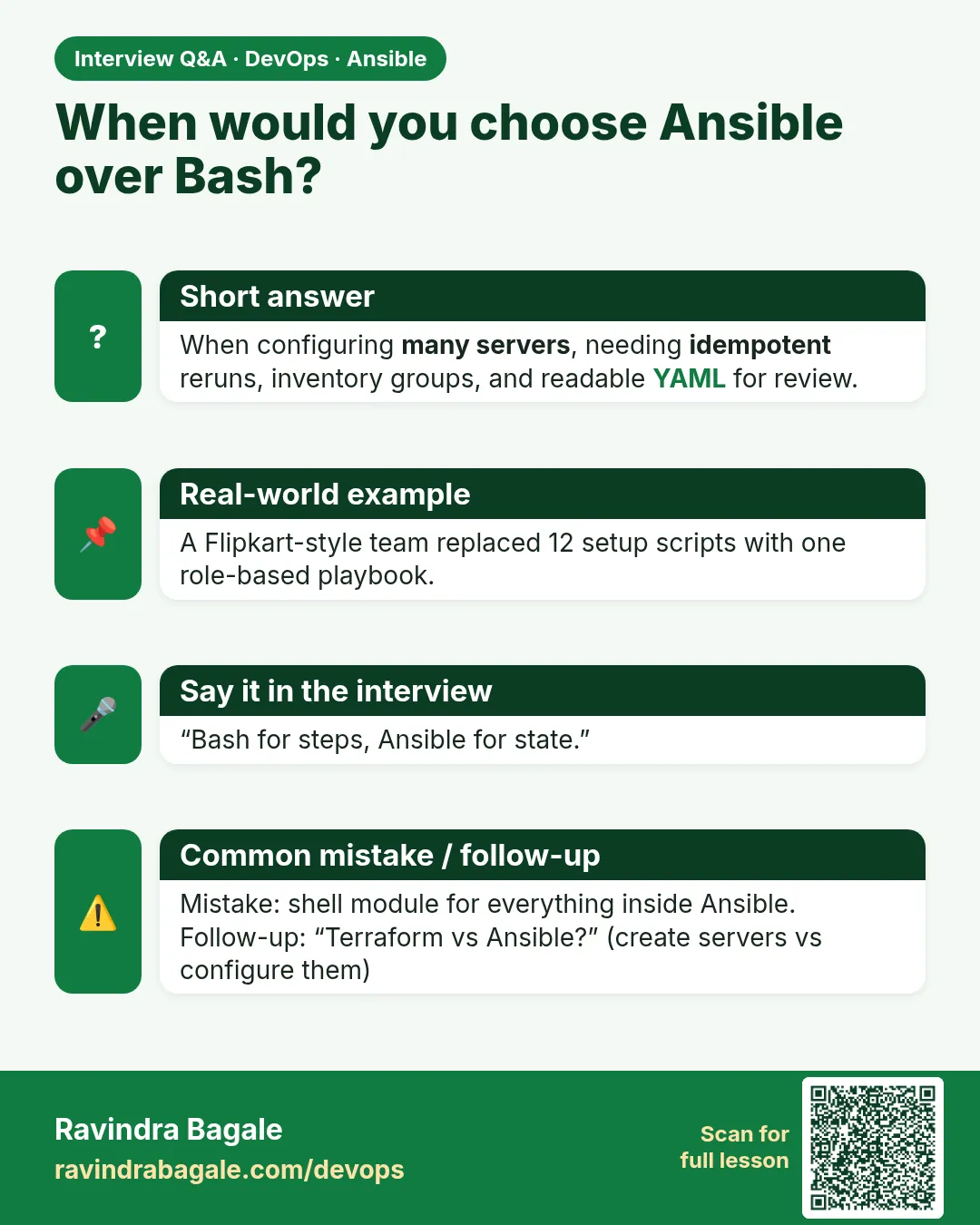
One server, one time: Bash is fine. Many servers, every day: Ansible.
एक server, एक वेळ: Bash चालेल. अनेक servers, नेहमी: Ansible.
एक server, एक बार: Bash चलेगा. कई servers, हमेशा: Ansible.
Practice tasks
Easy List three Bash wins
Why: Be fair to both.
What to do: Write when Bash is better.
- Think of one server and quick jobs.
Check: Three clear reasons.
Medium Convert a script
Why: Real migration work.
What to do: Turn a 10-line setup script into a playbook.
- One module per line.
Check: Second run is changed=0.
Easy Say Ansible vs shell scripts in two lines
Why: If you can say it simply, you understand it. Interviewers and juniors both need the short version first.
What to do: Write two short lines about Ansible vs shell scripts for a fresher who knows only Linux basics.
- Write the problem it solves.
- Write the one command or file you use for it.
- Read it aloud to a friend.
Check: A fresher understands it without asking a question.
Easy Start a two-server Ansible lab
Why: Practice needs safe throwaway servers. If you break them, you delete them and start again in one minute.
What to do: Start two Ubuntu containers that accept SSH, and one control machine with Ansible.
- python3 -m pip install --user ansible-core
- docker run -d --name web1 -p 2221:22 lscr.io/linuxserver/openssh-server
- docker run -d --name web2 -p 2222:22 lscr.io/linuxserver/openssh-server
- ansible --version
Check: ansible --version prints a core version, and ssh to both ports works.
Medium Do it on the second setup
Why: The idea must work on a VM, a container and a cloud server. Only the inventory should change, never the playbook.
What to do: Repeat this lesson on a different target than the one you used first.
- If you used containers, use one EC2 or local VM now.
- Change only the inventory file.
- Run the same playbook.
Check: Same result, and you changed only the inventory.
Medium Break it on purpose
Why: You must know the red output by face. On a real outage there is no time to read slowly.
What to do: Cause one error from the "When it is red" part of this lesson and fix it.
- Follow the error section.
- Copy the exact message into your notes.
- Write the fix in one line.
Check: You fixed it using the steps, without searching the web.
Medium Run it twice and read the recap
Why: Idempotence is the heart of Ansible.
What to do: Run your playbook or command two times and compare the PLAY RECAP lines.
- Run once and note changed=.
- Run again with no edits.
- Explain any task that still says changed.
Check: The second run shows changed=0, or you can explain every change.
Medium Write a runbook page
Why: At 2 a.m. nobody remembers flags. A short written page saves the on-call person.
What to do: Write a one-page runbook for this lesson.
- Title, when to use, exact commands, how to check, how to undo.
Check: A teammate can follow it alone.
Hard Explain it like an interview
Why: Interviewers want real stories, not definitions.
What to do: Record a 60 second answer about this lesson.
- Say the problem, the playbook or command, and one error you hit.
Check: Your answer has a real command and a real error message.
Hard Draw the flow top to bottom
Why: A drawing shows the order of work.
What to do: Draw this lesson as boxes from top to bottom.
- Start at your laptop, go through SSH, end at the check on the server.
Check: Each box matches a real step you ran.
Homework: try at home
Try at home
At home, write a 5-step Bash setup and the same as a playbook. Run both twice on two servers and write which was safer and why.
Recap
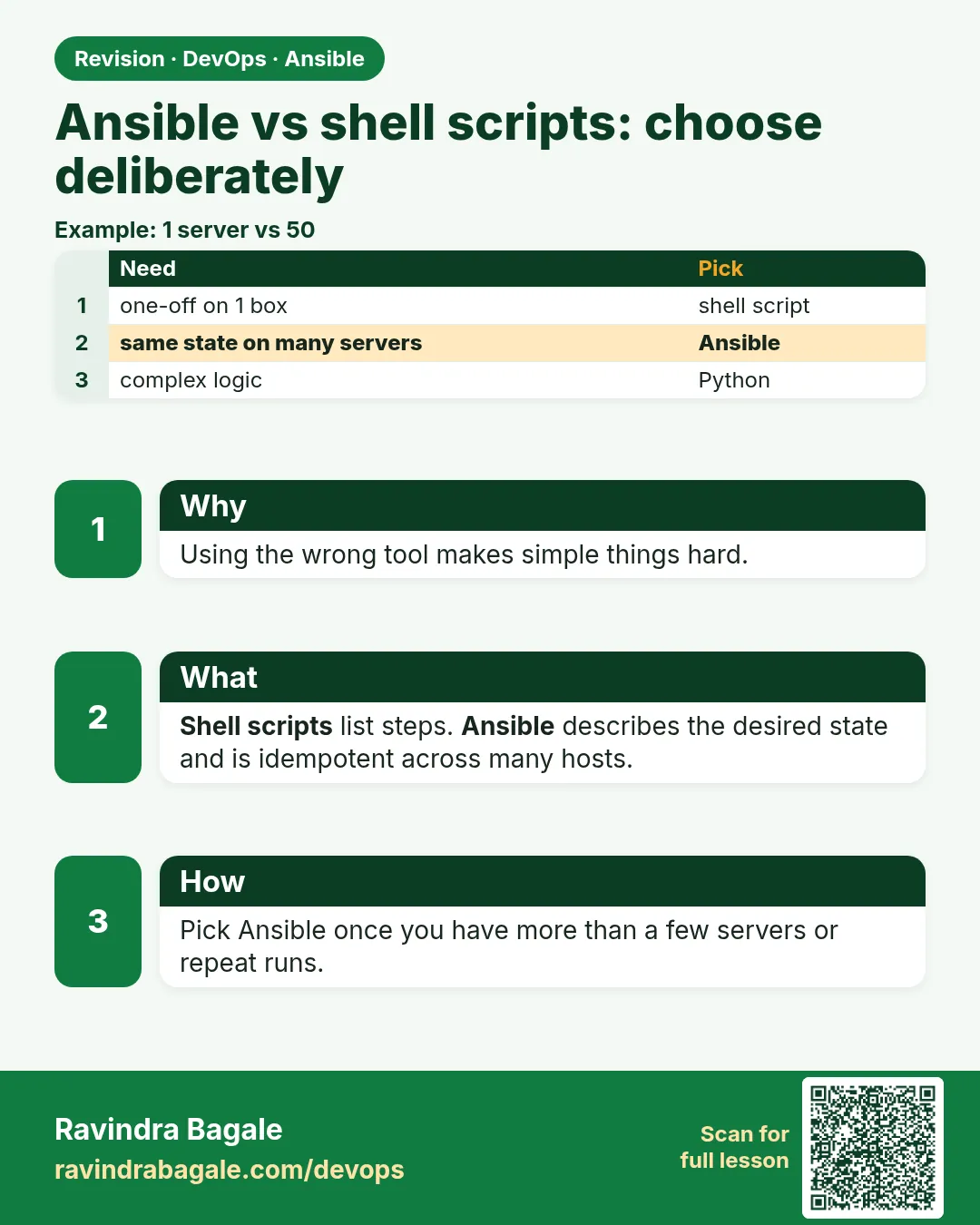
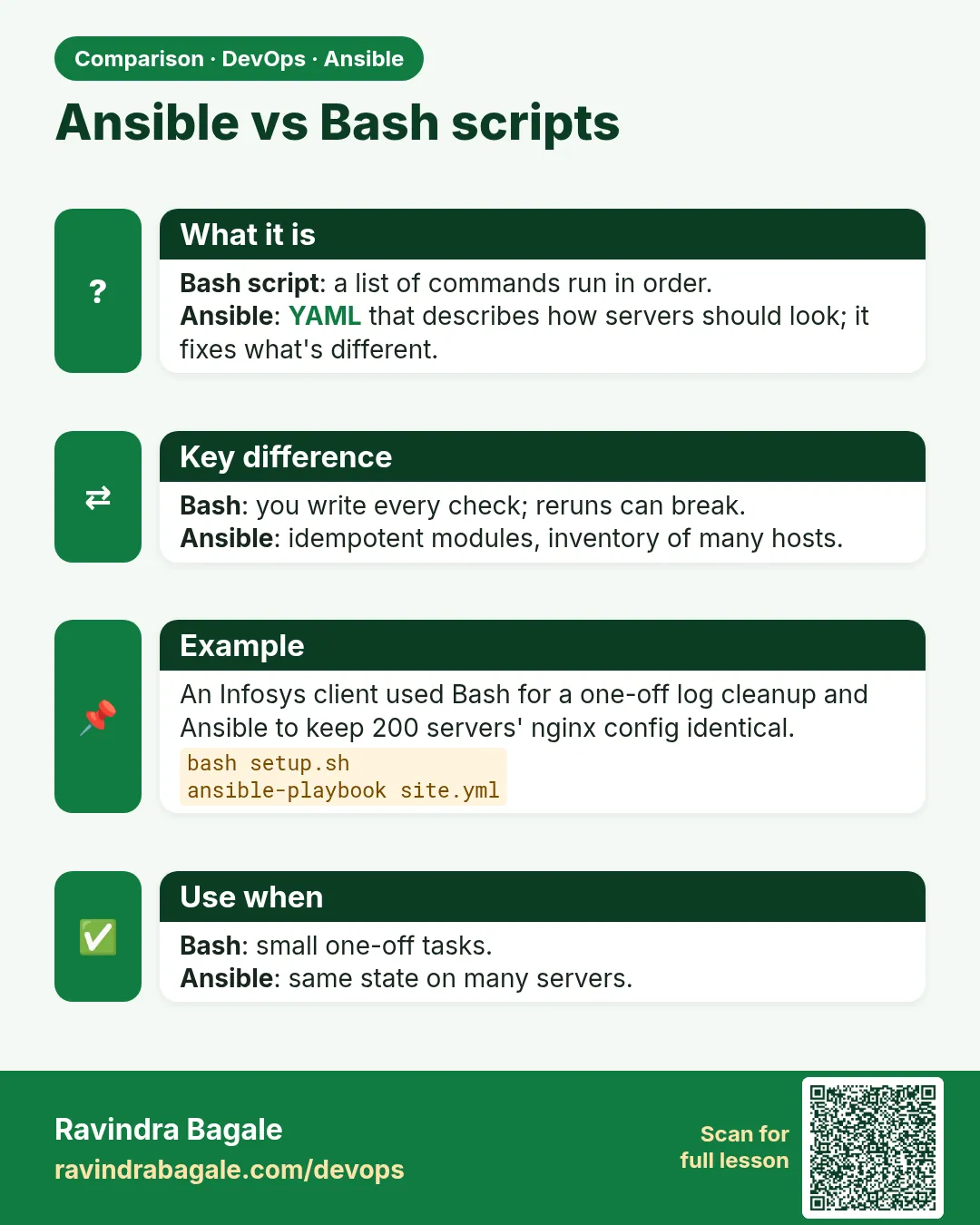
- Bash is step by step; Ansible is end state.
- Ansible checks first, runs in parallel and reports.
- Bash is fine for one server or custom logic.
- Use the script module with creates to mix both.
- Pick the tool by the size of the job.
FAQ
Will Ansible replace Bash?
No. Ansible often calls small scripts. Bash knowledge helps you debug.
Is Ansible slower?
For one server, a bit. For many servers, faster because of parallel runs.
Can I convert scripts automatically?
No. Convert by hand, one step to one module.
What about Python scripts?
Same rule. For many servers and repeated runs, use Ansible.
What about Chef or Puppet?
They use agents and pull. Ansible is agentless and push, which is easier to start.
How do I explain this choice to my manager?
Say: Bash for quick one-off jobs, Ansible for anything repeated or on many servers, because it is safer and leaves a report.
Is a Bash script with many if checks just as good?
It can be, but it becomes long and only one person understands it. Modules are tested by thousands of users.
Interview questions
-
Why use Ansible over shell scripts?
Idempotent modules, inventory and parallel runs, clear reports, roles for reuse and vault for secrets.
-
When would you still use a shell script?
Small custom logic or a one-time job, often called from Ansible with script or command plus creates.
-
Ansible vs Puppet or Chef?
Ansible is agentless and push-based in YAML. Puppet and Chef use agents and pull.
-
How do you make a script idempotent in Ansible?
creates or removes, or changed_when based on its output.
-
What is configuration drift?
Servers changed by hand drift from the code. Regular Ansible runs fix it.
-
Give a real example where you replaced a script with Ansible.
A server setup script failed on re-run because of useradd; I rewrote it as a playbook with user, apt and lineinfile, and runs became safe and parallel.
-
How does Ansible handle a failure on one host?
It marks that host failed, stops its tasks, and continues on the others. The recap lists it.
Quick quiz
Q1. Bash is imperative or declarative?
Imperative.
Q2. What does Ansible give that Bash lacks by default?
Idempotence, parallel runs and a clear report.
Q3. When is Bash fine?
One server, a one-time task, or small custom logic.
Q4. Which module runs a local script remotely?
script
Q5. How do you keep a script from running twice?
creates: a marker file.
Did you understand? Let us try it once more.
 Revision card
 Interview card
 Comparison card