Chapter 11: Ansible Introduction
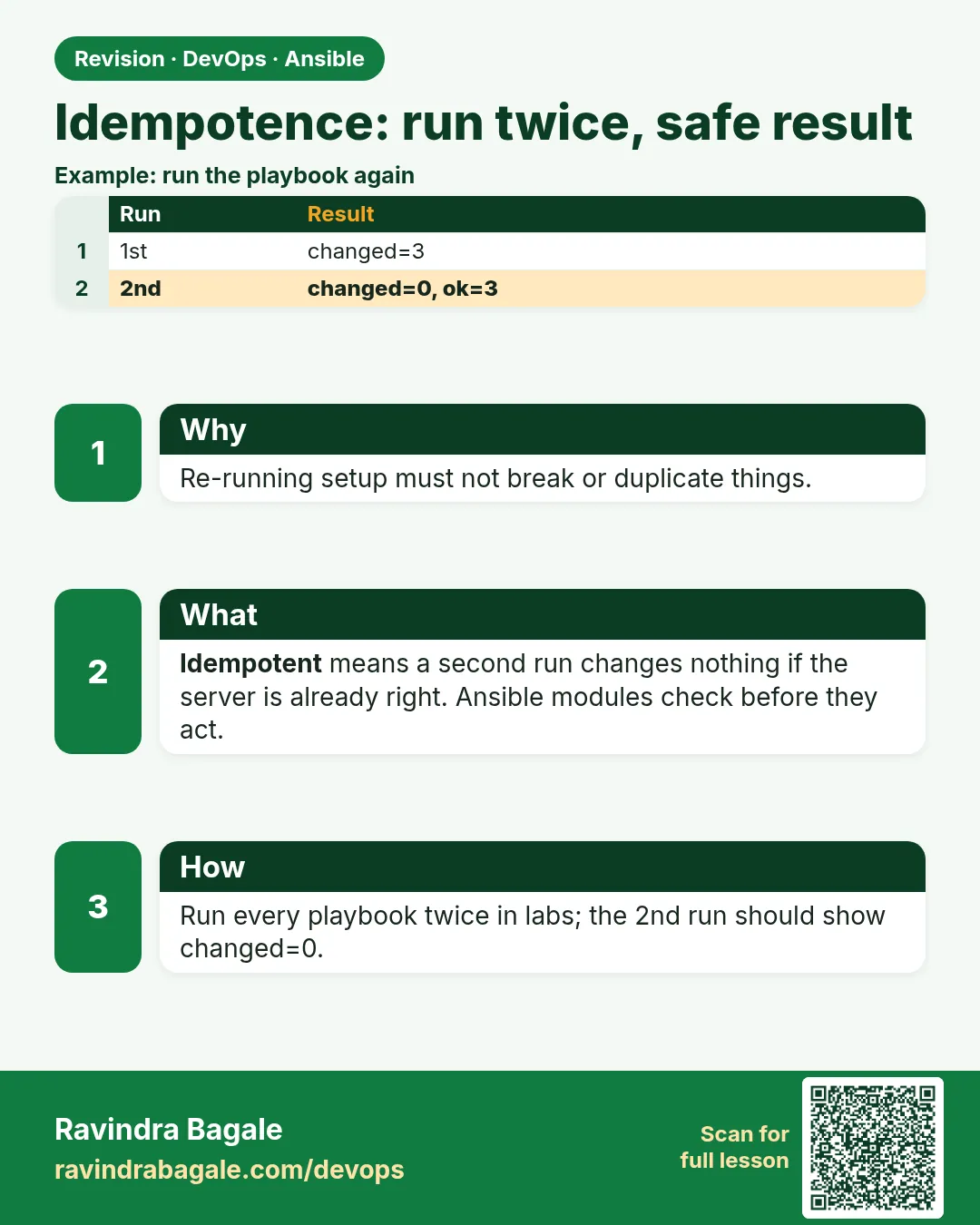
11.4 Idempotence — run twice, safe result
Why: the problem
Suppose we are at PhonePe and a junior runs the setup script twice by mistake. The script adds the same line to the config file again, starts a second copy of the app, and the server breaks. Ansible thinks in a different way. You describe the end state: "nginx is installed, this line is present". Ansible checks first and acts only if the server is different. Run it once or ten times, the result is the same. This is called idempotence.
What we will build
You will compare a Bash script and an Ansible playbook that both add a line and a user, run each twice, and see the Bash one break while Ansible shows changed=0. Then you will make a command task idempotent with creates and changed_when.
What: every term in plain English
- Idempotence — Running the same thing again changes nothing if the server is already right.
- Desired state — How the server should look in the end, like state=present.
- changed — Ansible had to change the server.
- ok — The server was already right, so nothing was done.
- creates — A command option: skip the command if this file already exists.
- changed_when — Tells Ansible when a command really changed something.
How: step by step
-
Write a non-idempotent Bash line
echo "export APP_ENV=prod" | sudo tee -a /etc/profile.d/app.shWhat it does: tee -a always appends.
Output
export APP_ENV=prod -
Run it again and look
cat /etc/profile.d/app.shWhat it does: The line is now there twice.
Output
export APP_ENV=prod export APP_ENV=prod -
Write the Ansible version
ansible web -m lineinfile -a "path=/etc/profile.d/app.sh line='export APP_ENV=prod' create=true" --becomeWhat it does: lineinfile adds the line only if it is missing.
Output
web1 | CHANGED => {"msg": "line added"} -
Run it again
ansible web -m lineinfile -a "path=/etc/profile.d/app.sh line='export APP_ENV=prod' create=true" --becomeWhat it does: Now nothing changes.
Output
web1 | SUCCESS => {"changed": false, "msg": ""} -
Run a whole playbook twice
ansible-playbook site.yml && ansible-playbook site.ymlWhat it does: Compare the two PLAY RECAP lines.
Output
web1 : ok=4 changed=3 ... web1 : ok=4 changed=0 ... -
Find tasks that are not idempotent
ansible-playbook site.yml | grep changed:What it does: After the second run, any changed: line needs a look.
Output
(no output) -
Use check mode to preview
ansible-playbook site.yml --checkWhat it does: Shows what would change, without changing.
Output
web1 : ok=4 changed=0 unreachable=0 failed=0
Example 1: lineinfile and user: two idempotent tasks, run twice
Stack. lineinfile, user
Goal. lineinfile and user: two idempotent tasks, run twice.
idem.yml
- name: Idempotence demo
  hosts: web
  become: true
  tasks:
    - name: App env line is present
      ansible.builtin.lineinfile:
        path: /etc/profile.d/app.sh
        line: export APP_ENV=prod
        create: true
    - name: deploy user exists
      ansible.builtin.user:
        name: deploy
        groups: www-data
        append: true
What each line does
lineinfile line:— The exact line that must be present.create: true— Make the file if it is missing.append: true— Add the group without removing others.
Green output
$ ansible-playbook idem.yml   # first run
web1 : ok=3 changed=2 unreachable=0 failed=0
$ ansible-playbook idem.yml   # second run
web1 : ok=3 changed=0 unreachable=0 failed=0
Expected result. First run changes 2 things; second run changes nothing.
Example 2: A command made idempotent with creates: download and unpack an app once
Stack. Node.js app, get_url, command
Goal. A command made idempotent with creates: download and unpack an app once.
app.yml
- name: Install Node app tarball once
  hosts: web
  become: true
  tasks:
    - name: Download release
      ansible.builtin.get_url:
        url: https://downloads.example.com/shop-api-1.4.2.tgz
        dest: /opt/shop-api-1.4.2.tgz
    - name: Unpack only if not done
      ansible.builtin.command:
        cmd: tar -xzf /opt/shop-api-1.4.2.tgz -C /opt
        creates: /opt/shop-api-1.4.2/package.json
What each line does
get_url— Skips the download if the file is already there.creates:— If package.json exists, the command is skipped.
Green output
TASK [Unpack only if not done] ***********************
ok: [web1]
PLAY RECAP *******************************************
web1 : ok=3 changed=0 unreachable=0 failed=0
Expected result. On the second run the tar command does not run at all.
Example 3: changed_when: a database migration script that reports what it did
Stack. Python Django, command, register
Goal. changed_when: a database migration script that reports what it did.
migrate.yml
- name: Run DB migrations (Python Django app)
  hosts: app
  become: true
  become_user: deploy
  tasks:
    - name: Migrate
      ansible.builtin.command:
        cmd: /opt/shop/venv/bin/python manage.py migrate --noinput
        chdir: /opt/shop
      register: mig
      changed_when: "'No migrations to apply' not in mig.stdout"
What each line does
register: mig— Save the command output in a variable.changed_when— Say changed only if real migrations ran.become_user: deploy— Run as the app user, not root.
Green output
TASK [Migrate] ***************************************
ok: [api1]
PLAY RECAP *******************************************
api1 : ok=2 changed=0 unreachable=0 failed=0
Expected result. The recap tells the truth: no migrations ran.
Verify: did it work?
-
Check the file has one line
ansible web -a "grep -c APP_ENV /etc/profile.d/app.sh"What it does: Count must be 1.
Output
web1 | CHANGED | rc=0 >> 1 -
Second run is clean
ansible-playbook idem.yml | tail -2What it does: changed=0.
Output
web1 : ok=3 changed=0 unreachable=0 failed=0 -
Check mode
ansible-playbook app.yml --checkWhat it does: Nothing would change.
Output
changed=0
When it is red 1
web1 : ok=5 changed=1 ... (on every run)
Cause. A command or shell task always reports changed.
Fix, step by step
- Add creates: or removes:.
- Or add changed_when with a real test.
- Or replace it with a proper module.
When it is red 2
fatal: [web1]: FAILED! => {"msg": "The conditional check ''No migrations' not in mig.stdout' failed. The error was: 'mig' is undefined"}
Cause. register is missing or misspelled.
Fix, step by step
- Add register: mig on the same task.
- Use the same name in changed_when.
When it is red 3
Duplicate lines in /etc/hosts after many runs
Cause. A shell echo >> was used.
Fix, step by step
- Remove the extra lines once.
- Use lineinfile or blockinfile instead.
Cleanup
-
Remove demo file
ansible web -m file -a "path=/etc/profile.d/app.sh state=absent" --becomeWhat it does: Clean lab.
Output
web1 | CHANGED => {"state": "absent"}
Ravindra Bagale's Tip
Only when the second run shows changed=0 is the playbook solid. Always test this.
दुसऱ्या run ला changed=0 आला तरच playbook पक्का. हे test नेहमी करा.
दूसरे run पर changed=0 आए तभी playbook पक्का. ये test हमेशा करो.
Practice tasks
Easy Prove changed=0
Why: The second run is the proof.
What to do: Run any playbook twice and screenshot both recaps.
- ansible-playbook site.yml
- ansible-playbook site.yml
Check: Second recap shows changed=0.
Medium Fix a noisy task
Why: Real playbooks have them.
What to do: Find a shell task that always says changed and fix it.
- Add creates or changed_when.
Check: It shows ok on the second run.
Easy Say idempotence in two lines
Why: If you can say it simply, you understand it. Interviewers and juniors both need the short version first.
What to do: Write two short lines about idempotence for a fresher who knows only Linux basics.
- Write the problem it solves.
- Write the one command or file you use for it.
- Read it aloud to a friend.
Check: A fresher understands it without asking a question.
Easy Start a two-server Ansible lab
Why: Practice needs safe throwaway servers. If you break them, you delete them and start again in one minute.
What to do: Start two Ubuntu containers that accept SSH, and one control machine with Ansible.
- python3 -m pip install --user ansible-core
- docker run -d --name web1 -p 2221:22 lscr.io/linuxserver/openssh-server
- docker run -d --name web2 -p 2222:22 lscr.io/linuxserver/openssh-server
- ansible --version
Check: ansible --version prints a core version, and ssh to both ports works.
Medium Do it on the second setup
Why: The idea must work on a VM, a container and a cloud server. Only the inventory should change, never the playbook.
What to do: Repeat this lesson on a different target than the one you used first.
- If you used containers, use one EC2 or local VM now.
- Change only the inventory file.
- Run the same playbook.
Check: Same result, and you changed only the inventory.
Medium Break it on purpose
Why: You must know the red output by face. On a real outage there is no time to read slowly.
What to do: Cause one error from the "When it is red" part of this lesson and fix it.
- Follow the error section.
- Copy the exact message into your notes.
- Write the fix in one line.
Check: You fixed it using the steps, without searching the web.
Medium Run it twice and read the recap
Why: Idempotence is the heart of Ansible.
What to do: Run your playbook or command two times and compare the PLAY RECAP lines.
- Run once and note changed=.
- Run again with no edits.
- Explain any task that still says changed.
Check: The second run shows changed=0, or you can explain every change.
Medium Write a runbook page
Why: At 2 a.m. nobody remembers flags. A short written page saves the on-call person.
What to do: Write a one-page runbook for this lesson.
- Title, when to use, exact commands, how to check, how to undo.
Check: A teammate can follow it alone.
Hard Explain it like an interview
Why: Interviewers want real stories, not definitions.
What to do: Record a 60 second answer about this lesson.
- Say the problem, the playbook or command, and one error you hit.
Check: Your answer has a real command and a real error message.
Hard Draw the flow top to bottom
Why: A drawing shows the order of work.
What to do: Draw this lesson as boxes from top to bottom.
- Start at your laptop, go through SSH, end at the check on the server.
Check: Each box matches a real step you ran.
Homework: try at home
Try at home
At home, write one Bash script and one playbook that both add a line, a user and a folder. Run each three times and compare.
Recap
- Describe the end state; Ansible checks first.
- Modules like apt, user, lineinfile are idempotent.
- command and shell need creates or changed_when.
- Run twice: the second run should show changed=0.
- --check previews changes safely.
FAQ
Is every module idempotent?
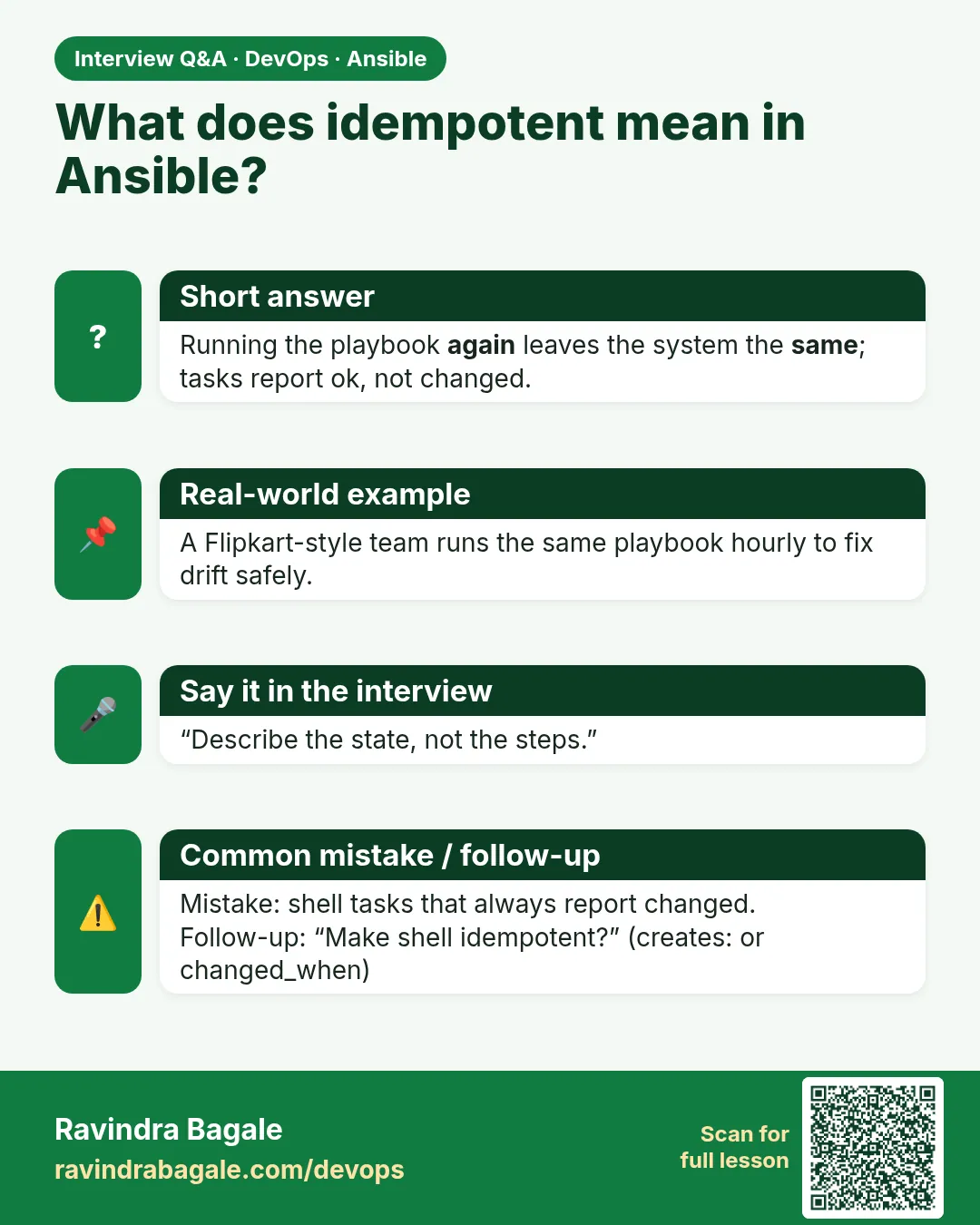
Almost all. command, shell and raw are not by themselves.
Why does it matter?
You can re-run safely after a failure, and in CI on a schedule to fix drift.
What is drift?
When someone changes a server by hand, so it no longer matches the playbook.
Does state=latest break idempotence?
It may change when a new version comes out. Use state=present or pin a version for stable runs.
Can a handler run on the second run?
Only if a task notifying it reports changed.
Interview questions
-
Explain idempotence with an example.
lineinfile adds a line only if it is missing, so running the playbook twice gives one line, not two.
-
How do you make a shell task idempotent?
Use creates or removes, or changed_when and failed_when with a real check.
-
How do you detect configuration drift?
Run the playbook in --check --diff mode on a schedule and alert on changes.
-
state=present vs state=latest?
present installs if missing; latest also upgrades. present is more predictable.
-
Why does idempotence help in CI/CD?
The same playbook can run on every deploy without side effects.
Quick quiz
Q1. What does idempotent mean?
Running again gives the same result without new changes.
Q2. Which module adds a line only once?
lineinfile
Q3. What does creates: do?
Skips a command if the file exists.
Q4. What should the second run show?
changed=0
Q5. Why is command not idempotent by itself?
Ansible cannot know what the command did.
Did you understand? Let us try it once more.
 Revision card
 Interview card