Chapter 11: Ansible Introduction
11.10b Limit and serial (awareness)
Why: the problem
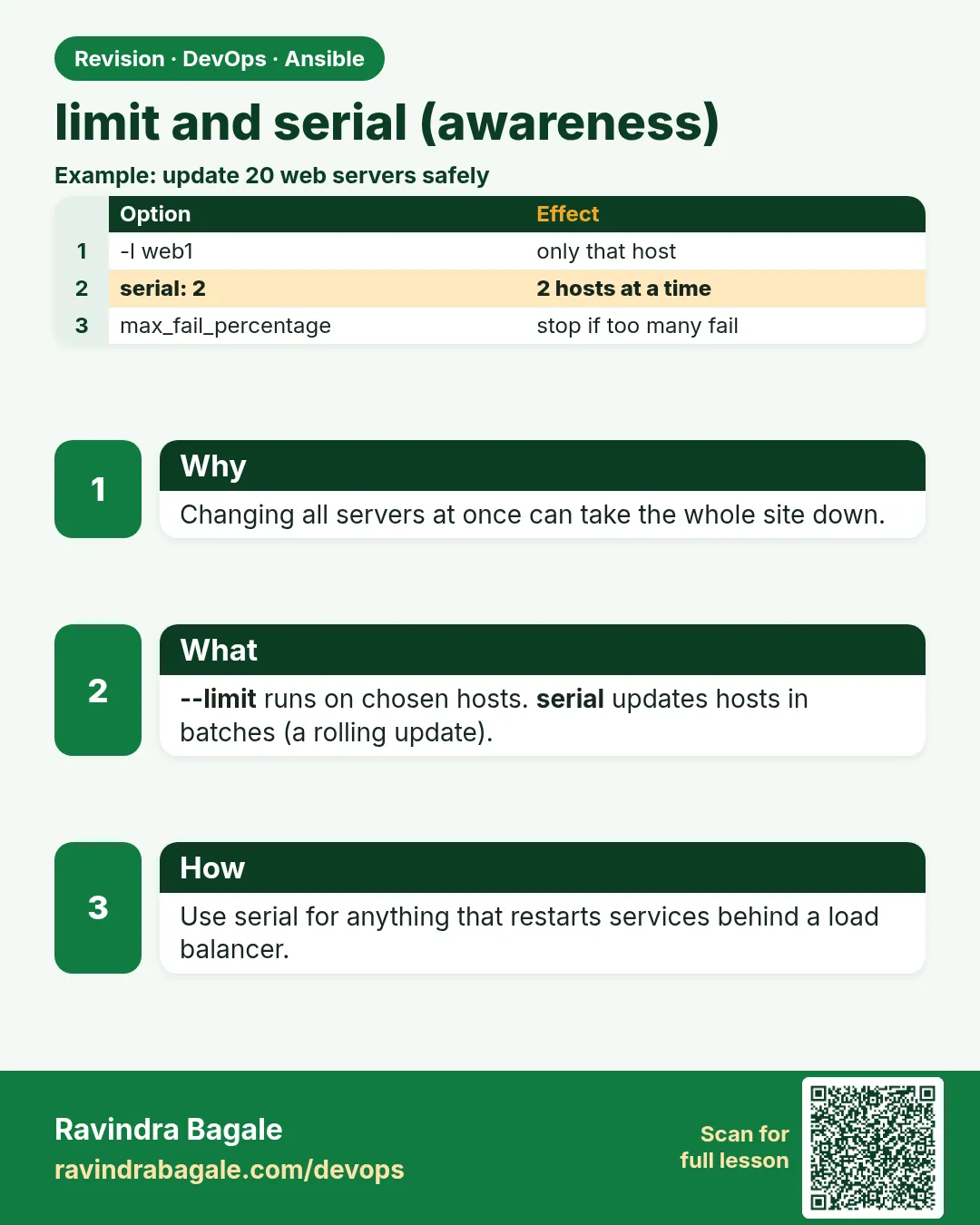
Suppose we are at Netflix and a new nginx config must go to 100 web servers behind a load balancer. If all 100 reload at once and the config is bad, the whole site is down. --limit lets you pick which hosts to touch now. serial makes Ansible update servers in small batches, for example 10% at a time, and stop if a batch fails. This is a rolling update.
What we will build
You will use --limit to run on one host, a group, or a pattern; then write a rolling update with serial, max_fail_percentage, and taking each server out of the load balancer while it updates.
What: every term in plain English
- --limit — Run only on these hosts or groups, this time.
- Pattern — A way to pick hosts: web1, web*, web:&prod, web:!web3.
- serial — How many hosts to update in one batch, as a number or a percent.
- Rolling update — Update a few servers at a time so the service stays up.
- max_fail_percentage — Stop the rollout if more than this percent of a batch fails.
- delegate_to — Run one task on another machine, like the load balancer, for this host.
How: step by step
-
Run on one host
ansible-playbook site.yml --limit web1What it does: Canary first.
Output
web1 : ok=12 changed=1 -
Run on a pattern
ansible-playbook site.yml --limit "web*:!web3"What it does: All web except web3.
Output
web1 ... web2 ... web4 ... -
See who would run
ansible-playbook site.yml --limit "web:&prod" --list-hostsWhat it does: Intersection of two groups.
Output
hosts (2): web1 web2 -
Add serial to the play
serial: 2What it does: Two hosts per batch.
Output
(file edit) -
Run the rolling update
ansible-playbook rolling.ymlWhat it does: Batches of 2.
Output
PLAY [Rolling nginx update] **** (batch 1: web1, web2) -
Watch the site during the run
while true; do curl -s -o /dev/null -w "%{http_code} " http://shop.example.com; sleep 1; doneWhat it does: Should stay 200.
Output
200 200 200 200 200 200 -
Rerun failed hosts only
ansible-playbook rolling.yml --limit web3What it does: After fixing.
Output
web3 : ok=8 changed=2
Example 1: Canary with --limit, then the rest
Stack. nginx, patterns
Goal. Canary with --limit, then the rest.
terminal
ansible-playbook site.yml --limit web1 --tags nginx
curl -s -o /dev/null -w "%{http_code}\n" http://10.0.1.11
ansible-playbook site.yml --limit 'web:!web1' --tags nginx
What each line does
--limit web1— One server first, the canary.web:!web1— All web servers except web1.
Green output
web1 : ok=5 changed=1 unreachable=0 failed=0
200
web2 : ok=5 changed=1 unreachable=0 failed=0
web3 : ok=5 changed=1 unreachable=0 failed=0
web4 : ok=5 changed=1 unreachable=0 failed=0
Expected result. A bad config would have hurt only web1.
Example 2: Rolling update with serial, max_fail_percentage and a health check
Stack. nginx behind a load balancer
Goal. Rolling update with serial, max_fail_percentage and a health check.
rolling.yml
- name: Rolling nginx update
  hosts: web
  become: true
  serial: "25%"
  max_fail_percentage: 0
  tasks:
    - name: New nginx config
      ansible.builtin.template:
        src: templates/site.conf.j2
        dest: /etc/nginx/sites-enabled/default
        validate: nginx -t -c /etc/nginx/nginx.conf
      notify: Reload nginx
    - ansible.builtin.meta: flush_handlers
    - name: Health check after reload
      ansible.builtin.uri:
        url: http://localhost/health
        status_code: 200
      retries: 5
      delay: 3
      register: hc
      until: hc.status == 200
  handlers:
    - name: Reload nginx
      ansible.builtin.service: { name: nginx, state: reloaded }
What each line does
serial: "25%"— A quarter of the servers per batch.max_fail_percentage: 0— Any failure stops the rollout.until / retries— Try the health check up to 5 times.
Green output
PLAY [Rolling nginx update] ****************************
TASK [New nginx config] ********************************
changed: [web1]
TASK [Health check after reload] ***********************
ok: [web1]
PLAY [Rolling nginx update] ****************************
TASK [New nginx config] ********************************
changed: [web2]
...
PLAY RECAP *********************************************
web1 : ok=4 changed=2 failed=0
web4 : ok=4 changed=2 failed=0
Expected result. Four batches; the site never went down.
Example 3: Take each server out of an AWS target group while it updates (Java app)
Stack. Java Spring Boot, AWS ALB, community.aws
Goal. Take each server out of an AWS target group while it updates (Java app).
rolling_lb.yml
- name: Rolling Java app deploy behind ALB
  hosts: role_web
  become: true
  serial: 1
  vars:
    tg_arn: "{{ lookup('env', 'TARGET_GROUP_ARN') }}"
  tasks:
    - name: Remove from load balancer
      community.aws.elb_target:
        target_group_arn: "{{ tg_arn }}"
        target_id: "{{ instance_id }}"
        state: absent
      delegate_to: localhost
      become: false
    - name: New jar
      ansible.builtin.copy: { src: "builds/orders-{{ app_version }}.jar", dest: /opt/orders/orders.jar }
    - name: Restart
      ansible.builtin.systemd: { name: orders, state: restarted }
    - name: Wait for health
      ansible.builtin.uri: { url: "http://localhost:8080/actuator/health", status_code: 200 }
      retries: 10
      delay: 6
      register: h
      until: h.status == 200
    - name: Back into load balancer
      community.aws.elb_target:
        target_group_arn: "{{ tg_arn }}"
        target_id: "{{ instance_id }}"
        state: present
      delegate_to: localhost
      become: false
What each line does
serial: 1— One server at a time.delegate_to: localhost— The AWS call runs on the control node./actuator/health— Spring Boot health URL.lookup('env','TARGET_GROUP_ARN')— ARN given at run time.
Green output
TASK [Remove from load balancer] ***********************
changed: [ip-10-0-1-11 -> localhost]
TASK [Wait for health] *********************************
FAILED - RETRYING: [ip-10-0-1-11]: Wait for health (10 retries left).
ok: [ip-10-0-1-11]
TASK [Back into load balancer] *************************
changed: [ip-10-0-1-11 -> localhost]
Expected result. Users never hit a server that is restarting.
Verify: did it work?
-
Batch order
ansible-playbook rolling.yml --list-hostsWhat it does: Shows hosts per play batch.
Output
play #1 (web): Rolling nginx update pattern: ['web'] hosts (4): -
Site stayed up
grep -c " 5[0-9][0-9]" curl-watch.logWhat it does: Zero 5xx.
Output
0 -
All on new config
ansible web -a "grep -c proxy_pass /etc/nginx/sites-enabled/default"What it does: 1 everywhere.
Output
web1 | CHANGED | rc=0 >>
1
When it is red 1
ERROR! Specified hosts and/or --limit does not match any hosts
Cause. Pattern typo or quotes missing so the shell ate the !.
Fix, step by step
- Put patterns in single quotes.
- Check with --list-hosts.
When it is red 2
NO MORE HOSTS LEFT (after batch 1)
Cause. A host in the batch failed and max_fail_percentage stopped the play.
Fix, step by step
- Read the fatal line for that host.
- Fix, then rerun; finished hosts will show ok.
When it is red 3
FAILED - RETRYING ... (0 retries left) ... status: -1, msg: Connection refused
Cause. The app did not come up in time.
Fix, step by step
- Check the service log: journalctl -u orders -n 50.
- Increase retries or fix the app before continuing.
Cleanup
-
Stop the curl watch
pkill -f "curl -s -o /dev/null"What it does: End the monitor loop.
Output
(no output)
Ravindra Bagale's Tip
Do not touch 100 servers at once. First one, then a few. Do not forget the health check.
एकदम १०० servers नको. आधी एक, मग थोडे थोडे. Health check विसरू नका.
एक साथ १०० servers मत छूना. पहले एक, फिर थोड़े-थोड़े. Health check मत भूलो.
Practice tasks
Easy Use three patterns
Why: Know the syntax.
What to do: Run --list-hosts with web1, web*, and web:!web2.
- Quote each pattern.
Check: Each list is correct.
Medium Rolling with serial
Why: Zero downtime habit.
What to do: Add serial and a health check to your nginx play.
- serial: 1
- uri health check with until.
Check: curl loop shows no errors during the run.
Easy Say limit and serial in two lines
Why: If you can say it simply, you understand it. Interviewers and juniors both need the short version first.
What to do: Write two short lines about limit and serial for a fresher who knows only Linux basics.
- Write the problem it solves.
- Write the one command or file you use for it.
- Read it aloud to a friend.
Check: A fresher understands it without asking a question.
Easy Start a two-server Ansible lab
Why: Practice needs safe throwaway servers. If you break them, you delete them and start again in one minute.
What to do: Start two Ubuntu containers that accept SSH, and one control machine with Ansible.
- python3 -m pip install --user ansible-core
- docker run -d --name web1 -p 2221:22 lscr.io/linuxserver/openssh-server
- docker run -d --name web2 -p 2222:22 lscr.io/linuxserver/openssh-server
- ansible --version
Check: ansible --version prints a core version, and ssh to both ports works.
Medium Do it on the second setup
Why: The idea must work on a VM, a container and a cloud server. Only the inventory should change, never the playbook.
What to do: Repeat this lesson on a different target than the one you used first.
- If you used containers, use one EC2 or local VM now.
- Change only the inventory file.
- Run the same playbook.
Check: Same result, and you changed only the inventory.
Medium Break it on purpose
Why: You must know the red output by face. On a real outage there is no time to read slowly.
What to do: Cause one error from the "When it is red" part of this lesson and fix it.
- Follow the error section.
- Copy the exact message into your notes.
- Write the fix in one line.
Check: You fixed it using the steps, without searching the web.
Medium Run it twice and read the recap
Why: Idempotence is the heart of Ansible.
What to do: Run your playbook or command two times and compare the PLAY RECAP lines.
- Run once and note changed=.
- Run again with no edits.
- Explain any task that still says changed.
Check: The second run shows changed=0, or you can explain every change.
Medium Write a runbook page
Why: At 2 a.m. nobody remembers flags. A short written page saves the on-call person.
What to do: Write a one-page runbook for this lesson.
- Title, when to use, exact commands, how to check, how to undo.
Check: A teammate can follow it alone.
Hard Explain it like an interview
Why: Interviewers want real stories, not definitions.
What to do: Record a 60 second answer about this lesson.
- Say the problem, the playbook or command, and one error you hit.
Check: Your answer has a real command and a real error message.
Hard Draw the flow top to bottom
Why: A drawing shows the order of work.
What to do: Draw this lesson as boxes from top to bottom.
- Start at your laptop, go through SSH, end at the check on the server.
Check: Each box matches a real step you ran.
Homework: try at home
Try at home
At home, with 4 lab containers, run a rolling update with serial: 1 and a health check. Break the config on purpose and see the rollout stop after the first host.
Recap
- --limit picks hosts for one run; patterns combine groups.
- serial updates in batches; max_fail_percentage stops on failure.
- Always health-check each batch.
- delegate_to runs load balancer calls on the control node.
- Canary first, then the rest.
FAQ
serial or --limit?
--limit picks who; serial decides how many at once.
Can serial be a list?
Yes, like [1, 5, "50%"] for slow then fast.
Does serial slow the run?
Yes, that is the cost of safety.
What about forks?
forks is parallelism inside a batch.
Is this blue-green?
No. Rolling changes servers in place; blue-green switches to a new set.
Interview questions
-
How do you do a zero-downtime deploy with Ansible?
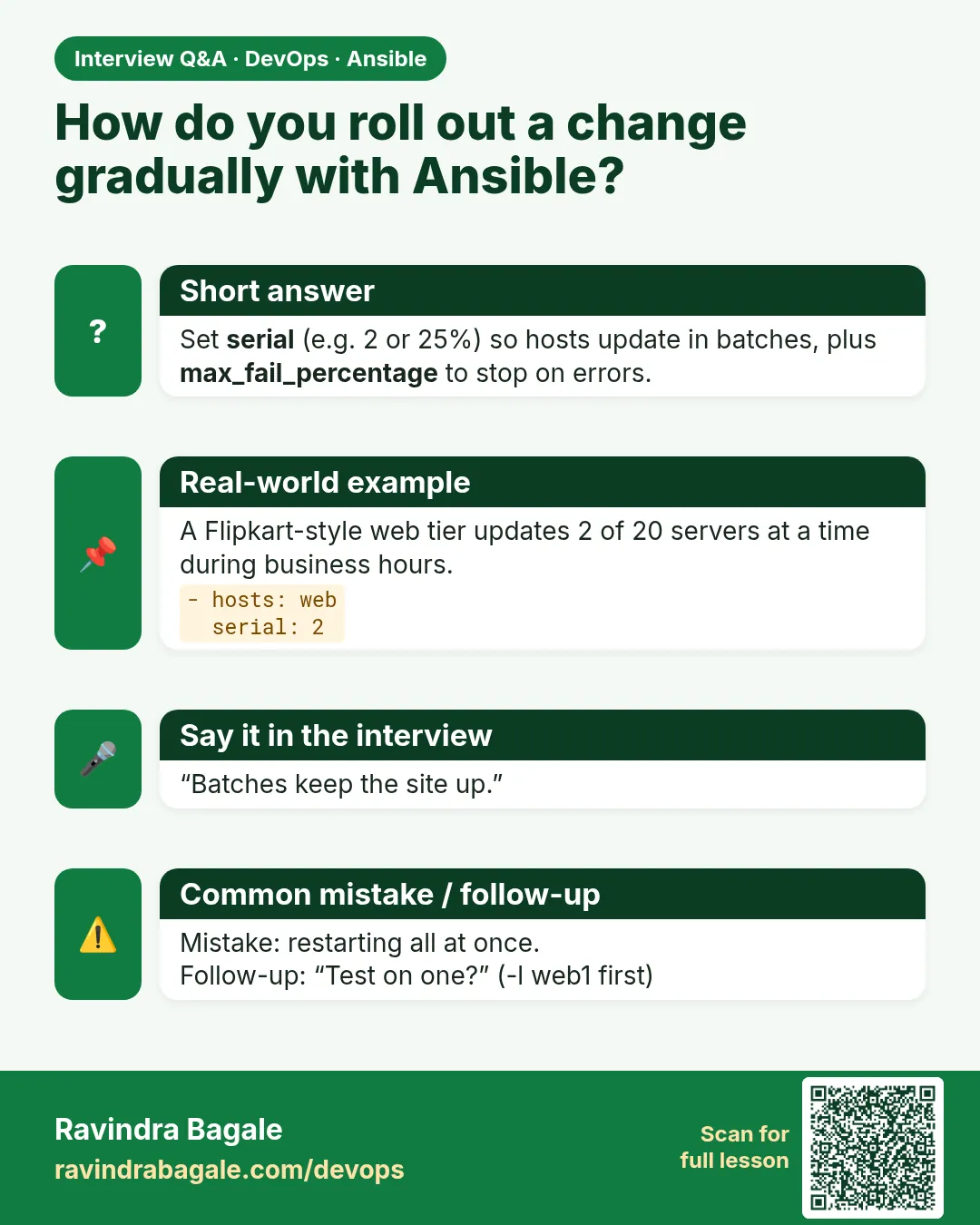
serial batches, remove each host from the load balancer, deploy, health check, add back, and max_fail_percentage to stop on errors.
-
What is the difference between serial and forks?
serial is batch size per play run; forks is how many hosts run a task at once.
-
Explain host patterns.
Names, groups, wildcards, union with :, intersection with :&, exclusion with :!.
-
What is delegate_to?
Run a task on another host, often localhost or the load balancer, on behalf of the current host.
-
How do you do a canary with Ansible?
--limit one host first, verify, then run the rest or use serial: [1, "100%"].
Quick quiz
Q1. What does --limit do?
Runs only on the chosen hosts this time.
Q2. What does serial: 2 mean?
Two hosts per batch.
Q3. How do you stop a rollout on any failure?
max_fail_percentage: 0
Q4. What does web:!web3 mean?
All web hosts except web3.
Q5. Where does delegate_to: localhost run a task?
On the control node.
Did you understand? Let us try it once more.
 Revision card
 Interview card