Chapter 16: Capstone — Ship It End-to-End
16.8 Runbook — the three commands humans need
Why: the problem
Suppose it is 2 am and the badge API is down. The person on call is not you. Your README says "deploy as usual". Nobody knows what usual is. Netflix and Infosys on-call teams live by runbooks: short pages with the exact commands for deploy, rollback and health. In this lesson you write RUNBOOK.md and three tiny scripts behind it, so anyone can fix the service with three commands.
What we will build
docs/RUNBOOK.md plus ops/deploy.sh, ops/rollback.sh and ops/health.sh. Deploy records each SHA in a release log, rollback reads the previous SHA from that log, and health exits non-zero when the API is sick, so it also works in cron and CI.
What: every term in plain English
- Runbook — A short page of exact steps for common jobs and incidents.
- On-call — The person who answers alerts out of hours.
- Release log — A file that records which SHA was deployed and when.
- Rollback — Going back to the last good version.
How: step by step
-
Create ops/
mkdir -p opsWhat it does: Folder for the three scripts.
Output
(no output) -
Write health.sh
nano ops/health.sh # Example 1What it does: The health script.
Output
(no output) -
Write deploy.sh
nano ops/deploy.sh # Example 2What it does: Deploy that records releases.
Output
(no output) -
Write rollback.sh
nano ops/rollback.sh # Example 3What it does: Rollback using the log.
Output
(no output) -
Make them runnable
chmod u+x ops/*.shWhat it does: Owner execute bit.
Output
(no output) -
Try the three commands
ops/deploy.sh 3f2a1c9 && ops/health.sh && ops/rollback.shWhat it does: The full on-call flow.
Output
deployed 3f2a1c9
HEALTHY 3f2a1c9
rolling back to 1b7e0d4
deployed 1b7e0d4
Example 1: A health script that works for humans, cron and CI
Stack. Bash, curl
Goal. A health script that works for humans, cron and CI.
ops/health.sh
#!/usr/bin/env bash
# ops/health.sh [url] — exit 0 if healthy, 1 if not
set -uo pipefail
URL="${1:-${HEALTH_URL:-http://localhost:3000/health}}"
body=$(curl -fsS --max-time 3 "$URL") || { echo "UNHEALTHY: no answer from $URL"; exit 1; }
status=$(echo "$body" | sed -n 's/.*"status":"\([^"]*\)".*/\1/p')
version=$(echo "$body" | sed -n 's/.*"version":"\([^"]*\)".*/\1/p')
if [ "$status" = "ok" ]; then
  echo "HEALTHY $version"
else
  echo "UNHEALTHY: status=$status"; exit 1
fi
What each line does
URL="${1:-${HEALTH_URL:-...}}"— Argument first, then environment variable, then a default.curl -fsS --max-time 3— Fail on HTTP errors and give up after 3 seconds.|| { ...; exit 1; }— If curl fails, print why and exit 1.sed -n 's/.../p'— Pulls one JSON field out without needing jq.
Green output
$ ops/health.sh
HEALTHY dev
$ ops/health.sh http://localhost:9999/health; echo $?
UNHEALTHY: no answer from http://localhost:9999/health
1
Expected result. Clear text for humans and a clear exit code for machines.
Example 2: A deploy script that records every release
Stack. Bash, Docker
Goal. A deploy script that records every release.
ops/deploy.sh
#!/usr/bin/env bash
# ops/deploy.sh <sha> — run badge-api:<sha> locally and log it
set -euo pipefail
TAG="${1:?usage: deploy.sh <sha>}"
IMAGE="${IMAGE:-ghcr.io/ravi/badge-api}"
LOG="${RELEASE_LOG:-$HOME/.badge-releases}"
docker pull -q "$IMAGE:$TAG" >/dev/null
docker rm -f badge-api >/dev/null 2>&1 || true
docker run -d --name badge-api -p 3000:3000 -e APP_VERSION="$TAG" "$IMAGE:$TAG" >/dev/null
sleep 2
"$(dirname "$0")/health.sh" >/dev/null
echo "$(date -Iseconds) $TAG" >> "$LOG"
echo "deployed $TAG"
What each line does
LOG=...— Where releases are recorded.docker run ... -e APP_VERSION="$TAG"— Starts the requested version."$(dirname "$0")/health.sh"— Calls health.sh next to this script; set -e stops if unhealthy.echo "$(date -Iseconds) $TAG" >> "$LOG"— Appends time and SHA to the release log only after health passes.
Green output
$ ops/deploy.sh 1b7e0d4 && ops/deploy.sh 3f2a1c9 && cat ~/.badge-releases
deployed 1b7e0d4
deployed 3f2a1c9
2026-10-25T11:20:03+05:30 1b7e0d4
2026-10-25T11:21:40+05:30 3f2a1c9
Expected result. Every healthy deploy is written down.
Example 3: A rollback script that goes to the previous good SHA
Stack. Bash, Markdown
Goal. A rollback script that goes to the previous good SHA.
ops/rollback.sh
#!/usr/bin/env bash
# ops/rollback.sh — redeploy the release before the current one
set -euo pipefail
LOG="${RELEASE_LOG:-$HOME/.badge-releases}"
[ "$(grep -c . "$LOG")" -ge 2 ] || { echo "nothing to roll back to"; exit 1; }
prev=$(tail -n 2 "$LOG" | head -n 1 | awk '{print $2}')
echo "rolling back to $prev"
"$(dirname "$0")/deploy.sh" "$prev"
docs/RUNBOOK.md
# badge-api runbook

## Health
    ops/health.sh                 # HEALTHY <sha> or UNHEALTHY

## Deploy
    ops/deploy.sh <sha>           # sha from CI run / image tag

## Rollback
    ops/rollback.sh               # goes to the previous logged release

## Where things are
- Release log: ~/.badge-releases
- Logs: docker logs --tail 100 badge-api
- Owner: platform team; escalate after 15 minutes
What each line does
grep -c . "$LOG"— Counts releases; you need at least 2 to roll back.tail -n 2 | head -n 1— Takes the second-last line.awk '{print $2}'— Keeps only the SHA column.RUNBOOK.md— Three commands, where logs are, who to call.
Green output
$ ops/rollback.sh
rolling back to 1b7e0d4
deployed 1b7e0d4
$ ops/health.sh
HEALTHY 1b7e0d4
Expected result. One command brings back the last good version.
Example 4: One status command for humans
Stack. Bash
Goal. One status command for humans.
ops/status.sh
#!/usr/bin/env bash
echo "== version =="; curl -fs http://localhost:3000/health || echo "app DOWN"
echo "== pods ==";    kubectl get pods -l app=badge-api -o wide 2>/dev/null || echo "no cluster"
echo "== disk ==";    df -h / | tail -1
echo "== last deploy =="; tail -1 docs/deploy-log.txt 2>/dev/null || echo "no log"
What each line does
== headers ==— Easy to read at 2 a.m.|| echo— A missing part prints a clear message instead of an error dump.deploy-log.txt— deploy.sh appends one line per deploy.
Green output
== version ==
{"status":"ok","version":"a1b2c3d"}
== pods ==
badge-api-6c9f7d-x2k9p  1/1  Running  0  12m  10.244.0.7  capstone-control-plane
== disk ==
/dev/root  29G  9.1G  20G  32% /
== last deploy ==
2026-10-25 10:42 a1b2c3d by ravi OK
Expected result. One command answers: what version, is it running, is the disk fine, who deployed last.
Example 5: Rollback in one command and prove it
Stack. kubectl
Goal. Rollback in one command and prove it.
ops/rollback.sh
#!/usr/bin/env bash
set -euo pipefail
kubectl rollout undo deploy/badge-api
kubectl rollout status deploy/badge-api --timeout=60s
curl -fs http://localhost:30080/health
What each line does
rollout undo— Go back to the previous ReplicaSet.status— Wait until ready.curl health— Prove the old version answers.
Green output
deployment.apps/badge-api rolled back
deployment "badge-api" successfully rolled out
{"status":"ok","version":"9e8d7c6"}
Expected result. The version changed back. The runbook shows the exact output to expect.
Example 6: Append one line per deploy to a log
Stack. Bash
Goal. Append one line per deploy to a log.
ops/deploy.sh end part
echo "$(date '+%F %H:%M') $TAG by $(whoami) OK" >> docs/deploy-log.txt
tail -3 docs/deploy-log.txt
What each line does
date format— Year-month-day hour:minute.>>— Append, never overwrite.
Green output
2026-10-24 18:10 9e8d7c6 by ravi OK
2026-10-25 10:42 a1b2c3d by ravi OK
Expected result. status.sh and rollback both use this log.
Verify: did it work?
-
Read the log
tail -3 ~/.badge-releasesWhat it does: Shows recent releases.
Output
2026-10-25T11:20:03+05:30 1b7e0d4 2026-10-25T11:21:40+05:30 3f2a1c9 2026-10-25T11:23:02+05:30 1b7e0d4 -
Cron health
(crontab -l 2>/dev/null; echo "*/5 * * * * $HOME/shipit-capstone/ops/health.sh >> /tmp/health.log 2>&1") | crontab -What it does: Checks every 5 minutes.
Output
(no output)
When it is red 1
docker: Error response from daemon: manifest for ghcr.io/ravi/badge-api:abc unknown
Cause. That SHA was never pushed (typo or CI failed).
Fix, step by step
- List tags in the registry page or run gh run list.
- Use a SHA from a green CI run.
- Run deploy again.
When it is red 2
nothing to roll back to
Cause. The release log has fewer than two entries.
Fix, step by step
- Deploy a known good SHA manually first.
- Future rollbacks then work.
When it is red 3
error: no rollout history found for deployment "badge-api"
Cause. Only one revision exists.
Fix, step by step
- Deploy a second version first; rollback needs a previous one.
Cleanup
-
Remove container and cron line
docker rm -f badge-api; crontab -l | grep -v health.sh | crontab -What it does: Stops the app and removes the cron job.
Output
badge-api -
Archive the log
mv ~/.badge-releases ~/badge-releases-$(date +%F).logWhat it does: Keeps evidence for your capstone.
Output
(no output)
Ravindra Bagale's Tip
Give the runbook to someone else to test. If they get stuck, the runbook is incomplete.
Runbook दुसऱ्या कुणाला तरी test करायला द्या. ते अडकल्या तर runbook अधुरा आहे.
Runbook किसी और को test करने दो. वो अटके तो runbook अधूरा है.
Practice tasks
Easy health.sh
Why: Doing it once with your own hands makes it stick.
What to do: Run health.sh.
- ops/health.sh
Check: HEALTHY.
Easy Bad URL
Why: Doing it once with your own hands makes it stick.
What to do: Run with a wrong port.
- ops/health.sh http://localhost:9/health
Check: Exit 1.
Easy Deploy one
Why: Doing it once with your own hands makes it stick.
What to do: Deploy a SHA.
- ops/deploy.sh <sha>
Check: deployed.
Easy Read log
Why: Doing it once with your own hands makes it stick.
What to do: cat the release log.
- cat ~/.badge-releases
Check: One line.
Medium Deploy two
Why: Doing it once with your own hands makes it stick.
What to do: Deploy a second SHA.
- ops/deploy.sh <sha2>
Check: Two lines.
Medium Roll back
Why: Doing it once with your own hands makes it stick.
What to do: Run rollback.sh.
- ops/rollback.sh
Check: First SHA serves.
Medium Cron
Why: Doing it once with your own hands makes it stick.
What to do: Add the cron health line.
- crontab -e
Check: /tmp/health.log grows.
Medium Escalation
Why: Doing it once with your own hands makes it stick.
What to do: Add owner and escalation to RUNBOOK.md.
- Edit file.
Check: Section exists.
Hard Friend test
Why: Doing it once with your own hands makes it stick.
What to do: Have someone use only the runbook.
- Give them the repo.
Check: They finish without asking you.
Hard jq version
Why: Doing it once with your own hands makes it stick.
What to do: Rewrite health.sh with jq.
- Use jq -r .status.
Check: Same output.
Homework: try at home
Try at home
Ask a friend to follow only RUNBOOK.md to deploy and roll back. Write down every question they ask and fix the runbook so the question is answered.
Recap
- A runbook gives exact commands.
- health.sh: text for humans, exit code for machines.
- deploy.sh logs only healthy releases.
- rollback.sh uses the log.
- Test the runbook on someone else.
FAQ
Where should the runbook live?
In the repo next to the code, so it changes with the code.
Why not just a wiki?
Wikis drift. A repo file is reviewed with every change.
Is cron enough monitoring?
For the capstone yes; real systems use Prometheus/CloudWatch alerts.
Can rollback run automatically?
Yes, deploy scripts and Kubernetes can do it on failed health.
What about database changes?
Make migrations backward compatible so rollback stays safe.
Why only three commands?
At 2 a.m. people need status, deploy and rollback. More goes in the full docs.
Interview questions
-
What goes in a good runbook?
Symptoms, health check, deploy, rollback, logs location, owner, escalation.
-
How do you make rollback safe?
Immutable SHA tags, release log, backward-compatible DB changes.
-
How does on-call know what version runs?
Version in /health and the release log.
-
Why should scripts use exit codes?
Automation decides pass/fail from them.
-
How do you test a runbook?
Game days: someone else follows it in a drill.
Quick quiz
Q1. What three commands does the runbook give?
Health, deploy and rollback.
Q2. Why log releases only after health passes?
So rollback never goes to a broken version.
Q3. How does rollback pick a SHA?
Second-last line of the release log.
Q4. Why exit codes in health.sh?
So cron and CI can react.
Q5. What is a runbook for?
Exact steps anyone can follow, even at 2 am.
Did you understand? Let us try it once more.
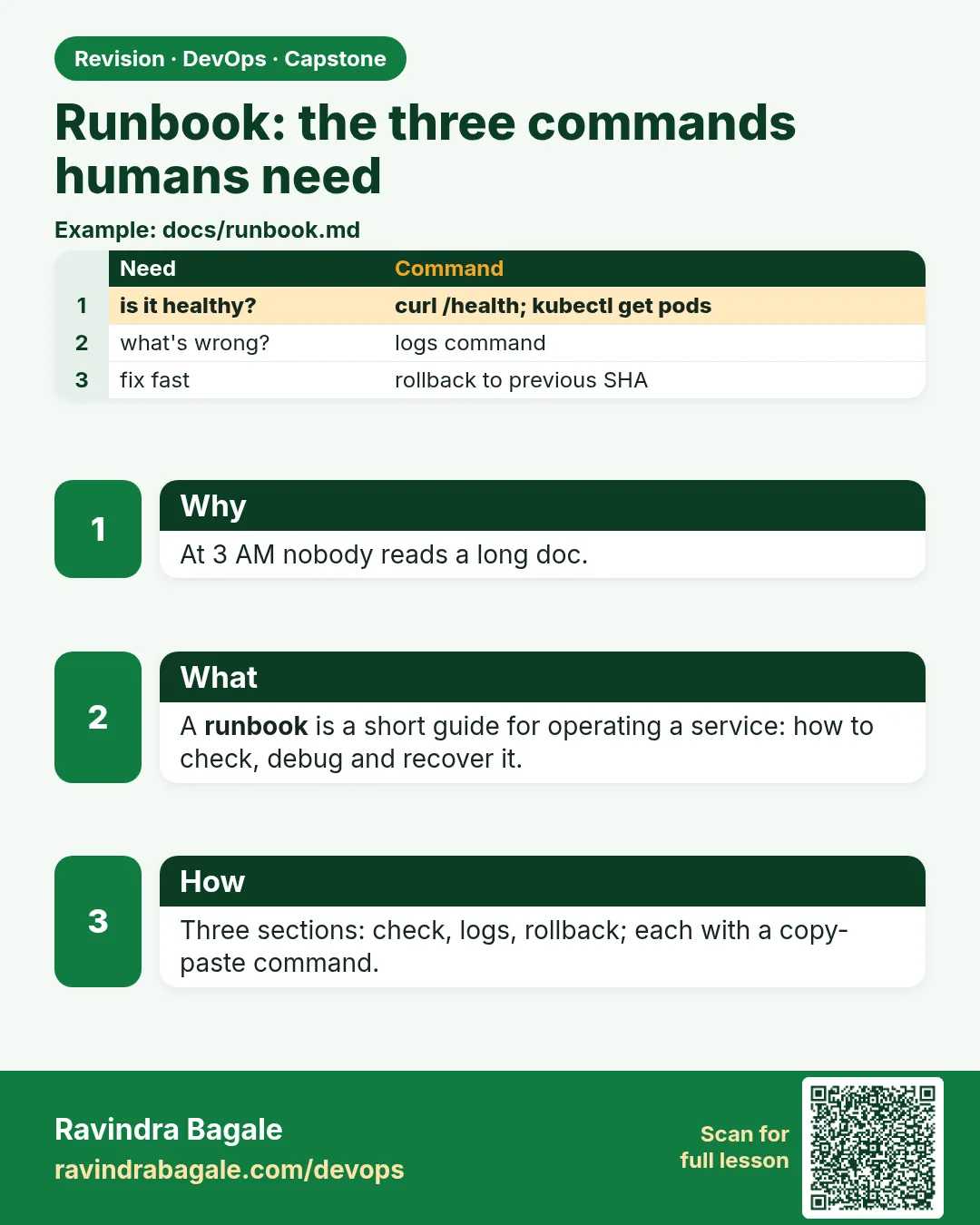 Revision card
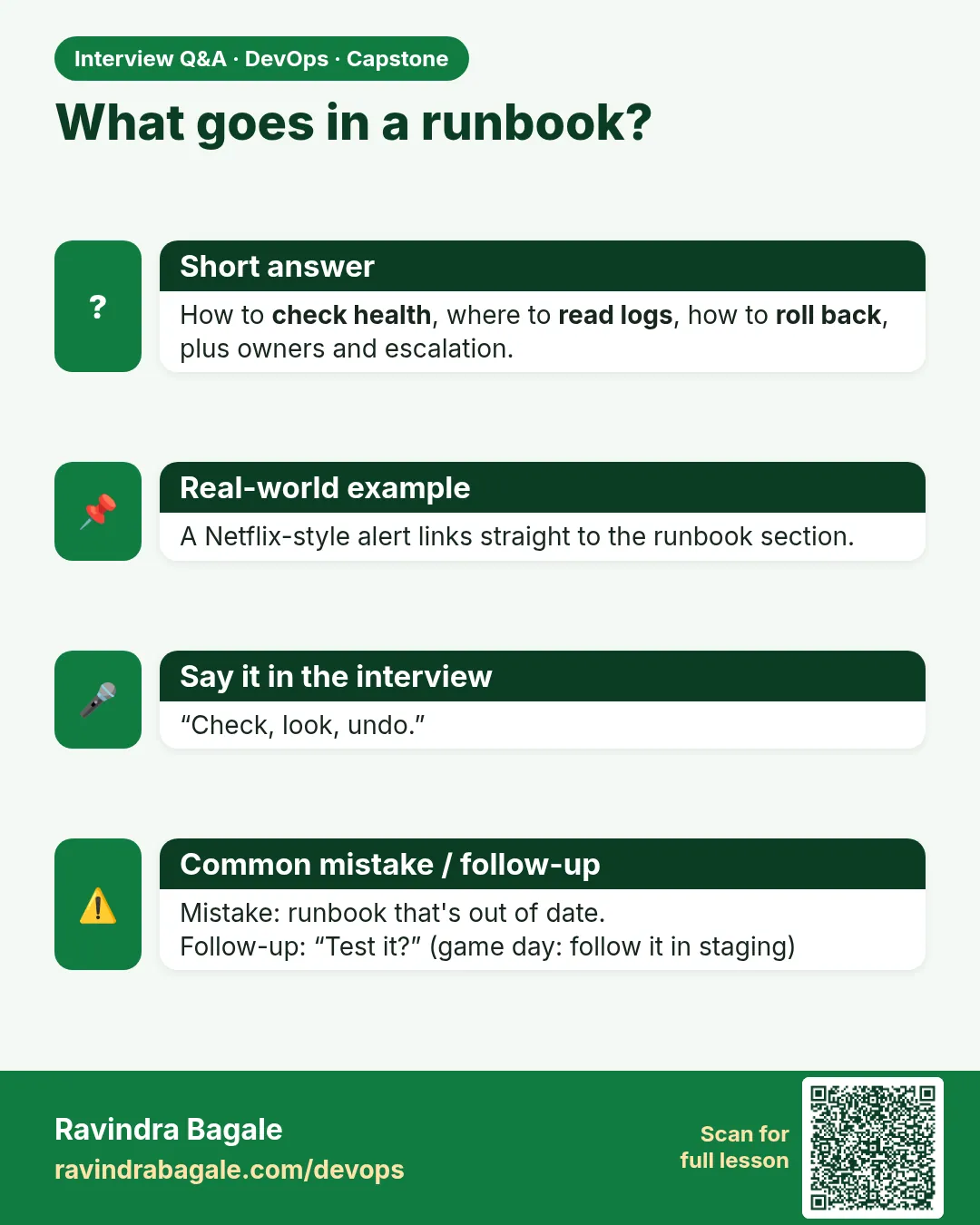 Interview card
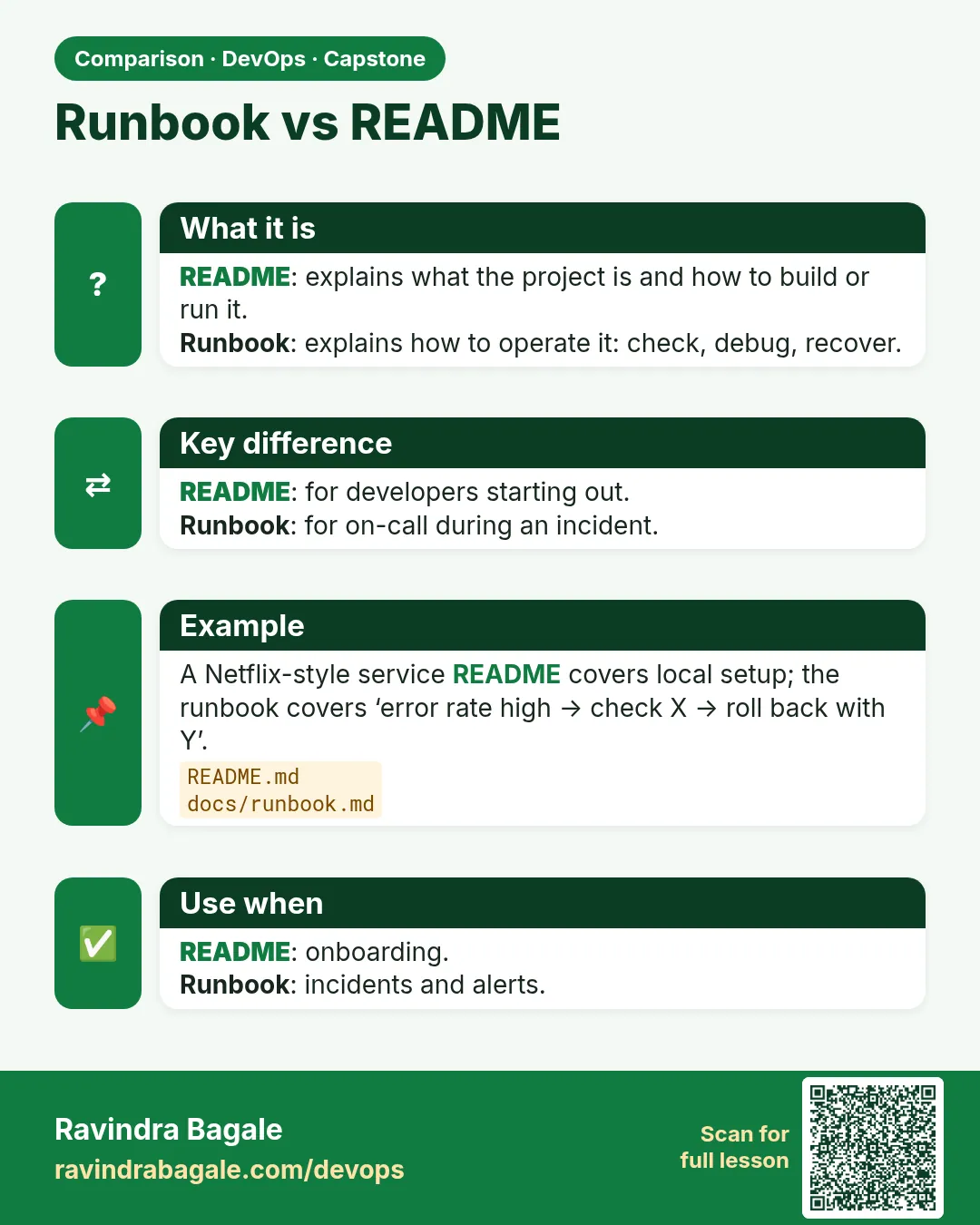 Comparison card