Chapter 16: Capstone — Ship It End-to-End
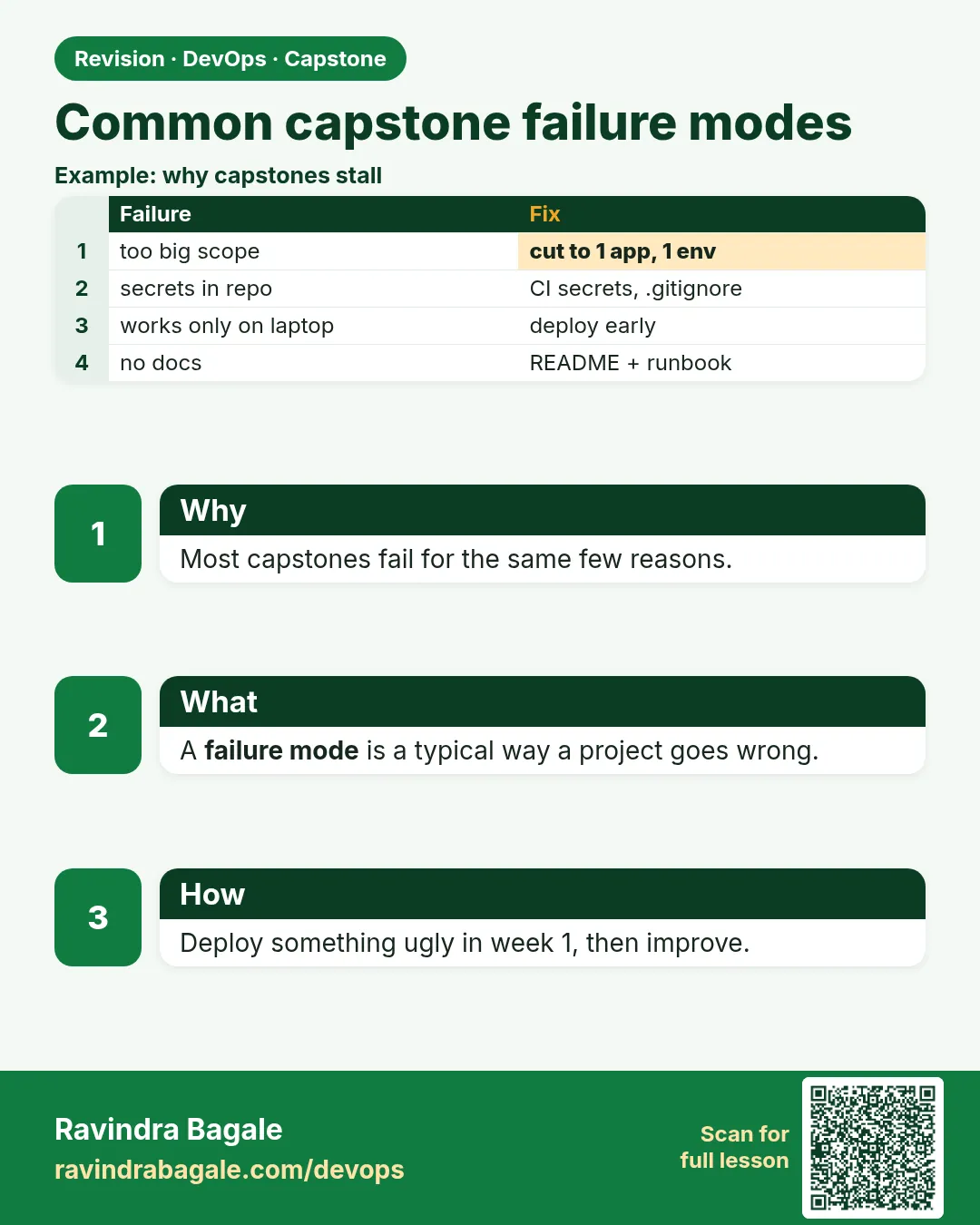
16.11 Common capstone failure modes
Why: the problem
Suppose a Swiggy deploy fails at 9 pm. The junior engineer restarts things at random. The senior engineer reads the error, finds the cause in two minutes, and fixes it. The difference is practice with real failures. In this lesson you break the capstone on purpose, five ways, read the real error each time and fix it. Netflix even breaks production on purpose (chaos engineering) so teams stay ready.
What we will build
A break-it.sh lab that causes five common capstone failures one by one (wrong port, missing env file, crash loop, image tag typo, full disk warning), with the exact diagnosis commands and fixes; and a Kubernetes crash loop you debug with describe and logs.
What: every term in plain English
- Failure mode — A typical way a system breaks.
- Diagnosis — Finding the real cause from evidence (logs, status, events).
- CrashLoopBackOff — Kubernetes status when a container keeps crashing and restarting.
- Chaos engineering — Breaking things on purpose to test recovery.
How: step by step
-
Write break-it.sh
nano ops/break-it.sh # Example 1What it does: The lab script.
Output
(no output) -
Break #1
ops/break-it.sh portWhat it does: Runs the app on the wrong port mapping.
Output
broken: port. Now diagnose with: docker ps; curl -v localhost:3000/health -
Diagnose
docker ps --format "{{.Names}} {{.Ports}}"What it does: Shows the real mapping.
Output
badge-api 0.0.0.0:3000->4000/tcp -
Fix
ops/break-it.sh fixWhat it does: Restores the good container.
Output
fixed: badge-api healthy
Example 1: Cause failures on purpose and practise the fix
Stack. Bash, Docker
Goal. Cause failures on purpose and practise the fix.
ops/break-it.sh
#!/usr/bin/env bash
# ops/break-it.sh <port|env|crash|tag|fix> — practice failures
set -uo pipefail
docker rm -f badge-api >/dev/null 2>&1
case "${1:-}" in
  port)  docker run -d --name badge-api -p 3000:4000 badge-api:local ;;
  env)   docker run -d --name badge-api --env-file ./missing.env -p 3000:3000 badge-api:local ;;
  crash) docker run -d --name badge-api -p 3000:3000 badge-api:local node does-not-exist.js ;;
  tag)   docker run -d --name badge-api -p 3000:3000 badge-api:lcoal ;;
  fix)   docker run -d --name badge-api -p 3000:3000 badge-api:local >/dev/null; sleep 2
         curl -fsS localhost:3000/health >/dev/null && echo "fixed: badge-api healthy"; exit ;;
  *)     echo "usage: $0 port|env|crash|tag|fix"; exit 1 ;;
esac
echo "broken: $1. Now diagnose with: docker ps -a; docker logs badge-api; curl -v localhost:3000/health"
What each line does
docker rm -f badge-api— Starts each case clean.-p 3000:4000— Wrong: maps to a port the app does not listen on.--env-file ./missing.env— Wrong: file does not exist.node does-not-exist.js— Wrong command: crashes at start.badge-api:lcoal— Typo in the tag.
Green output
$ ops/break-it.sh crash
broken: crash. ...
$ docker ps -a --format "{{.Names}} {{.Status}}"
badge-api Exited (1) 3 seconds ago
$ docker logs badge-api
Error: Cannot find module '/app/does-not-exist.js'
Expected result. Each failure leaves a clear clue in ps, logs or curl.
Example 2: Debug a CrashLoopBackOff in kind
Stack. kind, kubectl
Goal. Debug a CrashLoopBackOff in kind.
deploy/broken.yaml
apiVersion: apps/v1
kind: Deployment
metadata: { name: broken-api }
spec:
  replicas: 1
  selector: { matchLabels: { app: broken-api } }
  template:
    metadata: { labels: { app: broken-api } }
    spec:
      containers:
        - name: api
          image: badge-api:local
          imagePullPolicy: IfNotPresent
          command: ["node", "missing.js"]
diagnose
kubectl apply -f deploy/broken.yaml
kubectl get pods -l app=broken-api
kubectl logs deploy/broken-api --previous
kubectl describe pod -l app=broken-api | tail -8
What each line does
command: ["node","missing.js"]— Overrides the image command with a wrong file.kubectl logs --previous— Logs of the crashed container, not the new one.describe ... | tail— Events: Back-off restarting failed container.
Green output
NAME                         READY STATUS             RESTARTS
broken-api-7c9f5d8b6-q2lzx   0/1   CrashLoopBackOff   3 (20s ago)
Error: Cannot find module '/app/missing.js'
  Warning  BackOff  kubelet  Back-off restarting failed container api
Expected result. Remove the command line, apply again, and the Pod runs.
Example 3: Spot disk pressure before it kills deploys
Stack. Bash
Goal. Spot disk pressure before it kills deploys.
ops/disk.sh
#!/usr/bin/env bash
set -euo pipefail
use=$(df --output=pcent / | tail -1 | tr -dc 0-9)
echo "root disk ${use}% used"
docker system df
if [ "$use" -ge 85 ]; then
  echo "WARNING: disk above 85% — prune old images"
  exit 1
fi
What each line does
df --output=pcent /— Percent used on the root disk.tr -dc 0-9— Keeps only digits.docker system df— How much Docker images, containers and volumes use.
Green output
root disk 62% used
TYPE            TOTAL   ACTIVE   SIZE      RECLAIMABLE
Images          14      2        3.1GB     2.4GB (77%)
Expected result. You see space Docker can give back with docker image prune.
Example 4: Break it on purpose and watch the guard work
Stack. kubectl
Goal. Break it on purpose and watch the guard work.
ops/break-it.sh
#!/usr/bin/env bash
case "${1:-}" in
  port)  kubectl set env deploy/badge-api PORT=9999 ;;
  image) kubectl set image deploy/badge-api badge-api=badge-api:does-not-exist ;;
  *) echo "usage: break-it.sh port|image"; exit 2 ;;
esac
kubectl rollout status deploy/badge-api --timeout=40s || echo "BROKEN as planned"
What each line does
PORT=9999— App listens on the wrong port; probes fail.does-not-exist— Image pull fails.rollout status— Times out, showing the failure.
Green output
Waiting for deployment "badge-api" rollout to finish: 1 old replicas are pending termination...
error: deployment "badge-api" exceeded its progress deadline
BROKEN as planned
Expected result. Old pods keep serving because the new ones never became ready. Then run ops/rollback.sh.
Example 5: Read the image pull failure
Stack. kubectl
Goal. Read the image pull failure.
commands
kubectl get pods -l app=badge-api
kubectl describe pod -l app=badge-api | grep -A3 Events
What each line does
ErrImagePull— Kubernetes cannot get the image.Events— Shows the exact reason.
Green output
badge-api-7f9-abcde   0/1   ImagePullBackOff   0   45s
Events:
  Warning  Failed  12s  kubelet  Failed to pull image "badge-api:does-not-exist": not found
Expected result. Fix the tag or load the image with kind load, then roll out again.
Example 6: Find the port mismatch quickly
Stack. kubectl
Goal. Find the port mismatch quickly.
commands
kubectl get deploy badge-api -o jsonpath='{.spec.template.spec.containers[0].ports[0].containerPort}'; echo
kubectl exec deploy/badge-api -- printenv PORT
kubectl get svc badge-api -o jsonpath='{.spec.ports[0].targetPort}'; echo
What each line does
containerPort— What Kubernetes thinks.printenv PORT— What the app uses.targetPort— Where the Service sends traffic.
Green output
3000
9999
3000
Expected result. The app listens on 9999 but traffic goes to 3000. Remove the bad PORT value.
Verify: did it work?
-
All fixed
ops/break-it.sh fix && ops/health.shWhat it does: Back to green.
Output
fixed: badge-api healthy
HEALTHY dev
When it is red 1
docker: Unable to find image 'badge-api:lcoal' locally ... pull access denied
Cause. Tag typo.
Fix, step by step
- docker images | grep badge-api
- Use the exact tag.
When it is red 2
docker: open ./missing.env: no such file or directory.
Cause. Env file path is wrong.
Fix, step by step
- ls the path.
- cp example.env .env and point to it.
When it is red 3
curl: (56) Recv failure: Connection reset by peer
Cause. Port mapping goes to a port nothing listens on.
Fix, step by step
- docker ps to see the mapping.
- Map host port to 3000, the app port.
When it is red 4
Warning BackOff restarting failed container
Cause. App crashes at start, often a missing env variable.
Fix, step by step
- kubectl logs POD --previous
- Add the variable and roll out again.
When it is red 5
Error from server (NotFound): deployments.apps "badge-api" not found
Cause. Wrong name or namespace.
Fix, step by step
- kubectl get deploy -A
Cleanup
-
Remove broken objects
kubectl delete -f deploy/broken.yaml --ignore-not-found; ops/break-it.sh fixWhat it does: Clears the lab.
Output
deployment.apps "broken-api" deleted
fixed: badge-api healthy
Ravindra Bagale's Tip
Read the full error message. The answer is there.
Error message पूर्ण वाचा. उत्तर तिथेच असतं.
Error message पूरा पढ़ो. जवाब वहीं होता है.
Practice tasks
Easy Port break
Why: Doing it once with your own hands makes it stick.
What to do: Run break-it port and fix.
- ops/break-it.sh port
- diagnose
- fix
Check: Healthy.
Easy Env break
Why: Doing it once with your own hands makes it stick.
What to do: Run break-it env.
- Read the error.
Check: You name the cause.
Easy Crash break
Why: Doing it once with your own hands makes it stick.
What to do: Run break-it crash.
- docker logs badge-api
Check: Cannot find module.
Easy Tag break
Why: Doing it once with your own hands makes it stick.
What to do: Run break-it tag.
- Read the error.
Check: Typo found.
Medium K8s crash
Why: Doing it once with your own hands makes it stick.
What to do: Apply broken.yaml.
- logs --previous
Check: Cause found.
Medium Fix k8s
Why: Doing it once with your own hands makes it stick.
What to do: Remove the command.
- Apply.
Check: Running.
Medium Disk check
Why: Doing it once with your own hands makes it stick.
What to do: Run disk.sh.
- ops/disk.sh
Check: Percent printed.
Medium Prune
Why: Doing it once with your own hands makes it stick.
What to do: Prune images.
- docker image prune -f
Check: Space reclaimed.
Hard Blind test
Why: Doing it once with your own hands makes it stick.
What to do: Friend breaks it.
- Diagnose.
Check: Under 5 minutes.
Hard New case
Why: Doing it once with your own hands makes it stick.
What to do: Add an "oom" case with --memory=10m.
- Edit script.
- Run.
Check: Exited (137) seen.
Homework: try at home
Try at home
Ask a friend to run one break-it case without telling you which. Diagnose it using only docker ps -a, docker logs and curl -v. Time yourself.
Recap
- Common breaks: port, env, crash, tag, disk.
- docker ps -a, logs and curl -v find most causes.
- kubectl describe and logs --previous for Pods.
- Practice makes diagnosis fast.
FAQ
Exit code 137?
The container was killed, often out of memory.
Exit code 1?
The app itself failed; read logs.
Why --previous?
The current container may be new and empty.
Is chaos engineering safe?
Only with limits and in practice environments first.
What if logs are empty?
Check docker inspect State and the command.
Should I show a failure in the demo?
Yes, a planned one with a quick rollback. It shows confidence.
Most common failure?
Wrong port or wrong image tag. Check those first.
Should I keep break-it.sh in the repo?
Yes, it shows you tested failure.
Interview questions
-
How do you debug CrashLoopBackOff?
describe pod events, logs --previous, check command, env, probes, resources.
-
A container exits immediately. Steps?
docker ps -a for exit code, docker logs, inspect Config.Cmd.
-
What is exit code 137?
SIGKILL, often OOM killed.
-
How do you avoid full-disk failures?
Monitor disk, prune images, log rotation.
-
What is chaos engineering?
Controlled failure injection to prove resilience.
Quick quiz
Q1. First three commands to debug a dead container?
docker ps -a, docker logs, docker inspect.
Q2. What does CrashLoopBackOff mean?
The container keeps crashing; Kubernetes waits longer between restarts.
Q3. How do you see logs of the crashed container in Kubernetes?
kubectl logs --previous.
Q4. What does Connection reset often mean with Docker?
Wrong container port mapping.
Q5. Why break things on purpose?
To practise calm diagnosis.
Did you understand? Let us try it once more.
 Revision card
 Interview card