Chapter 16: Capstone — Ship It End-to-End
16.12c Timebox plan (suggested)
Why: the problem
Suppose you plan to finish the capstone "this weekend". Sunday night you are still fighting Kubernetes, and nothing is submitted. Netflix teams use timeboxes: a fixed time for each part, and you move on when time is up. In this lesson you turn the plan into make targets for each day and a tiny time log, so progress is visible.
What we will build
A five-day plan in PLAN.md, a Makefile with day1–day5 targets that each run that day's commands and checks, and ops/timelog.sh that records start and stop times per task and prints a summary.
What: every term in plain English
- Timebox — A fixed amount of time for a task. When it ends, you stop or cut scope.
- Milestone — A point where something works end to end.
- Time log — A record of how long each task really took.
How: step by step
-
Write PLAN.md
nano PLAN.mdWhat it does: Day-by-day goals.
Output
(no output) -
Start a timer
ops/timelog.sh start dockerfileWhat it does: Records a start time.
Output
started dockerfile at 10:00 -
Stop it
ops/timelog.sh stop dockerfileWhat it does: Records the stop time.
Output
stopped dockerfile after 42 min -
Summary
ops/timelog.sh reportWhat it does: Totals per task.
Output
dockerfile 42 min ci 95 min total 137 min -
Check a day
make day2What it does: Runs day 2 checks.
Output
day2: image builds and compose is healthy ✔
Example 1: Make targets per day, each ending in a check
Stack. Make
Goal. Make targets per day, each ending in a check.
Makefile (plan)
.PHONY: day1 day2 day3 day4 day5
day1:   ## app + tests
    cd app && npm ci && npm test
    @echo "day1: app and tests green ✔"
day2:   ## image + compose
    docker compose up -d --build
    sleep 3 && ops/health.sh
    @echo "day2: image builds and compose is healthy ✔"
day3:   ## CI
    gh run list --limit 1 --json conclusion -q '.[0].conclusion' | grep -qx success
    @echo "day3: latest CI run green ✔"
day4:   ## deploy path + acceptance
    BASE_URL=$${BASE_URL:-http://localhost:3000} tests/acceptance.sh
    @echo "day4: acceptance passed ✔"
day5:   ## checklist + cleanup
    ops/checklist.sh
    @echo "day5: ready to submit ✔"
What each line does
## app + tests— A comment so you remember the day's goal.@echo— @ hides the command itself; only the message prints.gh run list ... -q— Reads the latest CI conclusion with the GitHub CLI.$${BASE_URL:-...}— $$ passes a single $ to the shell inside make.
Green output
$ make day1
Tests: 3 passed, 3 total
day1: app and tests green ✔
Expected result. Each day is "done" only when its target is green.
Example 2: A simple time log in Bash
Stack. Bash, awk
Goal. A simple time log in Bash.
ops/timelog.sh
#!/usr/bin/env bash
# ops/timelog.sh start|stop <task> | report
set -euo pipefail
LOG="${TIMELOG:-$HOME/.shipit-time}"
case "$1" in
  start) echo "start $2 $(date +%s)" >> "$LOG"; echo "started $2 at $(date +%H:%M)" ;;
  stop)  s=$(grep "^start $2 " "$LOG" | tail -1 | awk '{print $3}')
         m=$(( ($(date +%s) - s) / 60 )); echo "done $2 $m" >> "$LOG"; echo "stopped $2 after $m min" ;;
  report) awk '$1=="done"{t[$2]+=$3; all+=$3} END{for(k in t) printf "%-10s %4d min\n",k,t[k]; printf "total     %4d min\n",all}' "$LOG" ;;
  *) echo "usage: $0 start|stop <task> | report"; exit 1 ;;
esac
What each line does
date +%s— Seconds since 1970; easy to subtract.grep "^start $2 " | tail -1— Finds the latest start for this task.awk ... t[$2]+=$3— Adds minutes per task.
Green output
$ ops/timelog.sh report
dockerfile   42 min
ci           95 min
total       137 min
Expected result. You see where time really goes.
Example 3: The plan file everyone can read
Stack. Markdown
Goal. The plan file everyone can read.
PLAN.md
# Ship-It plan (5 x 2 hours)
| Day | Goal | Done when | Timebox |
|---|---|---|---|
| 1 | API + tests | make day1 green | 2 h |
| 2 | Dockerfile + Compose | make day2 green | 2 h |
| 3 | CI on PR + image on main | make day3 green | 2 h |
| 4 | Deploy path A or B + acceptance | make day4 green | 2 h |
| 5 | Runbook, checklist, cleanup, demo | make day5 green | 2 h |

Rule: if a timebox ends, write the blocker in NOT-NOW.md and move on.
What each line does
Done when— Each goal has a command that proves it.Rule— Stops one problem from eating the week.
Green output
$ cat PLAN.md (table shown above)
Expected result. A clear plan with measurable days.
Example 4: Log your time per task to compare with the plan
Stack. Bash, awk
Goal. Log your time per task to compare with the plan.
ops/timelog.sh
#!/usr/bin/env bash
# usage: timelog.sh start TASK | stop
f=docs/time-log.txt
case "$1" in
  start) echo "$(date +%s) START $2" >> "$f"; echo "started $2" ;;
  stop)  echo "$(date +%s) STOP" >> "$f"; echo "stopped" ;;
esac
report.sh
awk '$2=="START"{t=$1; n=$3} $2=="STOP"{s[n]+=($1-t)/3600} END{for(k in s) printf "%-12s %.1f h\n", k, s[k]}' docs/time-log.txt
What each line does
date +%s— Timestamp in seconds.awk— Adds up hours per task.
Green output
ci           3.5 h
deploy       5.0 h
runbook      1.5 h
Expected result. Deploy took 5 hours against a plan of 4. Next time plan a buffer.
Example 5: A day-by-day plan for a 7-day timebox
Stack. Markdown
Goal. A day-by-day plan for a 7-day timebox.
docs/PLAN.md
Day 1: app + tests green locally
Day 2: Dockerfile + image runs
Day 3: CI pipeline green
Day 4: deploy path A or B
Day 5: runbook, rollback, health
Day 6: checklist, acceptance, evidence
Day 7: demo practice, buffer
What each line does
One goal per day— Easy to see if you are late.Day 7 buffer— Something always breaks.
Green output
(review every evening: done / not done)
Expected result. If Day 3 is not green by Day 4 evening, cut scope, do not cut sleep.
Example 6: Show progress with git log per day
Stack. Git
Goal. Show progress with git log per day.
commands
git log --since="7 days ago" --date=short --format="%ad %s" | sort | uniq -c -w10
What each line does
--date=short— Only the date.uniq -c -w10— Count commits per date.
Green output
4 2026-10-19 add health route
6 2026-10-20 dockerfile
3 2026-10-21 ci
Expected result. Small daily commits prove steady work.
Example 7: Daily stand-up note for yourself
Stack. Habit
Goal. Daily stand-up note for yourself.
docs/standup.txt
2026-10-21
Done: CI pipeline green (lint, test, build)
Next: deploy path B on kind
Blocked: image pull error in kind; try kind load docker-image
What each line does
Done/Next/Blocked— Same format as stand-ups at Infosys or Flipkart.
Green output
(one entry per day)
Expected result. A blocker written down is easier to solve the next morning.
Example 8: Spot the slow day from your commits
Stack. Git, Bash
Goal. Spot the slow day from your commits.
commands
for d in $(seq 0 6); do
  day=$(date -d "-$d day" +%F)
  n=$(git log --since="$day 00:00" --until="$day 23:59" --oneline | wc -l)
  echo "$day $n commits"
done
What each line does
date -d "-N day"— Each of the last 7 days.--since/--until— Commits on that day only.
Green output
2026-10-25 5 commits
2026-10-24 0 commits
2026-10-23 3 commits
Expected result. A zero day is fine, two zero days in a row means re-plan.
Example 9: Cut scope with a clear note
Stack. Markdown
Goal. Cut scope with a clear note.
SCOPE.md change
## Out (moved on 2026-10-23)
- Prometheus monitoring: CI took 2 extra hours. Planned for v2.
What each line does
date— When it moved.reason— Why, in one line.
Green output
(committed: "scope: move monitoring to v2")
Expected result. Cutting scope early is a skill, not a failure.
Verify: did it work?
-
All days
for d in 1 2 3 4 5; do make day$d || break; doneWhat it does: Runs days in order and stops at the first red.
Output
day1: app and tests green ✔
day2: ... ✔
...
When it is red 1
make: *** No rule to make target 'day6'. Stop.
Cause. That target does not exist.
Fix, step by step
- make -qp | grep "^day" to list targets.
- Use day1–day5.
When it is red 2
awk: cmd. line:1: fatal: cannot open file
Cause. The time log does not exist yet.
Fix, step by step
- Run ops/timelog.sh start
first.
When it is red 3
awk: division by zero
Cause. time-log.txt has a STOP without a START.
Fix, step by step
- Open the file and fix the order of lines.
When it is red 4
fatal: your current branch 'main' does not have any commits yet
Cause. You ran git log in a new repo.
Fix, step by step
- Make your first commit.
Cleanup
-
Archive time log
mv ~/.shipit-time docs/time-log.txtWhat it does: Keeps it as evidence.
Output
(no output)
Ravindra Bagale's Tip
If you are stuck on one problem for 2 hours, write it in NOT-NOW.md and move on.
एक problem वर २ तास अडकला तर NOT-NOW.md मध्ये लिहा आणि पुढे चला.
एक problem पर २ घंटे अटके तो NOT-NOW.md में लिखो और आगे बढ़ो.
Practice tasks
Easy PLAN.md
Why: Doing it once with your own hands makes it stick.
What to do: Write your plan.
- Copy Example 3.
Check: File exists.
Easy day1
Why: Doing it once with your own hands makes it stick.
What to do: Run make day1.
- make day1
Check: Green.
Easy Timer
Why: Doing it once with your own hands makes it stick.
What to do: Start and stop a timer.
- start
- stop
Check: Minutes print.
Easy Report
Why: Doing it once with your own hands makes it stick.
What to do: Print report.
- ops/timelog.sh report
Check: Totals.
Medium day2
Why: Doing it once with your own hands makes it stick.
What to do: Run make day2.
- make day2
Check: Healthy.
Medium day3
Why: Doing it once with your own hands makes it stick.
What to do: Run make day3.
- gh auth status first
Check: success.
Medium Loop
Why: Doing it once with your own hands makes it stick.
What to do: Run all days loop.
- for d in ...
Check: Stops at first red.
Medium NOT-NOW
Why: Doing it once with your own hands makes it stick.
What to do: Log one blocker.
- Edit NOT-NOW.md
Check: Committed.
Hard help target
Why: Doing it once with your own hands makes it stick.
What to do: Add make help that prints ## comments.
- grep -E "^[a-z0-9]+:.*##" Makefile
Check: List prints.
Hard CSV export
Why: Doing it once with your own hands makes it stick.
What to do: Export the time log as CSV.
- awk with commas.
Check: Opens in Excel.
Homework: try at home
Try at home
Track one full capstone day with timelog.sh. Compare planned 2 hours vs actual. Write one sentence on what you will cut next time.
Recap
- Timebox each part.
- Each day ends in a make check.
- Log real time.
- Move blockers to NOT-NOW.md.
FAQ
2 hours per day enough?
For this capstone, yes, if you keep scope.
Can I swap days?
Yes, but keep each check.
Do I need gh?
Only for day3; you can check the web page instead.
What if I finish early?
Do the Try-at-home tasks.
Why log time?
To plan better next time.
What if I fall behind?
Move items to Out scope on the same day, and write why.
Is 7 days enough?
For this scope, yes, at 2 to 3 hours a day.
Weekends?
Use them as buffer, not as plan.
How do I estimate better next time?
Compare time-log.txt with estimate.txt and add the difference as buffer.
Can I change the order of days?
Yes, but keep CI before deploy, because deploy needs a built image.
Interview questions
-
How do you plan work under time pressure?
Timebox, milestones with checks, cut scope early.
-
How do you show progress?
Green checks per milestone.
-
What do you do with blockers?
Record, escalate, move on.
-
Why measure actual time?
Better estimates.
-
What is scope cutting?
Dropping lower-value parts to meet time.
Quick quiz
Q1. What is a timebox?
A fixed time for a task.
Q2. Why does each day end in a check?
Done must be provable.
Q3. Why $$ in a Makefile?
To pass $ to the shell.
Q4. What happens when a timebox ends?
Note the blocker and move on.
Q5. What does the time log show?
Real time per task.
Did you understand? Let us try it once more.
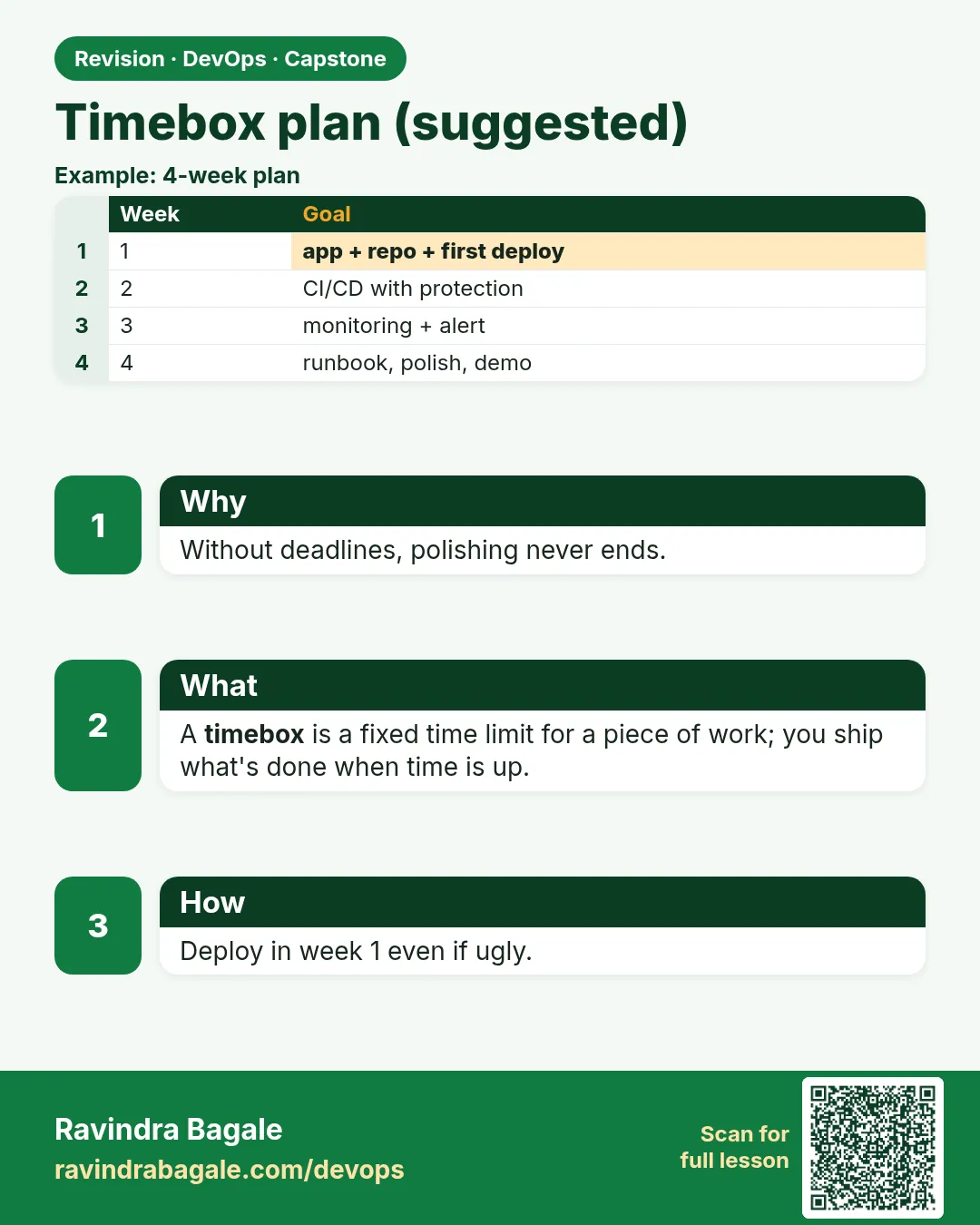 Revision card
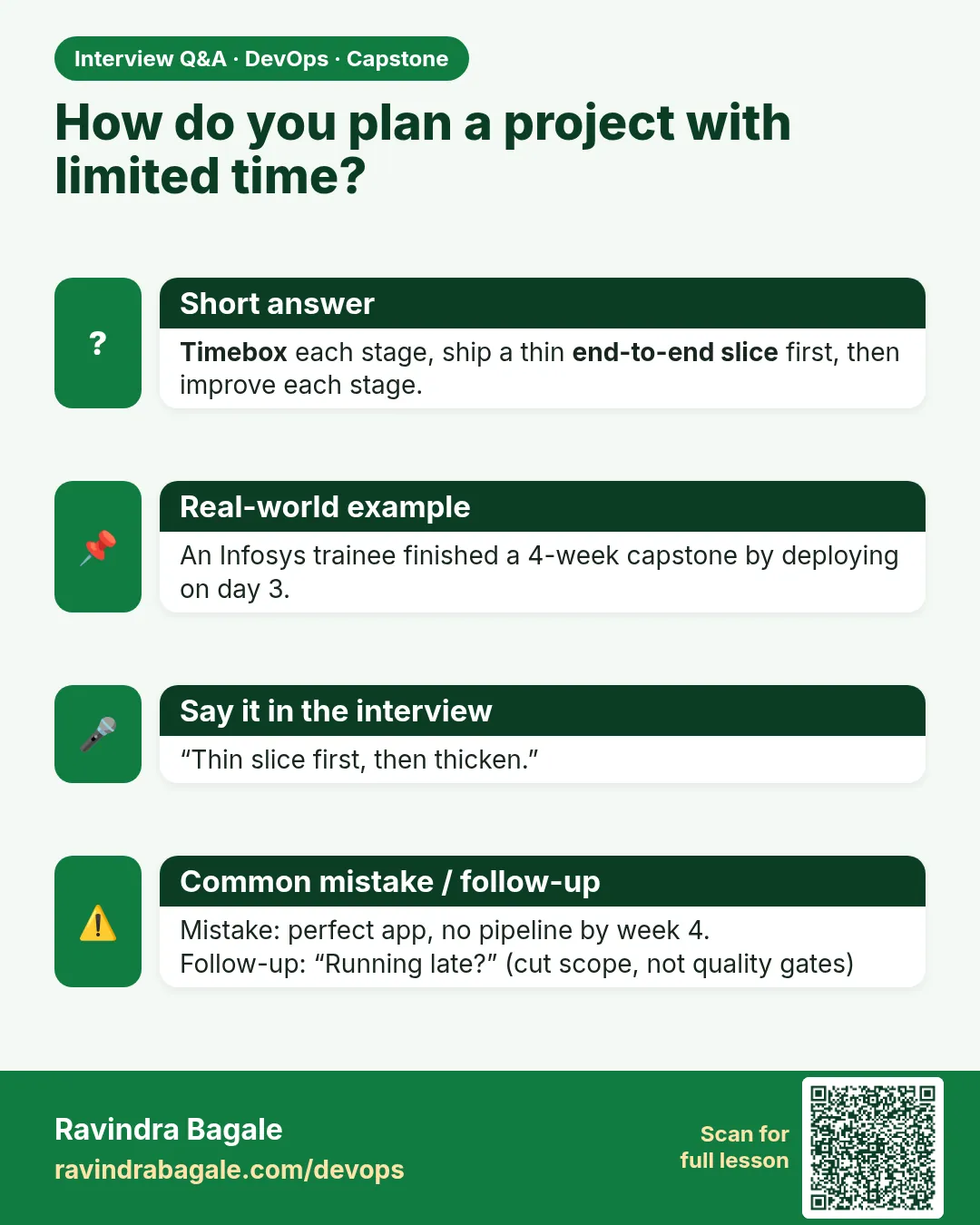 Interview card