Chapter 10: Jenkins Introduction
10.8d Folders and credentials scope
Why: the problem
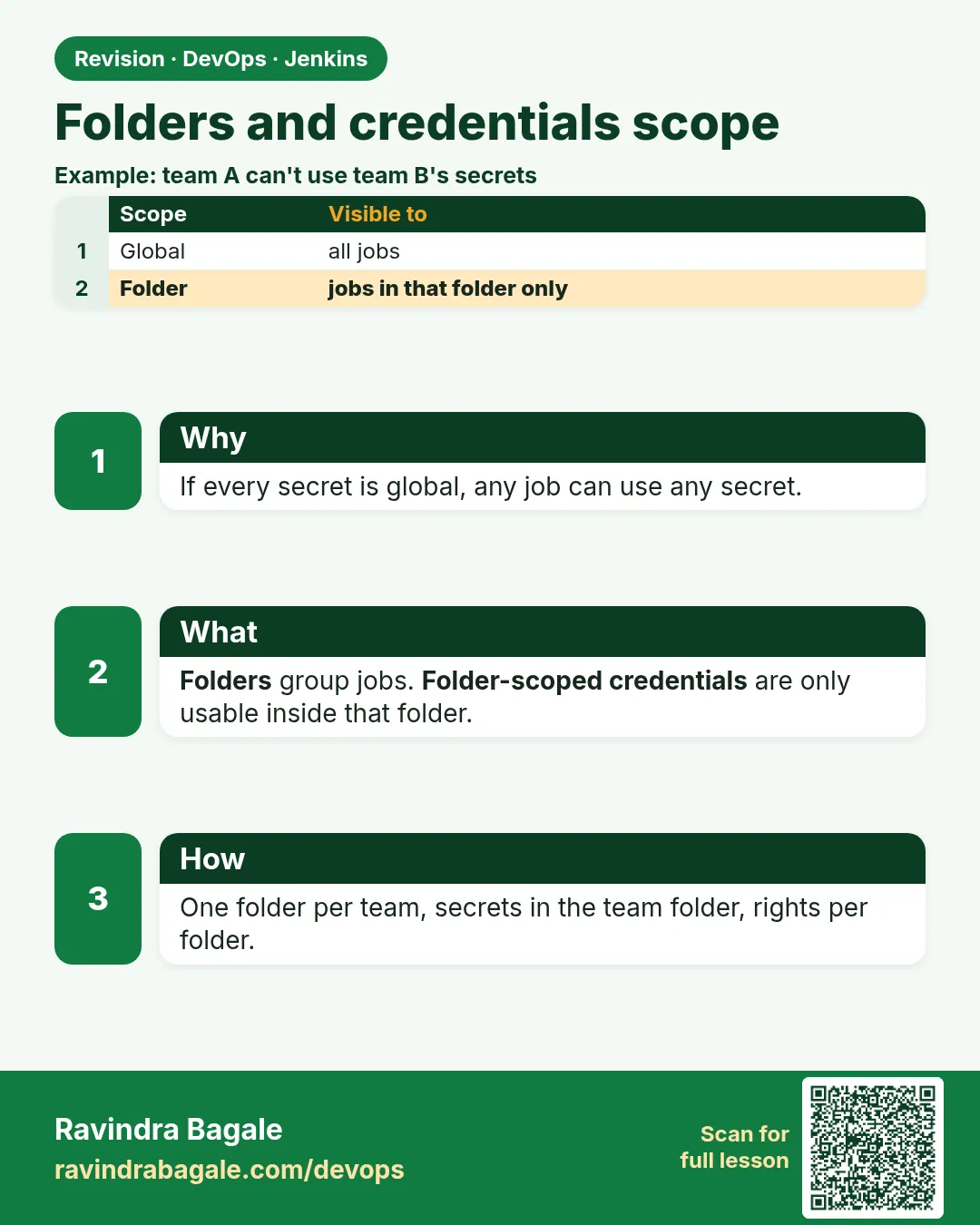
Suppose an HDFC Bank Jenkins serves three teams: cards, loans and mobile. All jobs sit on one dashboard. The production server key is a global credential. Any job, from any team, can use it. One intern copies a job and accidentally deploys loans code to the cards server. Folders fix this. A folder groups jobs like a directory. Credentials saved inside a folder can only be used by jobs in that folder. With a permission plugin, each team sees only its own folder. Now the cards key cannot leak to the loans jobs. Auditors in banks ask for exactly this: who can use which secret.
What we will build
You will create team folders, add folder-level credentials, use them from a job inside the folder, see a job outside fail to find them, and give folder permissions with Role-based access.
What: every term in plain English
- Folder — A container for jobs, like a directory. Needs the Folders plugin (installed with suggested plugins).
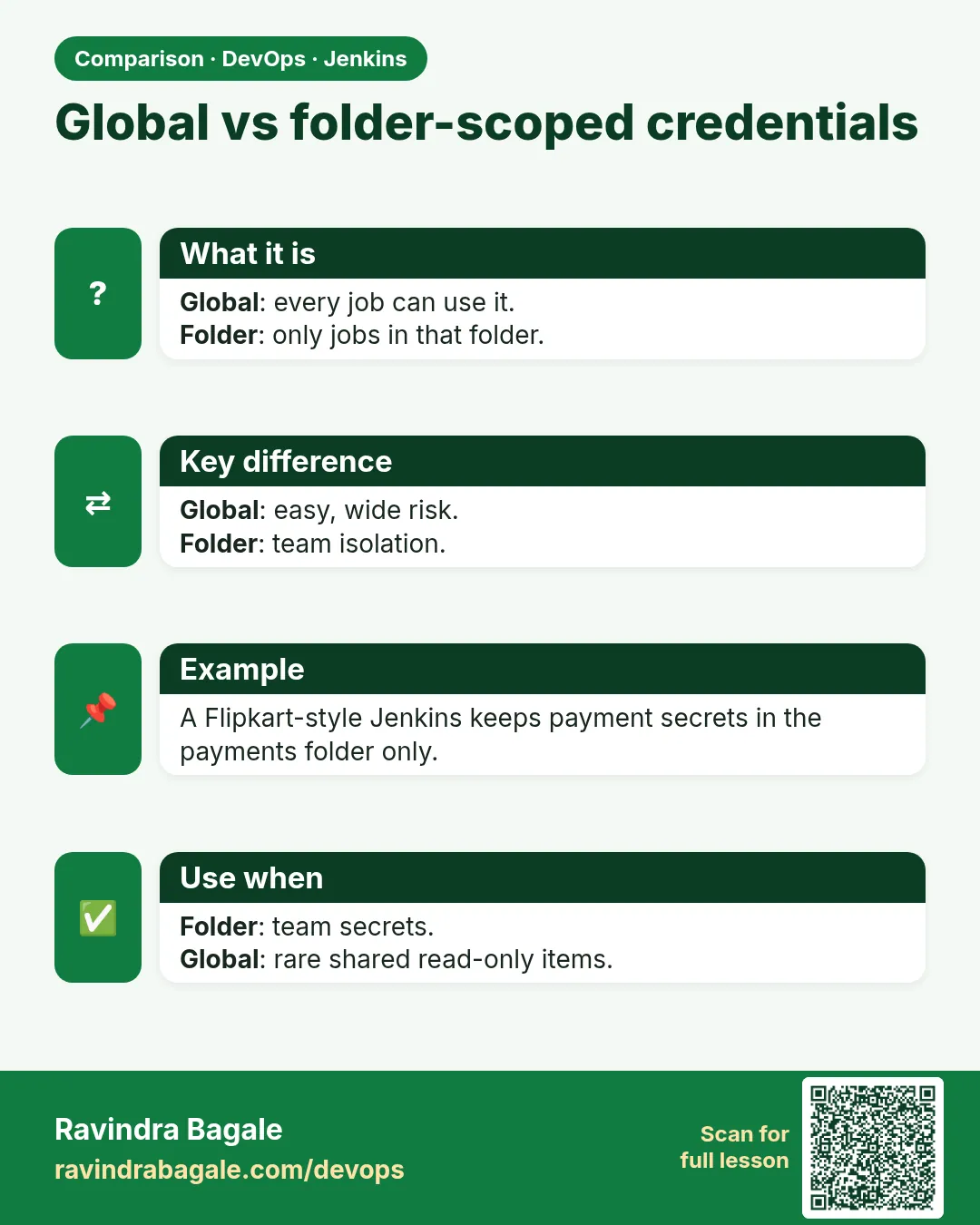
- Folder credential — A credential saved in a folder. Only jobs in that folder or its sub-folders can use it.
- Global credential — A credential every job can use. Keep these few.
- Credential domain — A smaller group inside a store, often by hostname. Optional.
- Role-based Authorization Strategy — A plugin to give users roles, like cards-dev, with patterns like cards/.*.
- Item role — Permissions on jobs that match a pattern.
- Full name — A job path, like cards/payments-api.
- Least privilege — Give each job and person only what they need.
How: step by step
-
Create folders
New Item > cards > Folder > OK; repeat for loansWhat it does: Each team gets one folder.
Output
cards loans -
Move a job
Open payments-api > Move > cardsWhat it does: The job path becomes cards/payments-api.
Output
cards » payments-api -
Add a folder credential
cards > Credentials > Folder > Global credentials > Add: SSH key, ID cards-prod-sshWhat it does: Lives only in cards.
Output
cards-prod-ssh -
Install role plugin
Manage Jenkins > Plugins > Role-based Authorization StrategyWhat it does: Gives folder-level user permissions.
Output
Installed -
Make a role
Manage Jenkins > Manage and Assign Roles > Item roles: cards-dev, pattern cards/.*, Build + ReadWhat it does: Then assign user priya to cards-dev.
Output
priya: cards-dev
Example 1: Use a folder credential from a job inside the folder
Stack. Folders, SSH Agent
Goal. Use a folder credential from a job inside the folder.
cards/payments-api Jenkinsfile
pipeline {
    agent any
    stages {
        stage('Deploy') {
            steps {
                sshagent(credentials: ['cards-prod-ssh']) {
                    sh 'ssh -o StrictHostKeyChecking=accept-new deploy@10.10.5.11 "hostname && systemctl is-active payments"'
                }
            }
        }
    }
}
What each line does
credentials: ['cards-prod-ssh']— Found, because the job is inside cards.deploy@10.10.5.11— A deploy-only user on the cards server.systemctl is-active payments— Checks the app is up.
Green output
[ssh-agent] Using credentials deploy (cards-prod-ssh)
+ ssh deploy@10.10.5.11 hostname && systemctl is-active payments
cards-prod-01
active
Finished: SUCCESS
Expected result. The cards job deploys with the cards key.
Example 2: The same step from the loans folder fails
Stack. Folder scope test
Goal. The same step from the loans folder fails.
loans/loan-api Jenkinsfile
pipeline {
    agent any
    stages {
        stage('Try cards key') {
            steps {
                sshagent(credentials: ['cards-prod-ssh']) {
                    sh 'echo should not get here'
                }
            }
        }
    }
}
What each line does
credentials: ['cards-prod-ssh']— Not visible from loans.sshagent— Fails before any command runs.
Green output
ERROR: Failed to run ssh-agent: credentials not found: [cards-prod-ssh]
Finished: FAILURE
Expected result. This red build is good news. The folder kept the key safe.
Example 3: Folder properties and nested folders
Stack. Nested folders, role patterns
Goal. Folder properties and nested folders.
Layout
cards/                     (folder credential: cards-registry)
  payments-api             (Pipeline)
  prod/                    (sub-folder credential: cards-prod-ssh)
    payments-deploy        (Pipeline, only seniors can build)
loans/
  loan-api
cards/prod/payments-deploy Jenkinsfile
pipeline {
    agent any
    stages {
        stage('Push and deploy') {
            steps {
                withCredentials([usernamePassword(credentialsId: 'cards-registry', usernameVariable: 'U', passwordVariable: 'P')]) {
                    sh 'echo "$P" | docker login registry.example.com -u "$U" --password-stdin'
                }
                sshagent(credentials: ['cards-prod-ssh']) { sh 'ssh deploy@10.10.5.11 "sudo systemctl restart payments"' }
            }
        }
    }
}
What each line does
cards-registry in cards/— Sub-folders inherit parent folder credentials.cards-prod-ssh in cards/prod/— Only prod jobs see the prod key.Role pattern cards/prod/.*— Give Build on this pattern only to seniors.
Green output
Login Succeeded
+ ssh deploy@10.10.5.11 sudo systemctl restart payments
Finished: SUCCESS
Expected result. Normal cards jobs can push images; only prod jobs can touch production.
Verify: did it work?
-
Check which credentials a job can see
Open the job > Pipeline Syntax > withCredentials > Credentials drop-downWhat it does: Lists only visible ids.
Output
cards-registry cards-prod-ssh -
Check a user view
Log in as priyaWhat it does: She sees only the cards folder.
Output
Dashboard: cards
When it is red 1
ERROR: Could not find credentials entry with ID 'cards-registry'
Cause. The job is outside the folder that holds the credential.
Fix, step by step
- Check the job path: it must be inside cards/.
- Move the job, or add the credential to the right folder.
When it is red 2
priya is missing the Job/Build permission
Cause. Her role pattern does not match the job.
Fix, step by step
- Patterns are regex: use cards/. not cards/.
- Assign the role to the user.
- Log out and in.
When it is red 3
After moving a job the webhook stops working
Cause. The job URL changed to /job/cards/job/payments-api.
Fix, step by step
- Update the webhook URL or token.
- Test with curl.
When it is red 4
Folder 'cards' credentials page shows no Add button
Cause. You lack the Credentials/Create permission on that folder.
Fix, step by step
- Ask an admin to give your role Credentials Create on the pattern cards.*.
- Or let the admin add the credential for you.
- Never ask for full Administer just to add one key.
Cleanup
-
Delete the test loans job
loans > loan-api > Delete PipelineWhat it does: Removes the test.
Output
(deleted)
Ravindra Bagale's Tip
Every team gets its own folder and its own credentials. Do not give the prod key to everyone!
प्रत्येक team ला स्वतःचा folder आणि स्वतःचे credentials. Prod ची चावी सगळ्यांना देऊ नका!
हर team को अपना folder और अपने credentials. Prod की चाबी सबको मत दो!
Practice tasks
Easy Make a sub-folder
Why: Split prod.
What to do: Create cards/prod.
- New Item inside cards.
Check: Path cards/prod exists.
Medium Role test
Why: Prove access control.
What to do: Create user test1 with only loans access.
- Log in as test1.
Check: cards folder is hidden.
Hard Audit globals
Why: Clean up risk.
What to do: List all global credentials and move team ones into folders.
- Update jobs.
Check: Global list is short.
Easy Say folders and credential scope in two lines
Why: If you can say it simply, you understand it. Juniors and interviewers both want the short version first.
What to do: Write two short lines about folders and credential scope for a fresher who knows only Linux, Git and Docker basics.
- Write the problem it solves.
- Write the one Jenkins screen, Jenkinsfile line or command you use for it.
- Read it aloud to a friend.
Check: A fresher understands it without asking a question.
Easy Keep a throwaway lab Jenkins
Why: Practice needs a Jenkins you can break. If the lab gets messy, you delete the container and volume and start again.
What to do: Run a lab Jenkins in Docker on your laptop with a named volume jenkins_home.
- docker volume create jenkins_home
- docker run -d --name jenkins -p 8080:8080 -v jenkins_home:/var/jenkins_home jenkins/jenkins:lts-jdk17
- Open http://localhost:8080 and finish the setup wizard.
Check: The Jenkins dashboard opens and shows "Welcome to Jenkins!".
Medium Do it on a second stack
Why: A pipeline idea must work for Node.js, Python and Java. Only the build and test lines should change.
What to do: Repeat this lesson with a different language than the one you used first.
- If you used Python, use Node.js or Maven now.
- Change only the sh lines for build and test.
- Keep the same stage names.
Check: Same green result, and the stage names did not change.
Medium Break it on purpose
Why: You must know the red console log by face. In a real outage there is no time to read slowly.
What to do: Cause one error from the "When it is red" part of this lesson and fix it.
- Follow the error section.
- Copy the exact message from Console Output into your notes.
- Write the fix in one line.
Check: You fixed it using only the steps, without searching the web.
Medium Write a one-page runbook
Why: At 2 a.m. nobody remembers Jenkins menus. A short page saves the on-call person.
What to do: Write a one-page runbook for this lesson.
- Title, when to use, exact clicks or Jenkinsfile lines, how to check, how to undo.
Check: A teammate can follow it alone.
Hard Explain it like an interview
Why: Interviewers want real stories, not definitions.
What to do: Record a 60 second answer about this lesson.
- Say the problem, the Jenkinsfile lines you wrote, and one error you hit.
Check: Your answer has a real Jenkinsfile line and a real error message.
Hard Draw the flow top to bottom
Why: A drawing shows the order of work and which stage waits for which.
What to do: Draw this lesson as boxes from top to bottom.
- Start at git push or Build Now, go through each stage, end at the green build or the deployed app.
Check: Each box matches a real line in your Console Output.
Homework: try at home
Try at home
At home, make cards and loans folders, add a fake folder credential in cards, and prove a loans job cannot use it.
Recap
- Folders group jobs per team.
- Folder credentials are visible only inside the folder.
- Sub-folders inherit parent credentials.
- Role patterns limit what people can see and build.
- Keep global credentials to a minimum.
FAQ
Does moving a job break history?
No, history moves with it, but URLs change.
Can a folder have its own library?
Yes, folders can define pipeline libraries too.
Matrix or Role-based?
Both work. Role-based is easier with many teams.
Do folders cost performance?
No.
Can I hide a folder?
Yes, users without Read on it do not see it.
Can a folder credential override a global one?
Yes. If both have the same id, the nearest one, in the folder, wins. Use clear ids to avoid confusion.
Where are folder credentials stored?
Encrypted in the folder config inside JENKINS_HOME/jobs, so back up that folder too.
Interview questions
-
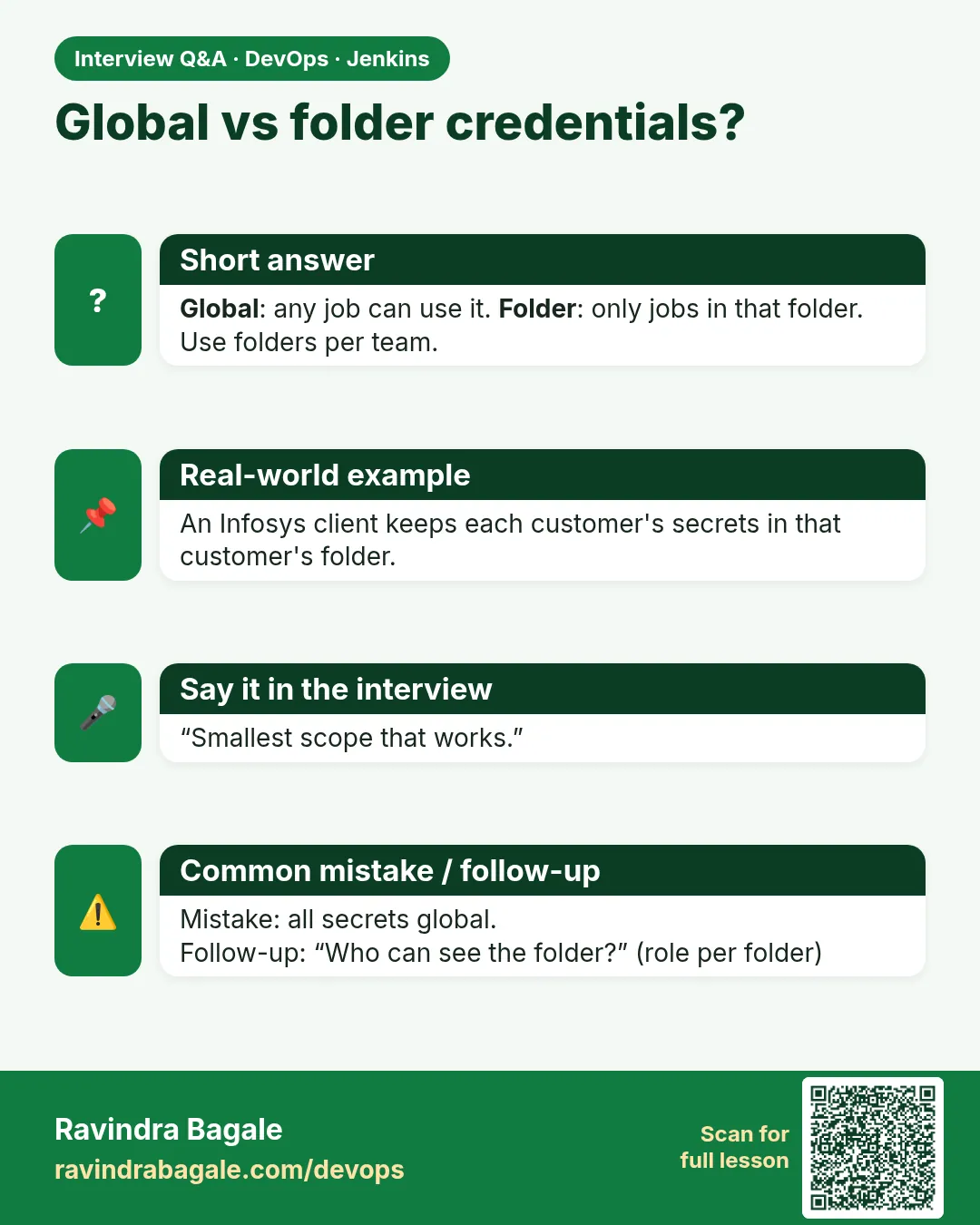
How do you isolate credentials between teams in Jenkins?
Use folders with folder-scoped credentials and role-based permissions on folder patterns.
-
What is credential scope?
Where a credential is visible: global, folder, or system.
-
How do you stop juniors deploying to prod?
Put prod jobs in a sub-folder with its own credentials and give Build only to seniors.
-
Do sub-folders inherit credentials?
Yes.
-
What happens to webhooks after moving a job?
The job URL changes, so update them.
Quick quiz
Q1. What does a folder credential limit?
Which jobs can use it.
Q2. Do sub-folders inherit?
Yes, from parent folders.
Q3. Which plugin gives folder permissions?
Role-based Authorization Strategy (or Matrix with folder settings).
Q4. Pattern for all cards jobs?
cards/.*
Q5. Why few global credentials?
Every job can use them.
Did you understand? Let us try it once more.
 Revision card
 Interview card
 Comparison card