Chapter 10: Jenkins Introduction
10.8b Multibranch Pipeline (awareness)
Why: the problem
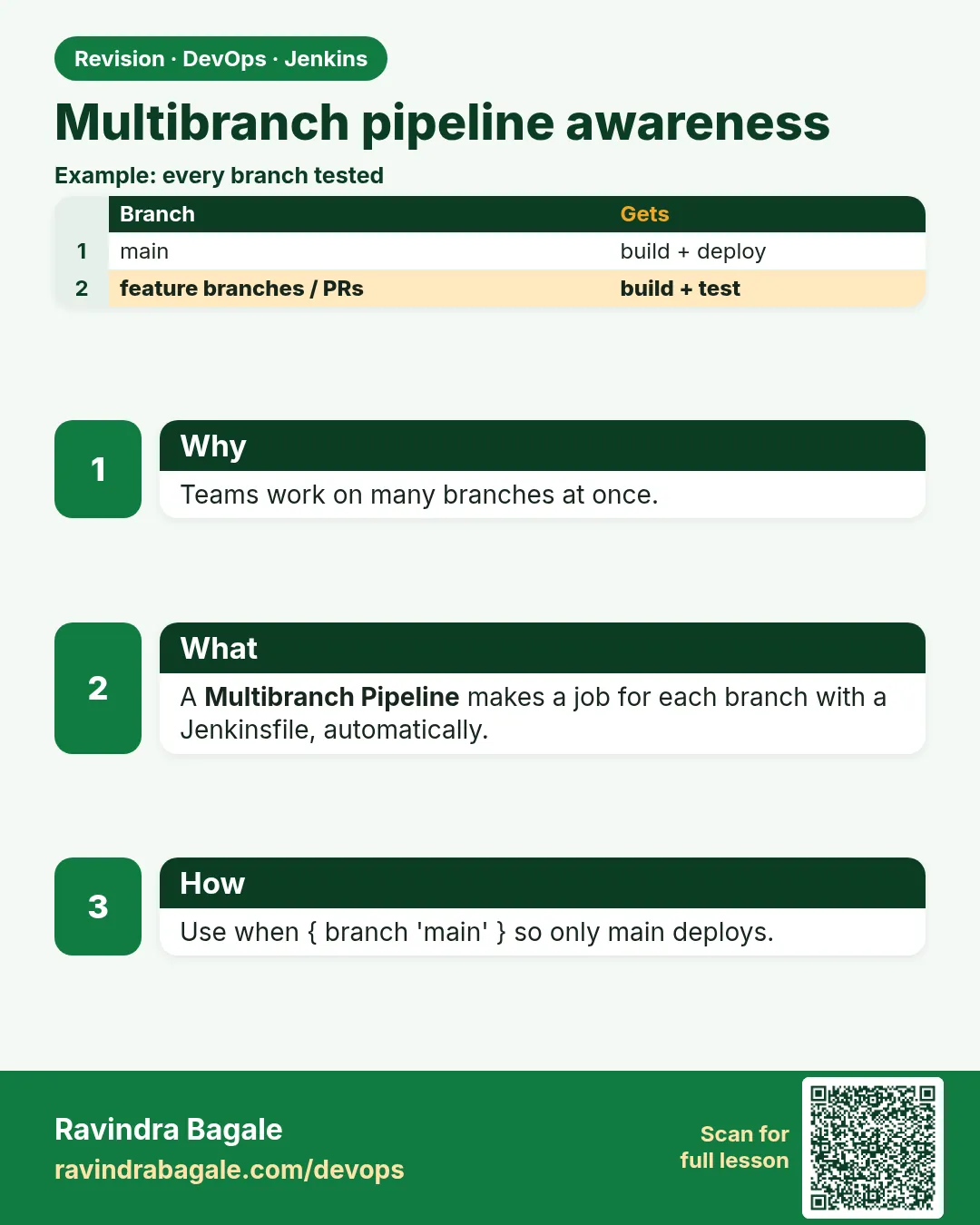
Suppose a Swiggy team works with ten feature branches at a time. With a normal Pipeline job, someone must create a new job for each branch and delete it later. People forget. Some branches never get tested. Multibranch Pipeline fixes this. You give Jenkins the repo once. Jenkins scans it, finds every branch and pull request that has a Jenkinsfile, and makes a job for each one by itself. When a branch is deleted, its job goes away too. Every branch is tested, and nobody clicks anything. Pull requests also get their own job, so a reviewer sees a green or red build before merging. This is the job type most company Jenkins setups use today for app repos.
What we will build
You will create a Multibranch Pipeline for badge-api, see one job per branch, use when conditions so only main deploys, build pull requests and clean old branch jobs automatically.
What: every term in plain English
- Multibranch Pipeline — A job type that creates one child job per branch or PR that has a Jenkinsfile.
- Branch source — Where branches come from: Git, Bitbucket, GitLab or another host.
- Scan — Jenkins checks the repo for branches and Jenkinsfiles.
- Orphaned item — A job for a branch that no longer exists.
- BRANCH_NAME — A variable with the branch name, like main or feature/dark.
- CHANGE_ID — The pull request number. Empty on normal branches.
- Discover — Settings that choose which branches, PRs or tags to build.
- Periodic scan — A timer to rescan the repo if webhooks are not set.
How: step by step
-
Create the job
New Item > badge-api-mb > Multibranch Pipeline > OKWhat it does: A folder-like job.
Output
(config page) -
Add the branch source
Branch Sources > Add source > Git > URL and credentialWhat it does: Point to the repo.
Output
(source added) -
Set scan triggers
Scan Multibranch Pipeline Triggers > Periodically if not otherwise run: 5 minutesWhat it does: Fallback when no webhook.
Output
(saved) -
Set orphan cleanup
Orphaned Item Strategy > Discard old items > Max # of old items to keep: 0What it does: Delete jobs for deleted branches.
Output
(saved) -
Save and watch the scan
SaveWhat it does: Jenkins lists every branch with a Jenkinsfile.
Output
Checking branch main ... Met criteria
Checking branch feature/dark-badge ... Met criteria
Finished: SUCCESS
Example 1: One Jenkinsfile, different behaviour per branch
Stack. Multibranch Pipeline
Goal. One Jenkinsfile, different behaviour per branch.
Jenkinsfile
pipeline {
    agent any
    stages {
        stage('Test') {
            steps { sh 'npm ci && npm test' }
        }
        stage('Deploy staging') {
            when { branch 'main' }
            steps { echo "Deploying ${env.BRANCH_NAME} build ${env.BUILD_NUMBER}" }
        }
        stage('Preview') {
            when { branch 'feature/*' }
            steps { echo "Preview for ${env.BRANCH_NAME}" }
        }
    }
}
What each line does
when { branch 'main' }— Deploy only on main.when { branch 'feature/*' }— A pattern: every branch starting with feature/.env.BRANCH_NAME— Set by Multibranch for each child job.
Green output
badge-api-mb » main #4
  Test ✓   Deploy staging ✓   Preview (skipped)
badge-api-mb » feature%2Fdark-badge #2
  Test ✓   Deploy staging (skipped)   Preview ✓
  Preview for feature/dark-badge
Expected result. Same file, but main deploys and feature branches only preview.
Example 2: Pull request builds
Stack. Multibranch with a PR-aware branch source
Goal. Pull request builds.
Jenkinsfile
pipeline {
    agent any
    stages {
        stage('PR checks') {
            when { changeRequest() }
            steps {
                echo "PR #${env.CHANGE_ID} from ${env.CHANGE_BRANCH} into ${env.CHANGE_TARGET}"
                sh 'npm ci && npm run lint && npm test'
            }
        }
    }
}
What each line does
when { changeRequest() }— Run only for pull requests.CHANGE_ID— PR number.CHANGE_BRANCH / CHANGE_TARGET— From which branch into which branch.
Green output
badge-api-mb » PR-17 #1
PR #17 from feature/dark-badge into main
+ npm ci && npm run lint && npm test
# pass 6
Finished: SUCCESS
Expected result. A PR job named PR-17 appears. The host shows the build status on the PR when the matching branch source plugin is used.
Example 3: Only build some branches
Stack. Multibranch filters
Goal. Only build some branches.
Branch source > Behaviours > Filter by name (with wildcards)
Include: main release/* feature/* PR-*
Exclude: experiment/*
Jenkinsfile
pipeline {
    agent any
    options { disableConcurrentBuilds() }
    stages {
        stage('Test') { steps { sh 'npm ci && npm test' } }
    }
}
What each line does
Include— Only these branch names get jobs.Exclude— Never make jobs for experiments.disableConcurrentBuilds()— One build per branch at a time, so pushes do not pile up.
Green output
Checking branch experiment/try-bun
  Does not meet criteria
Checking branch release/2.4
  Met criteria
Scheduled build for branch: release/2.4
Expected result. Agents do not waste time on throwaway branches.
Verify: did it work?
-
Rescan by hand
Open badge-api-mb > Scan Multibranch Pipeline NowWhat it does: Useful after pushing a new branch in a lab.
Output
Finished: SUCCESS -
Read the scan log
badge-api-mb > Scan Multibranch Pipeline LogWhat it does: Says why a branch was or was not picked.
Output
Does not meet criteria: Jenkinsfile not found
When it is red 1
Checking branch feature/x
  'Jenkinsfile' not found
 Does not meet criteria
Cause. That branch has no Jenkinsfile, or it has another path.
Fix, step by step
- Merge main into the branch so it gets the Jenkinsfile.
- Or set Build Configuration > Script Path.
- Scan again.
When it is red 2
A deleted branch still has a job
Cause. Orphan cleanup is off or the scan did not run.
Fix, step by step
- Set Discard old items with 0 to keep.
- Run Scan Multibranch Pipeline Now.
When it is red 3
Too many builds after a big push
Cause. Every branch builds at once.
Fix, step by step
- Add disableConcurrentBuilds().
- Filter branches by name.
- Add more executors or agents.
When it is red 4
ERROR: Could not determine exact tip revision of feature/dark-badge
Cause. The branch was force pushed or deleted while the scan was running.
Fix, step by step
- Wait one minute.
- Run Scan Multibranch Pipeline Now again.
- Check the branch still exists with git ls-remote origin.
Cleanup
-
Delete the lab multibranch job
badge-api-mb > Delete Multibranch PipelineWhat it does: Removes all child jobs too.
Output
(deleted)
Ravindra Bagale's Tip
Do not make a job for every branch. Give Multibranch the repo — it creates and removes jobs by itself.
प्रत्येक branch साठी job बनवायचं नाही. Multibranch ला repo द्या, तो स्वतः jobs बनवतो आणि काढतो.
हर branch के लिए job मत बनाओ. Multibranch को repo दो — वो खुद jobs बनाता और हटाता है.
Practice tasks
Easy Push a new branch
Why: See auto job creation.
What to do: git switch -c feature/test-mb && git push -u origin feature/test-mb
- Scan now.
Check: A new child job appears.
Medium Build tags
Why: Releases come from tags.
What to do: Add Discover tags behaviour and push v1.0.0.
- Tags need a manual build or a strategy plugin.
Check: A tag job appears.
Hard Organization folder
Why: Many repos.
What to do: Read about Organization Folders, which scan all repos of a team.
- Write when you would use it.
Check: A short note with a reason.
Easy Say Multibranch Pipeline in two lines
Why: If you can say it simply, you understand it. Juniors and interviewers both want the short version first.
What to do: Write two short lines about Multibranch Pipeline for a fresher who knows only Linux, Git and Docker basics.
- Write the problem it solves.
- Write the one Jenkins screen, Jenkinsfile line or command you use for it.
- Read it aloud to a friend.
Check: A fresher understands it without asking a question.
Easy Keep a throwaway lab Jenkins
Why: Practice needs a Jenkins you can break. If the lab gets messy, you delete the container and volume and start again.
What to do: Run a lab Jenkins in Docker on your laptop with a named volume jenkins_home.
- docker volume create jenkins_home
- docker run -d --name jenkins -p 8080:8080 -v jenkins_home:/var/jenkins_home jenkins/jenkins:lts-jdk17
- Open http://localhost:8080 and finish the setup wizard.
Check: The Jenkins dashboard opens and shows "Welcome to Jenkins!".
Medium Do it on a second stack
Why: A pipeline idea must work for Node.js, Python and Java. Only the build and test lines should change.
What to do: Repeat this lesson with a different language than the one you used first.
- If you used Python, use Node.js or Maven now.
- Change only the sh lines for build and test.
- Keep the same stage names.
Check: Same green result, and the stage names did not change.
Medium Break it on purpose
Why: You must know the red console log by face. In a real outage there is no time to read slowly.
What to do: Cause one error from the "When it is red" part of this lesson and fix it.
- Follow the error section.
- Copy the exact message from Console Output into your notes.
- Write the fix in one line.
Check: You fixed it using only the steps, without searching the web.
Medium Write a one-page runbook
Why: At 2 a.m. nobody remembers Jenkins menus. A short page saves the on-call person.
What to do: Write a one-page runbook for this lesson.
- Title, when to use, exact clicks or Jenkinsfile lines, how to check, how to undo.
Check: A teammate can follow it alone.
Hard Explain it like an interview
Why: Interviewers want real stories, not definitions.
What to do: Record a 60 second answer about this lesson.
- Say the problem, the Jenkinsfile lines you wrote, and one error you hit.
Check: Your answer has a real Jenkinsfile line and a real error message.
Hard Draw the flow top to bottom
Why: A drawing shows the order of work and which stage waits for which.
What to do: Draw this lesson as boxes from top to bottom.
- Start at git push or Build Now, go through each stage, end at the green build or the deployed app.
Check: Each box matches a real line in your Console Output.
Homework: try at home
Try at home
At home, create badge-api-mb, push a feature branch with the Jenkinsfile, and see its job appear after a scan.
Recap
- Multibranch makes jobs per branch and PR automatically.
- when branch and changeRequest control behaviour.
- Filter branches to save agents.
- Discard orphaned items.
- Read the scan log when a branch is missing.
FAQ
Multibranch or normal Pipeline?
Multibranch for team repos with many branches; normal for a single branch job.
Why is the job name feature%2Fdark?
The slash is encoded in URLs.
Can I build tags?
Yes, add tag discovery.
Does it need a webhook?
Better with one; periodic scan works too.
Can I set parameters?
Yes, in the Jenkinsfile, per branch.
Do old branch builds keep their logs?
Only until the branch job is discarded. Archive what you need, like test reports, before deleting branches.
Can two branches deploy at once?
They can, so guard deploy stages with when branch main and a lock, like the Lockable Resources plugin.
Interview questions
-
What is a Multibranch Pipeline?
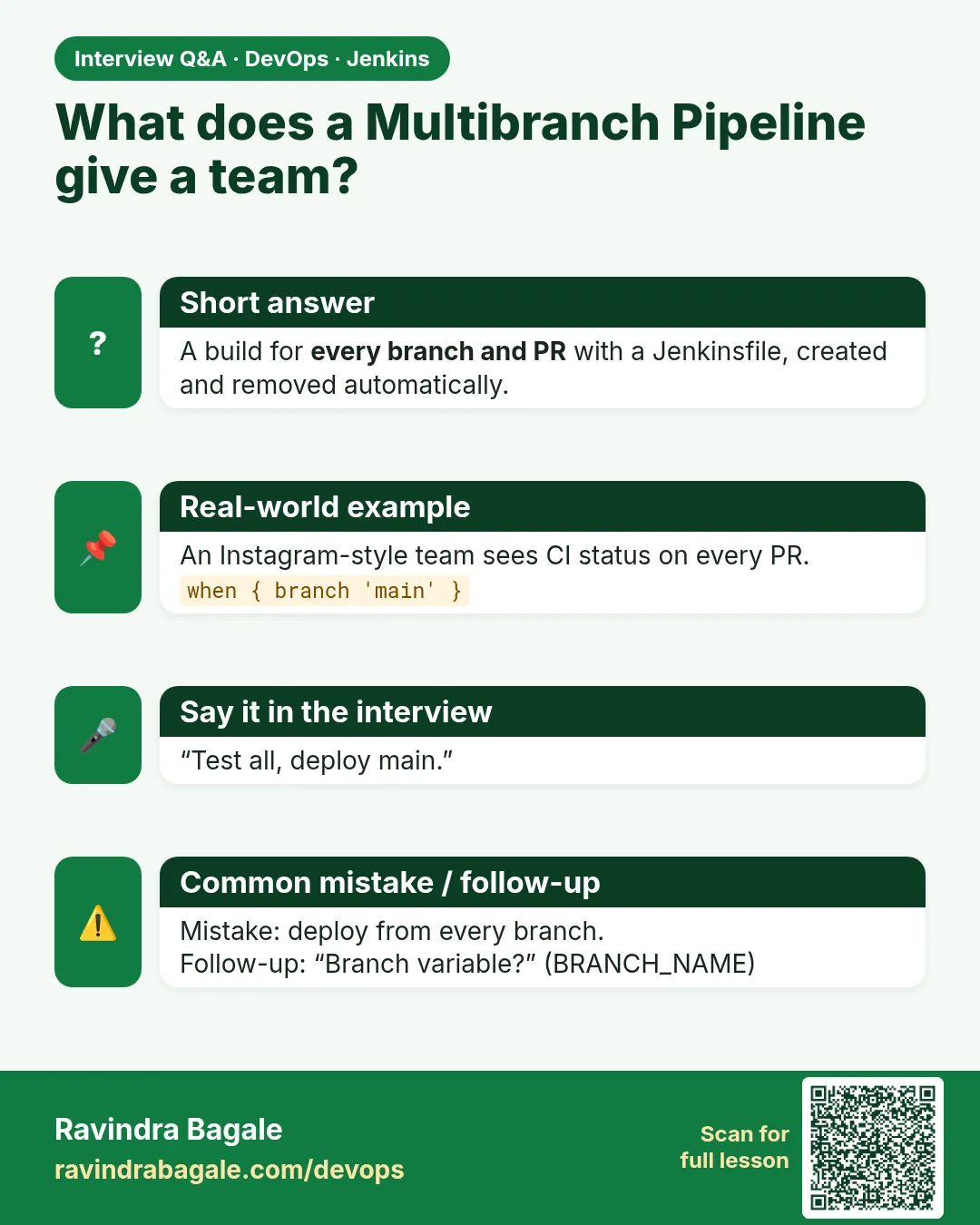
A job that discovers branches and PRs with a Jenkinsfile and creates a pipeline job for each.
-
How do you restrict deploy to main?
when { branch 'main' } in the deploy stage.
-
How are PRs built?
The branch source discovers PRs; jobs are named PR-N, and CHANGE_ID is set.
-
What happens when a branch is deleted?
The job becomes orphaned and is removed by the orphaned item strategy.
-
What is an Organization Folder?
A folder that scans a whole organization and creates Multibranch jobs for each repo.
Quick quiz
Q1. What does Multibranch create?
One job per branch or PR with a Jenkinsfile.
Q2. Which variable has the branch?
BRANCH_NAME.
Q3. How do you run a stage only for PRs?
when { changeRequest() }.
Q4. What is an orphaned item?
A job for a deleted branch.
Q5. Why scan periodically?
In case webhooks are missing.
Did you understand? Let us try it once more.
 Revision card
 Interview card