Chapter 10: Jenkins Introduction
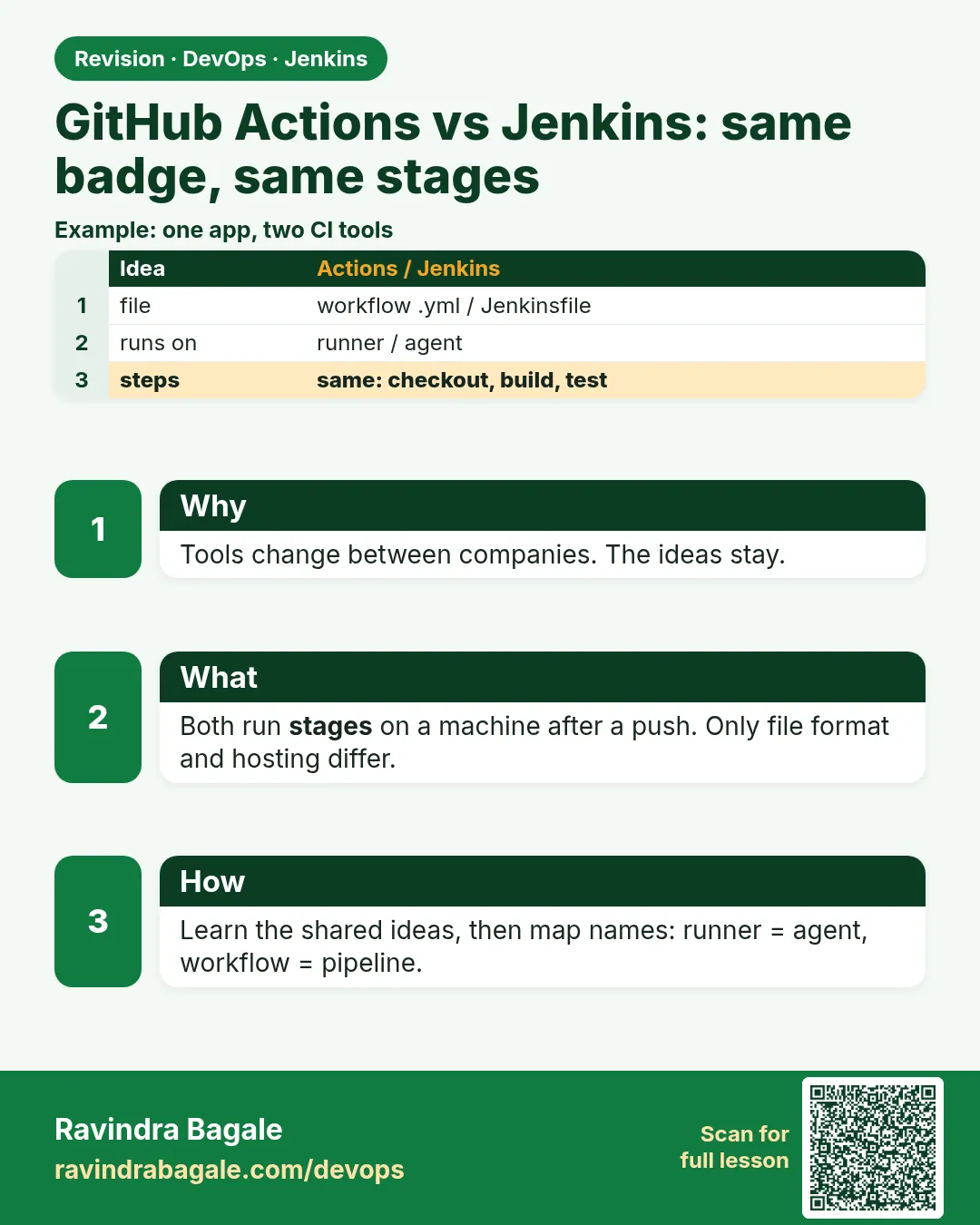
10.7 Actions vs Jenkins — same badge API stages
Why: the problem
Suppose we join Instagram's badge team. The new services use GitHub Actions. The old payment bridge uses Jenkins. The manager asks us to keep both pipelines doing the same checks. If the Actions file tests and lints, but the Jenkinsfile only tests, bugs slip through one side. So we must translate one pipeline into the other, line by line. When you see that both have the same stages, checkout, install, test, build image and deploy, you stop fearing either tool. Interviewers love this question, because it shows you understand CI/CD, not just one tool.
What we will build
You will write the badge API pipeline in both tools with the same four stages: lint, test, build image and deploy to staging. You will map every Actions keyword to its Jenkins partner and run both.
What: every term in plain English
- Stage (Jenkins) / Job (Actions) — A named phase of the pipeline.
- steps — Commands inside a stage or job. Same word in both tools.
- agent / runs-on — Where the work runs.
- environment / env — Variables.
- Credentials / secrets — Where passwords live. Jenkins: Credentials store. Actions: repo secrets.
- when / if — A condition for a stage or job.
- post / if: failure() — Steps after success or failure.
- Artifact — A file kept from the build: archiveArtifacts or actions/upload-artifact.
How: step by step
-
List the stages on paper
Lint > Test > Build image > Deploy stagingWhat it does: Same order in both tools.
Output
4 stages -
Write the Actions file
vim .github/workflows/ci.ymlWhat it does: Paste Example 1.
Output
(saved) -
Write the Jenkinsfile
vim JenkinsfileWhat it does: Paste Example 2.
Output
(saved) -
Push once
git add . && git commit -m "same pipeline in both tools" && git pushWhat it does: Actions starts by itself; Jenkins starts by webhook or poll.
Output
main -> main -
Compare results
Open the Actions run and the Jenkins Stage ViewWhat it does: Both should be green with the same stage names.
Output
lint ✓ test ✓ image ✓ deploy ✓
Example 1: The badge API in GitHub Actions
Stack. GitHub Actions, Node.js 20
Goal. The badge API in GitHub Actions.
.github/workflows/ci.yml
name: badge-api
on:
  push:
    branches: [main]
  pull_request:
env:
  IMAGE: registry.example.com/ravi/badge-api
jobs:
  lint:
    runs-on: ubuntu-latest
    steps:
      - uses: actions/checkout@v4
      - uses: actions/setup-node@v4
        with: { node-version: 20 }
      - run: npm ci && npm run lint
  test:
    needs: lint
    runs-on: ubuntu-latest
    steps:
      - uses: actions/checkout@v4
      - uses: actions/setup-node@v4
        with: { node-version: 20 }
      - run: npm ci && npm test
  image:
    needs: test
    if: github.ref == 'refs/heads/main'
    runs-on: ubuntu-latest
    steps:
      - uses: actions/checkout@v4
      - run: echo "${{ secrets.REG_PASS }}" | docker login registry.example.com -u ravi --password-stdin
      - run: docker build -t $IMAGE:${{ github.sha }} . && docker push $IMAGE:${{ github.sha }}
What each line does
on: push / pull_request— Starts on push to main and on every PR.needs: lint— test waits for lint. This makes the order.if: github.ref == 'refs/heads/main'— Build the image only on main.secrets.REG_PASS— Repo secret, masked in logs.github.sha— The commit id, used as the image tag.
Green output
lint   ✓  14s
test   ✓  21s   # pass 4
image  ✓  48s   pushed registry.example.com/ravi/badge-api:9a1c3e2
Expected result. Three green jobs in order.
Example 2: The same pipeline as a Jenkinsfile
Stack. Jenkins, Docker Pipeline plugin
Goal. The same pipeline as a Jenkinsfile.
Jenkinsfile
pipeline {
    agent { docker { image 'node:20' } }
    environment { IMAGE = 'registry.example.com/ravi/badge-api' }
    stages {
        stage('lint')  { steps { sh 'npm ci && npm run lint' } }
        stage('test')  { steps { sh 'npm test' } }
        stage('image') {
            when { branch 'main' }
            agent any
            steps {
                withCredentials([usernamePassword(credentialsId: 'registry-creds', usernameVariable: 'U', passwordVariable: 'P')]) {
                    sh 'echo "$P" | docker login registry.example.com -u "$U" --password-stdin'
                    sh 'TAG=$(git rev-parse --short HEAD); docker build -t $IMAGE:$TAG . && docker push $IMAGE:$TAG'
                }
            }
        }
    }
}
What each line does
agent { docker { image 'node:20' } }— Like setup-node: run the stages in a Node 20 container.stage('lint')— Same names as the Actions jobs.when { branch 'main' }— Same as the if: on main.agent any (in image stage)— Docker build needs the Docker CLI on the agent, not inside node:20.git rev-parse --short HEAD— Same as github.sha, short form.
Green output
[Pipeline] { (lint)    + npm ci && npm run lint   ✓
[Pipeline] { (test)    # pass 4                    ✓
[Pipeline] { (image)   pushed registry.example.com/ravi/badge-api:9a1c3e2
Finished: SUCCESS
Expected result. The same image tag comes out of both tools.
Example 3: Keyword map you can keep on your desk
Stack. Reference table
Goal. Keyword map you can keep on your desk.
map.txt
GitHub Actions                 Jenkins Declarative
-----------------------------  ------------------------------------
on: push                       triggers / webhook / pollSCM
jobs.X.runs-on                 agent { label 'X' }  or  agent { docker {...} }
needs: test                    stage order (top to bottom)
steps: - run: npm test         steps { sh 'npm test' }
env:                           environment { }
secrets.NAME                   withCredentials([...])
if: github.ref == main         when { branch 'main' }
if: failure()                  post { failure { } }
actions/upload-artifact        archiveArtifacts
strategy.matrix                matrix { axes { } }
workflow_dispatch inputs       parameters { }
environment protection rule    input step
What each line does
Left column— The Actions word.Right column— The Jenkins partner.needs vs order— Actions runs jobs in parallel unless needs is set; Jenkins runs stages in order unless parallel is set.
Green output
Interviewer: "Convert this Actions workflow to Jenkins."
You: map runs-on to agent, run to sh, secrets to withCredentials, if to when.
Expected result. With this map you can translate any small pipeline in ten minutes.
Verify: did it work?
-
Compare durations
Actions run page and Jenkins Stage ViewWhat it does: Note where each tool is slower.
Output
Actions 1m23s | Jenkins 1m05s -
Compare tags
docker pull registry.example.com/ravi/badge-api:9a1c3e2What it does: The tag from either tool pulls the same image.
Output
Status: Image is up to date
When it is red 1
Jenkins: docker: not found (inside the image stage)
Cause. The stage runs inside node:20, which has no Docker CLI.
Fix, step by step
- Give that stage its own agent any or a label with Docker.
- Or use a Docker CLI image with the socket mounted (see 10.8).
When it is red 2
Actions: Error: Process completed with exit code 1. npm run lint
Cause. Lint fails only in Actions because Jenkins skipped lint.
Fix, step by step
- Add the same lint stage to Jenkins.
- Keep the stage lists identical.
When it is red 3
Actions and Jenkins push the same tag at once
Cause. Both tools deploy from main and race each other.
Fix, step by step
- Pick one tool to deploy.
- Let the other only test.
Cleanup
-
Turn off the duplicate deploy
Remove the image stage from one tool and pushWhat it does: Only one tool should push and deploy.
Output
(one deploy path left)
Ravindra Bagale's Tip
Even when the tool changes, the stages stay: lint, test, image, deploy. Memorise this map — it helps in interviews!
Tool बदलला तरी stages तेच राहतात: lint, test, image, deploy. हा map लक्षात ठेवा, interview मध्ये कामायला येतो!
Tool बदले फिर भी stages वही: lint, test, image, deploy. ये map याद रखो — interview में काम आता है!
Practice tasks
Easy Add a matrix
Why: Test two Node versions.
What to do: Add Node 18 and 20 in both tools.
- strategy.matrix in Actions, matrix { axes } in Jenkins.
Check: Both show two test runs.
Medium Translate a real file
Why: Interview practice.
What to do: Take any public CI example and convert it.
- Use the keyword map.
Check: Your Jenkinsfile validates.
Hard Decide one deploy tool
Why: Real teams choose.
What to do: Write a one-page note: which tool deploys and why.
- Think about network access and secrets.
Check: The note names one tool.
Easy Say Actions vs Jenkins in two lines
Why: If you can say it simply, you understand it. Juniors and interviewers both want the short version first.
What to do: Write two short lines about Actions vs Jenkins for a fresher who knows only Linux, Git and Docker basics.
- Write the problem it solves.
- Write the one Jenkins screen, Jenkinsfile line or command you use for it.
- Read it aloud to a friend.
Check: A fresher understands it without asking a question.
Easy Keep a throwaway lab Jenkins
Why: Practice needs a Jenkins you can break. If the lab gets messy, you delete the container and volume and start again.
What to do: Run a lab Jenkins in Docker on your laptop with a named volume jenkins_home.
- docker volume create jenkins_home
- docker run -d --name jenkins -p 8080:8080 -v jenkins_home:/var/jenkins_home jenkins/jenkins:lts-jdk17
- Open http://localhost:8080 and finish the setup wizard.
Check: The Jenkins dashboard opens and shows "Welcome to Jenkins!".
Medium Do it on a second stack
Why: A pipeline idea must work for Node.js, Python and Java. Only the build and test lines should change.
What to do: Repeat this lesson with a different language than the one you used first.
- If you used Python, use Node.js or Maven now.
- Change only the sh lines for build and test.
- Keep the same stage names.
Check: Same green result, and the stage names did not change.
Medium Break it on purpose
Why: You must know the red console log by face. In a real outage there is no time to read slowly.
What to do: Cause one error from the "When it is red" part of this lesson and fix it.
- Follow the error section.
- Copy the exact message from Console Output into your notes.
- Write the fix in one line.
Check: You fixed it using only the steps, without searching the web.
Medium Write a one-page runbook
Why: At 2 a.m. nobody remembers Jenkins menus. A short page saves the on-call person.
What to do: Write a one-page runbook for this lesson.
- Title, when to use, exact clicks or Jenkinsfile lines, how to check, how to undo.
Check: A teammate can follow it alone.
Hard Explain it like an interview
Why: Interviewers want real stories, not definitions.
What to do: Record a 60 second answer about this lesson.
- Say the problem, the Jenkinsfile lines you wrote, and one error you hit.
Check: Your answer has a real Jenkinsfile line and a real error message.
Hard Draw the flow top to bottom
Why: A drawing shows the order of work and which stage waits for which.
What to do: Draw this lesson as boxes from top to bottom.
- Start at git push or Build Now, go through each stage, end at the green build or the deployed app.
Check: Each box matches a real line in your Console Output.
Homework: try at home
Try at home
At home, write the badge API pipeline in both tools with the same stage names and compare the two logs.
Recap
- CI stages are the same in every tool.
- runs-on maps to agent, run to sh, secrets to withCredentials, if to when.
- Actions jobs are parallel unless needs; Jenkins stages are in order unless parallel.
- Let only one tool deploy.
- Keep stage names the same so people can compare.
FAQ
Which is better?
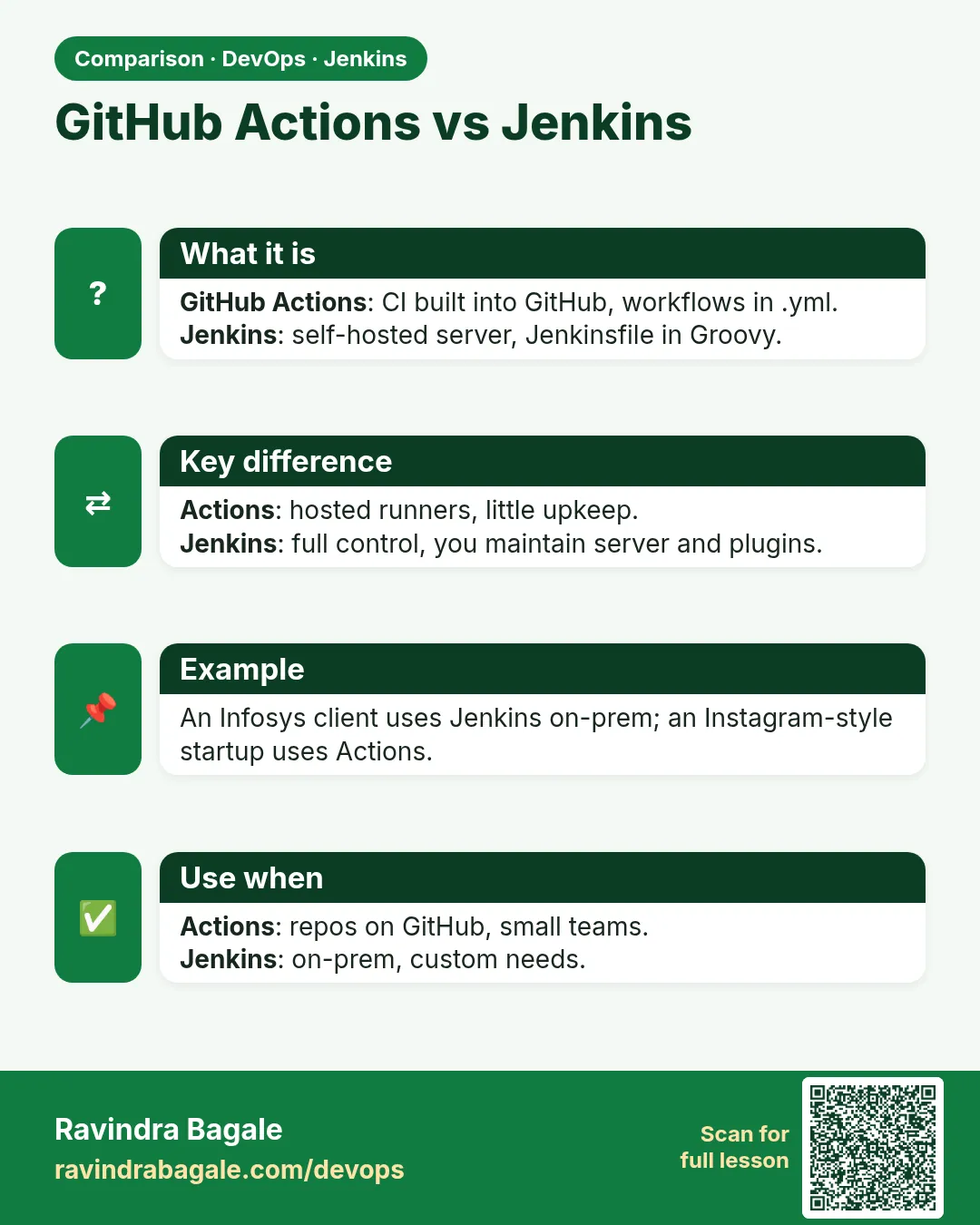
Neither always. Actions is easy when code is on that host; Jenkins is strong inside private networks.
Can Actions trigger Jenkins?
Yes, with a curl to a Jenkins webhook from a workflow step.
Is migration hard?
Small pipelines take hours. Shared libraries and plugins take longer.
Do both support containers?
Yes: container: in Actions, agent { docker } in Jenkins.
Which one is in more job posts?
Both appear. Learn both shapes.
Interview questions
-
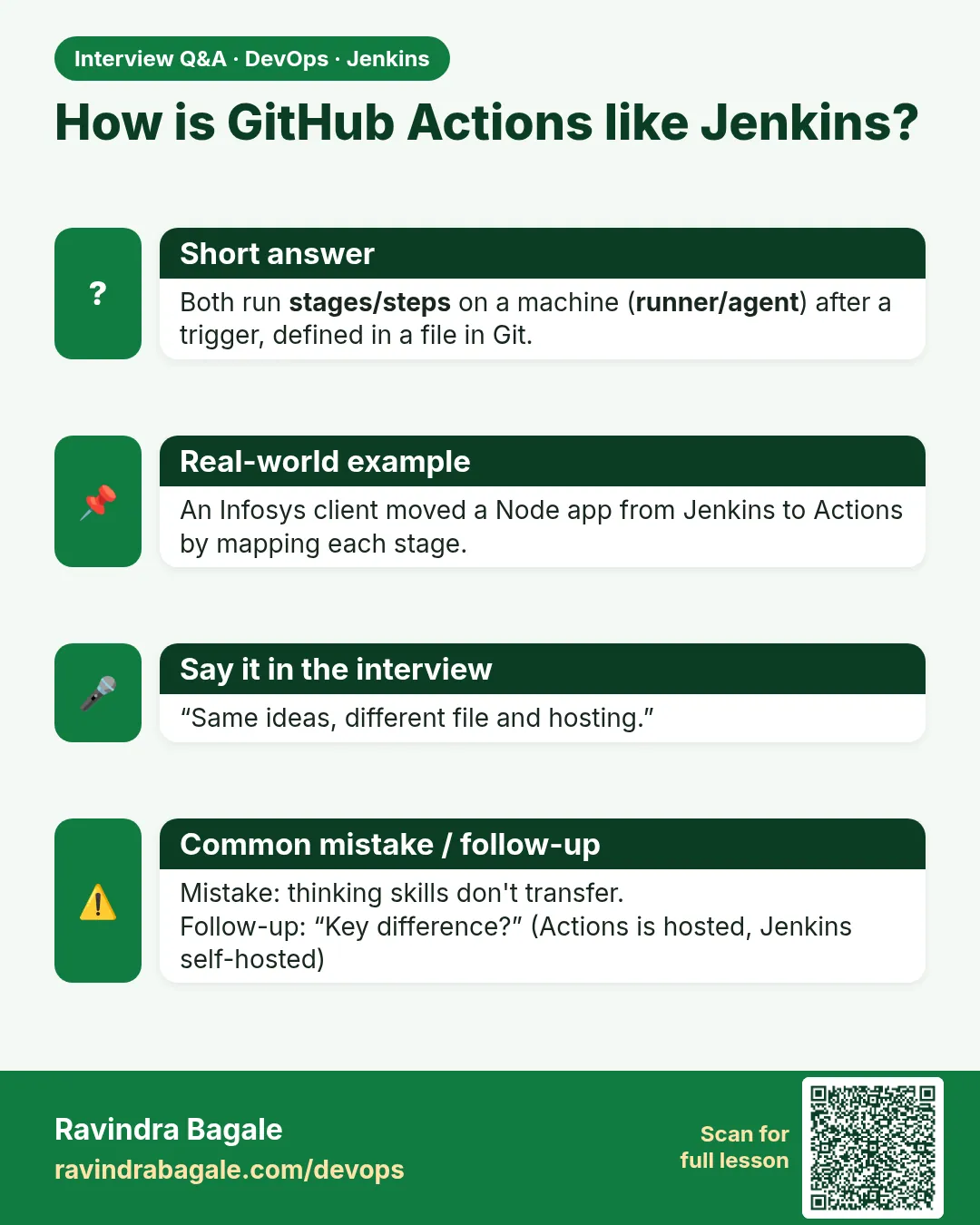
Compare GitHub Actions and Jenkins.
Actions is hosted and YAML based, tightly linked to the repo; Jenkins is self-hosted, Groovy based, with many plugins and full control of agents.
-
How would you migrate Jenkins to Actions?
List stages, map agents to runners, credentials to secrets, plugins to actions, test in parallel, then switch deploy.
-
How do you keep two CI tools consistent?
Same stage names, same scripts in the repo, and only one tool deploys.
-
What is the Jenkins partner of needs?
Stage order, or parallel blocks for concurrency.
-
Where do secrets go in each?
Jenkins Credentials store; Actions repository or environment secrets.
Quick quiz
Q1. What is the Jenkins partner of runs-on?
agent.
Q2. Of secrets.NAME?
withCredentials.
Q3. Of if: failure()?
post { failure { } }.
Q4. Do Actions jobs run in order by default?
No, in parallel unless needs is set.
Q5. What stays the same in both tools?
The CI stages and the shell commands.
Did you understand? Let us try it once more.
 Revision card
 Interview card
 Comparison card