Chapter 10: Jenkins Introduction
10.1 Why Jenkins still appears in interviews
Why: the problem
Suppose we work at Infosys on a bank project. The bank servers sit inside a private network. No cloud robot can reach them from outside. Every release is built by hand on one engineer's laptop. One day he is on leave. Nobody knows his exact build steps. The release is late by two days. This is the real reason Jenkins still appears in interviews. Jenkins is a free automation server. You install it yourself, inside your own network, next to your own servers. It runs the same build, test and deploy steps every time. Thousands of companies, like banks, telecoms and Infosys or TCS client projects, still run it. So even if your own projects use GitHub Actions, you must read and write a Jenkinsfile without fear.
What we will build
You will start a lab Jenkins in Docker, create one tiny Pipeline job that prints hello, and then run a real Python test inside Jenkins. You will also write the same pipeline in GitHub Actions, side by side, so you see that CI/CD is the idea and Jenkins is only one tool.
What: every term in plain English
- CI/CD — The practice: build, test and ship every change automatically. It is an idea, not a tool.
- Jenkins — A free, open source automation server written in Java. It runs your CI/CD steps.
- Controller — The main Jenkins server. It shows the web page and plans the builds.
- Job (item) — One configured task in Jenkins, like "build the payments app".
- Pipeline — A job whose steps are written as code in a file called Jenkinsfile.
- Build — One run of a job. Each build gets a number: #1, #2, #3.
- Console Output — The full log of one build. This is where you read errors.
- Plugin — An add-on that gives Jenkins new features, like Git or Docker support.
How: step by step
-
Create a volume for Jenkins data
docker volume create jenkins_homeWhat it does: Jobs, users and plugins are saved here. The container can die; the data stays.
Output
jenkins_home -
Start Jenkins
docker run -d --name jenkins -p 8080:8080 -p 50000:50000 -v jenkins_home:/var/jenkins_home jenkins/jenkins:lts-jdk17What it does: Runs the long term support image with Java 17. Port 8080 is the web page.
Output
5c1d9e0a7b3f... -
Read the first admin password
docker exec jenkins cat /var/jenkins_home/secrets/initialAdminPasswordWhat it does: The setup wizard asks for this one-time password.
Output
3f9c2a7e4b1d4e6f8a0b9c8d7e6f5a4b -
Finish the wizard
Open http://localhost:8080, paste the password, click "Install suggested plugins", create user raviWhat it does: Suggested plugins include Git and Pipeline.
Output
Jenkins is ready! -
Create a Pipeline job
Dashboard > New Item > name hello-pipeline > Pipeline > OKWhat it does: A Pipeline job reads its steps from a script or a Jenkinsfile.
Output
(job page opens) -
Run it
Paste the script from Example 1 in the Pipeline box > Save > Build NowWhat it does: Build #1 appears in Build History.
Output
#1 Finished: SUCCESS
Example 1: Hello pipeline: see that Jenkins runs real shell commands
Stack. Lab Jenkins in Docker
Goal. Hello pipeline: see that Jenkins runs real shell commands.
Pipeline script (in the job)
pipeline {
    agent any
    stages {
        stage('Hello') {
            steps {
                echo 'Hello from Jenkins'
                sh 'whoami && hostname && java -version'
            }
        }
    }
}
What each line does
pipeline { }— Every declarative pipeline starts with this block.agent any— Run on any free machine. In the lab, that is the controller itself.stages { }— A list of stages. Each stage is one box in the UI.stage('Hello')— The stage name you see on the build page.echo 'Hello from Jenkins'— Prints a line using Jenkins itself, no shell needed.sh 'whoami && hostname'— Runs a Linux shell command on the agent.
Green output
Started by user ravi
[Pipeline] Start of Pipeline
[Pipeline] node
Running on Jenkins in /var/jenkins_home/workspace/hello-pipeline
[Pipeline] stage
[Pipeline] { (Hello)
[Pipeline] echo
Hello from Jenkins
[Pipeline] sh
+ whoami
jenkins
+ hostname
5c1d9e0a7b3f
+ java -version
openjdk version "17.0.12" 2024-07-16
[Pipeline] End of Pipeline
Finished: SUCCESS
Expected result. You see the user jenkins and the container id as hostname. Jenkins is just a program running shell commands for you.
Example 2: A real Python test in Jenkins: the first CI check
Stack. Python 3, pytest, Jenkinsfile in Git
Goal. A real Python test in Jenkins: the first CI check.
app/calc.py
def gst(amount):
    return round(amount * 0.18, 2)
tests/test_calc.py
from app.calc import gst

def test_gst():
    assert gst(100) == 18.0
Jenkinsfile
pipeline {
    agent any
    stages {
        stage('Checkout') {
            steps { checkout scm }
        }
        stage('Test') {
            steps {
                sh 'python3 -m venv .venv'
                sh '. .venv/bin/activate && pip install -q pytest && python -m pytest -q'
            }
        }
    }
}
What each line does
checkout scm— Downloads the code from the Git repo set in the job.python3 -m venv .venv— Makes a private Python folder for this build only.. .venv/bin/activate— Switches the shell to that private Python.pip install -q pytest— Installs the test tool quietly.python -m pytest -q— Runs the tests. Exit code 0 means green.
Green output
[Pipeline] { (Test)
+ python3 -m venv .venv
+ . .venv/bin/activate
+ pip install -q pytest
+ python -m pytest -q
.                                                                [100%]
1 passed in 0.03s
Finished: SUCCESS
Expected result. The build is blue or green. Change 0.18 to 0.28 and build again: the build turns red and shows the failing assert.
Example 3: The same pipeline in GitHub Actions: tool changes, idea stays
Stack. GitHub Actions, Python
Goal. The same pipeline in GitHub Actions: tool changes, idea stays.
.github/workflows/ci.yml
name: ci
on: [push]
jobs:
  test:
    runs-on: ubuntu-latest
    steps:
      - uses: actions/checkout@v4
      - run: python3 -m venv .venv
      - run: . .venv/bin/activate && pip install -q pytest && python -m pytest -q
What each line does
on: [push]— Actions starts on push. Jenkins needs a webhook or polling for this.runs-on: ubuntu-latest— A hosted machine. In Jenkins you run the agent yourself.uses: actions/checkout@v4— Same job as checkout scm in Jenkins.run: ...— Same shell lines as sh in Jenkins.
Green output
Run . .venv/bin/activate && pip install -q pytest && python -m pytest -q
.                                                                [100%]
1 passed in 0.03s
Expected result. The test lines are the same. Only the wrapper changed. This is the answer interviewers want: same CI stages, different engine.
Verify: did it work?
-
Check the build result
Open hello-pipeline > Build History > #1 > Console OutputWhat it does: The last line tells green or red.
Output
Finished: SUCCESS -
Check Jenkins is healthy
docker ps --filter name=jenkins && curl -sI http://localhost:8080/login | head -1What it does: The container is Up and the login page answers.
Output
jenkins   Up 4 minutes   0.0.0.0:8080->8080/tcp
HTTP/1.1 200 OK
When it is red 1
python3: not found
script returned exit code 127
Cause. The official Jenkins image has Java but no Python.
Fix, step by step
- Use a Docker agent with Python (lesson 10.8), or
- Build a small custom image: FROM jenkins/jenkins:lts-jdk17, USER root, RUN apt-get update && apt-get install -y python3 python3-venv, USER jenkins.
- Rebuild and restart the container.
When it is red 2
docker: Error response from daemon: Conflict. The container name "/jenkins" is already in use
Cause. An old container with the same name exists.
Fix, step by step
- Run: docker ps -a --filter name=jenkins
- Start it again with docker start jenkins, or remove it with docker rm -f jenkins.
- Your jobs are safe in the jenkins_home volume.
When it is red 3
ERROR: Couldn't find any revision to build. Verify the repository and branch configuration for this job.
Cause. The job points to branch master but the repo uses main.
Fix, step by step
- Open the job > Configure > Branch Specifier.
- Change /master to /main.
- Save and Build Now.
Cleanup
-
Stop the lab Jenkins when done
docker stop jenkinsWhat it does: Frees RAM on your laptop. Start again tomorrow with docker start jenkins.
Output
jenkins
Ravindra Bagale's Tip
Do not skip Jenkins by saying it is outdated. Job descriptions still list Jenkins + Docker a lot. Concepts stay; only syntax changes. Keep that in mind!
Jenkins outdated म्हणून skip करू नका. Job description मध्ये Jenkins + Docker अजून खूप common आहे. Concepts same, फक्त syntax वेगळा. लक्षात ठेवा!
Jenkins outdated कहकर skip मत करो. Job description में Jenkins + Docker अभी भी बहुत common है. Concepts same, सिर्फ syntax अलग. याद रखो!
Practice tasks
Easy Find the admin password again
Why: Know where Jenkins keeps secrets.
What to do: Read the initial admin password from the volume.
- docker exec jenkins ls /var/jenkins_home/secrets
Check: You can say which folder holds Jenkins data.
Medium Make the test fail
Why: Know the red screen.
What to do: Change the expected value in the test and build.
- Open the red build.
- Find the assert line in Console Output.
Check: You found the failing line in under one minute.
Hard Write the same job three ways
Why: See the tool change and the idea stay.
What to do: Write the GST test as a Jenkinsfile, a GitHub Actions file and a GitLab CI file.
- Keep the same two test lines in all three.
Check: Only the wrapper lines differ.
Easy Say why Jenkins is still used in two lines
Why: If you can say it simply, you understand it. Juniors and interviewers both want the short version first.
What to do: Write two short lines about why Jenkins is still used for a fresher who knows only Linux, Git and Docker basics.
- Write the problem it solves.
- Write the one Jenkins screen, Jenkinsfile line or command you use for it.
- Read it aloud to a friend.
Check: A fresher understands it without asking a question.
Easy Keep a throwaway lab Jenkins
Why: Practice needs a Jenkins you can break. If the lab gets messy, you delete the container and volume and start again.
What to do: Run a lab Jenkins in Docker on your laptop with a named volume jenkins_home.
- docker volume create jenkins_home
- docker run -d --name jenkins -p 8080:8080 -v jenkins_home:/var/jenkins_home jenkins/jenkins:lts-jdk17
- Open http://localhost:8080 and finish the setup wizard.
Check: The Jenkins dashboard opens and shows "Welcome to Jenkins!".
Medium Do it on a second stack
Why: A pipeline idea must work for Node.js, Python and Java. Only the build and test lines should change.
What to do: Repeat this lesson with a different language than the one you used first.
- If you used Python, use Node.js or Maven now.
- Change only the sh lines for build and test.
- Keep the same stage names.
Check: Same green result, and the stage names did not change.
Medium Break it on purpose
Why: You must know the red console log by face. In a real outage there is no time to read slowly.
What to do: Cause one error from the "When it is red" part of this lesson and fix it.
- Follow the error section.
- Copy the exact message from Console Output into your notes.
- Write the fix in one line.
Check: You fixed it using only the steps, without searching the web.
Medium Write a one-page runbook
Why: At 2 a.m. nobody remembers Jenkins menus. A short page saves the on-call person.
What to do: Write a one-page runbook for this lesson.
- Title, when to use, exact clicks or Jenkinsfile lines, how to check, how to undo.
Check: A teammate can follow it alone.
Hard Explain it like an interview
Why: Interviewers want real stories, not definitions.
What to do: Record a 60 second answer about this lesson.
- Say the problem, the Jenkinsfile lines you wrote, and one error you hit.
Check: Your answer has a real Jenkinsfile line and a real error message.
Hard Draw the flow top to bottom
Why: A drawing shows the order of work and which stage waits for which.
What to do: Draw this lesson as boxes from top to bottom.
- Start at git push or Build Now, go through each stage, end at the green build or the deployed app.
Check: Each box matches a real line in your Console Output.
Homework: try at home
Try at home
At home, start the lab Jenkins in Docker, make the hello-pipeline job, then push the Python GST test with a Jenkinsfile to a practice repo and get a green build.
Recap
- CI/CD is the idea; Jenkins is one tool.
- Jenkins runs inside your own network, which banks and big service companies need.
- A Pipeline job reads its steps from code.
- Console Output is where you read every error.
- The same test lines work in Jenkins and in GitHub Actions.
FAQ
Is Jenkins dead?
No. Many enterprises still run it. New teams often pick GitHub Actions or GitLab CI, but job posts still ask for Jenkins.
Is Jenkins free?
Yes, it is open source. You pay only for the servers it runs on.
Do I need Java to learn Jenkins?
No. Jenkins runs on Java, but your pipelines run any language.
What is Blue Ocean?
An older, nicer UI plugin. It is no longer actively developed; the classic UI is enough.
Can Jenkins and GitHub Actions work together?
Yes. Some teams test in Actions and deploy to private servers with Jenkins.
Interview questions
-
What is Jenkins?
An open source automation server. It runs CI/CD pipelines defined in a Jenkinsfile, on agents you manage.
-
Why choose Jenkins over GitHub Actions?
When builds must run inside a private network, when the team already has Jenkins libraries, or when you need full control of the build machines.
-
What is the difference between Freestyle and Pipeline jobs?
Freestyle is set up by clicking forms. Pipeline is code in a Jenkinsfile, reviewed in Git like app code.
-
Where is Jenkins data stored?
In JENKINS_HOME, often /var/jenkins_home. Back up this folder.
-
Is Jenkins the same as CI/CD?
No. CI/CD is the practice; Jenkins, GitHub Actions and GitLab CI are tools that run it.
Quick quiz
Q1. Is Jenkins the same as CI/CD?
No. CI/CD is the practice. Jenkins is one tool that runs it.
Q2. Why do banks still use Jenkins?
It runs inside their own network, next to private servers, and has many plugins.
Q3. Which port shows the Jenkins web page?
8080 by default.
Q4. Where do you read a build error?
In the Console Output of that build.
Q5. What does agent any mean?
Run the pipeline on any free agent.
Did you understand? Let us try it once more.
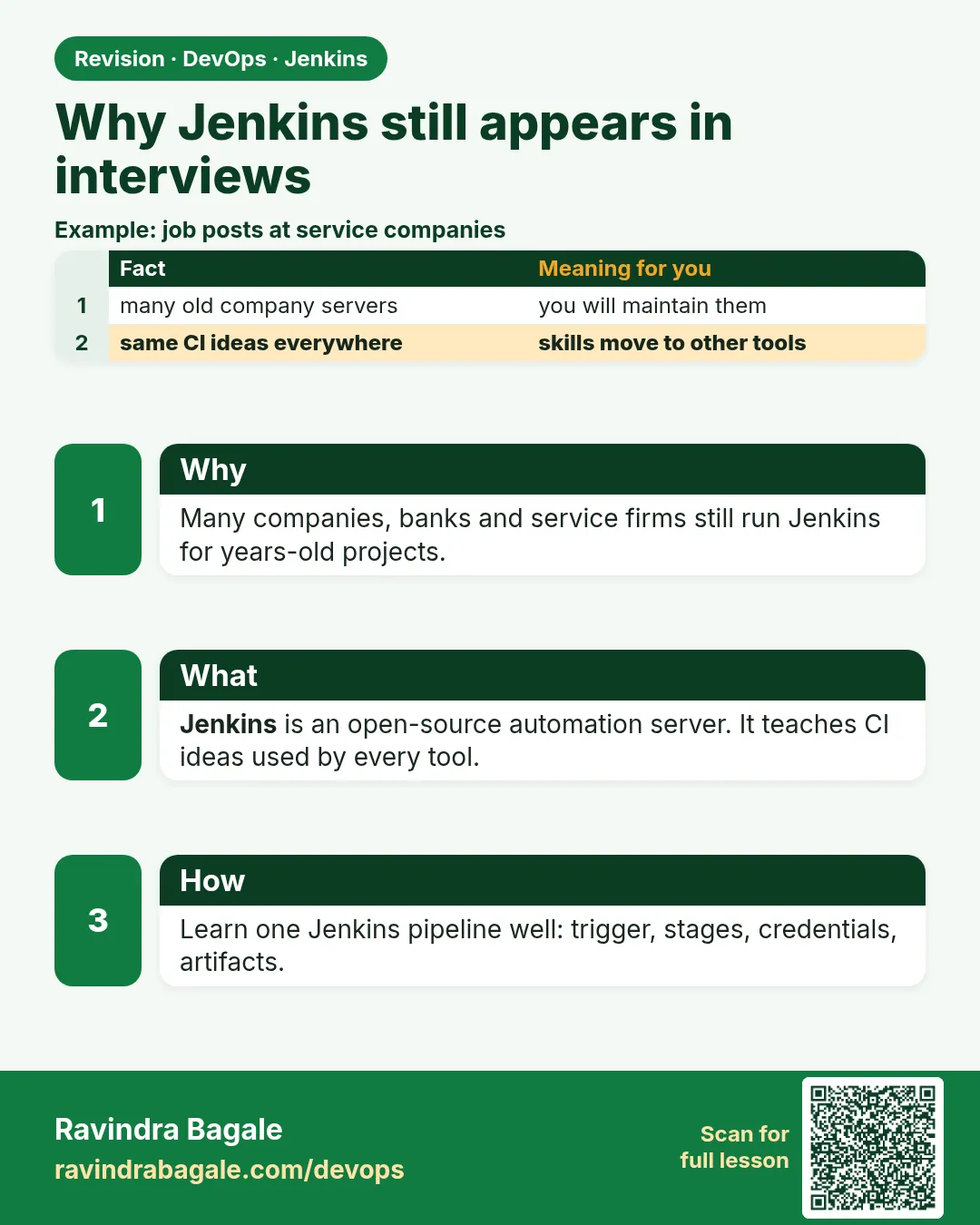 Revision card
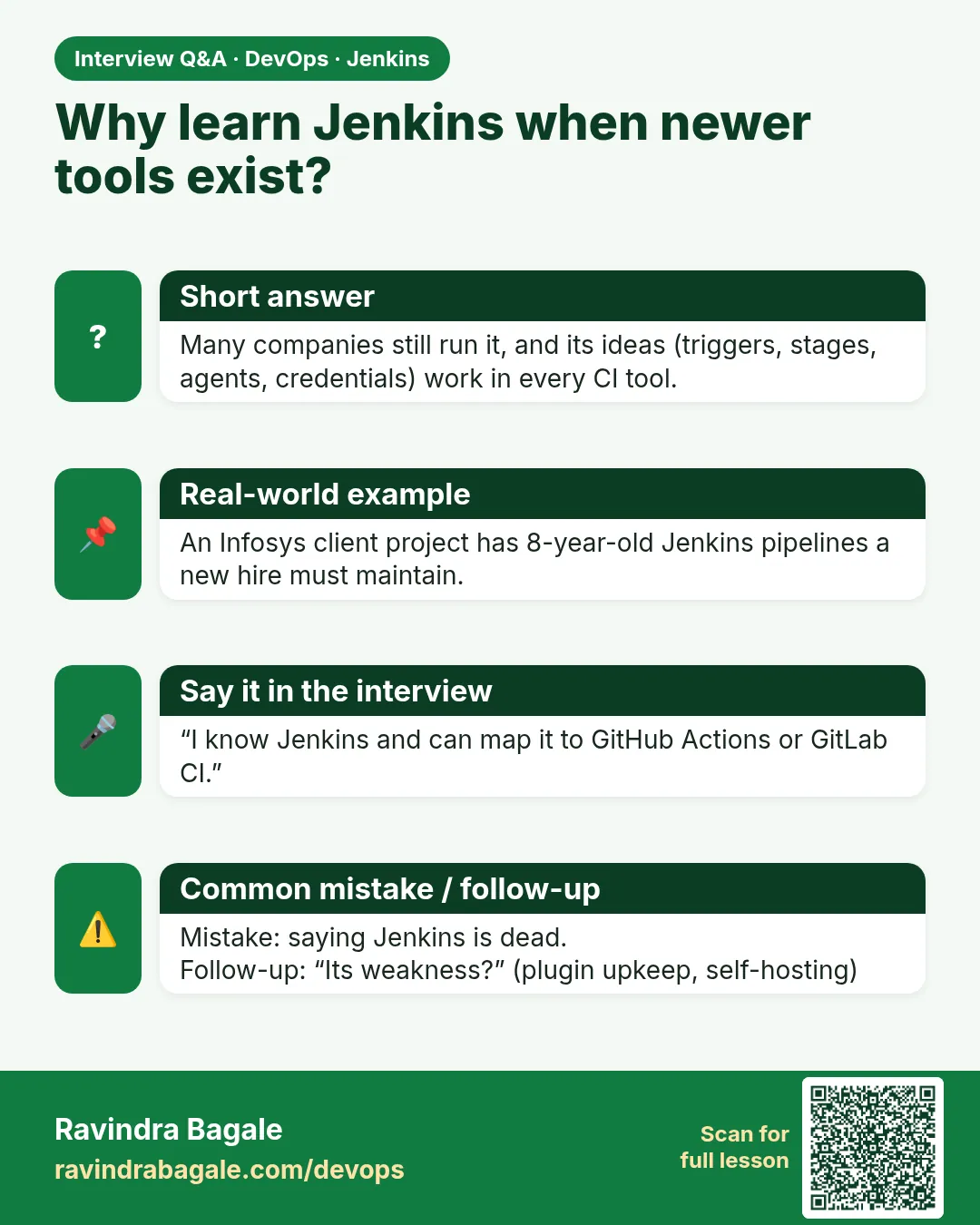 Interview card