Chapter 10: Jenkins Introduction
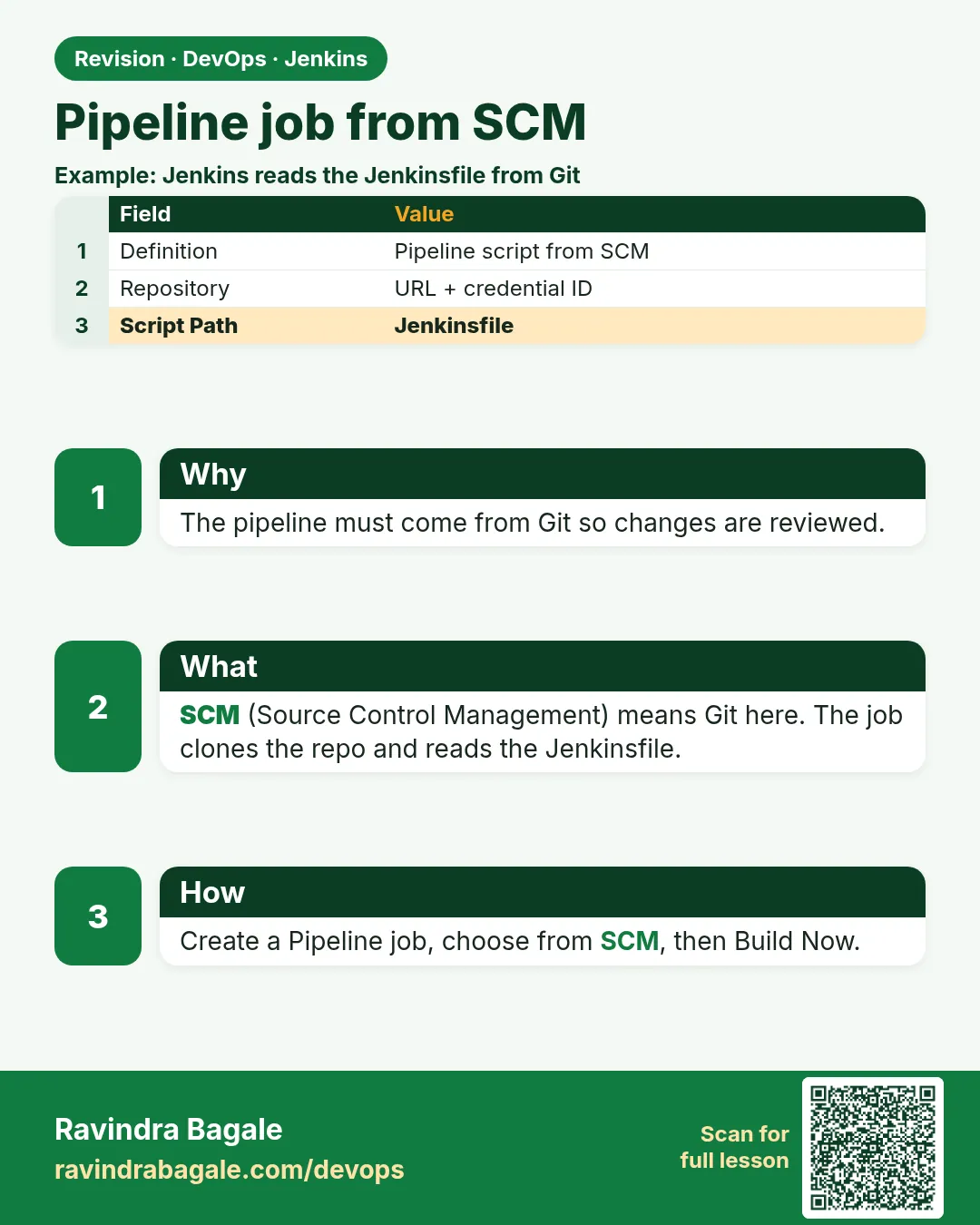
10.6 Pipeline job from SCM
Why: the problem
Suppose a Myntra team has the Jenkinsfile in Git. But the Jenkins job still has the script pasted inside it. Now there are two copies. Somebody updates Git, but Jenkins runs the old pasted copy. The build is green, but it tests the wrong thing. The fix is a Pipeline job from SCM. SCM means source control, like Git. The job only knows the repo URL and the branch. On every build it fetches the Jenkinsfile from Git. There is only one copy, and it is always the latest.
What we will build
You will create a Pipeline job that reads the Jenkinsfile from a Git repo, connect a private repo with a credential, start builds automatically with a webhook or polling, and build a chosen branch.
What: every term in plain English
- SCM — Source Control Management. Git is the common one.
- Pipeline script from SCM — A job setting: read the Jenkinsfile from the repo, not from the job page.
- Repository URL — The Git address of the app.
- Branch Specifier — Which branch to build, like */main.
- Script Path — Where the Jenkinsfile is in the repo. Default: Jenkinsfile.
- Webhook — A message the Git server sends to Jenkins on every push.
- Poll SCM — Jenkins checks the repo on a timer for new commits.
- Lightweight checkout — Jenkins reads only the Jenkinsfile first, not the whole repo.
How: step by step
-
Create the job
New Item > name badge-api > Pipeline > OKWhat it does: A normal Pipeline job.
Output
(config page) -
Choose SCM
Pipeline > Definition: Pipeline script from SCM > SCM: GitWhat it does: Now the job reads from Git.
Output
(Git fields appear) -
Set the repo
Repository URL: https://git.example.com/ravi/badge-api.git, Credentials: git-credsWhat it does: For a private repo pick a Username with password credential that holds a token.
Output
(no error under the URL) -
Set the branch and path
Branch Specifier: */main, Script Path: JenkinsfileWhat it does: Build main using the root Jenkinsfile.
Output
(saved) -
Build Now
Click Build NowWhat it does: The first line shows where the Jenkinsfile came from.
Output
Obtained Jenkinsfile from git https://git.example.com/ravi/badge-api.git
Example 1: Poll SCM: build when a new commit appears
Stack. Git, pollSCM
Goal. Poll SCM: build when a new commit appears.
Jenkinsfile
pipeline {
    agent any
    triggers { pollSCM('H/5 * * * *') }
    stages {
        stage('Show commit') {
            steps { sh 'git log -1 --oneline' }
        }
        stage('Test') {
            steps { sh 'npm ci && npm test' }
        }
    }
}
What each line does
triggers { pollSCM('H/5 * * * *') }— Check Git about every 5 minutes. H spreads jobs so they do not all check at once.git log -1 --oneline— Prints the commit being built.npm ci && npm test— Normal build and test.
Green output
Started by an SCM change
Obtained Jenkinsfile from git https://git.example.com/ravi/badge-api.git
+ git log -1 --oneline
9a1c3e2 fix badge colour for expired users
+ npm ci && npm test
# pass 4
Finished: SUCCESS
Expected result. Push a commit and within 5 minutes a build starts with "Started by an SCM change".
Example 2: Webhook: build seconds after a push
Stack. Generic Webhook Trigger plugin
Goal. Webhook: build seconds after a push.
Jenkinsfile
pipeline {
    agent any
    triggers { GenericTrigger(token: 'badge-api-hook', causeString: 'Push to $ref', genericVariables: [[key: 'ref', value: '$.ref']]) }
    stages {
        stage('Test') { steps { sh 'npm ci && npm test' } }
    }
}
Git server webhook settings
Payload URL:  https://jenkins.example.com/generic-webhook-trigger/invoke?token=badge-api-hook
Content type: application/json
Events:       Push events
What each line does
GenericTrigger(token: ...)— The Generic Webhook Trigger plugin starts the job when the URL is called with this token.value: '$.ref'— Reads the branch name from the JSON sent by the Git server.Payload URL— Where the Git server sends the push message. Jenkins must be reachable from the Git server.
Green output
$ curl -s -X POST -H "Content-Type: application/json" -d '{"ref":"refs/heads/main"}' "http://localhost:8080/generic-webhook-trigger/invoke?token=badge-api-hook"
{"jobs":{"badge-api":{"triggered":true,"id":21}}}

Started by Push to refs/heads/main
Finished: SUCCESS
Expected result. Builds start in seconds, and Jenkins does not poll Git all day.
Example 3: Build any branch with a parameter
Stack. Git plugin
Goal. Build any branch with a parameter.
Jenkinsfile
pipeline {
    agent any
    parameters { string(name: 'BRANCH', defaultValue: 'main', description: 'Branch to build') }
    stages {
        stage('Checkout') {
            steps {
                git branch: params.BRANCH, credentialsId: 'git-creds', url: 'https://git.example.com/ravi/badge-api.git'
            }
        }
        stage('Test') { steps { sh 'npm ci && npm test' } }
    }
}
What each line does
parameters { string(name: 'BRANCH' ...) }— Adds a text box for the branch.git branch: params.BRANCH— Checks out the branch the user typed.credentialsId: 'git-creds'— Token for the private repo, from the Credentials store.
Green output
Building with parameter BRANCH=feature/dark-badge
+ git checkout -f feature/dark-badge
+ npm ci && npm test
# pass 5
Finished: SUCCESS
Expected result. Testers can build any branch without editing the job. For many branches, use a Multibranch job (10.8b).
Verify: did it work?
-
See the commit on the build page
Open build #21 > ChangesWhat it does: Lists commits since the last build.
Output
9a1c3e2 fix badge colour for expired users (ravi) -
See the trigger
Open build #21 > top line of Console OutputWhat it does: Shows who or what started it.
Output
Started by an SCM change
When it is red 1
stderr: remote: Invalid username or password.
fatal: Authentication failed
Cause. The repo is private and the credential is wrong or missing.
Fix, step by step
- Create a Username with password credential with a read-only access token.
- Pick it in the job Credentials field.
- Build again.
When it is red 2
ERROR: Unable to find Jenkinsfile from git https://git.example.com/ravi/badge-api.git
Cause. The Script Path or branch is wrong.
Fix, step by step
- Check the file name: Jenkinsfile, capital J.
- Check the branch has the file.
- Set Script Path, like ci/Jenkinsfile.
When it is red 3
Webhook delivery failed: connection timed out
Cause. The Git server cannot reach your Jenkins, for example a laptop behind a home router.
Fix, step by step
- Use Poll SCM in the lab.
- In companies, expose Jenkins with a proper URL and HTTPS.
- Check the firewall allows the Git server.
Cleanup
-
Turn off polling when you add a webhook
Remove the triggers { pollSCM } block and pushWhat it does: Polling plus webhook means double builds.
Output
(no more SCM polling builds)
Ravindra Bagale's Tip
Do not paste a script into the job. Keep the Jenkinsfile in Git — one copy, always latest.
Script job मध्ये paste करू नका. Jenkinsfile Git मध्येच ठेवा, म्हणजे एकच copy, नेहमी latest.
Script job में paste मत करो. Jenkinsfile Git में ही रखो — एक ही copy, हमेशा latest.
Practice tasks
Easy Move the Jenkinsfile
Why: Real repos use folders.
What to do: Move it to ci/Jenkinsfile and fix Script Path.
- git mv Jenkinsfile ci/Jenkinsfile
Check: Build still works.
Medium Test the webhook with curl
Why: Debug triggers without a Git server.
What to do: Call the webhook URL with curl.
- Use the token.
Check: A build starts.
Hard Read-only token
Why: Least privilege.
What to do: Make a Git token that can only read the repo.
- Use it in git-creds.
Check: Clone works, push fails.
Easy Say a Pipeline job from SCM in two lines
Why: If you can say it simply, you understand it. Juniors and interviewers both want the short version first.
What to do: Write two short lines about a Pipeline job from SCM for a fresher who knows only Linux, Git and Docker basics.
- Write the problem it solves.
- Write the one Jenkins screen, Jenkinsfile line or command you use for it.
- Read it aloud to a friend.
Check: A fresher understands it without asking a question.
Easy Keep a throwaway lab Jenkins
Why: Practice needs a Jenkins you can break. If the lab gets messy, you delete the container and volume and start again.
What to do: Run a lab Jenkins in Docker on your laptop with a named volume jenkins_home.
- docker volume create jenkins_home
- docker run -d --name jenkins -p 8080:8080 -v jenkins_home:/var/jenkins_home jenkins/jenkins:lts-jdk17
- Open http://localhost:8080 and finish the setup wizard.
Check: The Jenkins dashboard opens and shows "Welcome to Jenkins!".
Medium Do it on a second stack
Why: A pipeline idea must work for Node.js, Python and Java. Only the build and test lines should change.
What to do: Repeat this lesson with a different language than the one you used first.
- If you used Python, use Node.js or Maven now.
- Change only the sh lines for build and test.
- Keep the same stage names.
Check: Same green result, and the stage names did not change.
Medium Break it on purpose
Why: You must know the red console log by face. In a real outage there is no time to read slowly.
What to do: Cause one error from the "When it is red" part of this lesson and fix it.
- Follow the error section.
- Copy the exact message from Console Output into your notes.
- Write the fix in one line.
Check: You fixed it using only the steps, without searching the web.
Medium Write a one-page runbook
Why: At 2 a.m. nobody remembers Jenkins menus. A short page saves the on-call person.
What to do: Write a one-page runbook for this lesson.
- Title, when to use, exact clicks or Jenkinsfile lines, how to check, how to undo.
Check: A teammate can follow it alone.
Hard Explain it like an interview
Why: Interviewers want real stories, not definitions.
What to do: Record a 60 second answer about this lesson.
- Say the problem, the Jenkinsfile lines you wrote, and one error you hit.
Check: Your answer has a real Jenkinsfile line and a real error message.
Hard Draw the flow top to bottom
Why: A drawing shows the order of work and which stage waits for which.
What to do: Draw this lesson as boxes from top to bottom.
- Start at git push or Build Now, go through each stage, end at the green build or the deployed app.
Check: Each box matches a real line in your Console Output.
Homework: try at home
Try at home
At home, create the badge-api Pipeline job from SCM, push a commit, and watch Poll SCM start a build within 5 minutes.
Recap
- Pipeline from SCM keeps one copy: the Jenkinsfile in Git.
- Set repo URL, credential, branch and Script Path.
- Webhooks start builds fast; Poll SCM is the fallback.
- Use a read-only token for private repos.
- Use parameters or Multibranch for other branches.
FAQ
Do I need a webhook?
Not in a lab. Poll SCM is fine. In companies, use webhooks.
Why does the first build not show parameters?
Jenkins learns them from the Jenkinsfile on the first run.
Can one repo have two Jenkinsfiles?
Yes, two jobs with two Script Paths.
Does it work with Bitbucket or GitLab?
Yes. Git works the same.
Why lightweight checkout?
It reads only the Jenkinsfile first, which is faster.
Can I build tags too?
Yes. Use a Branch Specifier like refs/tags/* or a Multibranch job with tag discovery turned on.
Interview questions
-
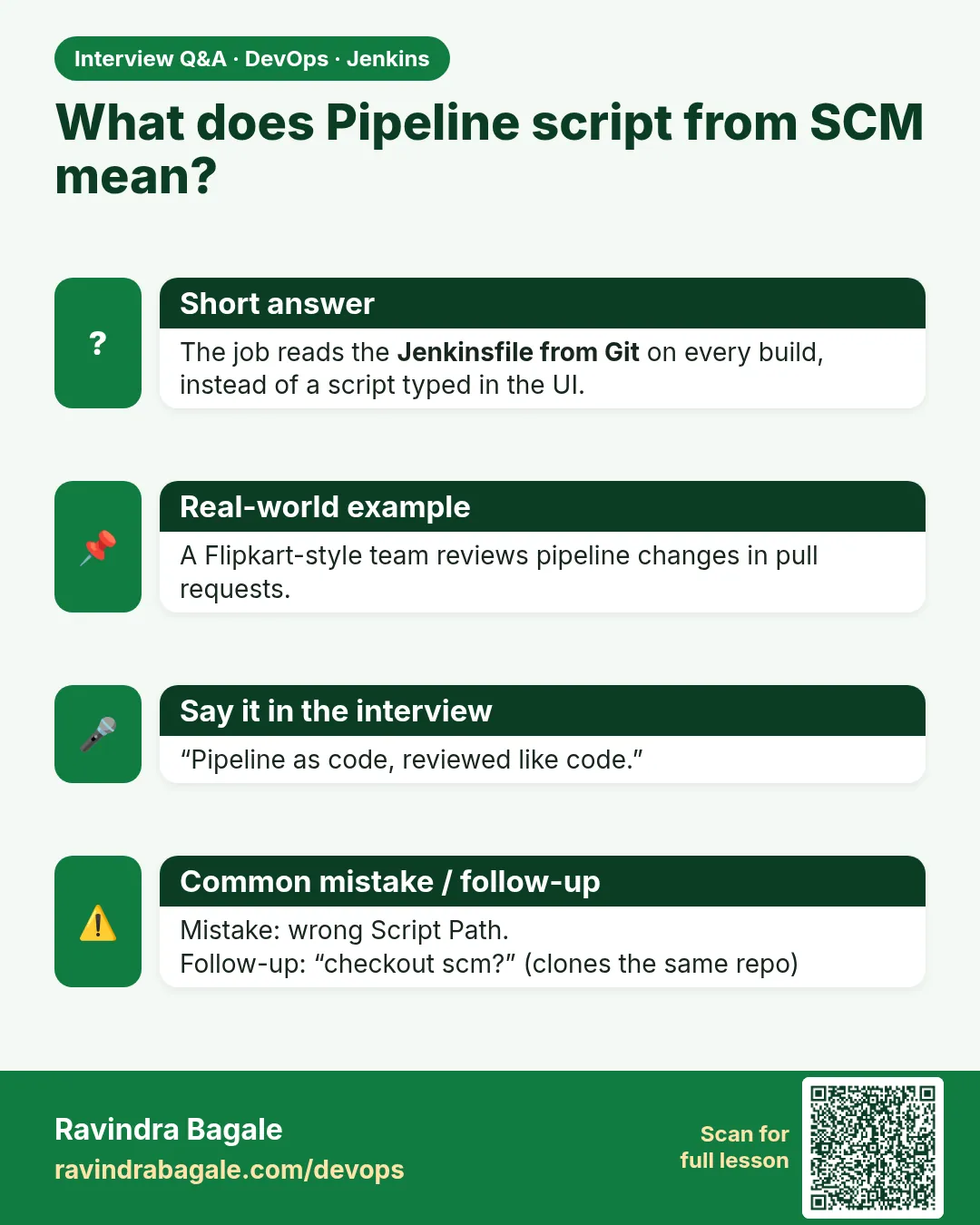
What is a Pipeline from SCM job?
A Pipeline job that loads the Jenkinsfile from a Git repo on every build.
-
How do builds start on push?
A webhook from the Git server, or Poll SCM as fallback.
-
What does H/5 mean in pollSCM?
About every 5 minutes, at a hashed minute to spread load.
-
How do you build a private repo?
Use a credential with a read-only token in the SCM config.
-
Why not paste the script in the job?
Two copies drift; SCM keeps one reviewed copy.
Quick quiz
Q1. What does from SCM mean?
The job reads the Jenkinsfile from Git.
Q2. What is Branch Specifier for main?
*/main.
Q3. What does H in a cron line do?
Spreads the time so jobs do not all start together.
Q4. Which is faster, webhook or poll?
Webhook.
Q5. What does Script Path set?
Where the Jenkinsfile is in the repo.
Did you understand? Let us try it once more.
 Revision card
 Interview card