Chapter 9: GitHub Actions Hands-On
9.8 Branch protection and required checks
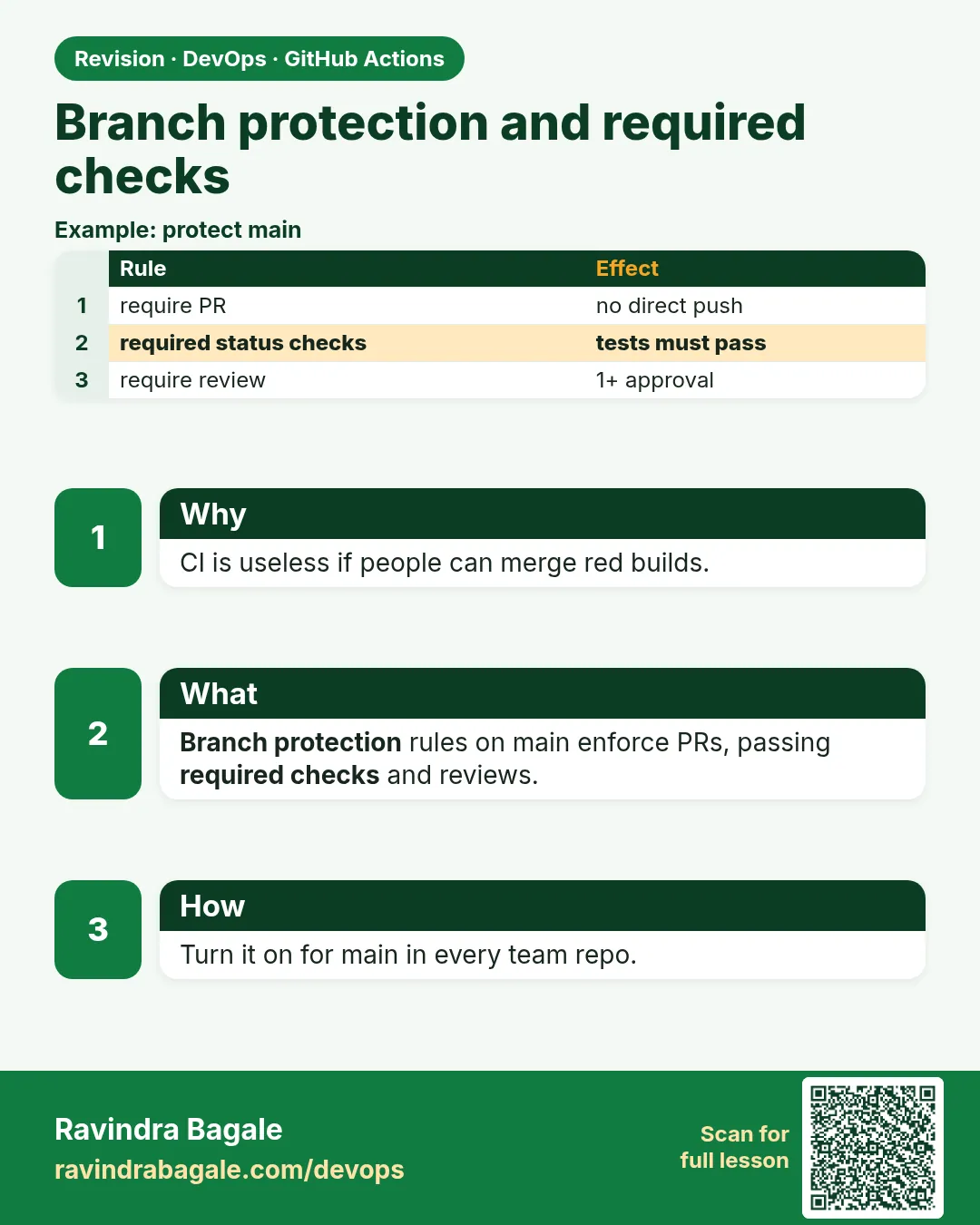
Why: the problem
Suppose we are at Zerodha. CI is set up and green ticks show on pull requests. But one evening a developer is in a hurry. The check is still running, he clicks merge, and the change breaks login for traders the next morning. Another developer pushes straight to main with no pull request. CI that nobody must wait for is only a suggestion. Branch protection makes it a rule: no direct pushes to main, a review is needed, and named checks must be green before the merge button works.
What we will build
You will protect the main branch with a ruleset: require a pull request, one approval, passing required checks, and an up-to-date branch. You will set it in the web settings, set it with the CLI, and add a CODEOWNERS file so the right team reviews the right folder. Stacks in the examples: a Python API, a Node.js web app and Terraform files.
What: every term in plain English
- Branch protection — Rules on a branch, like main, that block unsafe changes.
- Ruleset — The newer way to set branch rules, able to cover many branches and repos.
- Required check — A job name that must be green before merge, like ci / test.
- Required review — At least N people must approve the pull request.
- Up-to-date branch — The pull request must include the latest main before merge, so checks test the real result.
- CODEOWNERS — A file that maps folders to teams who must review changes there.
- Merge queue — A queue that tests each change on top of the others before merging, for busy repos.
- Bypass — People or apps allowed to skip the rules. Keep this list tiny.
How: step by step
-
Make sure the check has run once
git push and open a pull requestWhat it does: A check name appears in the list only after it has run at least once.
Output
ci / test (pull_request) Successful -
Open the ruleset page
Repo Settings > Rules > Rulesets > New branch rulesetWhat it does: Target: Include default branch.
Output
(form opens) -
Turn on the rules
Require a pull request (1 approval), Require status checks: ci / test, Require branches to be up to date, Block force pushesWhat it does: Save as Active.
Output
Ruleset "protect-main" created -
Try a direct push to main
git push origin mainWhat it does: It should be refused now.
Output
remote: error: GH013: Repository rule violations found for refs/heads/main. remote: - Changes must be made through a pull request. -
Add CODEOWNERS
vim .github/CODEOWNERSWhat it does: See Example 3.
Output
(saved)
Example 1: Python API: required check named exactly as the job
Stack. Python, pytest
Goal. Python API: required check named exactly as the job.
.github/workflows/ci.yml
name: ci
on:
  pull_request:
    branches: [main]
jobs:
  test:
    name: test
    runs-on: ubuntu-latest
    steps:
      - uses: actions/checkout@v4
      - uses: actions/setup-python@v5
        with: { python-version: "3.12", cache: pip }
      - run: pip install -r requirements.txt && pytest -q
What each line does
name: ci— The workflow name.name: test— The job name. The required check is shown as test.pull_request to main— The check runs on every pull request to main.
Green output
Merging is blocked
  ✗ Required: test   Expected — Waiting for status to be reported
...
  ✓ Required: test   Successful in 31s
  ✓ 1 approving review by ravi-lead
This branch has no conflicts with the base branch. Merge pull request
Expected result. Merge is impossible until test is green and one person approves.
Example 2: Node
Stack. Node.js, gh CLI
Goal. Node.js web app: protect main with the CLI and an API call.
protect.sh
#!/usr/bin/env bash
set -euo pipefail
REPO="zerodha-lab/kite-web"
gh api -X PUT "repos/$REPO/branches/main/protection" \
  --input protection.json
gh api "repos/$REPO/branches/main/protection" --jq ".required_status_checks.contexts"
protection.json
{
  "required_status_checks": { "strict": true, "contexts": ["lint", "test"] },
  "enforce_admins": true,
  "required_pull_request_reviews": { "required_approving_review_count": 1, "dismiss_stale_reviews": true },
  "restrictions": null,
  "allow_force_pushes": false,
  "allow_deletions": false
}
What each line does
gh api -X PUT .../protection— Sets branch protection from code, so ten repos get the same rules.strict: true— The branch must be up to date with main.contexts: ["lint", "test"]— Both checks are required.enforce_admins: true— Admins follow the rules too.dismiss_stale_reviews— A new push removes old approvals.
Green output
[
  "lint",
  "test"
]
Expected result. Protection is now in a script you can review and re-run for every repo.
Example 3: CODEOWNERS: the infra team must review Terraform changes
Stack. Terraform, CODEOWNERS
Goal. CODEOWNERS: the infra team must review Terraform changes.
.github/CODEOWNERS
# Default owners for everything
*                 @zerodha-lab/backend
# Terraform and pipelines need the platform team
/infra/           @zerodha-lab/platform
/.github/workflows/ @zerodha-lab/platform
# Payments code needs security too
/src/payments/    @zerodha-lab/backend @zerodha-lab/security
What each line does
* @team/backend— Default reviewers for any file./infra/ @team/platform— Terraform changes need platform approval./.github/workflows/— Pipeline changes also need platform approval, so nobody removes a check quietly.Two teams on a line— Both teams are requested.Require review from Code Owners— Turn this on in the ruleset to make it a rule.
Green output
Review required
  @zerodha-lab/platform was requested for review (owns infra/main.tf)
  ✗ Code owner review required
Expected result. A developer cannot merge an infra change without the platform team.
Verify: did it work?
-
Test that direct push is blocked
git push origin mainWhat it does: Should fail.
Output
remote: - Changes must be made through a pull request. -
Read the rules on a branch
gh api repos/zerodha-lab/kite-web/rules/branches/main --jq ".[].type"What it does: Lists active rule types.
Output
pull_request
required_status_checks
non_fast_forward
When it is red 1
Required check "test" is expected but never reported
Cause. The required name does not match any job name, or the workflow did not run because of a paths filter.
Fix, step by step
- Match the required name to the job name exactly.
- Avoid paths filters on required workflows, or add a small job that always reports.
When it is red 2
remote: error: GH006: Protected branch update failed for refs/heads/main.
Cause. You tried to push to main directly.
Fix, step by step
- Create a branch, push it, open a pull request.
When it is red 3
This branch is out-of-date with the base branch
Cause. strict or up-to-date rule is on and main moved.
Fix, step by step
- Click Update branch or run git merge origin/main.
- Wait for checks again.
Cleanup
-
Remove a practice ruleset
gh api -X DELETE repos/ravi/actions-lab/rulesets/12345What it does: Only on your practice repo.
Output
(no output)
Ravindra Bagale's Tip
If the check is not required, CI is only advice. Protect the main branch, then the rule sticks!
Check required नसेल तर CI फक्त सल्ला आहे. Main branch protect करा, मग नियम!
Check required न हो तो CI सिर्फ सलाह है. Main branch protect करो, फिर नियम लगेगा!
Practice tasks
Easy Block direct push
Why: Feel the rule.
What to do: Turn on protection and try git push origin main.
- Read the refusal.
Check: Push refused.
Medium Two required checks
Why: More safety.
What to do: Require lint and test.
- Add both names.
Check: Merge waits for both.
Hard Protection as code
Why: Same rules everywhere.
What to do: Script the protection with gh api for two repos.
- Use protection.json.
Check: Both repos show the same rules.
Easy Say branch protection in two lines
Why: If you can say it simply, you understand it. Juniors and interviewers both want the short version first.
What to do: Write two short lines about branch protection for a fresher who knows only Linux and Git basics.
- Write the problem it solves.
- Write the one workflow line or command you use for it.
- Read it aloud to a friend.
Check: A fresher understands it without asking a question.
Easy Make a throwaway practice repo
Why: Practice needs a repo you can break. If the workflow history gets messy, you delete the repo and start again.
What to do: Create a new empty repo named actions-lab with one small app and push it.
- mkdir actions-lab && cd actions-lab && git init -b main
- Add app code and a test file.
- git remote add origin https://git.example.com/ravi/actions-lab.git && git push -u origin main
Check: The Actions tab of the repo shows your first run.
Medium Do it on a second stack
Why: A CI idea must work for Node.js, Python and Java. Only the setup and test lines should change.
What to do: Repeat this lesson with a different language than the one you used first.
- If you used Python, use Node.js now.
- Change only the setup action and the test command.
- Keep the same job names.
Check: Same result, and the job names did not change.
Medium Break it on purpose
Why: You must know the red log by face. In a real outage there is no time to read slowly.
What to do: Cause one error from the "When it is red" part of this lesson and fix it.
- Follow the error section.
- Copy the exact message into your notes.
- Write the fix in one line.
Check: You fixed it using only the steps, without searching the web.
Medium Write a one-page runbook
Why: At 2 a.m. nobody remembers YAML keys. A short page saves the on-call person.
What to do: Write a one-page runbook for this lesson.
- Title, when to use, exact YAML or commands, how to check, how to undo.
Check: A teammate can follow it alone.
Hard Explain it like an interview
Why: Interviewers want real stories, not definitions.
What to do: Record a 60 second answer about this lesson.
- Say the problem, the workflow lines you wrote, and one error you hit.
Check: Your answer has a real YAML line and a real error message.
Hard Draw the flow top to bottom
Why: A drawing shows the order of work and which job waits for which.
What to do: Draw this lesson as boxes from top to bottom.
- Start at git push, go through each job and step, end at the green check or the deployed app.
Check: Each box matches a real step in your run log.
Homework: try at home
Try at home
At home, protect main in your practice repo: require a pull request, one review and your test check. Try a direct push and see it refused. Add CODEOWNERS for the workflows folder.
Recap
- CI is only a rule when checks are required.
- Protect main: PR, review, required checks, up to date.
- Required names must match job names.
- CODEOWNERS sends changes to the right team.
- Keep bypass lists tiny and enforce for admins.
FAQ
Can I require checks from another tool like Jenkins?
Yes, any status reported on the commit can be required.
What is a merge queue?
A queue that tests each PR with the others before merge, for busy repos.
Do rules work on free private repos?
Some features need a paid plan for private repos.
Can I protect release/* branches?
Yes, rulesets support patterns.
Why dismiss stale reviews?
New code needs a new look.
Who should be in the bypass list?
Ideally nobody. At most a release bot, with every bypass logged and reviewed.
What if CI is down and we must ship a hotfix?
Fix CI or use a documented break-glass process with a second approver, then review it next day.
Interview questions
-
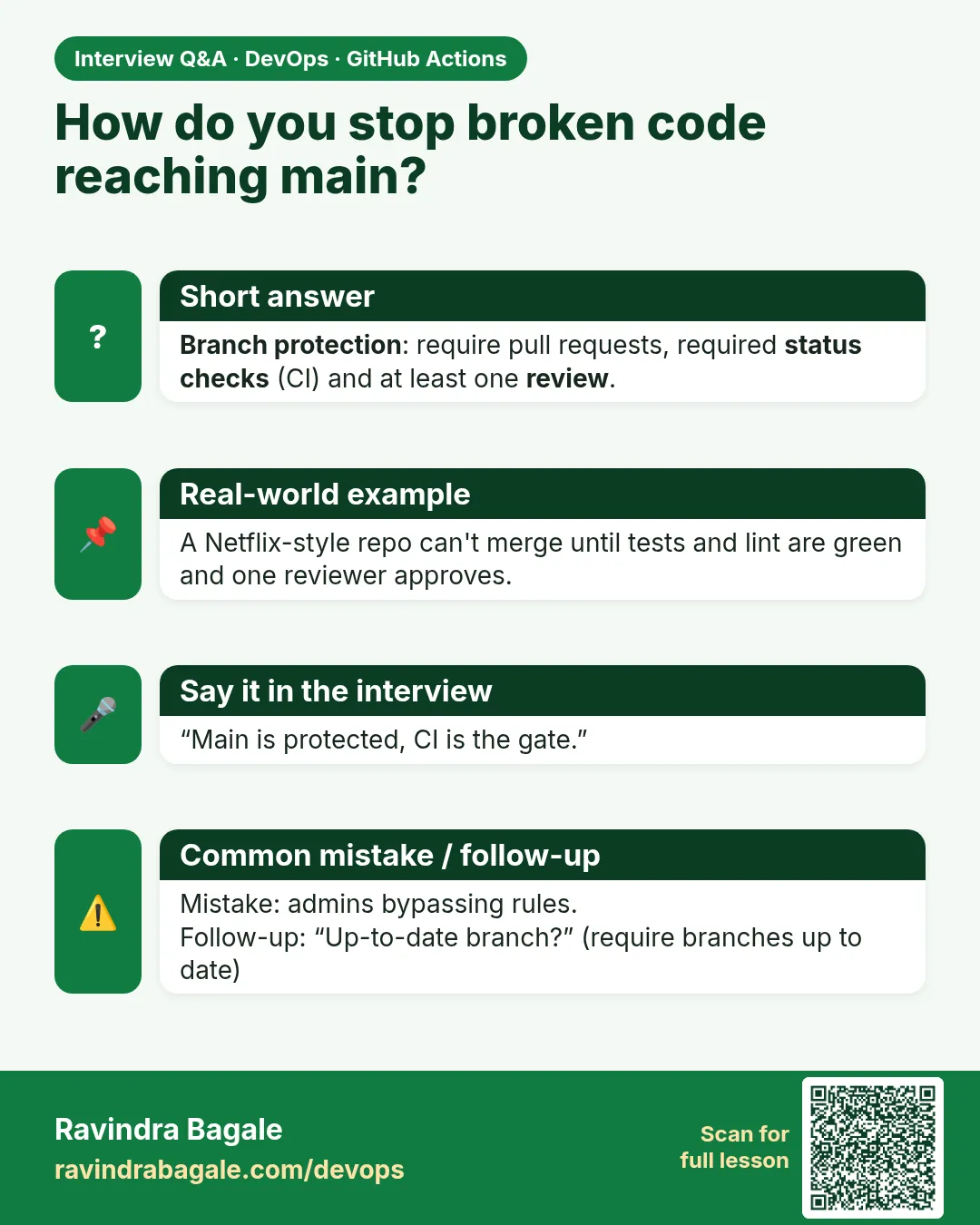
How do you enforce CI before merge?
Branch protection or rulesets with required status checks and reviews.
-
What is CODEOWNERS used for?
Automatic required reviewers per path.
-
Why require up-to-date branches?
So the tested code equals the merged result.
-
How do you stop people removing CI steps?
CODEOWNERS on workflow files and required checks.
-
What is a merge queue?
Serialised testing of PRs on top of each other before merge.
Quick quiz
Q1. Why protect main?
So no change skips review and checks.
Q2. What must match for a required check?
The job or check name.
Q3. What does strict / up to date do?
Tests the PR with the latest main.
Q4. What is CODEOWNERS?
A file mapping paths to required reviewers.
Q5. Should admins bypass?
No, enforce for admins too.
Did you understand? Let us try it once more.
 Revision card
 Interview card