Chapter 9: GitHub Actions Hands-On
9.4 Caching and artifacts
Why: the problem
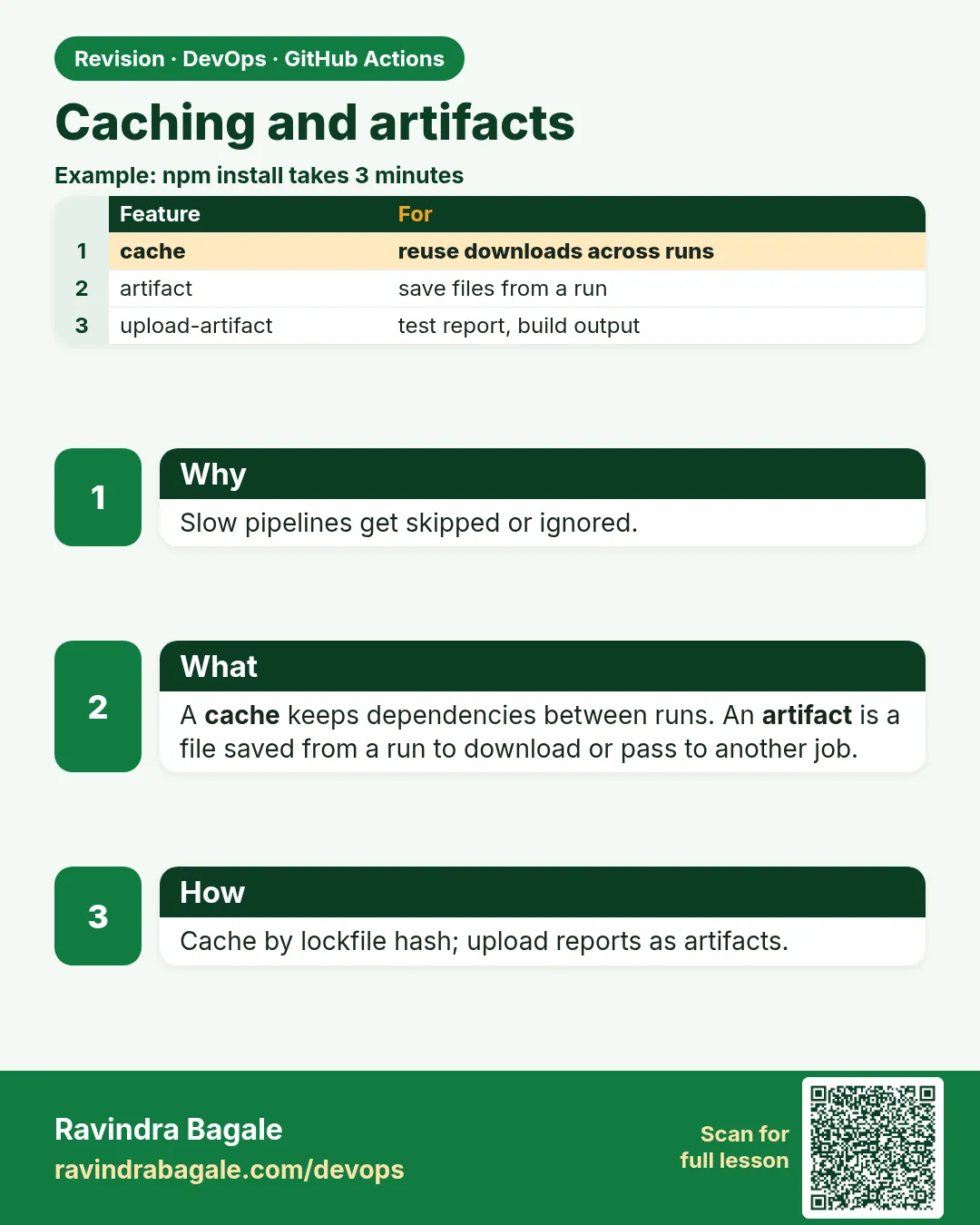
Suppose we are at Paytm. The wallet service CI downloads 400 npm packages on every run. That is 3 minutes of waiting, 60 times a day, for the same files. Then the test job makes a coverage report, but the job ends and the runner is thrown away, so the report is gone. Two problems: repeated downloads waste time, and useful files disappear. Cache solves the first. Artifacts solve the second.
What we will build
You will add a dependency cache with actions/cache and see the time drop. Then you will upload a test report and a build file as artifacts, download them in a later job, and download them on your laptop. You will do it for Node.js, Python and a Java JAR.
What: every term in plain English
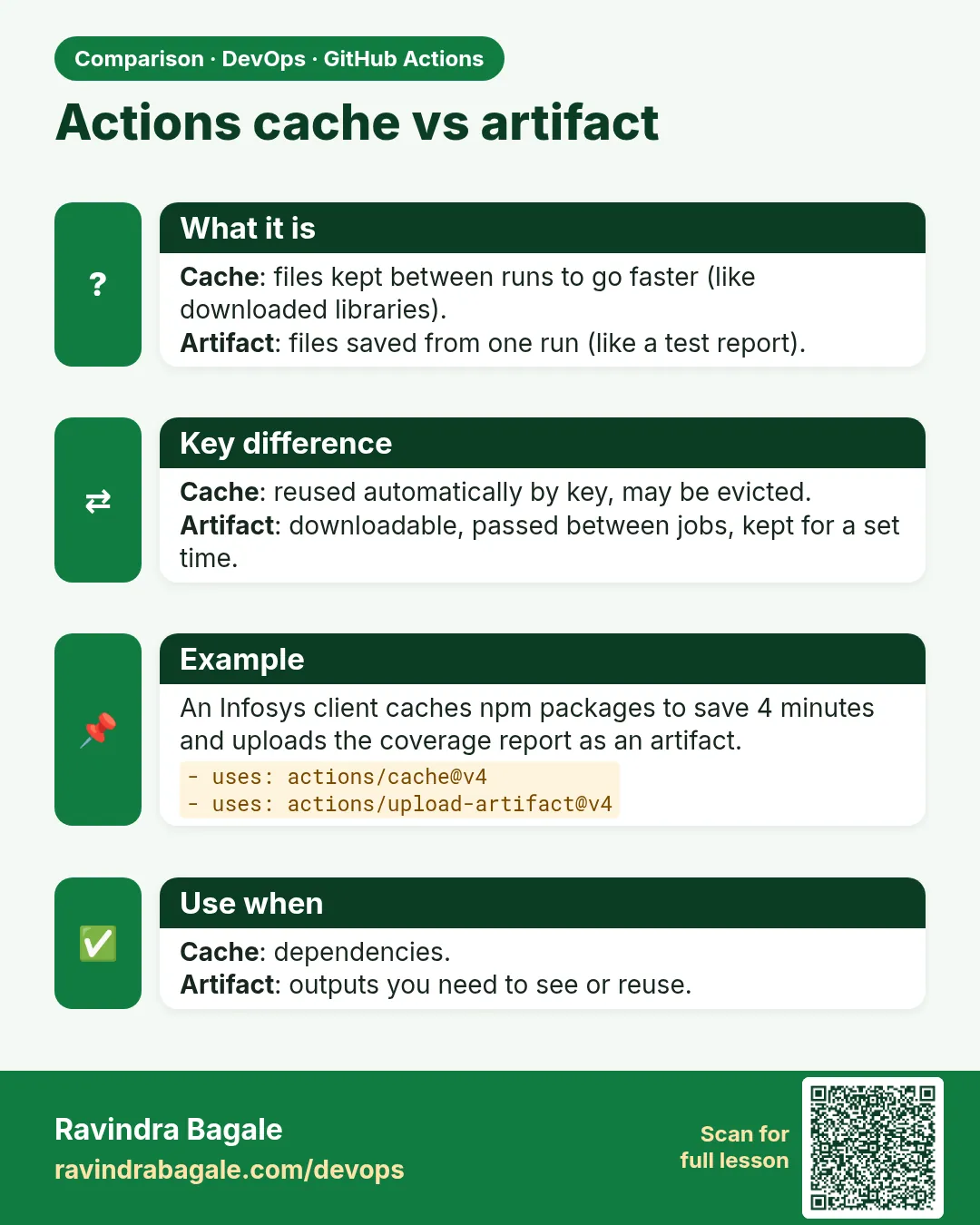
- Cache — Saved files reused between runs to save time, like downloaded packages. It may be deleted any time; never rely on it for results.
- Cache key — A name for the saved files. If the key matches, the cache is restored. Usually includes a hash of the lock file.
- hashFiles() — Makes a short fingerprint of files. Change the lock file and the key changes.
- restore-keys — Fallback key prefixes used when the exact key is not found.
- Artifact — A file a job saves and keeps for days, like a report, a JAR or a zip.
- Retention — How many days an artifact is kept before it is deleted.
- Cache hit — The key matched and files were restored.
How: step by step
-
Find the package folder to cache
npm config get cacheWhat it does: This is the folder with downloaded packages.
Output
/home/runner/.npm -
Add actions/cache with a key
uses: actions/cache@v4
with:
  path: ~/.npm
  key: npm-${{ runner.os }}-${{ hashFiles('package-lock.json') }}
What it does: Key changes only when the lock file changes.
Output
(saved) -
Push twice and compare
git commit --allow-empty -m "rerun" && git pushWhat it does: The first run saves the cache, the second restores it.
Output
Run 1: npm ci 2m 51s Run 2: npm ci 38s -
Add an upload step for a report
uses: actions/upload-artifact@v4What it does: Saves the file after the job.
Output
Artifact coverage-report has been successfully uploaded!
Example 1: Node
Stack. Node.js 20, actions/cache
Goal. Node.js: cache npm by hand and see the hit.
.github/workflows/ci.yml
name: ci
on: [push]
jobs:
  test:
    runs-on: ubuntu-latest
    steps:
      - uses: actions/checkout@v4
      - uses: actions/setup-node@v4
        with:
          node-version: 20
      - uses: actions/cache@v4
        id: npmcache
        with:
          path: ~/.npm
          key: npm-${{ runner.os }}-${{ hashFiles('package-lock.json') }}
          restore-keys: npm-${{ runner.os }}-
      - run: echo "cache hit = ${{ steps.npmcache.outputs.cache-hit }}"
      - run: npm ci && npm test
What each line does
path: ~/.npm— Cache the download folder, not node_modules.hashFiles('package-lock.json')— New key only when dependencies change.restore-keys— If no exact match, use the newest cache with this prefix.outputs.cache-hit— true when the exact key matched.
Green output
Run actions/cache@v4
Cache restored successfully
Cache restored from key: npm-Linux-9f3c2a1b...
Run echo "cache hit = true"
cache hit = true
Run npm ci && npm test
added 412 packages in 9s
Expected result. npm ci went from about 3 minutes to under 40 seconds.
Example 2: Python: save the coverage report as an artifact
Stack. Python, pytest-cov
Goal. Python: save the coverage report as an artifact.
.github/workflows/ci.yml
name: ci
on: [push]
jobs:
  test:
    runs-on: ubuntu-latest
    steps:
      - uses: actions/checkout@v4
      - uses: actions/setup-python@v5
        with:
          python-version: "3.12"
          cache: pip
      - run: pip install -r requirements.txt pytest-cov
      - run: pytest --cov=app --cov-report=html --junitxml=report.xml
      - uses: actions/upload-artifact@v4
        if: always()
        with:
          name: test-reports
          path: |
            htmlcov/
            report.xml
          retention-days: 7
What each line does
--cov-report=html— Makes a browsable coverage site in htmlcov/.--junitxml=report.xml— A test result file many tools can read.if: always()— Upload even when tests fail, which is when you need it most.path: |— Several paths, one per line.retention-days: 7— Delete after 7 days to save storage.
Green output
Run pytest --cov=app --cov-report=html --junitxml=report.xml
TOTAL                 212     18    92%
Coverage HTML written to dir htmlcov
Run actions/upload-artifact@v4
With the provided path, there will be 34 files uploaded
Artifact test-reports has been successfully uploaded! Final size is 98213 bytes.
Expected result. The run page shows test-reports under Artifacts. Download it and open htmlcov/index.html.
Example 3: Java: build the JAR once, use it in a later job
Stack. Java 17, Maven, Spring Boot Actuator
Goal. Java: build the JAR once, use it in a later job.
.github/workflows/ci.yml
name: ci
on: [push]
jobs:
  build:
    runs-on: ubuntu-latest
    steps:
      - uses: actions/checkout@v4
      - uses: actions/setup-java@v4
        with:
          distribution: temurin
          java-version: "17"
          cache: maven
      - run: ./mvnw -B -ntp package
      - uses: actions/upload-artifact@v4
        with:
          name: app-jar
          path: target/*.jar
  smoke:
    needs: build
    runs-on: ubuntu-latest
    steps:
      - uses: actions/download-artifact@v4
        with:
          name: app-jar
      - run: ls -l
      - run: |
          java -jar *.jar --server.port=8080 &
          sleep 20
          curl -fsS localhost:8080/actuator/health
What each line does
upload-artifact name: app-jar— Saves the JAR from the build job.needs: build— Smoke test waits for the JAR.download-artifact— Puts the JAR in the new runner folder.java -jar ... &— Starts the app in the background.curl -fsS .../actuator/health— Fails the step if the app is not healthy.
Green output
Run ls -l
-rw-r--r-- 1 runner docker 21843112 Oct 25 09:12 orders-0.0.1.jar
Run curl -fsS localhost:8080/actuator/health
{"status":"UP"}
Expected result. The exact JAR that was built is the one that was tested. No rebuild.
Verify: did it work?
-
Download an artifact to your laptop
gh run download --name test-reportsWhat it does: Gets the files from the latest run.
Output
downloaded test-reports to ./test-reports -
List caches of the repo
gh cache listWhat it does: Shows keys and sizes.
Output
npm-Linux-9f3c2a1b 118 MB 2 hours ago
When it is red 1
Warning: Cache not found for input keys: npm-Linux-9f3c...
Cause. First run, or the lock file changed. This is normal once.
Fix, step by step
- Let the run finish; the cache is saved at the end.
- Run again and look for Cache restored.
When it is red 2
Error: No files were found with the provided path: htmlcov/. No artifacts will be uploaded.
Cause. The path is wrong, or the tests did not create the folder.
Fix, step by step
- Run ls in a step before the upload.
- Fix the path or the report flag.
When it is red 3
Error: Unable to download artifact(s): Artifact not found for name: app-jar
Cause. The name in download does not match upload, or the build job failed.
Fix, step by step
- Use the same name in both steps.
- Check that the build job is green.
Cleanup
-
Delete an old cache
gh cache delete npm-Linux-9f3c2a1bWhat it does: Frees cache space for the repo.
Output
✓ Deleted 1 cache entry
Ravindra Bagale's Tip
Cache saves time; an artifact keeps a file. Do not mix the two!
Cache म्हणजे वेळ वाचवतो, artifact म्हणजे file जपून ठेवा. दोन्हीमध्ये गोंधळ करू नका!
Cache समय बचाता है, artifact file संभालकर रखता है. दोनों में गड़बड़ मत करो!
Practice tasks
Easy Measure the cache
Why: Prove it helps.
What to do: Note install time with and without cache.
- Compare two runs.
Check: You have two numbers.
Medium Share a file between jobs
Why: Jobs do not share disks.
What to do: Upload in job A, download in job B.
- Use the same artifact name.
Check: Job B lists the file.
Hard Set retention
Why: Storage costs money.
What to do: Set retention-days: 3 on reports.
- Check the run page shows expiry.
Check: Artifacts show an expiry date.
Easy Say cache and artifacts in two lines
Why: If you can say it simply, you understand it. Juniors and interviewers both want the short version first.
What to do: Write two short lines about cache and artifacts for a fresher who knows only Linux and Git basics.
- Write the problem it solves.
- Write the one workflow line or command you use for it.
- Read it aloud to a friend.
Check: A fresher understands it without asking a question.
Easy Make a throwaway practice repo
Why: Practice needs a repo you can break. If the workflow history gets messy, you delete the repo and start again.
What to do: Create a new empty repo named actions-lab with one small app and push it.
- mkdir actions-lab && cd actions-lab && git init -b main
- Add app code and a test file.
- git remote add origin https://git.example.com/ravi/actions-lab.git && git push -u origin main
Check: The Actions tab of the repo shows your first run.
Medium Do it on a second stack
Why: A CI idea must work for Node.js, Python and Java. Only the setup and test lines should change.
What to do: Repeat this lesson with a different language than the one you used first.
- If you used Python, use Node.js now.
- Change only the setup action and the test command.
- Keep the same job names.
Check: Same result, and the job names did not change.
Medium Break it on purpose
Why: You must know the red log by face. In a real outage there is no time to read slowly.
What to do: Cause one error from the "When it is red" part of this lesson and fix it.
- Follow the error section.
- Copy the exact message into your notes.
- Write the fix in one line.
Check: You fixed it using only the steps, without searching the web.
Medium Write a one-page runbook
Why: At 2 a.m. nobody remembers YAML keys. A short page saves the on-call person.
What to do: Write a one-page runbook for this lesson.
- Title, when to use, exact YAML or commands, how to check, how to undo.
Check: A teammate can follow it alone.
Hard Explain it like an interview
Why: Interviewers want real stories, not definitions.
What to do: Record a 60 second answer about this lesson.
- Say the problem, the workflow lines you wrote, and one error you hit.
Check: Your answer has a real YAML line and a real error message.
Hard Draw the flow top to bottom
Why: A drawing shows the order of work and which job waits for which.
What to do: Draw this lesson as boxes from top to bottom.
- Start at git push, go through each job and step, end at the green check or the deployed app.
Check: Each box matches a real step in your run log.
Homework: try at home
Try at home
At home, add npm or pip caching and compare the install time on two runs. Then upload a test report with if: always() and download it with the CLI.
Recap
- Cache = speed, may vanish any time.
- Artifact = kept files for people and later jobs.
- Key caches on the lock file hash.
- Upload reports with if: always().
- Build once, pass the artifact, test the same file.
FAQ
Should I cache node_modules?
Prefer the npm cache folder with npm ci; it is safer.
Is there a cache size limit?
Yes, per repo; old caches are evicted.
Can a pull request read the main cache?
Yes, branches can restore caches from the default branch.
Can I keep artifacts forever?
No, they expire; use a registry or releases for long-term files.
Are artifacts secret?
Anyone with read access to the repo can download them. Never put secrets in them.
Interview questions
-
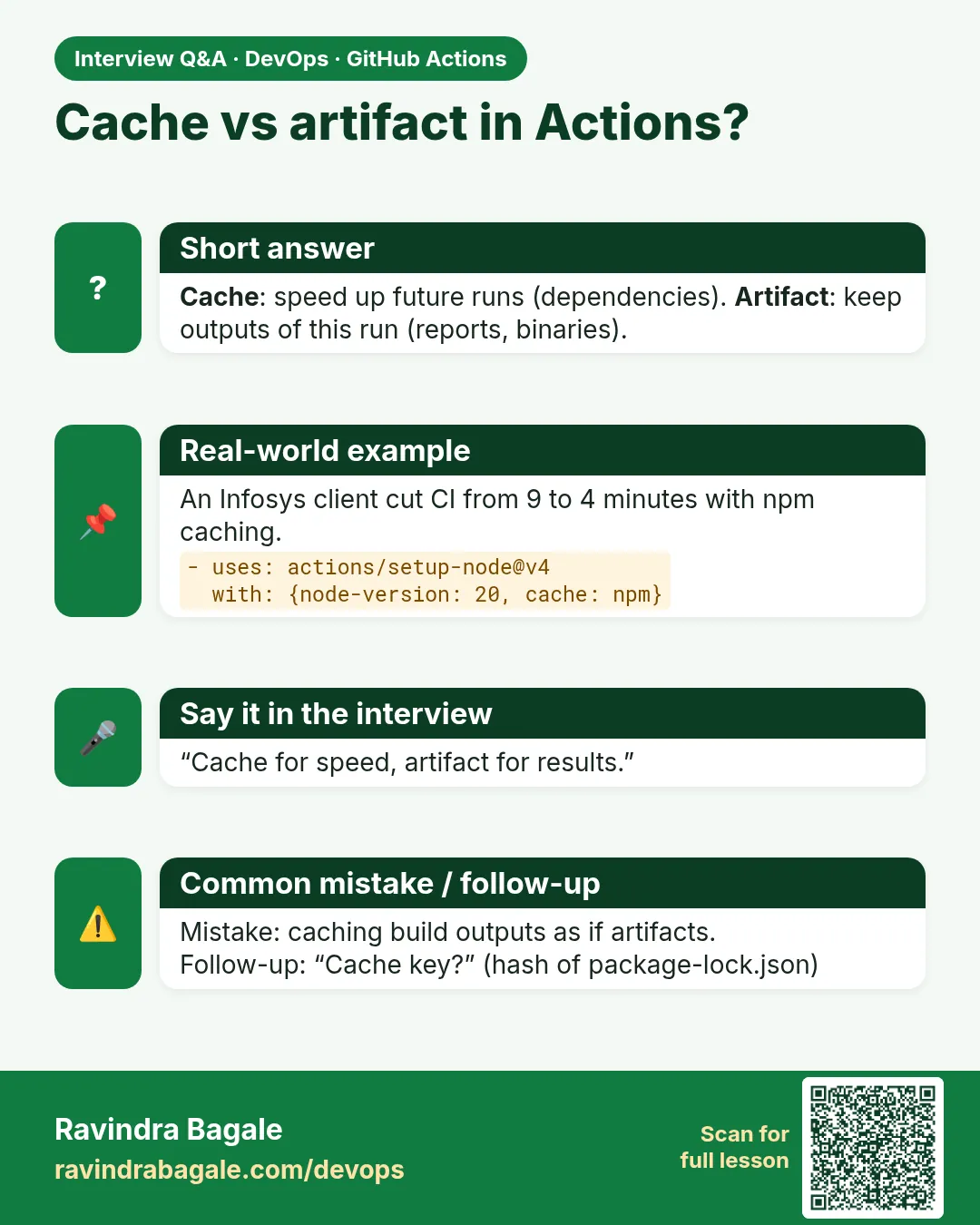
Cache vs artifact?
Cache speeds up repeated downloads; artifact stores outputs to share or inspect.
-
How do you design a cache key?
OS plus hash of the lock file, with restore-keys as fallback.
-
How do you pass a build output to a deploy job?
Upload artifact in build, download in deploy.
-
Why build once?
So the tested file is exactly the deployed file.
-
How do you keep test reports on failure?
Upload with if: always().
Quick quiz
Q1. Cache or artifact for downloaded packages?
Cache.
Q2. Cache or artifact for a test report?
Artifact.
Q3. What changes a cache key?
The hash of the lock file.
Q4. Why if: always() on upload?
To keep reports when tests fail.
Q5. How does a later job get a file?
download-artifact with the same name.
Did you understand? Let us try it once more.
 Revision card
 Interview card
 Comparison card