Ravindra BagaleCourses & study guides मराठी Track your progress

Ravi Sir's Cards › DevOps

DevOps

Chapter 51: Docker Networking: Port Publishing, Bridge, Host, None, Overlay, Macvlan, DNS and Every Network Command: मराठी Cards

English cards · Chapter उघडा

उजळणी (Revision) cards

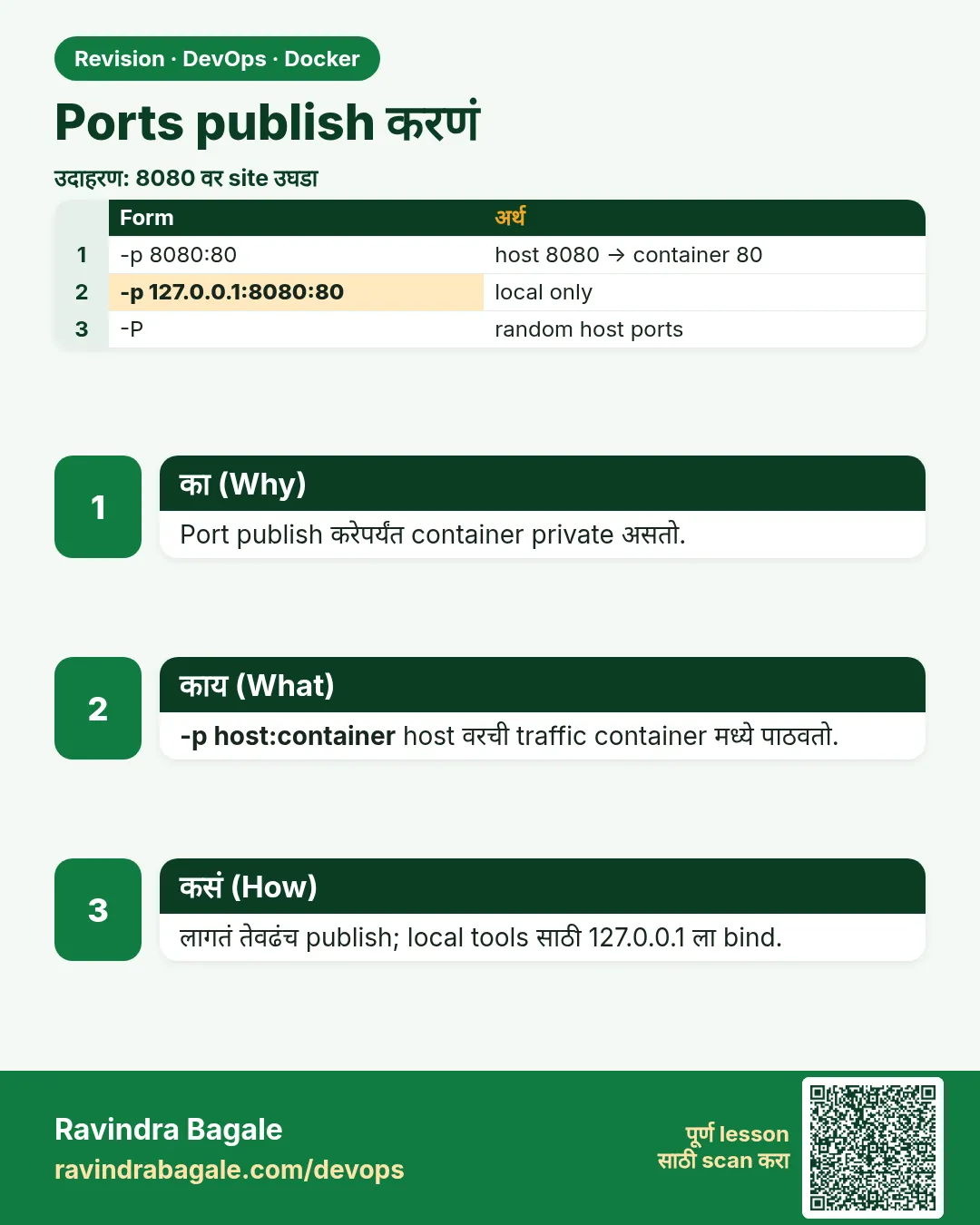
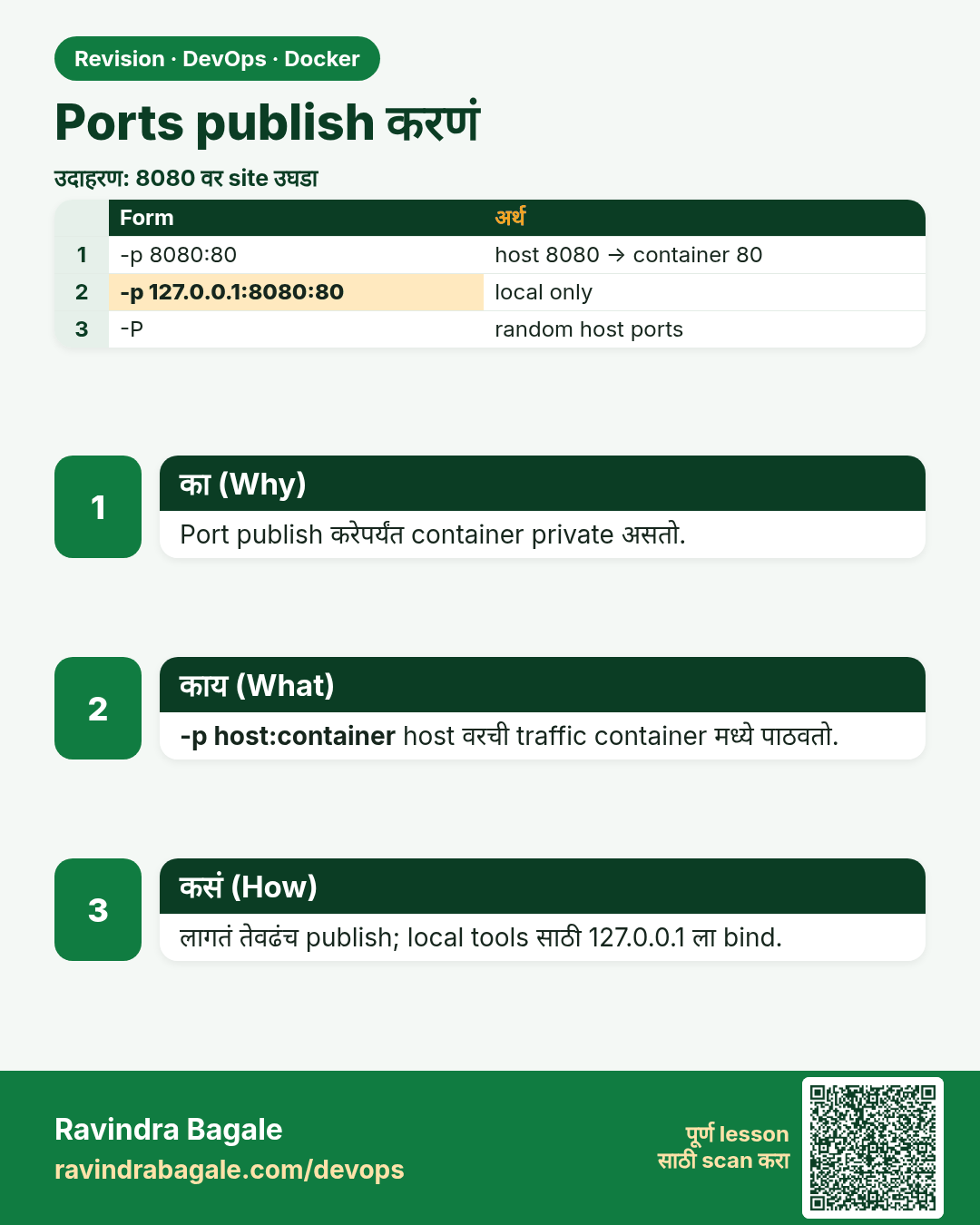
Ports publish करणं. Port publish करेपर्यंत container private असतो.
उजळणी (Revision) card 1 of 9: Ports publish करणं · PNG download करा · Card page उघडा

Lesson: 51.1 Port publishing: reach a container from outside
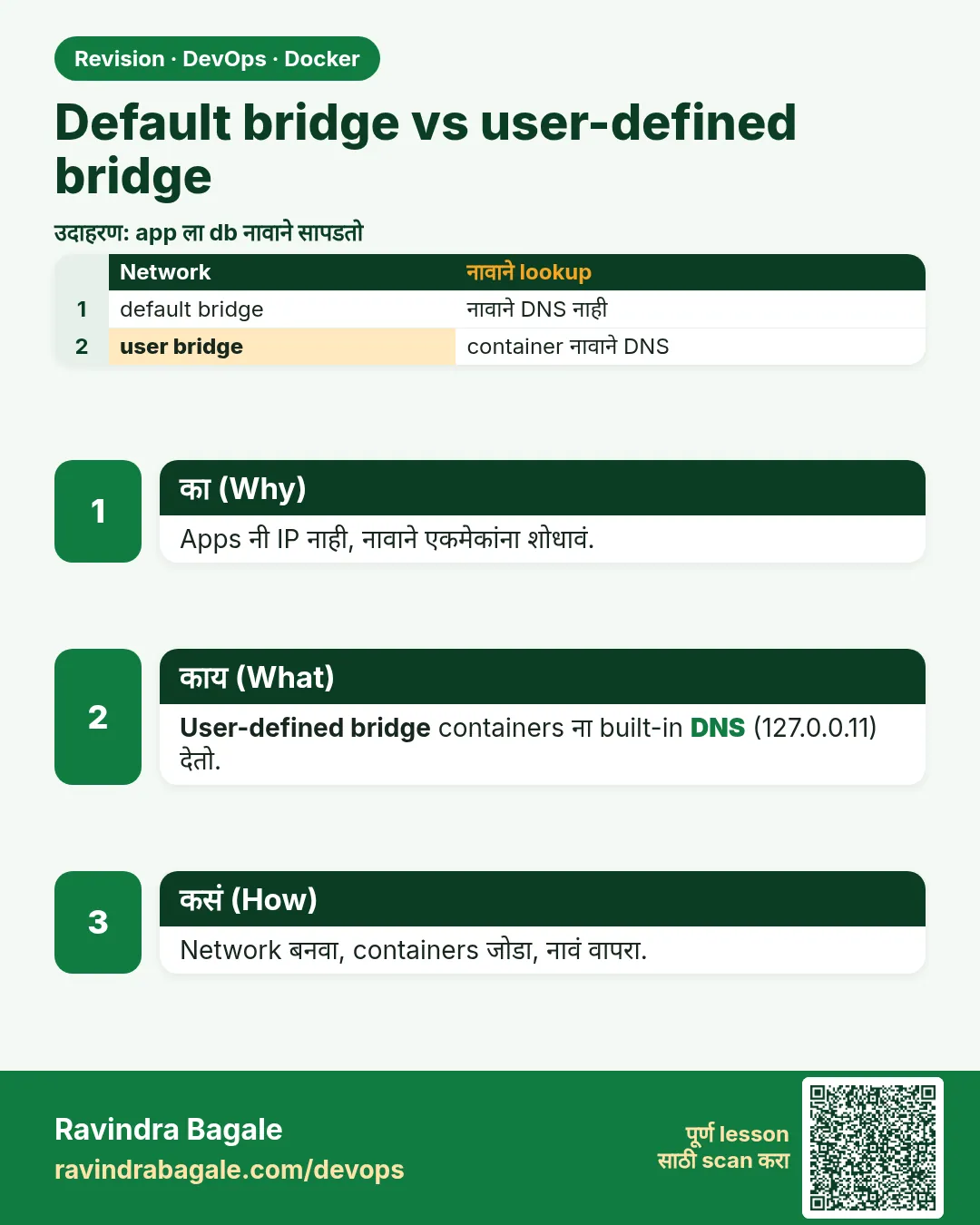
Default bridge vs user-defined bridge. Apps नी IP नाही, नावाने एकमेकांना शोधावं.
उजळणी (Revision) card 2 of 9: Default bridge vs user-defined bridge · PNG download करा · Card page उघडा

Lesson: 51.2 Default bridge vs user-defined bridge and DNS

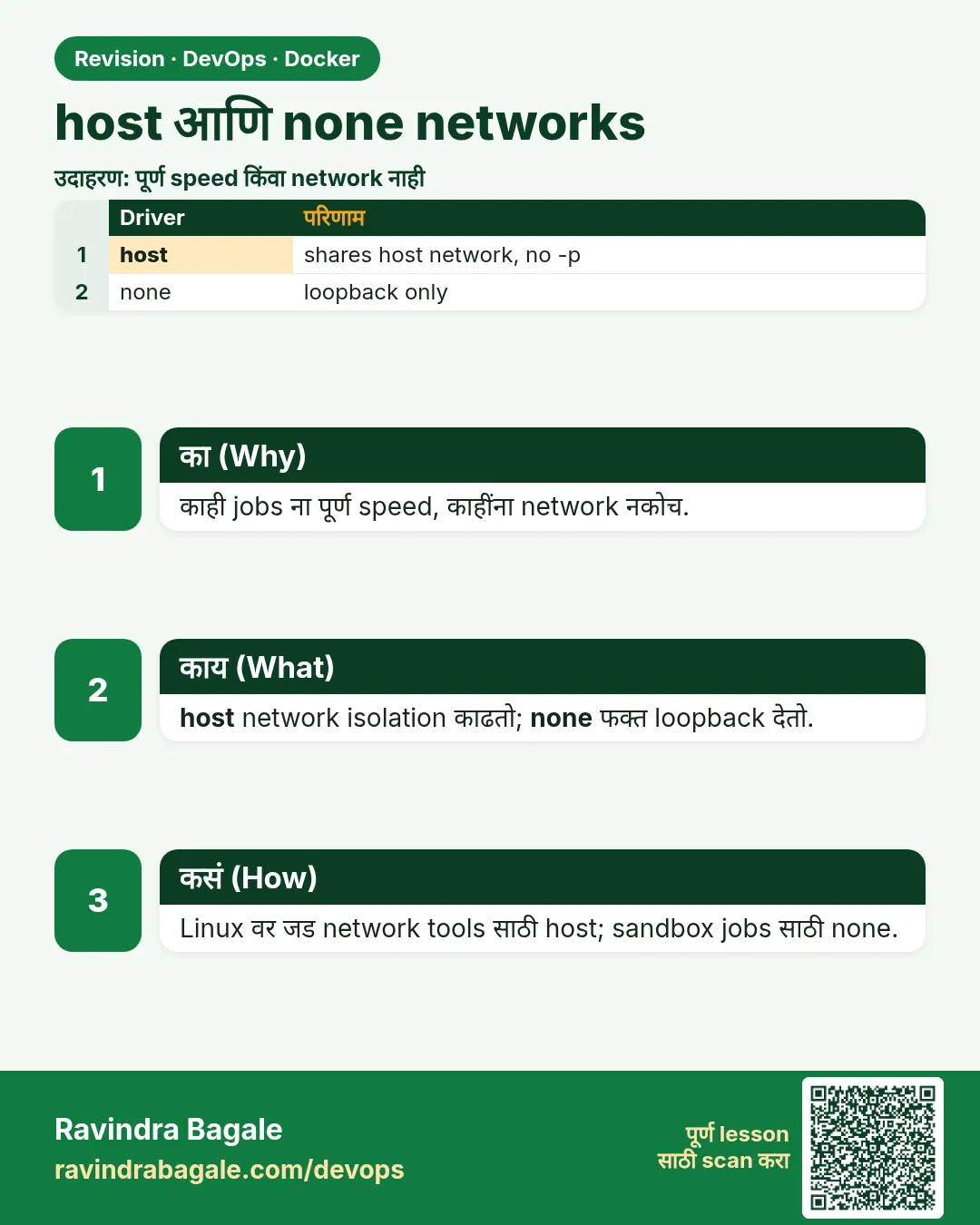
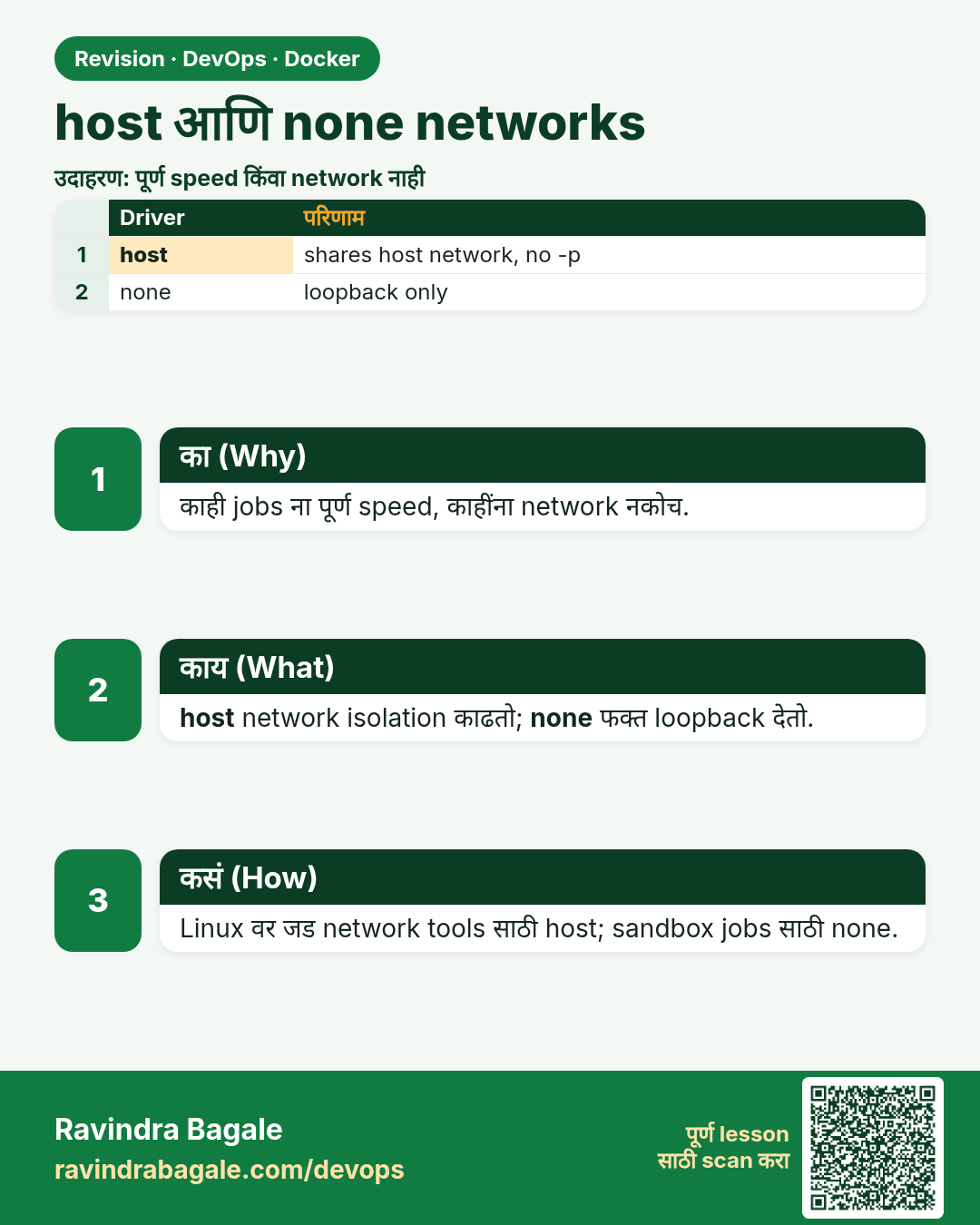
host आणि none networks. काही jobs ना पूर्ण speed, काहींना network नकोच.
उजळणी (Revision) card 3 of 9: host आणि none networks · PNG download करा · Card page उघडा

Lesson: 51.3 host and none networks

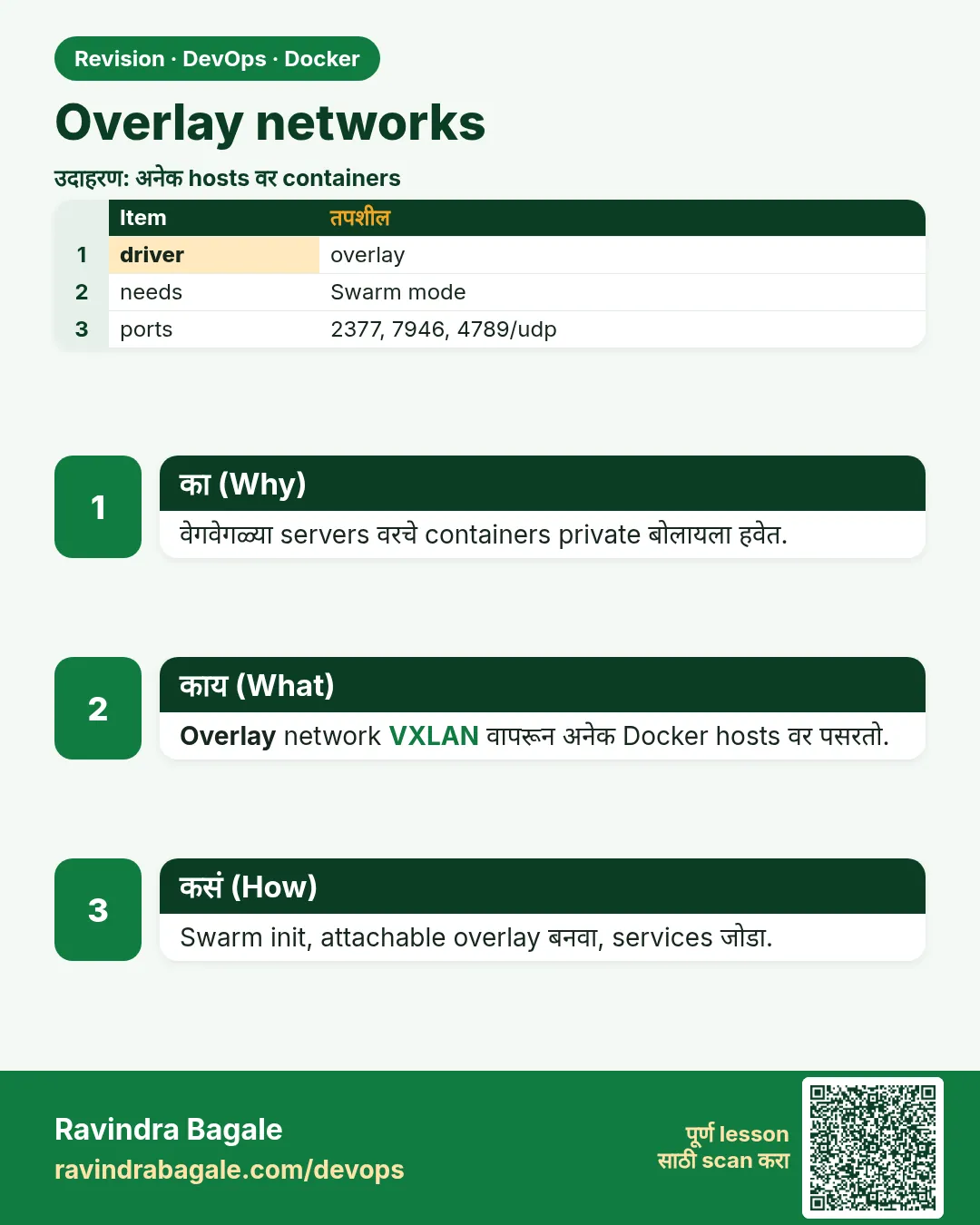
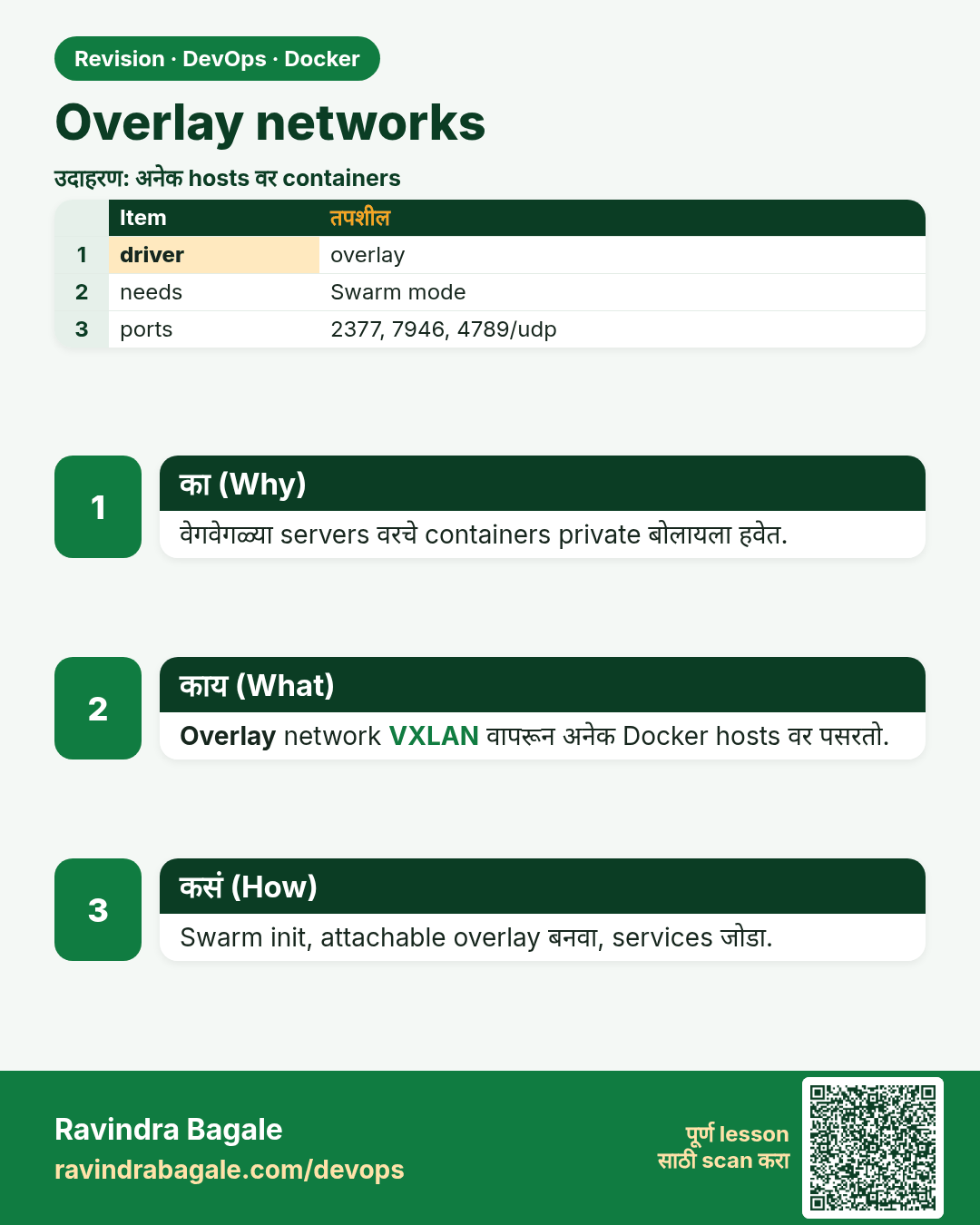
Overlay networks. वेगवेगळ्या servers वरचे containers private बोलायला हवेत.
उजळणी (Revision) card 4 of 9: Overlay networks · PNG download करा · Card page उघडा

Lesson: 51.4 Overlay networks across hosts

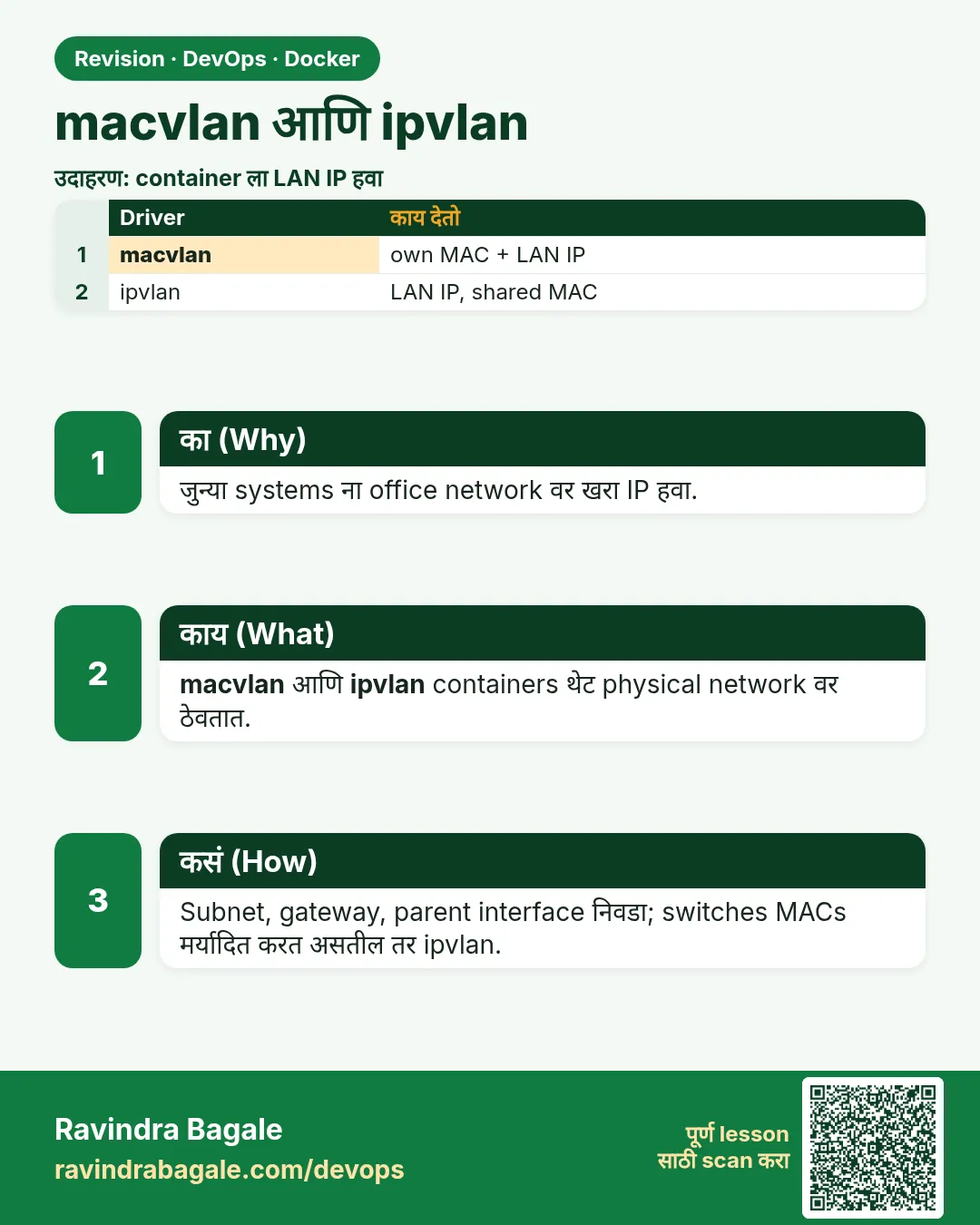
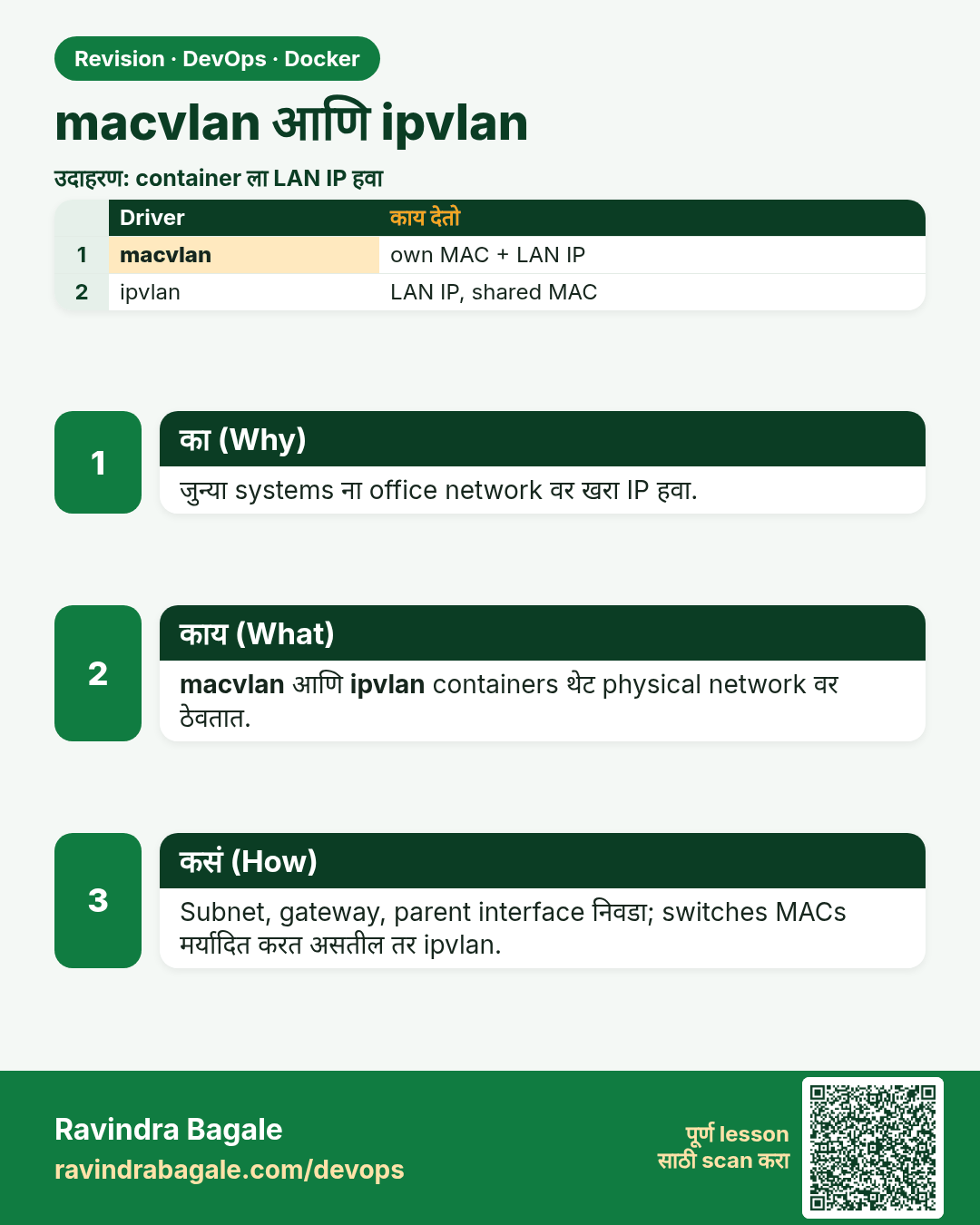
macvlan आणि ipvlan. जुन्या systems ना office network वर खरा IP हवा.
उजळणी (Revision) card 5 of 9: macvlan आणि ipvlan · PNG download करा · Card page उघडा

Lesson: 51.5 macvlan and ipvlan: containers on the real LAN

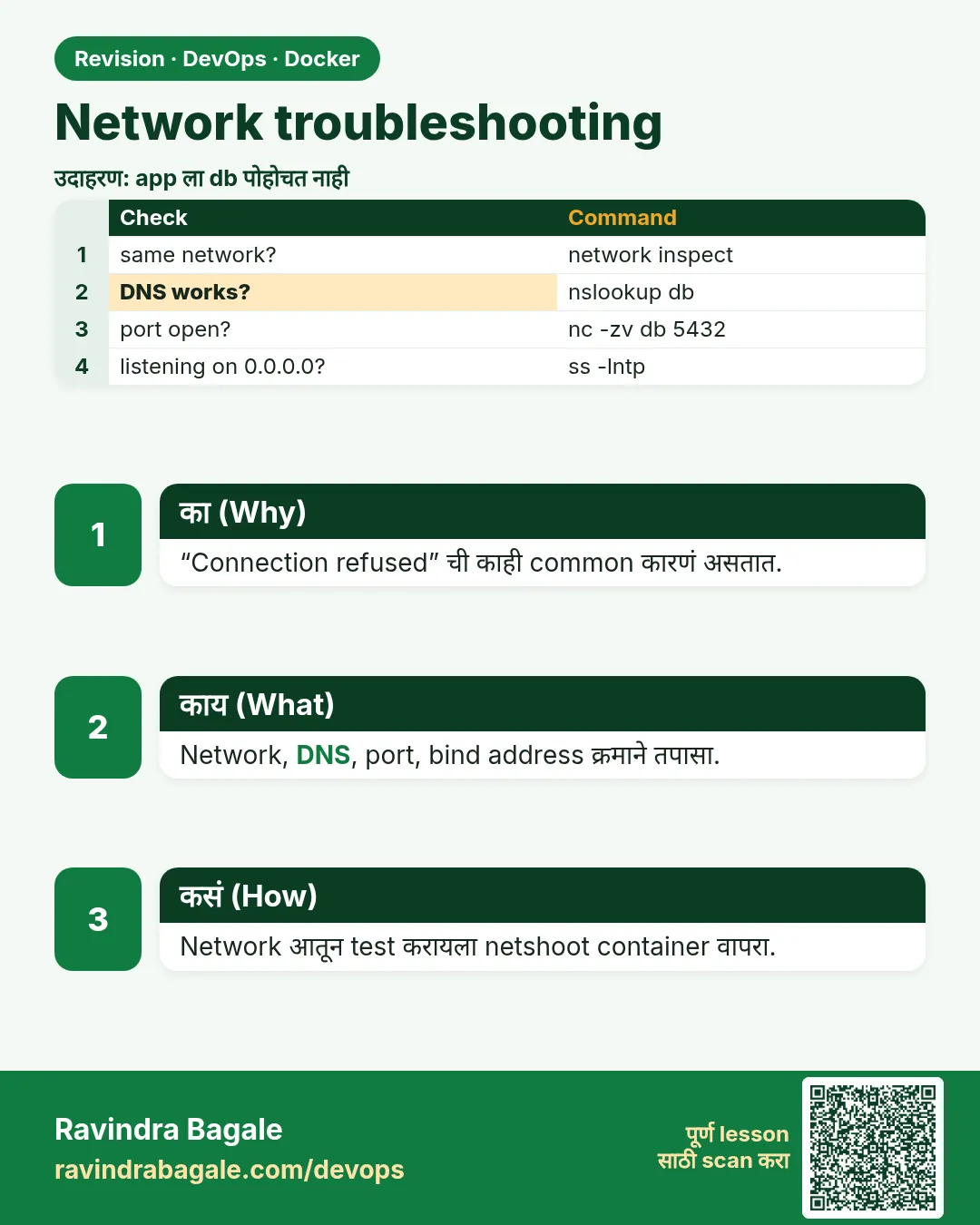
Network troubleshooting. “Connection refused” ची काही common कारणं असतात.
उजळणी (Revision) card 6 of 9: Network troubleshooting · PNG download करा · Card page उघडा

Lesson: 51.6 Troubleshoot container networking

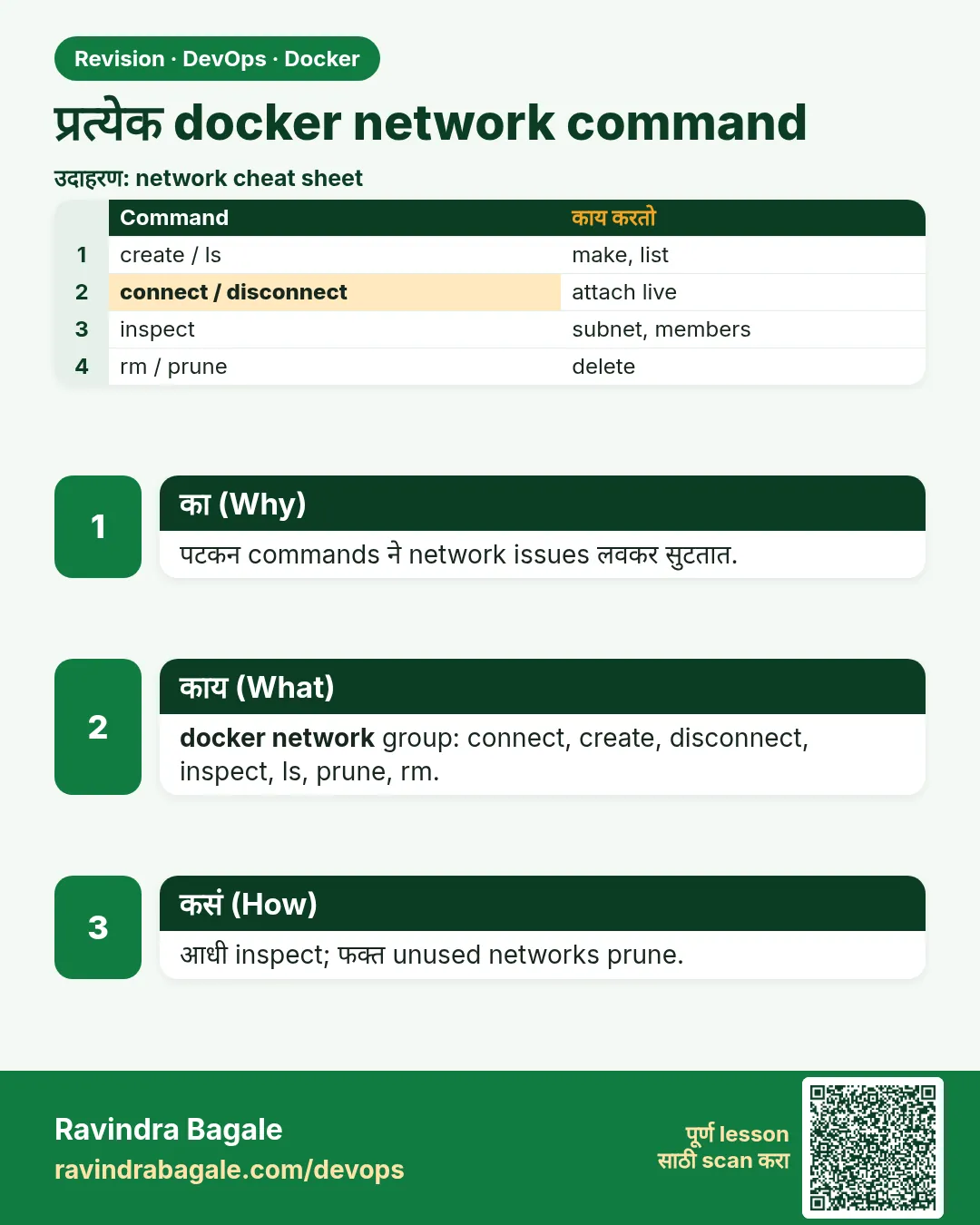
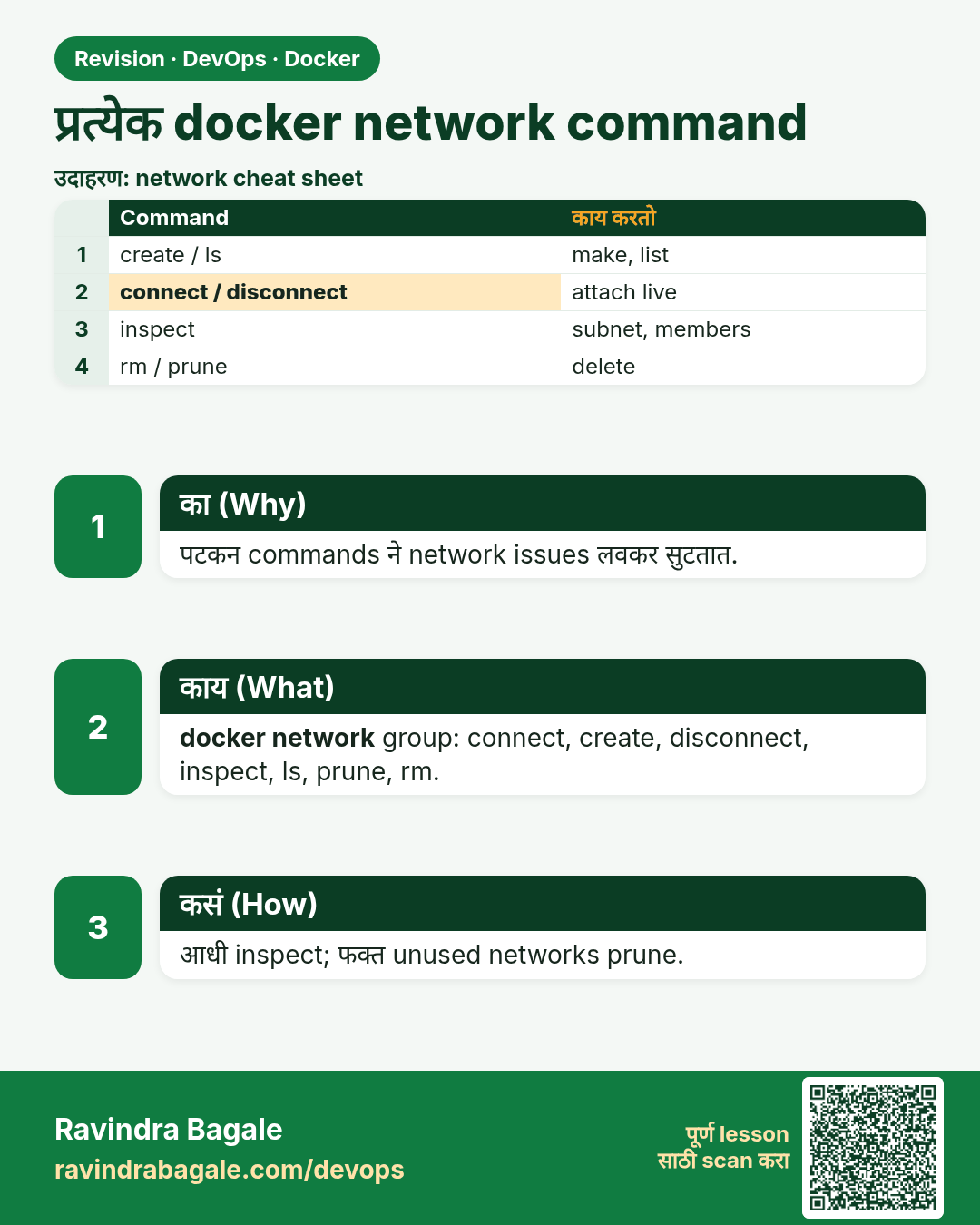
प्रत्येक docker network command. पटकन commands ने network issues लवकर सुटतात.
उजळणी (Revision) card 7 of 9: प्रत्येक docker network command · PNG download करा · Card page उघडा

Lesson: 51.7 Every docker network command: full reference

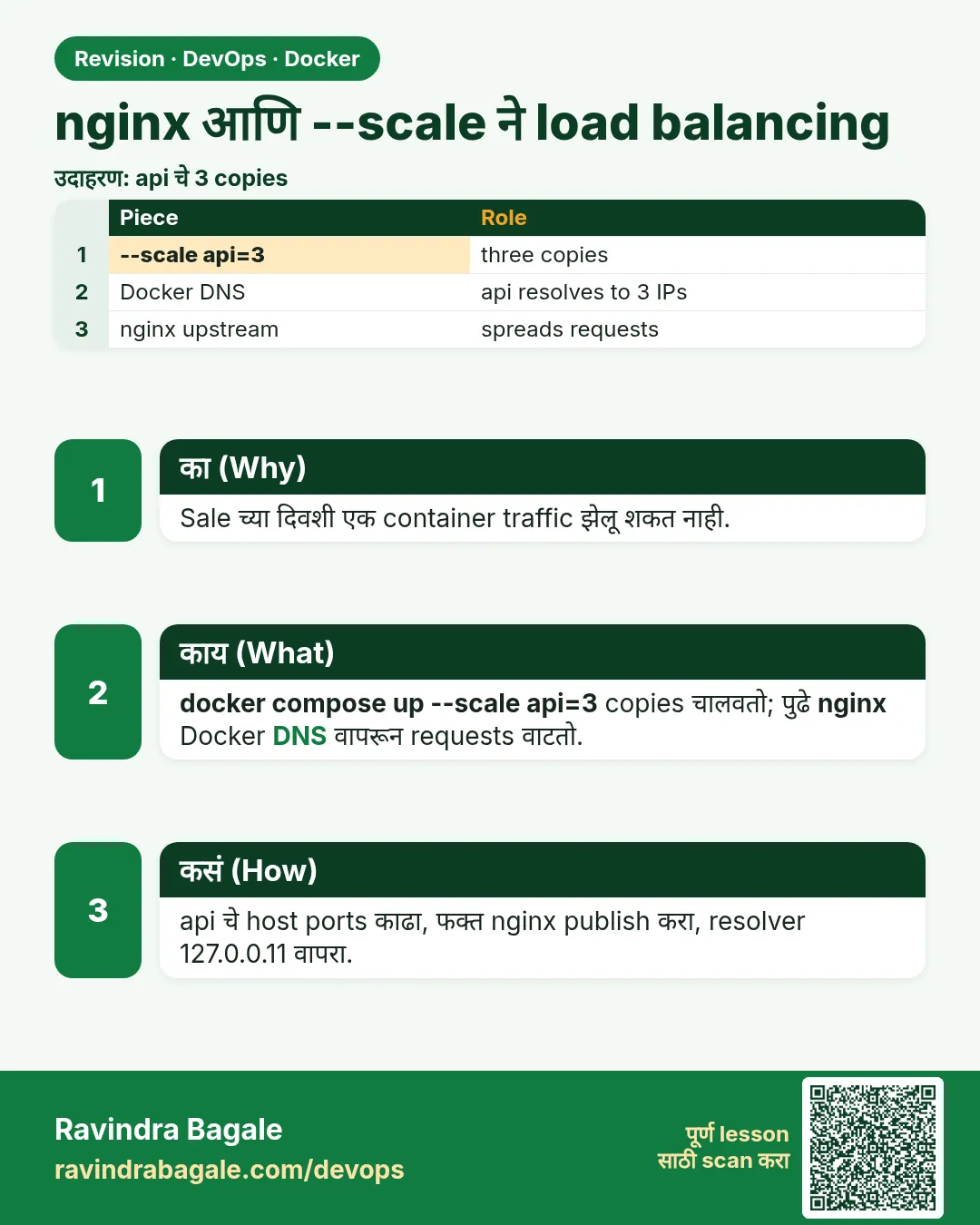
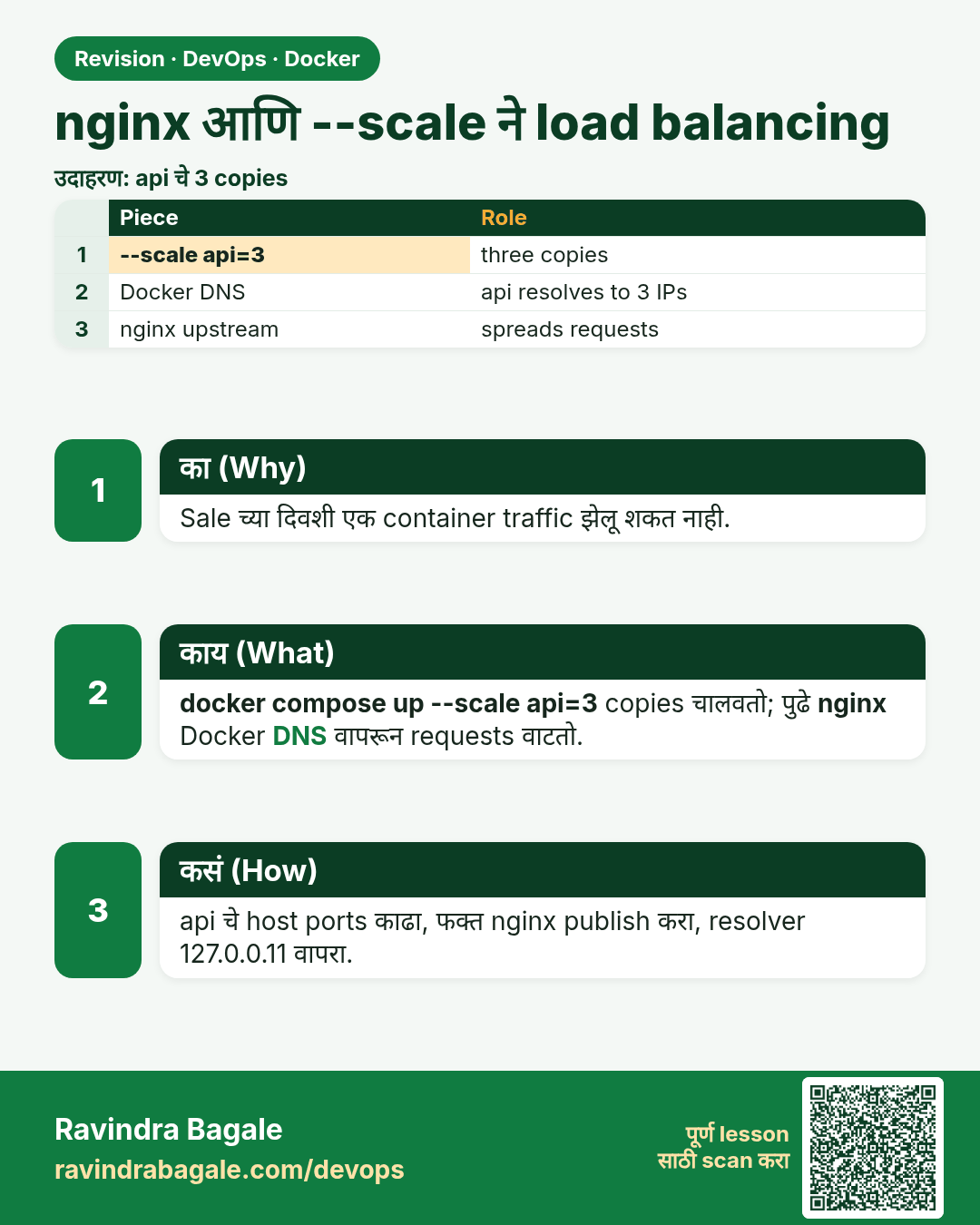
nginx आणि --scale ने load balancing. Sale च्या दिवशी एक container traffic झेलू शकत नाही.
उजळणी (Revision) card 8 of 9: nginx आणि --scale ने load balancing · PNG download करा · Card page उघडा

Lesson: 51.8 Load balancing with nginx across scaled containers (--scale api=3)

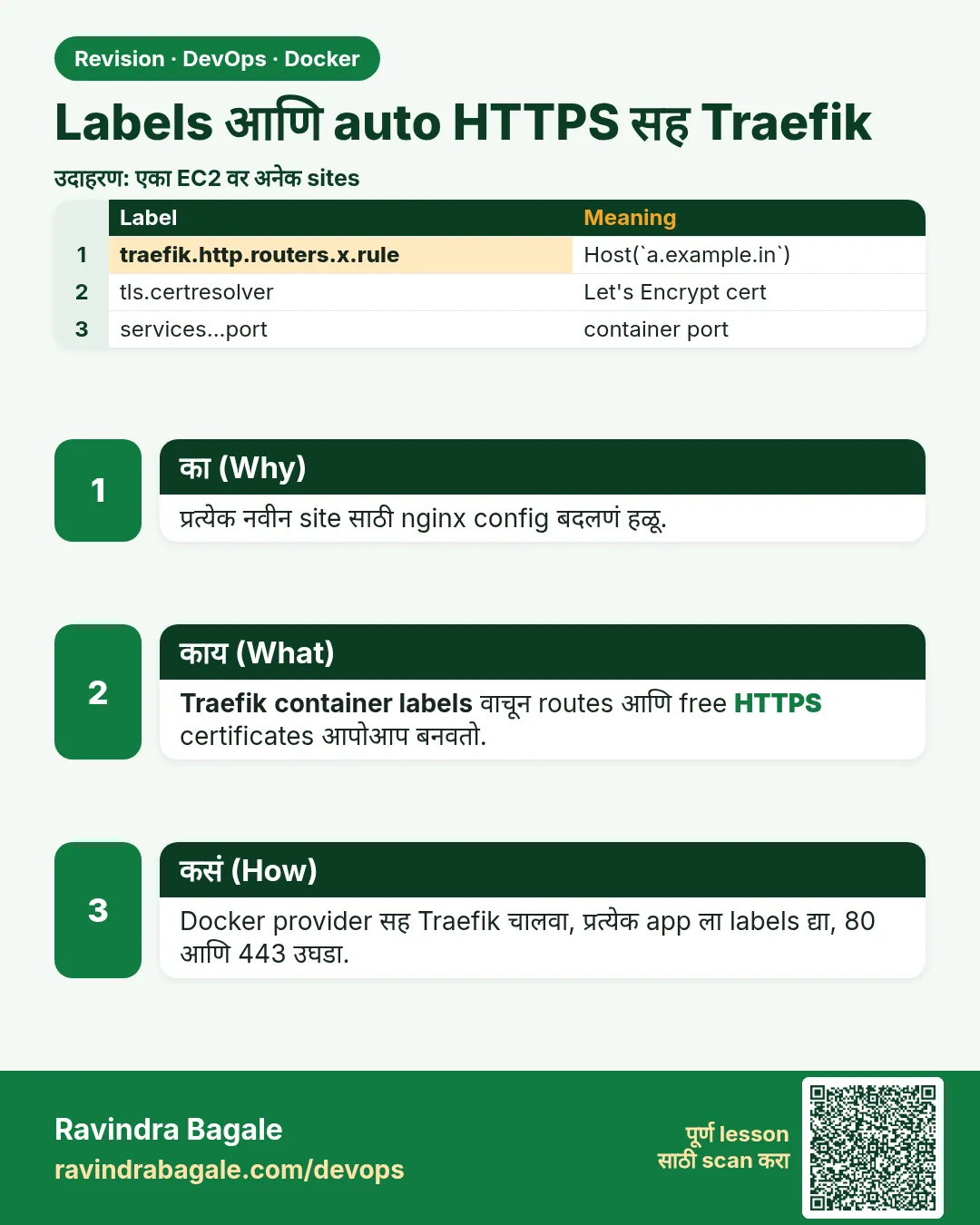
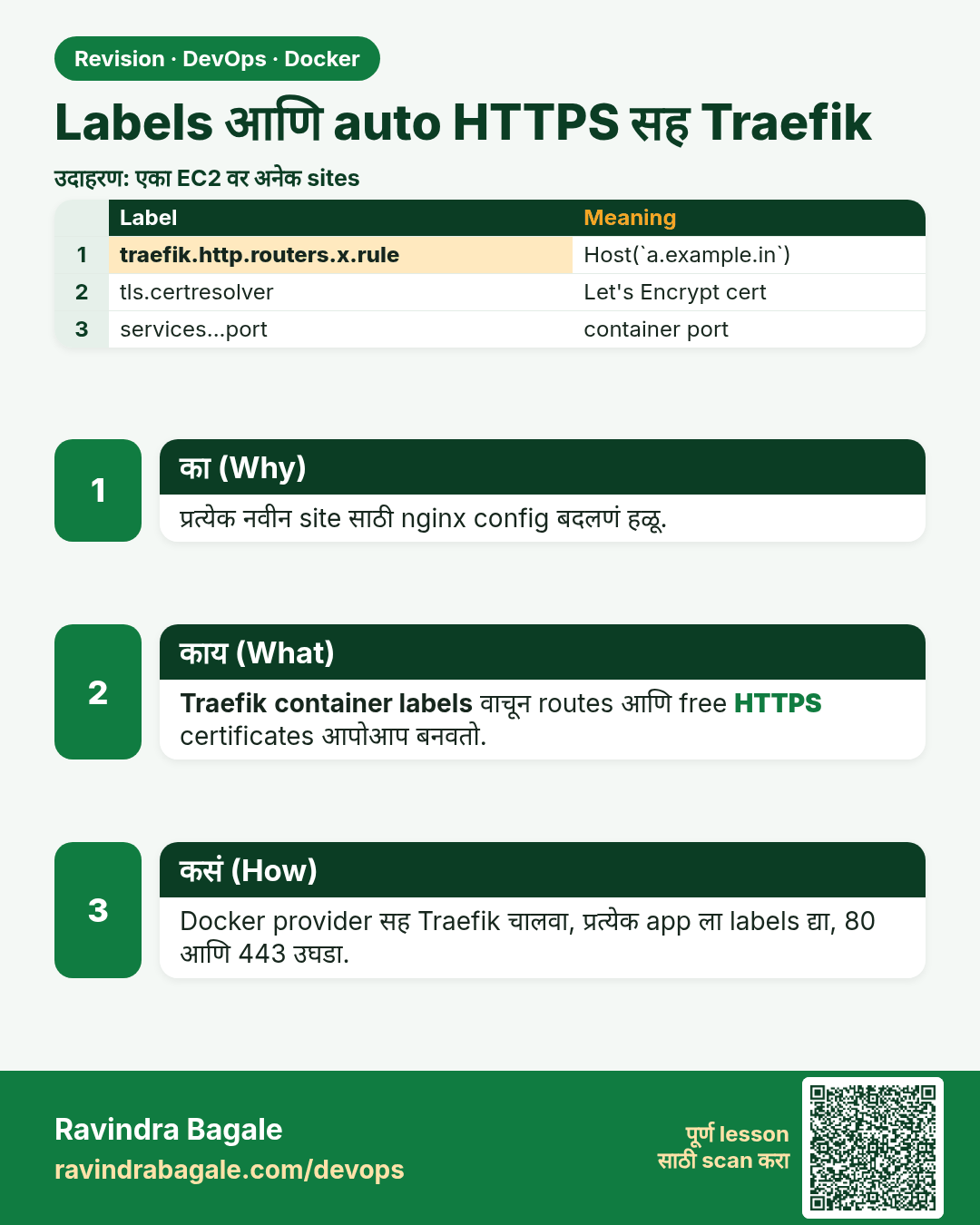
Labels आणि auto HTTPS सह Traefik. प्रत्येक नवीन site साठी nginx config बदलणं हळू.
उजळणी (Revision) card 9 of 9: Labels आणि auto HTTPS सह Traefik · PNG download करा · Card page उघडा

Lesson: 51.9 Traefik: route many sites by labels with automatic HTTPS (Let's Encrypt)

मुलाखत (Interview) cards

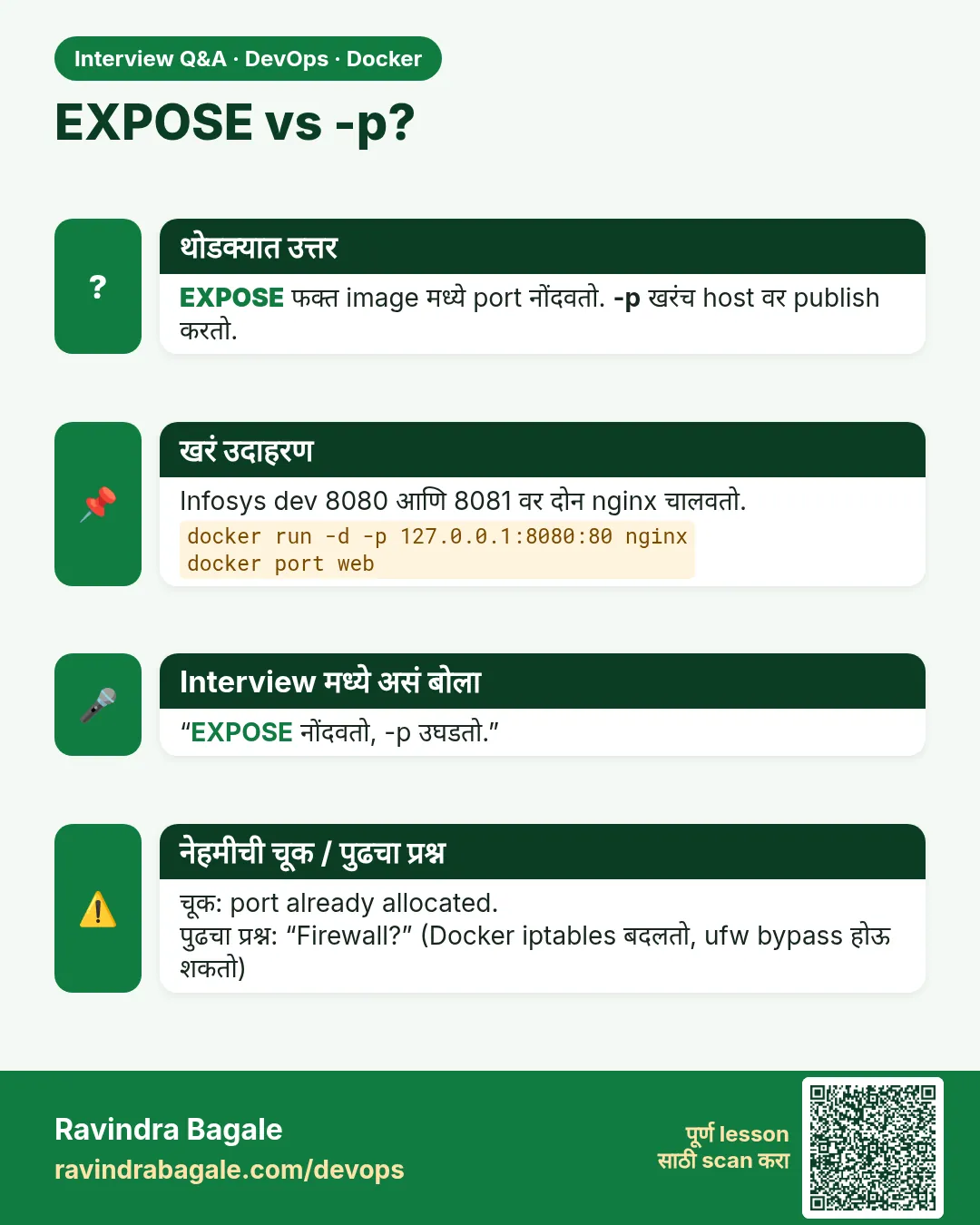
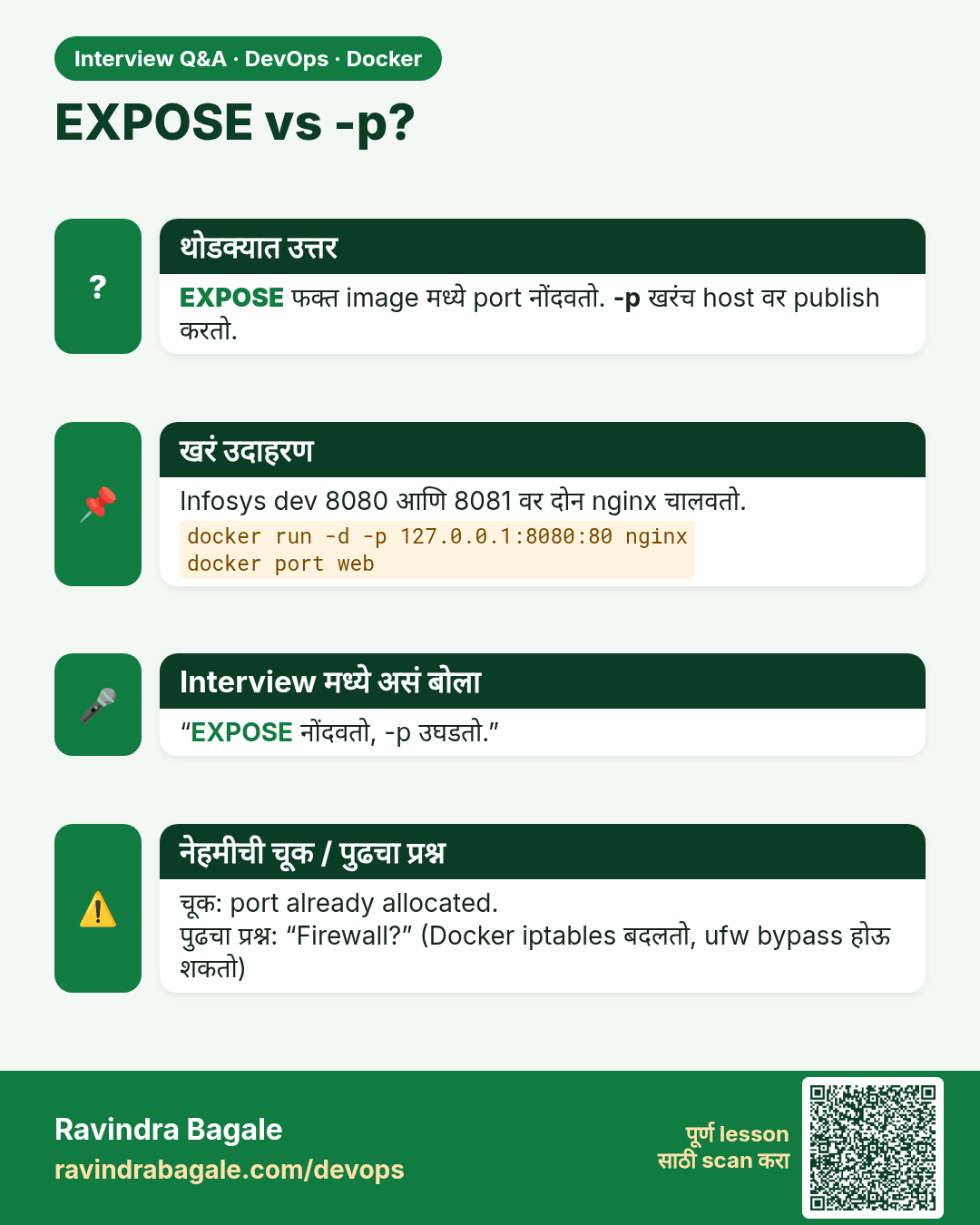
EXPOSE vs -p? EXPOSE फक्त image मध्ये port नोंदवतो. -p खरंच host वर publish करतो.
मुलाखत (Interview) card 1 of 9: EXPOSE vs -p? · PNG download करा · Card page उघडा

Lesson: 51.1 Port publishing: reach a container from outside
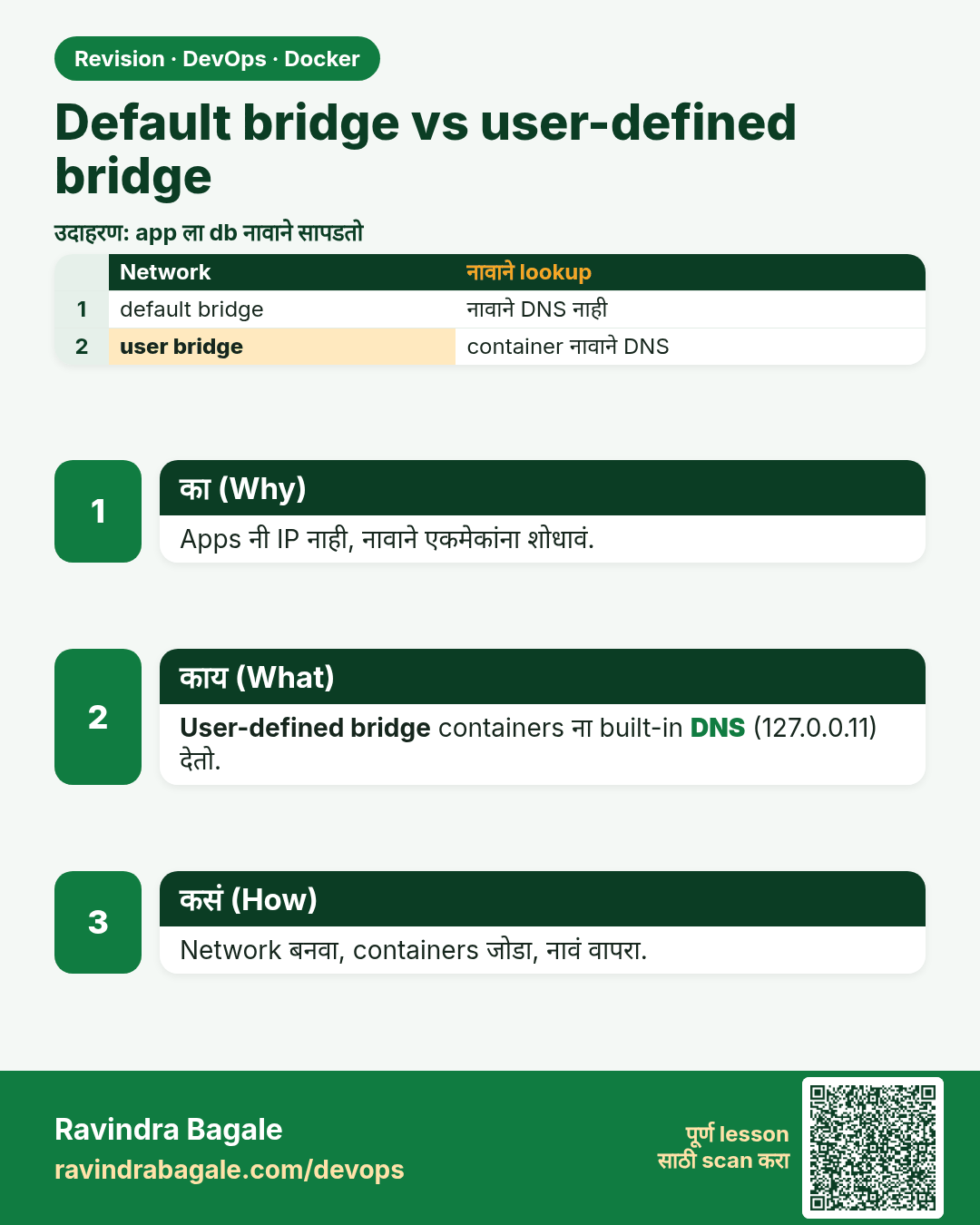
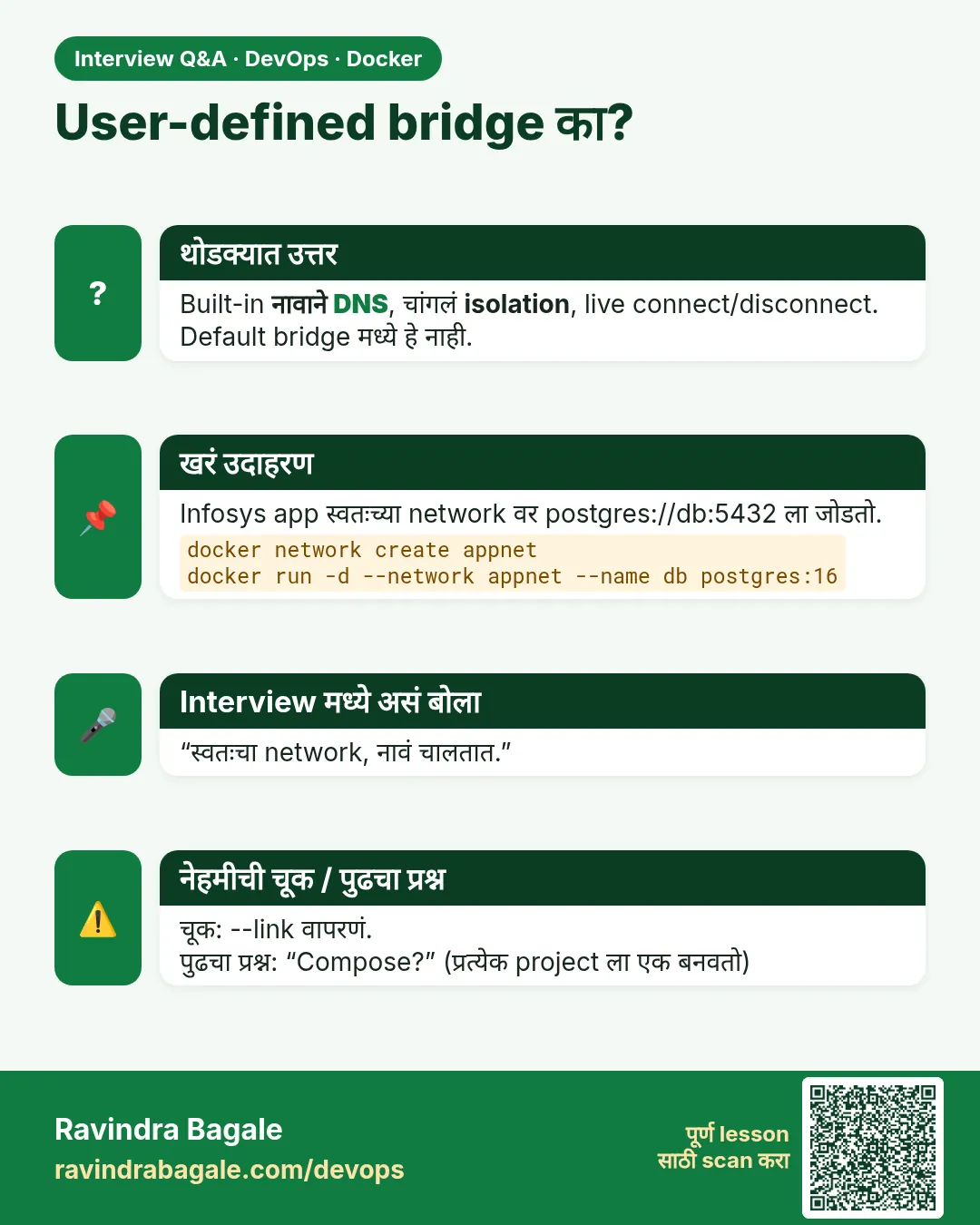
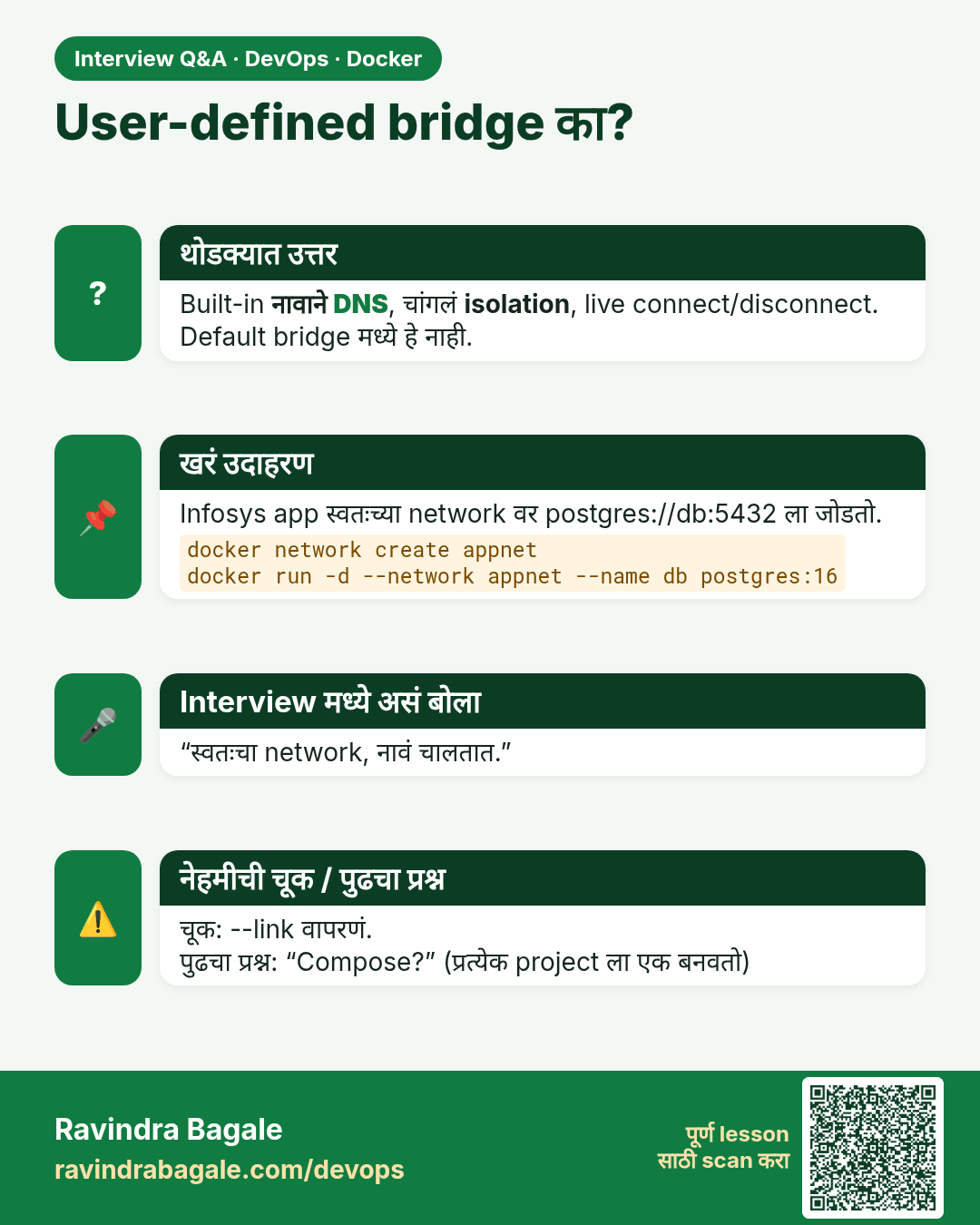
User-defined bridge का? Built-in नावाने DNS, चांगलं isolation, live connect/disconnect. Default bridge मध्ये हे नाही.
मुलाखत (Interview) card 2 of 9: User-defined bridge का? · PNG download करा · Card page उघडा

Lesson: 51.2 Default bridge vs user-defined bridge and DNS
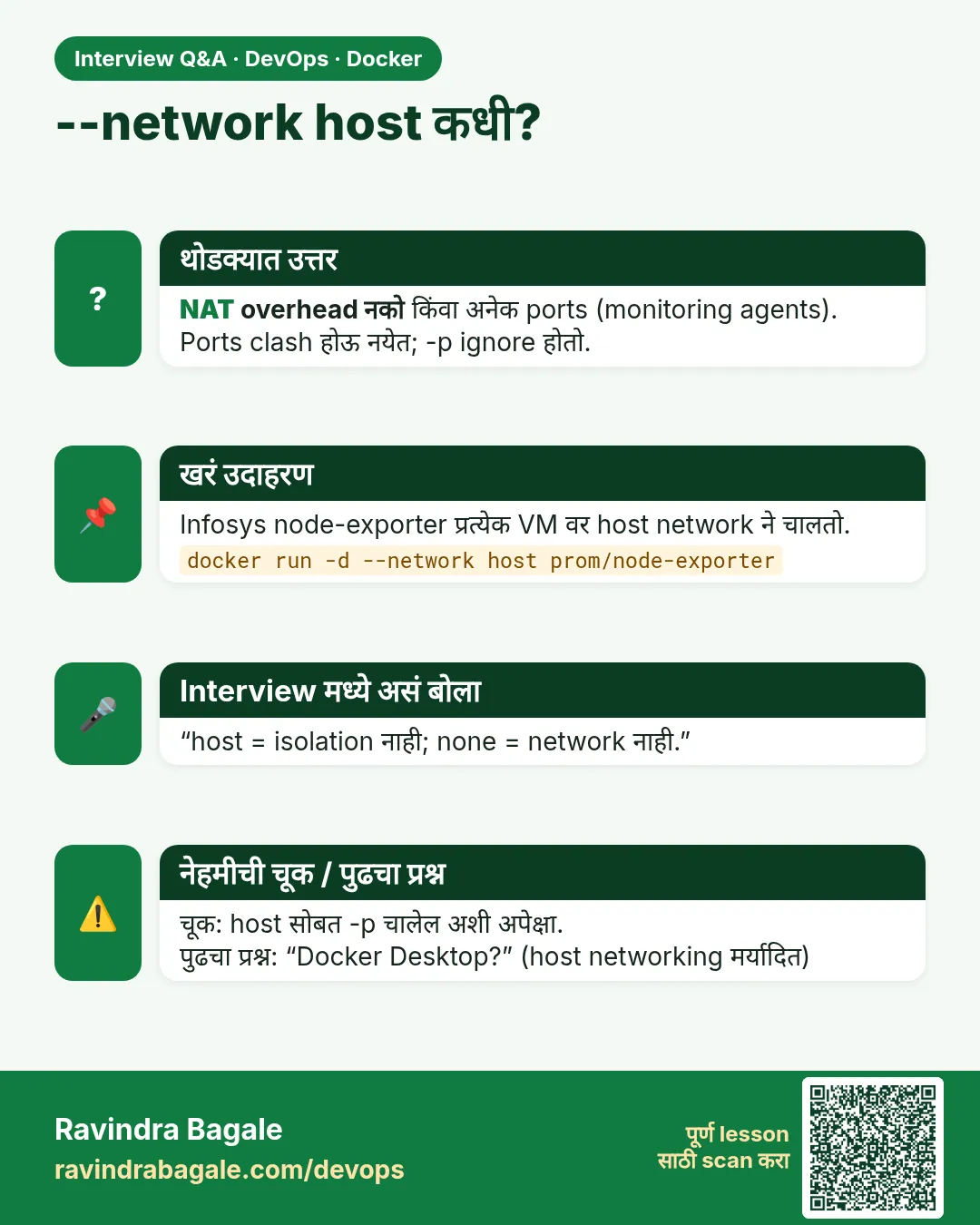
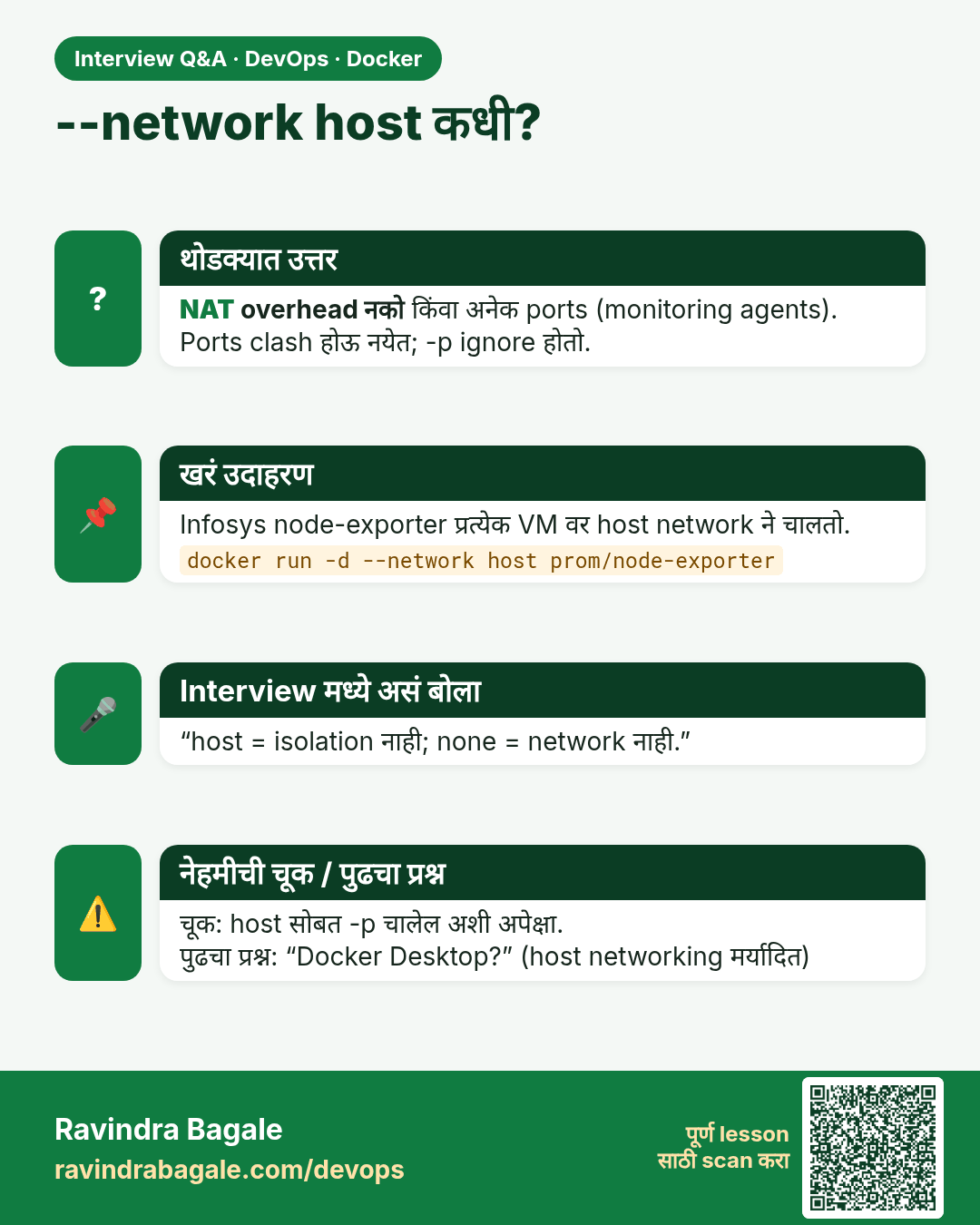
--network host कधी? NAT overhead नको किंवा अनेक ports (monitoring agents). Ports clash होऊ नयेत; -p ignore होतो.
मुलाखत (Interview) card 3 of 9: --network host कधी? · PNG download करा · Card page उघडा

Lesson: 51.3 host and none networks

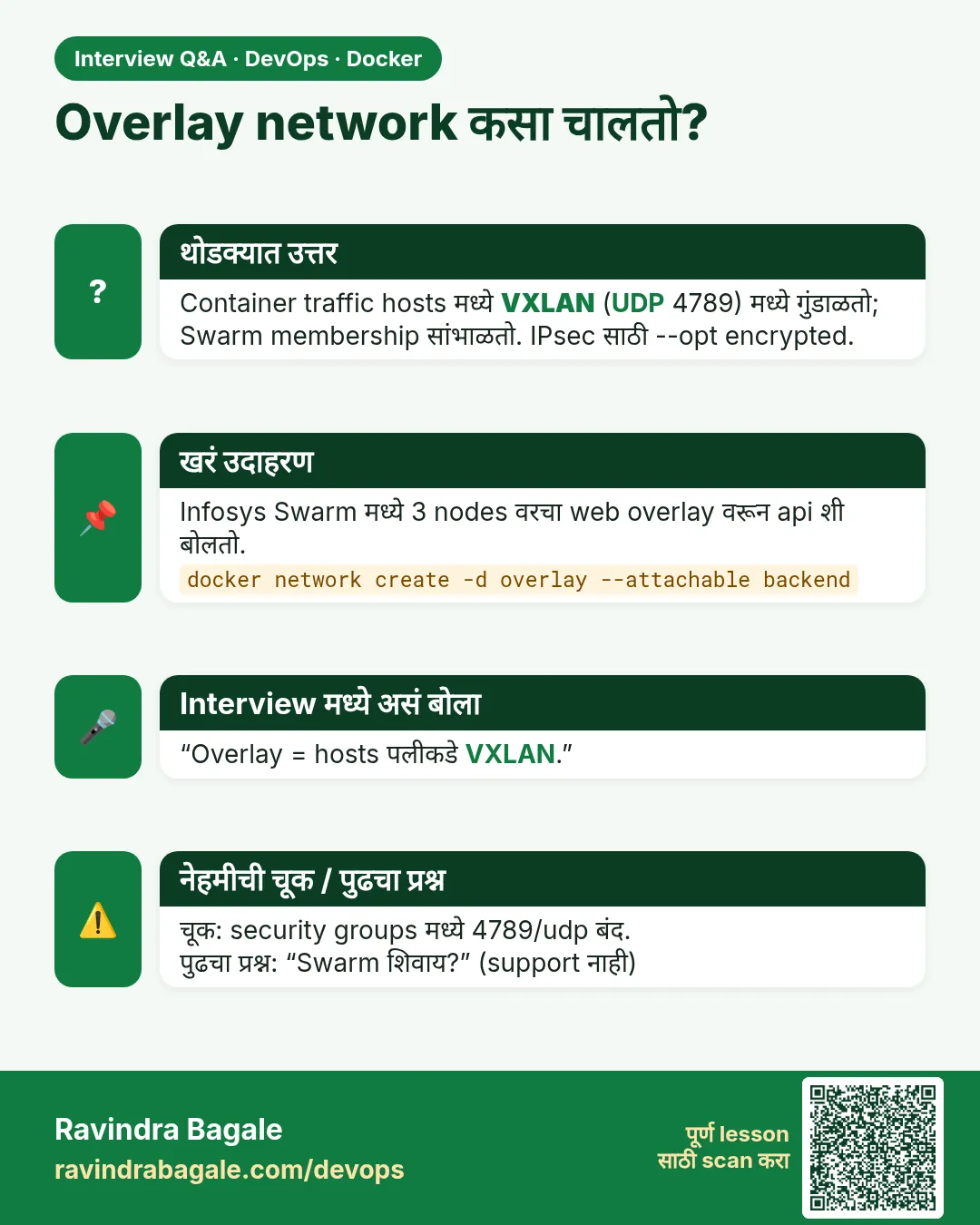
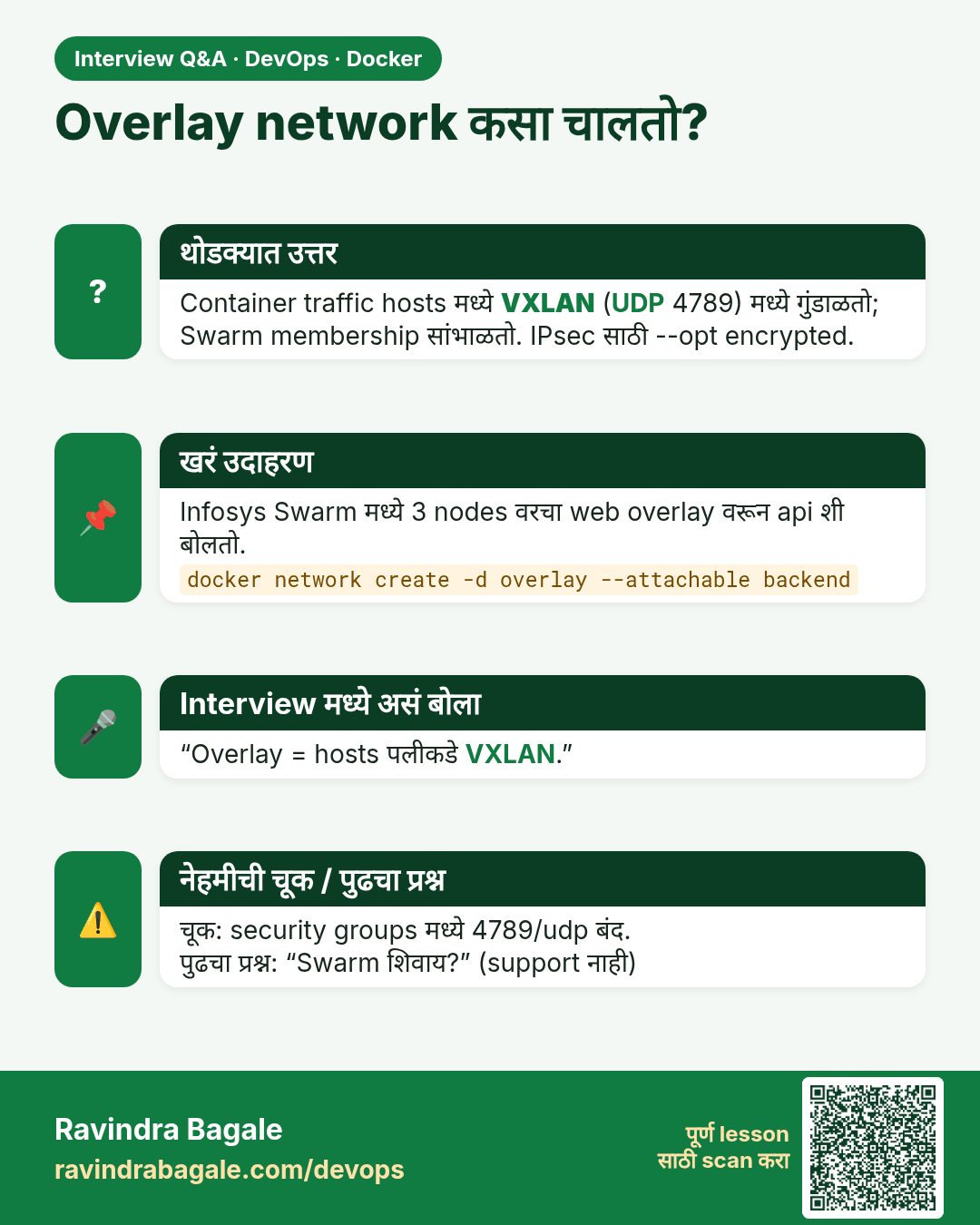
Overlay network कसा चालतो? Container traffic hosts मध्ये VXLAN (UDP 4789) मध्ये गुंडाळतो; Swarm membership सांभाळतो. IPsec साठी --opt encrypted.
मुलाखत (Interview) card 4 of 9: Overlay network कसा चालतो? · PNG download करा · Card page उघडा

Lesson: 51.4 Overlay networks across hosts

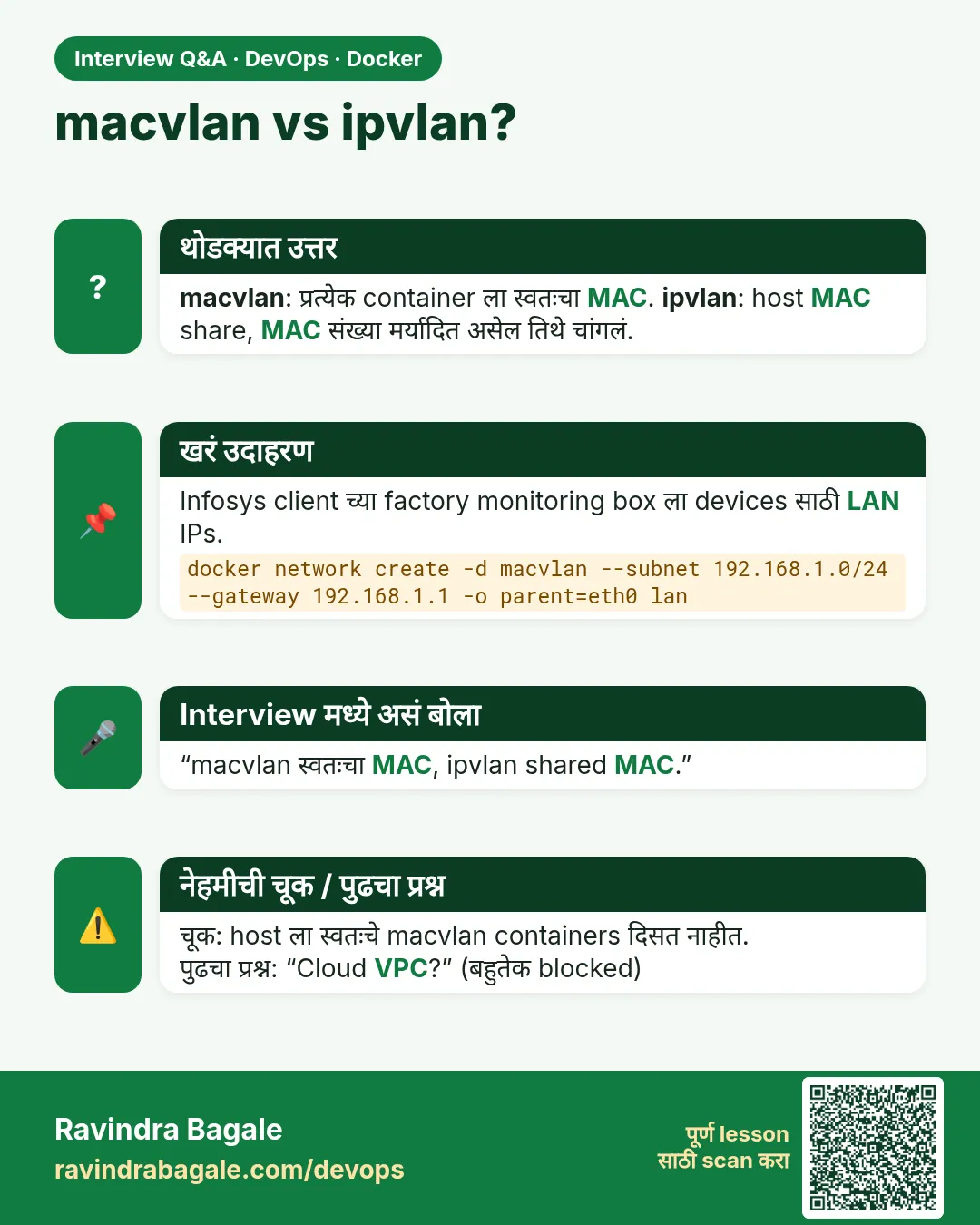
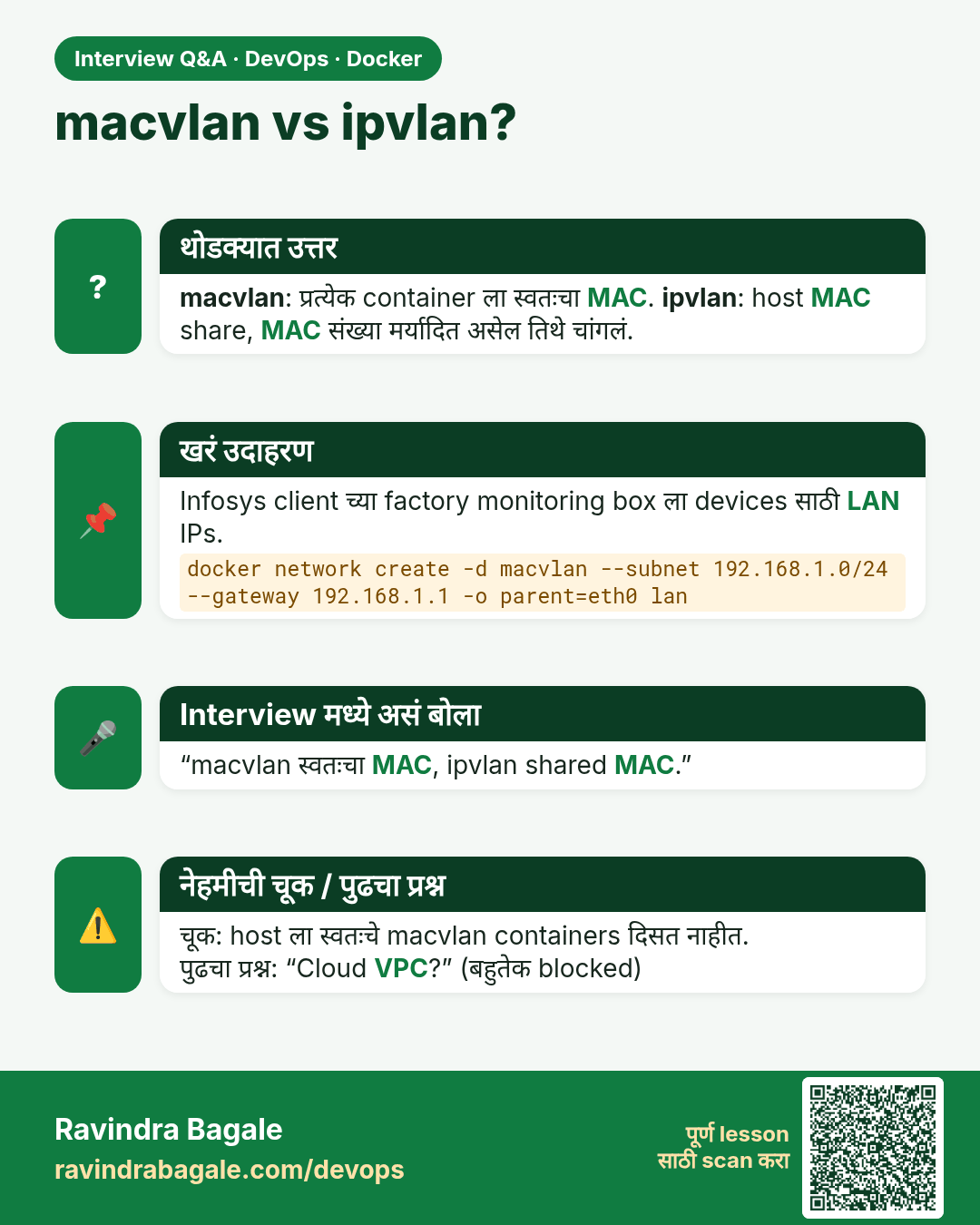
macvlan vs ipvlan? macvlan: प्रत्येक container ला स्वतःचा MAC. ipvlan: host MAC share, MAC संख्या मर्यादित असेल तिथे चांगलं.
मुलाखत (Interview) card 5 of 9: macvlan vs ipvlan? · PNG download करा · Card page उघडा

Lesson: 51.5 macvlan and ipvlan: containers on the real LAN

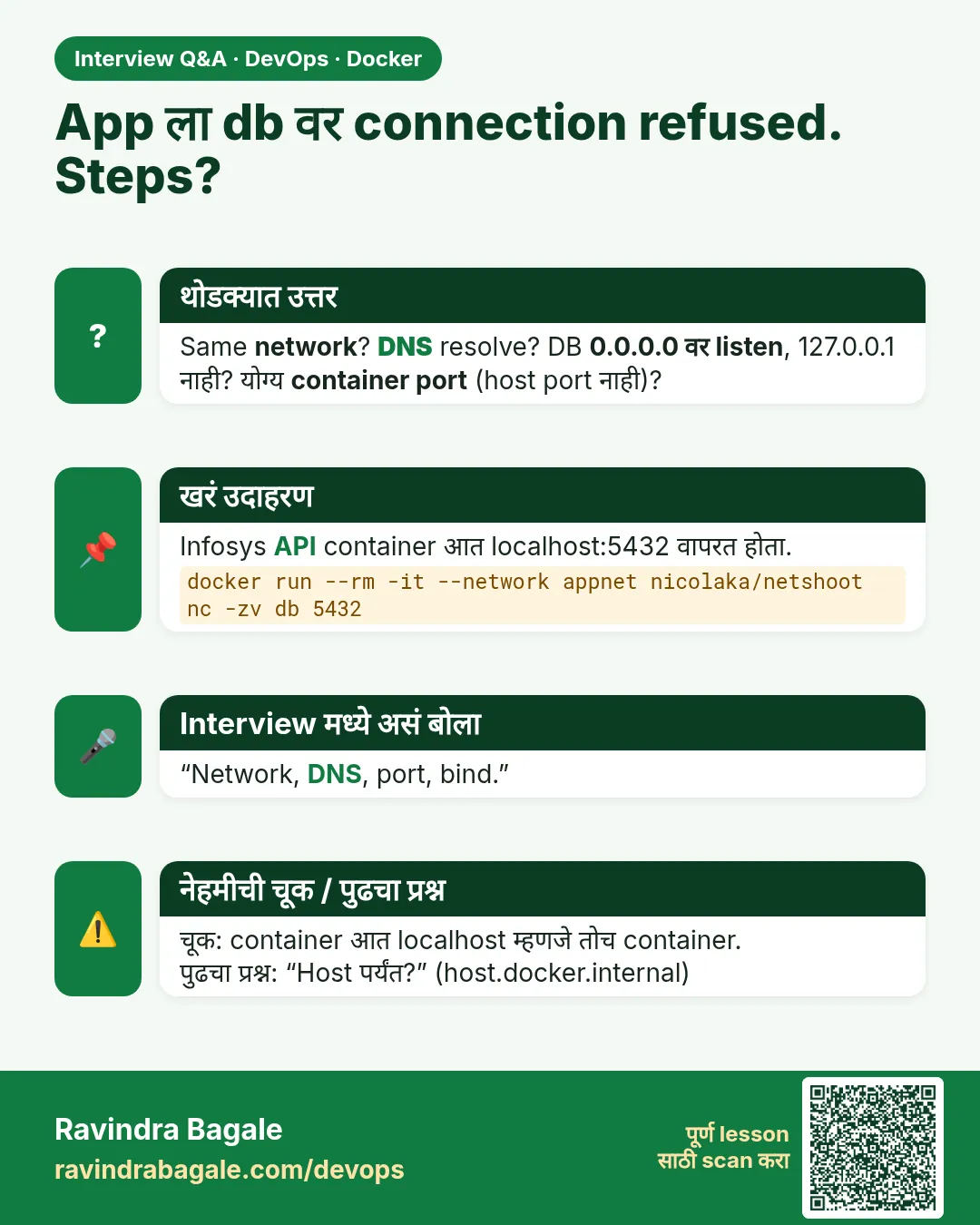
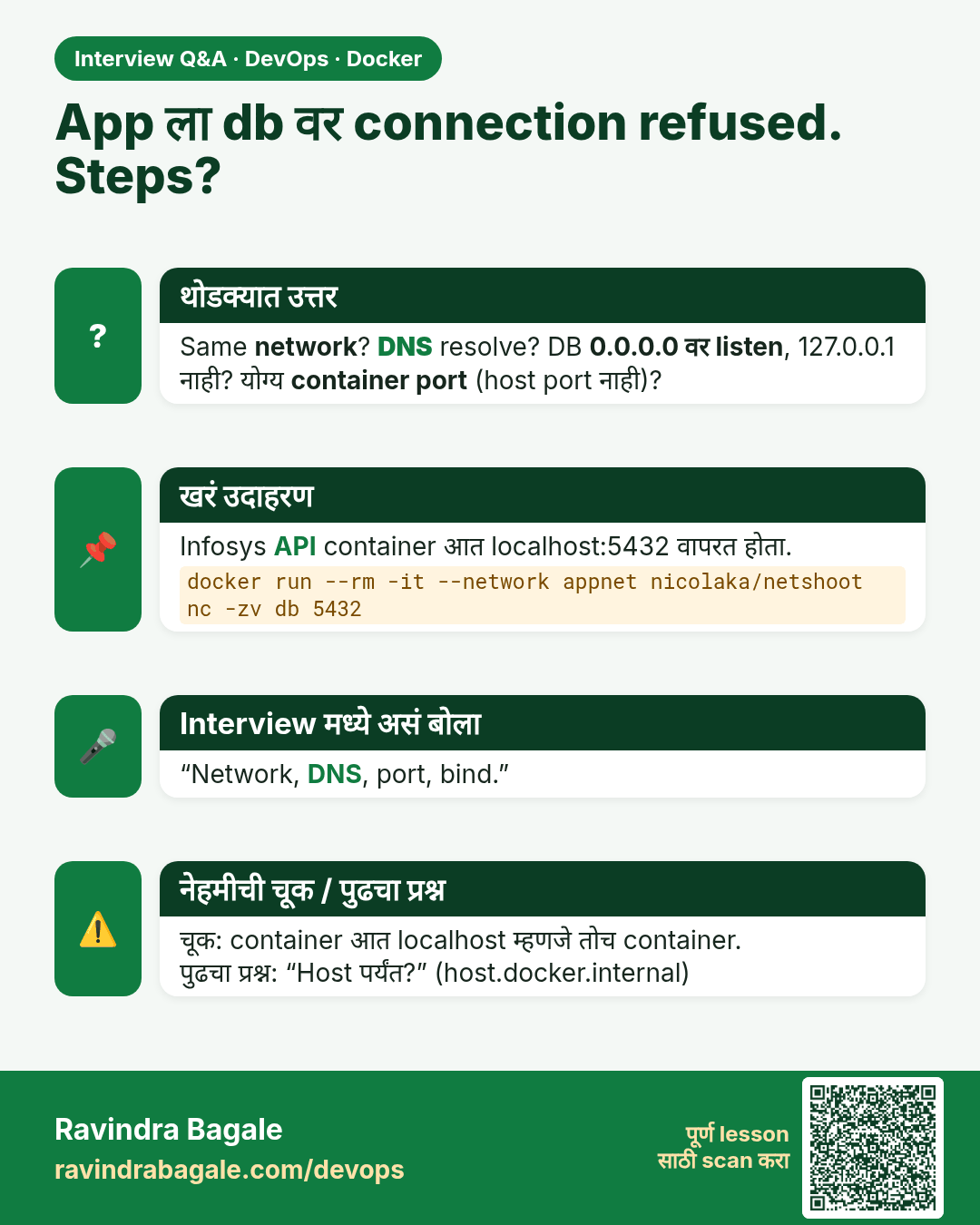
App ला db वर connection refused. Steps? Same network? DNS resolve? DB 0.0.0.0 वर listen, 127.0.0.1 नाही? योग्य container port (host port नाही)?
मुलाखत (Interview) card 6 of 9: App ला db वर connection refused. Steps? · PNG download करा · Card page उघडा

Lesson: 51.6 Troubleshoot container networking

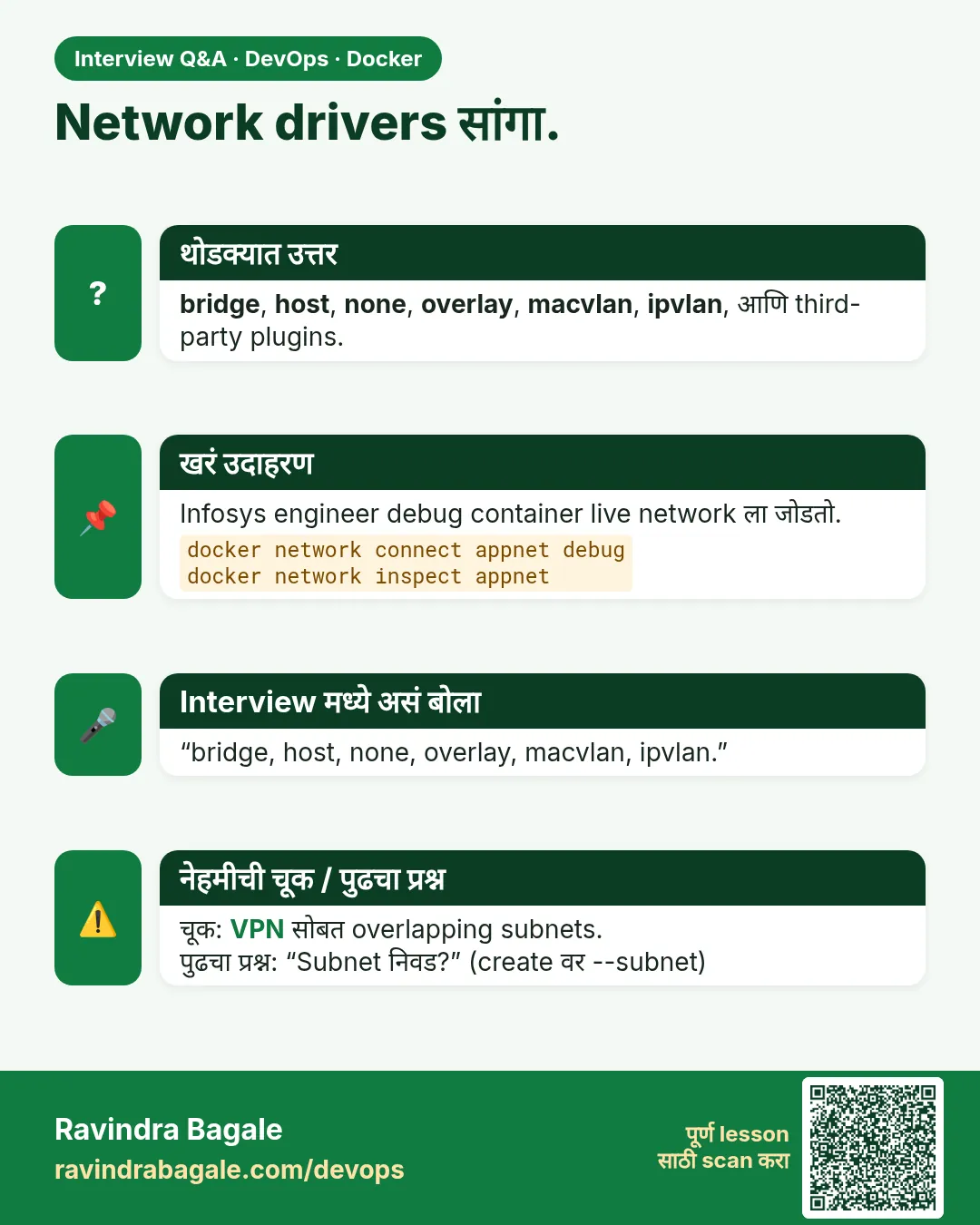
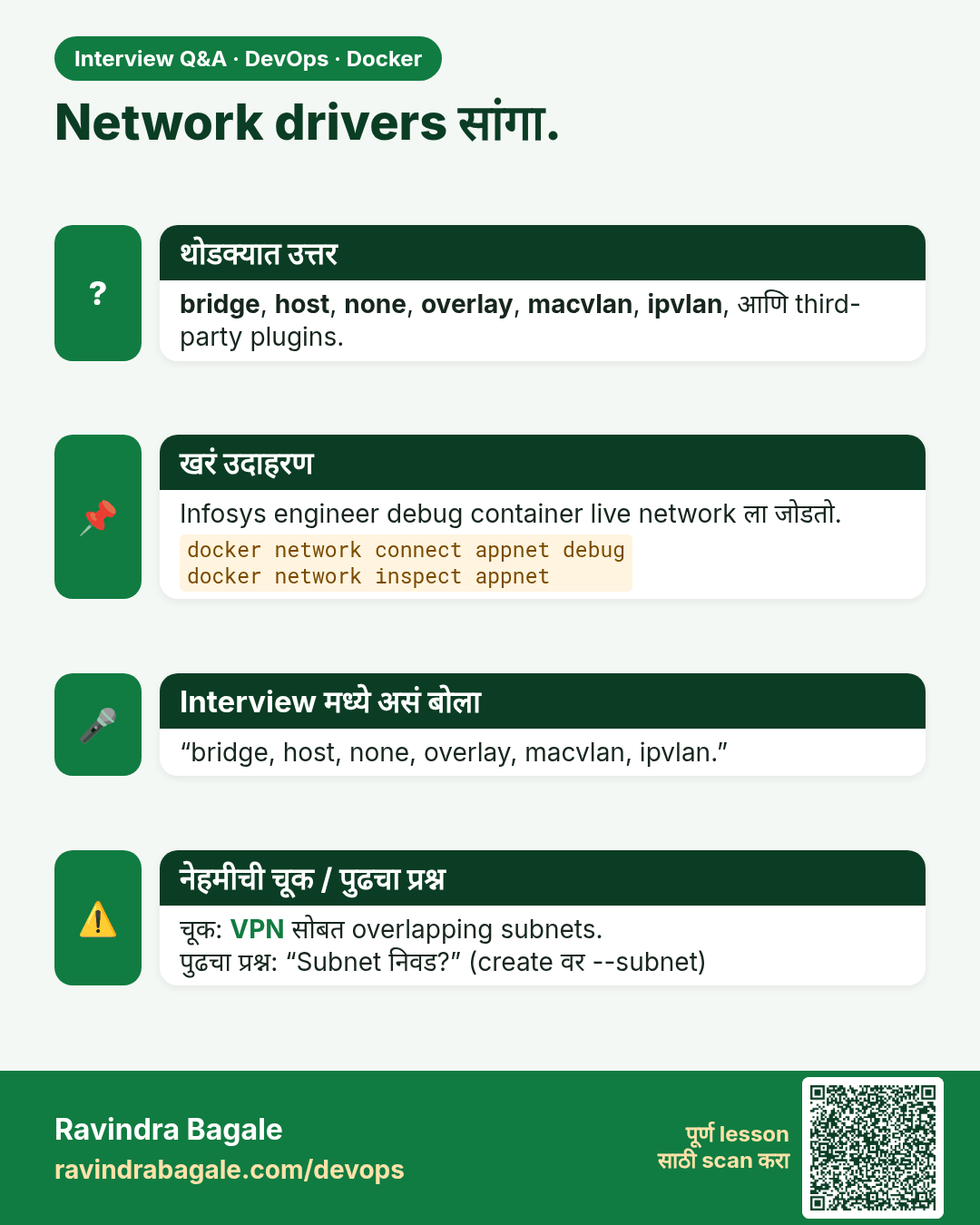
Network drivers सांगा. bridge, host, none, overlay, macvlan, ipvlan, आणि third-party plugins.
मुलाखत (Interview) card 7 of 9: Network drivers सांगा. · PNG download करा · Card page उघडा

Lesson: 51.7 Every docker network command: full reference

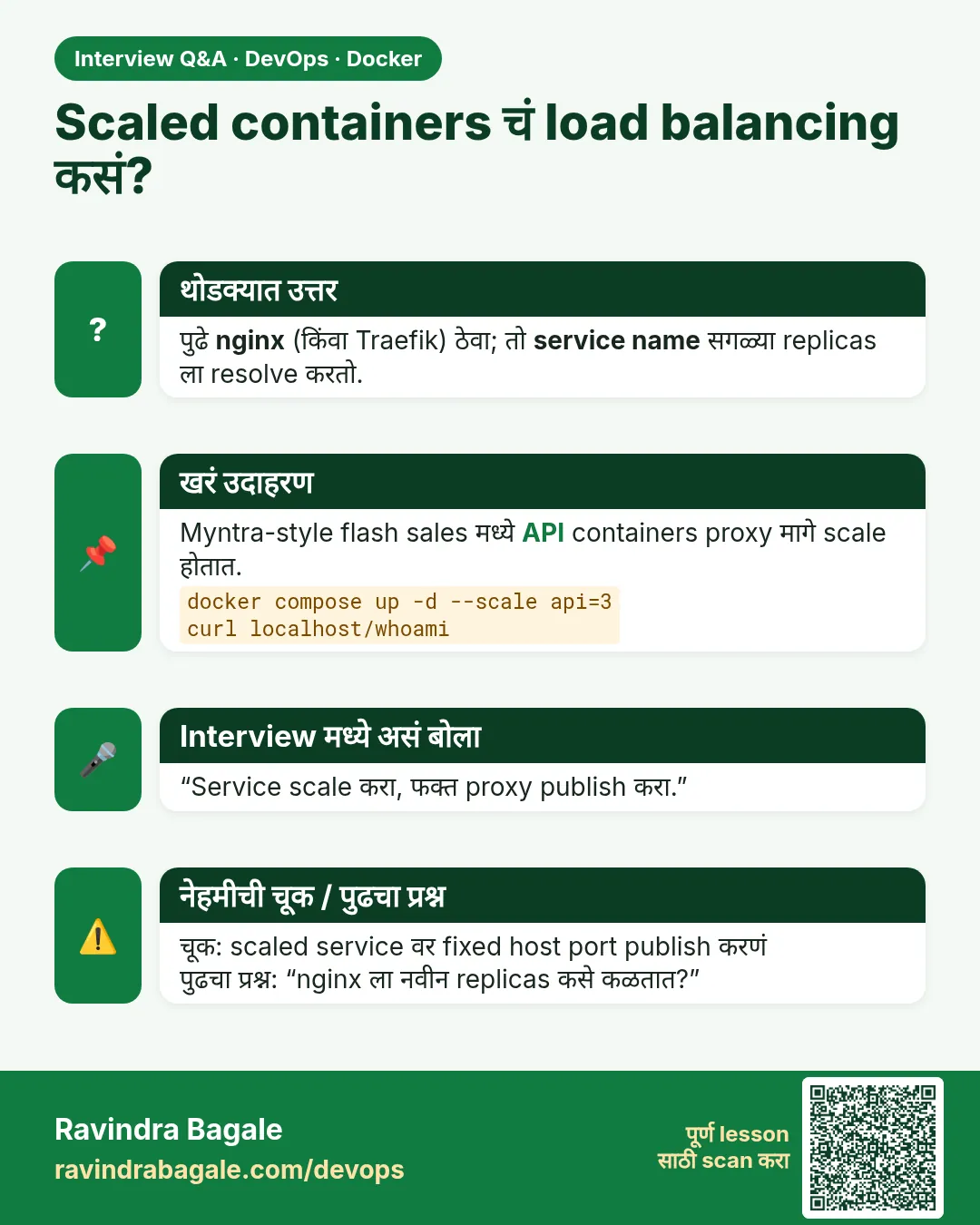
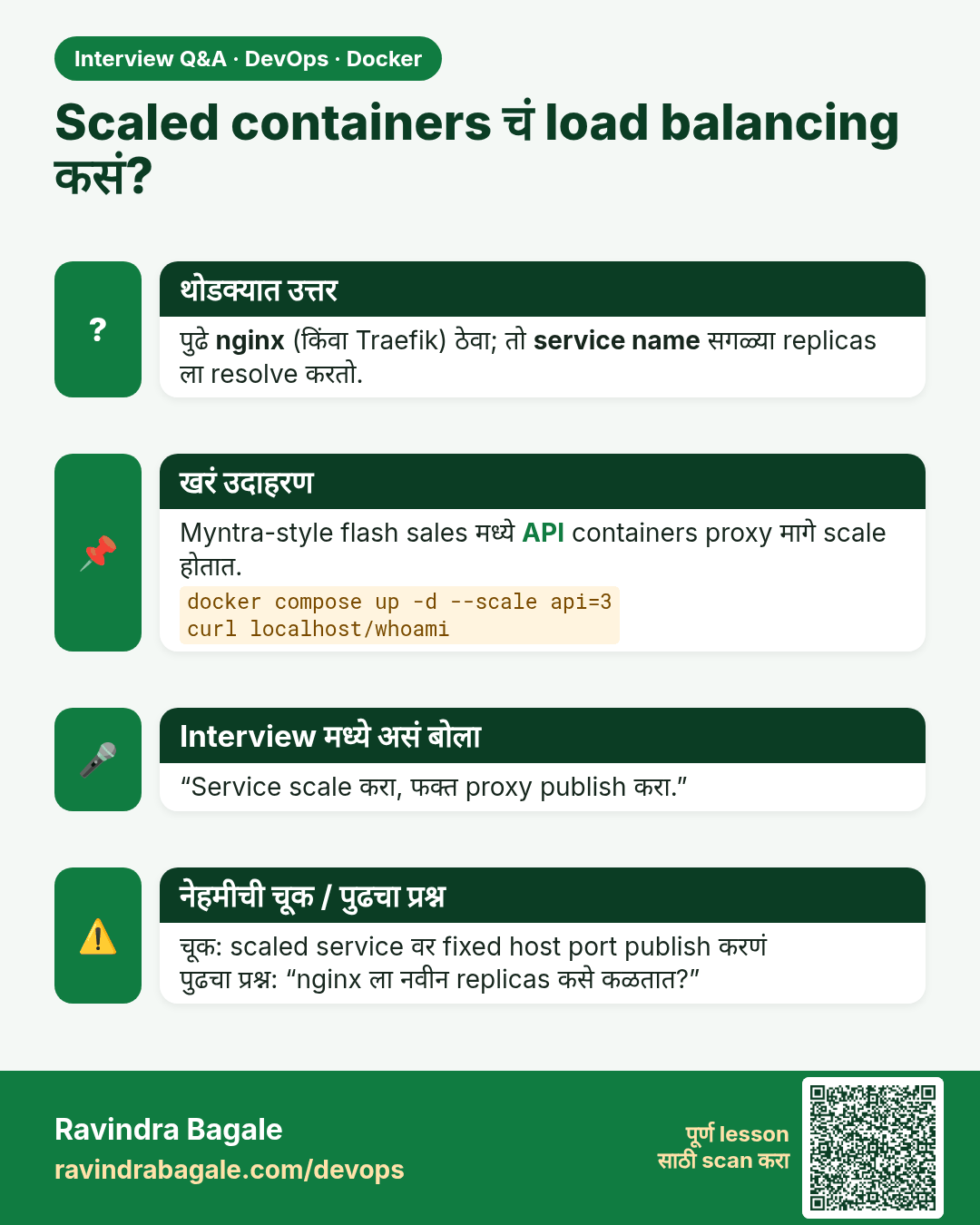
Scaled containers चं load balancing कसं? पुढे nginx (किंवा Traefik) ठेवा; तो service name सगळ्या replicas ला resolve करतो.
मुलाखत (Interview) card 8 of 9: Scaled containers चं load balancing कसं? · PNG download करा · Card page उघडा

Lesson: 51.8 Load balancing with nginx across scaled containers (--scale api=3)

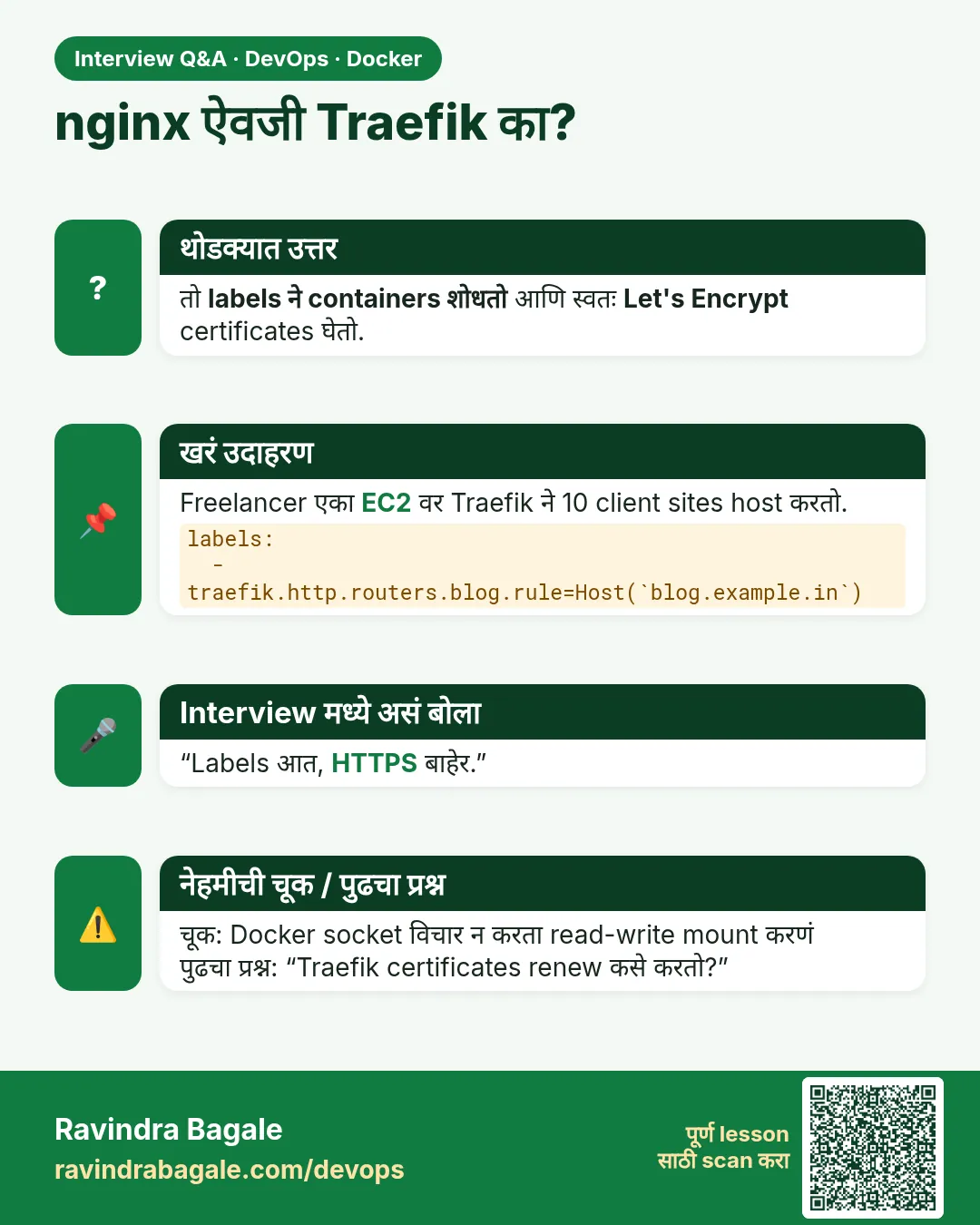
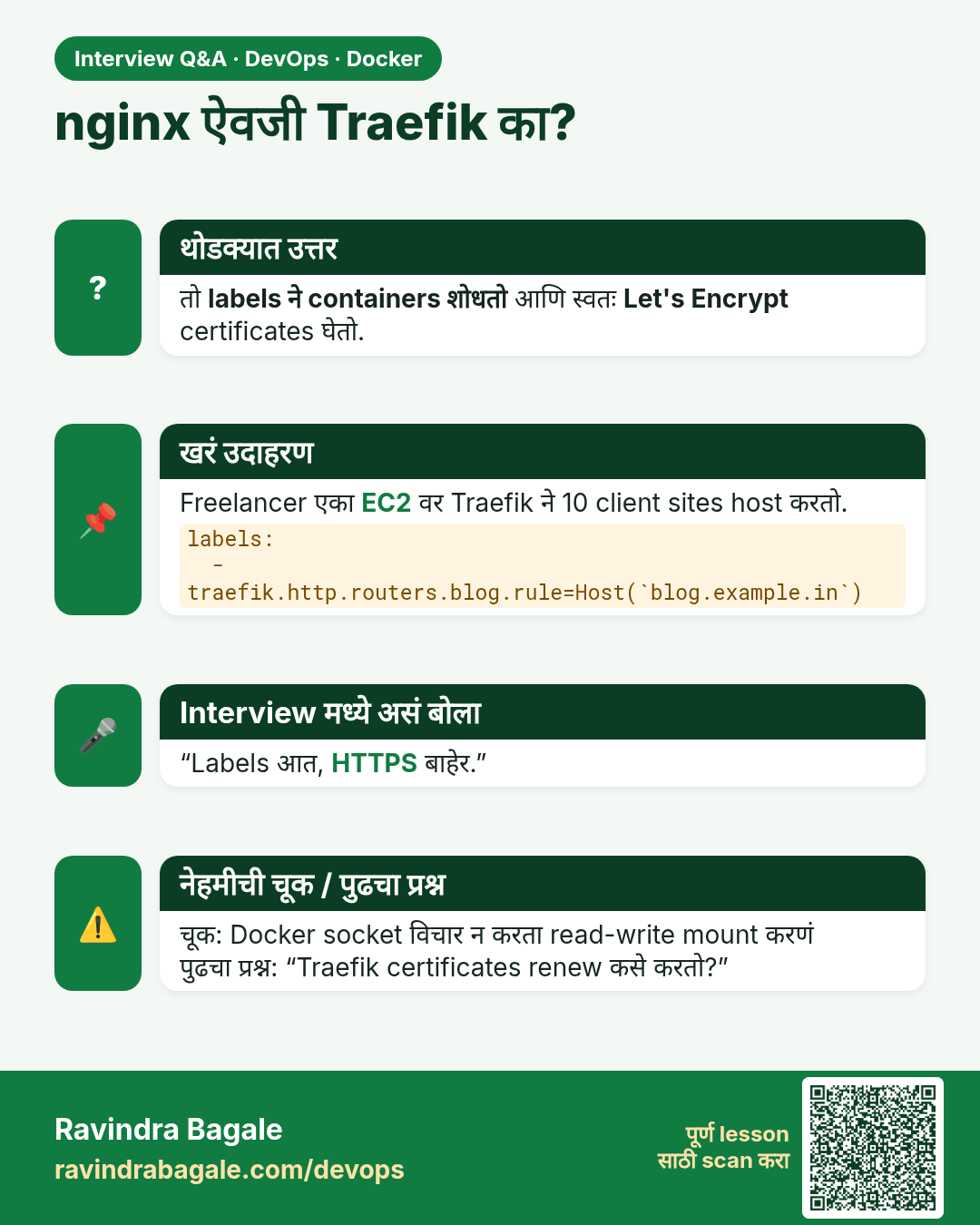
nginx ऐवजी Traefik का? तो labels ने containers शोधतो आणि स्वतः Let's Encrypt certificates घेतो.
मुलाखत (Interview) card 9 of 9: nginx ऐवजी Traefik का? · PNG download करा · Card page उघडा

Lesson: 51.9 Traefik: route many sites by labels with automatic HTTPS (Let's Encrypt)

तुलना (Comparison) cards

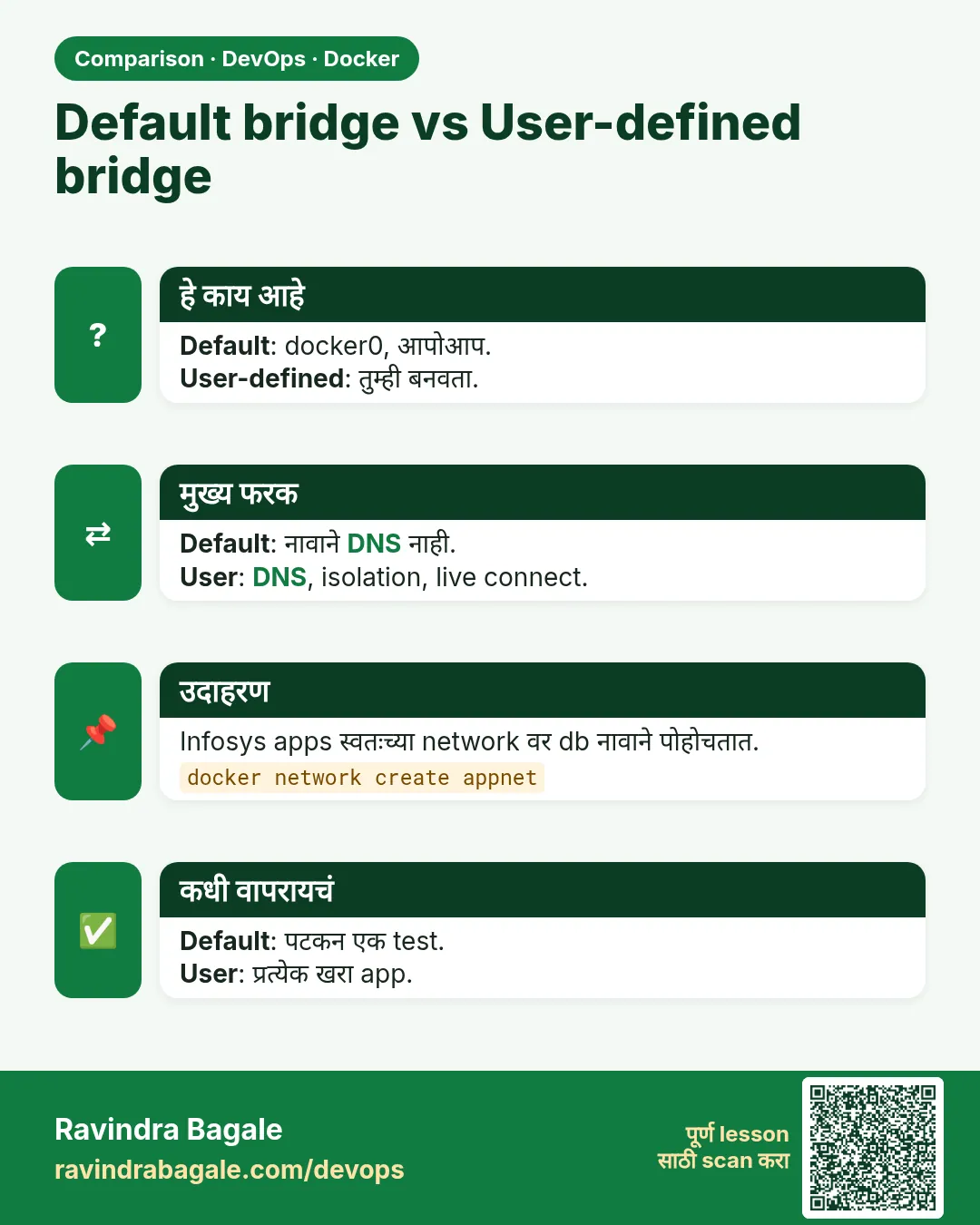
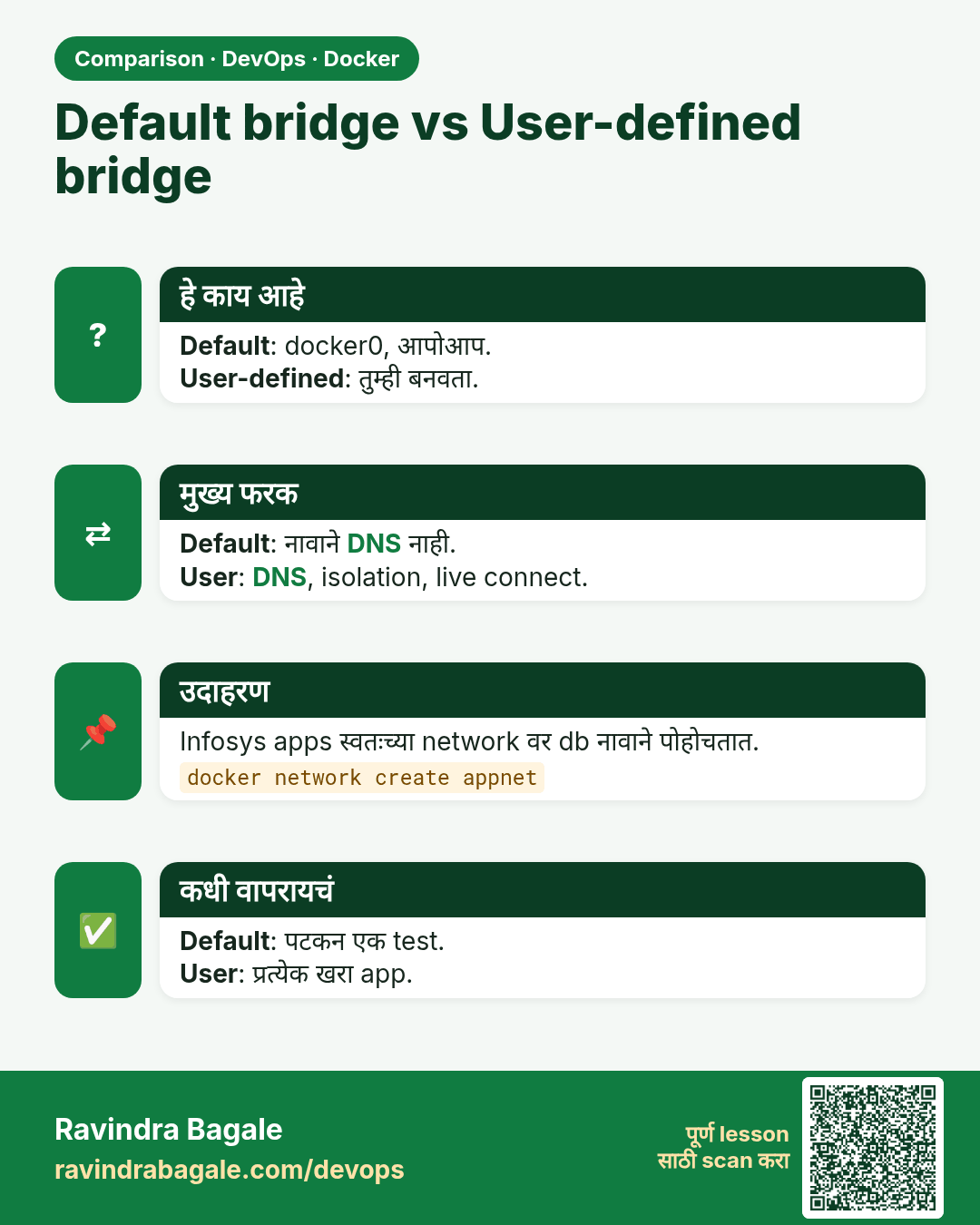
Default bridge vs User-defined bridge. Default: docker0, आपोआप.User-defined: तुम्ही बनवता.
तुलना (Comparison) card 1 of 3: Default bridge vs User-defined bridge · PNG download करा · Card page उघडा

Lesson: 51.2 Default bridge vs user-defined bridge and DNS
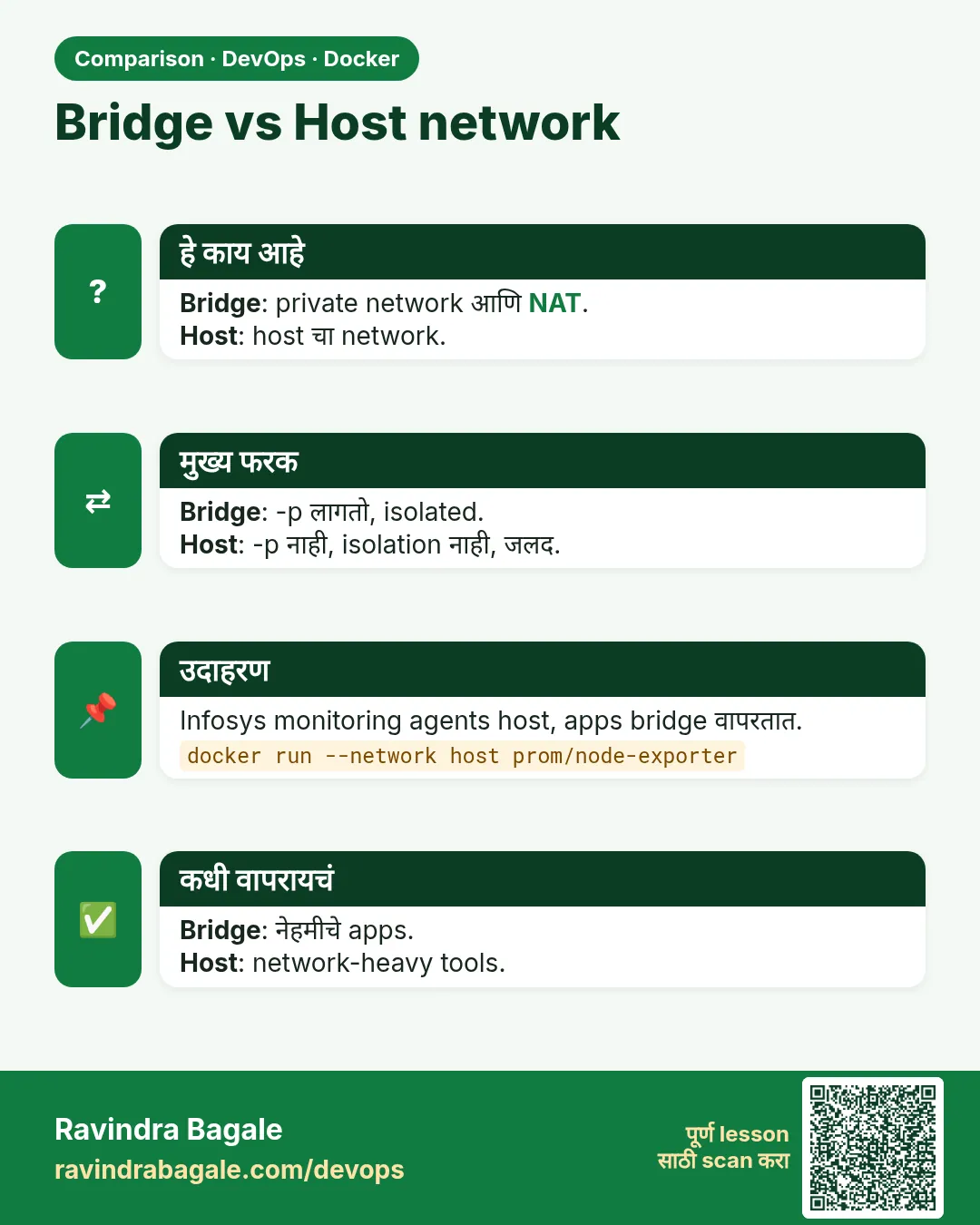
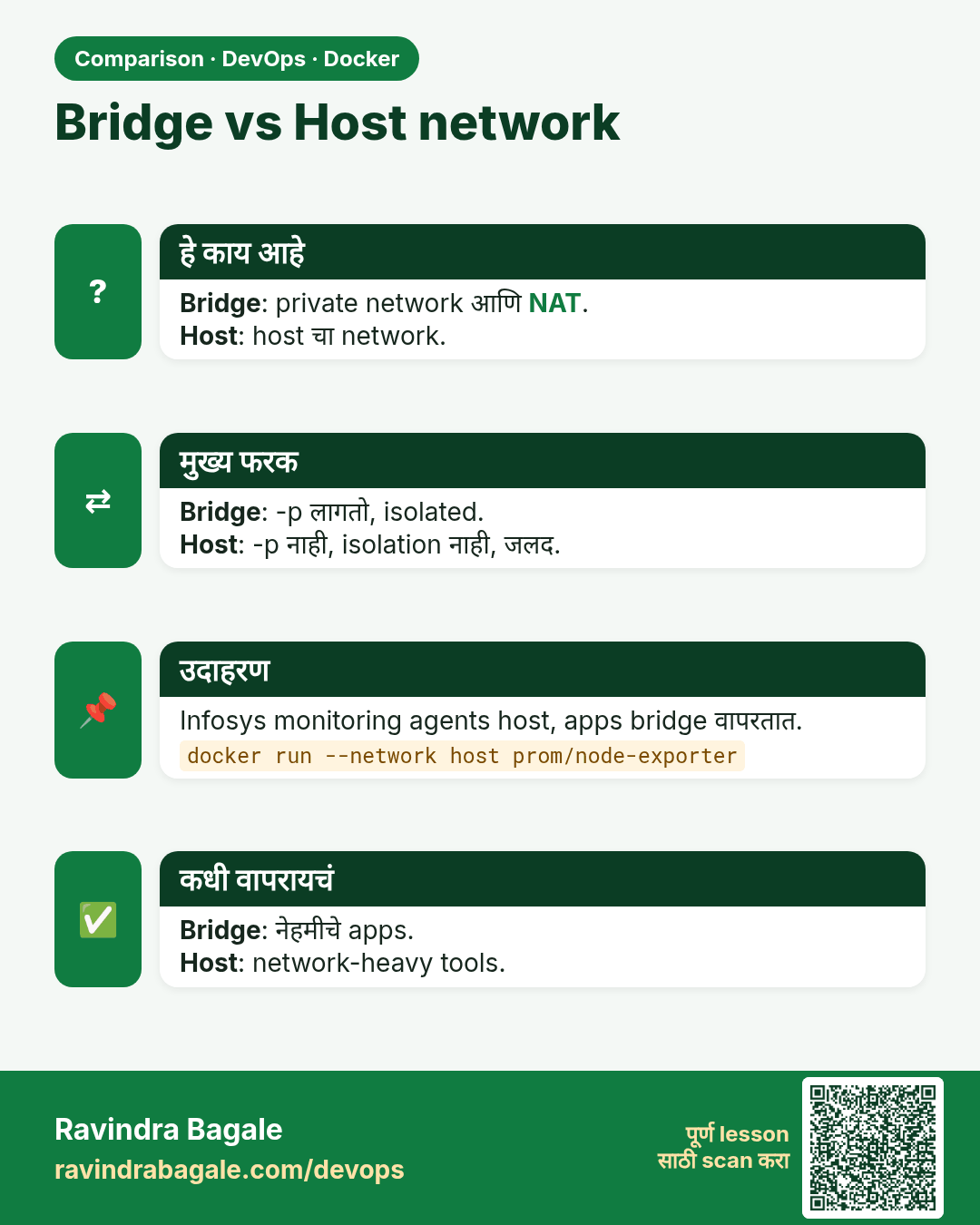
Bridge vs Host network. Bridge: private network आणि NAT.Host: host चा network.
तुलना (Comparison) card 2 of 3: Bridge vs Host network · PNG download करा · Card page उघडा

Lesson: 51.3 host and none networks
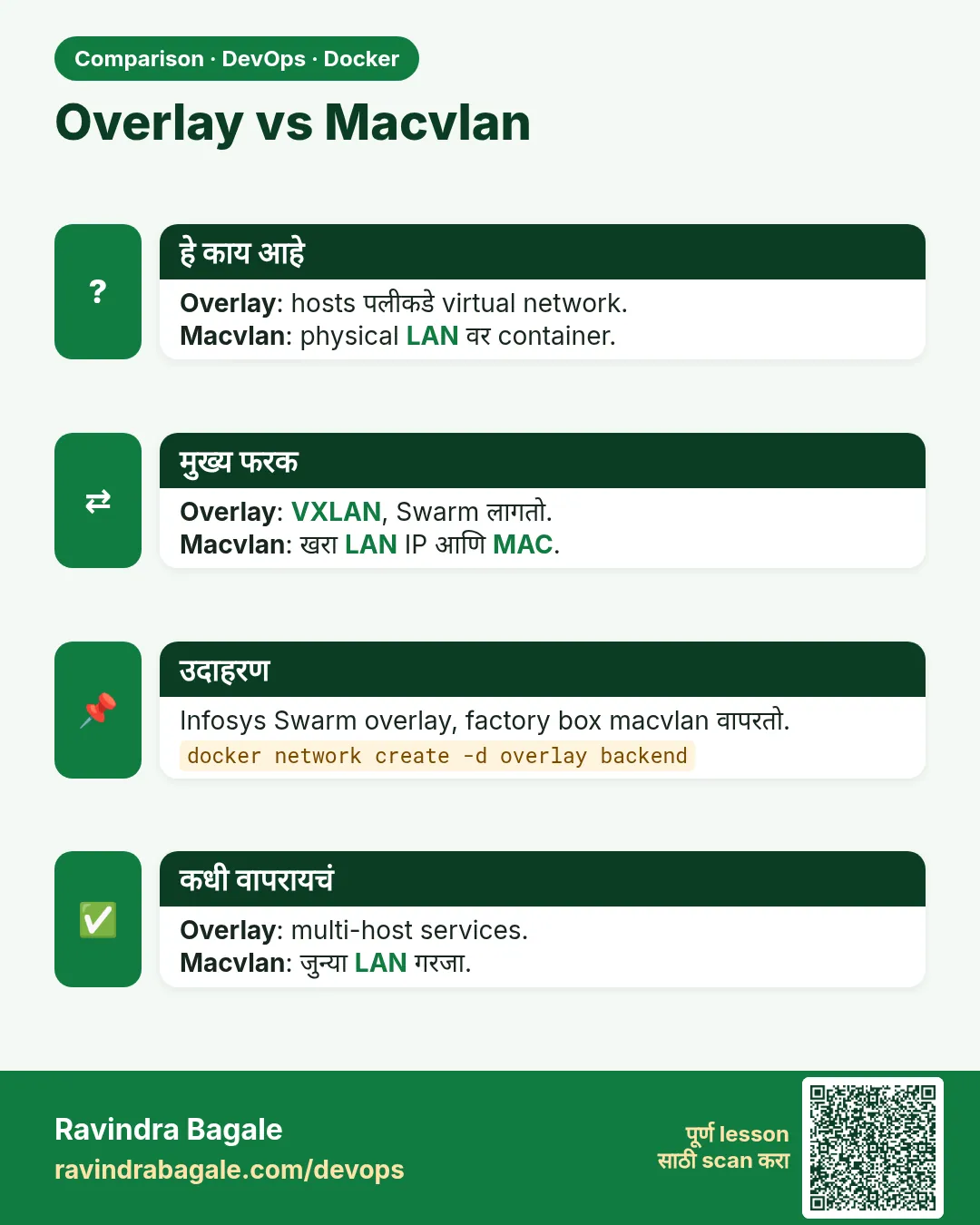
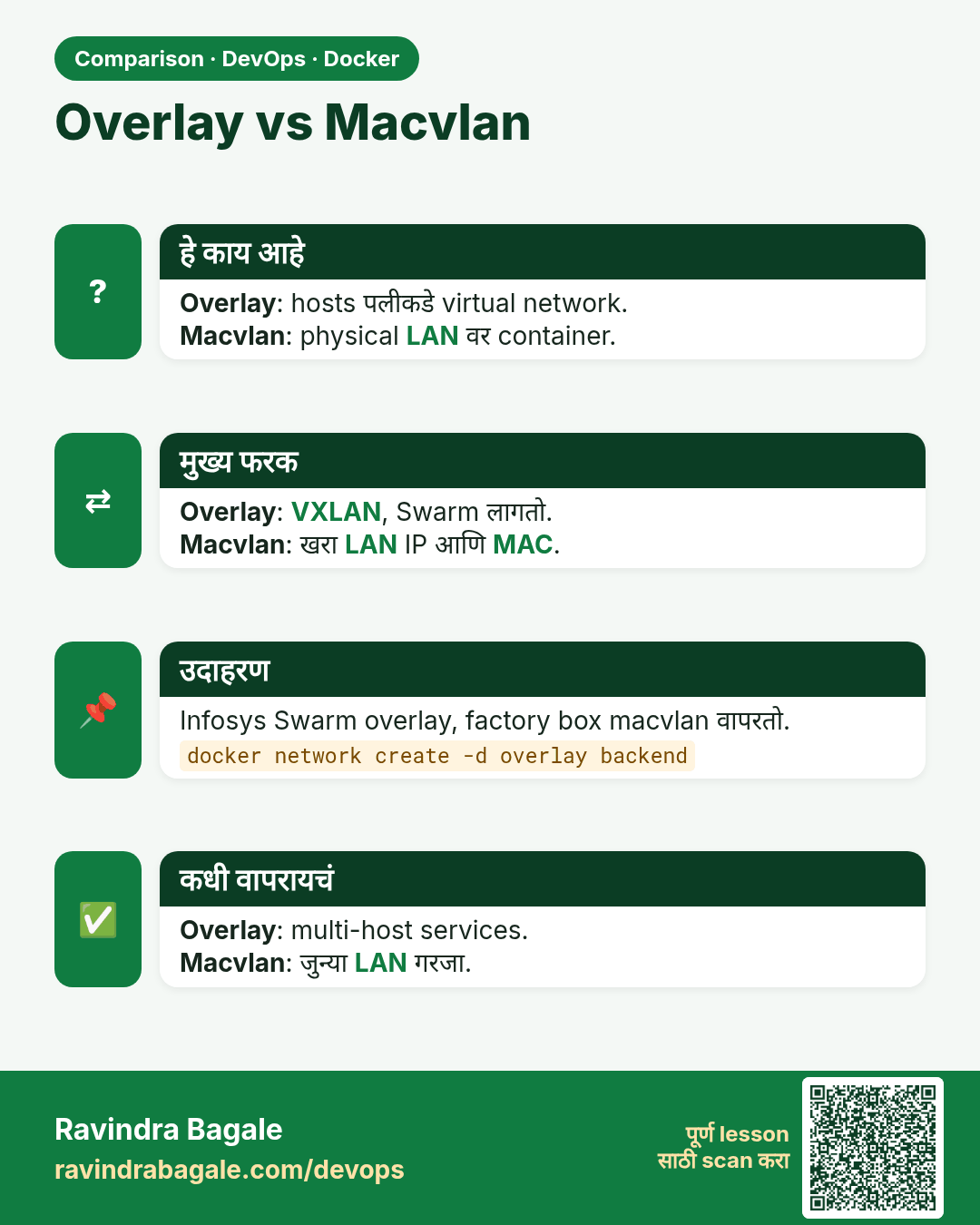
Overlay vs Macvlan. Overlay: hosts पलीकडे virtual network.Macvlan: physical LAN वर container.
तुलना (Comparison) card 3 of 3: Overlay vs Macvlan · PNG download करा · Card page उघडा

Lesson: 51.4 Overlay networks across hosts