Ravindra BagaleCourses & study guides मराठी

Ravi Sir's Cards › DevOps

DevOps

Chapter 51: Docker Networking: Port Publishing, Bridge, Host, None, Overlay, Macvlan, DNS and Every Network Command: Cards

मराठी cards · Open the chapter

Revision cards
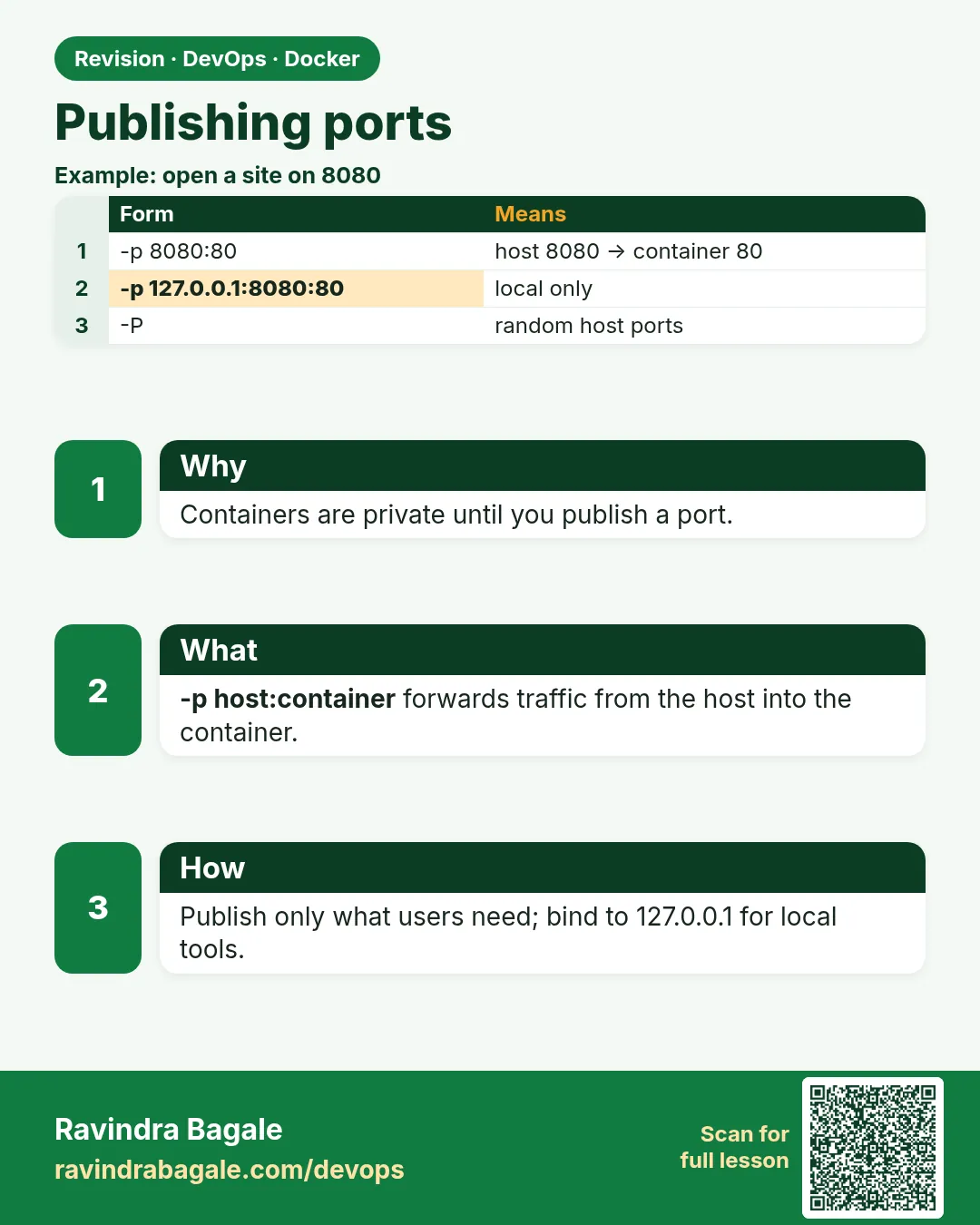
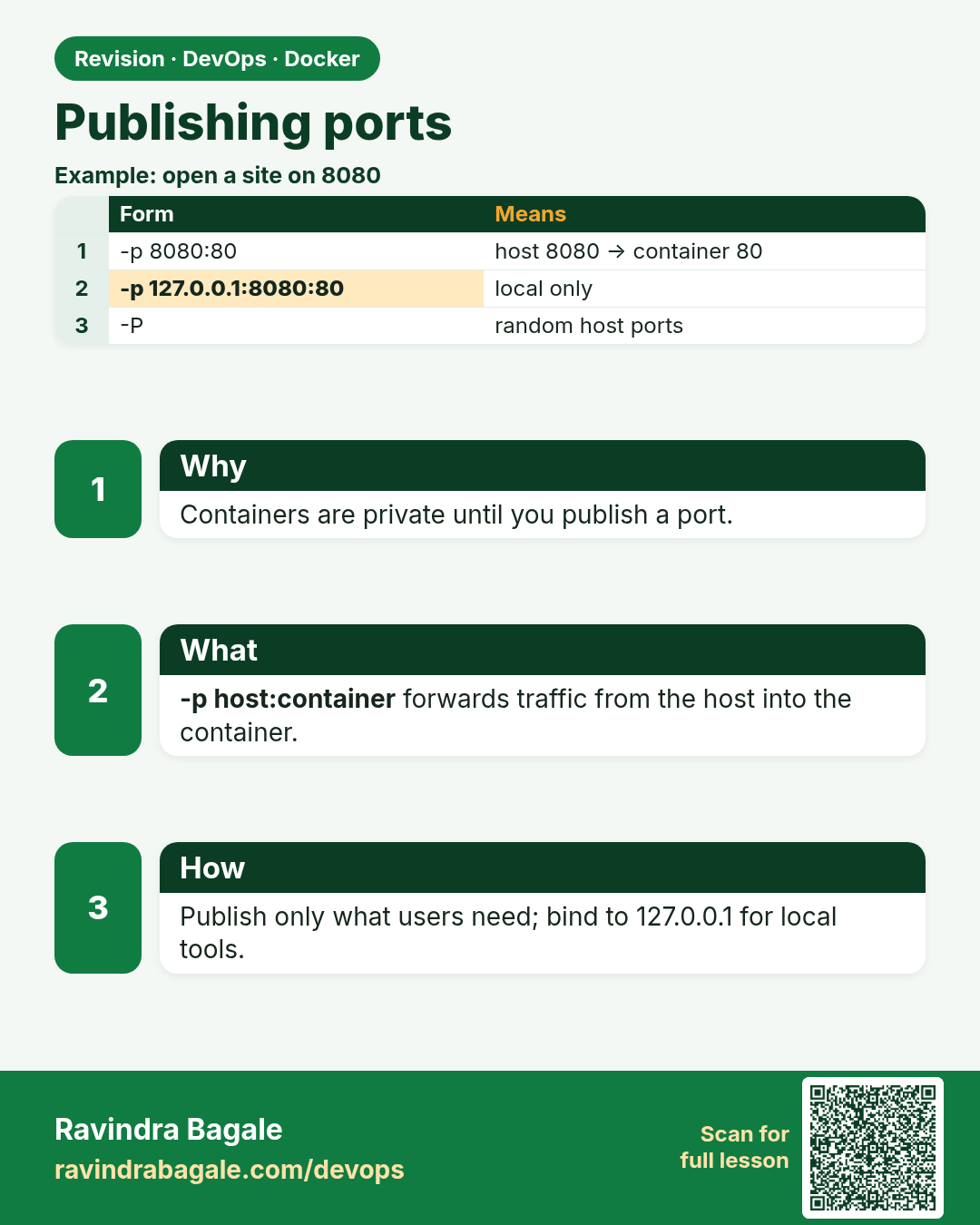
Publishing ports. Containers are private until you publish a port.
Revision card 1 of 9: Publishing ports · Download PNG · Open card page

Lesson: 51.1 Port publishing: reach a container from outside
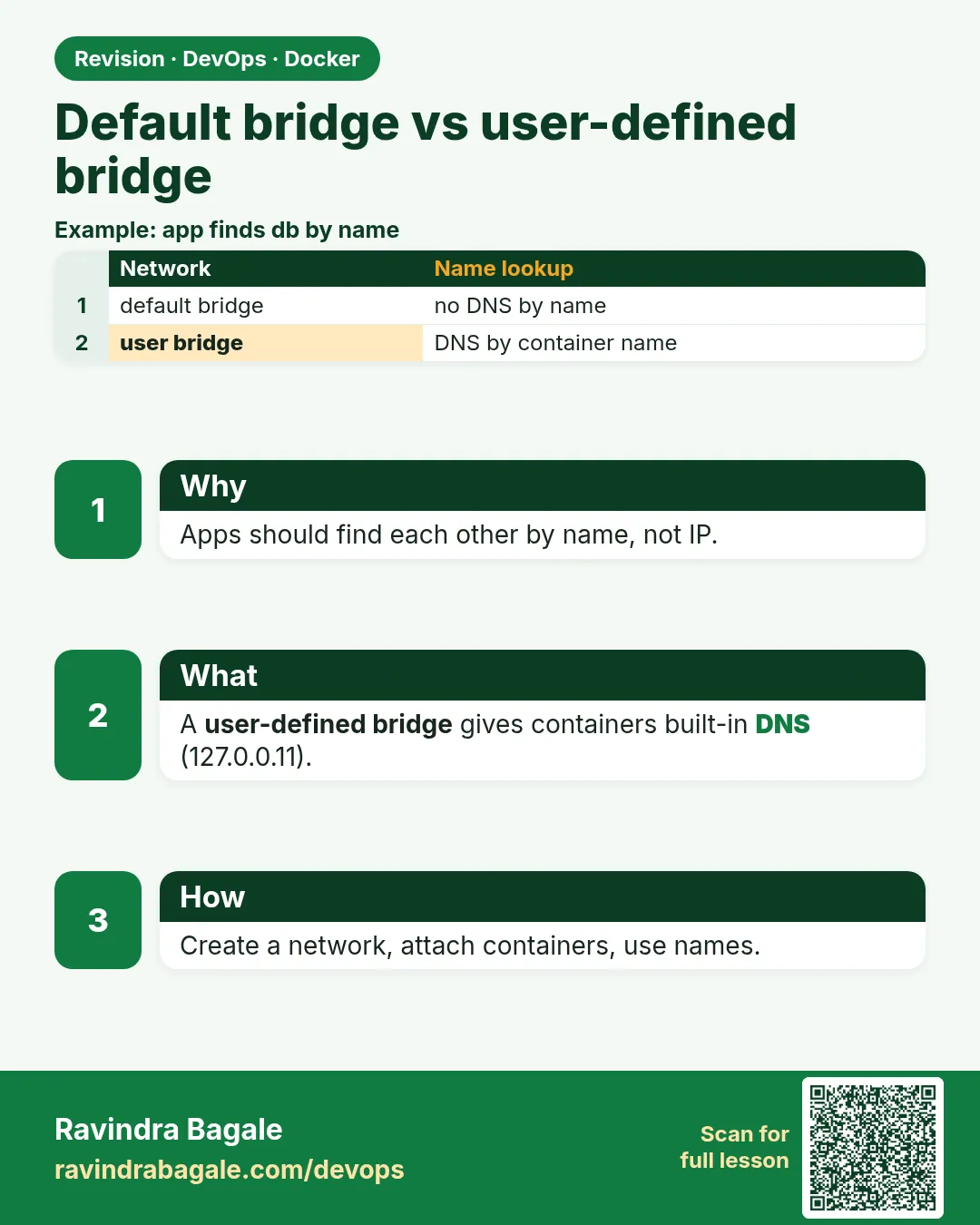
Default bridge vs user-defined bridge. Apps should find each other by name, not IP.
Revision card 2 of 9: Default bridge vs user-defined bridge · Download PNG · Open card page

Lesson: 51.2 Default bridge vs user-defined bridge and DNS

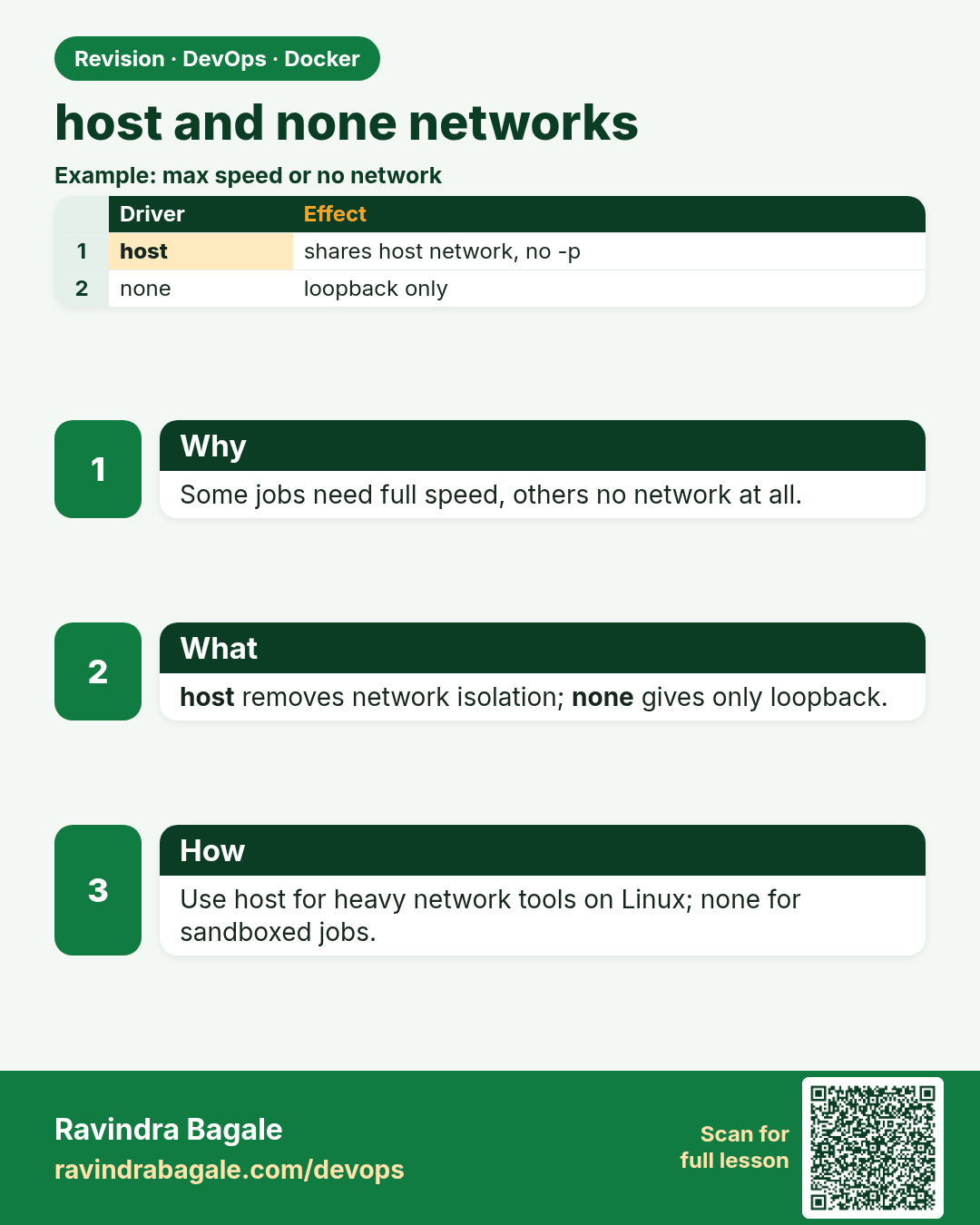
host and none networks. Some jobs need full speed, others no network at all.
Revision card 3 of 9: host and none networks · Download PNG · Open card page

Lesson: 51.3 host and none networks

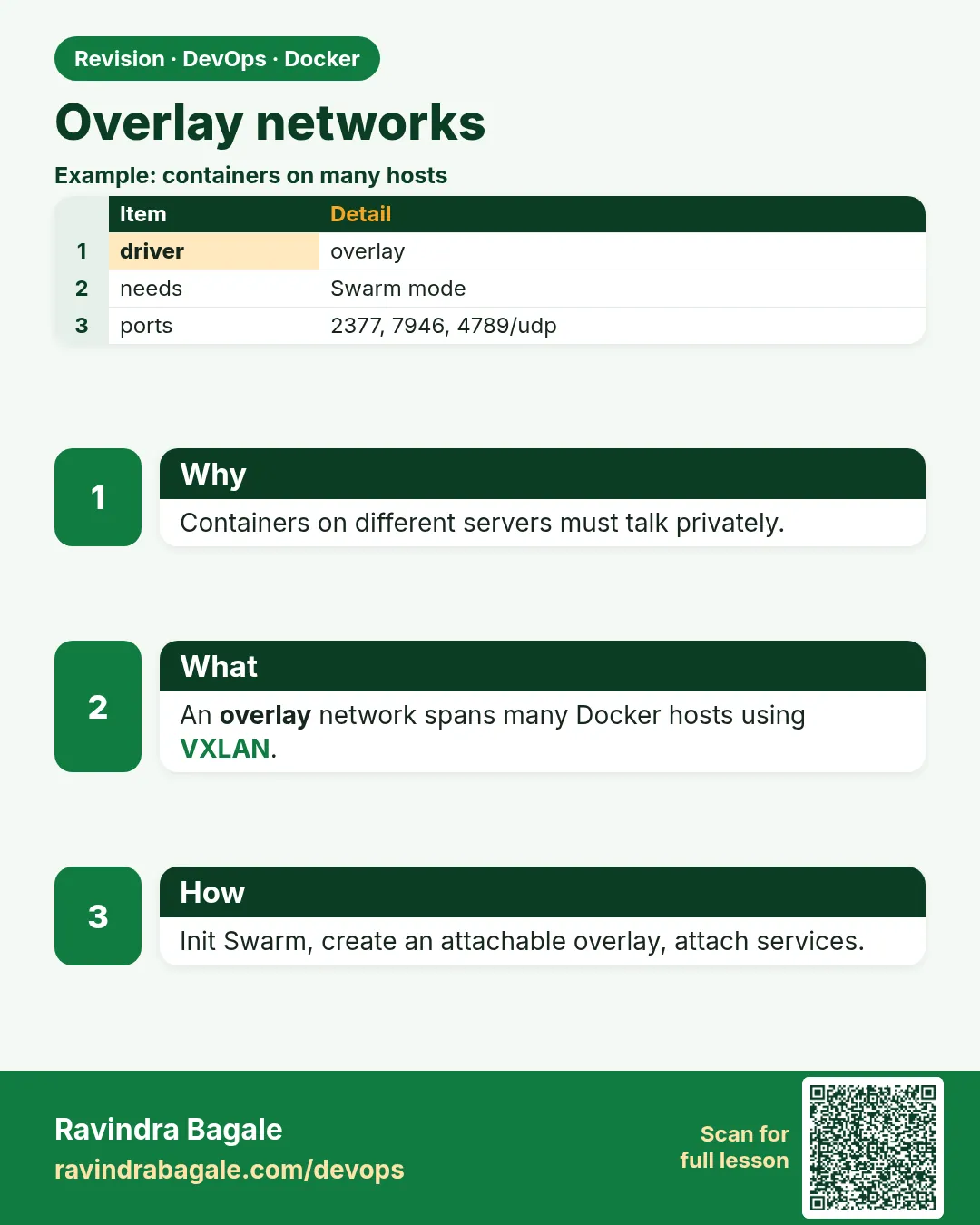
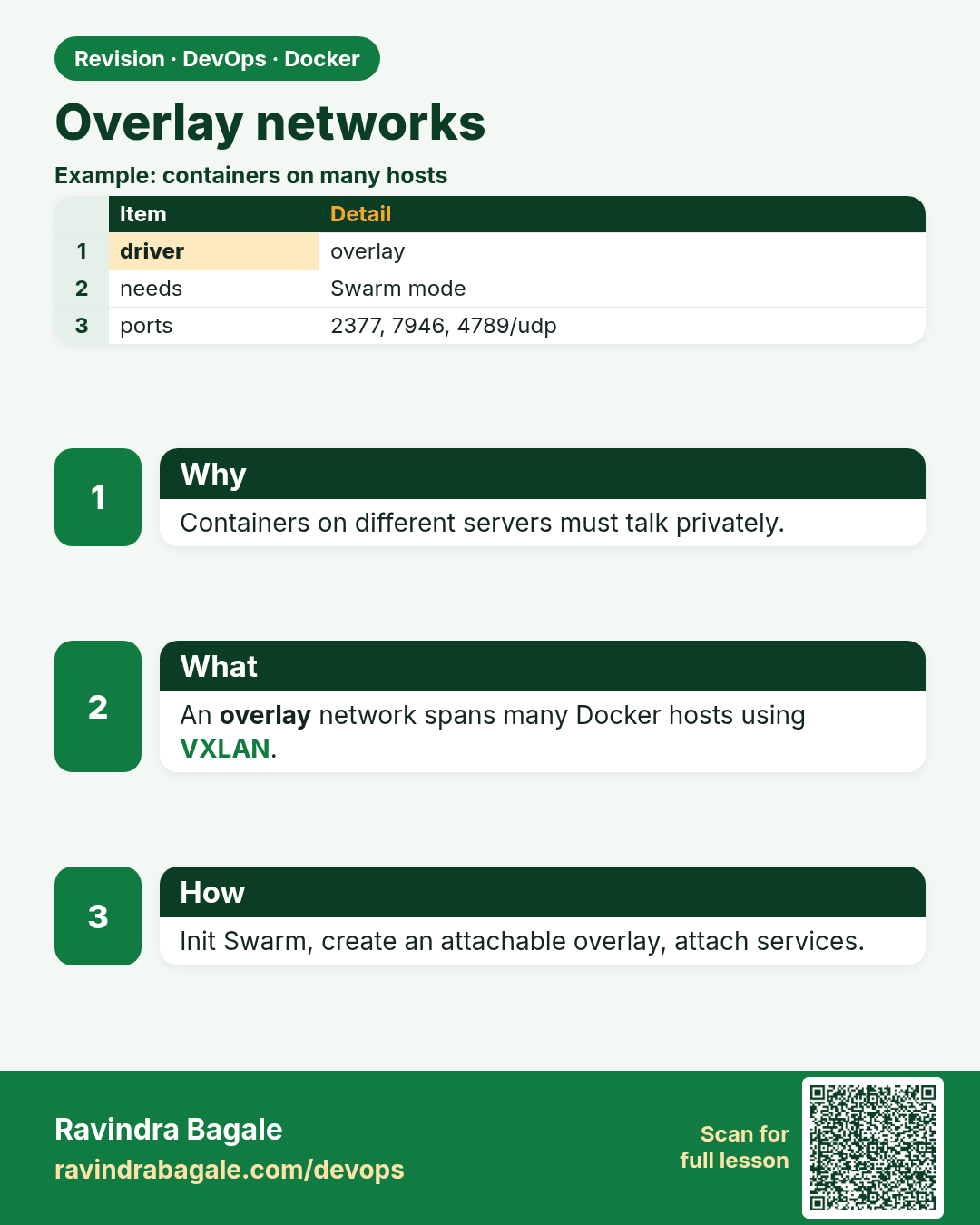
Overlay networks. Containers on different servers must talk privately.
Revision card 4 of 9: Overlay networks · Download PNG · Open card page

Lesson: 51.4 Overlay networks across hosts

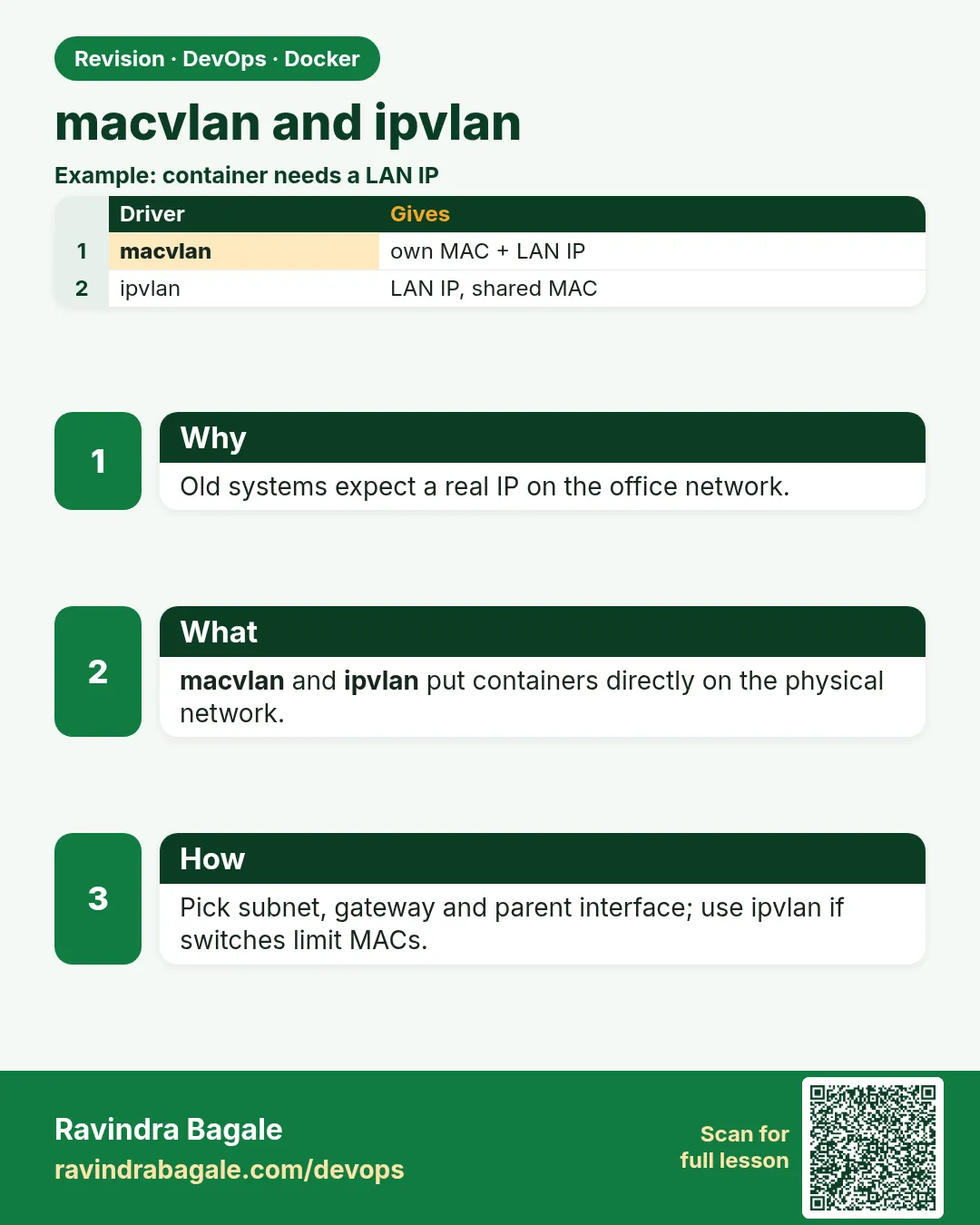
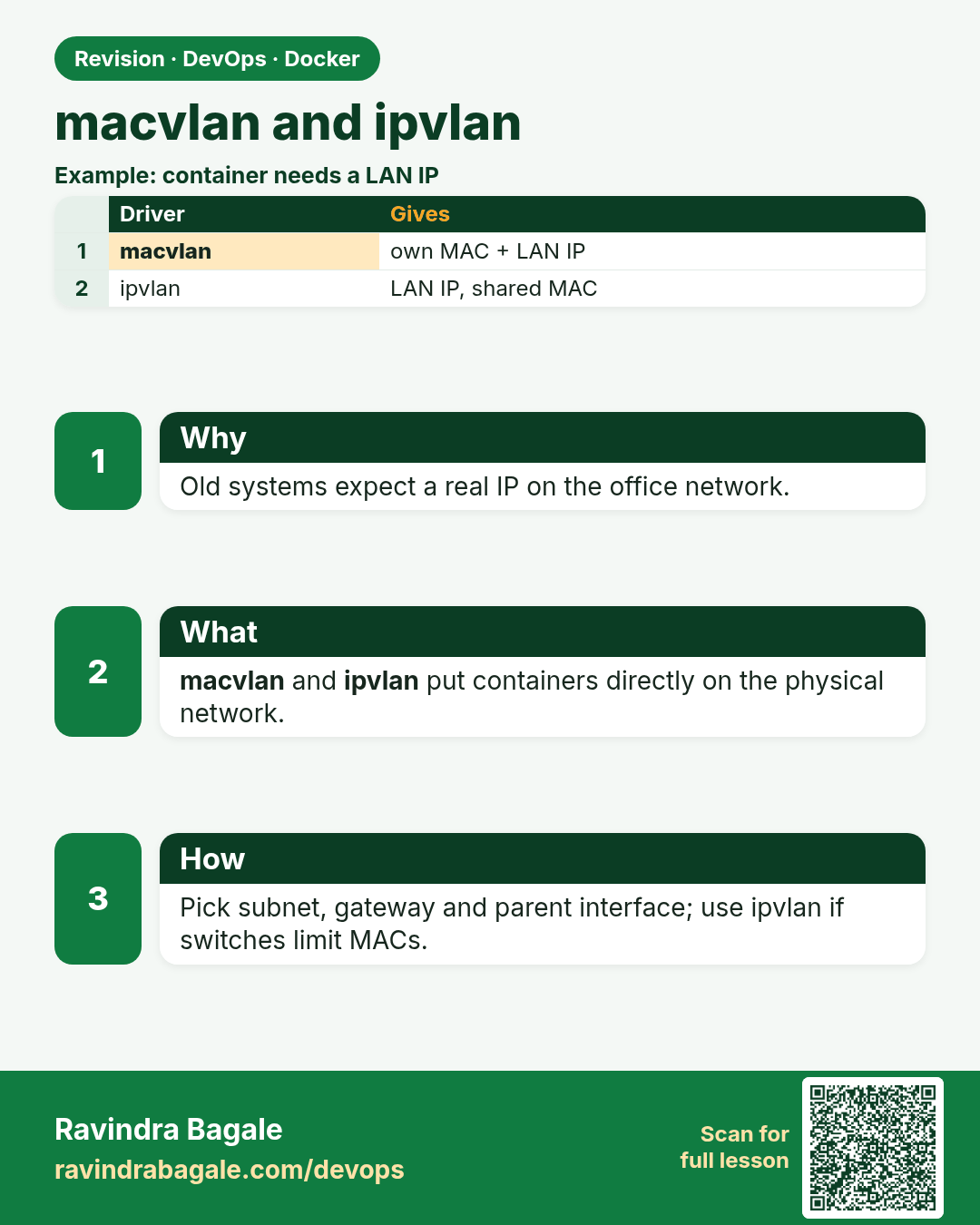
macvlan and ipvlan. Old systems expect a real IP on the office network.
Revision card 5 of 9: macvlan and ipvlan · Download PNG · Open card page

Lesson: 51.5 macvlan and ipvlan: containers on the real LAN

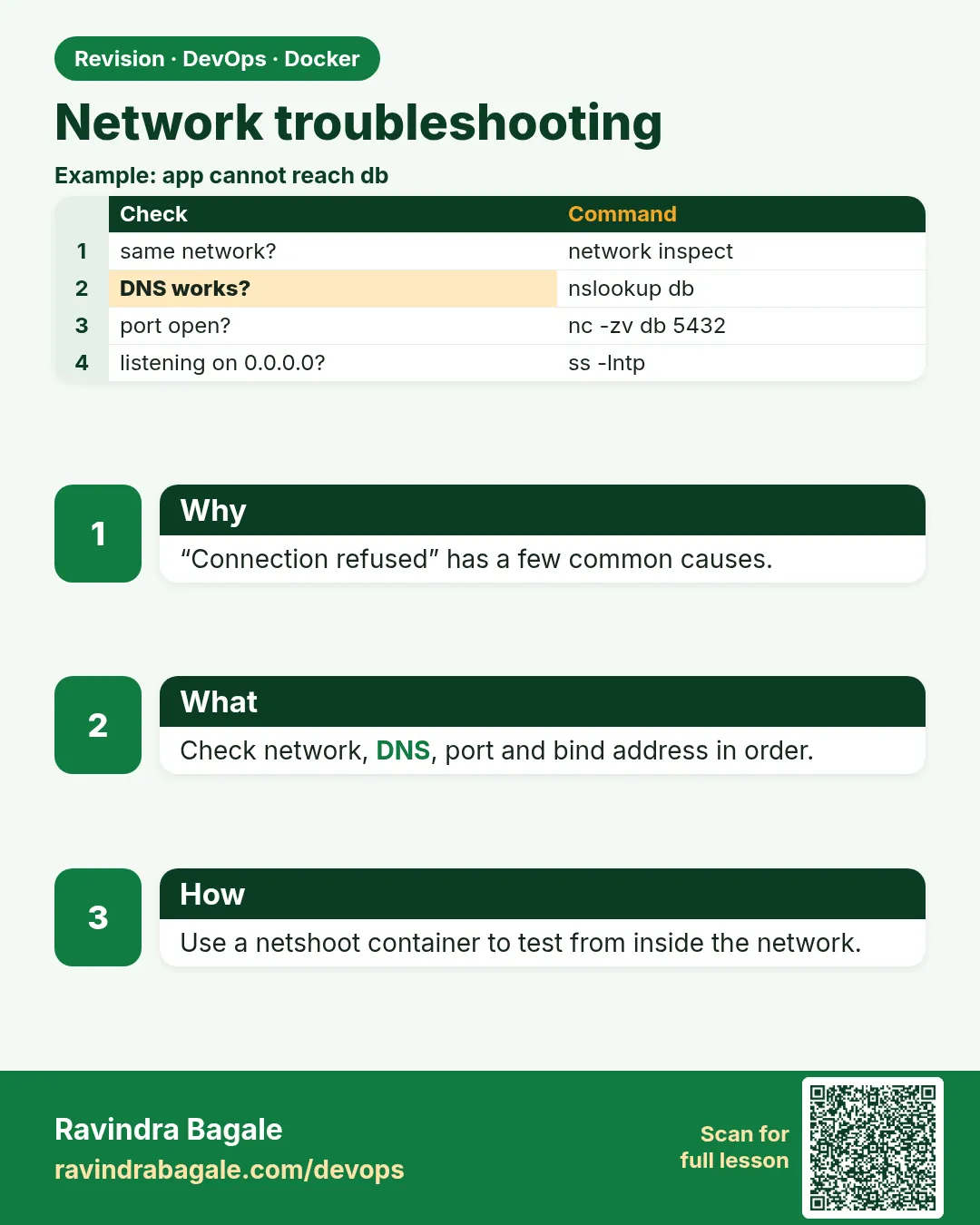
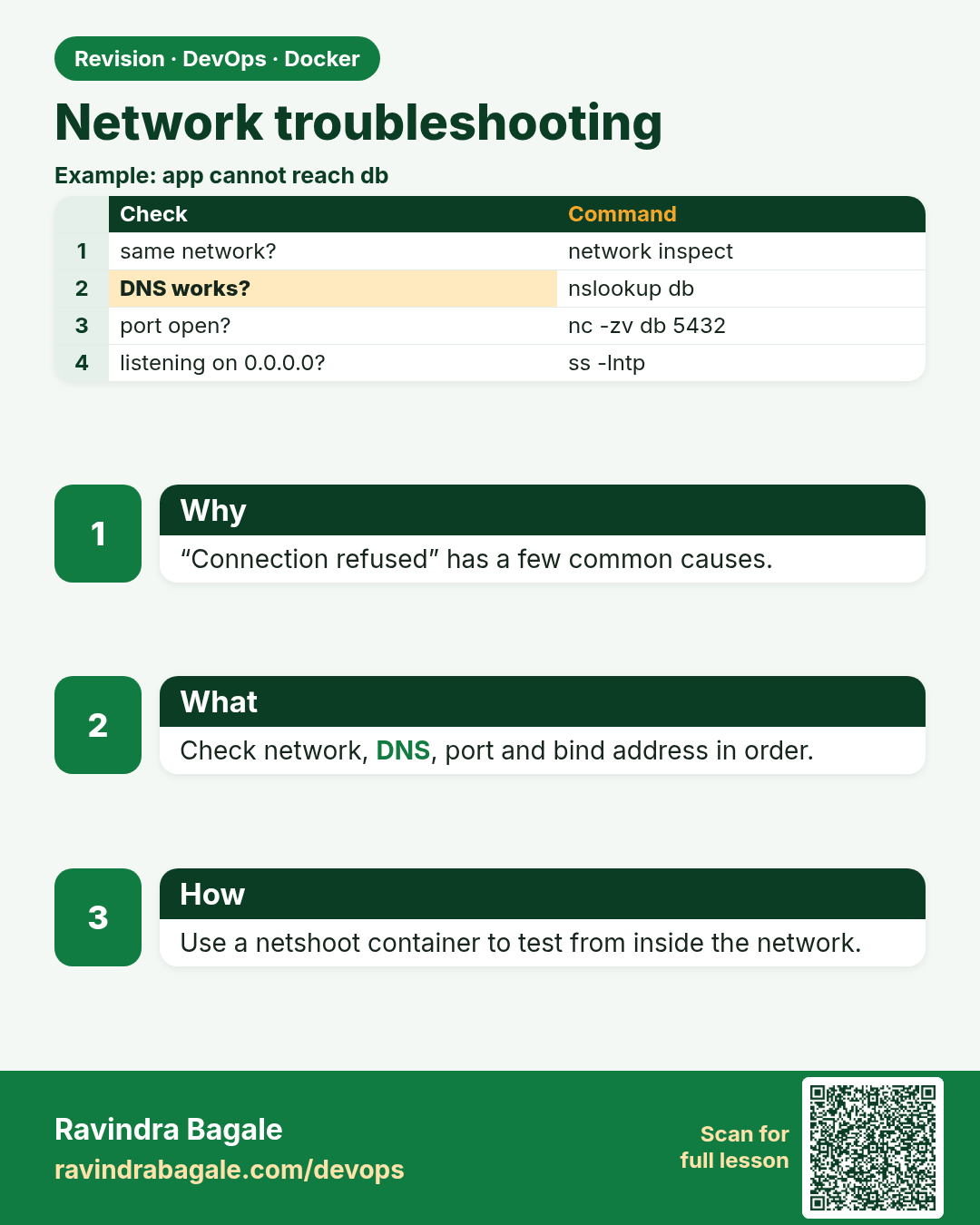
Network troubleshooting. “Connection refused” has a few common causes.
Revision card 6 of 9: Network troubleshooting · Download PNG · Open card page

Lesson: 51.6 Troubleshoot container networking

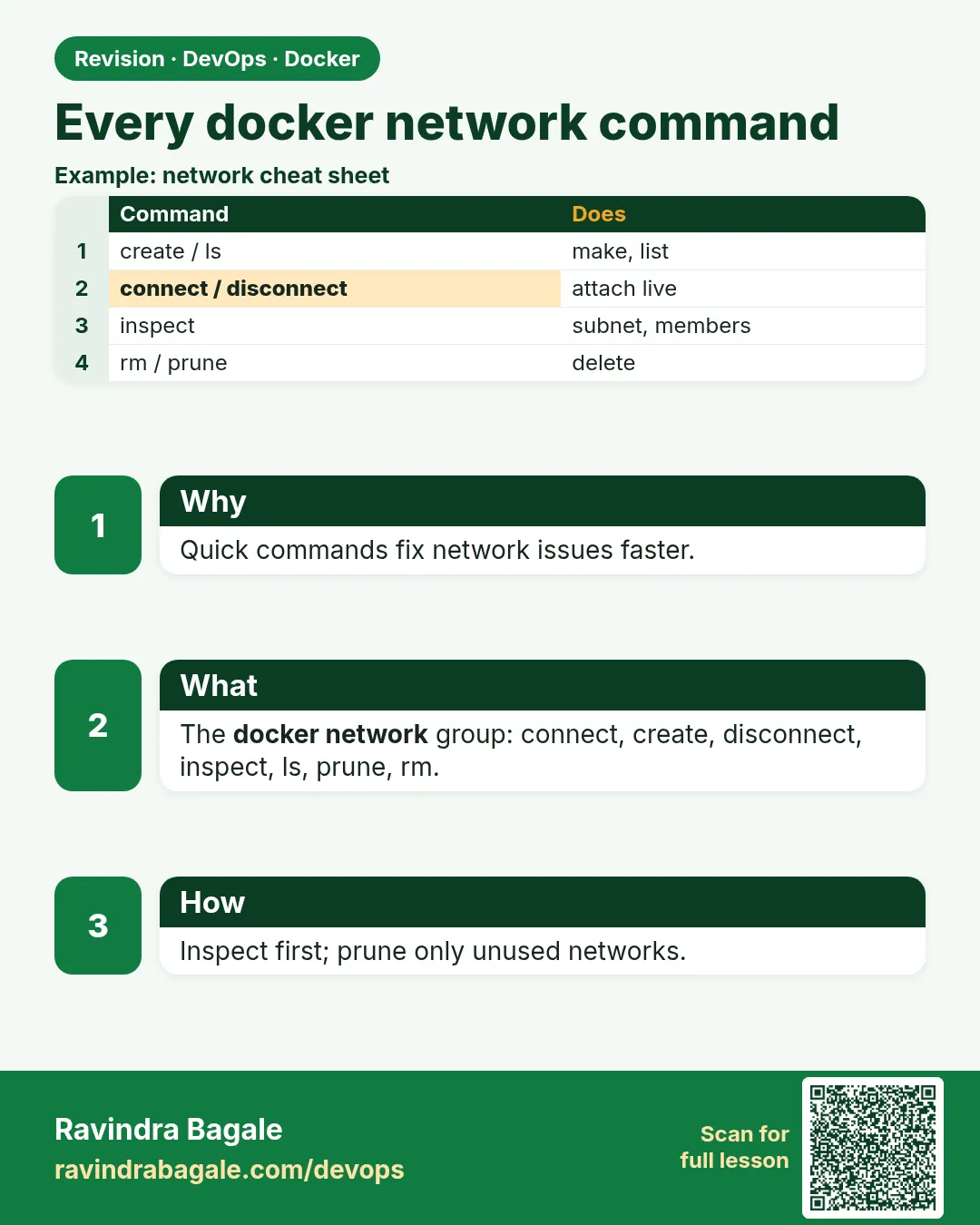
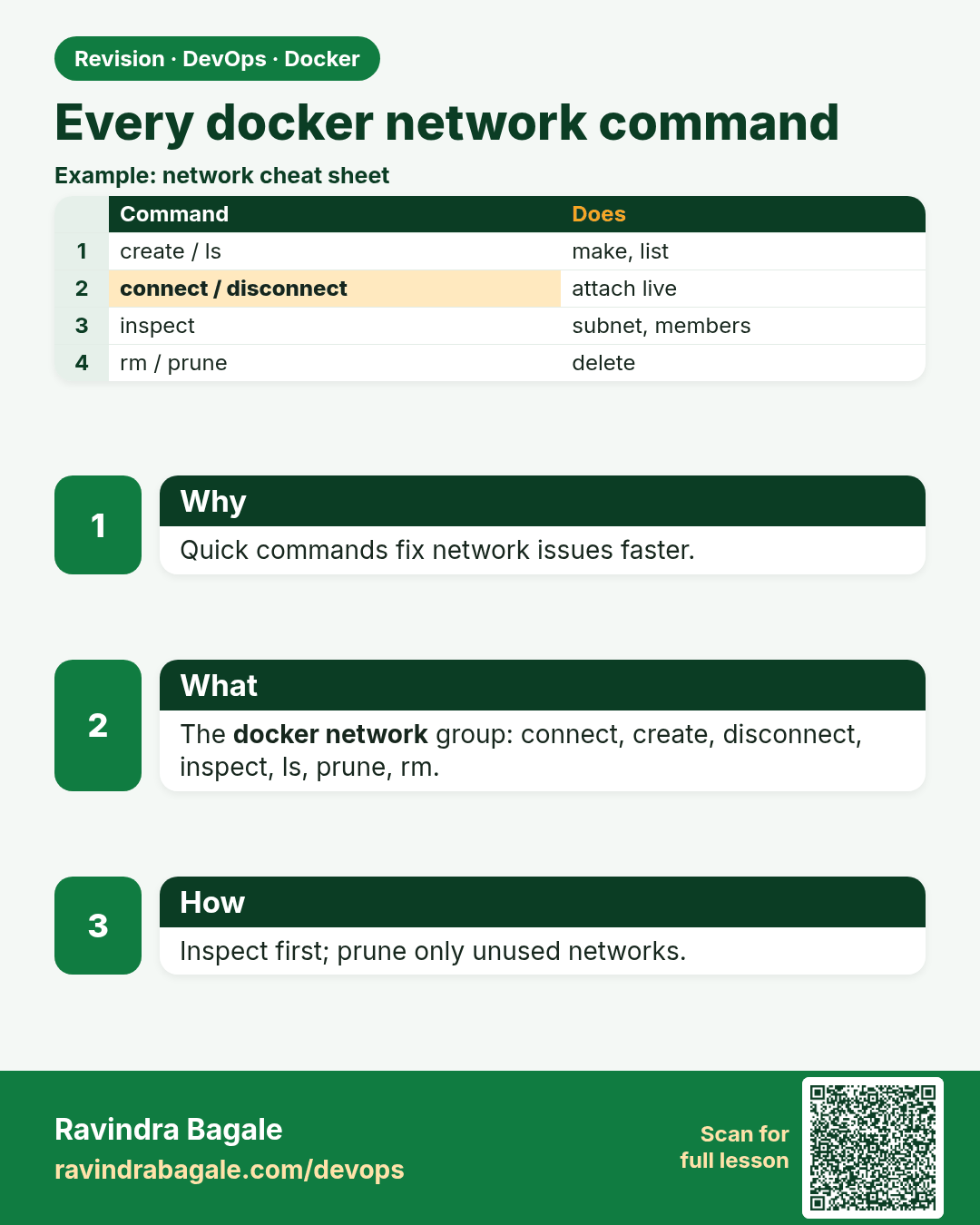
Every docker network command. Quick commands fix network issues faster.
Revision card 7 of 9: Every docker network command · Download PNG · Open card page

Lesson: 51.7 Every docker network command: full reference

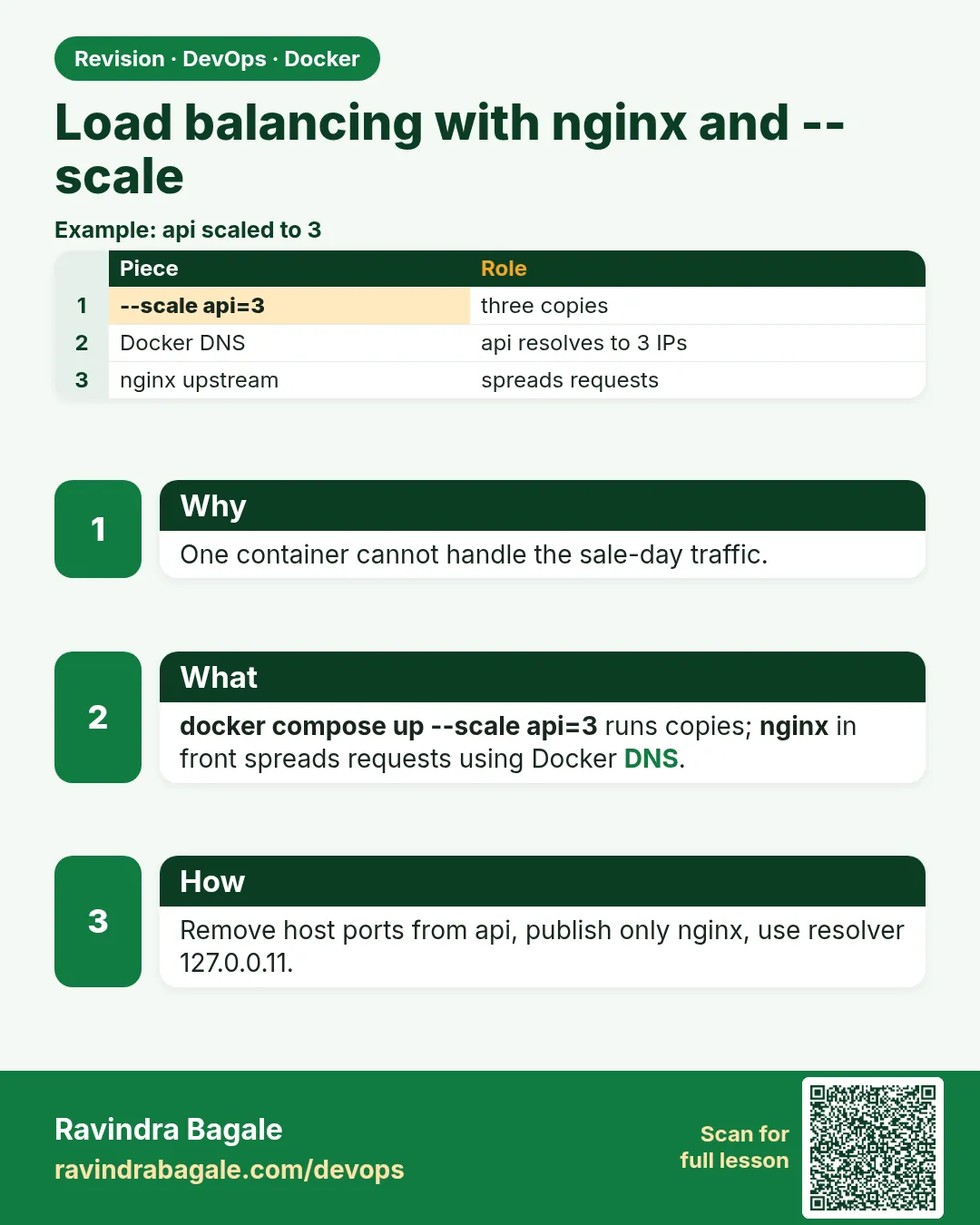
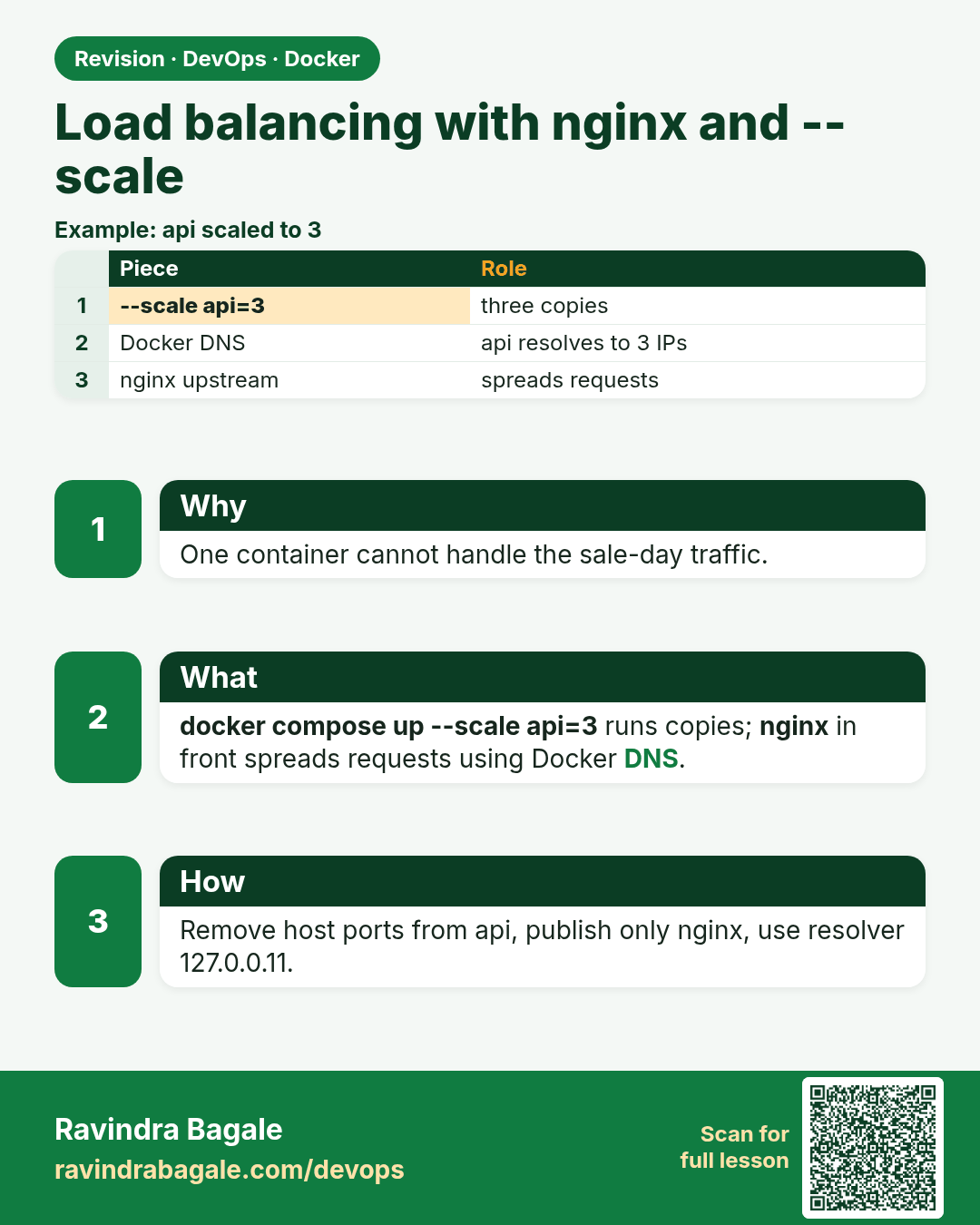
Load balancing with nginx and --scale. One container cannot handle the sale-day traffic.
Revision card 8 of 9: Load balancing with nginx and --scale · Download PNG · Open card page

Lesson: 51.8 Load balancing with nginx across scaled containers (--scale api=3)

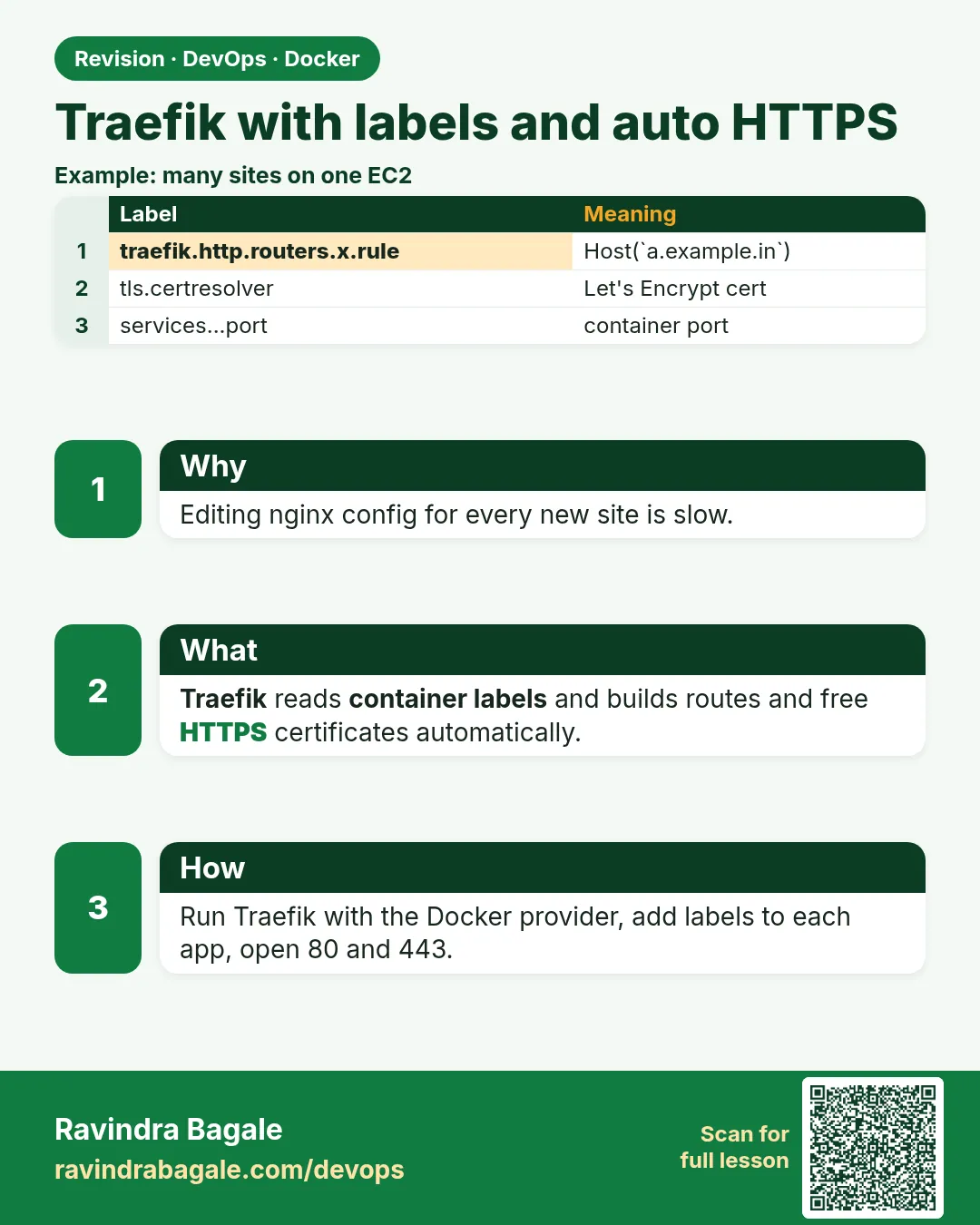
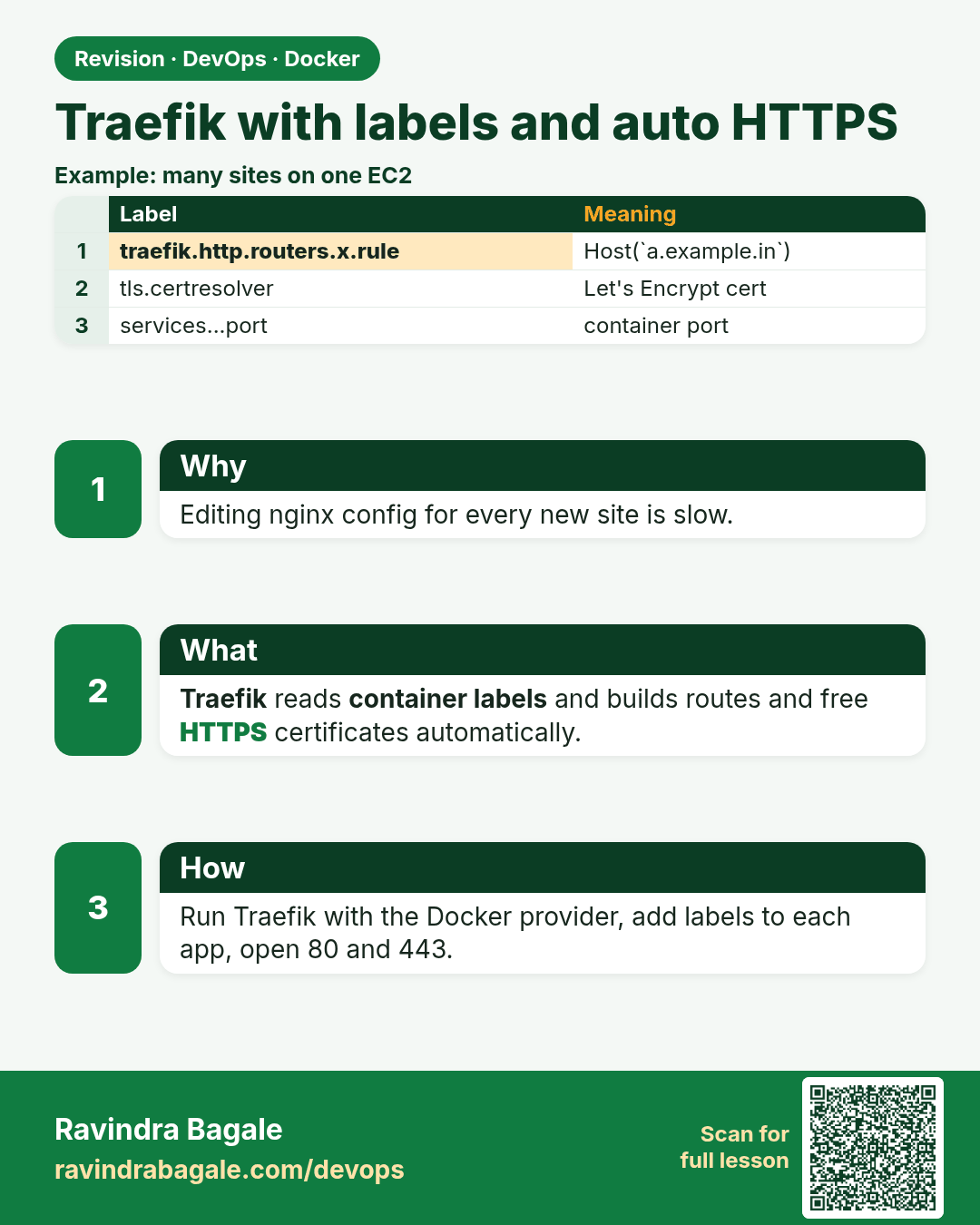
Traefik with labels and auto HTTPS. Editing nginx config for every new site is slow.
Revision card 9 of 9: Traefik with labels and auto HTTPS · Download PNG · Open card page

Lesson: 51.9 Traefik: route many sites by labels with automatic HTTPS (Let's Encrypt)

Interview cards

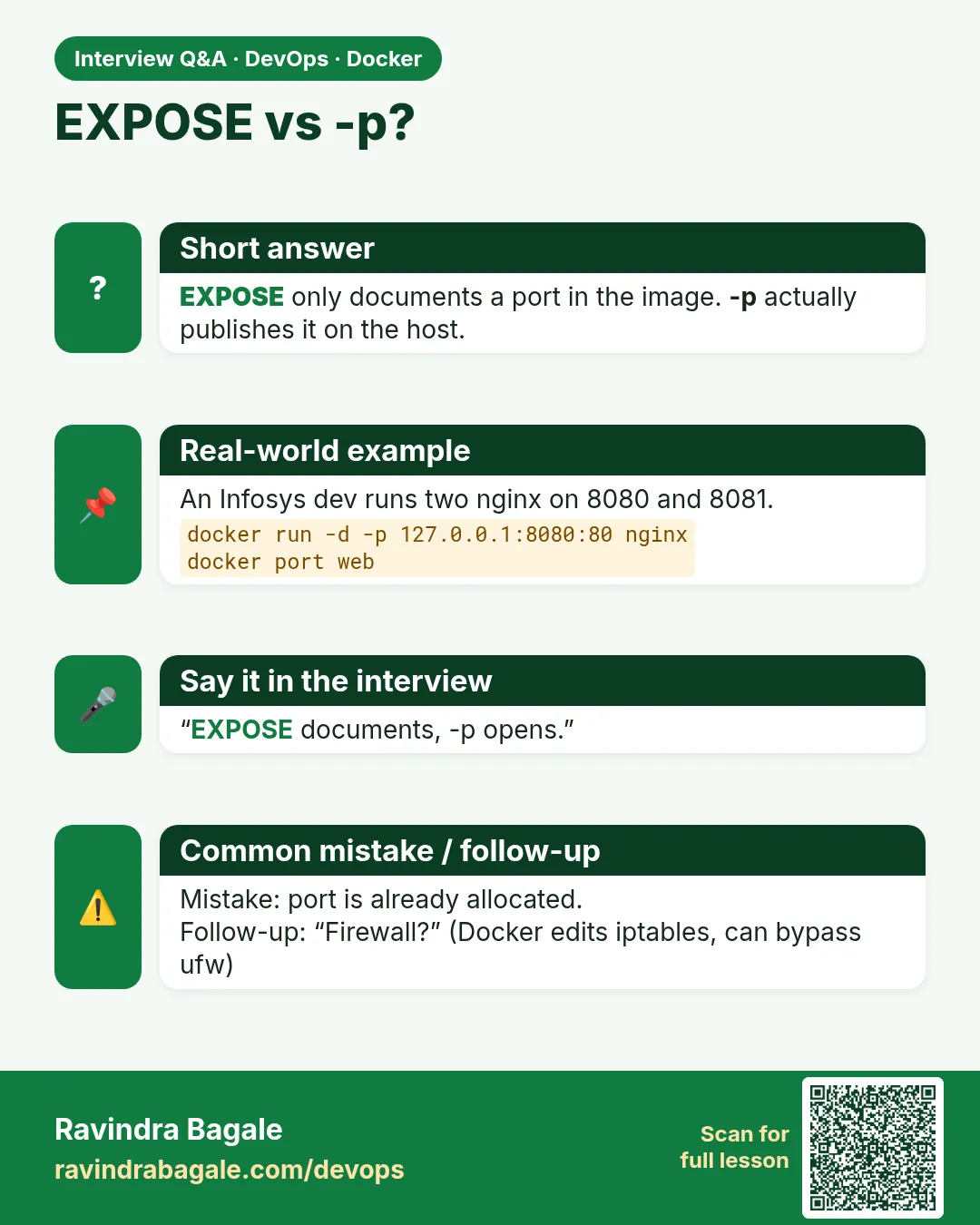
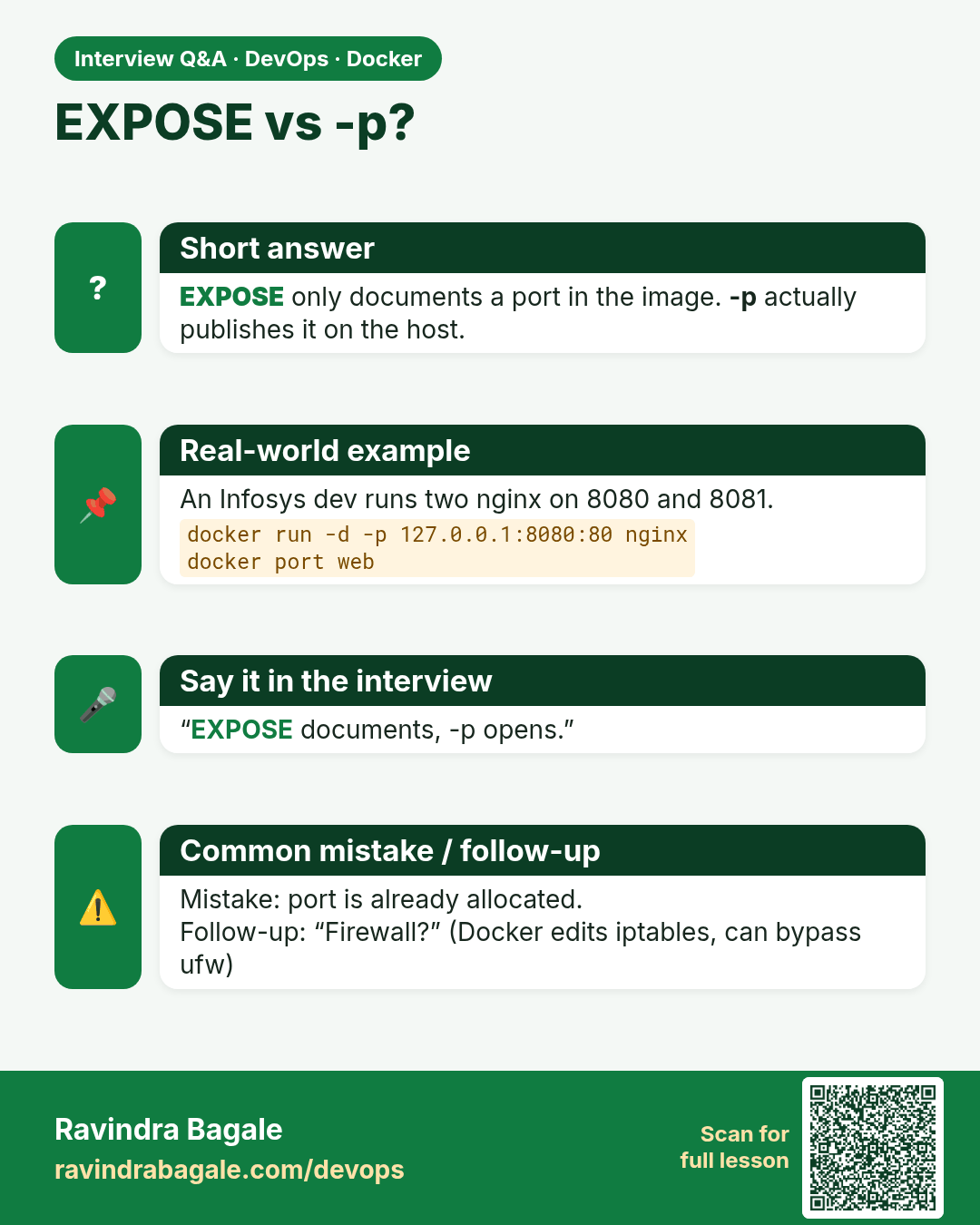
EXPOSE vs -p? EXPOSE only documents a port in the image. -p actually publishes it on the host.
Interview card 1 of 9: EXPOSE vs -p? · Download PNG · Open card page

Lesson: 51.1 Port publishing: reach a container from outside
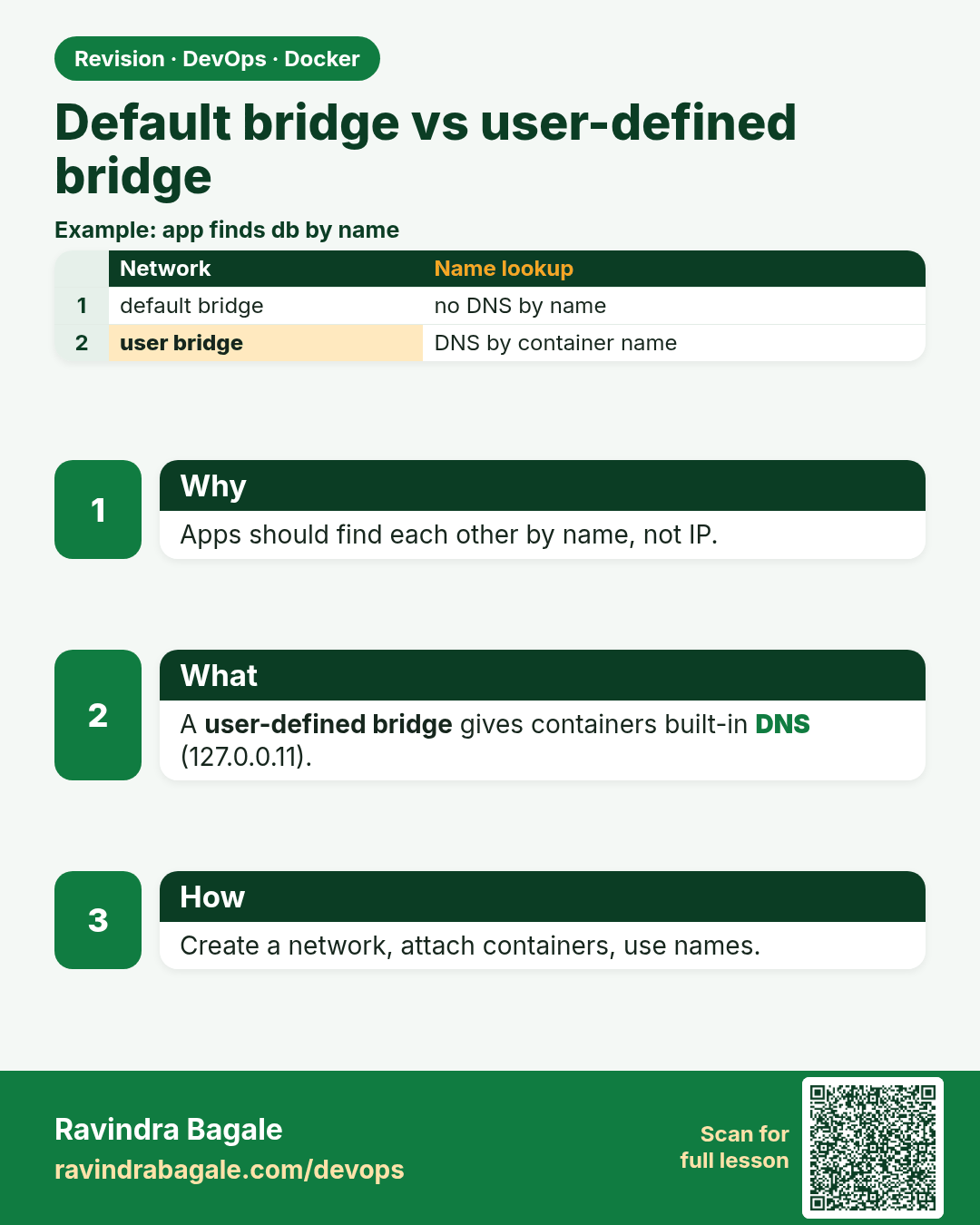
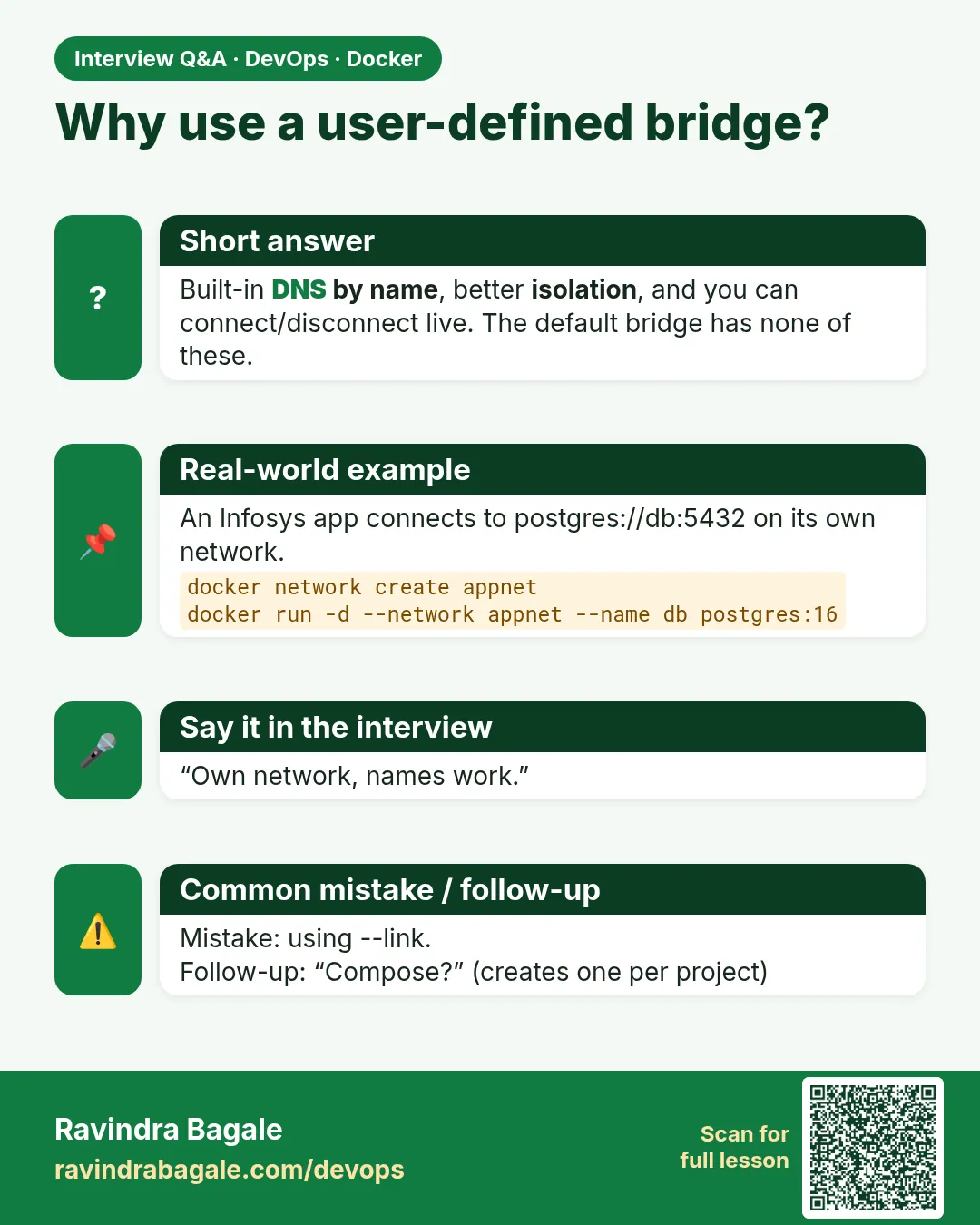
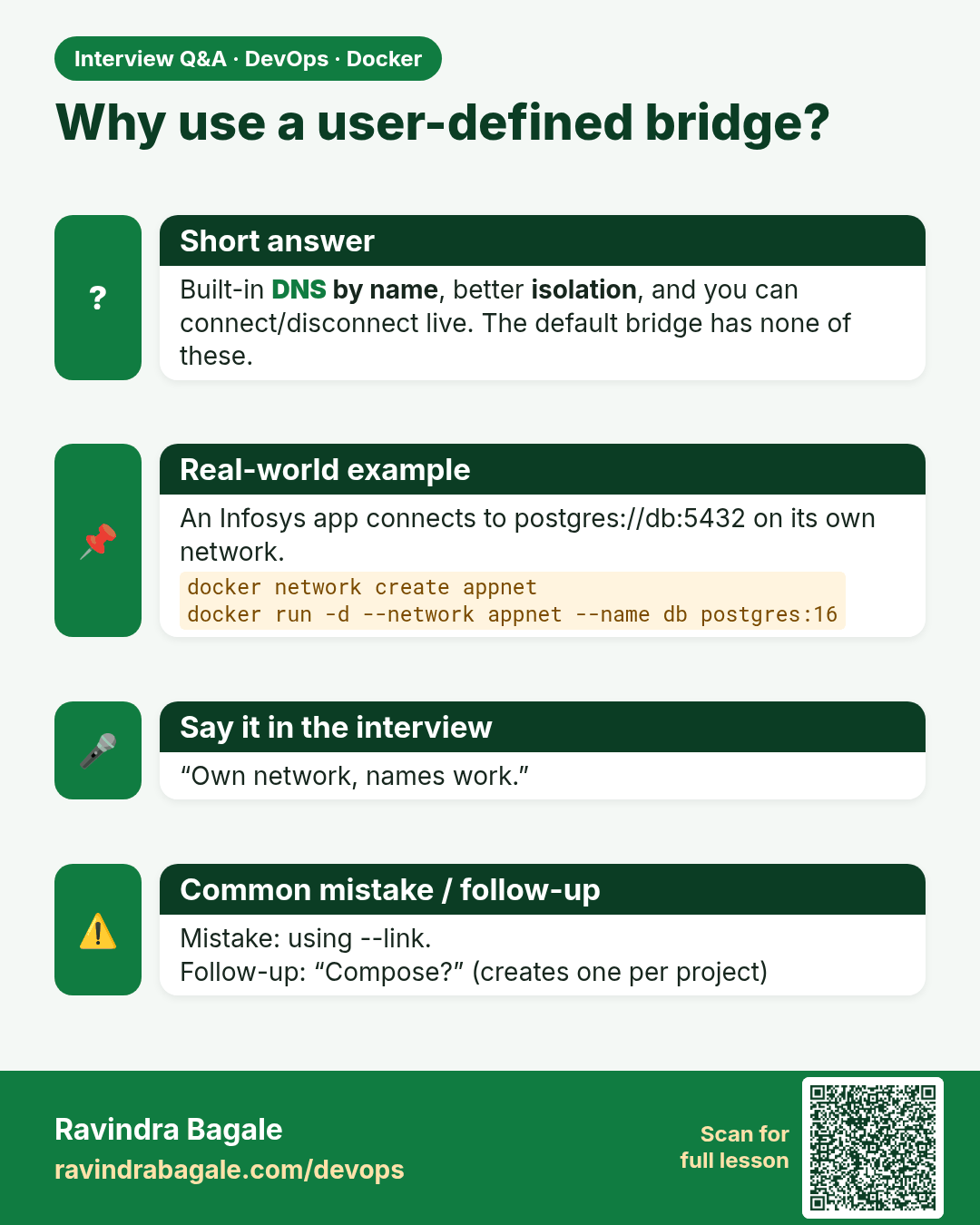
Why use a user-defined bridge? Built-in DNS by name, better isolation, and you can connect/disconnect live. The default bridge has none of these.
Interview card 2 of 9: Why use a user-defined bridge? · Download PNG · Open card page

Lesson: 51.2 Default bridge vs user-defined bridge and DNS
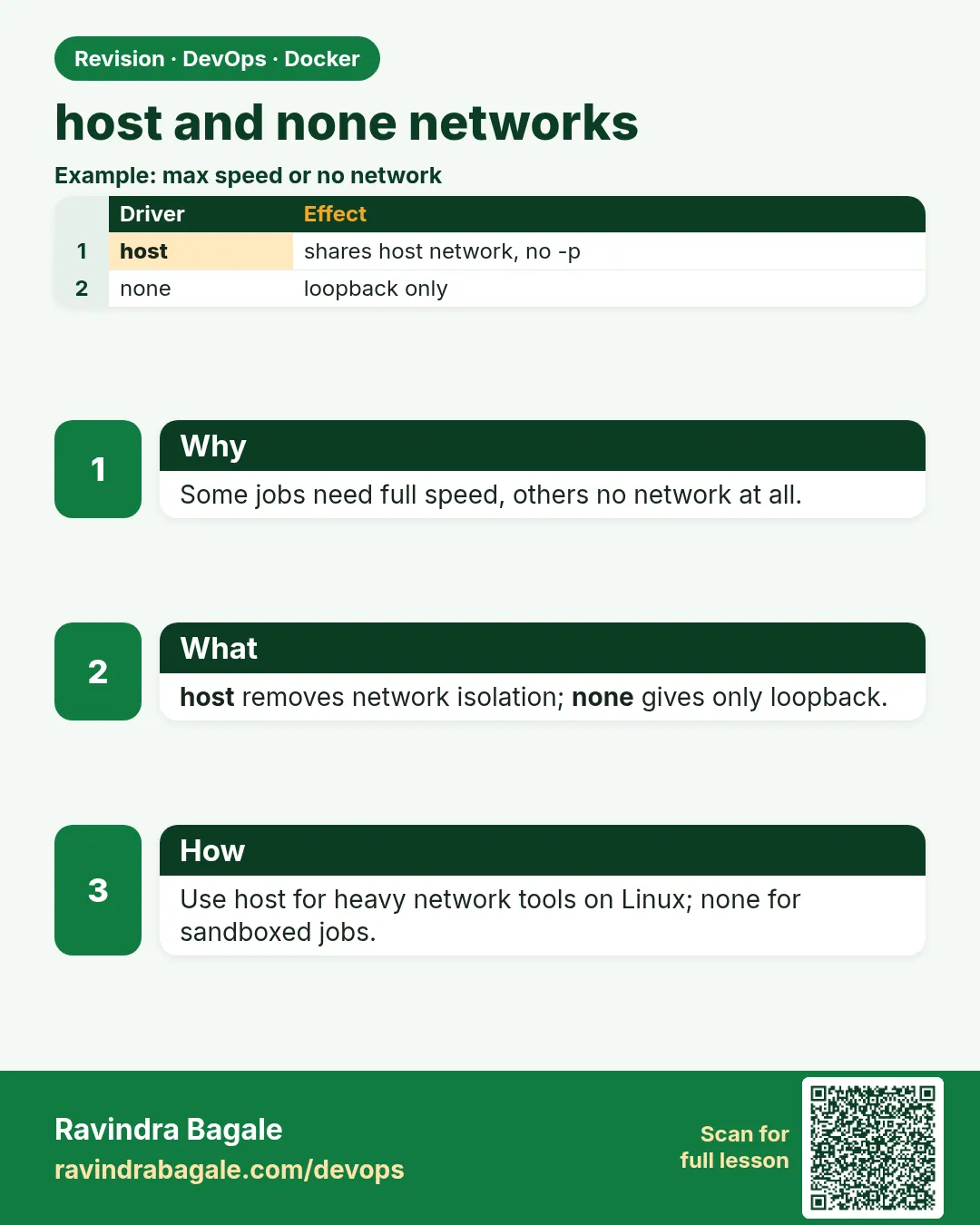
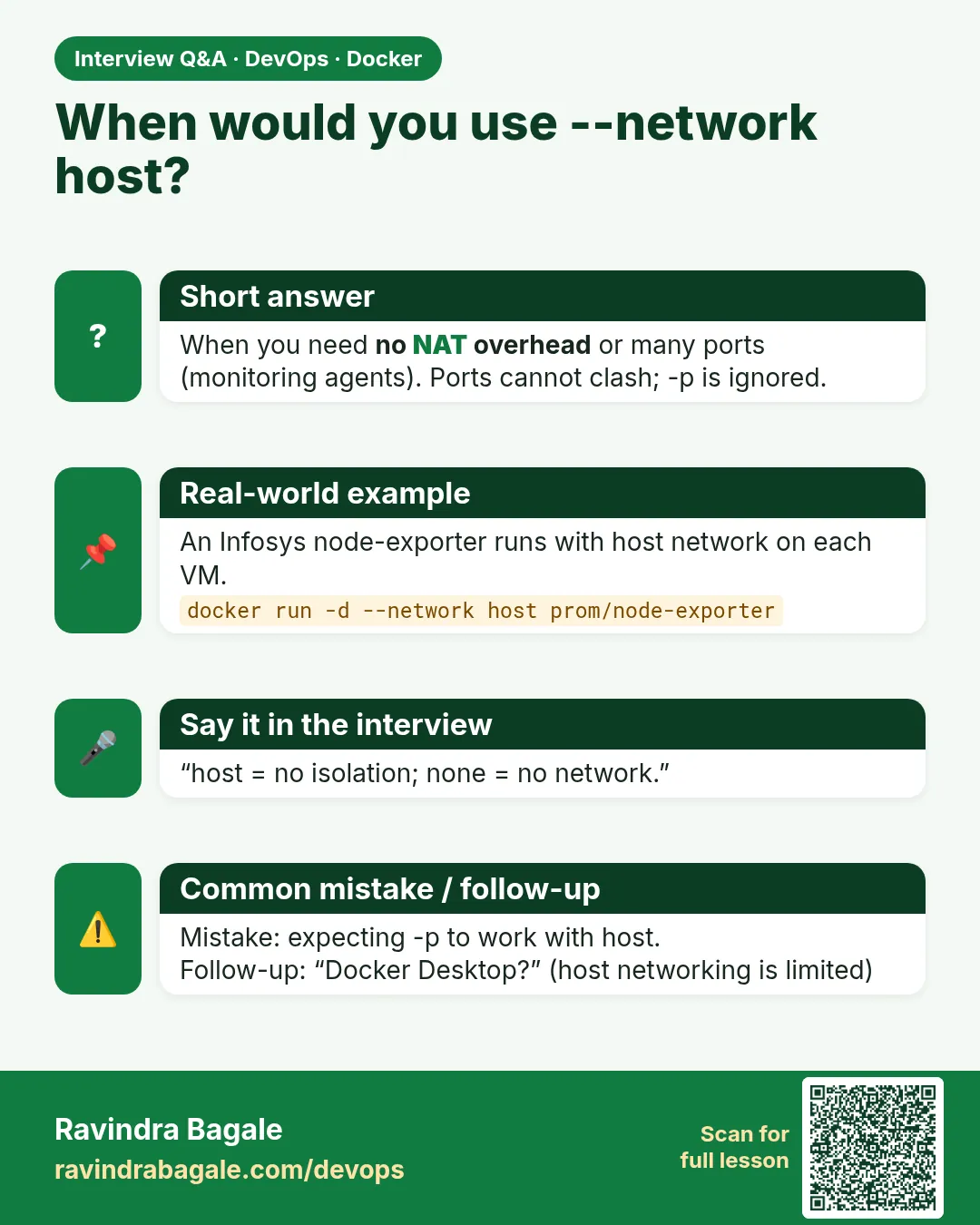
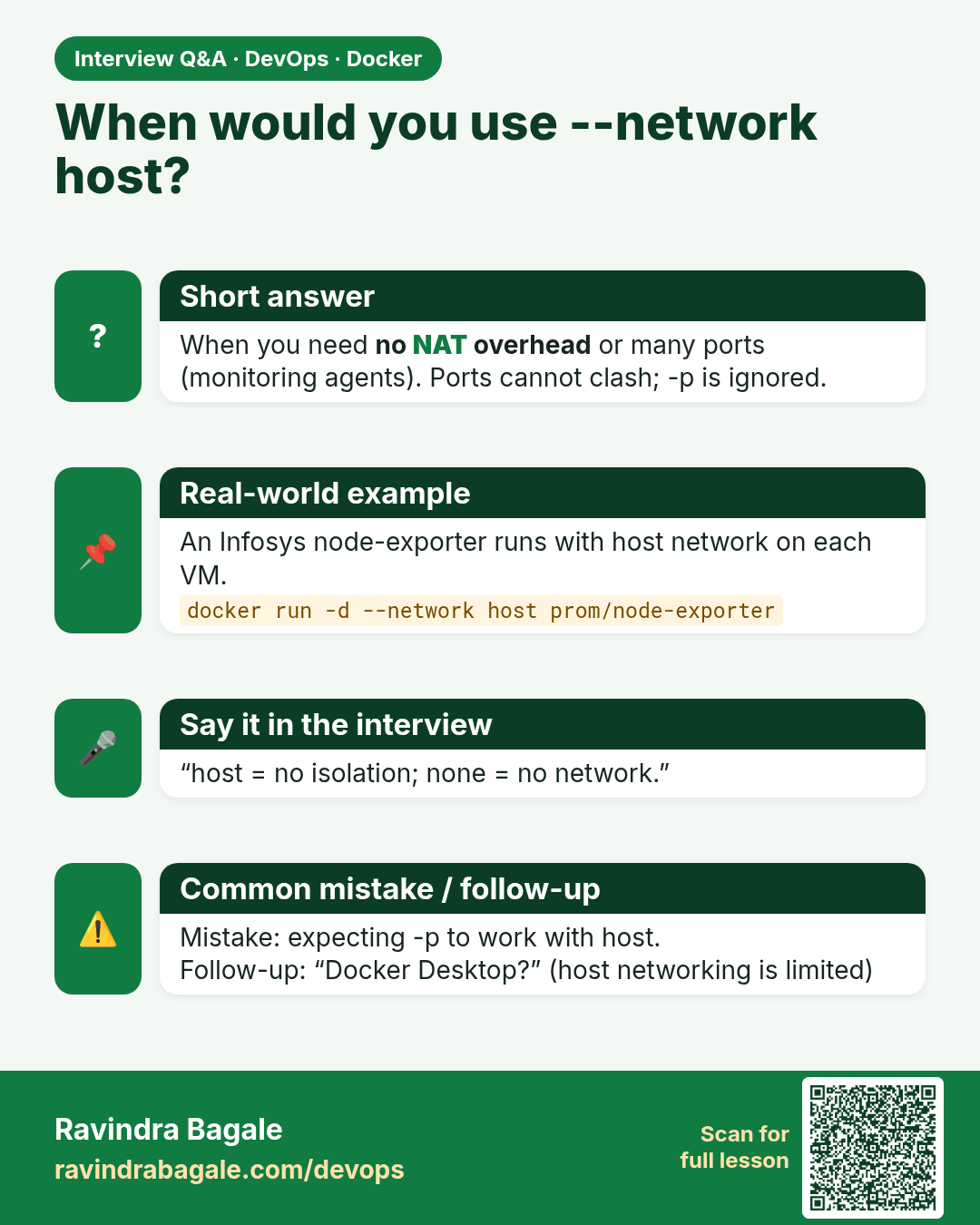
When would you use --network host? When you need no NAT overhead or many ports (monitoring agents). Ports cannot clash; -p is ignored.
Interview card 3 of 9: When would you use --network host? · Download PNG · Open card page

Lesson: 51.3 host and none networks

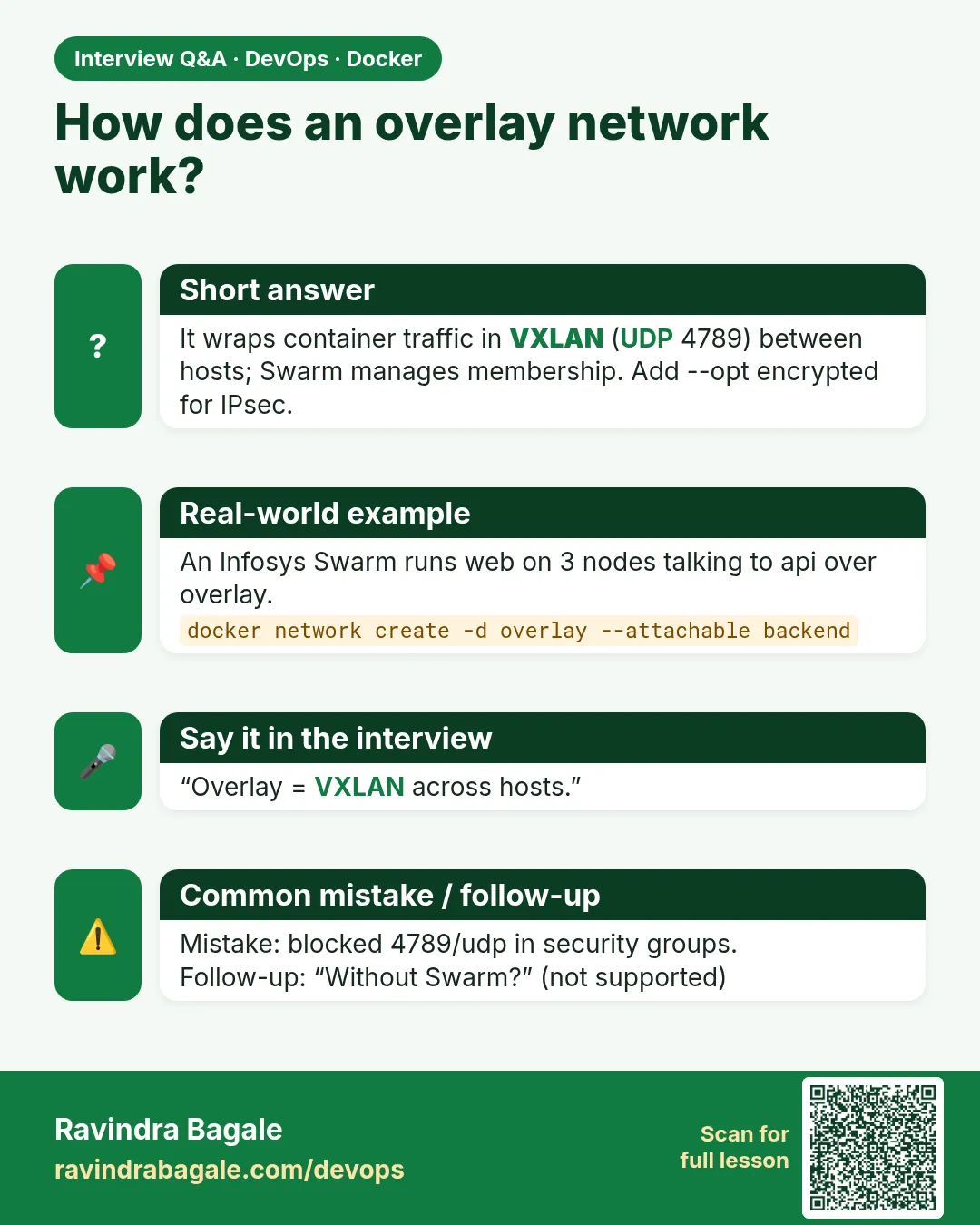
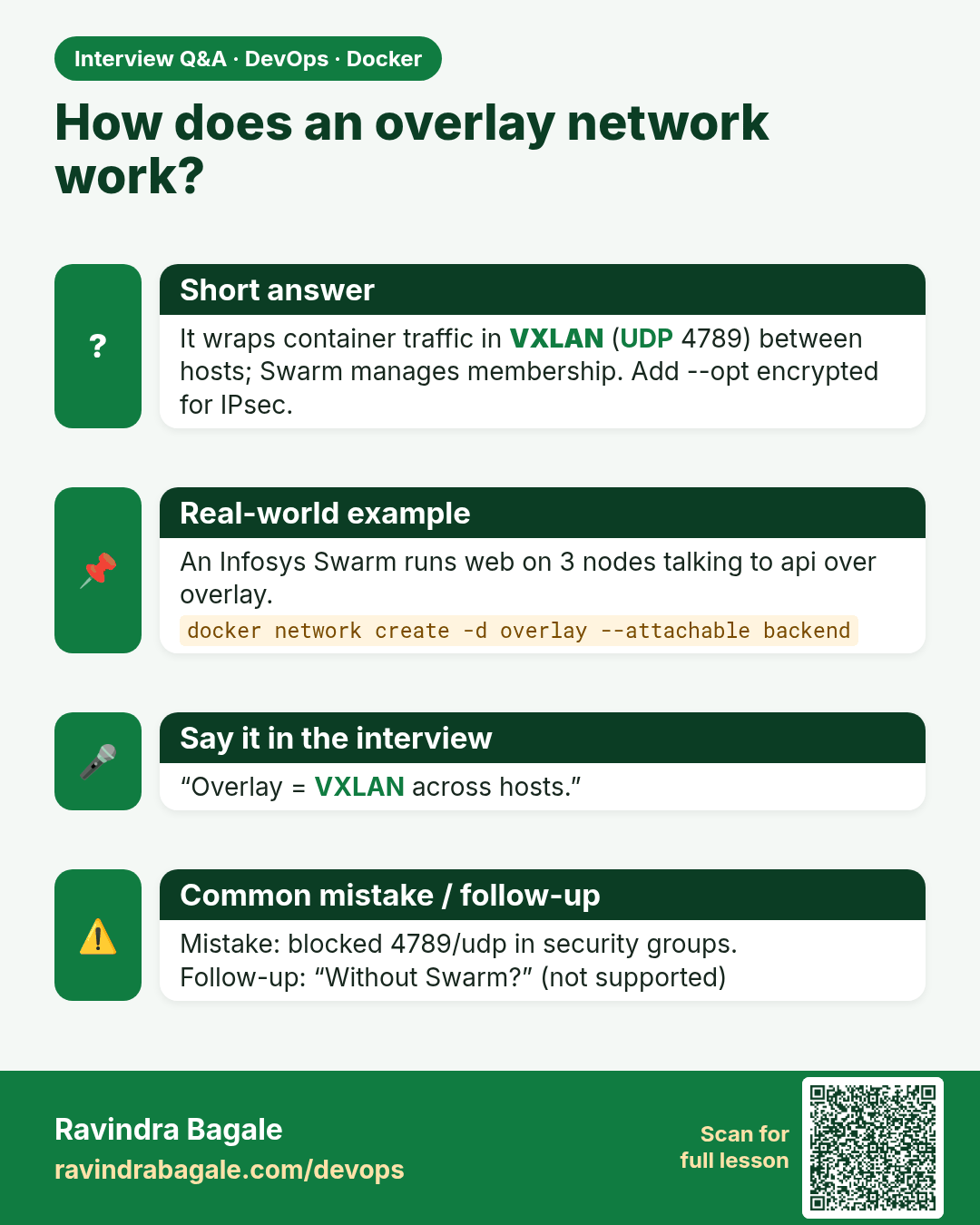
How does an overlay network work? It wraps container traffic in VXLAN (UDP 4789) between hosts; Swarm manages membership. Add --opt encrypted for IPsec.
Interview card 4 of 9: How does an overlay network work? · Download PNG · Open card page

Lesson: 51.4 Overlay networks across hosts

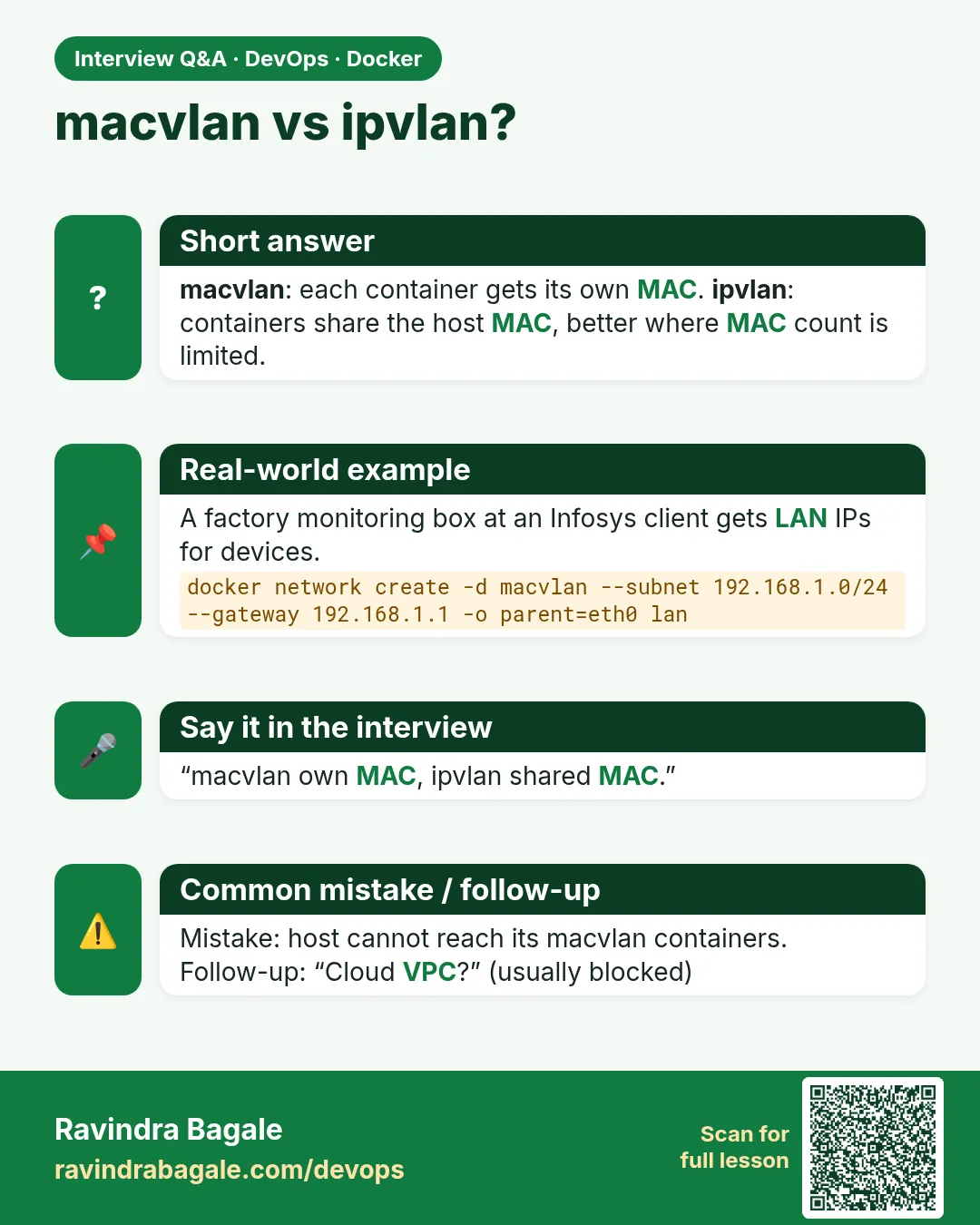
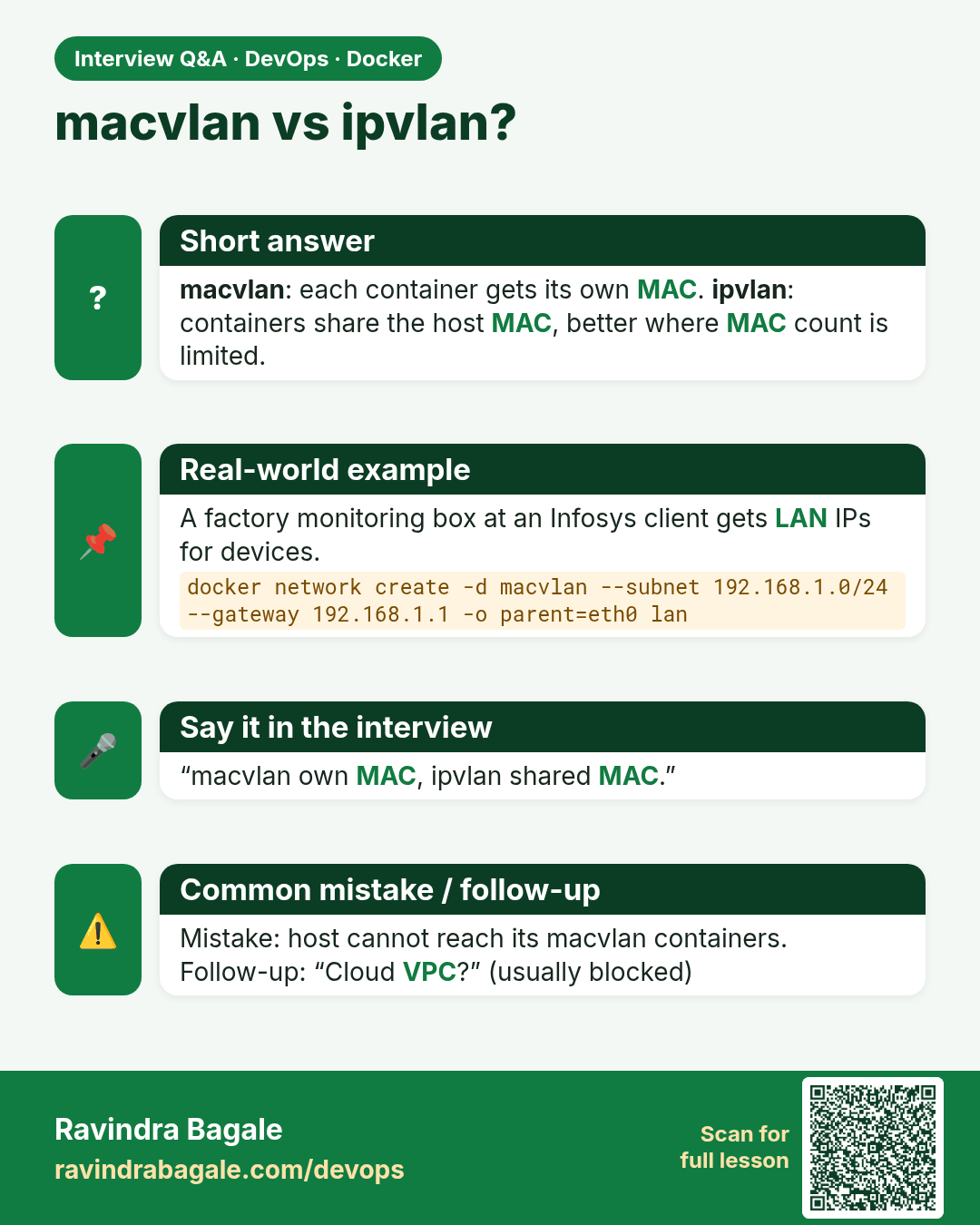
macvlan vs ipvlan? macvlan: each container gets its own MAC. ipvlan: containers share the host MAC, better where MAC count is limited.
Interview card 5 of 9: macvlan vs ipvlan? · Download PNG · Open card page

Lesson: 51.5 macvlan and ipvlan: containers on the real LAN

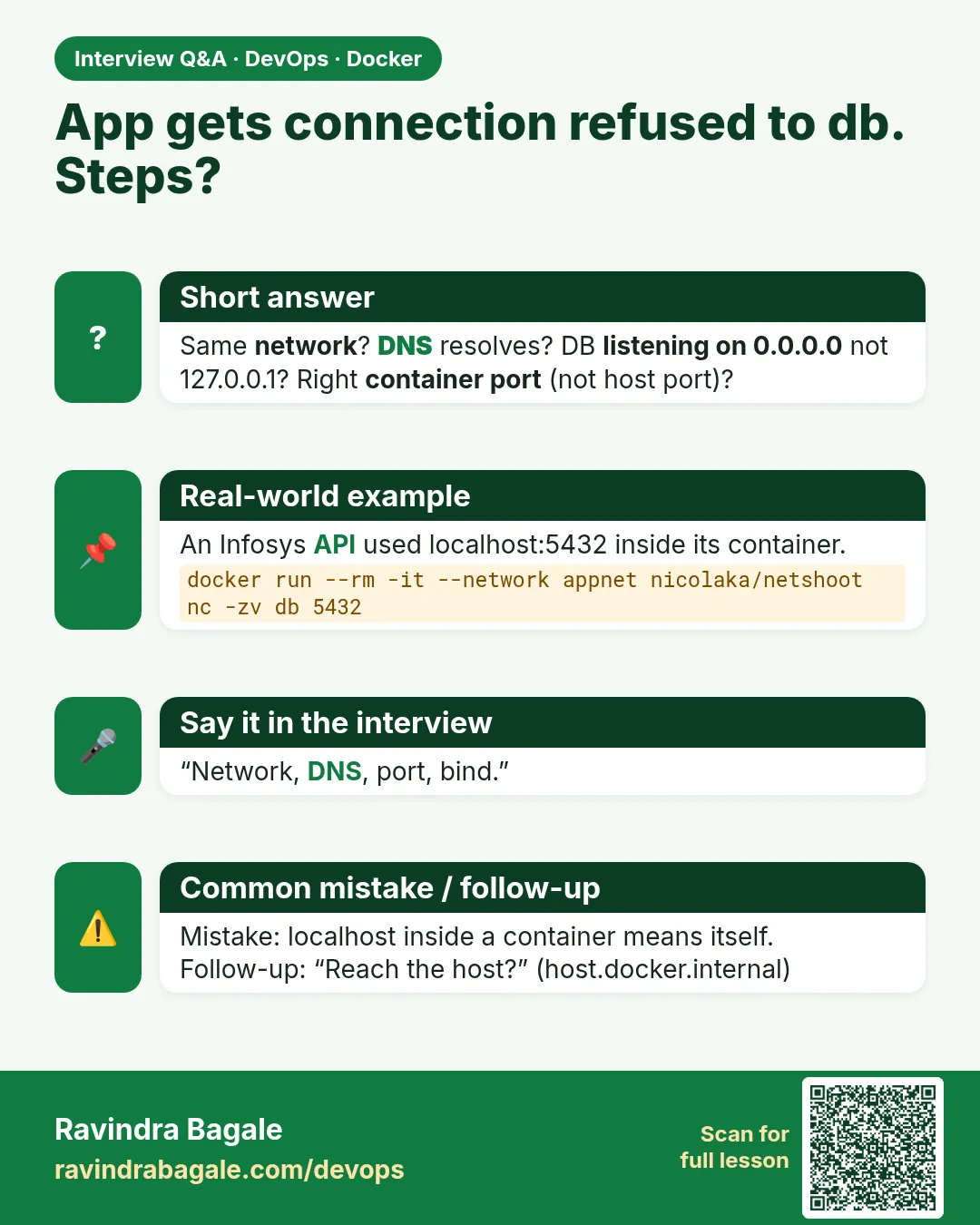
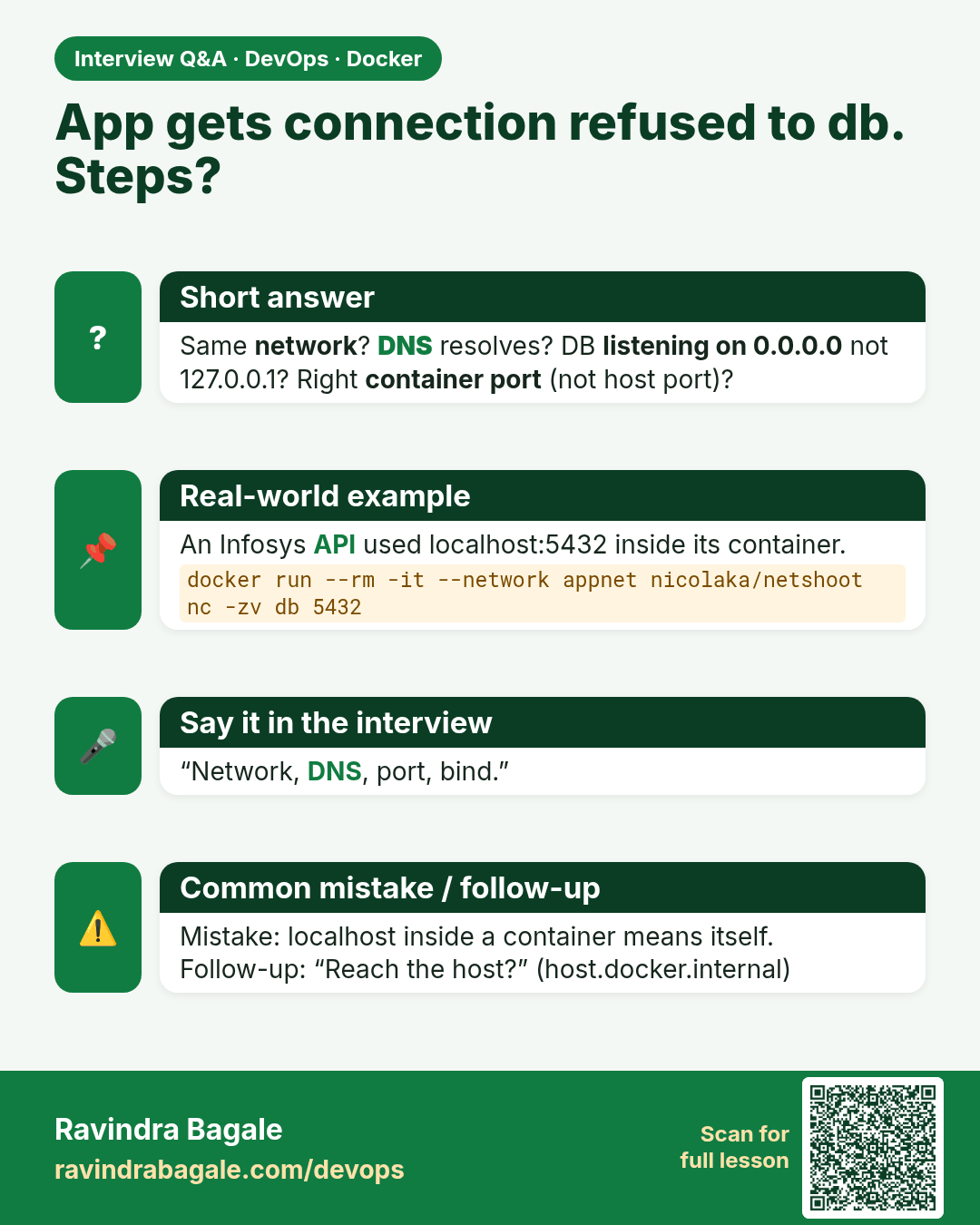
App gets connection refused to db. Steps? Same network? DNS resolves? DB listening on 0.0.0.0 not 127.0.0.1? Right container port (not host port)?
Interview card 6 of 9: App gets connection refused to db. Steps? · Download PNG · Open card page

Lesson: 51.6 Troubleshoot container networking

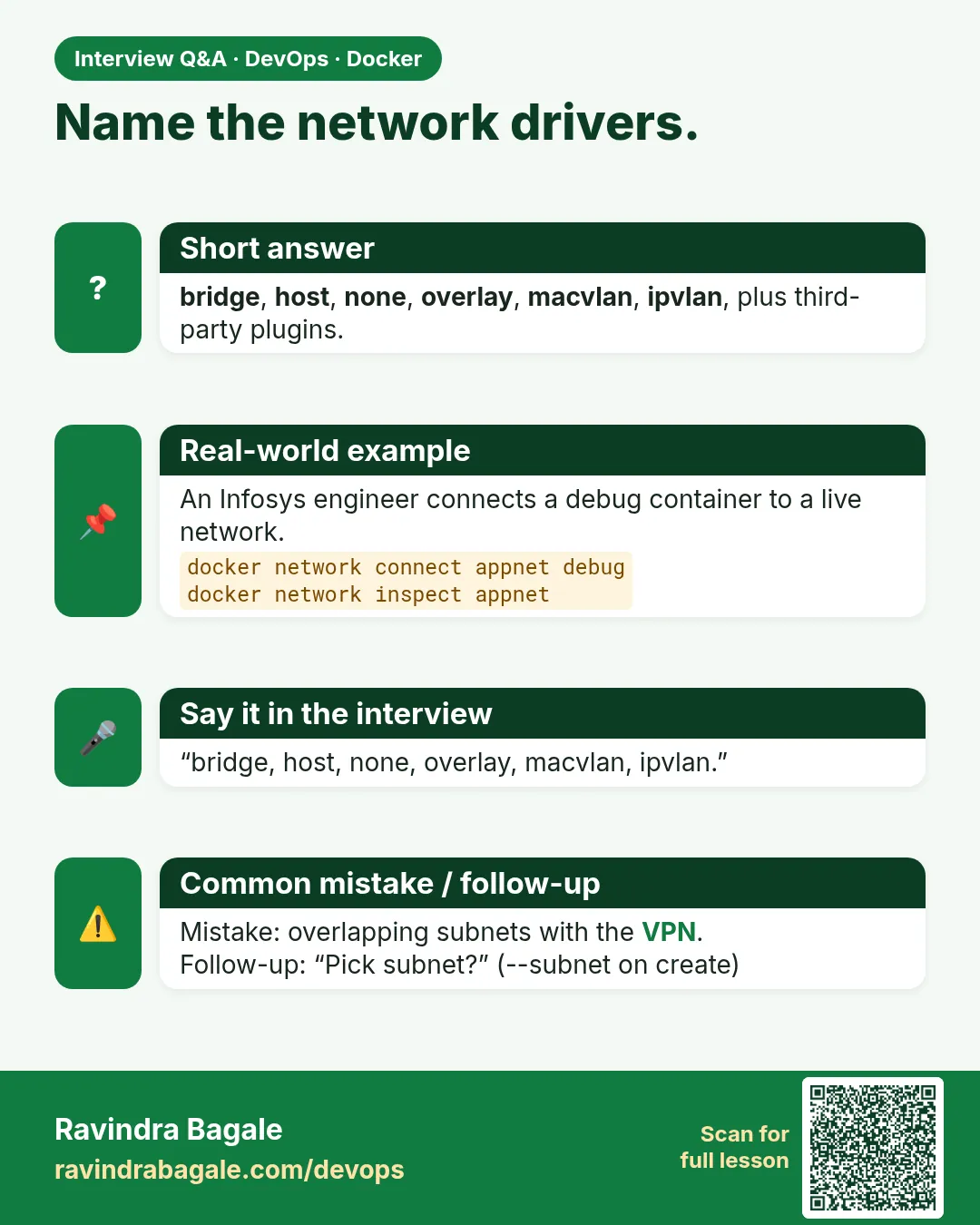
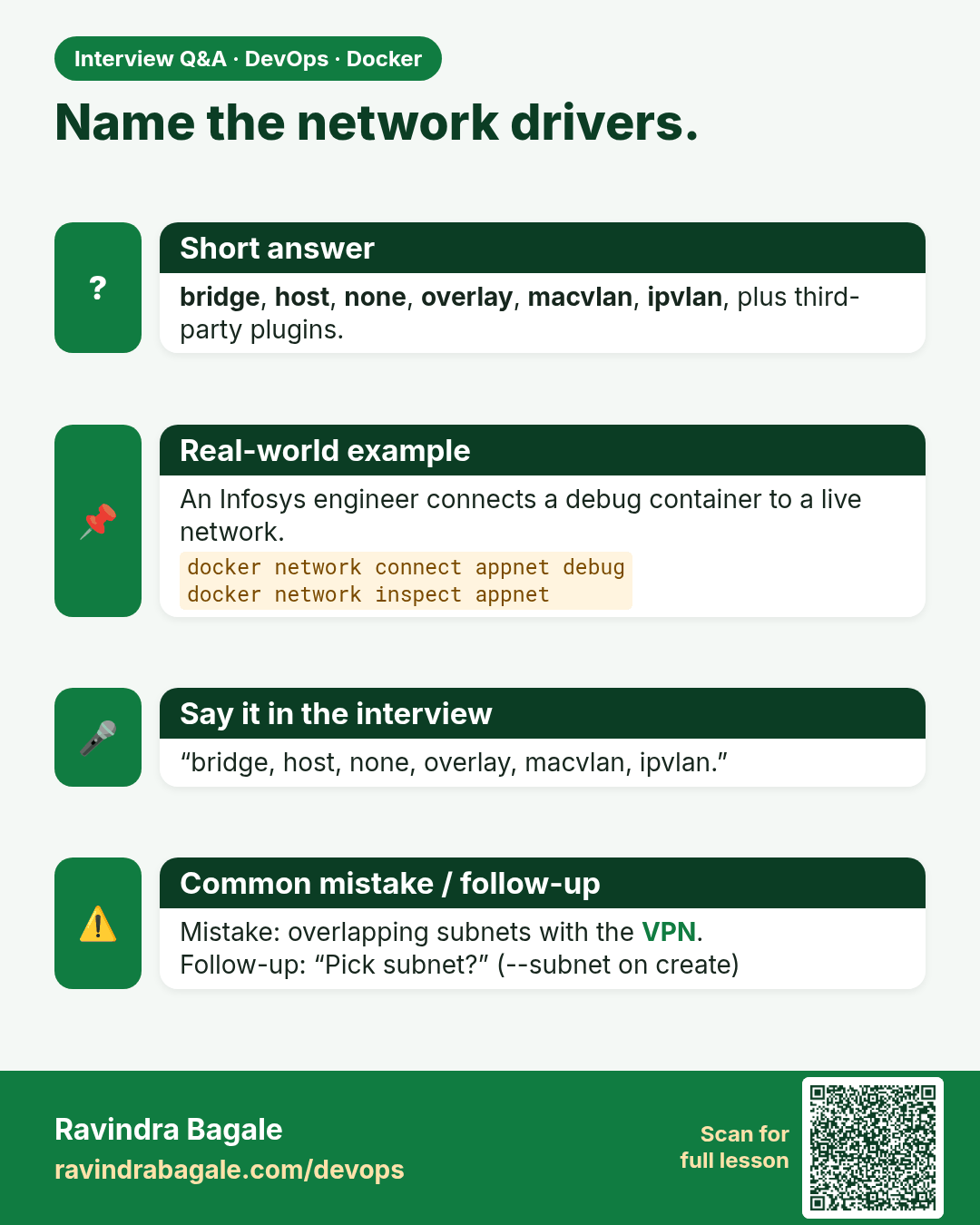
Name the network drivers. bridge, host, none, overlay, macvlan, ipvlan, plus third-party plugins.
Interview card 7 of 9: Name the network drivers. · Download PNG · Open card page

Lesson: 51.7 Every docker network command: full reference

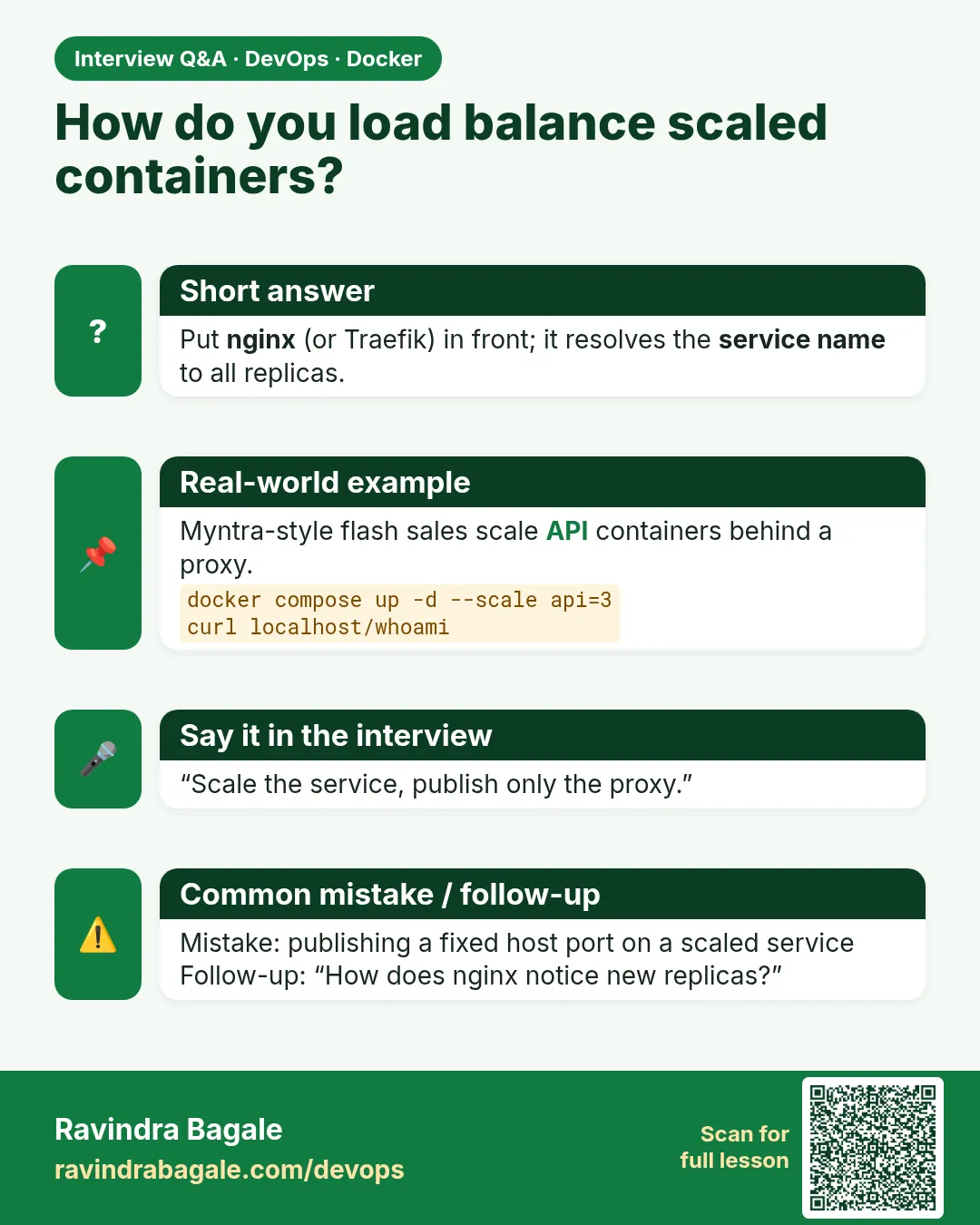
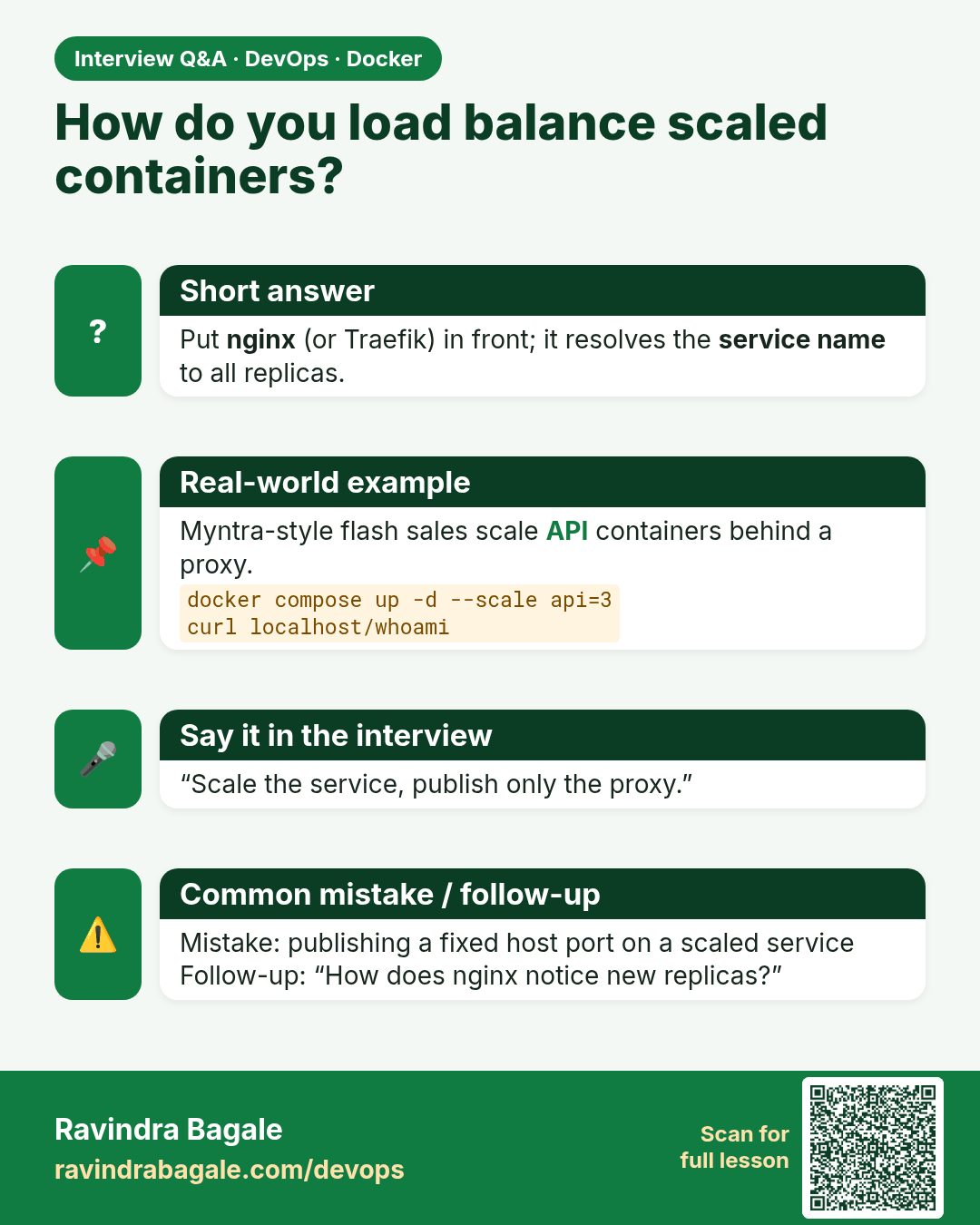
How do you load balance scaled containers? Put nginx (or Traefik) in front; it resolves the service name to all replicas.
Interview card 8 of 9: How do you load balance scaled containers? · Download PNG · Open card page

Lesson: 51.8 Load balancing with nginx across scaled containers (--scale api=3)

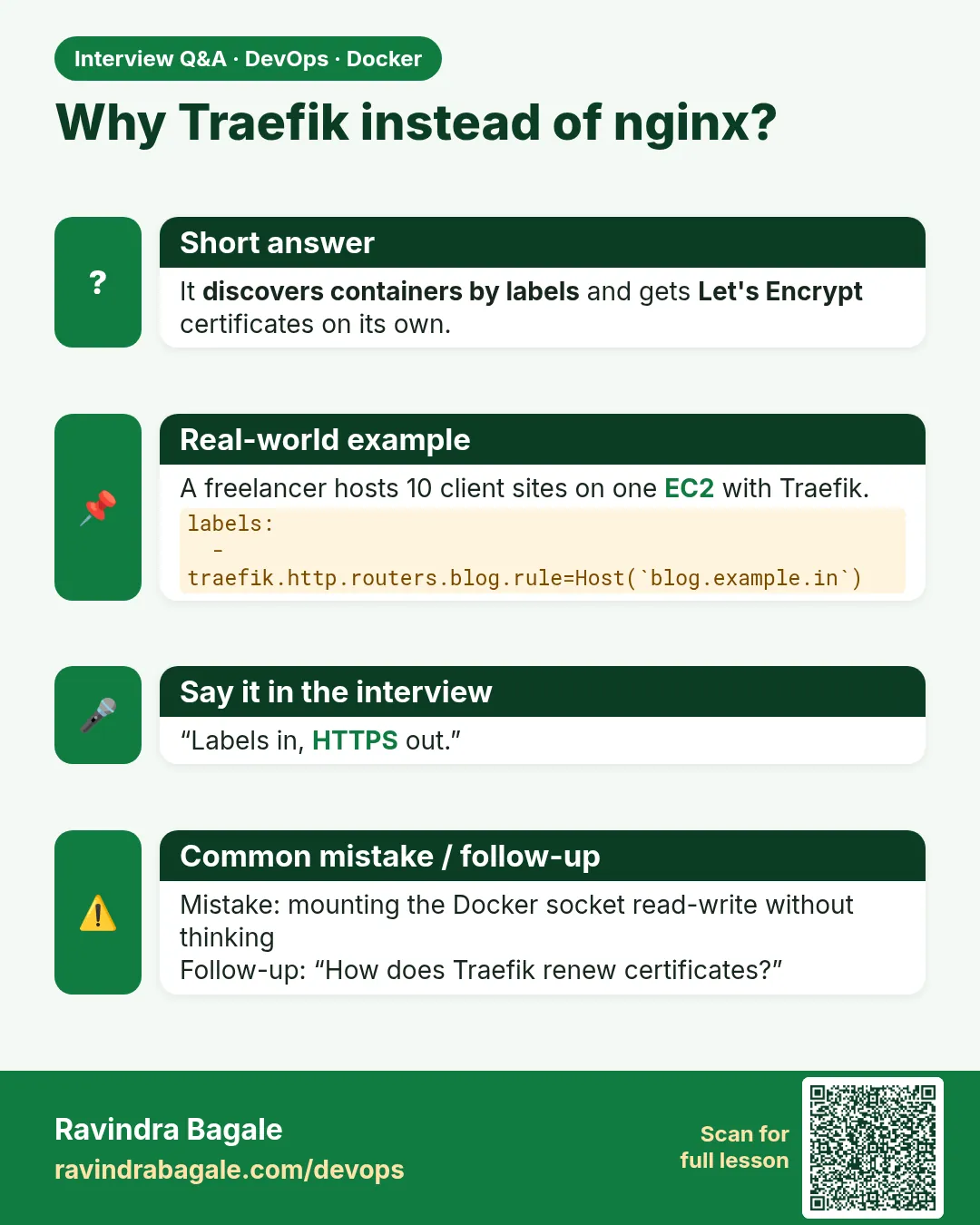
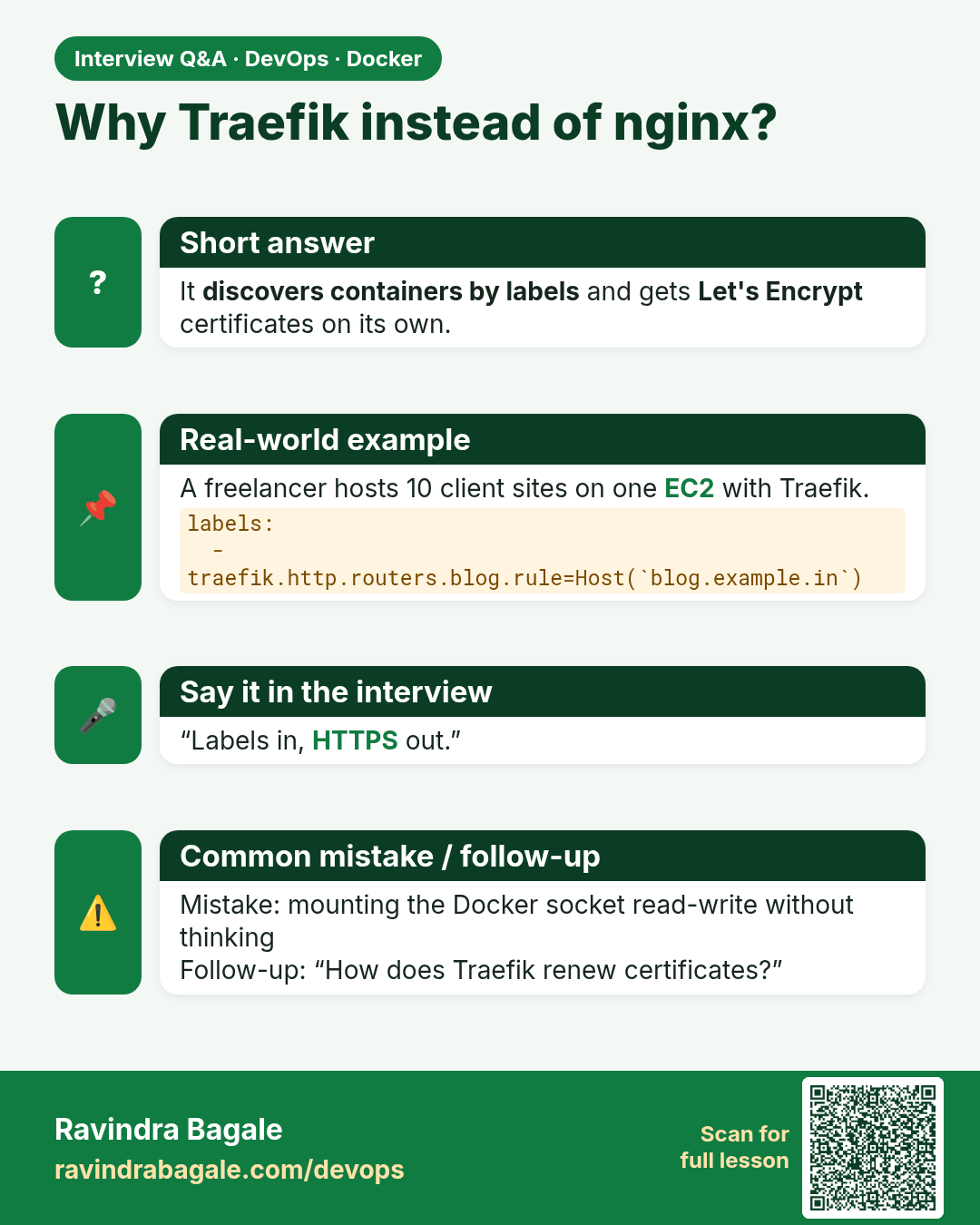
Why Traefik instead of nginx? It discovers containers by labels and gets Let's Encrypt certificates on its own.
Interview card 9 of 9: Why Traefik instead of nginx? · Download PNG · Open card page

Lesson: 51.9 Traefik: route many sites by labels with automatic HTTPS (Let's Encrypt)

Comparison cards

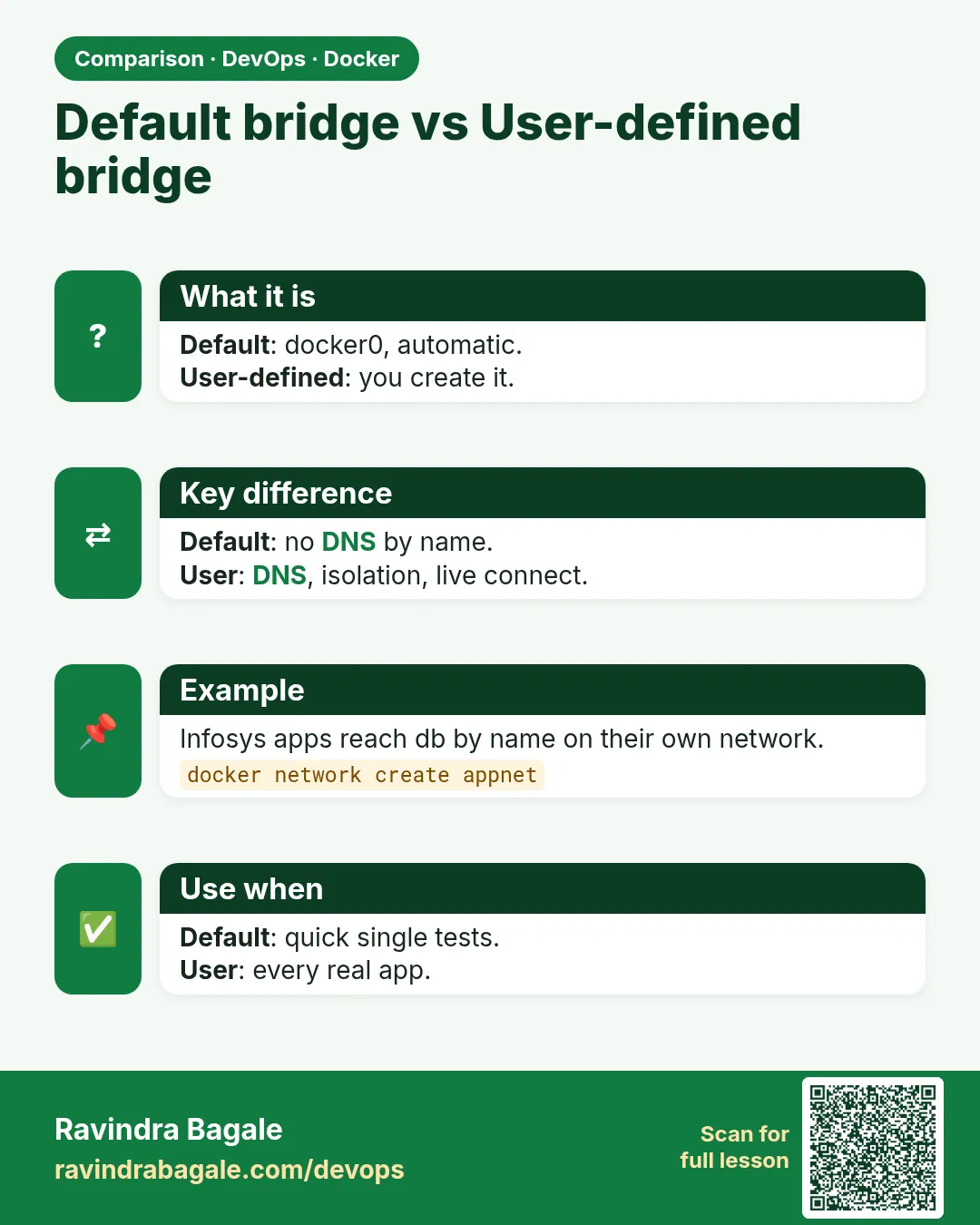
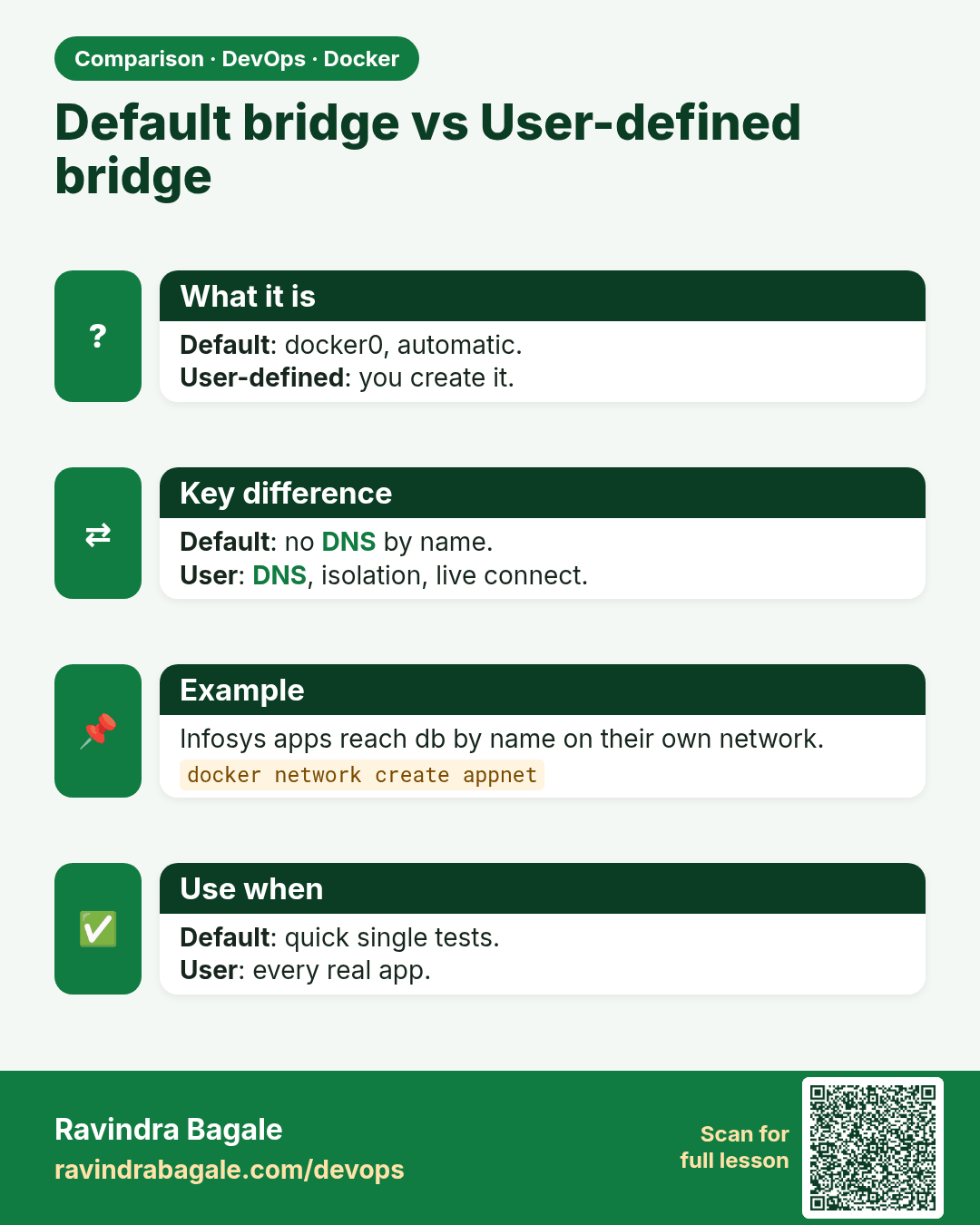
Default bridge vs User-defined bridge. Default: docker0, automatic.User-defined: you create it.
Comparison card 1 of 3: Default bridge vs User-defined bridge · Download PNG · Open card page

Lesson: 51.2 Default bridge vs user-defined bridge and DNS
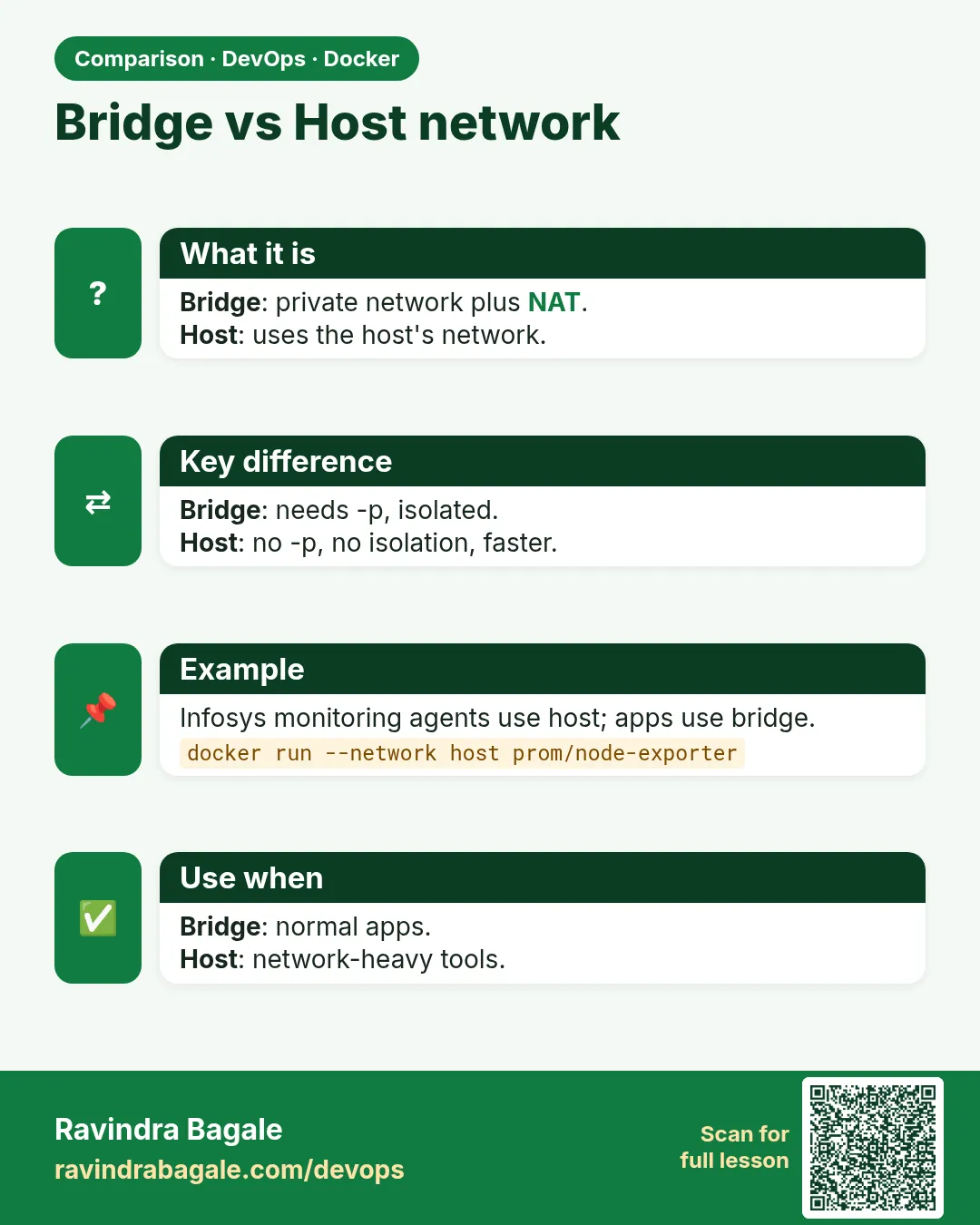
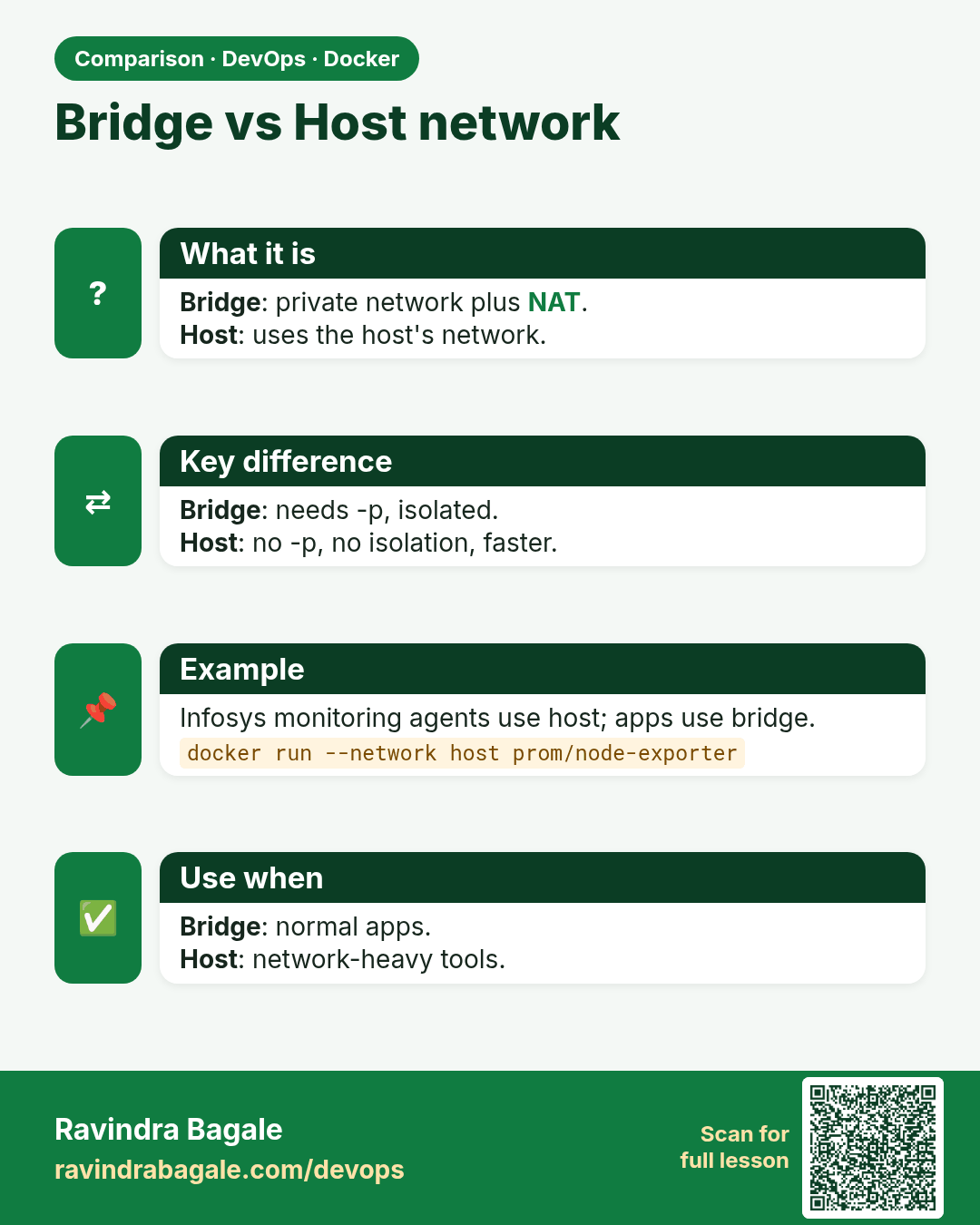
Bridge vs Host network. Bridge: private network plus NAT.Host: uses the host's network.
Comparison card 2 of 3: Bridge vs Host network · Download PNG · Open card page

Lesson: 51.3 host and none networks
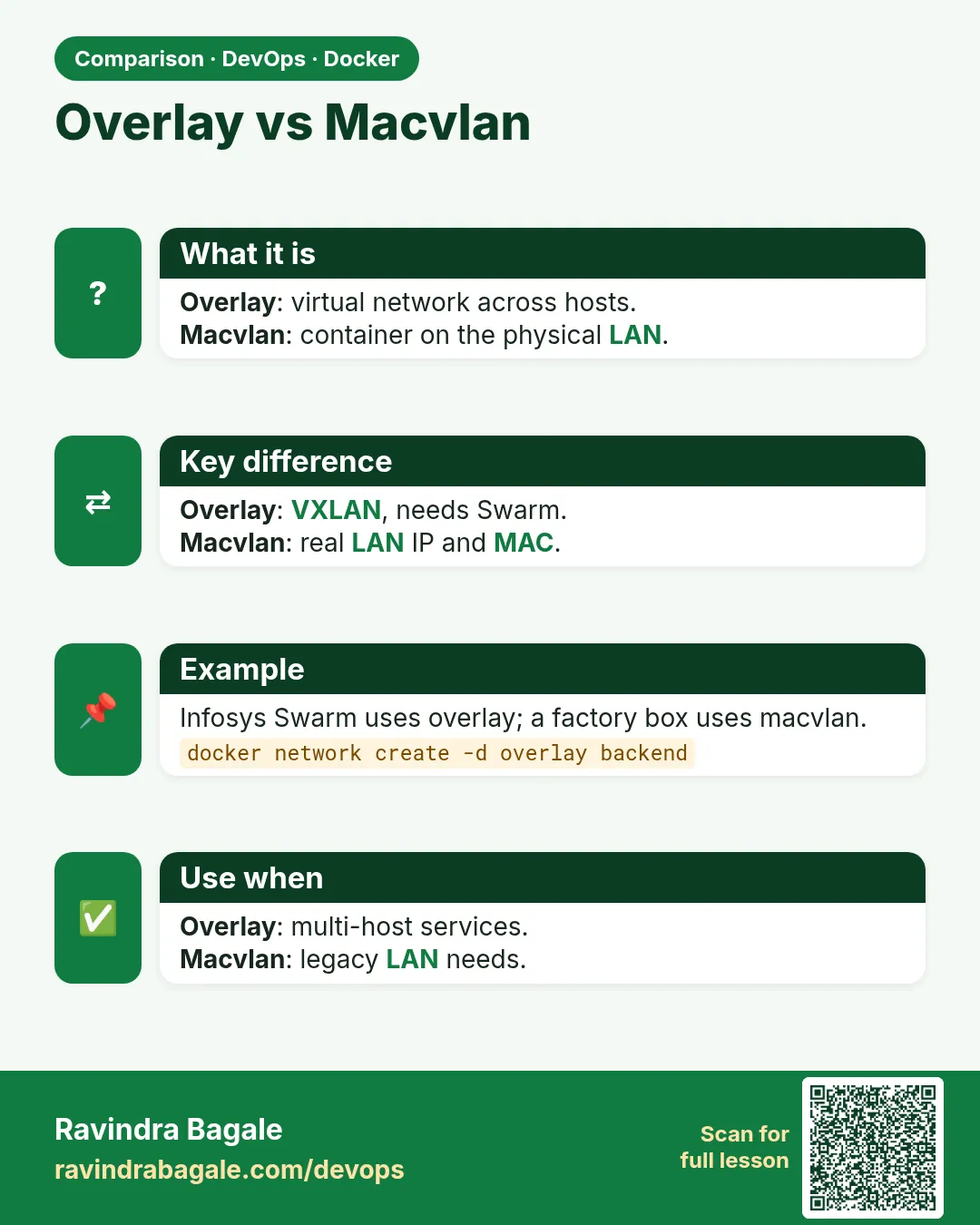
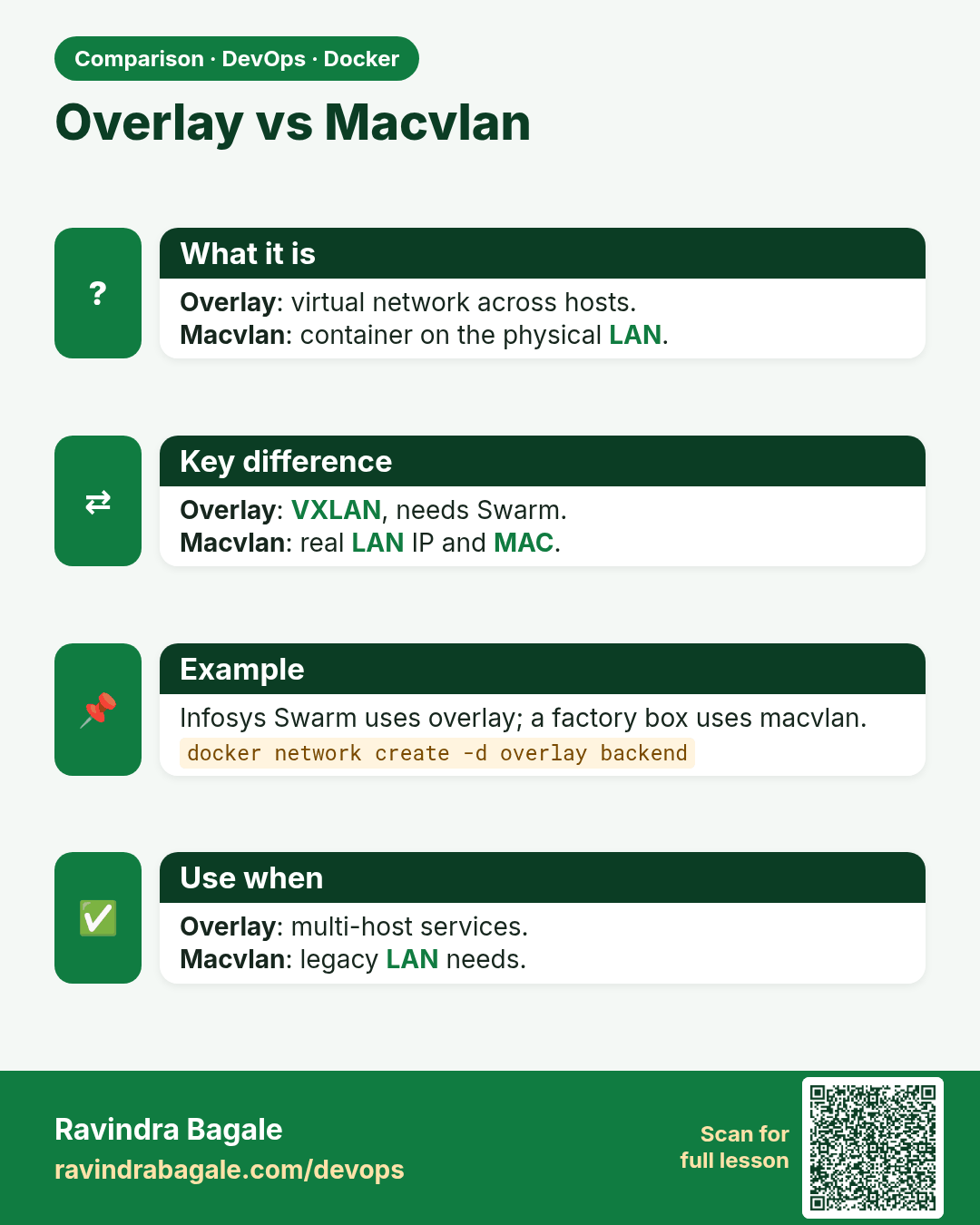
Overlay vs Macvlan. Overlay: virtual network across hosts.Macvlan: container on the physical LAN.
Comparison card 3 of 3: Overlay vs Macvlan · Download PNG · Open card page

Lesson: 51.4 Overlay networks across hosts