Revision cards
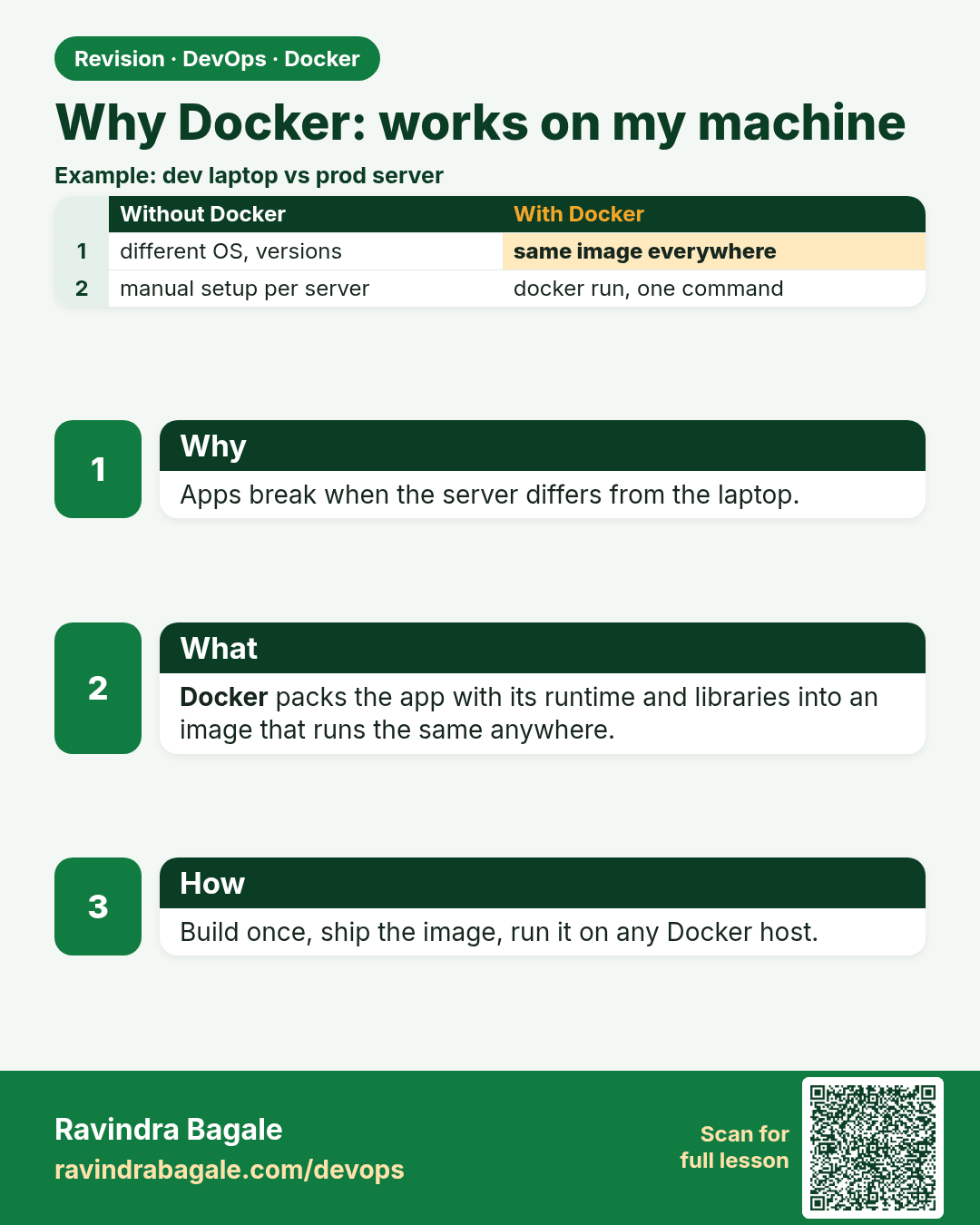
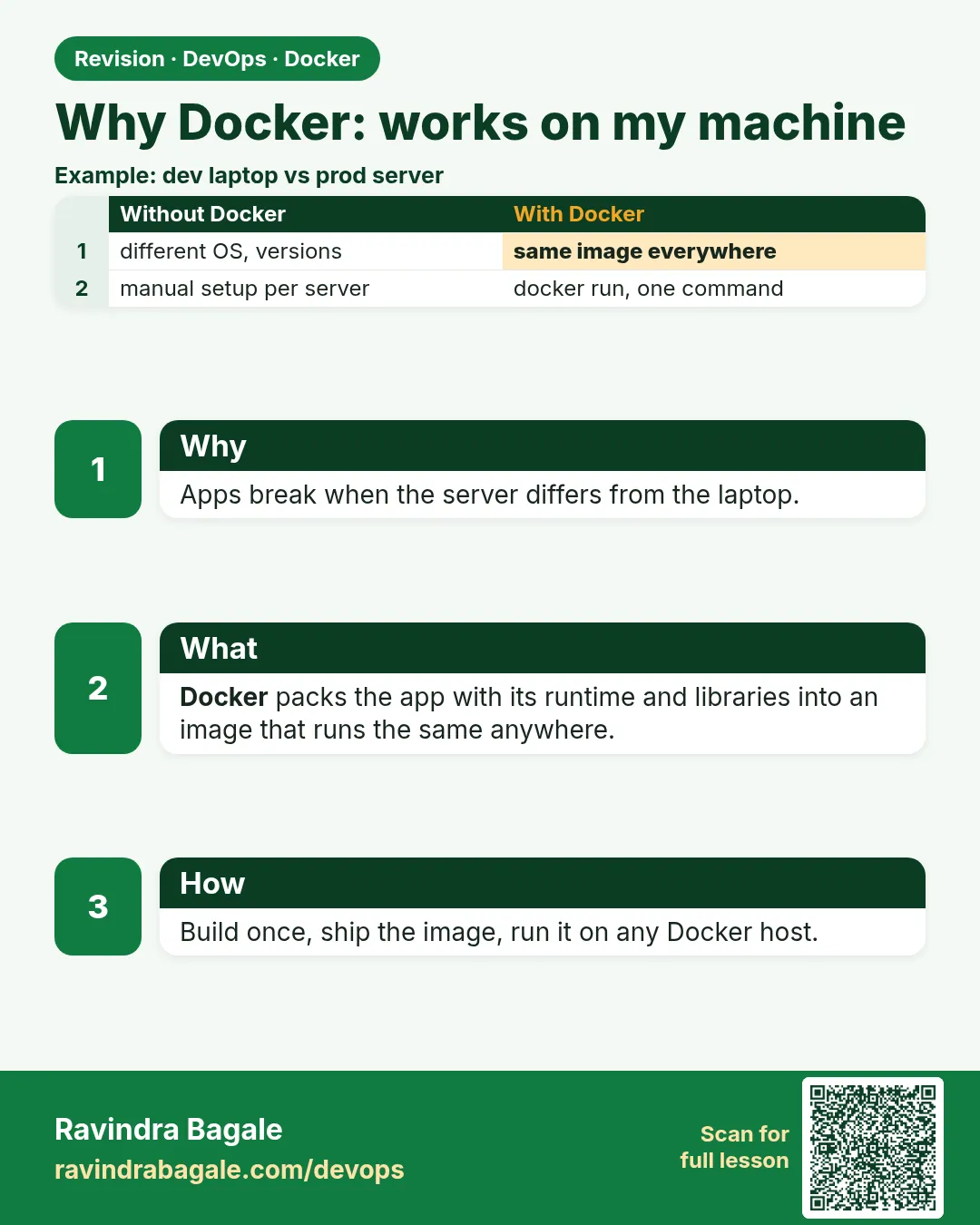 Revision card 1 of 15: Why Docker: works on my machine · Download PNG · Open card page
Lesson: 47.1 Why Docker: works on my machine, devs vs ops
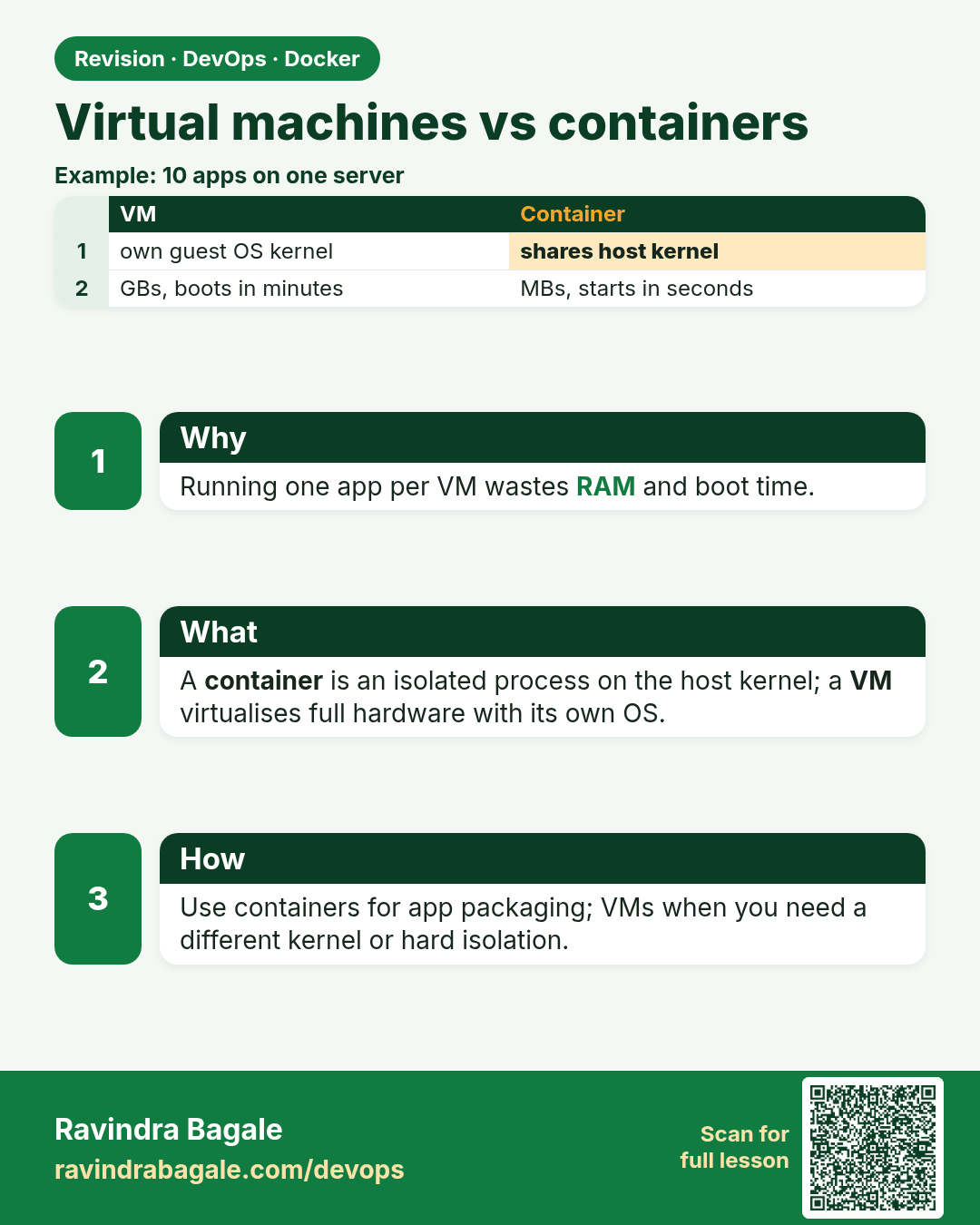
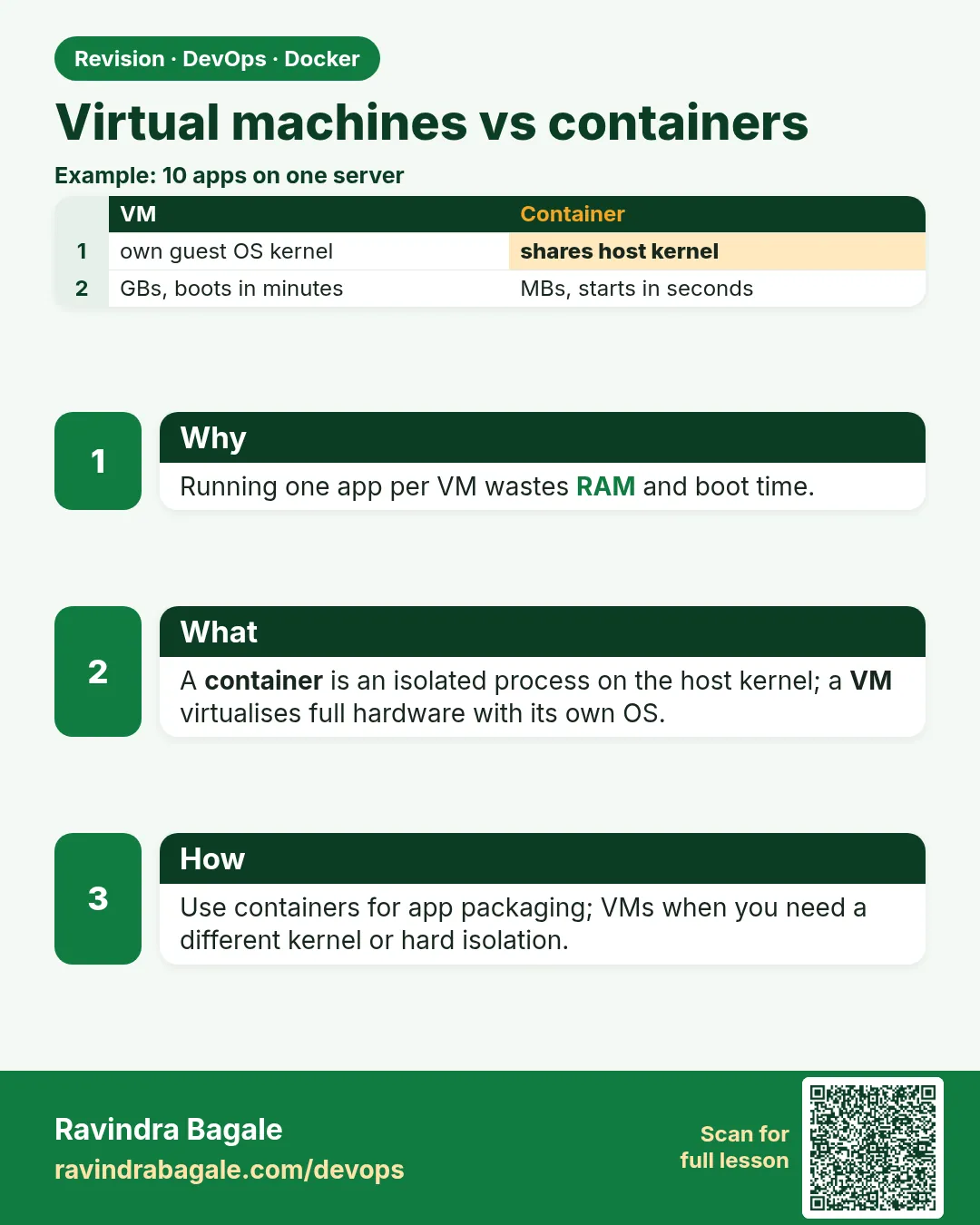 Revision card 2 of 15: Virtual machines vs containers · Download PNG · Open card page
Lesson: 47.2 Virtual machines vs containers
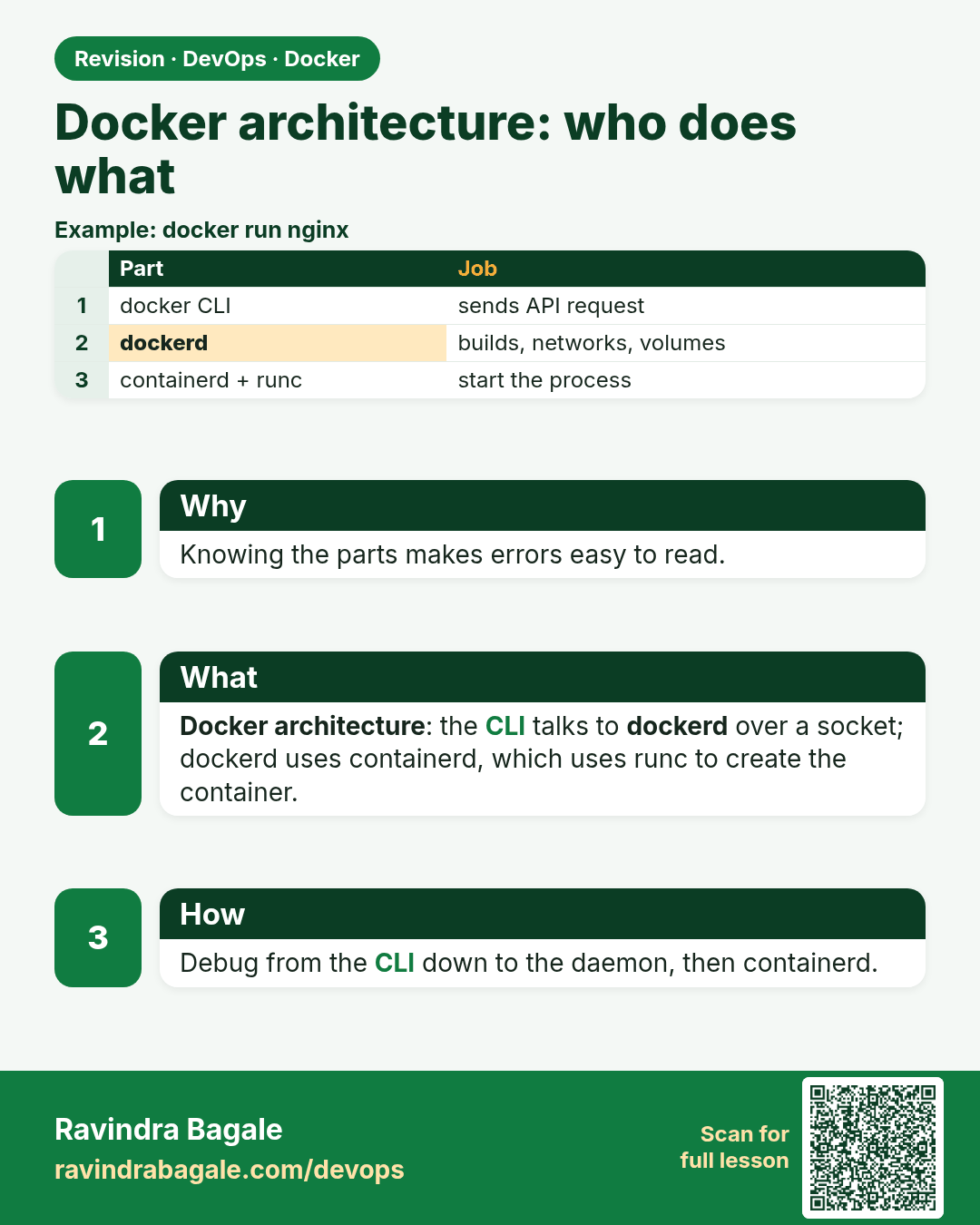
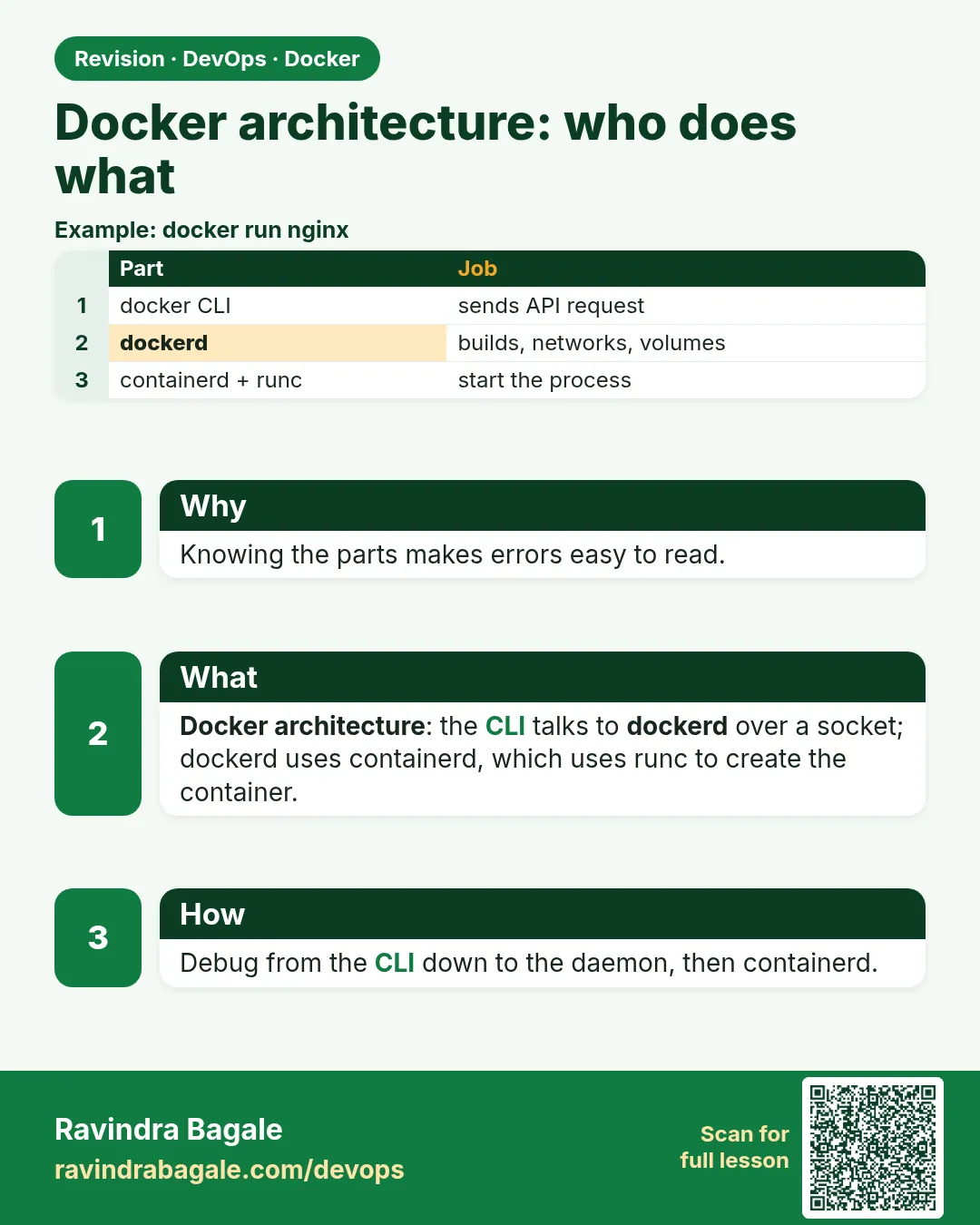 Revision card 3 of 15: Docker architecture: who does what · Download PNG · Open card page
Lesson: 47.3 Docker architecture: client, daemon, containerd, runc, registry
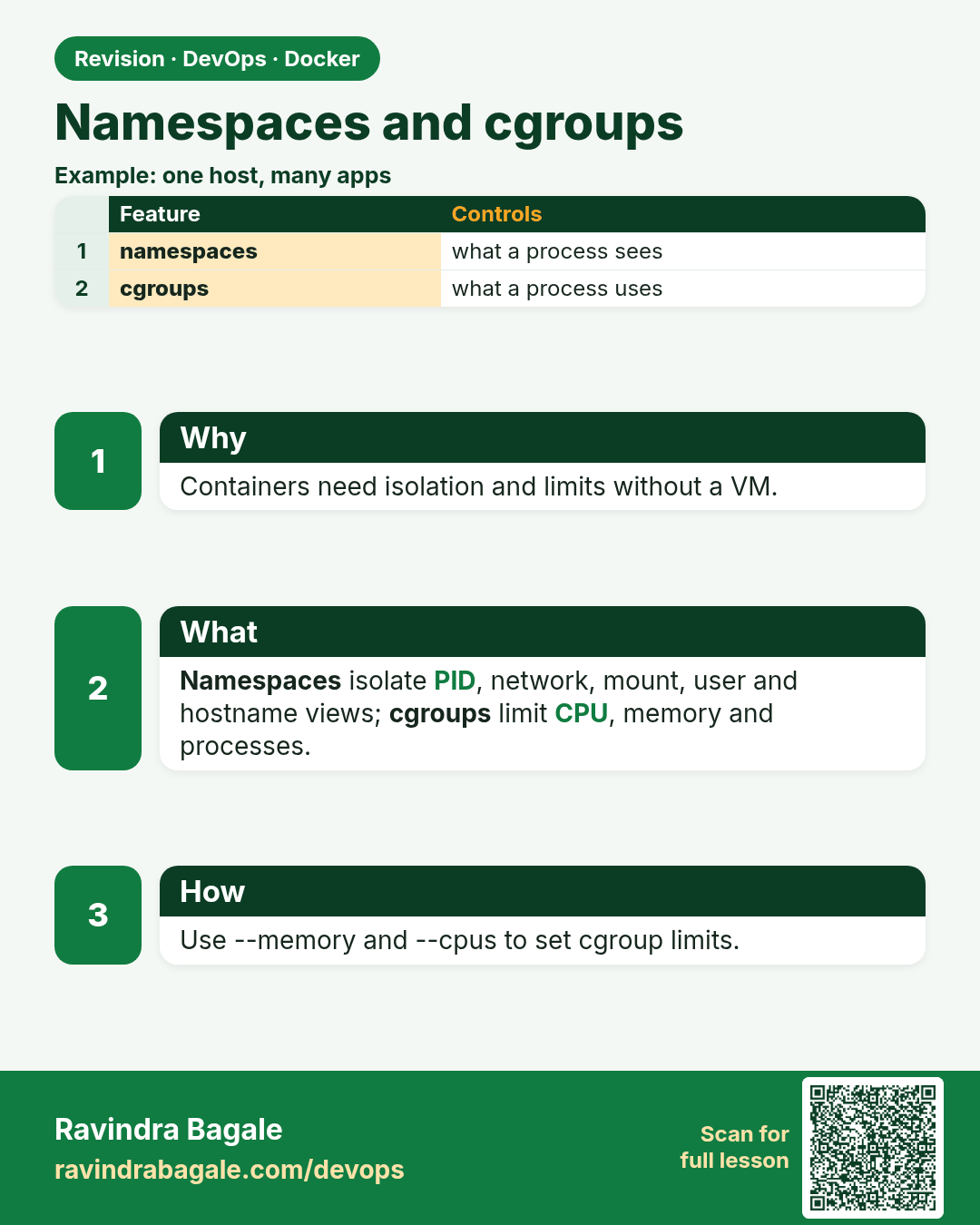
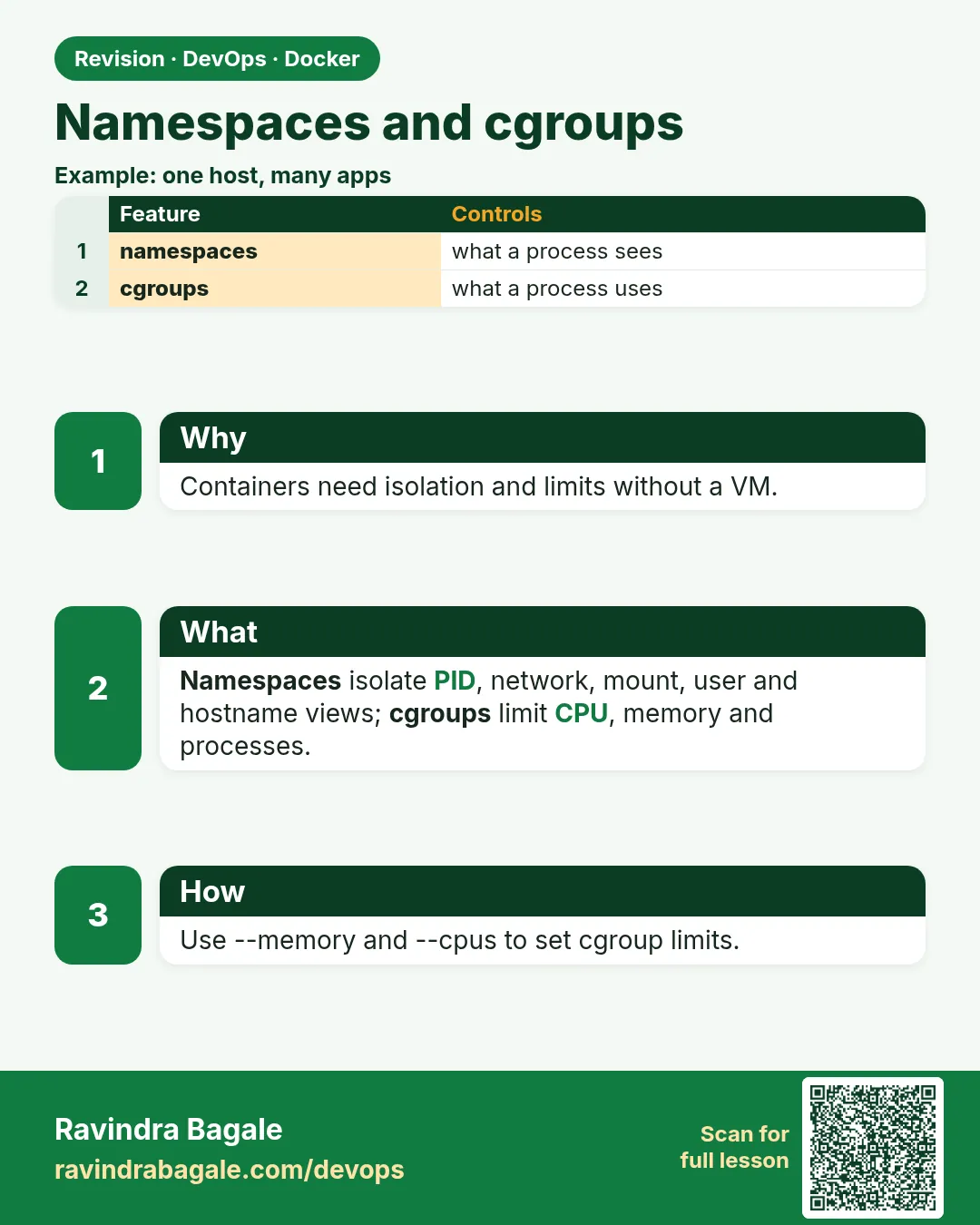 Revision card 4 of 15: Namespaces and cgroups · Download PNG · Open card page
Lesson: 47.4 Namespaces and cgroups: how isolation really works
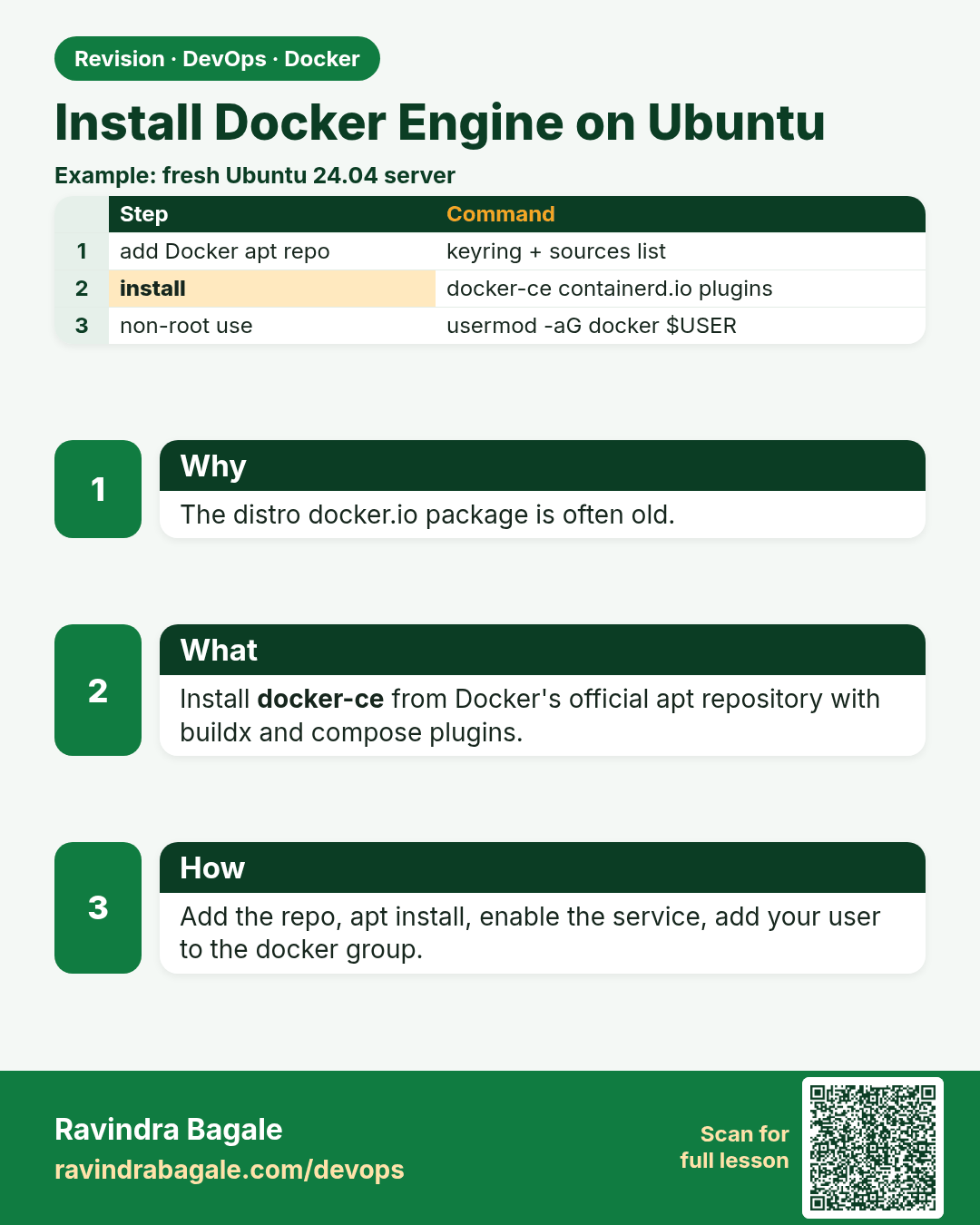
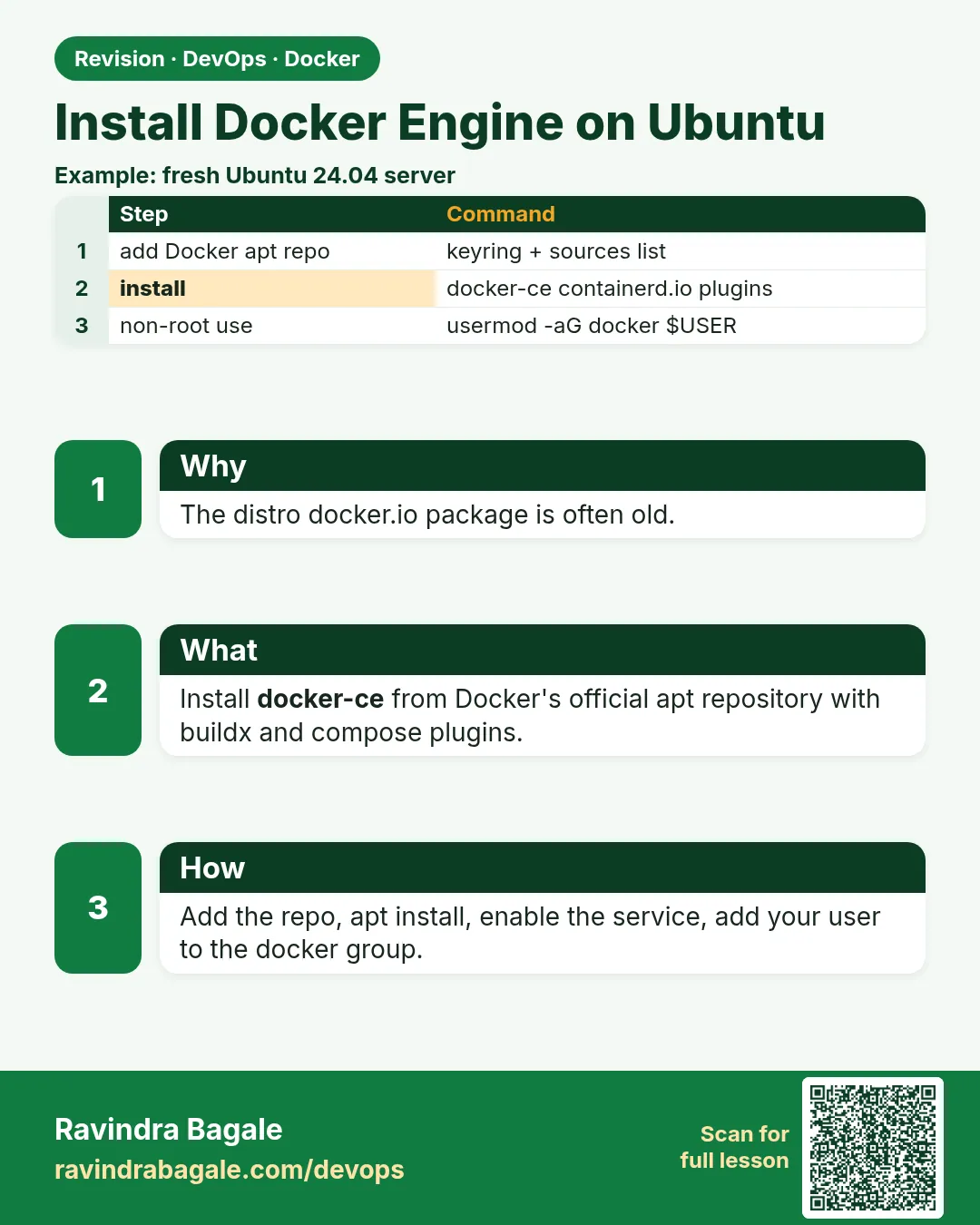 Revision card 5 of 15: Install Docker Engine on Ubuntu · Download PNG · Open card page
Lesson: 47.5 Install Docker Engine on Ubuntu
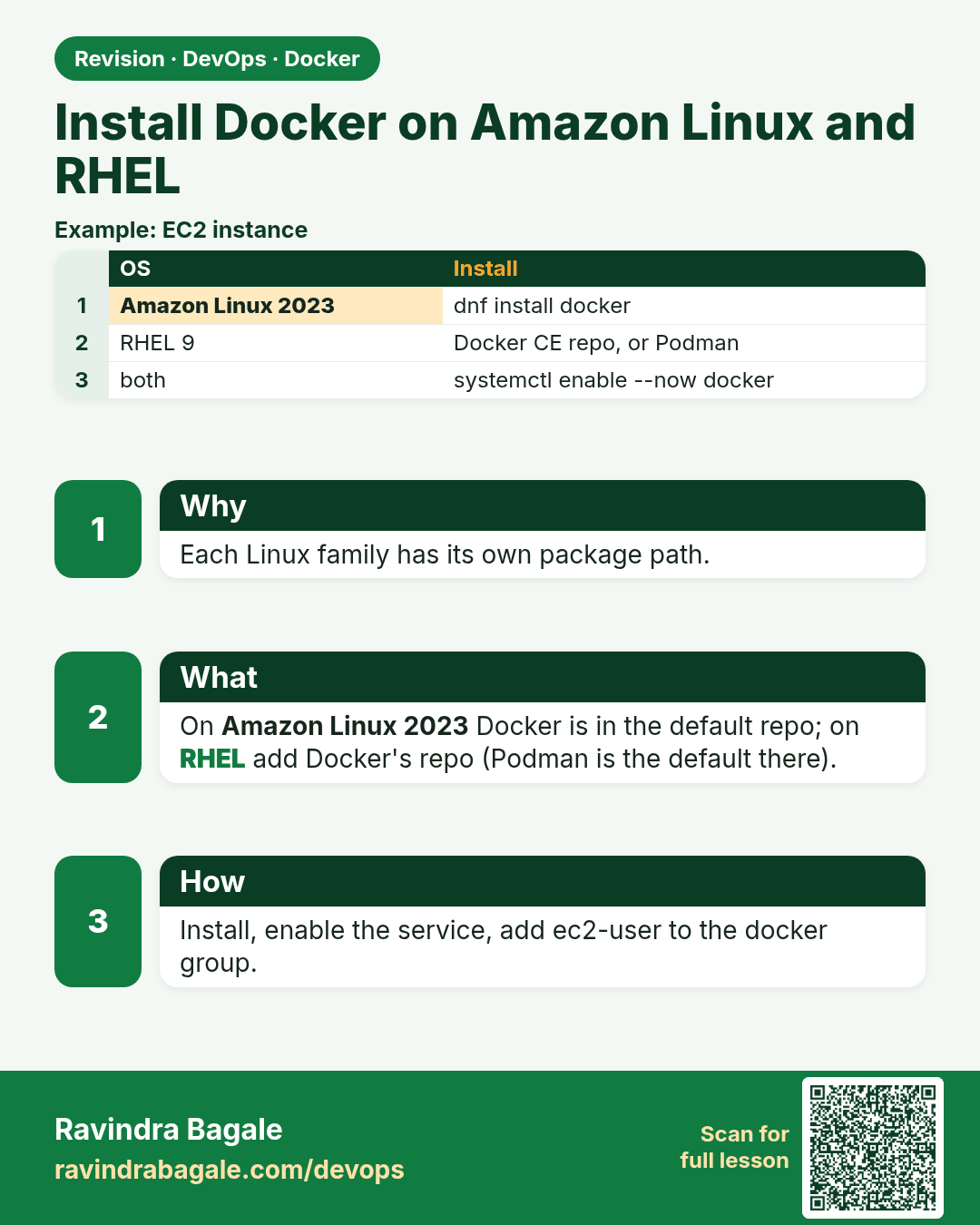
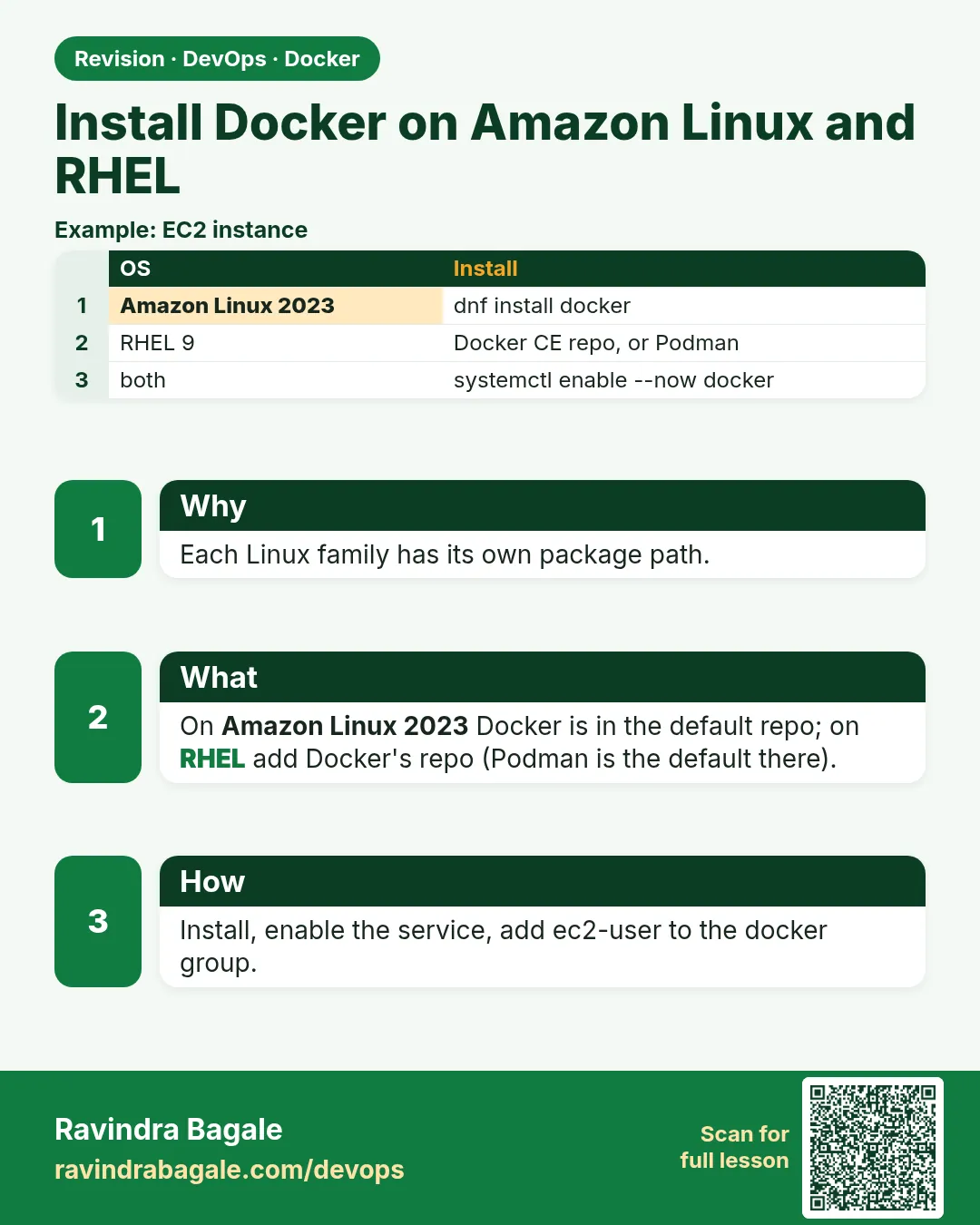 Revision card 6 of 15: Install Docker on Amazon Linux and RHEL · Download PNG · Open card page
Lesson: 47.6 Install Docker on Amazon Linux 2023 and RHEL
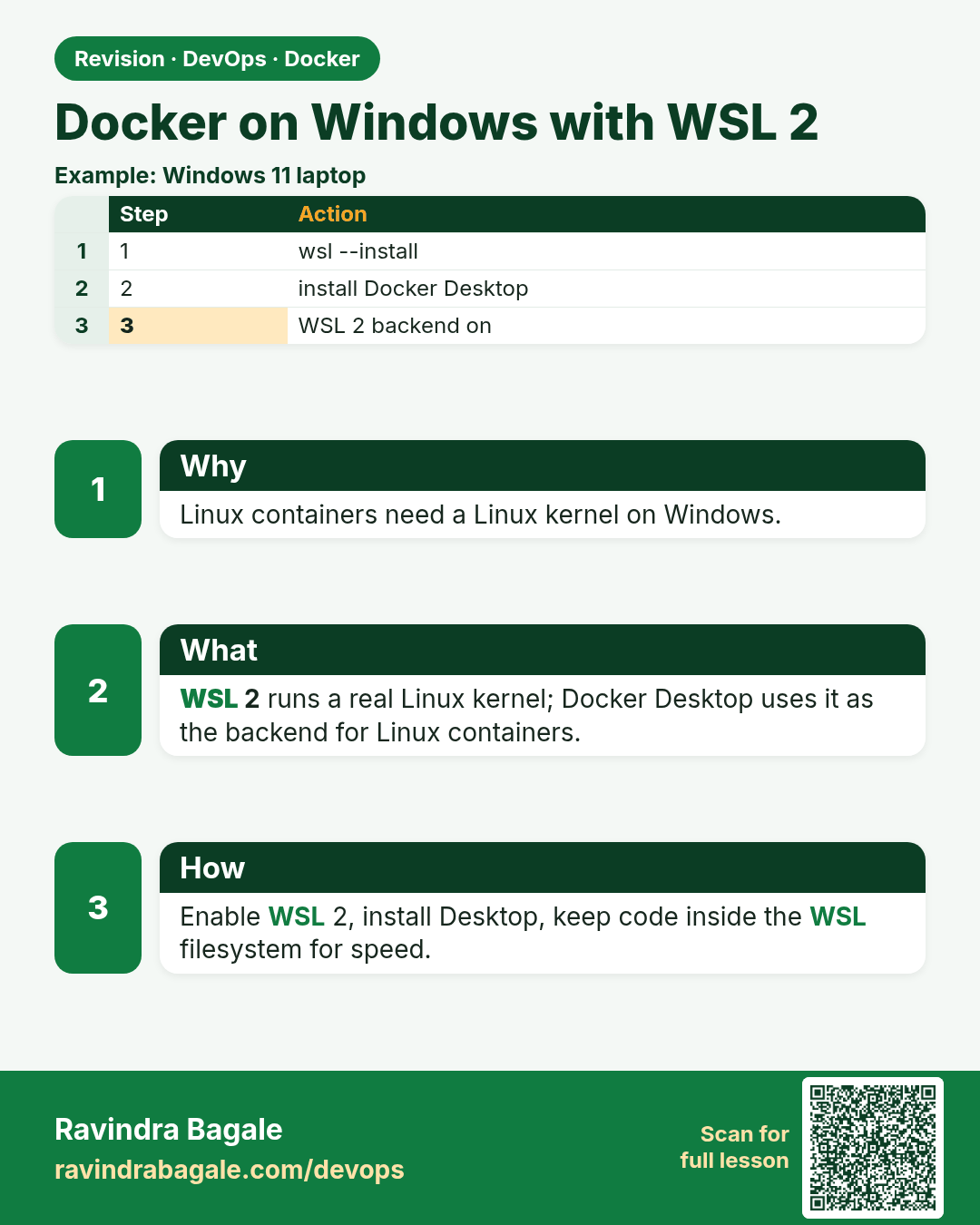
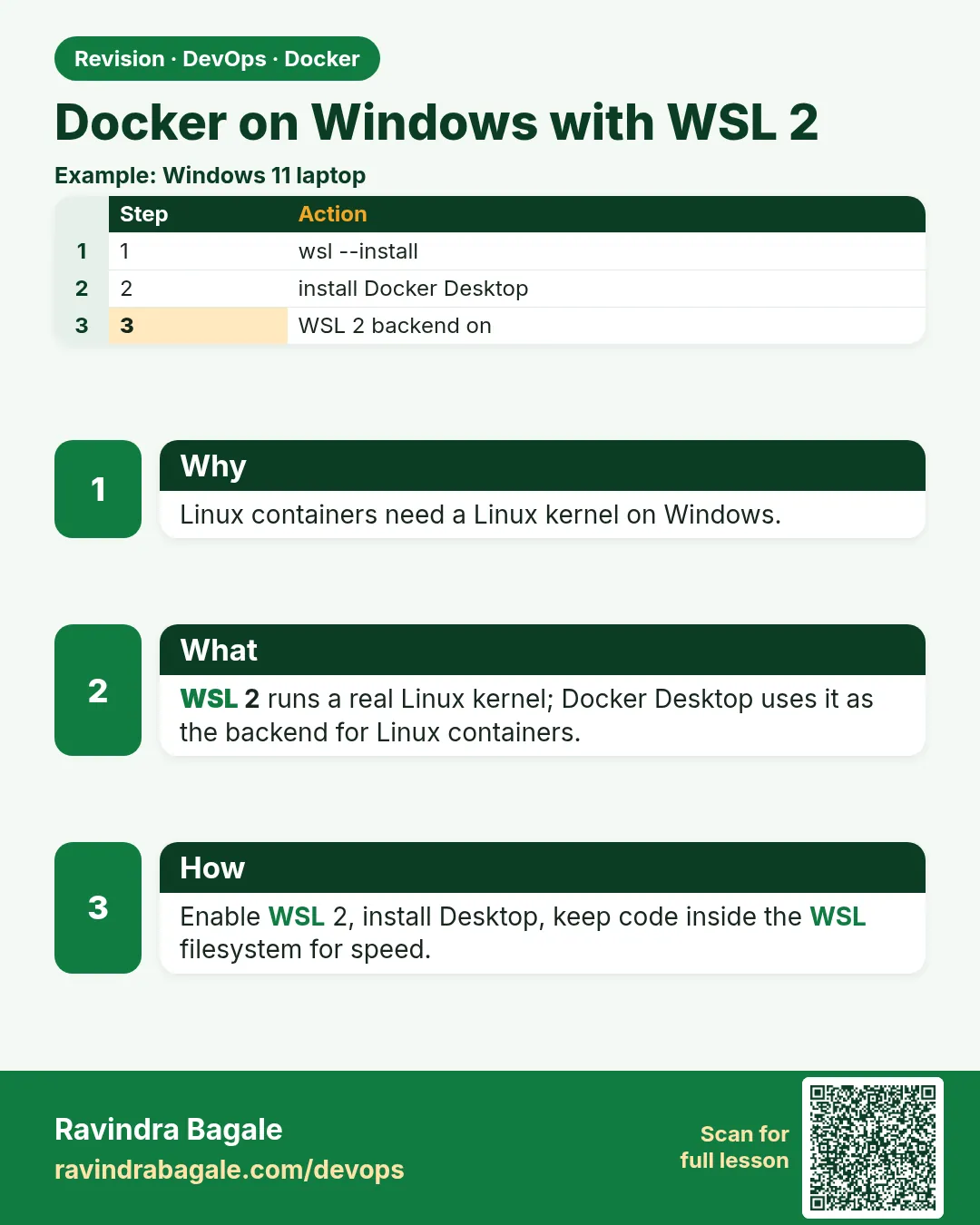 Revision card 7 of 15: Docker on Windows with WSL 2 · Download PNG · Open card page
Lesson: 47.7 Docker on Windows with WSL 2, step by step
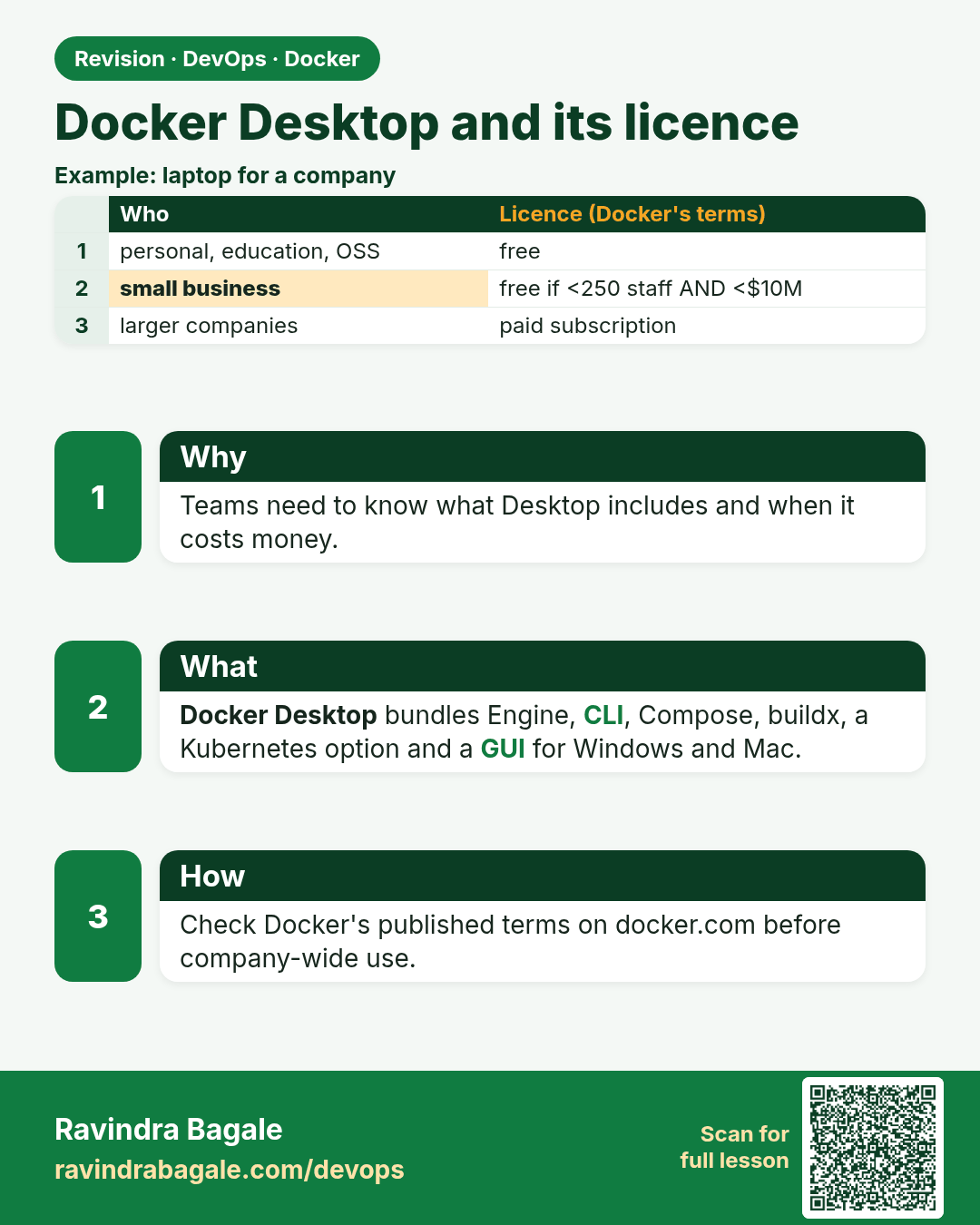
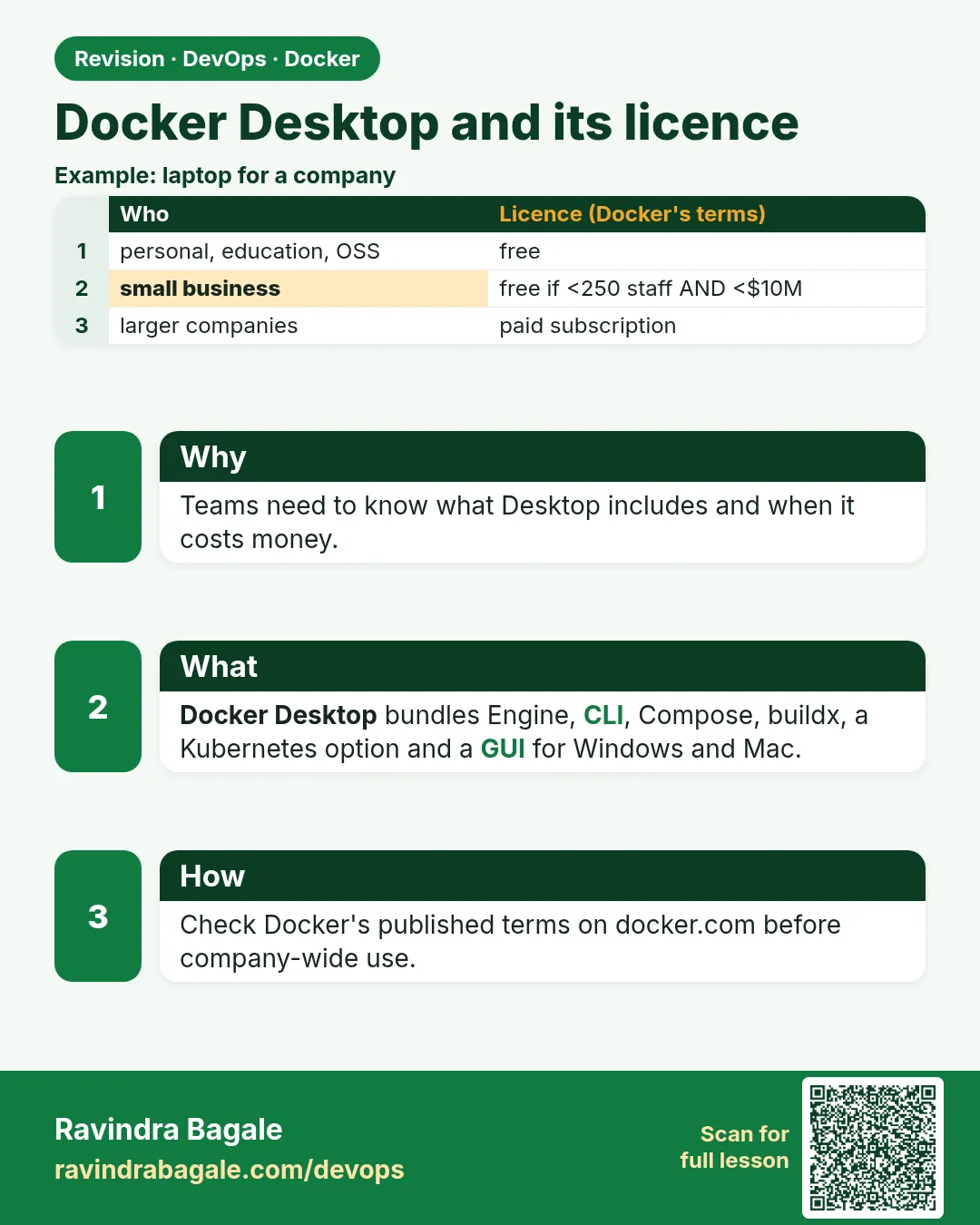 Revision card 8 of 15: Docker Desktop and its licence · Download PNG · Open card page
Lesson: 47.8 Docker Desktop: what it includes, install and licence
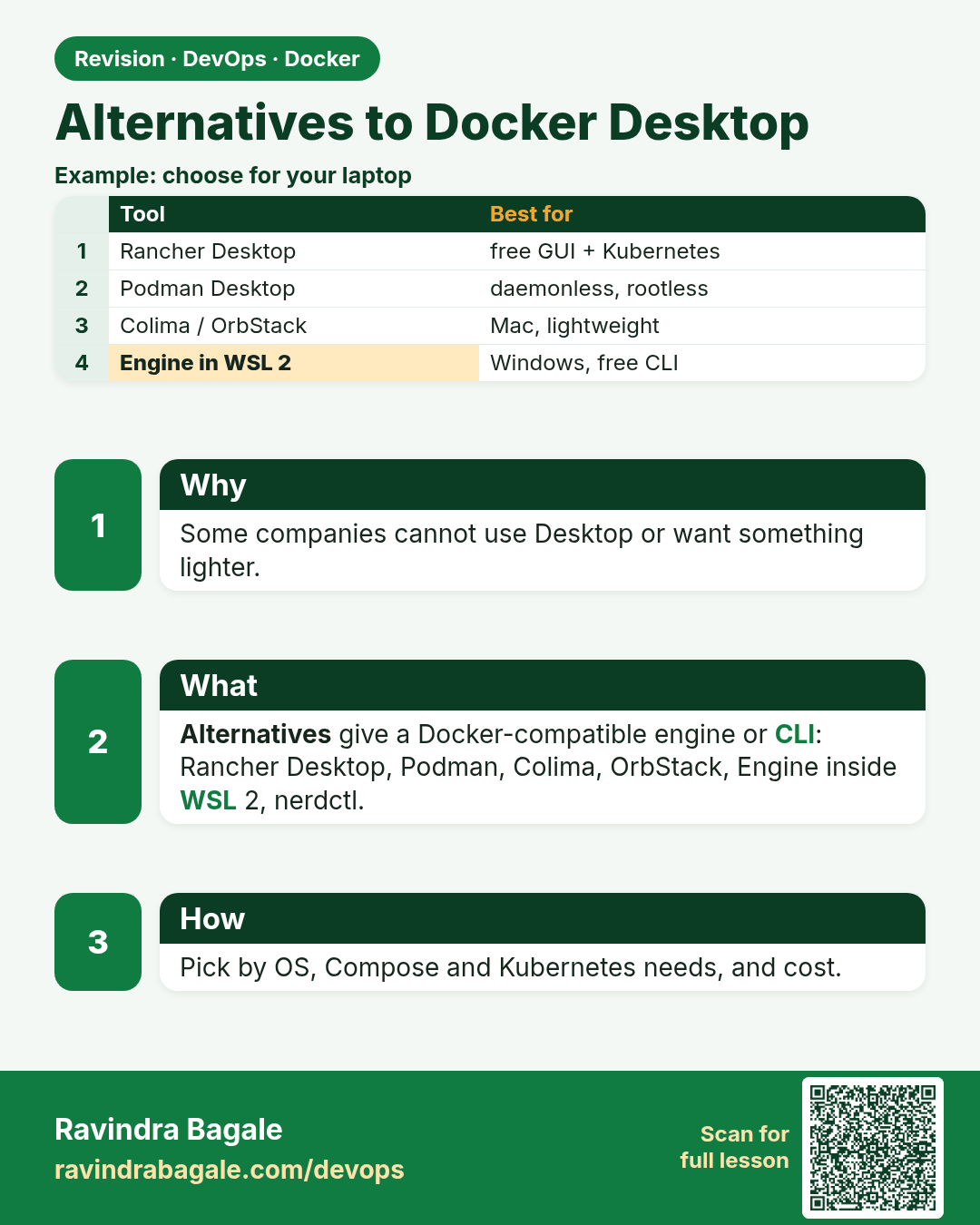
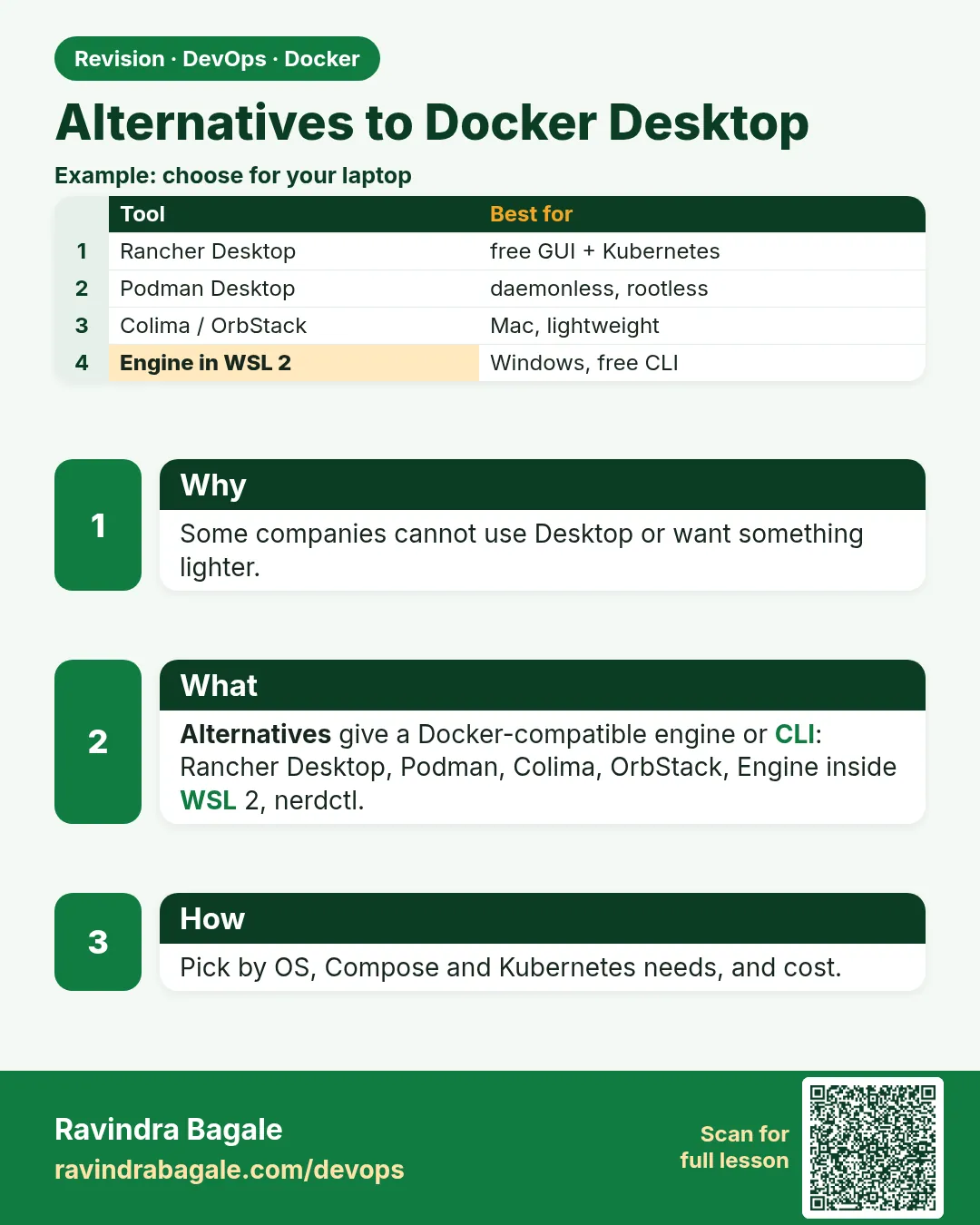 Revision card 9 of 15: Alternatives to Docker Desktop · Download PNG · Open card page
Lesson: 47.9 Alternatives to Docker Desktop
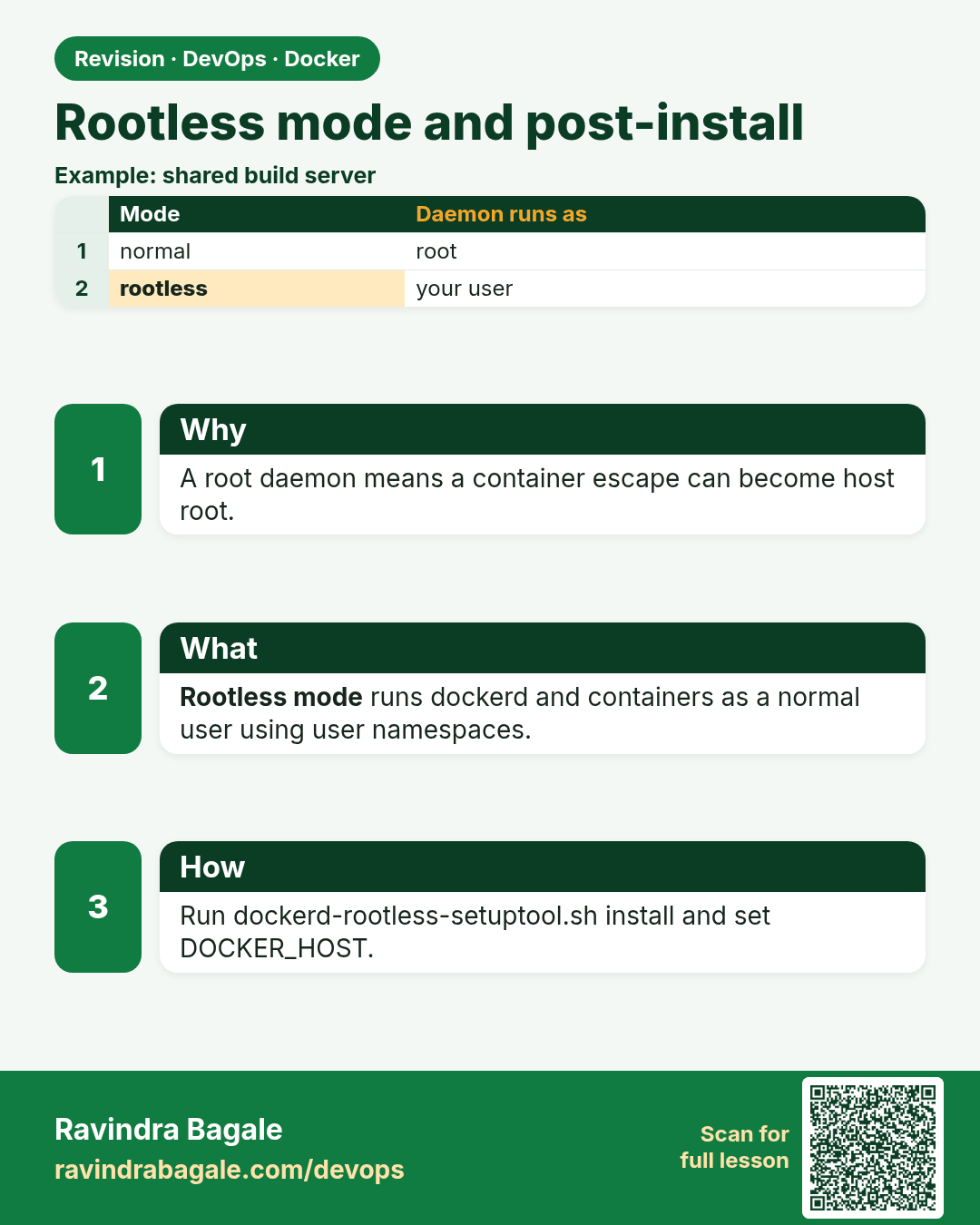
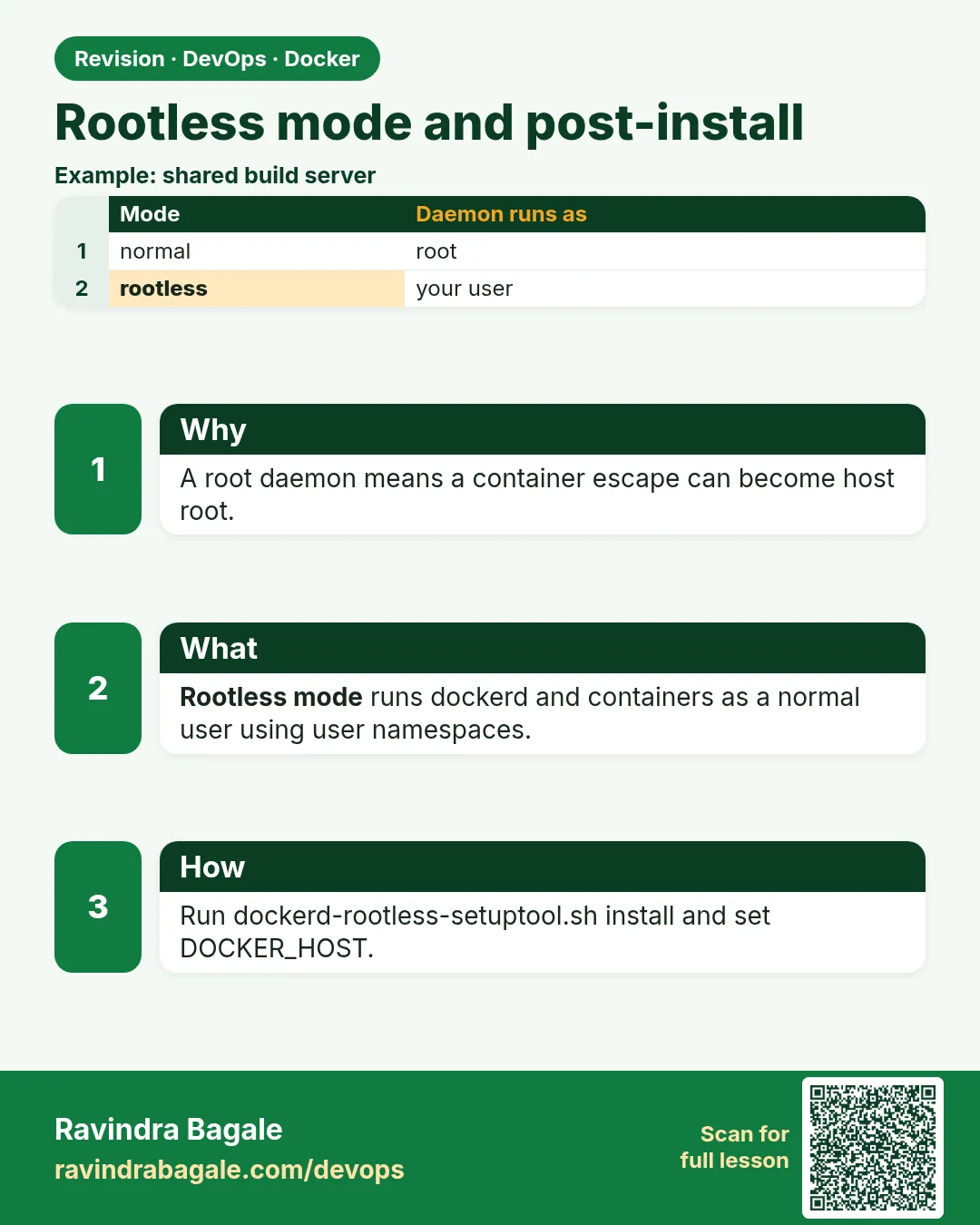 Revision card 10 of 15: Rootless mode and post-install · Download PNG · Open card page
Lesson: 47.10 Rootless mode and post-install setup
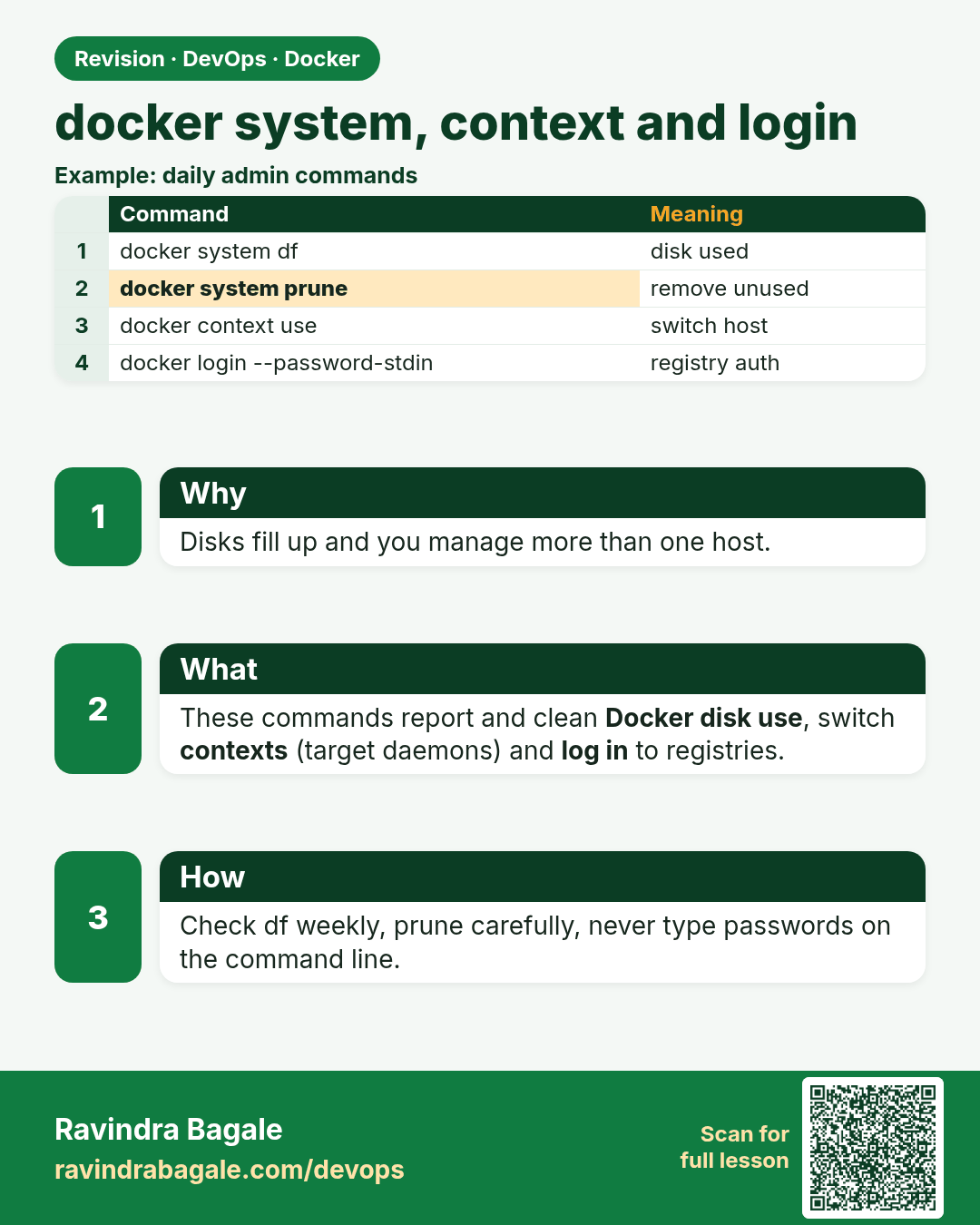
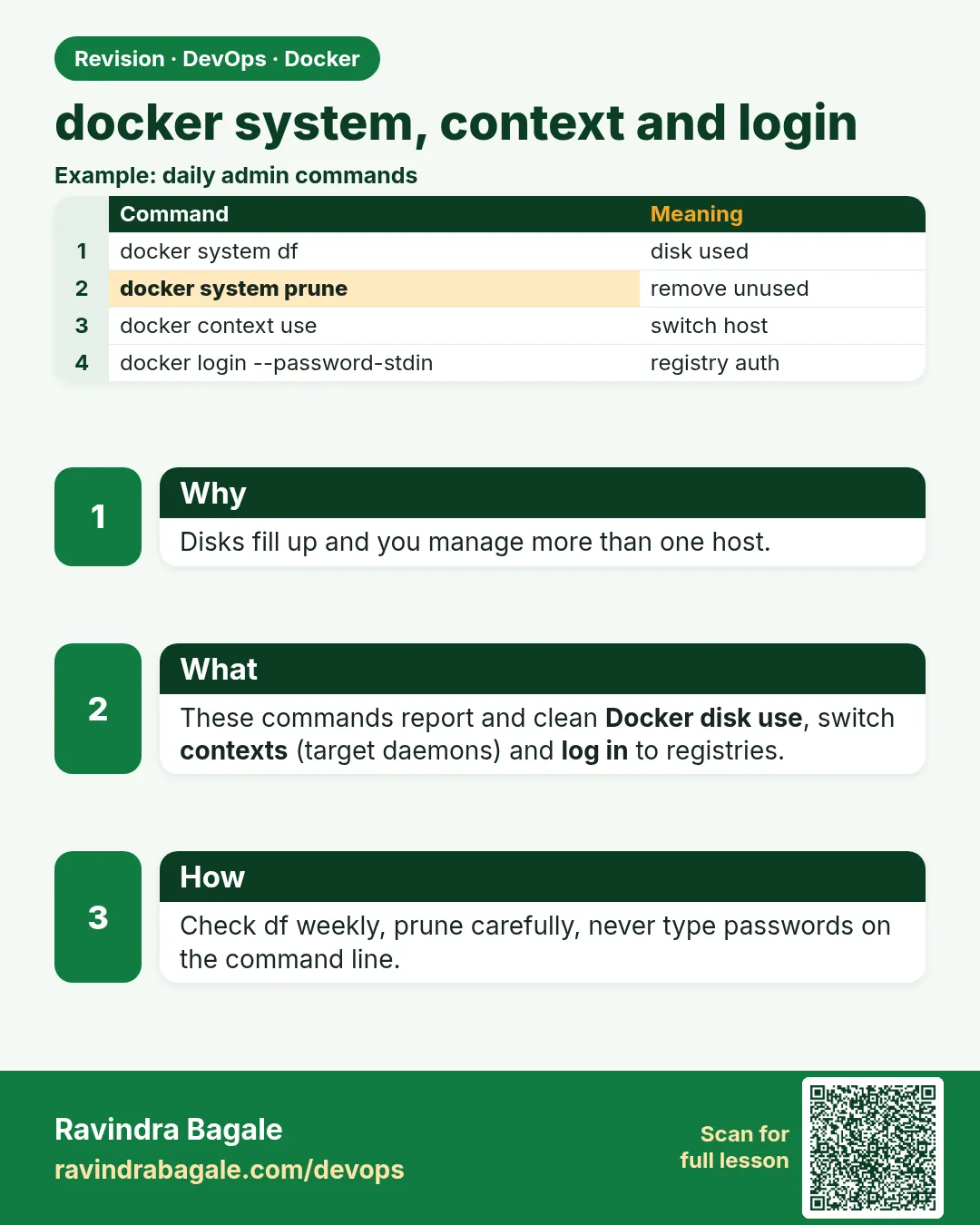 Revision card 11 of 15: docker system, context and login · Download PNG · Open card page
Lesson: 47.11 Docker system, context and login commands: full reference
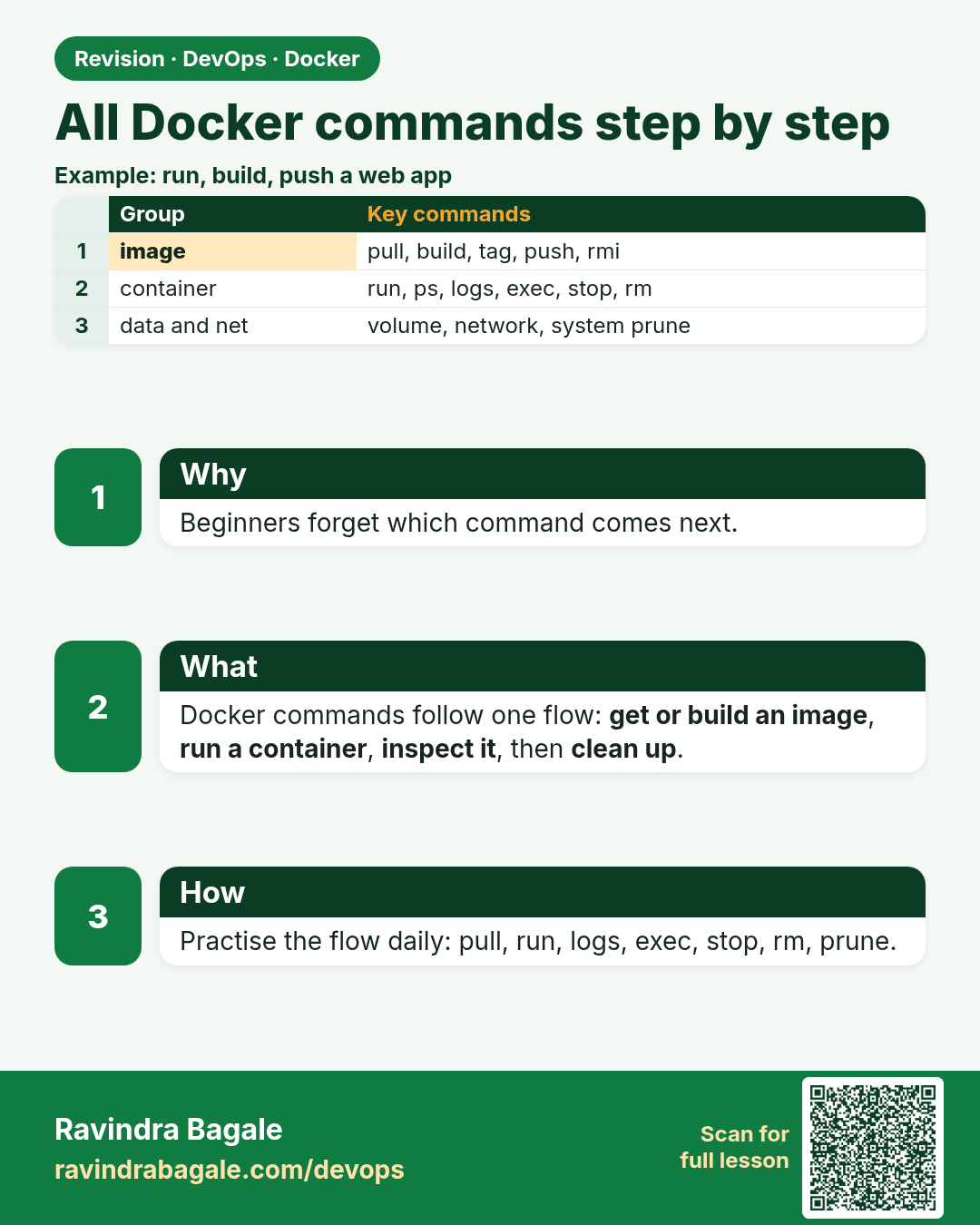
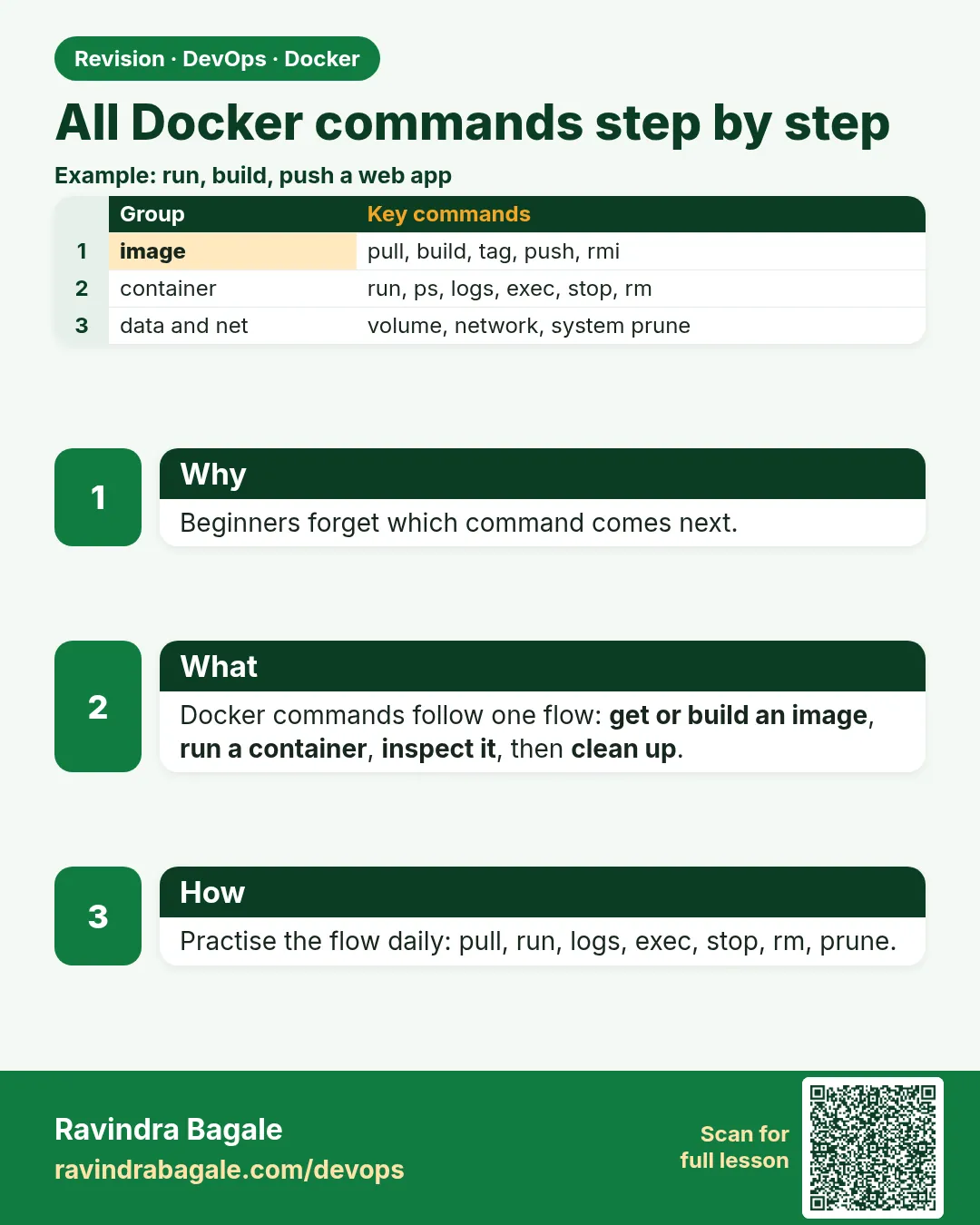 Revision card 12 of 15: All Docker commands step by step · Download PNG · Open card page
Lesson: 47.12 All Docker Commands Step by Step with Examples
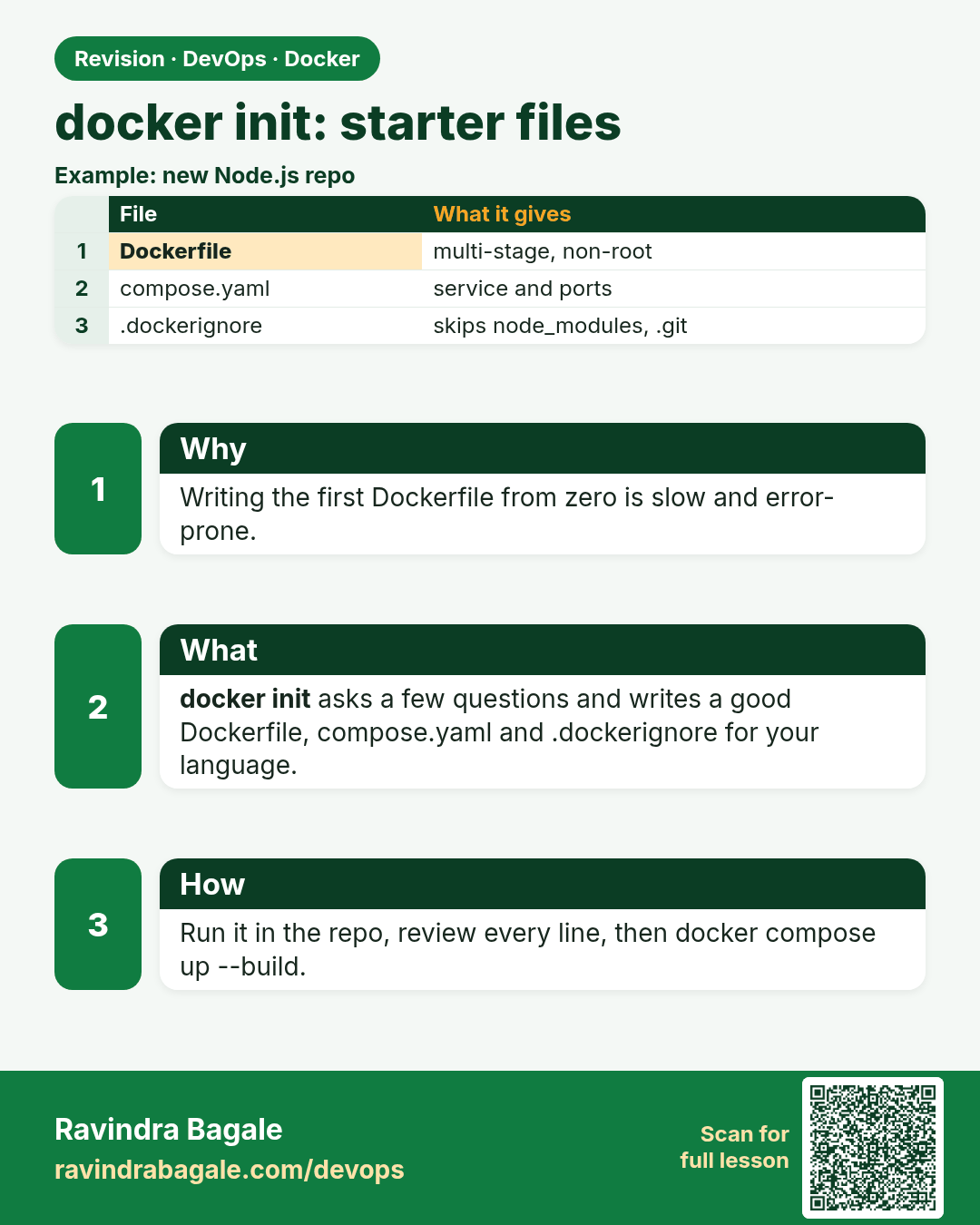
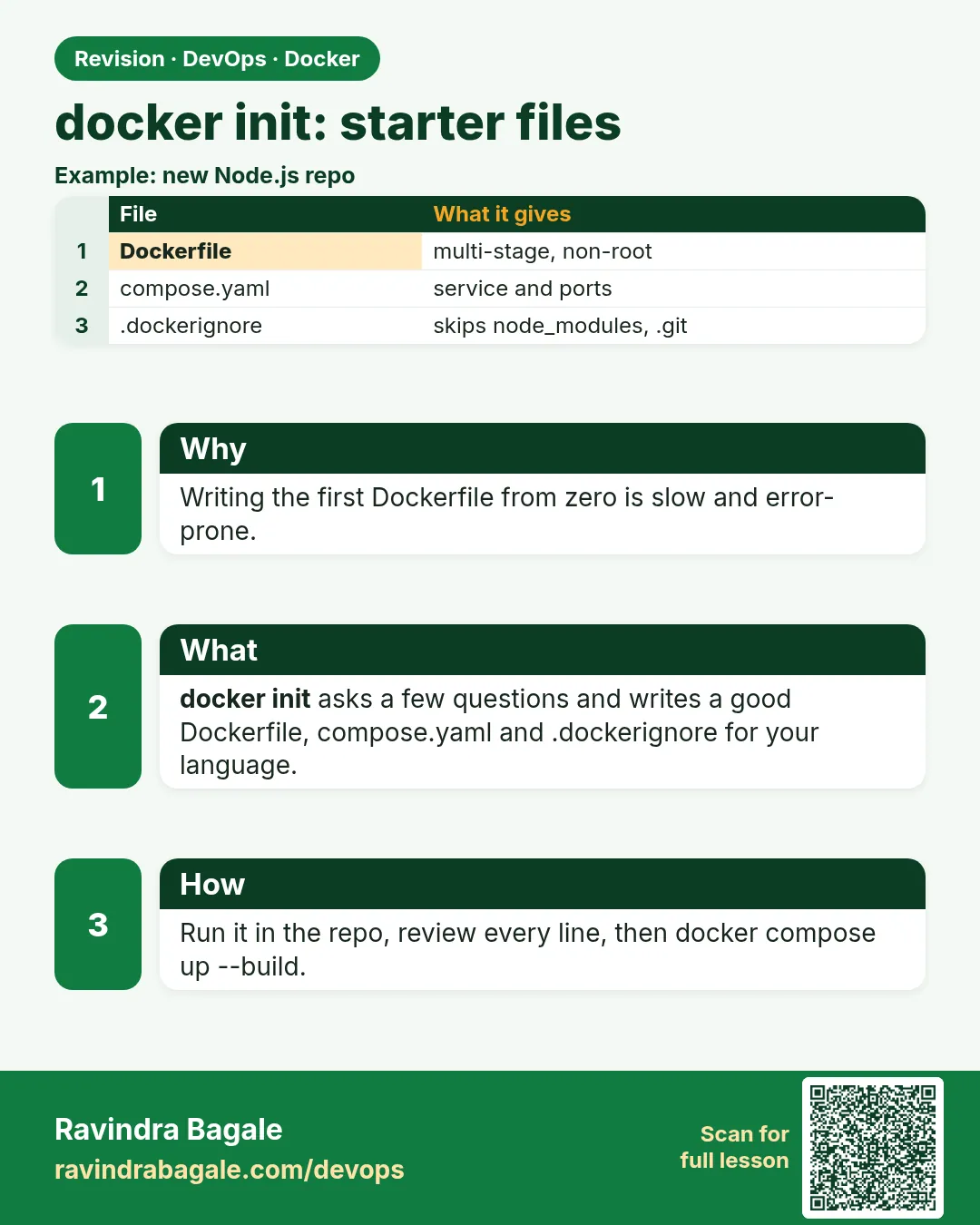 Revision card 13 of 15: docker init: starter files · Download PNG · Open card page
Lesson: 47.13 docker init: generate a Dockerfile, Compose file and .dockerignore
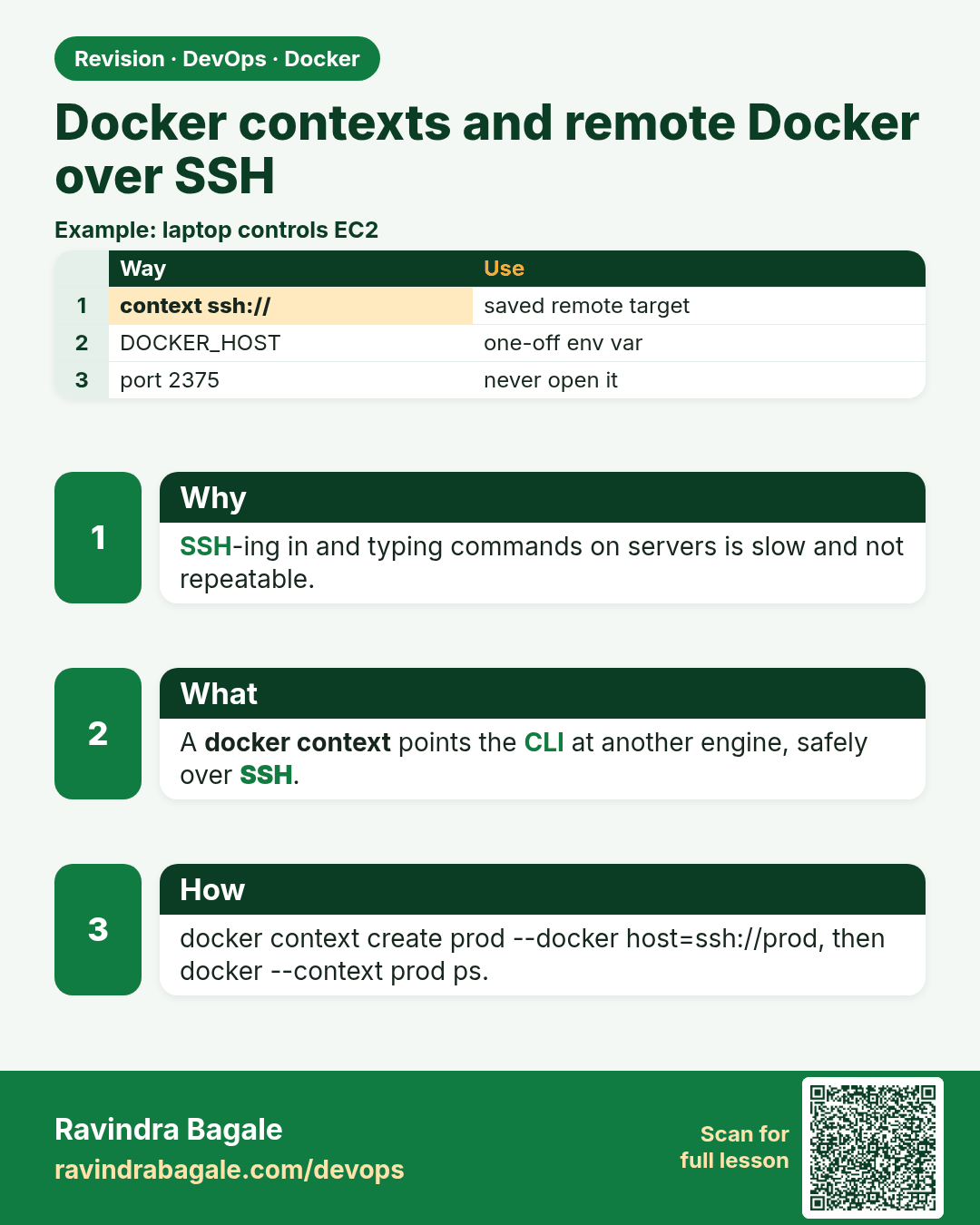
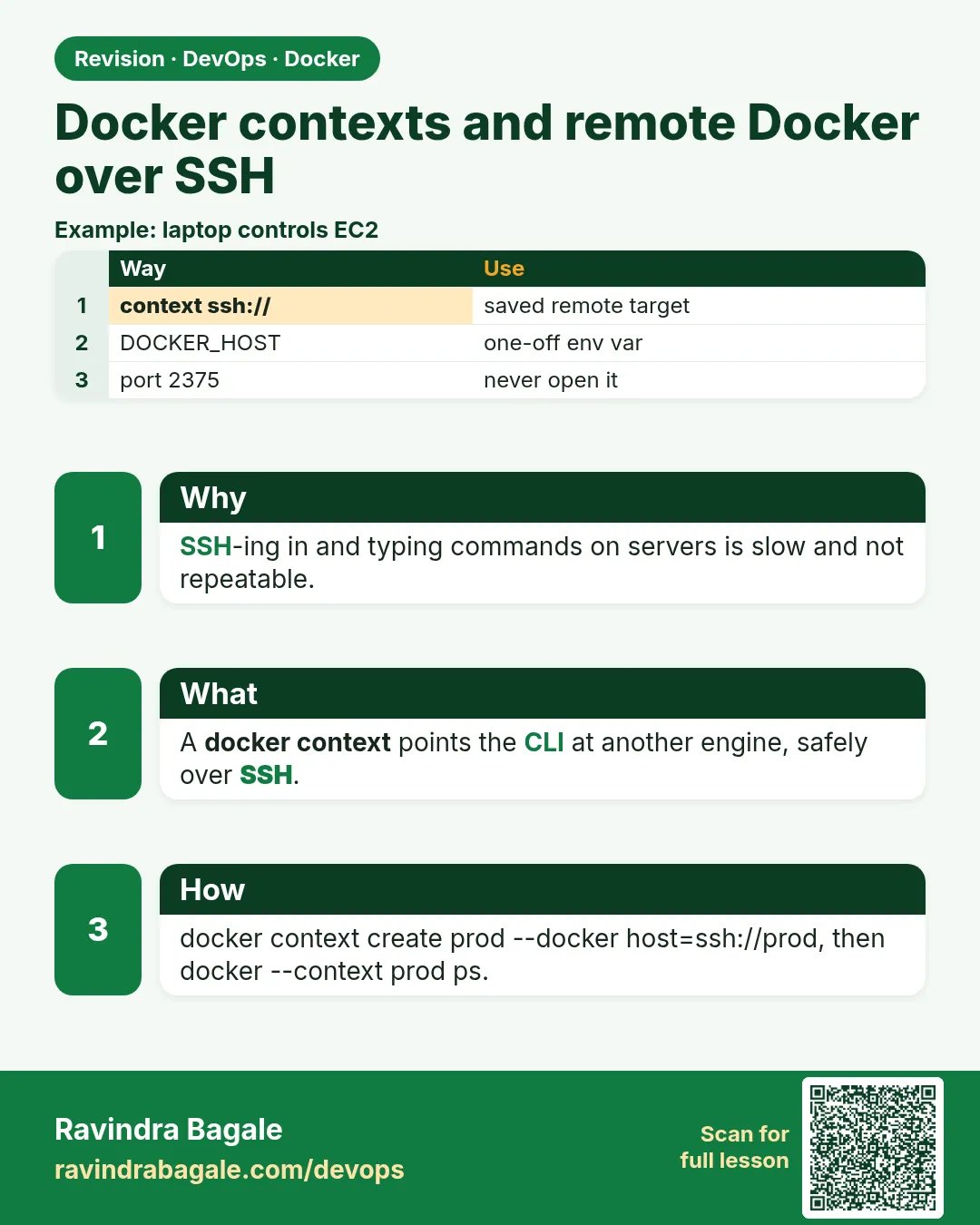 Revision card 14 of 15: Docker contexts and remote Docker over SSH · Download PNG · Open card page
Lesson: 47.14 Docker contexts and remote Docker over SSH
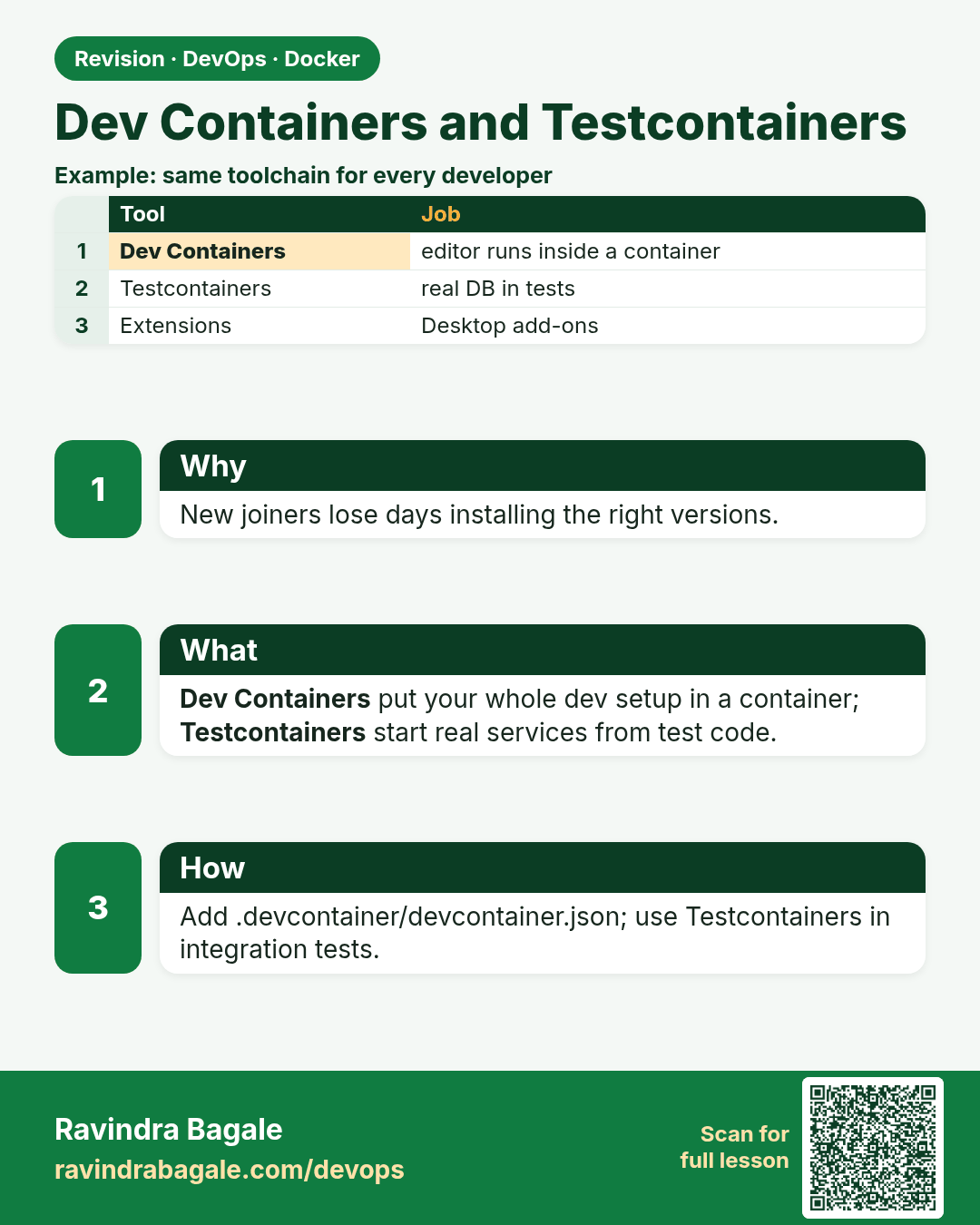
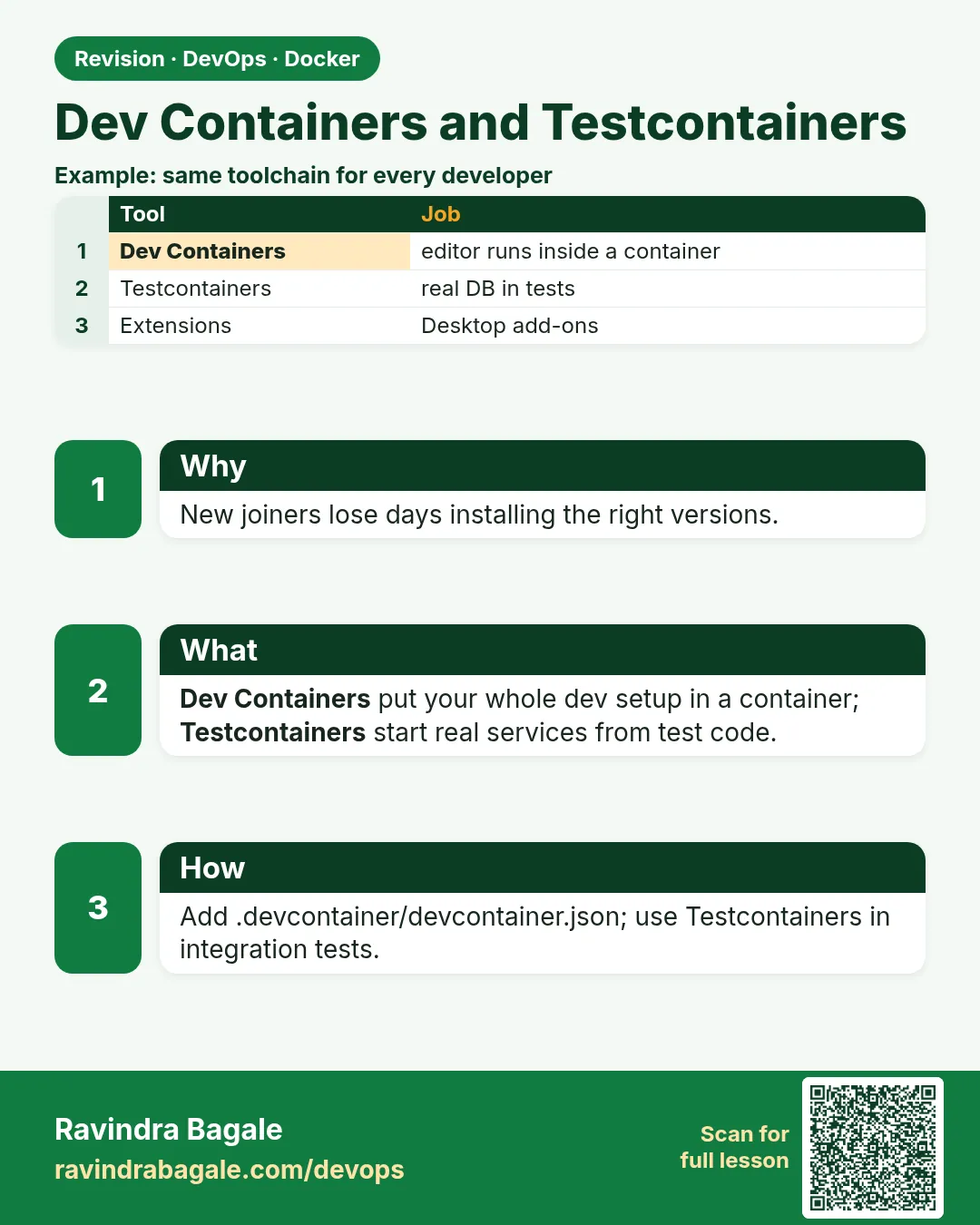 Revision card 15 of 15: Dev Containers and Testcontainers · Download PNG · Open card page
Lesson: 47.15 Dev Containers, Testcontainers and Docker Desktop extras
Interview cards
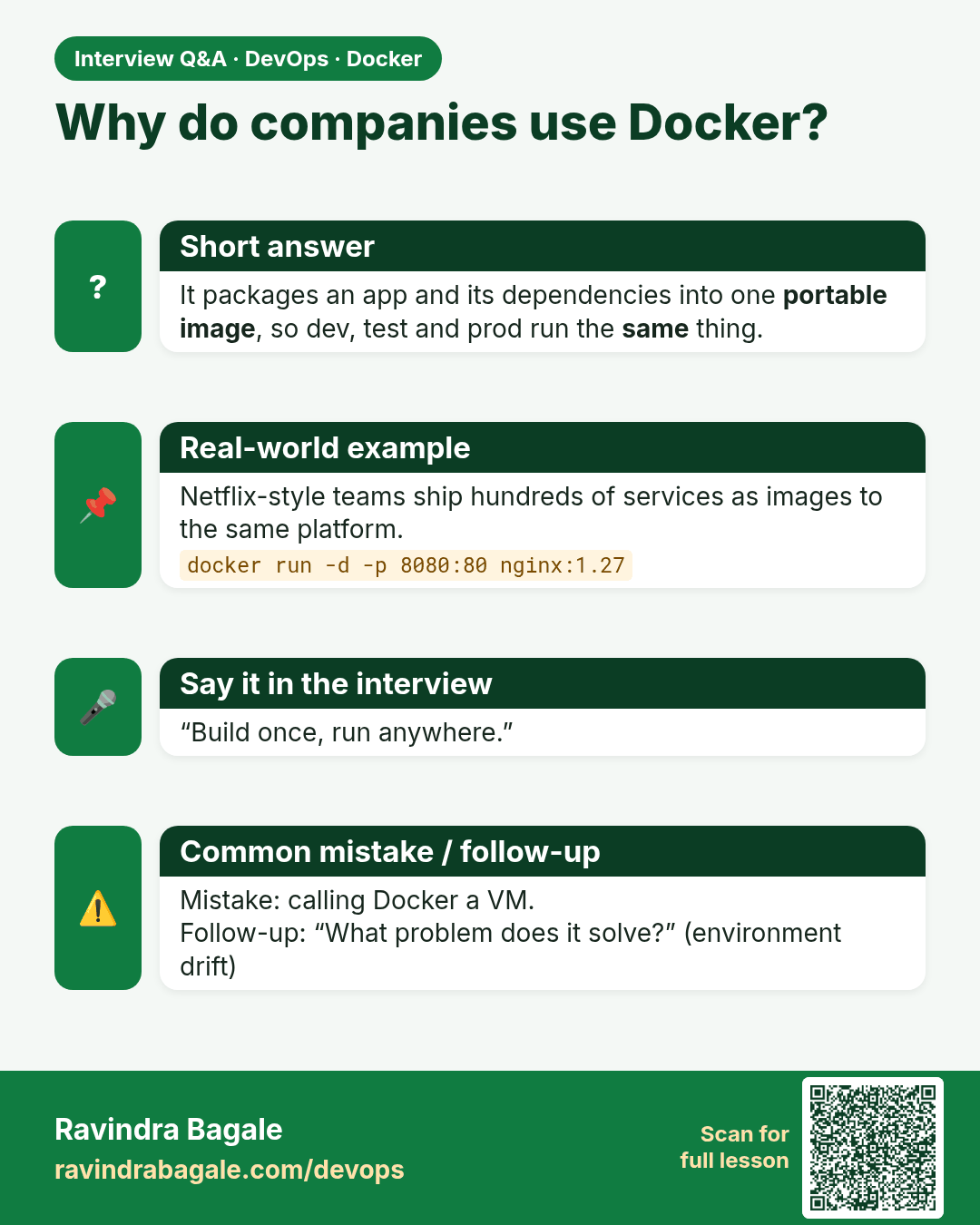
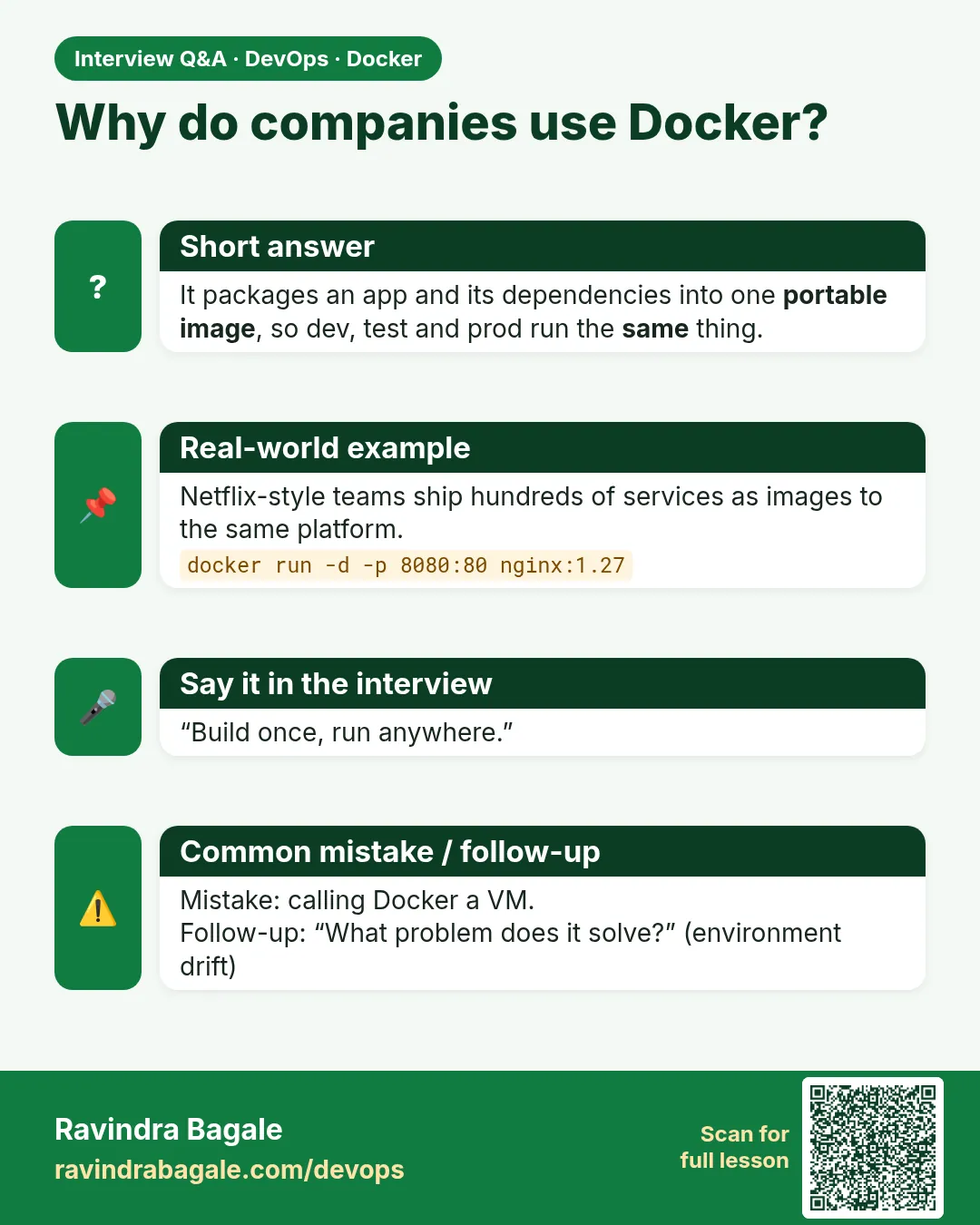 Interview card 1 of 15: Why do companies use Docker? · Download PNG · Open card page
Lesson: 47.1 Why Docker: works on my machine, devs vs ops
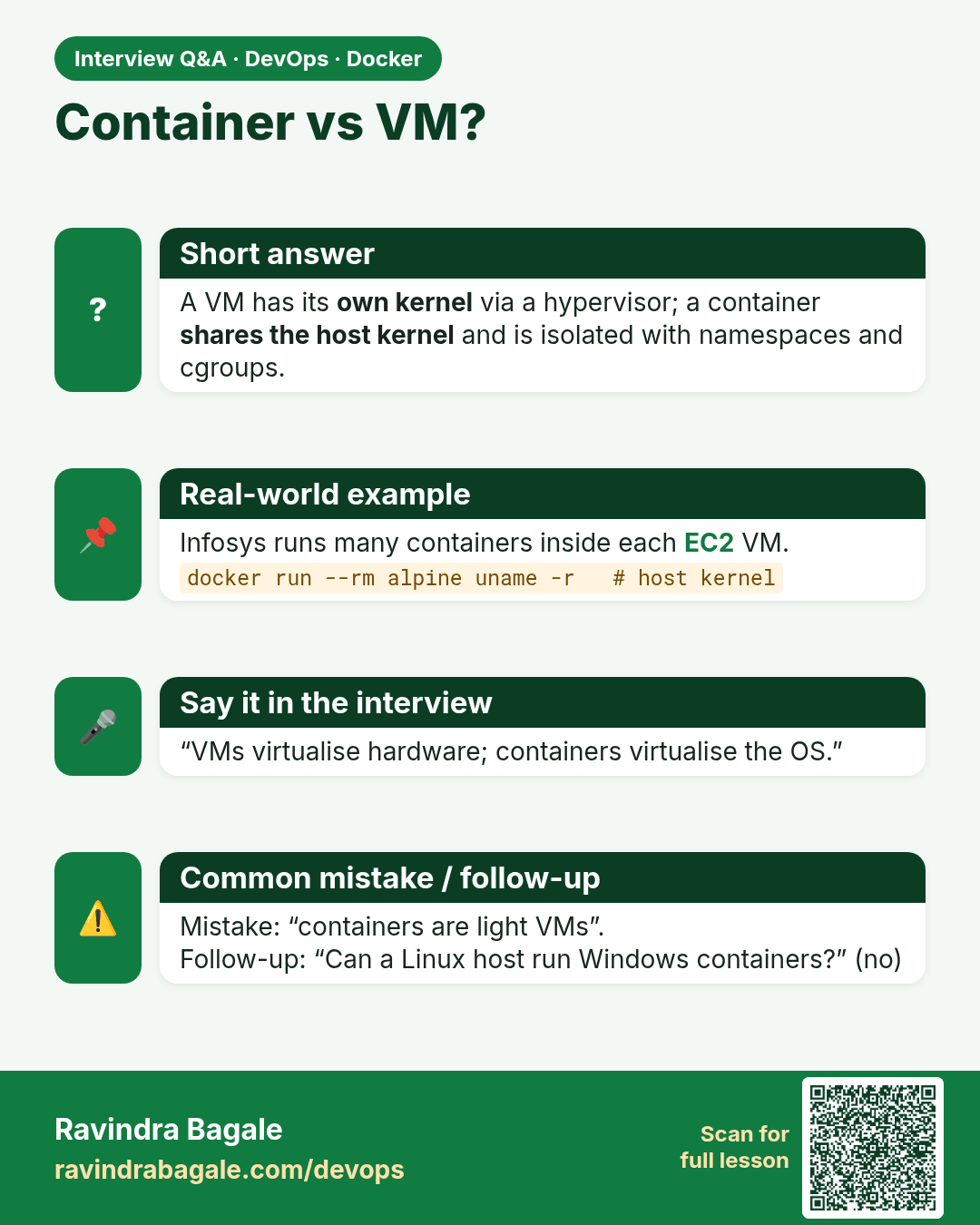
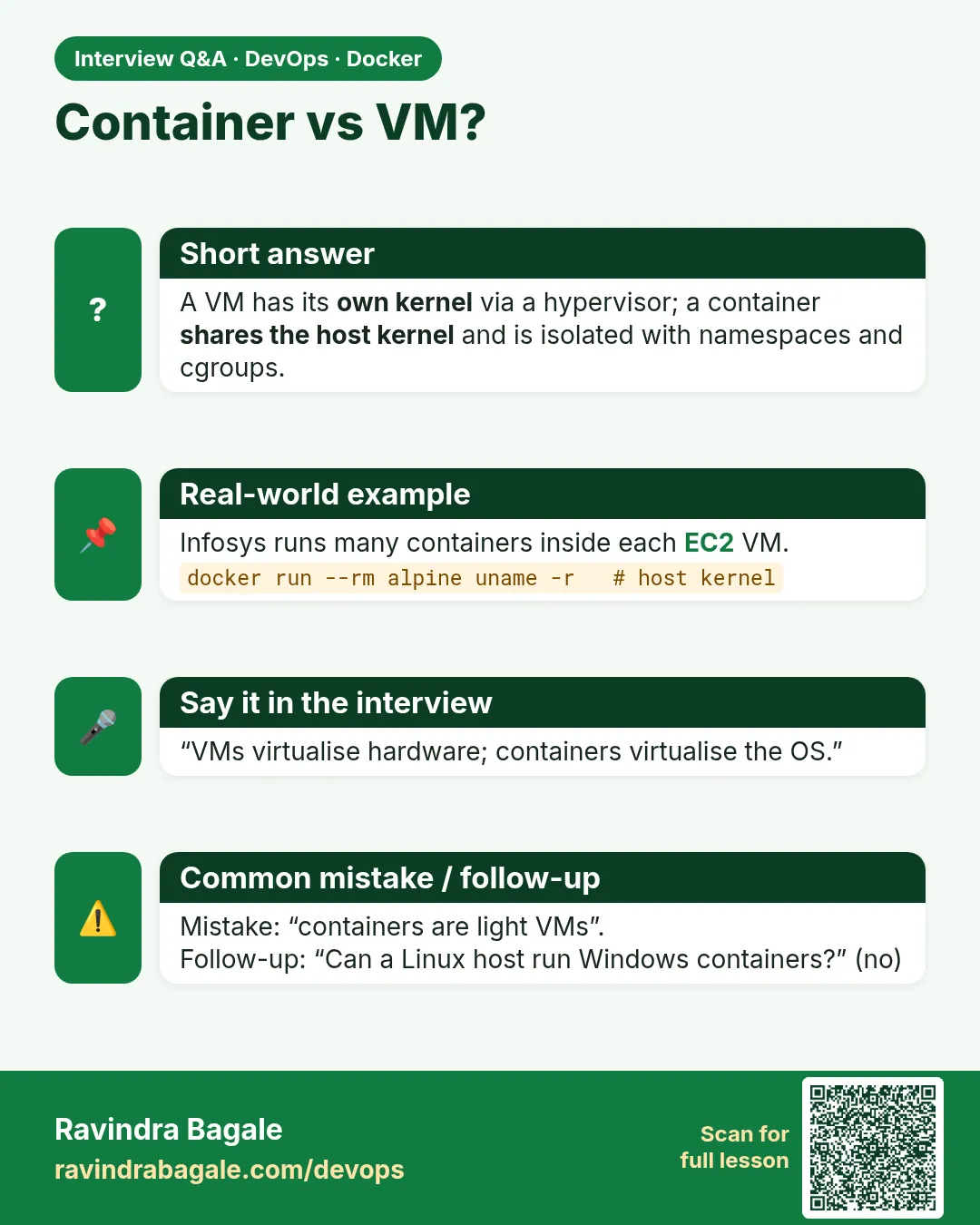 Interview card 2 of 15: Container vs VM? · Download PNG · Open card page
Lesson: 47.2 Virtual machines vs containers
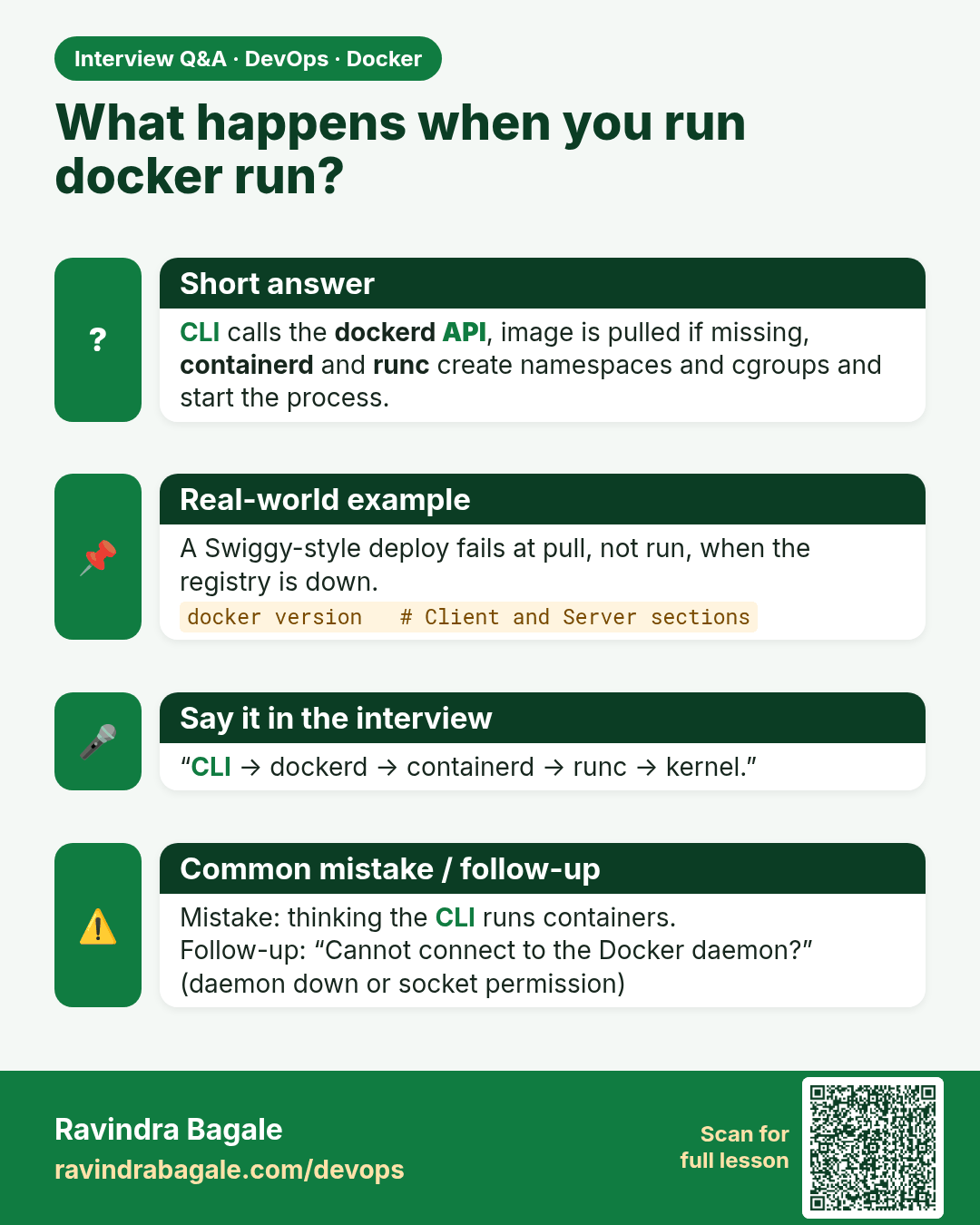
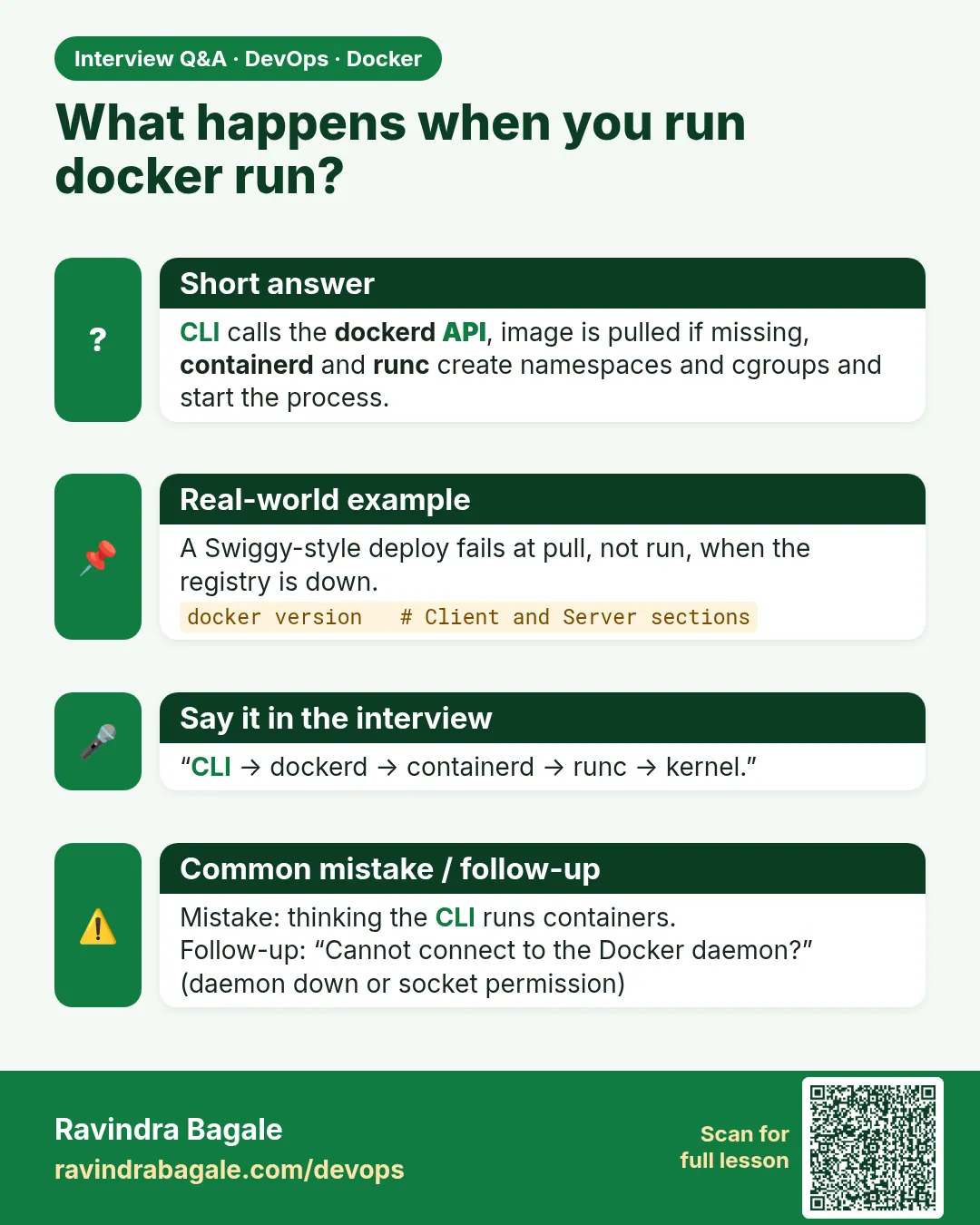 Interview card 3 of 15: What happens when you run docker run? · Download PNG · Open card page
Lesson: 47.3 Docker architecture: client, daemon, containerd, runc, registry
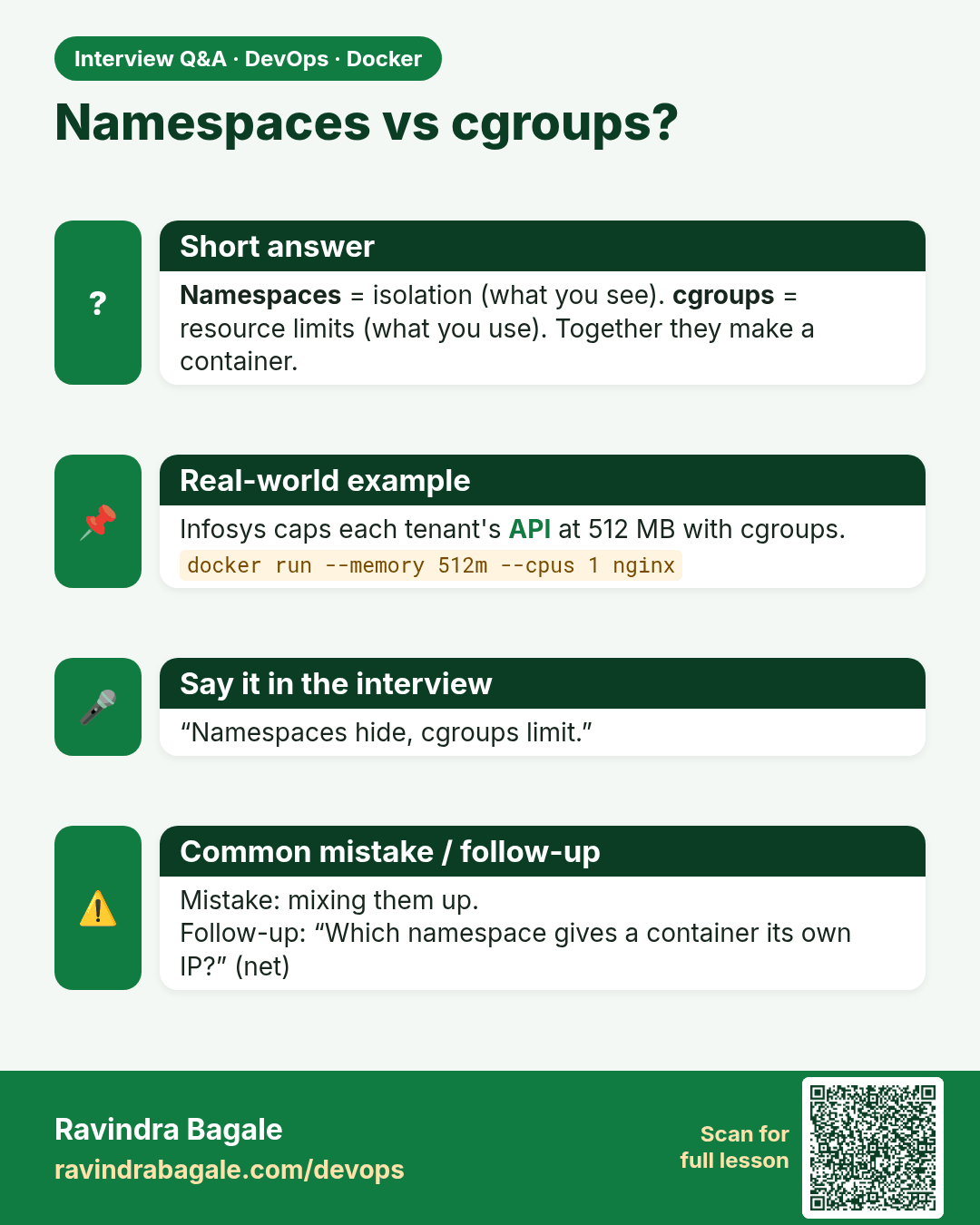
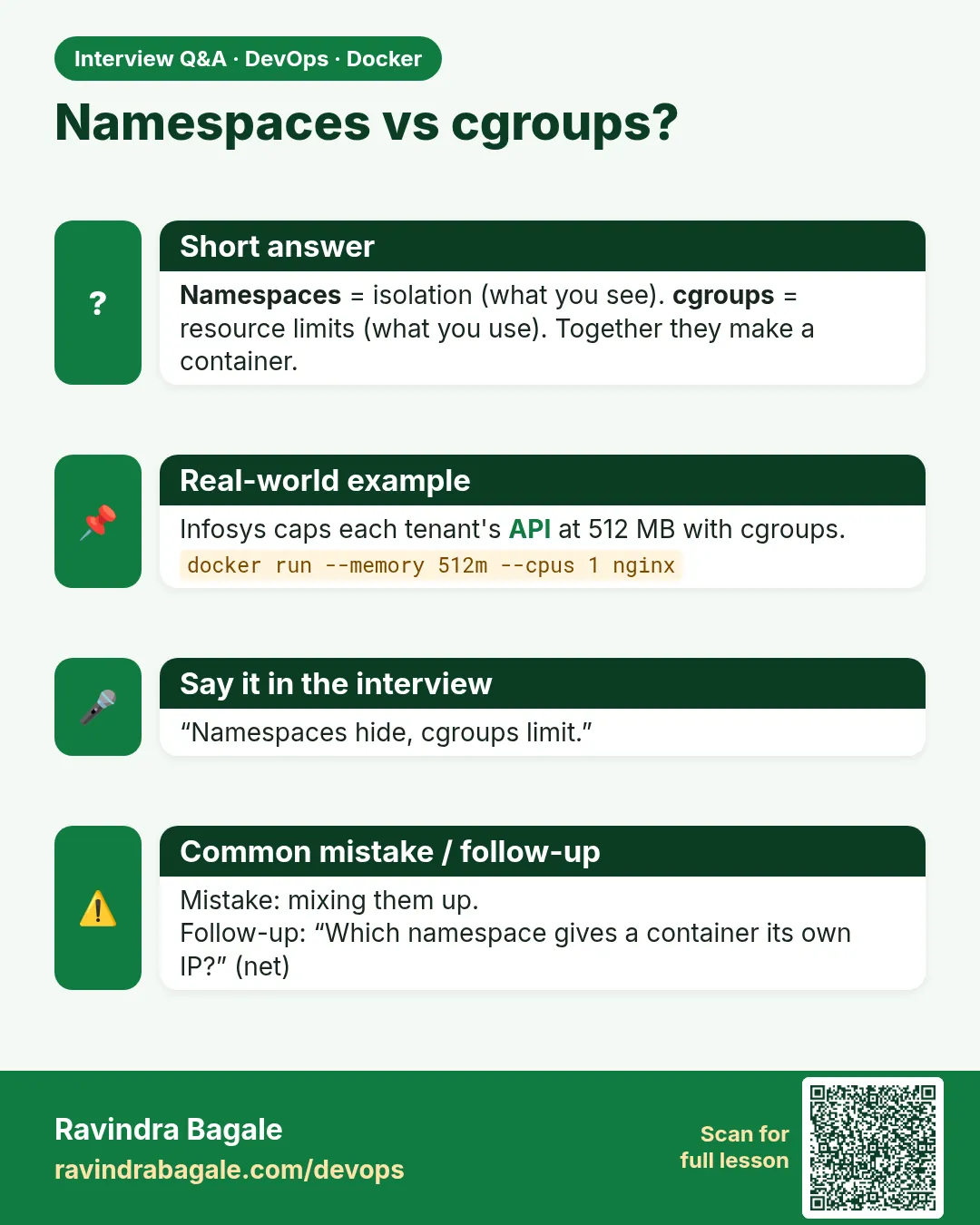 Interview card 4 of 15: Namespaces vs cgroups? · Download PNG · Open card page
Lesson: 47.4 Namespaces and cgroups: how isolation really works
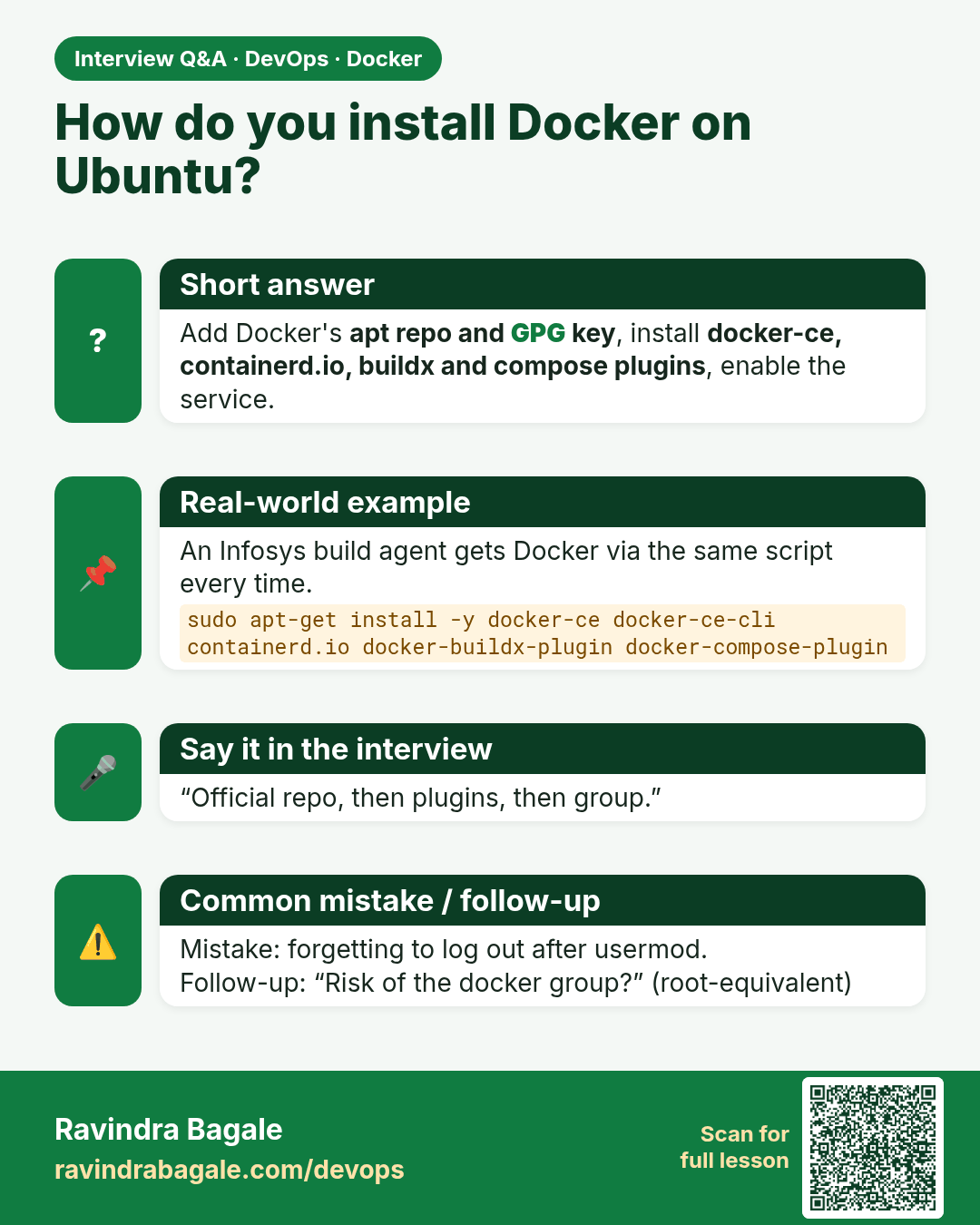
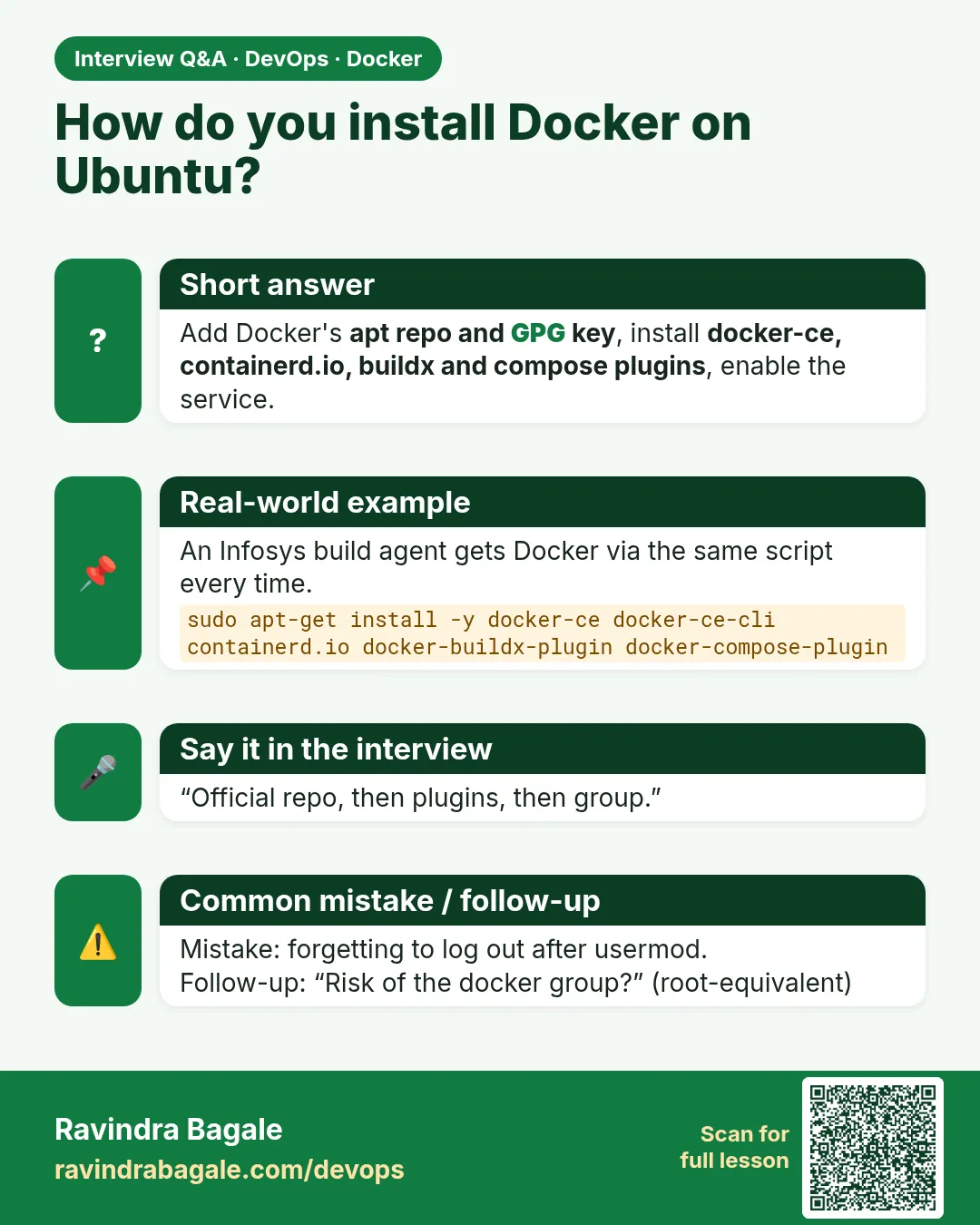 Interview card 5 of 15: How do you install Docker on Ubuntu? · Download PNG · Open card page
Lesson: 47.5 Install Docker Engine on Ubuntu
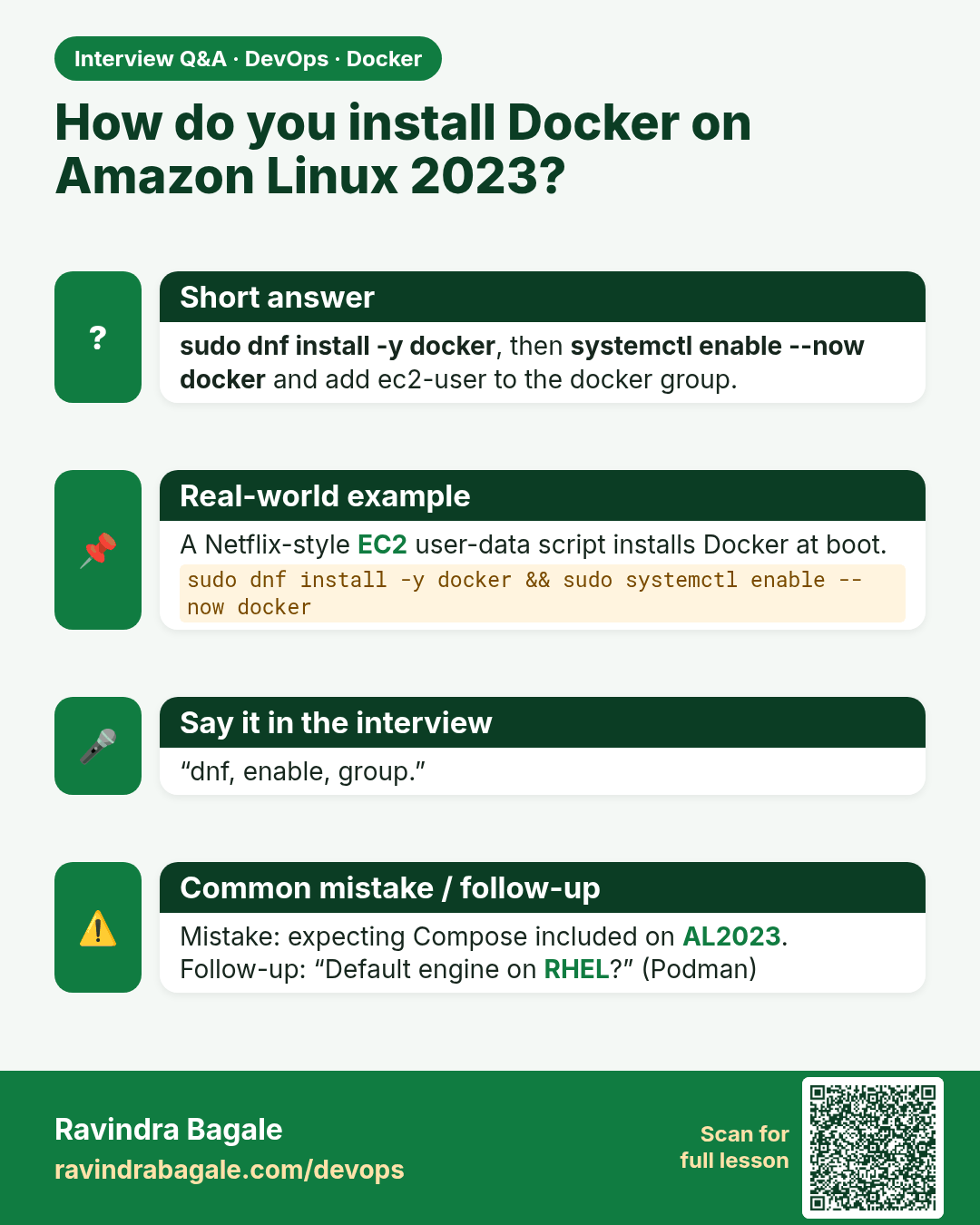
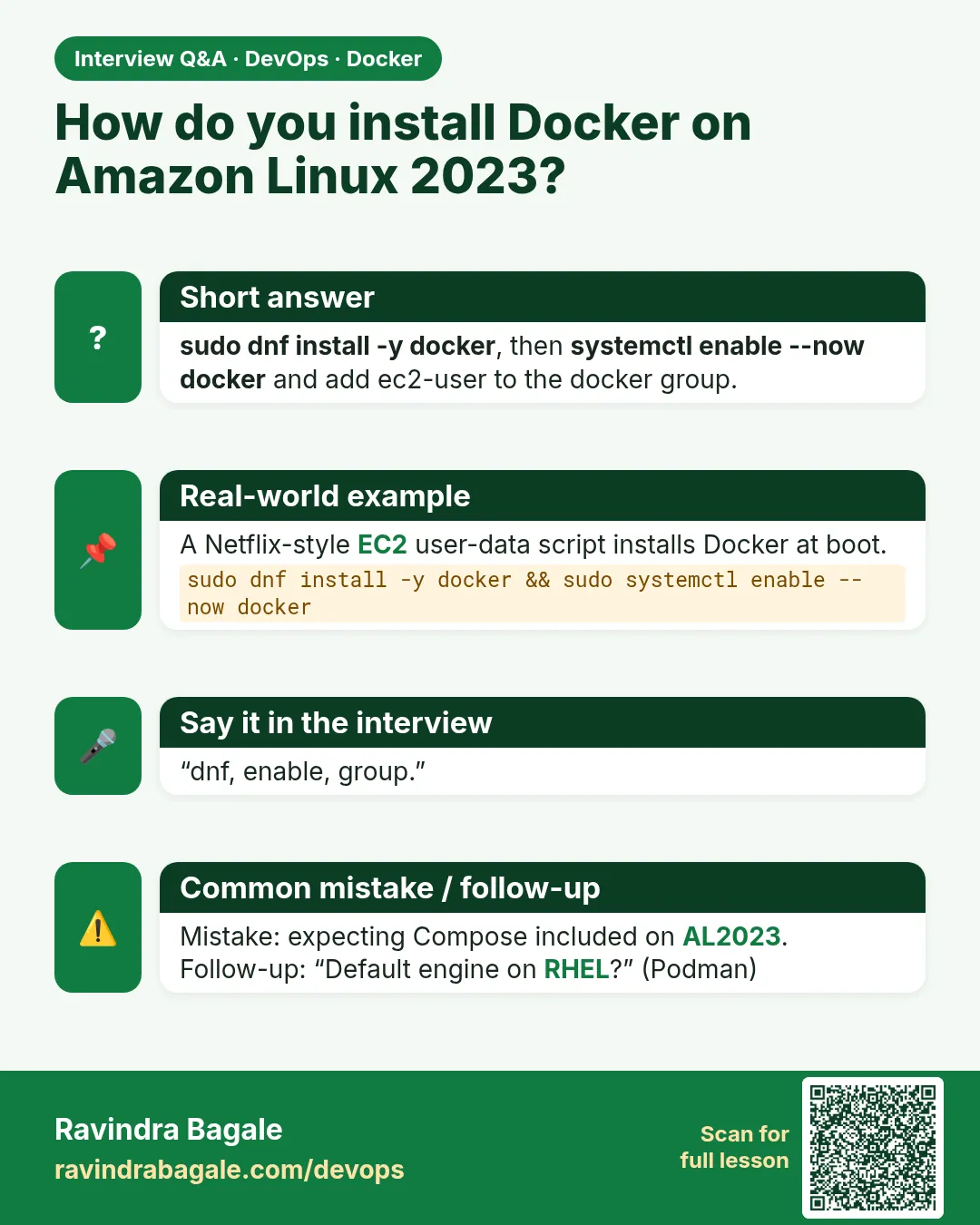 Interview card 6 of 15: How do you install Docker on Amazon Linux 2023? · Download PNG · Open card page
Lesson: 47.6 Install Docker on Amazon Linux 2023 and RHEL
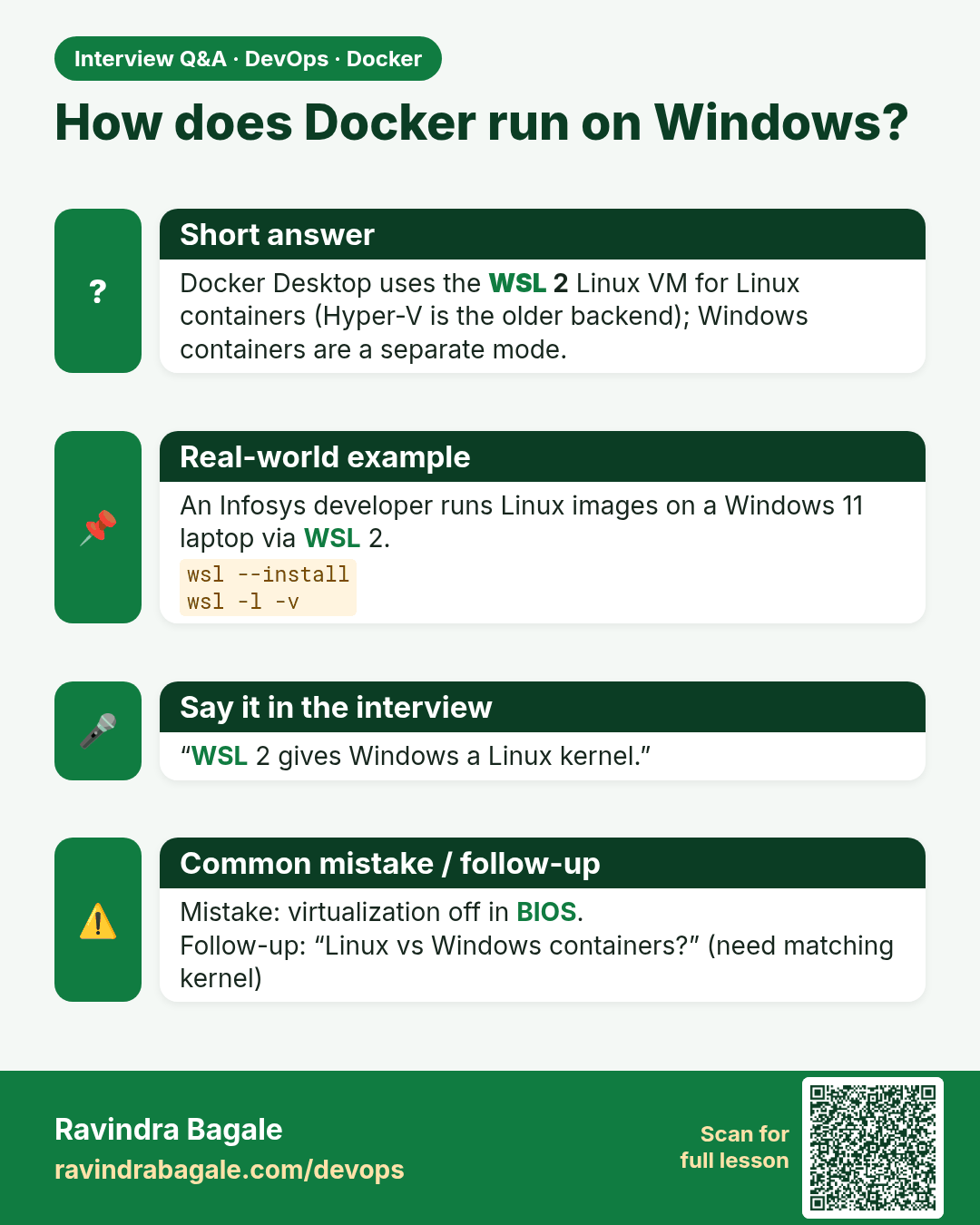
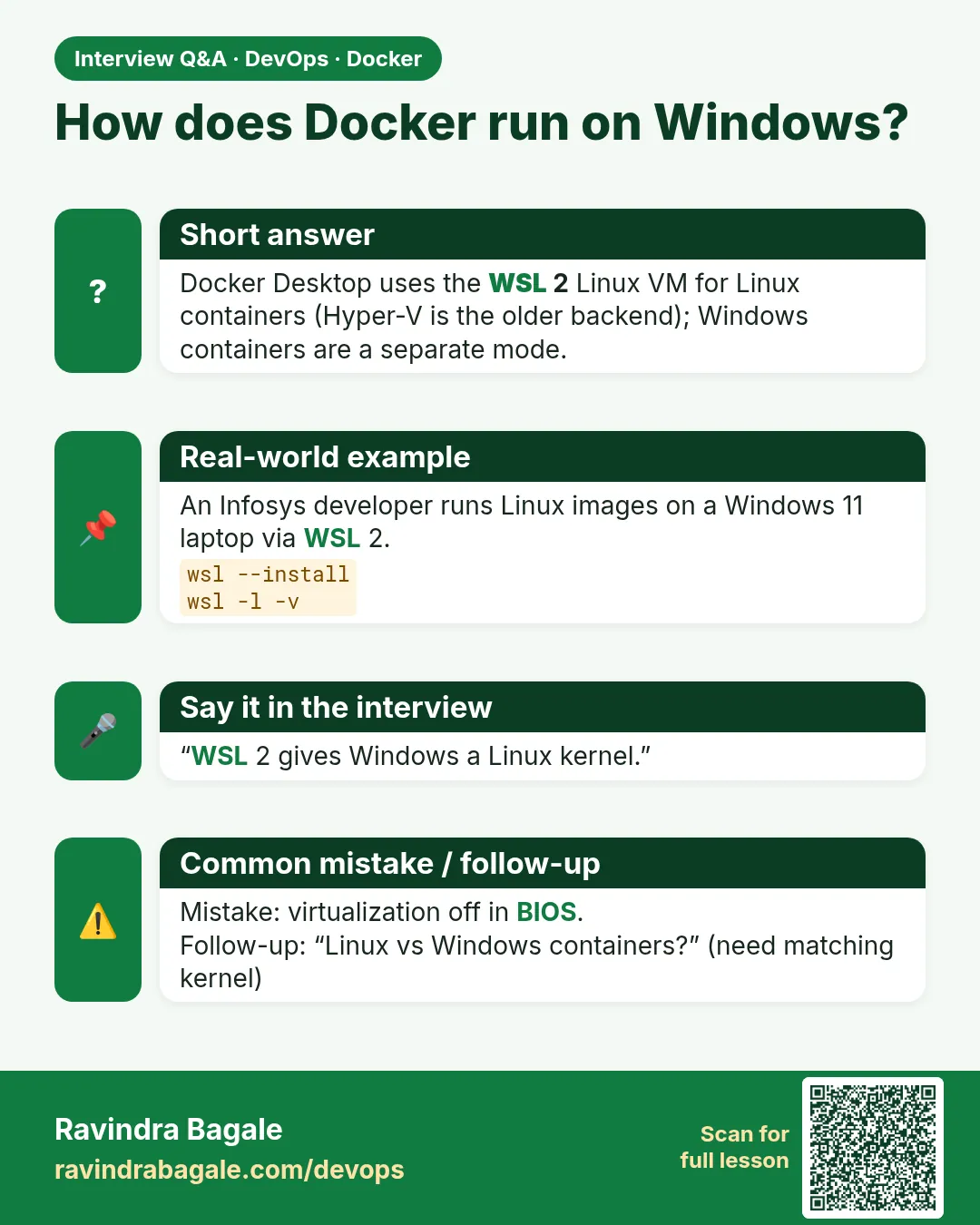 Interview card 7 of 15: How does Docker run on Windows? · Download PNG · Open card page
Lesson: 47.7 Docker on Windows with WSL 2, step by step
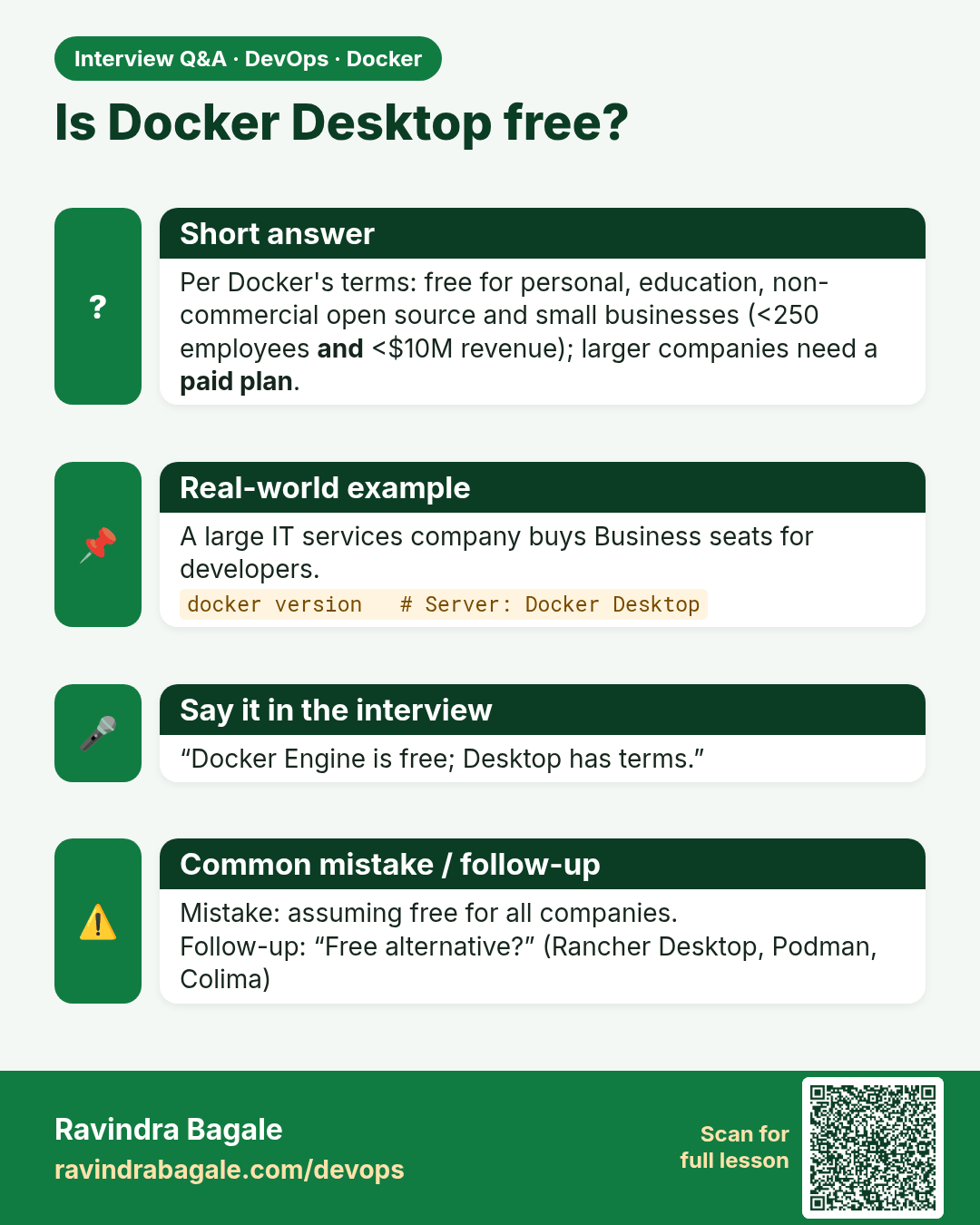
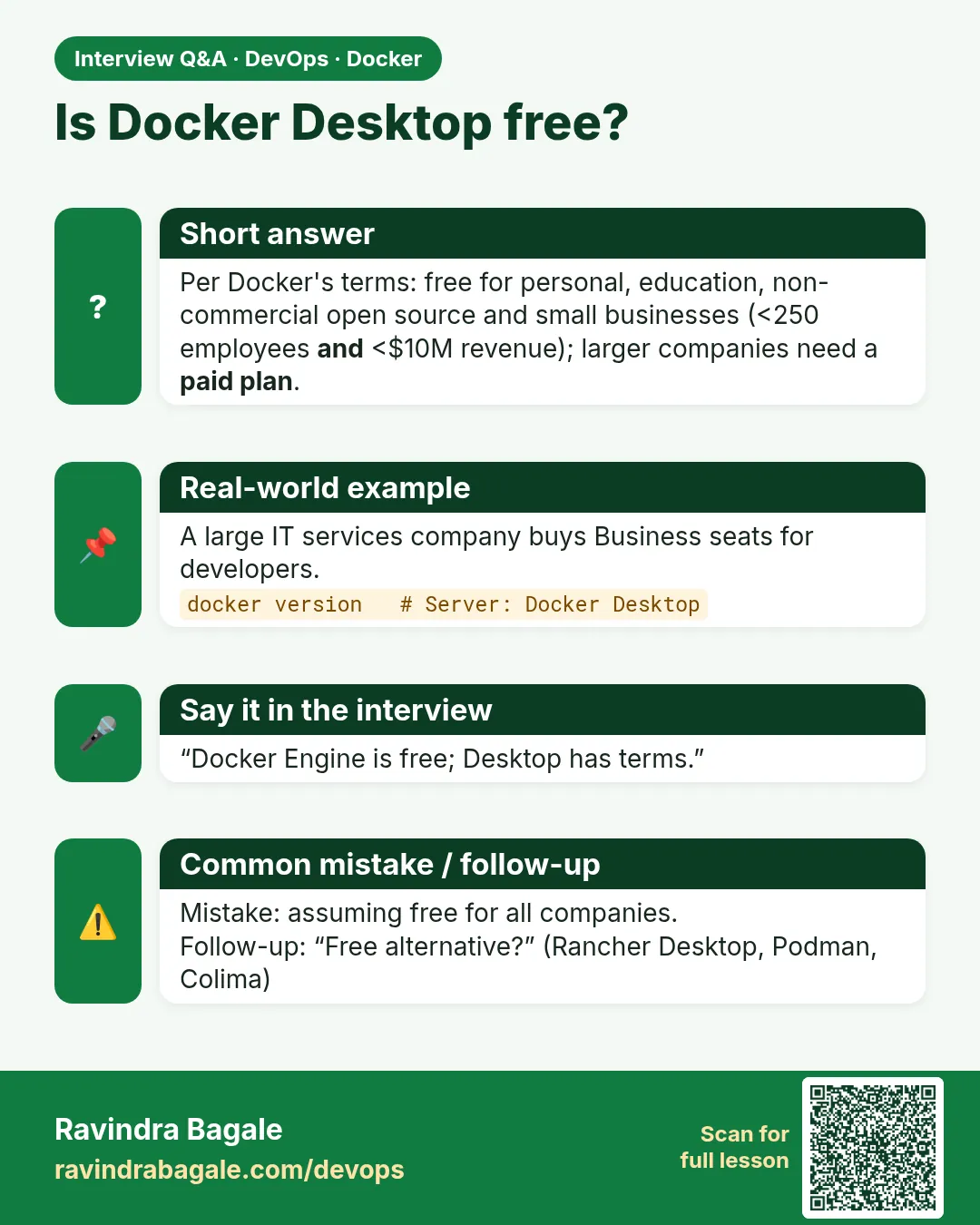 Interview card 8 of 15: Is Docker Desktop free? · Download PNG · Open card page
Lesson: 47.8 Docker Desktop: what it includes, install and licence
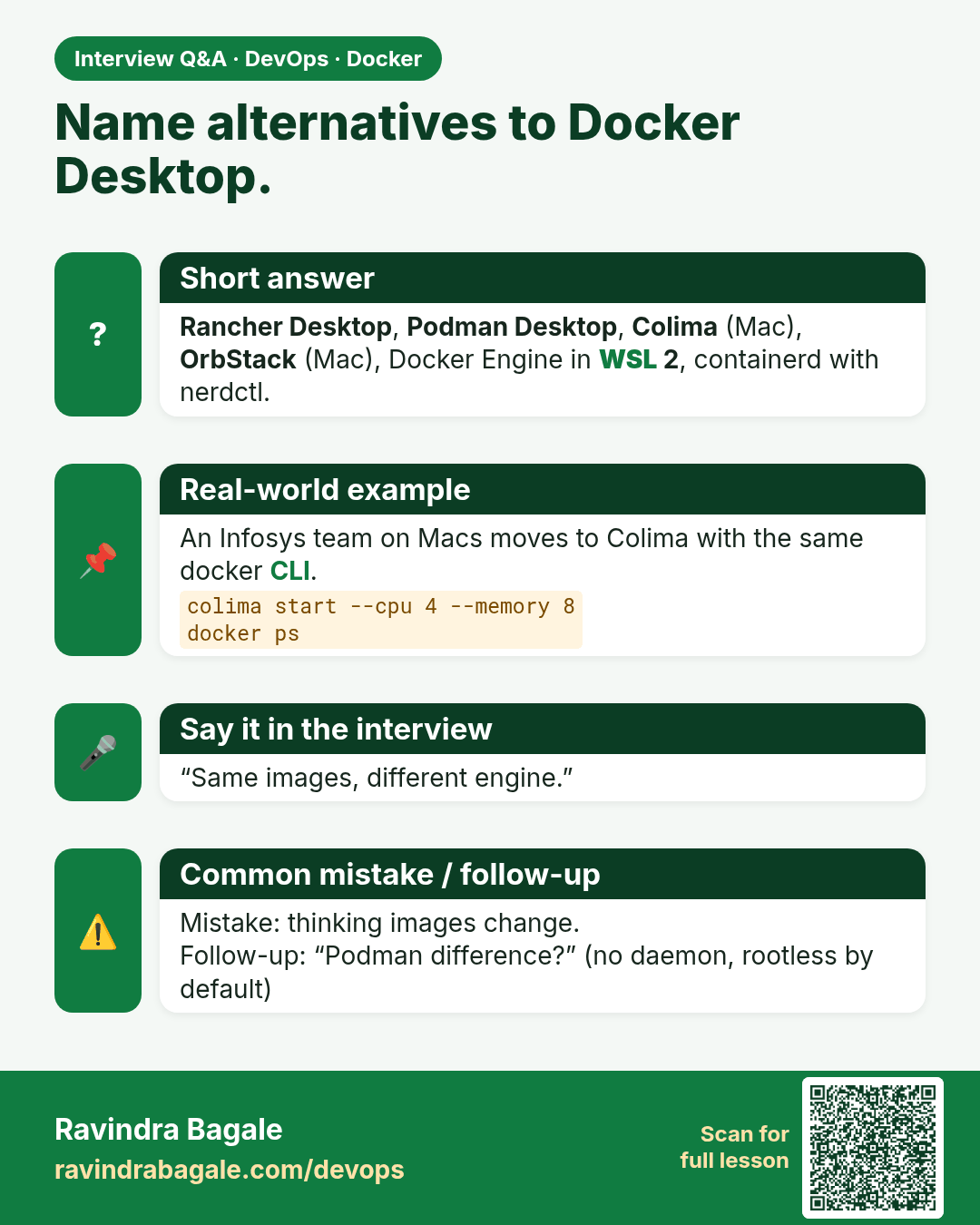
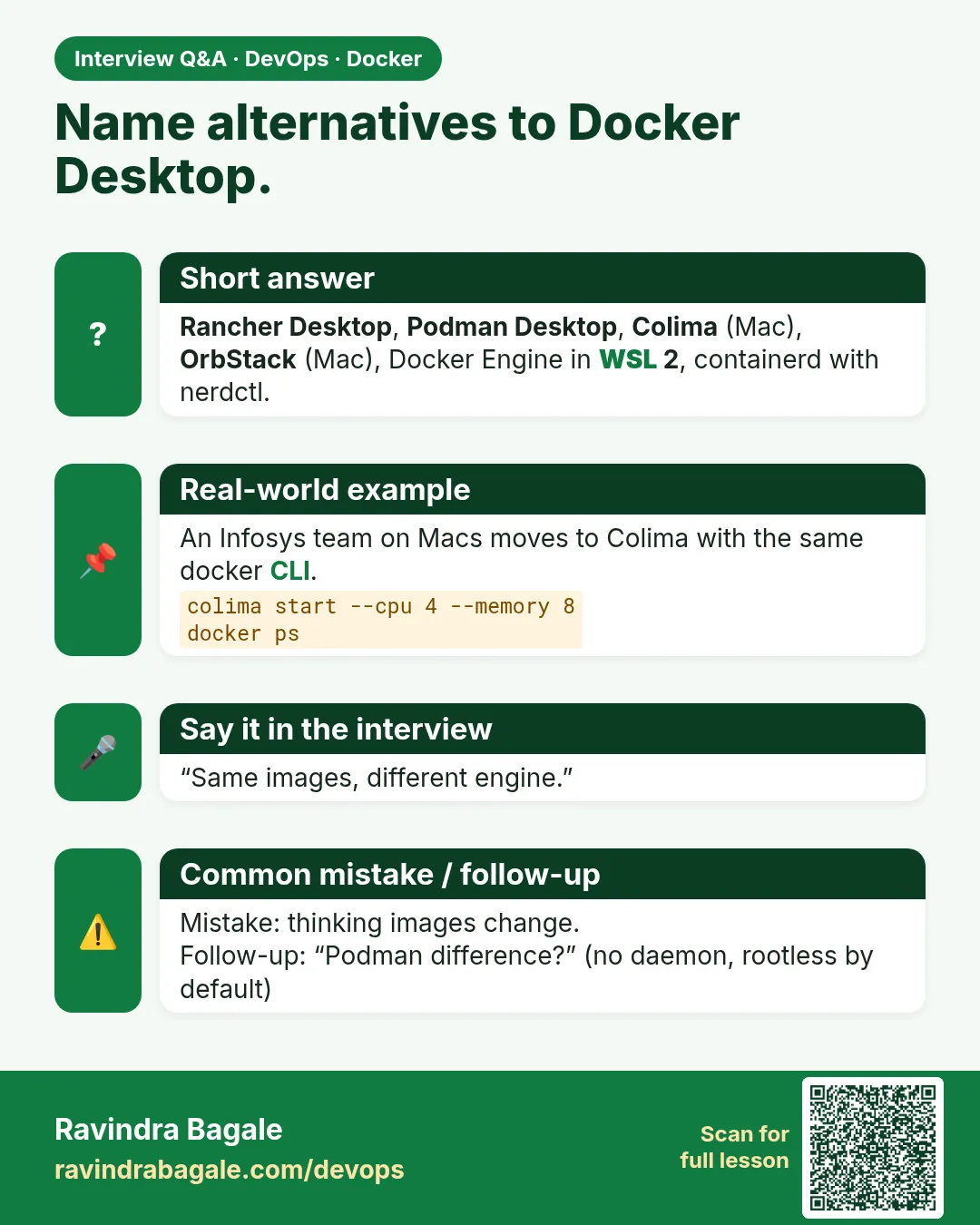 Interview card 9 of 15: Name alternatives to Docker Desktop. · Download PNG · Open card page
Lesson: 47.9 Alternatives to Docker Desktop
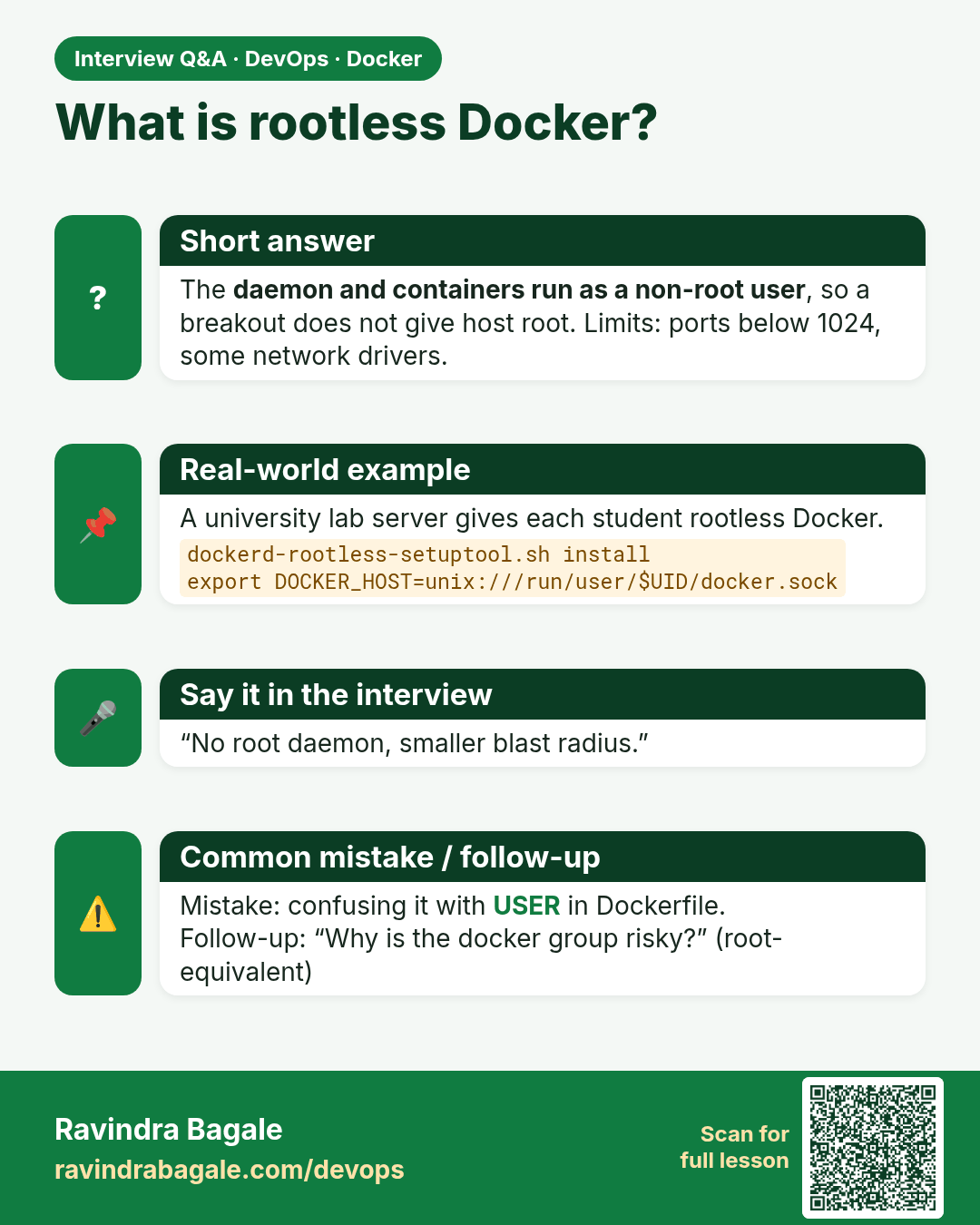
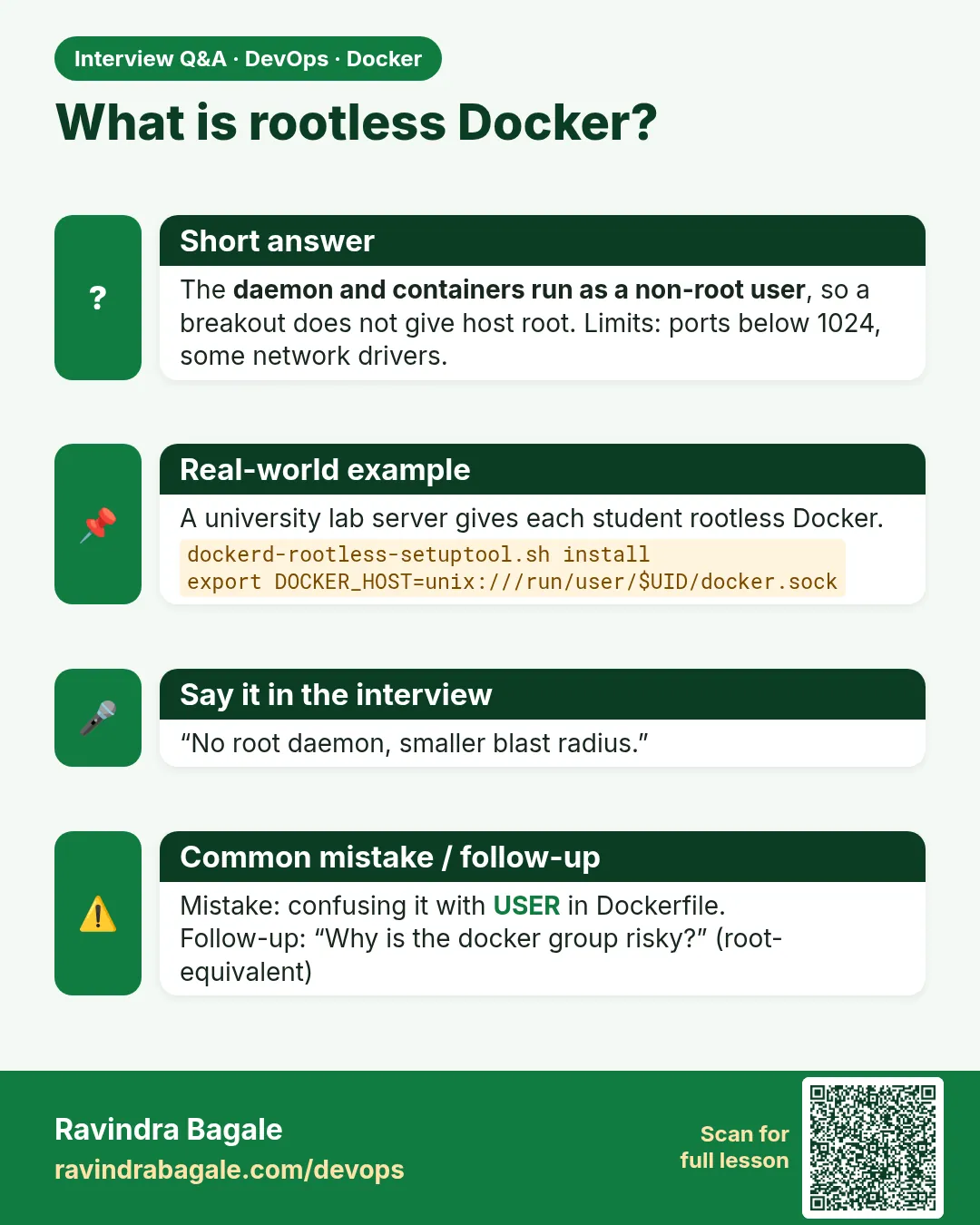 Interview card 10 of 15: What is rootless Docker? · Download PNG · Open card page
Lesson: 47.10 Rootless mode and post-install setup
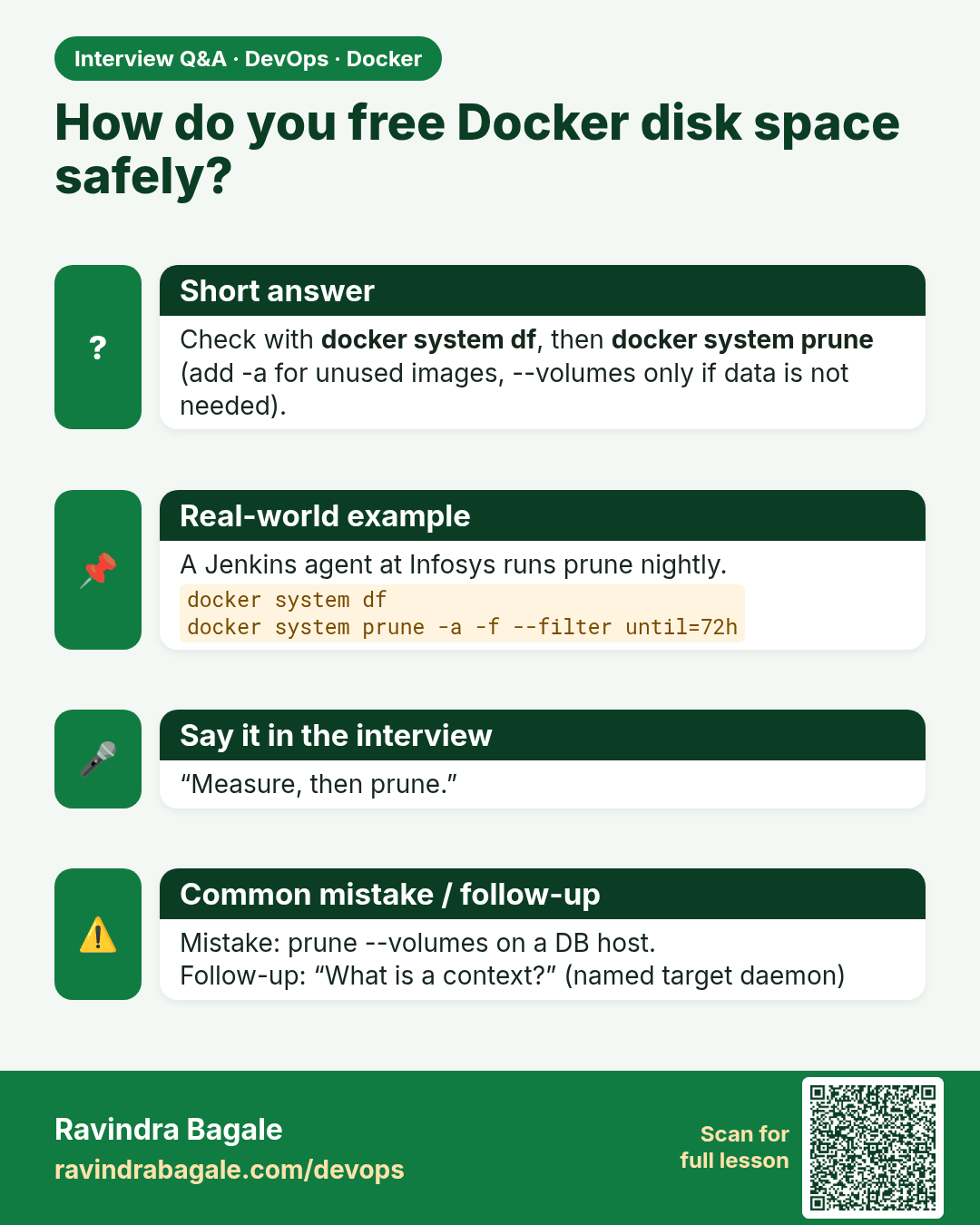
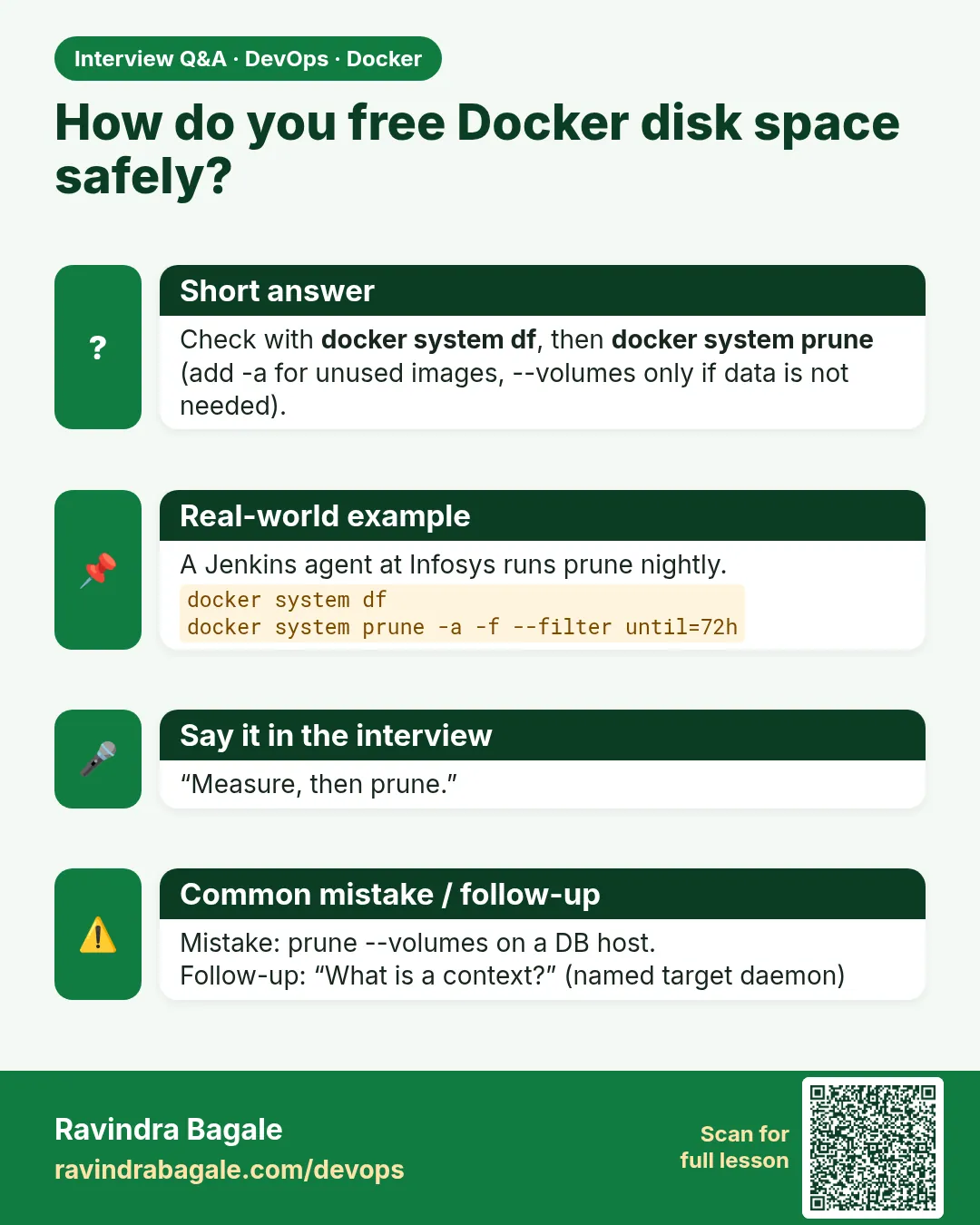 Interview card 11 of 15: How do you free Docker disk space safely? · Download PNG · Open card page
Lesson: 47.11 Docker system, context and login commands: full reference
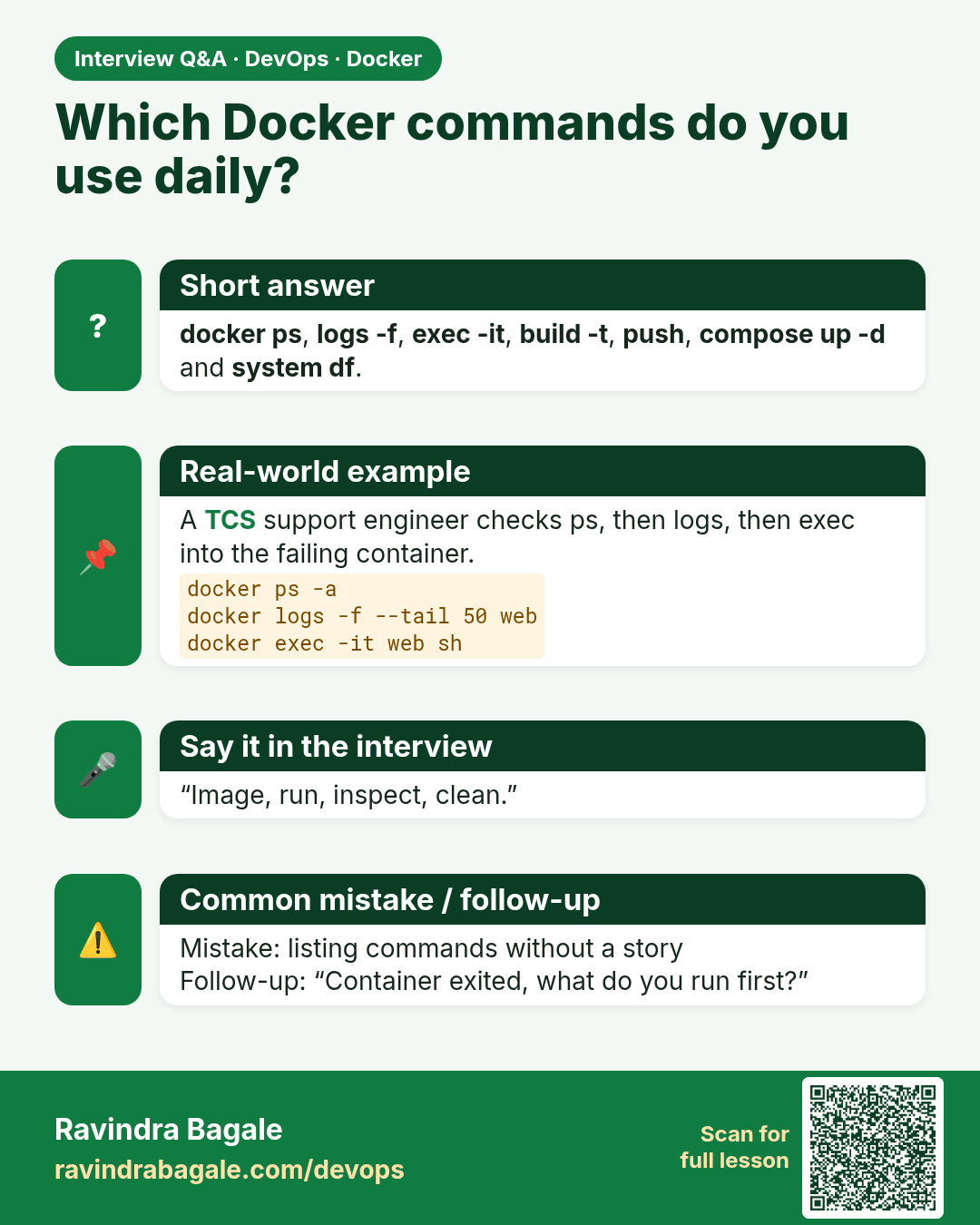
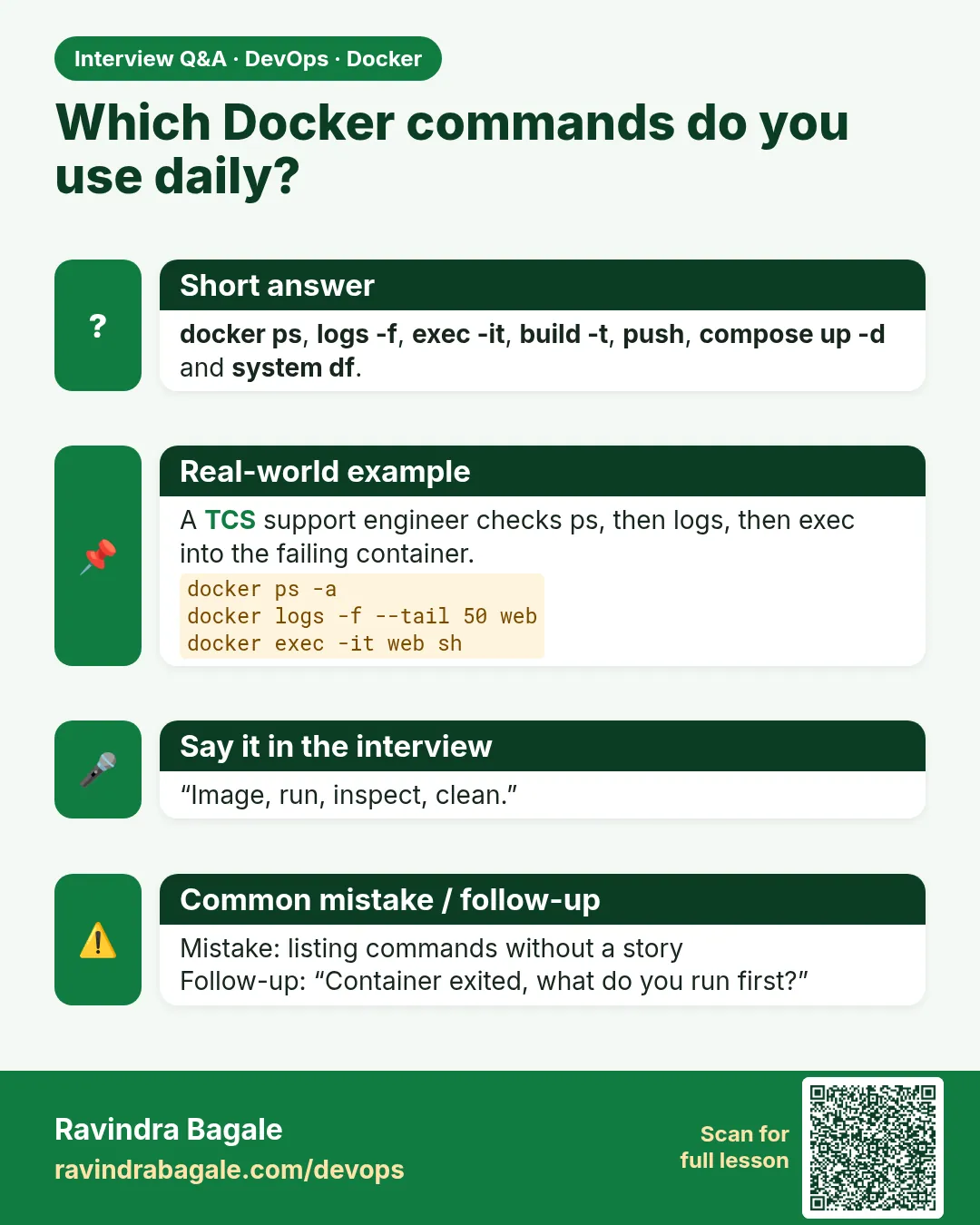 Interview card 12 of 15: Which Docker commands do you use daily? · Download PNG · Open card page
Lesson: 47.12 All Docker Commands Step by Step with Examples
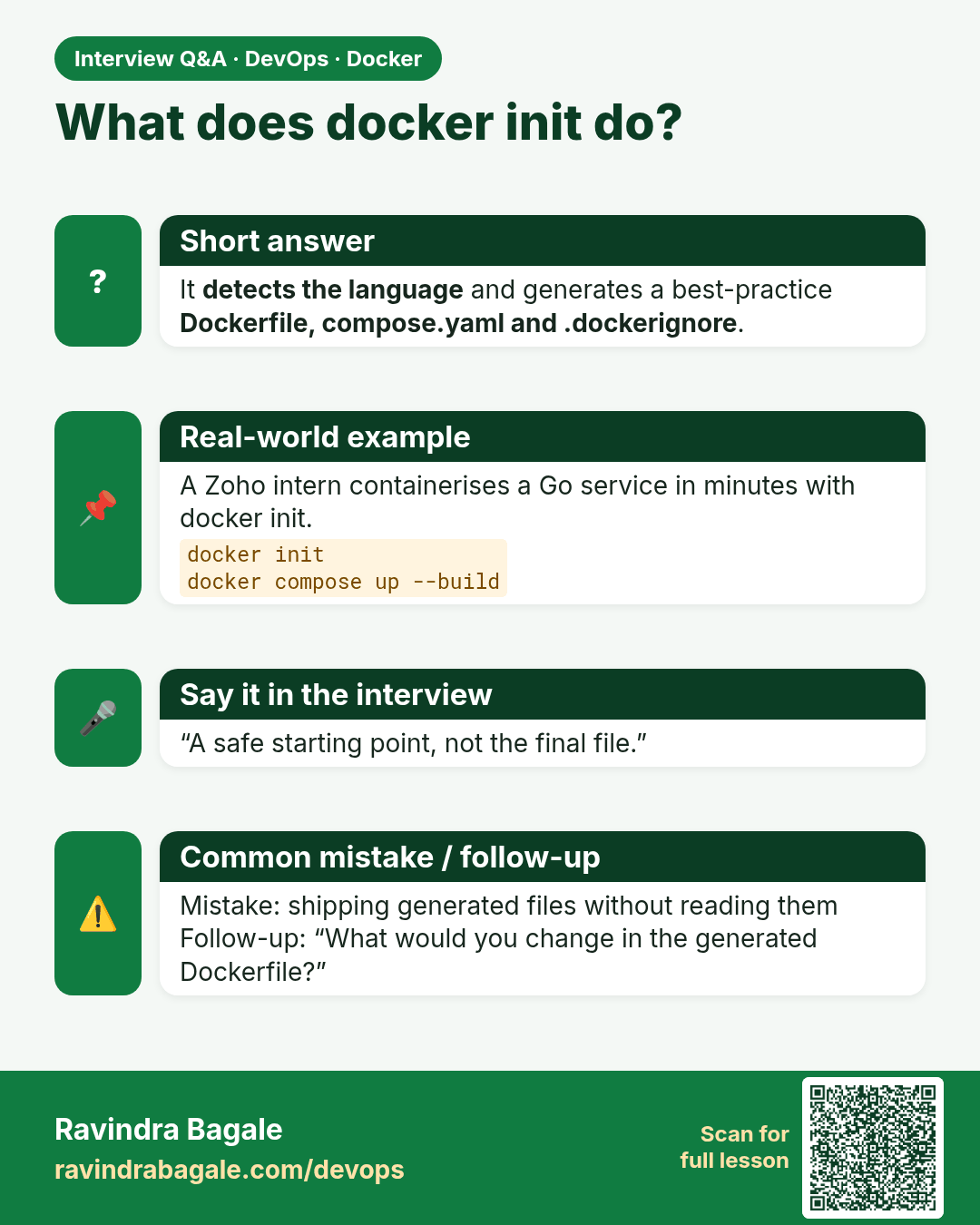
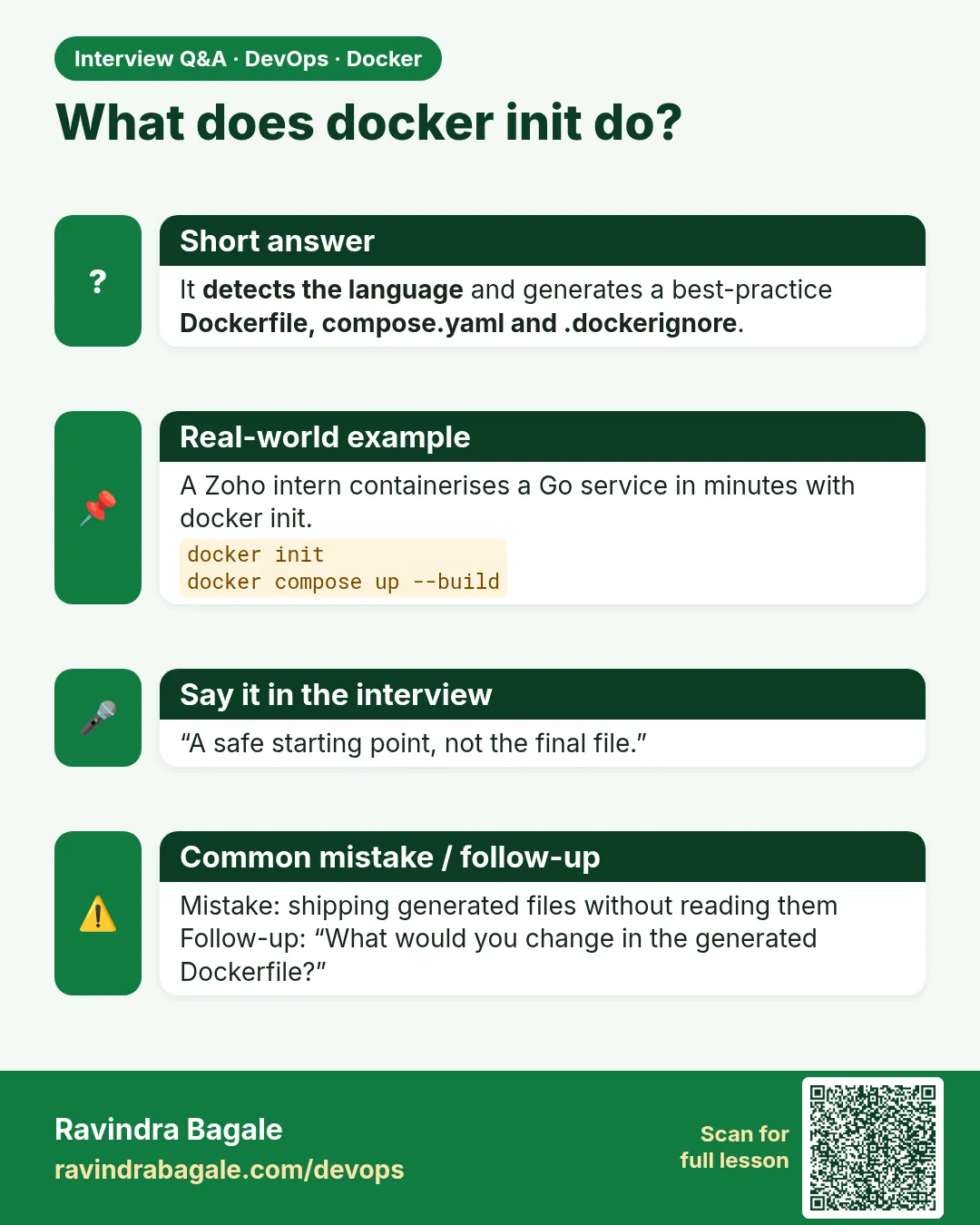 Interview card 13 of 15: What does docker init do? · Download PNG · Open card page
Lesson: 47.13 docker init: generate a Dockerfile, Compose file and .dockerignore
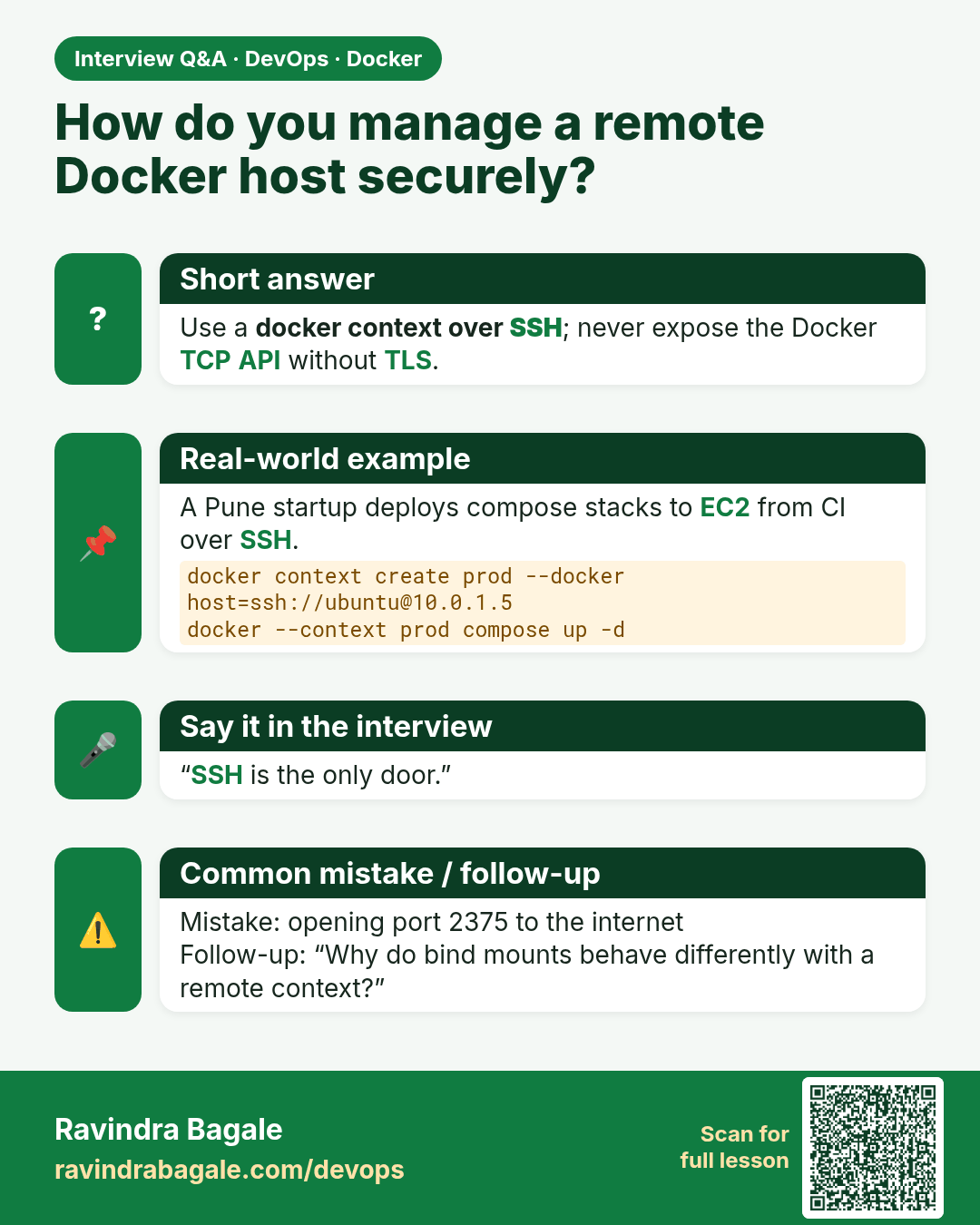
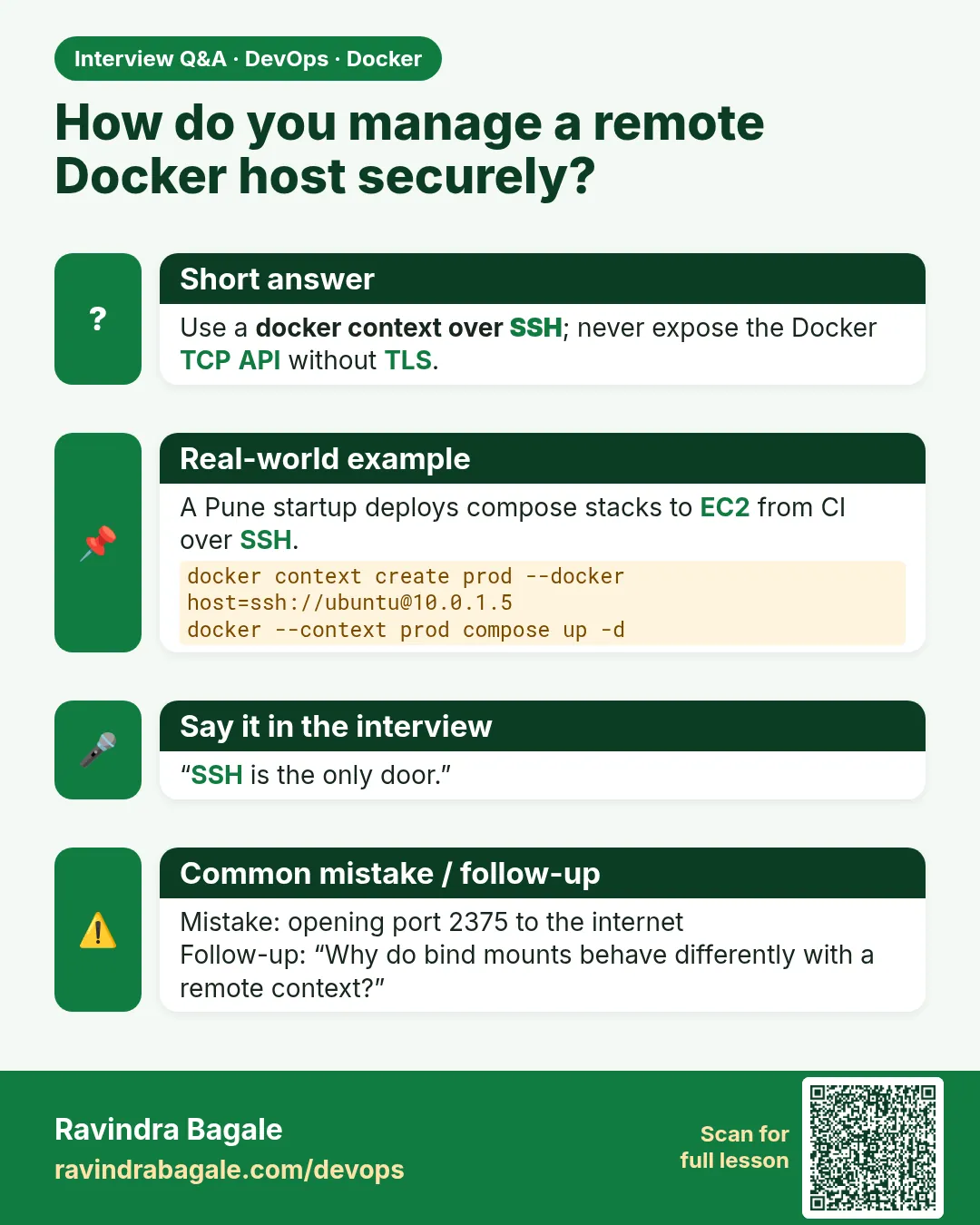 Interview card 14 of 15: How do you manage a remote Docker host securely? · Download PNG · Open card page
Lesson: 47.14 Docker contexts and remote Docker over SSH
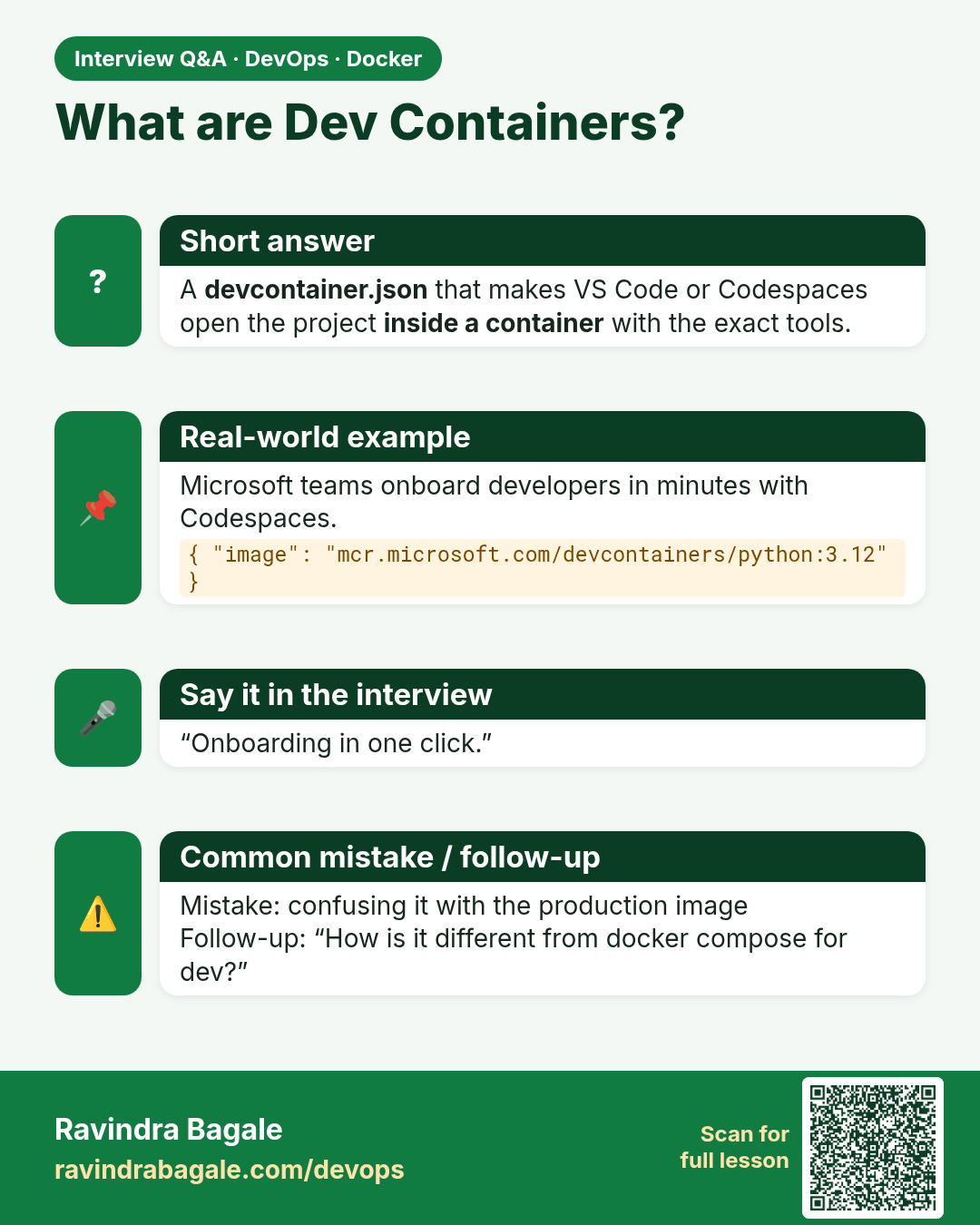
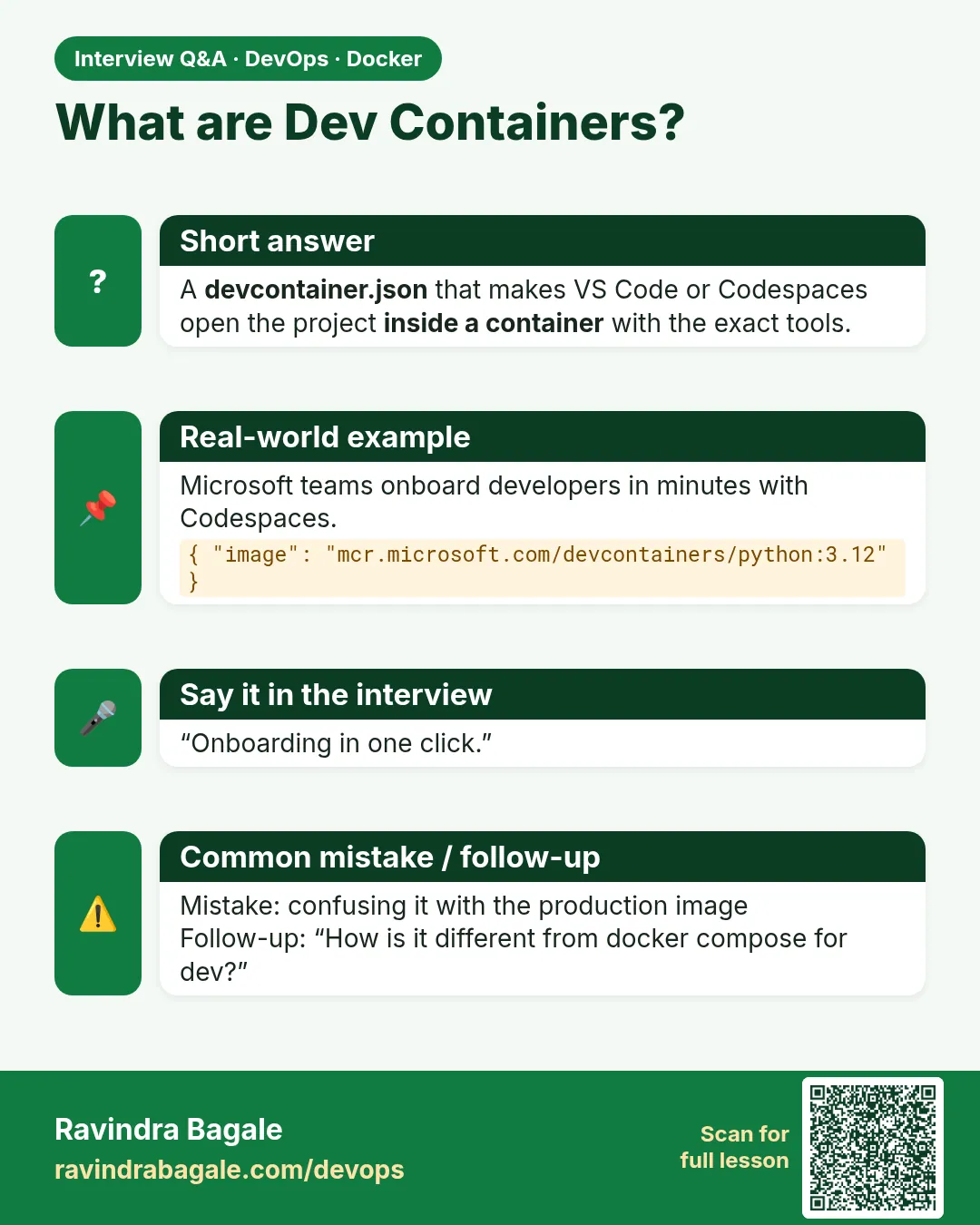 Interview card 15 of 15: What are Dev Containers? · Download PNG · Open card page
Lesson: 47.15 Dev Containers, Testcontainers and Docker Desktop extras
Comparison cards
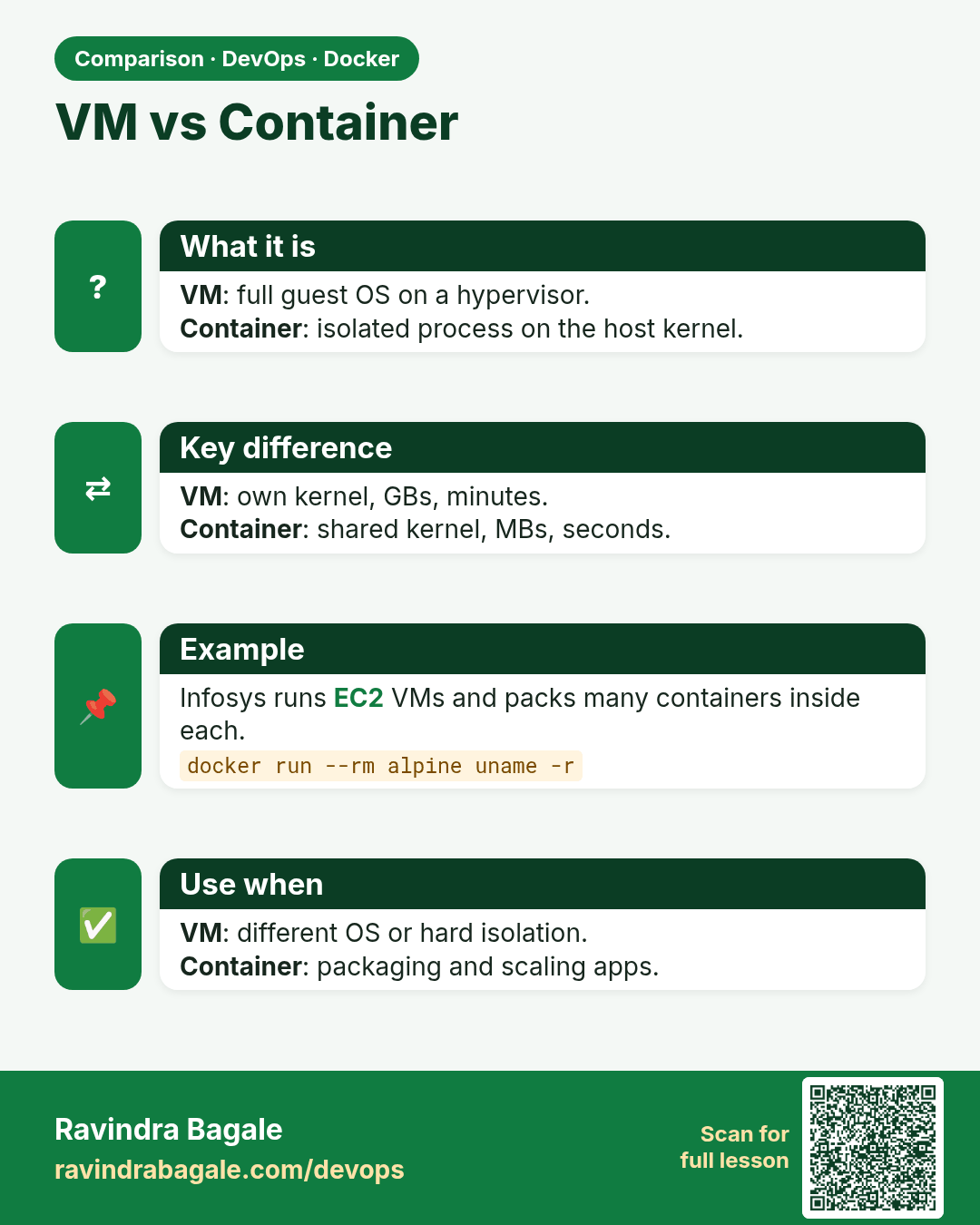
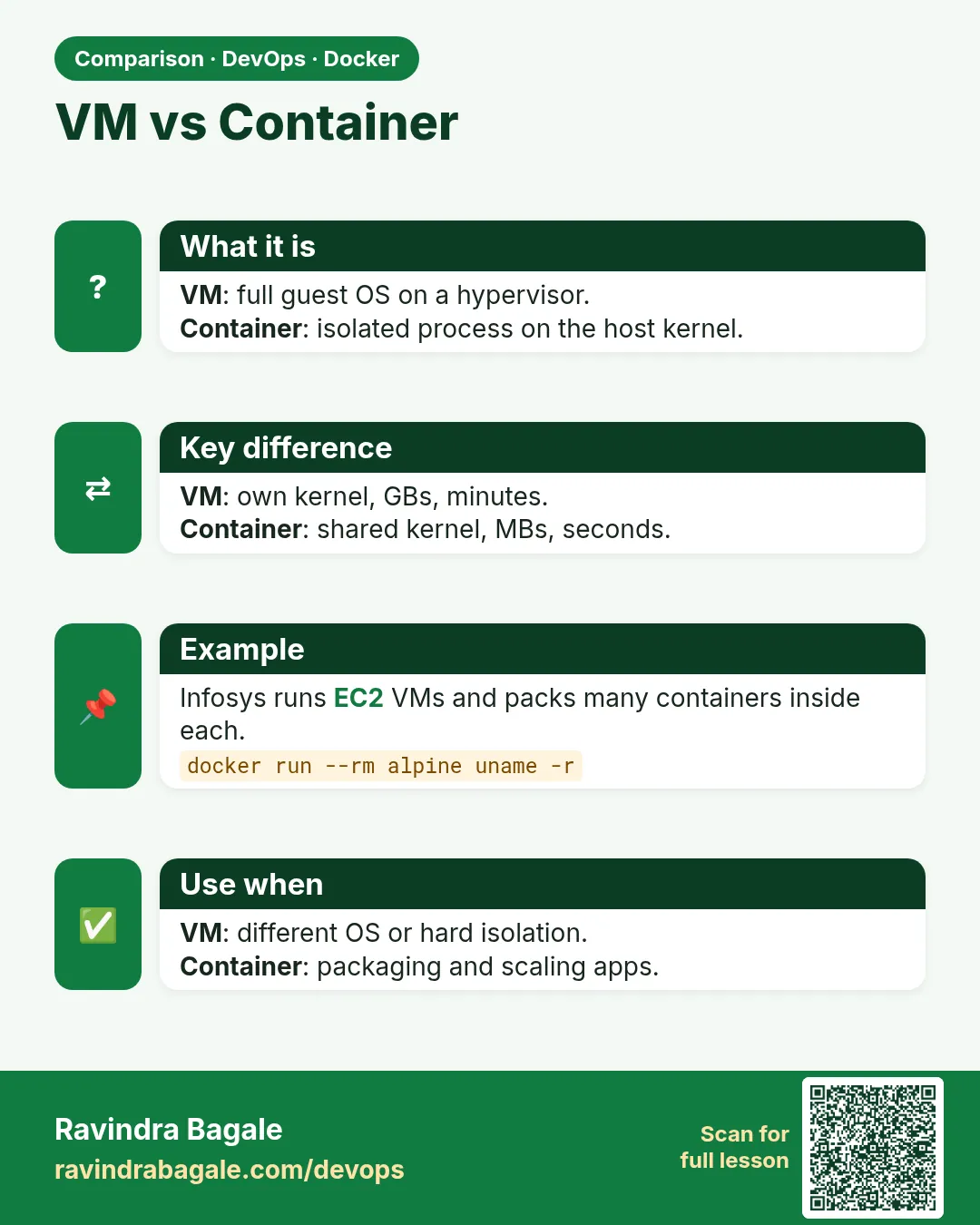 Comparison card 1 of 3: VM vs Container · Download PNG · Open card page
Lesson: 47.2 Virtual machines vs containers
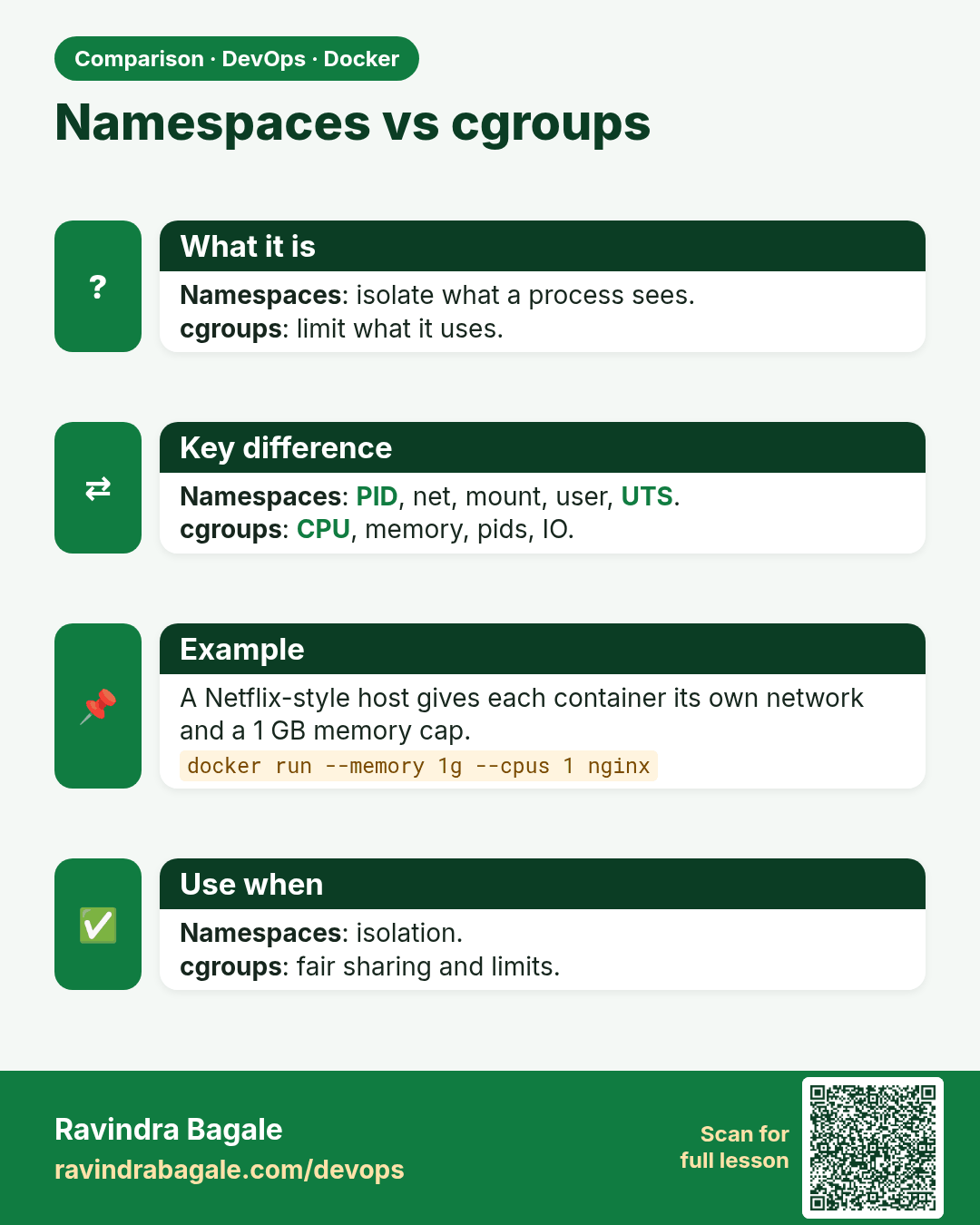
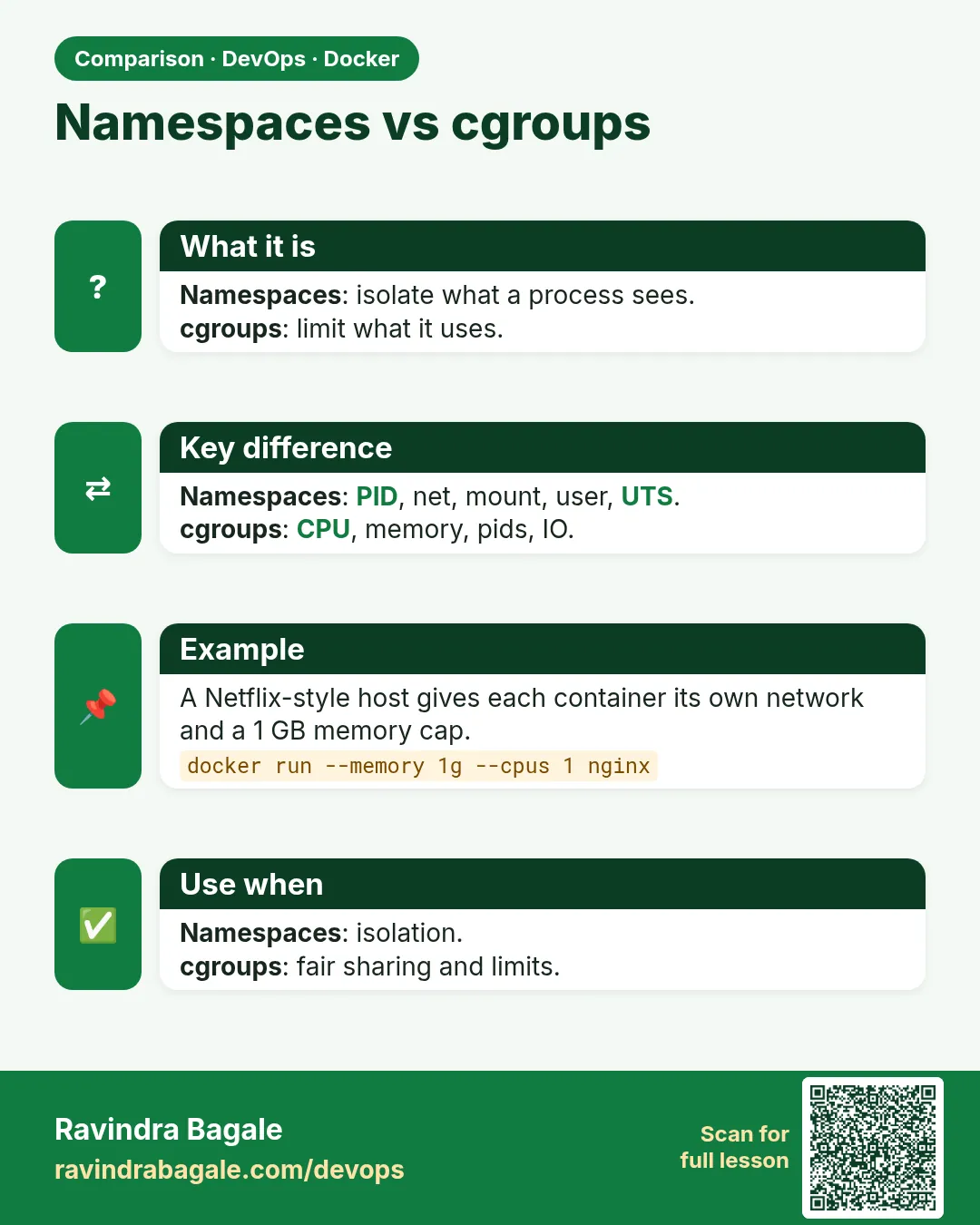 Comparison card 2 of 3: Namespaces vs cgroups · Download PNG · Open card page
Lesson: 47.4 Namespaces and cgroups: how isolation really works
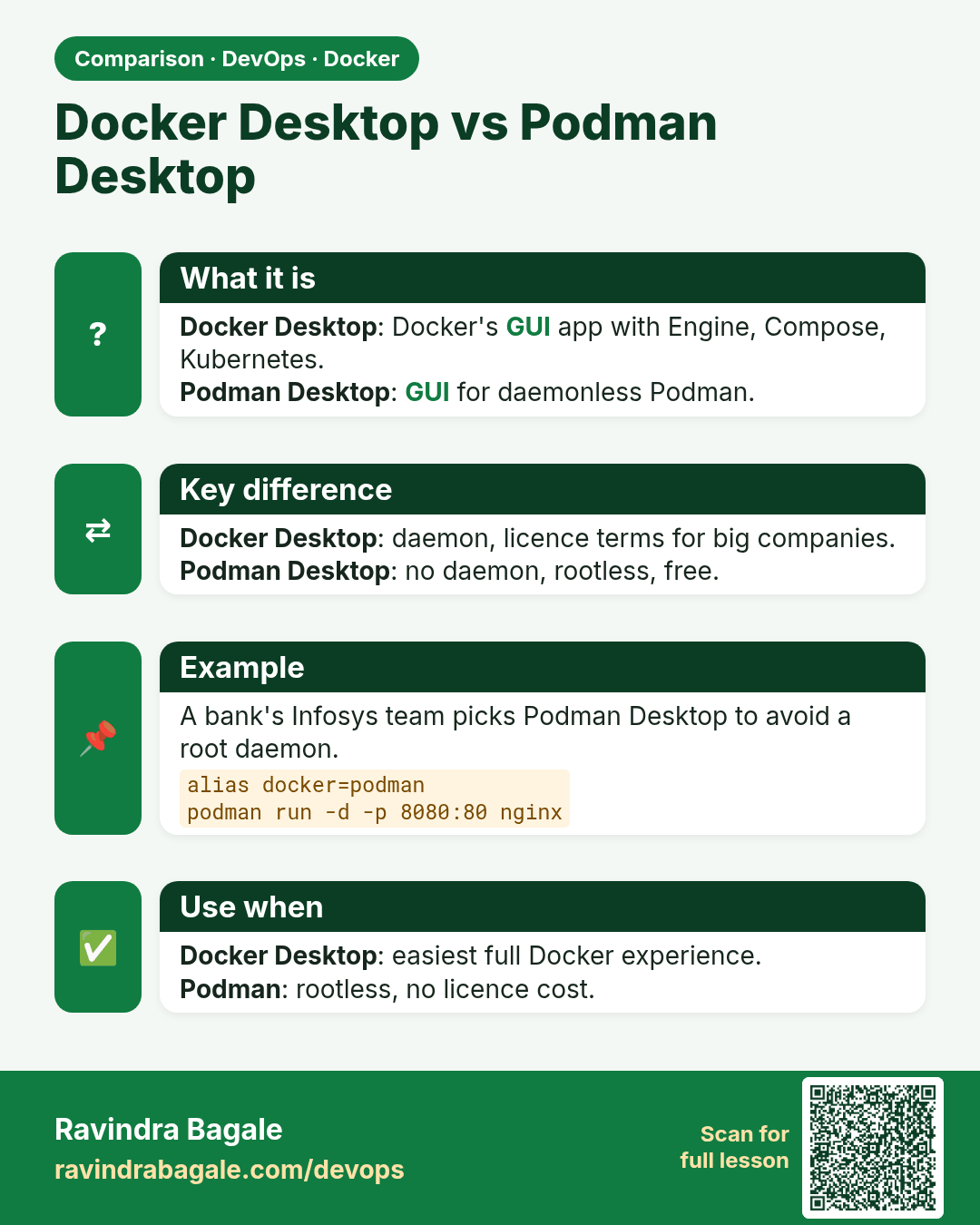
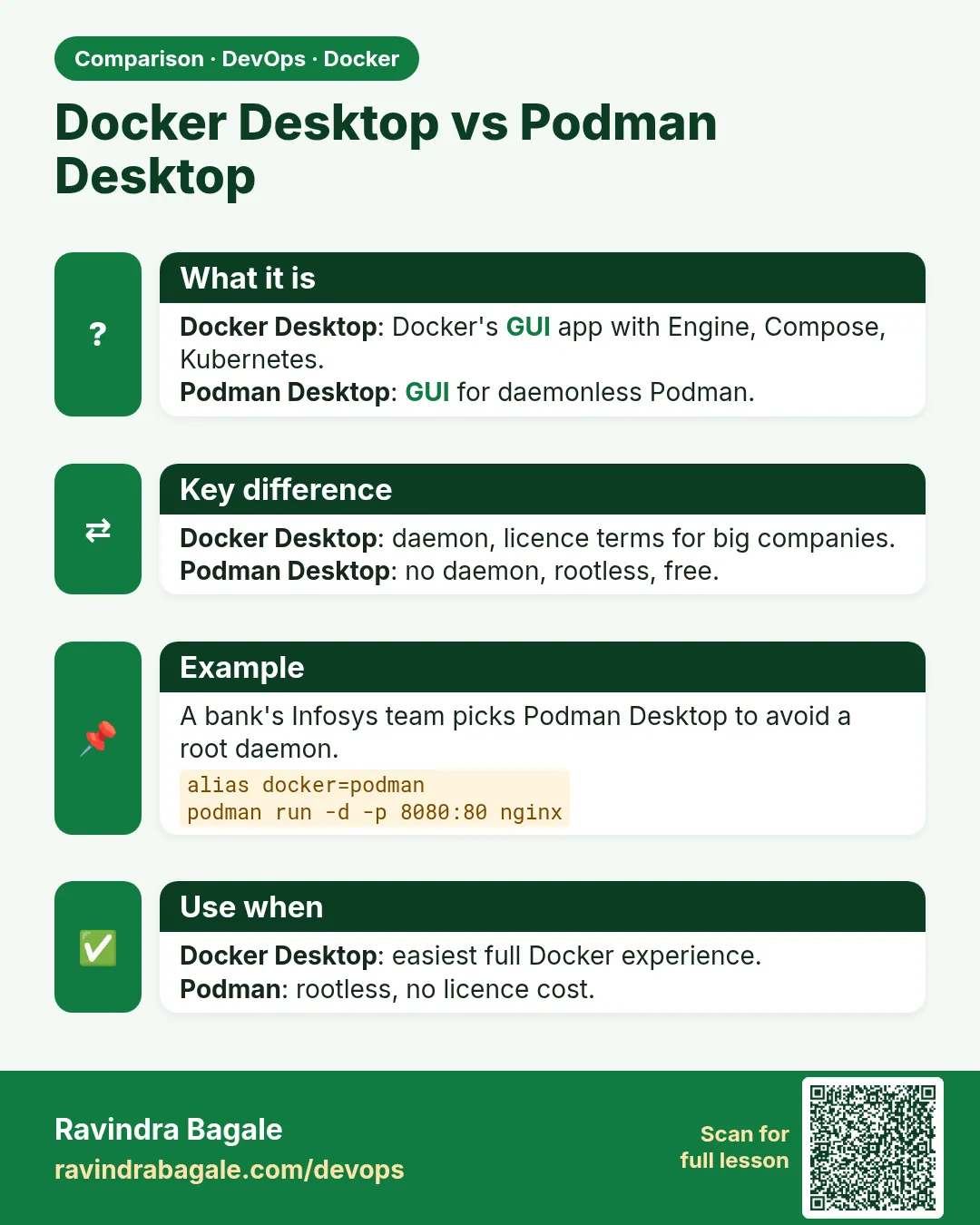 Comparison card 3 of 3: Docker Desktop vs Podman Desktop · Download PNG · Open card page
Lesson: 47.9 Alternatives to Docker Desktop