Revision cards
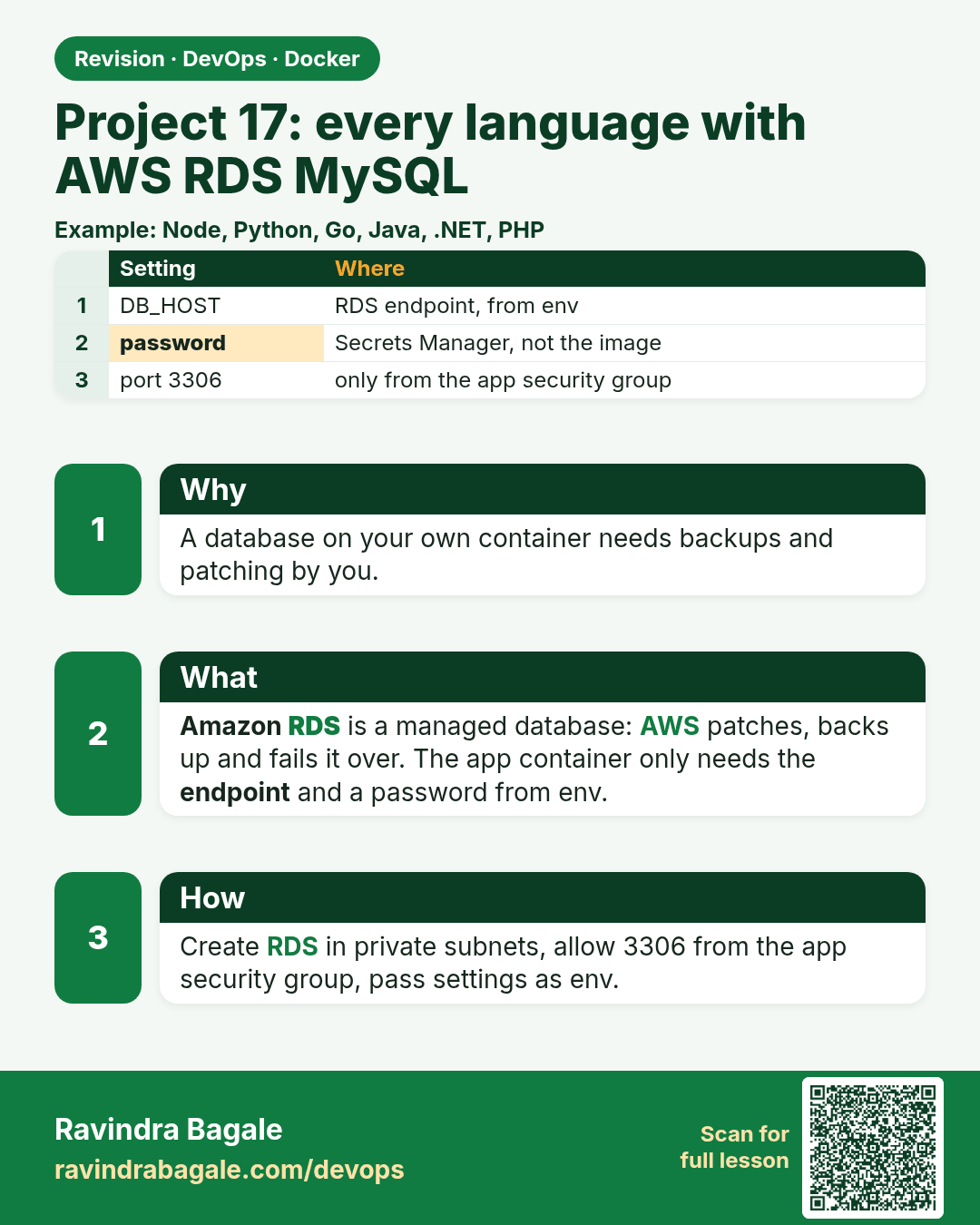
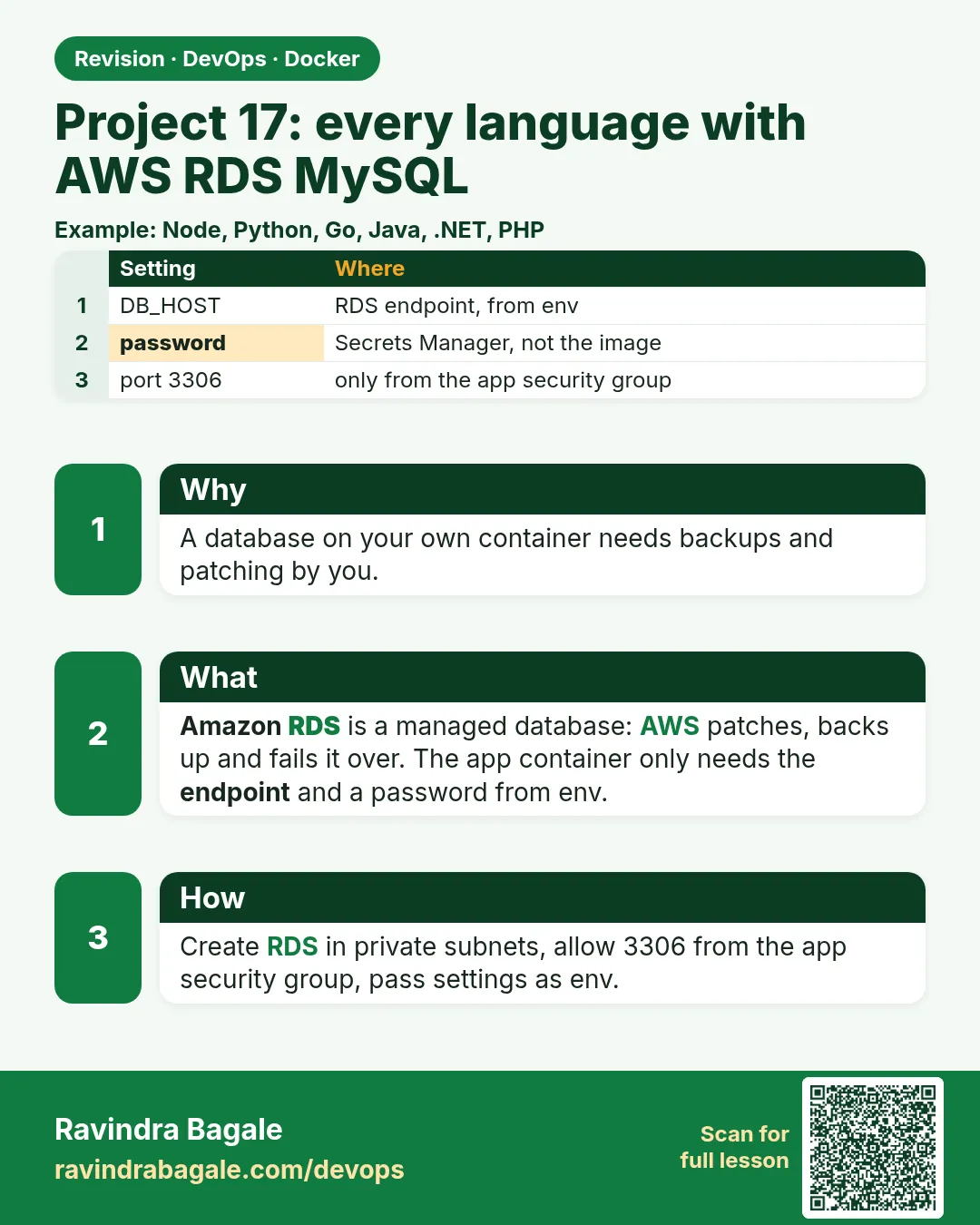 Revision card 1 of 15: Project 17: every language with AWS RDS MySQL · Download PNG · Open card page
Lesson: 58.1 Project 17: Every language in a container with AWS RDS MySQL (Node, Python, Go, Java, .NET, PHP)
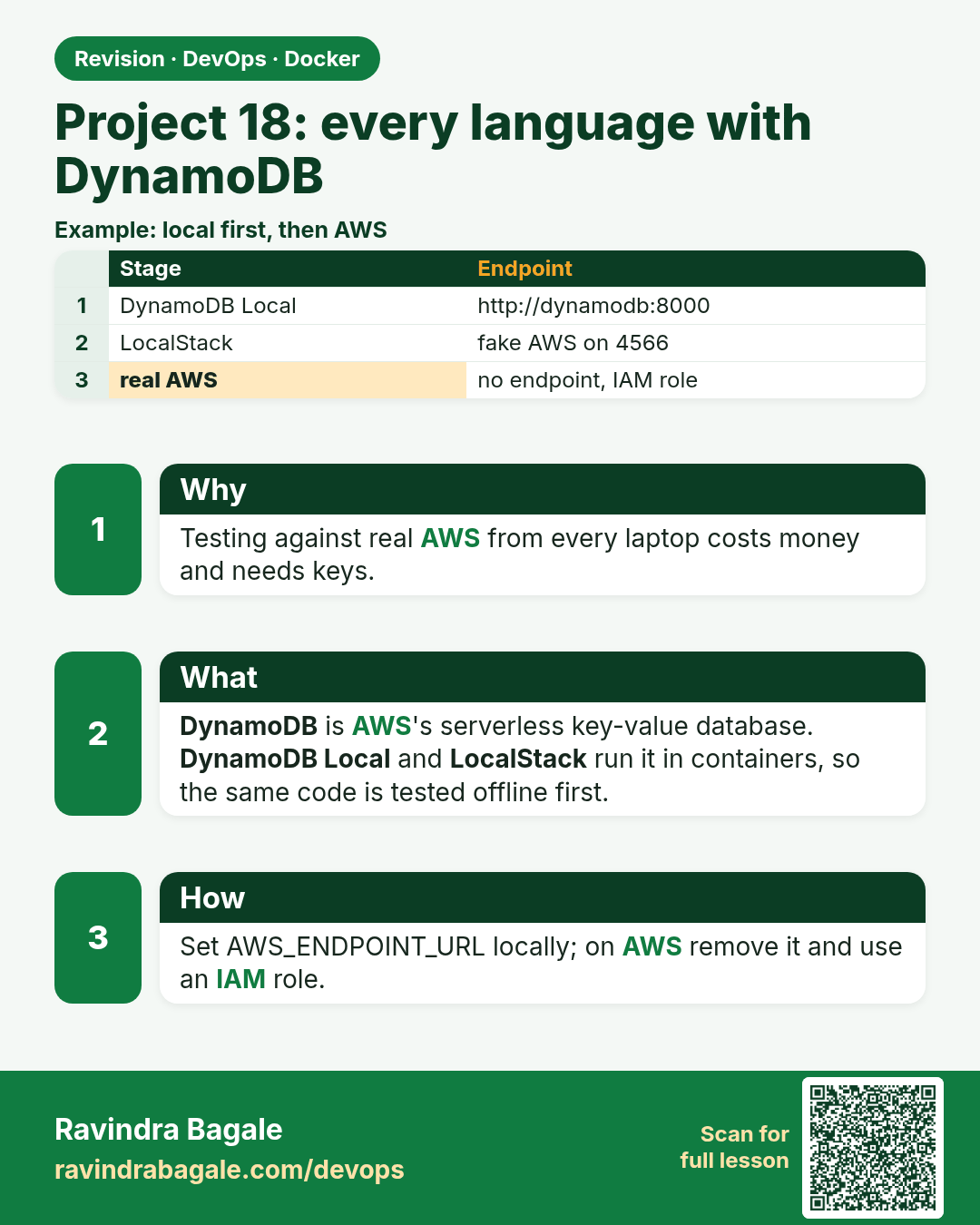
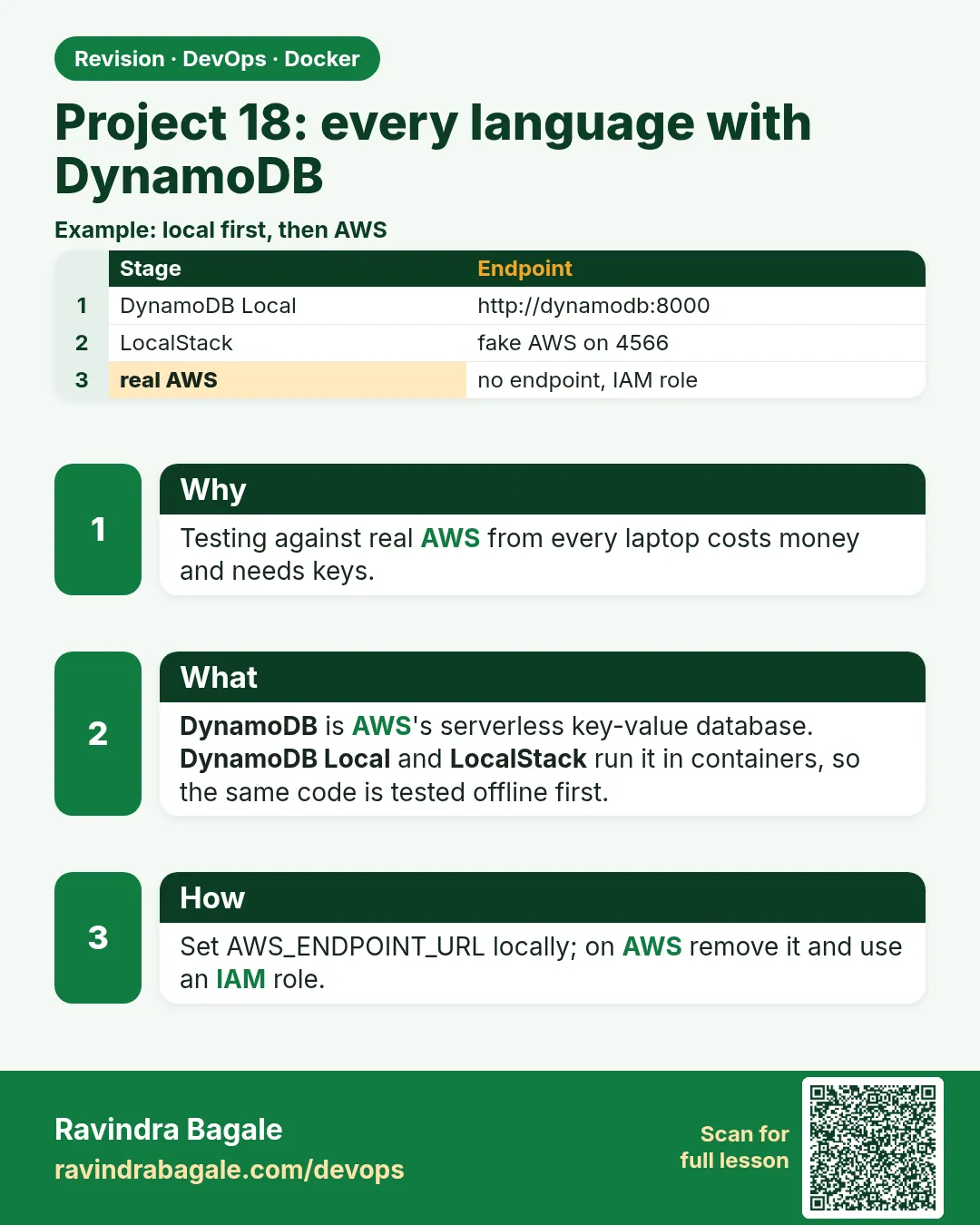 Revision card 2 of 15: Project 18: every language with DynamoDB · Download PNG · Open card page
Lesson: 58.2 Project 18: Every language in a container with DynamoDB (DynamoDB Local and LocalStack first, then real DynamoDB with an IAM role)
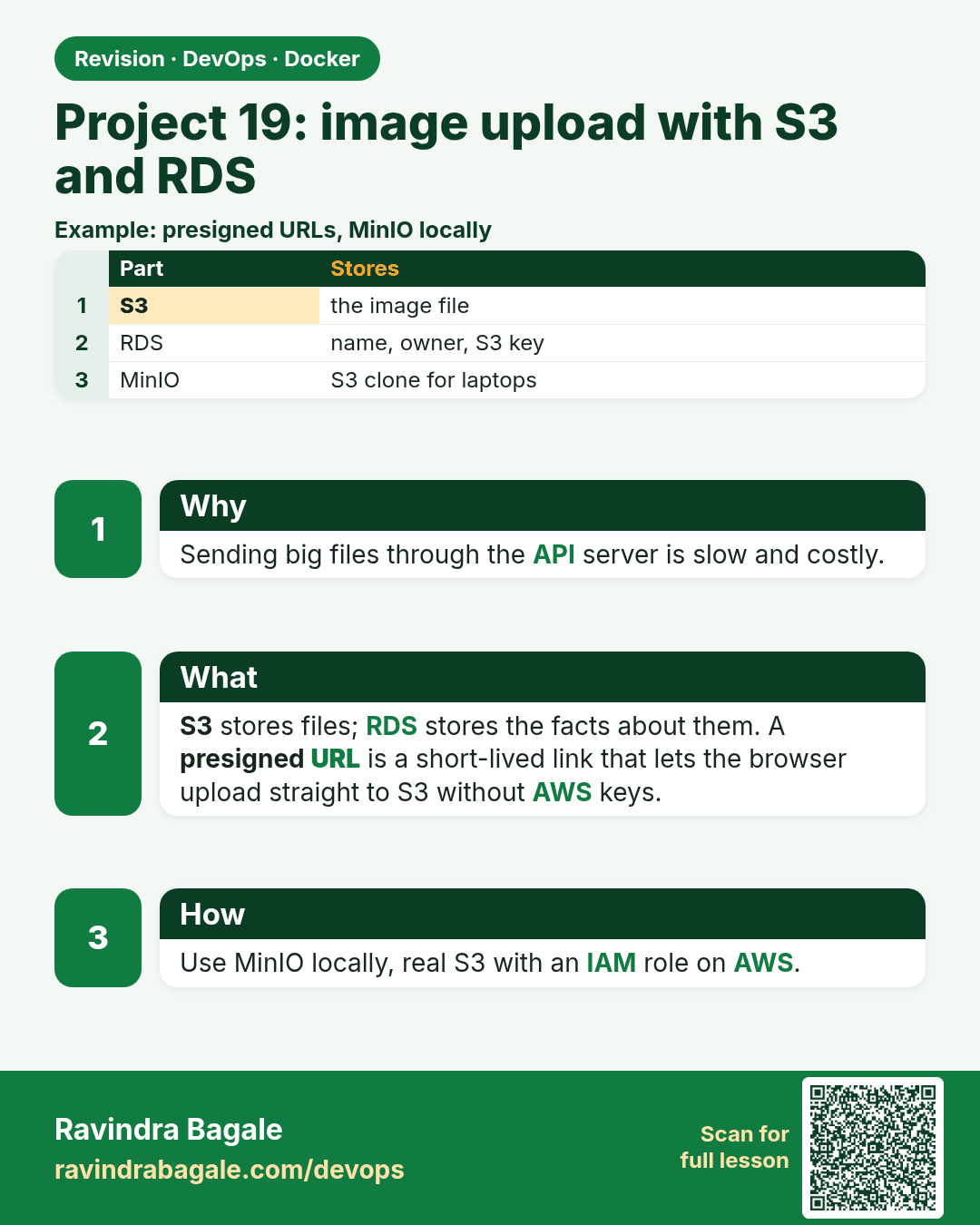
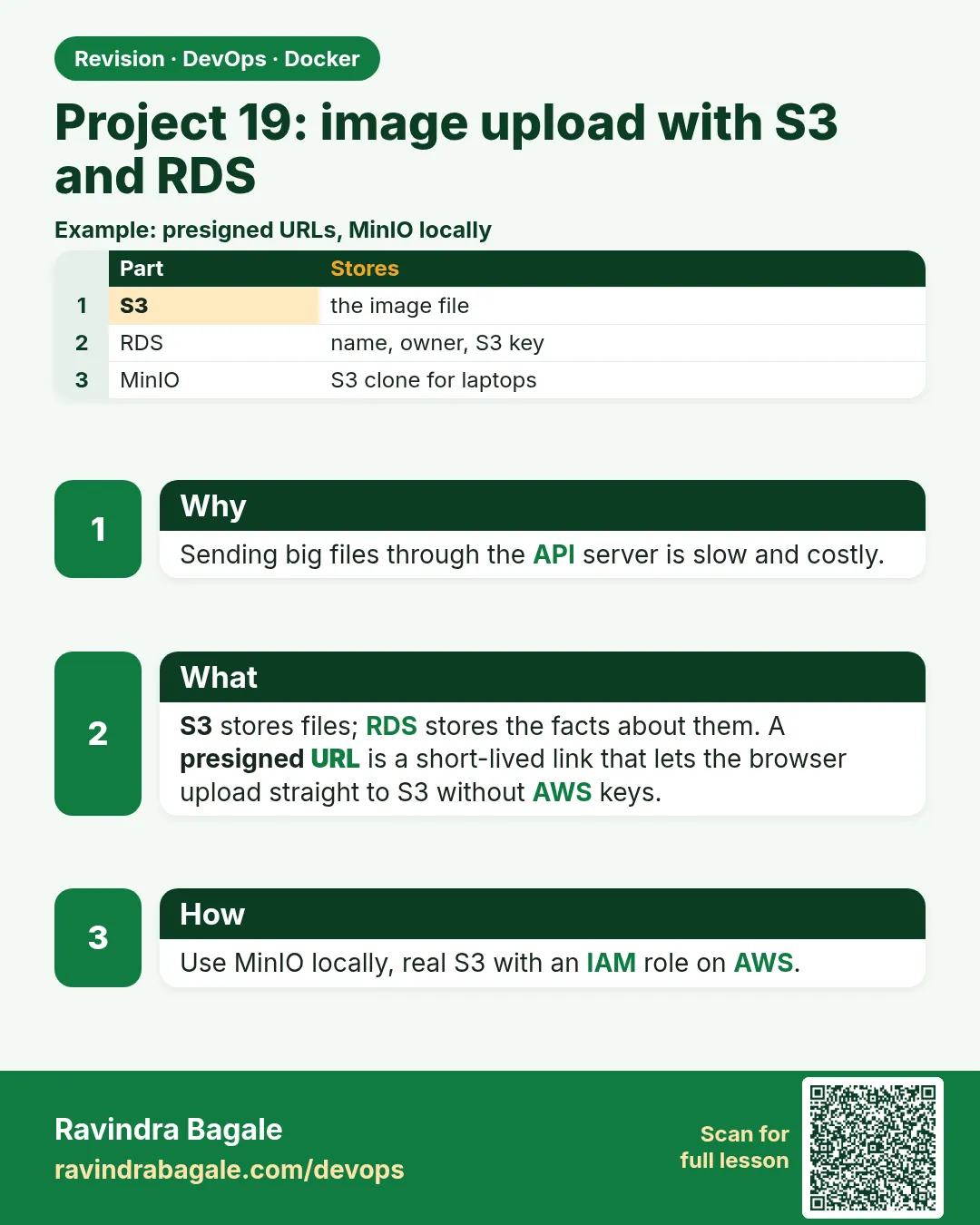 Revision card 3 of 15: Project 19: image upload with S3 and RDS · Download PNG · Open card page
Lesson: 58.3 Project 19: Containers with S3 and RDS (image-upload API with presigned URLs, MinIO locally, real S3 and RDS on AWS)
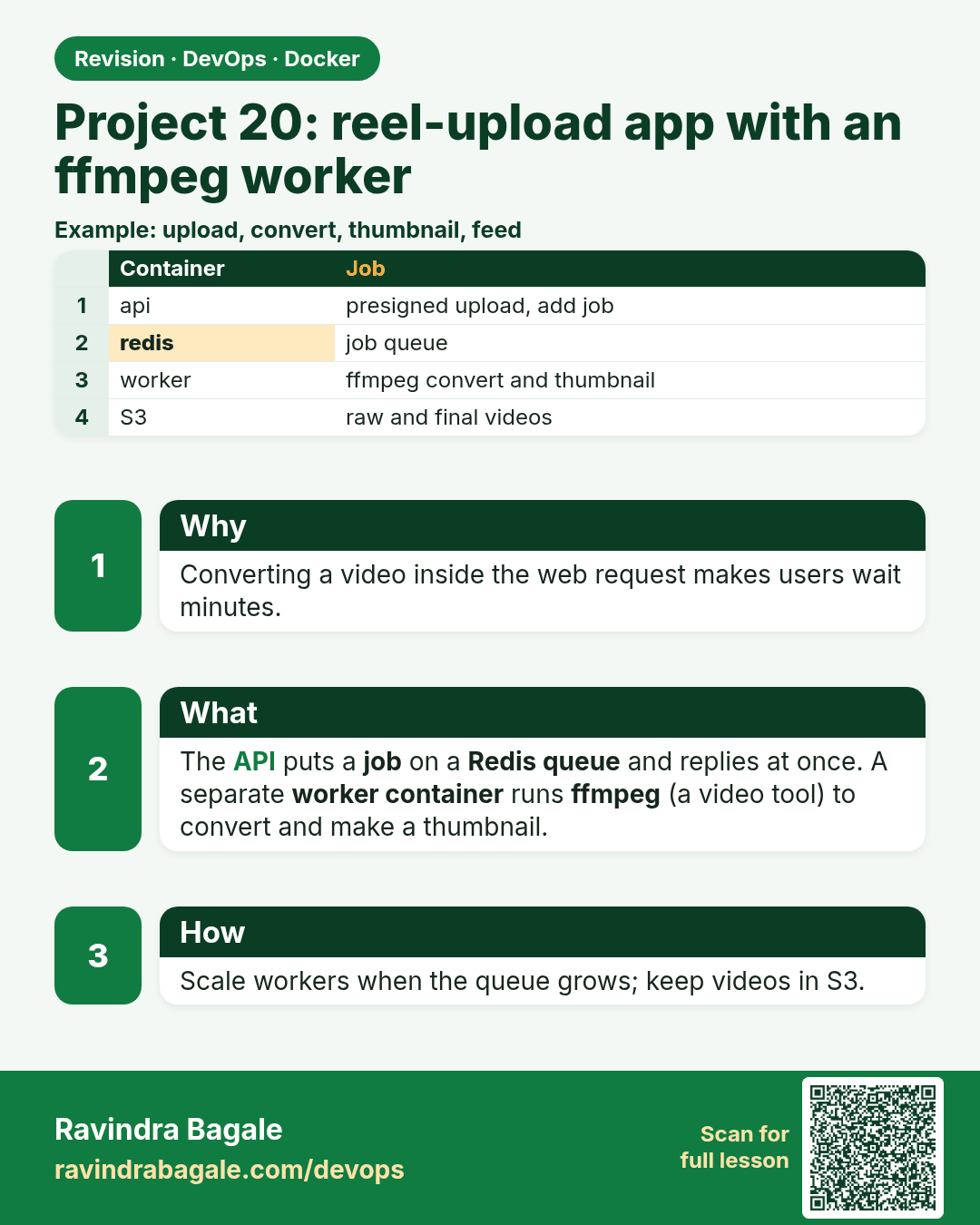
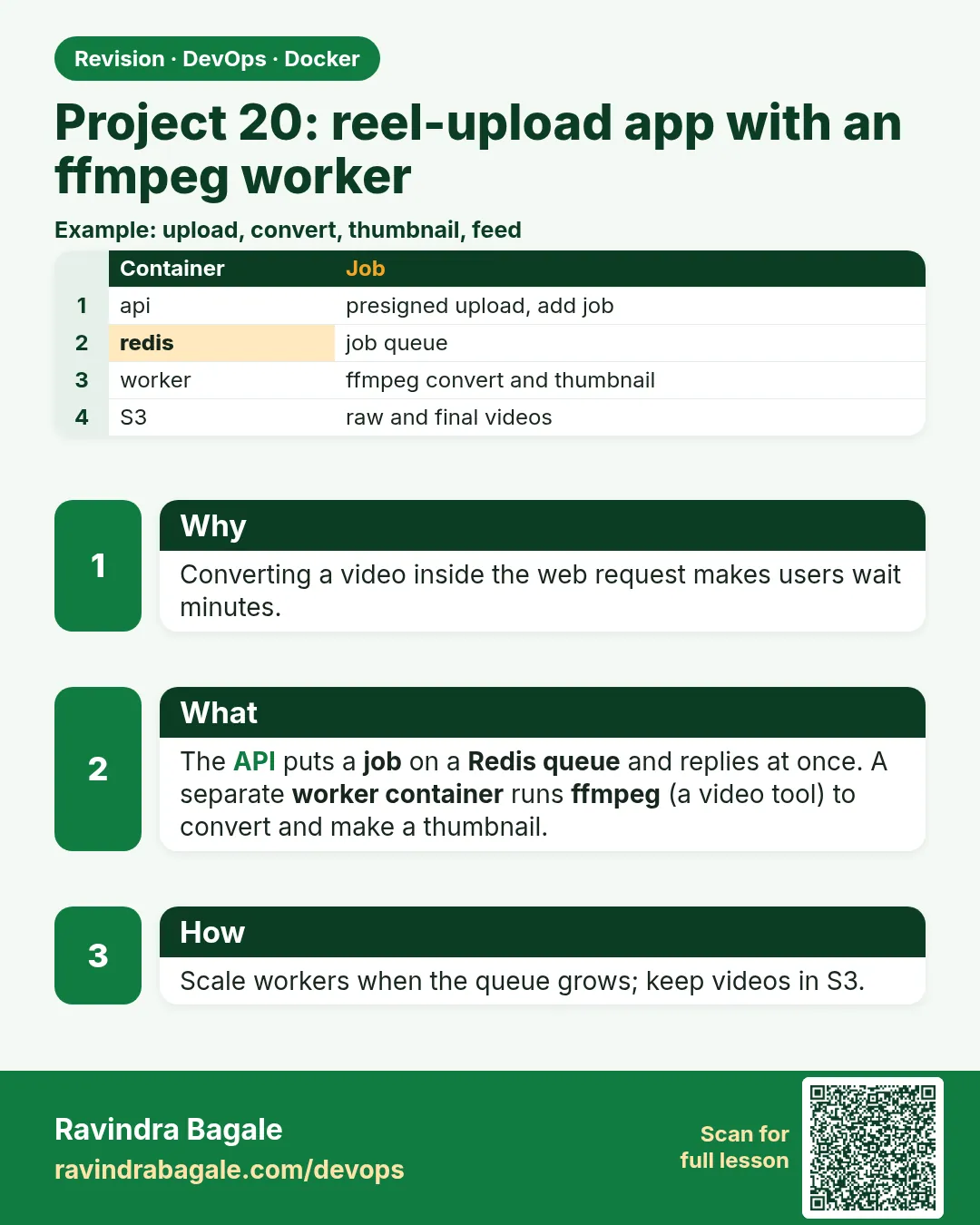 Revision card 4 of 15: Project 20: reel-upload app with an ffmpeg worker · Download PNG · Open card page
Lesson: 58.4 Project 20: Reel-upload app (upload to S3, Redis queue, ffmpeg worker container, thumbnails and a feed)
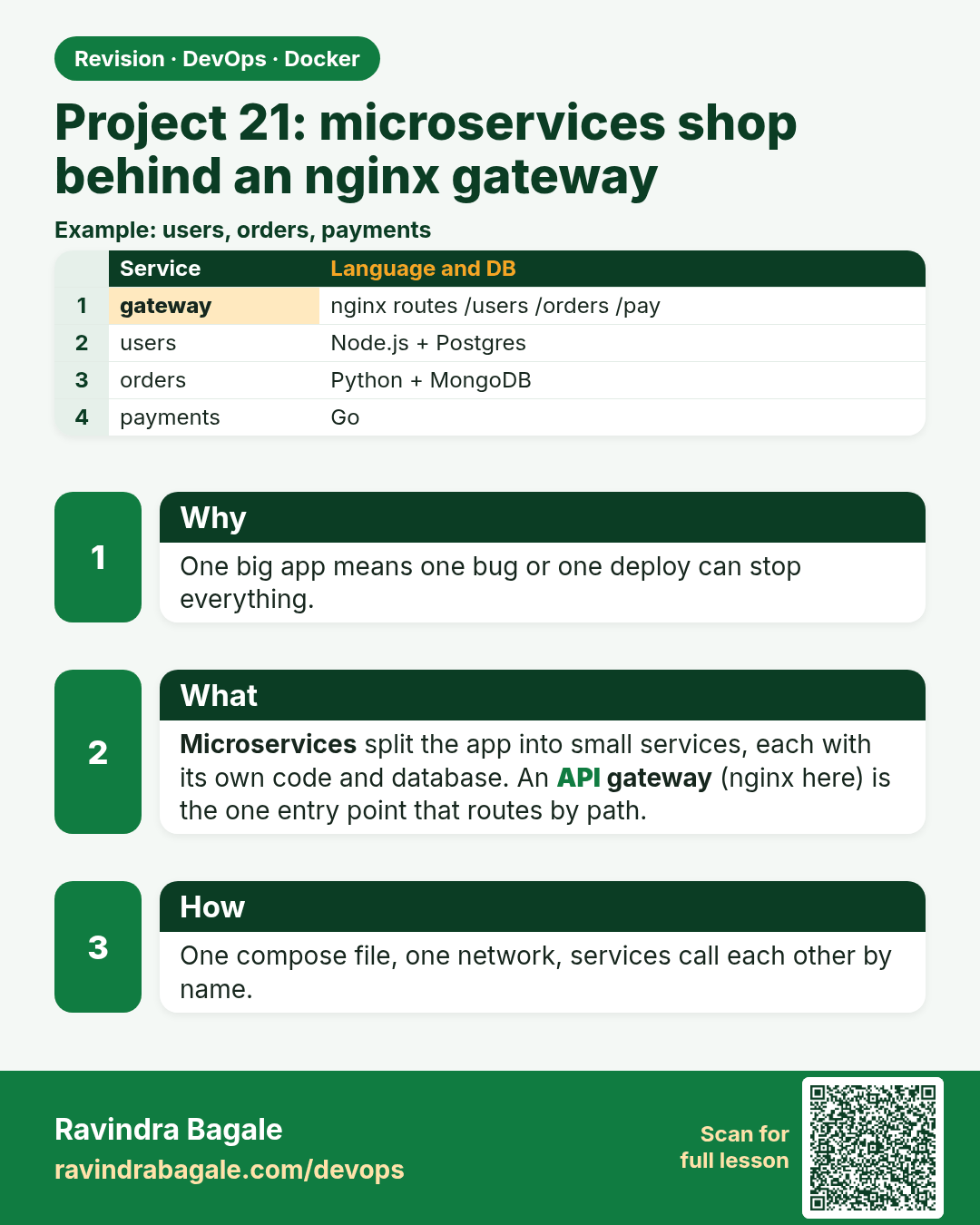
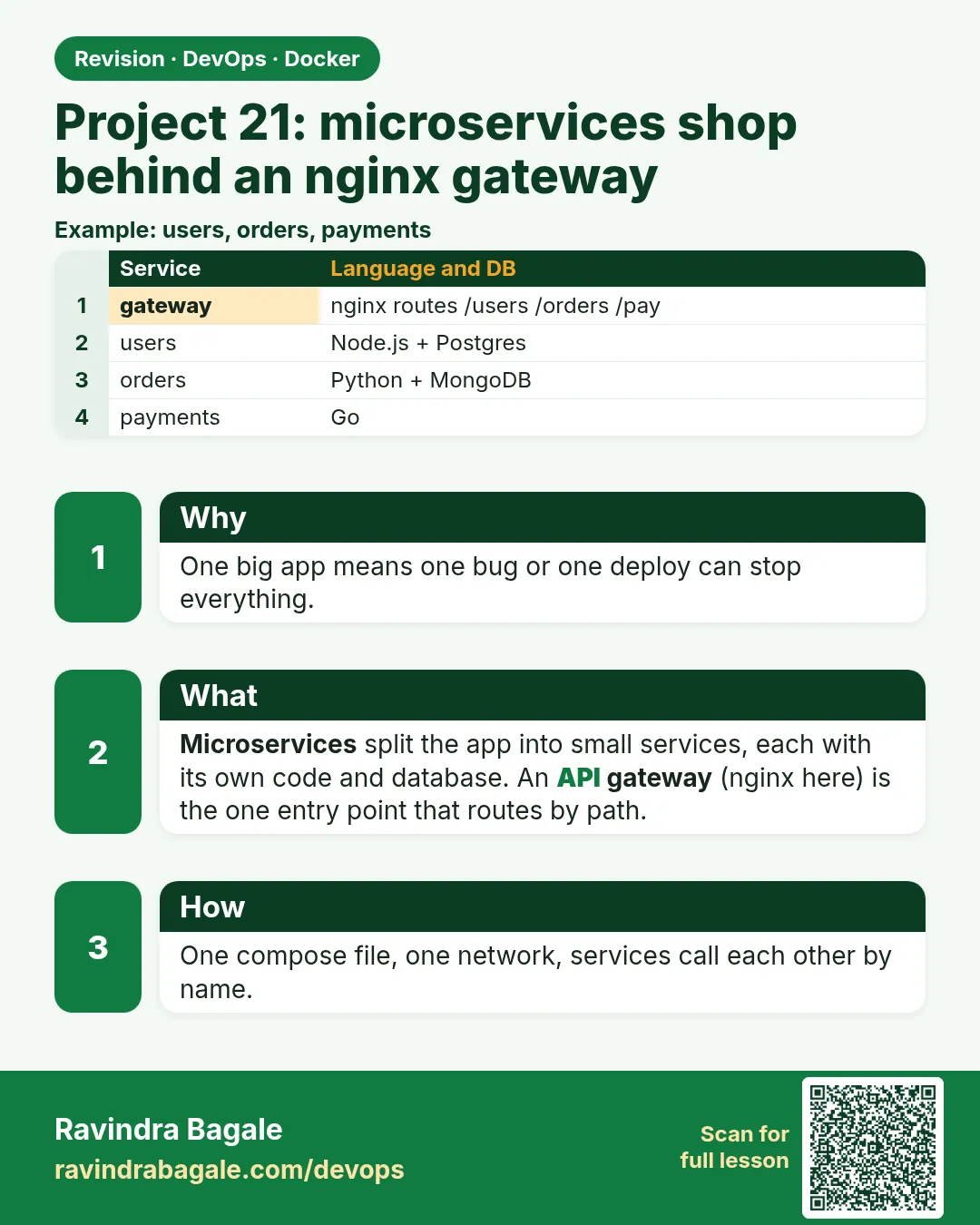 Revision card 5 of 15: Project 21: microservices shop behind an nginx gateway · Download PNG · Open card page
Lesson: 58.5 Project 21: Microservices shop (nginx gateway, users in Node, orders in Python, payments in Go, Postgres and MongoDB)
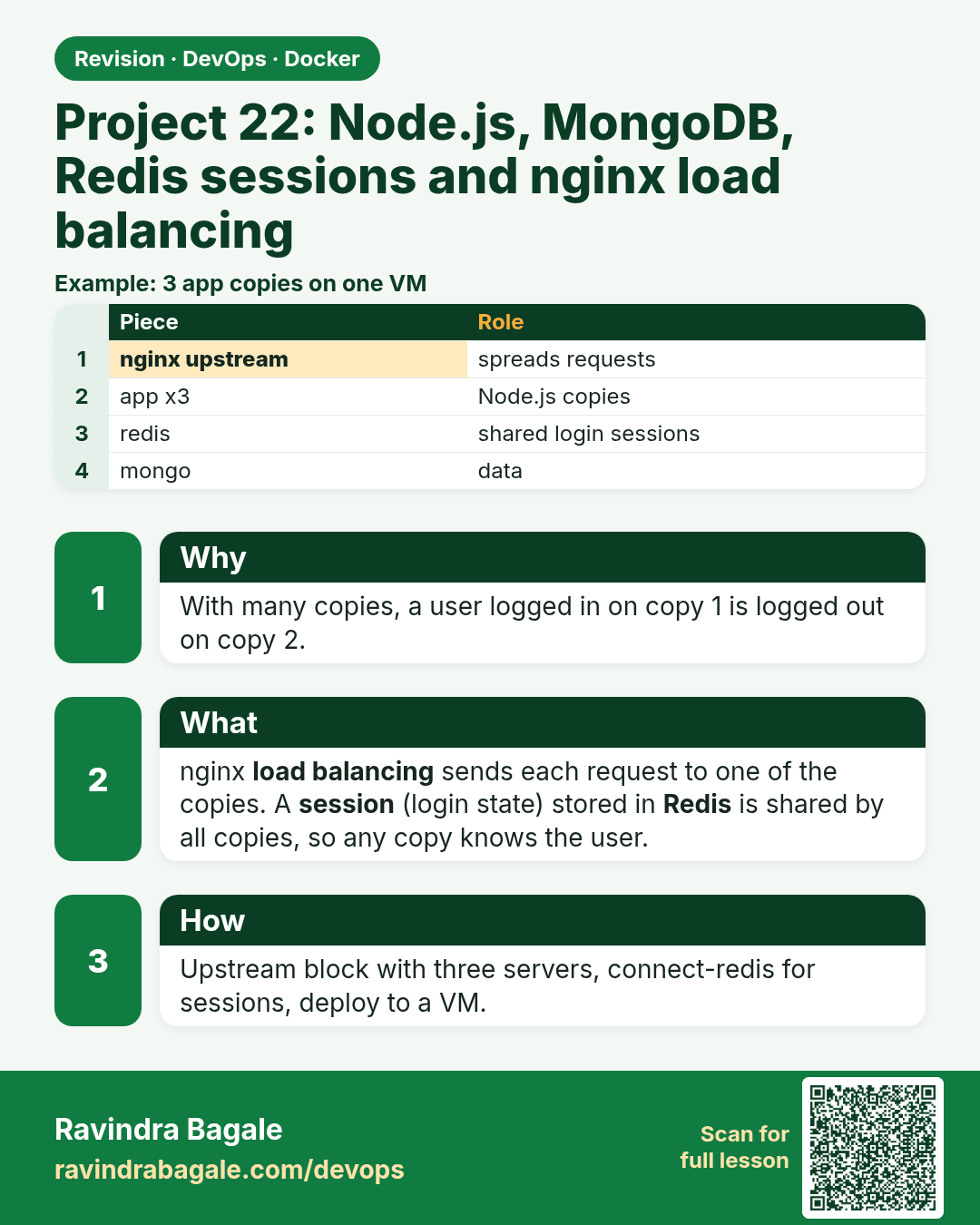
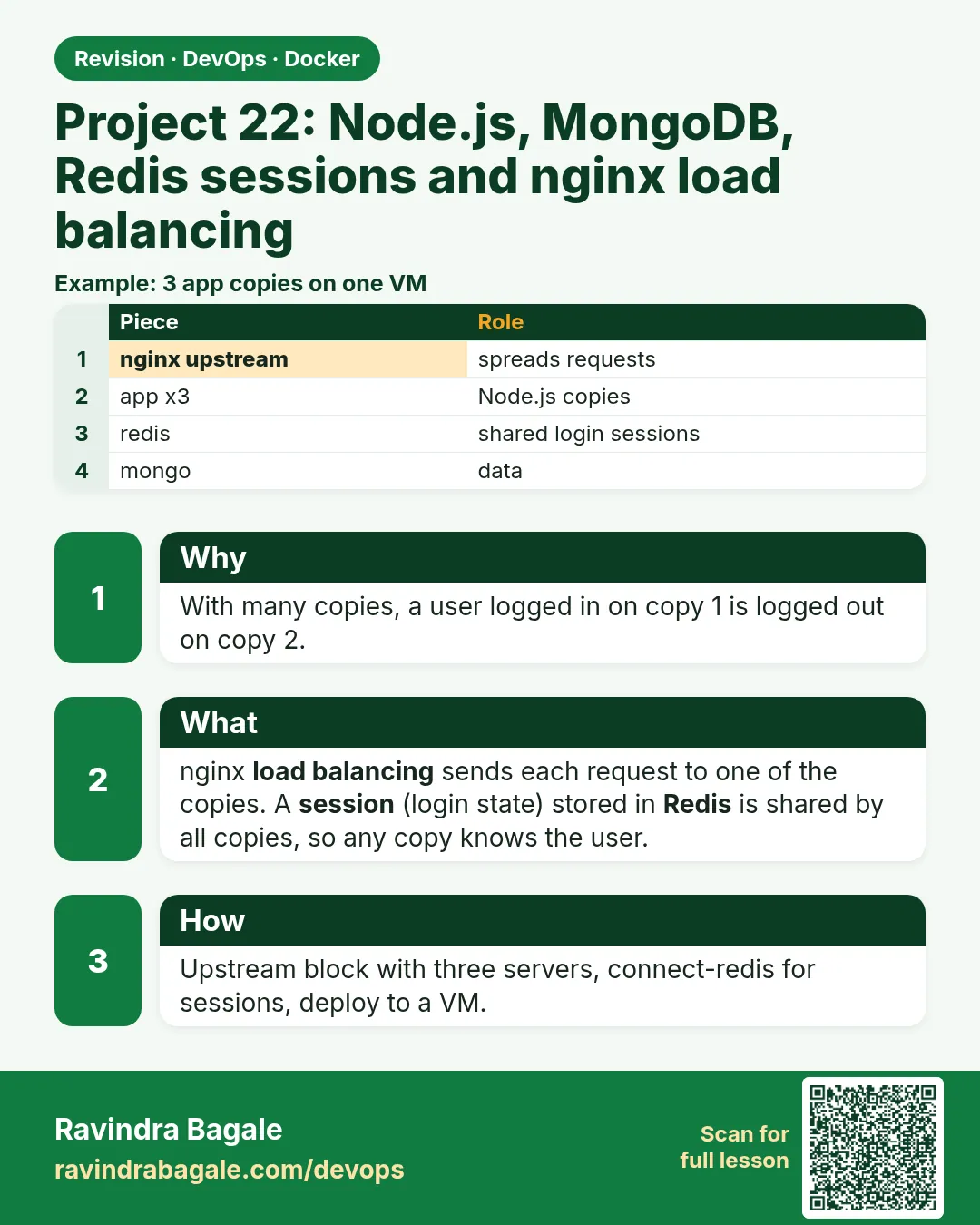 Revision card 6 of 15: Project 22: Node.js, MongoDB, Redis sessions and nginx load balancing · Download PNG · Open card page
Lesson: 58.6 Project 22: Node.js + MongoDB + Redis sessions + nginx load balancing, deployed to a VM
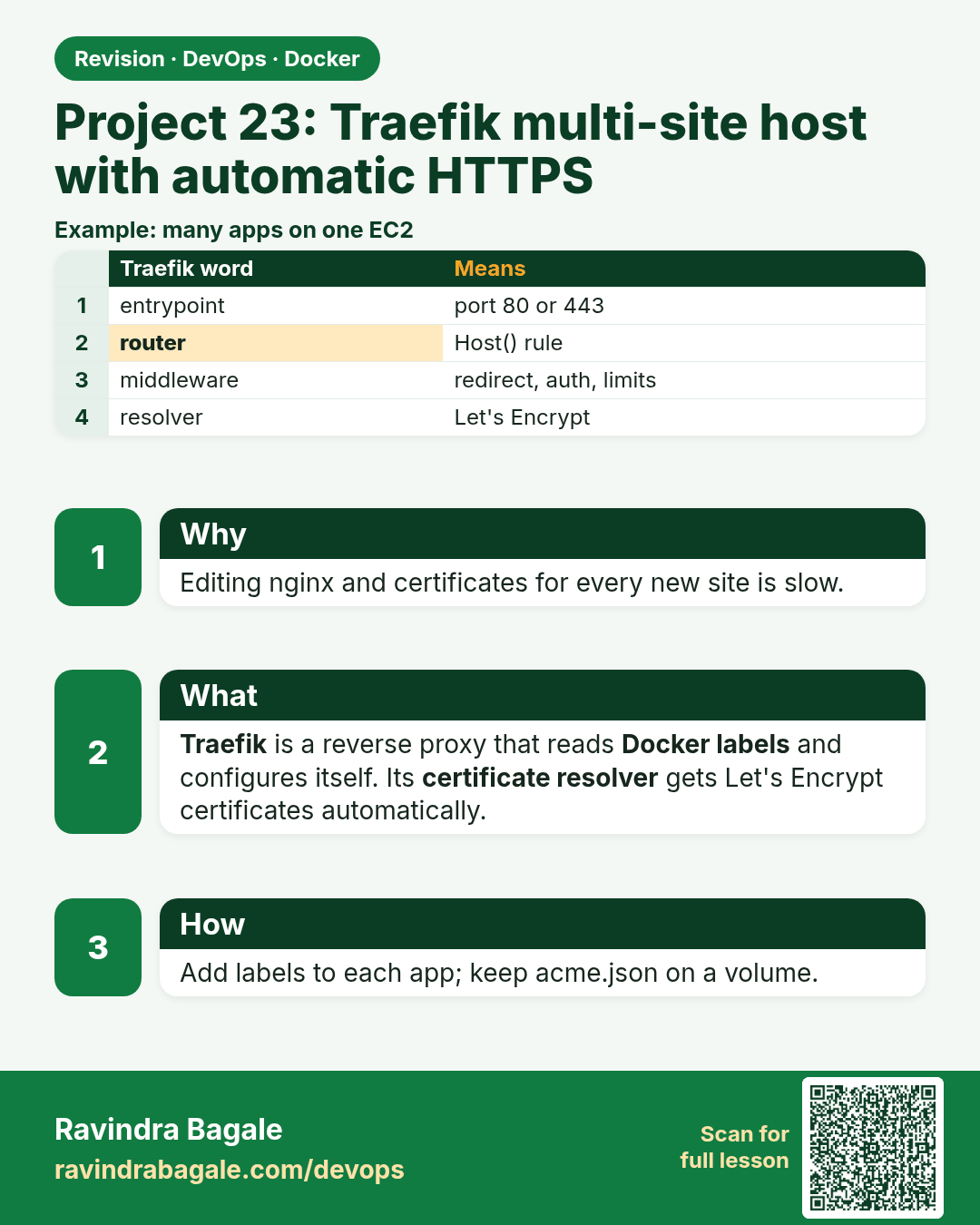
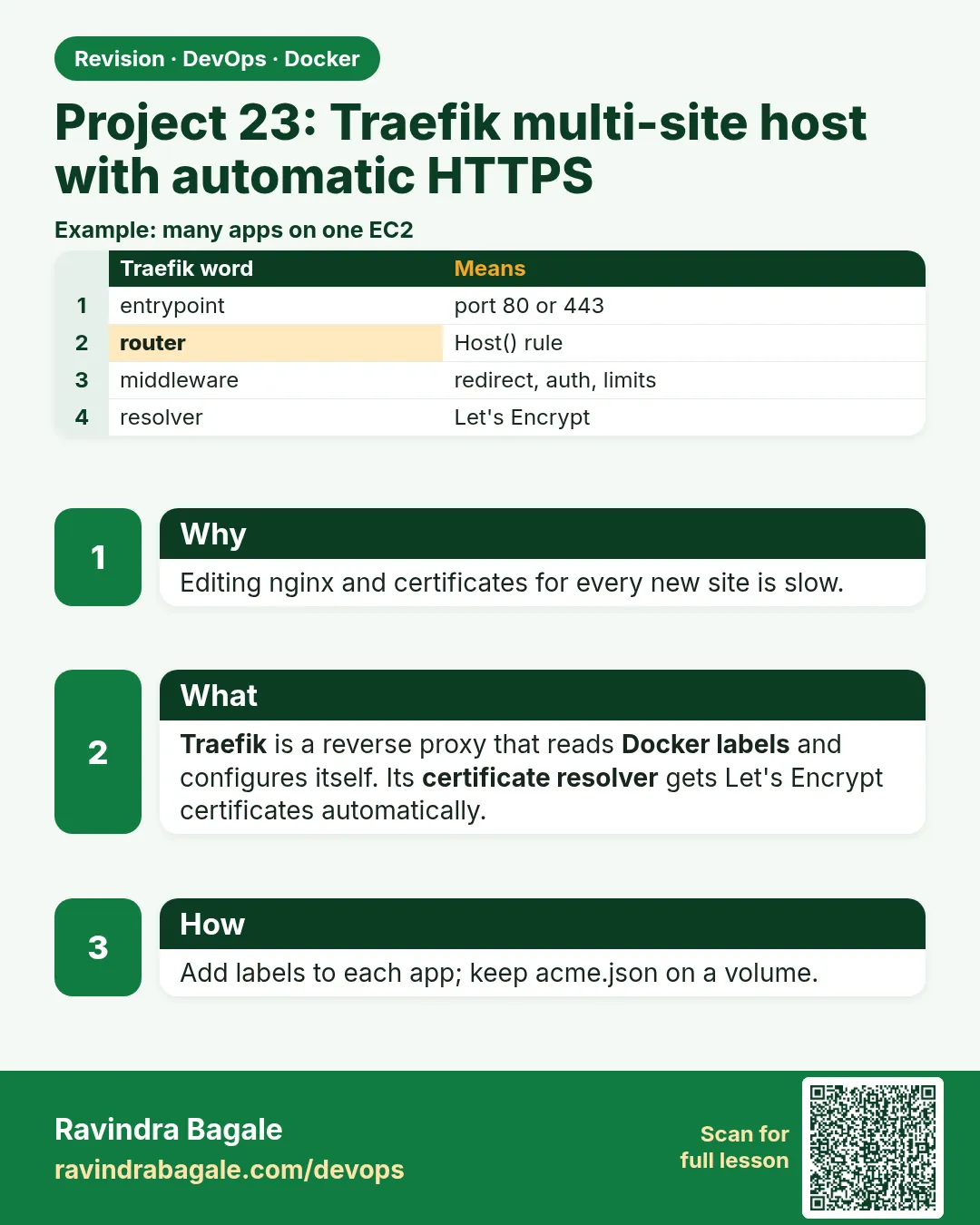 Revision card 7 of 15: Project 23: Traefik multi-site host with automatic HTTPS · Download PNG · Open card page
Lesson: 58.7 Project 23: Traefik multi-site host with automatic HTTPS (many apps on one EC2)
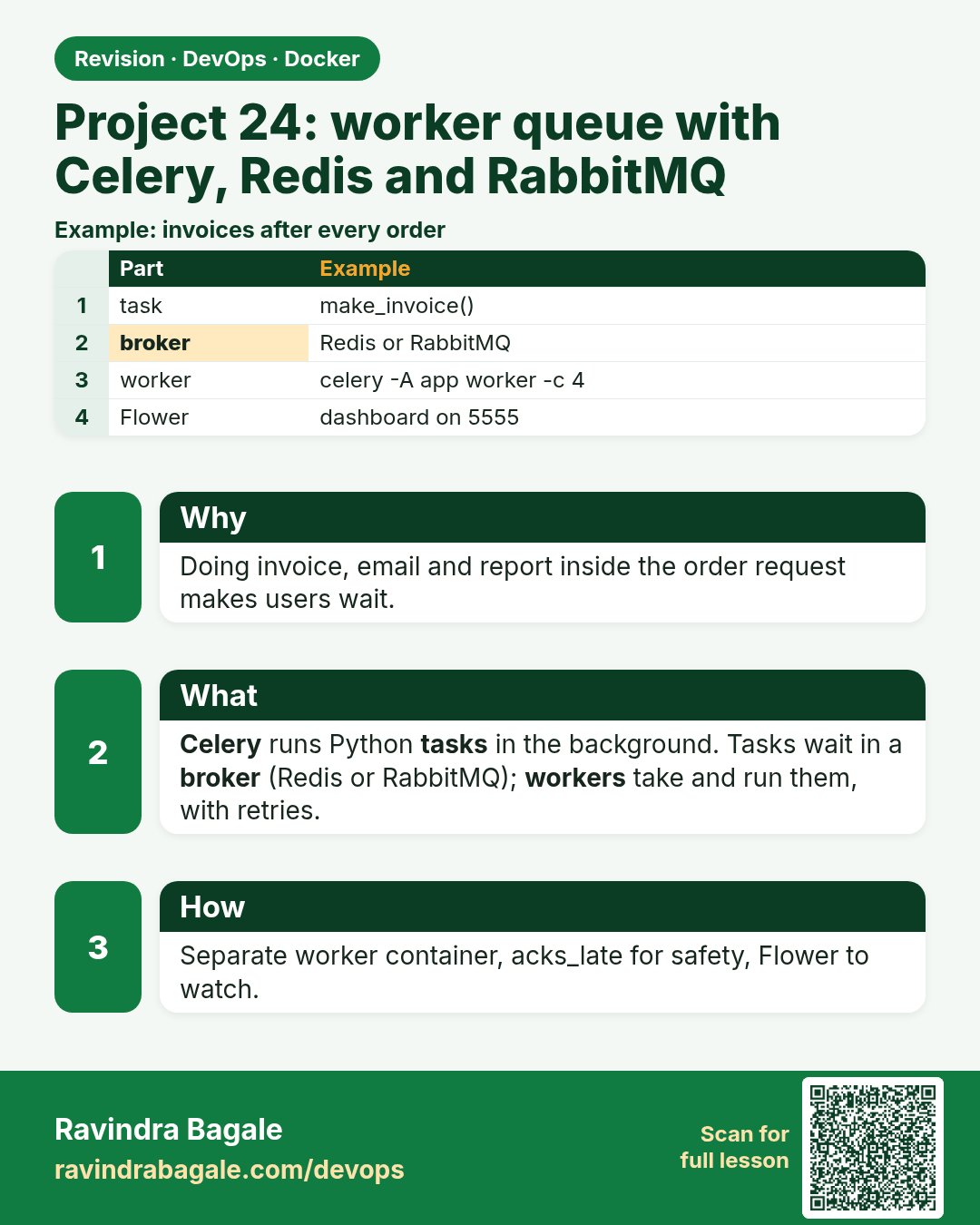
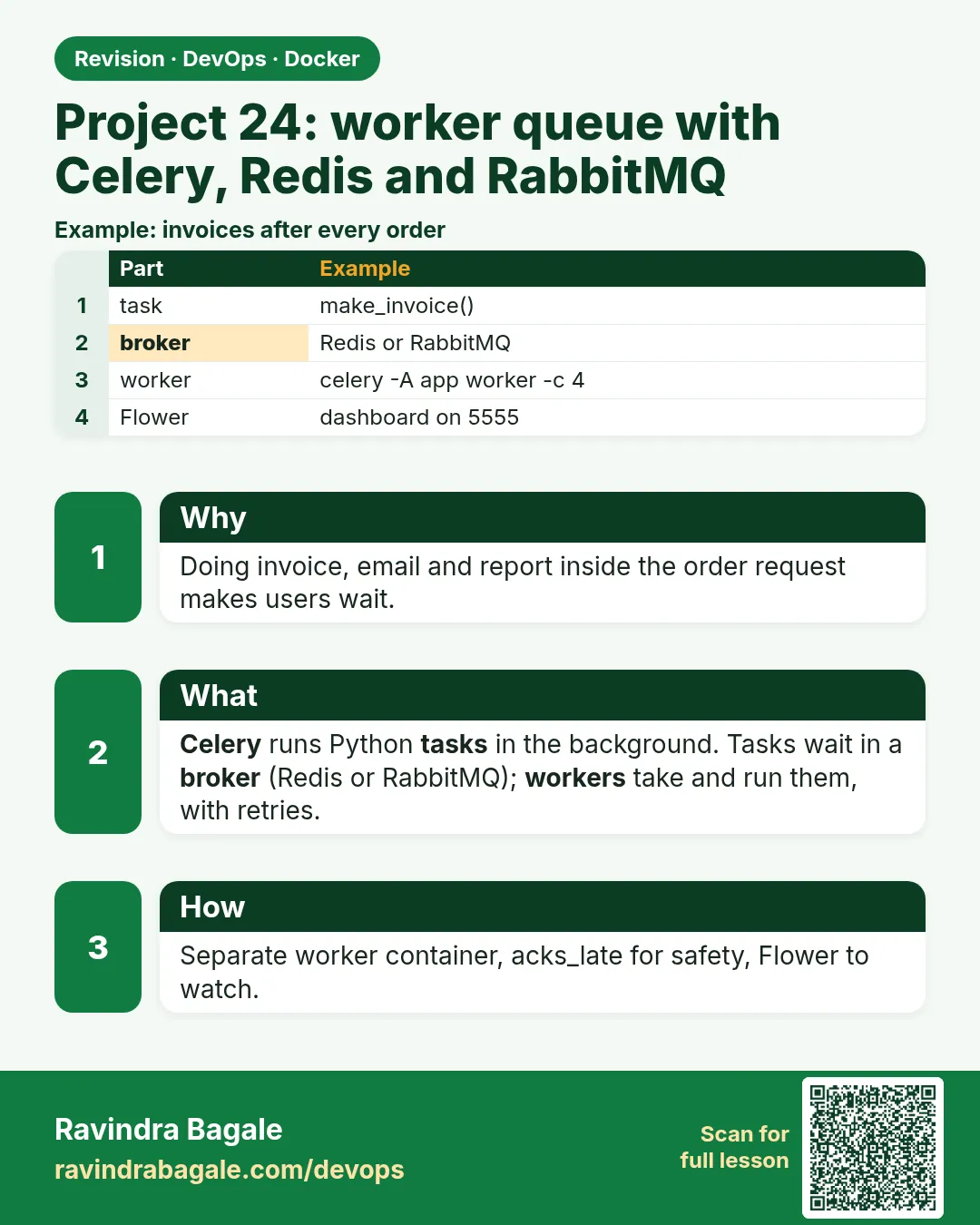 Revision card 8 of 15: Project 24: worker queue with Celery, Redis and RabbitMQ · Download PNG · Open card page
Lesson: 58.8 Project 24: Worker queue with Celery and Redis, then RabbitMQ, with the Flower UI
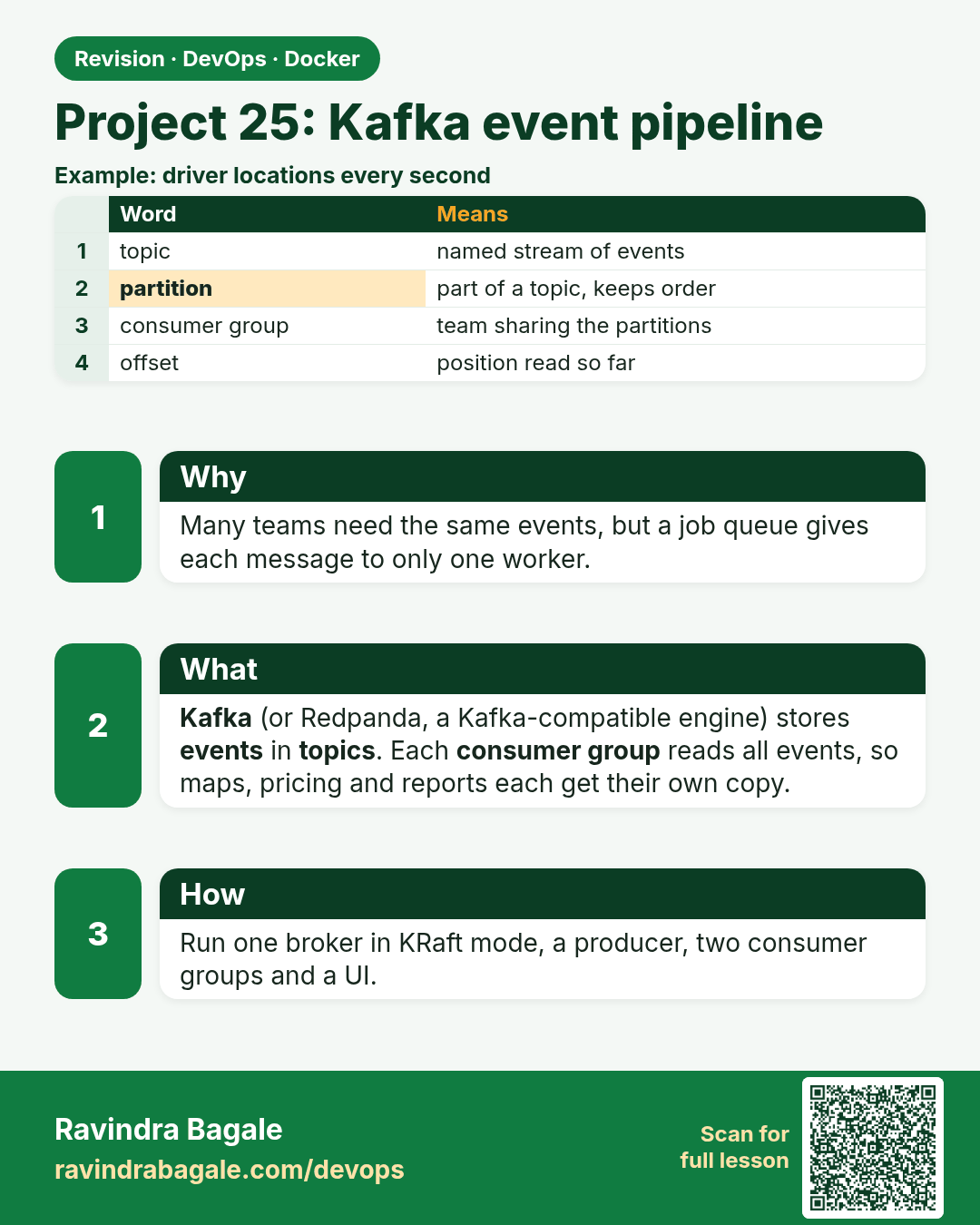
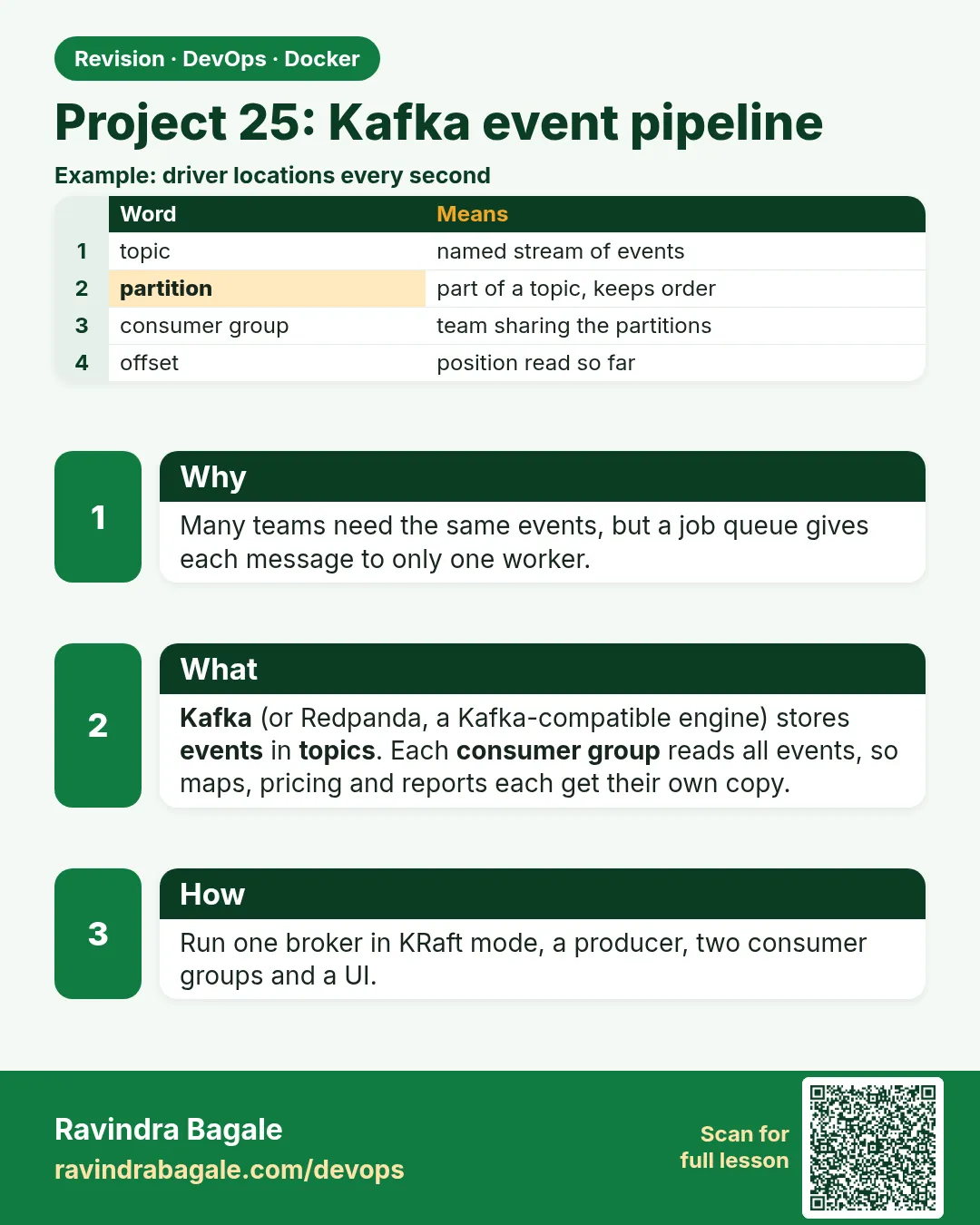 Revision card 9 of 15: Project 25: Kafka event pipeline · Download PNG · Open card page
Lesson: 58.9 Project 25: Kafka event pipeline (Redpanda or Apache Kafka, a producer, consumers and a UI)
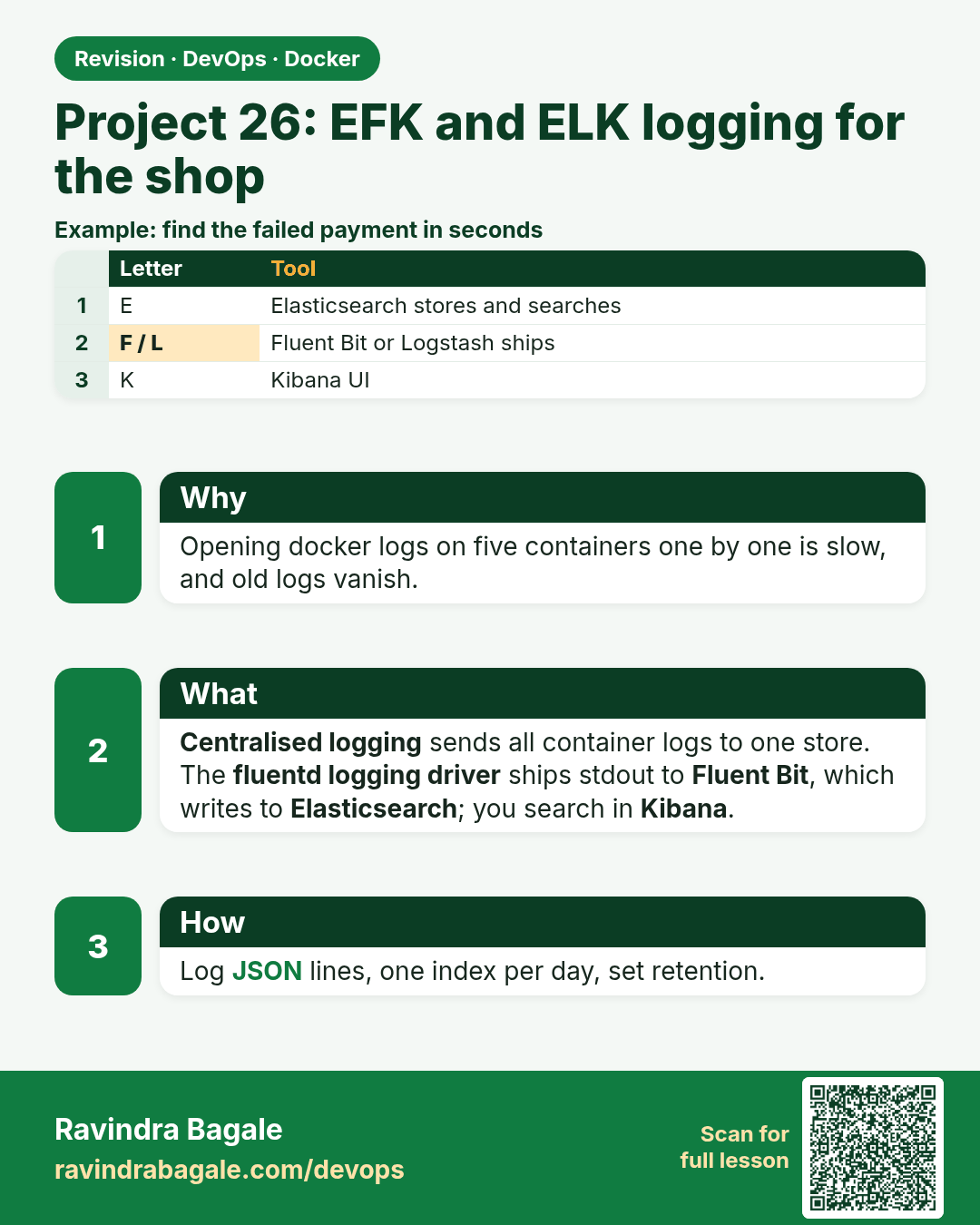
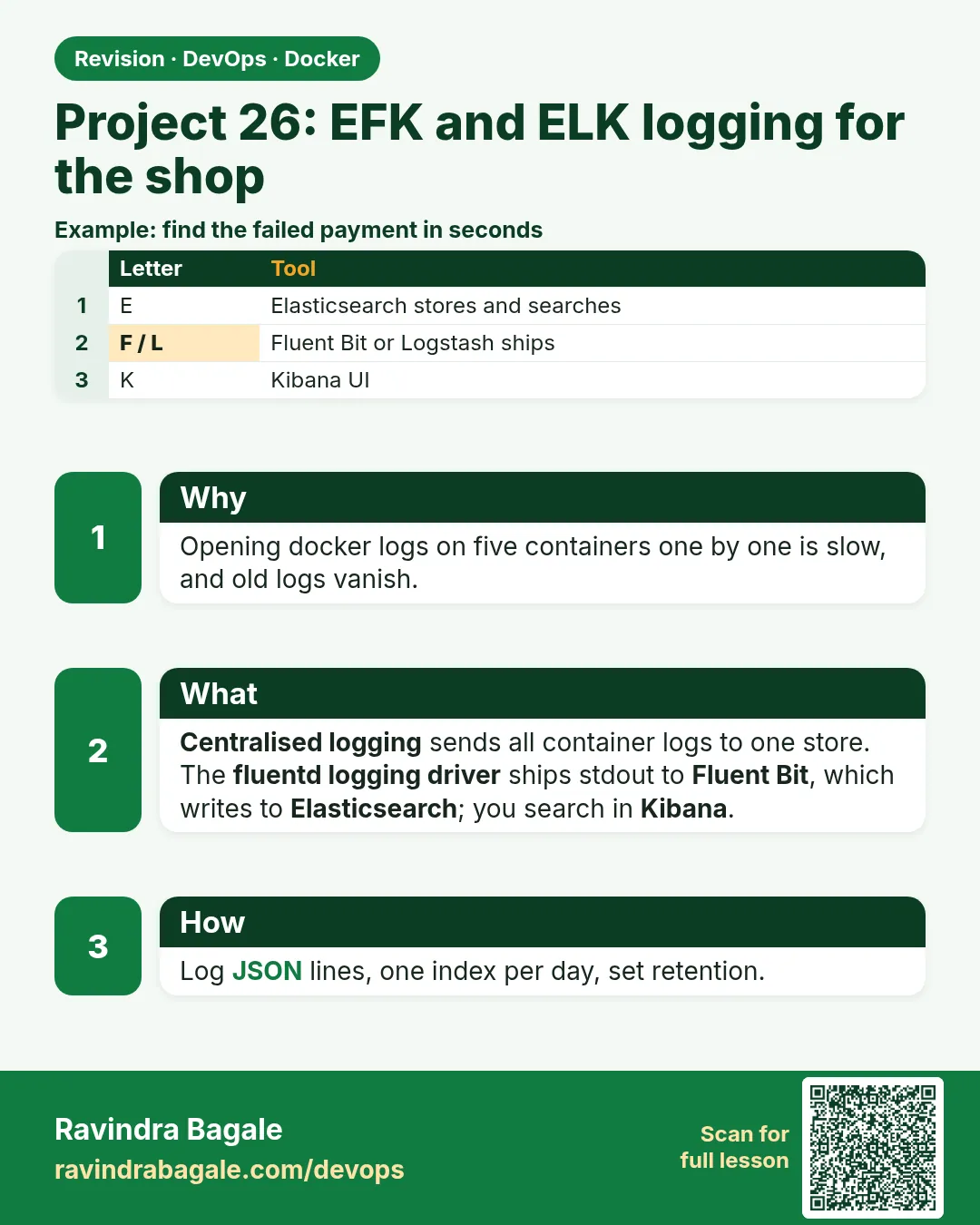 Revision card 10 of 15: Project 26: EFK and ELK logging for the shop · Download PNG · Open card page
Lesson: 58.10 Project 26: ELK and EFK logging for the microservices shop (Elasticsearch, Fluent Bit or Logstash, Kibana)
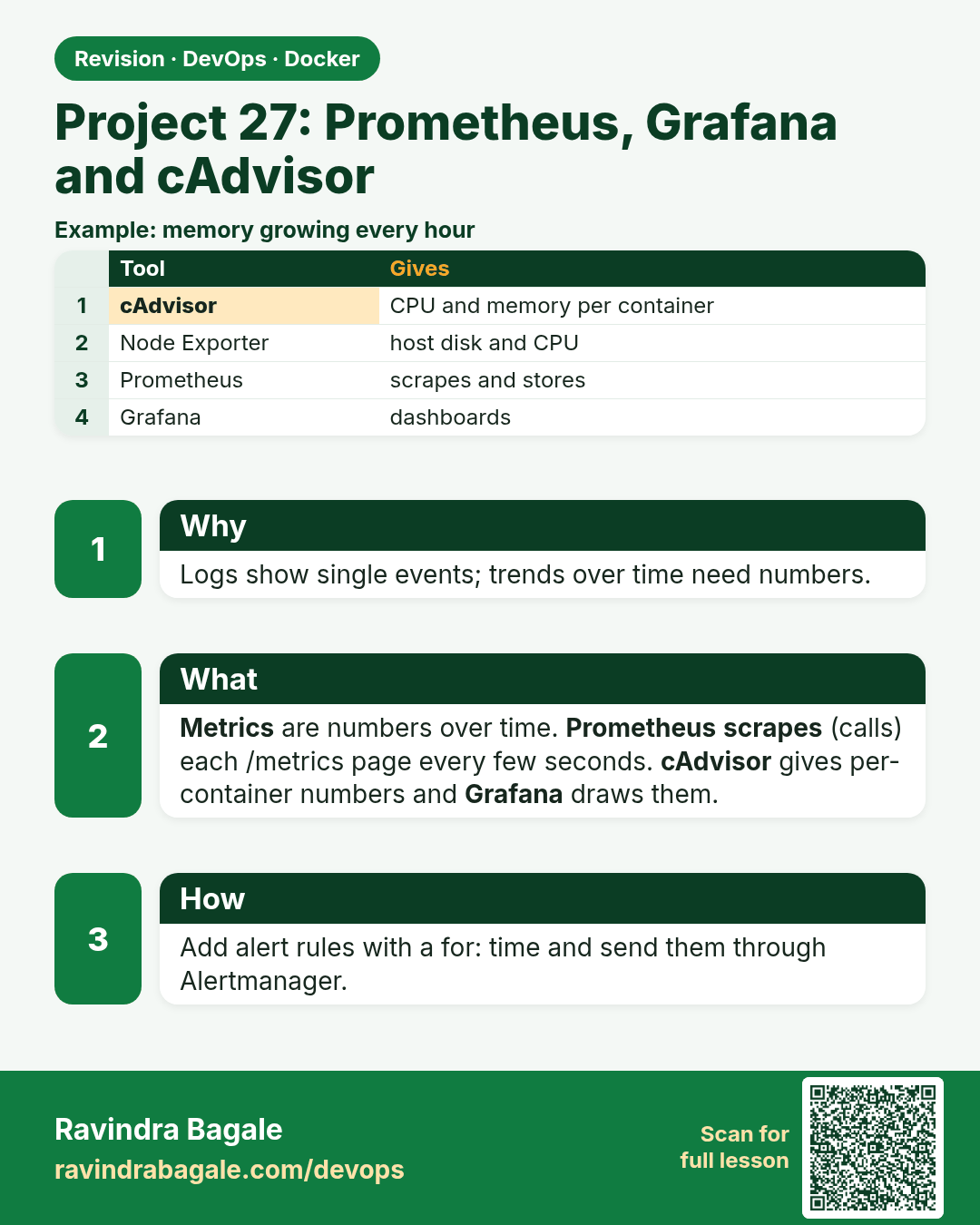
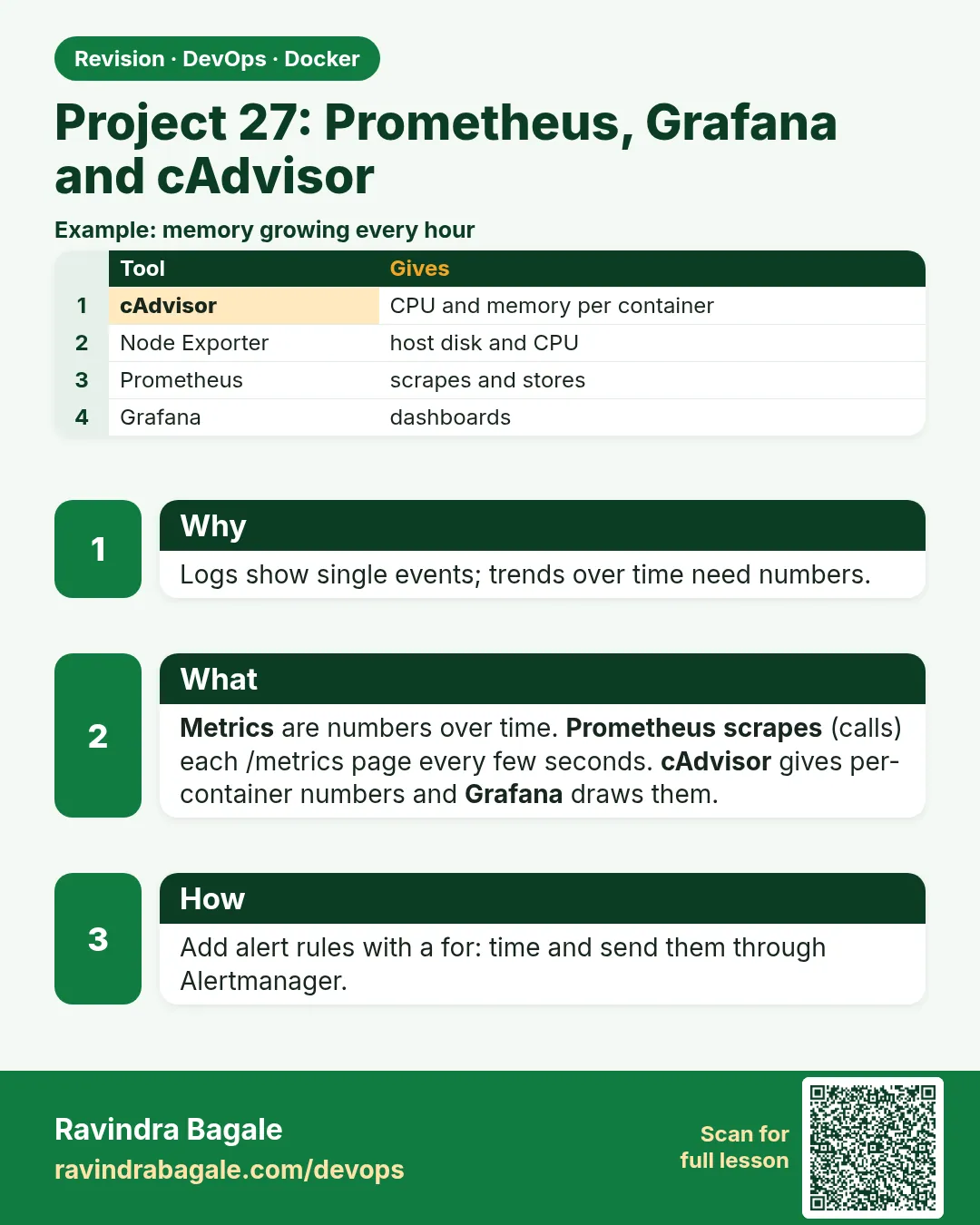 Revision card 11 of 15: Project 27: Prometheus, Grafana and cAdvisor · Download PNG · Open card page
Lesson: 58.11 Project 27: Prometheus, Grafana and cAdvisor monitoring for the microservices shop
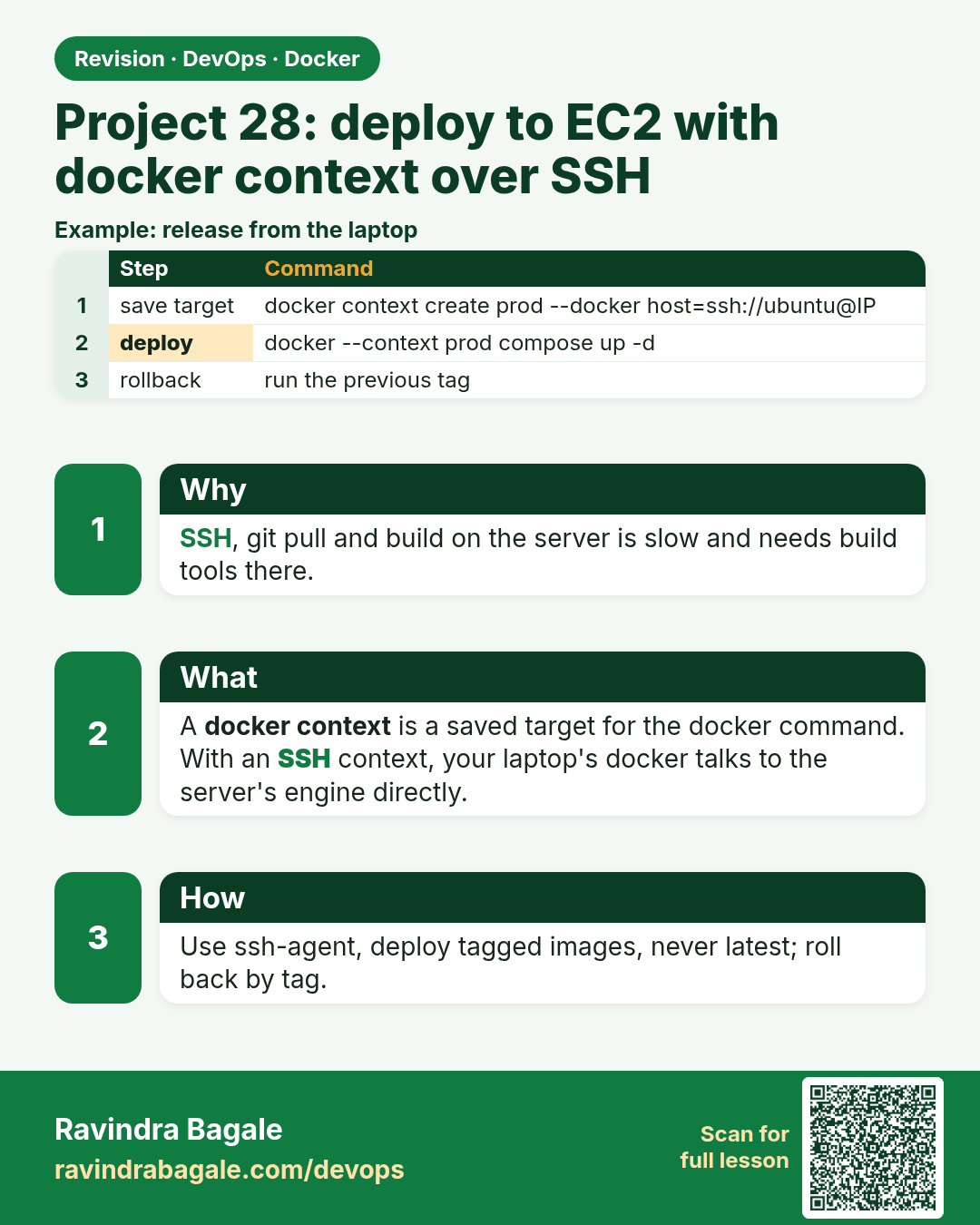
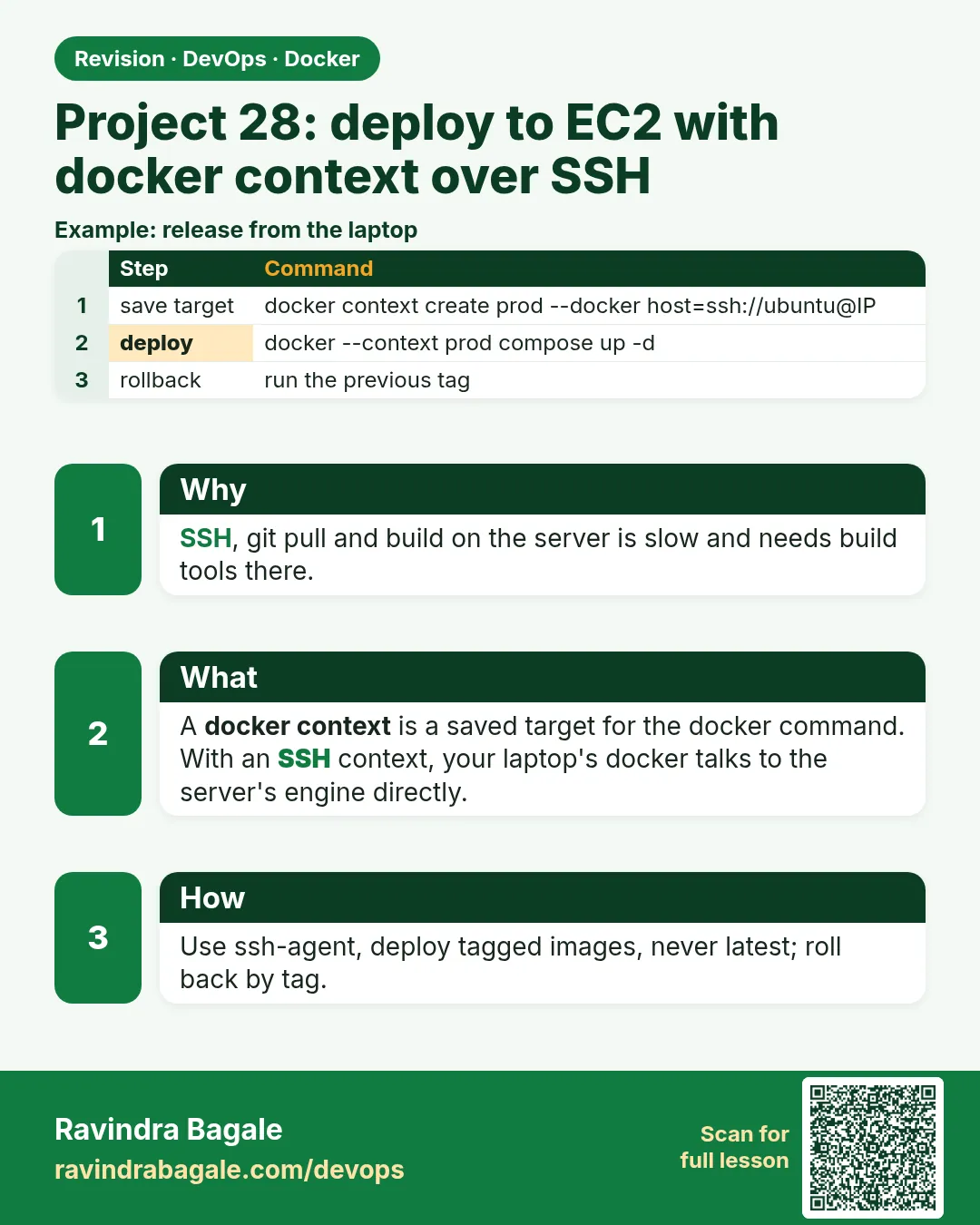 Revision card 12 of 15: Project 28: deploy to EC2 with docker context over SSH · Download PNG · Open card page
Lesson: 58.12 Project 28: Deploy to EC2 from your laptop with docker context over SSH
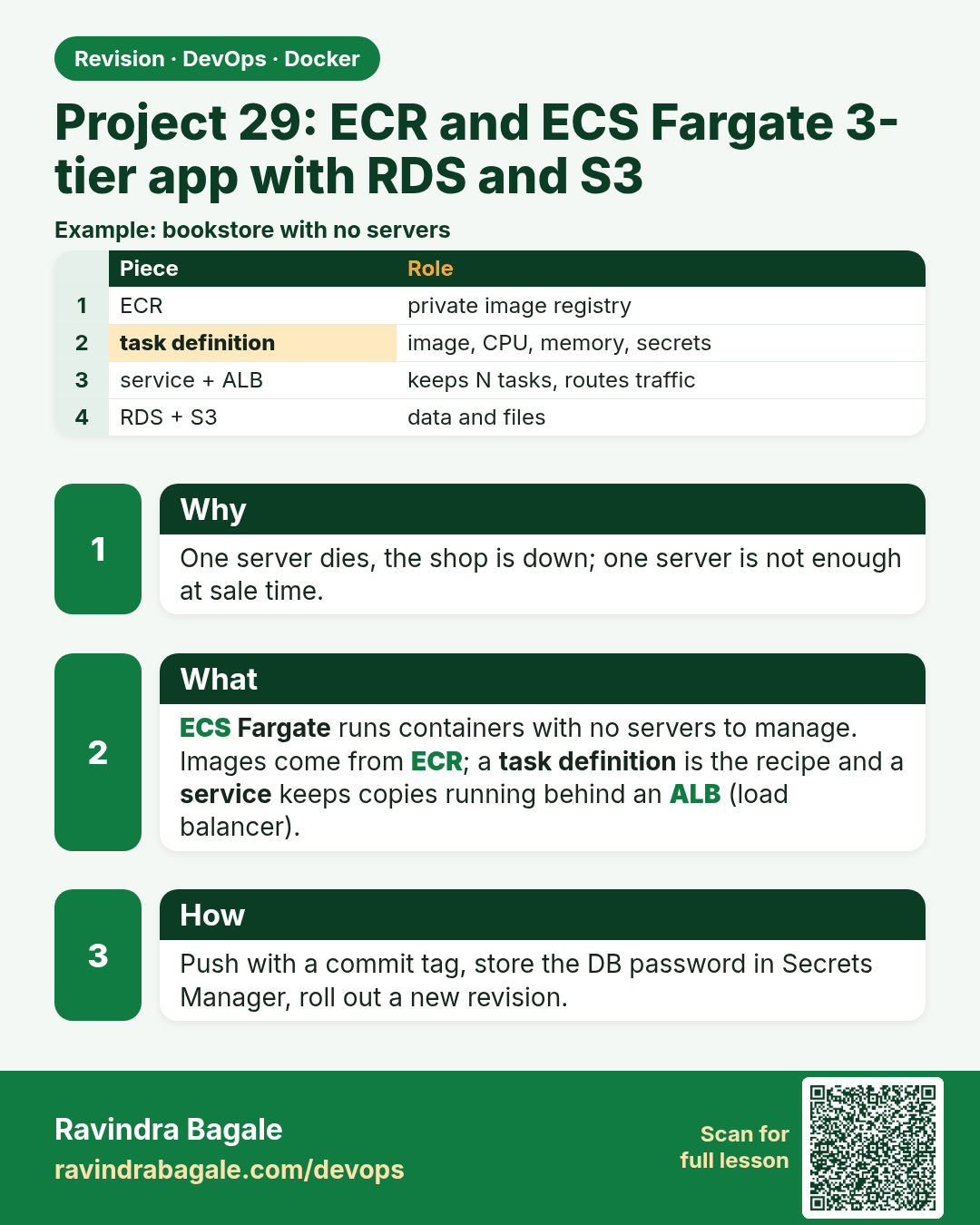
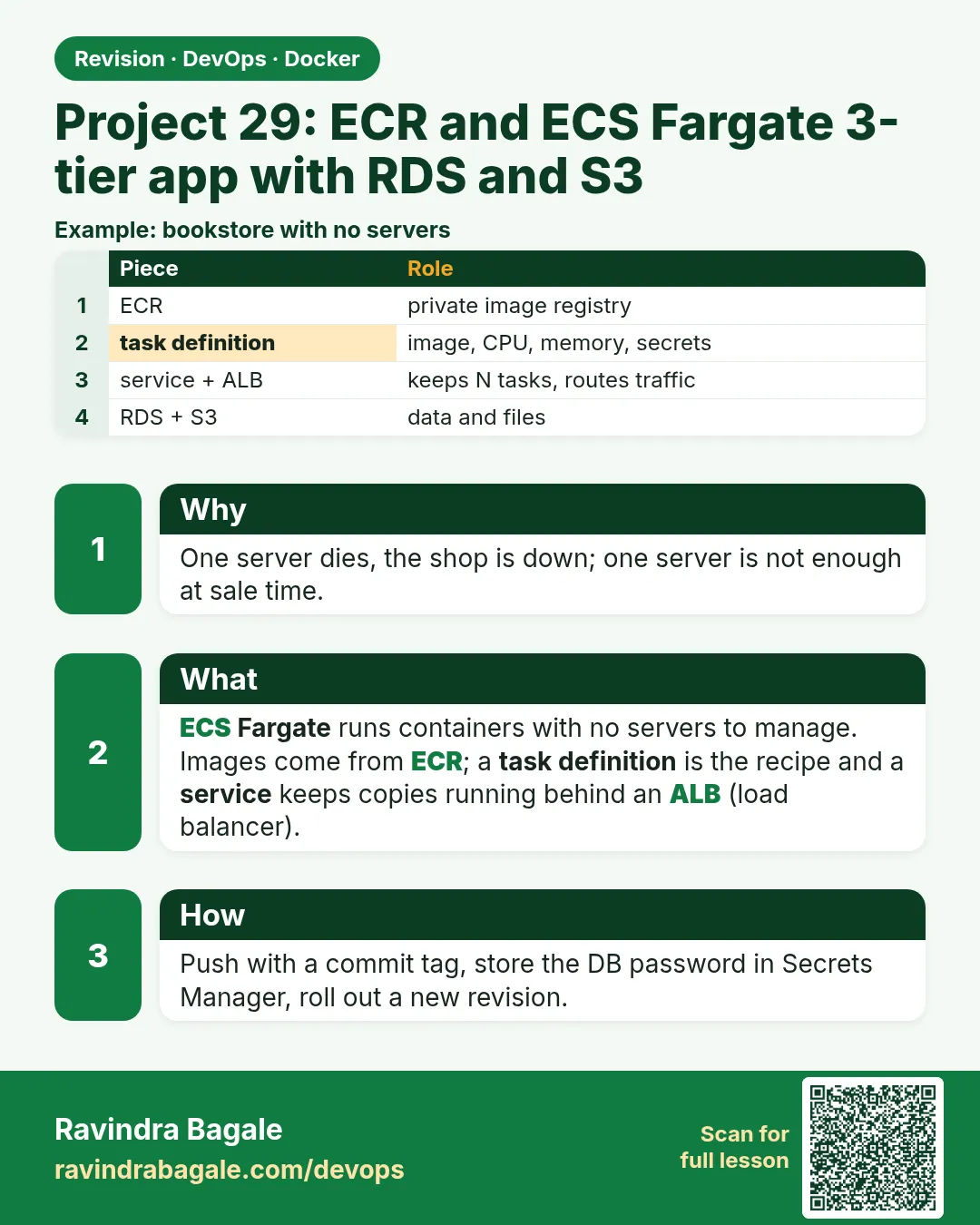 Revision card 13 of 15: Project 29: ECR and ECS Fargate 3-tier app with RDS and S3 · Download PNG · Open card page
Lesson: 58.13 Project 29: Push to ECR and run a 3-tier app on ECS Fargate with RDS and S3
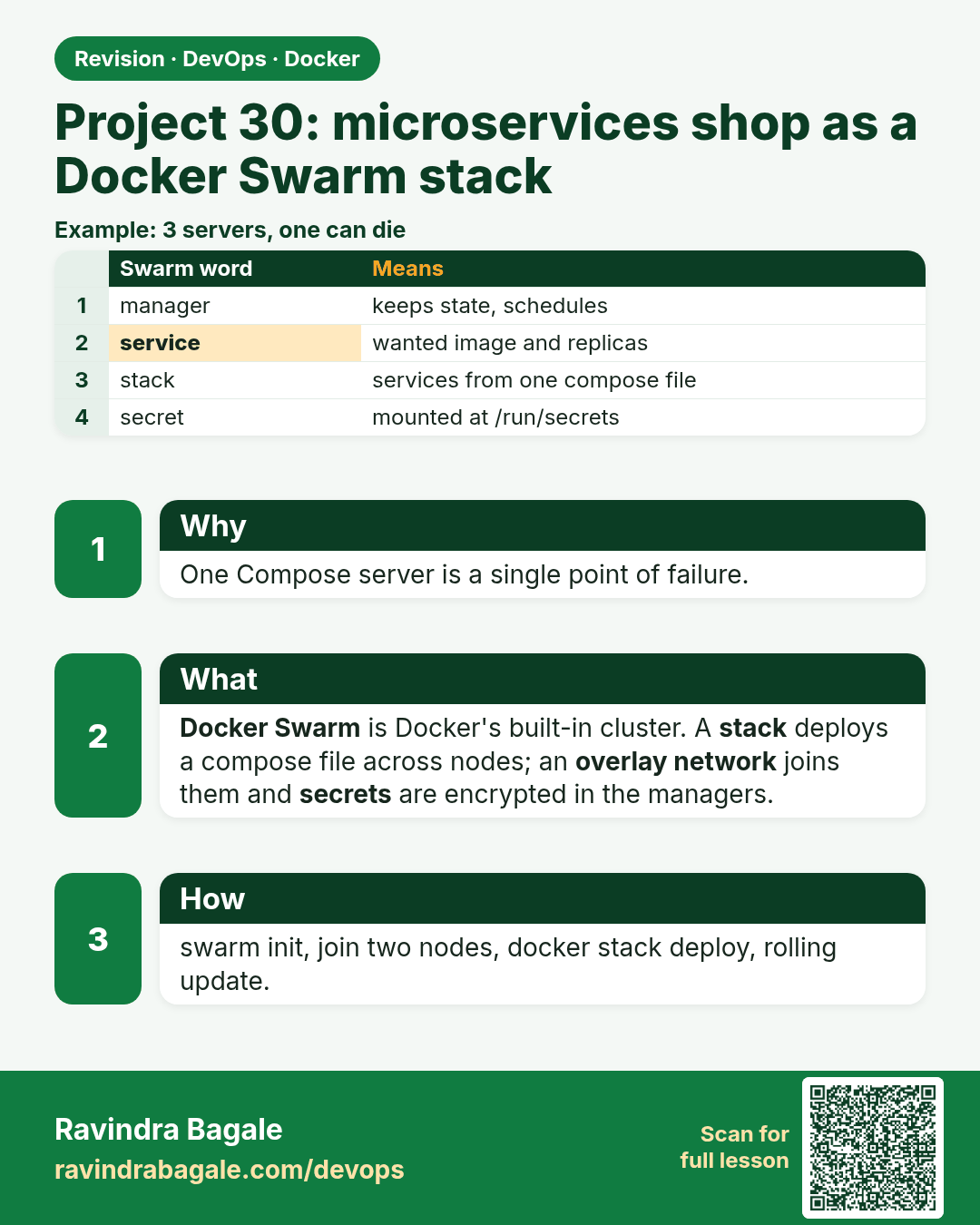
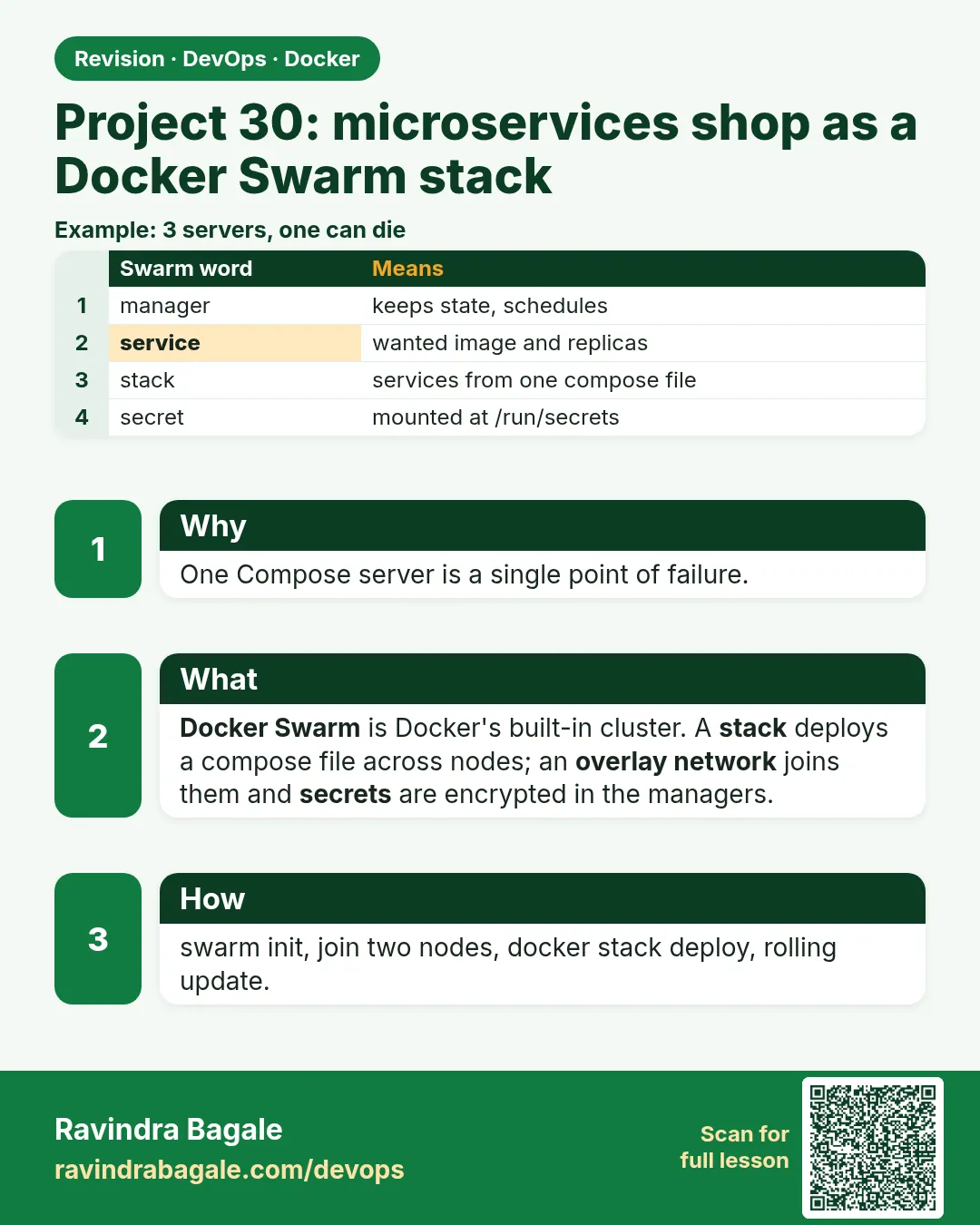 Revision card 14 of 15: Project 30: microservices shop as a Docker Swarm stack · Download PNG · Open card page
Lesson: 58.14 Project 30: Deploy the microservices shop as a Docker Swarm stack with secrets and configs
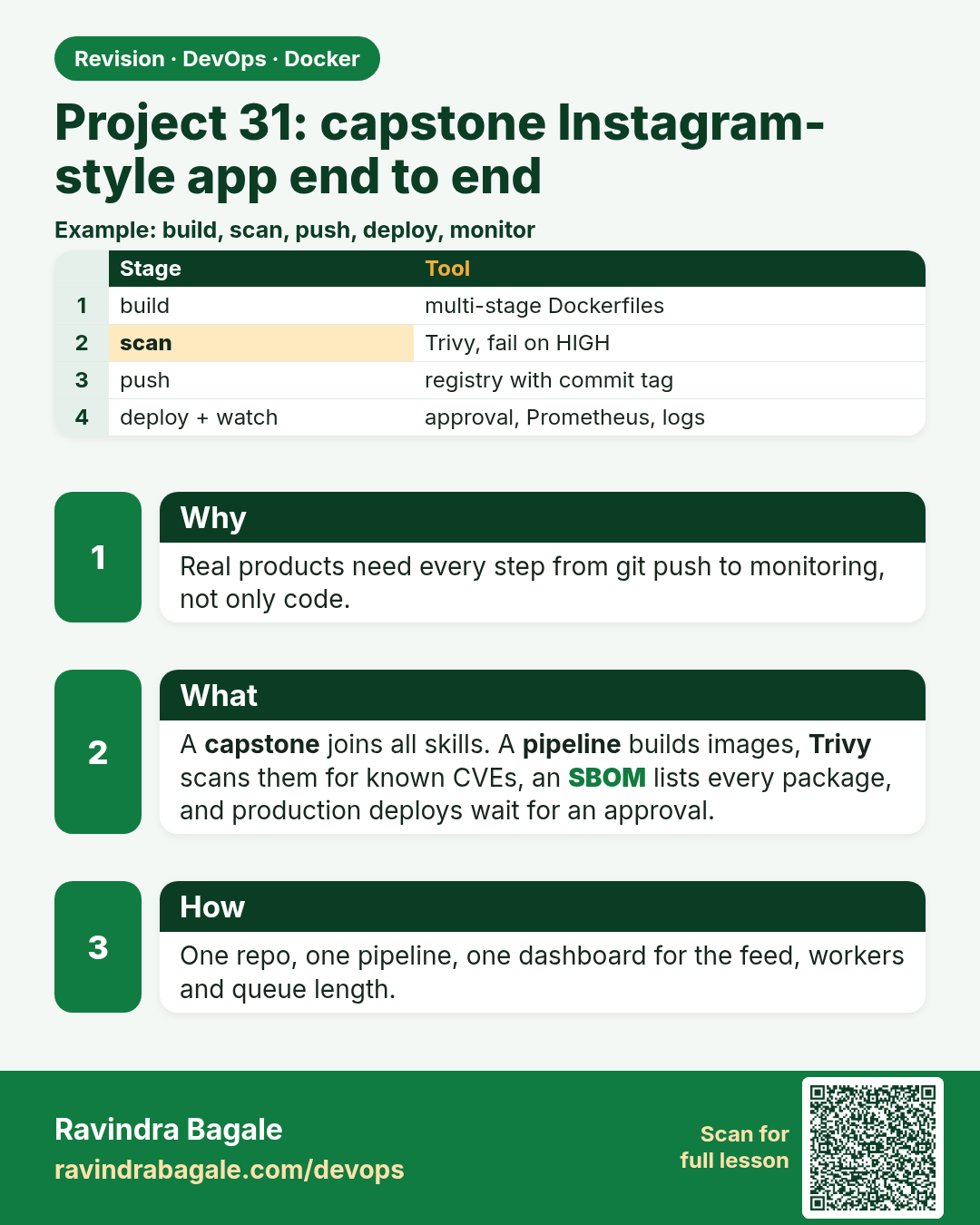
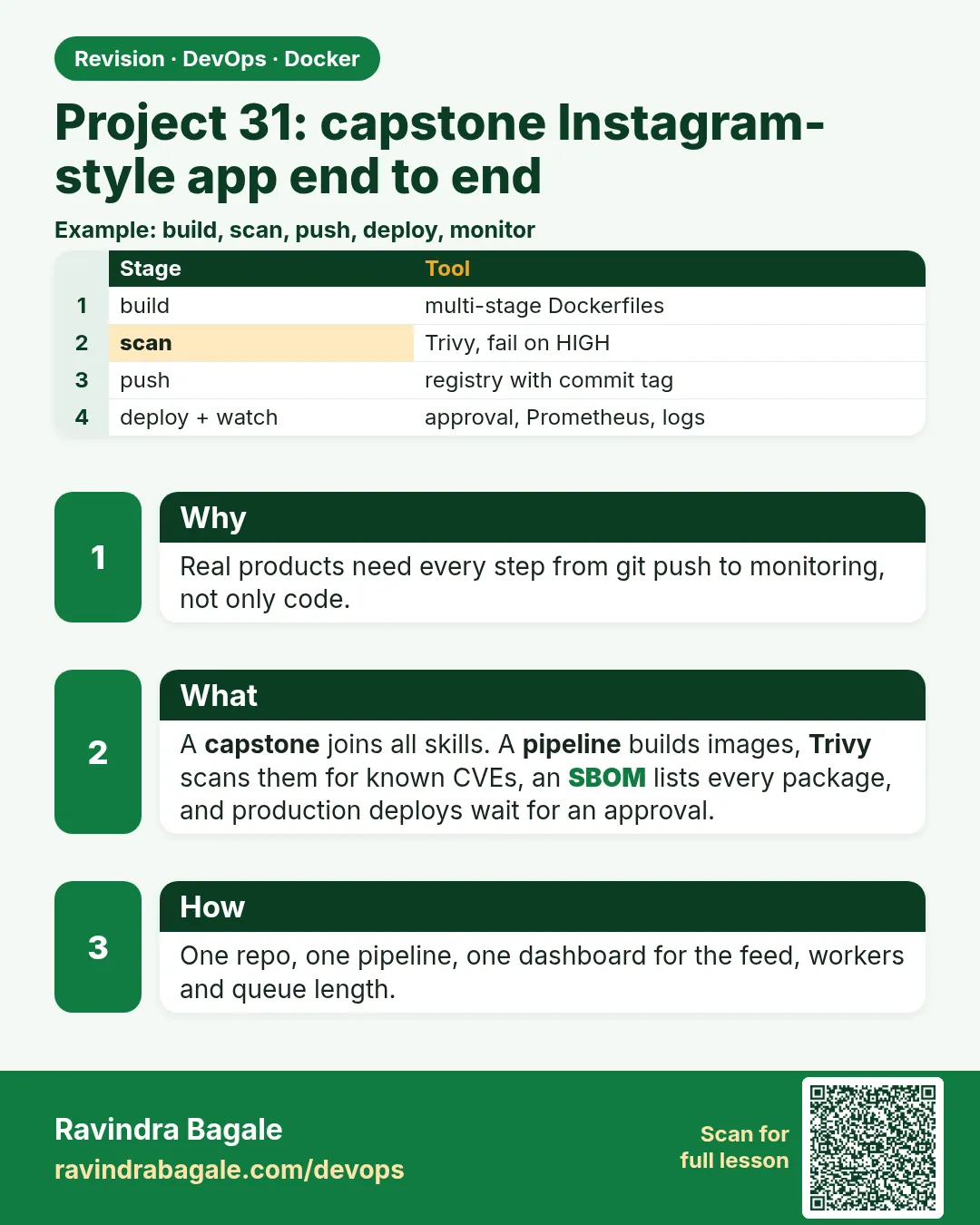 Revision card 15 of 15: Project 31: capstone Instagram-style app end to end · Download PNG · Open card page
Lesson: 58.15 Project 31: Capstone - an Instagram-style app end to end (build, scan, push, deploy, monitor)
Interview cards
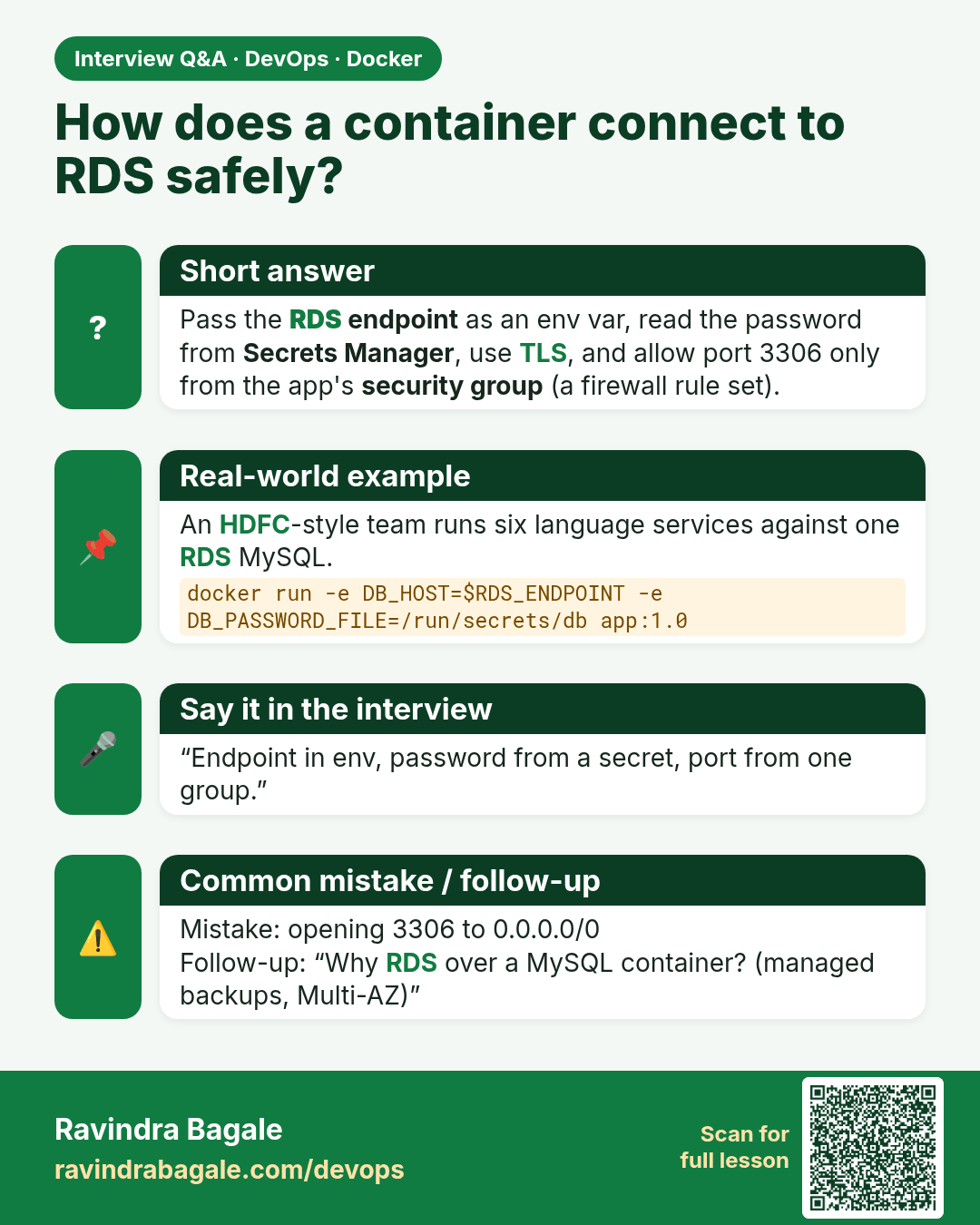
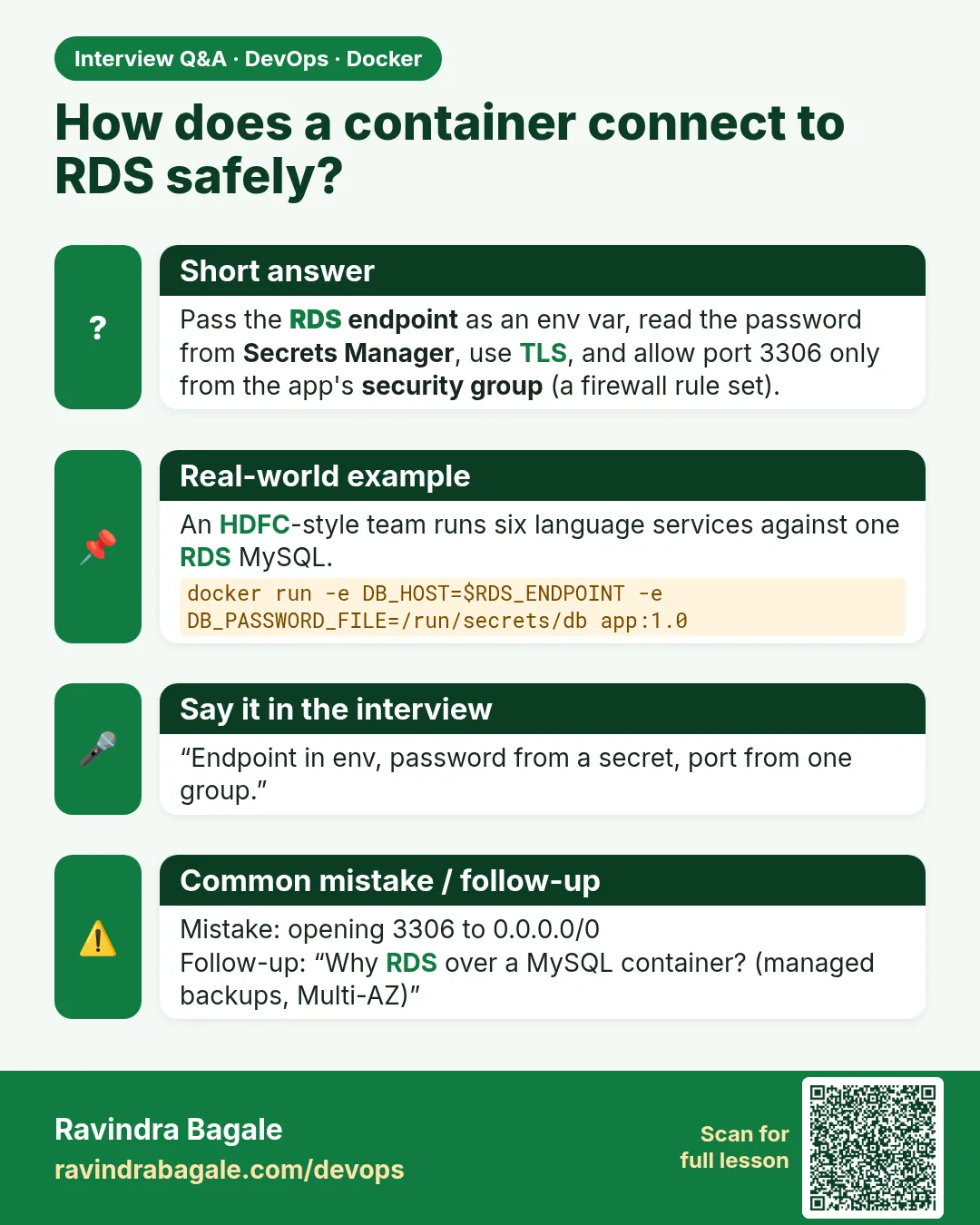 Interview card 1 of 15: How does a container connect to RDS safely? · Download PNG · Open card page
Lesson: 58.1 Project 17: Every language in a container with AWS RDS MySQL (Node, Python, Go, Java, .NET, PHP)
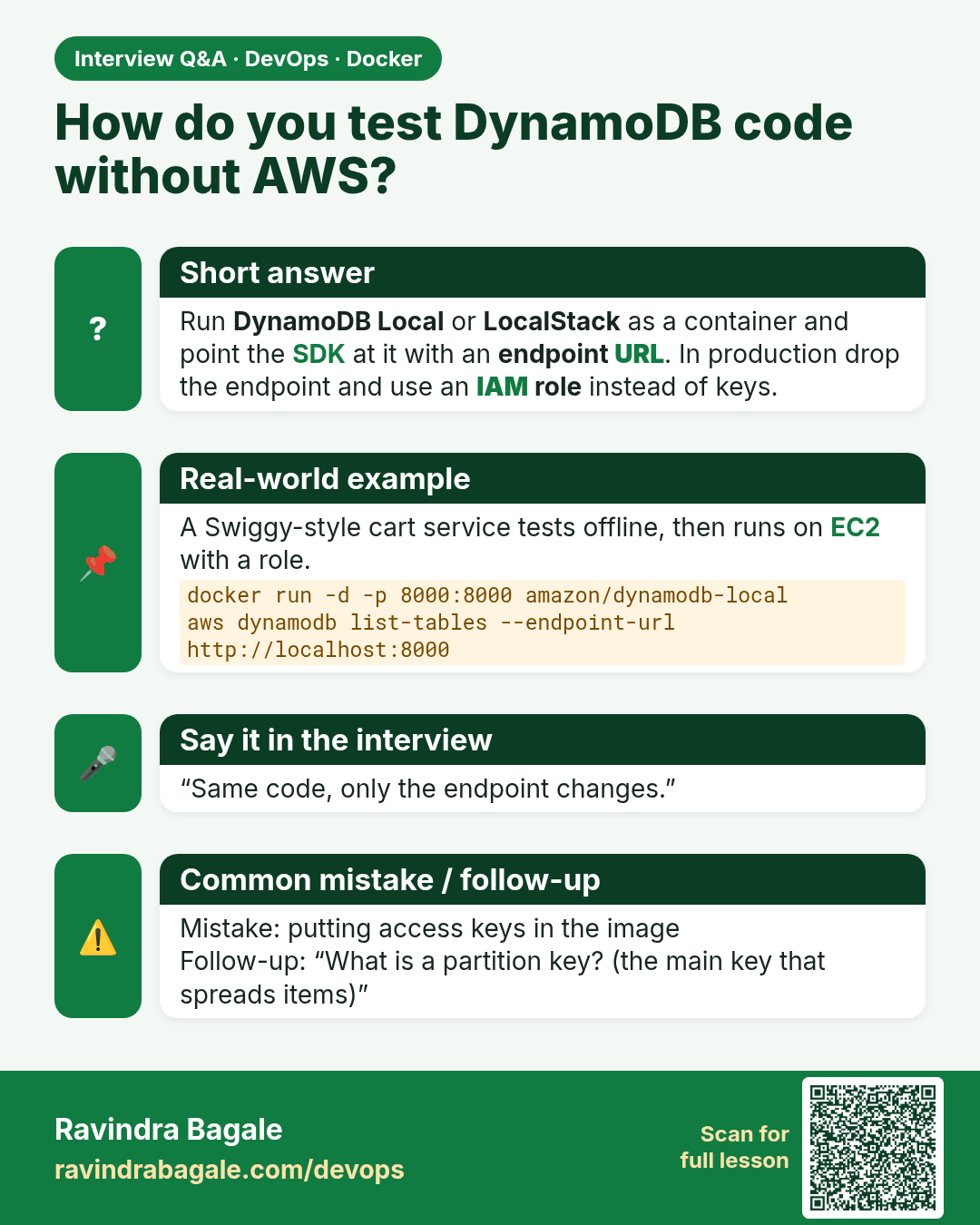
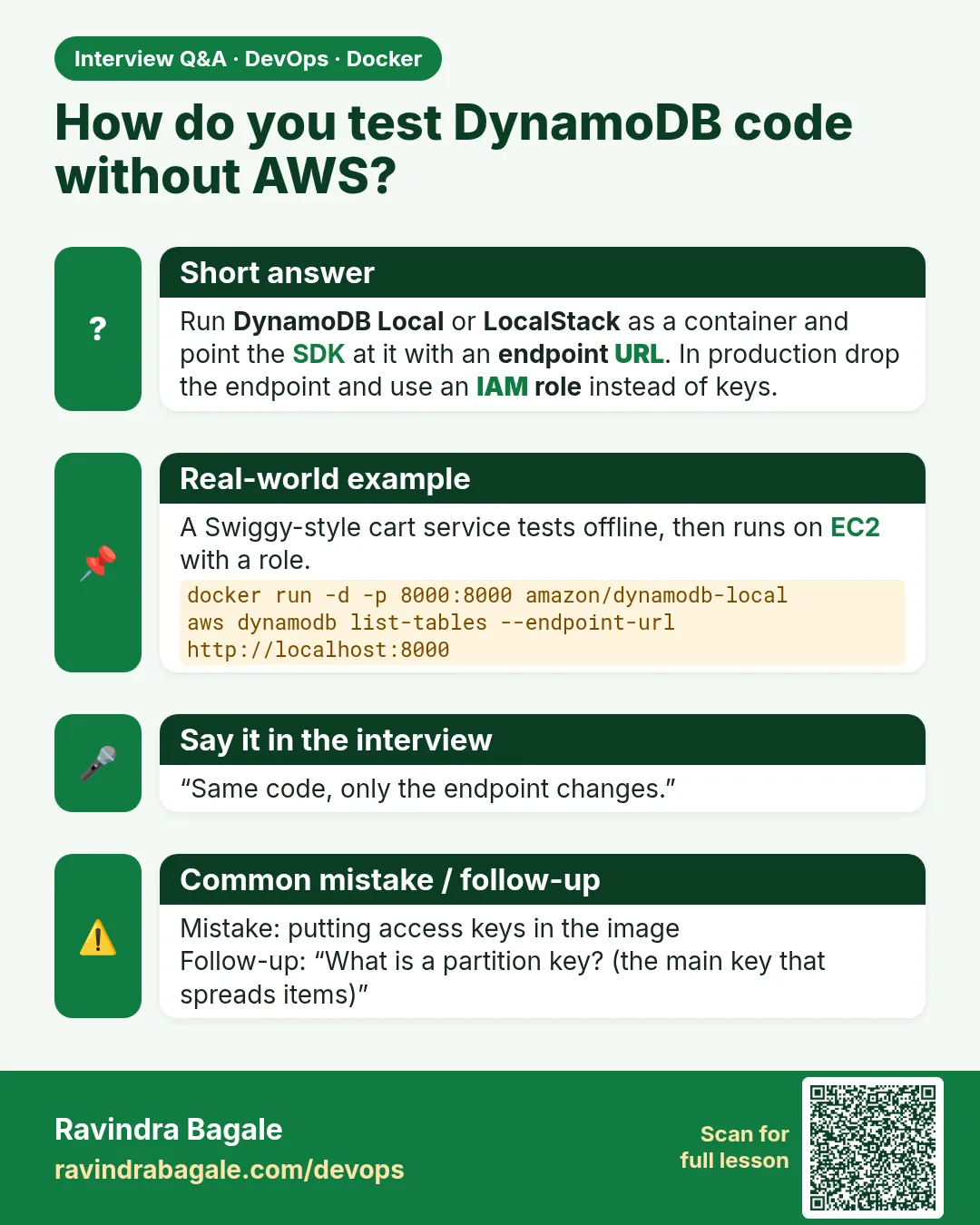 Interview card 2 of 15: How do you test DynamoDB code without AWS? · Download PNG · Open card page
Lesson: 58.2 Project 18: Every language in a container with DynamoDB (DynamoDB Local and LocalStack first, then real DynamoDB with an IAM role)
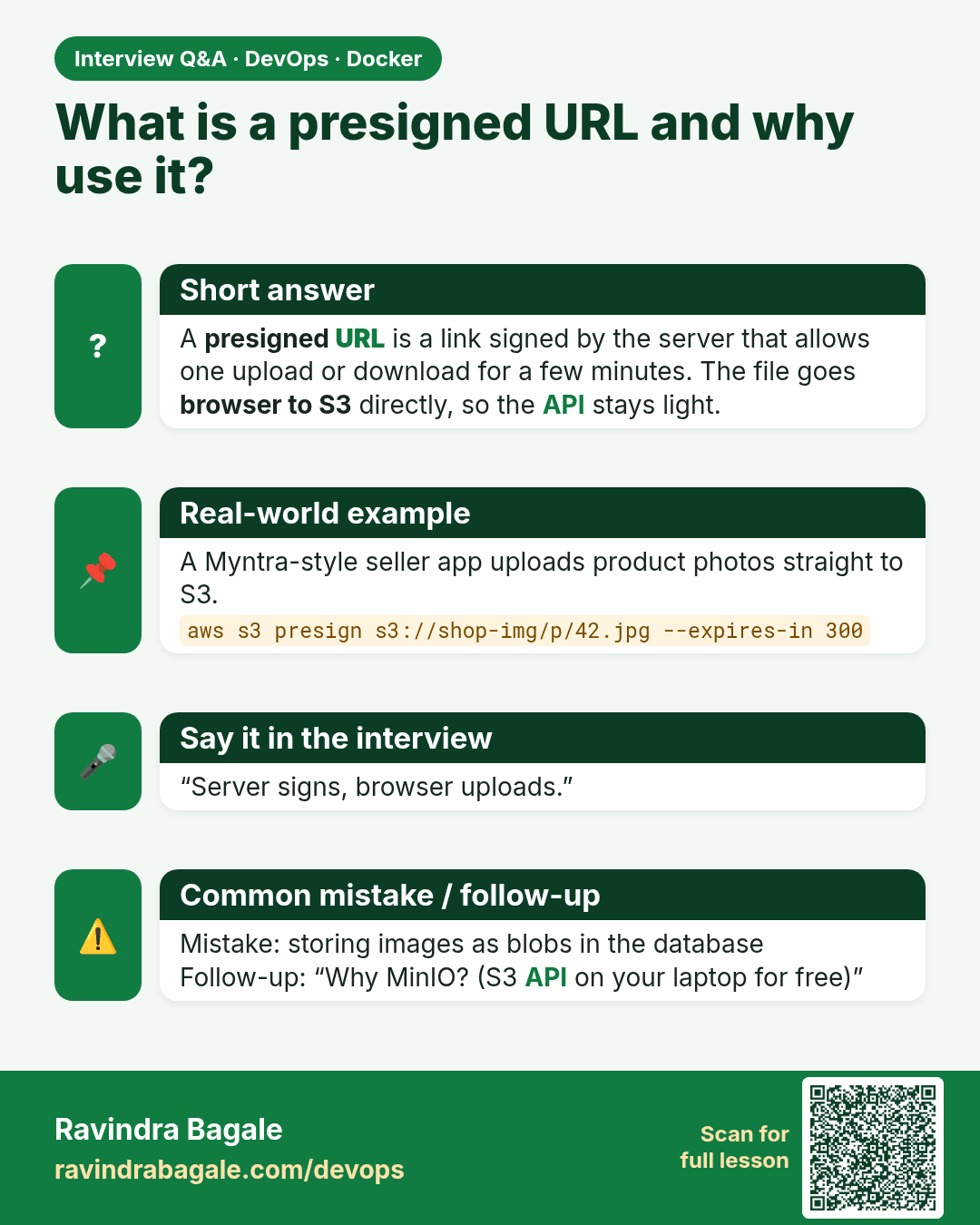
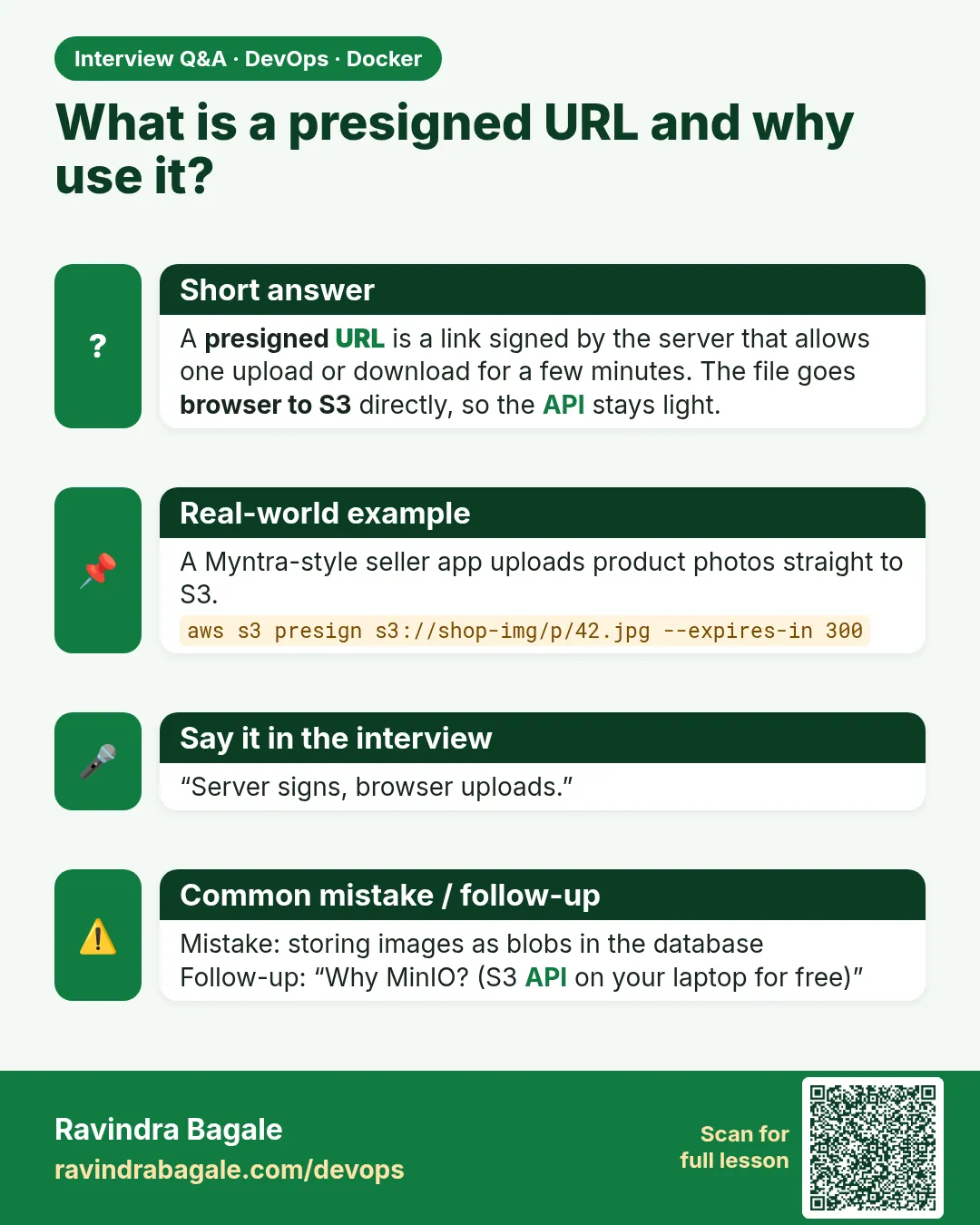 Interview card 3 of 15: What is a presigned URL and why use it? · Download PNG · Open card page
Lesson: 58.3 Project 19: Containers with S3 and RDS (image-upload API with presigned URLs, MinIO locally, real S3 and RDS on AWS)
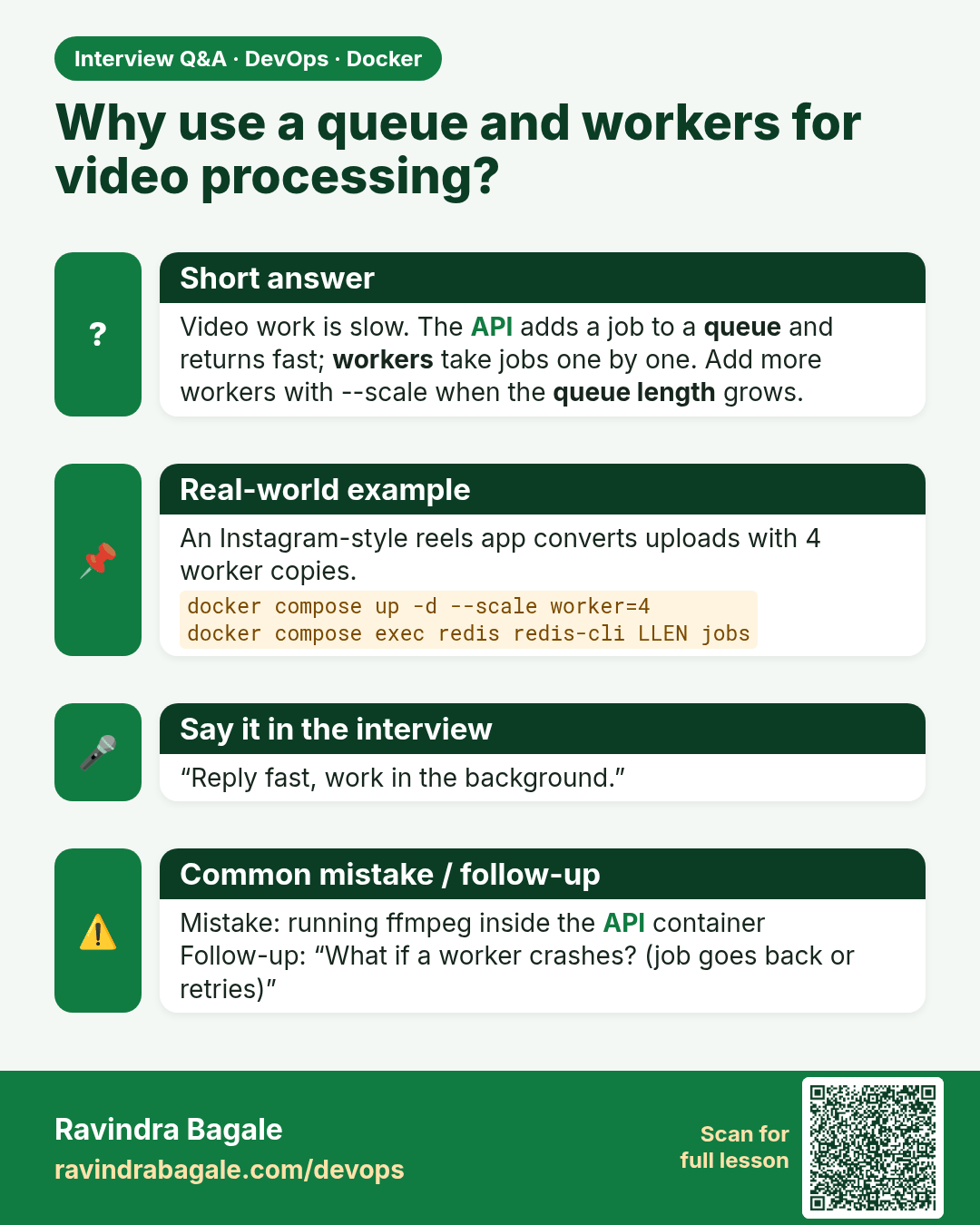
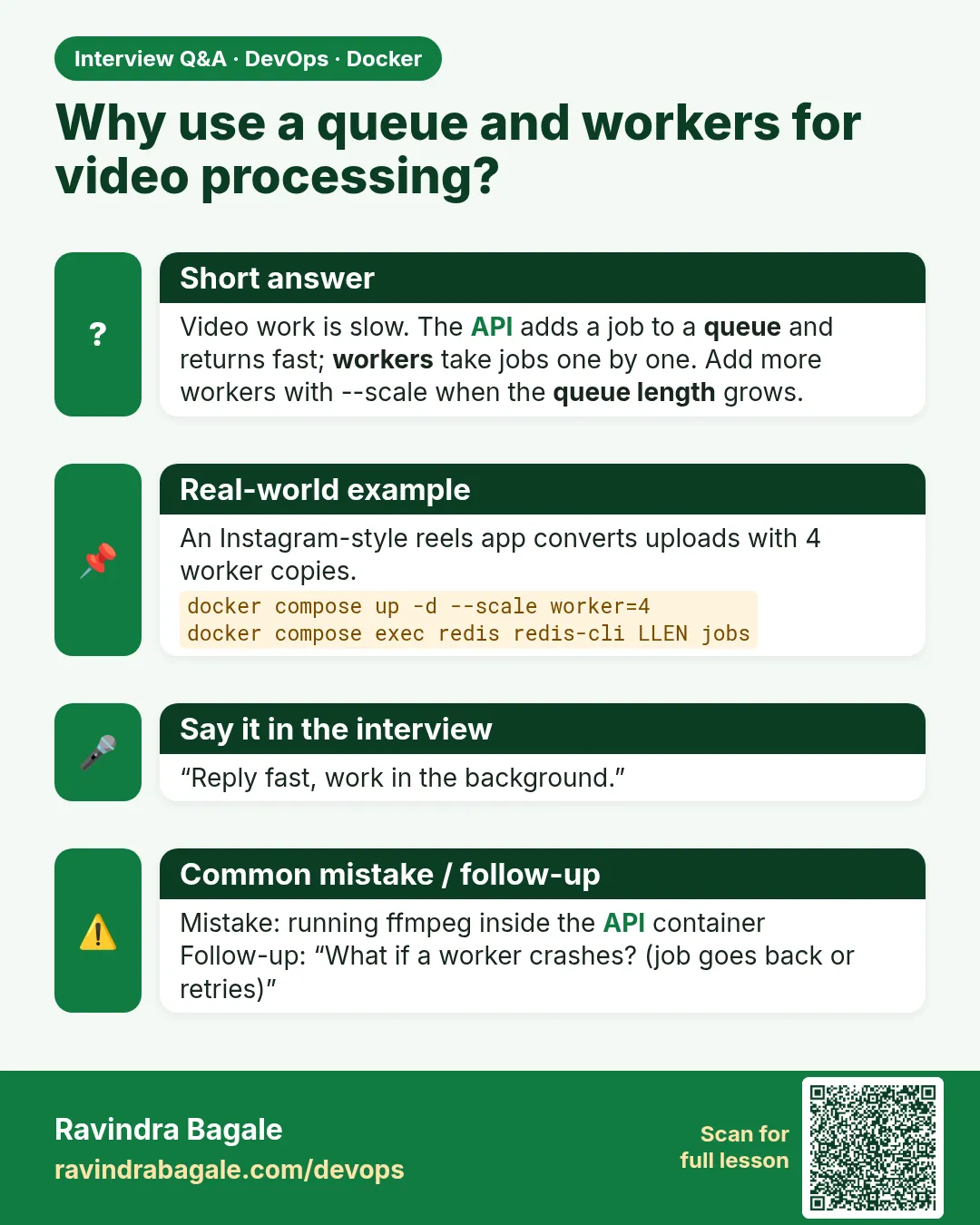 Interview card 4 of 15: Why use a queue and workers for video processing? · Download PNG · Open card page
Lesson: 58.4 Project 20: Reel-upload app (upload to S3, Redis queue, ffmpeg worker container, thumbnails and a feed)
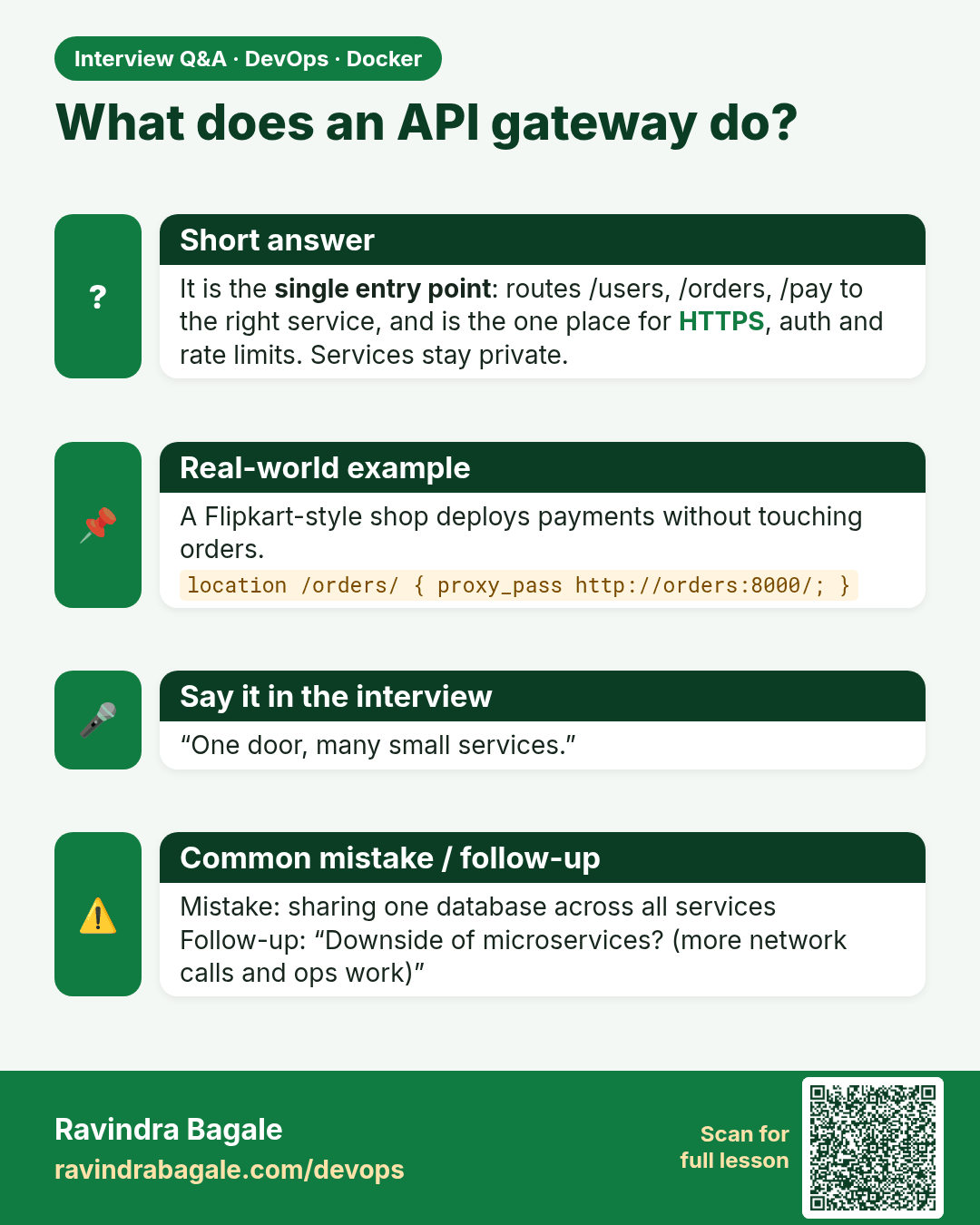
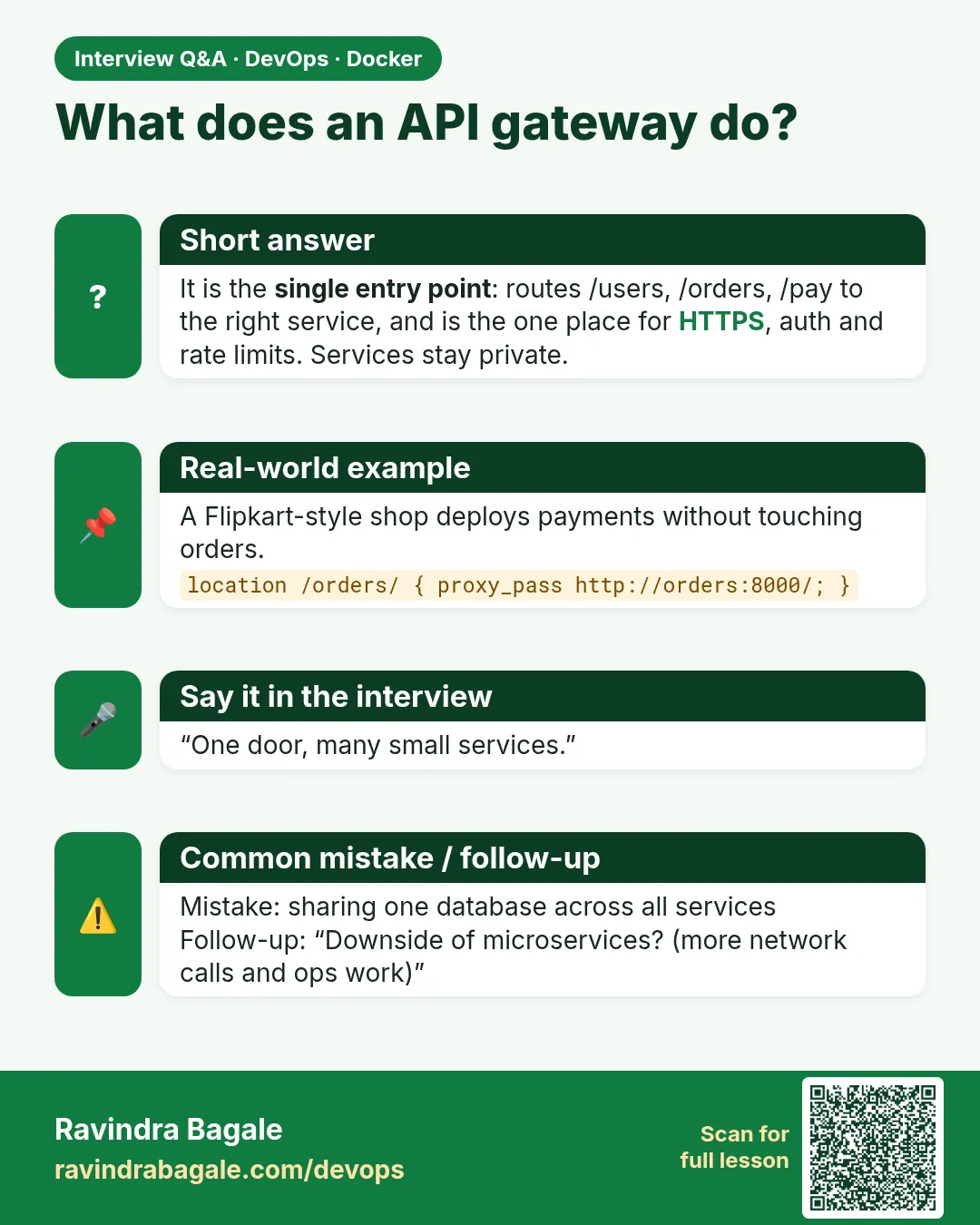 Interview card 5 of 15: What does an API gateway do? · Download PNG · Open card page
Lesson: 58.5 Project 21: Microservices shop (nginx gateway, users in Node, orders in Python, payments in Go, Postgres and MongoDB)
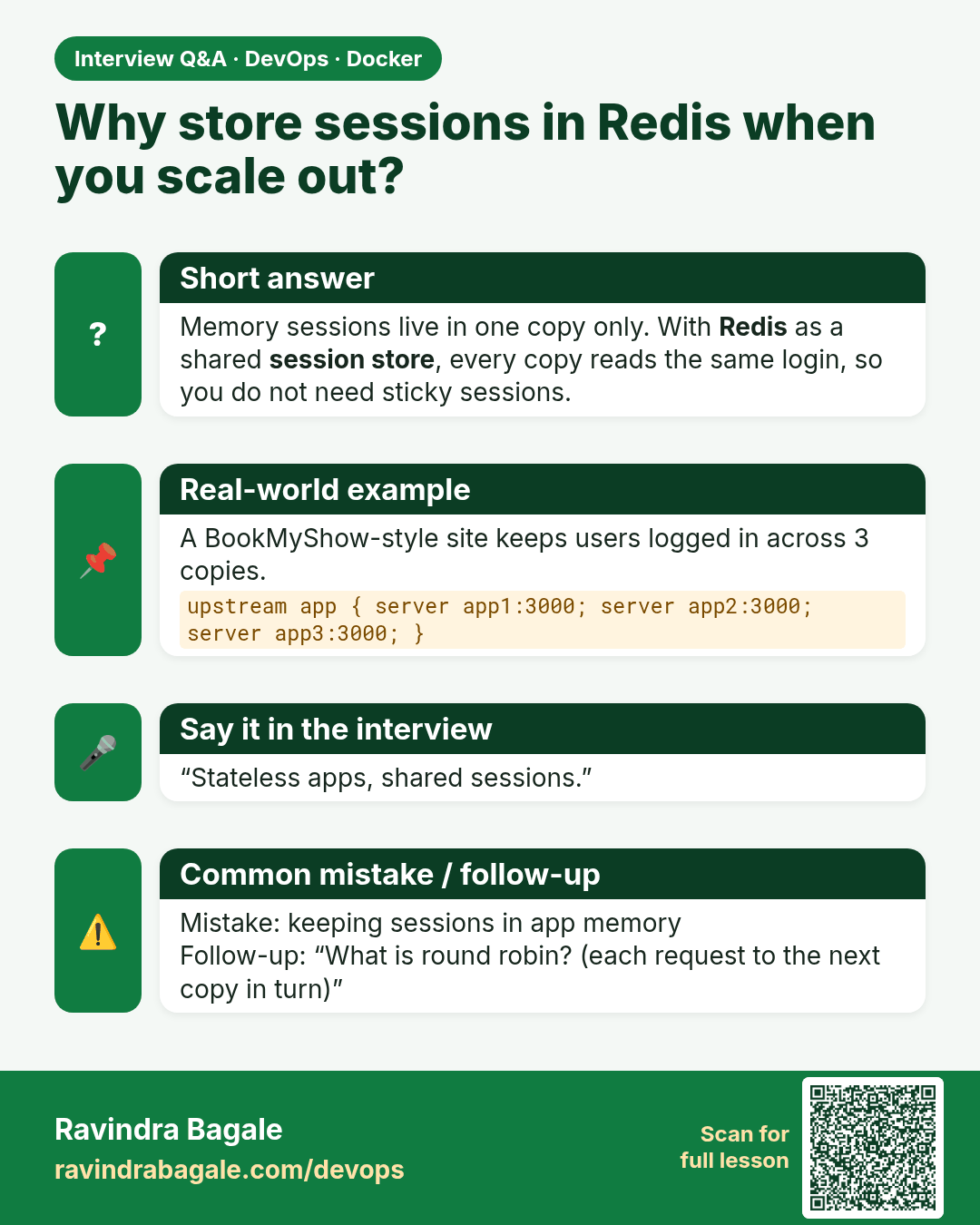
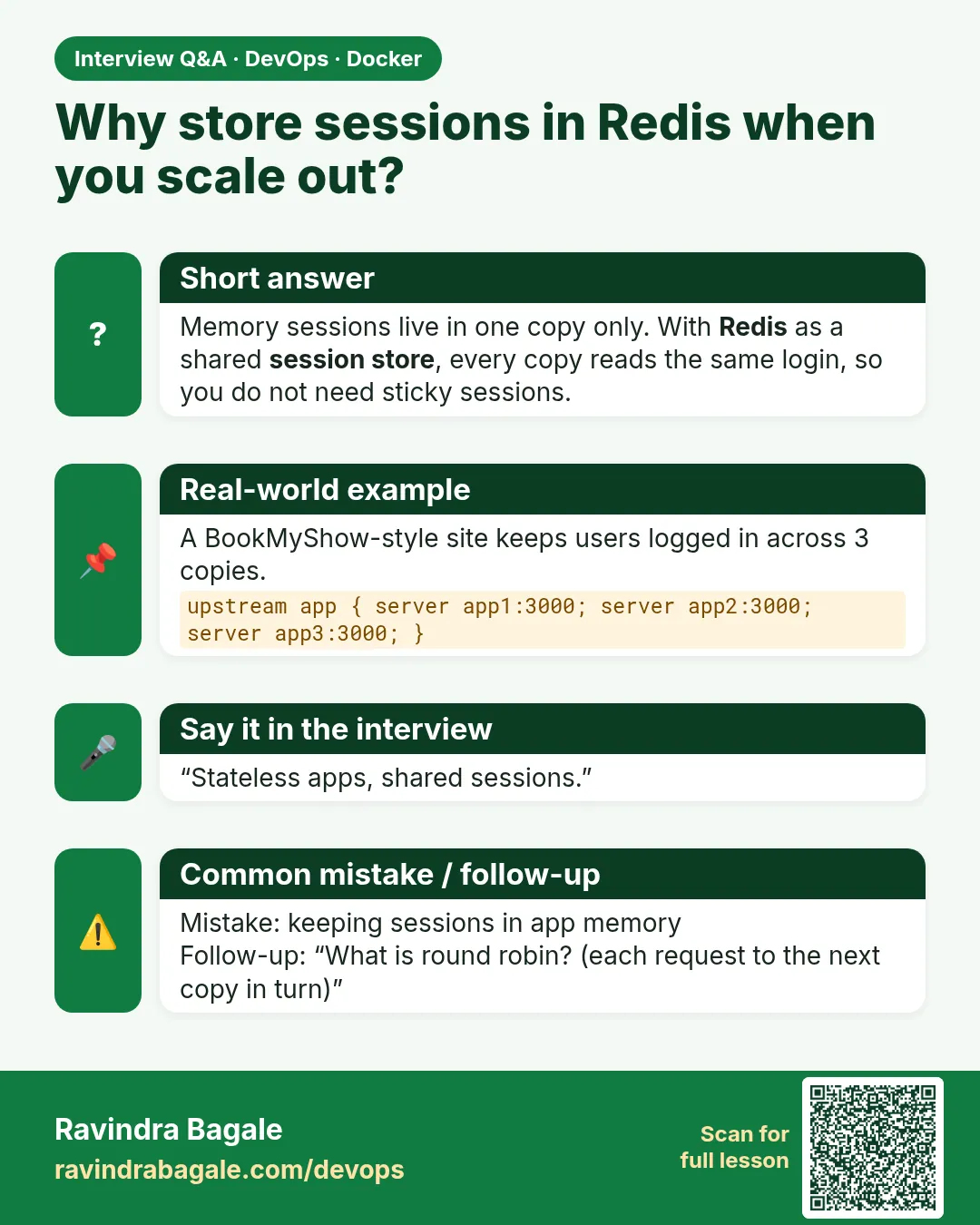 Interview card 6 of 15: Why store sessions in Redis when you scale out? · Download PNG · Open card page
Lesson: 58.6 Project 22: Node.js + MongoDB + Redis sessions + nginx load balancing, deployed to a VM
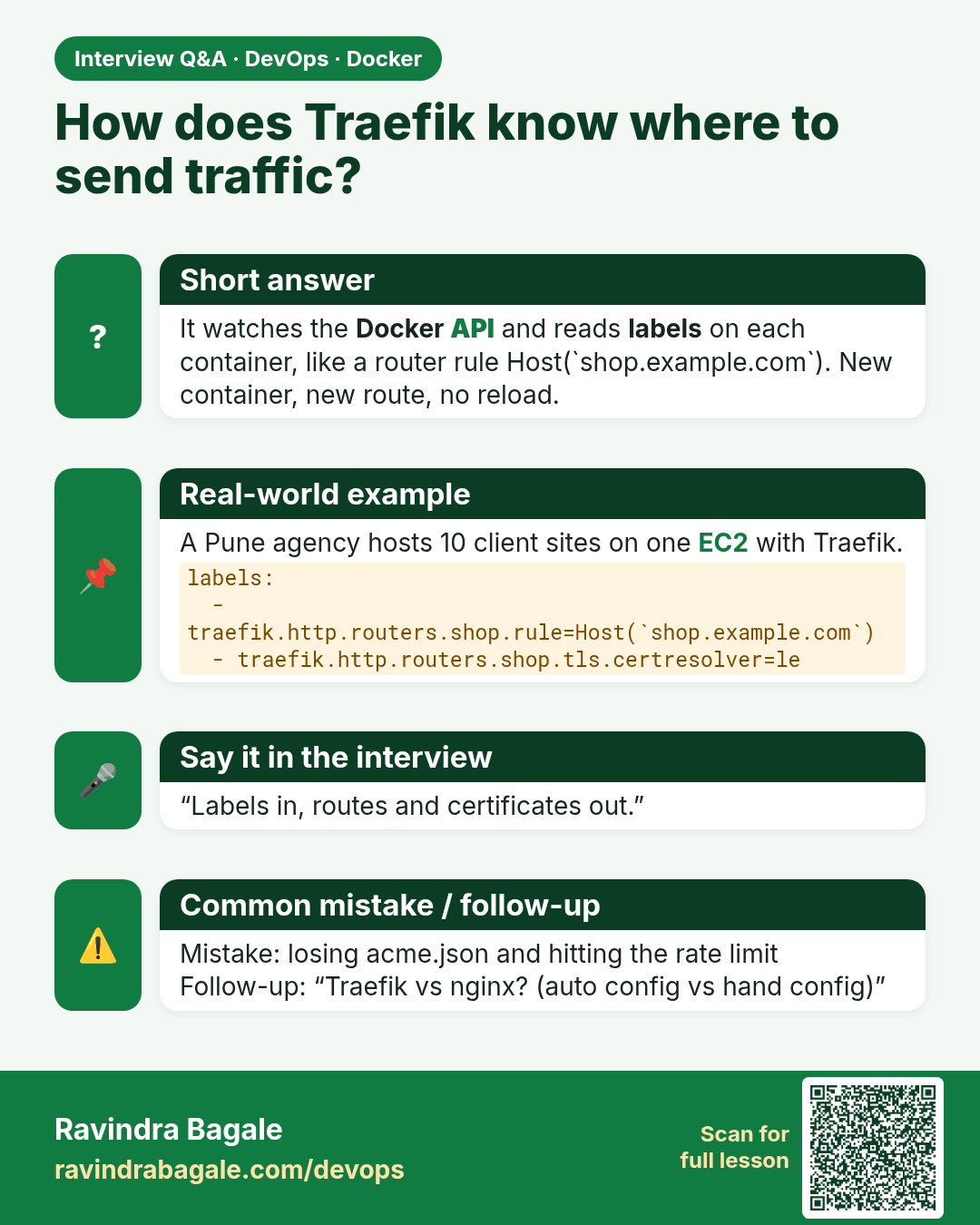
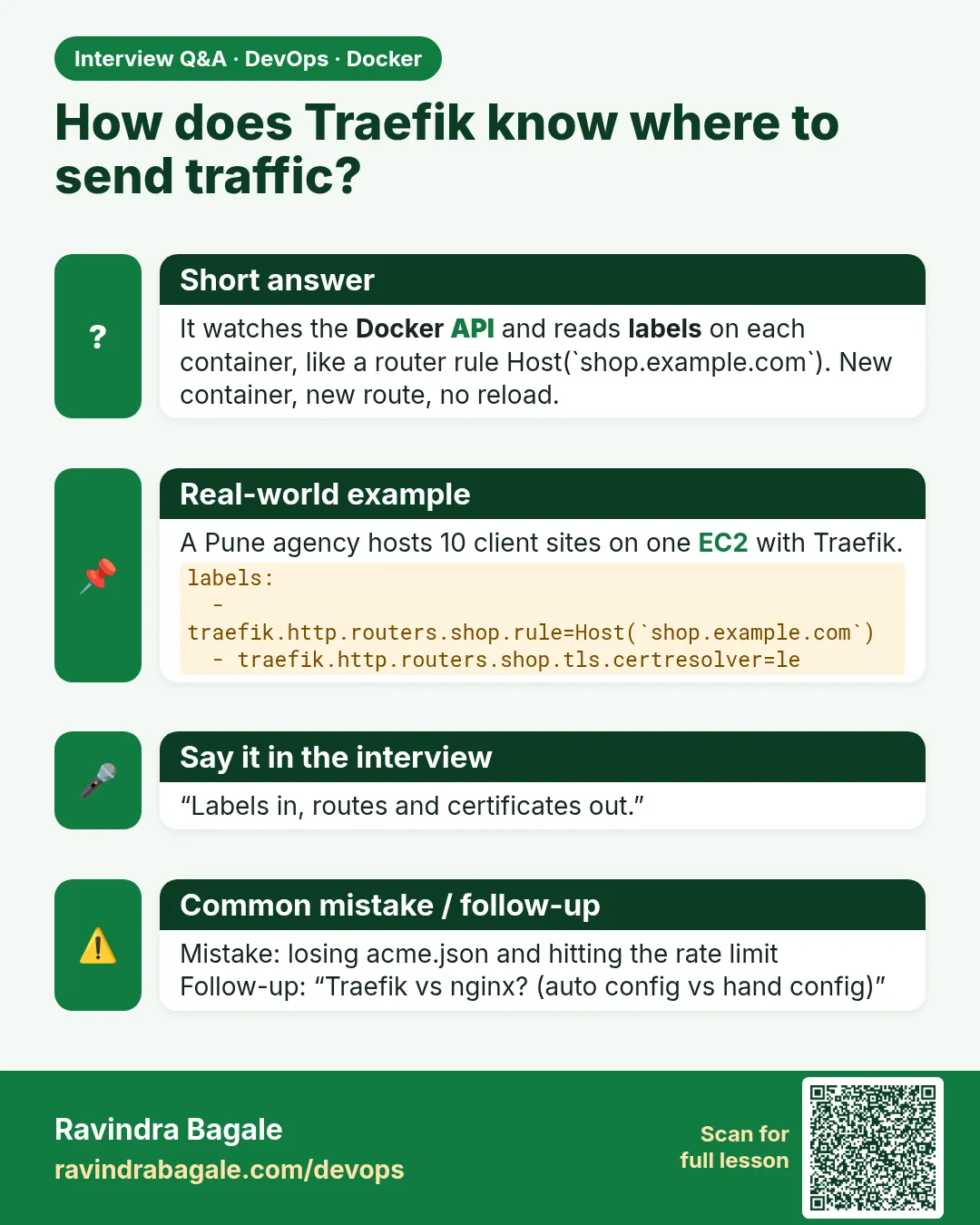 Interview card 7 of 15: How does Traefik know where to send traffic? · Download PNG · Open card page
Lesson: 58.7 Project 23: Traefik multi-site host with automatic HTTPS (many apps on one EC2)
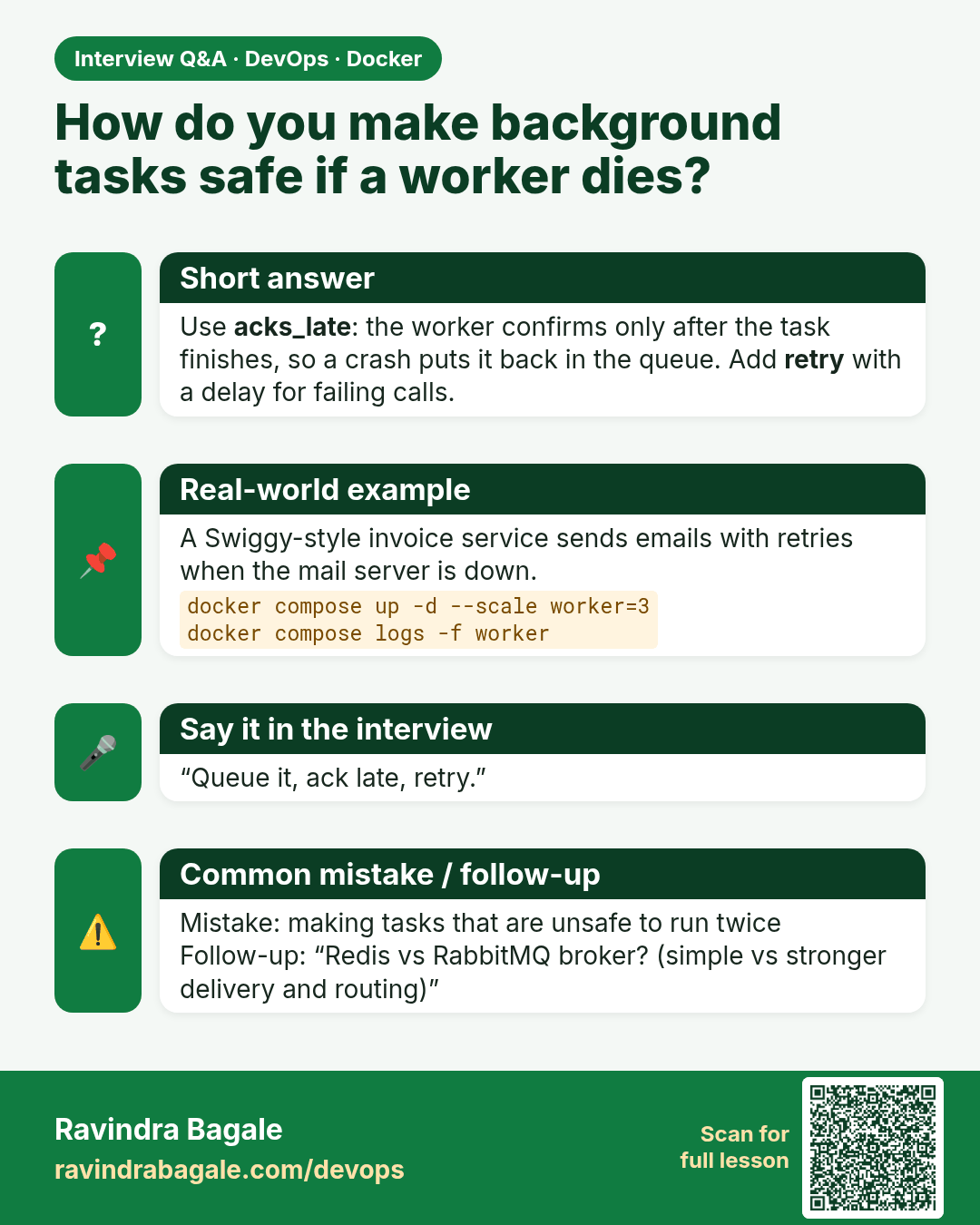
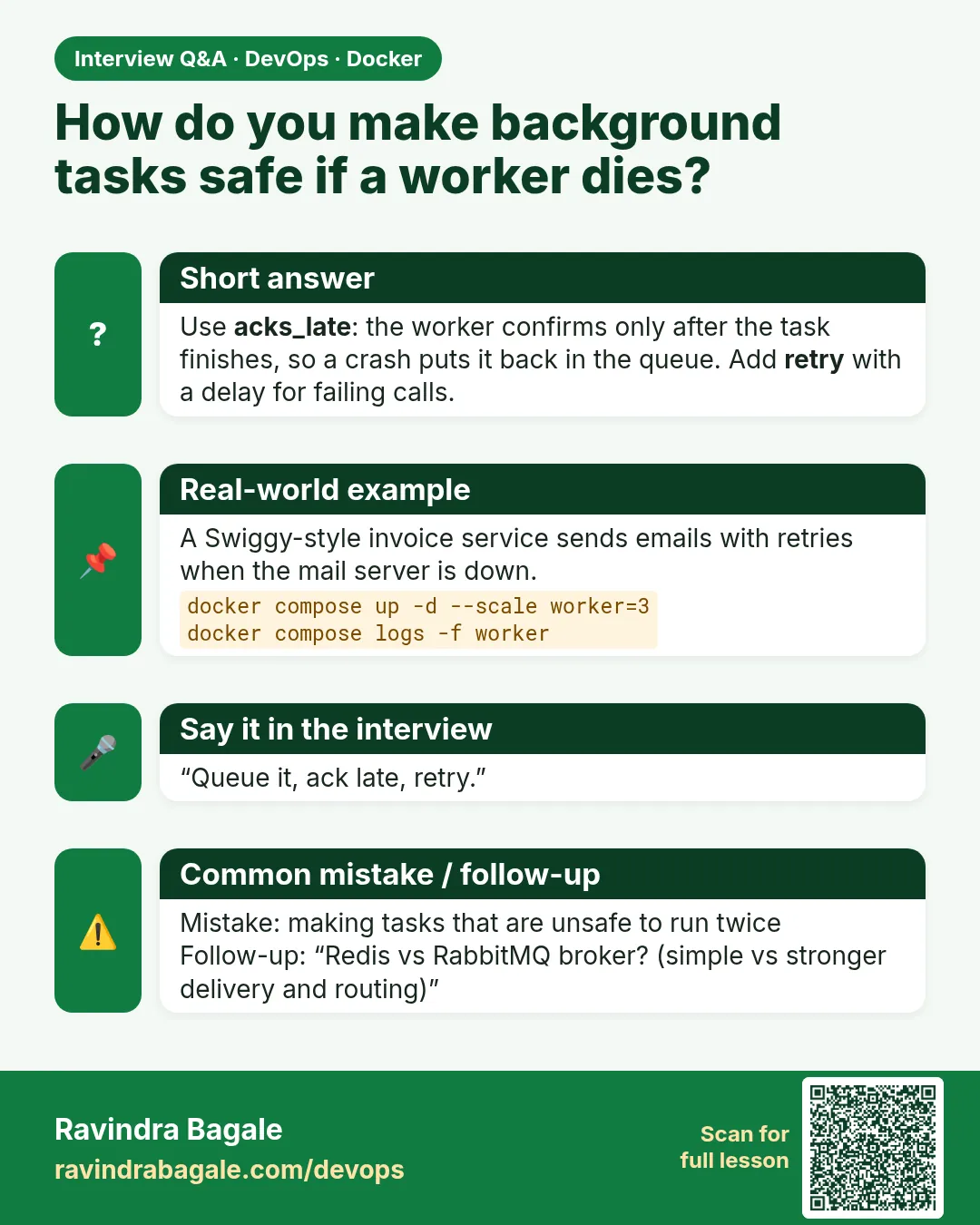 Interview card 8 of 15: How do you make background tasks safe if a worker dies? · Download PNG · Open card page
Lesson: 58.8 Project 24: Worker queue with Celery and Redis, then RabbitMQ, with the Flower UI
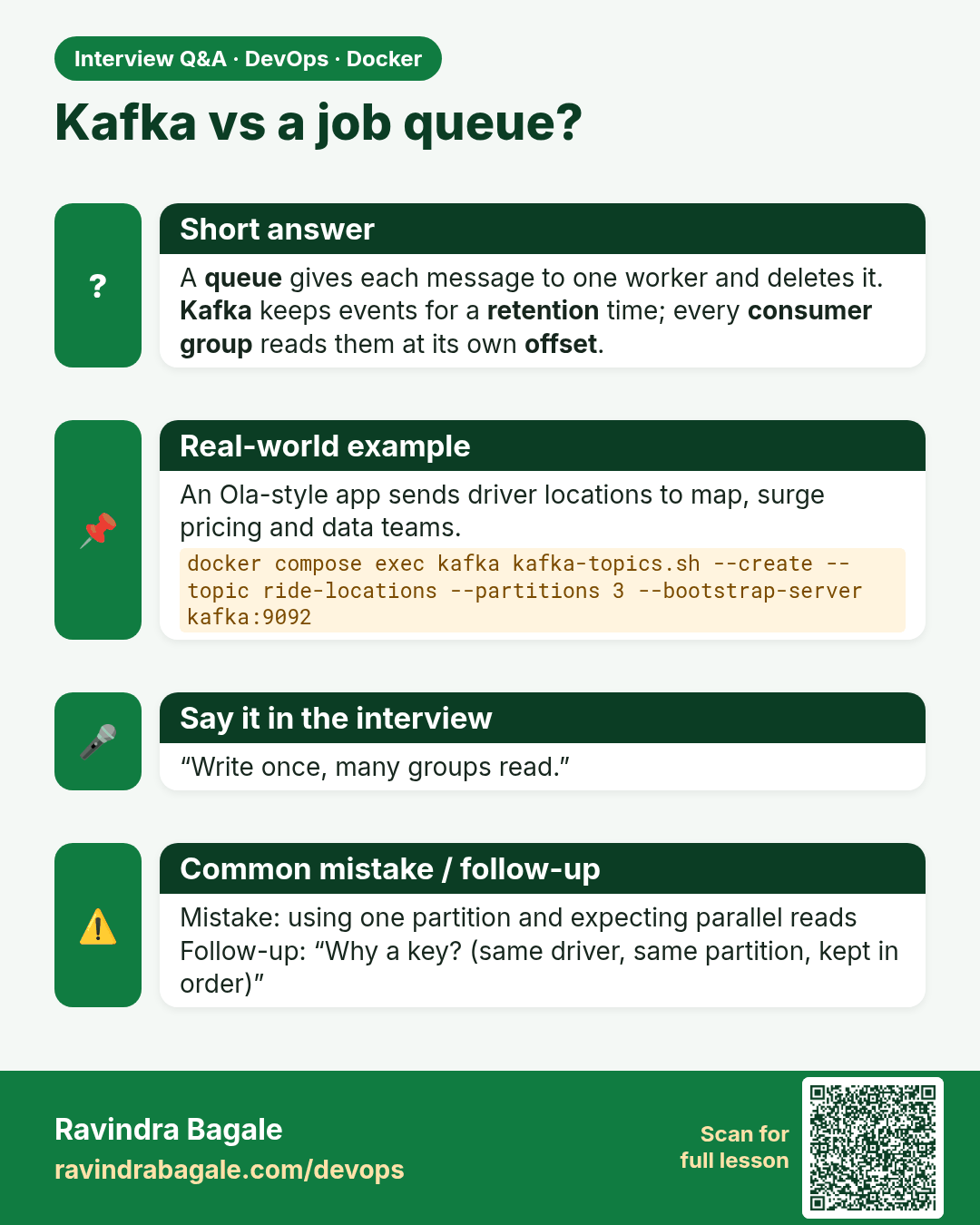
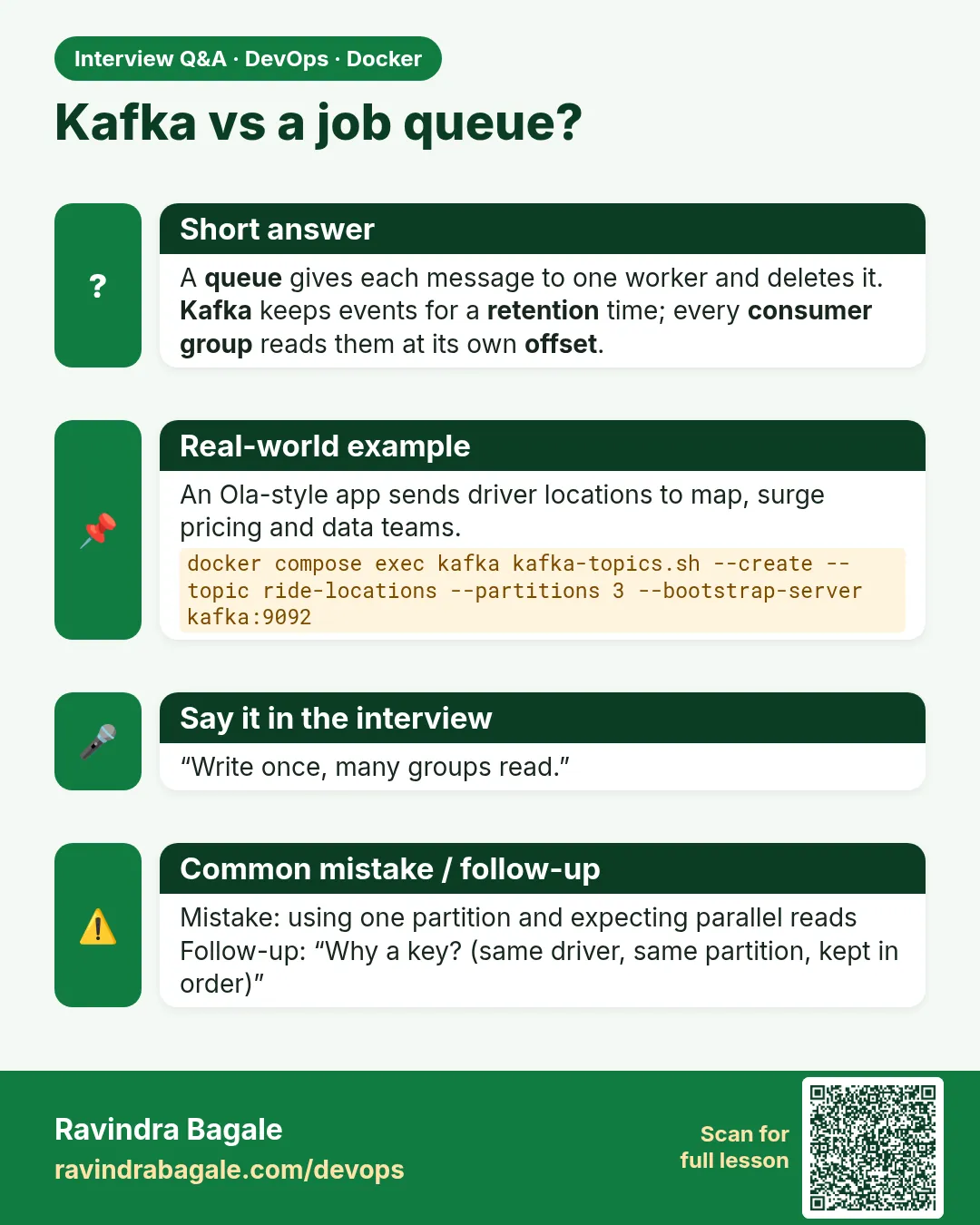 Interview card 9 of 15: Kafka vs a job queue? · Download PNG · Open card page
Lesson: 58.9 Project 25: Kafka event pipeline (Redpanda or Apache Kafka, a producer, consumers and a UI)
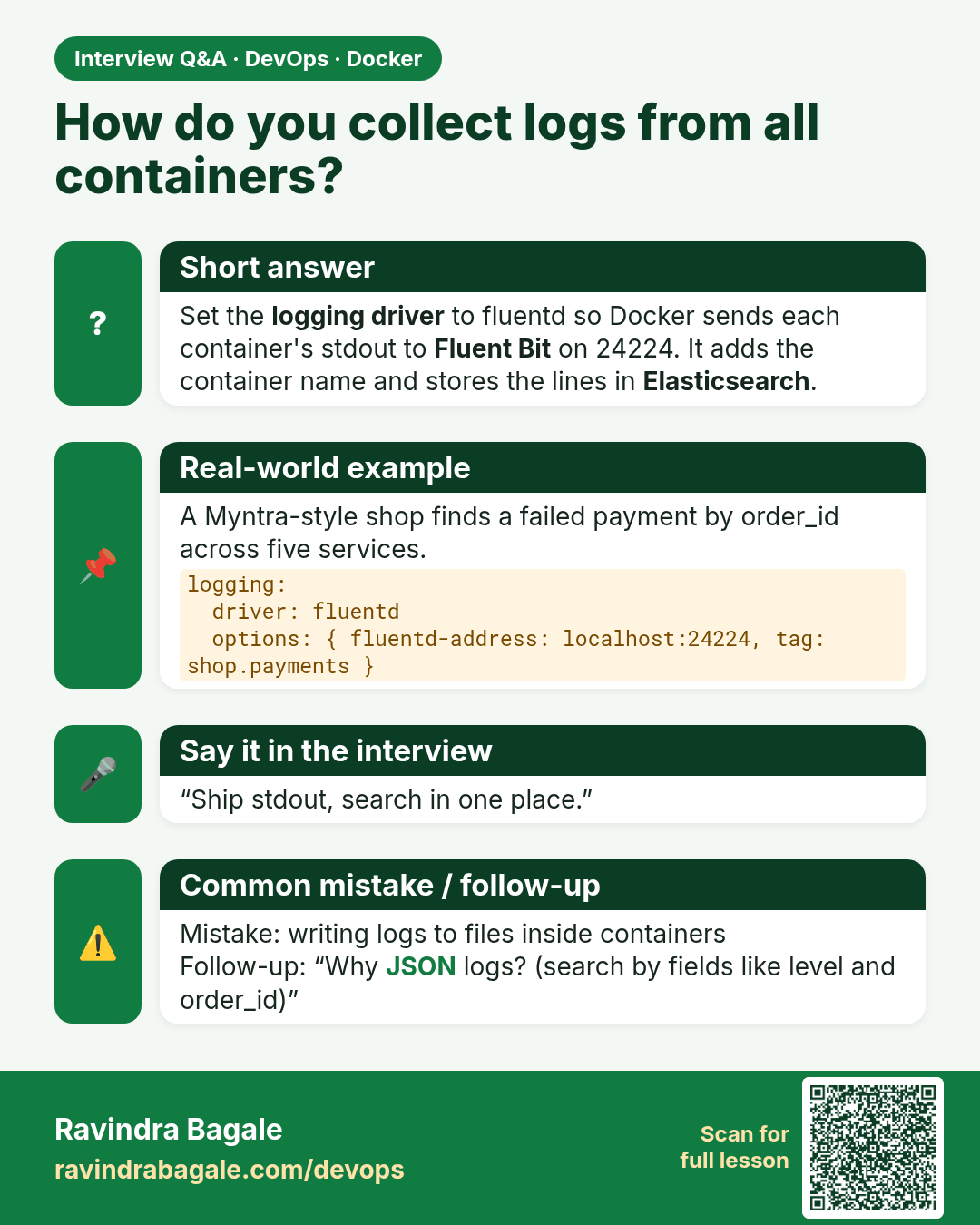
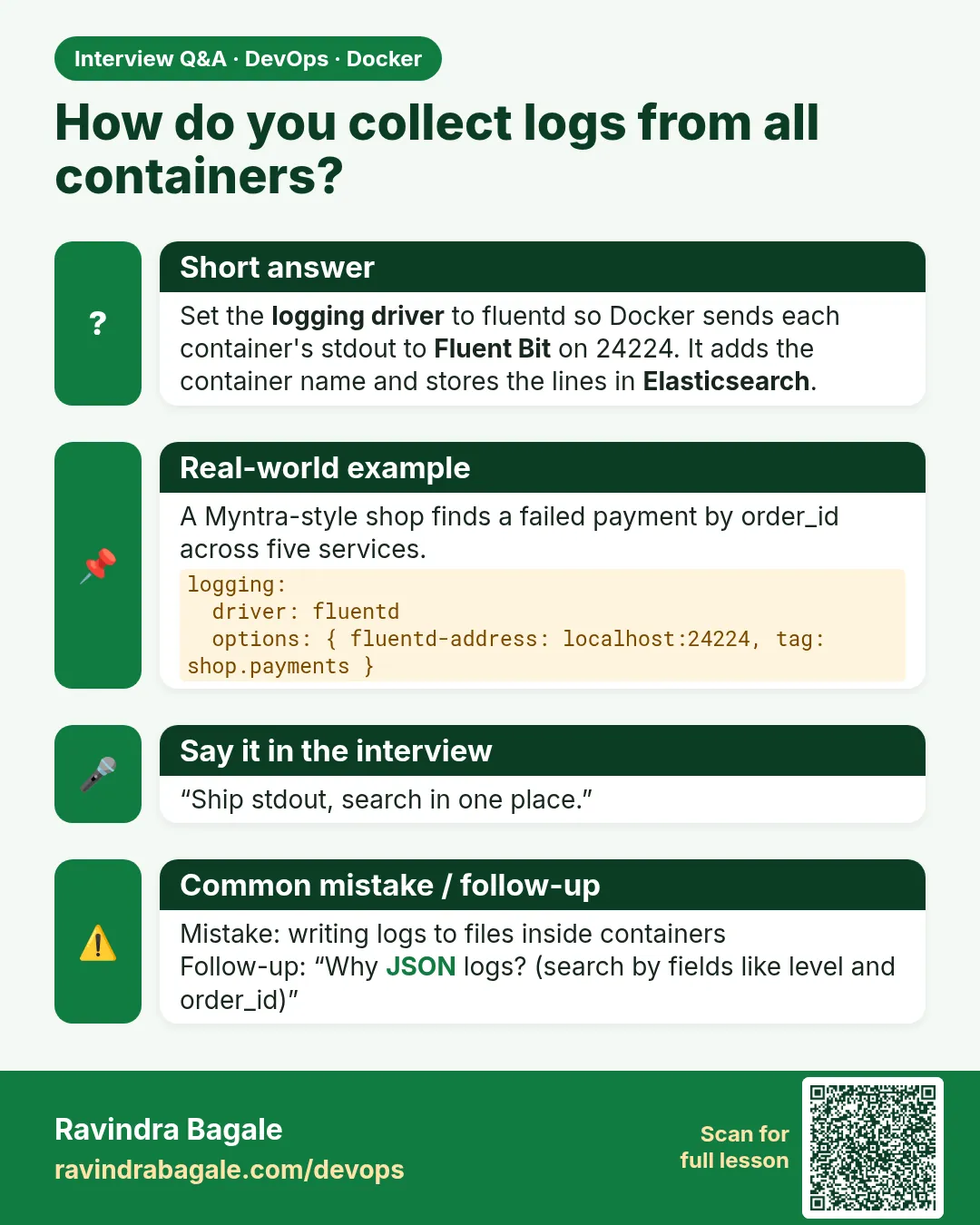 Interview card 10 of 15: How do you collect logs from all containers? · Download PNG · Open card page
Lesson: 58.10 Project 26: ELK and EFK logging for the microservices shop (Elasticsearch, Fluent Bit or Logstash, Kibana)
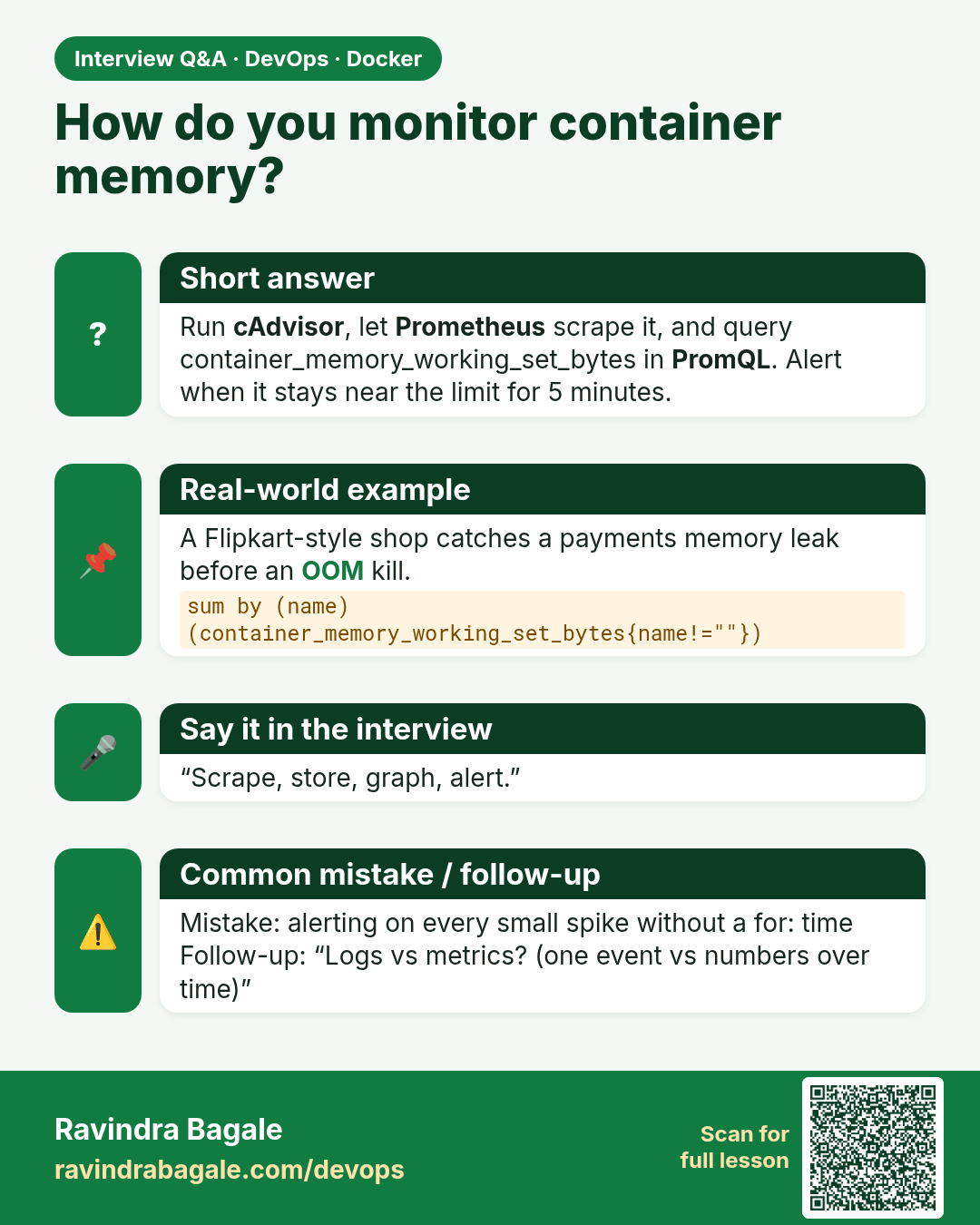
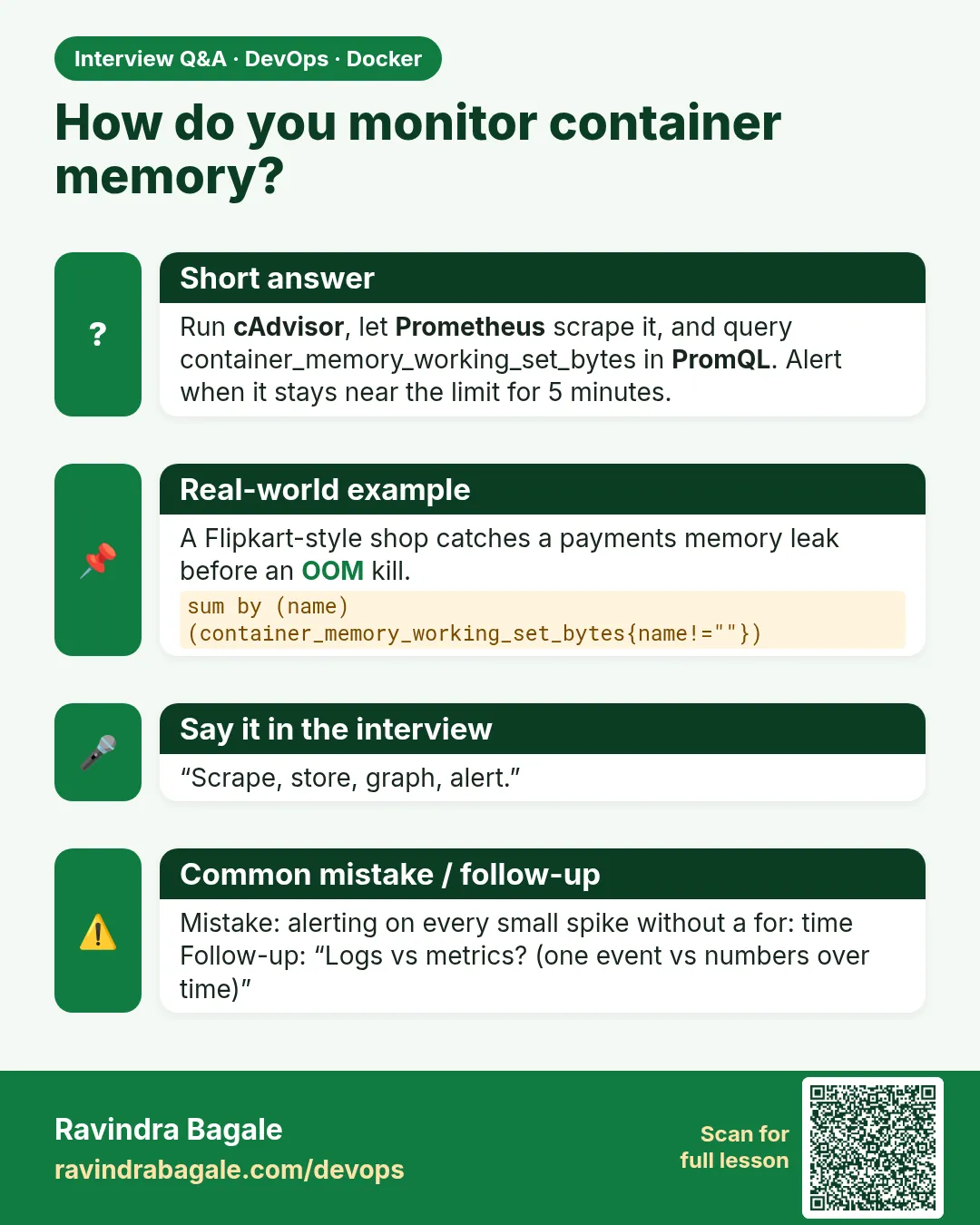 Interview card 11 of 15: How do you monitor container memory? · Download PNG · Open card page
Lesson: 58.11 Project 27: Prometheus, Grafana and cAdvisor monitoring for the microservices shop
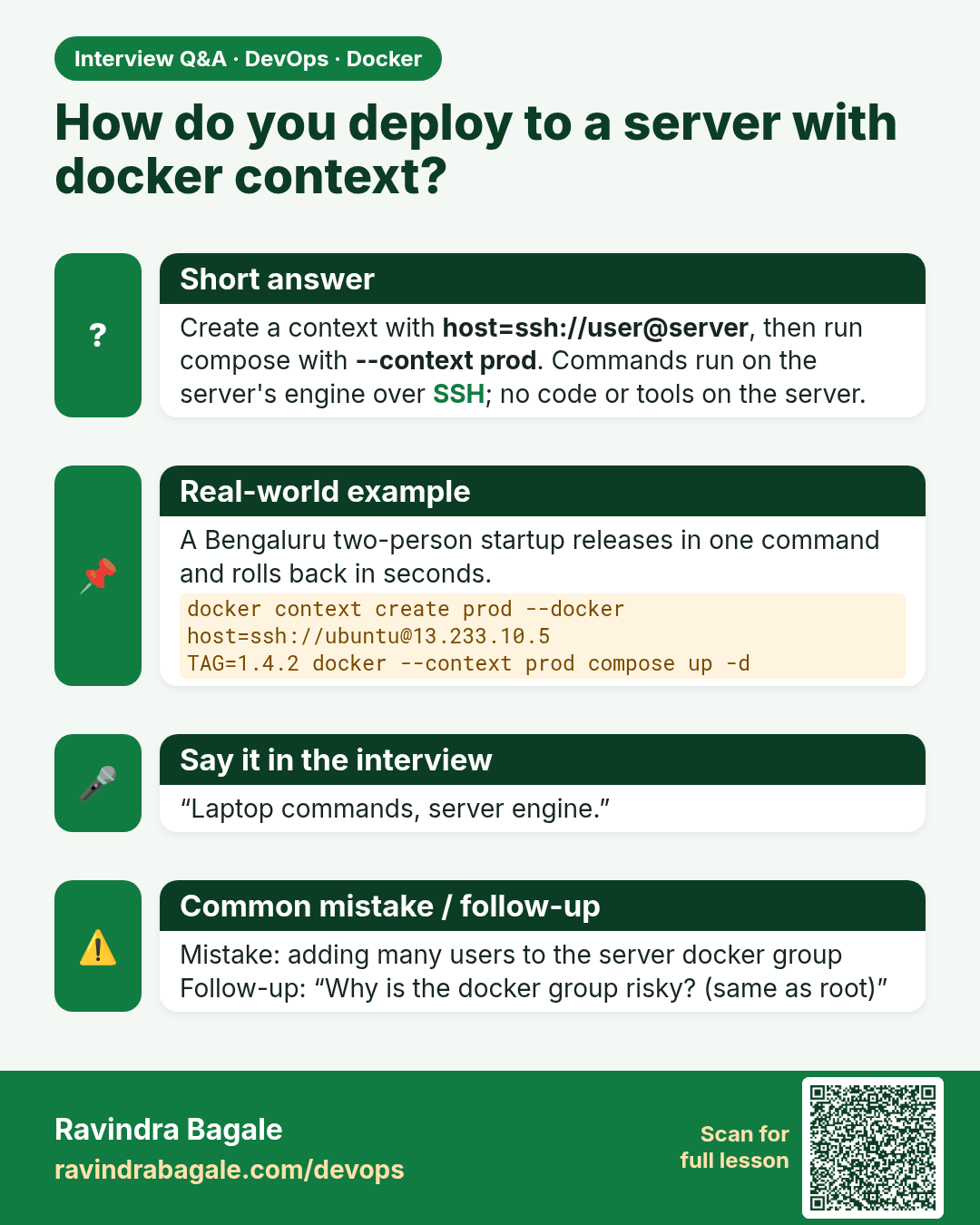
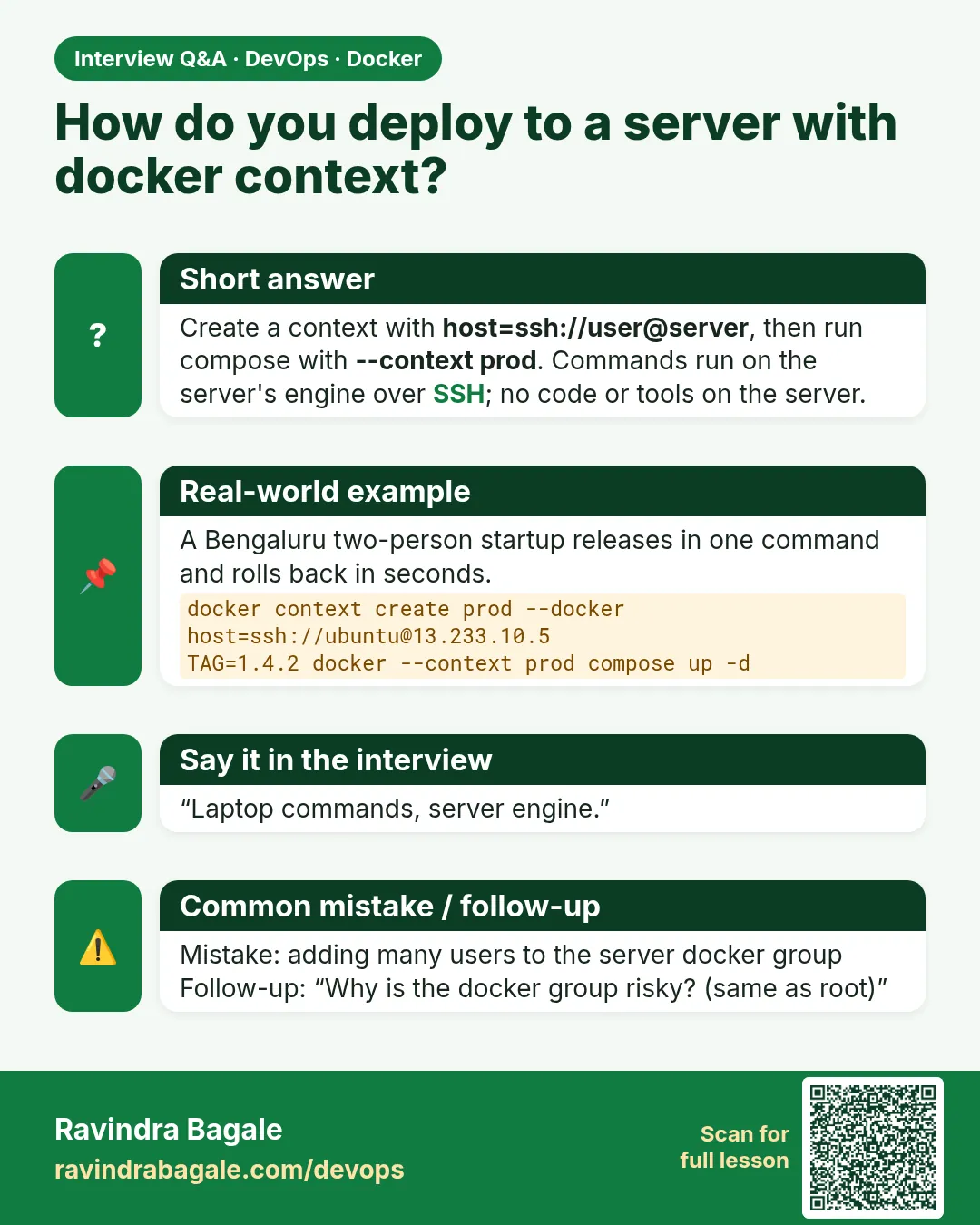 Interview card 12 of 15: How do you deploy to a server with docker context? · Download PNG · Open card page
Lesson: 58.12 Project 28: Deploy to EC2 from your laptop with docker context over SSH
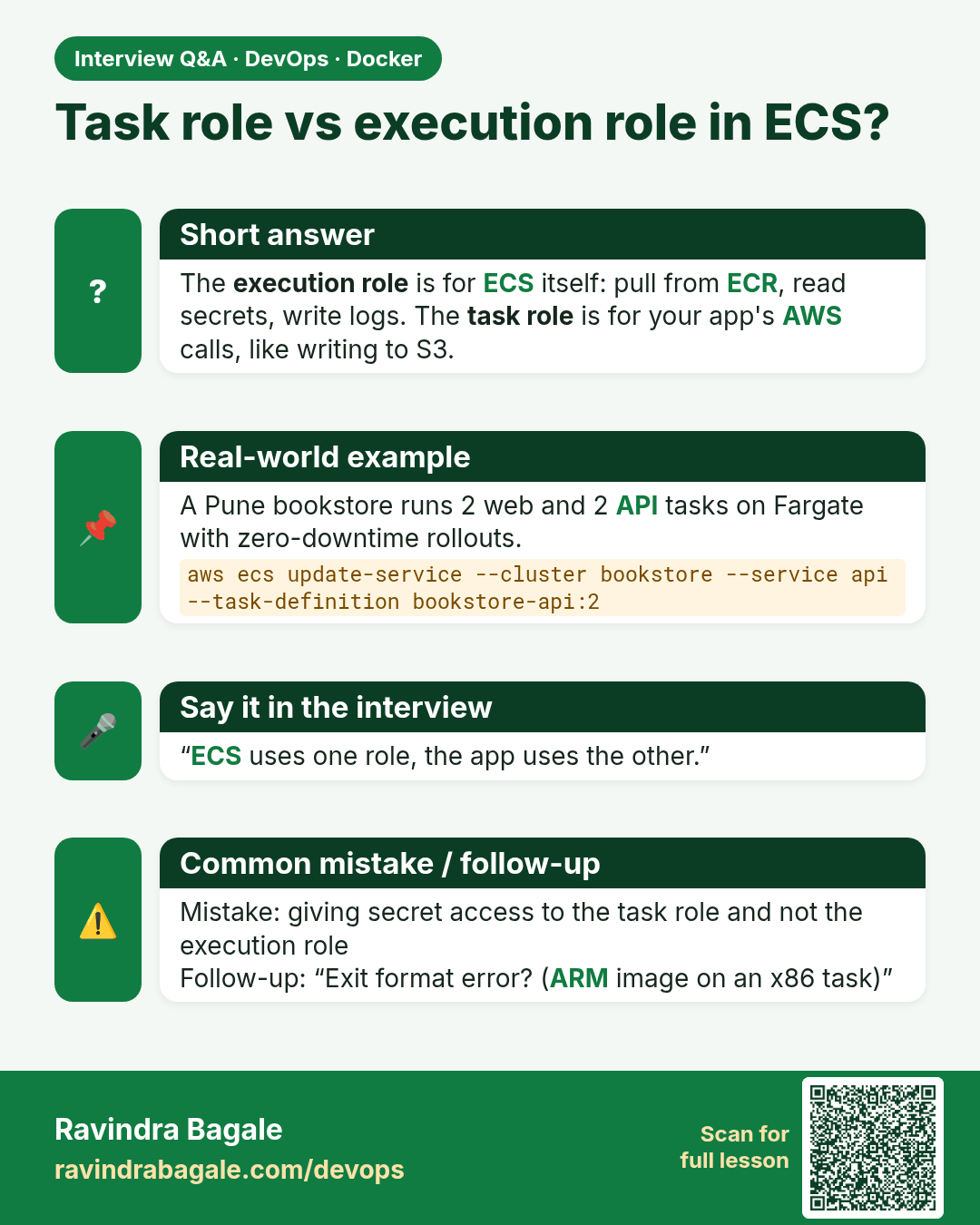
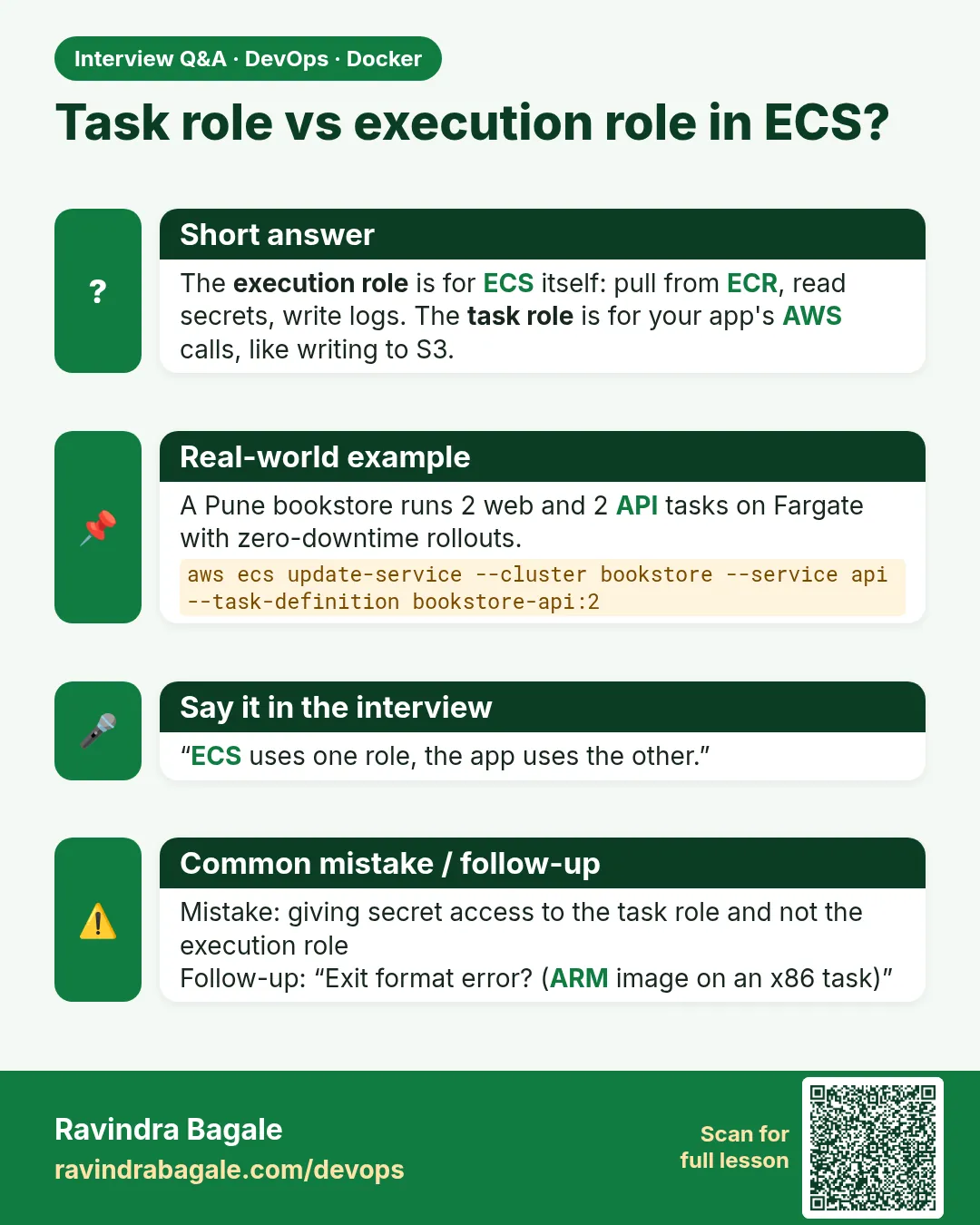 Interview card 13 of 15: Task role vs execution role in ECS? · Download PNG · Open card page
Lesson: 58.13 Project 29: Push to ECR and run a 3-tier app on ECS Fargate with RDS and S3
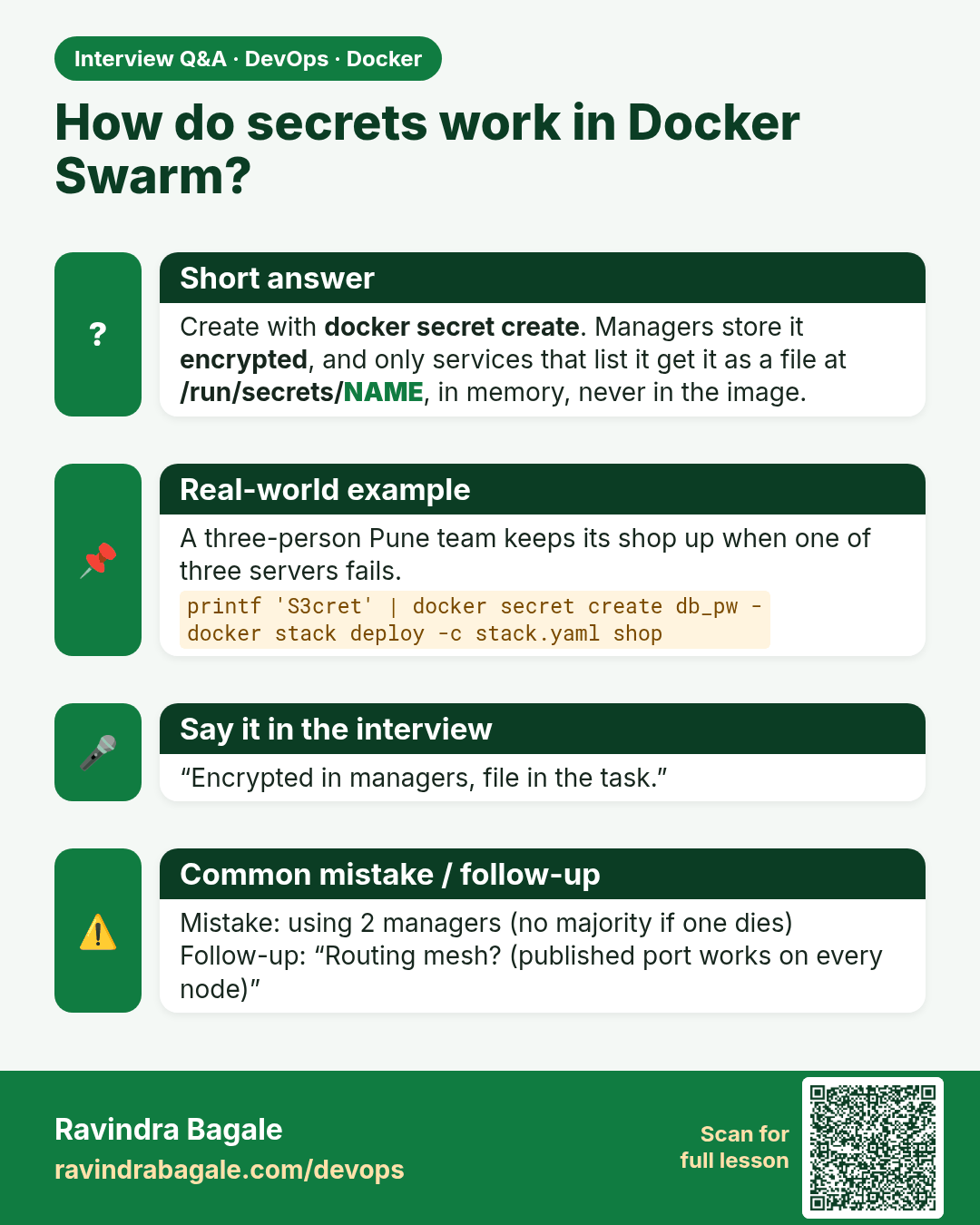
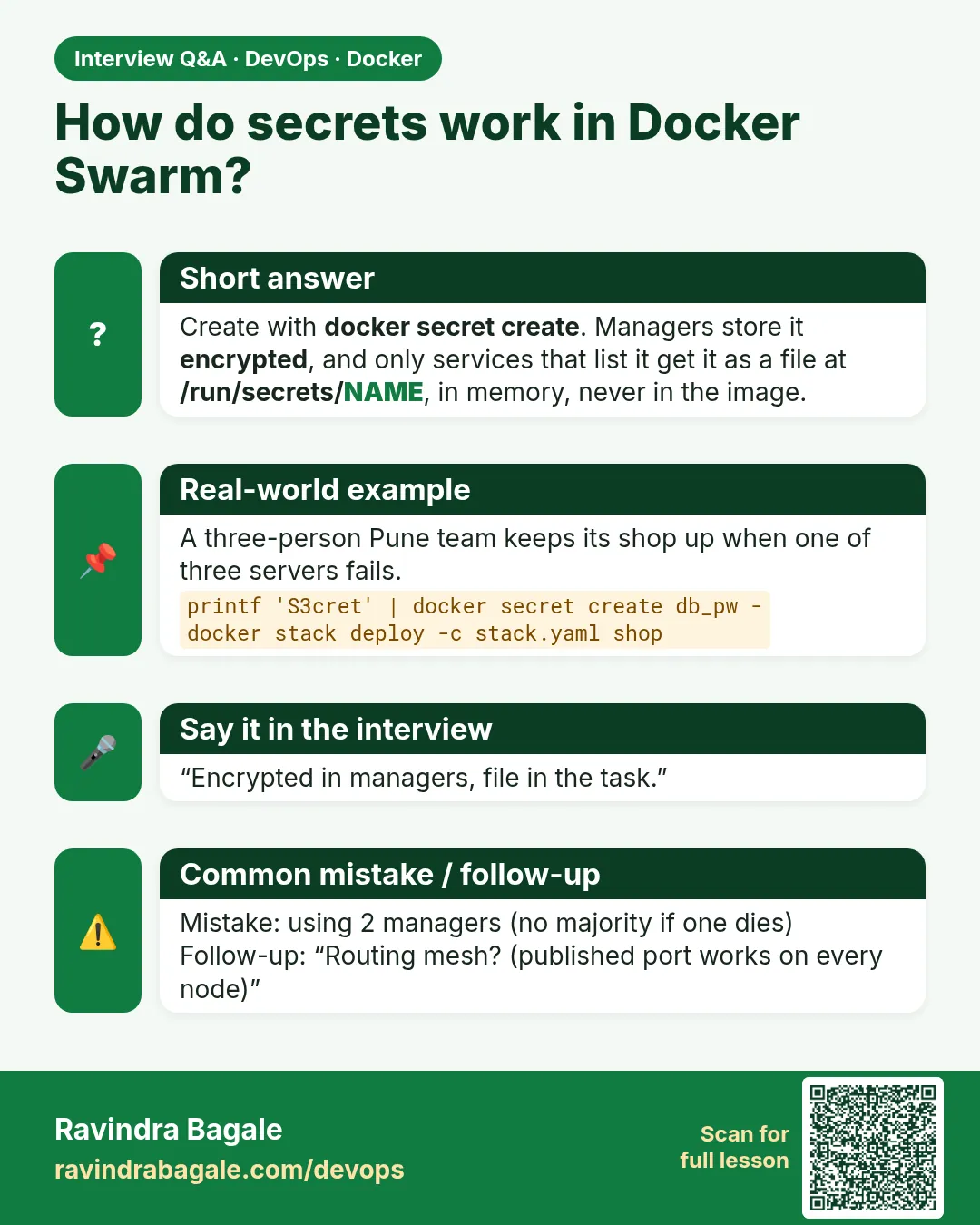 Interview card 14 of 15: How do secrets work in Docker Swarm? · Download PNG · Open card page
Lesson: 58.14 Project 30: Deploy the microservices shop as a Docker Swarm stack with secrets and configs
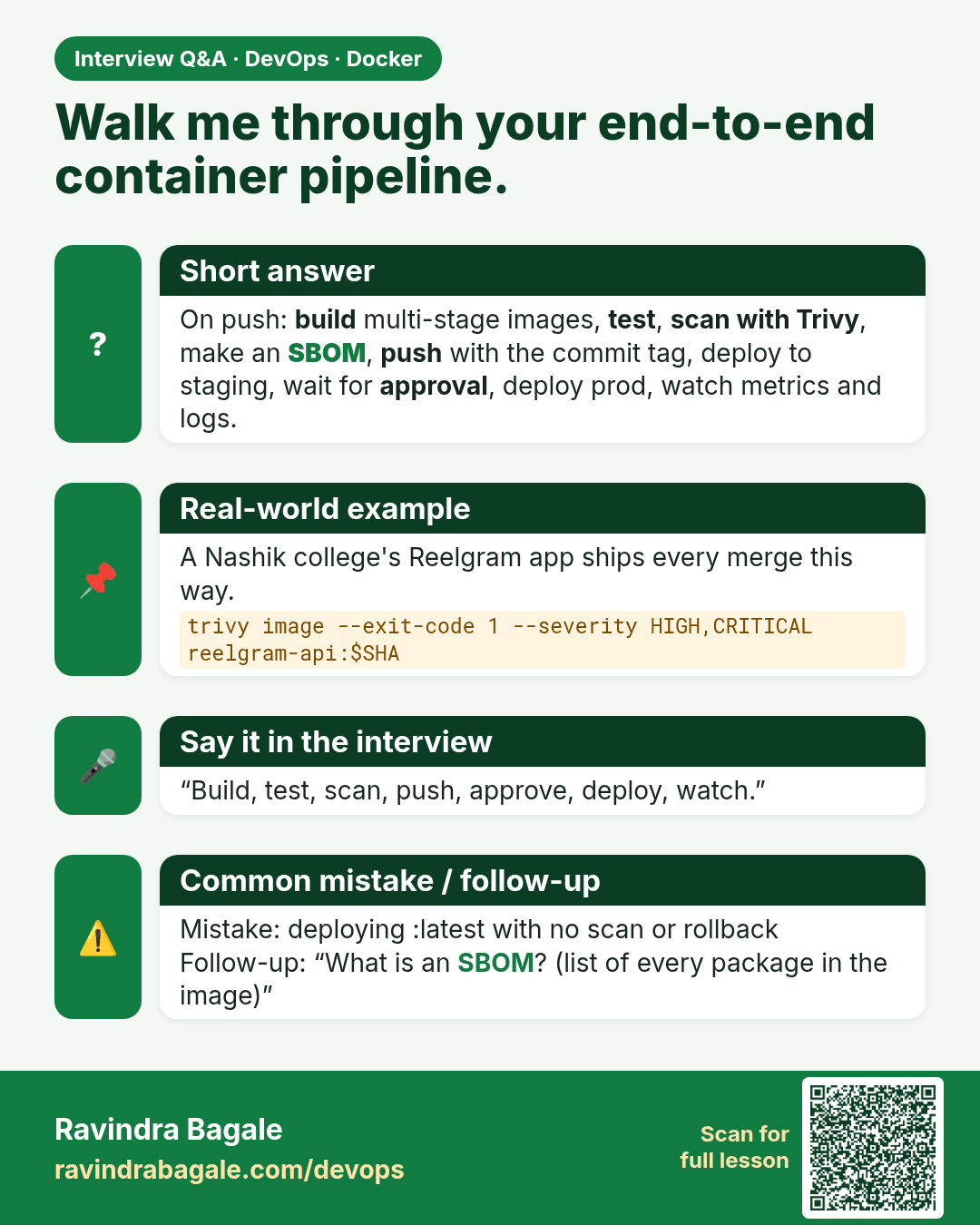
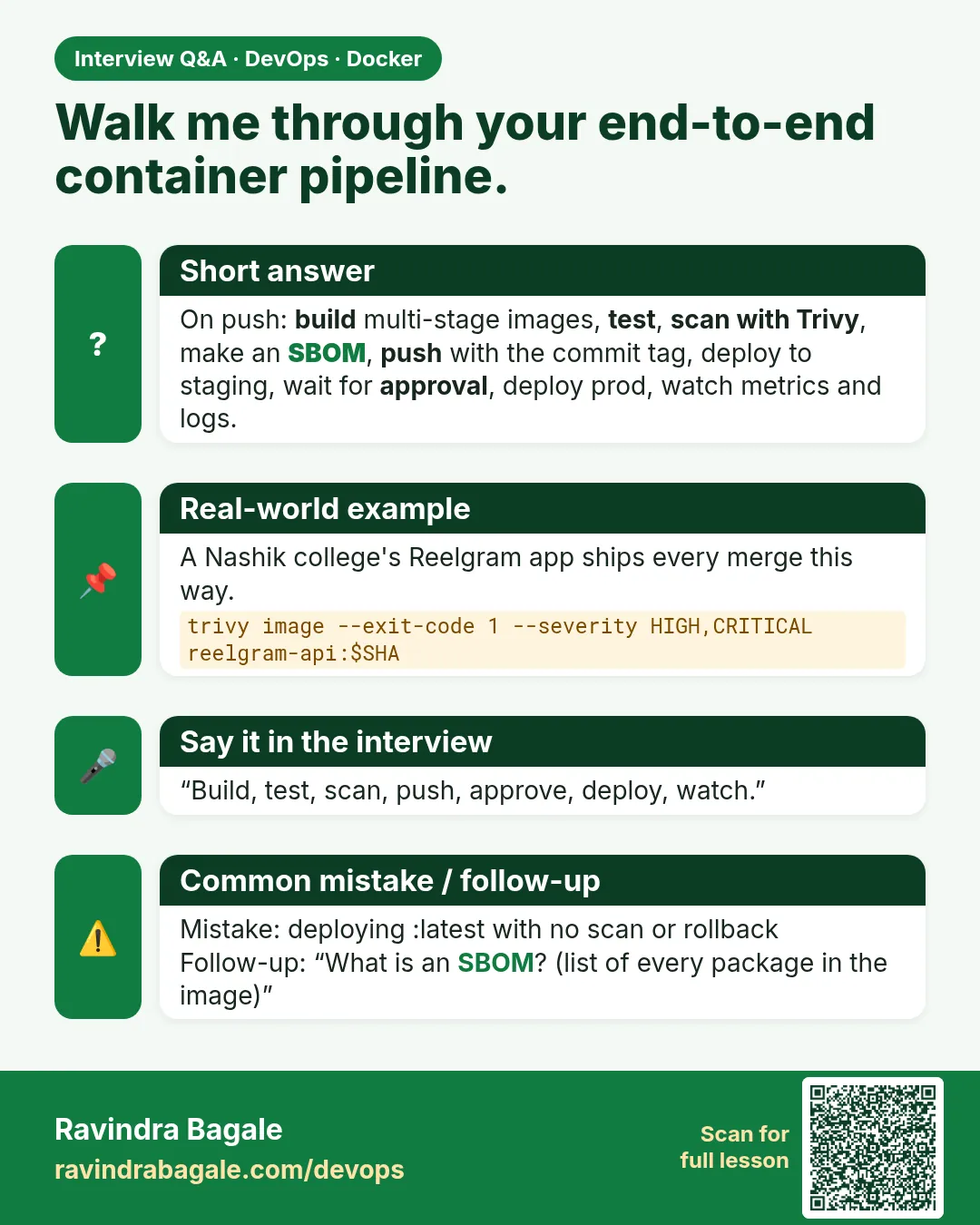 Interview card 15 of 15: Walk me through your end-to-end container pipeline. · Download PNG · Open card page
Lesson: 58.15 Project 31: Capstone - an Instagram-style app end to end (build, scan, push, deploy, monitor)
Comparison cards
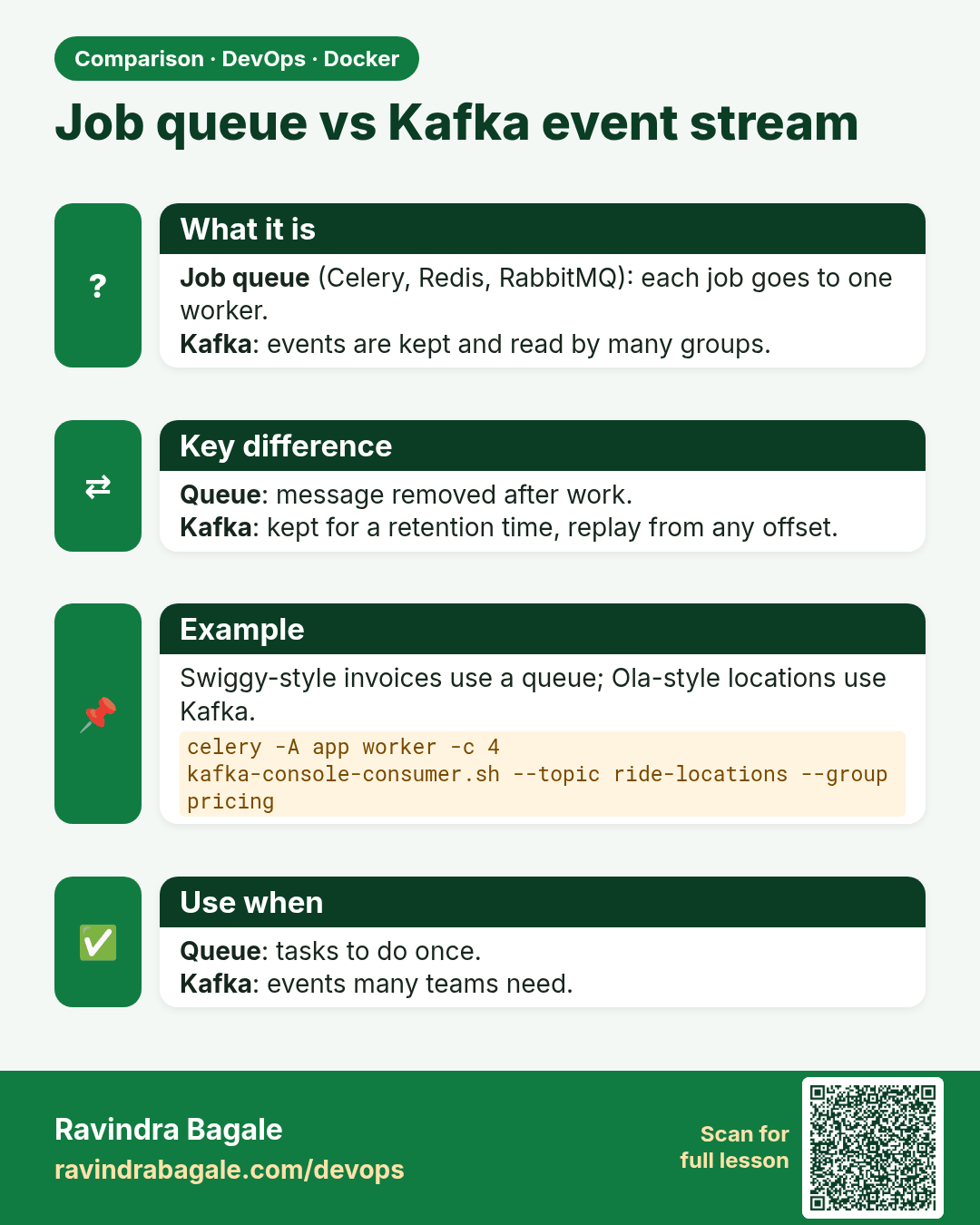
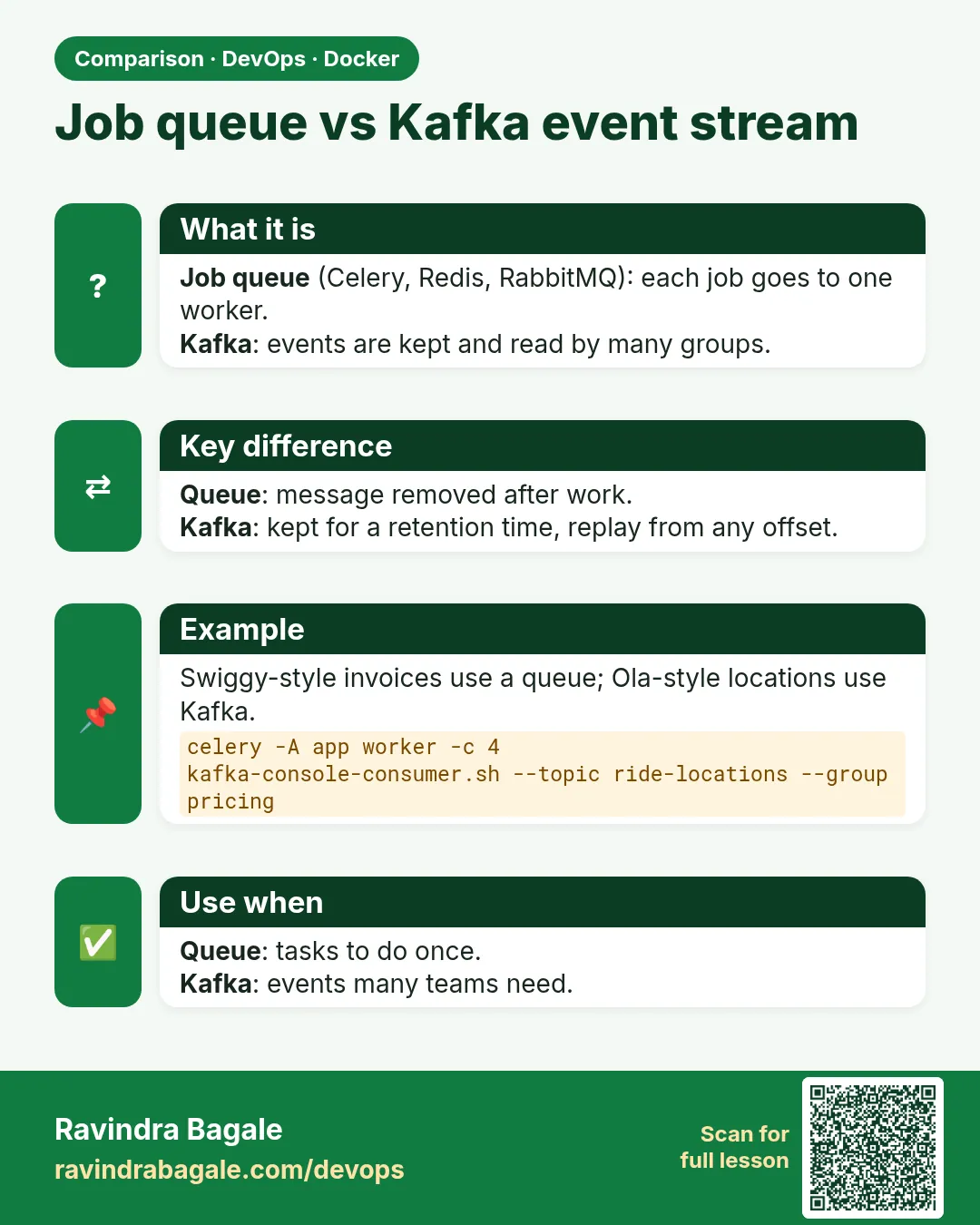 Comparison card 1 of 3: Job queue vs Kafka event stream · Download PNG · Open card page
Lesson: 58.8 Project 24: Worker queue with Celery and Redis, then RabbitMQ, with the Flower UI
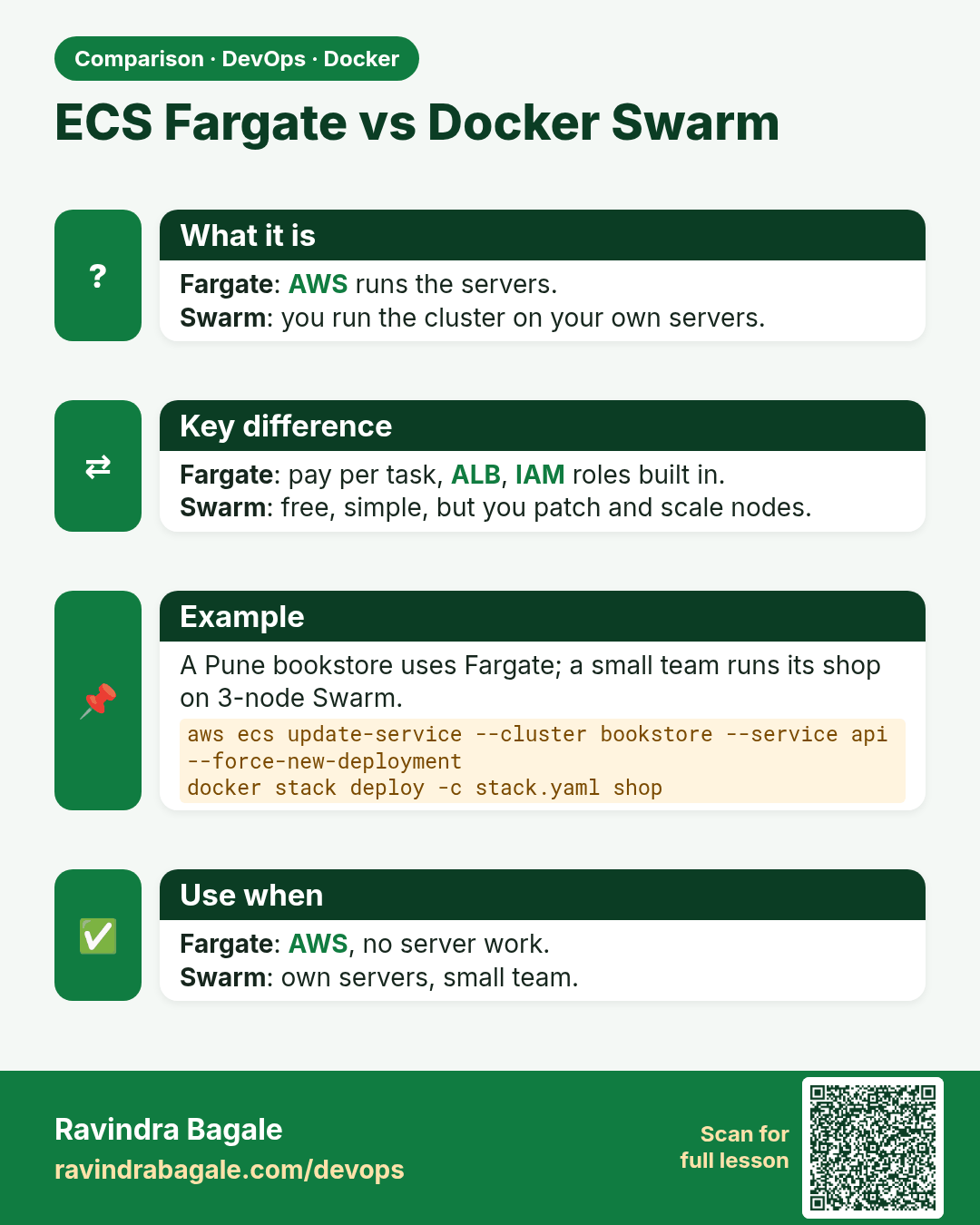
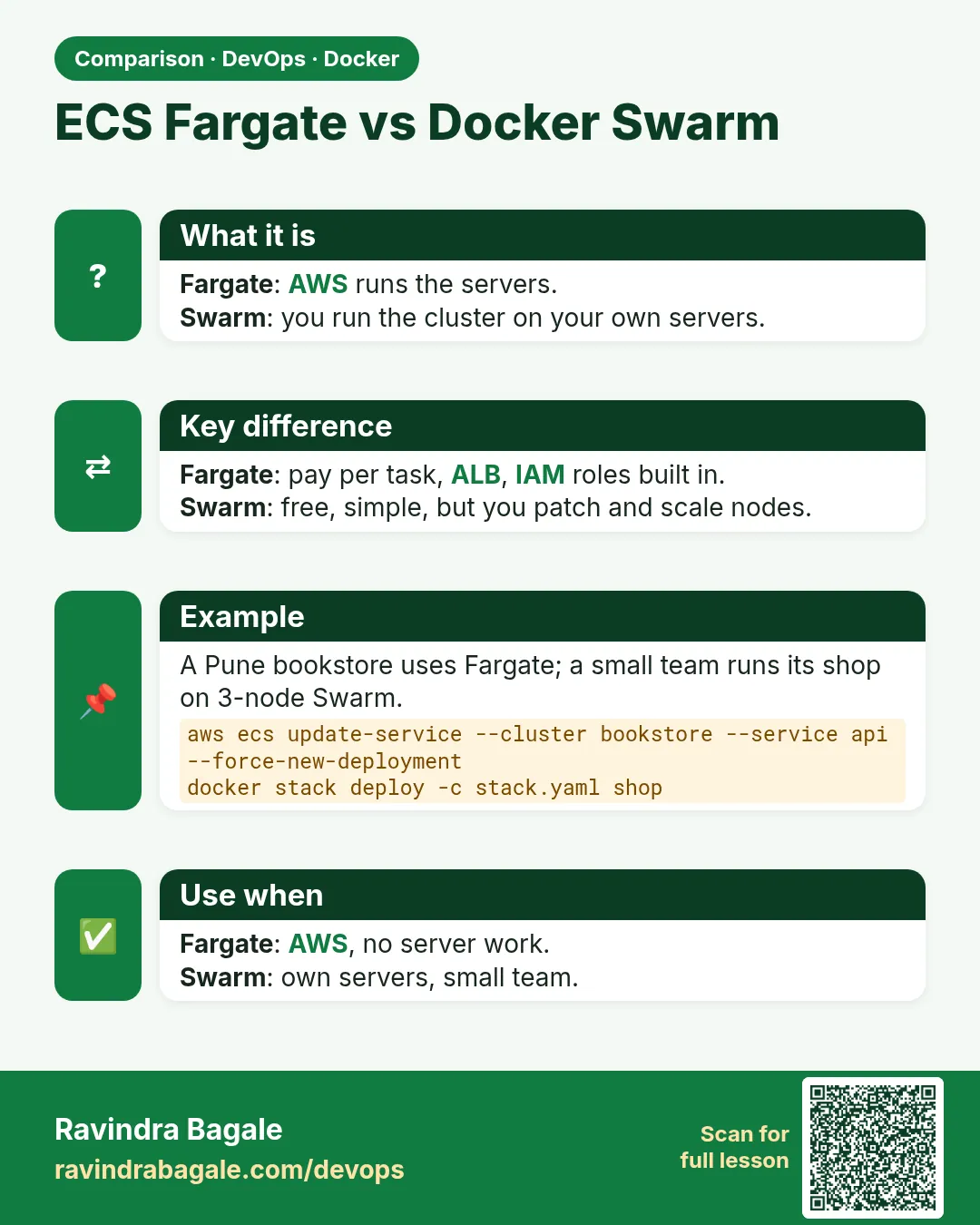 Comparison card 2 of 3: ECS Fargate vs Docker Swarm · Download PNG · Open card page
Lesson: 58.13 Project 29: Push to ECR and run a 3-tier app on ECS Fargate with RDS and S3
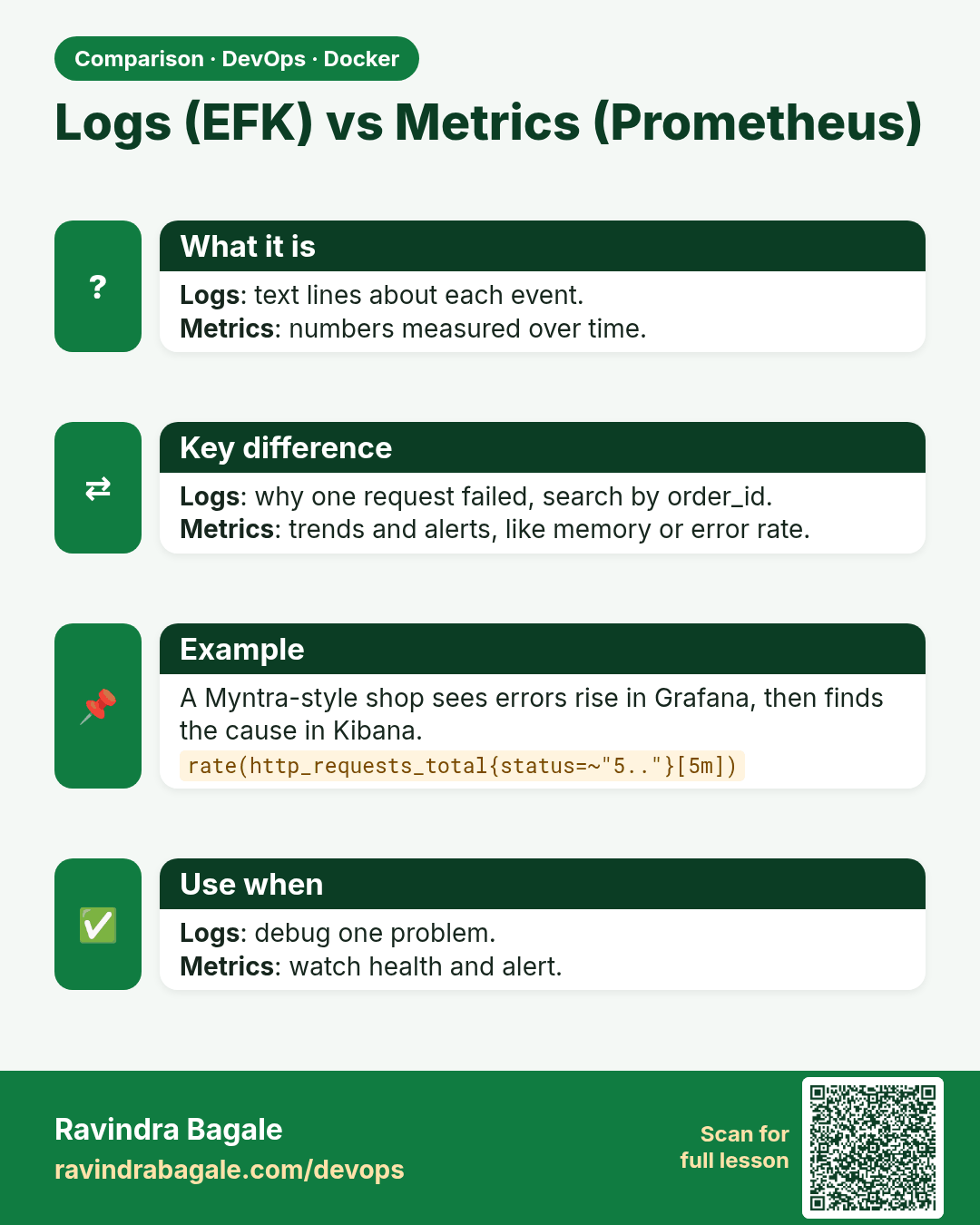
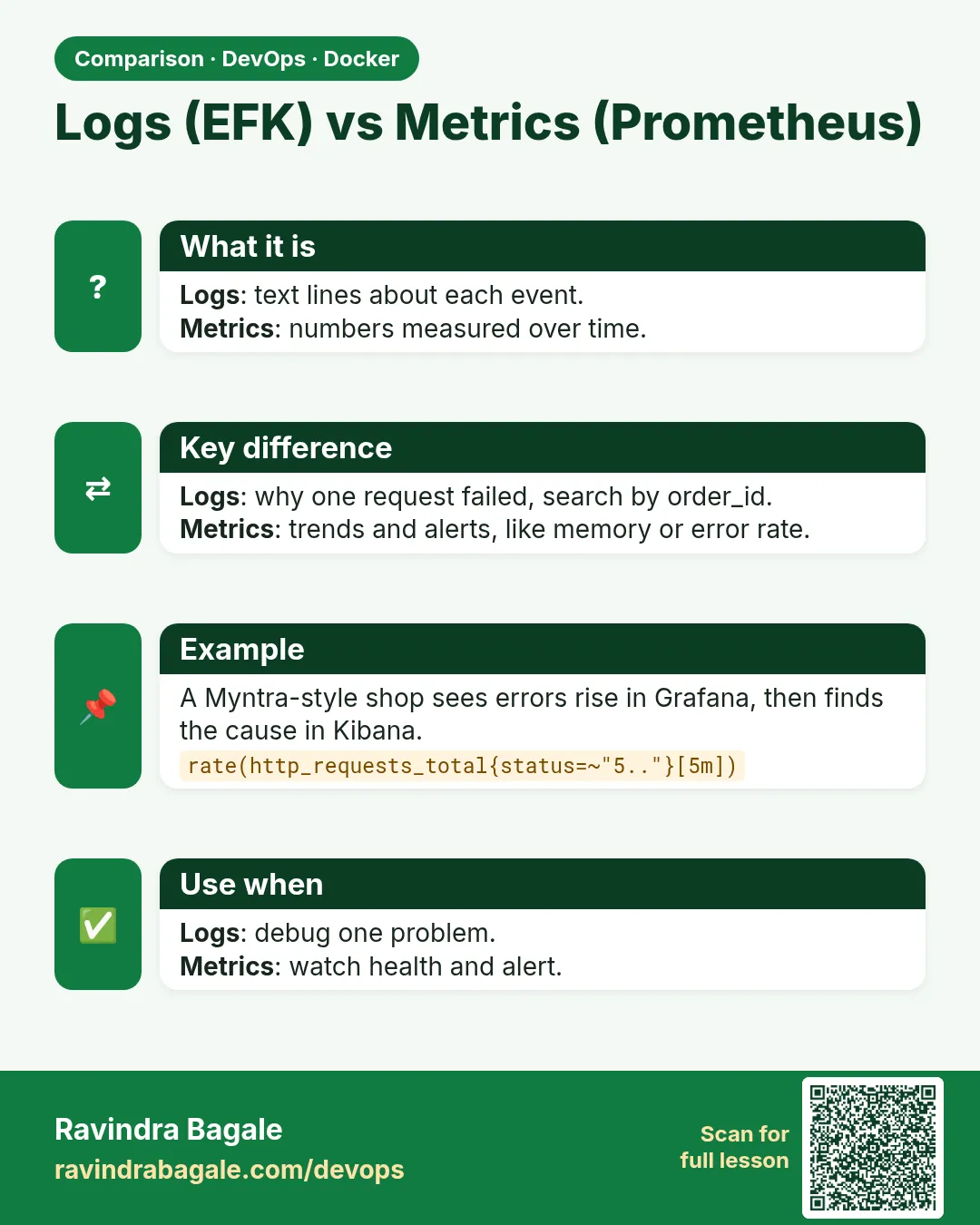 Comparison card 3 of 3: Logs (EFK) vs Metrics (Prometheus) · Download PNG · Open card page
Lesson: 58.10 Project 26: ELK and EFK logging for the microservices shop (Elasticsearch, Fluent Bit or Logstash, Kibana)