Revision cards
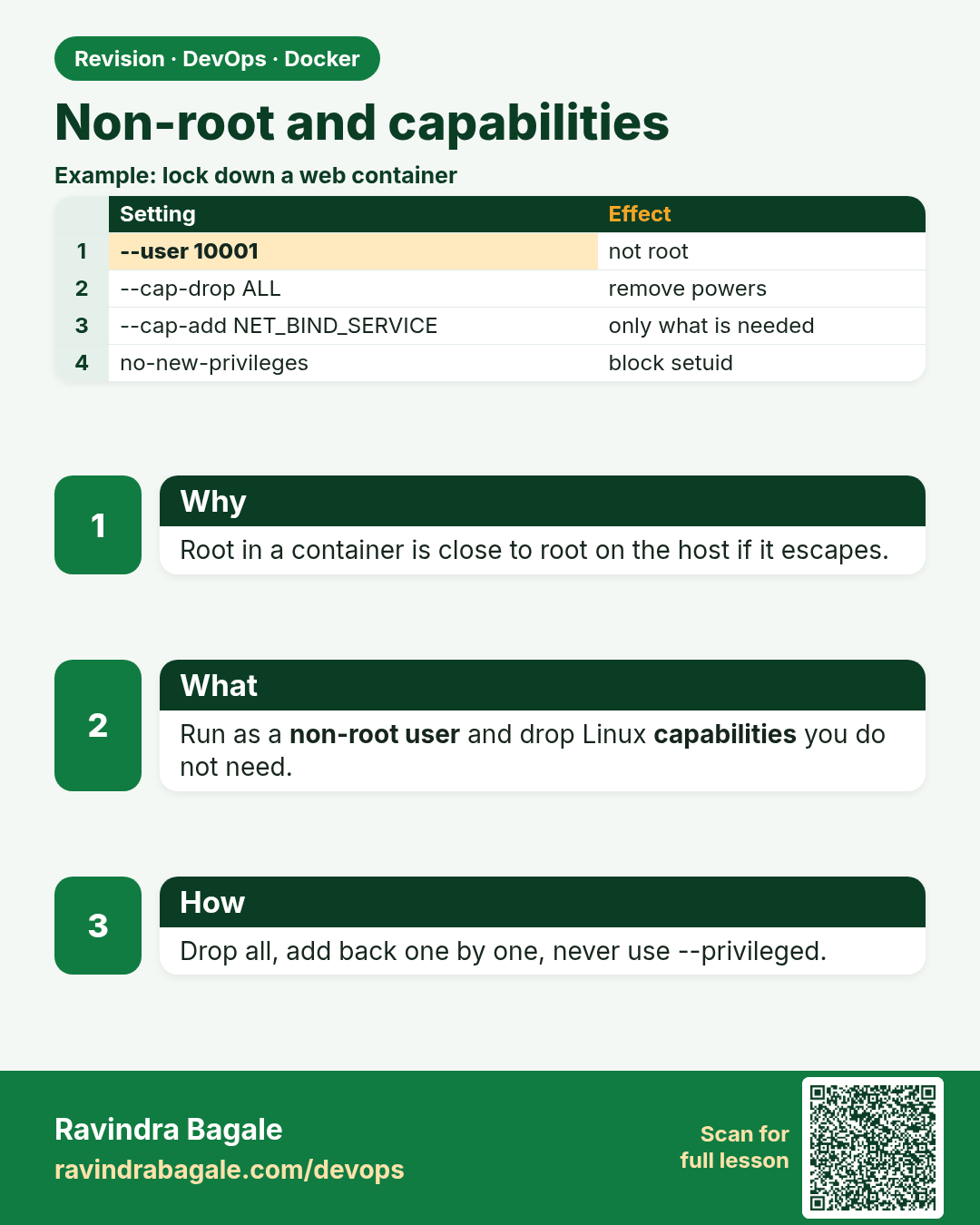
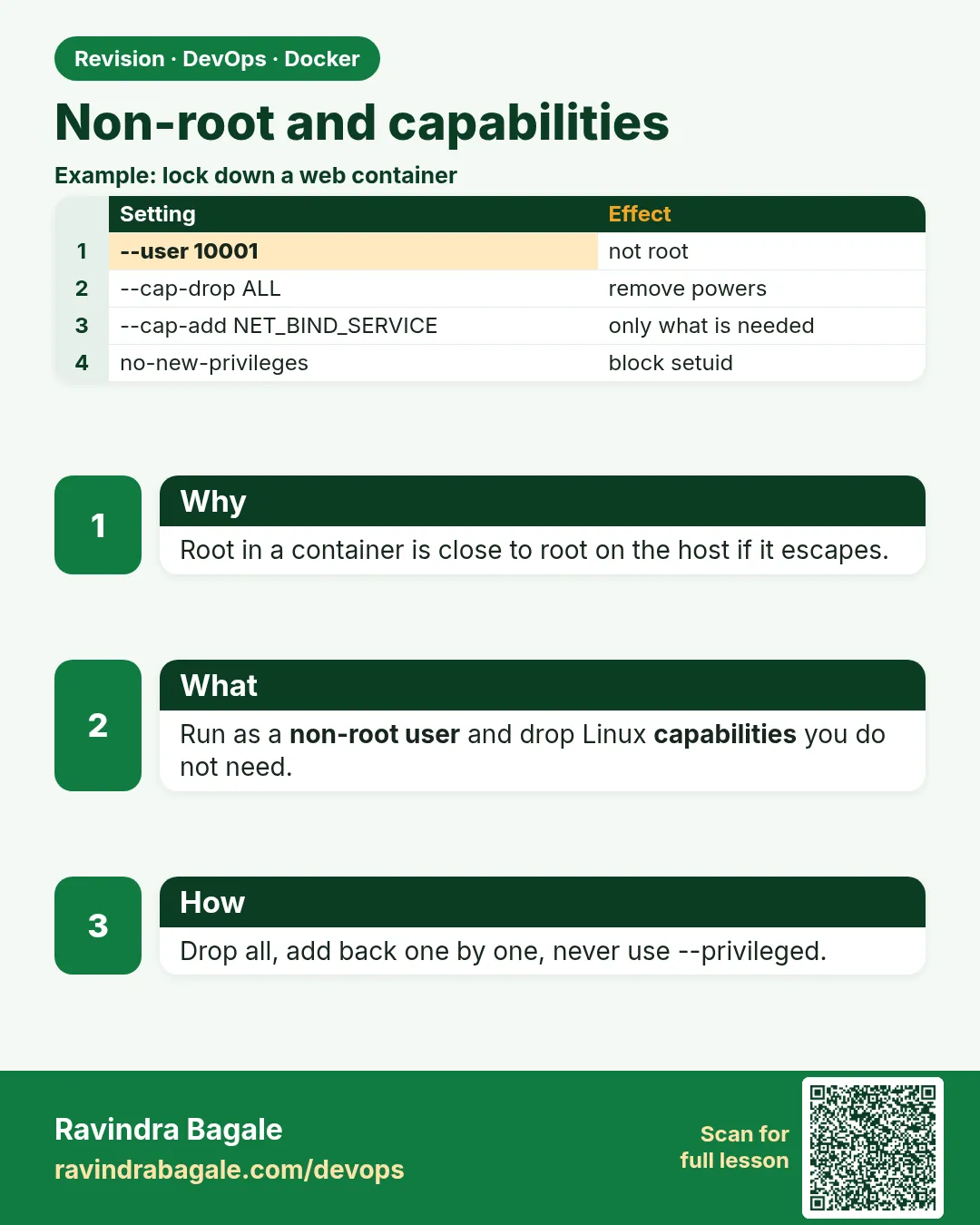 Revision card 1 of 9: Non-root and capabilities · Download PNG · Open card page
Lesson: 55.1 Run containers as non-root and drop capabilities
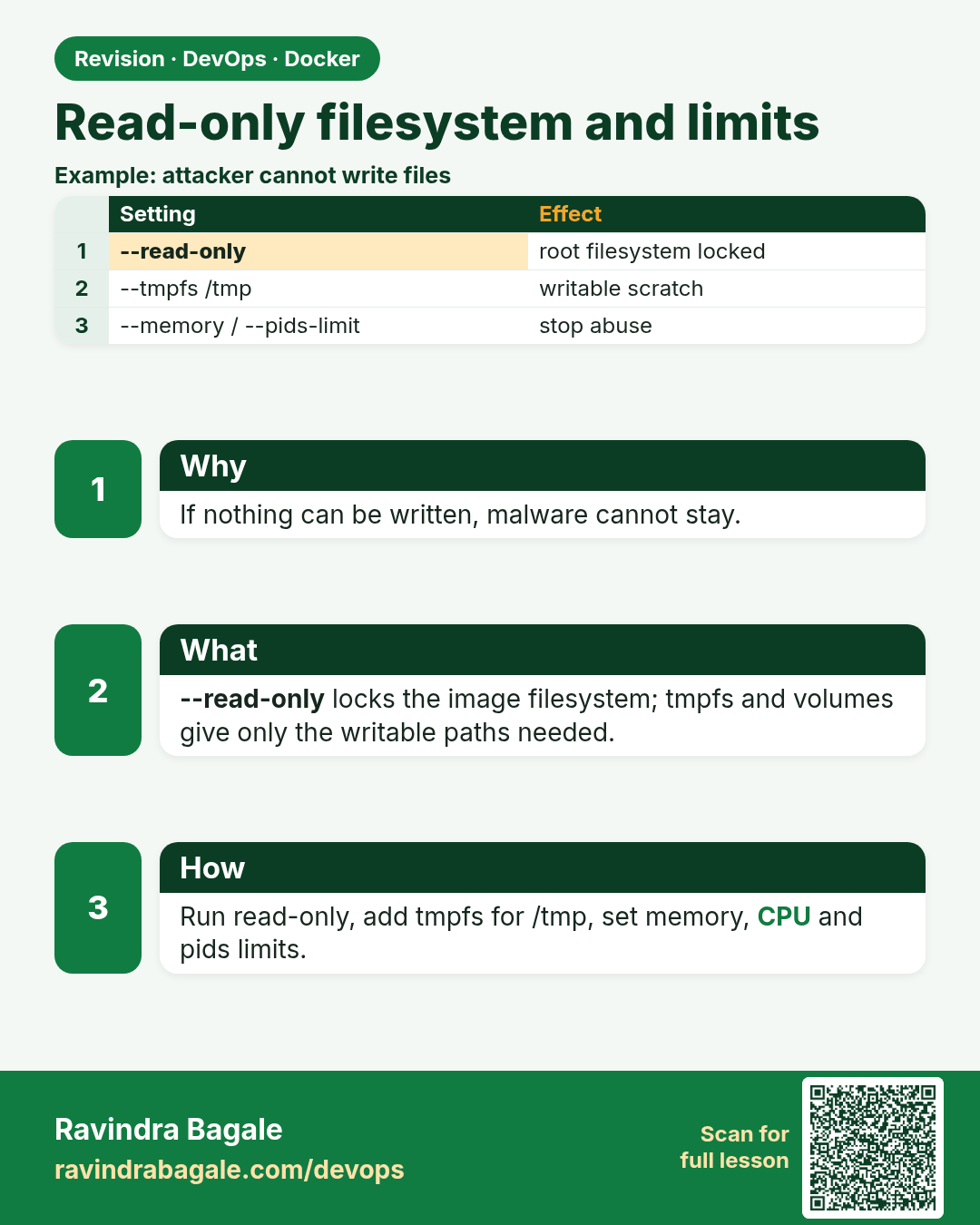
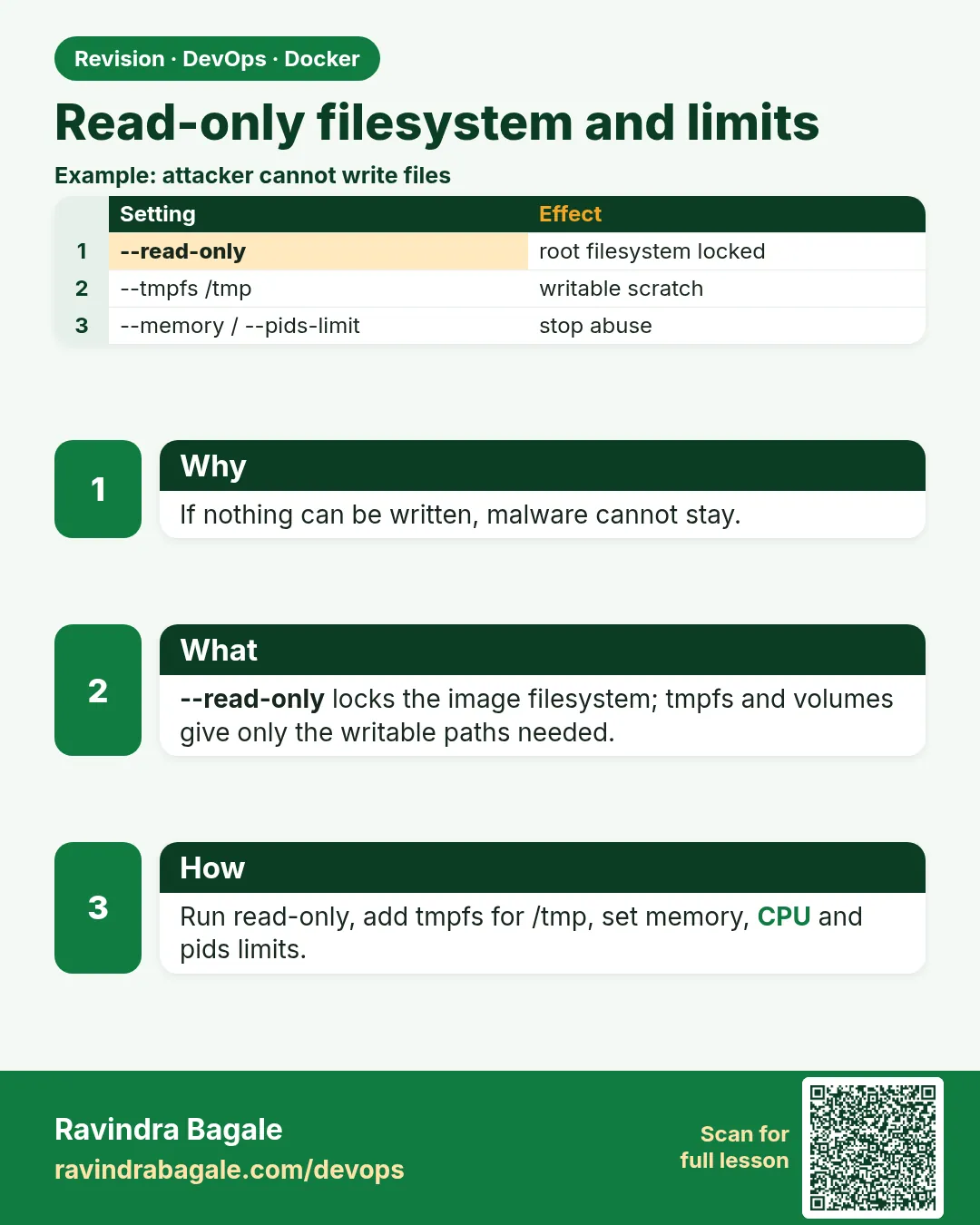 Revision card 2 of 9: Read-only filesystem and limits · Download PNG · Open card page
Lesson: 55.2 Read-only filesystem, tmpfs and resource limits
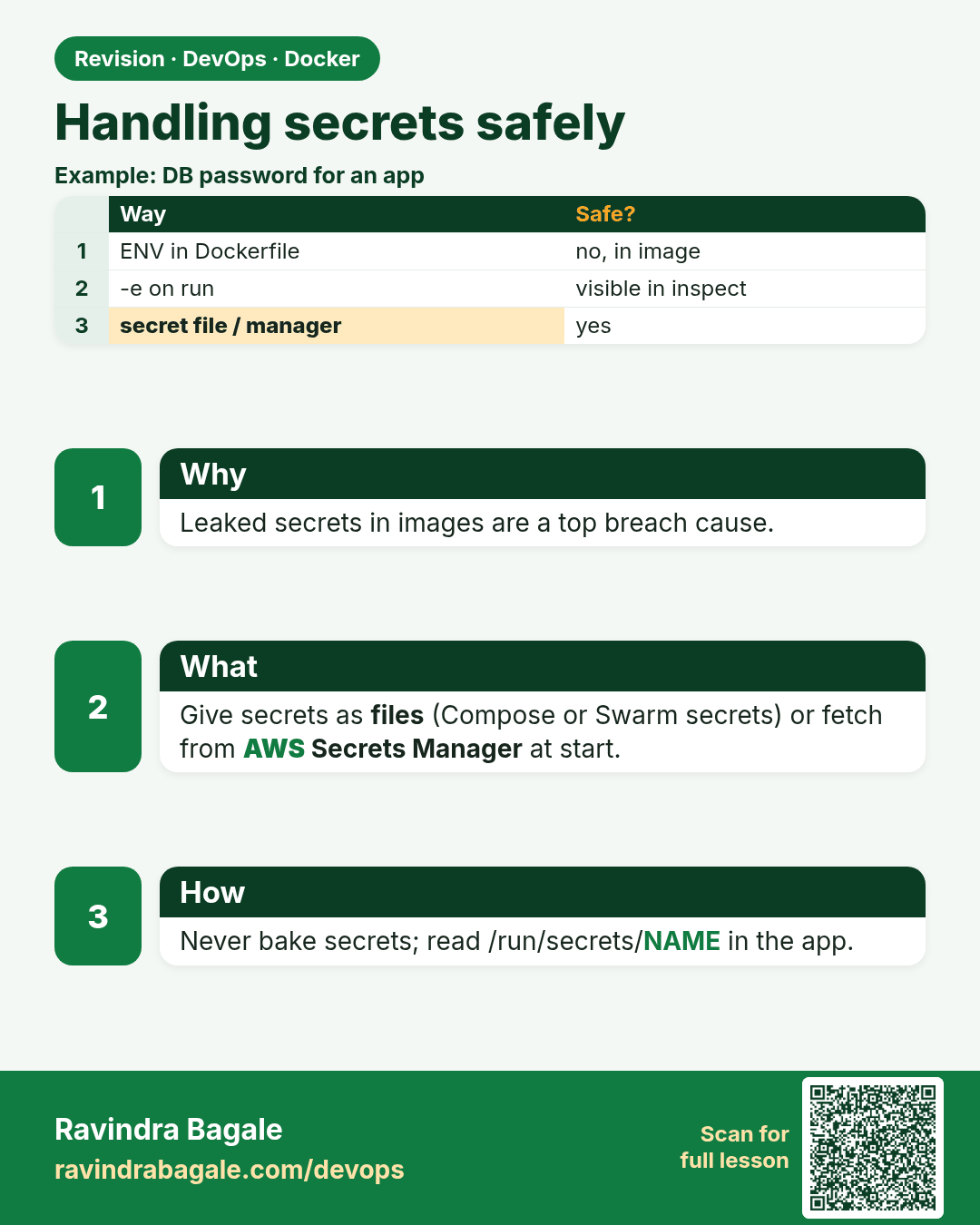
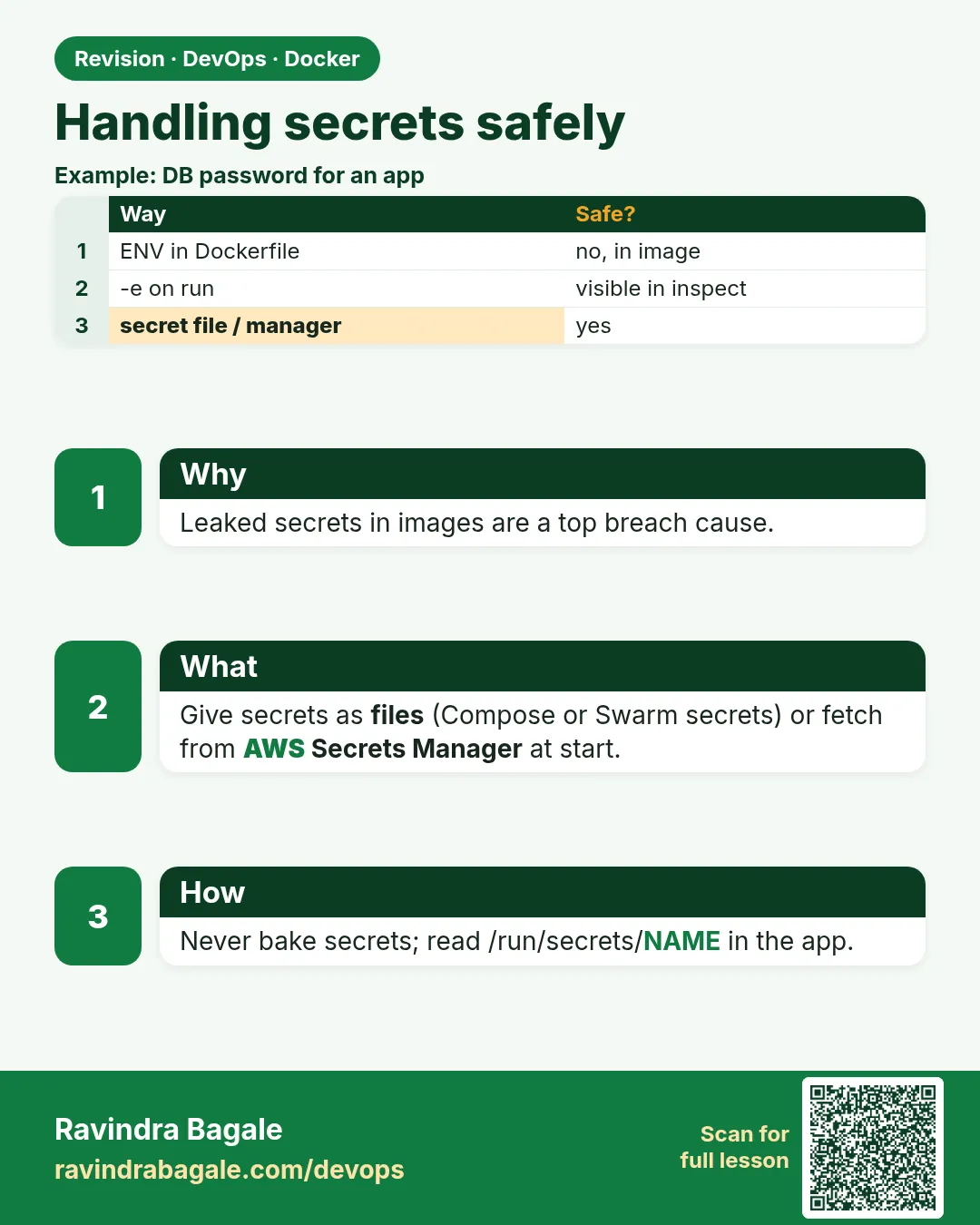 Revision card 3 of 9: Handling secrets safely · Download PNG · Open card page
Lesson: 55.3 Secrets: never bake passwords into images
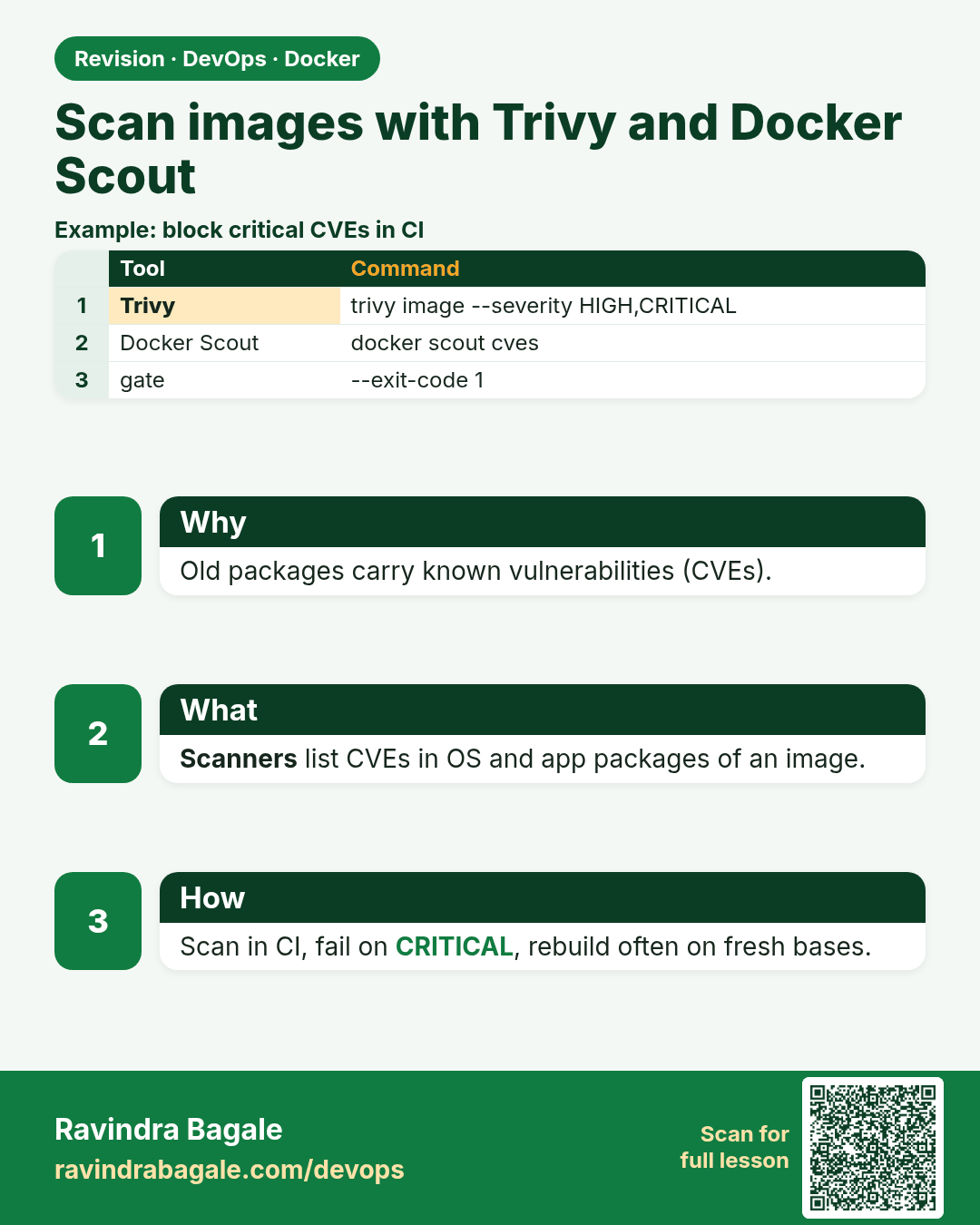
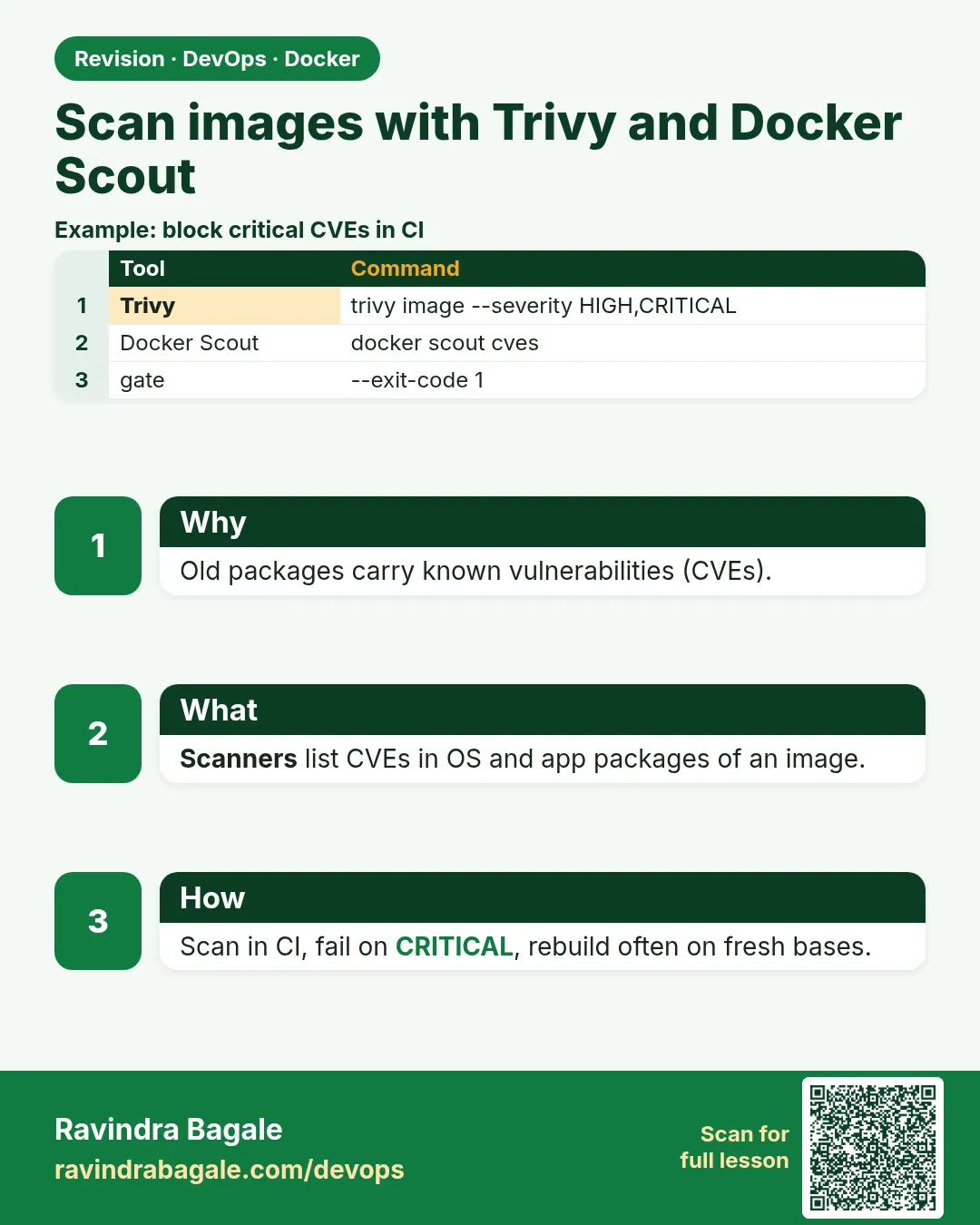 Revision card 4 of 9: Scan images with Trivy and Docker Scout · Download PNG · Open card page
Lesson: 55.4 Scan images: Trivy and Docker Scout
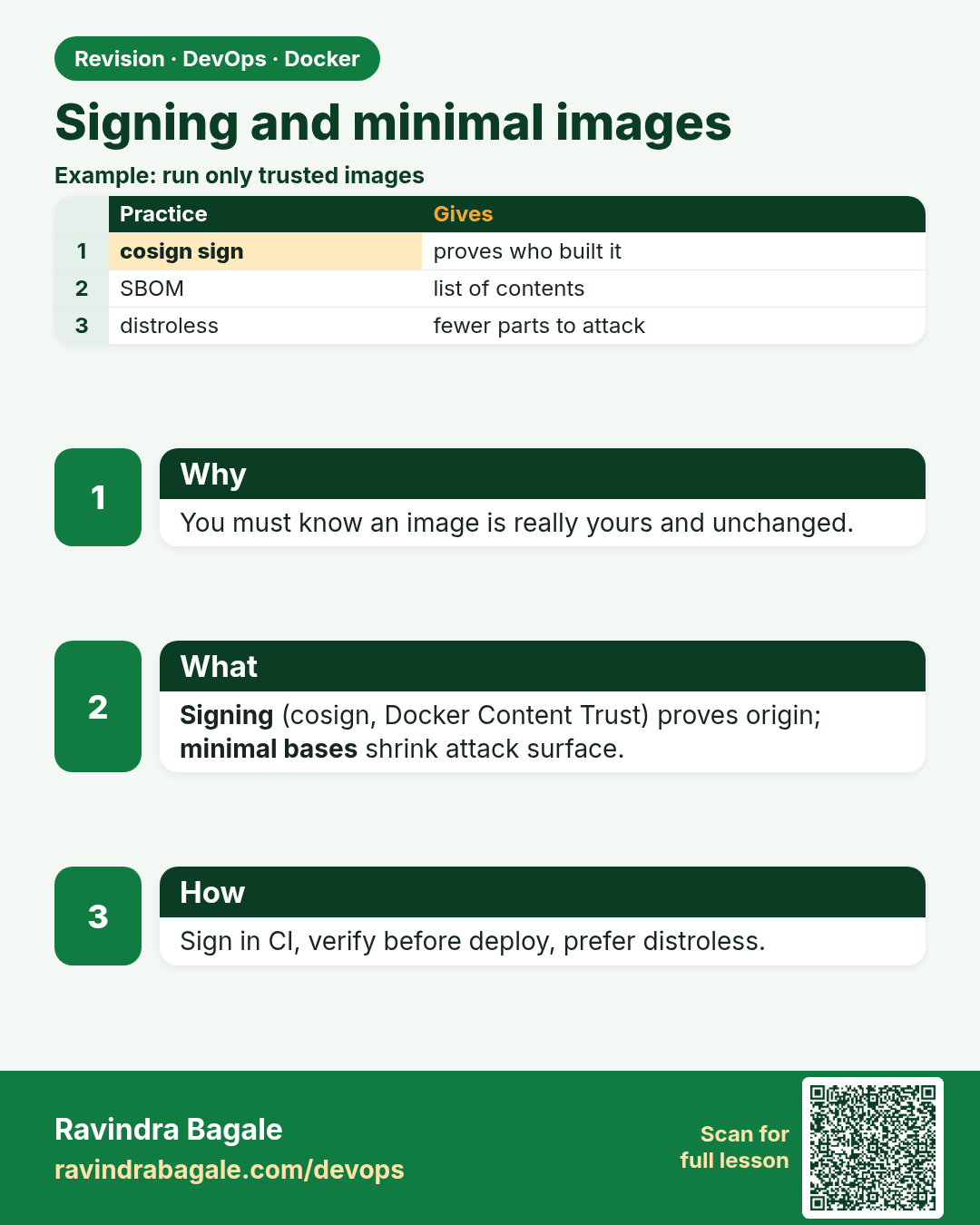
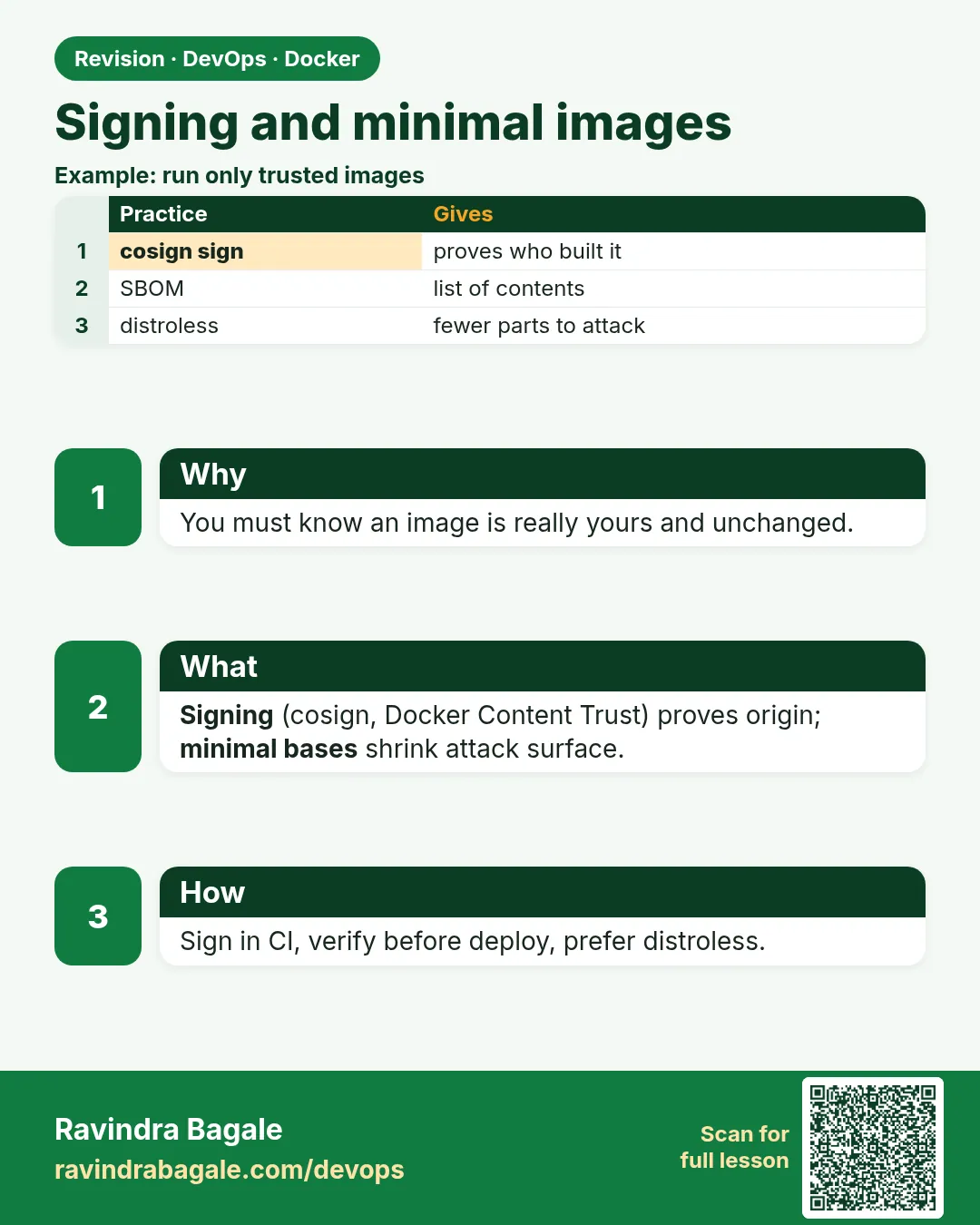 Revision card 5 of 9: Signing and minimal images · Download PNG · Open card page
Lesson: 55.5 Content trust, image signing and distroless bases
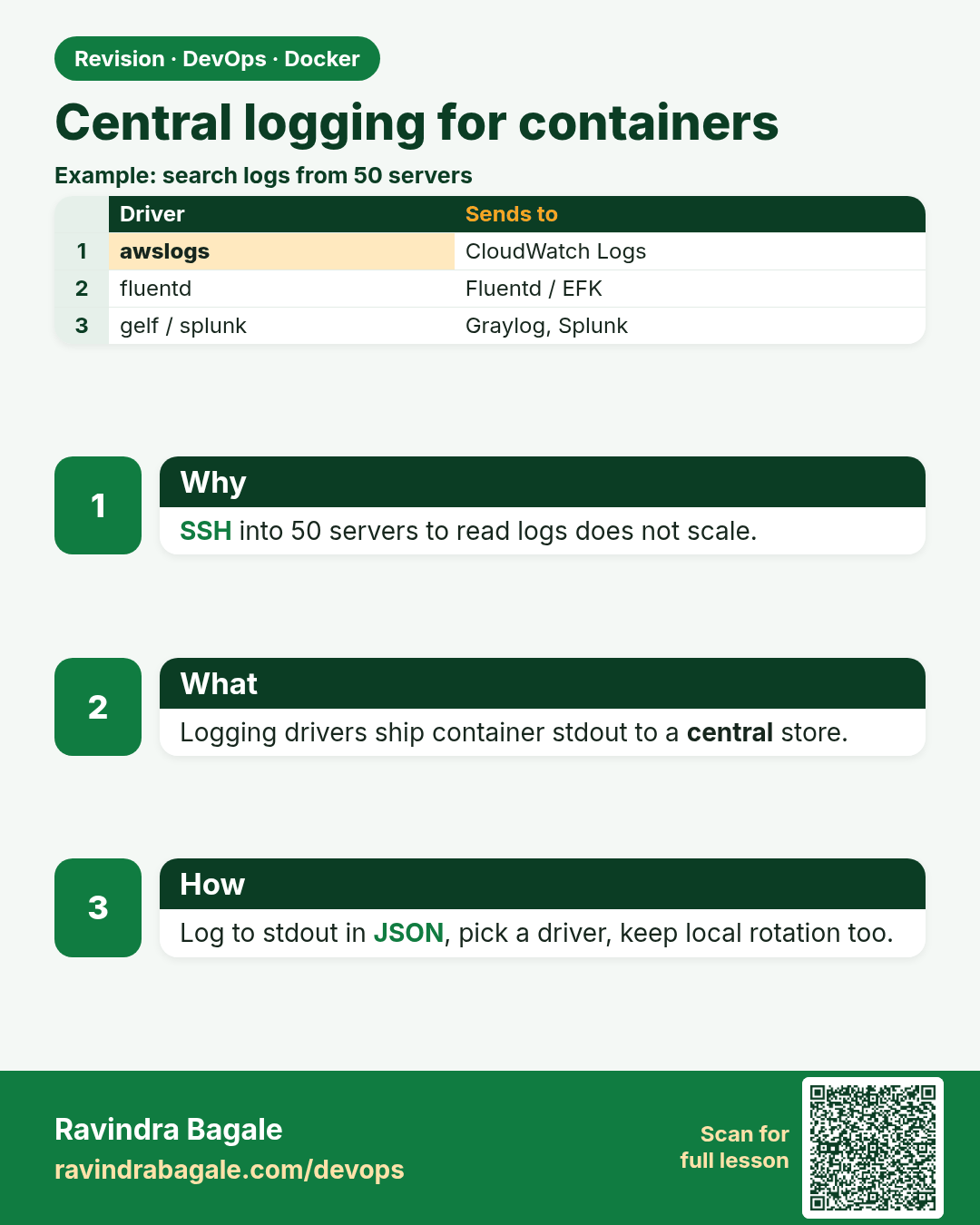
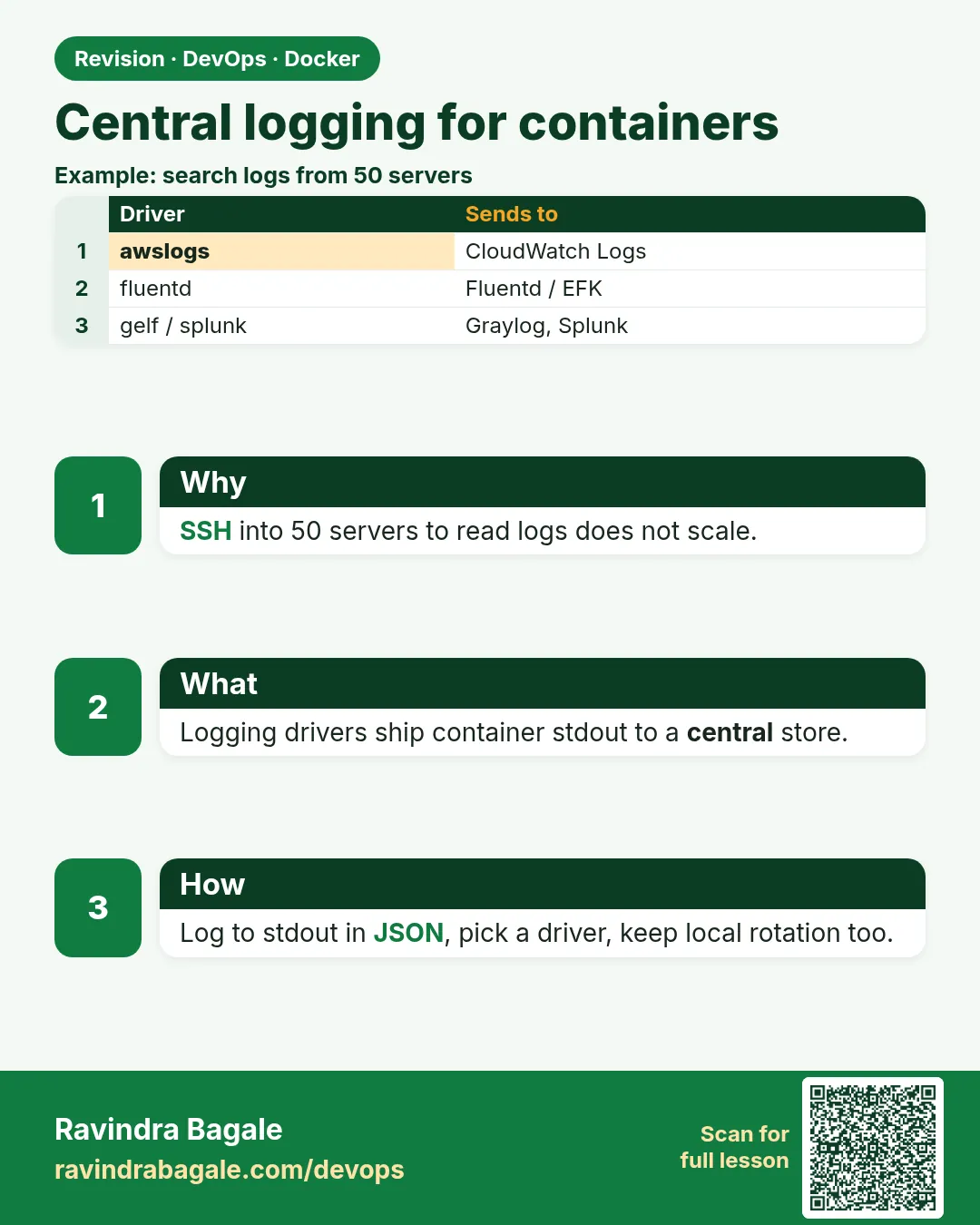 Revision card 6 of 9: Central logging for containers · Download PNG · Open card page
Lesson: 55.6 Logging drivers and central logs
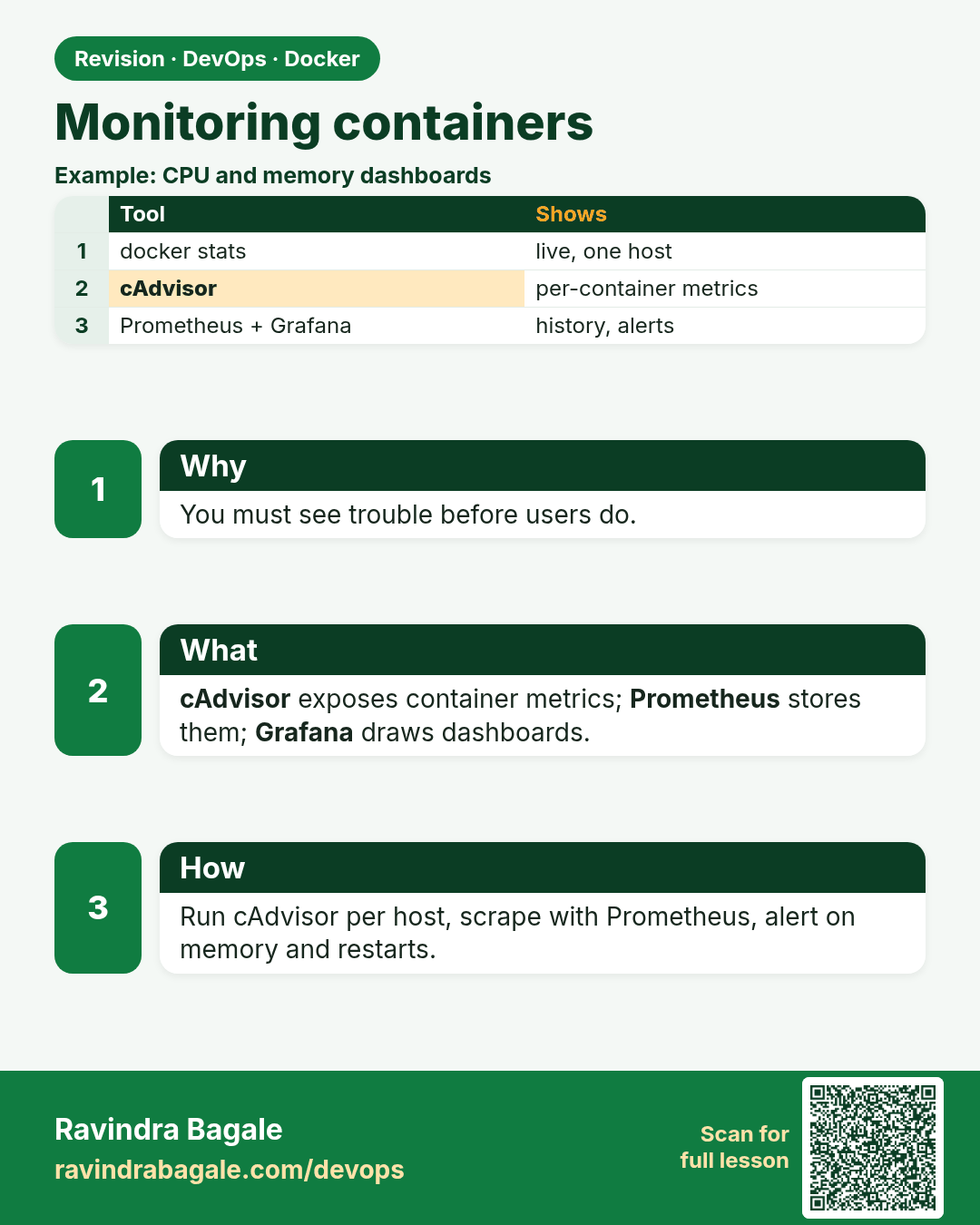
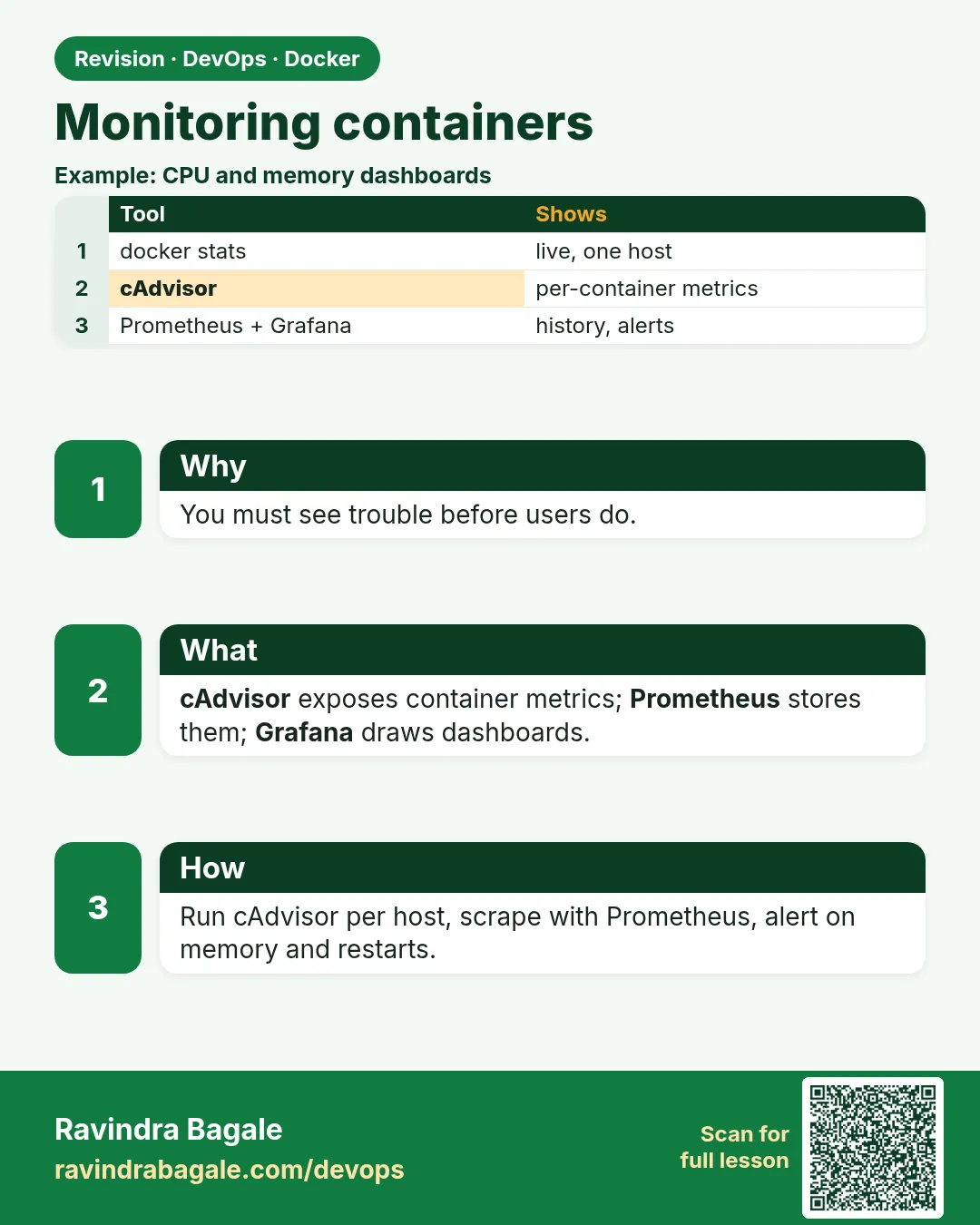 Revision card 7 of 9: Monitoring containers · Download PNG · Open card page
Lesson: 55.7 Monitoring: docker stats, cAdvisor, Prometheus and Grafana
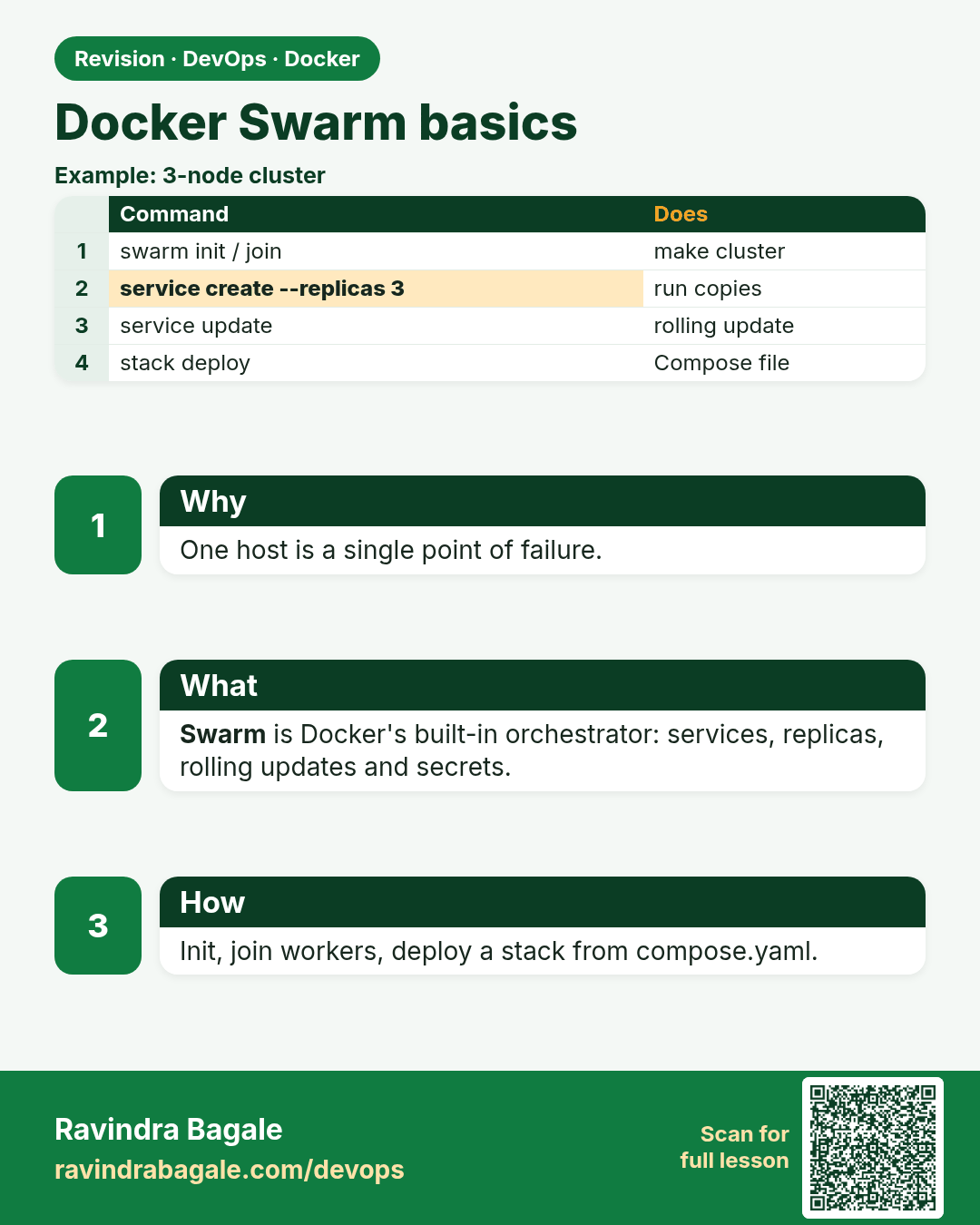
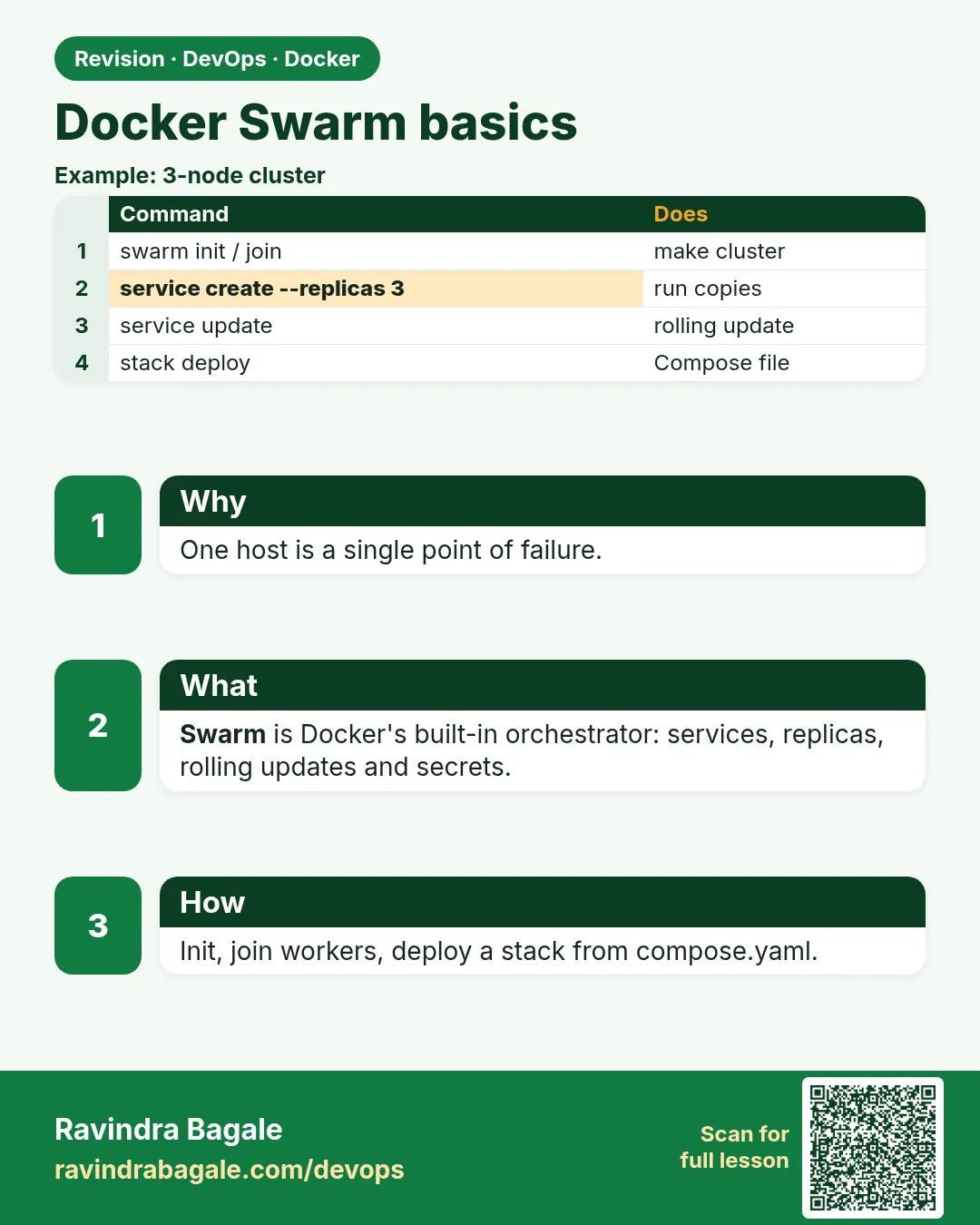 Revision card 8 of 9: Docker Swarm basics · Download PNG · Open card page
Lesson: 55.8 Docker Swarm basics: init, services, scaling, rolling updates
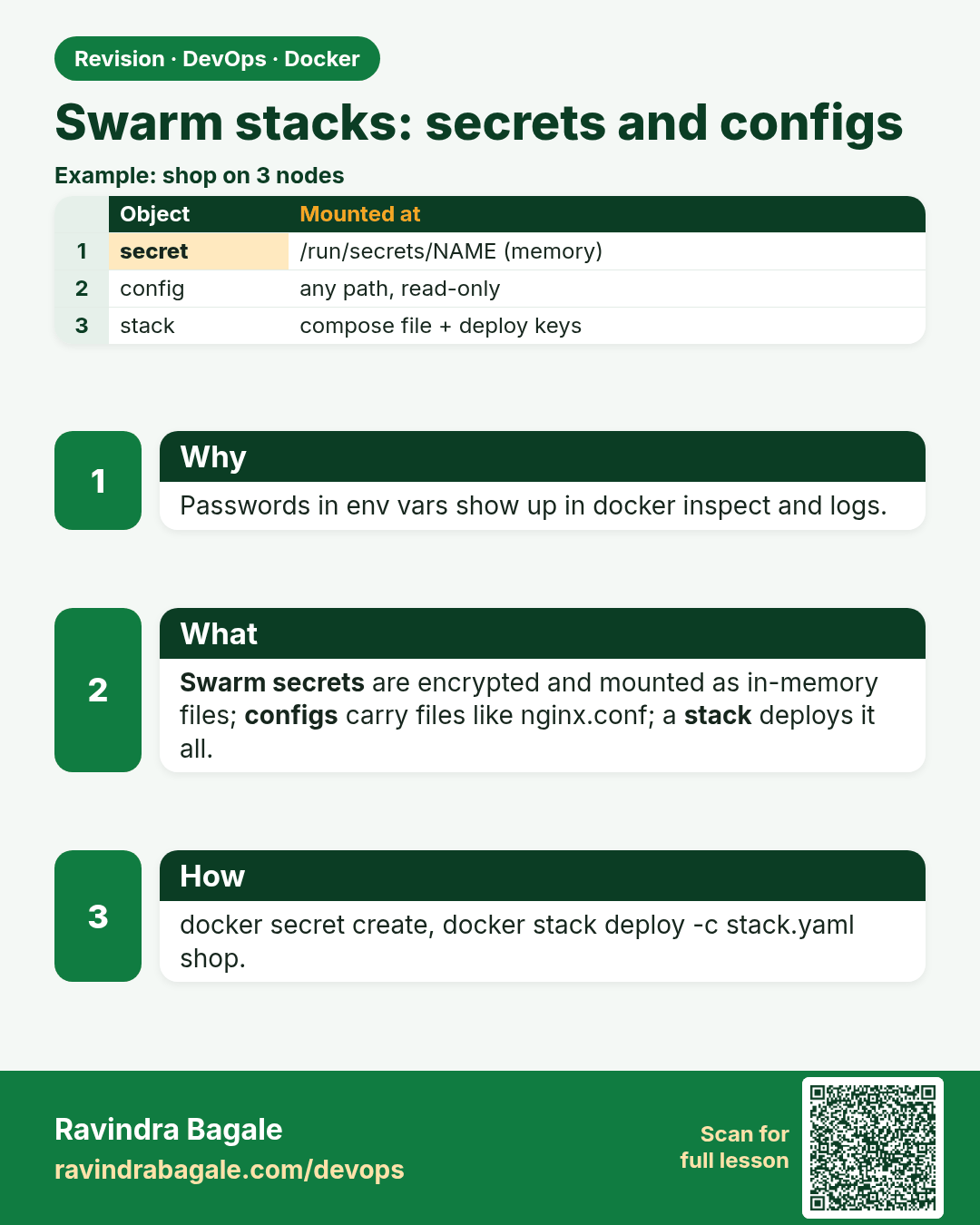
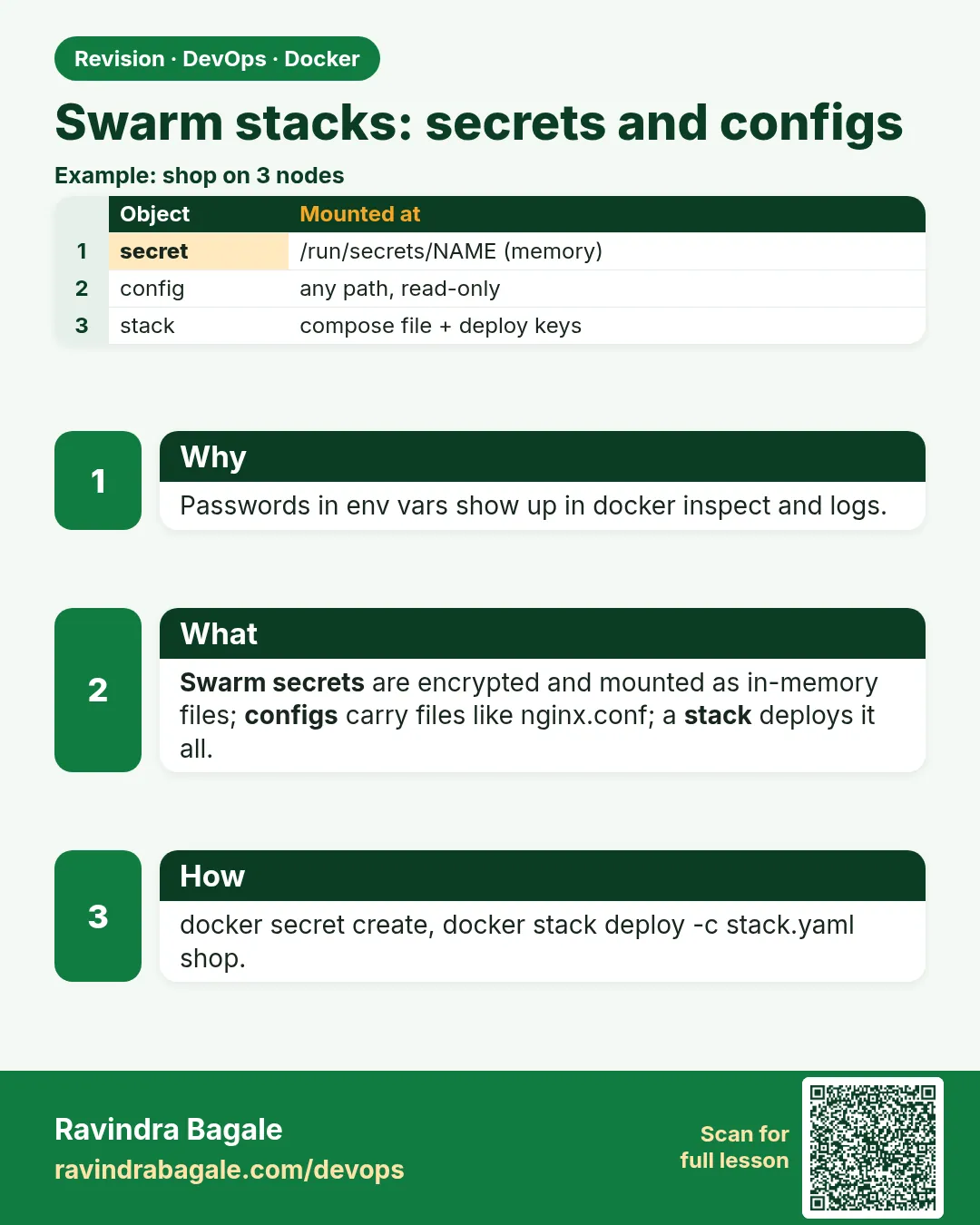 Revision card 9 of 9: Swarm stacks: secrets and configs · Download PNG · Open card page
Lesson: 55.9 Swarm stacks: secrets, configs and docker stack deploy
Interview cards
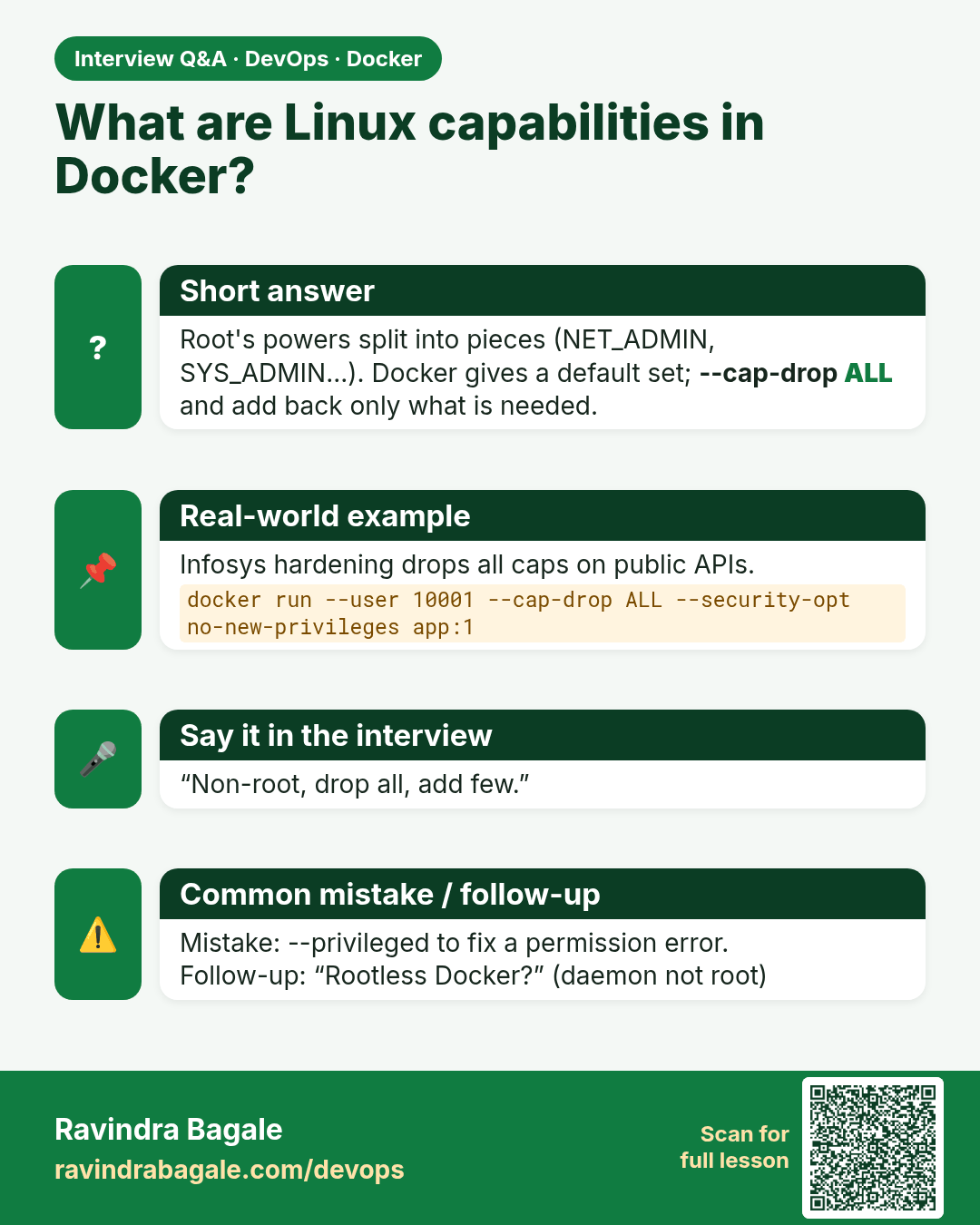
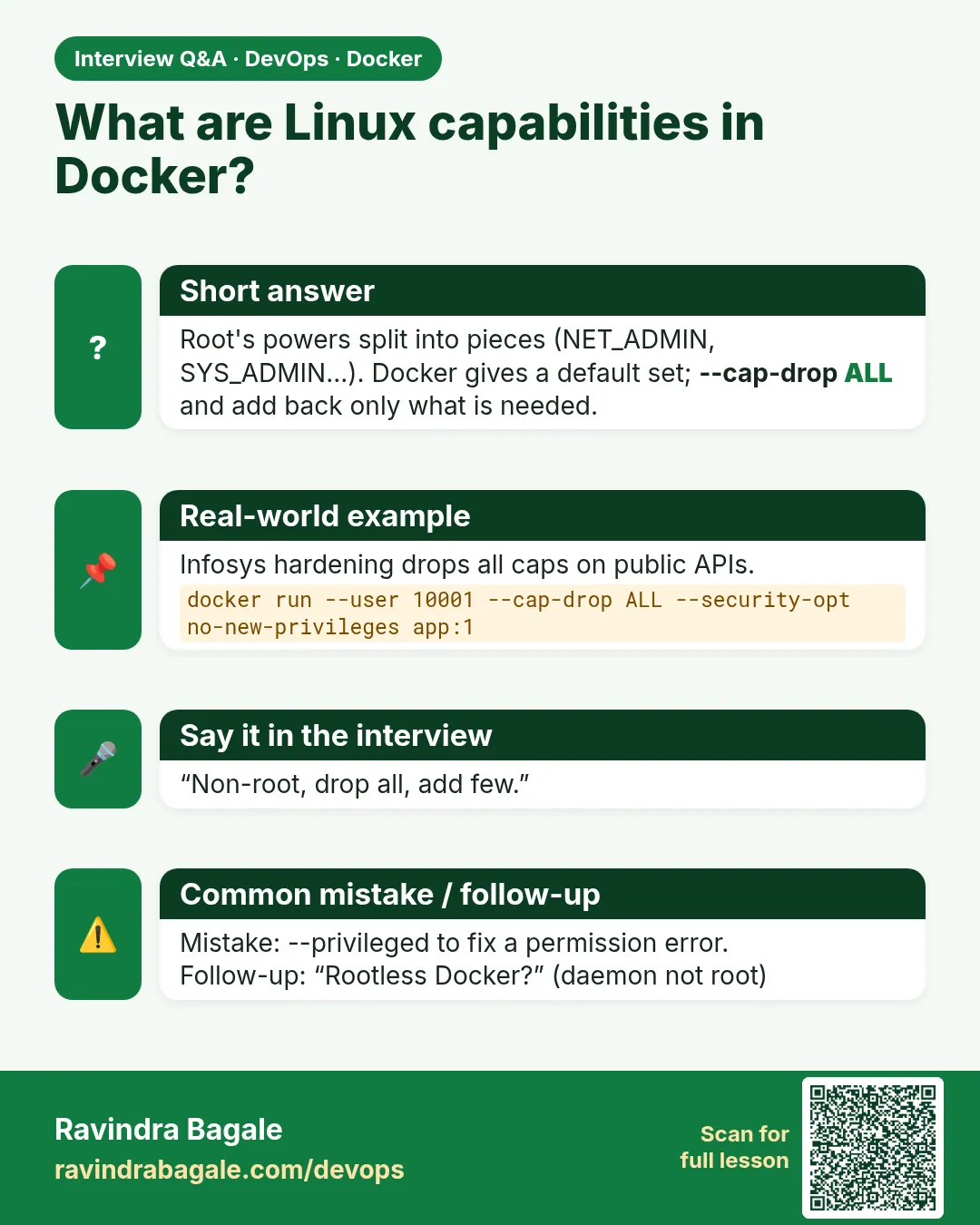 Interview card 1 of 9: What are Linux capabilities in Docker? · Download PNG · Open card page
Lesson: 55.1 Run containers as non-root and drop capabilities
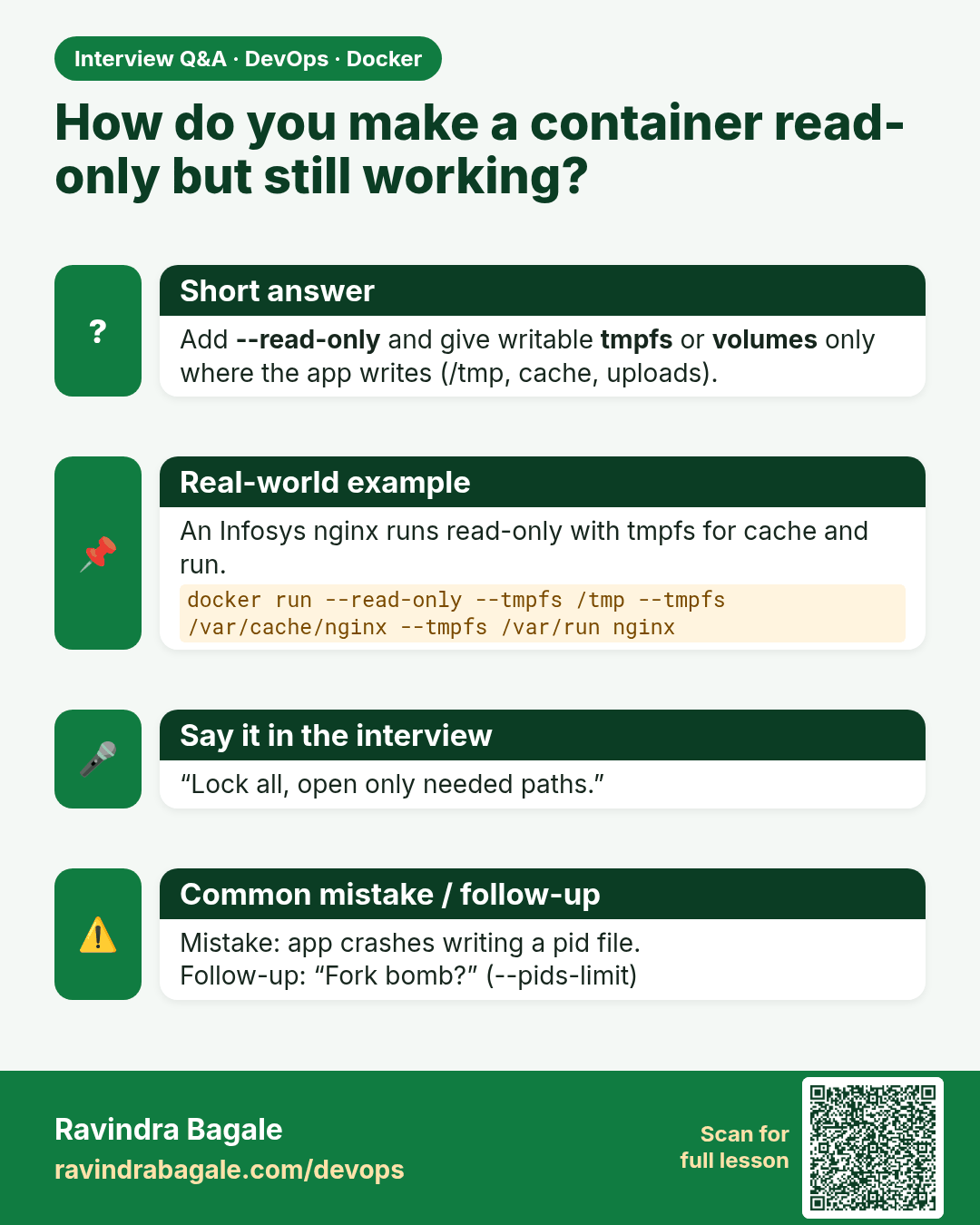
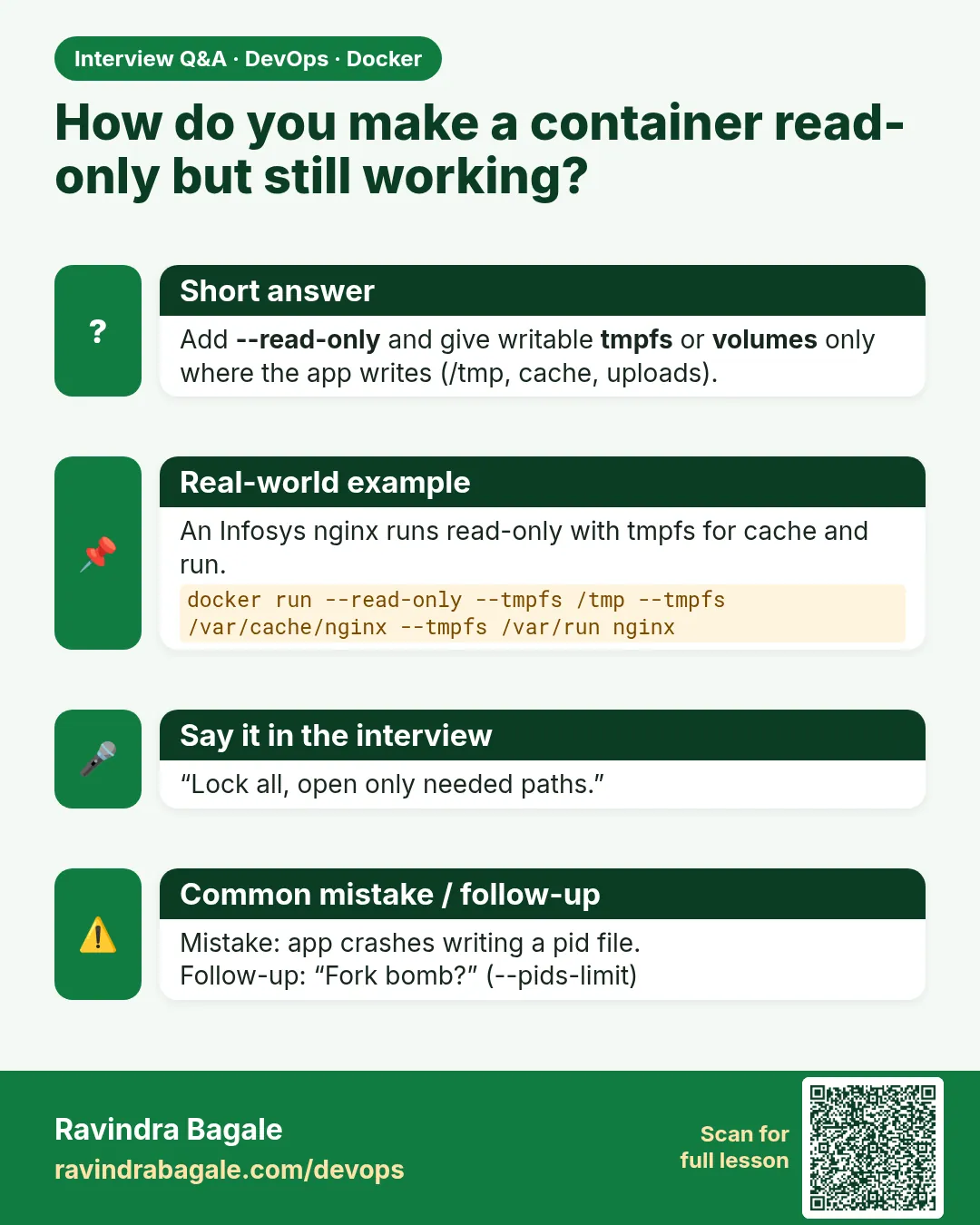 Interview card 2 of 9: How do you make a container read-only but still working? · Download PNG · Open card page
Lesson: 55.2 Read-only filesystem, tmpfs and resource limits
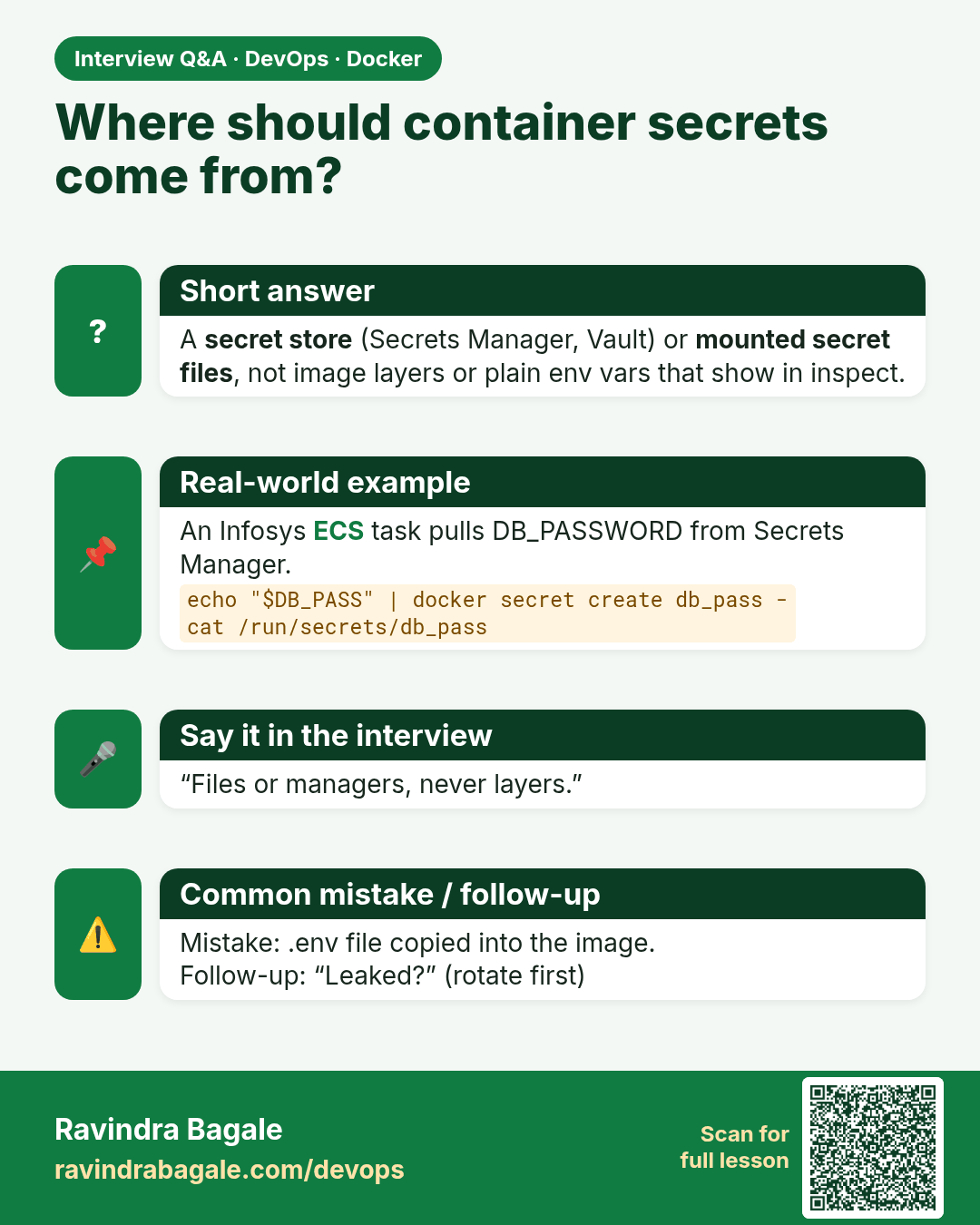
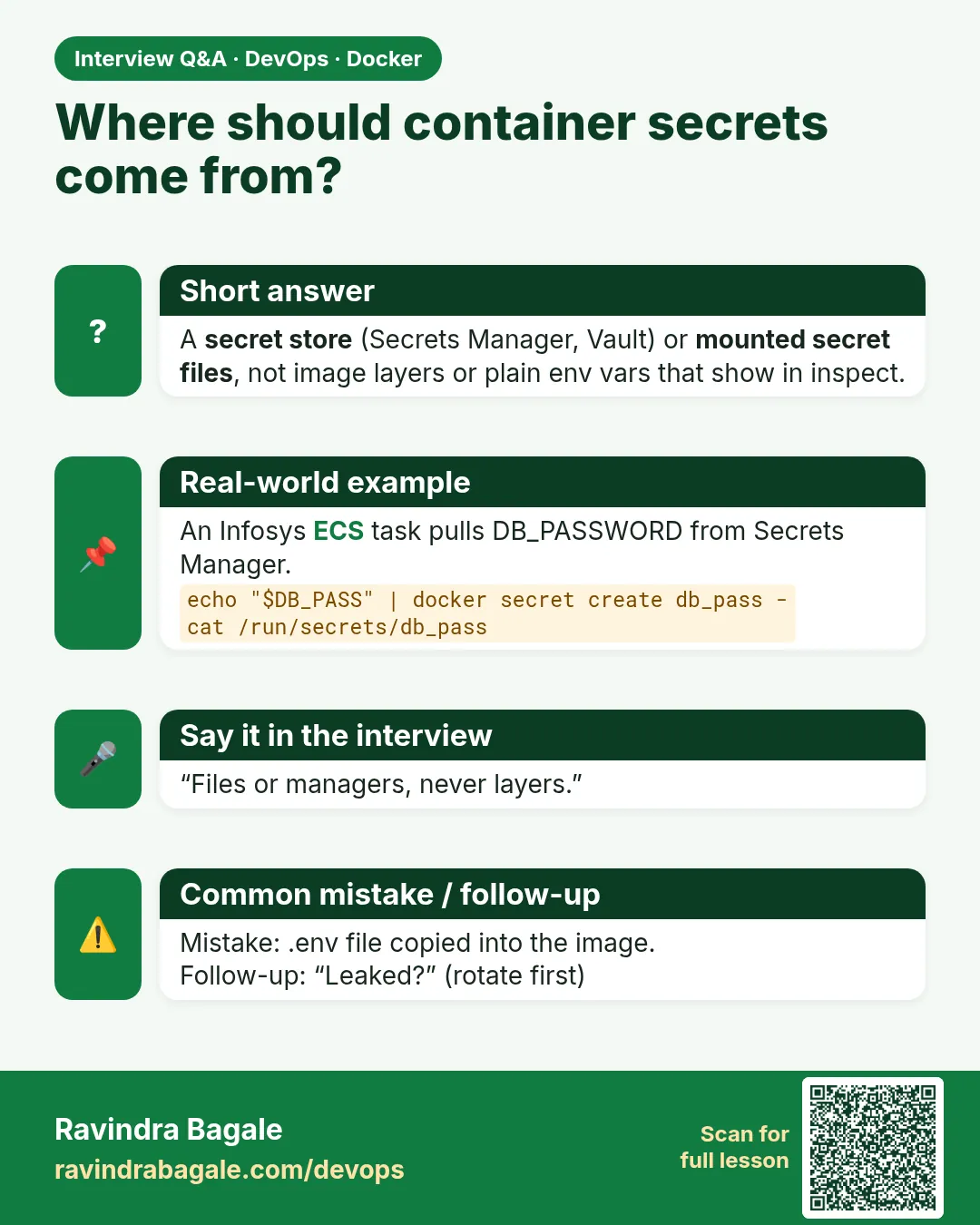 Interview card 3 of 9: Where should container secrets come from? · Download PNG · Open card page
Lesson: 55.3 Secrets: never bake passwords into images
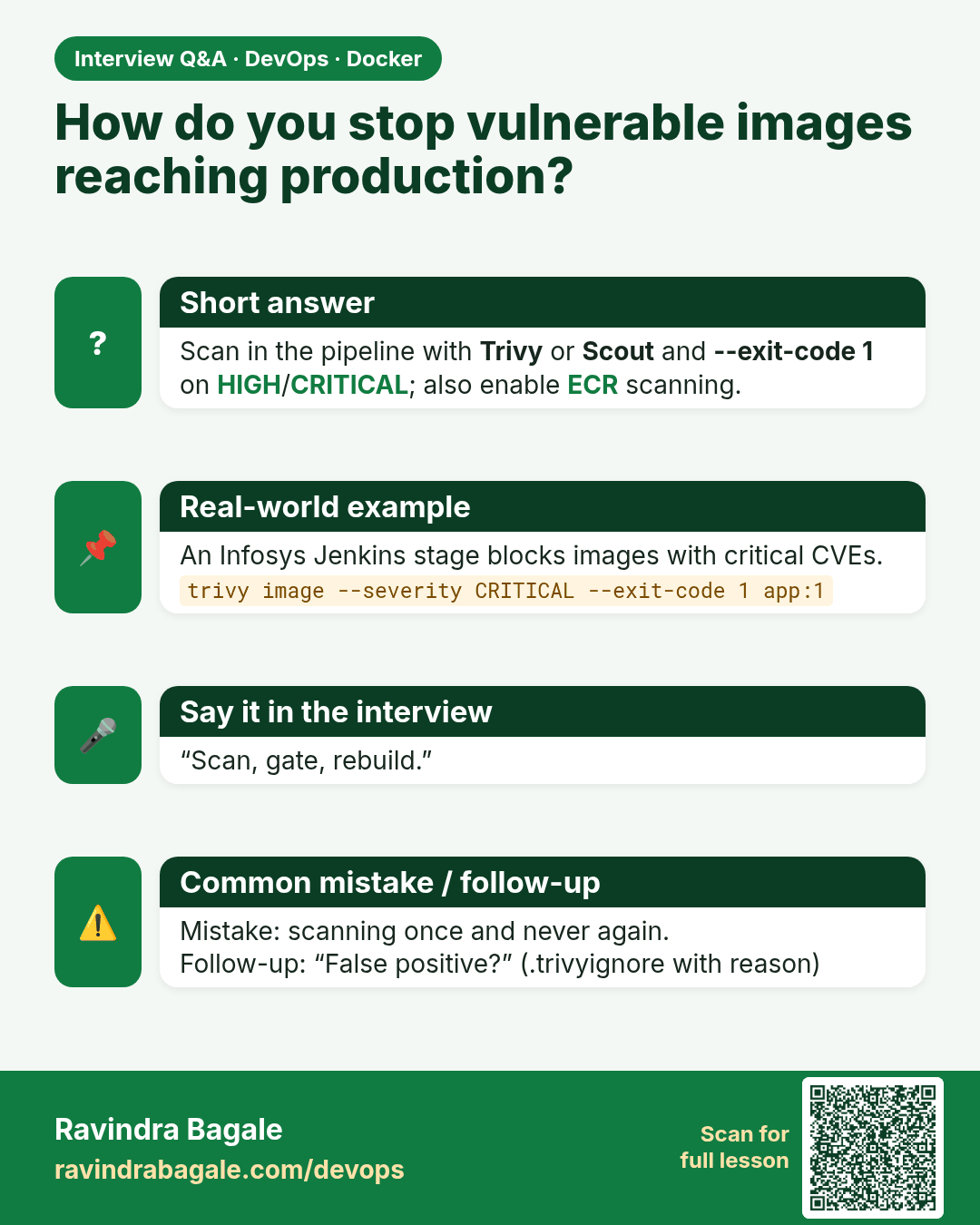
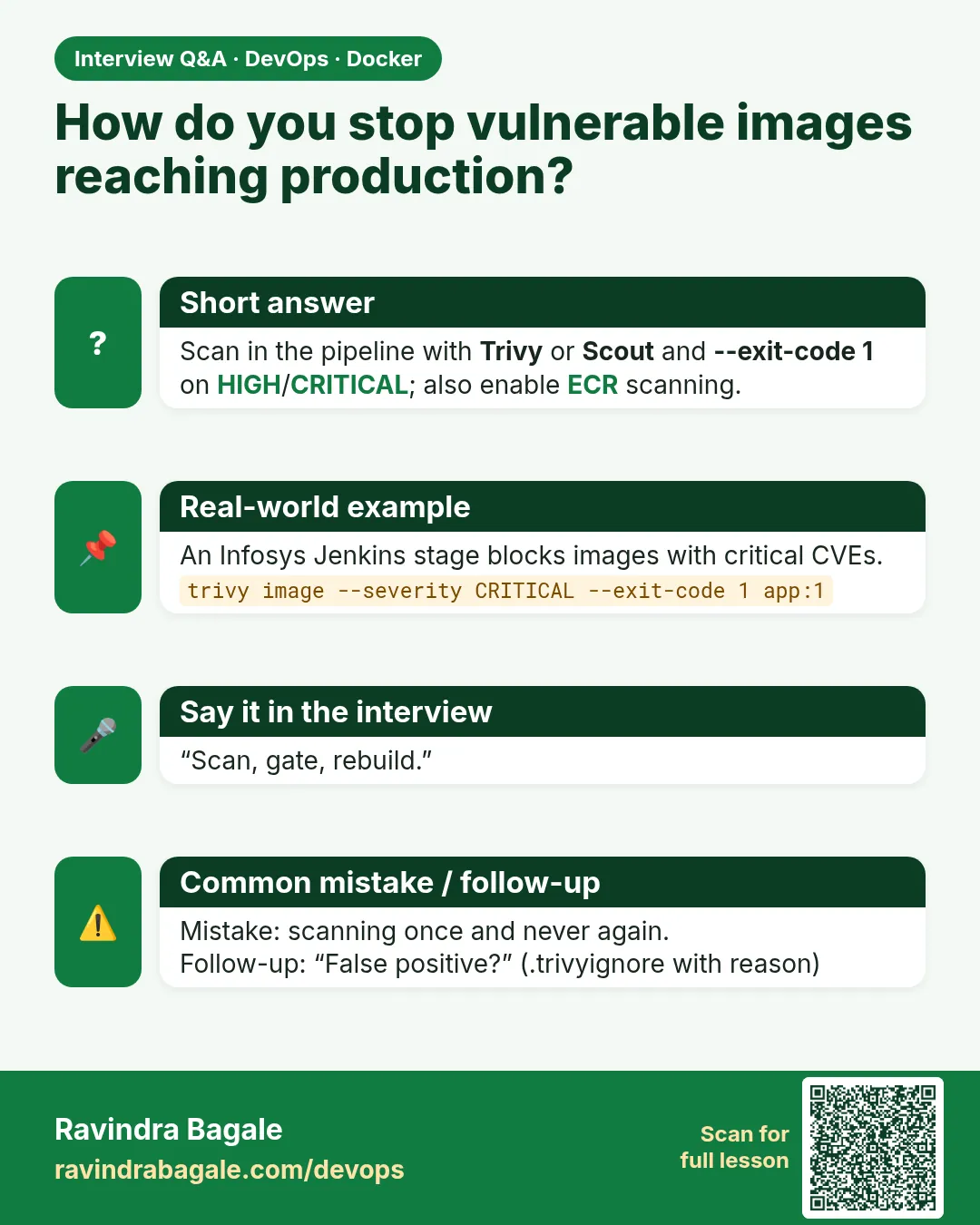 Interview card 4 of 9: How do you stop vulnerable images reaching production? · Download PNG · Open card page
Lesson: 55.4 Scan images: Trivy and Docker Scout
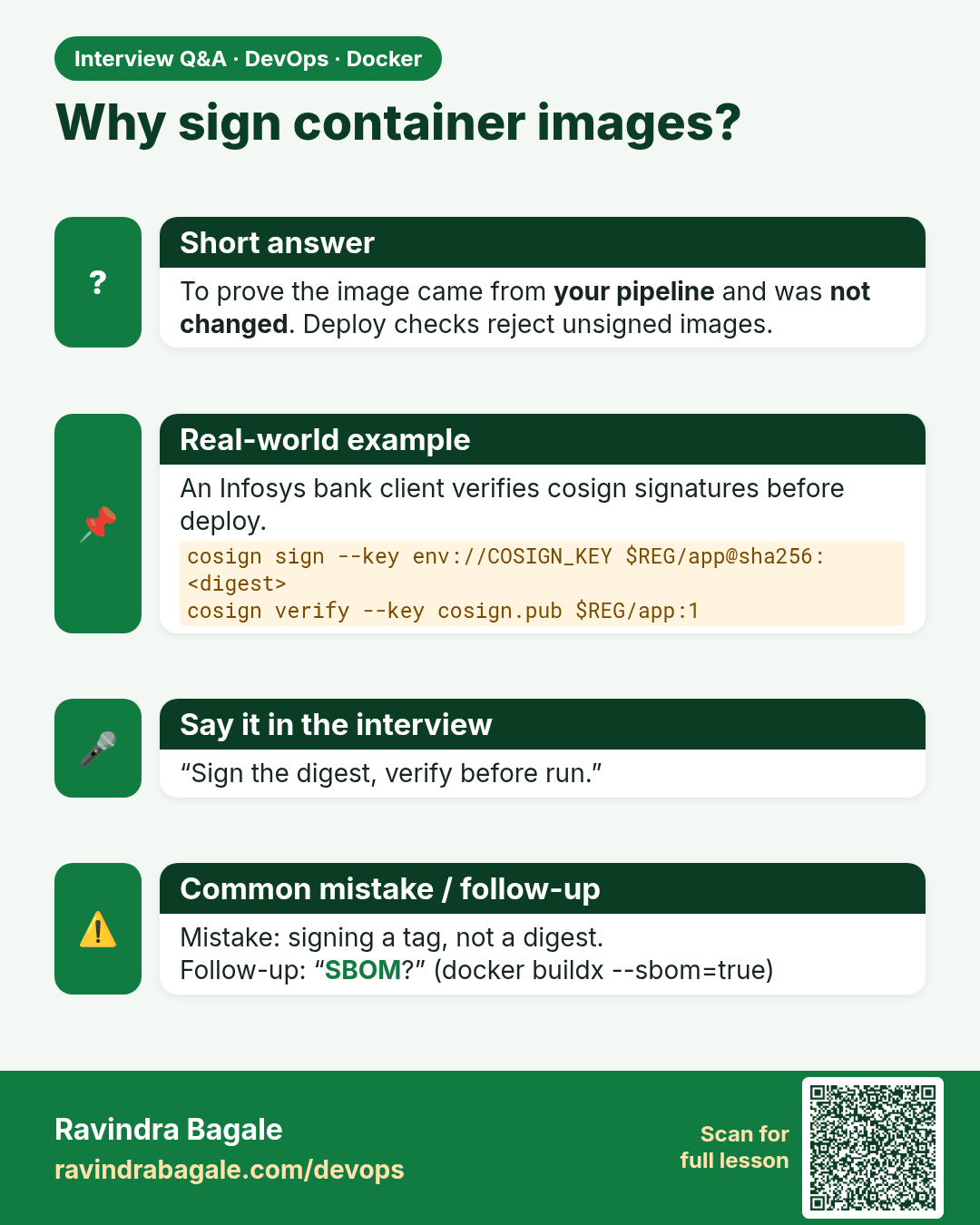
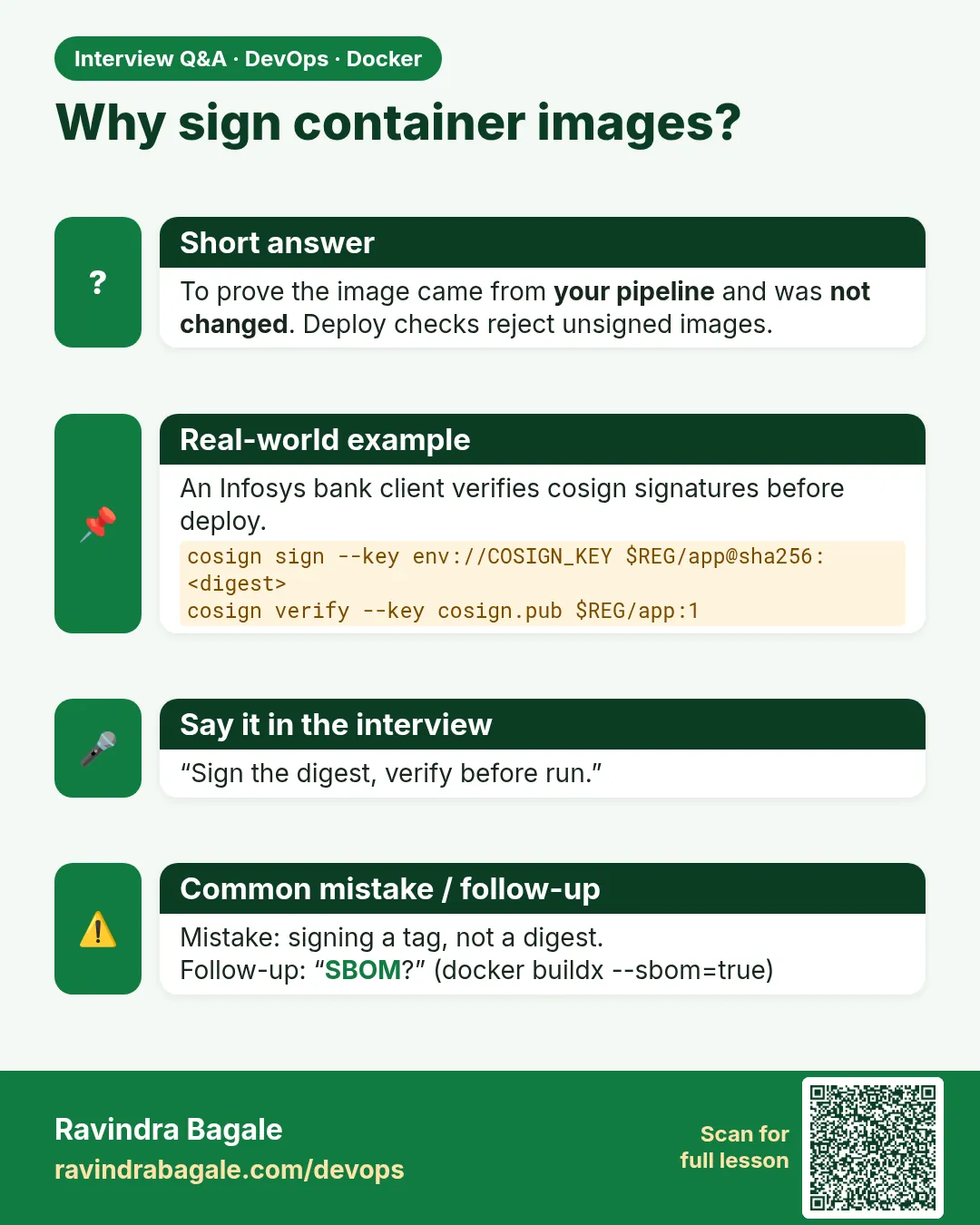 Interview card 5 of 9: Why sign container images? · Download PNG · Open card page
Lesson: 55.5 Content trust, image signing and distroless bases
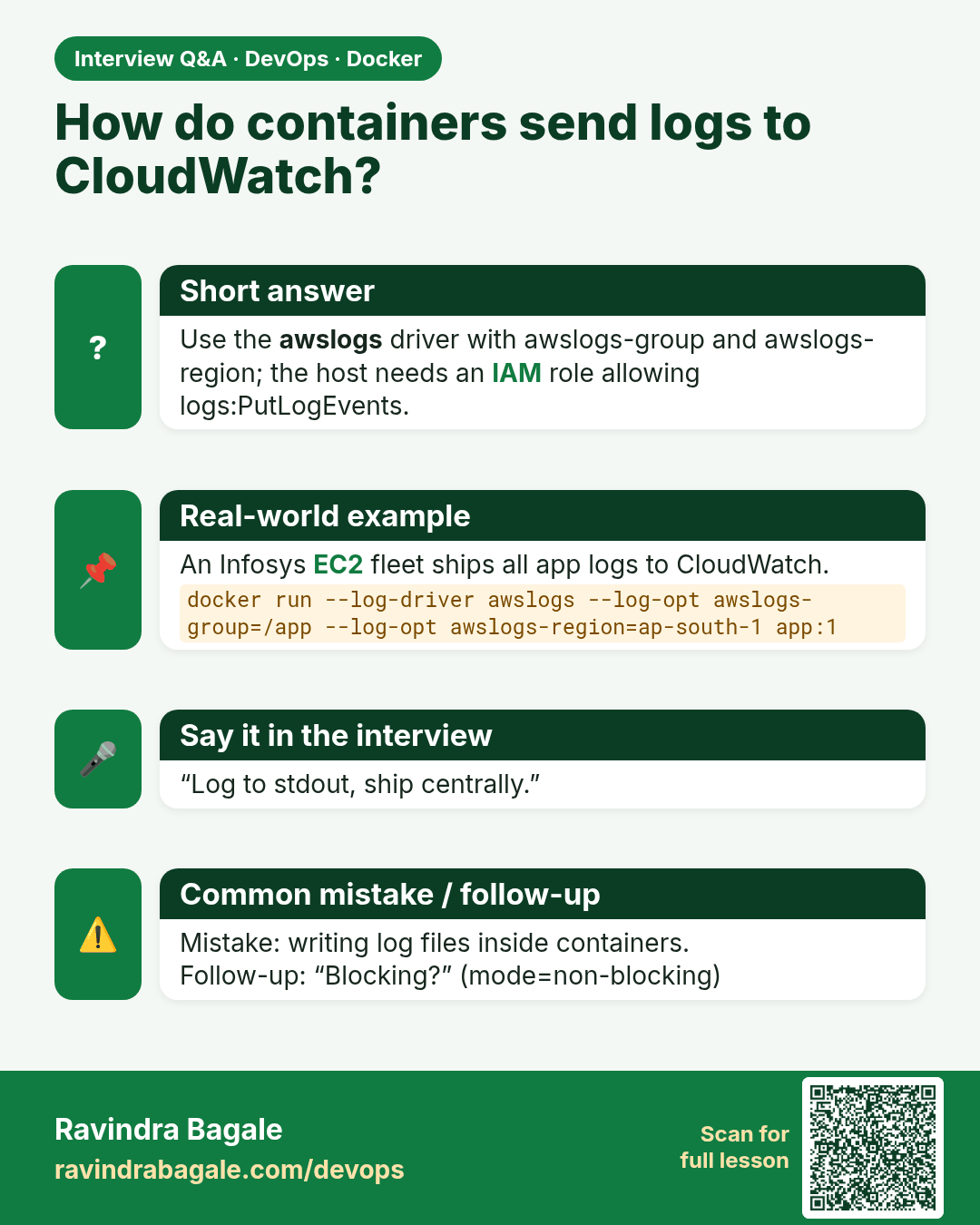
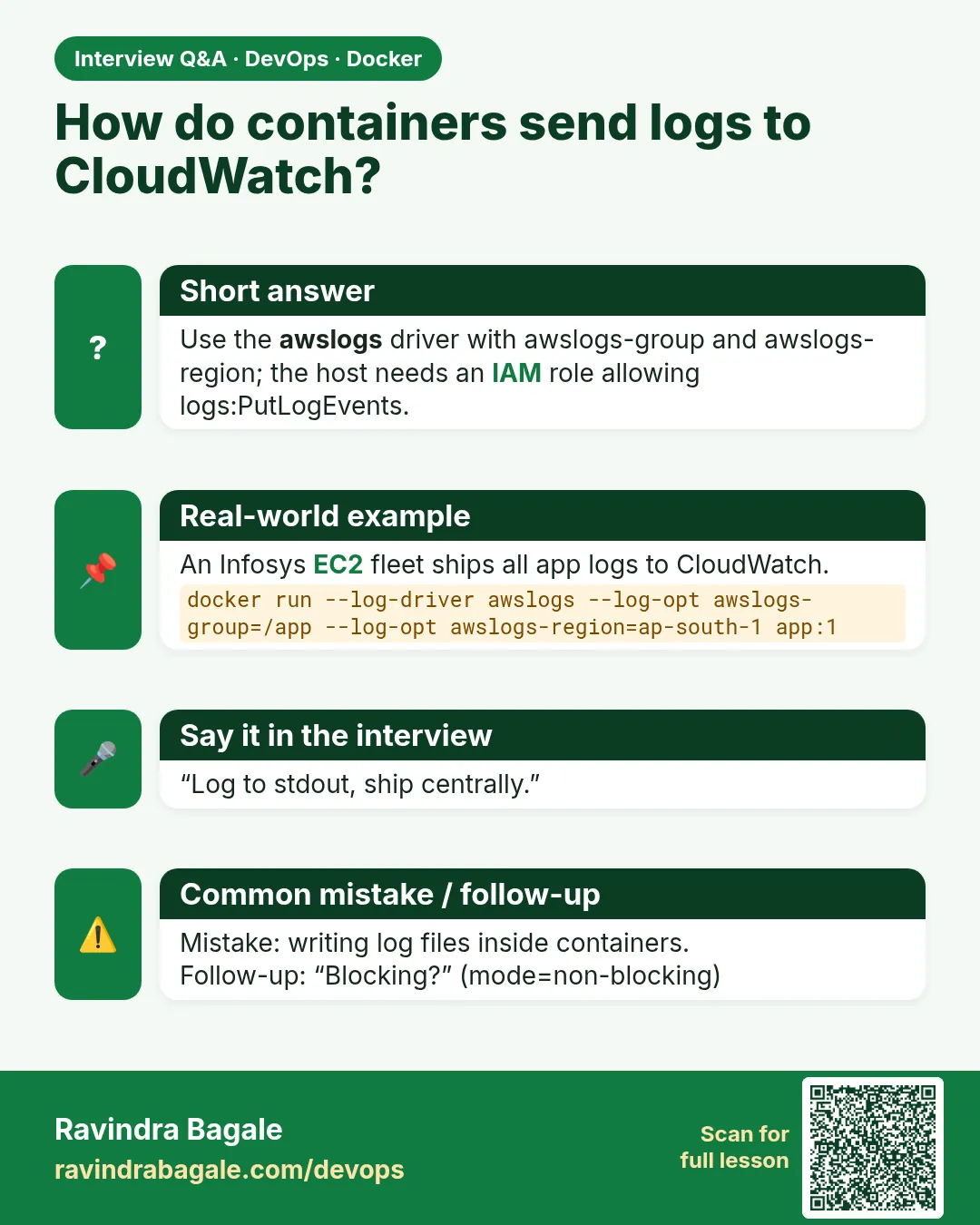 Interview card 6 of 9: How do containers send logs to CloudWatch? · Download PNG · Open card page
Lesson: 55.6 Logging drivers and central logs
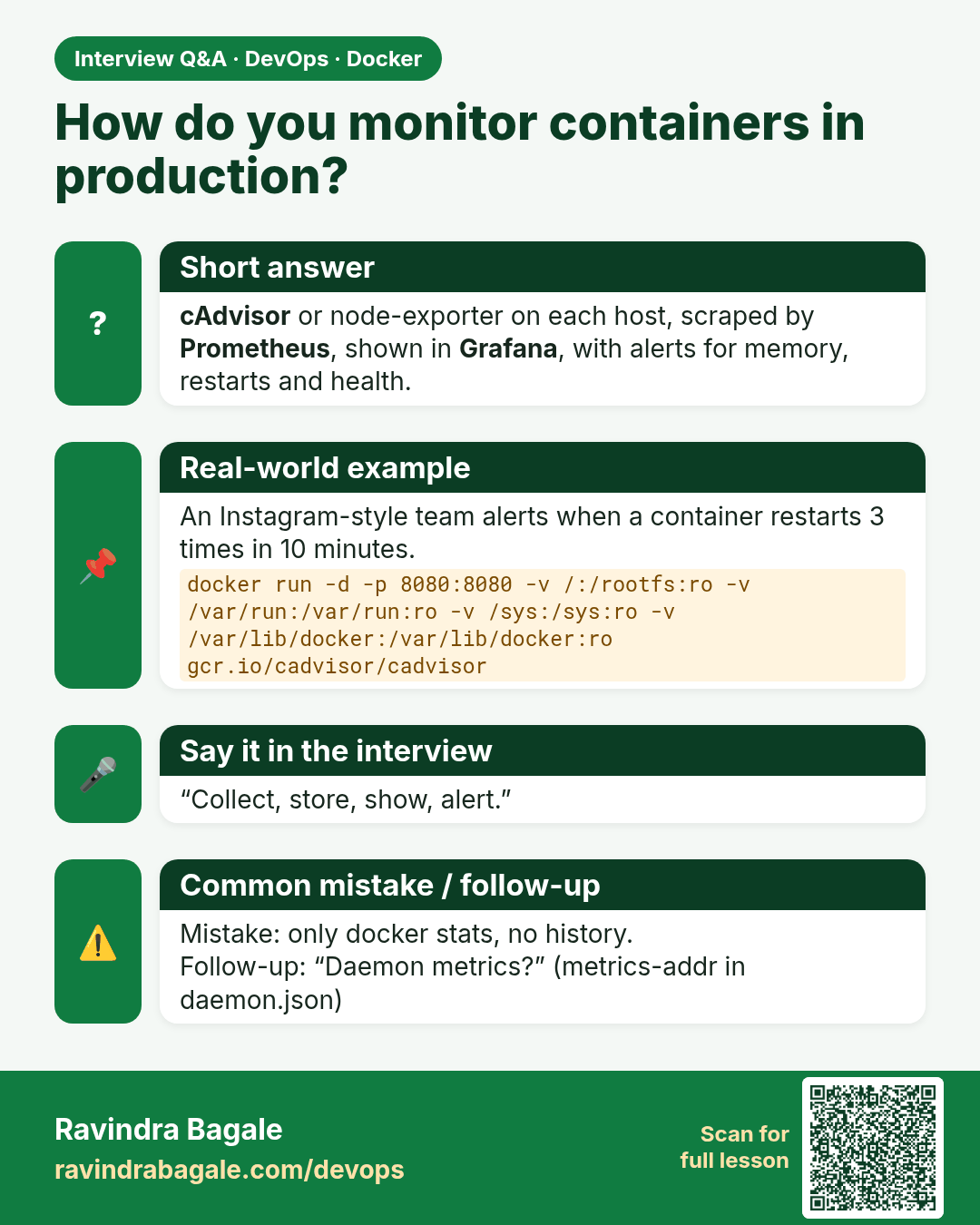
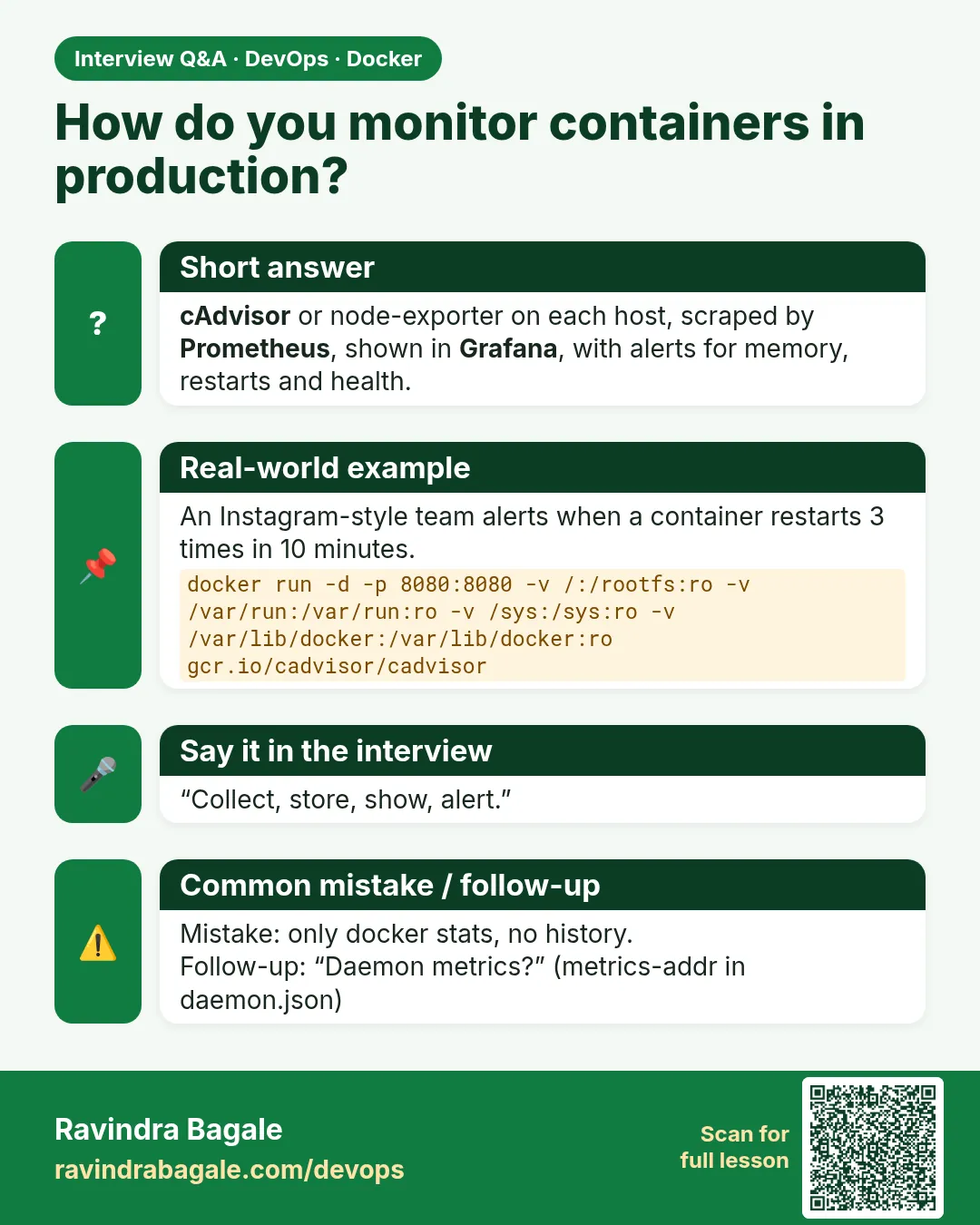 Interview card 7 of 9: How do you monitor containers in production? · Download PNG · Open card page
Lesson: 55.7 Monitoring: docker stats, cAdvisor, Prometheus and Grafana
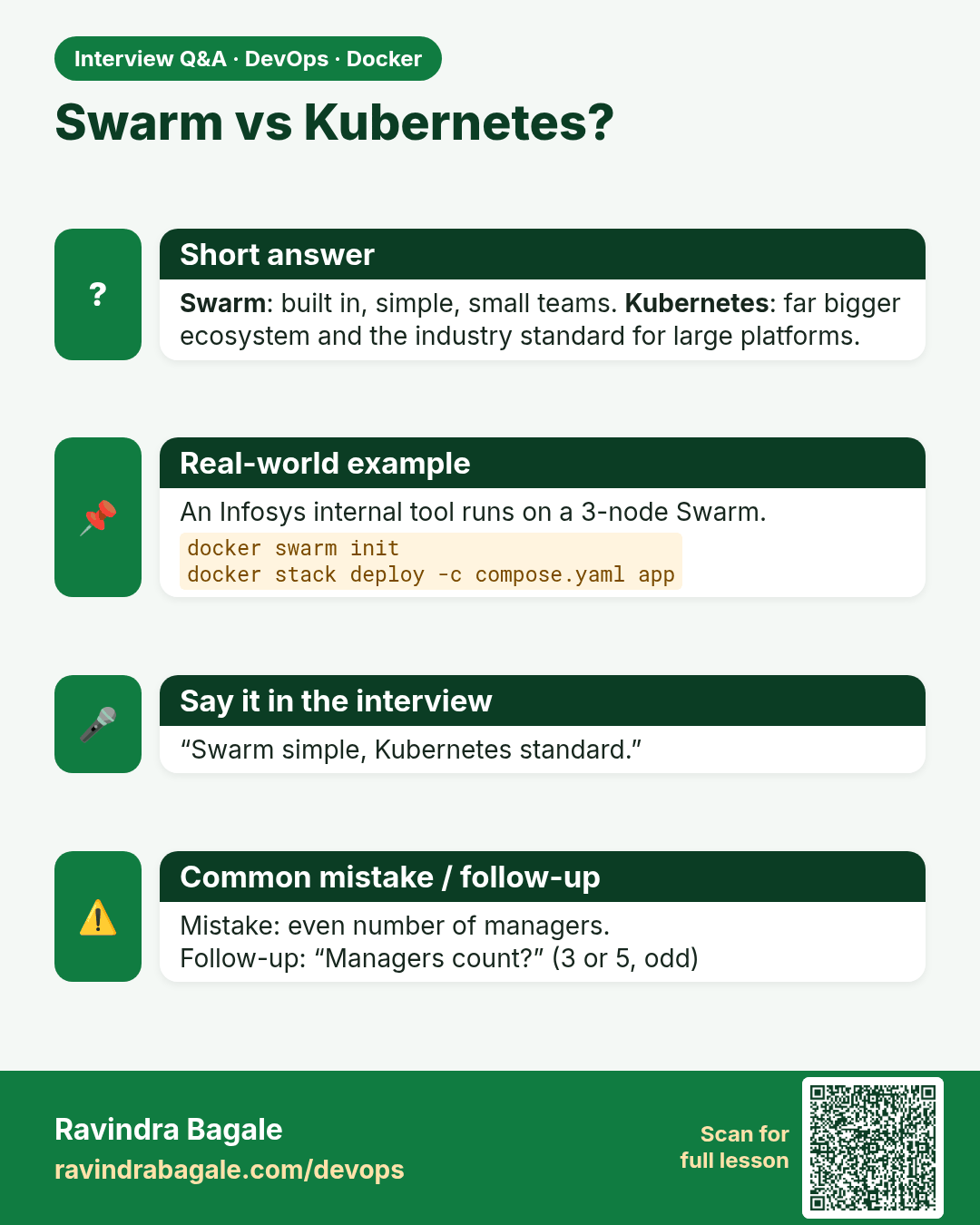
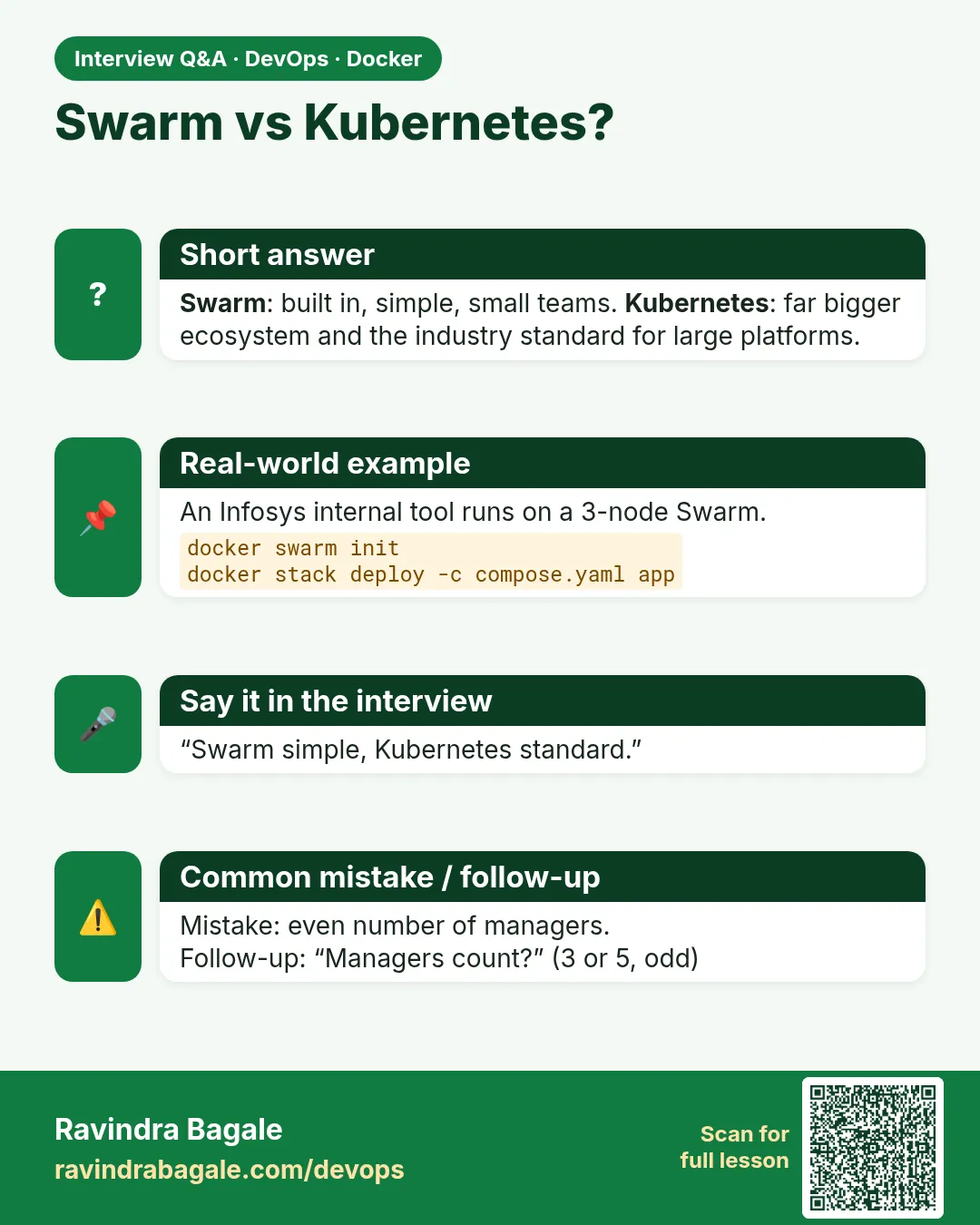 Interview card 8 of 9: Swarm vs Kubernetes? · Download PNG · Open card page
Lesson: 55.8 Docker Swarm basics: init, services, scaling, rolling updates
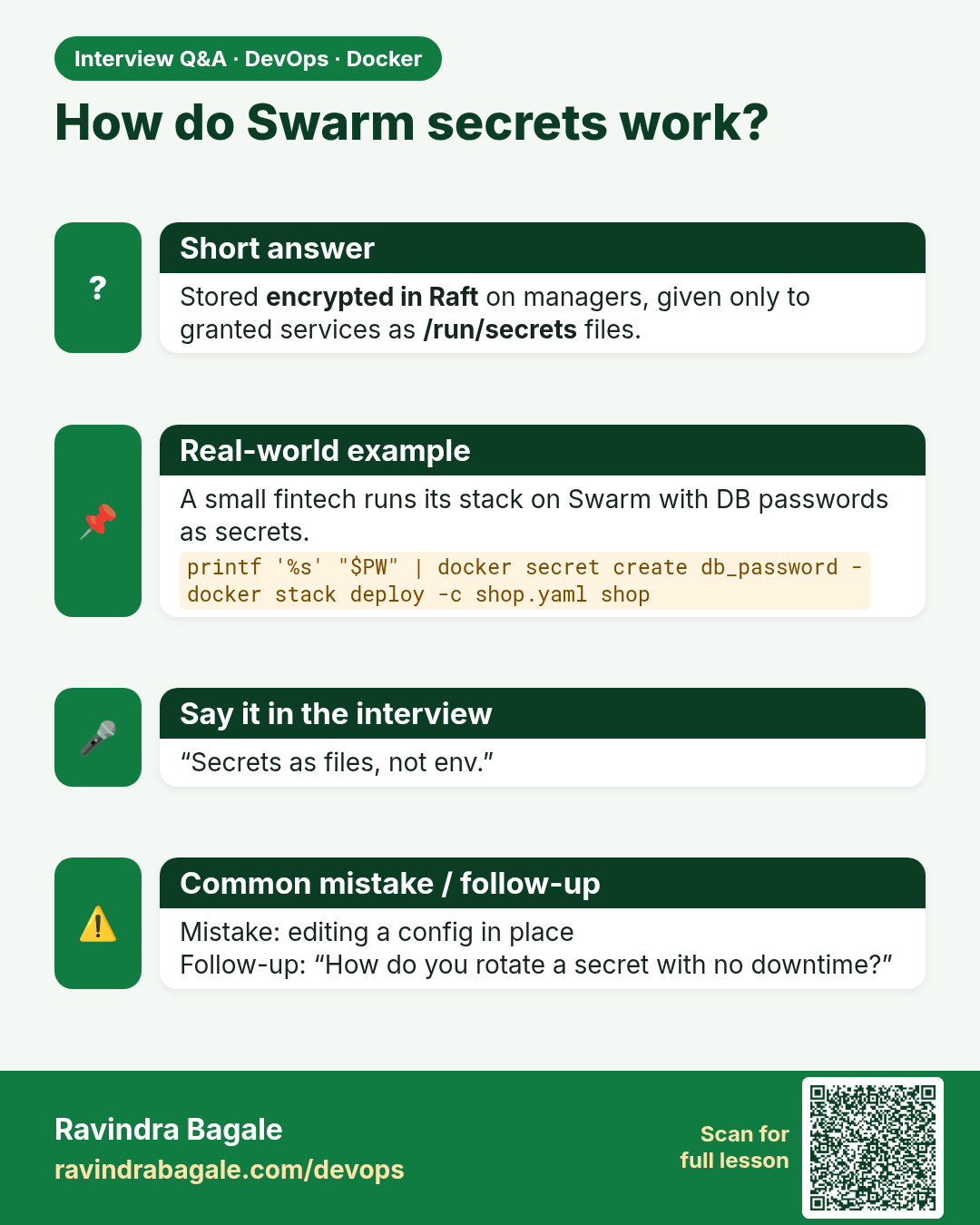
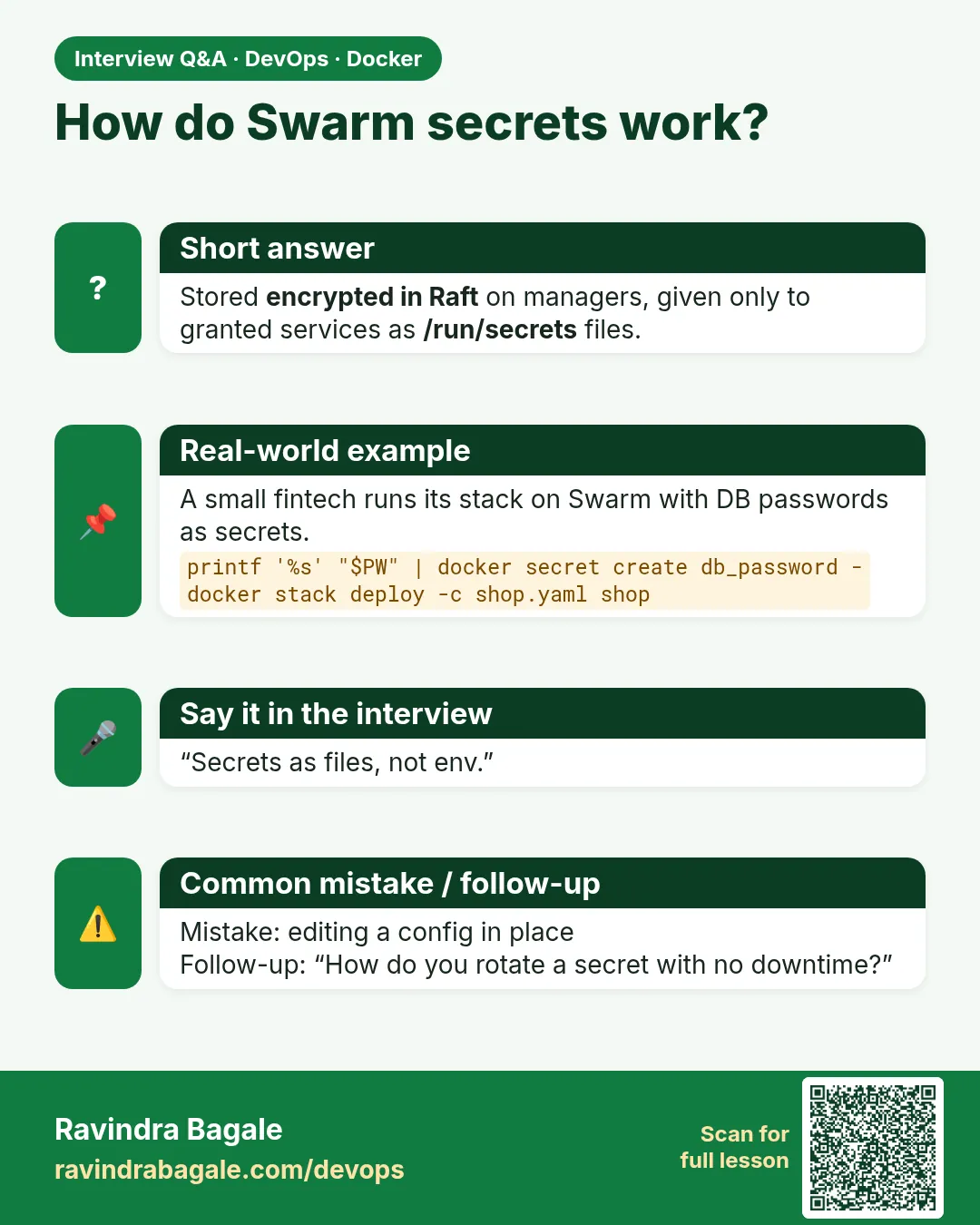 Interview card 9 of 9: How do Swarm secrets work? · Download PNG · Open card page
Lesson: 55.9 Swarm stacks: secrets, configs and docker stack deploy
Comparison cards
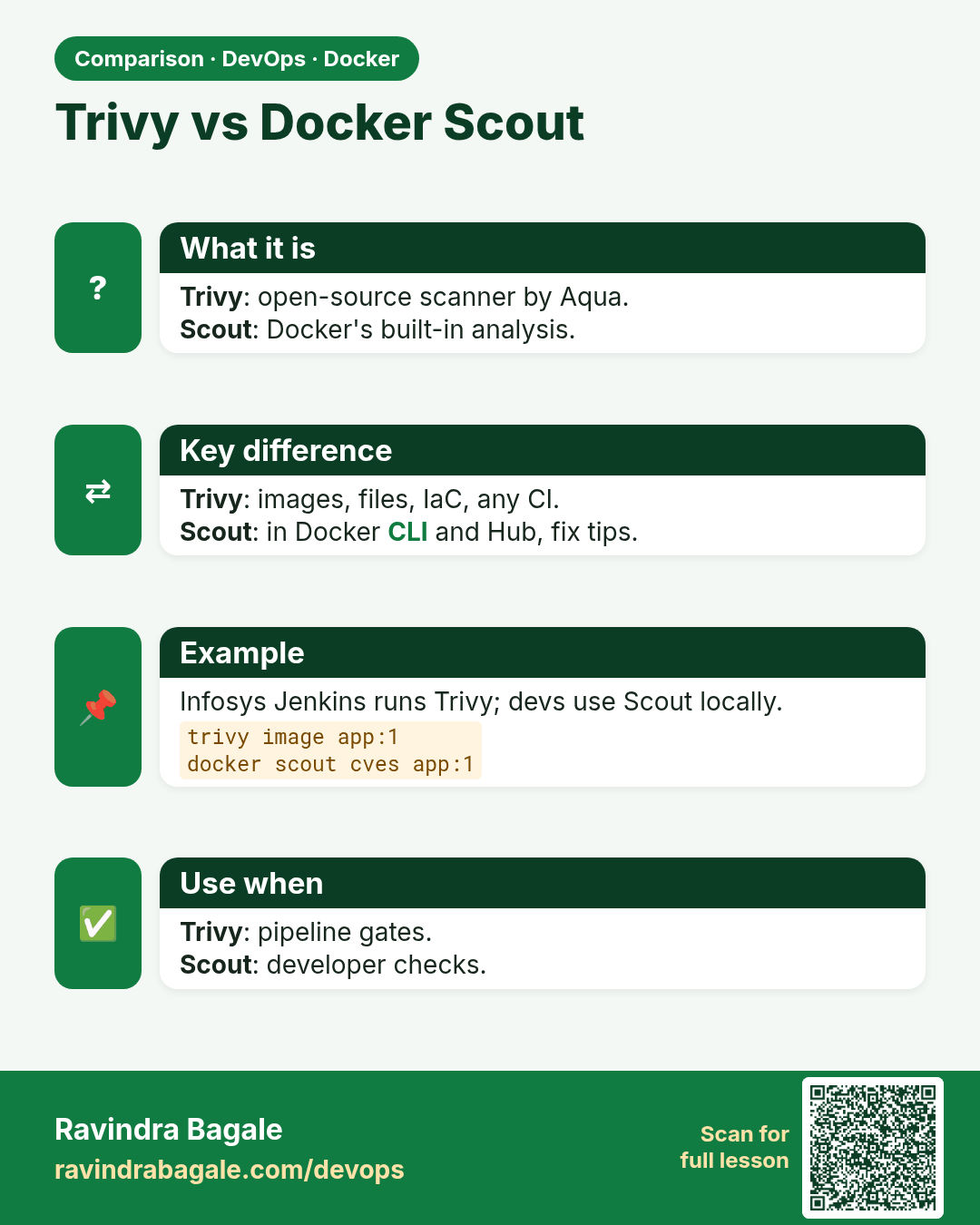
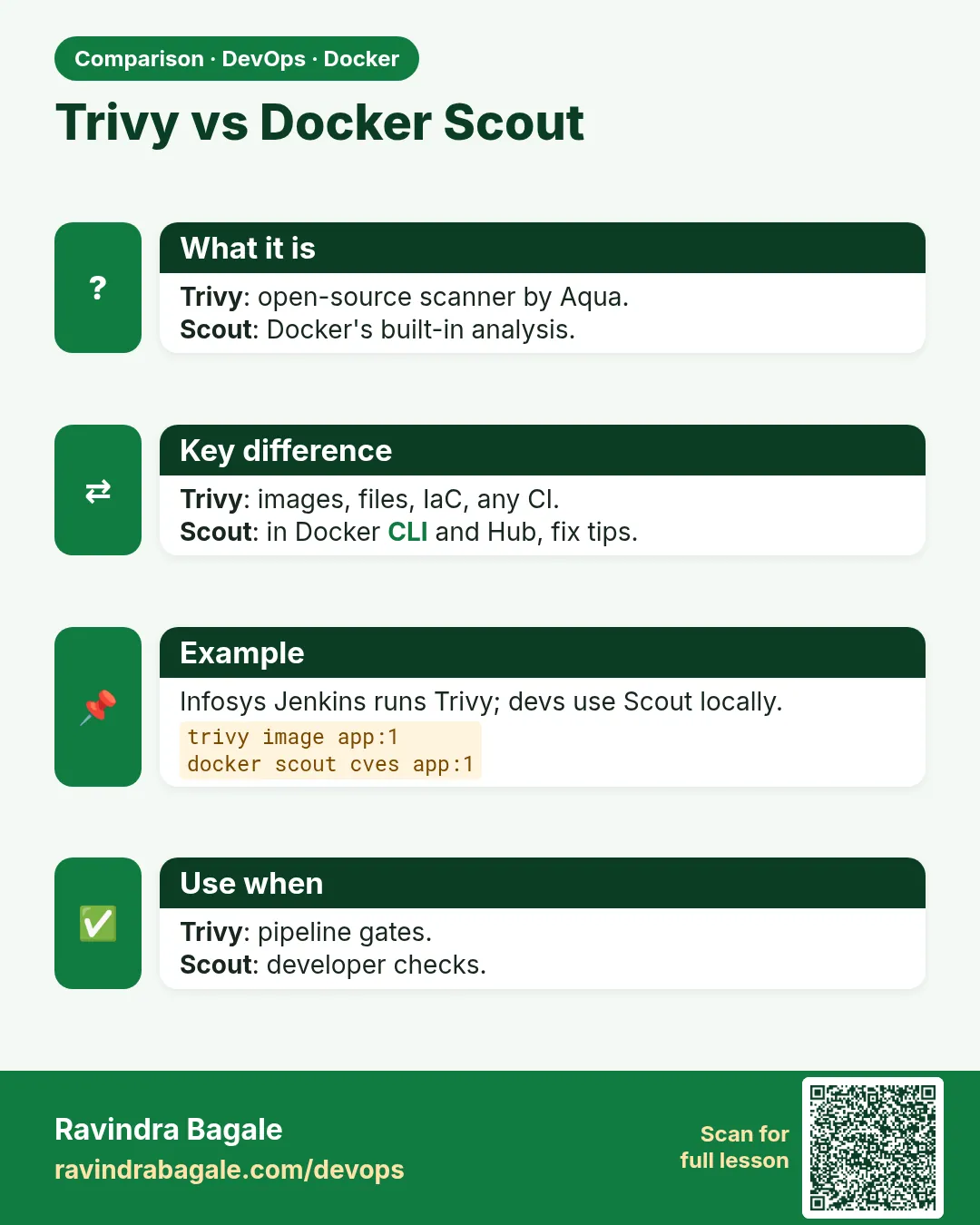 Comparison card 1 of 3: Trivy vs Docker Scout · Download PNG · Open card page
Lesson: 55.4 Scan images: Trivy and Docker Scout
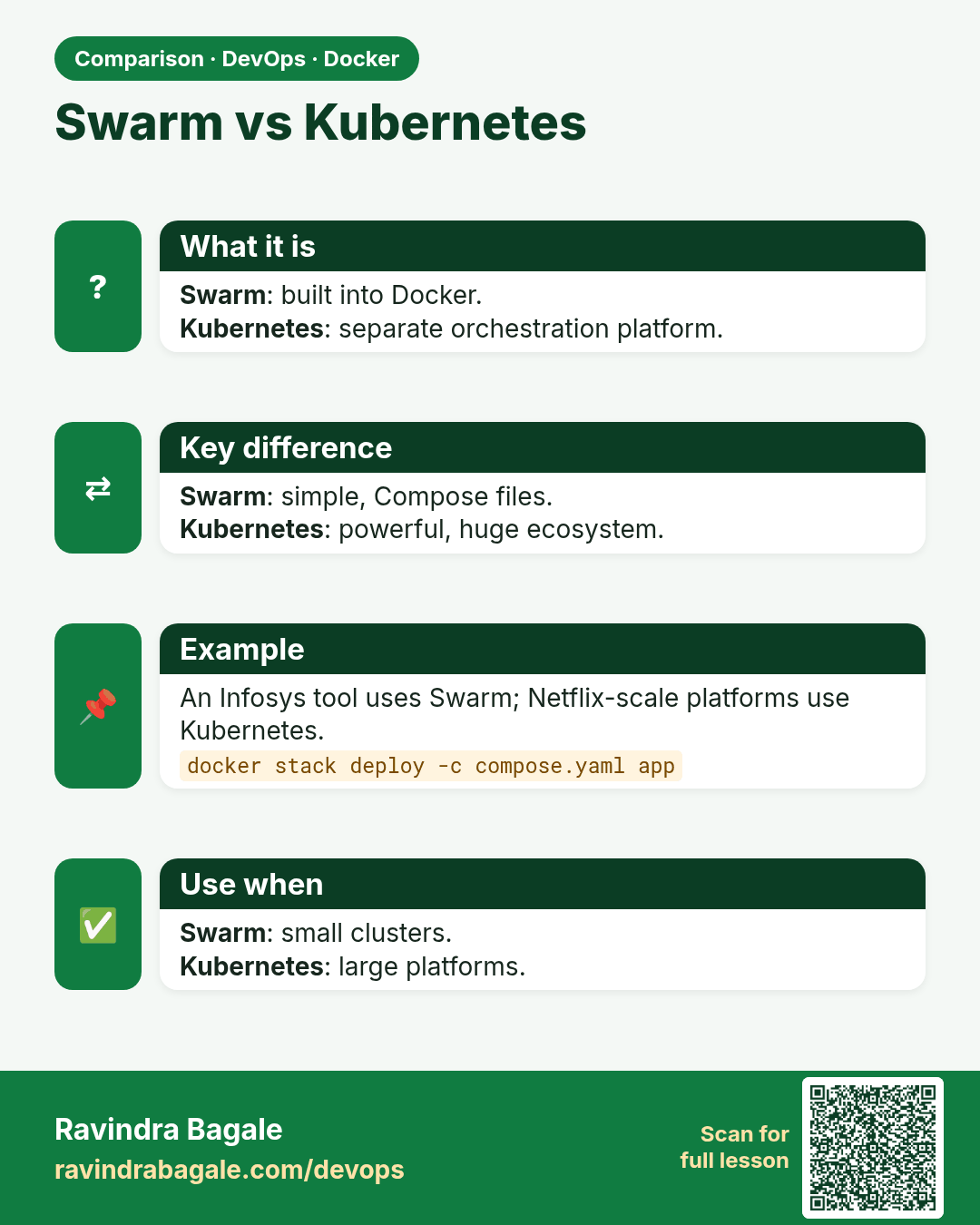
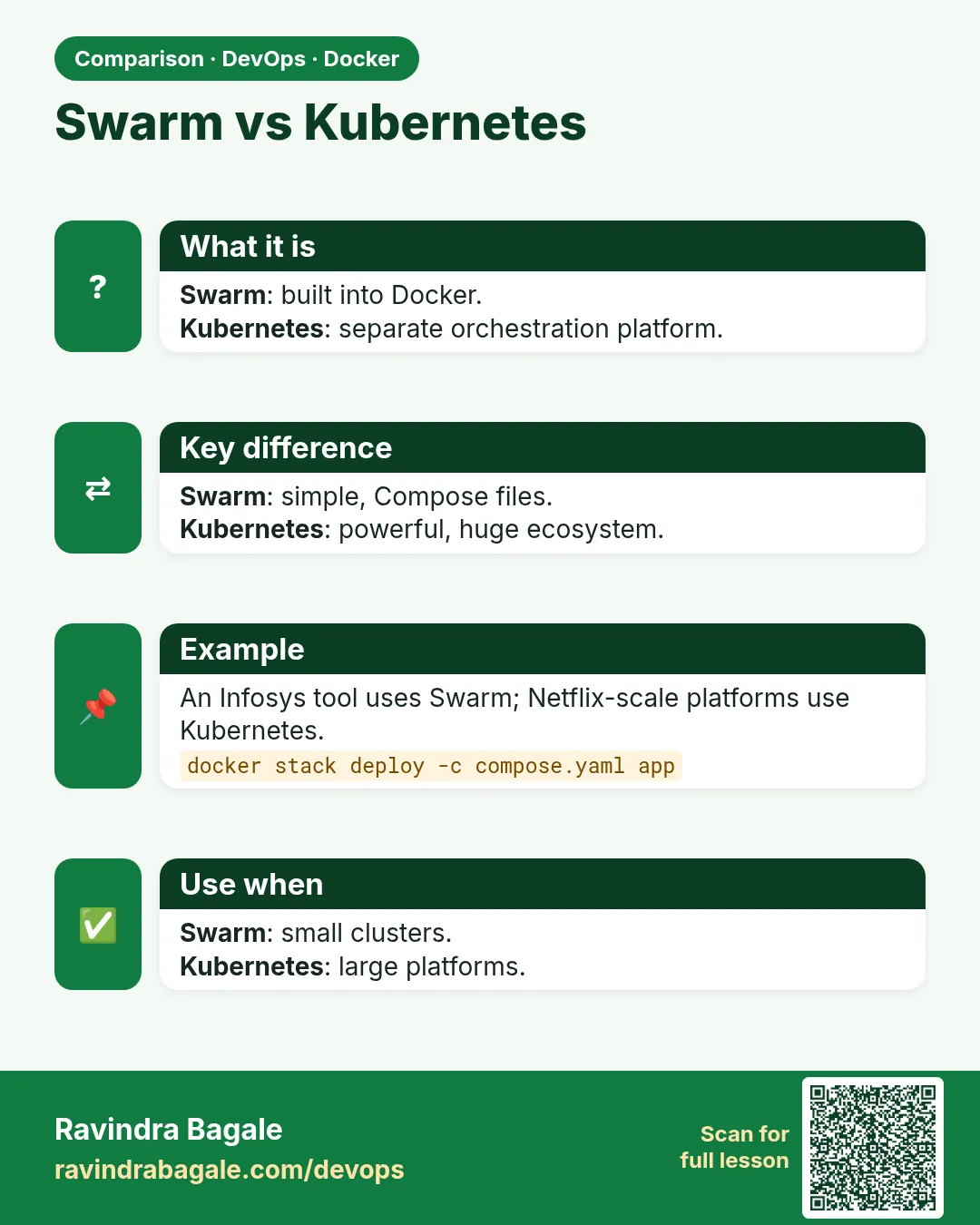 Comparison card 2 of 3: Swarm vs Kubernetes · Download PNG · Open card page
Lesson: 55.8 Docker Swarm basics: init, services, scaling, rolling updates
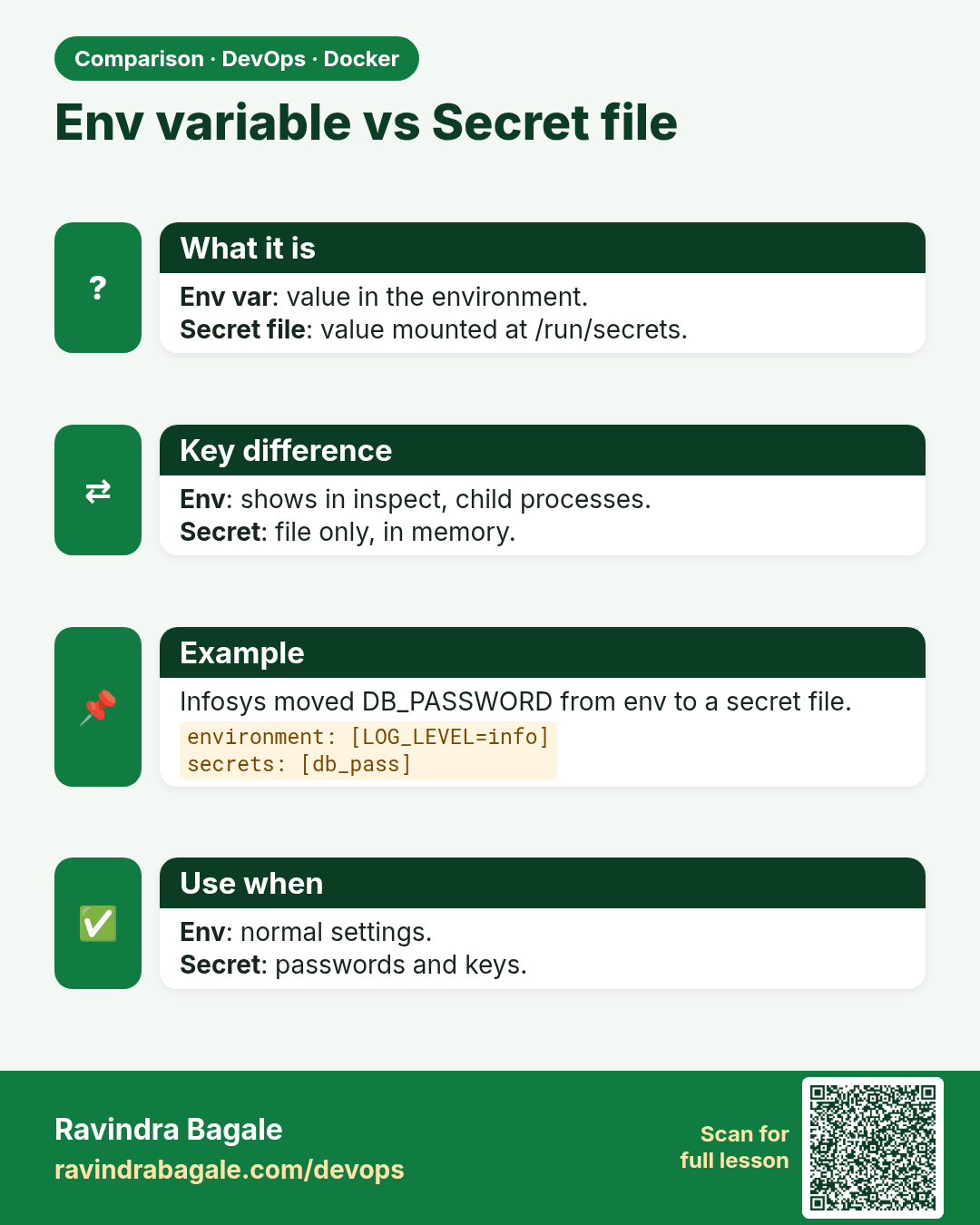
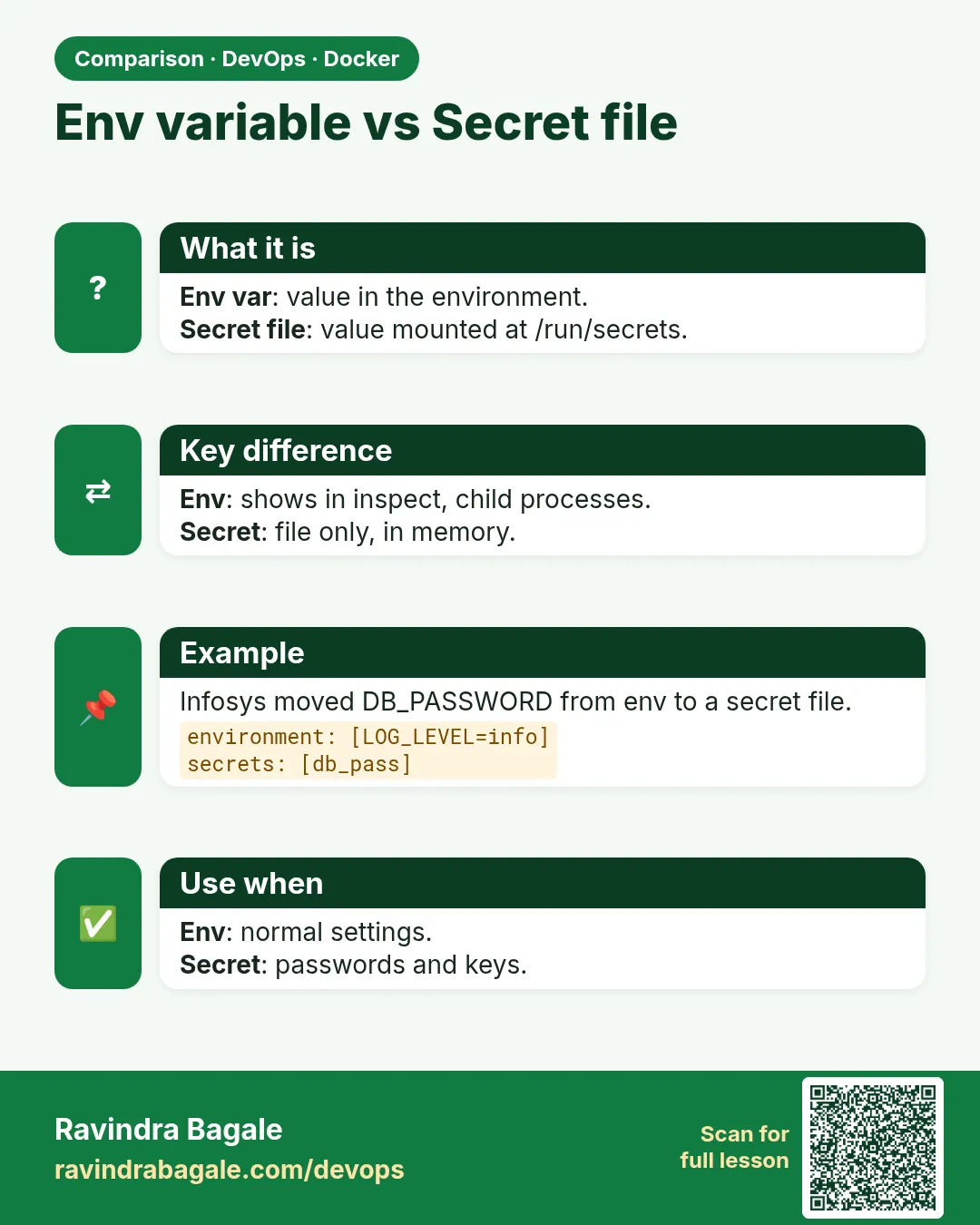 Comparison card 3 of 3: Env variable vs Secret file · Download PNG · Open card page
Lesson: 55.3 Secrets: never bake passwords into images