Revision cards
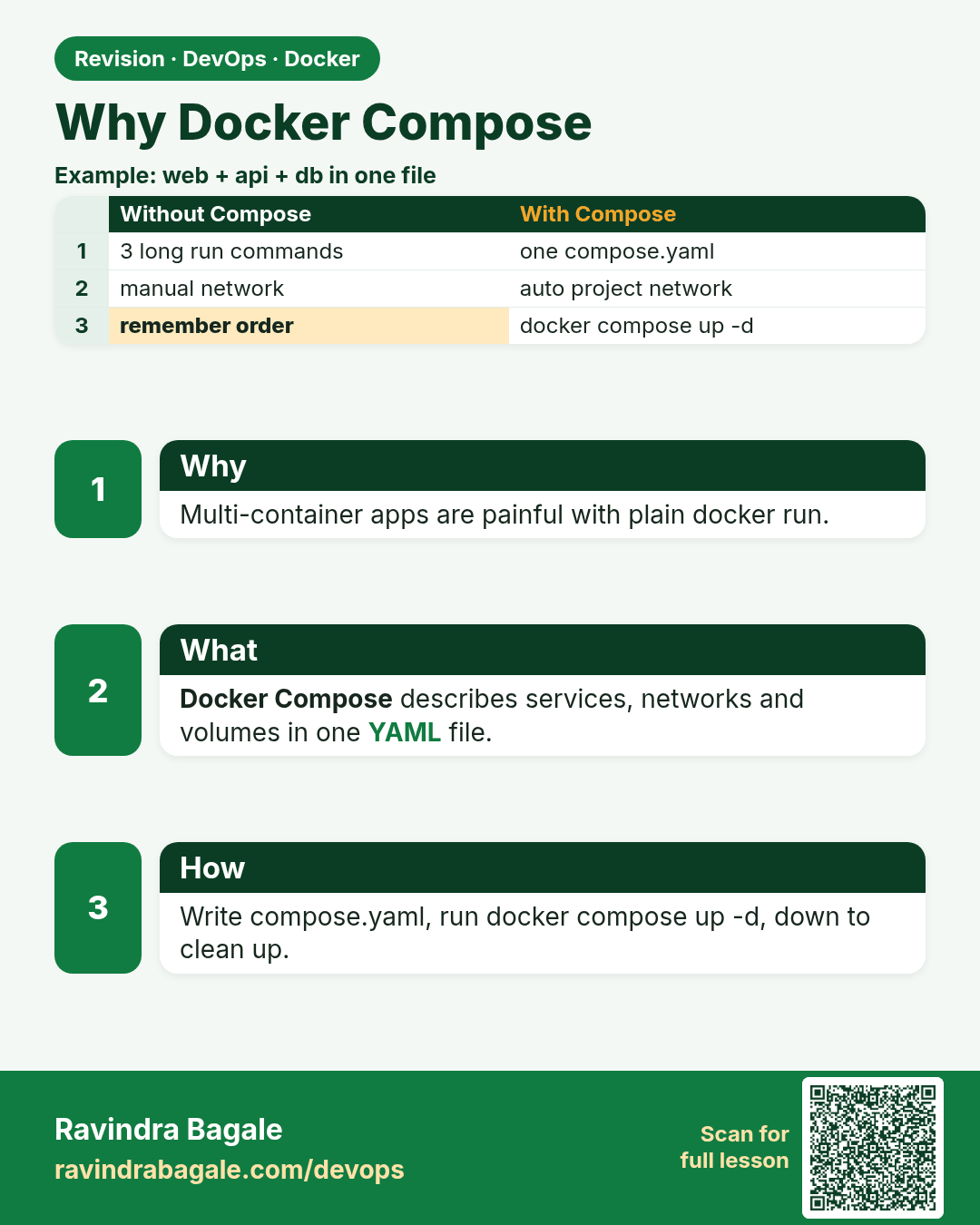
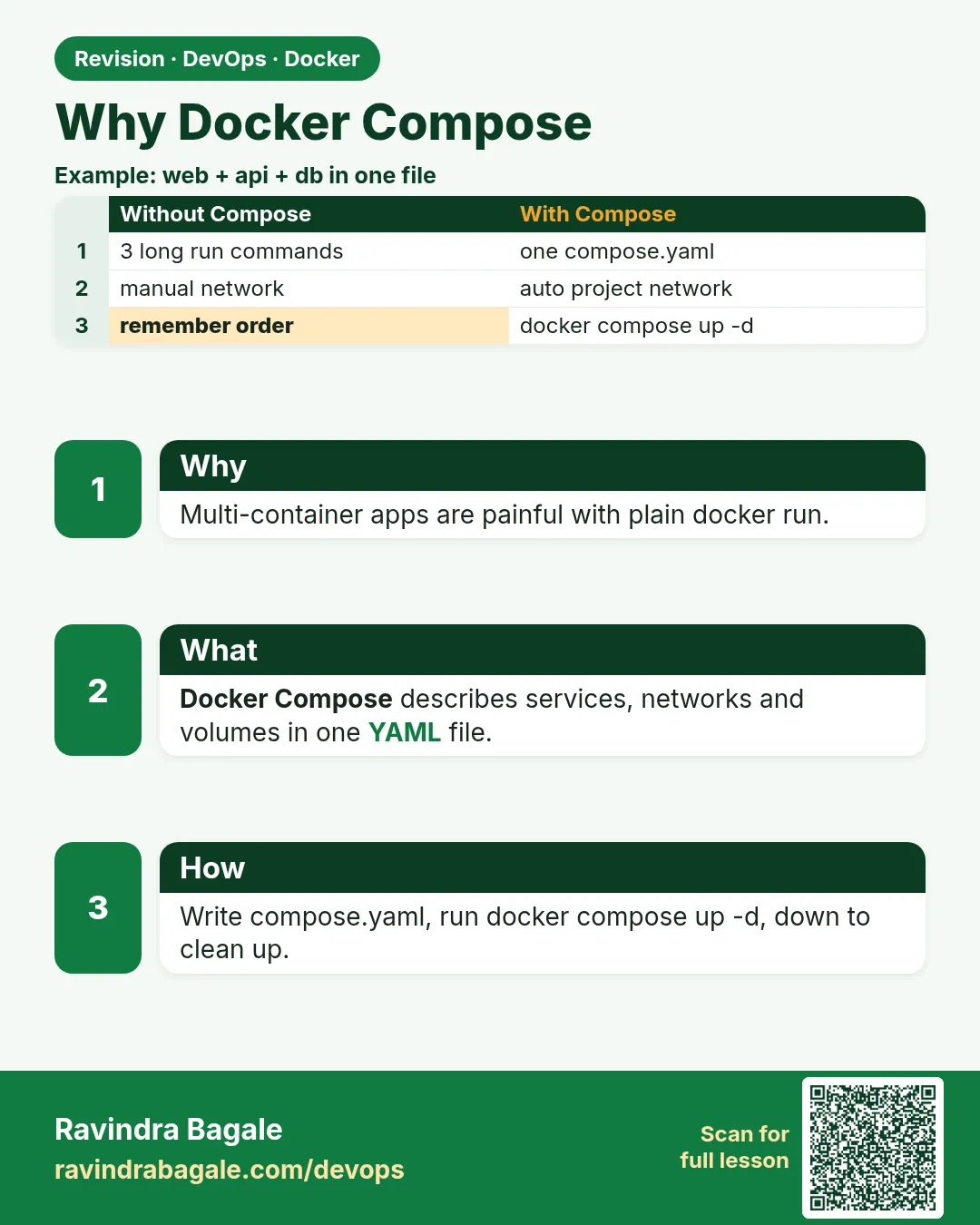 Revision card 1 of 13: Why Docker Compose · Download PNG · Open card page
Lesson: 53.1 Why Compose: one file for the whole app
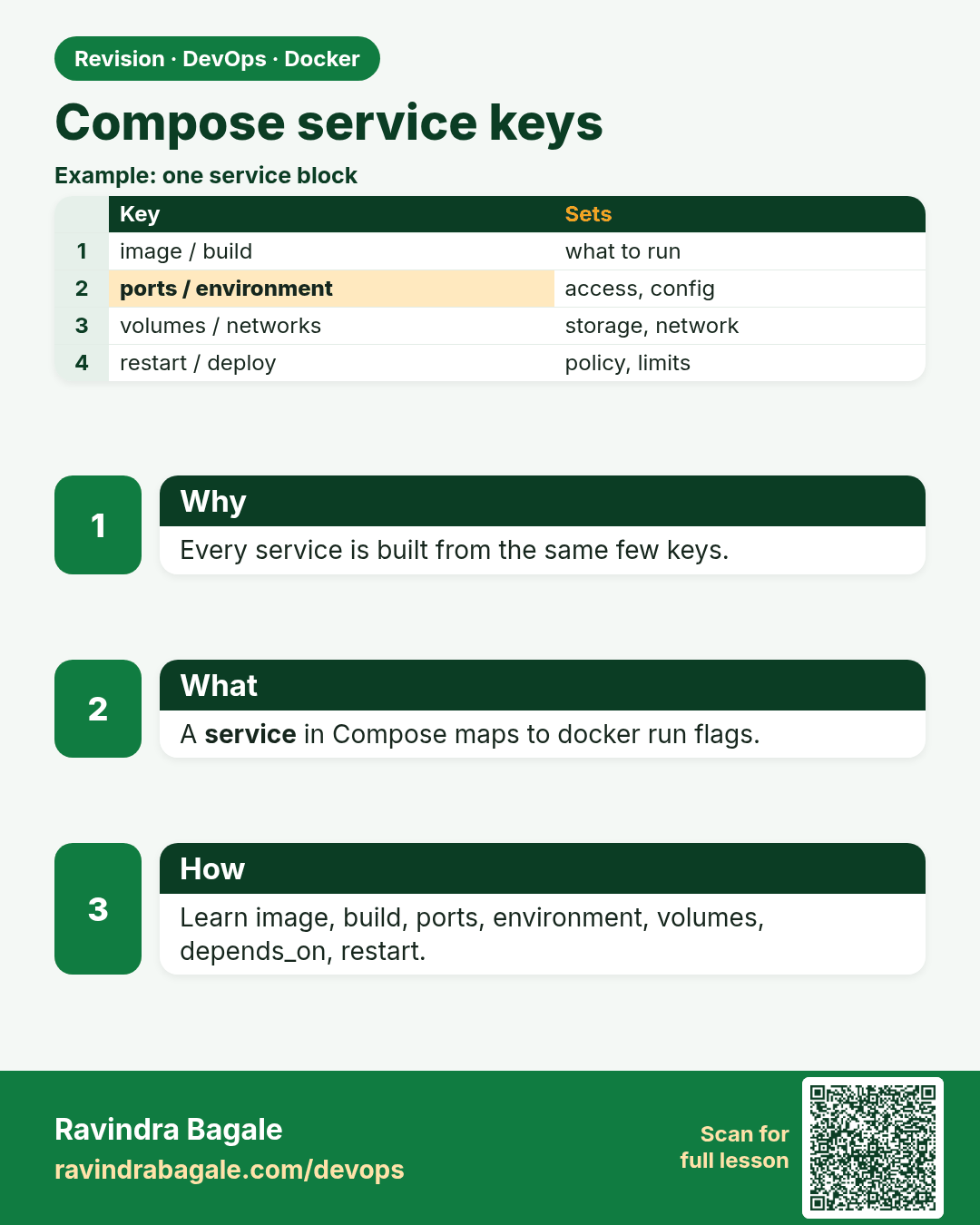
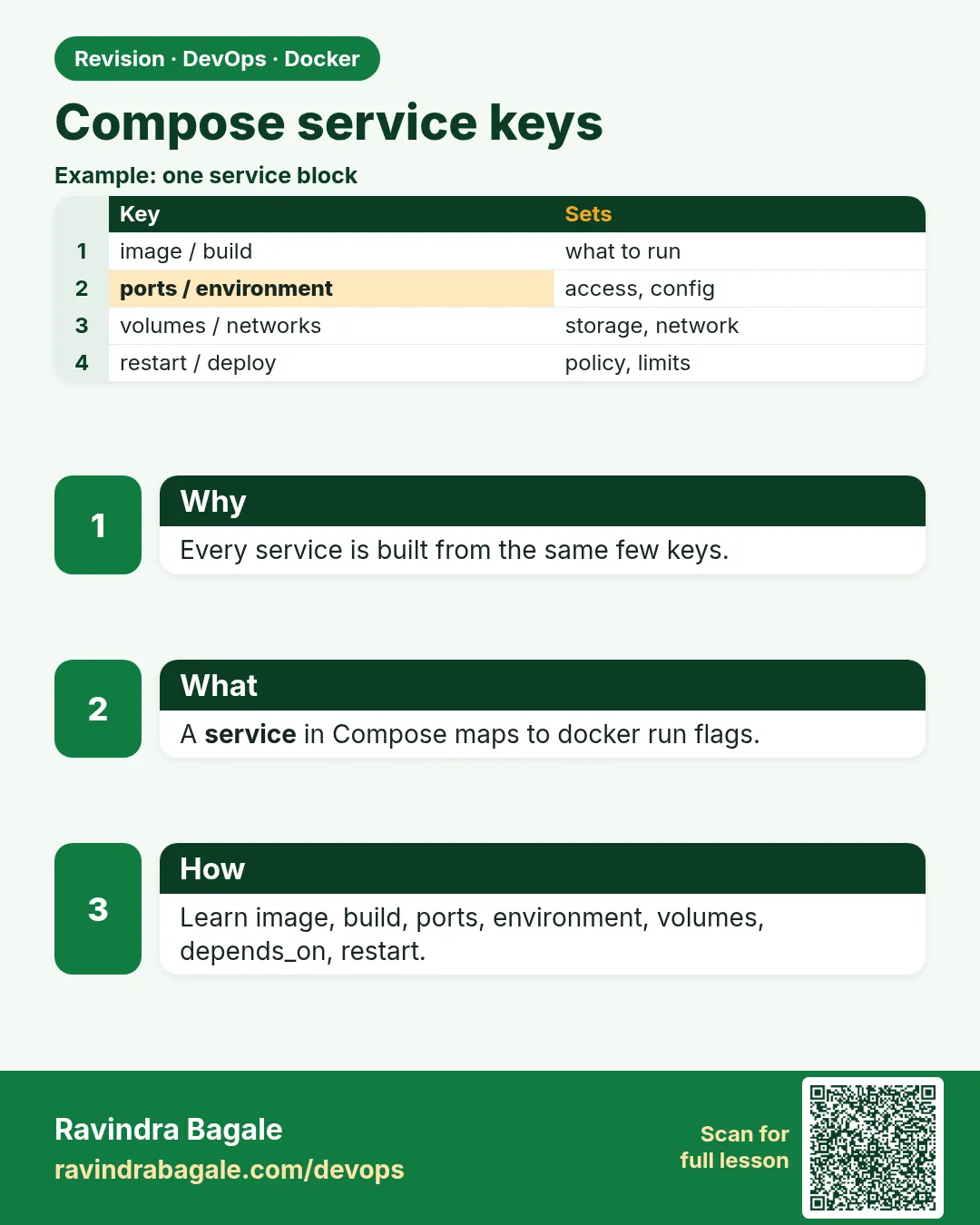 Revision card 2 of 13: Compose service keys · Download PNG · Open card page
Lesson: 53.2 Service keys: build, image, command, environment, ports, restart
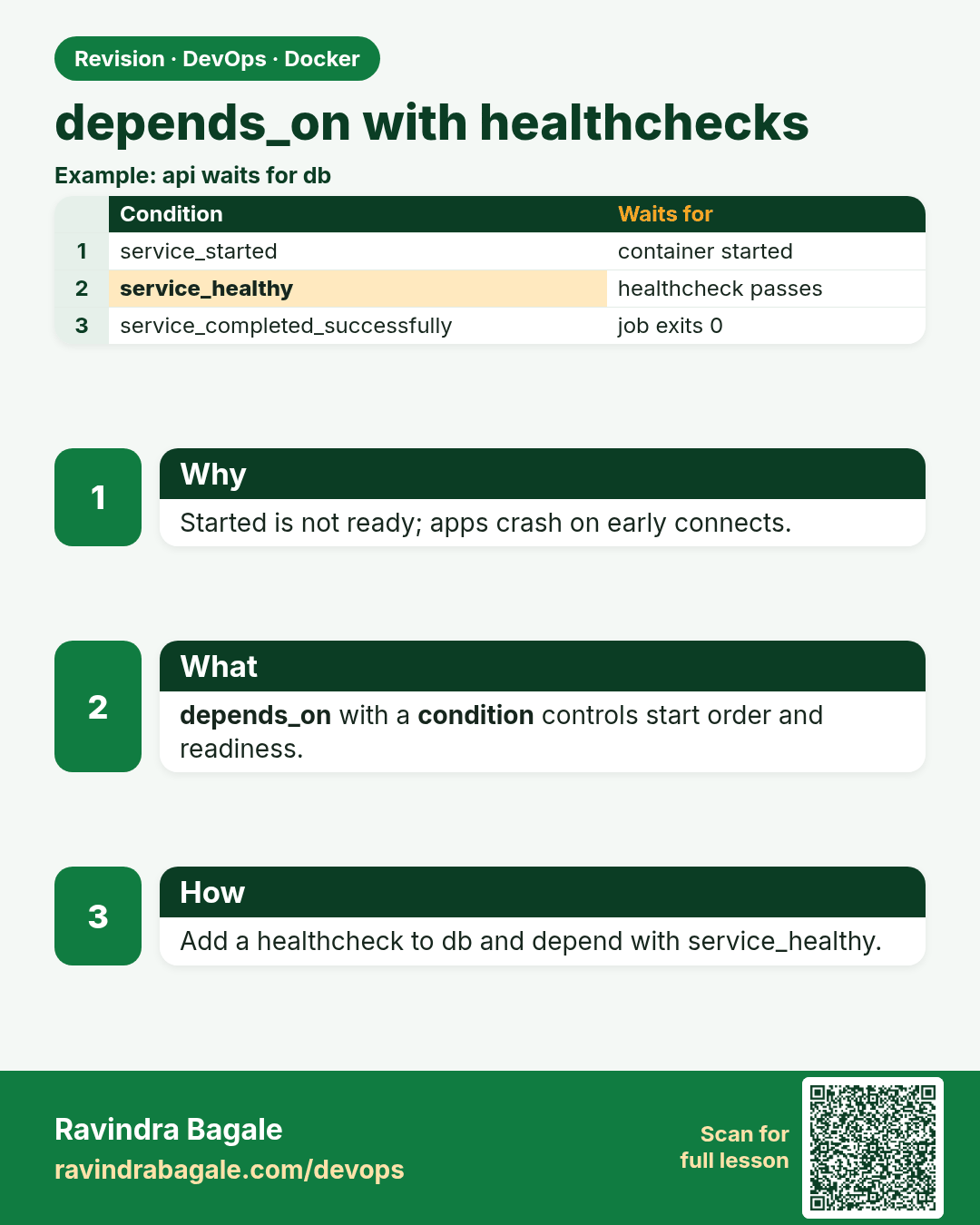
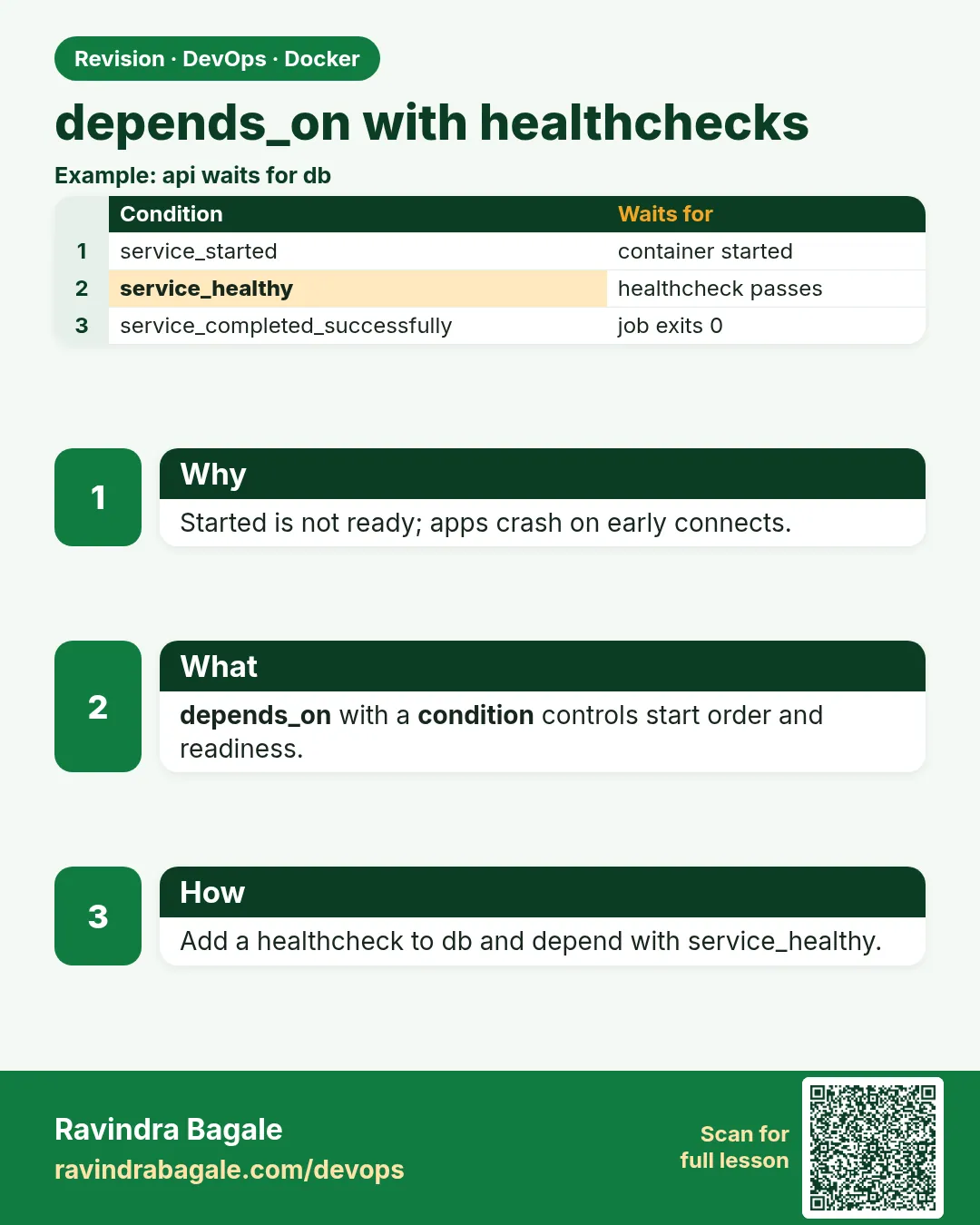 Revision card 3 of 13: depends_on with healthchecks · Download PNG · Open card page
Lesson: 53.3 depends_on with healthchecks: start in the right order
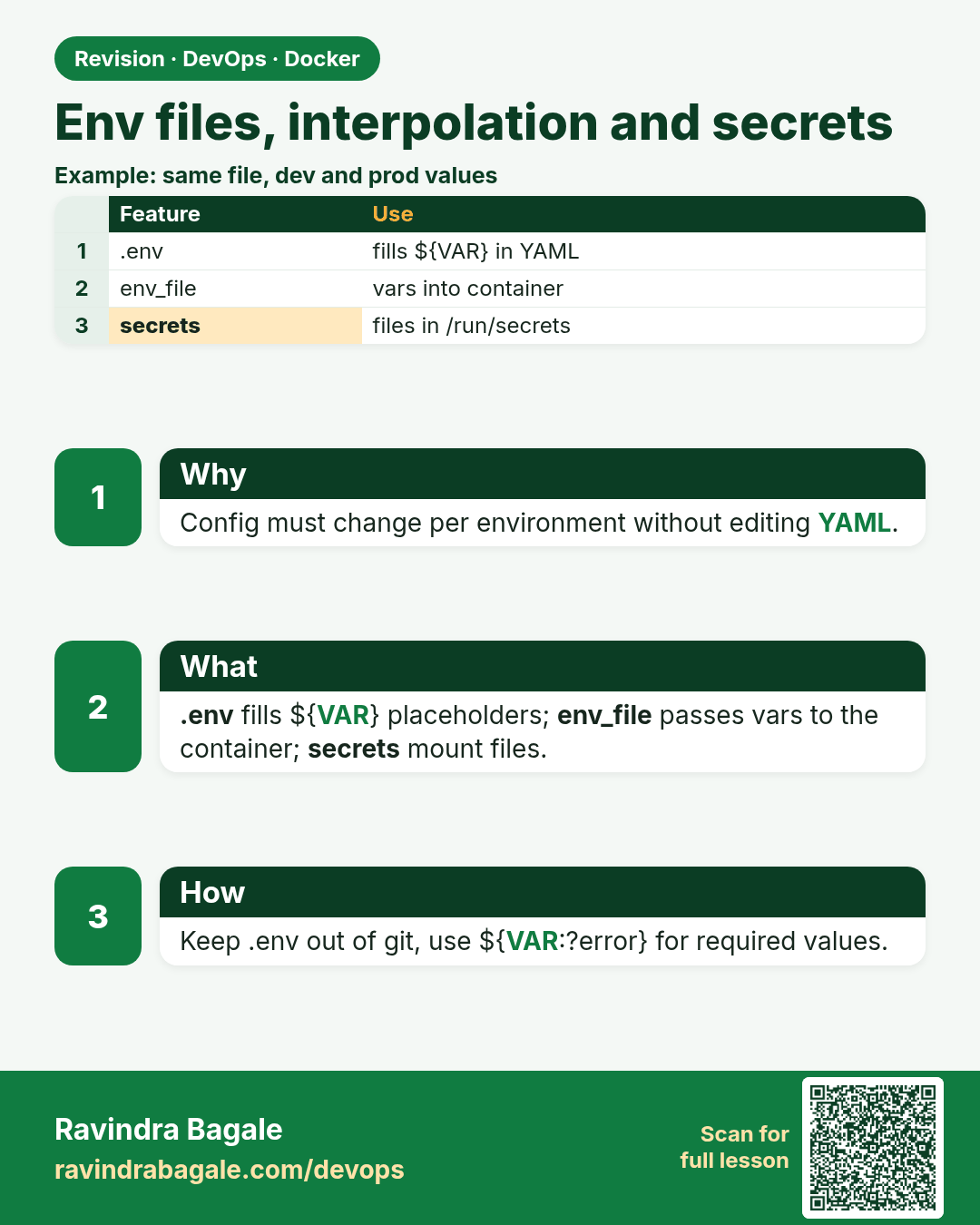
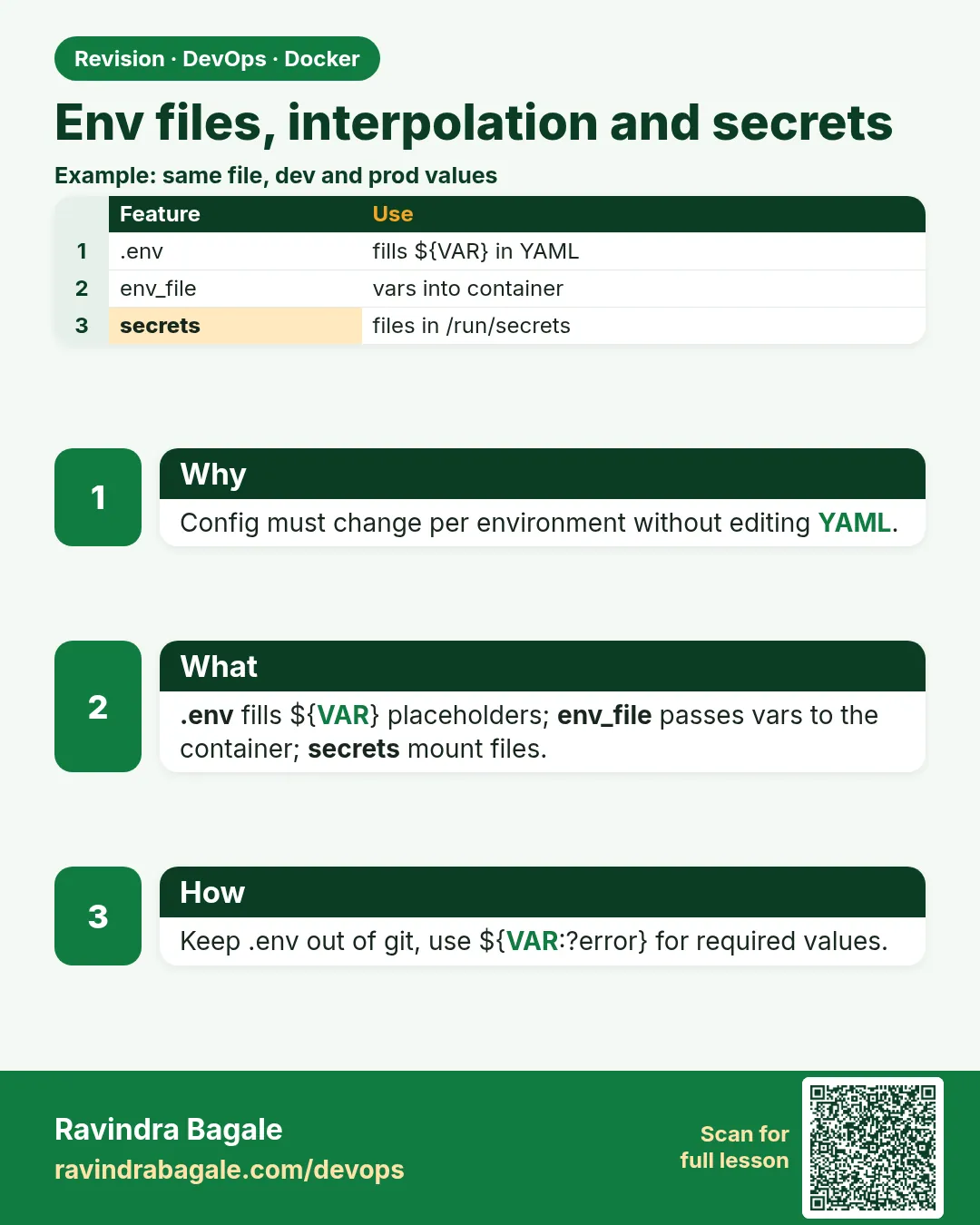 Revision card 4 of 13: Env files, interpolation and secrets · Download PNG · Open card page
Lesson: 53.4 Environment files, interpolation and secrets
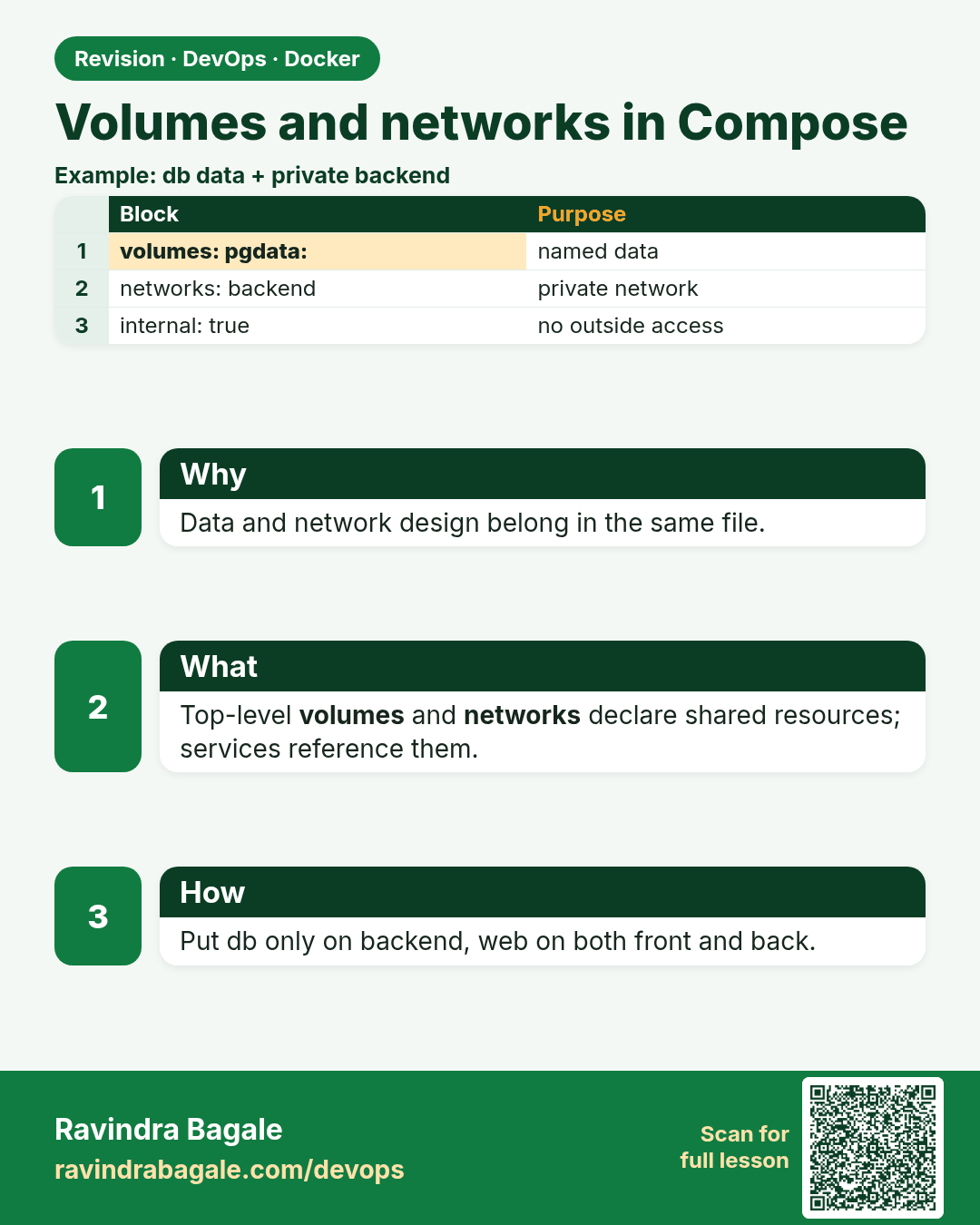
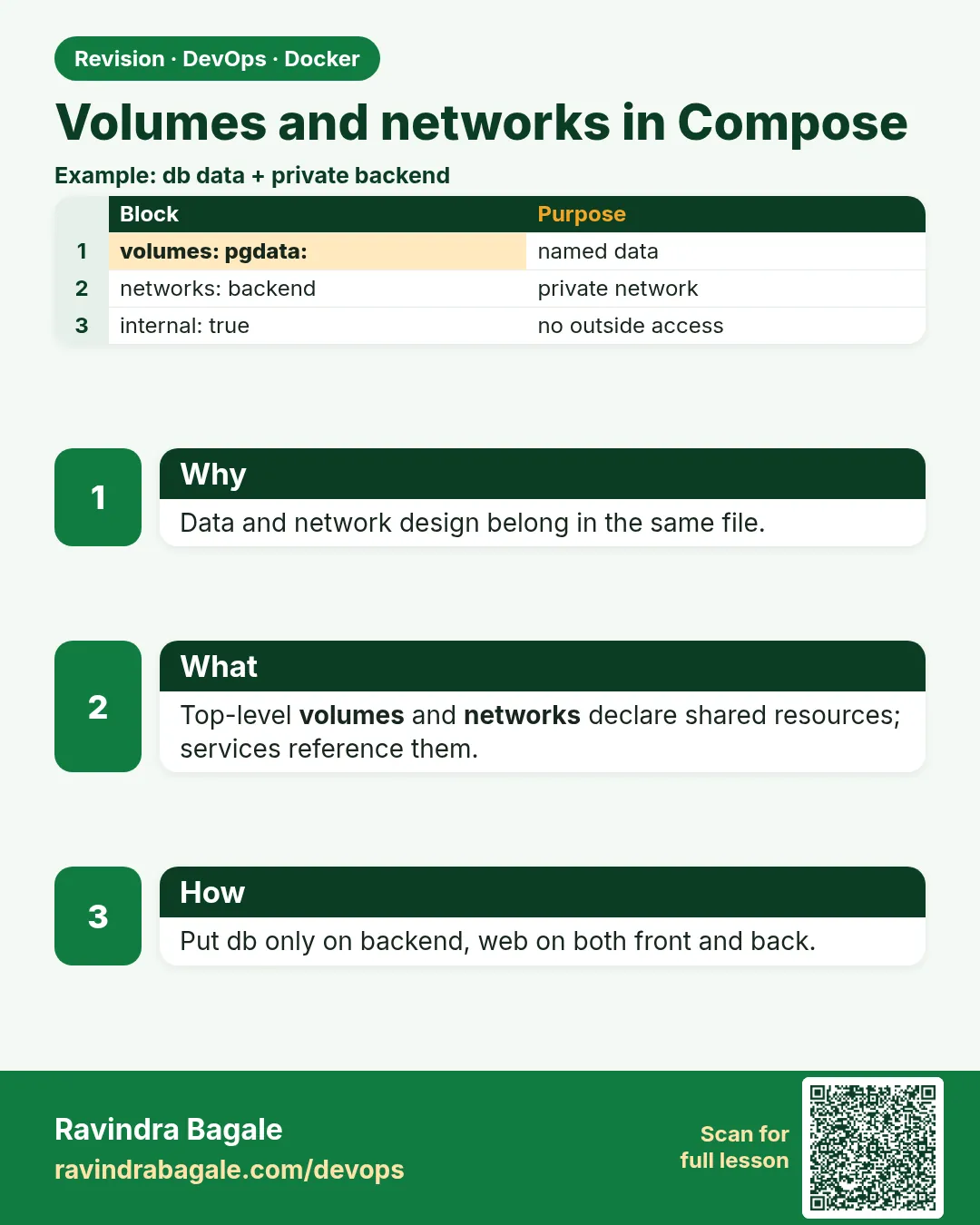 Revision card 5 of 13: Volumes and networks in Compose · Download PNG · Open card page
Lesson: 53.5 Volumes and networks in Compose
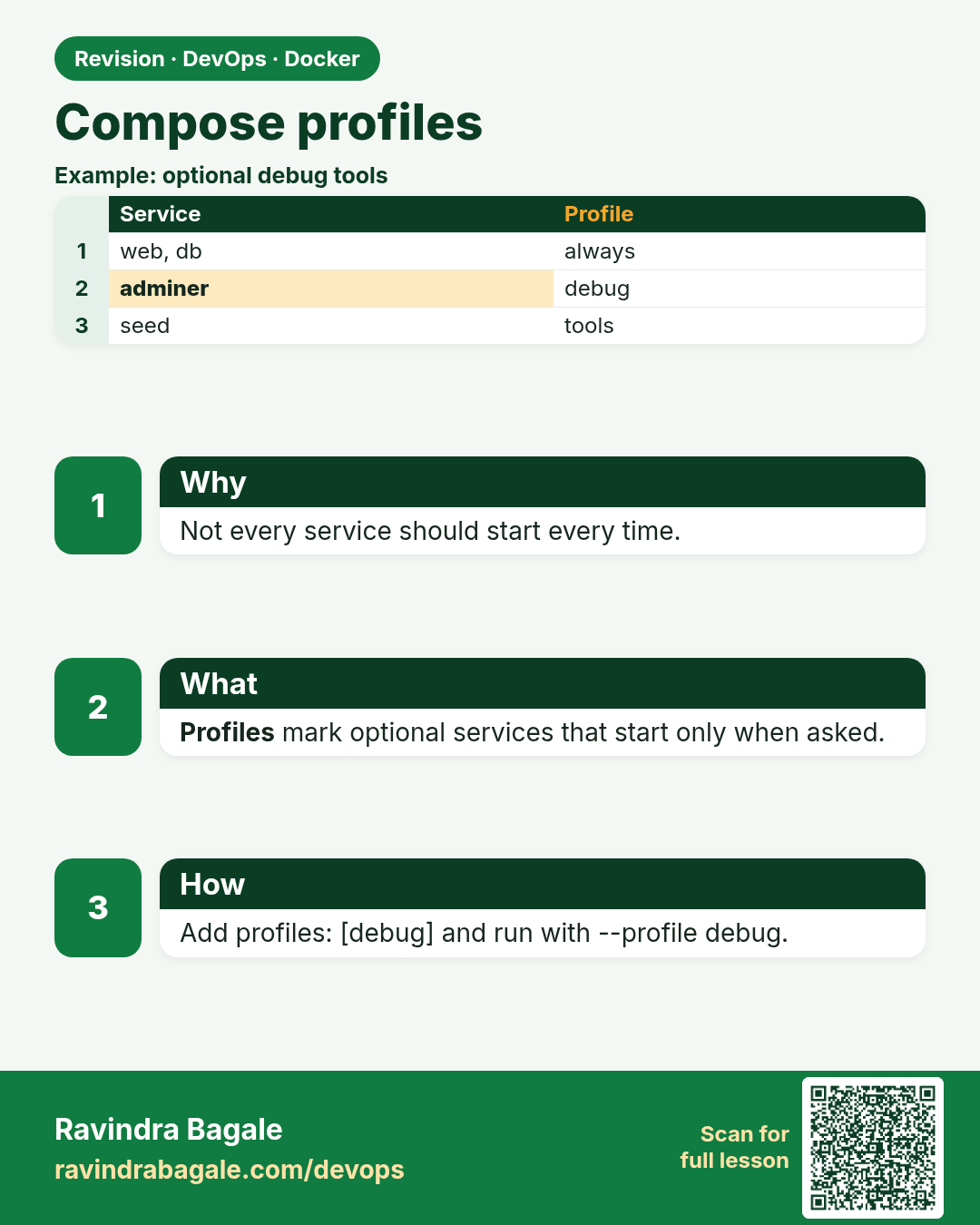
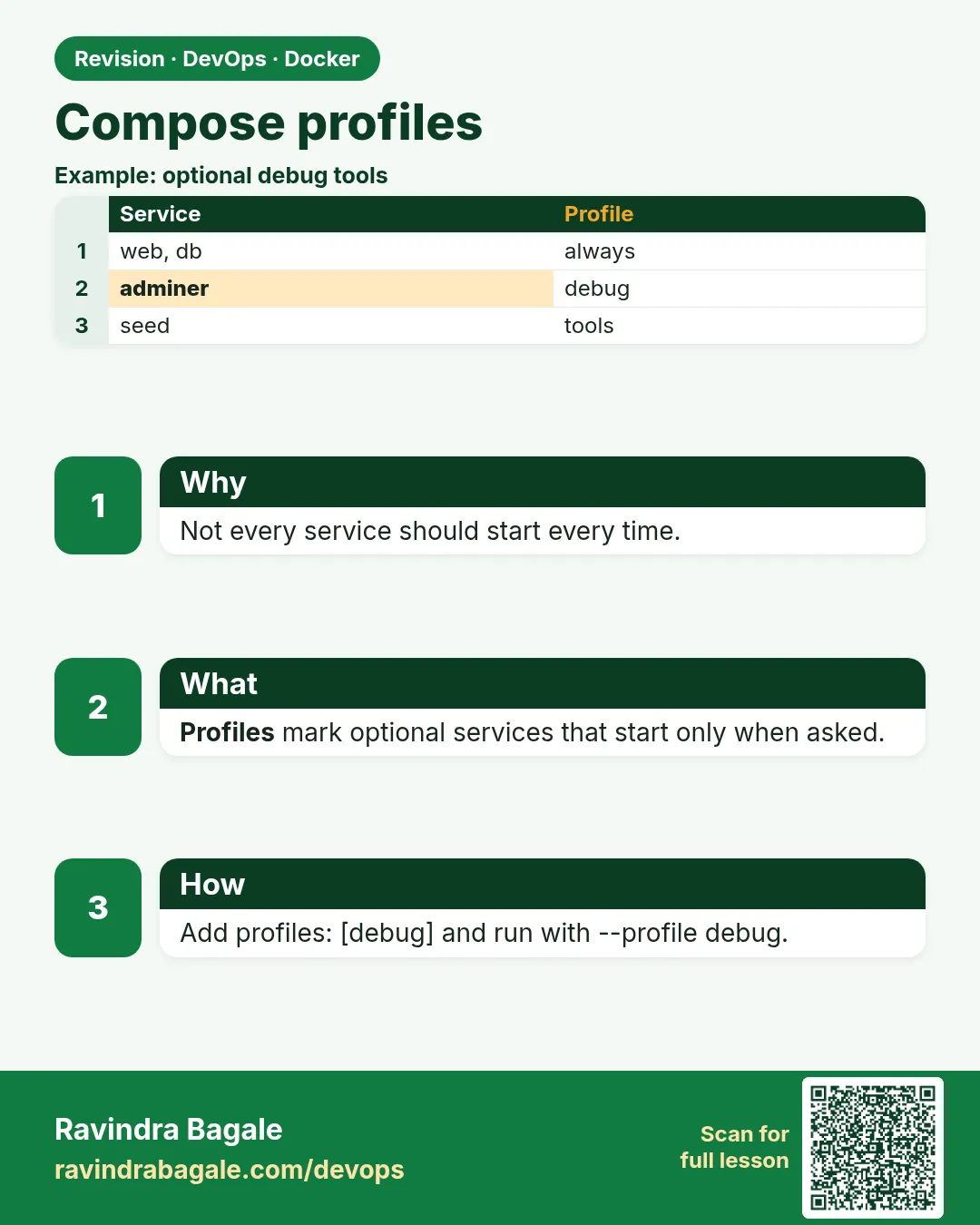 Revision card 6 of 13: Compose profiles · Download PNG · Open card page
Lesson: 53.6 Profiles: optional services
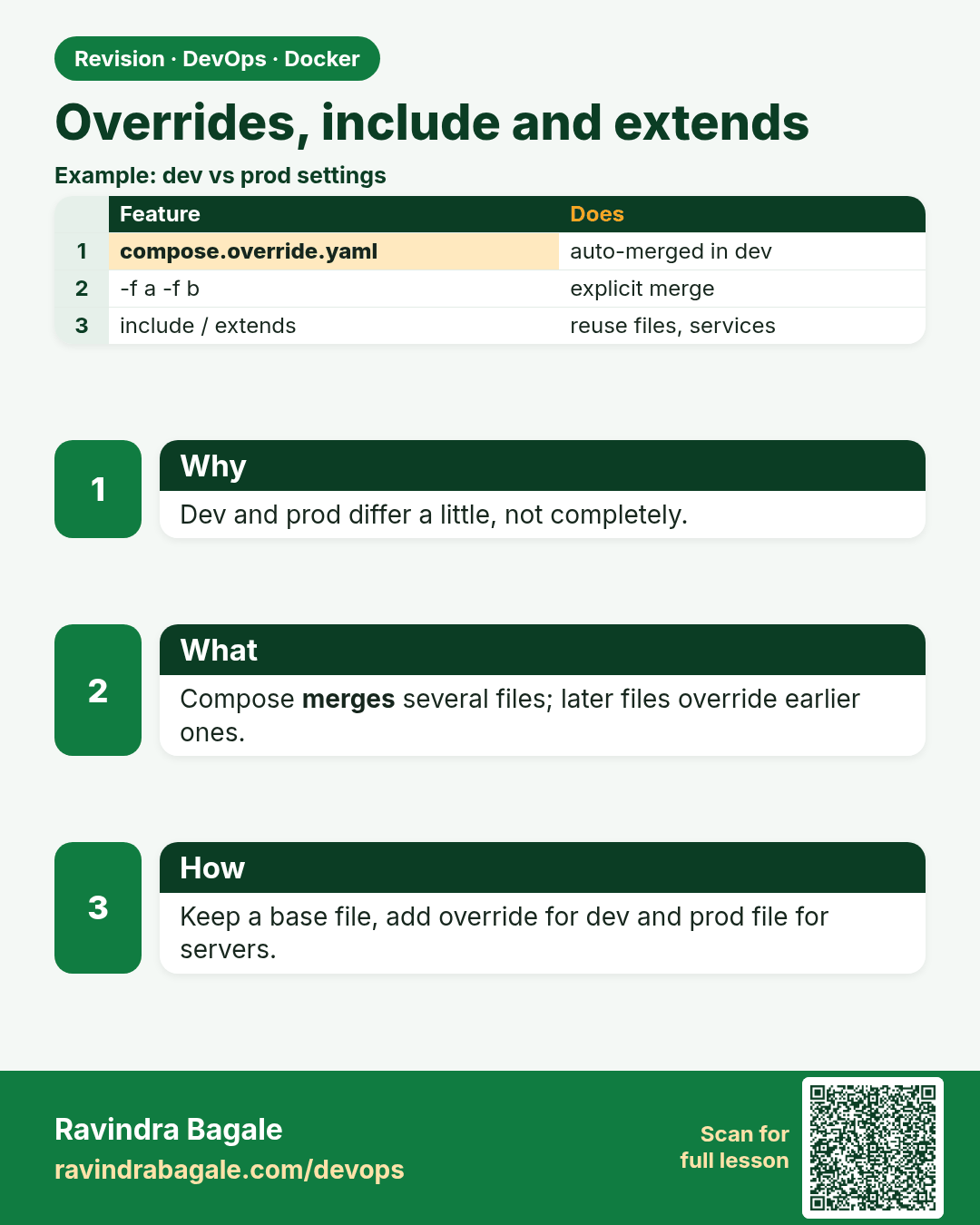
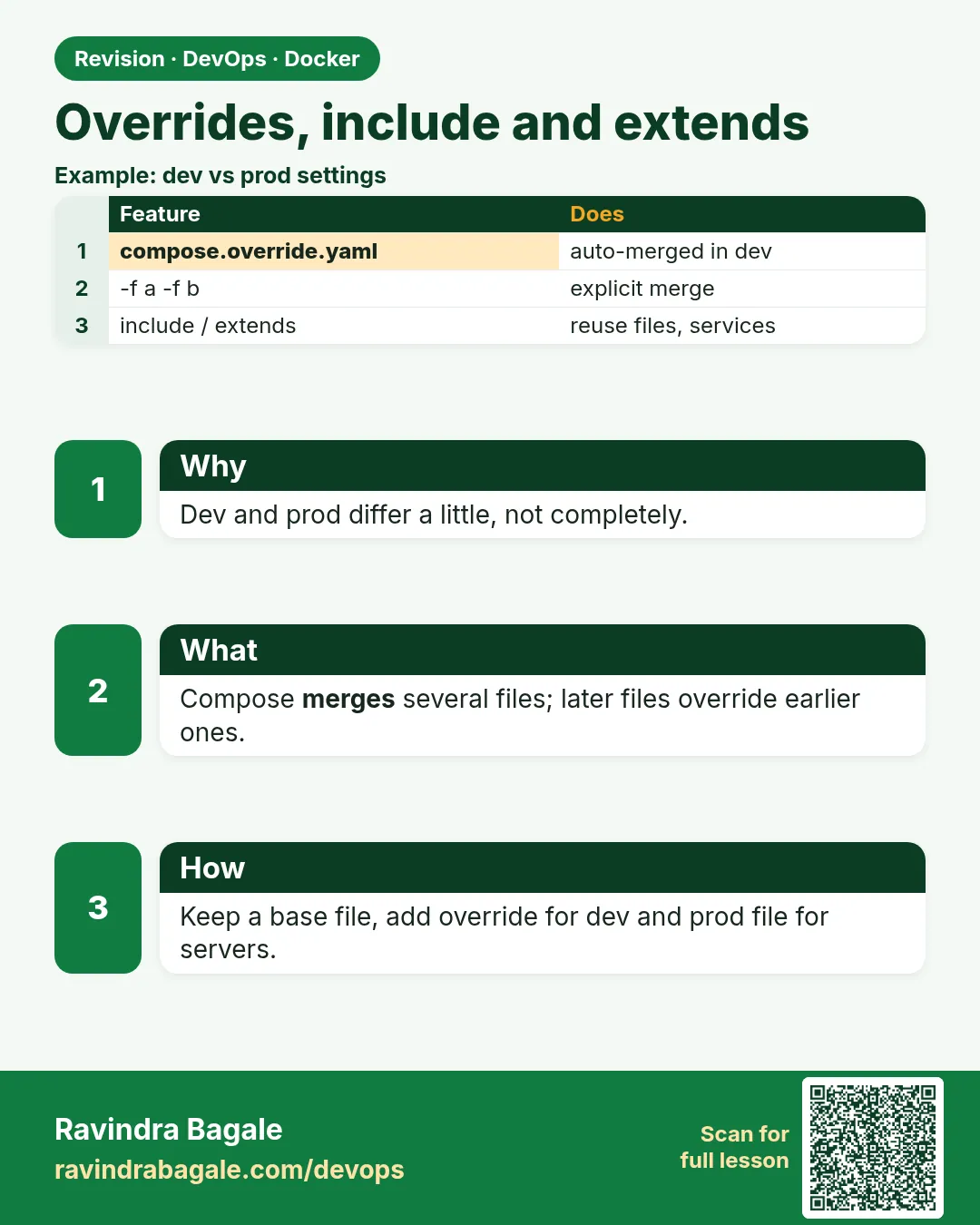 Revision card 7 of 13: Overrides, include and extends · Download PNG · Open card page
Lesson: 53.7 Override files, multiple -f, include and extends
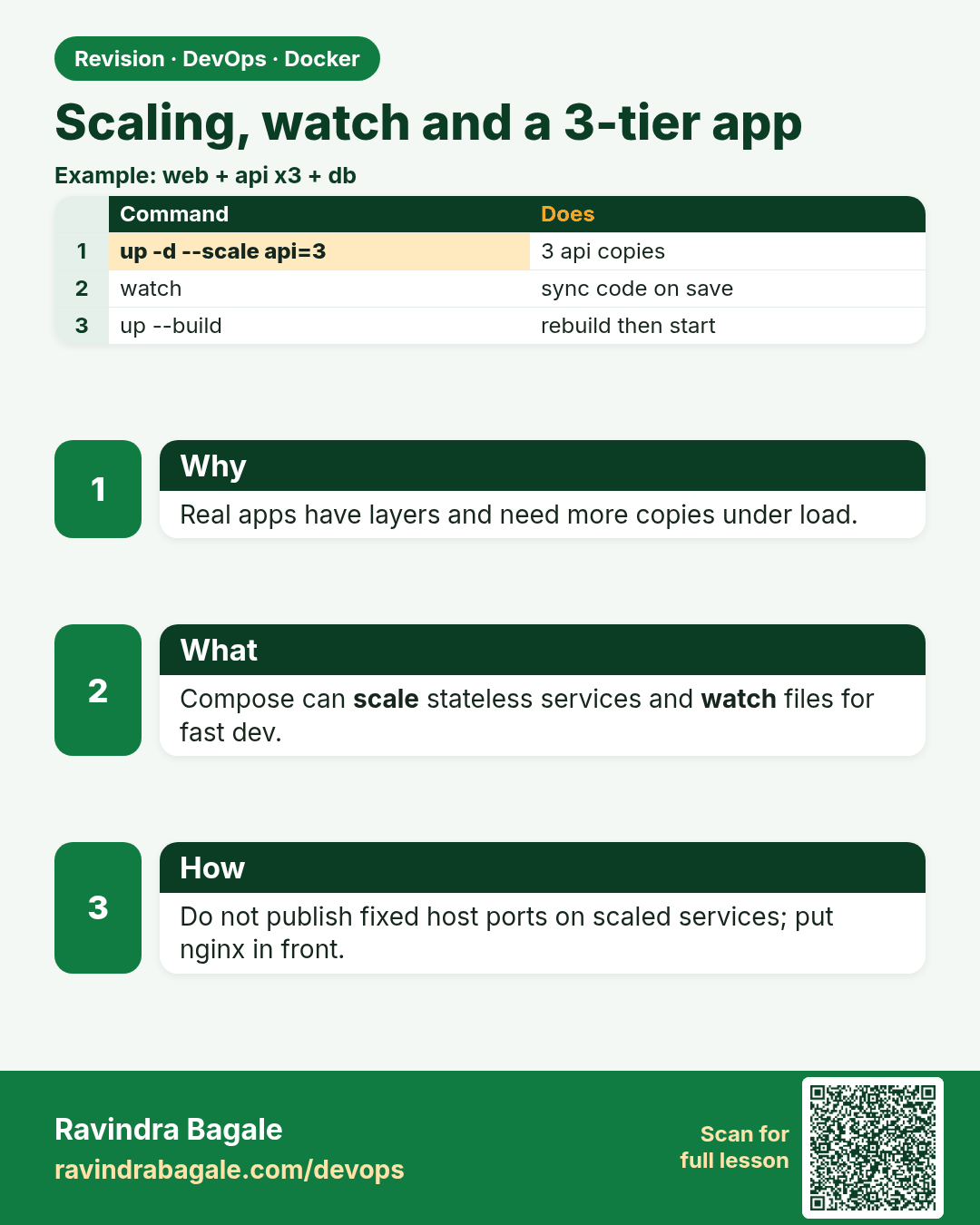
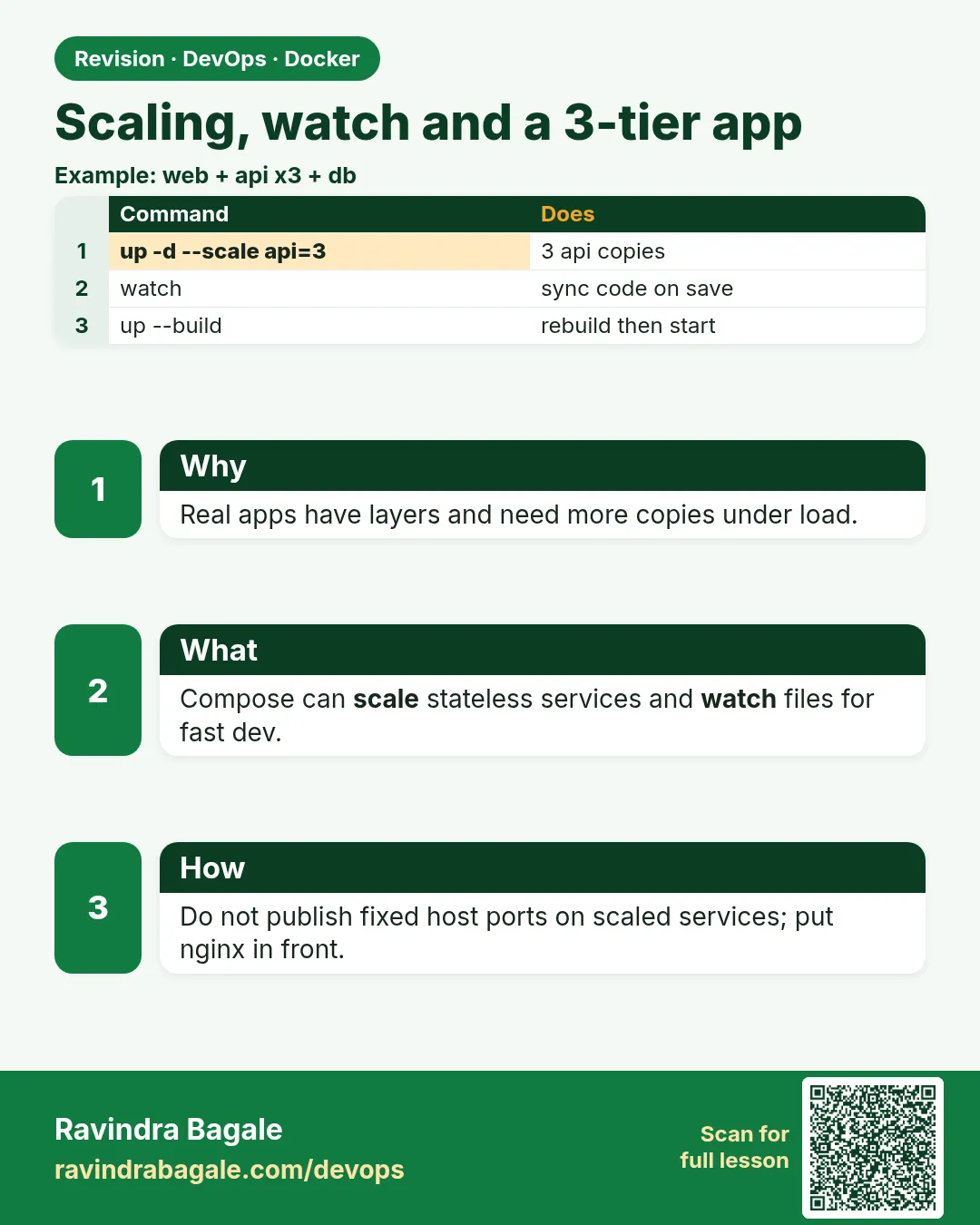 Revision card 8 of 13: Scaling, watch and a 3-tier app · Download PNG · Open card page
Lesson: 53.8 Scaling, watch mode and the full 3-tier stack
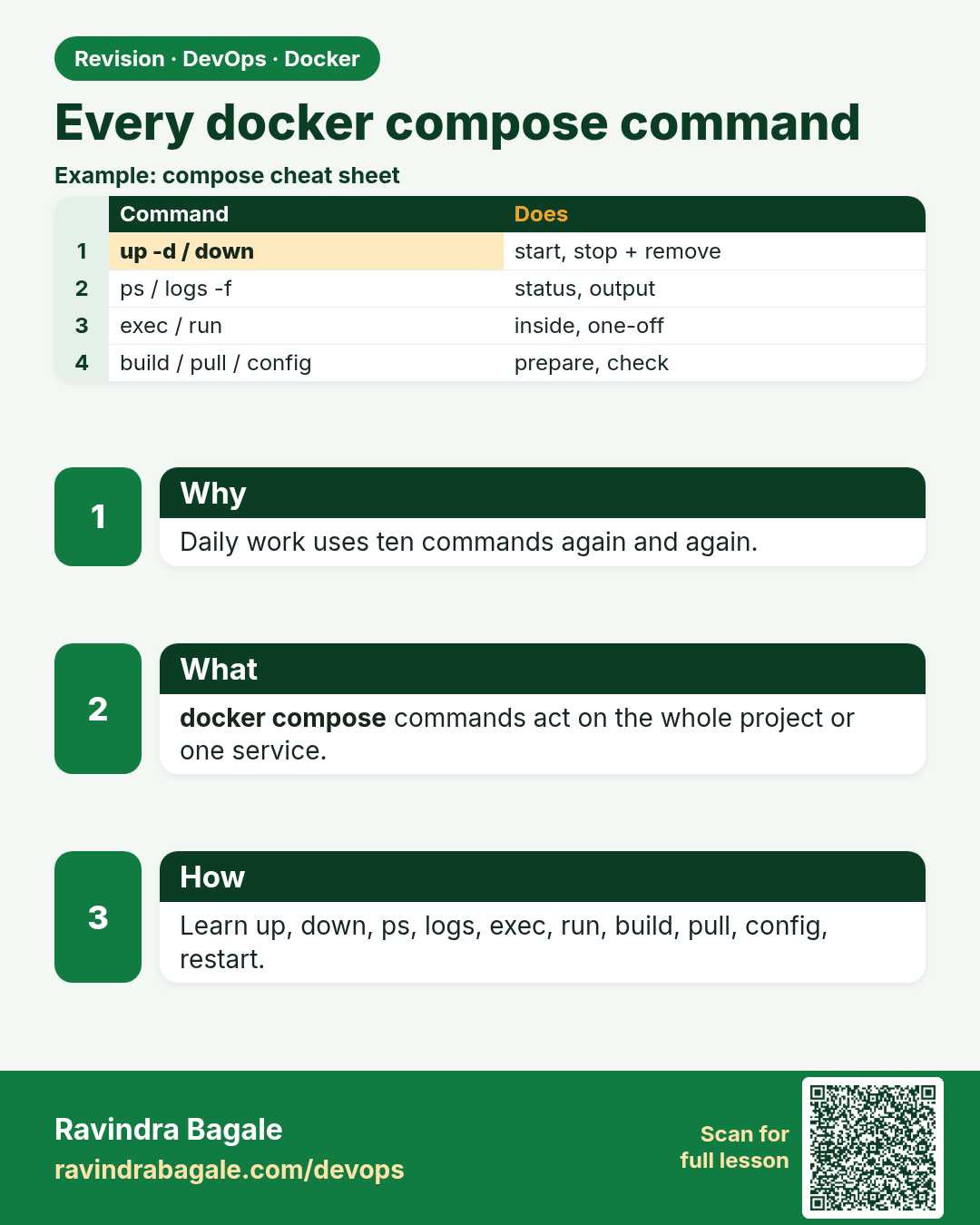
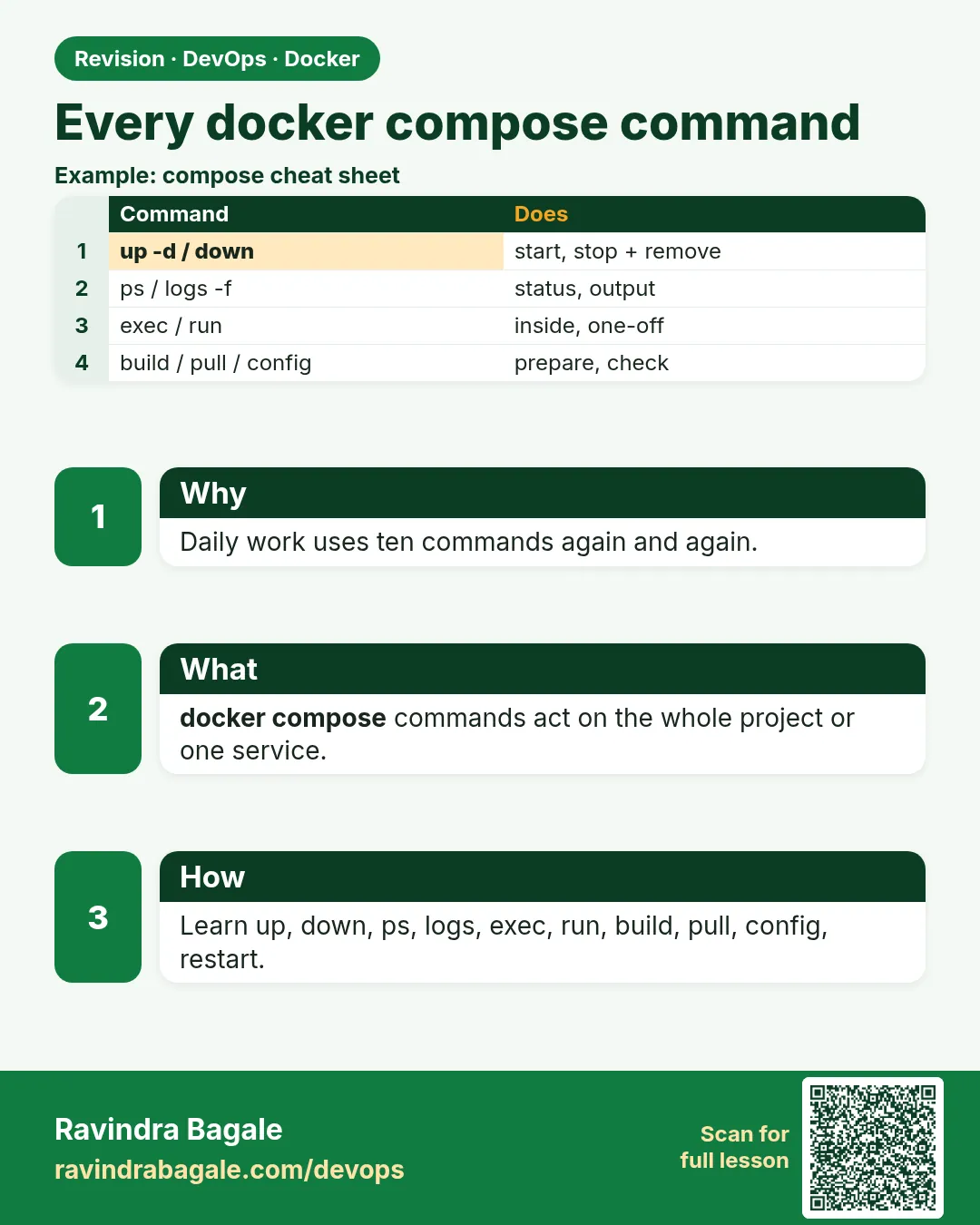 Revision card 9 of 13: Every docker compose command · Download PNG · Open card page
Lesson: 53.9 Every docker compose command: full reference
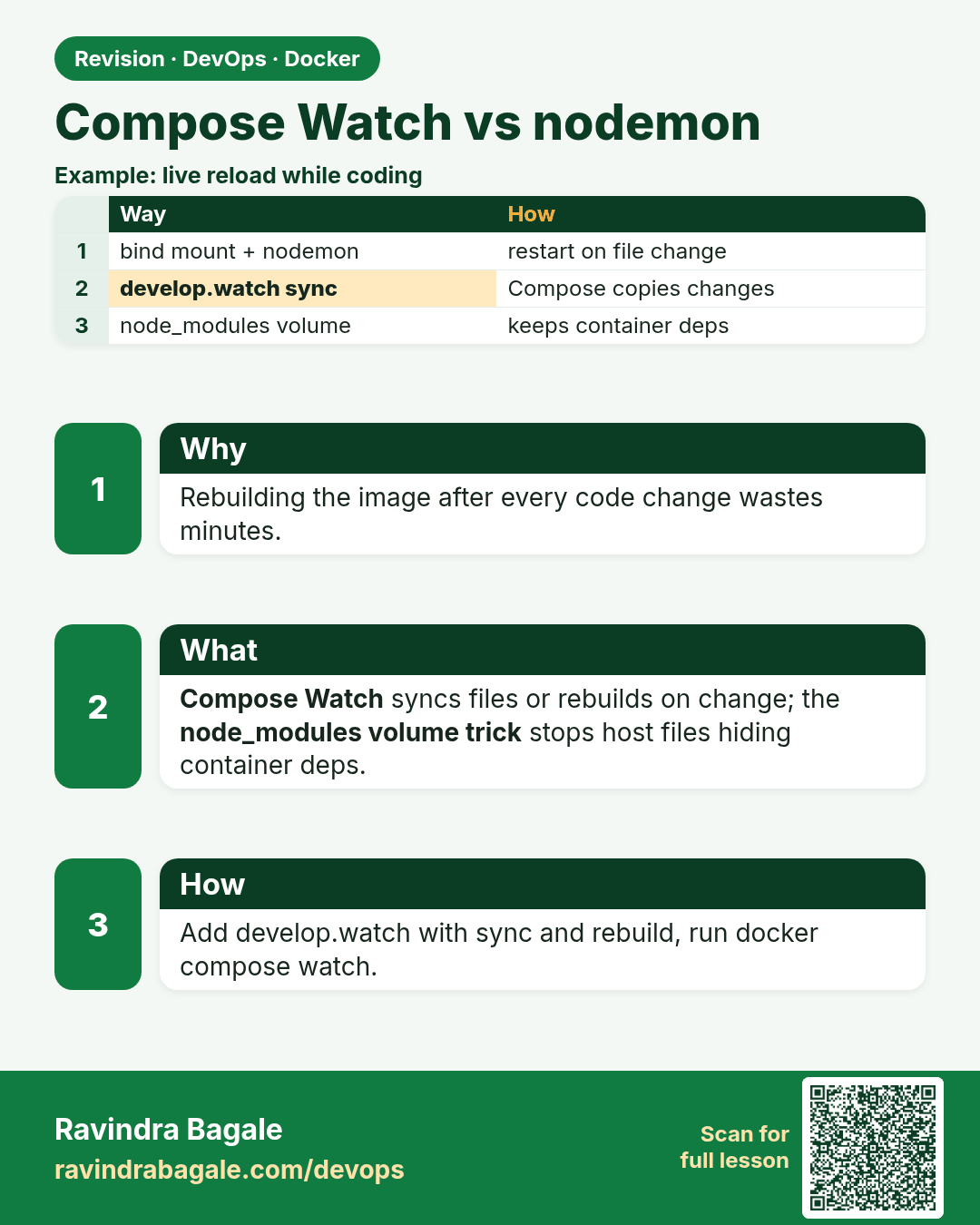
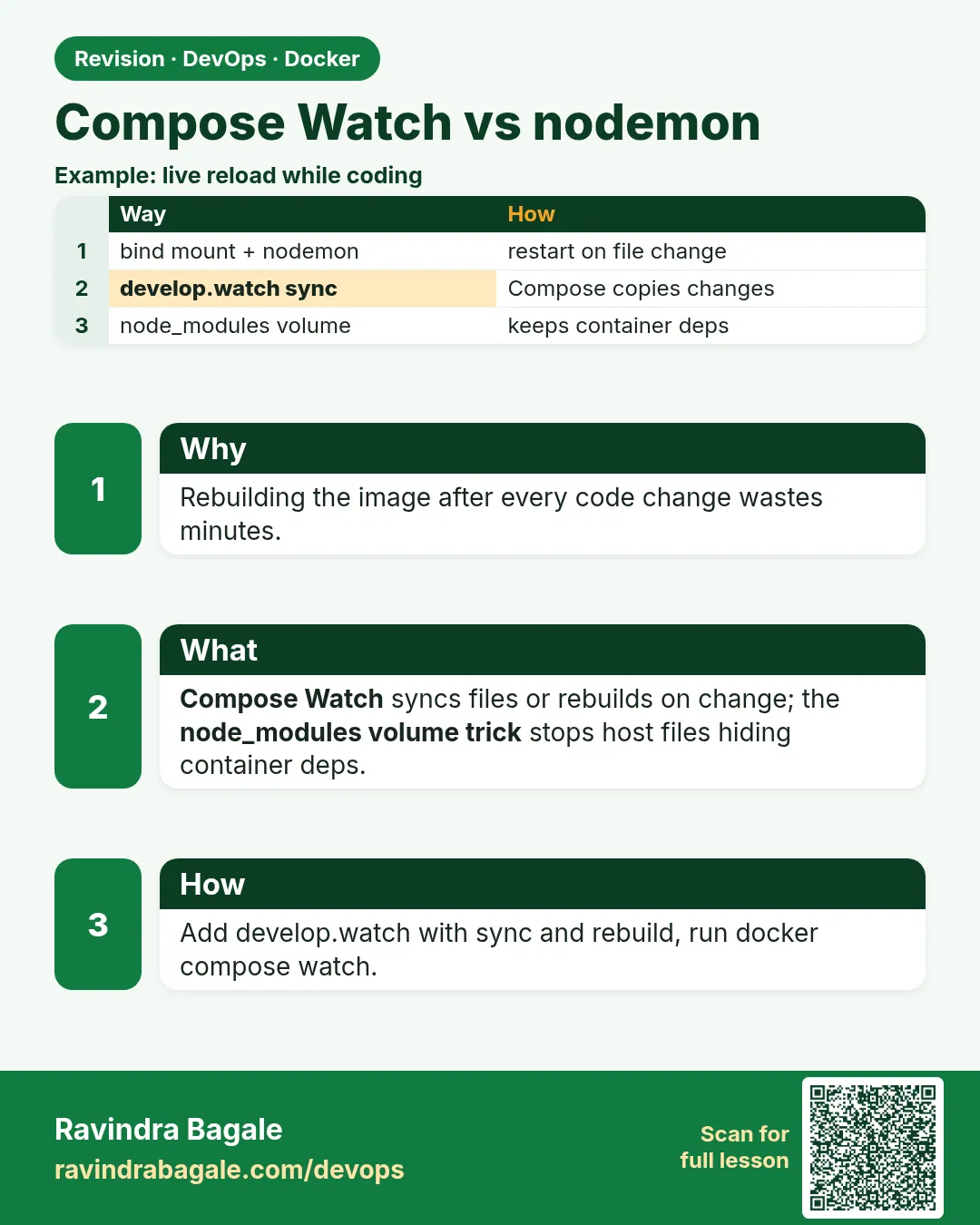 Revision card 10 of 13: Compose Watch vs nodemon · Download PNG · Open card page
Lesson: 53.10 Compose Watch vs nodemon and the node_modules volume trick
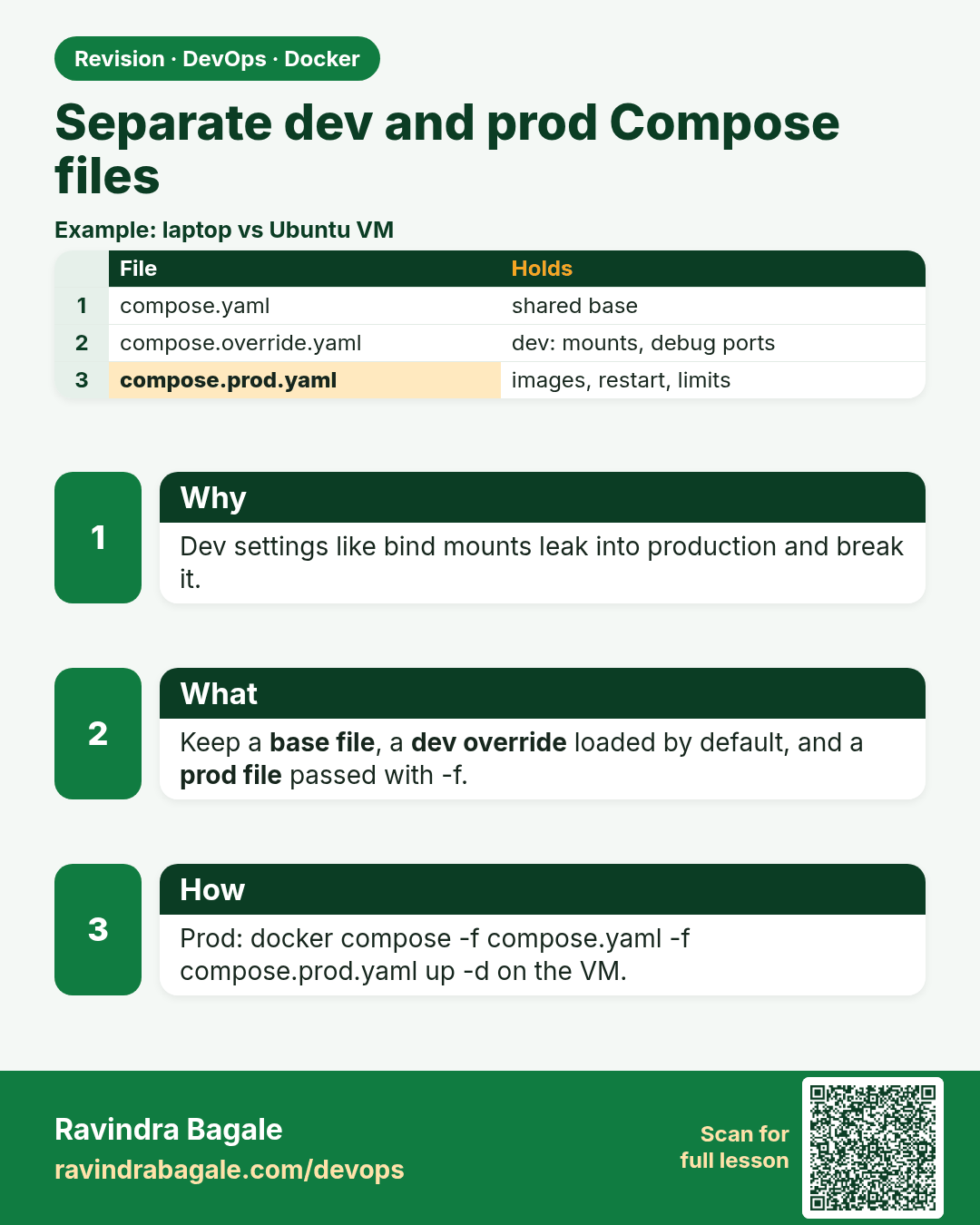
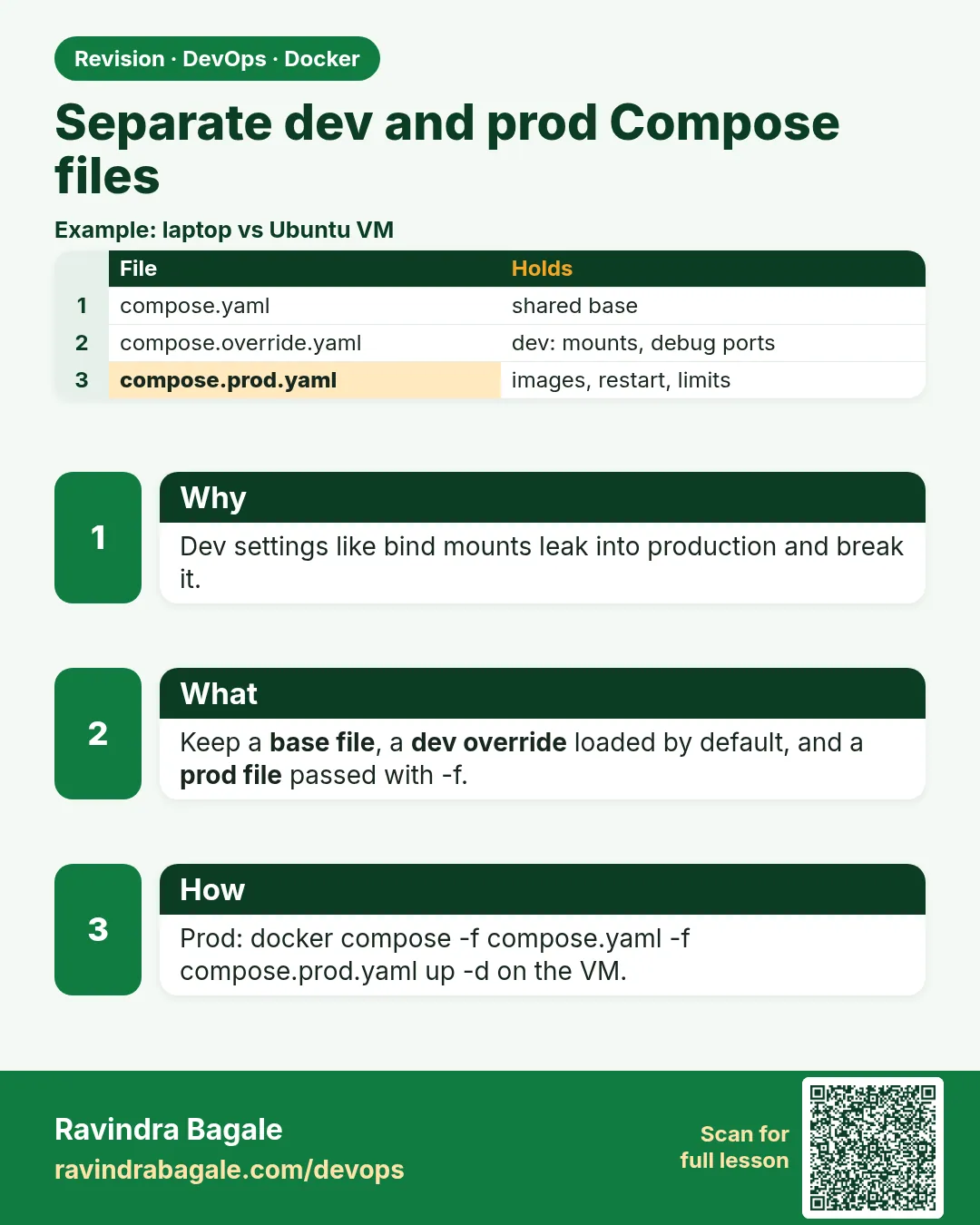 Revision card 11 of 13: Separate dev and prod Compose files · Download PNG · Open card page
Lesson: 53.11 Separate dev and prod Compose files, deployed to an Ubuntu VM
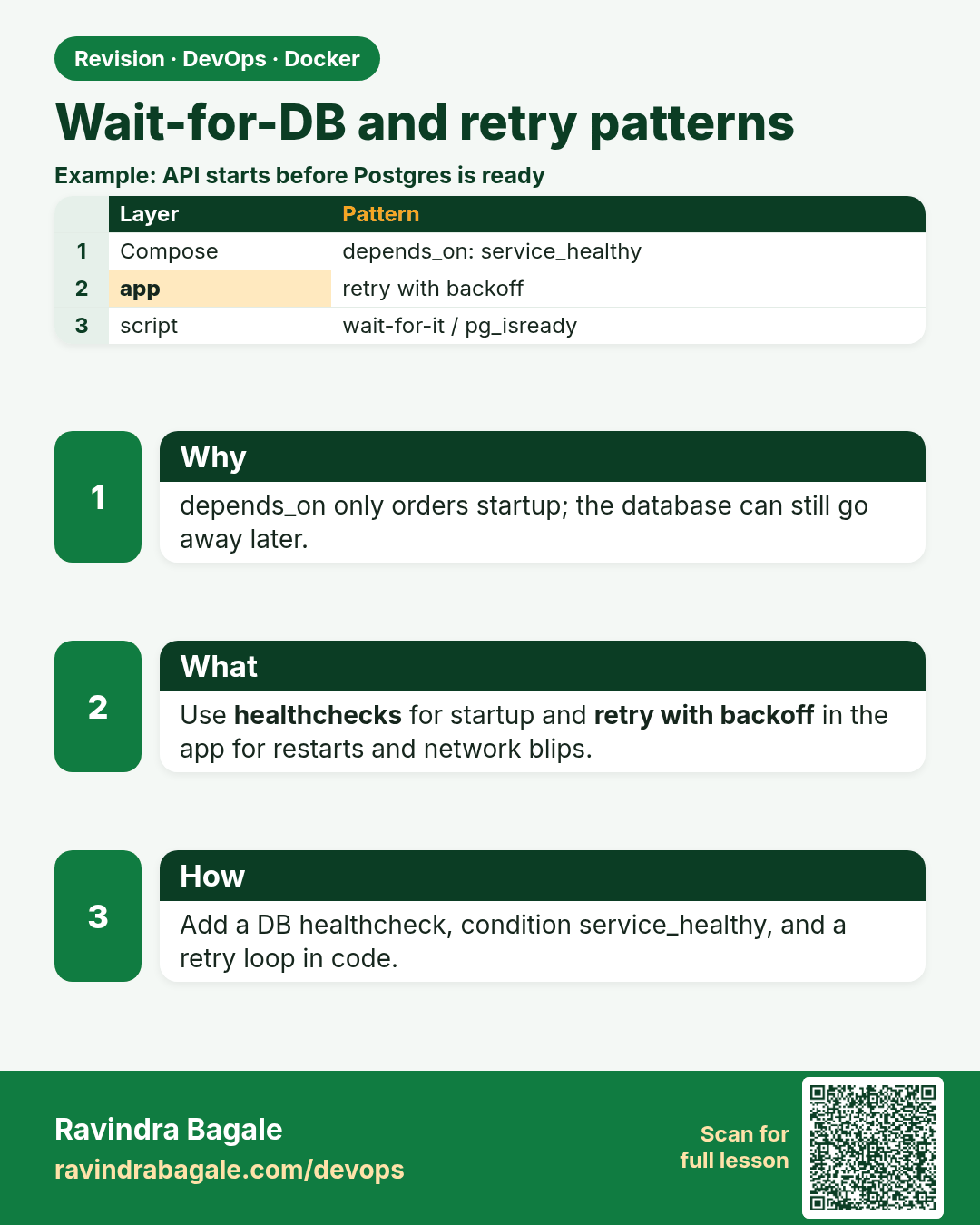
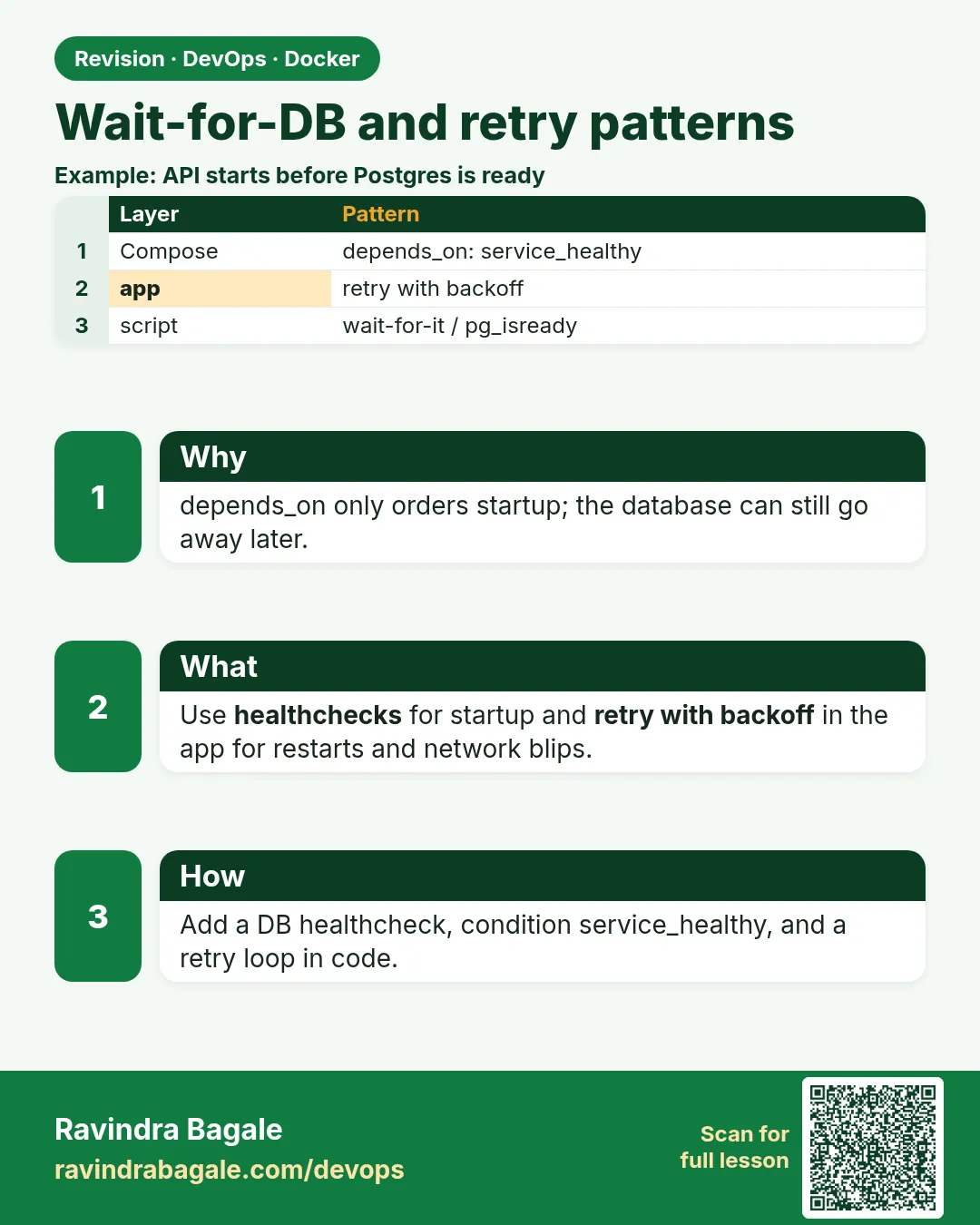 Revision card 12 of 13: Wait-for-DB and retry patterns · Download PNG · Open card page
Lesson: 53.12 Wait-for-DB and retry patterns beyond depends_on
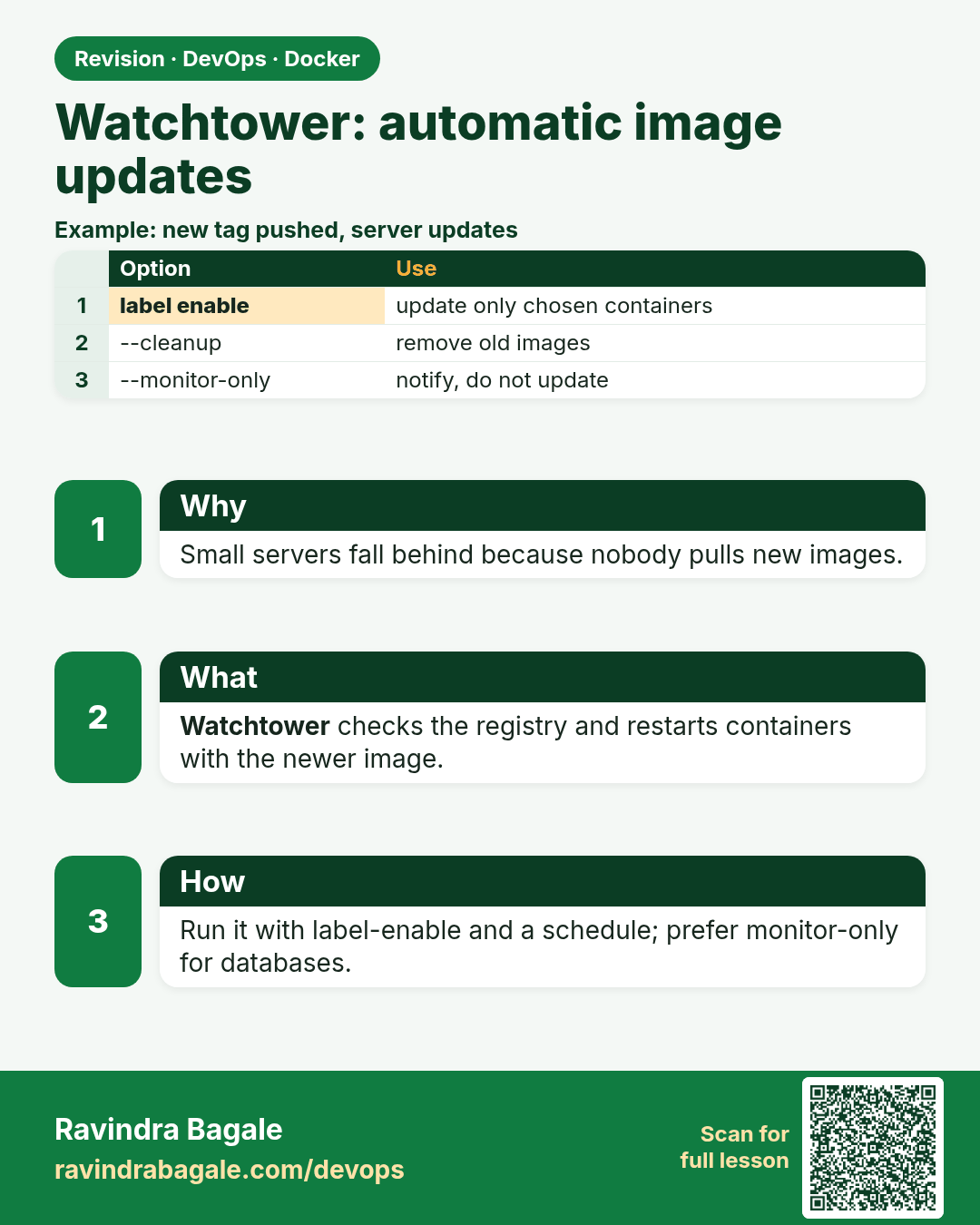
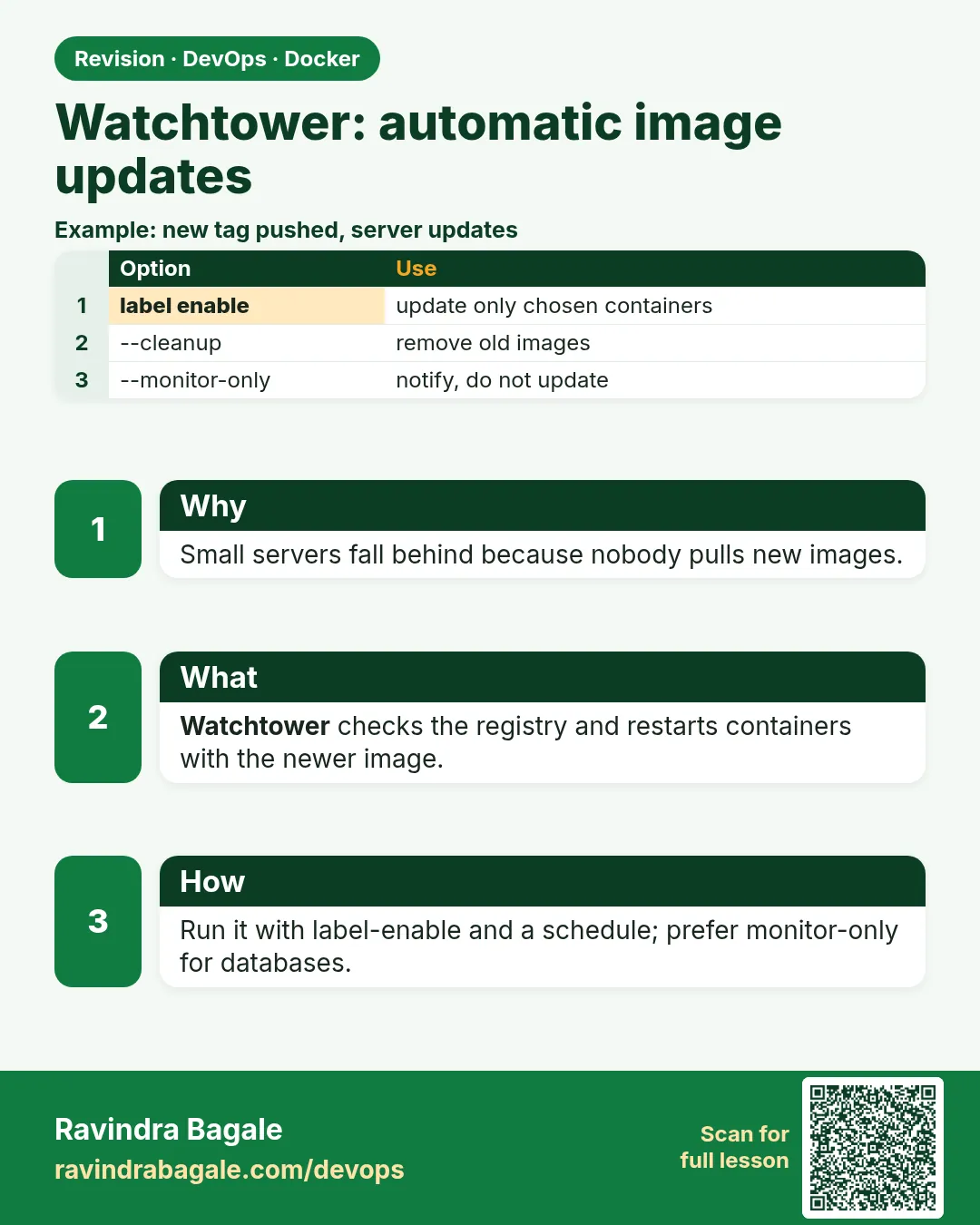 Revision card 13 of 13: Watchtower: automatic image updates · Download PNG · Open card page
Lesson: 53.13 Watchtower: automatic image updates for Compose apps
Interview cards
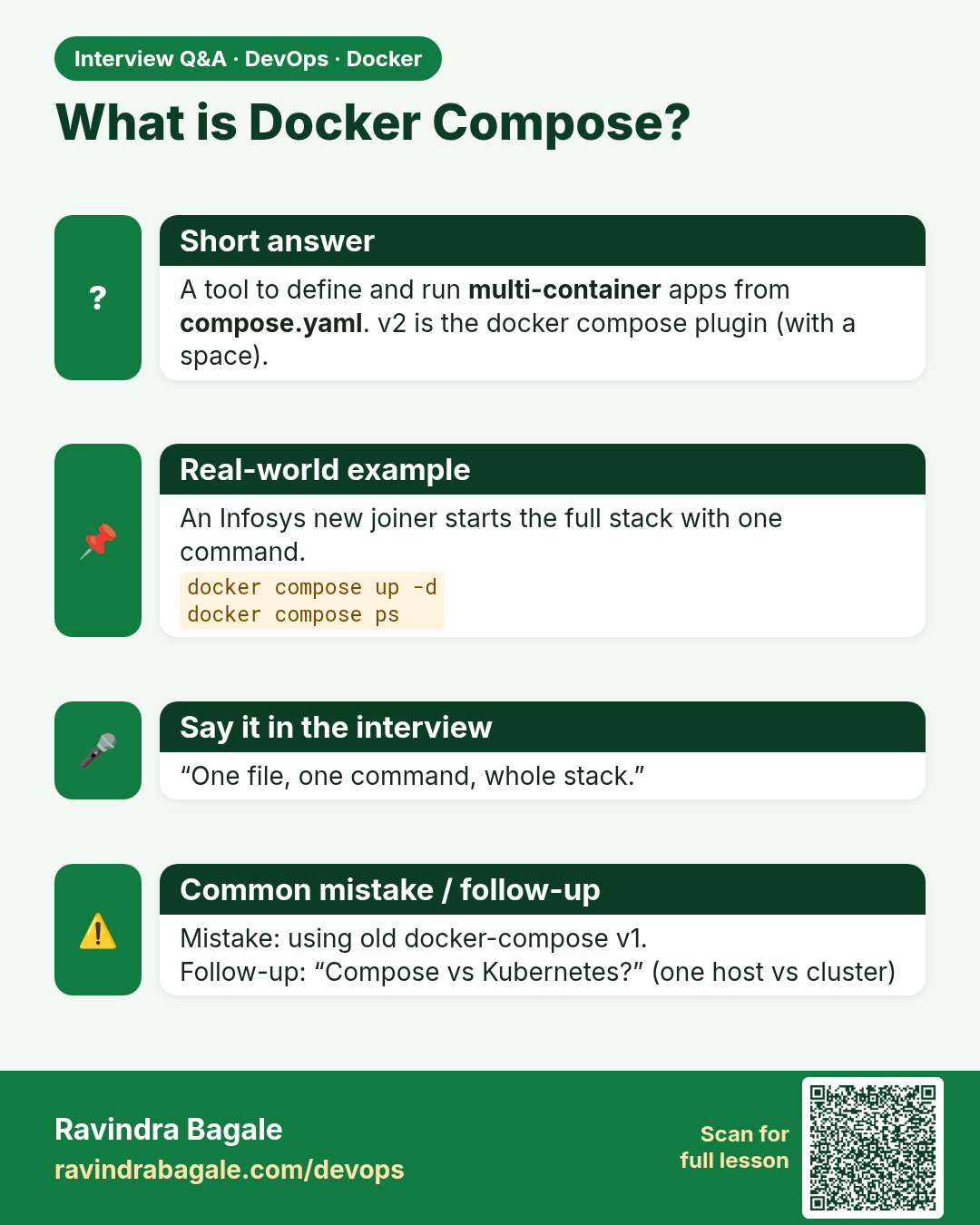
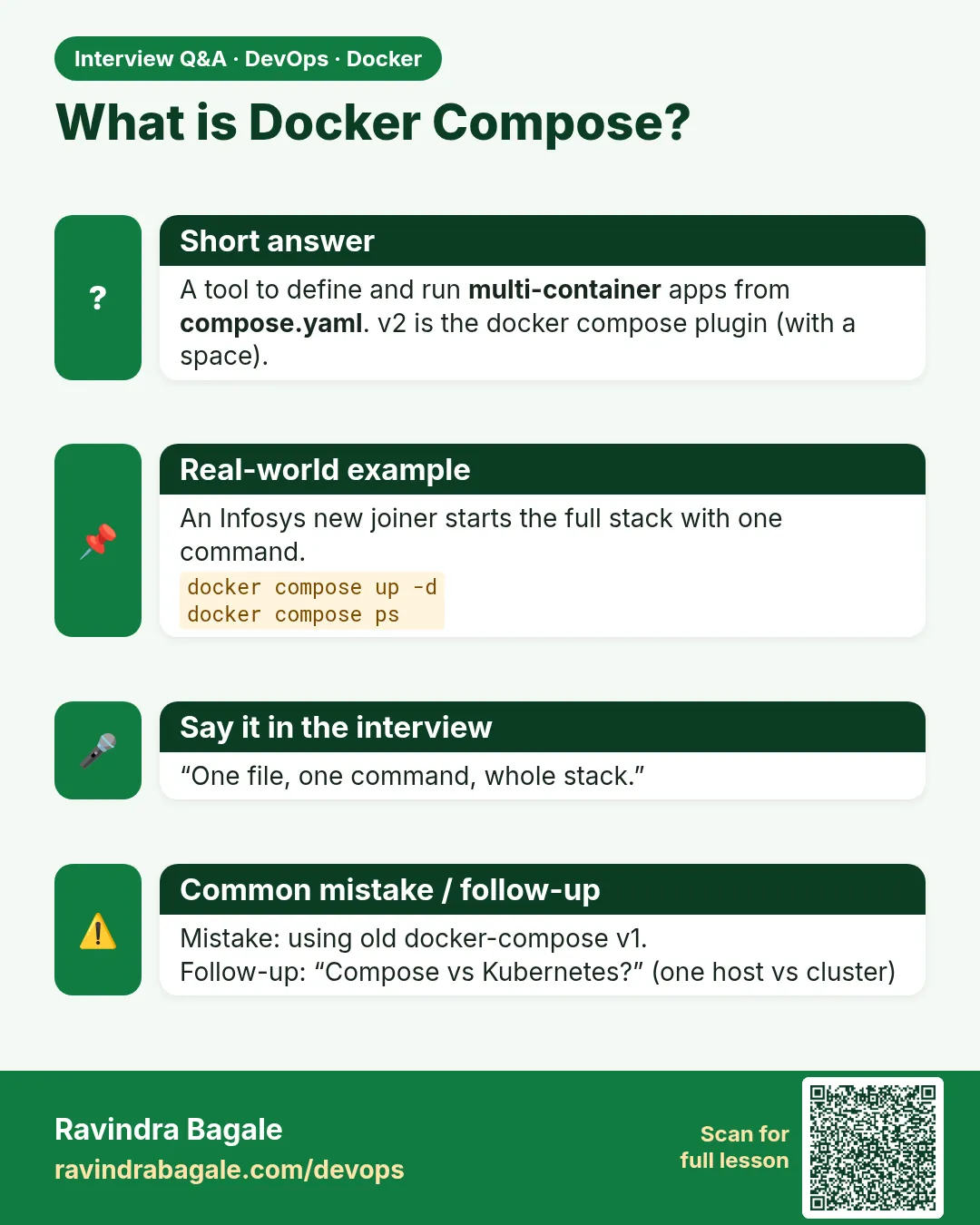 Interview card 1 of 13: What is Docker Compose? · Download PNG · Open card page
Lesson: 53.1 Why Compose: one file for the whole app
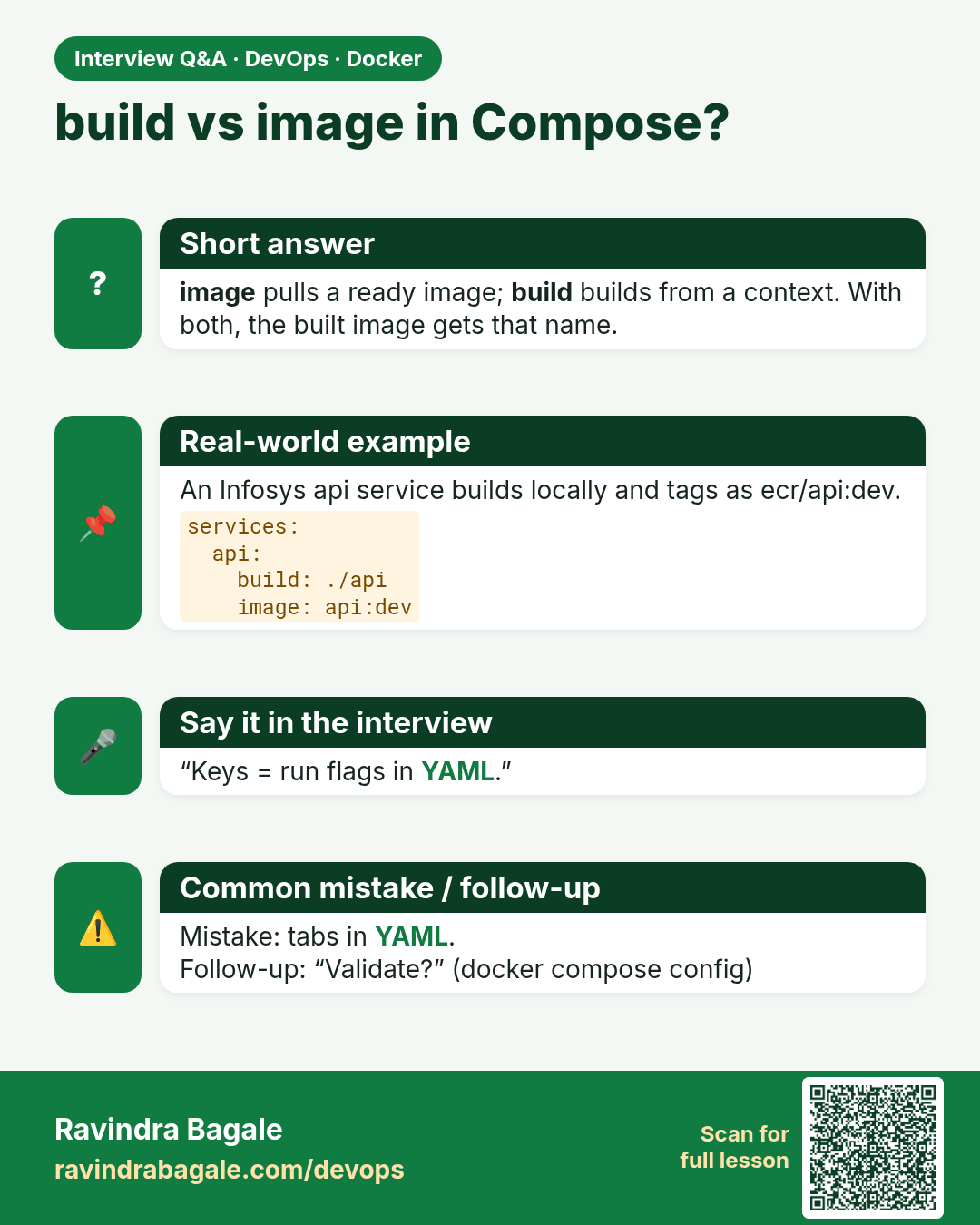
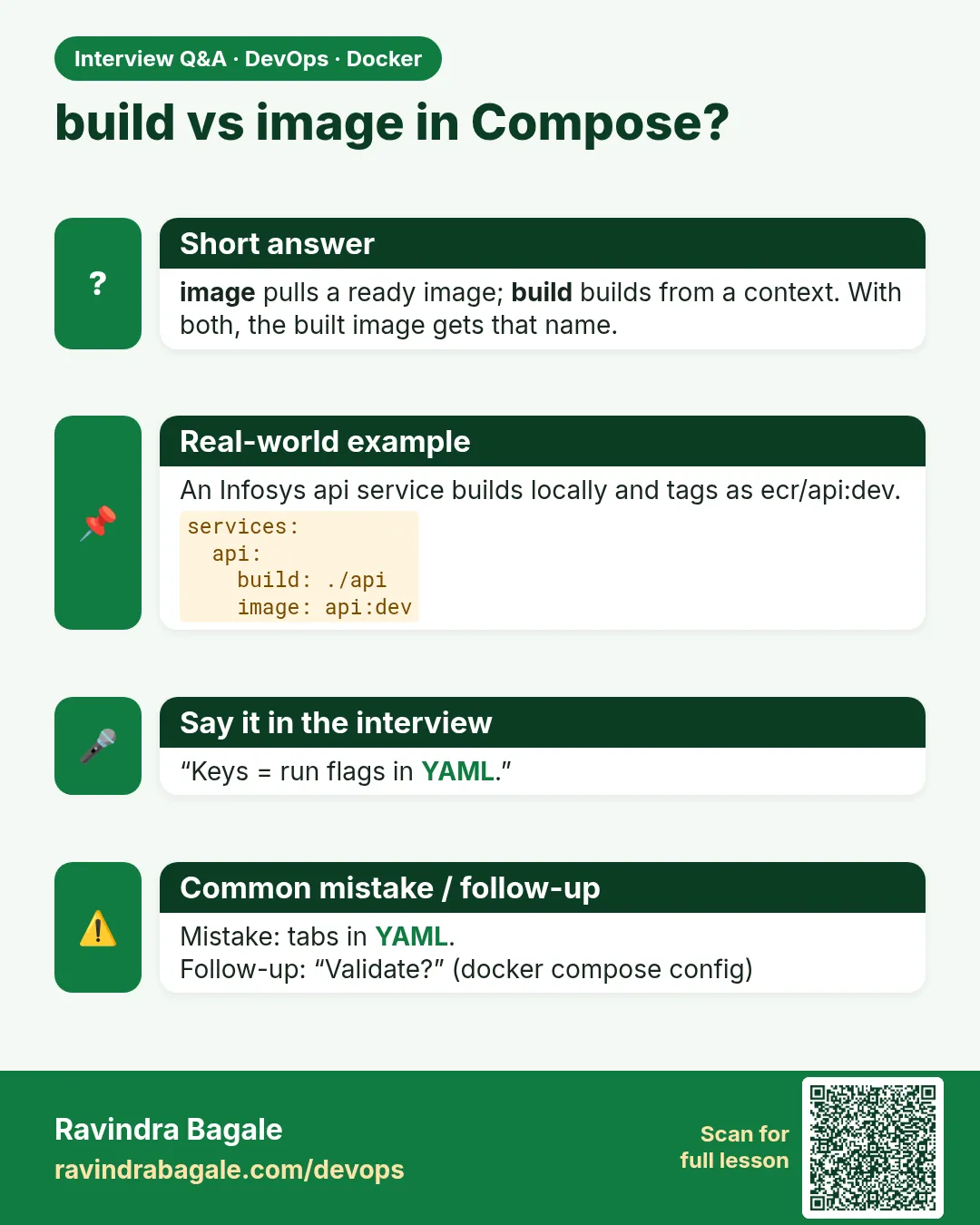 Interview card 2 of 13: build vs image in Compose? · Download PNG · Open card page
Lesson: 53.2 Service keys: build, image, command, environment, ports, restart
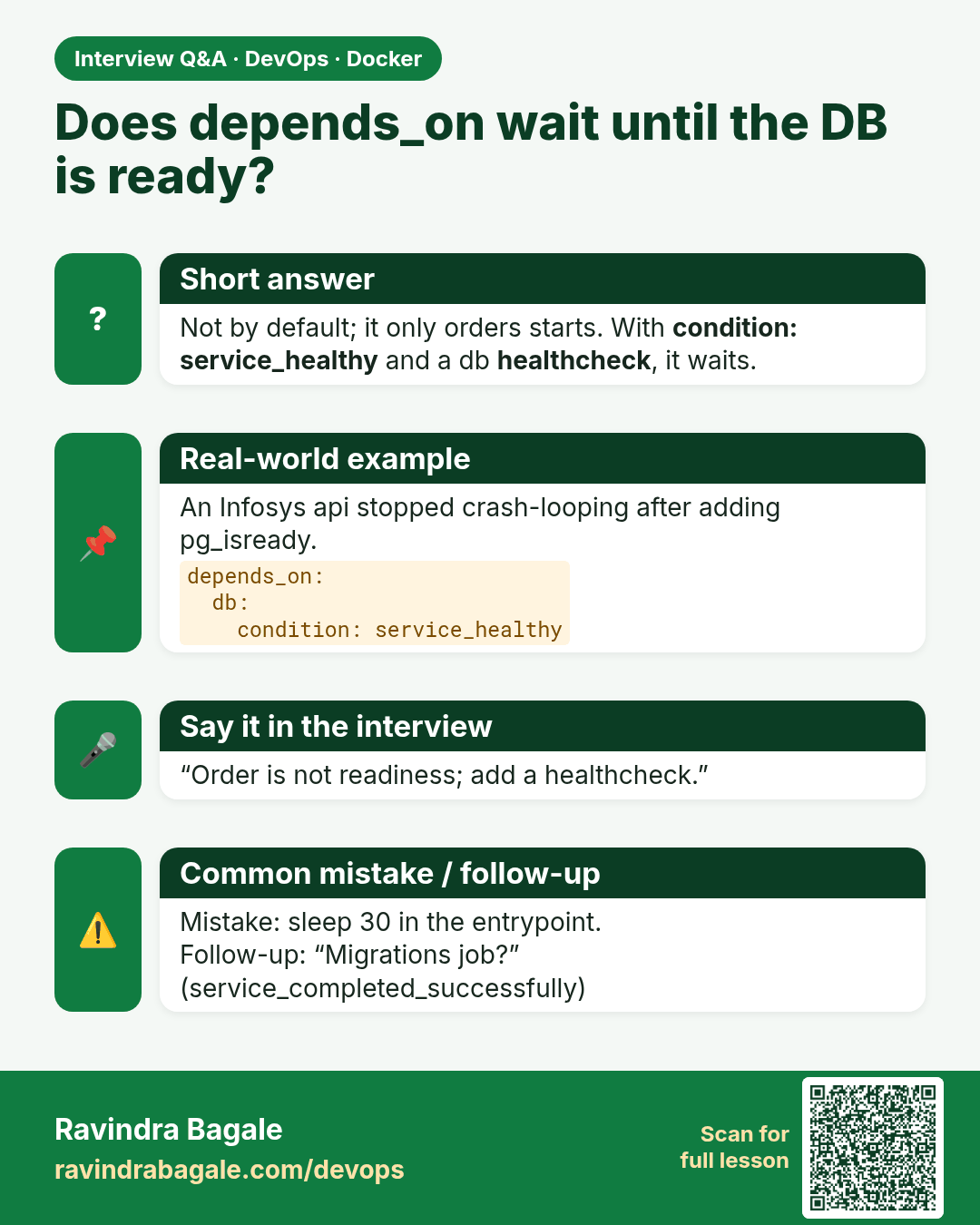
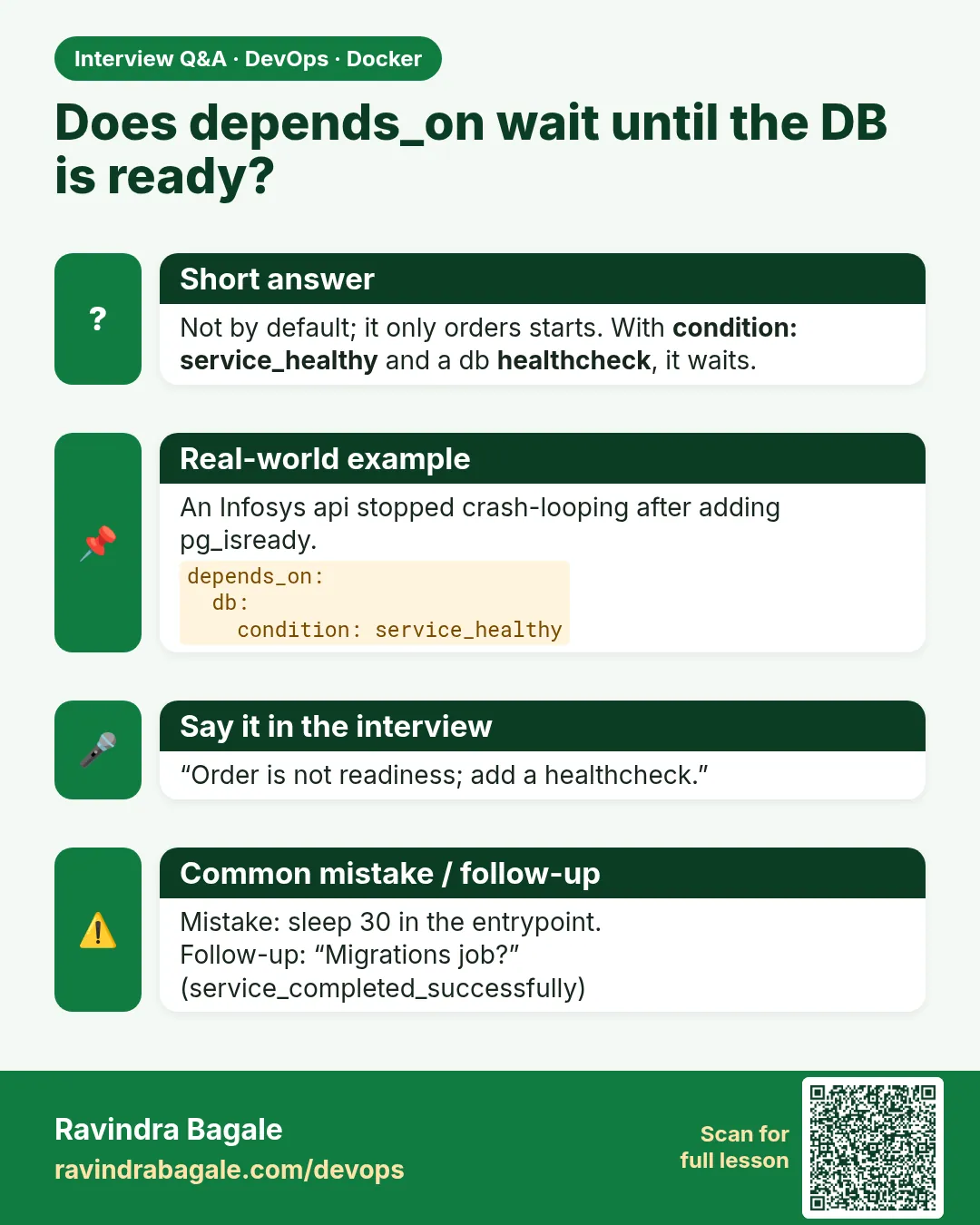 Interview card 3 of 13: Does depends_on wait until the DB is ready? · Download PNG · Open card page
Lesson: 53.3 depends_on with healthchecks: start in the right order
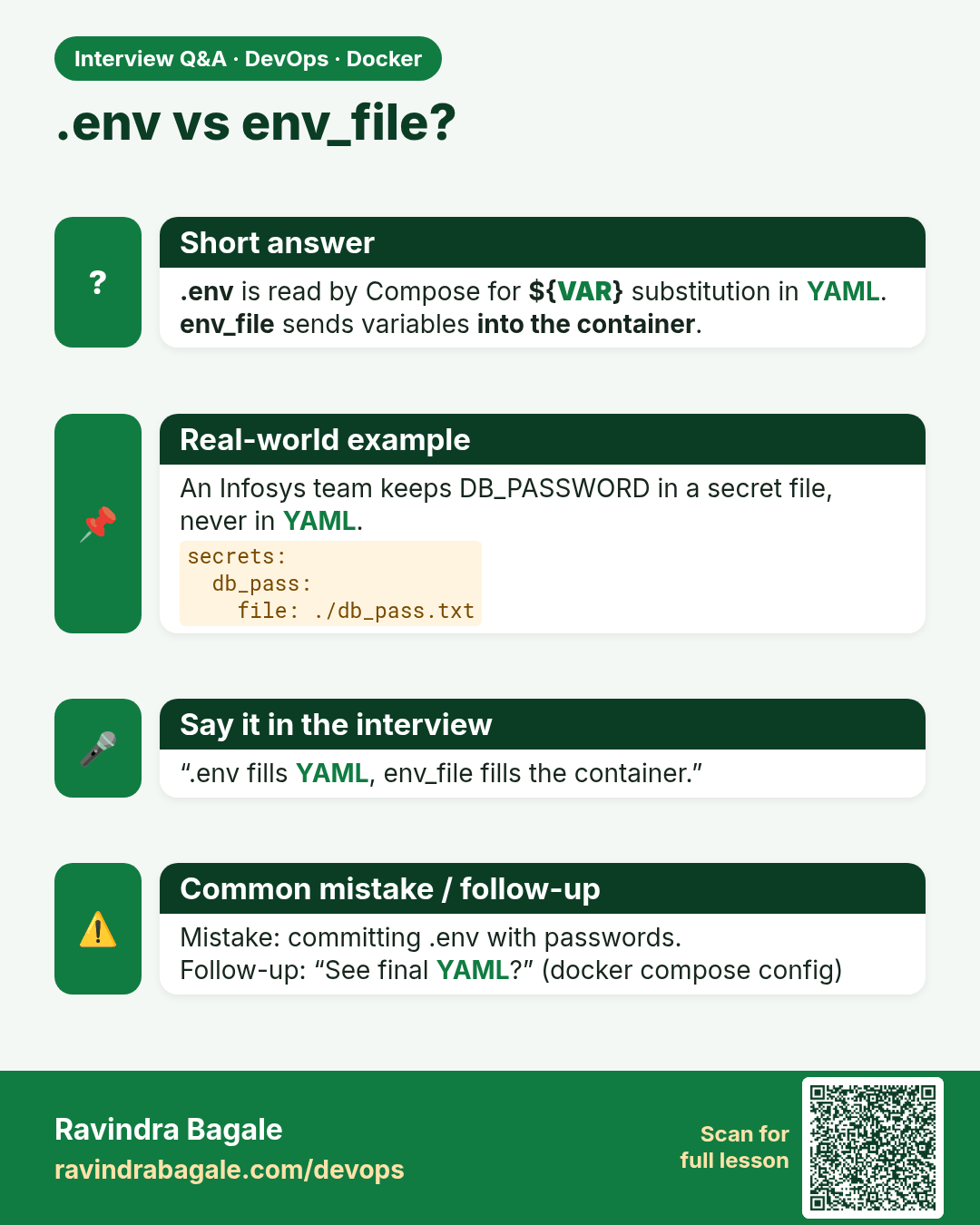
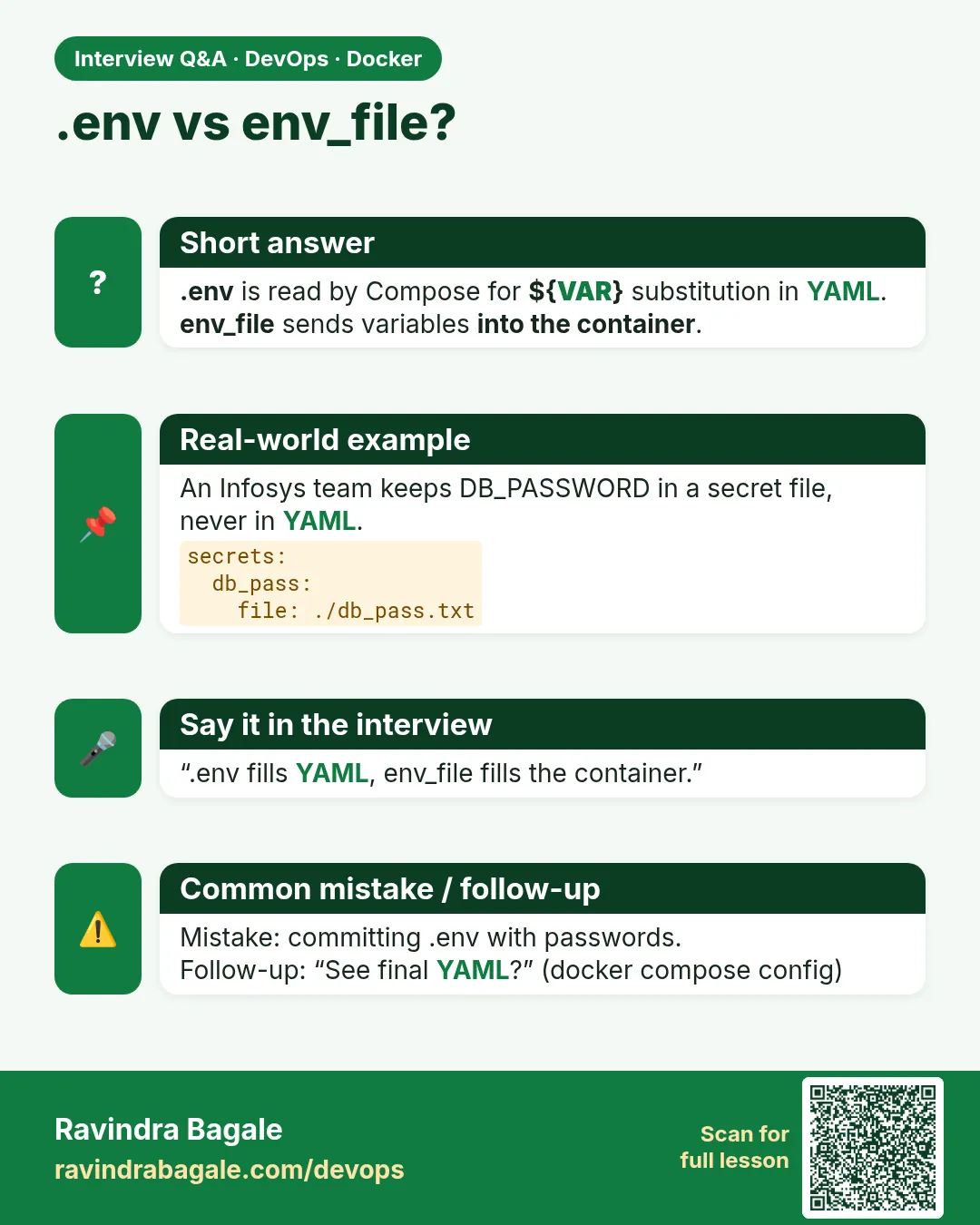 Interview card 4 of 13: .env vs env_file? · Download PNG · Open card page
Lesson: 53.4 Environment files, interpolation and secrets
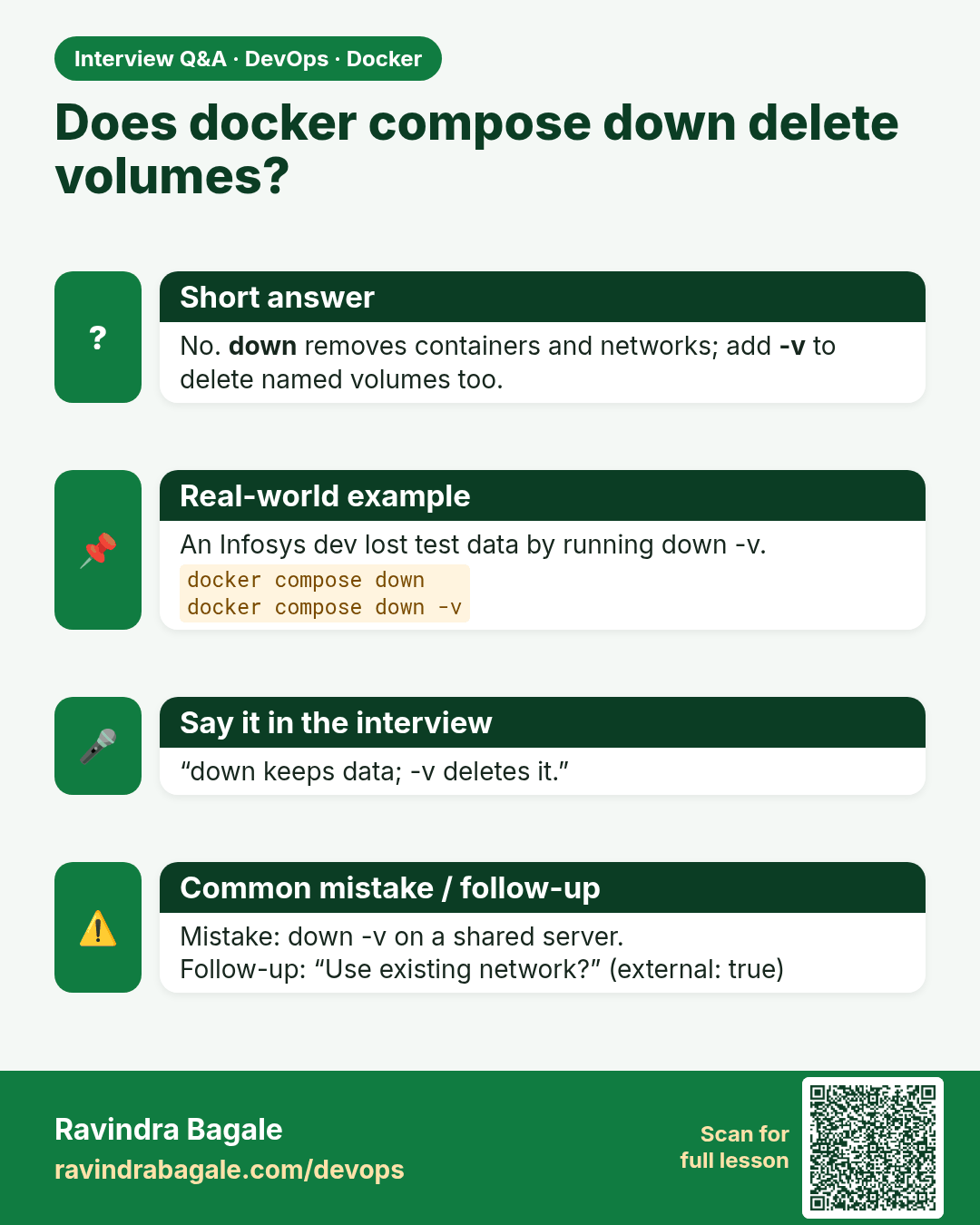
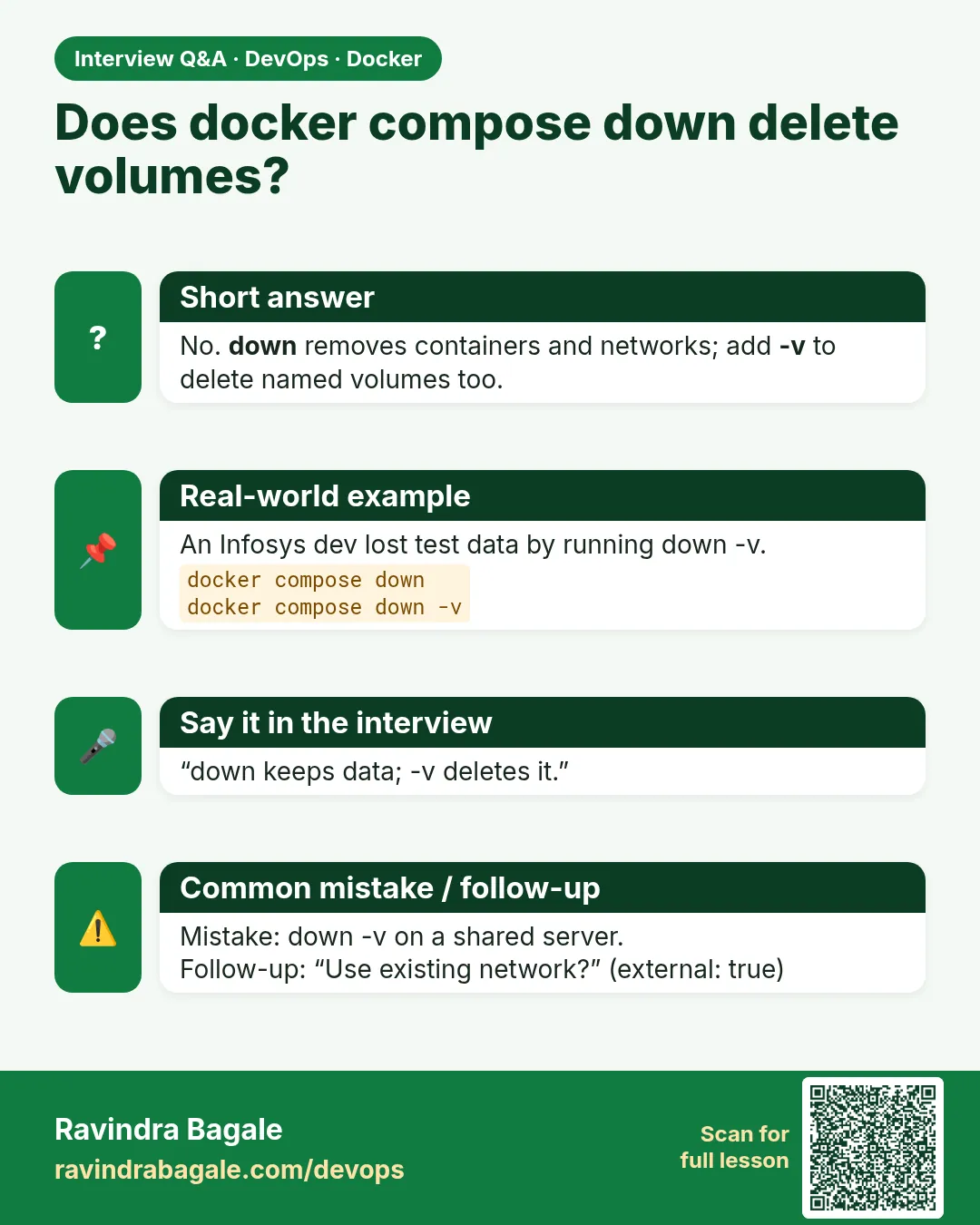 Interview card 5 of 13: Does docker compose down delete volumes? · Download PNG · Open card page
Lesson: 53.5 Volumes and networks in Compose
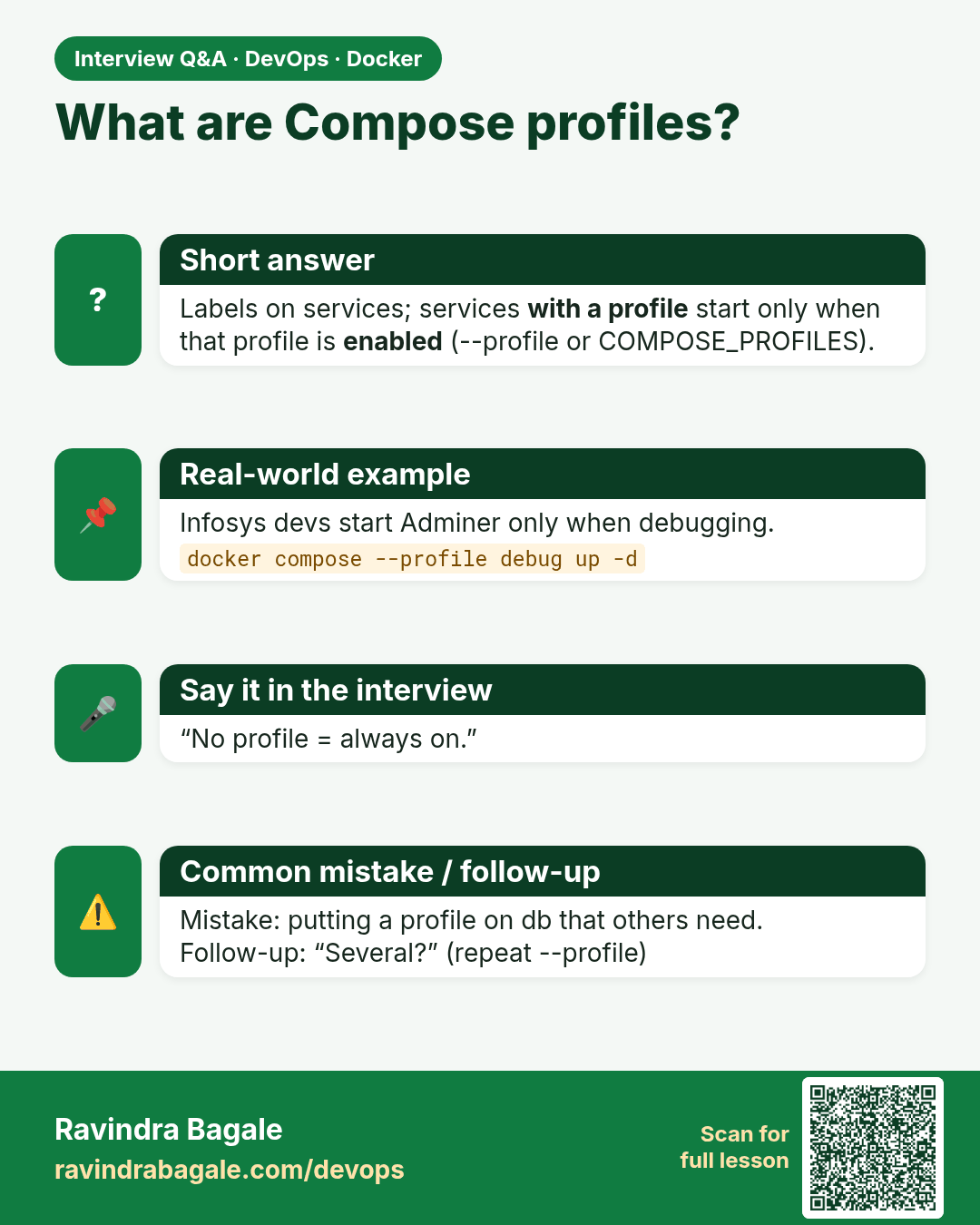
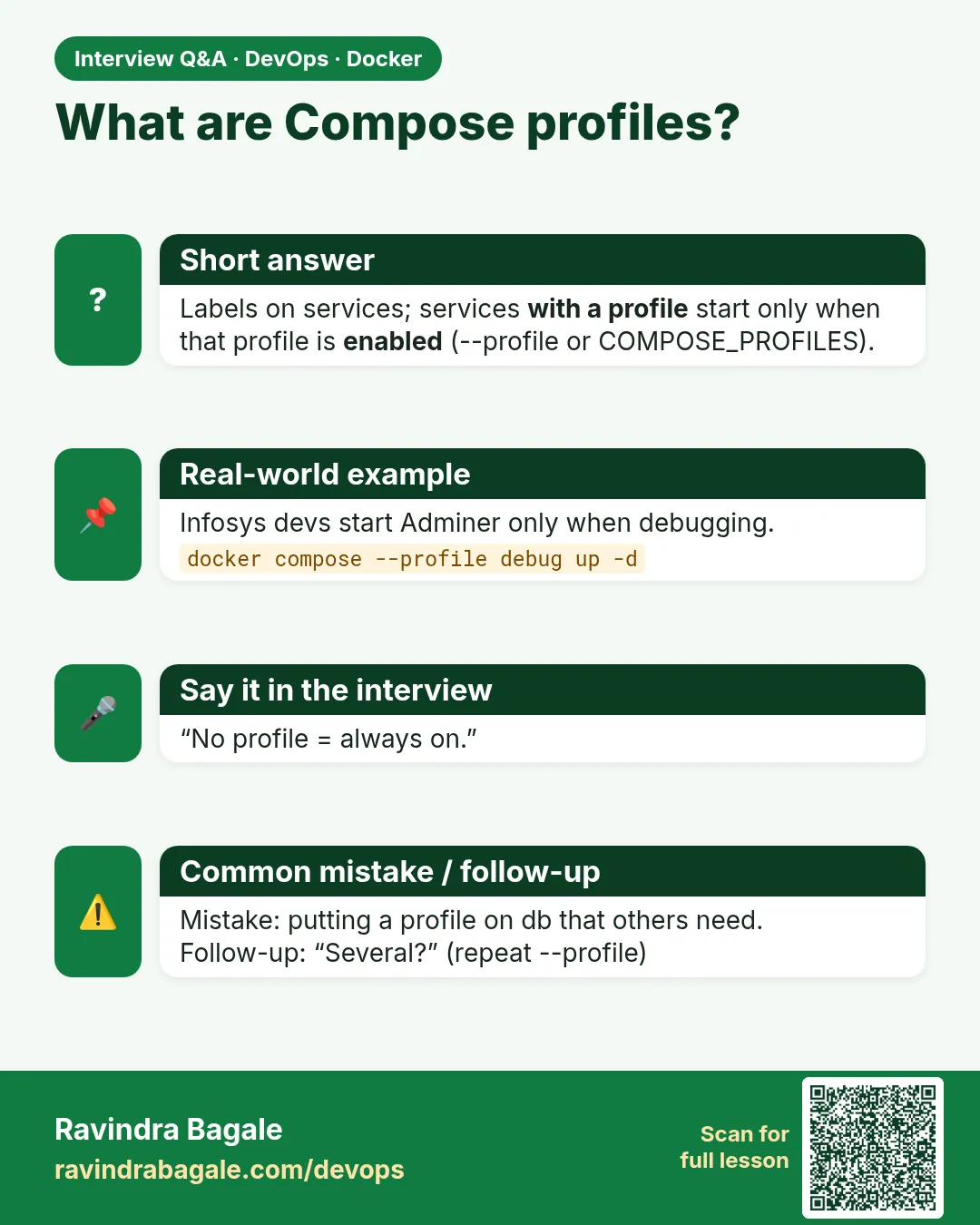 Interview card 6 of 13: What are Compose profiles? · Download PNG · Open card page
Lesson: 53.6 Profiles: optional services
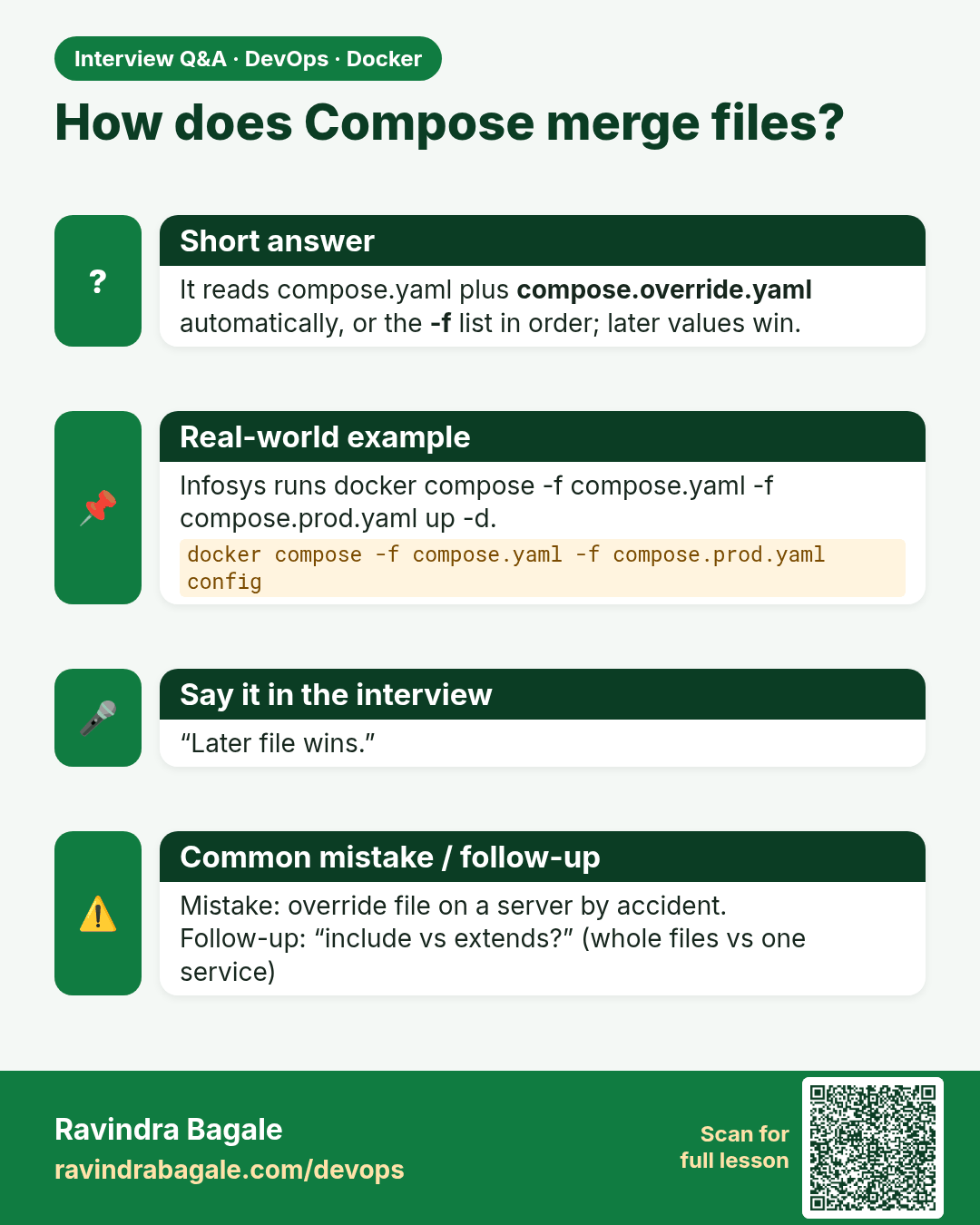
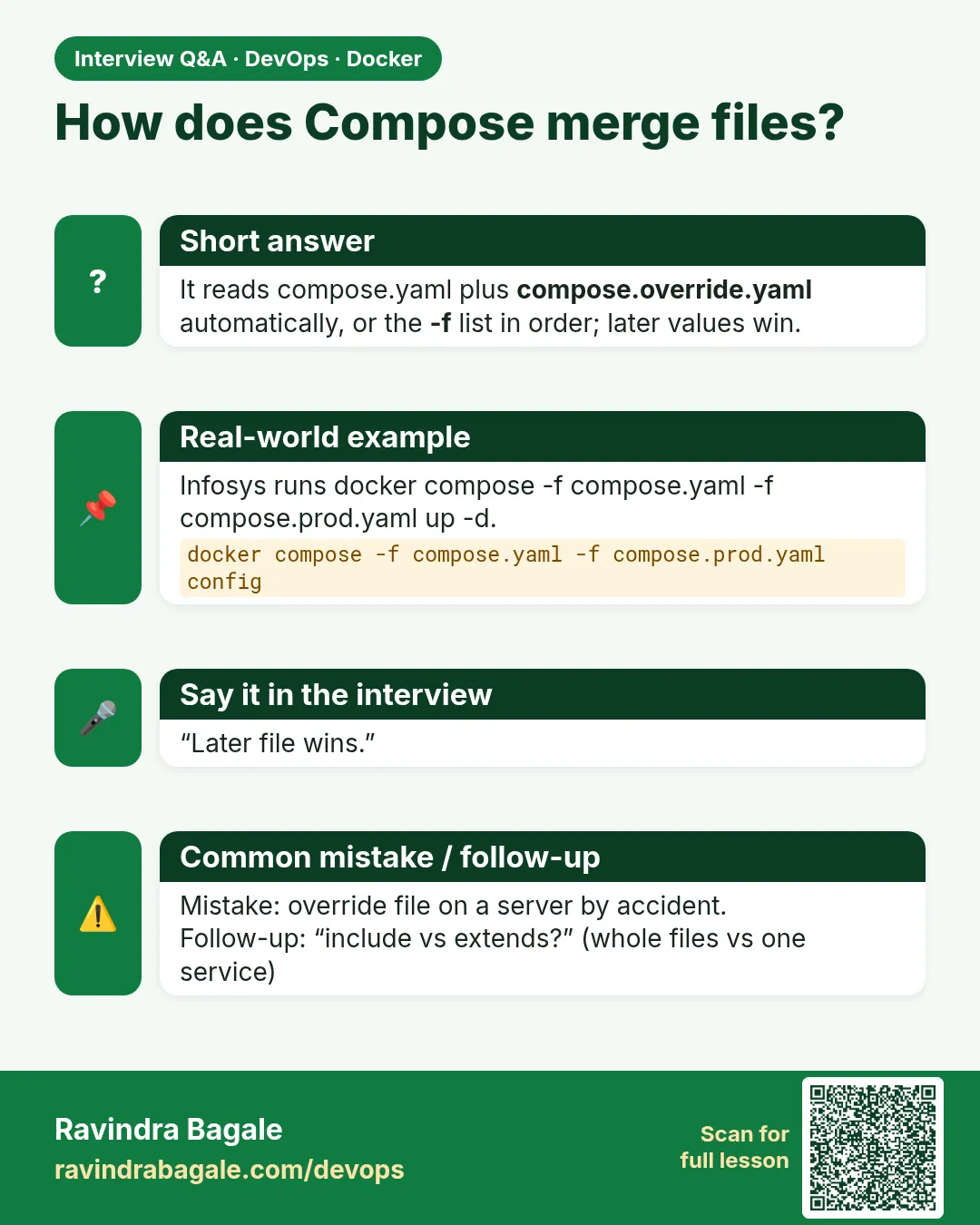 Interview card 7 of 13: How does Compose merge files? · Download PNG · Open card page
Lesson: 53.7 Override files, multiple -f, include and extends
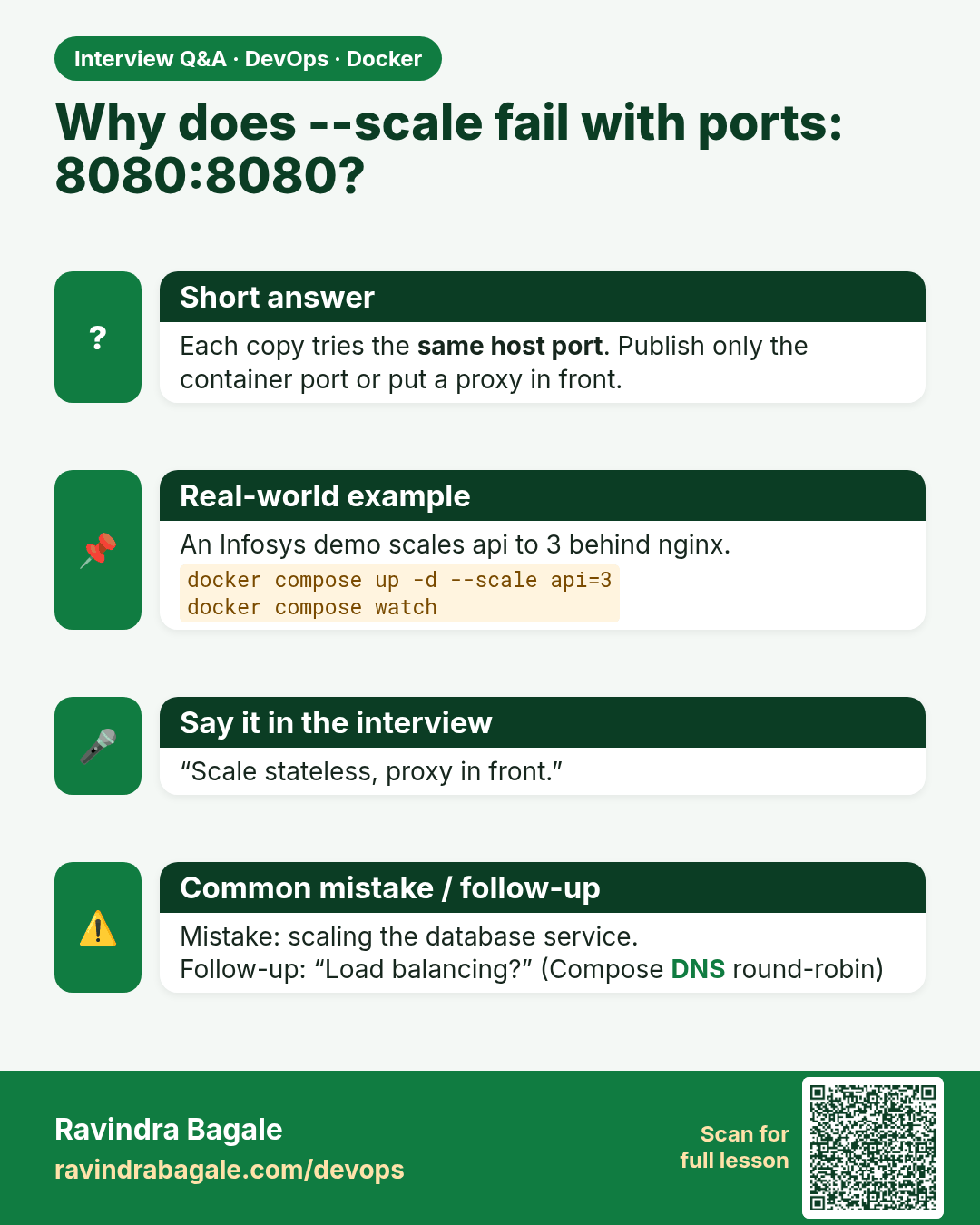
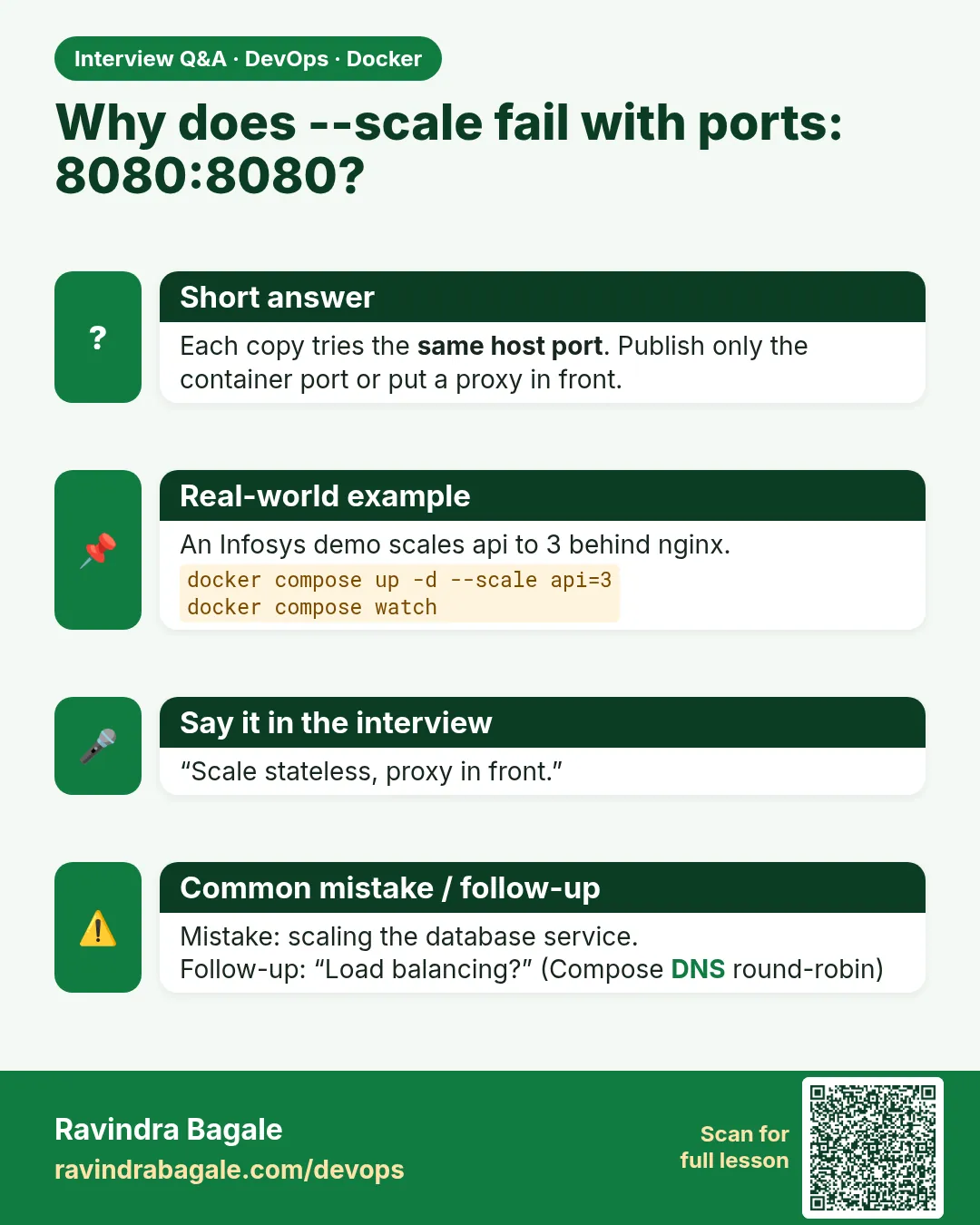 Interview card 8 of 13: Why does --scale fail with ports: 8080:8080? · Download PNG · Open card page
Lesson: 53.8 Scaling, watch mode and the full 3-tier stack
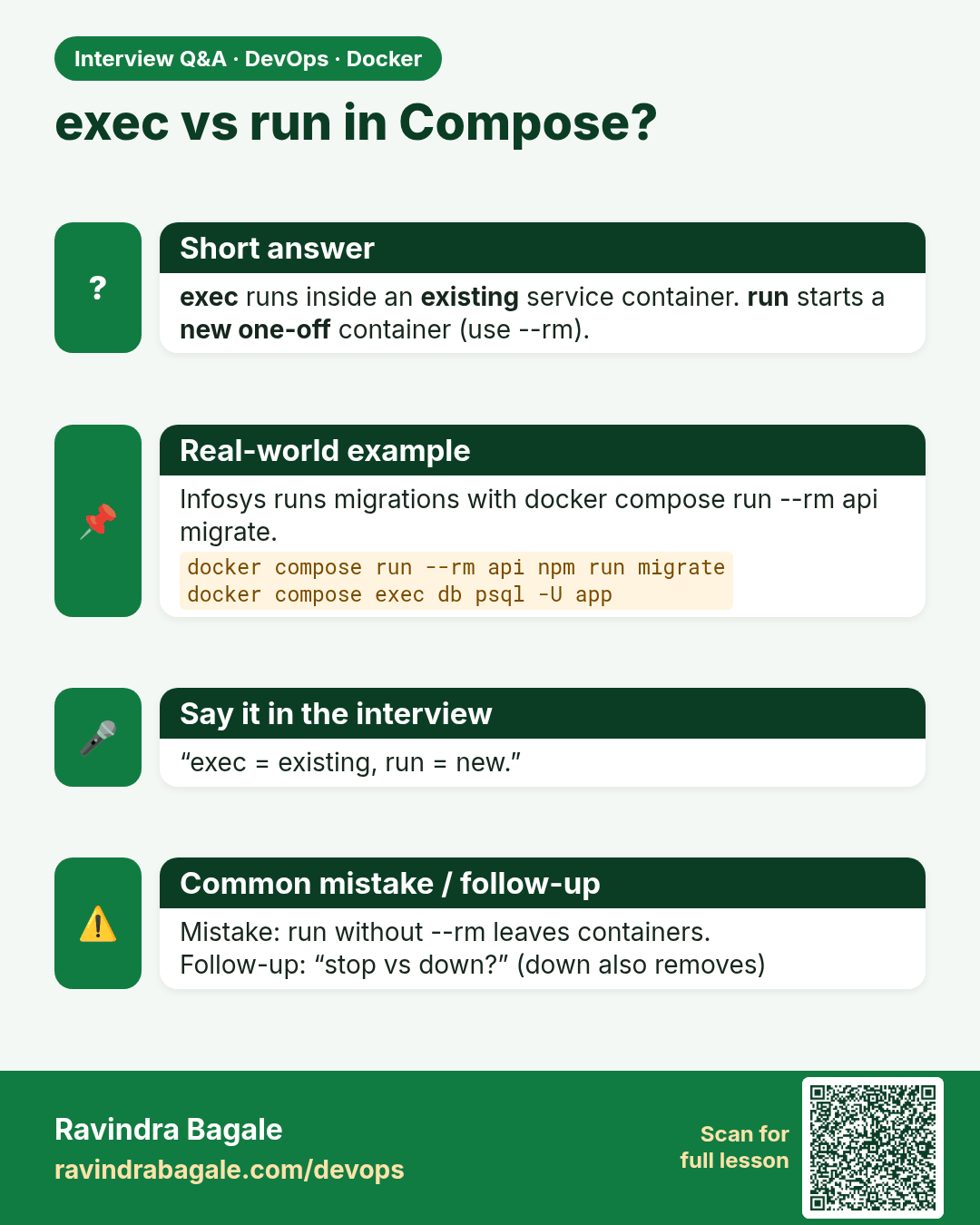
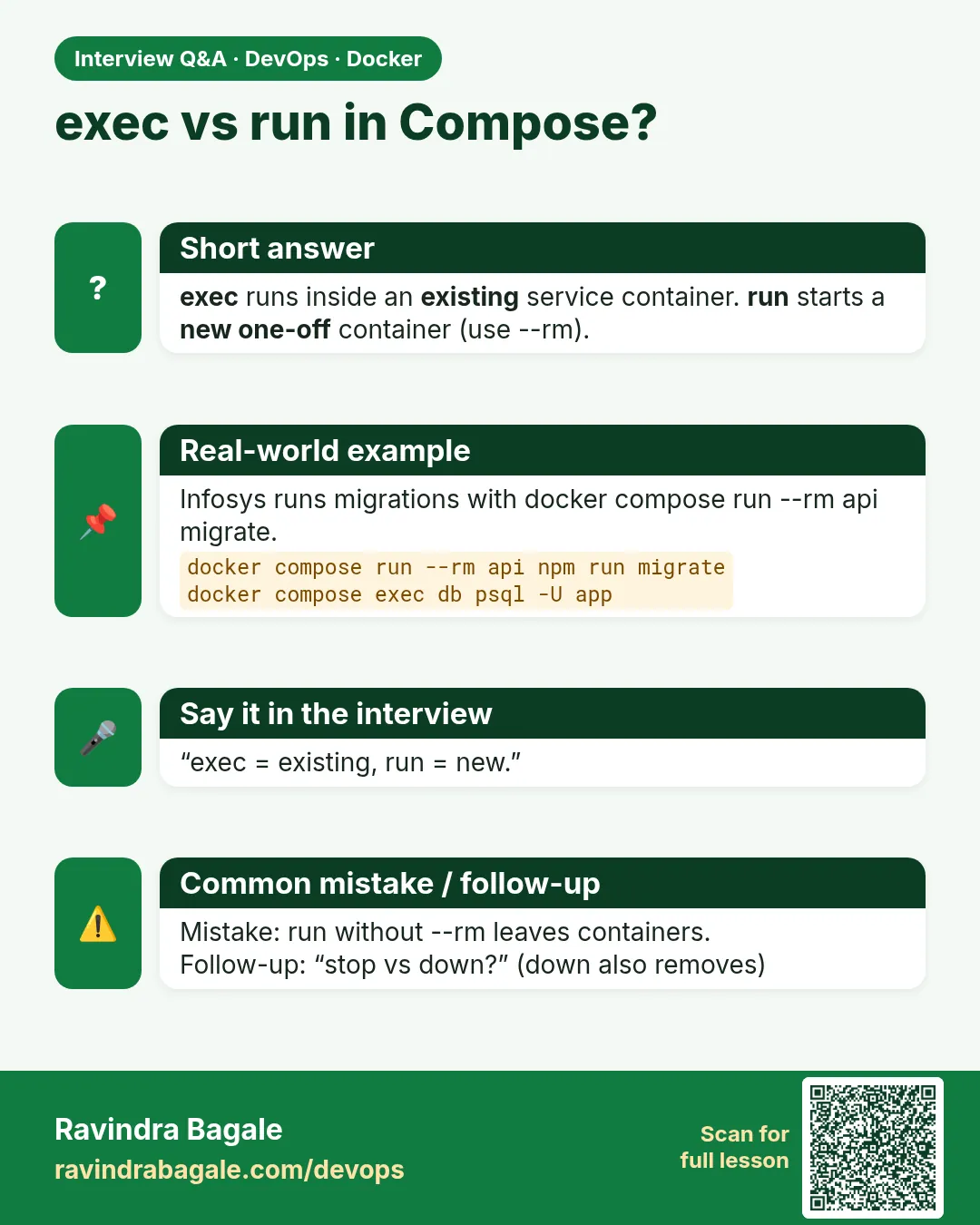 Interview card 9 of 13: exec vs run in Compose? · Download PNG · Open card page
Lesson: 53.9 Every docker compose command: full reference
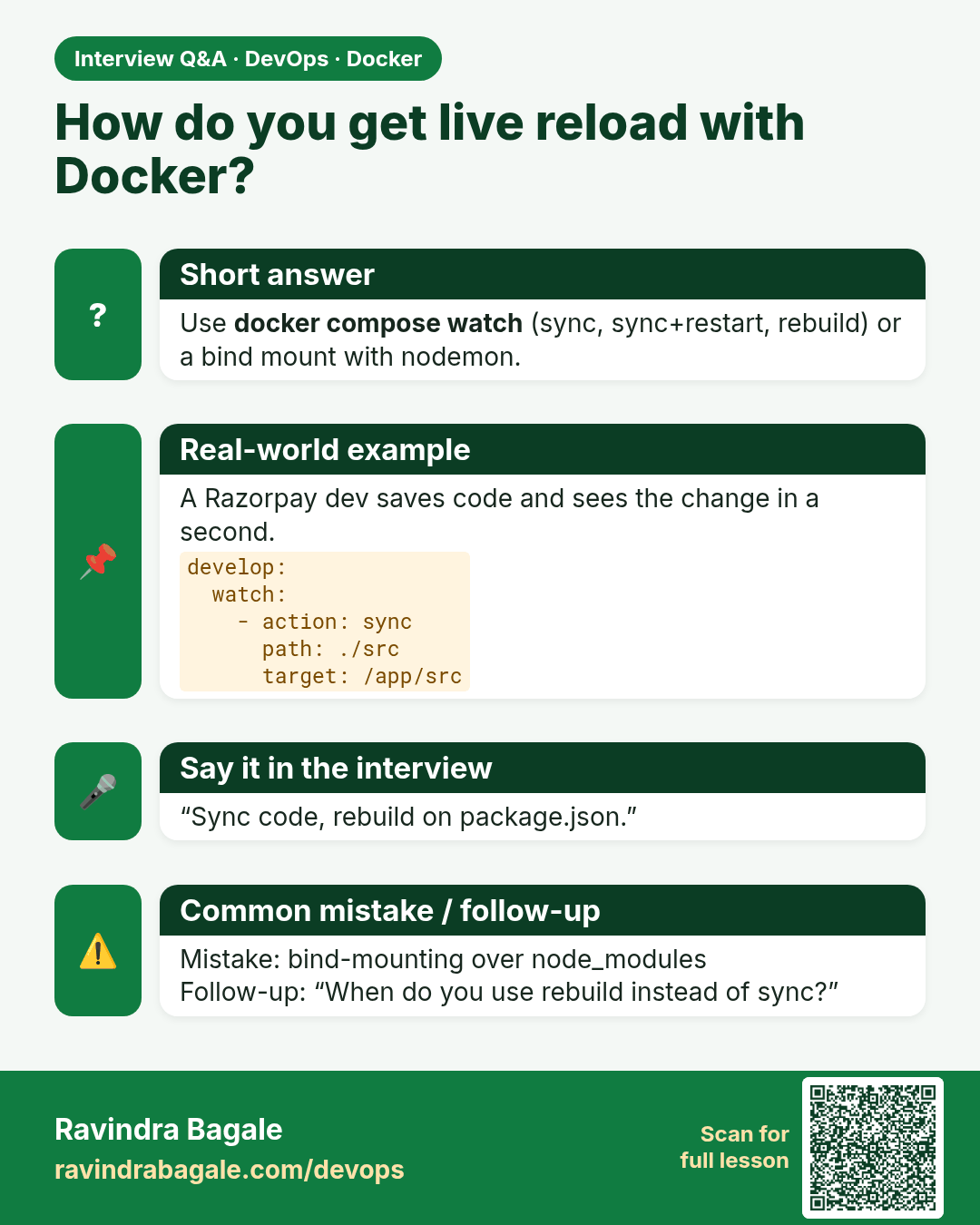
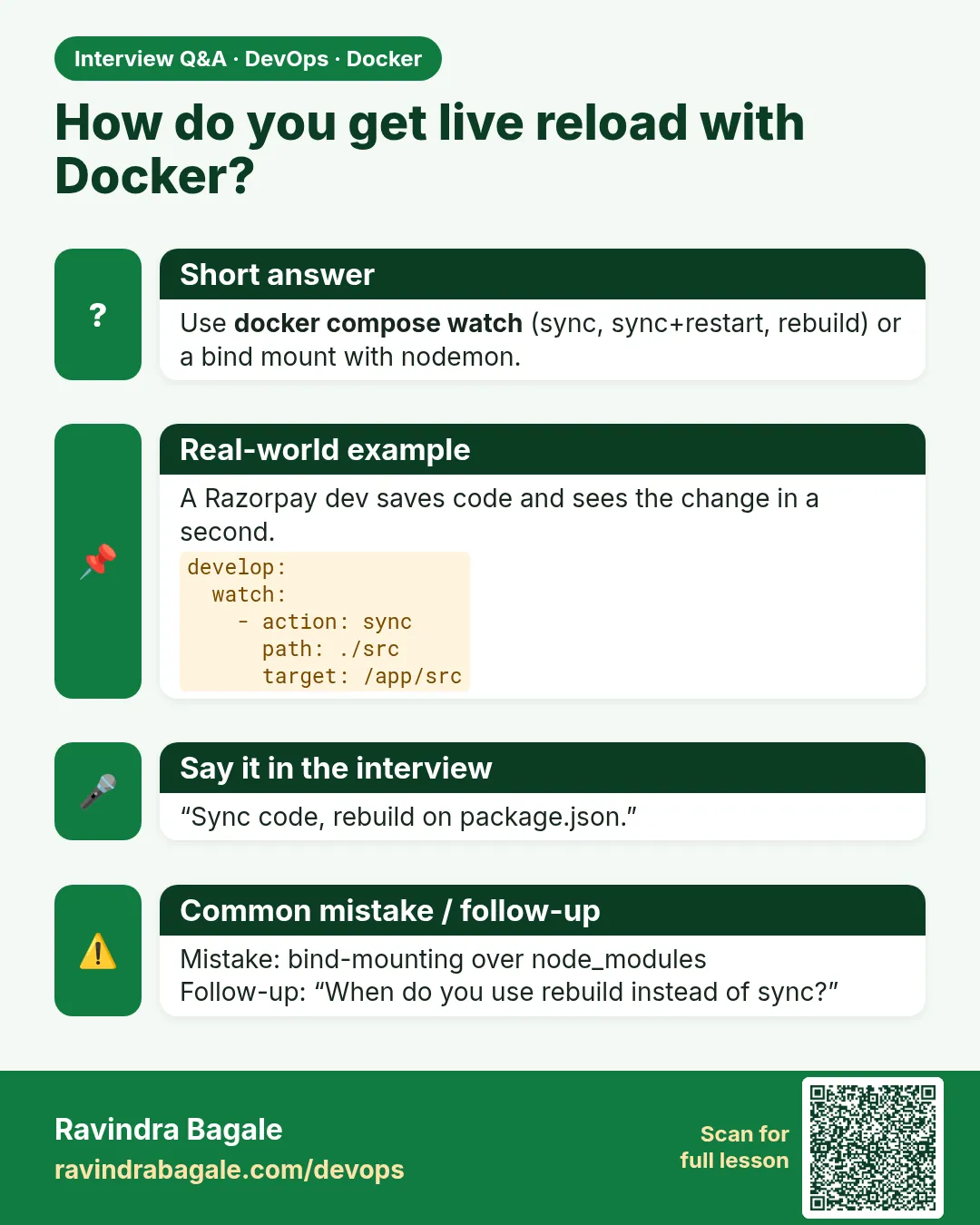 Interview card 10 of 13: How do you get live reload with Docker? · Download PNG · Open card page
Lesson: 53.10 Compose Watch vs nodemon and the node_modules volume trick
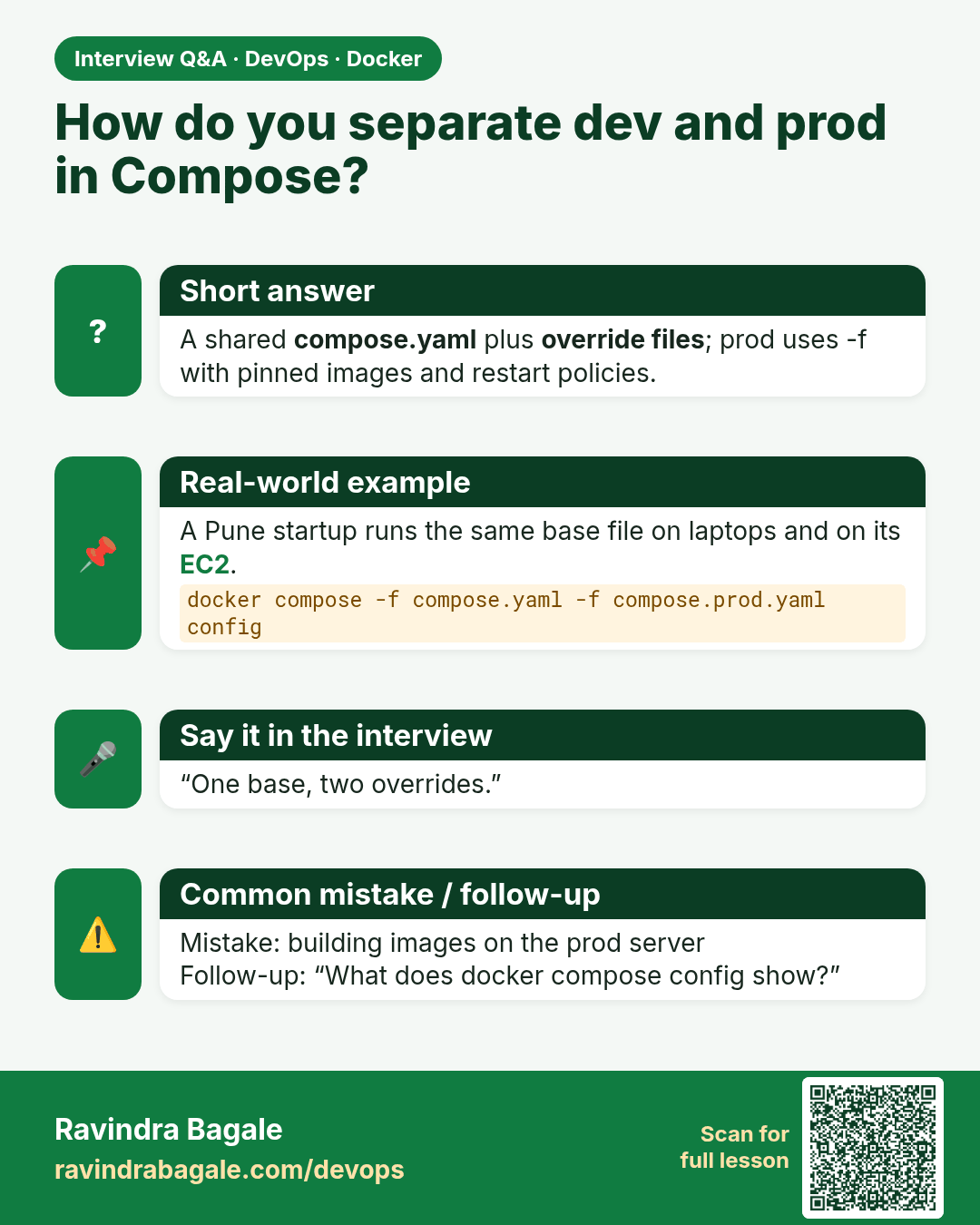
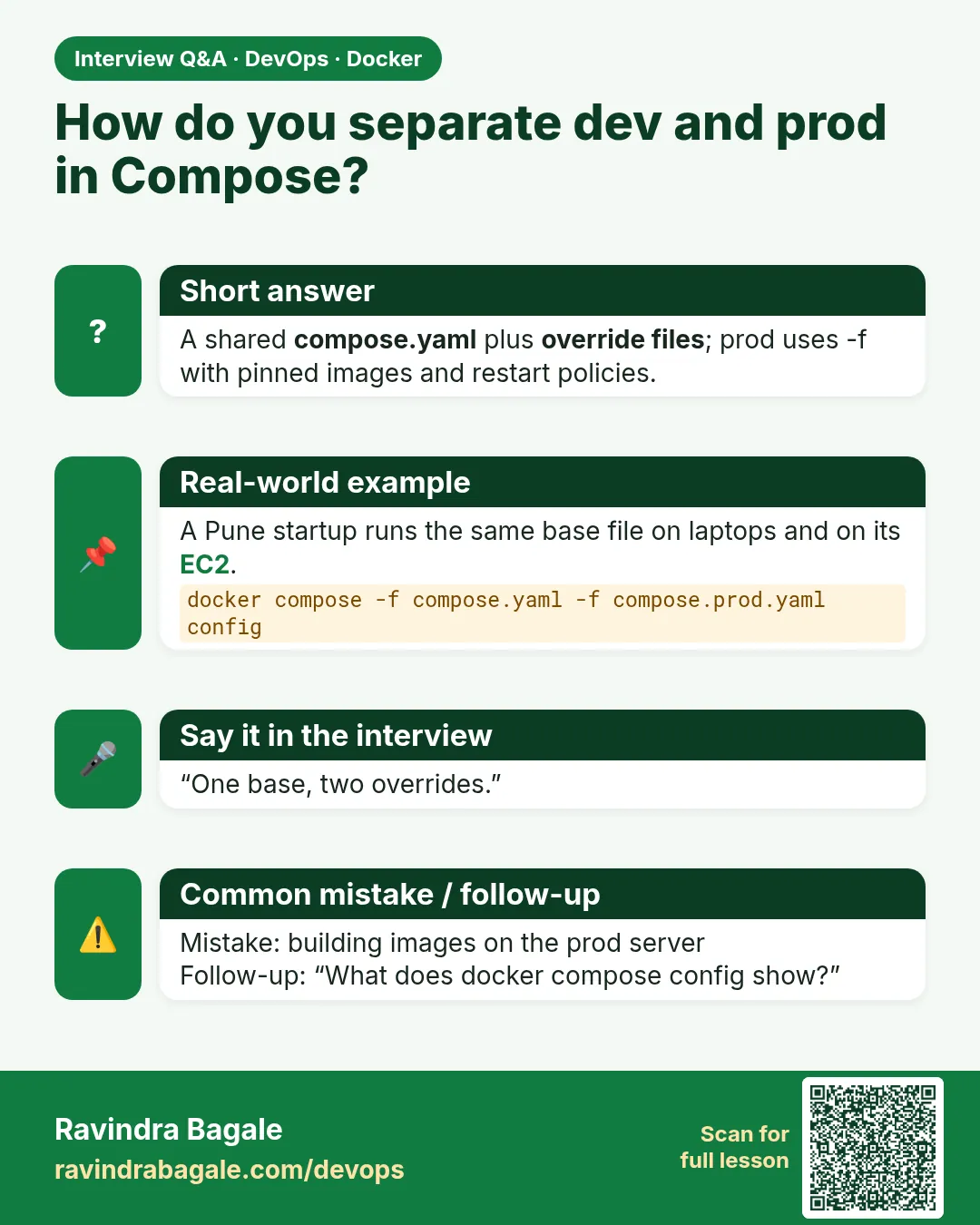 Interview card 11 of 13: How do you separate dev and prod in Compose? · Download PNG · Open card page
Lesson: 53.11 Separate dev and prod Compose files, deployed to an Ubuntu VM
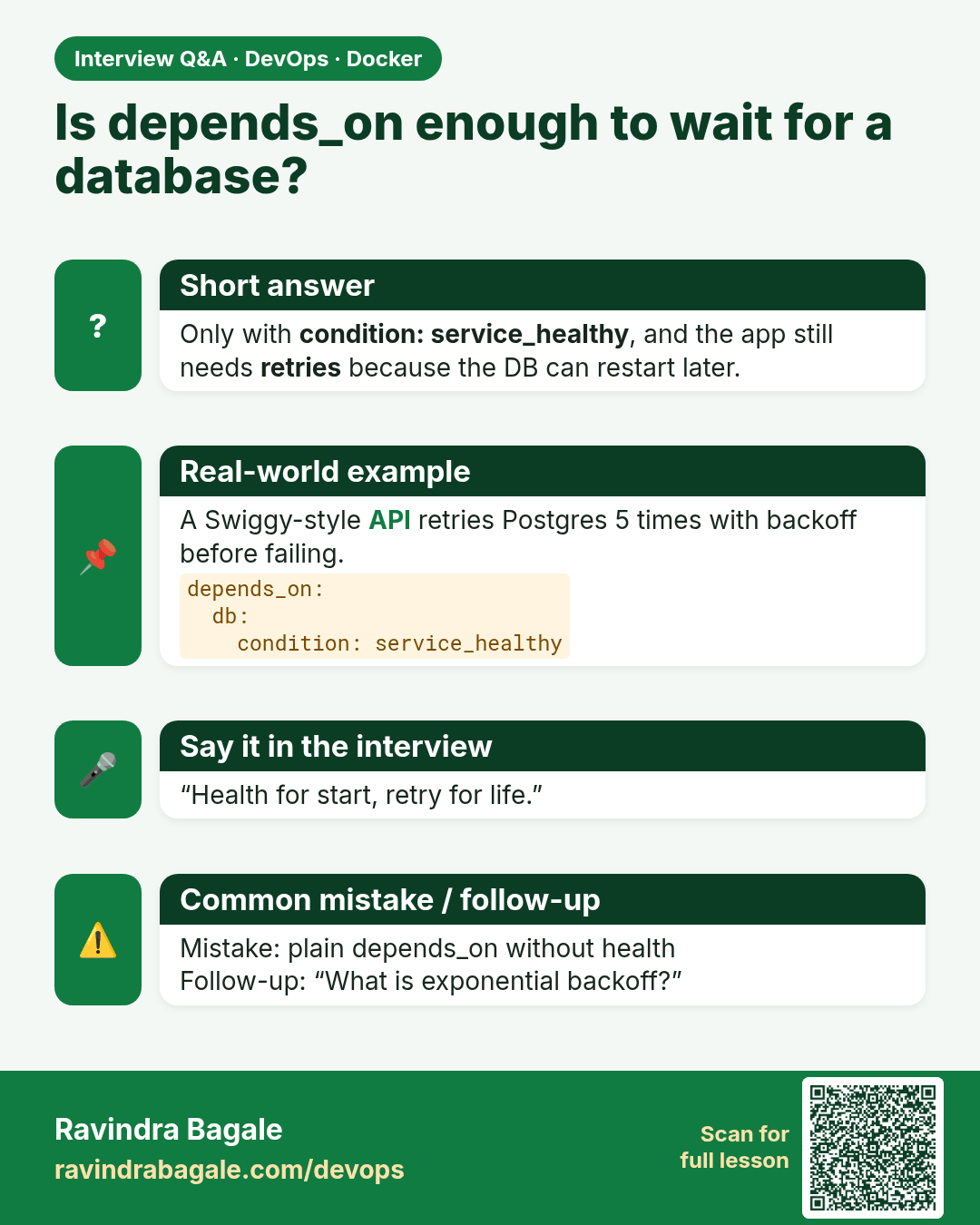
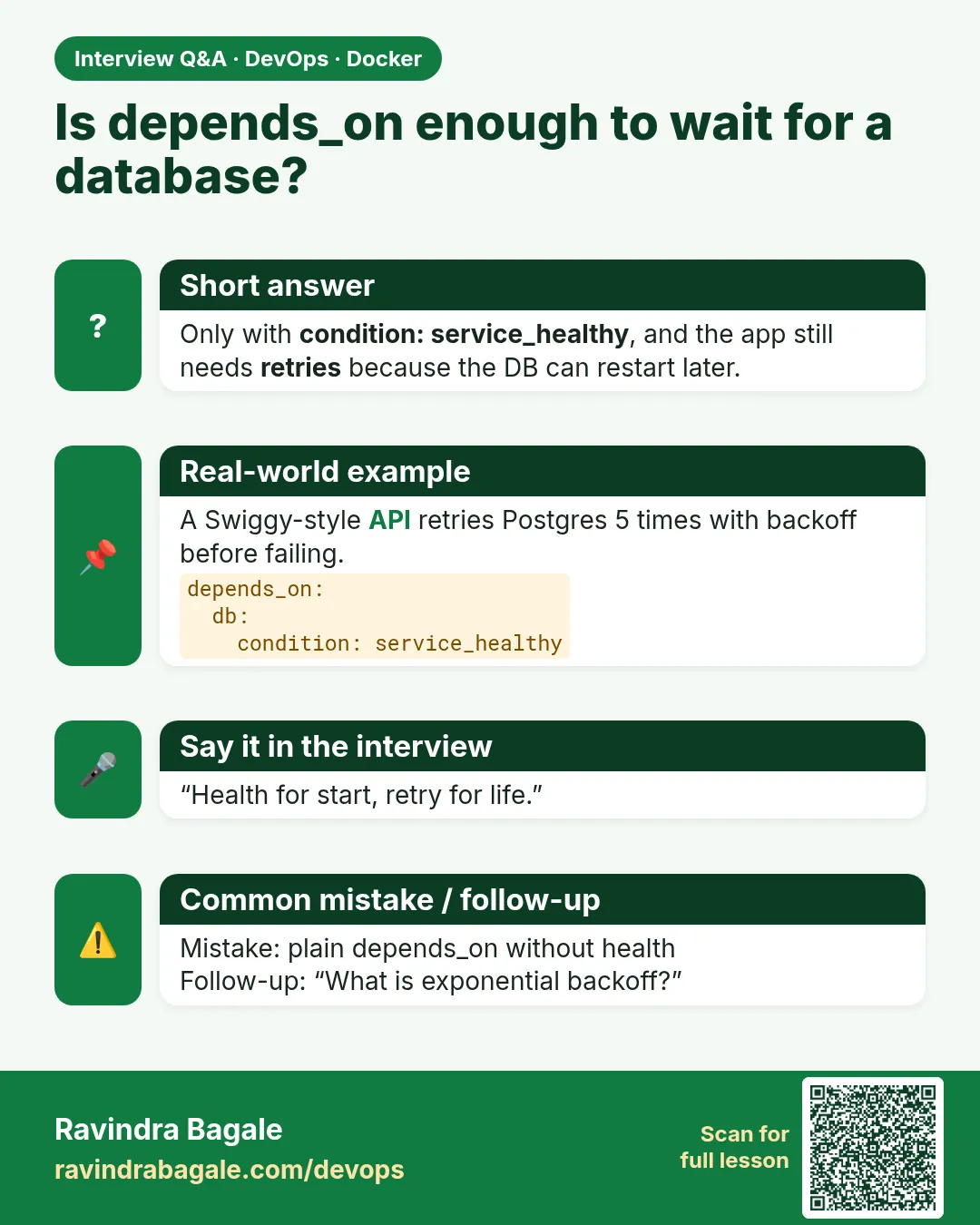 Interview card 12 of 13: Is depends_on enough to wait for a database? · Download PNG · Open card page
Lesson: 53.12 Wait-for-DB and retry patterns beyond depends_on
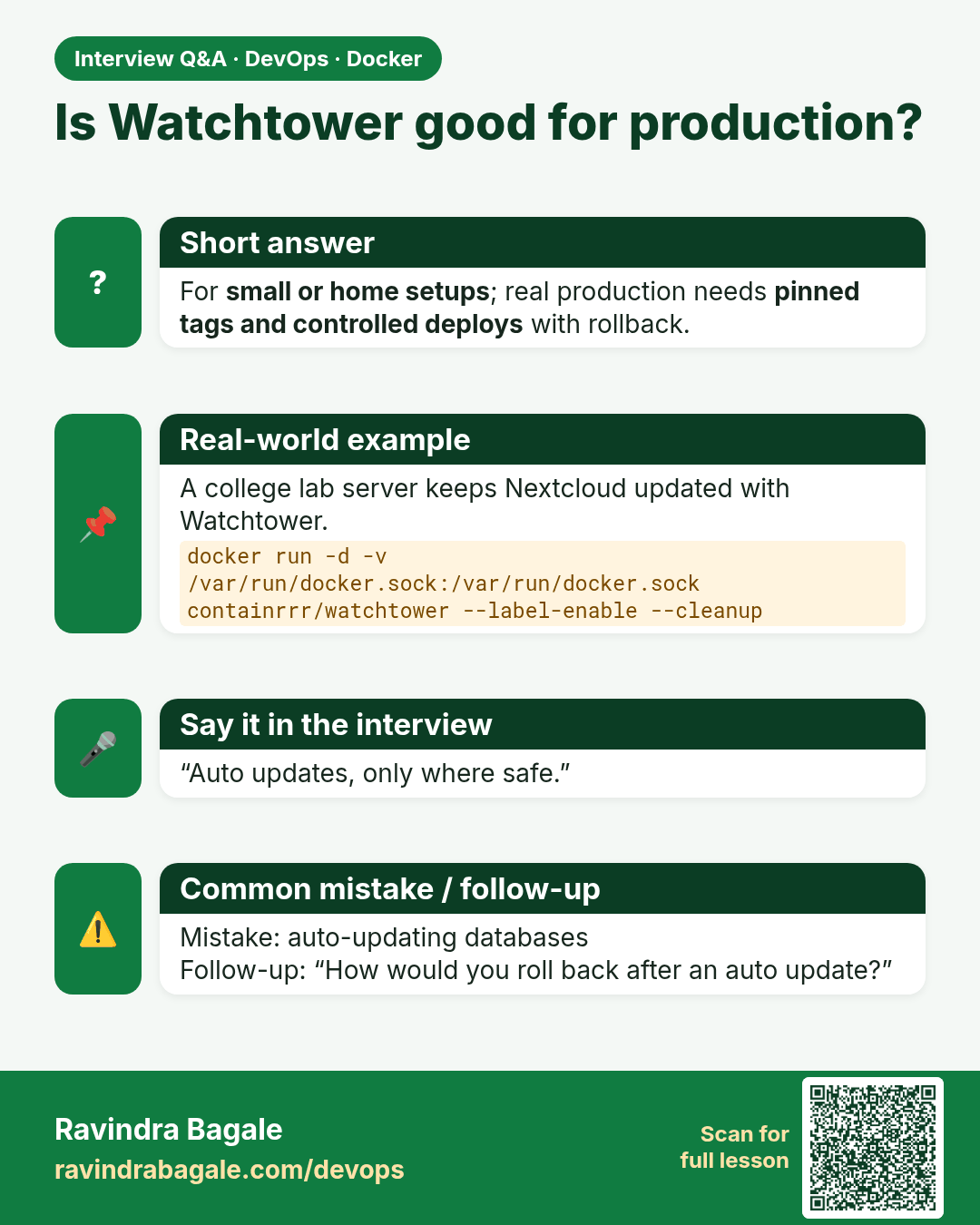
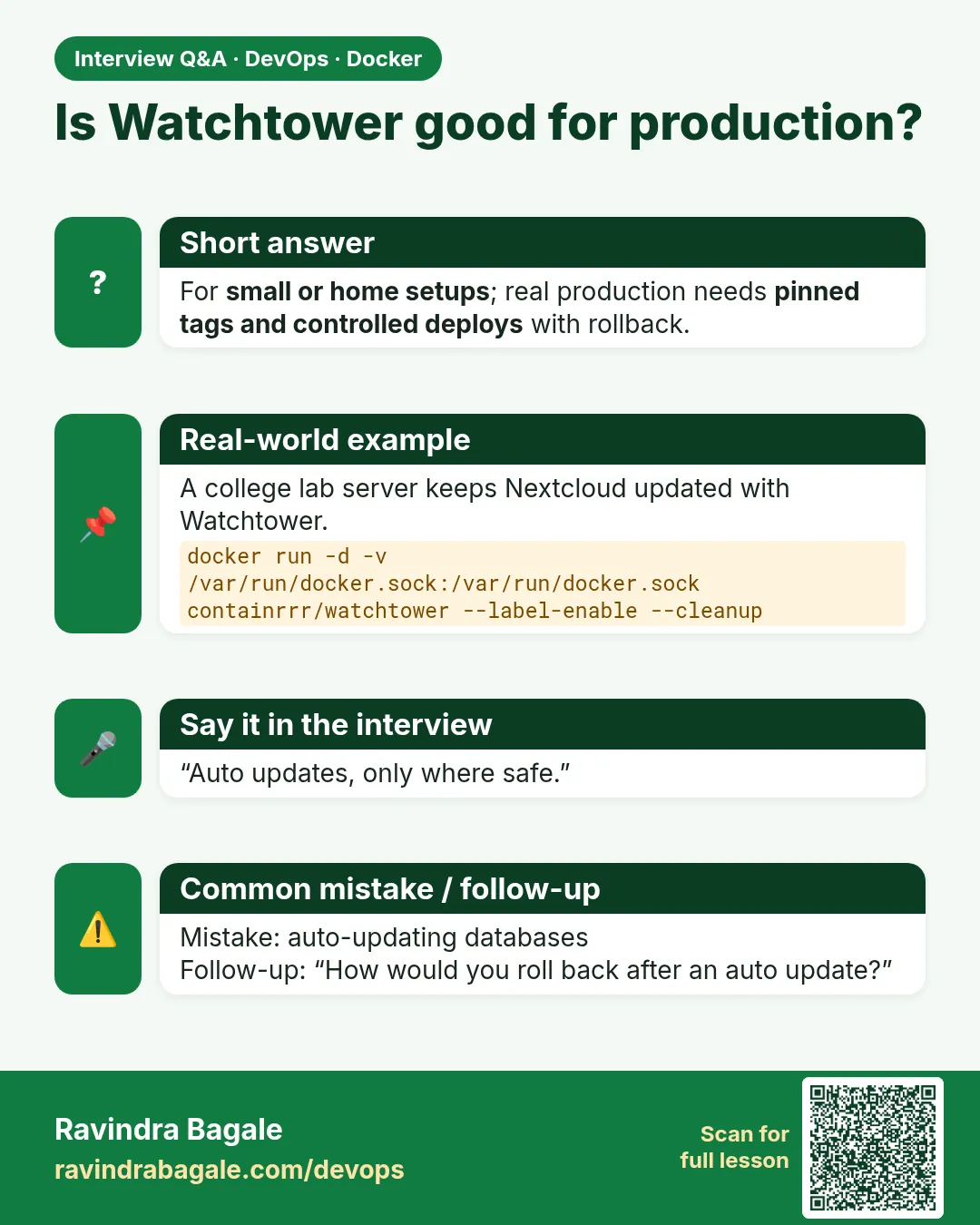 Interview card 13 of 13: Is Watchtower good for production? · Download PNG · Open card page
Lesson: 53.13 Watchtower: automatic image updates for Compose apps
Comparison cards
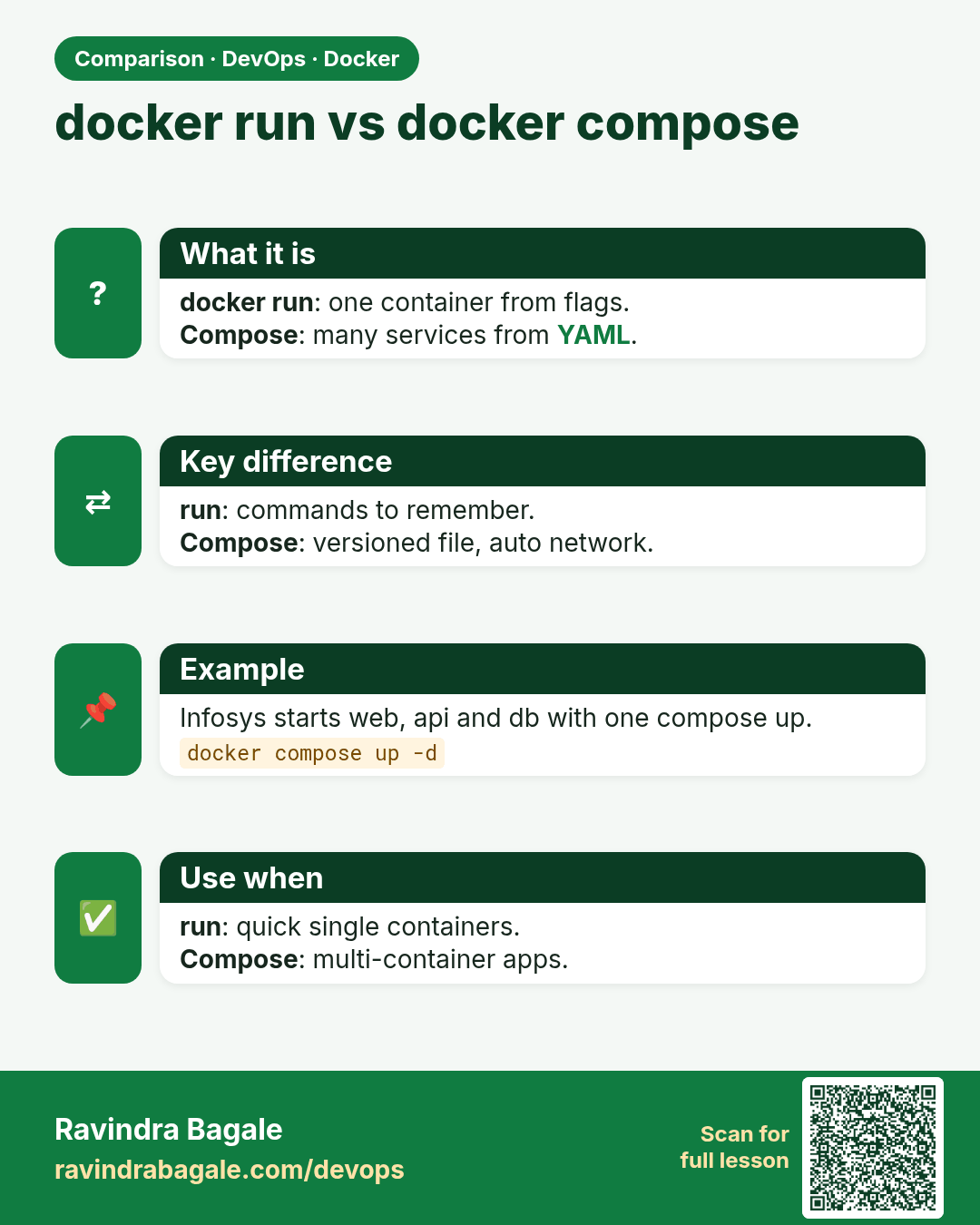
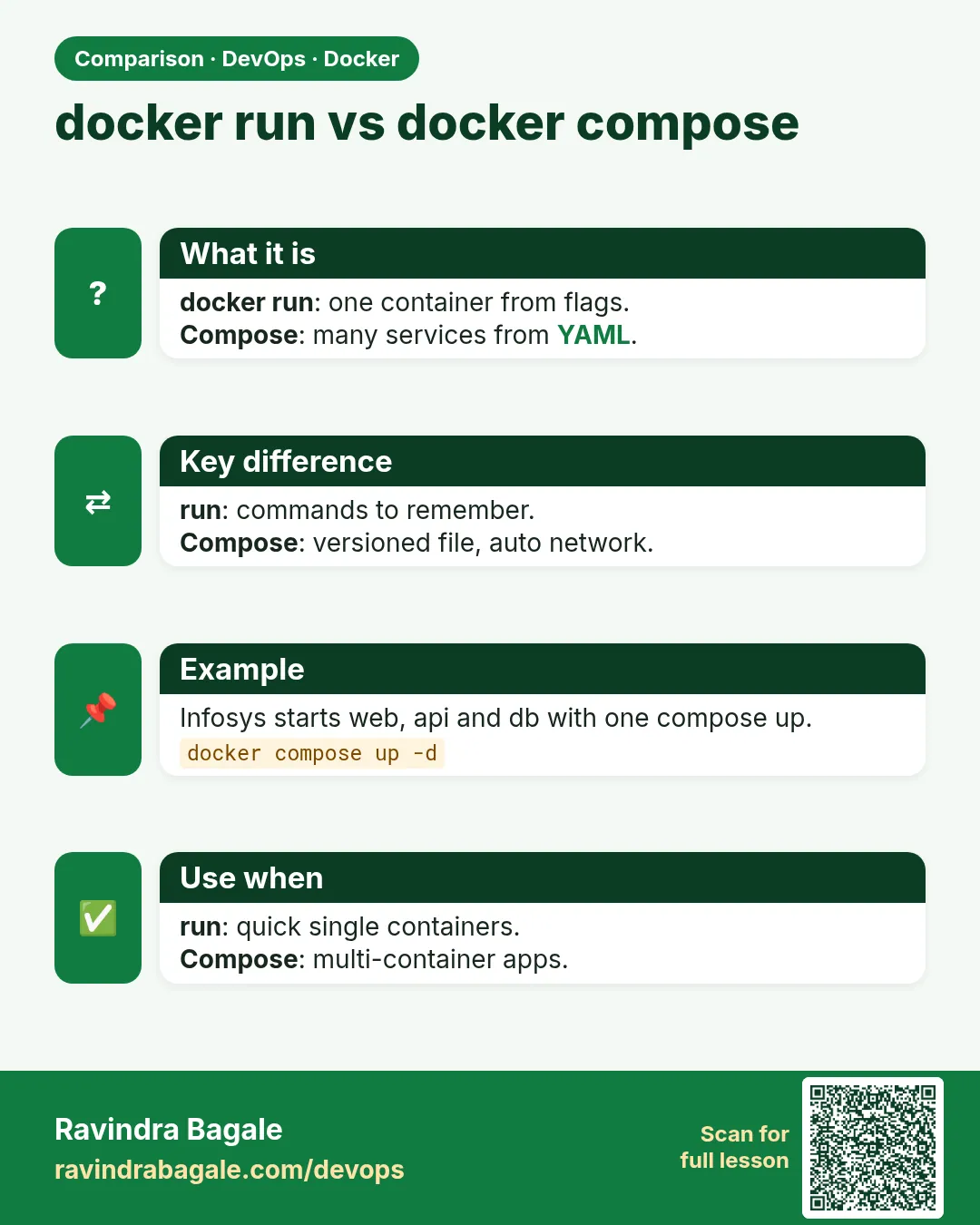 Comparison card 1 of 3: docker run vs docker compose · Download PNG · Open card page
Lesson: 53.1 Why Compose: one file for the whole app
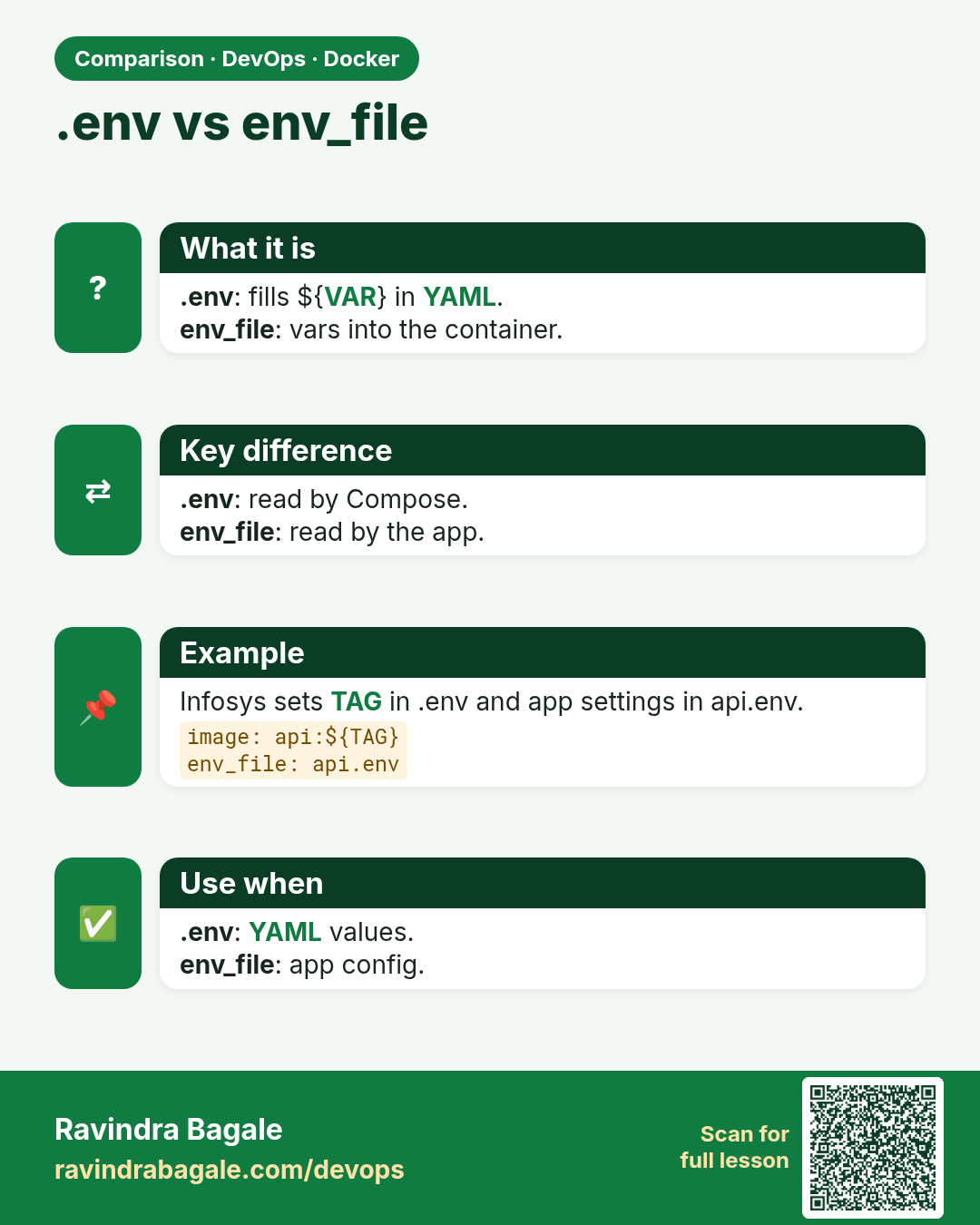
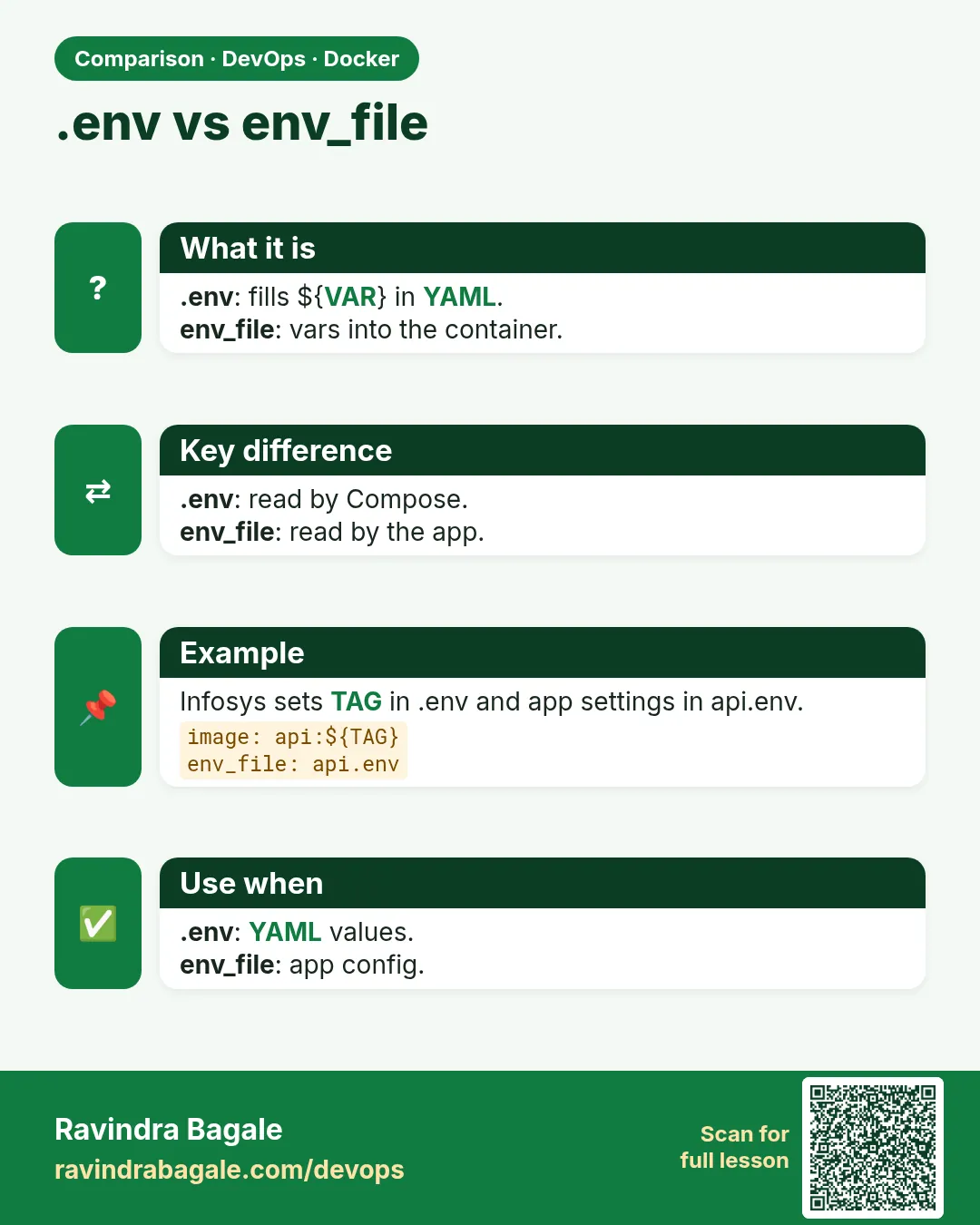 Comparison card 2 of 3: .env vs env_file · Download PNG · Open card page
Lesson: 53.4 Environment files, interpolation and secrets
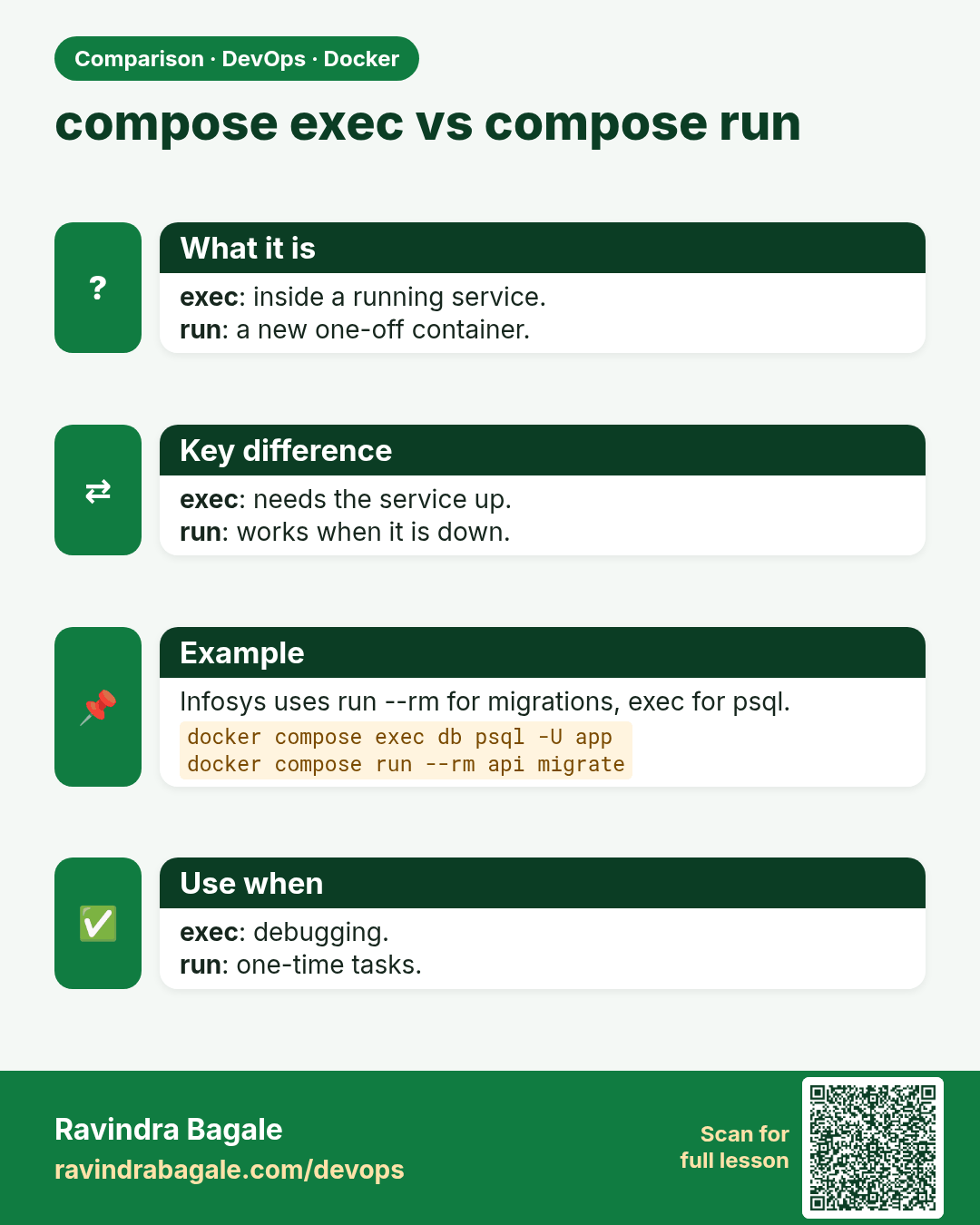
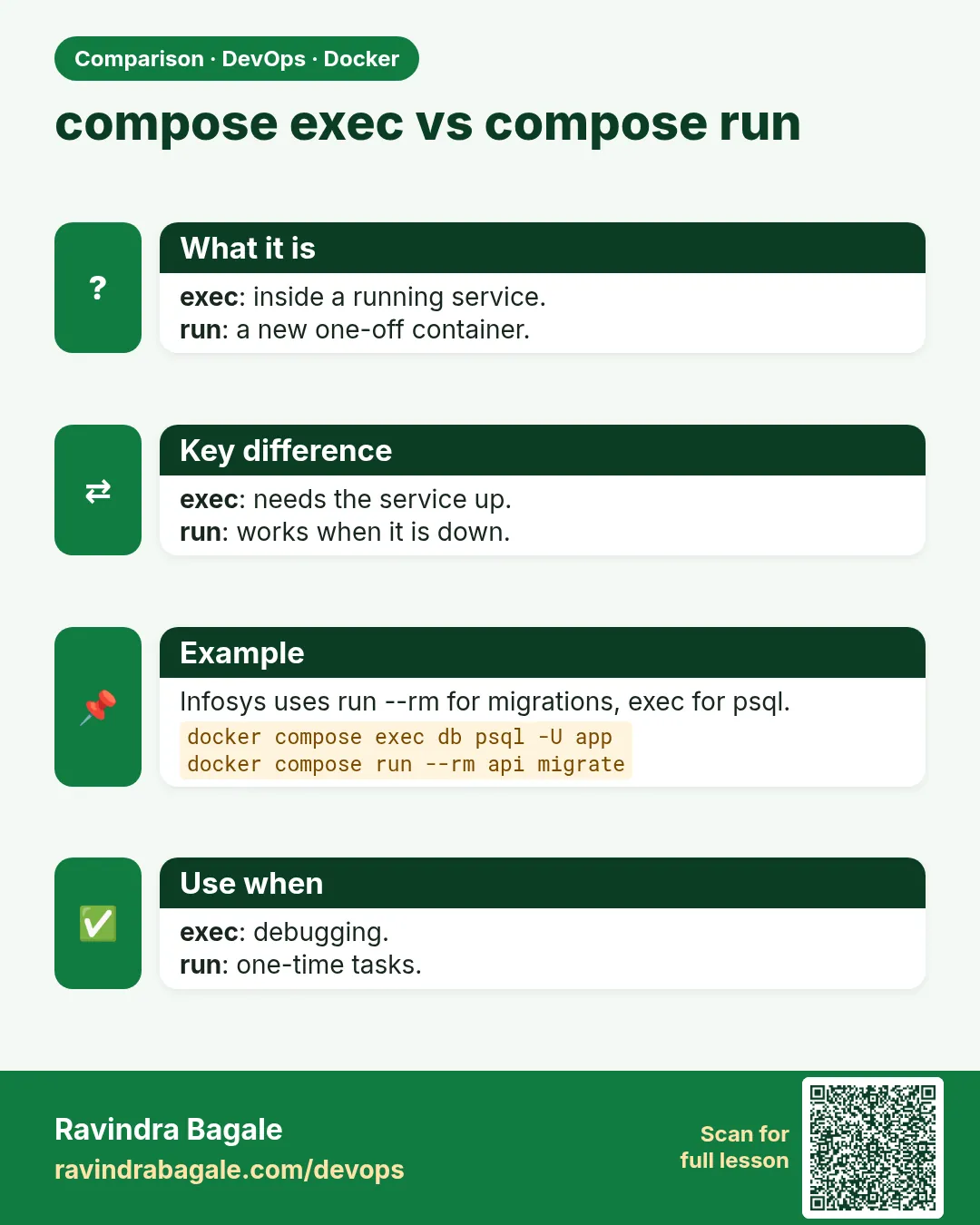 Comparison card 3 of 3: compose exec vs compose run · Download PNG · Open card page
Lesson: 53.9 Every docker compose command: full reference