Revision cards
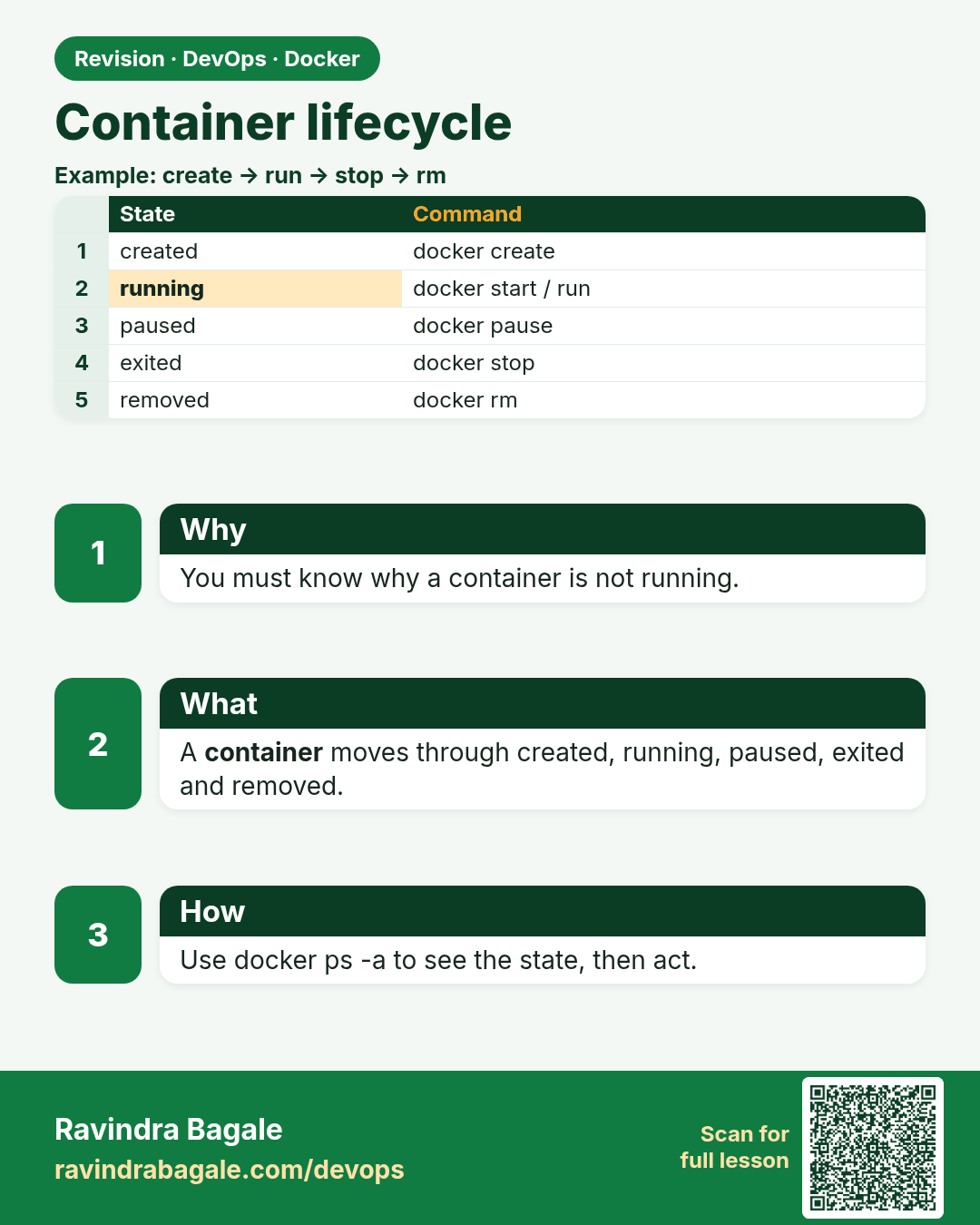
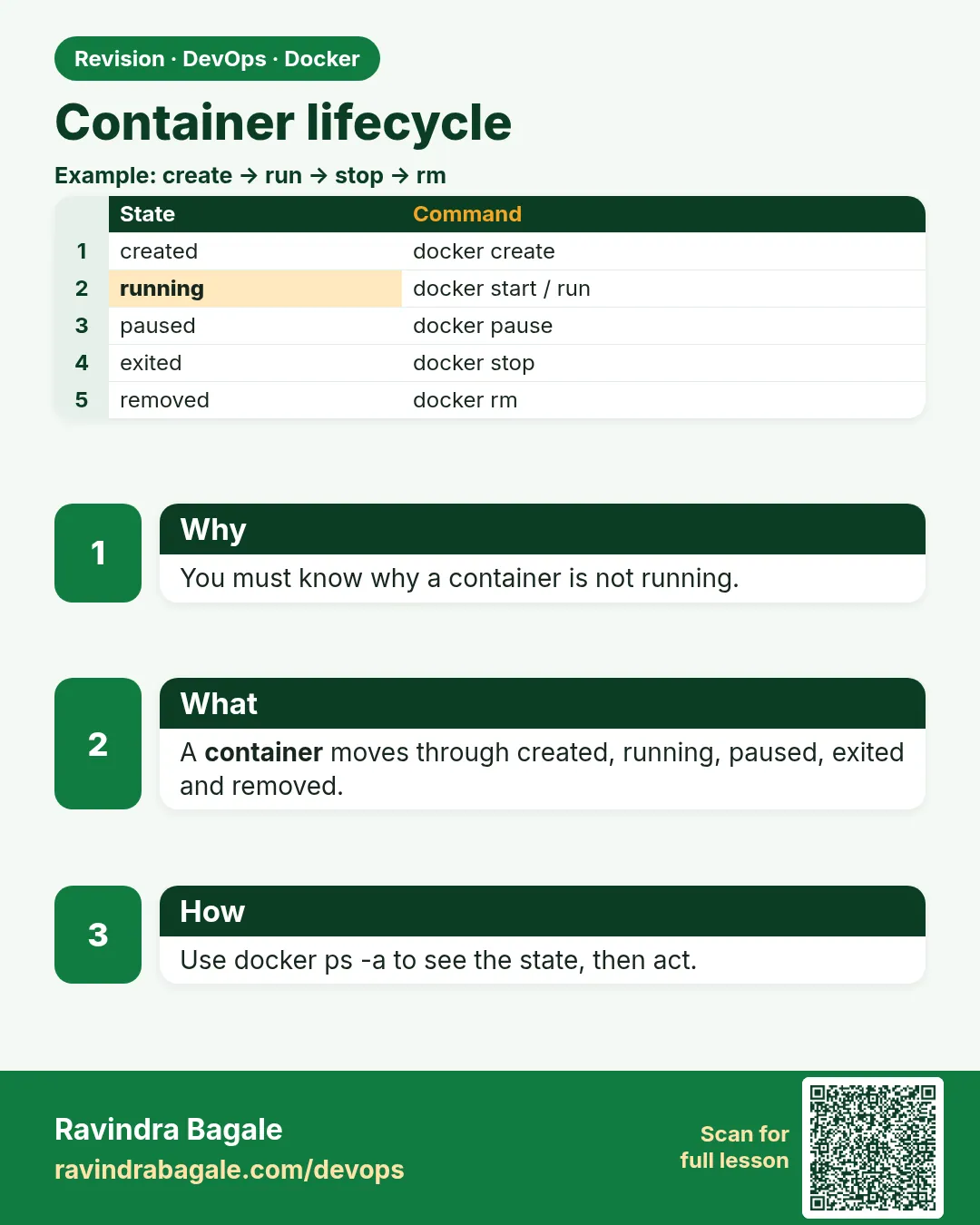 Revision card 1 of 11: Container lifecycle · Download PNG · Open card page
Lesson: 49.1 Container lifecycle: created, running, paused, stopped, removed
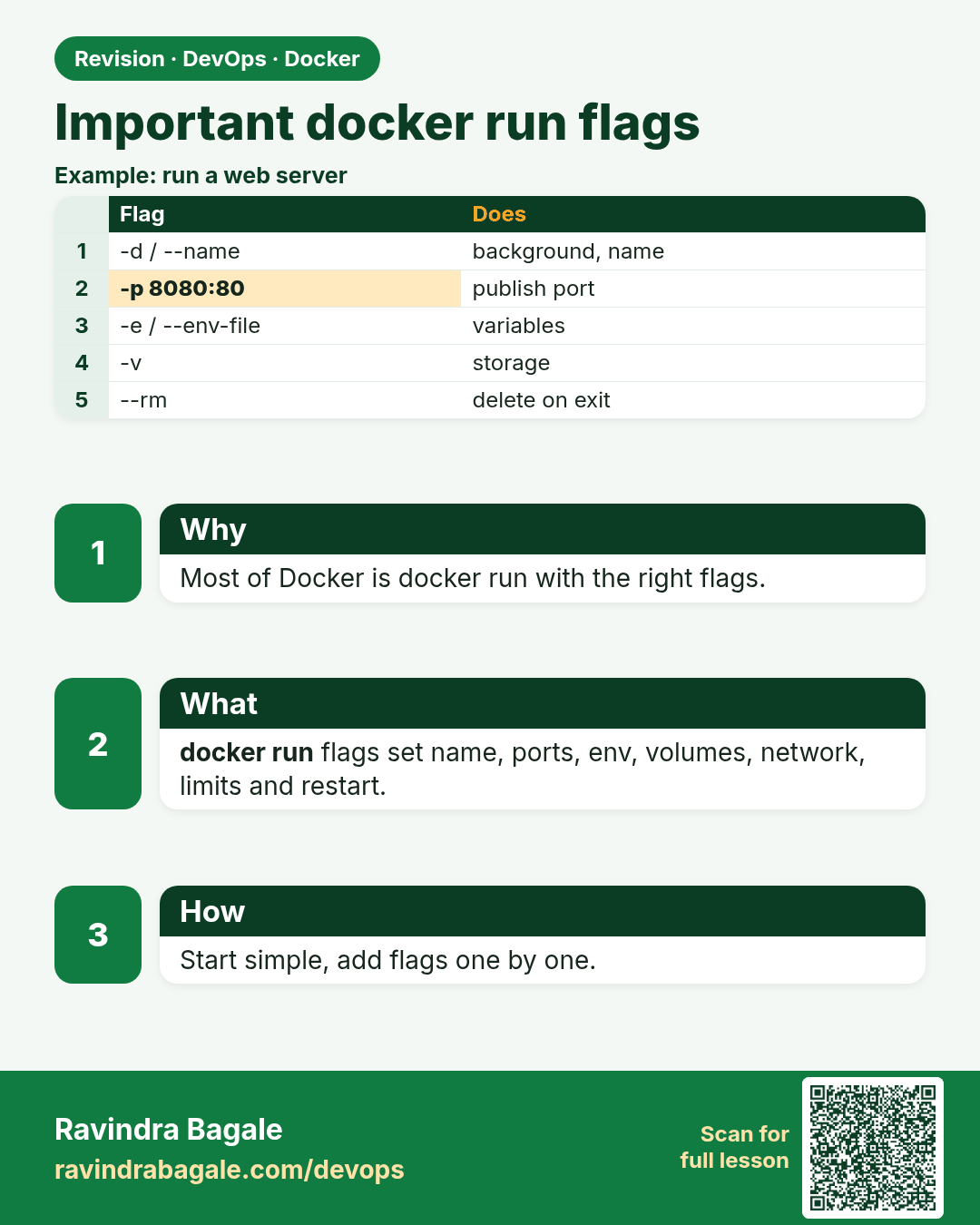
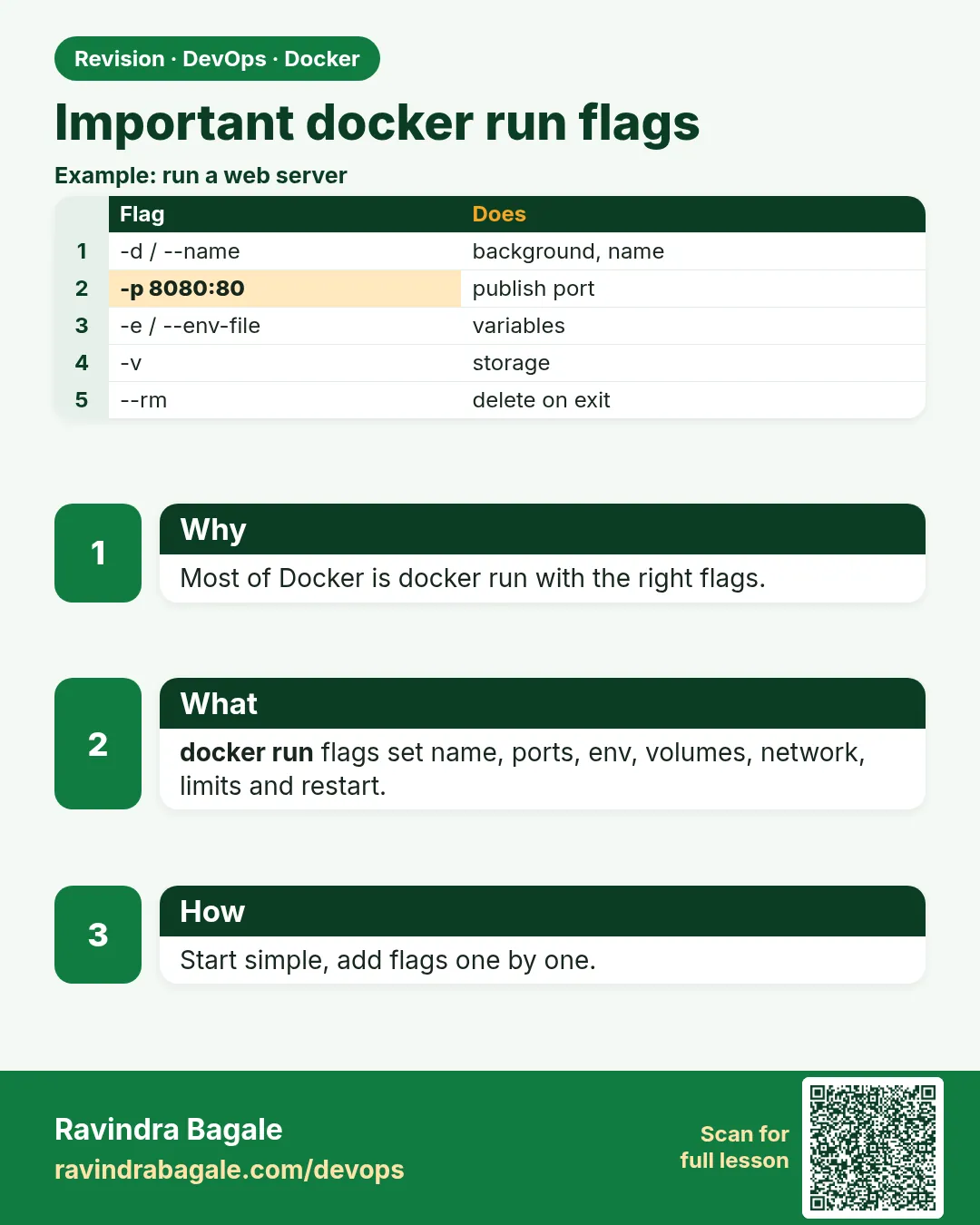 Revision card 2 of 11: Important docker run flags · Download PNG · Open card page
Lesson: 49.2 docker run and its most important flags
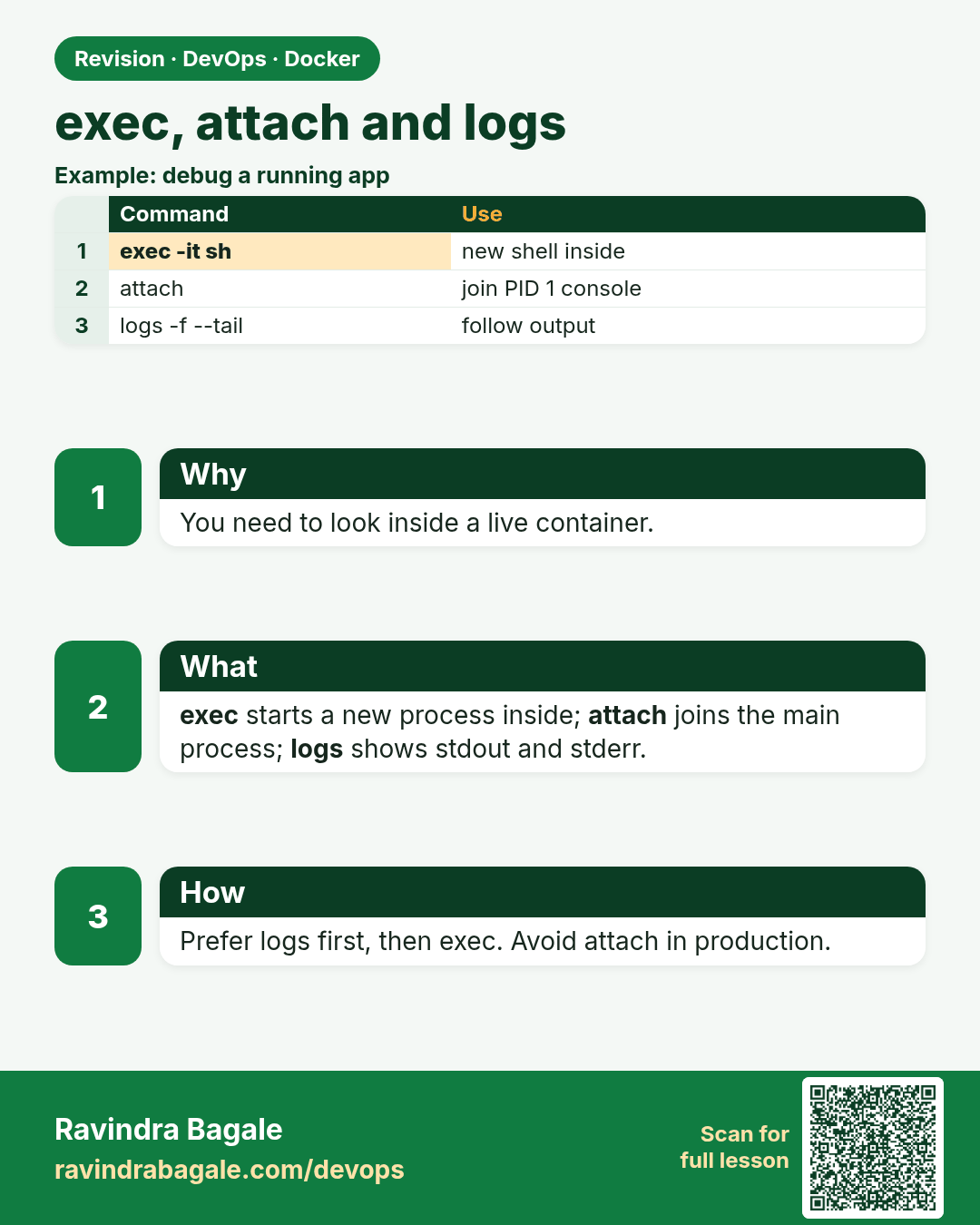
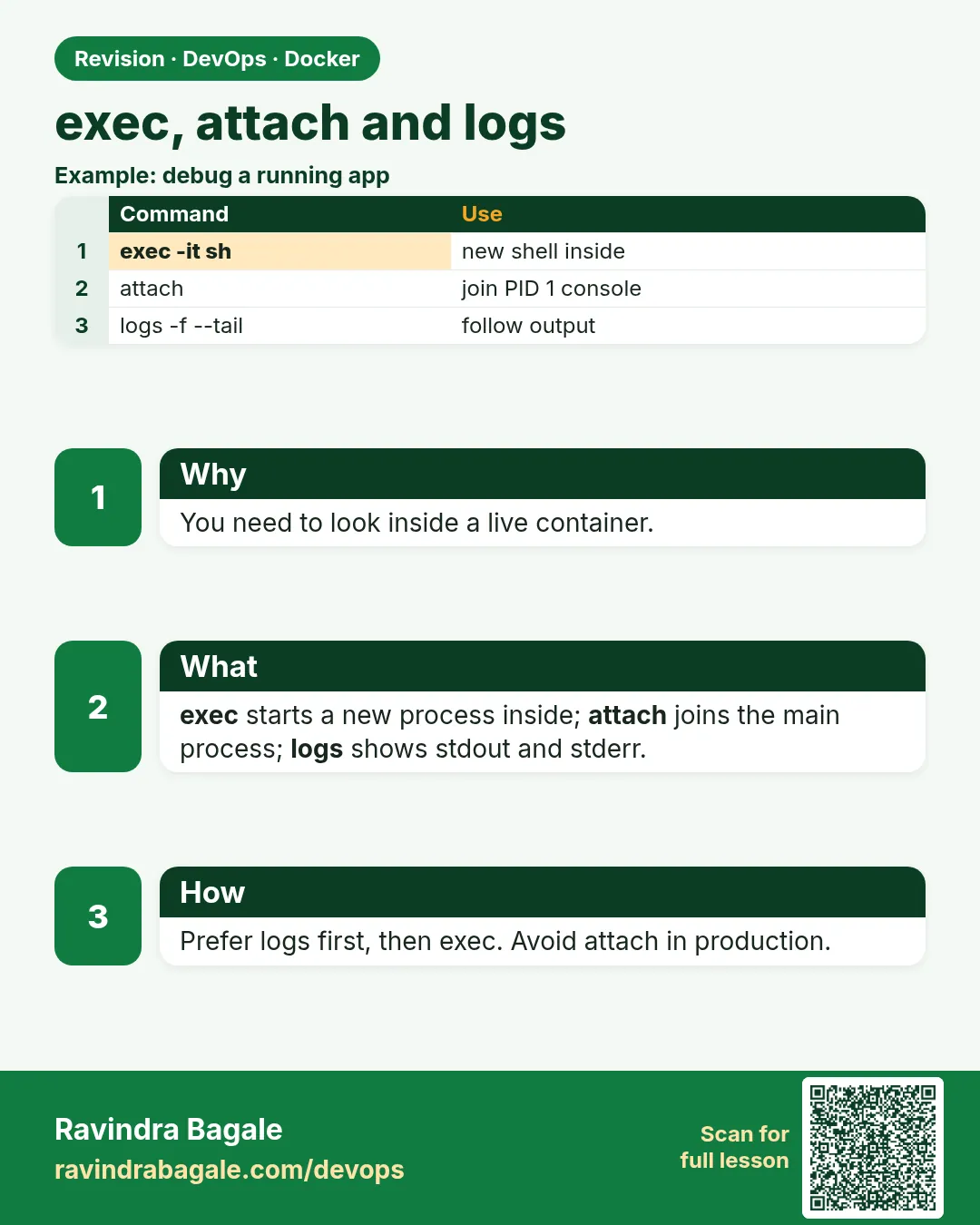 Revision card 3 of 11: exec, attach and logs · Download PNG · Open card page
Lesson: 49.3 exec, attach and logs: get inside and read output
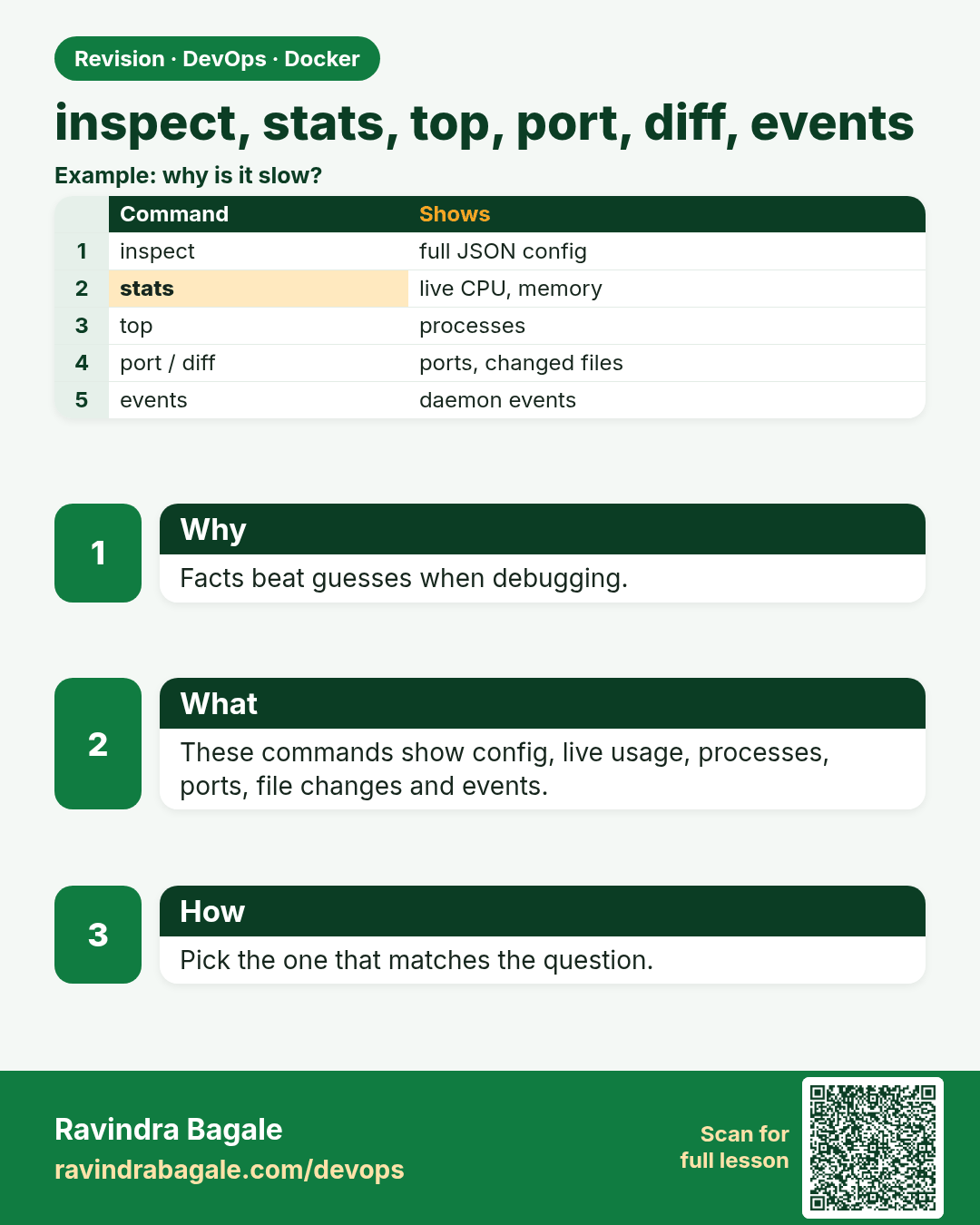
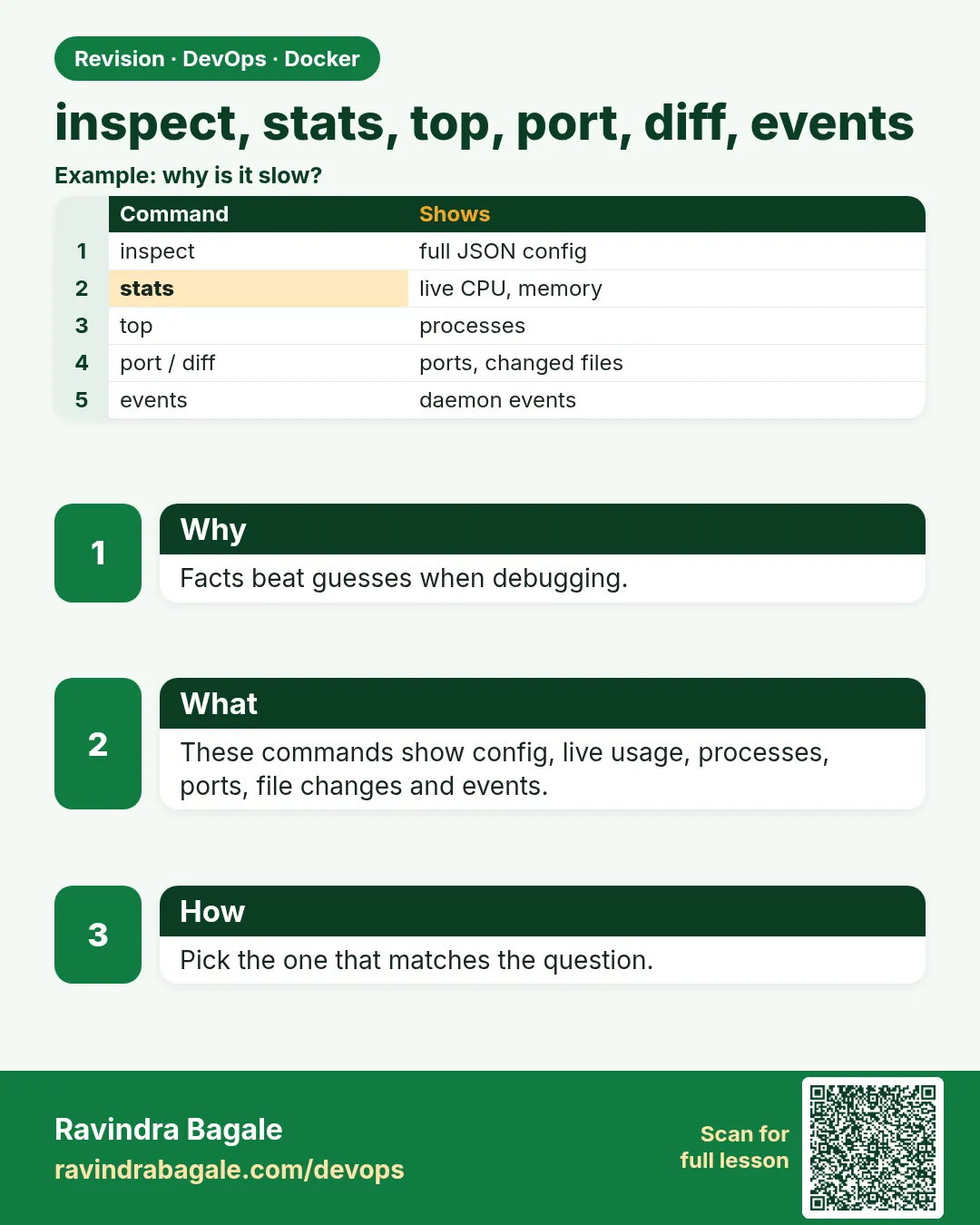 Revision card 4 of 11: inspect, stats, top, port, diff, events · Download PNG · Open card page
Lesson: 49.4 inspect, stats, top, port, diff and events
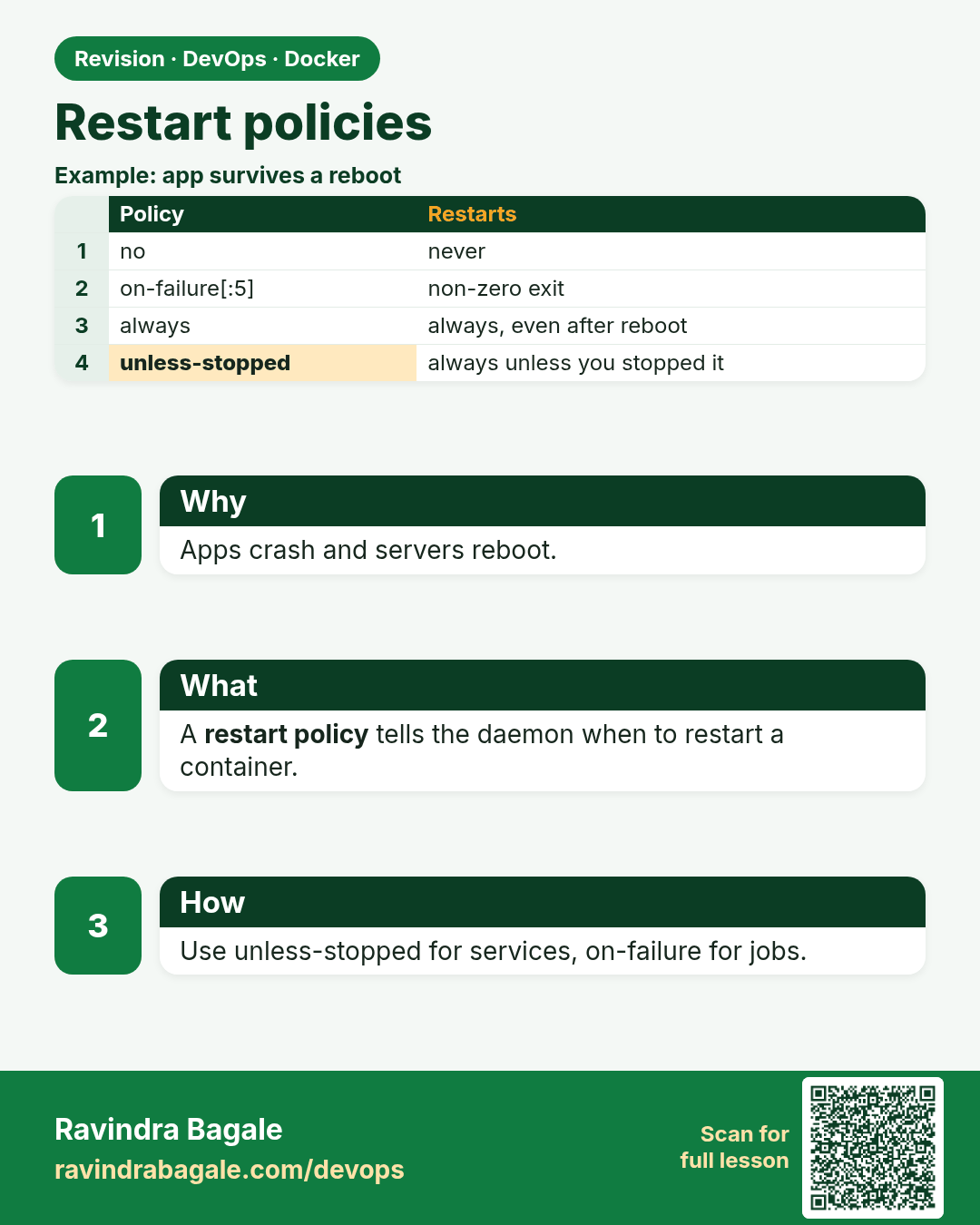
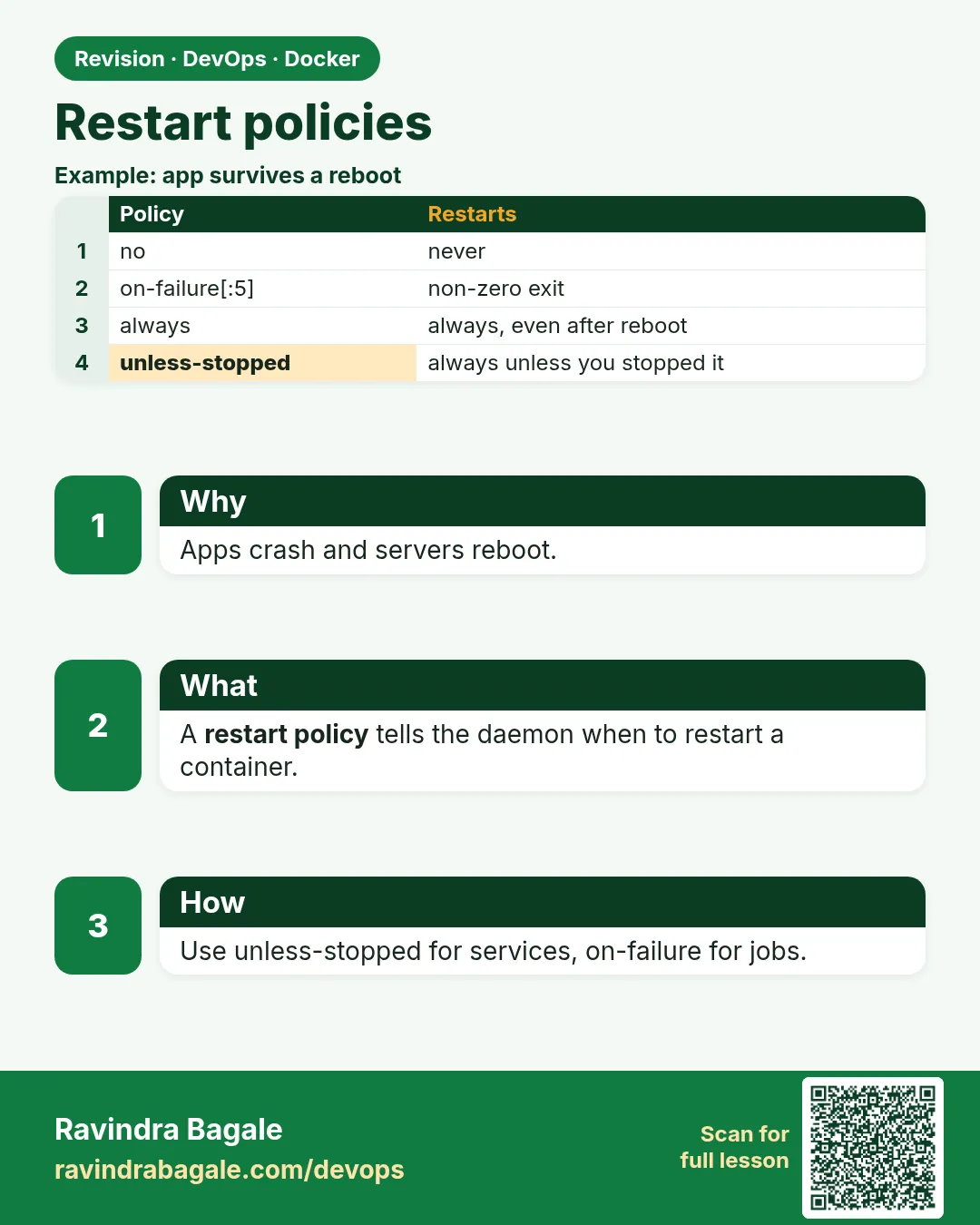 Revision card 5 of 11: Restart policies · Download PNG · Open card page
Lesson: 49.5 Restart policies
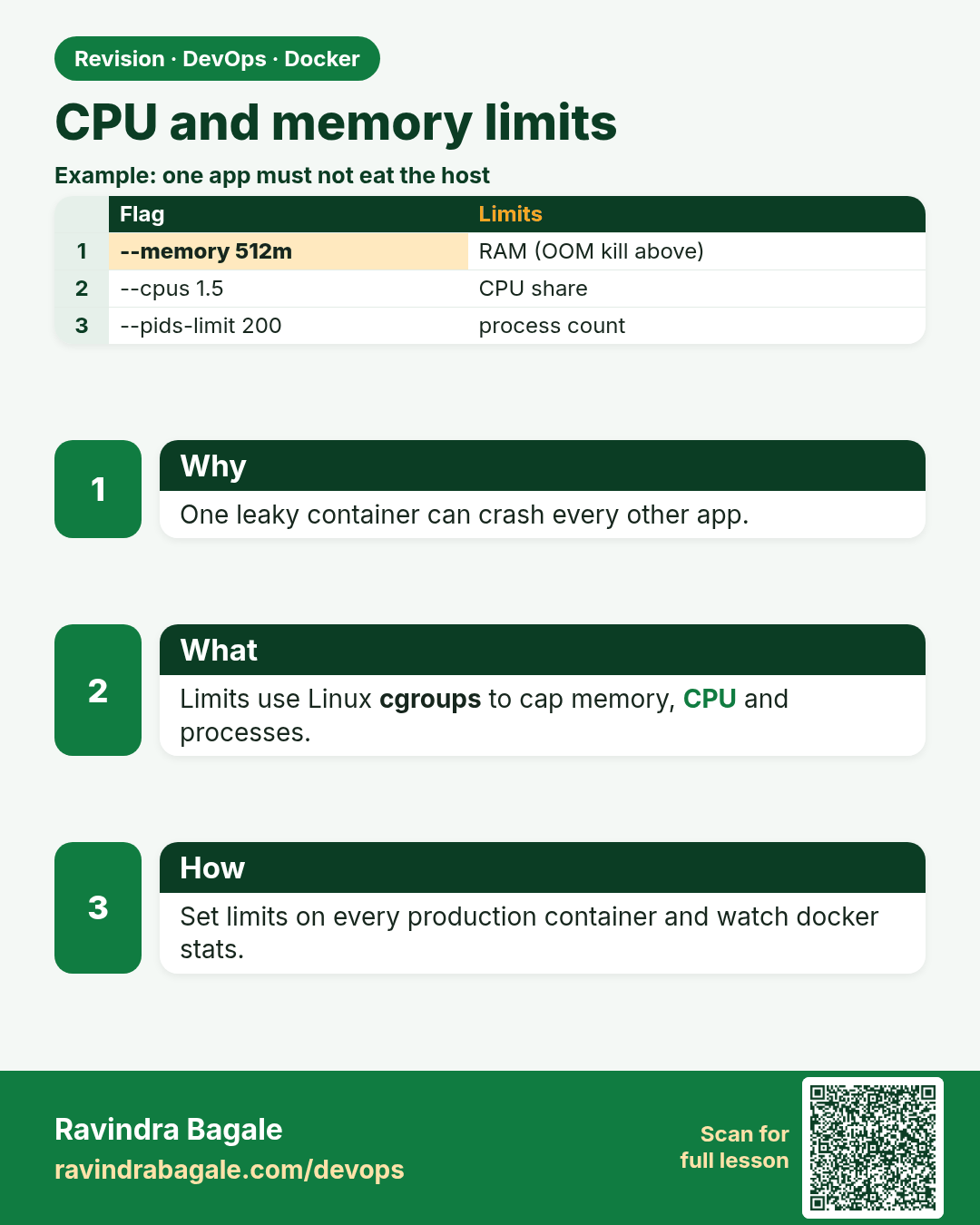
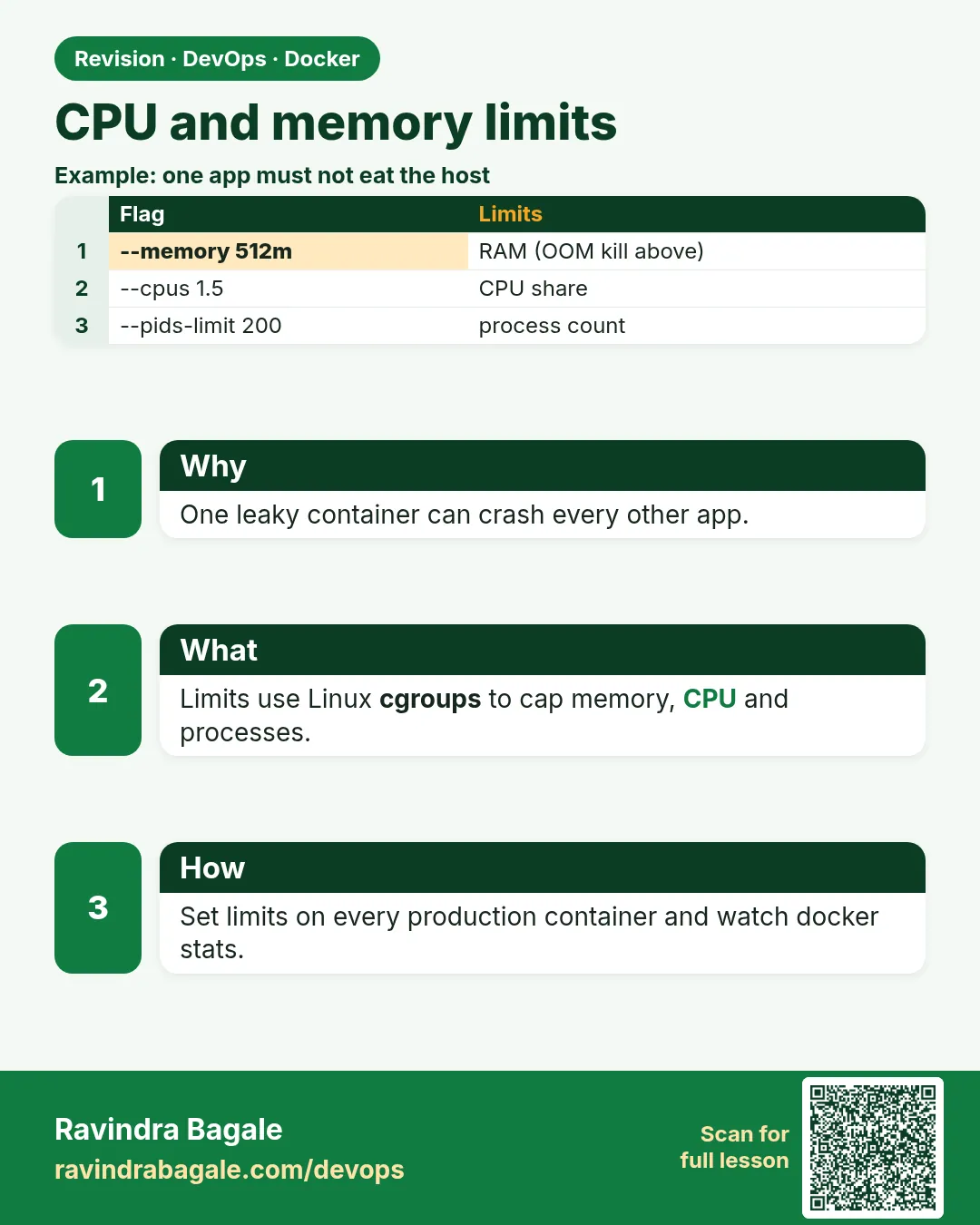 Revision card 6 of 11: CPU and memory limits · Download PNG · Open card page
Lesson: 49.6 Resource limits: memory, CPU, pids and IO
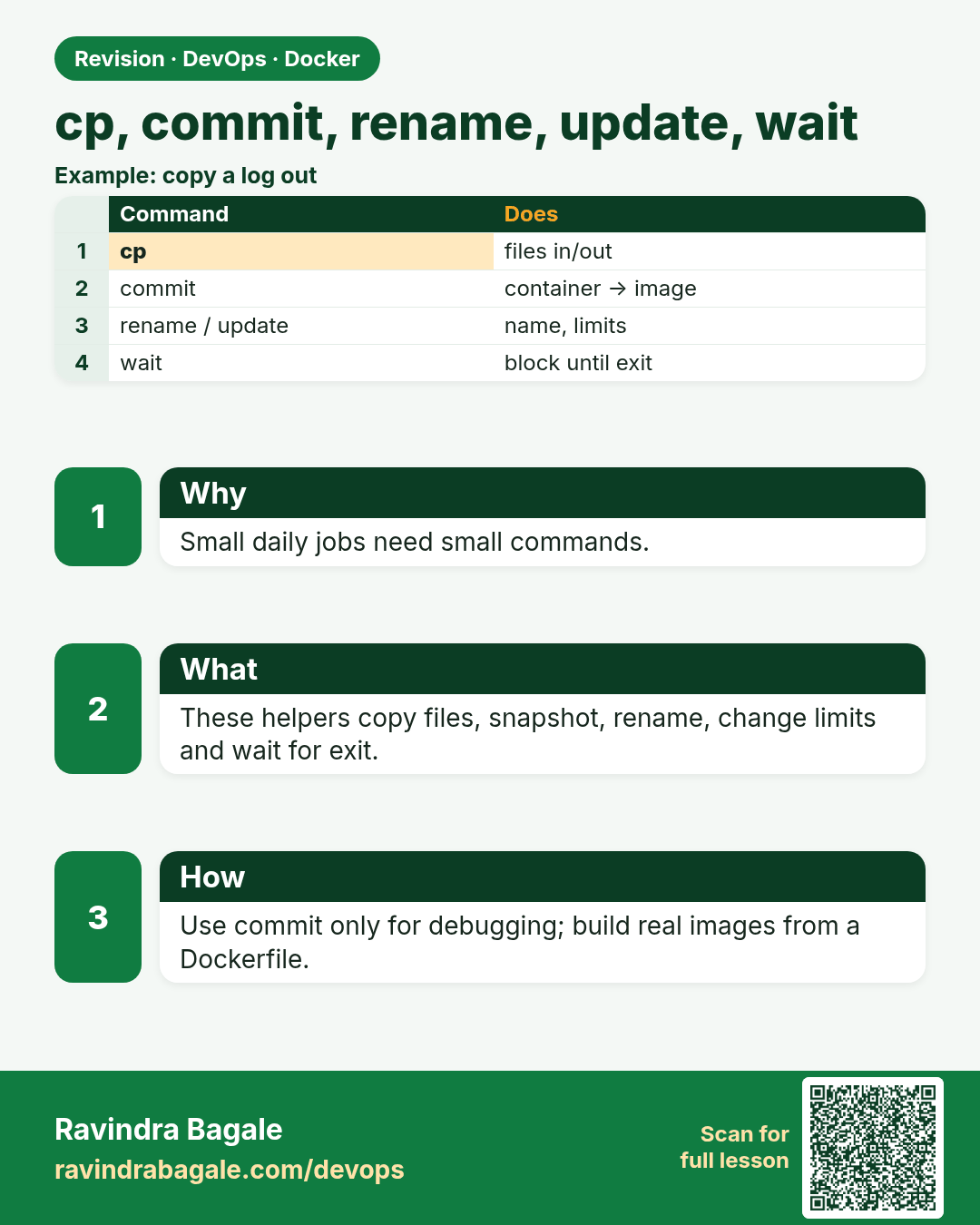
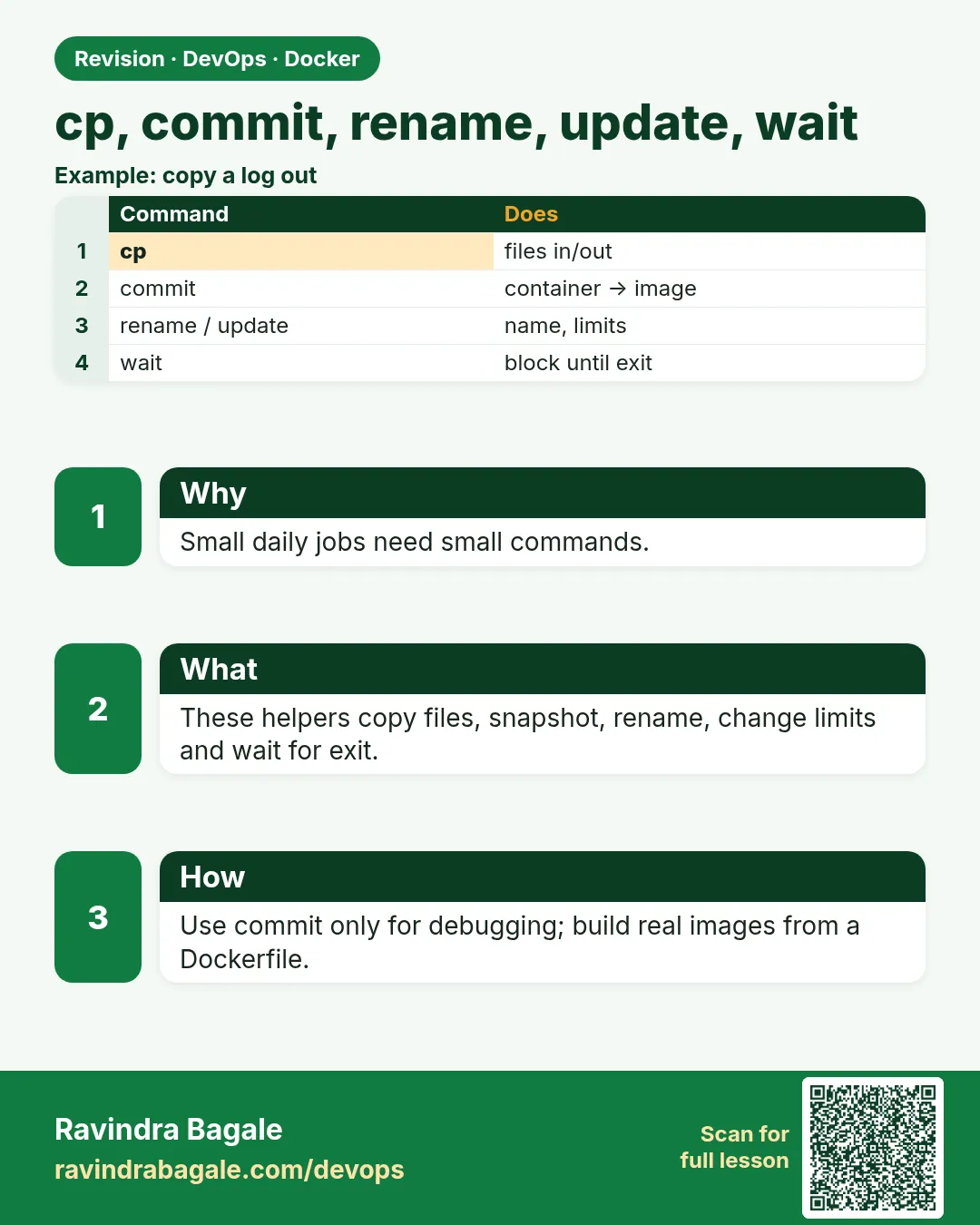 Revision card 7 of 11: cp, commit, rename, update, wait · Download PNG · Open card page
Lesson: 49.7 cp, commit, rename, update, wait and export
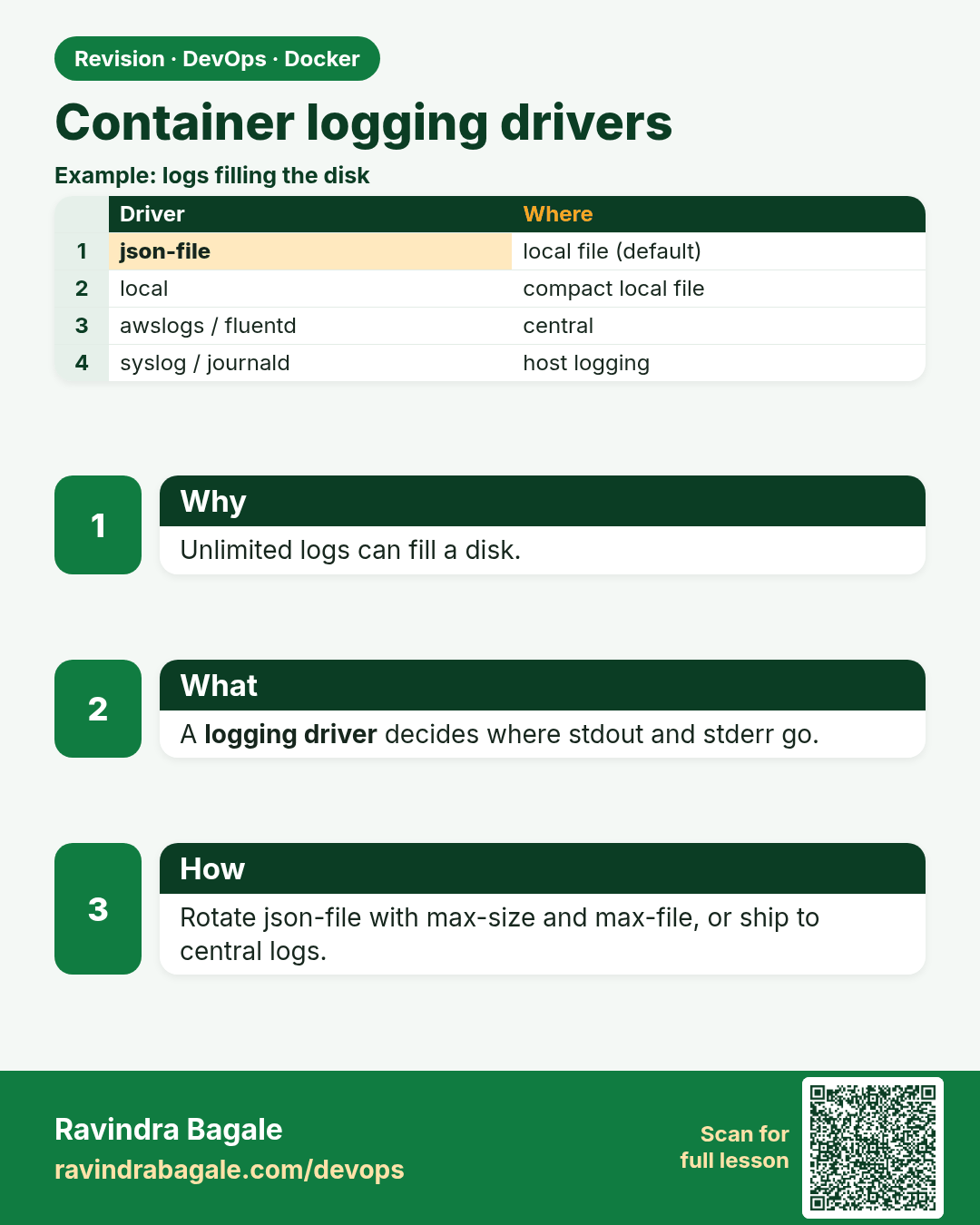
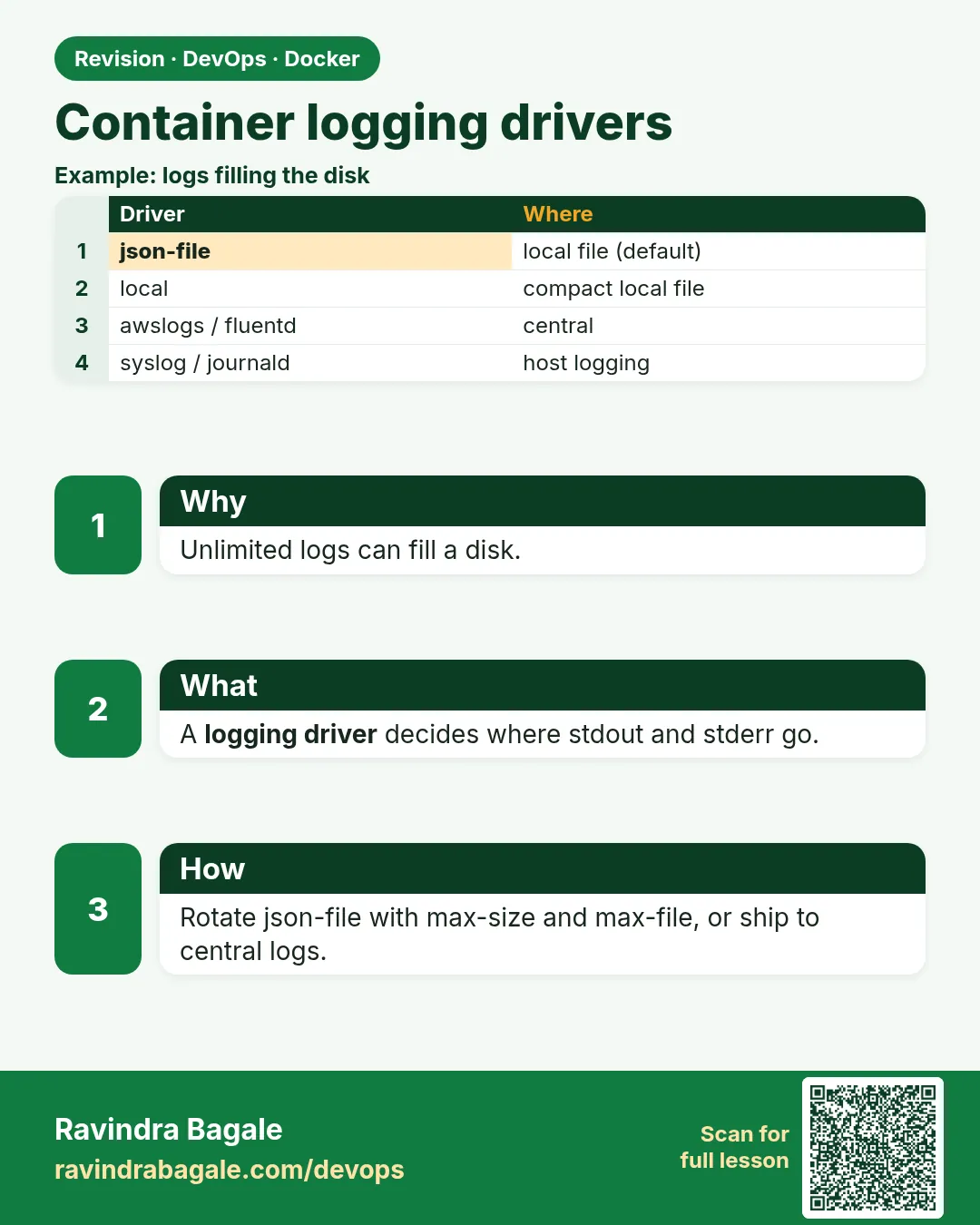 Revision card 8 of 11: Container logging drivers · Download PNG · Open card page
Lesson: 49.8 Logging drivers and log rotation
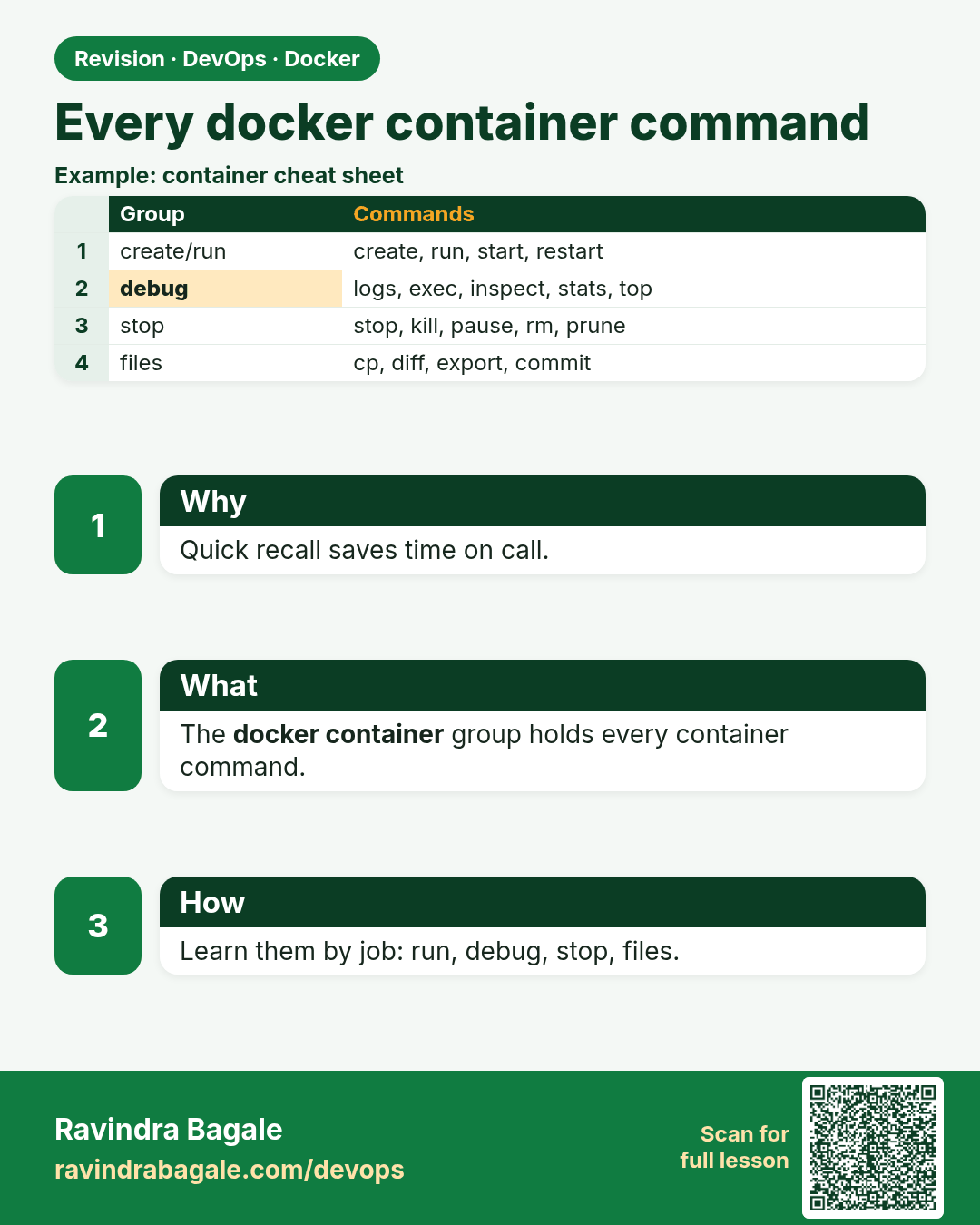
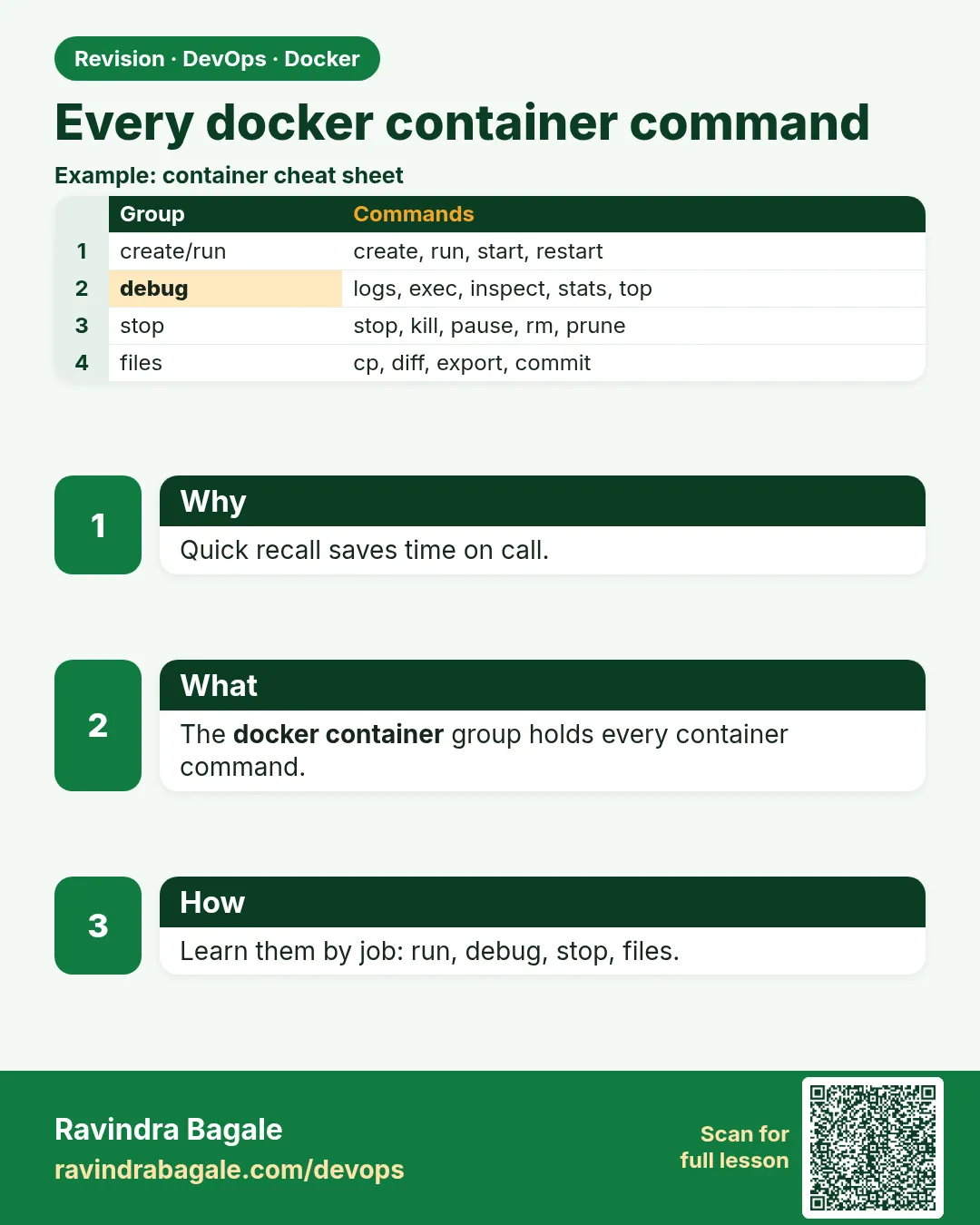 Revision card 9 of 11: Every docker container command · Download PNG · Open card page
Lesson: 49.9 Every docker container command: full reference
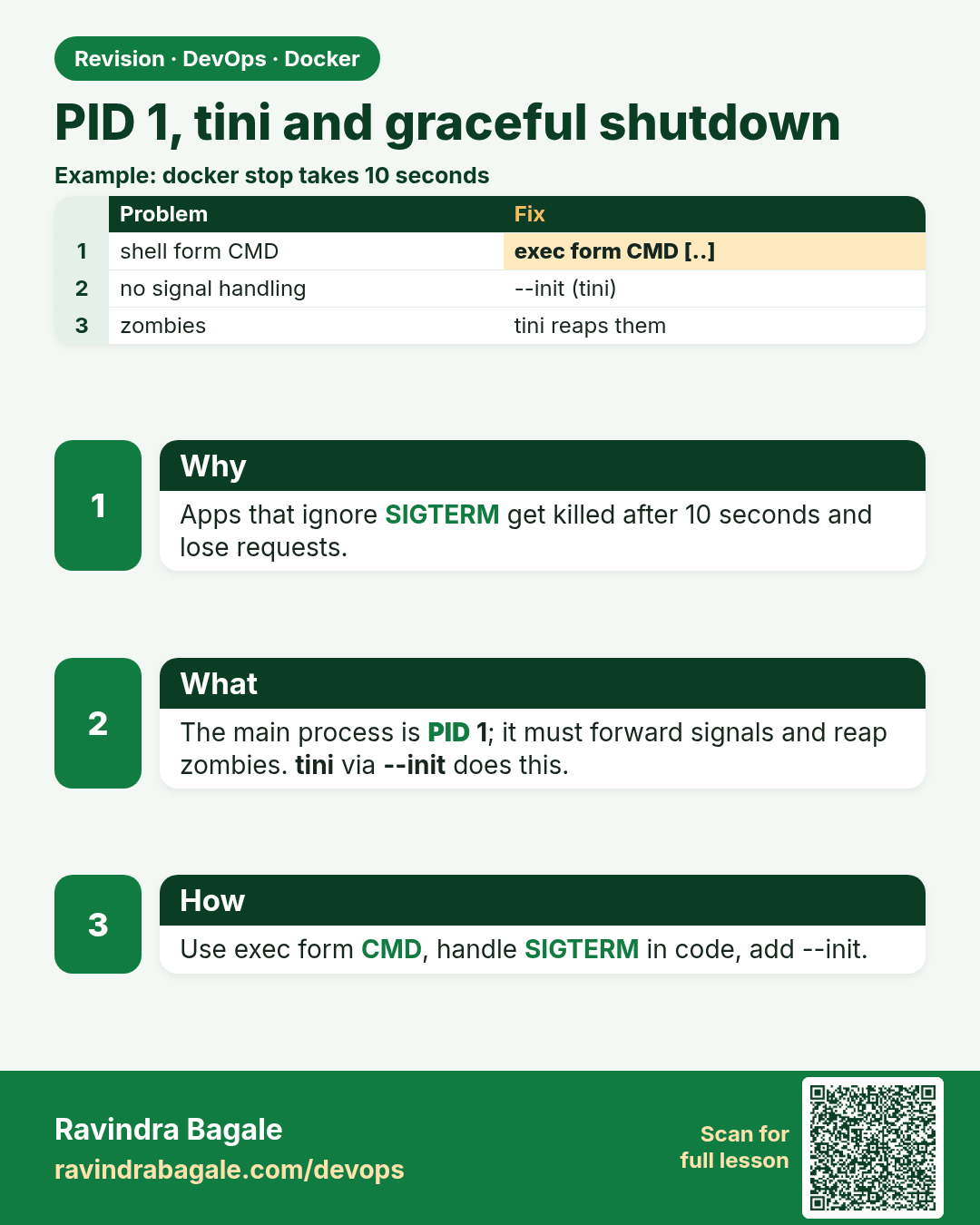
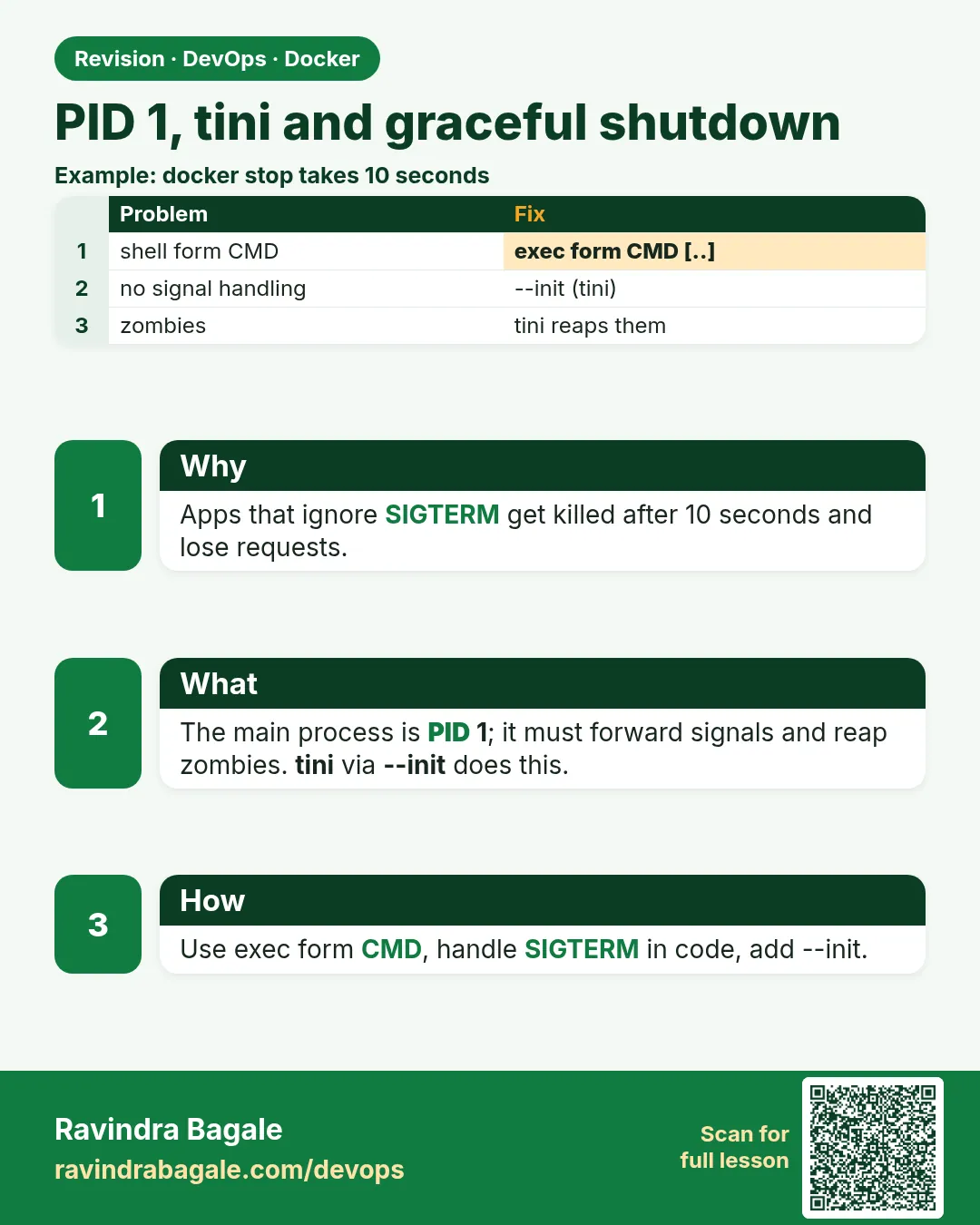 Revision card 10 of 11: PID 1, tini and graceful shutdown · Download PNG · Open card page
Lesson: 49.10 PID 1, tini (--init) and graceful SIGTERM shutdown
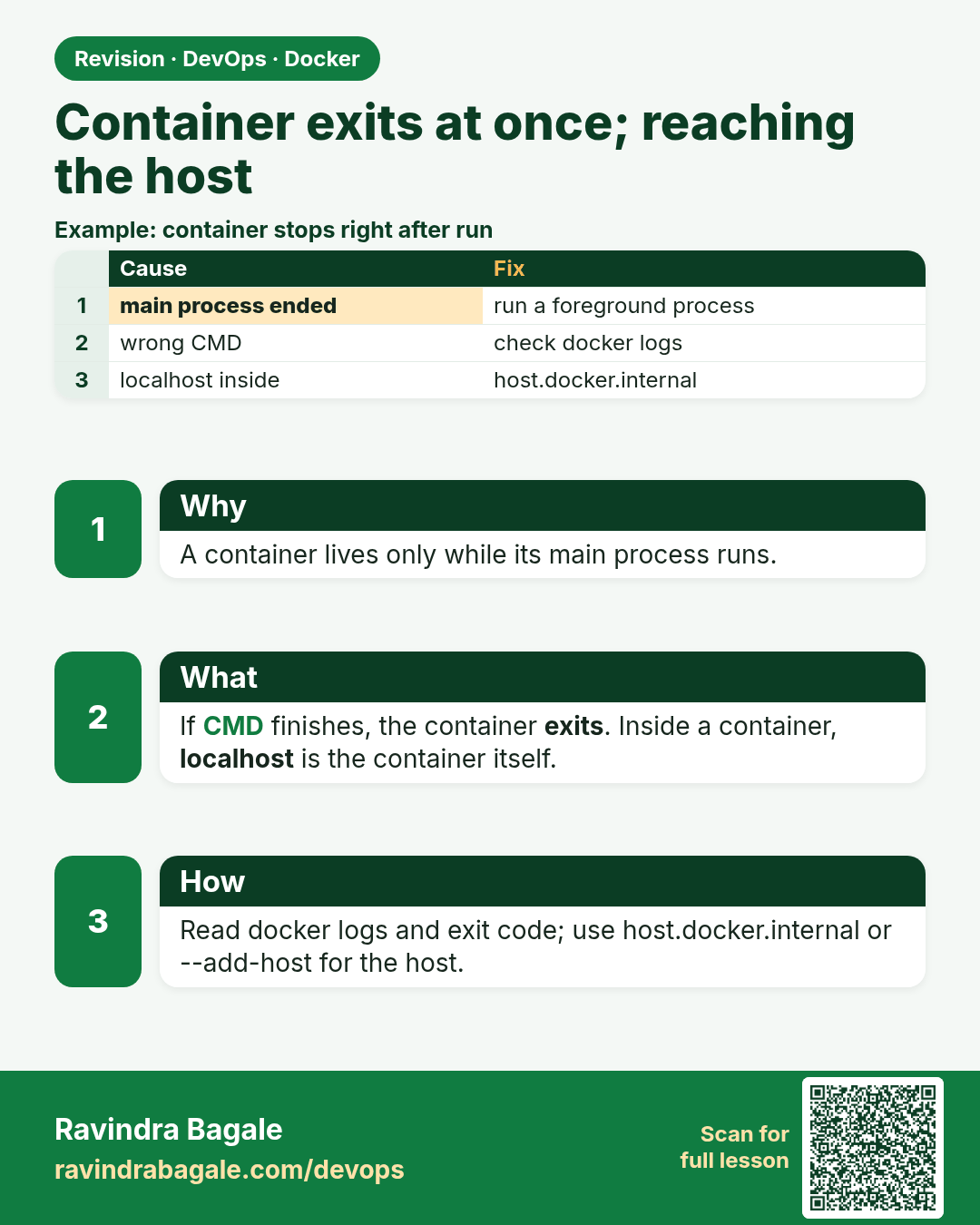
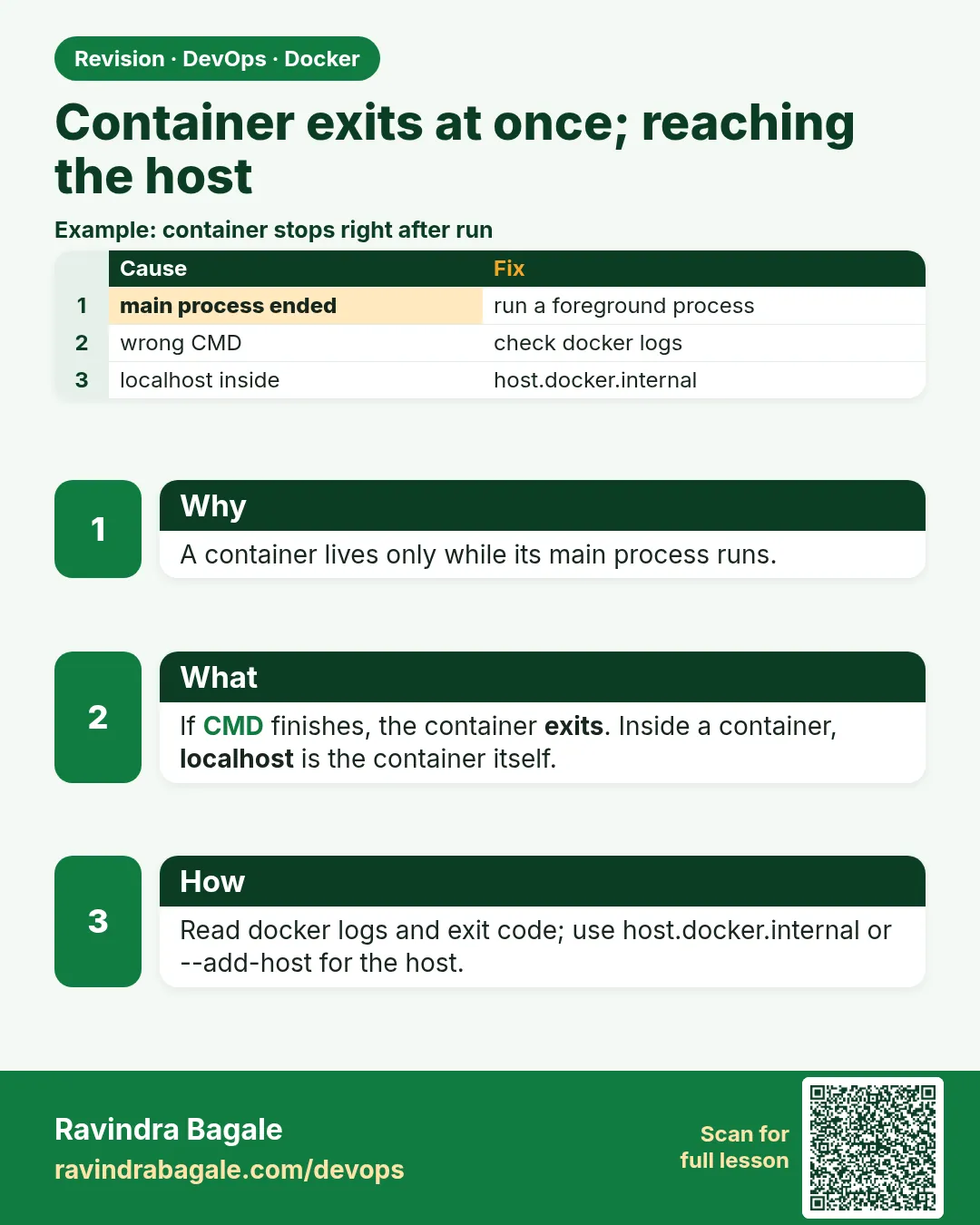 Revision card 11 of 11: Container exits at once; reaching the host · Download PNG · Open card page
Lesson: 49.11 Container exits immediately, and reaching the host (host.docker.internal on Linux)
Interview cards
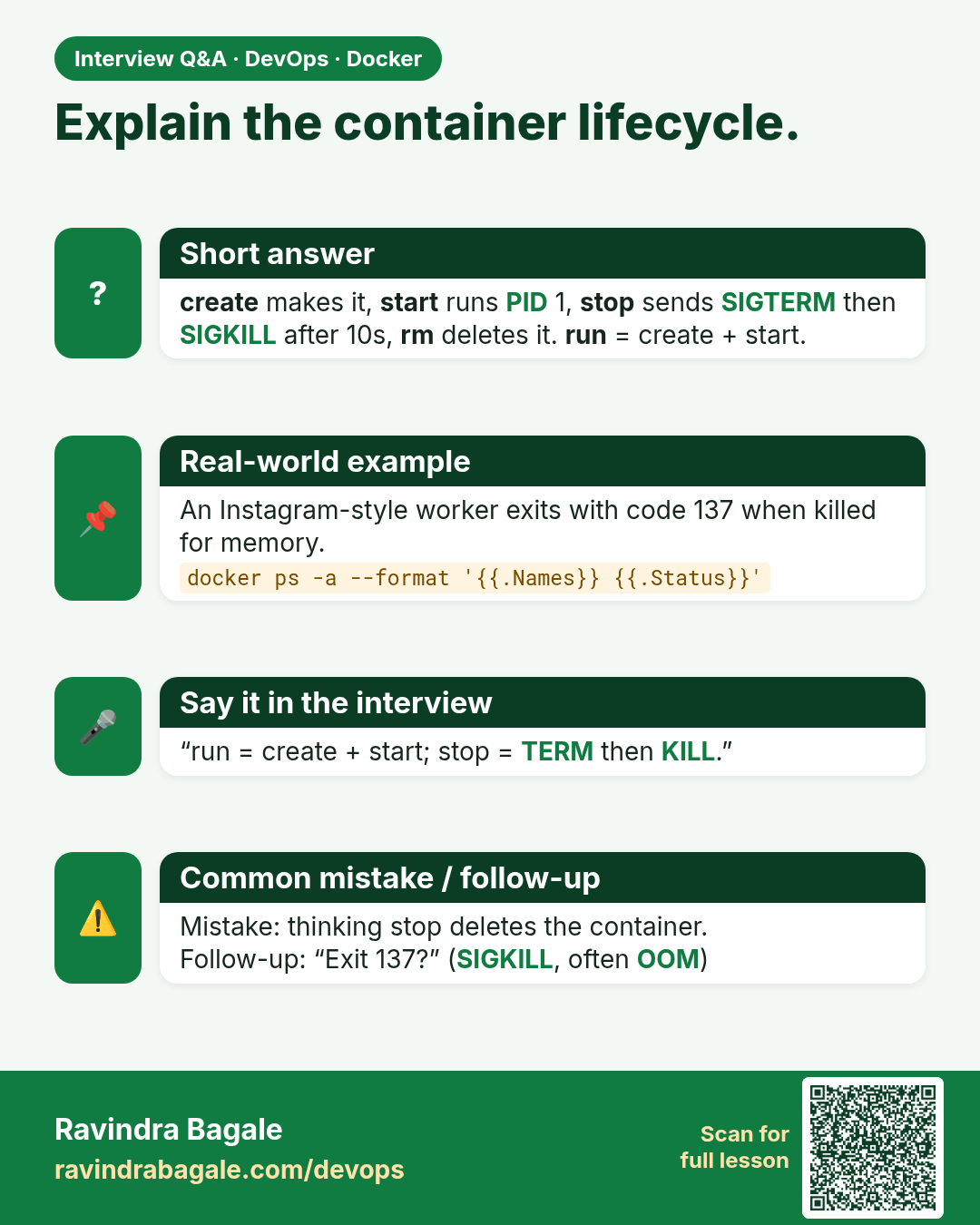
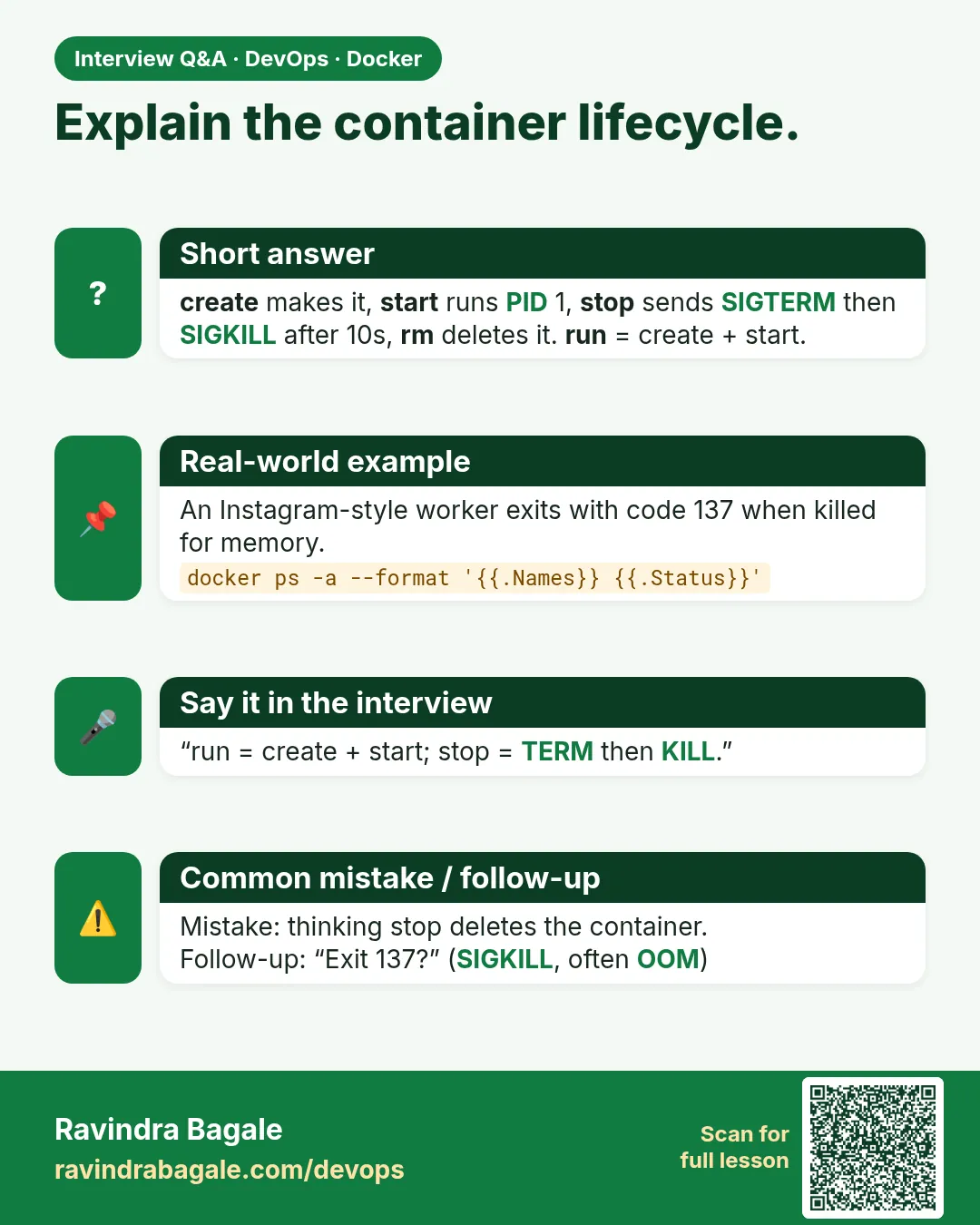 Interview card 1 of 11: Explain the container lifecycle. · Download PNG · Open card page
Lesson: 49.1 Container lifecycle: created, running, paused, stopped, removed
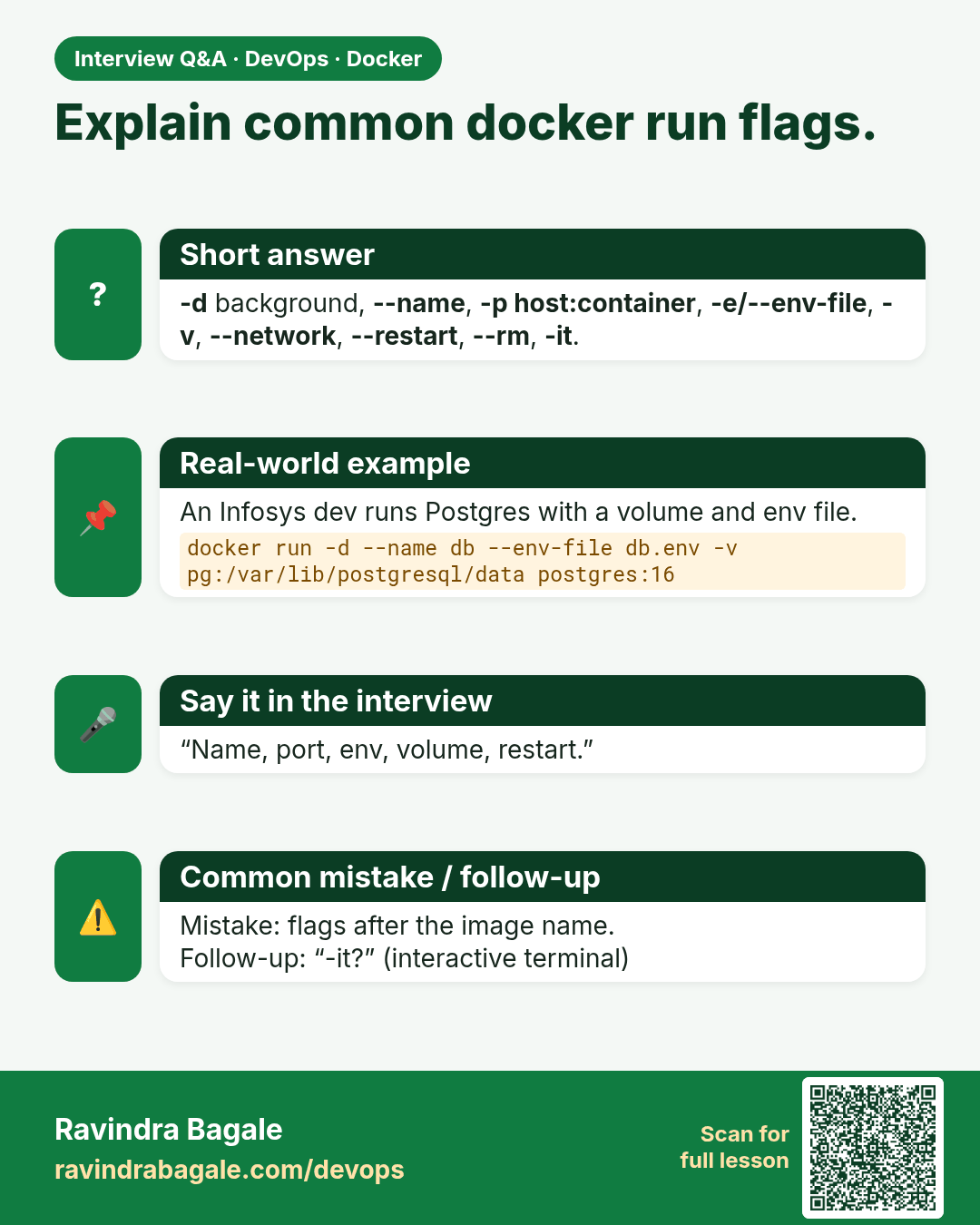
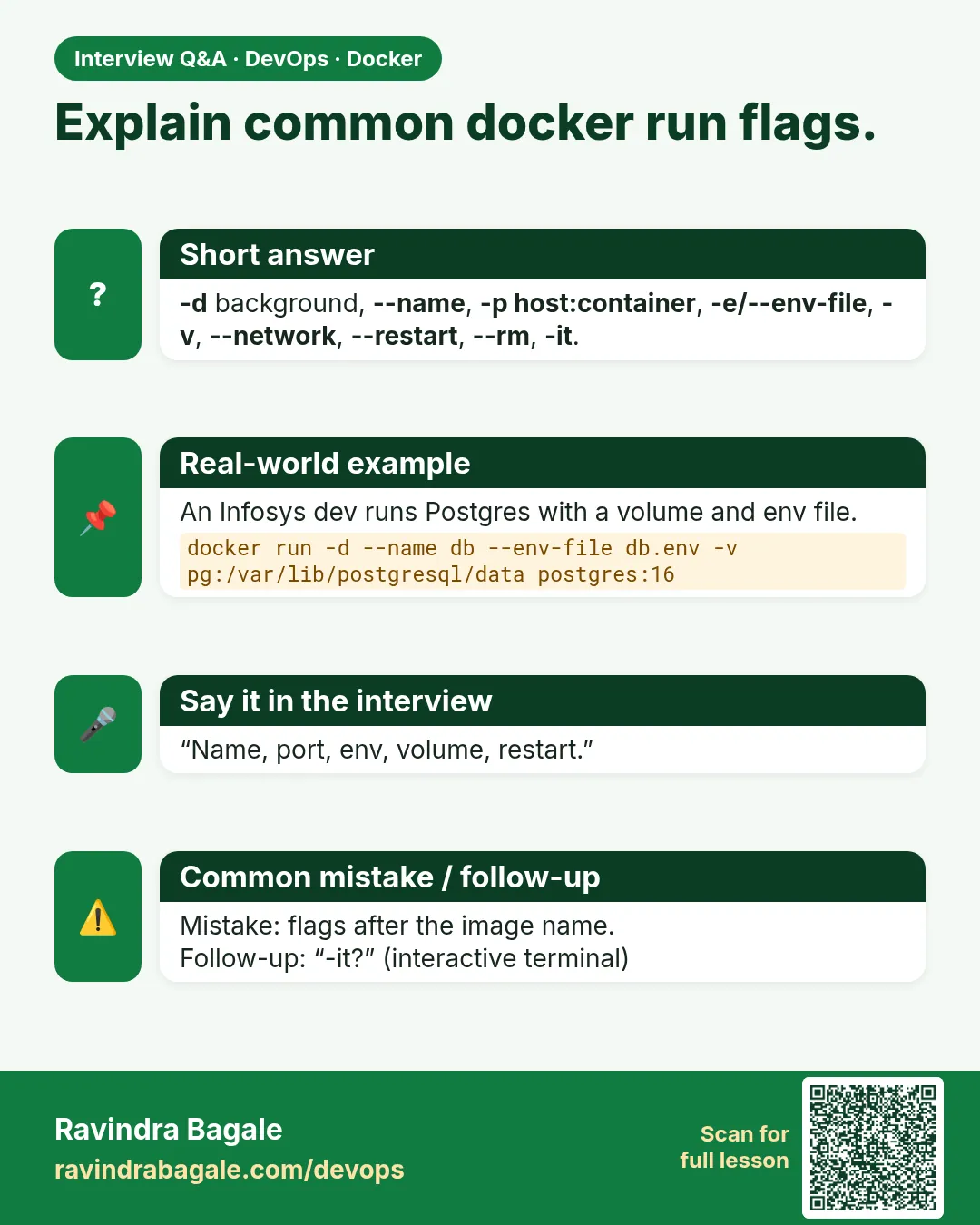 Interview card 2 of 11: Explain common docker run flags. · Download PNG · Open card page
Lesson: 49.2 docker run and its most important flags
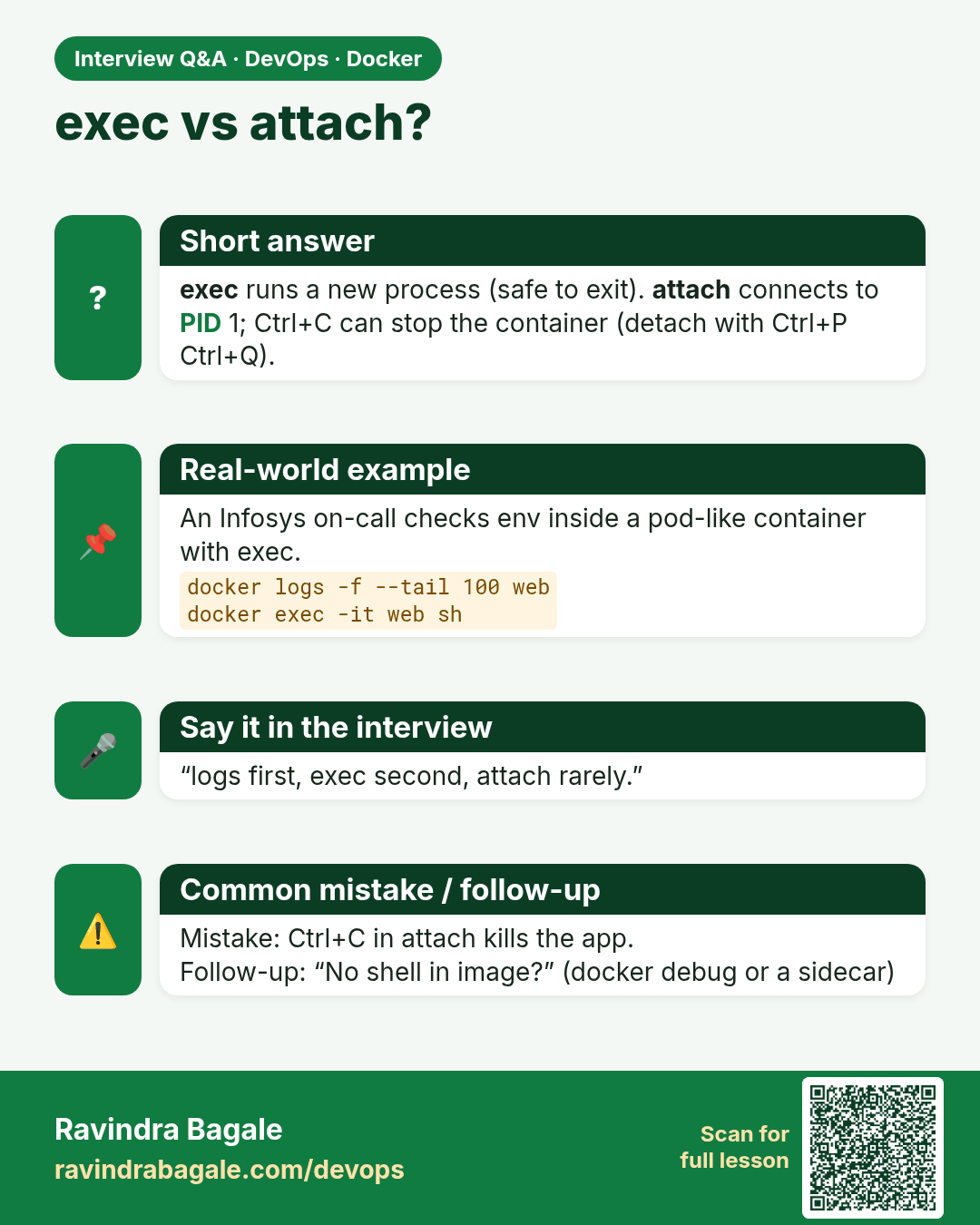
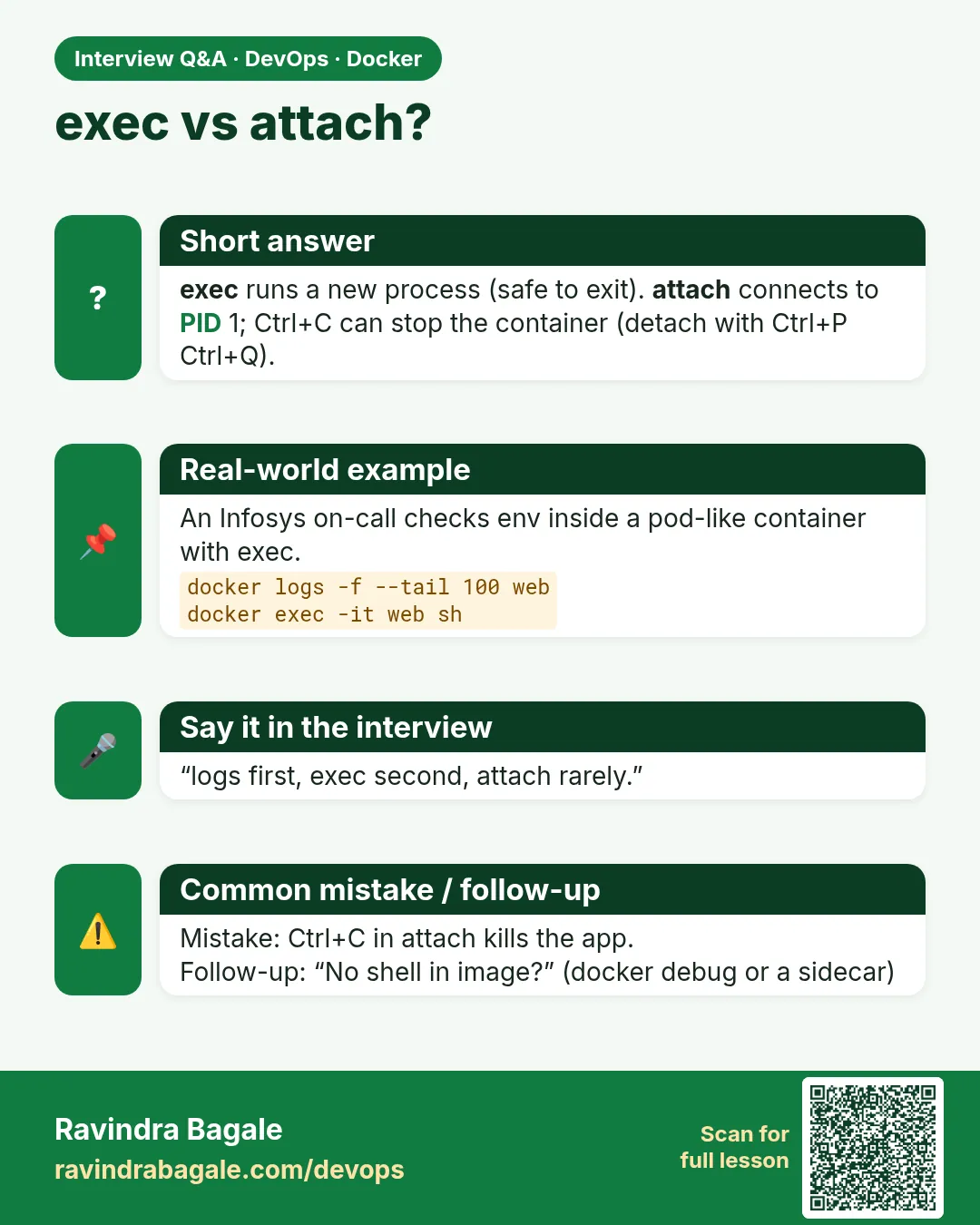 Interview card 3 of 11: exec vs attach? · Download PNG · Open card page
Lesson: 49.3 exec, attach and logs: get inside and read output
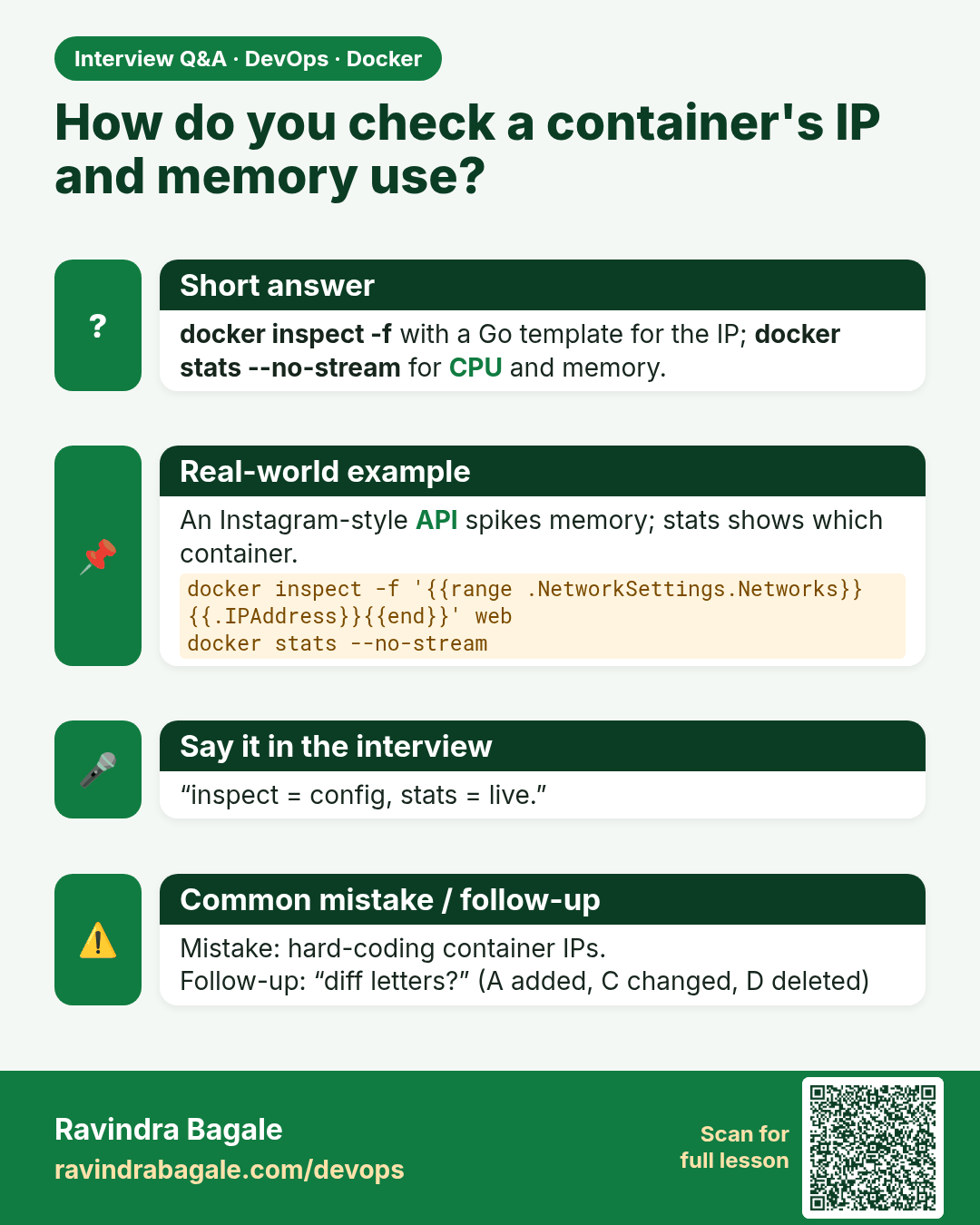
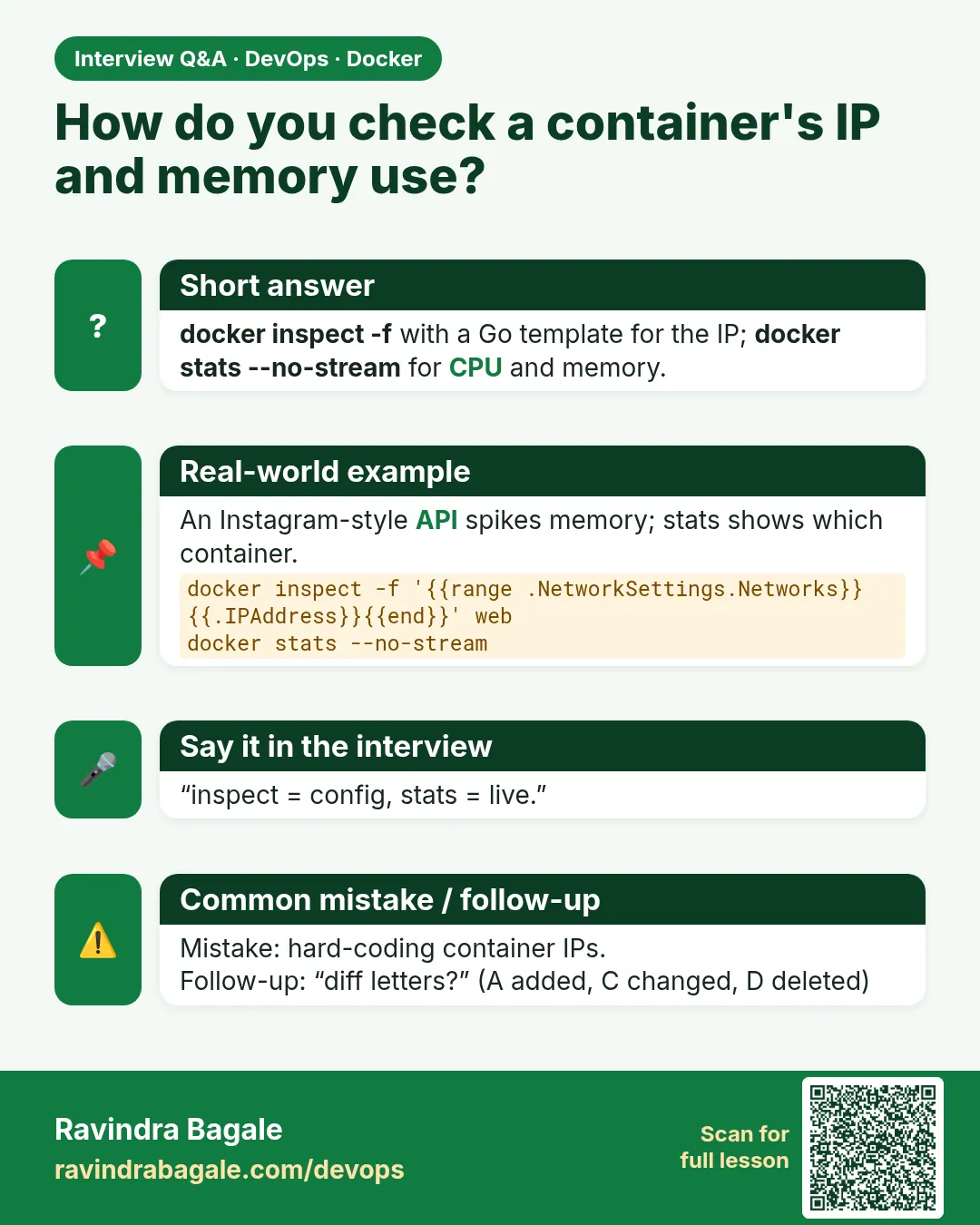 Interview card 4 of 11: How do you check a container's IP and memory use? · Download PNG · Open card page
Lesson: 49.4 inspect, stats, top, port, diff and events
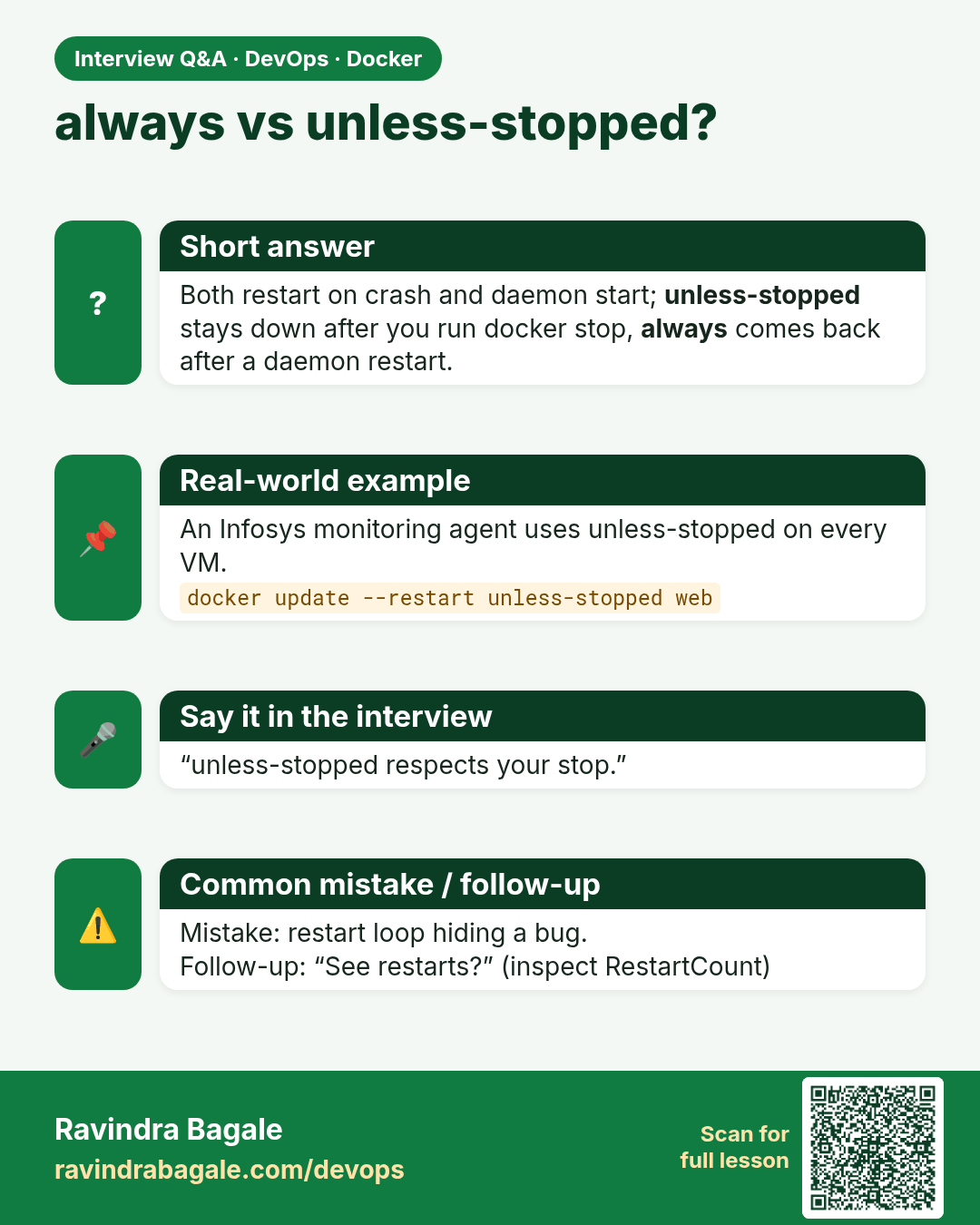
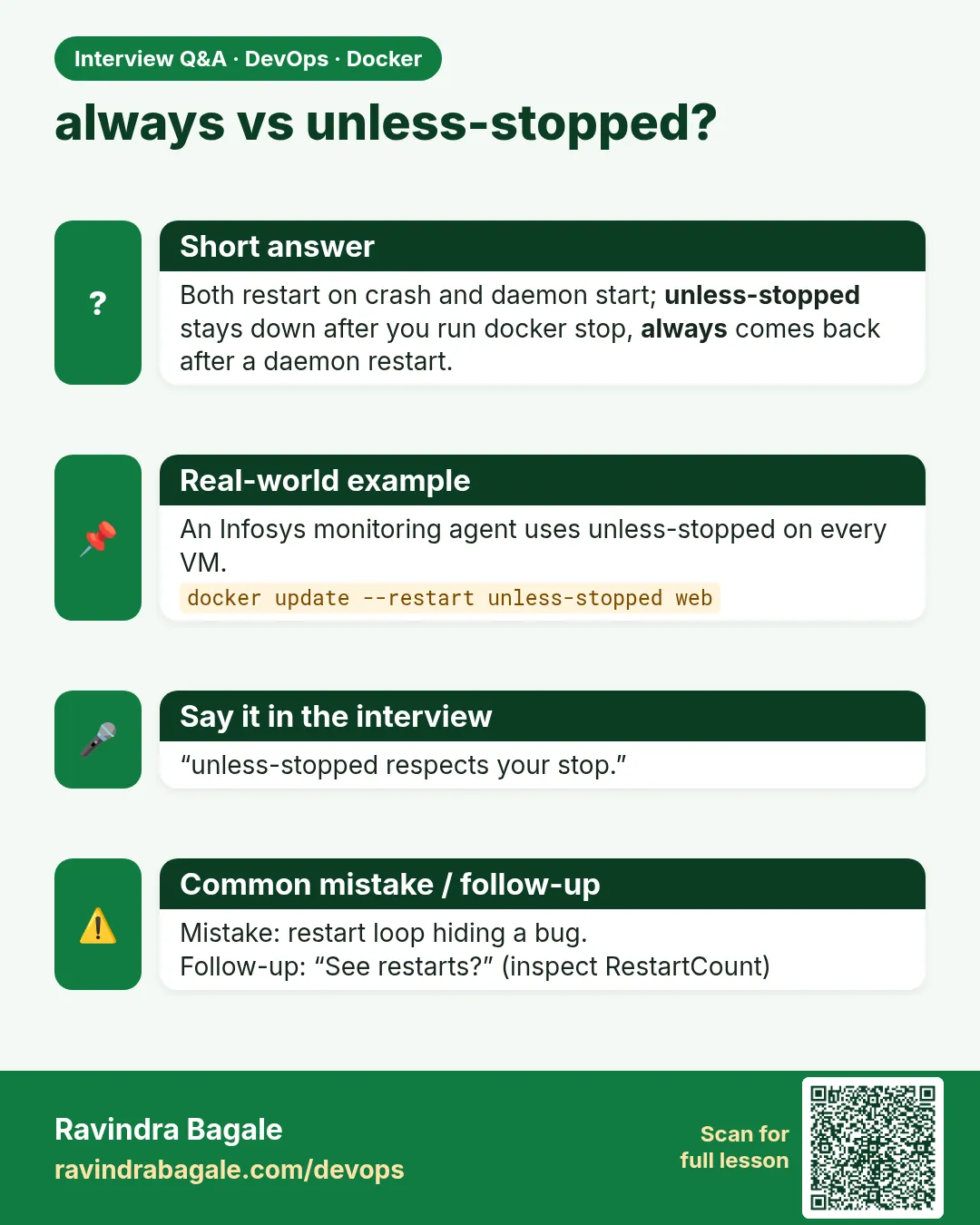 Interview card 5 of 11: always vs unless-stopped? · Download PNG · Open card page
Lesson: 49.5 Restart policies
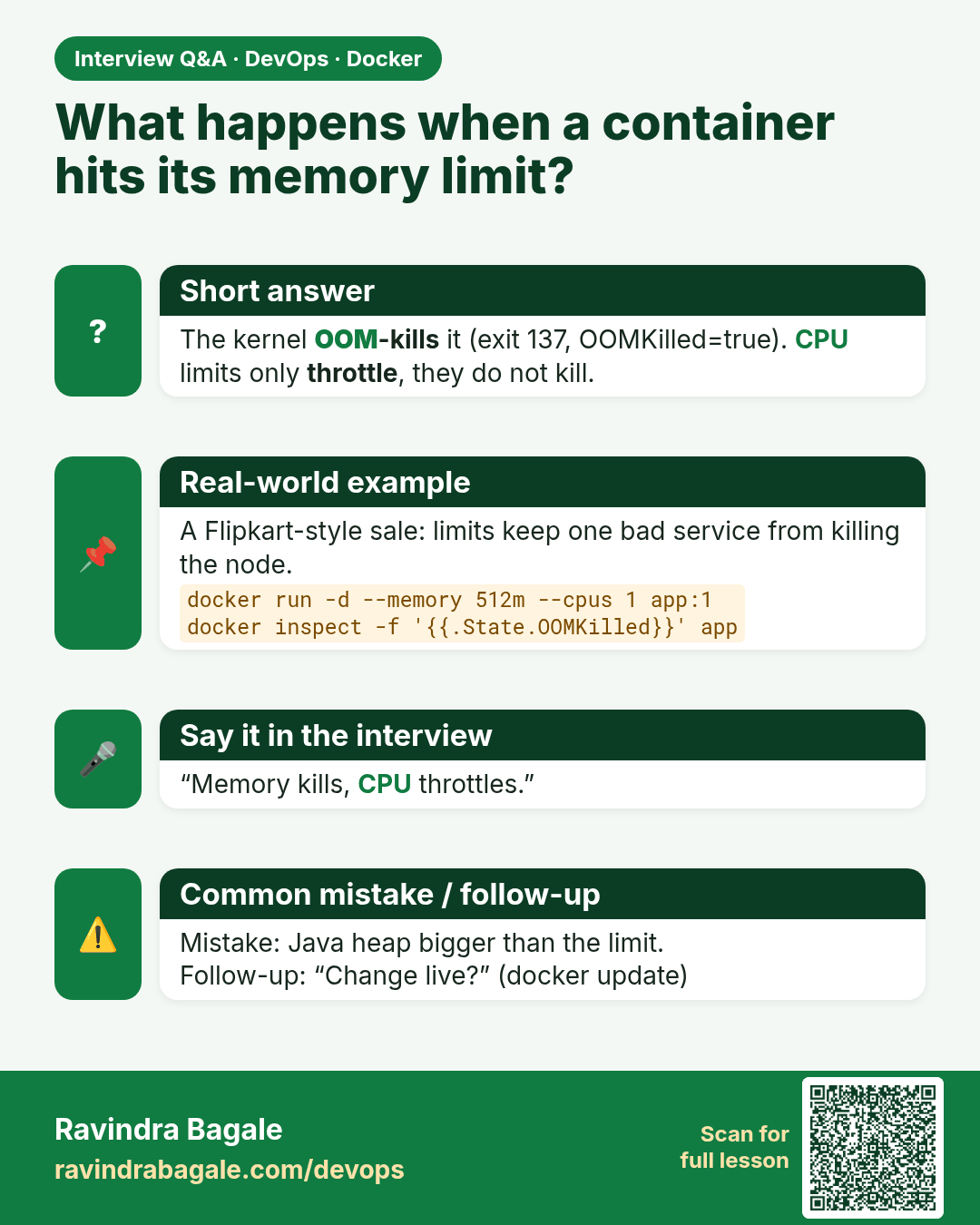
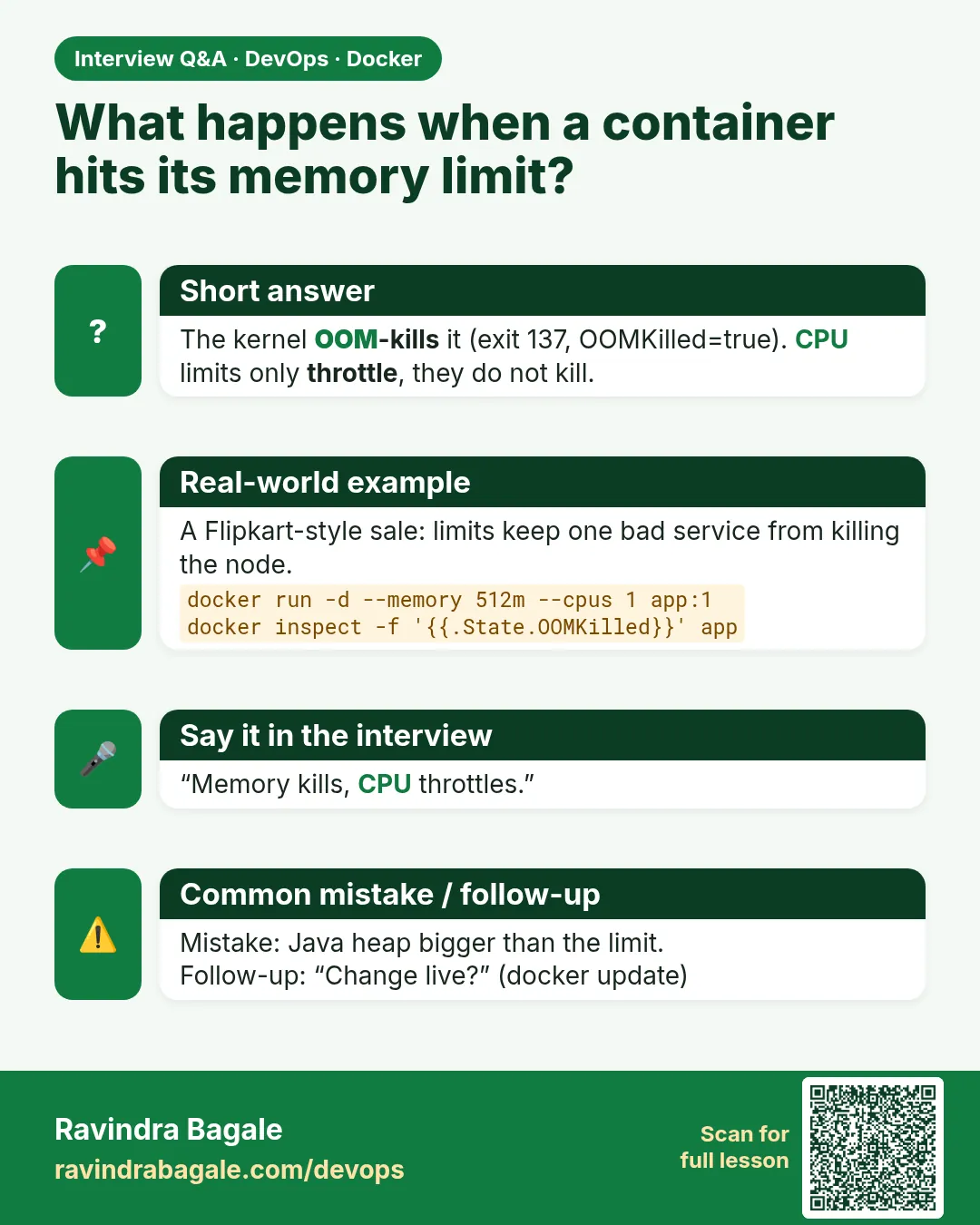 Interview card 6 of 11: What happens when a container hits its memory limit? · Download PNG · Open card page
Lesson: 49.6 Resource limits: memory, CPU, pids and IO
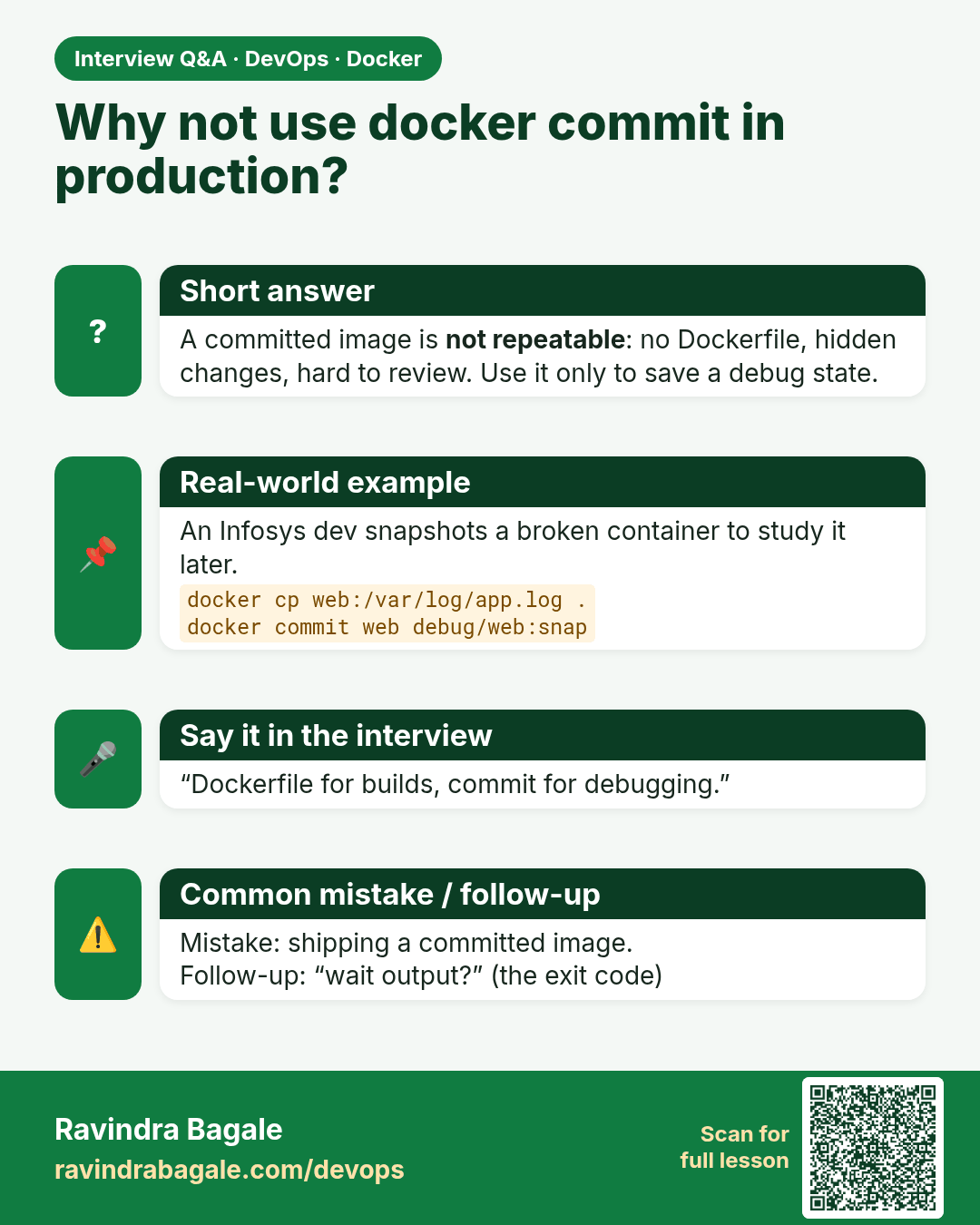
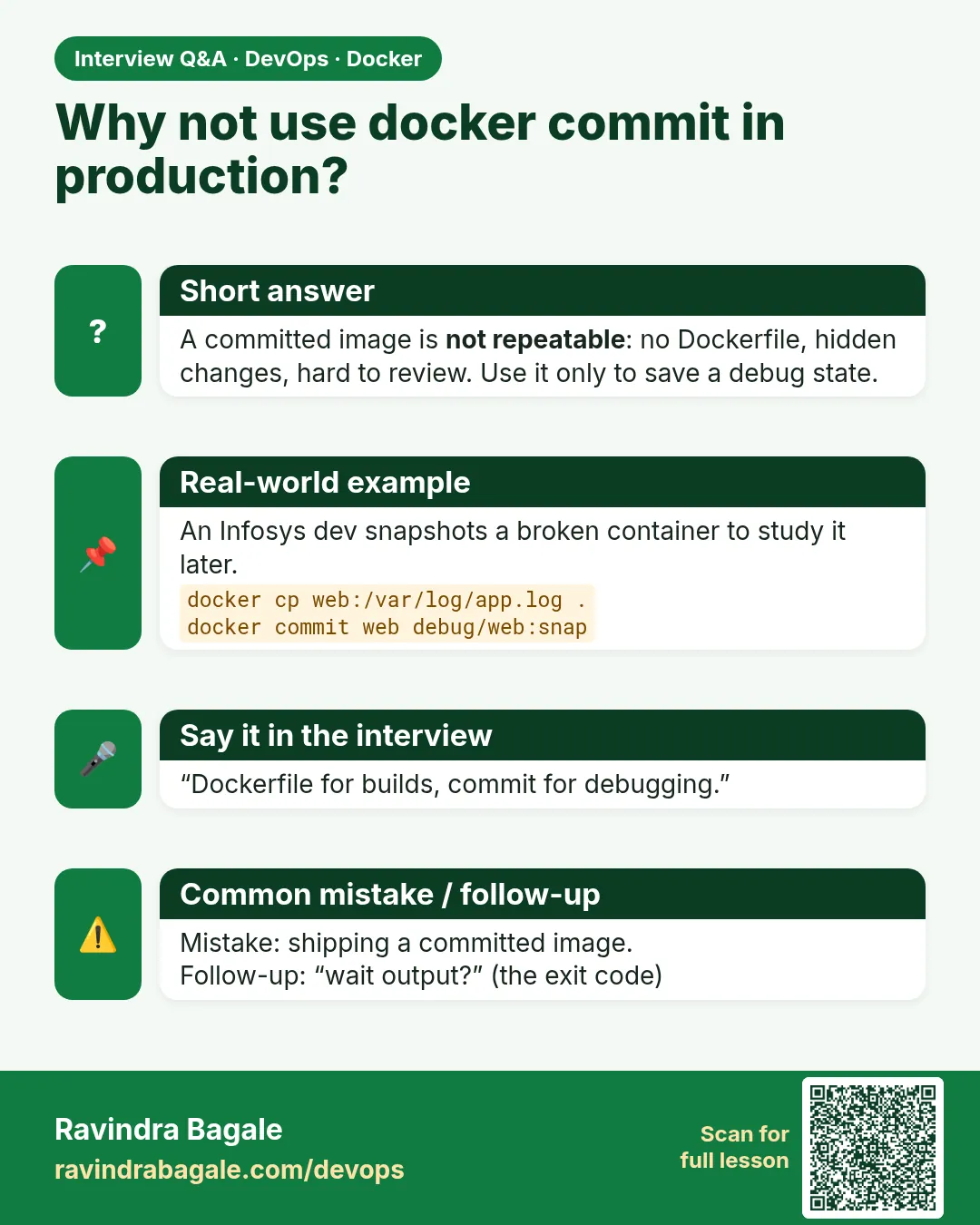 Interview card 7 of 11: Why not use docker commit in production? · Download PNG · Open card page
Lesson: 49.7 cp, commit, rename, update, wait and export
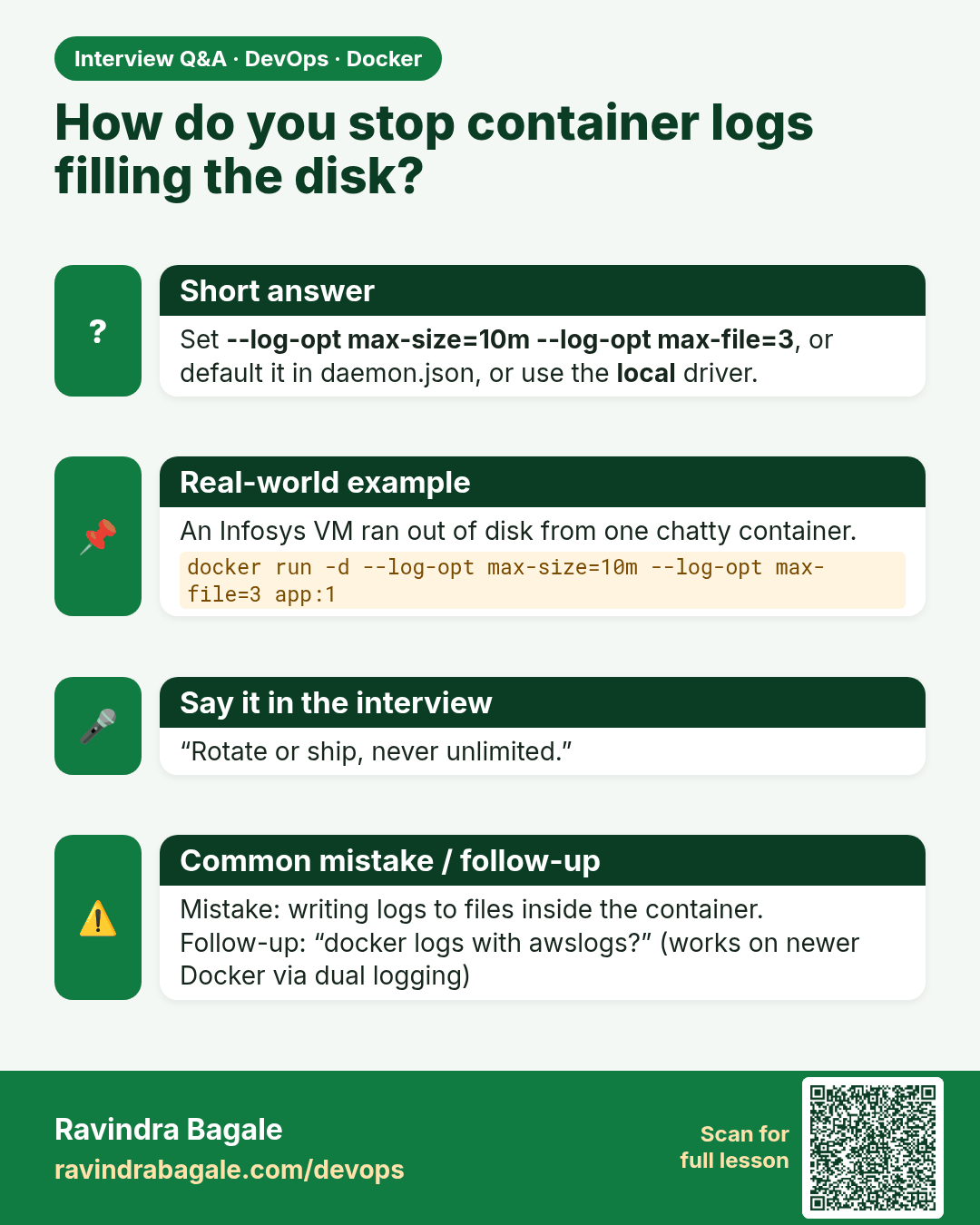
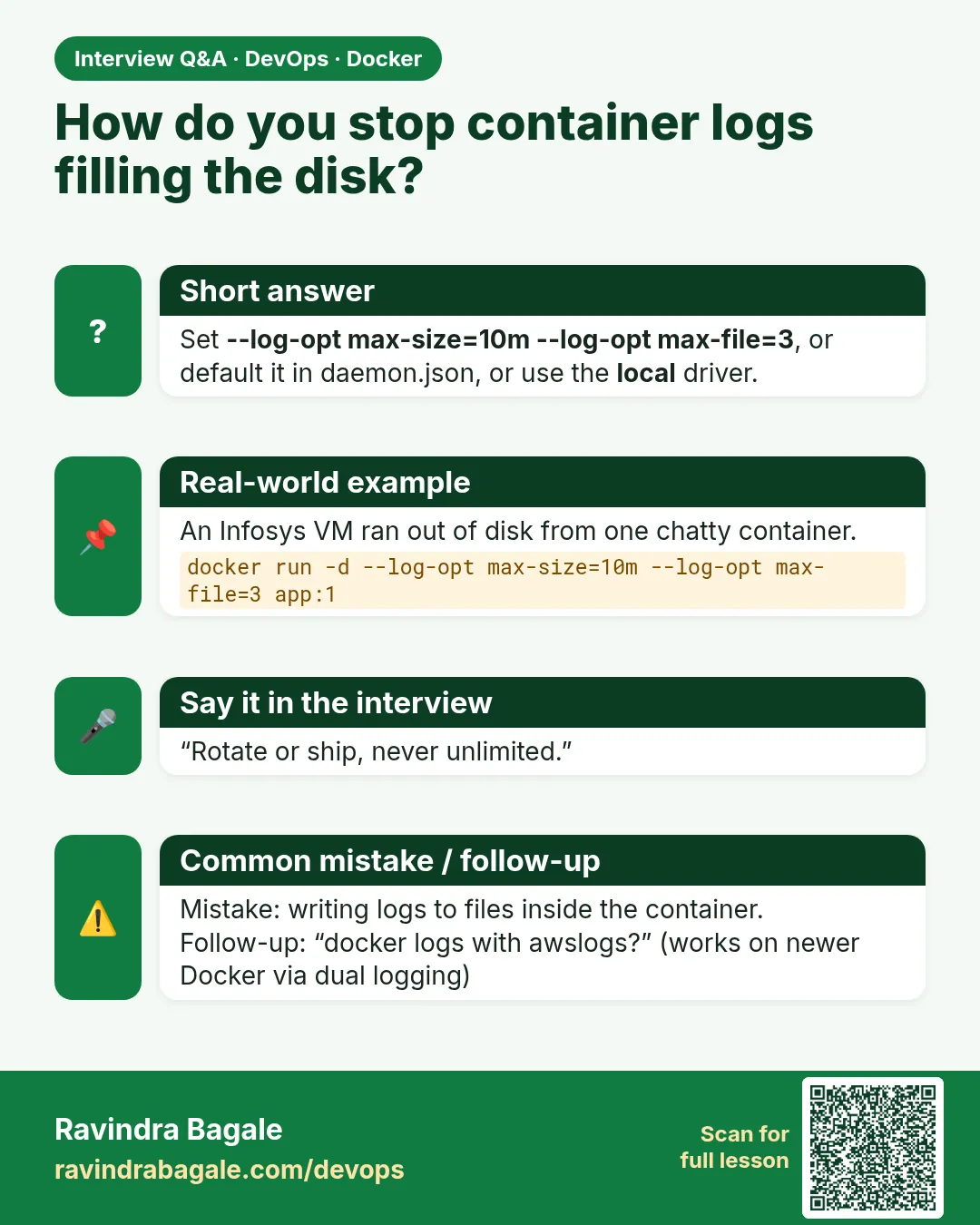 Interview card 8 of 11: How do you stop container logs filling the disk? · Download PNG · Open card page
Lesson: 49.8 Logging drivers and log rotation
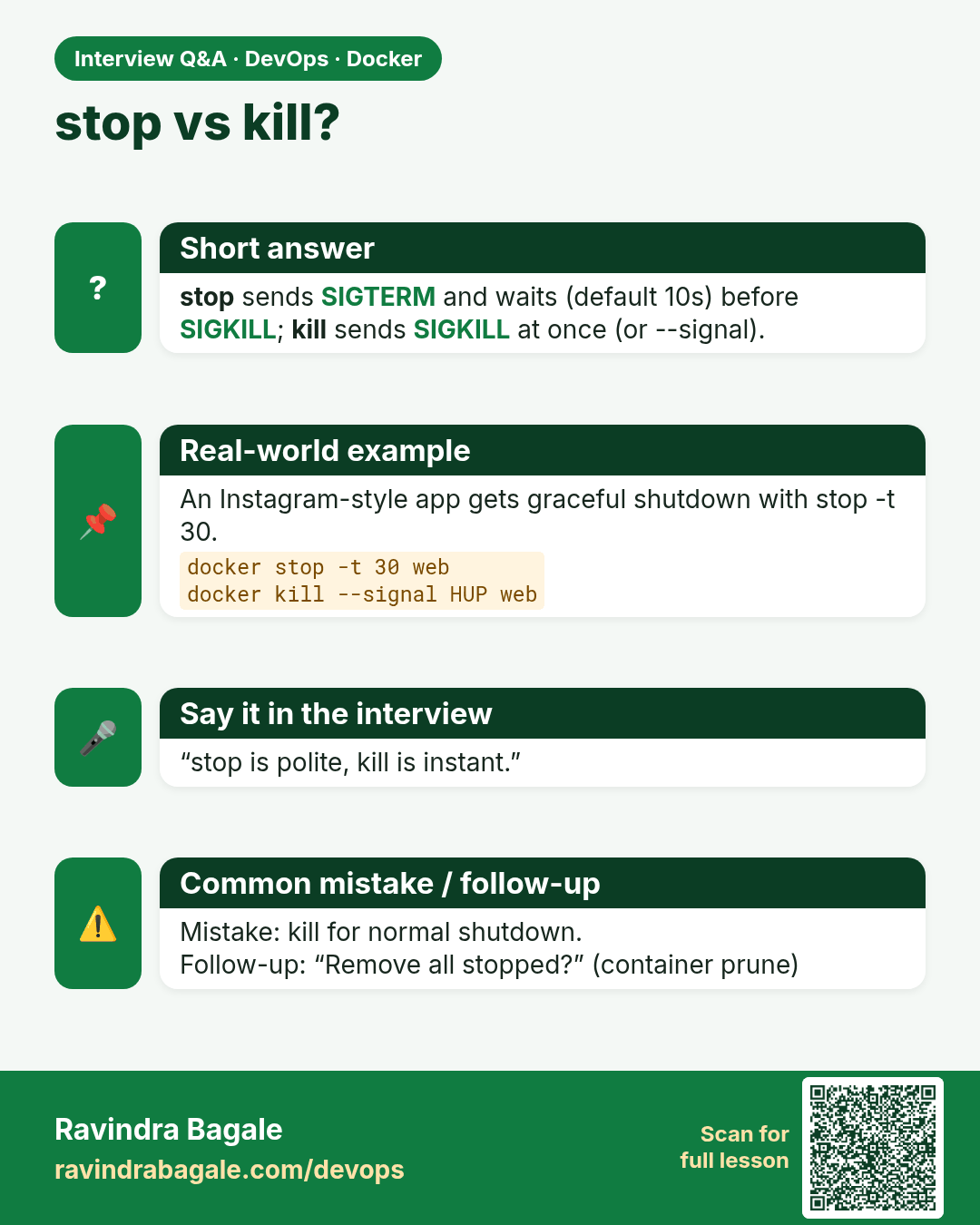
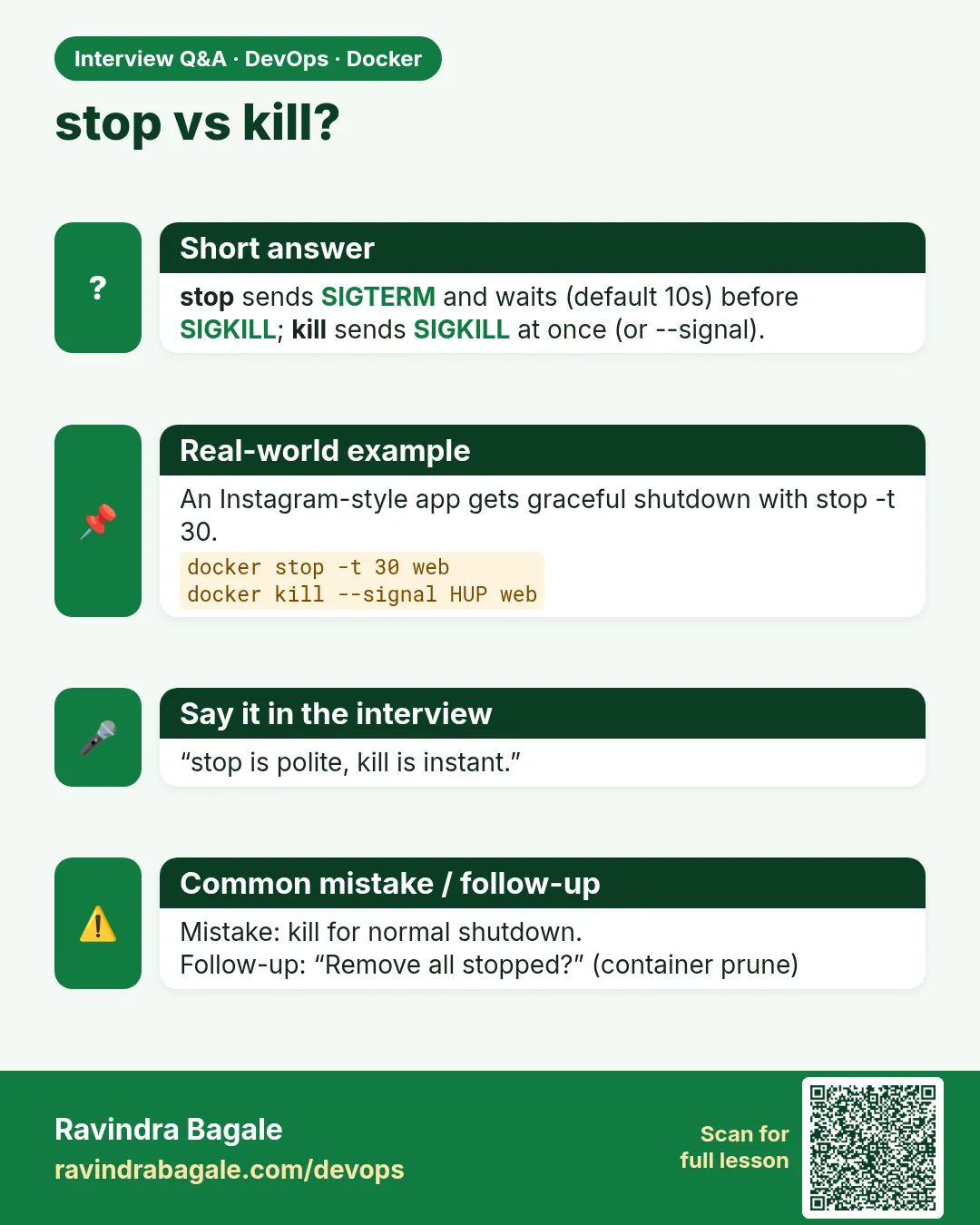 Interview card 9 of 11: stop vs kill? · Download PNG · Open card page
Lesson: 49.9 Every docker container command: full reference
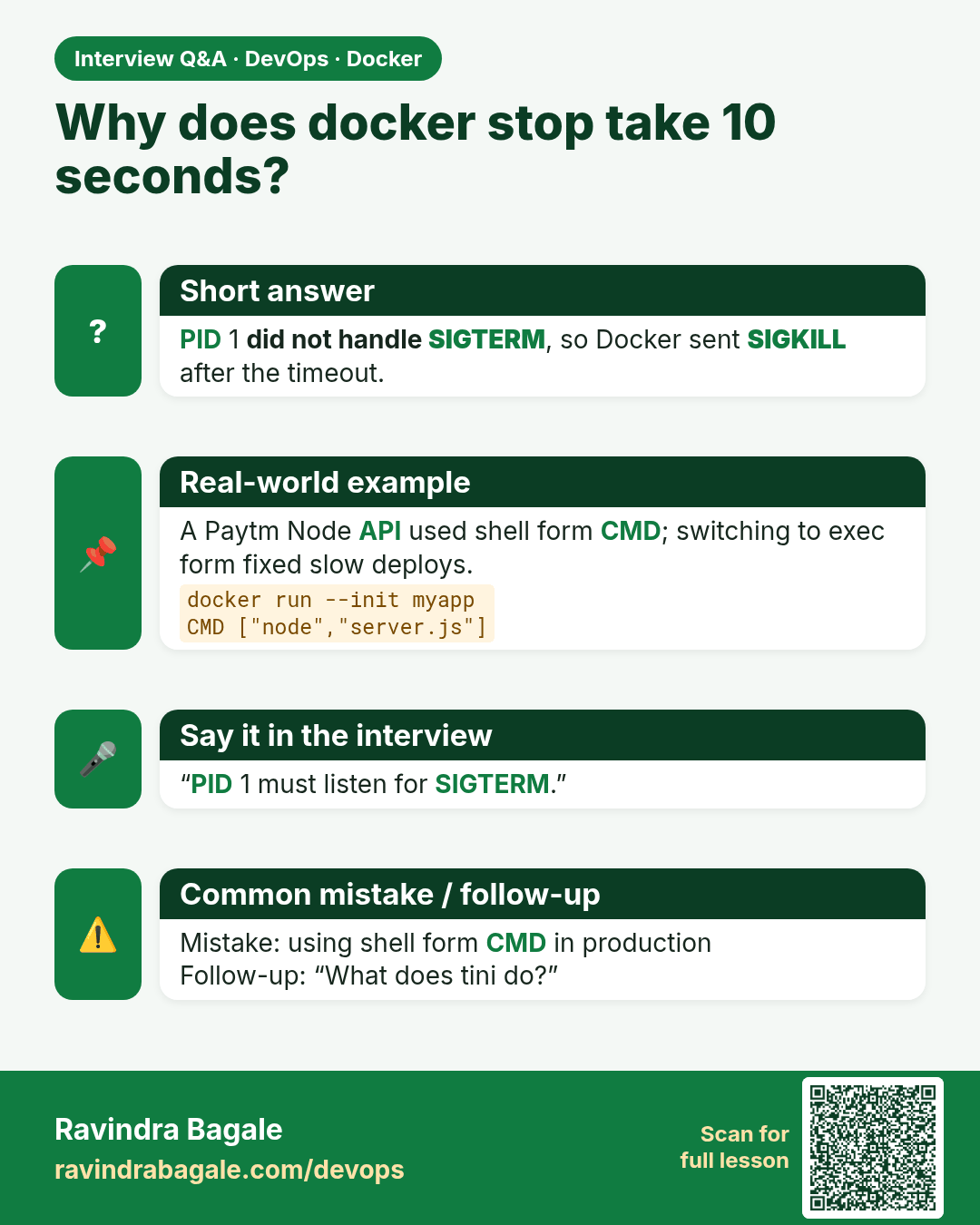
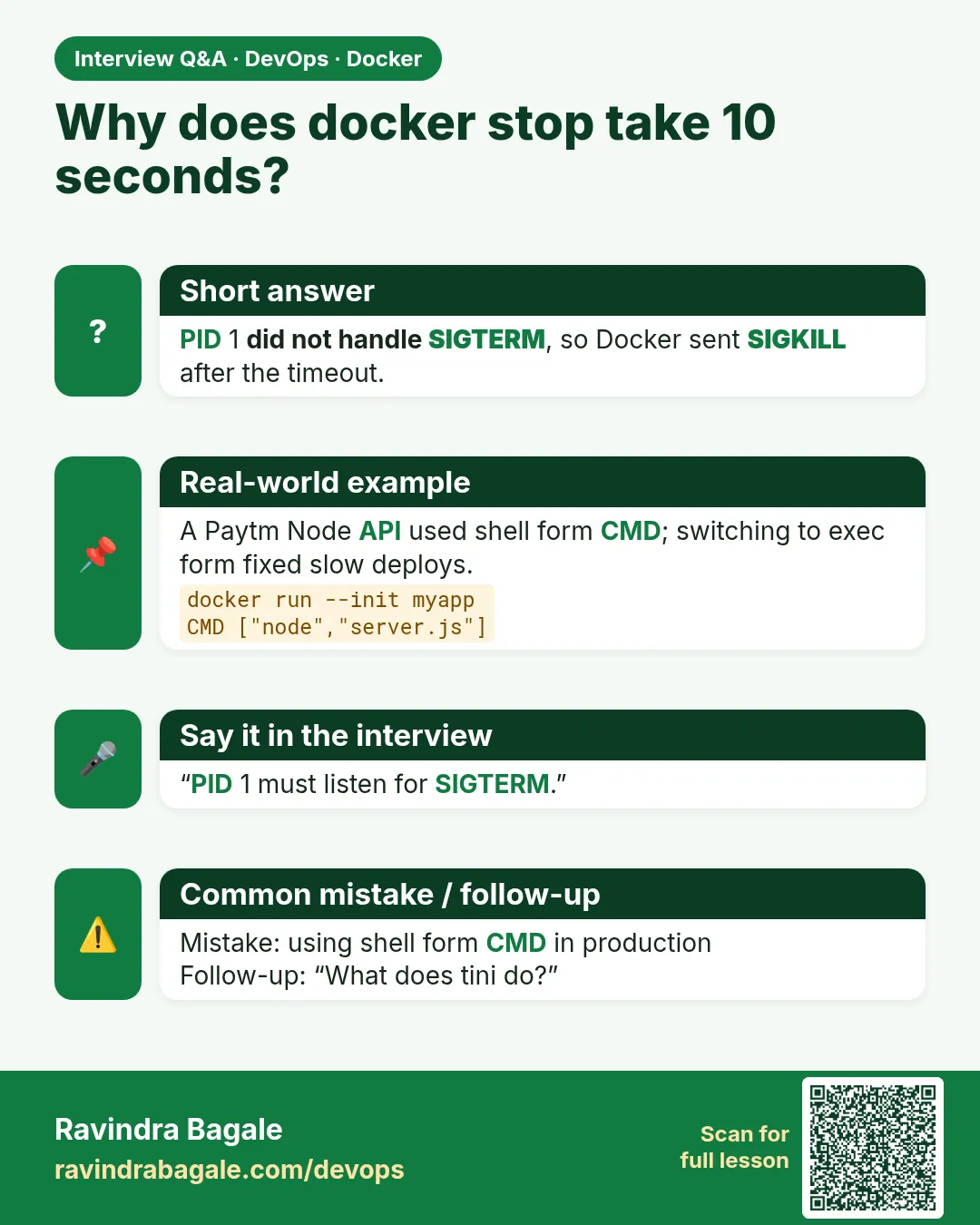 Interview card 10 of 11: Why does docker stop take 10 seconds? · Download PNG · Open card page
Lesson: 49.10 PID 1, tini (--init) and graceful SIGTERM shutdown
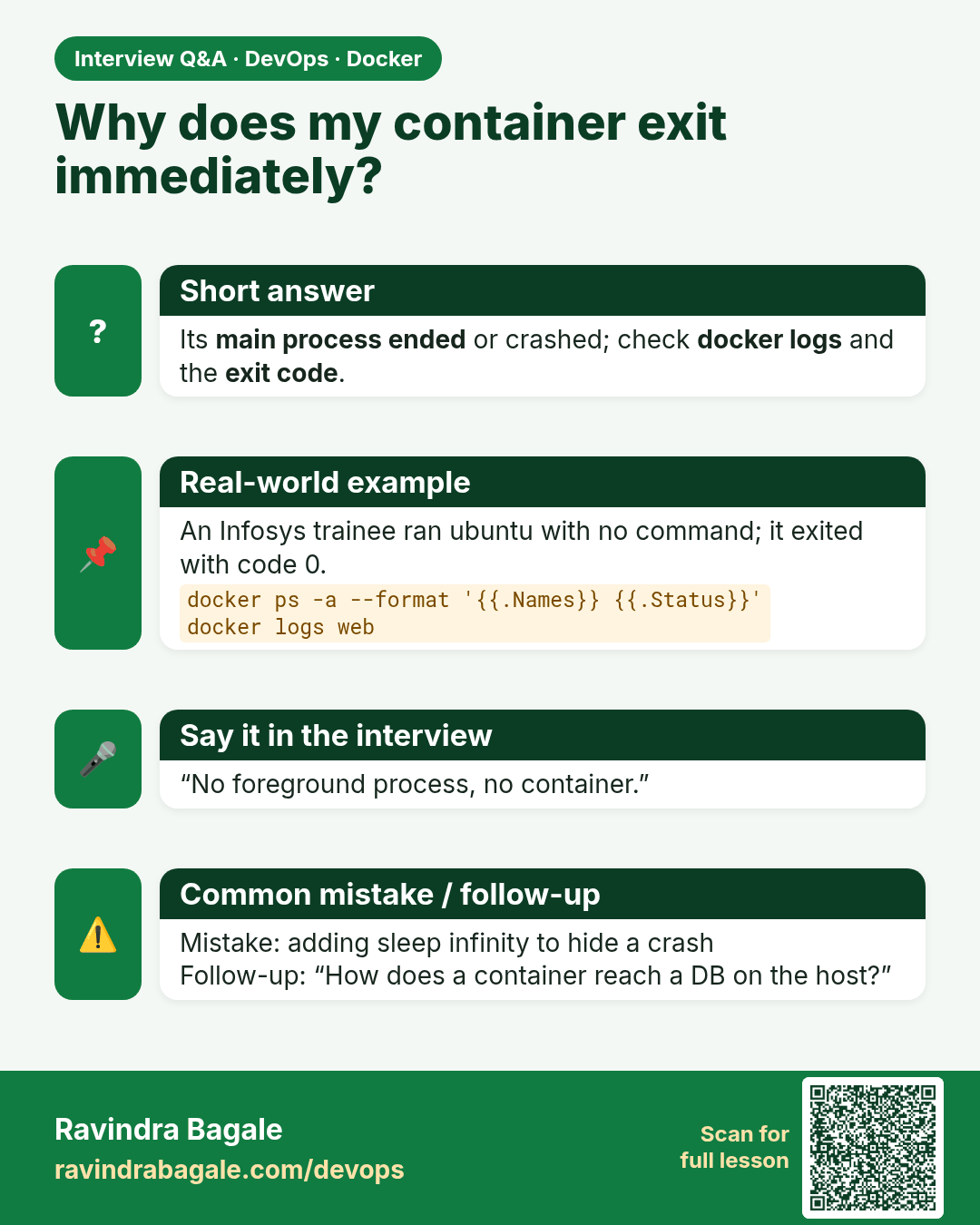
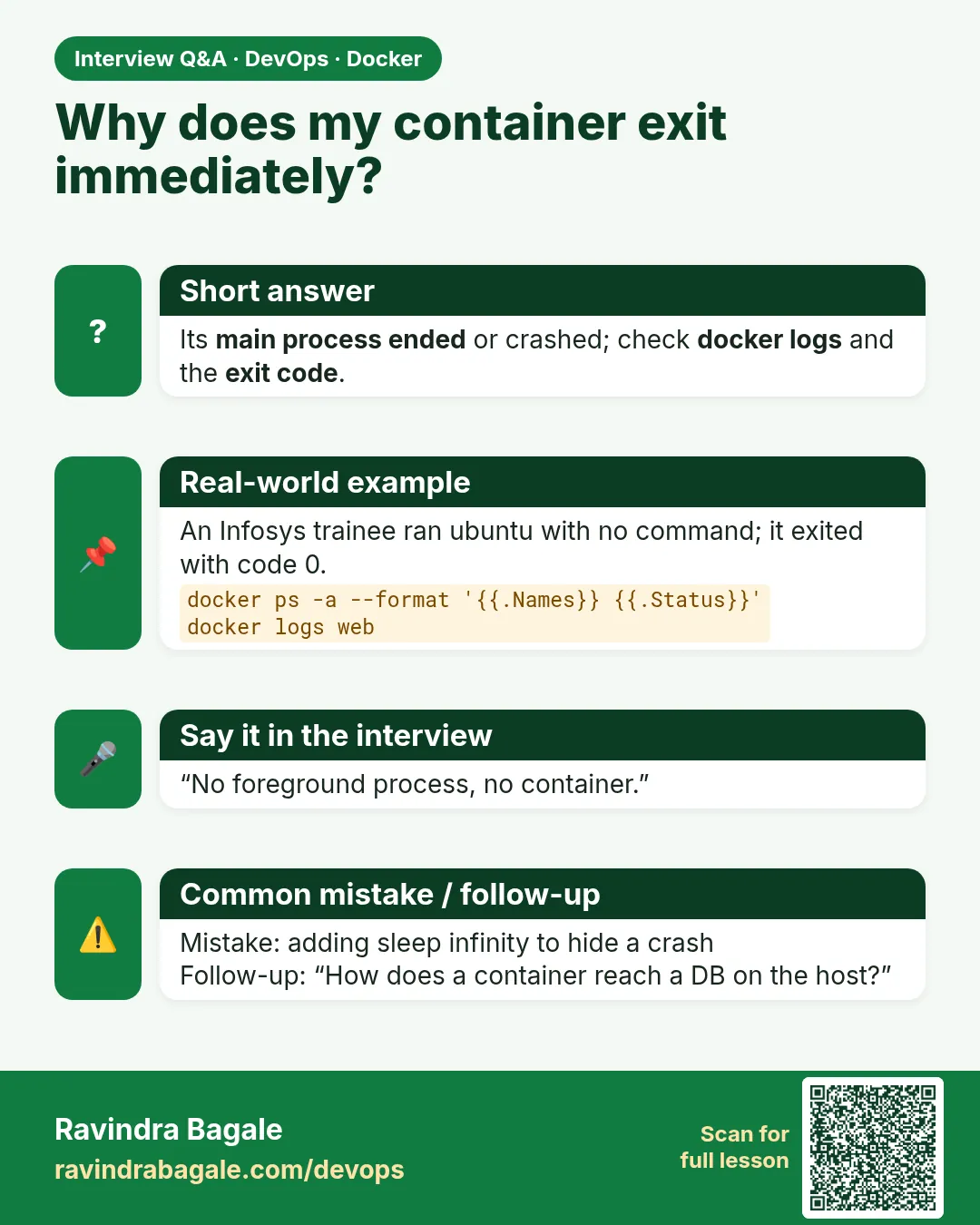 Interview card 11 of 11: Why does my container exit immediately? · Download PNG · Open card page
Lesson: 49.11 Container exits immediately, and reaching the host (host.docker.internal on Linux)
Comparison cards
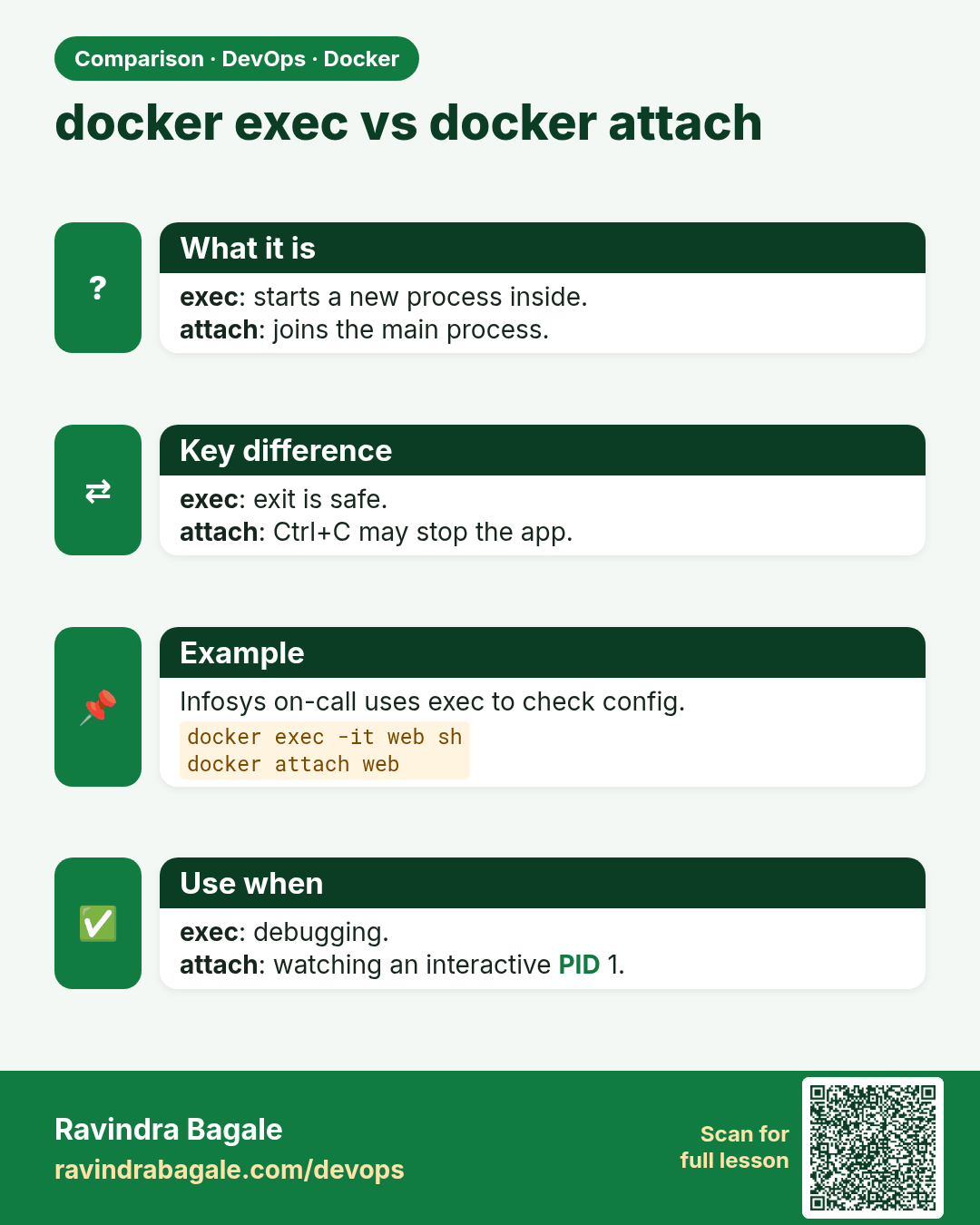
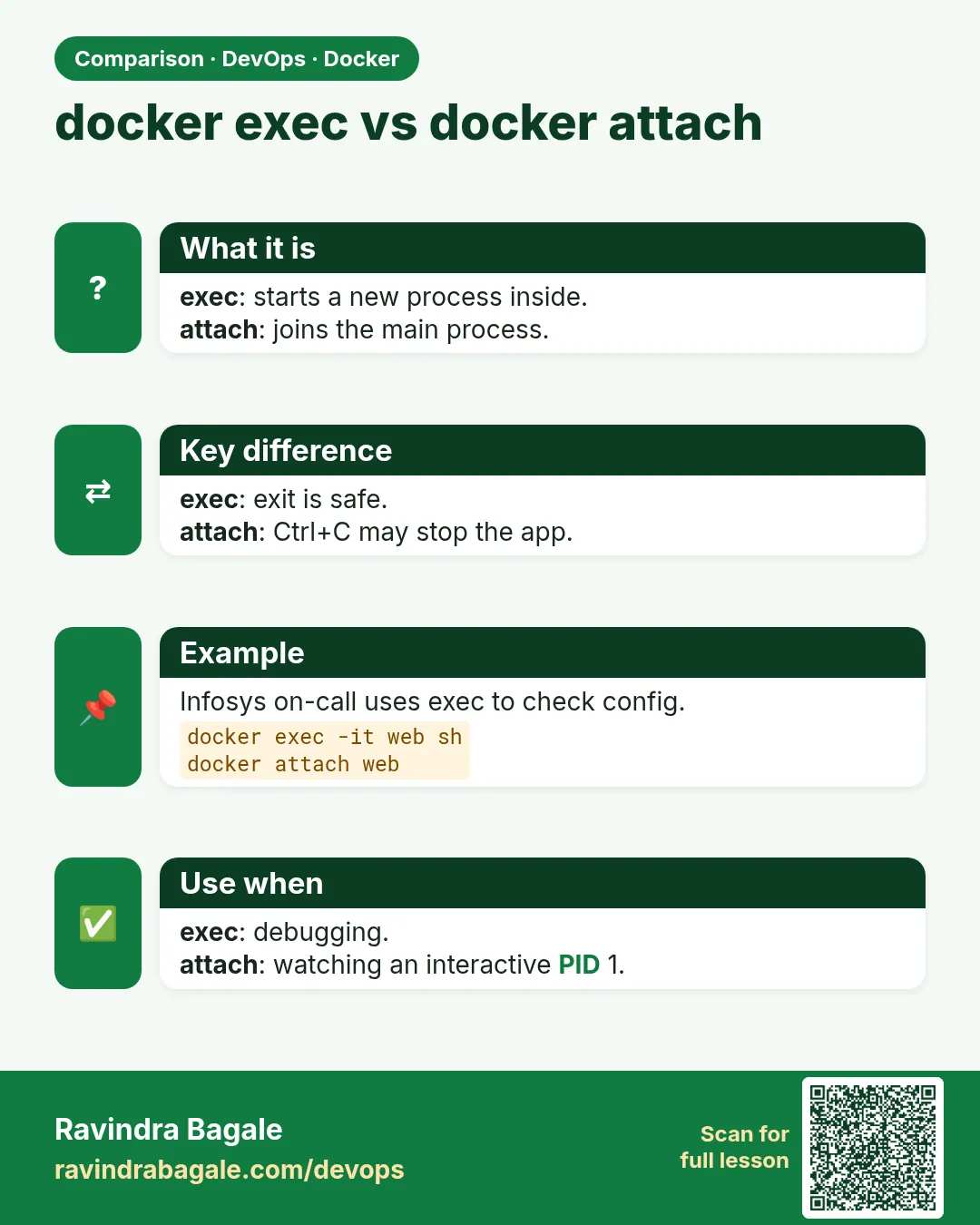 Comparison card 1 of 3: docker exec vs docker attach · Download PNG · Open card page
Lesson: 49.3 exec, attach and logs: get inside and read output
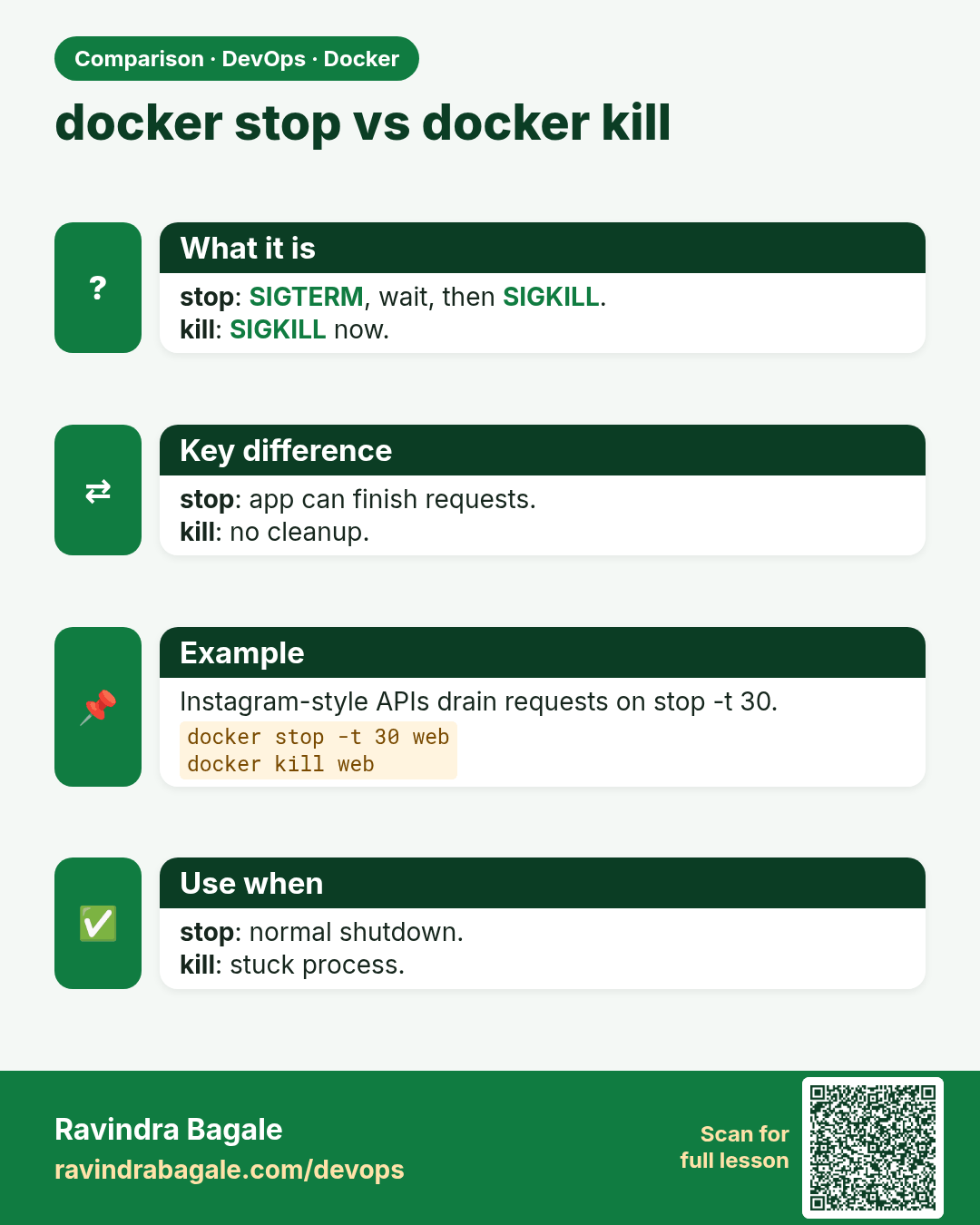
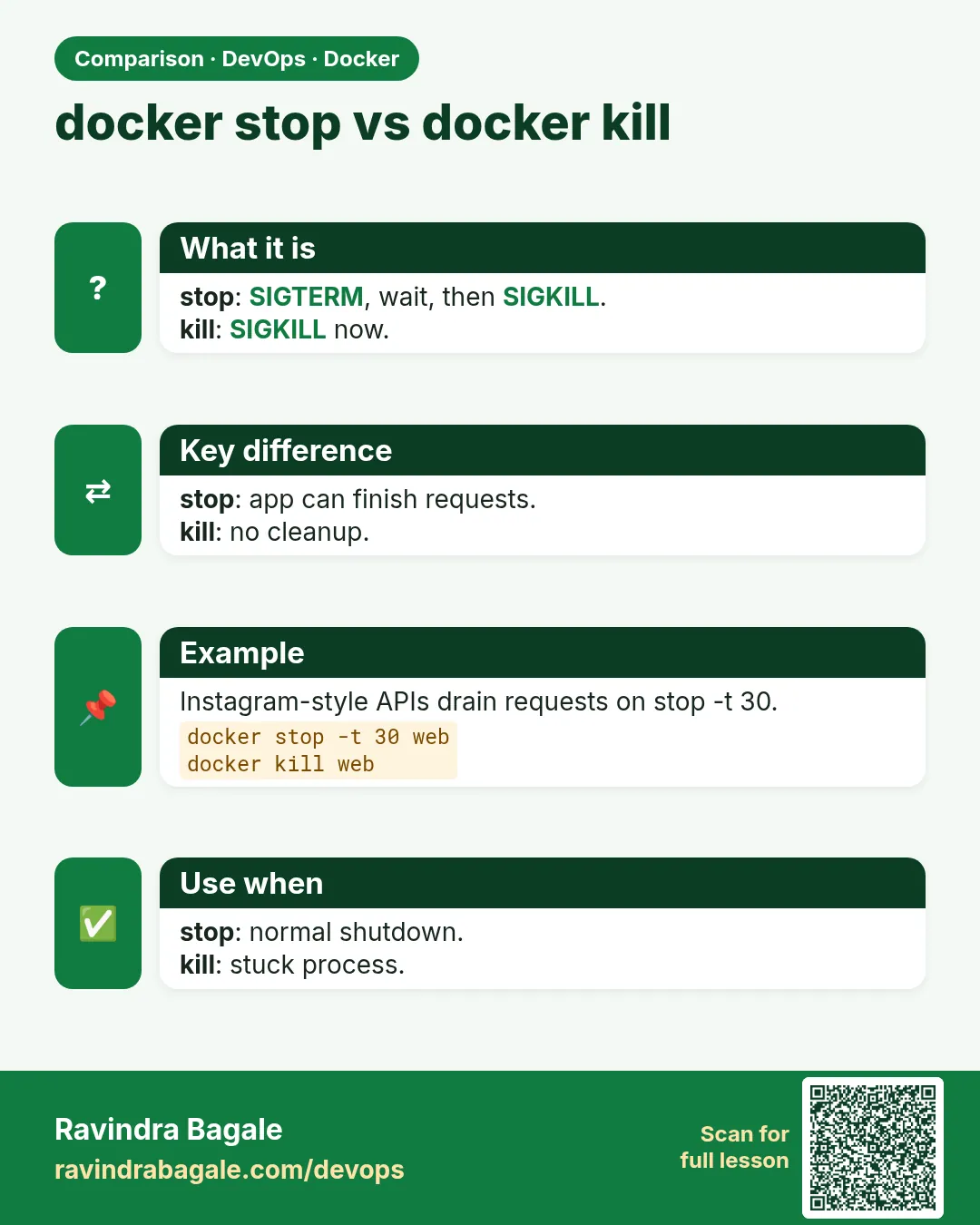 Comparison card 2 of 3: docker stop vs docker kill · Download PNG · Open card page
Lesson: 49.9 Every docker container command: full reference
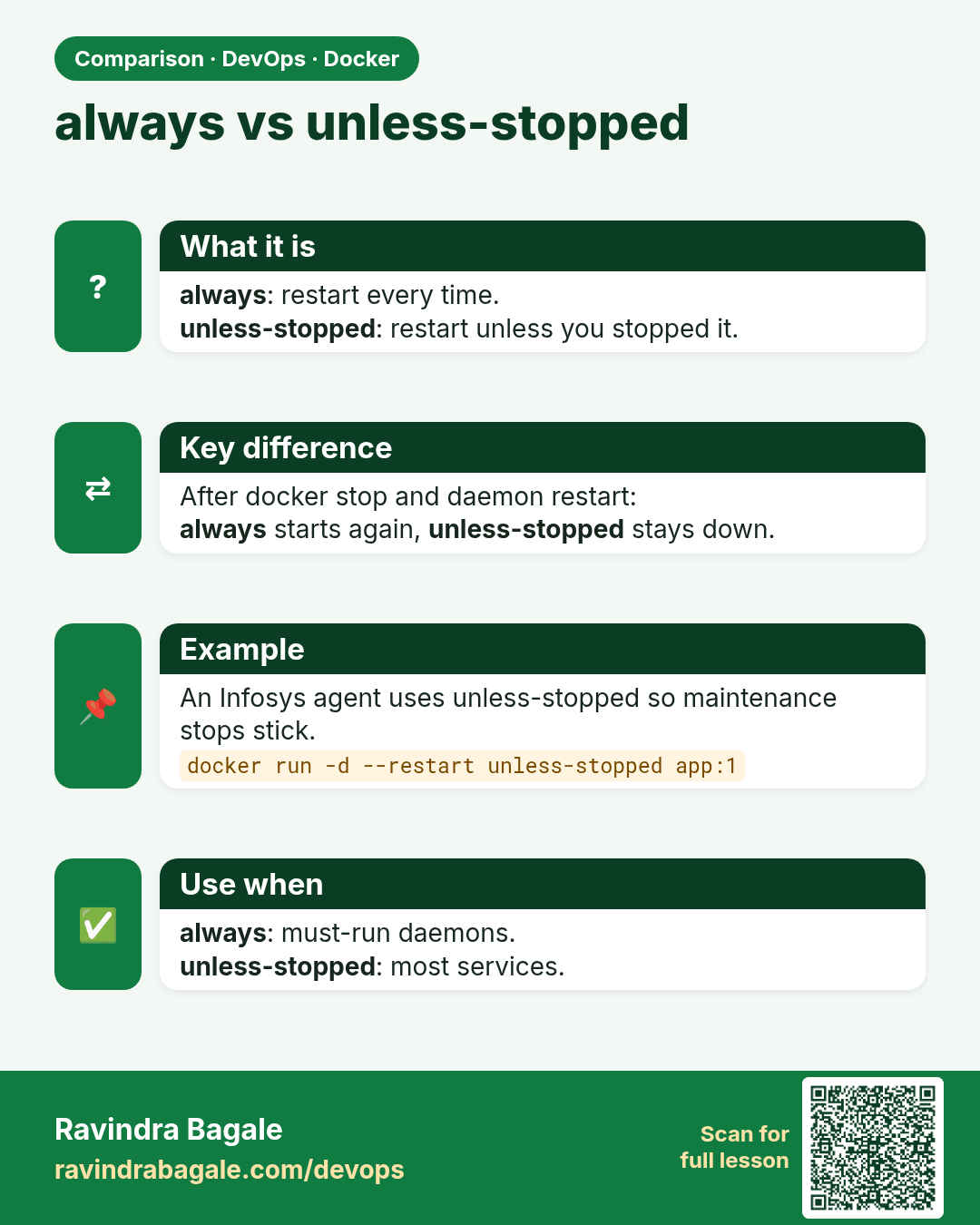
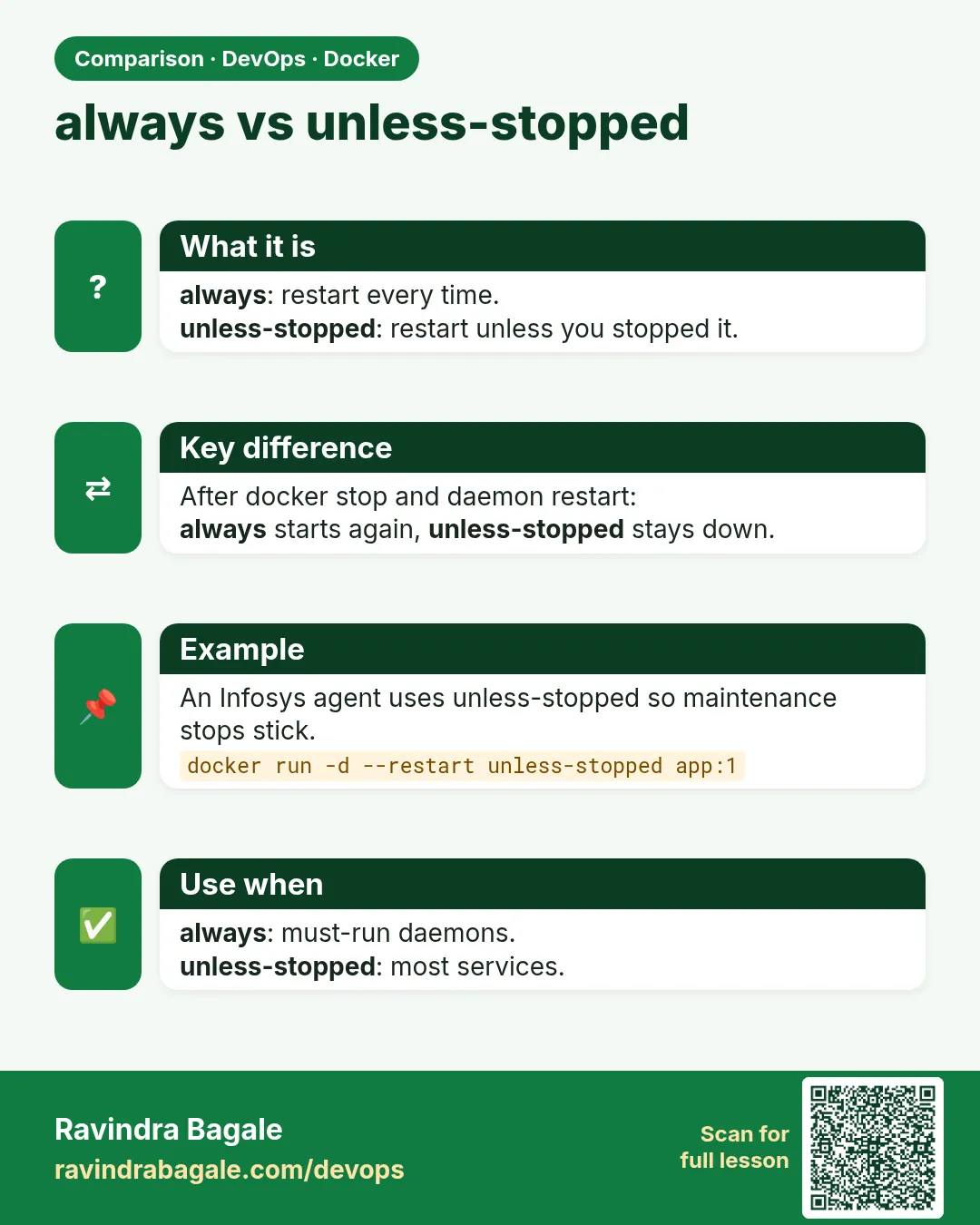 Comparison card 3 of 3: always vs unless-stopped · Download PNG · Open card page
Lesson: 49.5 Restart policies