Chapter 17: Interview Questions and Job Readiness
17.14 Lab / Practice — mock interview
Why: the problem
This is the final lab of the course: a full mock interview, done like a real one. Real DevOps rounds in India often have three parts: a 20 minute concept round, a 30 minute hands-on round on a shared screen or a broken VM, and a 10 minute behaviour round. Companies like Infosys, Thoughtworks and fast-growing startups use this format. The only way to get comfortable is to do it under the same pressure, with a timer, a real terminal and someone watching. In this lab you will set up a broken environment with one script, run a timed 60 minute mock with a friend as the panel, score yourself with a rubric, and turn the results into a final practice plan.
What we will build
You will run one setup script that creates three hidden problems in Docker on your machine. A friend plays the panel and picks questions from your bank. You solve the problems on screen while thinking aloud. At the end you fill a rubric in CSV, and the script prints your weakest area so you know what to practise next.
What: every term in plain English
- Mock interview — A practice interview that copies the real format and time.
- Panel — The people who interview you. Here, a friend.
- Hands-on round — You solve real problems on a terminal while they watch.
- Rubric — A score sheet with fixed areas, so scoring is fair.
- Think aloud — Speaking each step as you do it.
- Time box — A fixed limit, like 10 minutes per problem.
- Debrief — A short talk after the mock about what went well and what to fix.
- Readiness — When you score 4 or more in every area twice in a row.
How: step by step
-
Make the mock folder
mkdir -p ~/iq/mock && cd ~/iq/mockWhat it does: Everything for the mock.
Output
(no output) -
Save the setup script from Example 1
nano setup_mock.shWhat it does: Your friend runs it, so you do not see the problems.
Output
(editor) -
Friend runs the setup
bash setup_mock.shWhat it does: Creates three broken containers.
Output
mock ready: 3 problems created. Good luck. -
You start the timer
date +%TWhat it does: Write the start time.
Output
10:00:00 -
You see the starting state
docker ps -a --filter label=mock --format "{{.Names}} {{.Status}}"What it does: Your first triage command.
Output
m-web Up 10 seconds m-api Exited (1) 8 seconds ago m-cache Up 9 seconds -
After the mock, score it
python3 score.pyWhat it does: Reads rubric.csv and prints your weak area.
Output
Weakest area: communication (2.5). Practise lesson 17.12.
Example 1: The setup script that creates three hidden problems
Stack. Docker, Bash
Goal. The setup script that creates three hidden problems.
setup_mock.sh
#!/usr/bin/env bash
set -euo pipefail
docker rm -f m-web m-api m-cache 2>/dev/null || true
docker network rm mocknet 2>/dev/null || true
docker network create mocknet >/dev/null
# Problem 1: web is published on the wrong port (users expect 8080)
docker run -d --name m-web --label mock=1 -p 8088:80 nginx:1.27 >/dev/null
# Problem 2: api crashes because an env var is missing
docker run -d --name m-api --label mock=1 --network mocknet python:3.12-slim \
  python -c "import os; print('need DB_URL'); os.environ['DB_URL']" >/dev/null
# Problem 3: cache is not on the same network as api
docker run -d --name m-cache --label mock=1 redis:7 >/dev/null
echo "mock ready: 3 problems created. Good luck."
What each line does
set -euo pipefail— Safe script, same habit as lesson 17.4.--label mock=1— Lets you list only mock containers.-p 8088:80— Problem 1: the wrong host port.os.environ[...]— Problem 2: crashes with KeyError when DB_URL is missing.redis without --network— Problem 3: api cannot reach cache by name.
Green output
mock ready: 3 problems created. Good luck.
Expected result. A repeatable broken lab. Your friend can change it each week.
Example 2: Solving the mock while thinking aloud
Stack. Docker
Goal. Solving the mock while thinking aloud.
What you type and say
# "First I list the mock containers and their status."
docker ps -a --filter label=mock --format "{{.Names}} {{.Status}} {{.Ports}}"
# "m-web is up but on 8088. Users expect 8080. I recreate it."
docker rm -f m-web && docker run -d --name m-web --label mock=1 -p 8080:80 nginx:1.27
curl -sI localhost:8080 | head -1
# "m-api exited. I read the logs."
docker logs m-api
# "KeyError DB_URL. The env var is missing. I add it."
docker rm m-api
docker run -d --name m-api --label mock=1 --network mocknet -e DB_URL=redis://m-cache:6379 \
  python:3.12-slim sh -c "pip -q install redis && python -c \"import os,redis;print(redis.from_url(os.environ['DB_URL']).ping())\" && sleep 600"
# "Now api must reach cache. Cache is not on mocknet."
docker network connect mocknet m-cache
docker restart m-api && sleep 8 && docker logs m-api | tail -1
What each line does
docker ps -a with Ports— One command shows all three clues.Recreate m-web— Ports cannot change on a running container, so you recreate it.docker logs m-api— The error names the missing variable.-e DB_URL=...— Gives the app its setting.network connect— Puts cache on the same network so the name works.ping() True— Proof that api reaches cache.
Green output
HTTP/1.1 200 OK
need DB_URL
KeyError: 'DB_URL'
True
Expected result. All three fixed in about 12 minutes, with each step said aloud.
Example 3: The rubric and the scoring script
Stack. Python
Goal. The rubric and the scoring script.
rubric.csv
area,score_1_to_5,note
triage_order,4,started with ps -a and logs
commands,4,correct, one typo on network connect
evidence,5,showed curl and ping output
communication,2,silent for 40 s on problem 3
prevention,3,mentioned healthcheck late
behaviour_star,3,STAR ok but no numbers
score.py
import csv
rows = list(csv.DictReader(open("rubric.csv")))
rows.sort(key=lambda r: int(r["score_1_to_5"]))
total = sum(int(r["score_1_to_5"]) for r in rows)
print(f"Total {total} / {5 * len(rows)}")
low = rows[0]
tips = {"communication": "lesson 17.12", "triage_order": "lessons 17.3 and 17.9",
        "commands": "lessons 17.5 and 17.8", "evidence": "lesson 17.10",
        "prevention": "lesson 17.9", "behaviour_star": "lesson 17.10"}
print(f"Weakest area: {low['area']} ({low['score_1_to_5']}). Practise {tips[low['area']]}.")
ready = all(int(r["score_1_to_5"]) >= 4 for r in rows)
print("READY for real interviews" if ready else "Not yet: repeat the mock next week")
What each line does
Six areas— Triage, commands, evidence, communication, prevention, behaviour.note column— One honest line of why.rows.sort— Lowest score first.tips— Maps each weak area to the lesson to redo.ready— True only when every area is 4 or more.
Green output
Total 21 / 30
Weakest area: communication (2). Practise lesson 17.12.
Not yet: repeat the mock next week
Expected result. A clear, fair result and a next step.
Verify: did it work?
-
Confirm all mock problems are fixed
docker ps --filter label=mock --format "{{.Names}} {{.Status}}"What it does: All three Up.
Output
m-web Up 5 minutes m-api Up 2 minutes m-cache Up 12 minutes -
Check the time taken
date +%TWhat it does: Compare with your start time. Aim for under 20 minutes.
Output
10:17:40
When it is red 1
Conflict. The container name "/m-web" is already in use
Cause. You tried to create it again without removing the old one.
Fix, step by step
- docker rm -f m-web
- Run the docker run command again.
When it is red 2
Error response from daemon: network mocknet not found
Cause. The setup script was not run, or was cleaned.
Fix, step by step
- Run bash setup_mock.sh again.
When it is red 3
You run out of time
Cause. Too long on one problem.
Fix, step by step
- Time box: 8 minutes per problem.
- Say "I will park this and come back" and move on.
Cleanup
-
Clean up the mock
docker rm -f m-web m-api m-cache; docker network rm mocknetWhat it does: Removes the mock lab.
Output
m-web
m-api
m-cache
mocknet
Ravindra Bagale's Tip
Treat the mock like a real interview — timer, terminal, friend panel. When READY comes twice, apply.
Mock ला खरा interview समजा — timer, terminal, मित्र panel. READY दोन वेळा आला की apply करा.
Mock को असली interview समझो — timer, terminal, दोस्त panel. READY दो बार आए तो apply करो.
Practice tasks
Medium Swap roles
Why: Being the panel teaches you what panels notice.
What to do: Run the mock for your friend and score them.
- Use the same rubric.
- Give two good points and one fix.
Check: You can explain why you gave each score.
Hard Make your own broken lab
Why: Creating problems deepens your understanding.
What to do: Write setup_mock2.sh with three new problems from lessons 17.3 and 17.8.
- One Linux, one Kubernetes, one CI problem.
- Test that each one is solvable.
Check: A friend solves it in under 30 minutes.
Easy Say Mock interview in two lines
Why: Interviewers cut you off after 30 seconds. The short version must come first.
What to do: Write a two line answer about Mock interview for a fresher interview.
- Line 1: the problem it solves.
- Line 2: the one command or file you used.
- Say it aloud with a timer.
Check: You finish inside 30 seconds and you name one real command.
Easy Run the commands, not just read them
Why: An interviewer can tell if you only read. Typing the command once gives you the real output to talk about.
What to do: Run every command in the How part of this lesson on your own lab machine.
- Start a small Ubuntu VM, WSL or EC2 t3.micro.
- Run each step and save the output in notes.txt.
- Mark any output that looks different from the lesson.
Check: notes.txt has the real output of every step.
Medium Break it on purpose
Why: You must know the red error by face. In a live round there is no time to read slowly.
What to do: Cause one error from the "When it is red" part of this lesson and fix it.
- Follow the error section.
- Copy the exact message into your notes.
- Write the fix in one line.
Check: You fixed it using only your notes.
Medium Answer in the 4-line shape
Why: A clear shape makes any answer sound senior: Situation, Check, Fix, Prevent.
What to do: Pick one interview question from this lesson and answer in four lines.
- Situation: what broke.
- Check: the command you ran and what it showed.
- Fix: the change you made.
- Prevent: the alert, test or doc you added.
Check: Each of the four lines has a real noun, like a command, a file or a number.
Medium Mock round with a friend
Why: Speaking is a different skill from knowing. Practice it.
What to do: Let a friend ask you three questions from this lesson.
- Friend picks random questions.
- You answer, friend times you.
- Swap and repeat.
Check: You answer all three without saying "I am not sure" twice.
Hard Whiteboard it top to bottom
Why: Many panels say "draw it". A neat top-to-bottom drawing shows you see the whole flow.
What to do: Draw the main flow of this lesson as boxes from top to bottom.
- Start at the user or the trigger.
- Add each hop: server, container, pipeline, tool.
- Write the command you use to check each box beside it.
Check: Every box has one check command next to it.
Hard Write a mini runbook
Why: Good engineers leave notes for the next person. Interviewers love to hear that you do this.
What to do: Write a one page runbook for the main scenario in this lesson.
- Title, symptoms, first 3 checks, fix, how to confirm, how to undo.
Check: A teammate can follow it alone at 2 a.m.
Homework: try at home
Try at home
At home, run this mock every weekend for four weeks. Let your friend change one problem each time. Stop when score.py says READY twice in a row.
Recap
- Copy the real format: concepts, hands-on, behaviour.
- Use a script to create hidden problems.
- Think aloud and time box each problem.
- Score with a fixed rubric and practise the weakest area.
- Repeat weekly until you are READY twice.
FAQ
I have no friend to play the panel. What now?
Record yourself and score the video. Or join an online study group.
Should I use the same mock every time?
No. Change at least one problem each week.
How many mocks before real interviews?
Three to five is usually enough to feel calm.
Can I look things up during the mock?
Only if the real company allows it. Most allow official docs.
What if I fail a real interview?
Ask for feedback, add the questions to bank.txt and run the mock again.
Interview questions
-
Walk me through how you debug a container that will not start.
docker ps -a, docker logs, docker inspect for exit code and env, fix, run again, confirm with curl.
-
Two containers cannot talk. Why?
Different networks, wrong name or port, or using localhost.
-
How do you change the port of a running container?
You cannot; remove and run again with the new -p, or change compose and up -d.
-
What would you add to prevent these problems?
Healthchecks, compose files with networks and env, a smoke test in CI.
-
How do you stay calm in a live round?
A fixed triage order, time boxes and thinking aloud.
-
What did you learn from your mocks?
Name your weakest area, the lesson you redid and the new score.
Quick quiz
Q1. What are the three usual parts of a DevOps round?
Concepts, hands-on, behaviour.
Q2. First command in the hands-on mock?
docker ps -a with a filter.
Q3. Why recreate a container to change its port?
Published ports cannot change on a running container.
Q4. What is a rubric?
A fixed score sheet for fair scoring.
Q5. When are you ready?
4 or more in every area, twice in a row.
Did you understand? Let us try it once more.
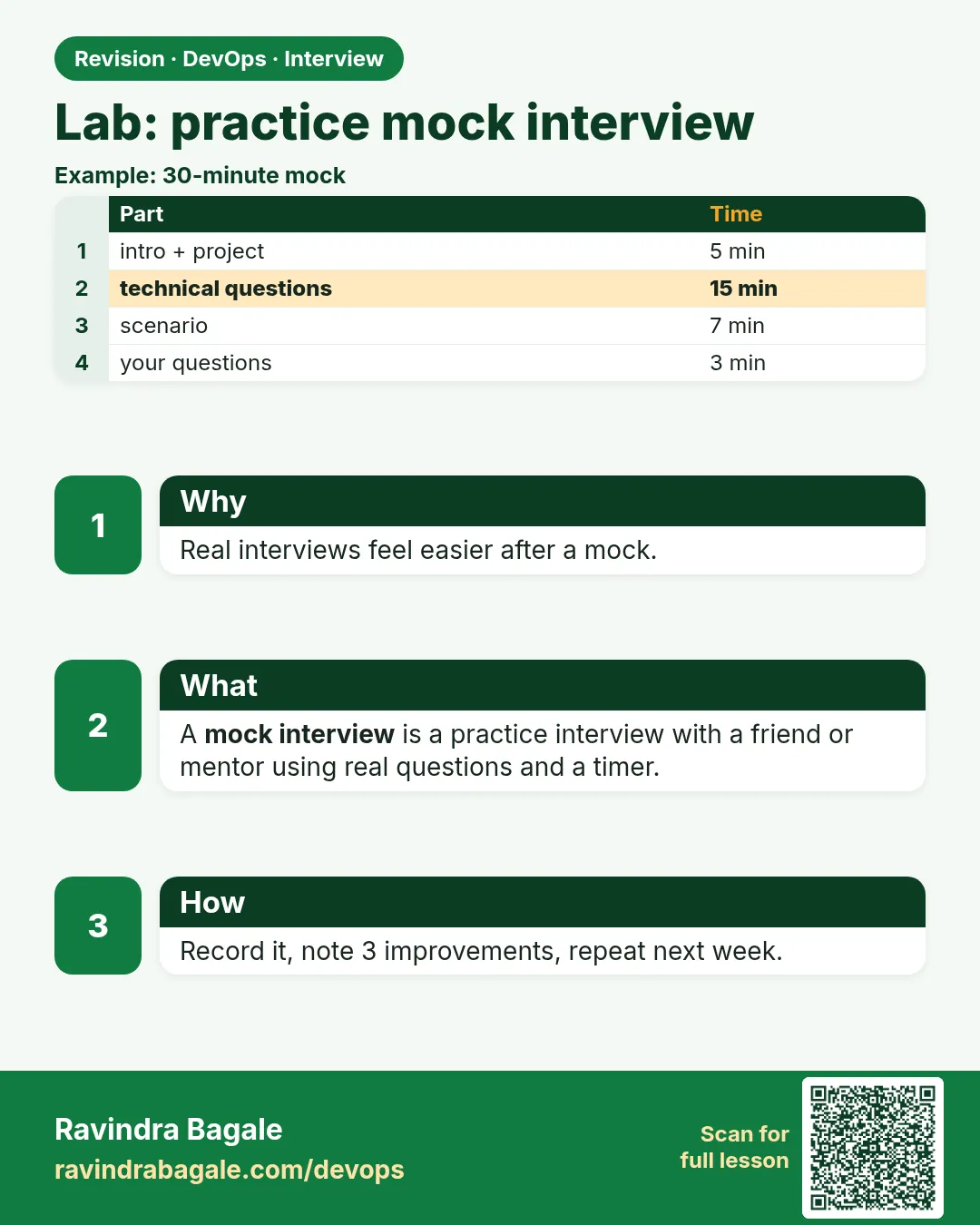 Revision card
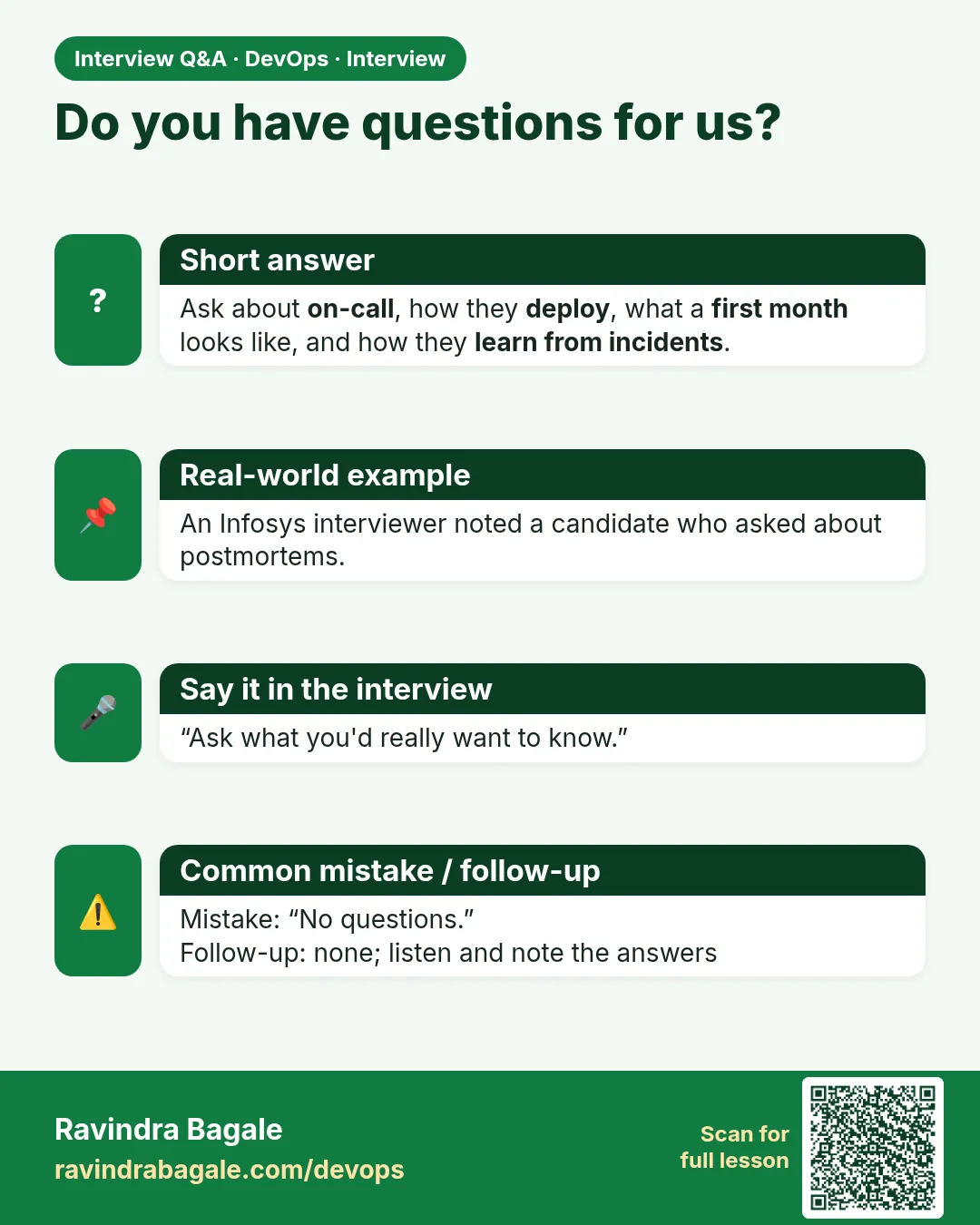 Interview card