Chapter 5: Bash Scripting for Automation
5.4 if and loops for health checks
Why: the problem
Think of Zomato during dinner rush. The app runs on many containers behind a load balancer. If one service stops answering, orders fail. Somebody must check the health URL of each service again and again, and restart the broken one. A person cannot do this every minute. A script can. To do it, the script needs two powers. It must decide: if the service answers, say OK, else take action. And it must repeat: check every service in a list, or try again three times before giving up. In Bash, decisions are if, elif, else and case. Repeating is for and while loops. These four tools turn a list of commands into a small program that reacts to what it finds. In this lesson you will write a health checker that checks a list of URLs, retries with a wait, and restarts only the service that is really down.
What we will build
You will start three small web services with Docker. You will write health.sh that loops over a list of name and URL pairs, checks each with curl, retries up to three times with a short wait, and prints a clear table. Then you will add a case statement that picks the right restart command for each service. Finally you will stop one service on purpose and watch the script find and fix it.
What: every term in plain English
- if / elif / else / fi — Run a block only when a test passes. fi closes the block.
- test [ ] — Checks a condition, like [ -f file ] or [ "$a" = "$b" ]. Spaces inside the brackets are required.
- [[ ]] — Bash version of test. Safer with empty values and supports patterns like == pay-*.
- for loop — Repeat a block for each item in a list.
- while loop — Repeat a block while a test is true.
- case — Pick a block by matching a value against patterns. Cleaner than many elif lines.
- Retry — Try again after a failure, usually with a short wait.
- Backoff — Wait longer after each failed try, like 2, 4, 8 seconds.
How: step by step
-
Start three services
for n in menu cart pay; do docker run -d --name $n-api -p 0:80 nginx:alpine; done && docker ps --format "{{.Names}} {{.Ports}}"What it does: Three nginx containers acting as services.
Output
menu-api 0.0.0.0:32768->80/tcp cart-api 0.0.0.0:32769->80/tcp pay-api 0.0.0.0:32770->80/tcp -
Write a simple if
if curl -fsS -o /dev/null http://localhost:32768; then echo up; else echo down; fiWhat it does: The if uses curl exit code directly.
Output
up -
Loop over ports
for p in 32768 32769 32770; do curl -s -o /dev/null -w "$p %{http_code}\n" http://localhost:$p; doneWhat it does: Repeat the check for each port.
Output
32768 200 32769 200 32770 200 -
Write health.sh
nano health.shWhat it does: Paste Example 1.
Output
(file saved) -
Run it
bash health.shWhat it does: A table of all services.
Output
menu-api UP cart-api UP pay-api UP -
Stop one service
docker stop pay-apiWhat it does: Simulate a crash.
Output
pay-api -
Run again with restart
bash health.sh --fixWhat it does: The script finds pay-api down, restarts it and checks again.
Output
pay-api DOWN -> restarting -> UP
Example 1: Check a list of services with a for loop and if
Stack. Bash, curl, Docker nginx
Goal. Check a list of services with a for loop and if.
services.txt
menu-api http://localhost:32768/
cart-api http://localhost:32769/
pay-api  http://localhost:32770/
health.sh
#!/usr/bin/env bash
set -uo pipefail
down=0
cat services.txt | while read -r name url; do
  if curl -fsS --max-time 3 -o /dev/null "$url"; then
    printf "%-10s UP\n" "$name"
  else
    printf "%-10s DOWN\n" "$name"
  fi
done
What each line does
cat services.txt | while read -r name url— Read the file line by line. First word goes to name, the rest to url.read -r— Do not treat backslashes as special.curl -fsS --max-time 3 -o /dev/null— Quiet check with a timeout; exit code tells success.if ...; then ... else ... fi— Print UP or DOWN based on curl.printf "%-10s UP\n"— Prints the name in a 10-character column so the table lines up.
Green output
menu-api   UP
cart-api   UP
pay-api    DOWN
Expected result. One look tells you which service is down. Add more lines to services.txt to check more.
Example 2: Retry with backoff before calling a service down
Stack. Bash
Goal. Retry with backoff before calling a service down.
retry.sh
#!/usr/bin/env bash
set -uo pipefail
url="${1:?give a URL}"
tries=3
wait=2
n=1
while [ "$n" -le "$tries" ]; do
  if curl -fsS --max-time 3 -o /dev/null "$url"; then
    echo "try $n: UP"; exit 0
  fi
  echo "try $n: no answer, waiting ${wait}s"
  sleep "$wait"
  wait=$((wait*2))
  n=$((n+1))
done
echo "DOWN after $tries tries"; exit 1
What each line does
url="${1:?give a URL}"— Stop with a message if no URL is given.while [ "$n" -le "$tries" ]— Loop while n is less than or equal to tries.exit 0 inside the loop— As soon as it works, stop and report success.sleep "$wait"— Pause before the next try.wait=$((wait*2))— Backoff: 2, then 4, then 8 seconds.exit 1 at the end— All tries failed.
Green output
$ bash retry.sh http://localhost:32770/
try 1: no answer, waiting 2s
try 2: no answer, waiting 4s
try 3: UP
Expected result. A slow start does not cause a false alarm. Real health checks and Kubernetes probes use the same idea.
Example 3: Use case to restart each service the right way
Stack. Bash, Docker
Goal. Use case to restart each service the right way.
fix.sh
#!/usr/bin/env bash
set -uo pipefail
restart() {
  case "$1" in
    menu-api|cart-api) docker restart "$1" ;;
    pay-api)           echo "pay-api: page on-call first"; docker start "$1" ;;
    nginx)             sudo systemctl restart nginx ;;
    *)                 echo "unknown service $1"; return 2 ;;
  esac
}
cat services.txt | while read -r name url; do
  if ! curl -fsS --max-time 3 -o /dev/null "$url"; then
    printf "%-10s DOWN -> restarting\n" "$name"
    restart "$name"
    sleep 2
    if curl -fsS --max-time 3 -o /dev/null "$url"; then echo "$name back UP"; else echo "$name STILL DOWN"; fi
  fi
done
What each line does
case "$1" in ... esac— Match the service name against patterns.menu-api|cart-api)— The | means either name. Both restart the same way.pay-api)— Payments get a special message before starting.*)— Anything else. Return 2 for unknown names.;;— Ends each case branch.if ! curl ...— The ! means "if this fails".
Green output
pay-api    DOWN -> restarting
pay-api: page on-call first
pay-api
pay-api back UP
Expected result. Only the broken service was touched. Healthy ones were left alone.
Verify: did it work?
-
All up
bash health.sh | grep -c UPWhat it does: Should equal the number of services.
Output
3 -
Exit code of retry
bash retry.sh http://localhost:1/; echo $?What it does: A closed port should give 1.
Output
DOWN after 3 tries
1
When it is red 1
[: missing `]'
Cause. No space before the closing bracket, like [ "$a" = "b"].
Fix, step by step
- Put spaces: [ "$a" = "b" ].
When it is red 2
[: =: unary operator expected
Cause. An unquoted empty variable in [ $a = b ].
Fix, step by step
- Quote it: [ "$a" = b ].
- Or use [[ $a == b ]].
When it is red 3
Loop variable is empty after the loop
Cause. A pipe into while runs in a subshell, so counters do not survive.
Fix, step by step
- Print results inside the loop.
- Or use a for loop over $(cat file) when lines have no spaces.
Cleanup
-
Remove the lab containers
docker rm -f menu-api cart-api pay-apiWhat it does: Frees the ports.
Output
menu-api cart-api pay-api -
Keep the scripts
ls *.shWhat it does: Reuse them in 5.11.
Output
fix.sh health.sh retry.sh
Ravindra Bagale's Tip
Check three times before you restart. Do not restart for one small blip. Stay alert!
Restart करण्याआधी तीन वेळा check करा. एक blip साठी restart नको. ध्यान राखो!
Restart से पहले तीन बार check करो. एक छोटी blip के लिए restart मत करो. ध्यान रखो!
Practice tasks
Easy First if
Why: Decisions are the heart of scripts.
What to do: Write an if that checks one URL.
- Print up or down.
Check: Correct word for a running and a stopped service.
Medium Loop a list
Why: Real systems have many services.
What to do: Check five URLs from a file.
- Use while read.
Check: A neat table.
Hard Smart restart
Why: Restarting blindly can hide problems.
What to do: Use case to restart each service its own way.
- Add an unknown branch.
Check: Only the down service restarts.
Easy Say if and loops for health checks in two lines
Why: If you can say it simply, you understand it. Juniors and interviewers both want the short version first.
What to do: Write two short lines about if and loops for health checks for a fresher who knows only basic Linux commands.
- Write the problem it solves.
- Write the one command or line of script you use for it.
- Read it aloud to a friend.
Check: A fresher understands it without asking a question.
Easy Make a safe lab folder
Why: Scripts can delete or overwrite files. Practice in a folder you can throw away.
What to do: Create a lab folder and work only inside it.
- mkdir -p ~/bash-lab && cd ~/bash-lab
- Run every script in this lesson from here with bash name.sh
- When done, rm -rf ~/bash-lab only after checking the path with pwd.
Check: All lab files live in ~/bash-lab and nothing else changed.
Medium Run it on a second machine
Why: A script that works only on your laptop is not finished. Servers have a different PATH, user and shell.
What to do: Copy the script to an Ubuntu EC2 or a Docker ubuntu container and run it there.
- docker run --rm -it -v "$PWD":/lab -w /lab ubuntu:24.04 bash
- Run the script.
- Note anything that changed.
Check: Same output on both machines, or you fixed the difference.
Medium Break it on purpose
Why: You must know the red message by face. In a real outage there is no time to read slowly.
What to do: Cause one error from the "When it is red" part of this lesson and fix it.
- Follow the error section.
- Copy the exact message into your notes.
- Write the fix in one line.
Check: You fixed it using only the steps, without searching the web.
Medium Check it with ShellCheck
Why: ShellCheck finds quoting bugs and mistakes before they hit a server.
What to do: Run ShellCheck on every script from this lesson.
- sudo apt install -y shellcheck
- shellcheck name.sh
- Fix each warning and run again.
Check: ShellCheck prints nothing.
Hard Explain it like an interview
Why: Interviewers want real stories, not definitions.
What to do: Record a 60 second answer about this lesson.
- Say the problem, the script line, and one error you hit.
Check: Your answer has a real command and a real error message.
Hard Draw the flow top to bottom
Why: A drawing shows the order of checks and what happens on failure.
What to do: Draw this lesson script as boxes from top to bottom.
- Start at the first line, show each if as a split, end at the exit code.
Check: Each box matches a real line in the script.
Homework: try at home
Try at home
At home, make a services.txt with five real URLs you use (for example your own app and a public status page). Run health.sh every hour for a day and note any DOWN lines.
Recap
- if checks exit codes; [ ] and [[ ]] test values.
- for loops over lists; while loops until a condition changes.
- case picks actions by name pattern.
- Retry with backoff before declaring DOWN.
- Restart only what is really down, then check again.
FAQ
[ ] or [[ ]]?
In bash scripts, [[ ]] is safer. Use [ ] if the script must run in sh.
How do I compare numbers?
Use -eq, -ne, -lt, -le, -gt, -ge.
How do I compare text?
Use = or != inside [ ], or == inside [[ ]].
Can a loop run forever?
while true runs forever. Use it only with a sleep and a way to stop.
Why restart only after retries?
A restart drops live users. Be sure first.
Interview questions
-
How would you write a health check script?
Loop over services, curl each with a timeout, retry with backoff, log results, restart only failing ones, and exit non-zero if any stay down.
-
Difference between [ and [[?
[ is the POSIX test command; [[ is a bash keyword with safer parsing and pattern matching.
-
When do you use case instead of if?
When choosing between many fixed values or patterns.
-
Why does a counter in a piped while loop reset?
The loop runs in a subshell because of the pipe.
-
What is exponential backoff?
Doubling the wait between retries to reduce load on a struggling service.
Quick quiz
Q1. What closes an if block?
fi
Q2. What does case use to end a branch?
;;
Q3. Why add retries?
To avoid false alarms from a slow start or a short blip.
Q4. What does [ -le ] test?
Less than or equal for numbers.
Q5. Why quote variables inside [ ]?
So empty values do not break the test.
Did you understand? Let us try it once more.
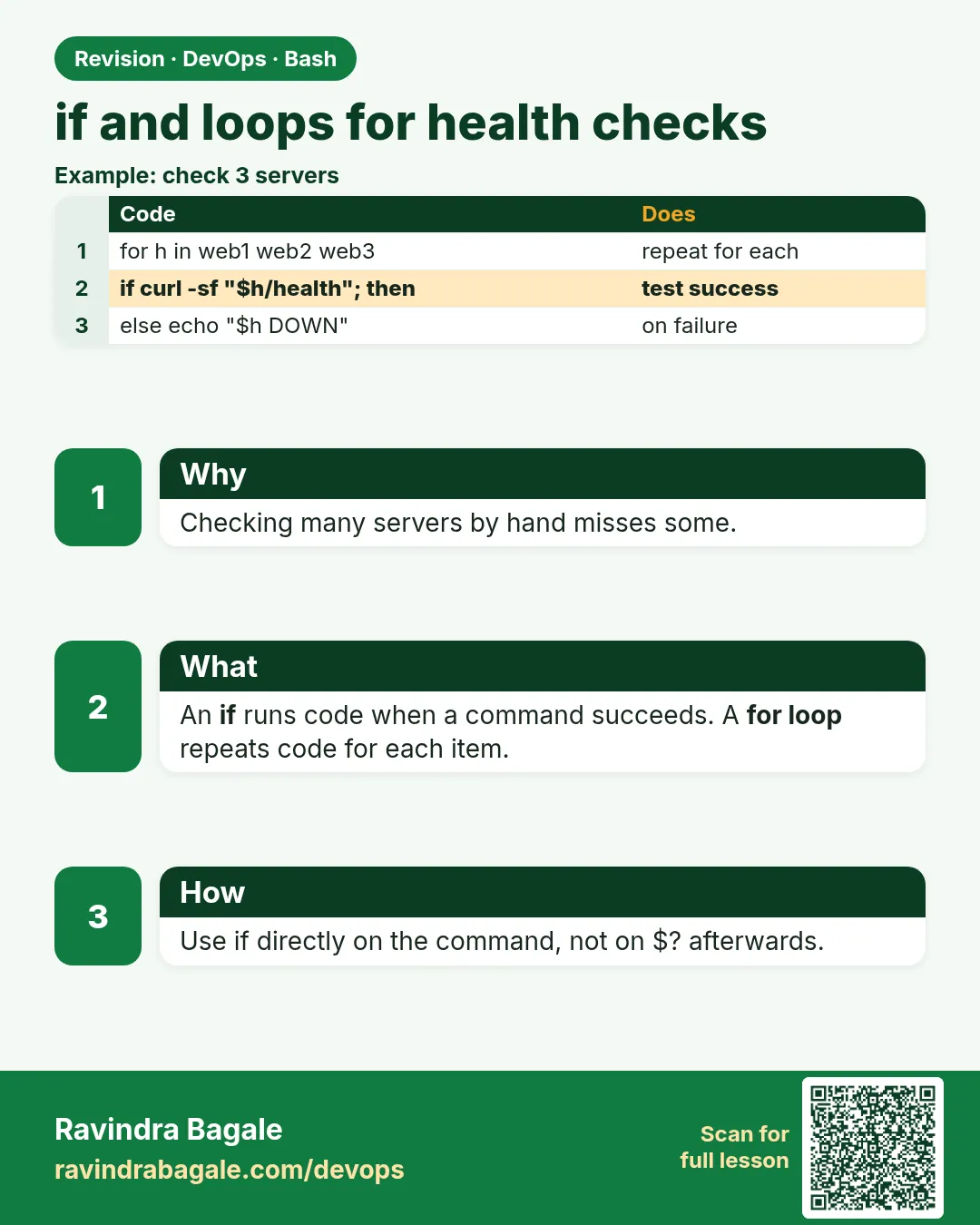 Revision card
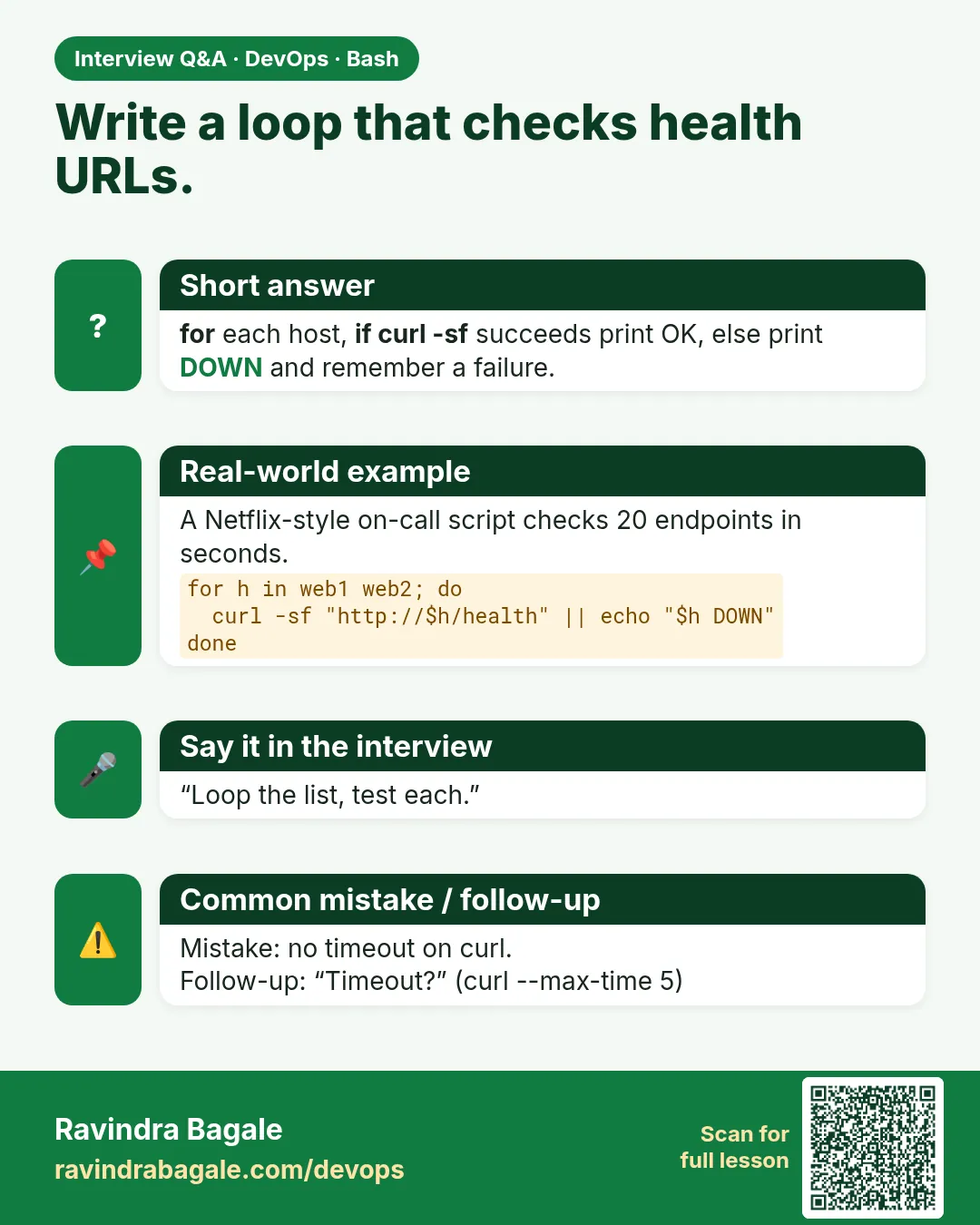 Interview card