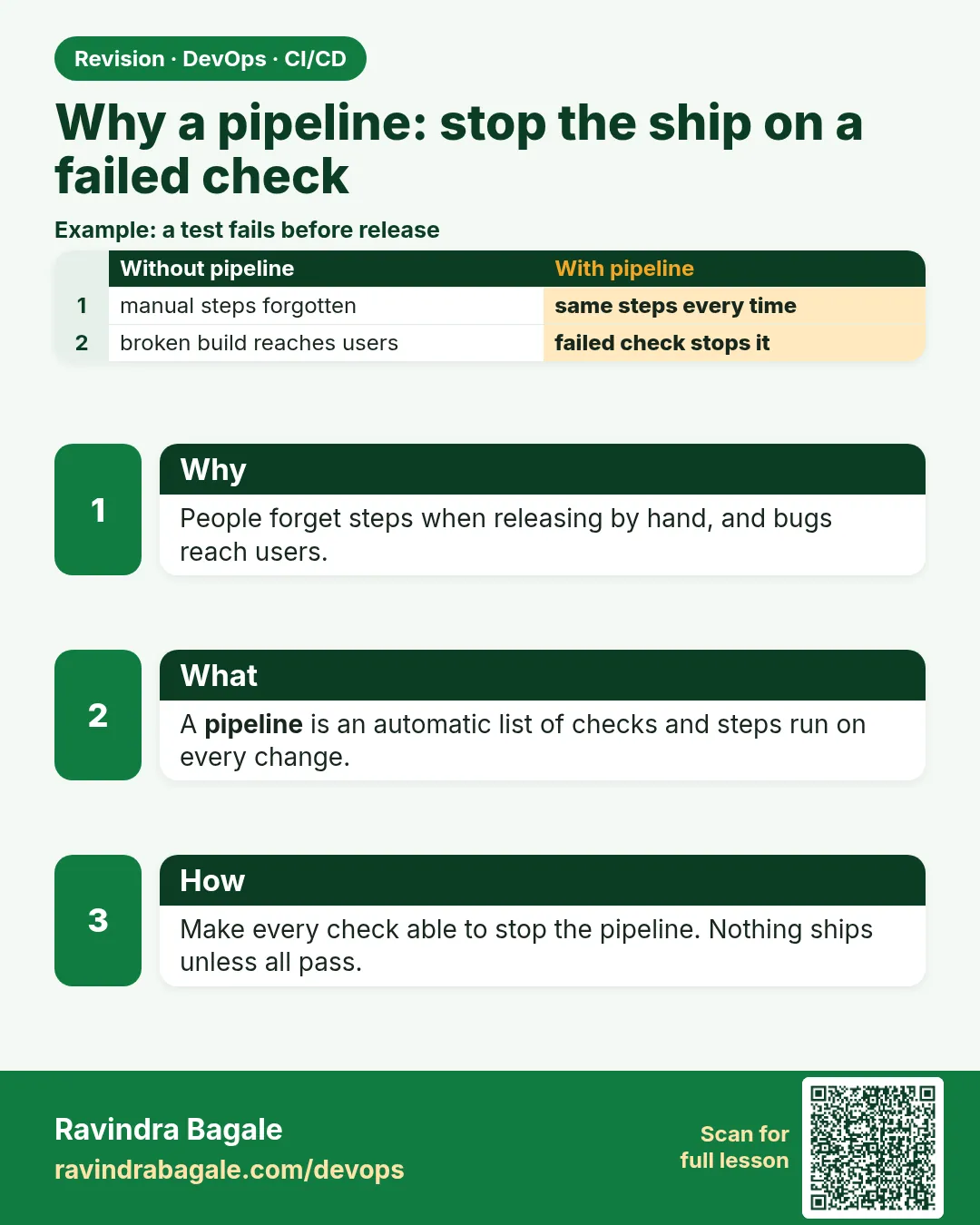
8.1 Why a pipeline — stop the ship on a failed check
Why: the problem
Imagine a Flipkart sale day. A developer pushes a small change to the cart page. The change has a bug: the total price is wrong. If nothing checks it, the bug goes live and thousands of orders show wrong totals. Now imagine a pipeline. The test for the cart total fails. The pipeline stops right there. Nothing is built. Nothing is shipped. The developer gets a red mark and an email in two minutes. The bug never reaches a customer. This is the main job of a pipeline: stop the ship when a check fails. Think of it like an airport security line. Every bag goes through the same scanner. If the scanner beeps, the bag does not go on the plane. Nobody argues. Nobody skips it because they are in a hurry. A pipeline is that scanner for code.
What we will build
You will add a real bug to the badge API, watch the pipeline stop at the test stage, and see that the build and deploy stages never run. Then you will add a "needs" chain so later stages wait for earlier ones. You will also see exit codes, which is how every CI tool knows a step failed.
What: every term in plain English
- Exit code — A number a command returns when it ends. 0 means success. Any other number means failure.
- Check — Any step that can fail: lint, test, security scan.
- Stop the line — When one check fails, the pipeline stops and later stages do not run.
- needs / depends on — A rule that says "this job waits for that job to be green first".
- Red build — A pipeline run where at least one step failed.
- Notification — An email, Slack or Teams message that tells the team the run is red.
- Branch protection — A Git setting that blocks merging a pull request until the checks are green.
How: step by step
-
See exit codes by hand
python -m pytest -q; echo "exit code: $?"What it does: $? prints the exit code of the last command. CI tools read exactly this number.
Output
1 passed in 0.20s exit code: 0 -
Add a bug on purpose
sed -i 's/"ok"/"okk"/' app.pyWhat it does: Now /health returns "okk", so the test should fail.
Output
(no output) -
Run the test again
python -m pytest -q; echo "exit code: $?"What it does: Exit code 1 means failure.
Output
1 failed in 0.22s exit code: 1 -
Push the bug
git commit -am "bug on purpose" && git pushWhat it does: The pipeline runs and must stop at the test.
Output
main -> main -
Look at the run
Open the latest run in the CI toolWhat it does: The test job is red. The build and deploy jobs show "skipped".
Output
test: failed build: skipped deploy: skipped -
Fix and push
git revert --no-edit HEAD && git pushWhat it does: The revert undoes the bug. The next run is green.
Output
[main 7c1e0b2] Revert "bug on purpose"
Example 1: A three-stage pipeline where later stages wait
Stack. GitHub Actions
Goal. A three-stage pipeline where later stages wait.
.github/workflows/ci.yml
name: ci
on: [push]
jobs:
  test:
    runs-on: ubuntu-latest
    steps:
      - uses: actions/checkout@v4
      - run: pip install -r requirements.txt
      - run: python -m pytest -q
  build:
    needs: test
    runs-on: ubuntu-latest
    steps:
      - uses: actions/checkout@v4
      - run: docker build -t badge-api:${{ github.sha }} .
  deploy:
    needs: build
    runs-on: ubuntu-latest
    steps:
      - run: echo "deploying badge-api ${{ github.sha }}"
What each line does
needs: test— Build waits for test. If test is red, build is skipped.needs: build— Deploy waits for build.${{ github.sha }}— The commit id. It makes the image tag unique.docker build -t ...— Packs the app into an image only after tests pass.
Green output
test    failed   1 failed in 0.22s
build   skipped
deploy  skipped
Expected result. With the bug, only test runs. Build and deploy never start. That is "stop the ship".
Example 2: The same stop rule in GitLab CI with stages
Stack. GitLab CI
Goal. The same stop rule in GitLab CI with stages.
.gitlab-ci.yml
stages: [test, build, deploy]
test:
  stage: test
  image: python:3.12-slim
  script:
    - pip install -r requirements.txt
    - python -m pytest -q
build:
  stage: build
  image: docker:27
  services: [docker:27-dind]
  script:
    - docker build -t badge-api:$CI_COMMIT_SHORT_SHA .
deploy:
  stage: deploy
  script:
    - echo "deploying badge-api $CI_COMMIT_SHORT_SHA"
What each line does
stages: [test, build, deploy]— Stages run in this order. A stage starts only when the one before is green.services: [docker:27-dind]— Docker inside Docker, so the job can build images.$CI_COMMIT_SHORT_SHA— GitLab gives the short commit id as a variable.
Green output
test    failed
build   skipped
deploy  skipped
Pipeline #418 failed
Expected result. GitLab draws the stages as columns. The red one is first. The others are grey.
Example 3: Why a script must fail loudly: set -e
Stack. Bash script used inside any CI tool
Goal. Why a script must fail loudly: set -e.
scripts/check.sh
#!/usr/bin/env bash
set -euo pipefail
echo "lint"
python -m pyflakes app.py
echo "test"
python -m pytest -q
echo "all checks passed"
What each line does
set -e— Stop the script at the first failing command.set -u— Fail if a variable is not set. Stops typo bugs.set -o pipefail— A pipe like a | b fails if a fails, not only b.echo "all checks passed"— Printed only if every line before was green.
Green output
$ bash scripts/check.sh
lint
test
F                                                                [100%]
1 failed in 0.22s
$ echo $?
1
Expected result. Without set -e the script would print "all checks passed" and exit 0 even with a failed test. The pipeline would be green by mistake. This is a very common real bug.
Verify: did it work?
-
Prove the stop rule
Push a failing test and look at the runWhat it does: Later stages must say skipped.
Output
build: skipped -
Turn on branch protection
Repo Settings > Branches > Add rule for main > Require status checks > pick "test"What it does: Now a red pull request cannot be merged.
Output
Merging is blocked: Required status check "test" is failing
When it is red 1
All jobs ran even though test failed
Cause. The jobs had no needs line, so they ran in parallel.
Fix, step by step
- Add needs: test to build.
- Add needs: build to deploy.
- Push and check that build says skipped when test is red.
When it is red 2
Pipeline green, but the log shows "1 failed"
Cause. A wrapper script swallowed the exit code, for example python -m pytest || true, or no set -e.
Fix, step by step
- Remove || true.
- Add set -euo pipefail at the top of the script.
- Push again and confirm the run is now red.
When it is red 3
Merge blocked: Required status check "test" is expected
Cause. The rule asks for a check named test, but the job is called tests.
Fix, step by step
- Open the branch rule.
- Pick the exact job name that appears in the run.
- Or rename the job to test.
Cleanup
-
Undo the practice bug
git log --oneline -3What it does: Make sure the revert commit is on top.
Output
7c1e0b2 Revert "bug on purpose"
Ravindra Bagale's Tip
A red pipeline is not shame. You caught the bug before the customer — that is good. Just never add || true. Keep that in mind!
Red pipeline म्हणजे shame नाही. Customer च्या आधी bug पकडला, हे चांगलं आहे. फक्त || true कधी लावू नका. लक्षात ठेवा!
Red pipeline शर्म की बात नहीं. Customer से पहले bug पकड़ा — ये अच्छा है. सिर्फ || true कभी मत लगाओ. याद रखो!
Practice tasks
Easy Print exit codes
Why: Know the number CI reads.
What to do: Run true; echo $? and false; echo $?.
- Note the two numbers.
Check: You see 0 and 1.
Medium Find a swallowed failure
Why: Catch the green-by-mistake bug.
What to do: Add || true to the test line and push a failing test.
- See the green run.
- Remove || true and push again.
Check: You can explain why the first run was green.
Hard Protect main
Why: Make red merges impossible.
What to do: Add branch protection with a required test check.
- Open a pull request with a failing test.
Check: The merge button is blocked.
Easy Say stopping the ship on a failed check in two lines
Why: If you can say it simply, you understand it. Juniors and interviewers both want the short version first.
What to do: Write two short lines about stopping the ship on a failed check for a fresher who knows only Linux, Git and Docker basics.
- Write the problem it solves.
- Write the one pipeline line or command you use for it.
- Read it aloud to a friend.
Check: A fresher understands it without asking a question.
Easy Keep a throwaway lab repo
Why: Practice needs a repo you can break. If it gets messy, you delete it and start again.
What to do: Make a small practice repo called badge-api with one Python file, one test and one Dockerfile.
- mkdir badge-api and cd into it
- git init -b main
- Add app.py, test_app.py and Dockerfile from this chapter, then commit.
Check: git log shows one commit and pytest prints 1 passed.
Medium Do it in a second CI tool
Why: CI/CD is the idea. The tool is only the syntax. The same stages must work in GitHub Actions, GitLab CI and Jenkins.
What to do: Write the pipeline from this lesson in a second CI tool.
- If you used GitHub Actions, write .gitlab-ci.yml or a Jenkinsfile now.
- Keep the same stage names and the same commands.
- Only the wrapper syntax should change.
Check: Same green result, same stage names, different tool.
Medium Break it on purpose
Why: You must know the red log by face. In a real outage there is no time to read slowly.
What to do: Cause one error from the "When it is red" part of this lesson and fix it.
- Follow the error section.
- Copy the exact red line from the job log into your notes.
- Write the fix in one line.
Check: You fixed it using only the steps, without searching the web.
Medium Write a one-page runbook
Why: At 2 a.m. nobody remembers pipeline menus. A short page saves the on-call person.
What to do: Write a one-page runbook for this lesson.
- Title, when to use, exact steps or pipeline lines, how to check, how to undo.
Check: A teammate can follow it alone.
Hard Explain it like an interview
Why: Interviewers want real stories, not definitions.
What to do: Record a 60 second answer about this lesson.
- Say the problem, the pipeline lines you wrote, and one error you hit.
Check: Your answer has a real pipeline line and a real error message.
Hard Draw the flow top to bottom
Why: A drawing shows the order of work and which stage waits for which.
What to do: Draw this lesson as boxes from top to bottom.
- Start at git push, go through each stage, end at the green run or the deployed app.
Check: Each box matches a real line in your job log.
Homework: try at home
Try at home
At home, make a three-job pipeline with needs. Push a bug and take a screenshot of test red with build and deploy skipped. Then turn on branch protection for main.
Recap
- A pipeline stops at the first failed check.
- CI tools read exit codes: 0 green, anything else red.
- needs or stages make later steps wait.
- set -euo pipefail makes scripts fail loudly.
- Branch protection stops red code from merging.
FAQ
Why not just run tests on my laptop?
People forget, and laptops differ. The pipeline runs the same check for everybody, every time.
Can I skip the pipeline for an urgent fix?
No. Urgent fixes need checks the most. Make the pipeline fast instead.
What is a flaky test?
A test that sometimes passes and sometimes fails with no code change. Fix or quarantine it fast.
Who gets told when it is red?
The person who pushed, and usually the team channel.
Is red bad?
No. Red in CI is good: it caught a bug before customers did.
Interview questions
-
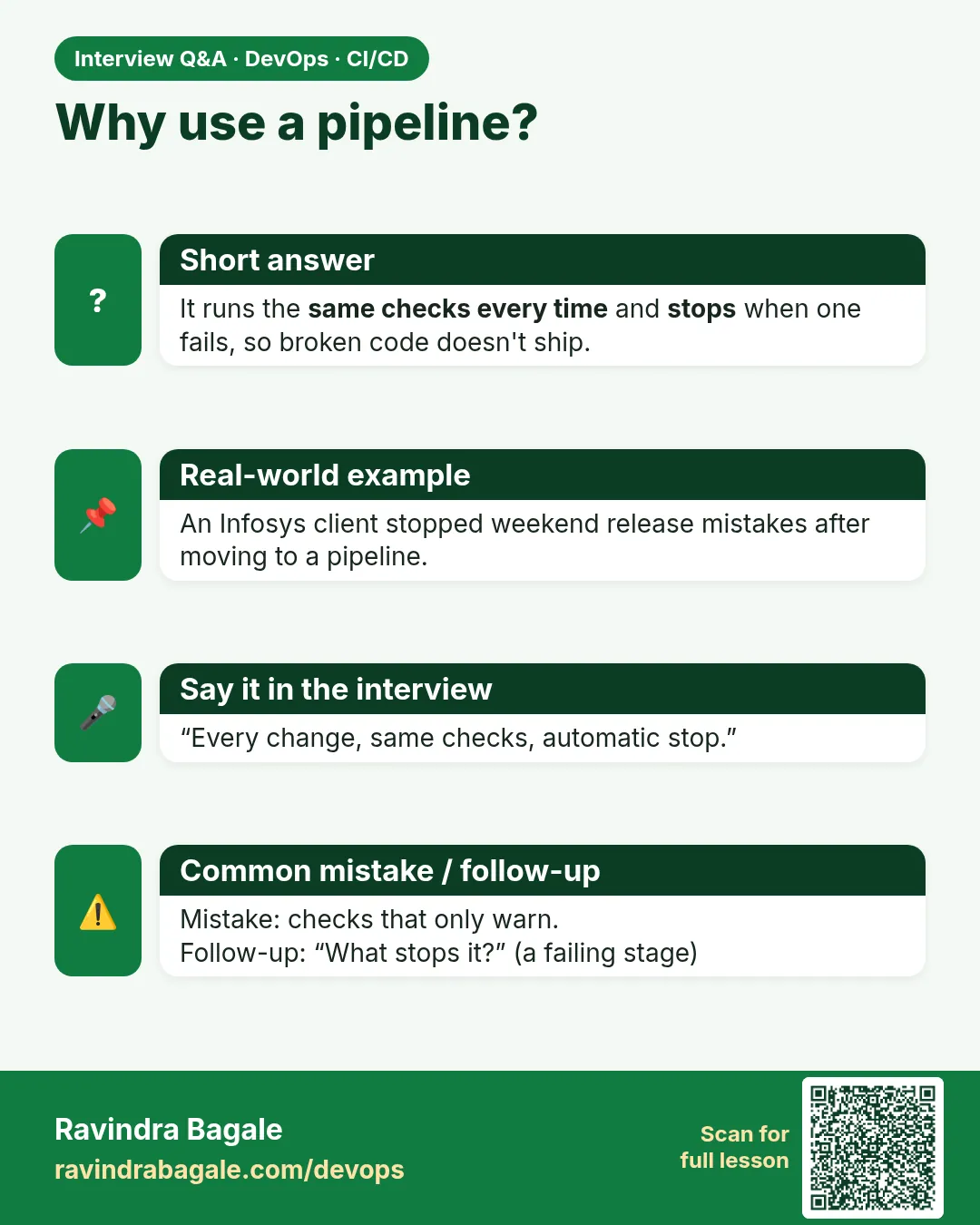
Why do we need a pipeline?
To run the same checks on every change and stop bad code before it reaches users.
-
How does a CI tool know a step failed?
From the exit code. Non-zero means failed.
-
What is the danger of || true in a pipeline?
It hides failures. The pipeline goes green with broken code.
-
How do you make deploy wait for tests?
With needs in GitHub Actions, stages in GitLab, or stage order in a Jenkinsfile.
-
What is branch protection?
A rule on the main branch that blocks merging until required checks pass and reviews are done.
Quick quiz
Q1. What exit code means success?
0.
Q2. What does needs: test do?
The job waits for test and is skipped if test fails.
Q3. Why add set -e to scripts?
So the script stops and fails at the first error.
Q4. What does branch protection block?
Merging when required checks are red.
Q5. What happens to deploy if test fails?
It is skipped and never runs.
Did you understand? Let us try it once more.
 Revision card
 Interview card