Chapter 31: Backup, Configuration as Code and Jenkins Operations
31.7 REST and CLI that start a job
Why: the problem
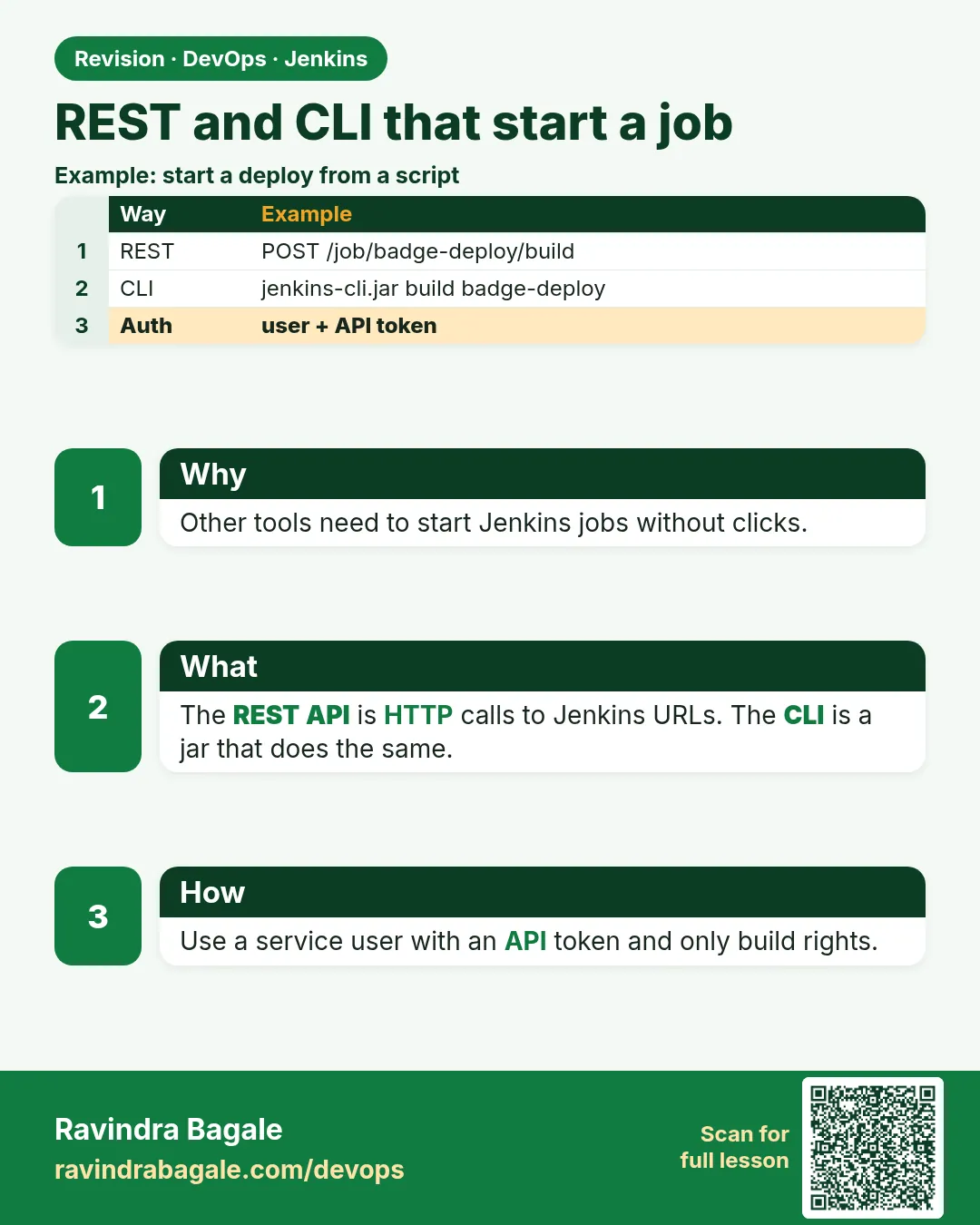
Suppose we are on the Ola team. A release tool must start the badge-api deploy job after a ticket is approved. Nobody should click in Jenkins at night. Jenkins has a REST API and a CLI. With an API token and the right permission, a script can start a job with parameters, wait, and read the result.
What we will build
You will start a parameterised job from curl, from the Jenkins CLI jar, and from a small Python script, then wait for the result.
What: every term in plain English
- REST API — HTTP URLs that let programs talk to Jenkins.
- API token — A per-user token used instead of a password. Made on your user page.
- Crumb — A CSRF protection value. API tokens usually do not need it.
- buildWithParameters — The URL that starts a job with parameters.
- Queue item — Where a build waits before it starts. Its URL leads to the build number.
- jenkins-cli.jar — The Jenkins command line client.
How: step by step
-
Make a token
User menu > Security > API Token > Add new tokenWhat it does: Copy it once into a secret store or env var.
Output
(token shown once) -
Store it for this shell
read -rs JENKINS_TOKEN && export JENKINS_TOKENWhat it does: Not in history, not in files.
Output
(no output) -
Check who you are
curl -s -u ravi:$JENKINS_TOKEN localhost:8080/me/api/json | jq -r .idWhat it does: The token works.
Output
ravi -
Start the job
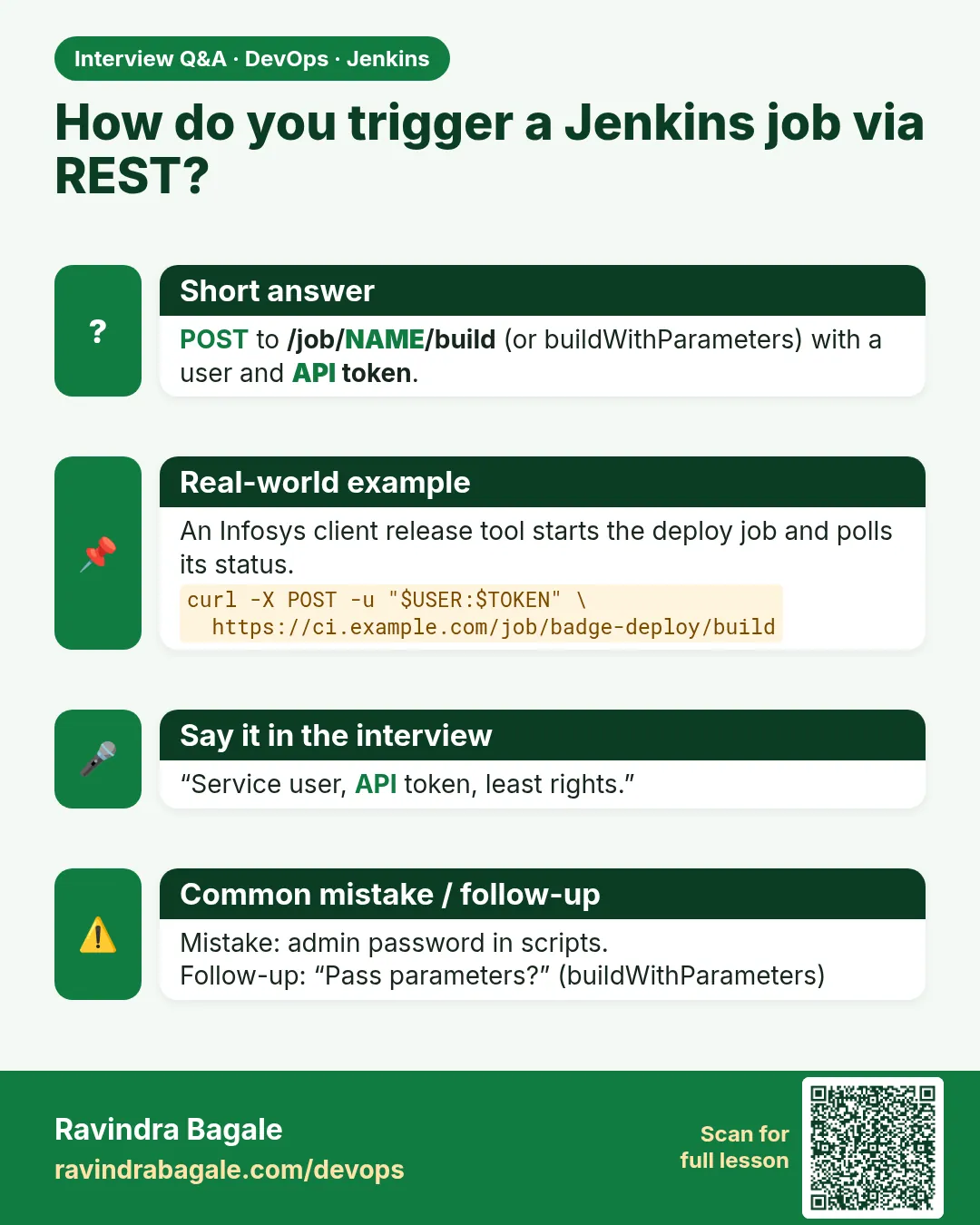
curl -s -i -X POST -u ravi:$JENKINS_TOKEN "localhost:8080/job/badge-deploy/buildWithParameters?ENV=staging&VERSION=1.4.2" | grep -i locationWhat it does: Returns a queue URL.
Output
Location: http://localhost:8080/queue/item/912/ -
Find the build number
curl -s -u ravi:$JENKINS_TOKEN localhost:8080/queue/item/912/api/json | jq .executable.numberWhat it does: Once started, the queue item points to the build.
Output
57 -
Wait for the result
curl -s -u ravi:$JENKINS_TOKEN localhost:8080/job/badge-deploy/57/api/json | jq -r ".building, .result"What it does: building false and result SUCCESS means done.
Output
false SUCCESS -
Same with the CLI
java -jar jenkins-cli.jar -s http://localhost:8080/ -auth ravi:$JENKINS_TOKEN build badge-deploy -p ENV=staging -p VERSION=1.4.2 -s -v | tail -2What it does: -s waits, -v prints the console.
Output
Finished: SUCCESS
Completed badge-deploy #58 : SUCCESS
Example 1: Bash with curl: start, wait, and exit with the build result
Stack. bash, curl, jq
Goal. Bash with curl: start, wait, and exit with the build result.
trigger.sh
#!/usr/bin/env bash
# trigger.sh ENV VERSION - start badge-deploy and wait for it
set -euo pipefail
J=http://localhost:8080; JOB=badge-deploy; AUTH="ravi:${JENKINS_TOKEN:?set JENKINS_TOKEN}"
Q=$(curl -s -i -X POST -u "$AUTH" "$J/job/$JOB/buildWithParameters?ENV=$1&VERSION=$2" | awk -F": " "/^[Ll]ocation/{print \$2}" | tr -d "\r")
until N=$(curl -s -u "$AUTH" "${Q}api/json" | jq -er .executable.number); do sleep 3; done
echo "started #$N"
while [ "$(curl -s -u "$AUTH" "$J/job/$JOB/$N/api/json" | jq -r .building)" = true ]; do sleep 10; done
R=$(curl -s -u "$AUTH" "$J/job/$JOB/$N/api/json" | jq -r .result)
echo "result $R"; [ "$R" = SUCCESS ]
What each line does
${JENKINS_TOKEN:?...}— Stops if the token is not set.Location header— The queue item URL.jq -er .executable.number— Fails until the build has started.[ "$R" = SUCCESS ]— Script exit code follows the build result.
Green output
$ bash trigger.sh staging 1.4.2
started #57
result SUCCESS
Expected result. Any tool that runs a script can now start the deploy.
Example 2: Python: the same flow with requests, for release tools written in Python
Stack. Python 3.12, requests
Goal. Python: the same flow with requests, for release tools written in Python.
trigger.py
# trigger.py - start a Jenkins job and wait (python3 trigger.py staging 1.4.2)
import os, sys, time, requests
J = "http://localhost:8080"; JOB = "badge-deploy"
auth = ("ravi", os.environ["JENKINS_TOKEN"])
r = requests.post(f"{J}/job/{JOB}/buildWithParameters",
                  params={"ENV": sys.argv[1], "VERSION": sys.argv[2]}, auth=auth, timeout=10)
r.raise_for_status()
queue = r.headers["Location"]
while True:
    item = requests.get(queue + "api/json", auth=auth, timeout=10).json()
    if item.get("executable"): break
    time.sleep(3)
n = item["executable"]["number"]; print("started", n)
while True:
    b = requests.get(f"{J}/job/{JOB}/{n}/api/json", auth=auth, timeout=10).json()
    if not b["building"]: break
    time.sleep(10)
print("result", b["result"]); sys.exit(0 if b["result"] == "SUCCESS" else 1)
What each line does
os.environ["JENKINS_TOKEN"]— The token comes from the environment.raise_for_status()— Stop on 401 or 404.headers["Location"]— Queue URL.sys.exit(...)— Exit code for the calling tool.
Green output
$ python3 trigger.py staging 1.4.2
started 58
result SUCCESS
Expected result. Same result from Python.
Example 3: Jenkins CLI: a short command for admins with the CLI jar
Stack. Java 17, jenkins-cli.jar
Goal. Jenkins CLI: a short command for admins with the CLI jar.
commands
curl -s -O localhost:8080/jnlpJars/jenkins-cli.jar
java -jar jenkins-cli.jar -s http://localhost:8080/ -auth ravi:$JENKINS_TOKEN who-am-i
java -jar jenkins-cli.jar -s http://localhost:8080/ -auth ravi:$JENKINS_TOKEN list-jobs | head -3
java -jar jenkins-cli.jar -s http://localhost:8080/ -auth ravi:$JENKINS_TOKEN build badge-deploy -p ENV=staging -p VERSION=1.4.2 -s -v
What each line does
jnlpJars/jenkins-cli.jar— The jar matches your Jenkins version.-auth user:token— Logs in with the token.-s— Wait for the build.-v— Print the console output.
Green output
Authenticated as: ravi
badge-api
badge-deploy
smoke-test
Completed badge-deploy #59 : SUCCESS
Expected result. The CLI is handy for admins; scripts usually use REST.
Example 4: Start a job and wait for its result from a script
Stack. Jenkins REST
Goal. Start a job and wait for its result from a script.
trigger-wait.sh
#!/usr/bin/env bash
set -euo pipefail
J=http://localhost:8080/job/release-tool
loc=$(curl -si -u "admin:$JENKINS_TOKEN" -X POST "$J/buildWithParameters?VERSION=1.4.2" | awk '/^Location:/{print $2}' | tr -d '\r')
until num=$(curl -s -u "admin:$JENKINS_TOKEN" "${loc}api/json" | jq -er '.executable.number'); do sleep 2; done
until [ "$(curl -s -u "admin:$JENKINS_TOKEN" "$J/$num/api/json" | jq -r .building)" = false ]; do sleep 5; done
curl -s -u "admin:$JENKINS_TOKEN" "$J/$num/api/json" | jq -r '"build \(.number): \(.result)"'
What each line does
Location header— Points to the queue item.executable.number— The build number once it starts.building false— The build finished.
Green output
build 57: SUCCESS
Expected result. The release tool knows the real result, not just that it clicked Build.
Verify: did it work?
-
See the builds
curl -s -u ravi:$JENKINS_TOKEN "localhost:8080/job/badge-deploy/api/json?tree=builds[number,result]{0,3}" | jq -c .buildsWhat it does: Three newest builds.
Output
[{"number":59,"result":"SUCCESS"},{"number":58,"result":"SUCCESS"},{"number":57,"result":"SUCCESS"}] -
See parameters used
curl -s -u ravi:$JENKINS_TOKEN localhost:8080/job/badge-deploy/59/api/json | jq -c "[.actions[]|select(.parameters)|.parameters[]|{name,value}]"What it does: Proves what was asked.
Output
[{"name":"ENV","value":"staging"},{"name":"VERSION","value":"1.4.2"}] -
See who started it
curl -s -u ravi:$JENKINS_TOKEN localhost:8080/job/badge-deploy/59/api/json | jq -r ".actions[]|select(.causes)|.causes[0].shortDescription"What it does: Audit trail.
Output
Started by user ravi
When it is red 1
HTTP/1.1 401 Unauthorized
Cause. Wrong user or token.
Fix, step by step
- Check the user id, not the display name.
- Make a new token if needed.
When it is red 2
HTTP/1.1 403 No valid crumb was included in the request
Cause. Password used instead of a token, or an old setup.
Fix, step by step
- Use an API token.
- Or fetch a crumb from /crumbIssuer/api/json in the same session.
When it is red 3
HTTP/1.1 400 Nothing is submitted
Cause. Job has parameters but you called /build without them.
Fix, step by step
- Use /buildWithParameters.
When it is red 4
HTTP 403 No valid crumb was included in the request
Cause. Using a password instead of an API token.
Fix, step by step
- Create an API token for the user.
- Use admin:TOKEN in curl.
Cleanup
-
Revoke the lab token
User menu > Security > API Token > RevokeWhat it does: Old tokens are a risk.
Output
Token revoked
Practice tasks
Easy Call /me
Why: Check your token.
What to do: curl /me/api/json.
- Use -u user:token.
Check: Your id prints.
Medium Use tree filter
Why: Smaller answers.
What to do: Fetch only number and result.
- Add ?tree=number,result
Check: Short JSON.
Hard Limit the bot user
Why: Least privilege.
What to do: Make a user that can only build badge-deploy.
- Use Role-based or Matrix authorization.
Check: It cannot configure jobs.
Easy Say REST and CLI triggers in two lines
Why: If you can say it simply, you understand it.
What to do: Write two short lines about REST and CLI triggers for a fresher.
- Write the problem.
- Write the command or file you use.
Check: A fresher understands it.
Easy Start a fresh lab Jenkins
Why: Practice needs a throwaway Jenkins.
What to do: Run Jenkins LTS in Docker with a named volume.
- docker volume create jenkins_home
- docker run -d --name jenkins -p 8080:8080 -v jenkins_home:/var/jenkins_home jenkins/jenkins:lts-jdk17
- docker logs jenkins | grep -A2 "initialAdminPassword"
Check: The Jenkins login page opens on localhost:8080.
Medium Do it on the second setup
Why: The idea must work on VM, Docker and Kubernetes.
What to do: Repeat this lesson on a different setup than the one you used.
- Pick Docker if you used a VM, or kind if you used Docker.
- Run the same steps.
Check: Same result on the second setup.
Medium Break it on purpose
Why: You must know the red output by face.
What to do: Cause one error from "When it is red" and fix it.
- Follow the error section.
- Write down the exact message.
Check: You fixed it using the steps.
Medium Write a runbook page
Why: At 2 a.m. nobody remembers.
What to do: Write a one-page runbook for this lesson.
- Title, when to use, steps, how to check.
Check: A teammate can follow it alone.
Hard Explain it like an interview
Why: Interviewers want real stories.
What to do: Record a 60 second answer.
- Problem, command, one error you hit.
Check: Your answer has a real command and a real error.
Hard Draw the flow top to bottom
Why: A drawing shows the order.
What to do: Draw this lesson as boxes from top to bottom.
- Start at the trigger, end at the check.
Check: Each box matches a real step you ran.
Homework: try at home
Try at home
At home, write trigger.sh for your lab job and make it exit 1 when the build fails, then use it from another Jenkins job.
Recap
- Use API tokens, never passwords, for scripts.
- buildWithParameters returns a queue URL.
- The queue item gives the build number.
- Poll the build until building is false.
- Give bot users only the rights they need.
FAQ
Can I trigger without a user?
Use a bot user with a token and minimal rights.
What is a remote build token?
An old per-job token. Prefer user API tokens.
Can I get logs by API?
Yes, /consoleText or /logText/progressiveText.
Is the CLI over SSH?
It can be, but HTTP with -auth is simpler.
How do I stop a build?
POST /job/NAME/N/stop.
Should the token belong to a person?
No. Use a service user with only Build rights on that job.
Interview questions
-
How do you trigger Jenkins from another system?
POST to buildWithParameters with a bot user API token, follow the queue item, poll the result.
-
What is a crumb?
CSRF token for browser-style requests.
-
How do you secure API access?
Bot users, tokens in secret stores, least privilege, revoke old tokens.
-
How do you read results?
/job/NAME/N/api/json result field.
-
CLI vs REST?
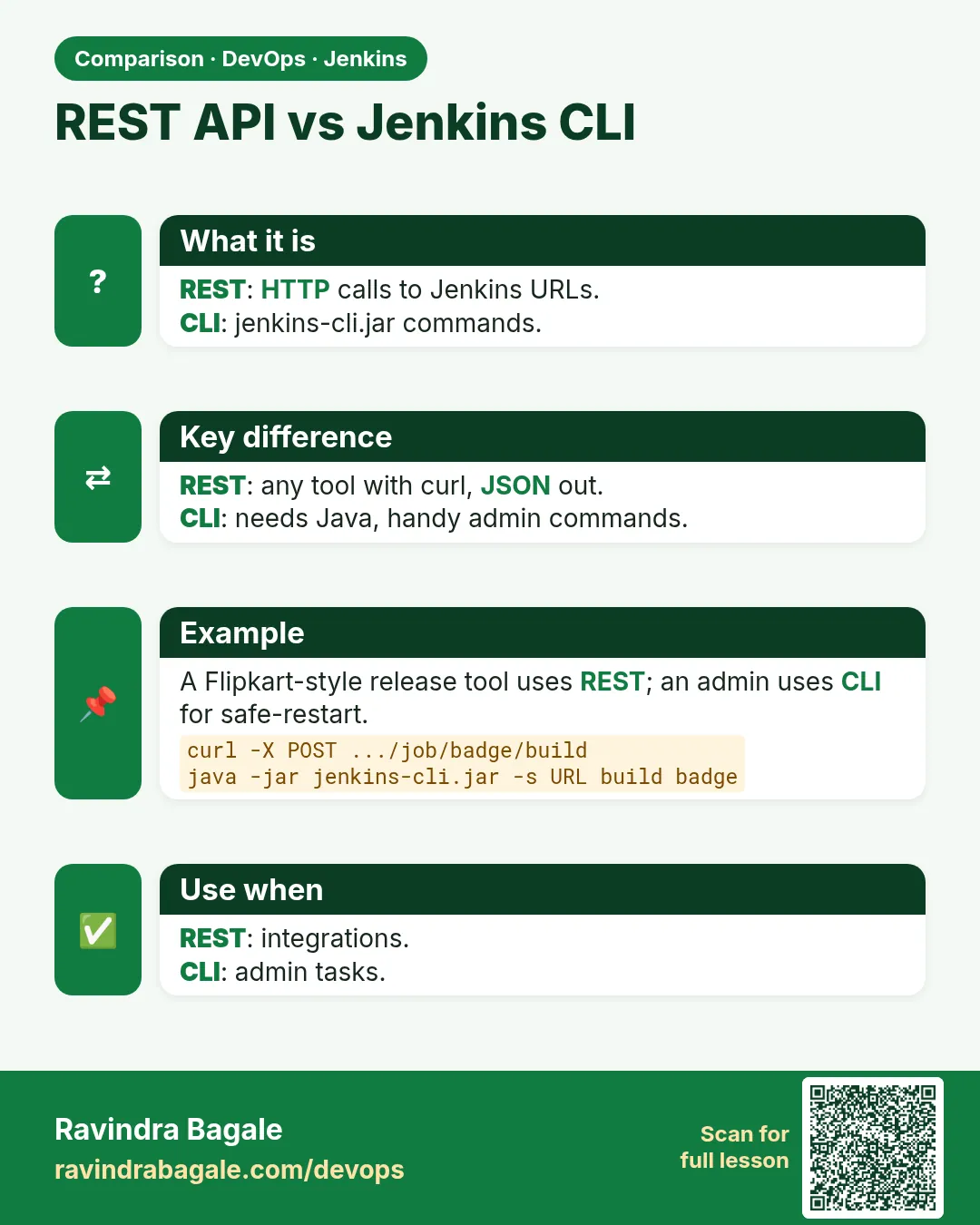
CLI is handy for admins; REST is easiest for tools.
Quick quiz
Q1. Which URL starts a job with parameters?
/job/NAME/buildWithParameters.
Q2. What do you use instead of a password?
An API token.
Q3. Where do you find the build number?
The queue item executable.number.
Q4. What does CLI -s do?
Waits for the build.
Q5. Where should the token live?
In an env var or secret store.
Did you understand? Let us try it once more.
 Revision card
 Interview card
 Comparison card