Chapter 7: Docker Commands, Networks, Volumes and Compose
7.6 Env files — never commit real secrets
Create a .env next to the Compose file for local labs. Compose loads it for ${POSTGRES_PASSWORD}.
# .env — LOCAL LAB ONLY — add to .gitignore
POSTGRES_PASSWORD=lab-only-change-me
# .gitignore excerpt
.env
.env.*
!.env.example
Ship an .env.example with fake placeholders so a teammate knows the key names, without a real password.
| Do | Do not |
|---|---|
Keep .env gitignored |
Commit a production password |
| Rotate a password that reached a public repo | Reuse one lab password everywhere |
| Use the platform's secret store in CI later | Paste cloud keys into the YAML |
Ravindra Bagale's Tip
Many students push .env with git add . First look at git status — .env must stay untracked. If it was committed, rotate the password. Stay alert!
खूप students .env git add . ने push करतात. git status पहिले — .env untracked राहिला पाहिजे. Commit झाला तर password rotate करा. ध्यान राखो!
बहुत students .env को git add . से push करते हैं. पहले git status देखो — .env untracked रहना चाहिए. Commit हो गया तो password rotate करो. ध्यान रखो!
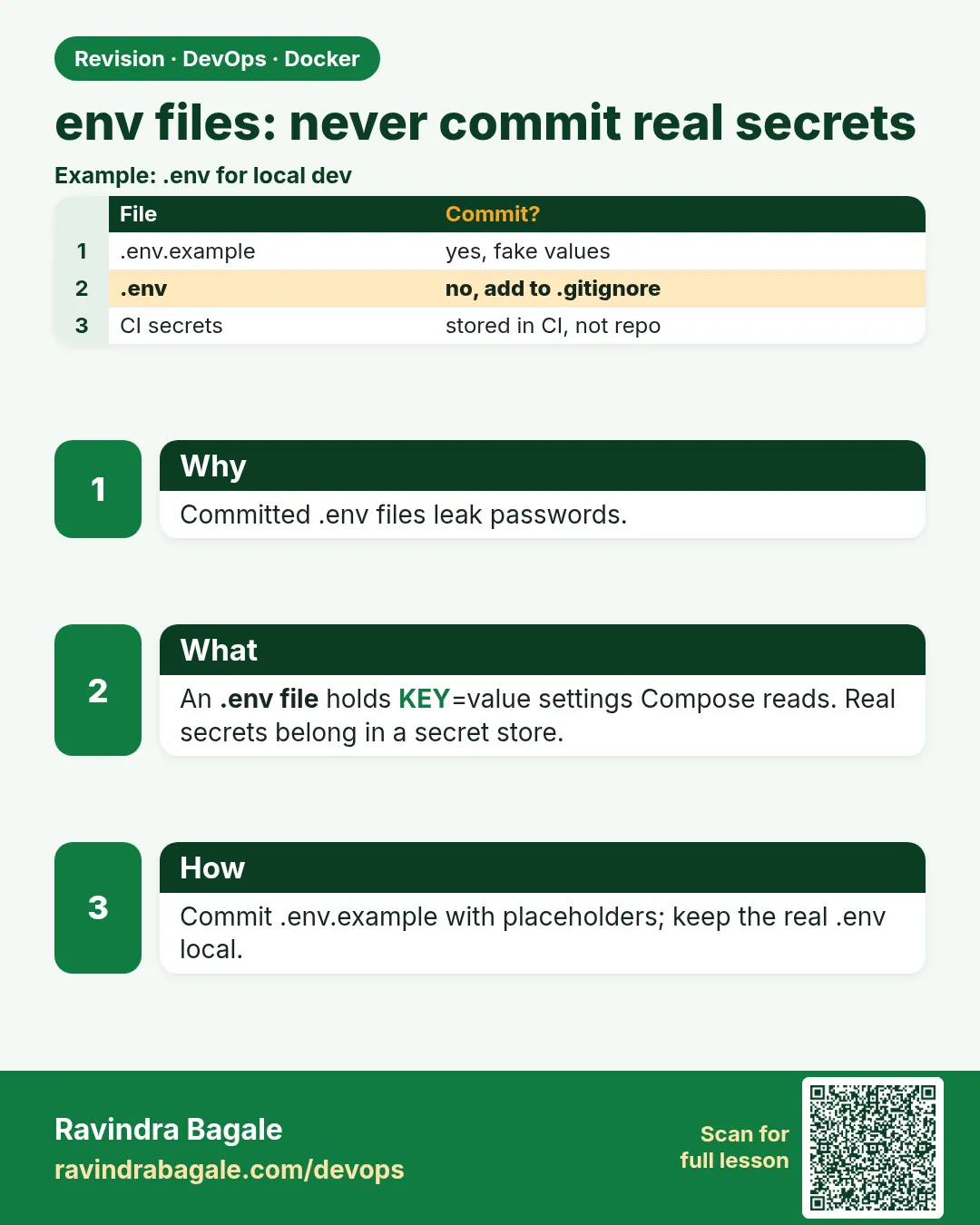 Revision card
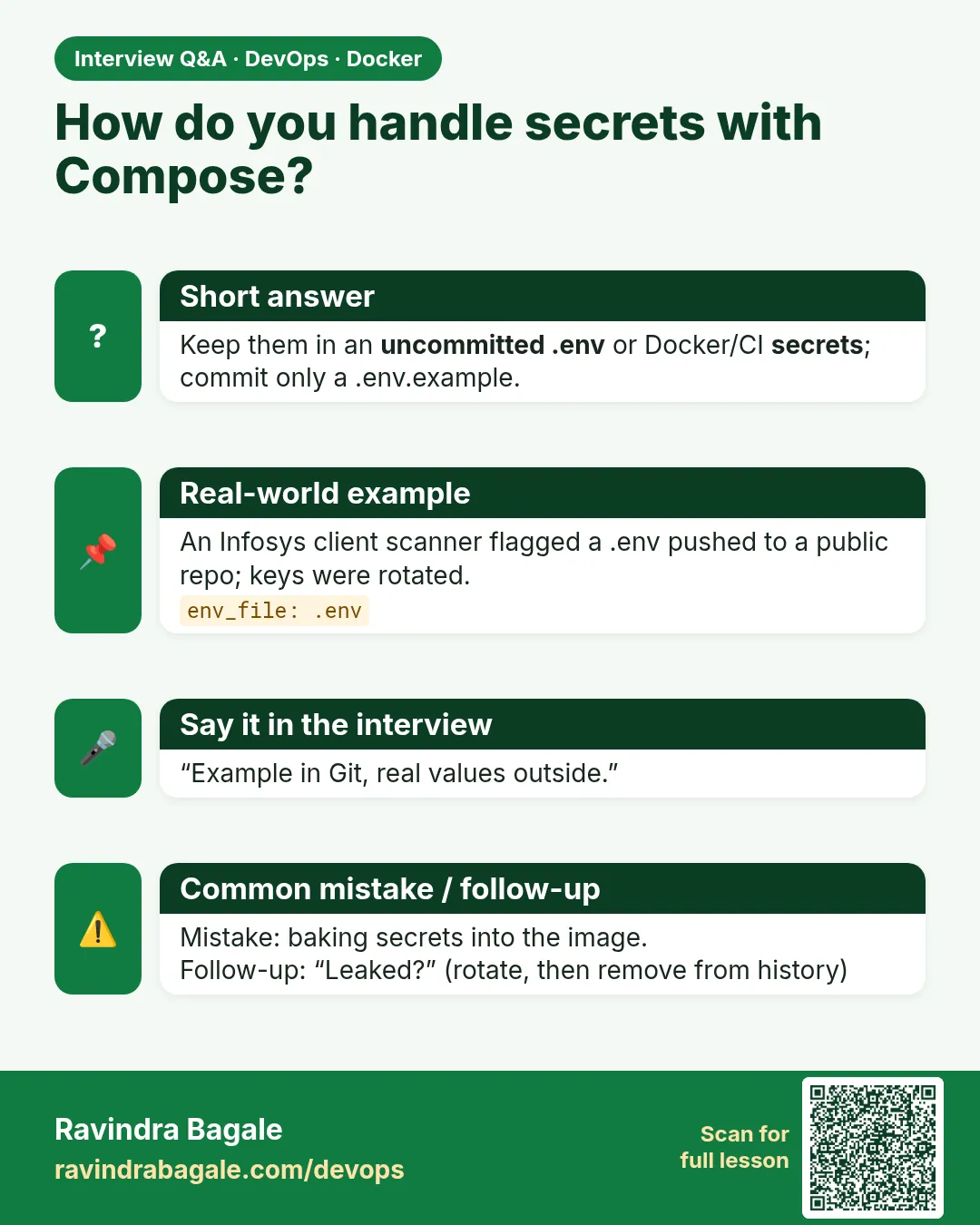 Interview card