AWS · मराठी आवृत्ती
5.2 EC2 आणि त्याचे मुख्य concepts
EC2 म्हणजे AWS cloud मधले आकार बदलता येणारे virtual servers — instances. Furnished flat भाड्याने घेण्यासारखं समजा: size म्हणजे instance type, आतला setup म्हणजे AMI, key म्हणजे login key pair आणि gate rules म्हणजे SG. अनेक modern types Nitro वापरतात; सर्व types/tenancy एकसारखे नसतात.
 AWS Region: Asia Pacific (Mumbai) ap-south-1
 +---------------------------------------------------------------------+
 |  Availability Zone ap-south-1a        Availability Zone ap-south-1b |
 |  +---------------------------+        +---------------------------+ |
 |  | VPC subnet                |        | VPC subnet                | |
 |  |  +---------------------+  |        |  +---------------------+  | |
 |  |  | EC2 instance        |  |        |  | EC2 instance        |  | |
 |  |  | AMI: Ubuntu 24.04   |  |        |  | AMI: AL2023         |  | |
 |  |  | Type: t3.micro      |  |        |  | Type: t3.small      |  | |
 |  |  | SG: web-sg          |  |        |  | SG: web-sg          |  | |
 |  |  +----------+----------+  |        |  +----------+----------+  | |
 |  |             | EBS vol     |        |             | EBS vol     | |
 |  +---------------------------+        +---------------------------+ |
 +---------------------------------------------------------------------+
| Term | अर्थ | उदाहरण |
|---|---|---|
| Instance | Virtual server | i-0abc123def4567890 |
| AMI | OS/software/config चं launch template | AL2023, Ubuntu 24.04, CentOS Stream 9 किंवा custom AMI |
| Instance type | vCPU, RAM, network आकार | t3.micro: 2 vCPU/1 GiB; t3.medium: 2 vCPU/4 GiB |
| Key pair | SSH साठी public/private key | AWS public key ठेवते; mykey.pem तुम्ही सुरक्षित जपता |
| Security Group | ENI/instance-level stateful allow-rule firewall | 22 My IP; public web 80/443 |
| EBS | Network-attached block storage | उदा. 8 GiB gp3 root; actual AMI minimum तपासा |
| Instance store | Host-attached temporary storage | निवडक types; stop/terminate वर data टिकत नाही |
| Elastic IP | Static public IPv4 | Stop/start नंतर स्थिर; remap शक्य |
| Region | भौगोलिक area | Mumbai ap-south-1, N. Virginia us-east-1 |
| AZ | Region मधली isolated data-centre location/group | ap-south-1a, ap-south-1b, ap-south-1c |
| VPC/subnet | Private network; subnet एका AZ मध्ये | Default VPC उदाहरण 172.31.0.0/16 |
| User data | Launch वेळी दिलेली script | Default first boot वर Nginx install |
| IAM role / instance profile | Long-lived access keys न ठेवता AWS permissions | S3 invoice bucket वाचण्याची मर्यादित permission |
Blinkit dark store lab: AL2023 AMI, t3.micro, blinkit-key.pem, 22 फक्त My IP आणि web साठी 80/443. Mumbai हा जवळचा region पर्याय. SG stateful असल्यामुळे allowed connection चा reply वेगळ्या outbound allow rule शिवाय परत येऊ शकतो.
Instance type नाव
      t  3  a  .  micro
      │  │  │     └── size: nano, micro, small, medium, large, xlarge, 2xlarge ...
      │  │  └──────── extra attribute: a = AMD, g = Graviton (ARM), i = Intel, d = local NVMe, n = network
      │  └─────────── generation (higher = newer, better price/performance)
      └────────────── family: t = burstable general purpose
उदा. t3a.micro: t family, 3 generation, a AMD attribute, micro size. नवीन generation नेहमी तुमच्या workload साठी सर्वोत्तम असेलच असं नाही; performance/price तपासा.
| Family | प्रकार | वापर | उदाहरण |
|---|---|---|---|
| T | Burstable general-purpose | Labs, dev/test, छोटी sites | t3.micro, t3.small, t4g.small |
| M | Balanced general-purpose | Apps, छोटी databases | m7i.large, m7g.large |
| C | Compute-optimised | Batch/gaming/high compute | c7i.xlarge |
| R/X | Memory-optimised | मोठ्या databases/caches | r7i.large |
| I/D | Storage-optimised | NoSQL/data warehouses | i4i.large |
| P/G/Inf/Trn | Accelerated compute | ML/video | g5.xlarge |
T family मध्ये baseline CPU आणि credits ची कल्पना आहे. कमी वापराच्या site/lab ला चालू शकते; sustained CPU आणि Unlimited charges तपासा. Graviton types — t4g/m7g — ARM आहेत; arm64 AMI आणि compatible dependencies/container images वापरा. प्रत्येक binary x86 आणि ARM दोन्हीवर चालेलच असं नाही.
Pricing models
| Model | पद्धत | उपयोग |
|---|---|---|
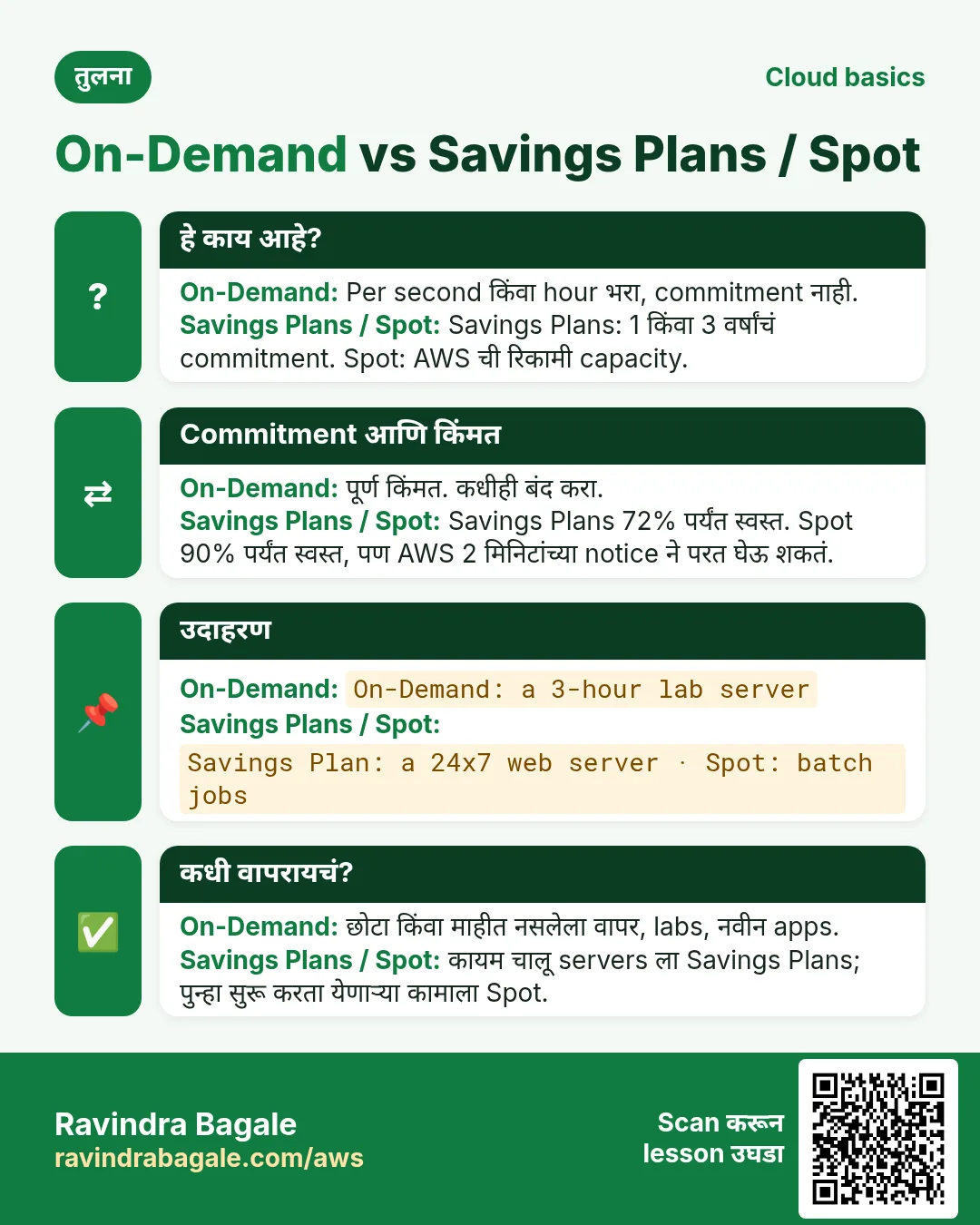
| On-Demand | Long-term commitment नाही; eligible Linux usage per-second/minimum लागू | Labs, अनिश्चित demand |
| Savings Plans | 1/3 वर्षांसाठी $/hour commitment; advertised up to 72% | स्थिर दीर्घकालीन वापर |
| Reserved Instances | 1/3 वर्षांचा billing commitment; scope/flexibility प्रकारावर | सतत वापर |
| Spot | Spare capacity; advertised up to 90%; interruption शक्य | Fault-tolerant batch, CI, rendering |
| Dedicated Hosts/Instances | Physical tenancy isolation; host-level controls वेगळे | Licensing/compliance |
Current दर आणि अटी AWS EC2 pricing वर तपासा. Discount हा maximum आहे, guaranteed saving नाही. Compute व्यतिरिक्त EBS — stopped असतानाही — snapshots, public IPv4/EIP आणि data transfer चा खर्च असू शकतो.
Free Tier तपासून वापरा
Account तयार झालेली date आणि plan महत्त्वाचे. 15 July 2025 पासून नवीन accounts साठी credit-based plan आले; आधीच्या legacy terms वेगळ्या आहेत. t3.micro किंवा 30 GiB नेहमी free असेल असं गृहीत धरू नका. AWS Free Tier आणि Billing मधले स्वतःचे benefits तपासा. AWS ची plan-change माहिती.
Lab आधी budget/e-mail alert, root MFA आणि रोजच्या वापरासाठी least-privilege identity ठेवा; शक्य असल्यास federation/IAM Identity Center वापरा. Budget alert हा hard spending cap नाही.
Practice
Region, AZ, AMI, type, key pair, SG आणि root volume size अशी launch checklist कारणांसह लिहा.
झटपट उजळणी cards
हा lesson दोन मिनिटांत revise करा. Cards phone वर save करा किंवा PNG download करा. प्रत्येक card वरचा QR त्याचा lesson उघडतो.
अजून cards: Ravi Sir's Cards.