Ravi Sir's Cards › Generative AI
Meeting AI notes in 5 steps
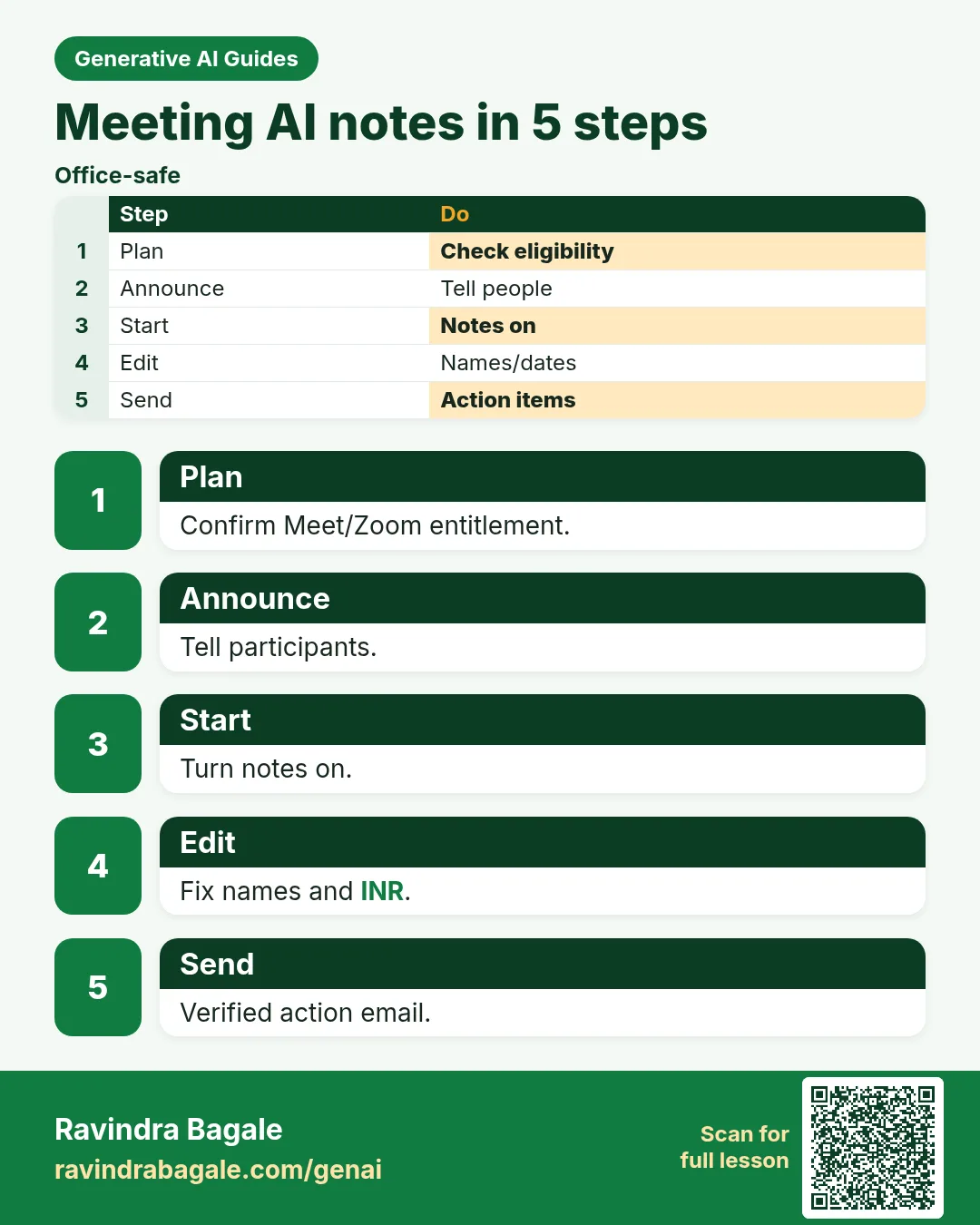
This card gives five steps for using AI meeting notes safely. First, check that your plan includes the feature: Google Meet's Take notes for me needs an eligible Google Workspace edition or Google AI plan, and Zoom's AI features depend on your Zoom plan. Second, tell everyone in the meeting that AI notes are being taken. Third, turn the notes on. Fourth, edit the notes to fix names, dates and amounts. Fifth, email only action items that you have verified. Meet's Take notes for me currently supports meetings spoken in English, French, German, Italian, Japanese, Korean, Portuguese and Spanish, so it does not support Hindi or Marathi meetings.
Read card text
What this card says
This card gives five steps for using AI meeting notes safely. First, check that your plan includes the feature: Google Meet's Take notes for me needs an eligible Google Workspace edition or Google AI plan, and Zoom's AI features depend on your Zoom plan. Second, tell everyone in the meeting that AI notes are being taken. Third, turn the notes on. Fourth, edit the notes to fix names, dates and amounts. Fifth, email only action items that you have verified. Meet's Take notes for me currently supports meetings spoken in English, French, German, Italian, Japanese, Korean, Portuguese and Spanish, so it does not support Hindi or Marathi meetings.
Learn this in the lesson: Google Meet Take Notes for Me and Zoom AI for Office Meetings (India)