Ravi Sir's Cards › Generative AI
How do I turn a YouTube video into notes?
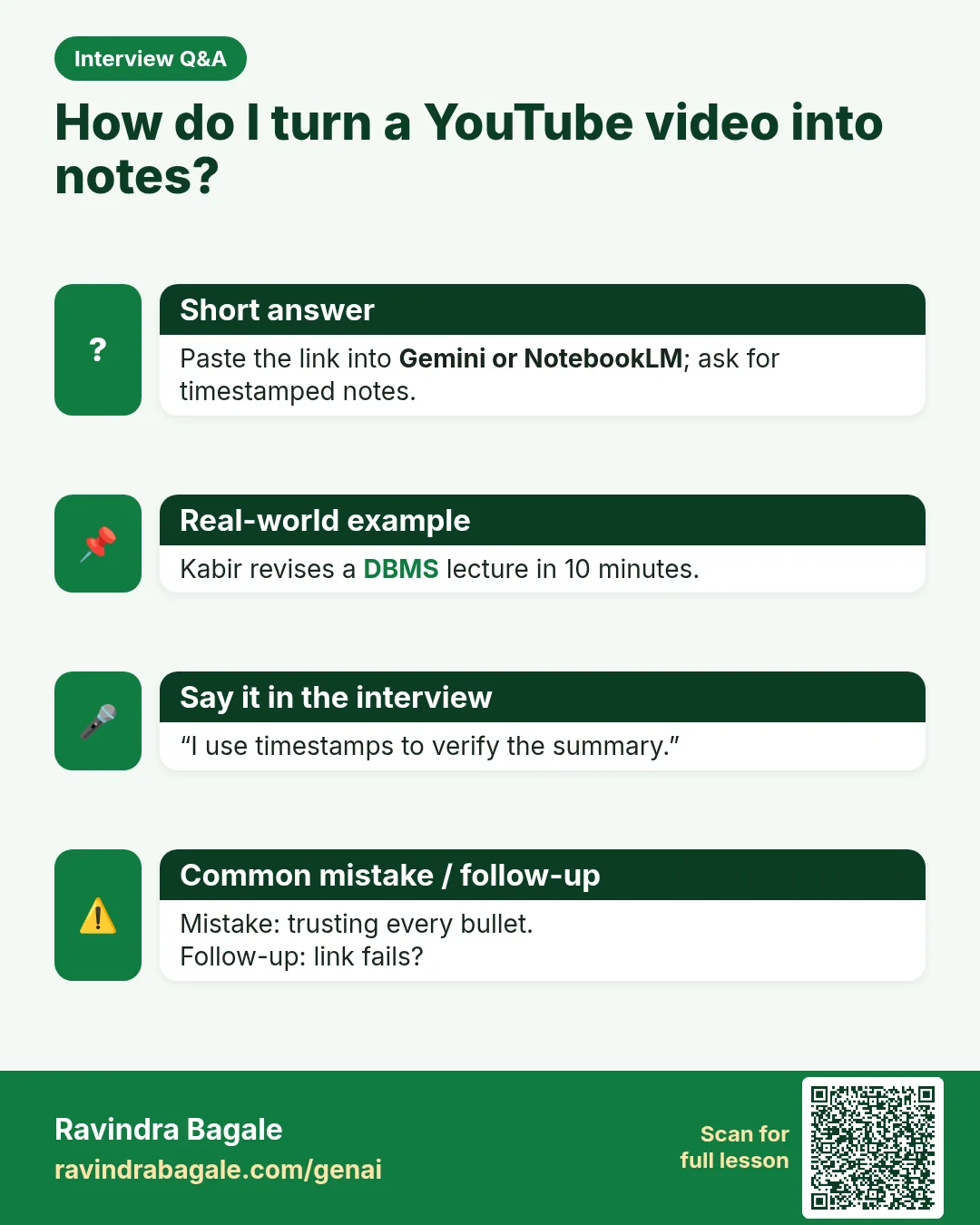
To turn a YouTube video into notes, paste the link of a public video into Gemini, or add it as a source in NotebookLM, and ask for notes with headings and timestamps. NotebookLM works only with public videos that have captions, and it imports just the spoken transcript, not what is shown on the screen. Always check the main points and timestamps against the video itself, because AI summaries can miss or invent details. A good interview answer is that you use AI notes for revision and always verify them against the source.
Read card text
What this card says
To turn a YouTube video into notes, paste the link of a public video into Gemini, or add it as a source in NotebookLM, and ask for notes with headings and timestamps. NotebookLM works only with public videos that have captions, and it imports just the spoken transcript, not what is shown on the screen. Always check the main points and timestamps against the video itself, because AI summaries can miss or invent details. A good interview answer is that you use AI notes for revision and always verify them against the source.
Learn this in the lesson: AI YouTube Video Summary to Study Notes (Free Ways)