Ravi Sir's Cards › Generative AI
remove.bg vs Photoroom vs Pixelcut
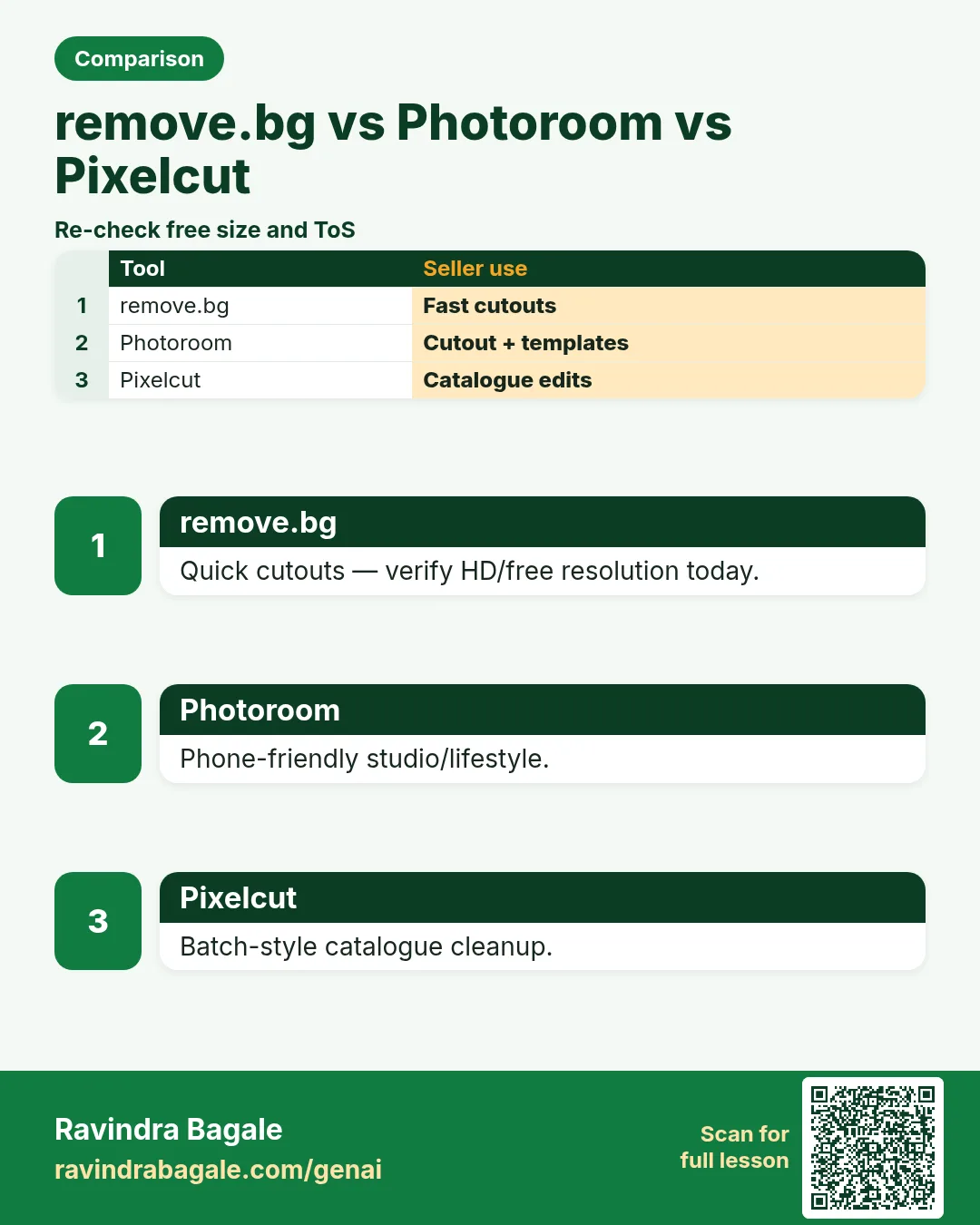
This comparison card shows how a seller might use three AI background tools, and it reminds you to re-check each tool's free download size and terms of service before you rely on it. remove.bg is good for quick cutouts, but its free preview download is small, at most 0.25 megapixels according to its help centre, so check the size before you upload. Photoroom works well on a phone, with iPhone and Android apps and ready-made templates for studio-style and lifestyle product shots. Pixelcut offers batch editing, which helps when you need to clean up many catalogue photos in one go.
Learn this in the lesson: AI Background Remover for Amazon, Flipkart and Meesho Sellers