Ravi Sir's Cards › Generative AI
Excel AI add-in in 5 steps
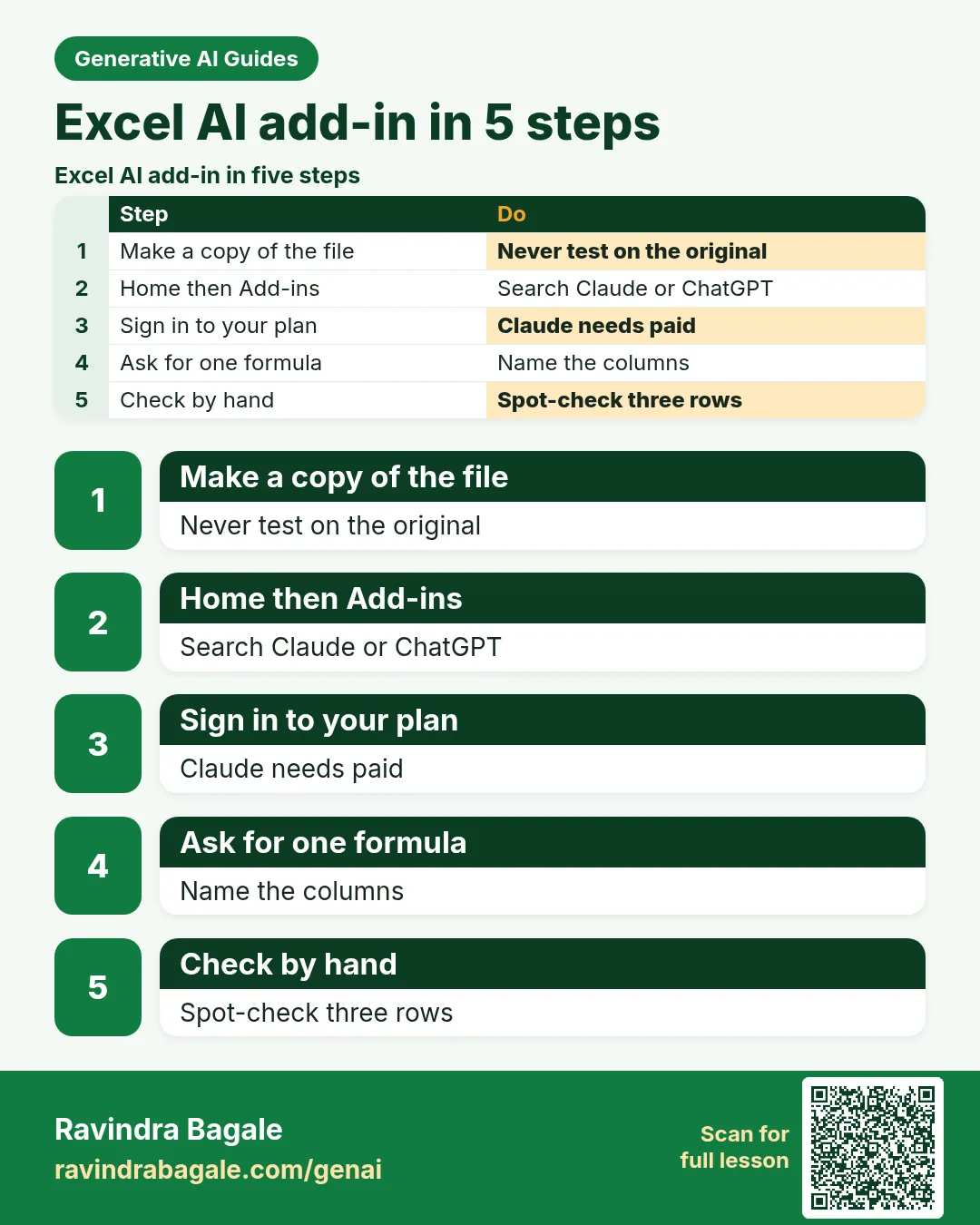
This card gives five steps for using an Excel AI add-in: always work on a copy of the file, open Home then Add-ins and search for Claude or ChatGPT, sign in (Claude for Excel needs a Pro, Max, Team or Enterprise plan), ask for one formula and name the columns, and spot-check at least three rows by hand.
Read card text
What this card says
This card gives five steps for using an Excel AI add-in: always work on a copy of the file, open Home then Add-ins and search for Claude or ChatGPT, sign in (Claude for Excel needs a Pro, Max, Team or Enterprise plan), ask for one formula and name the columns, and spot-check at least three rows by hand.
Learn this in the lesson: Claude for Excel vs ChatGPT for Excel: Add-in Setup, Plans and Prompts