Ravi Sir's Cards › Generative AI
ChatGPT Study Mode in 5 steps
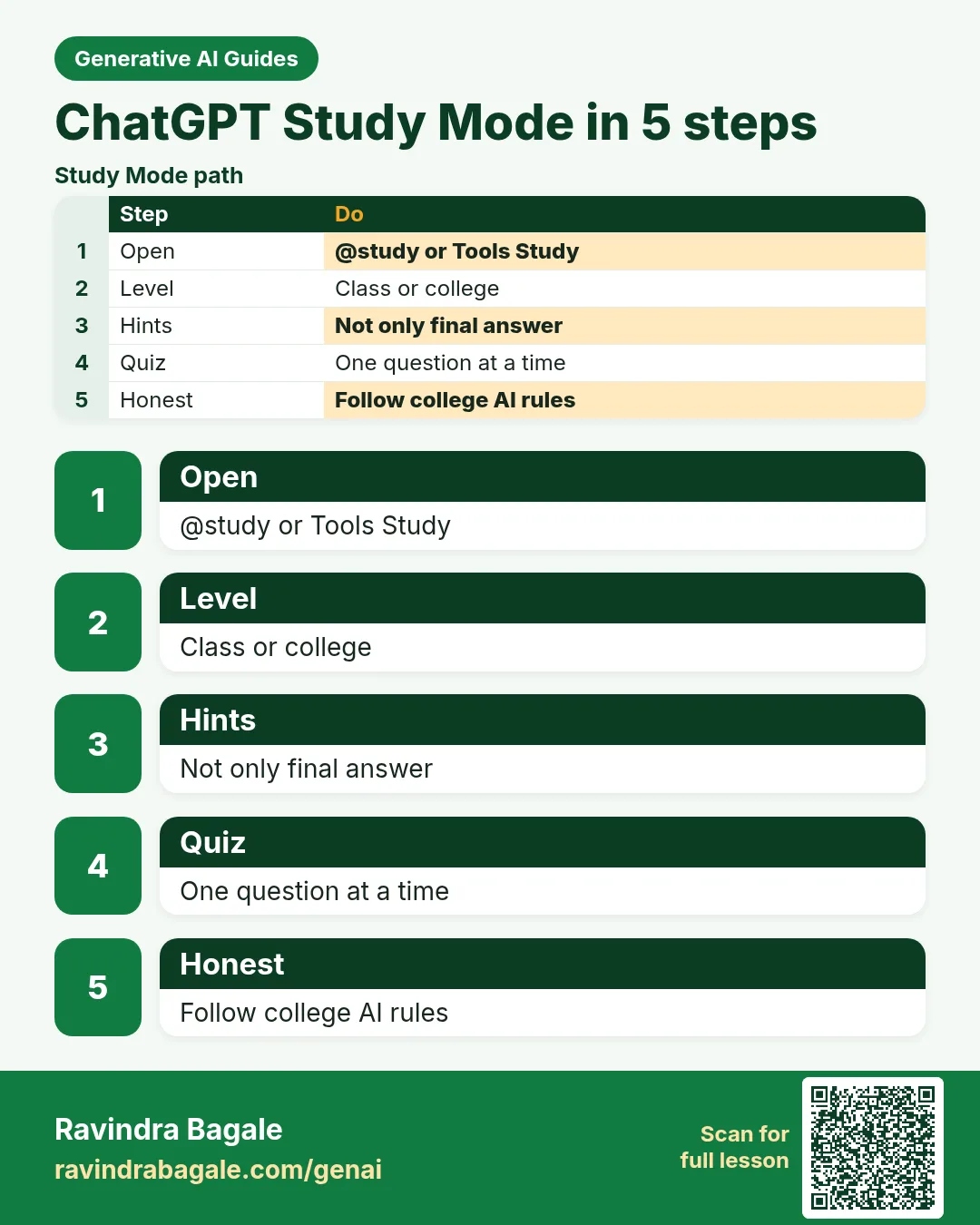
This card gives five steps for ChatGPT Study Mode: turn it on by typing @study or by selecting Study from the + tools menu, tell it your class or college level, ask for hints rather than only the final answer, take a quiz one question at a time, and follow your college AI rules for graded work.
Read card text
What this card says
This card gives five steps for ChatGPT Study Mode: turn it on by typing @study or by selecting Study from the + tools menu, tell it your class or college level, ask for hints rather than only the final answer, take a quiz one question at a time, and follow your college AI rules for graded work.
Learn this in the lesson: ChatGPT Study Mode in India: Learn Step by Step (Free, Multilingual)