Ravi Sir's Cards › Generative AI
Canva Magic Studio in 5 steps
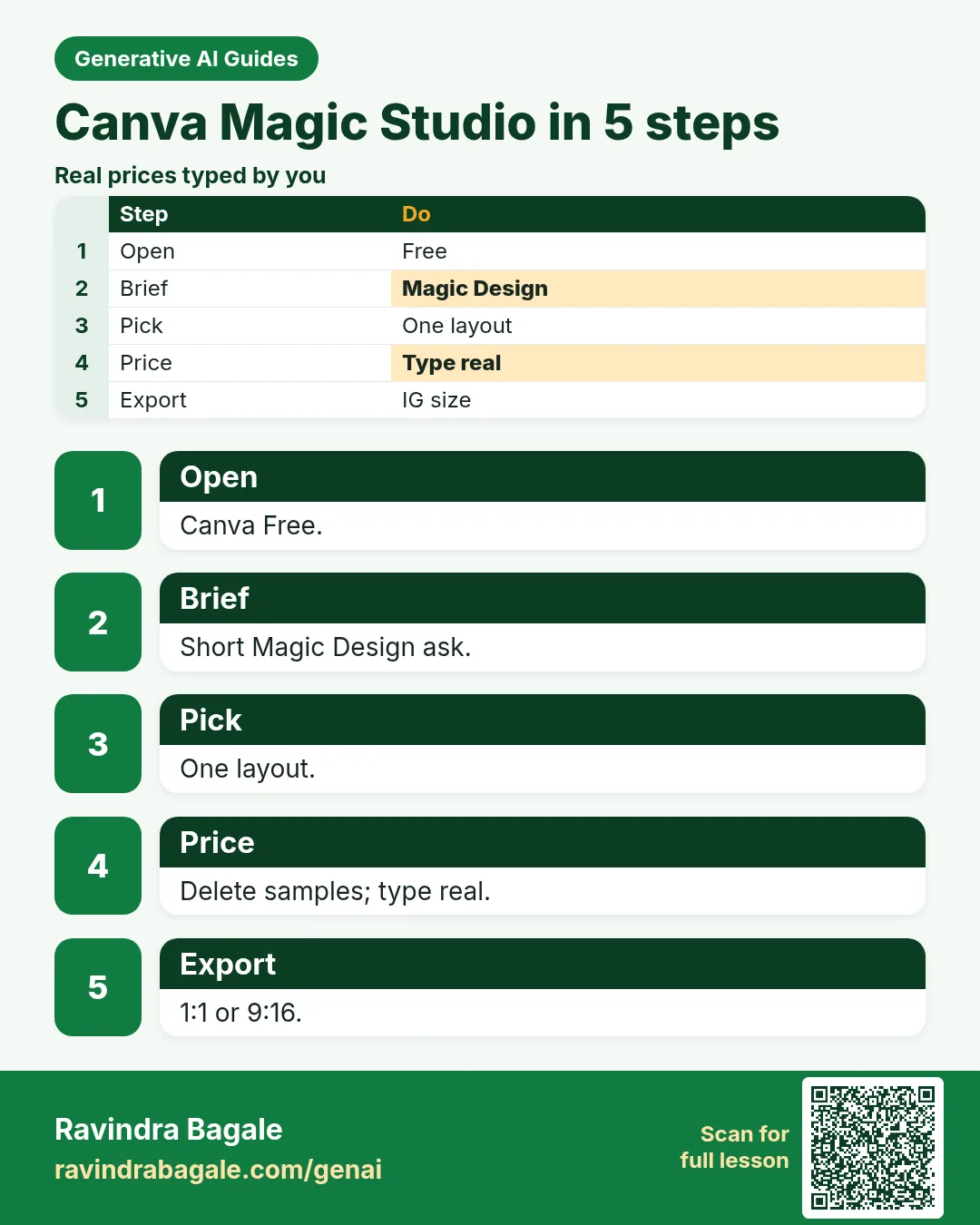
This card gives five steps for making a social media poster with Canva Magic Studio. First, open Canva; the Free plan is enough to start, although it has limited AI uses. Second, write a short request for Magic Design. Third, pick one layout. Fourth, delete any sample text, such as sample phone numbers and prices, and type your own real details. Fifth, export the design in a size that fits where you will post it, such as square 1:1 or tall 9:16.
Read card text
What this card says
This card gives five steps for making a social media poster with Canva Magic Studio. First, open Canva; the Free plan is enough to start, although it has limited AI uses. Second, write a short request for Magic Design. Third, pick one layout. Fourth, delete any sample text, such as sample phone numbers and prices, and type your own real details. Fifth, export the design in a size that fits where you will post it, such as square 1:1 or tall 9:16.
Learn this in the lesson: Canva Magic Studio for Posters and Social (India-Friendly)