Ravi Sir's Cards › Generative AI
Safe AI browser path in 5 steps
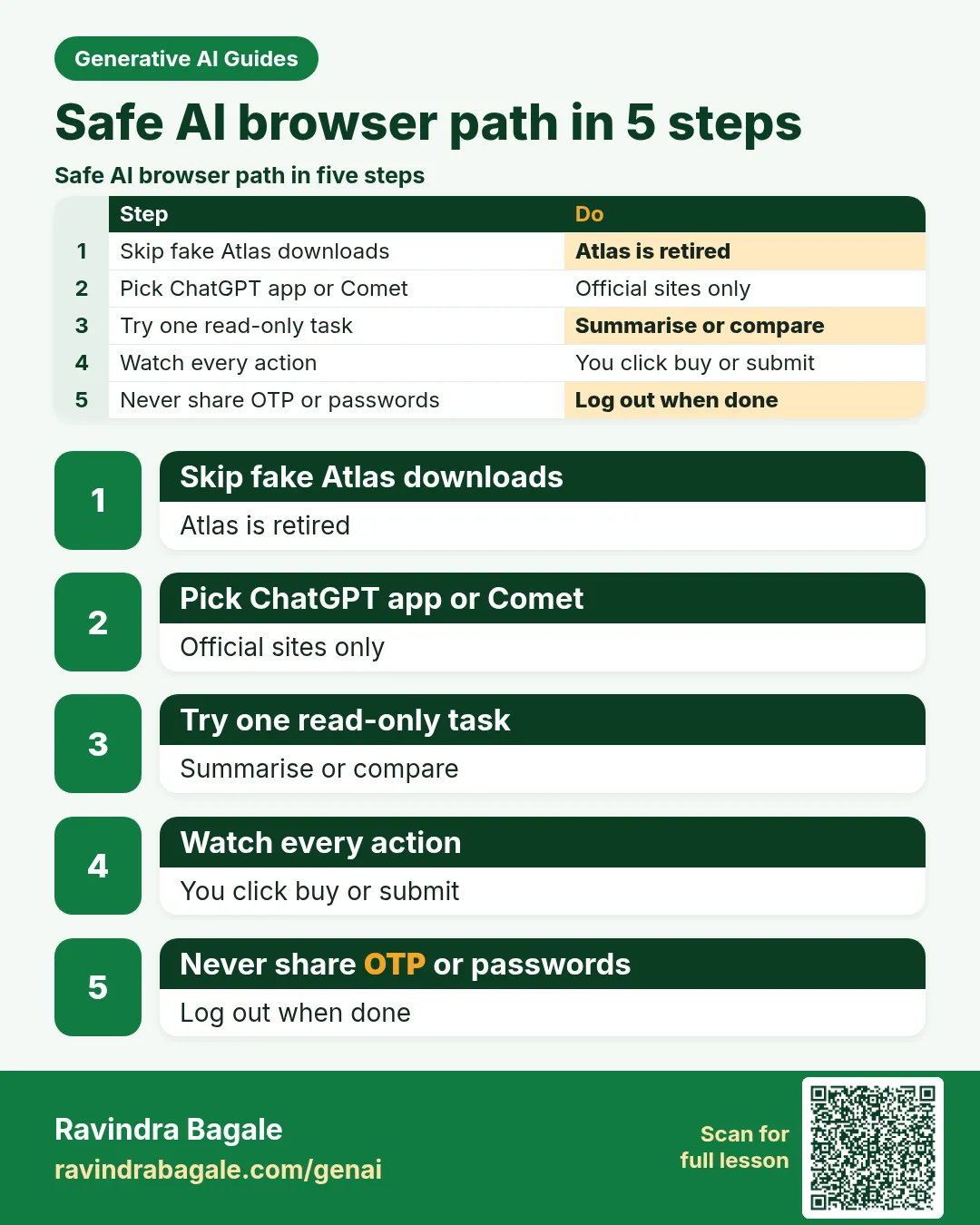
This card gives five steps for choosing a safe AI browser now that ChatGPT Atlas is retired. First, skip any Atlas download you find online, because OpenAI's help centre says Atlas has been retired and no longer receives updates. Second, pick the browser built into the ChatGPT desktop app, the official ChatGPT browser extension, or Perplexity's Comet browser, and download it only from the official site. Third, start with one read-only task, such as summarising or comparing pages. Fourth, watch every action, and click buttons such as Buy or Submit yourself. Fifth, never share OTPs or passwords in the chat, and log out of websites when you are done.
Read card text
What this card says
This card gives five steps for choosing a safe AI browser now that ChatGPT Atlas is retired. First, skip any Atlas download you find online, because OpenAI's help centre says Atlas has been retired and no longer receives updates. Second, pick the browser built into the ChatGPT desktop app, the official ChatGPT browser extension, or Perplexity's Comet browser, and download it only from the official site. Third, start with one read-only task, such as summarising or comparing pages. Fourth, watch every action, and click buttons such as Buy or Submit yourself. Fifth, never share OTPs or passwords in the chat, and log out of websites when you are done.
Learn this in the lesson: ChatGPT Atlas Is Retired: ChatGPT Desktop Browser vs Perplexity Comet (Windows, Mac)